











Introducing the Armaggeddon NRO-5 STARSHIP III. It’s a mouse with a multitude of interesting design choices, ranging from the design, the ergonomics, and also the additional useful tricks that is packed into this little magical mouse.
Packaging
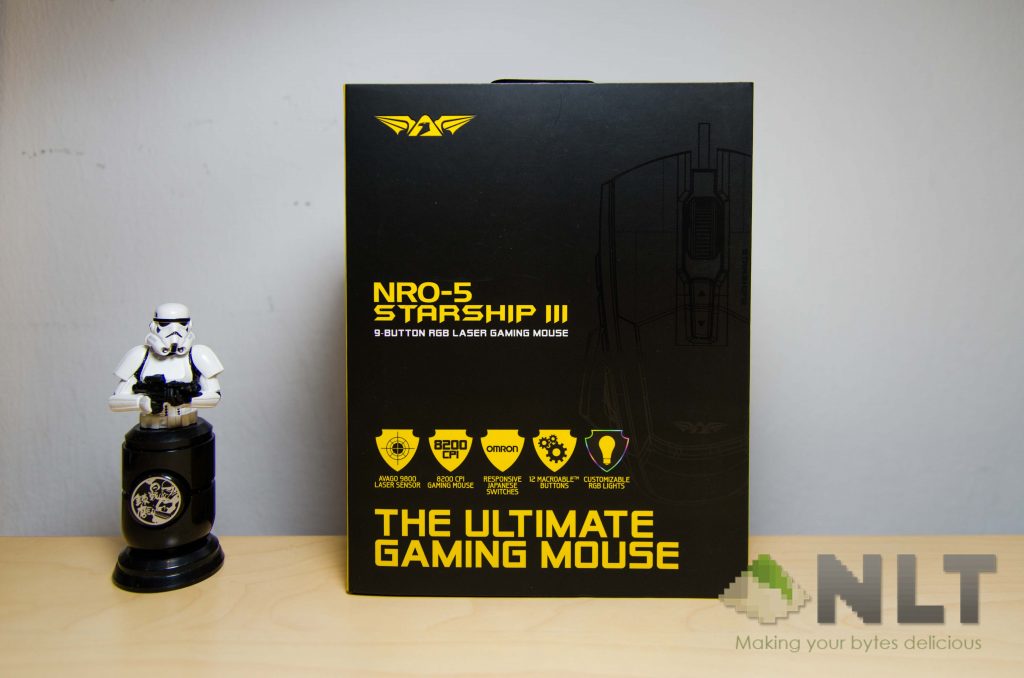
Armaggeddon’s usual mouse packaging style returns once again with the black and yellow colour scheme, with its features highlighted in yellow. Also, there’s a flap to have a sneak peek of the mouse before purchasing.
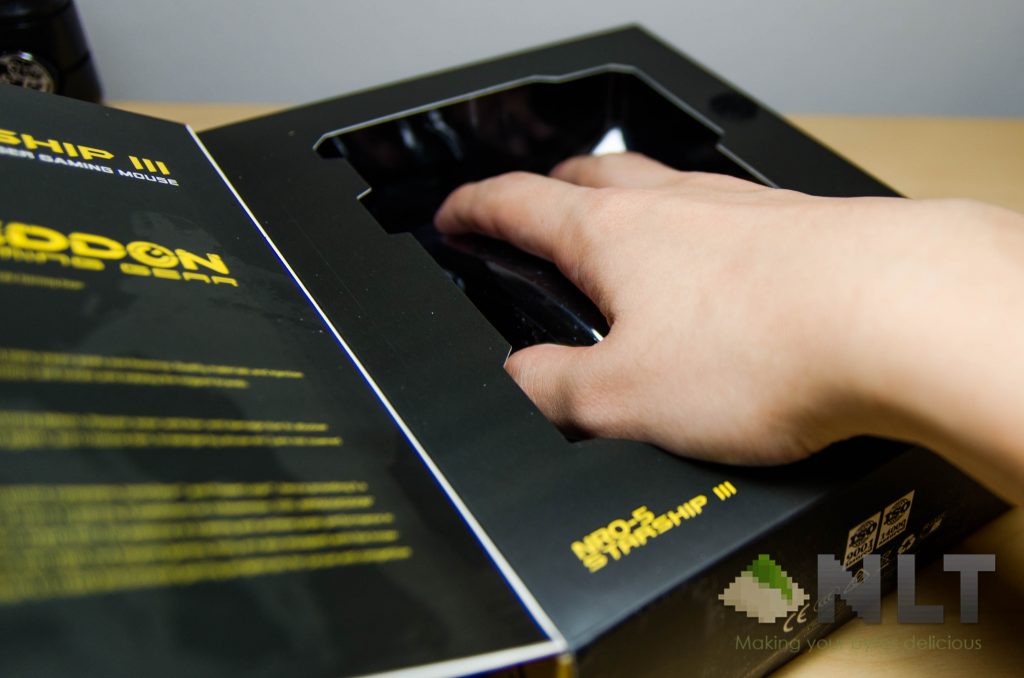
One thing I think that Armaggeddon could have improved in terms of the packaging is how the mouse is laid out for the potential customers to attract them. Easiest way is to just slice the bottom part larger to fit a human’s wrist, so that we can try grabbing the mouse shape before making any purchse. Armaggeddon has a thing or two to learn from ASUS’s Buzzard packaging.
Apparently, they also need to tell the customers which side is to open too. I don’t see what’s up with it, but ooookay.
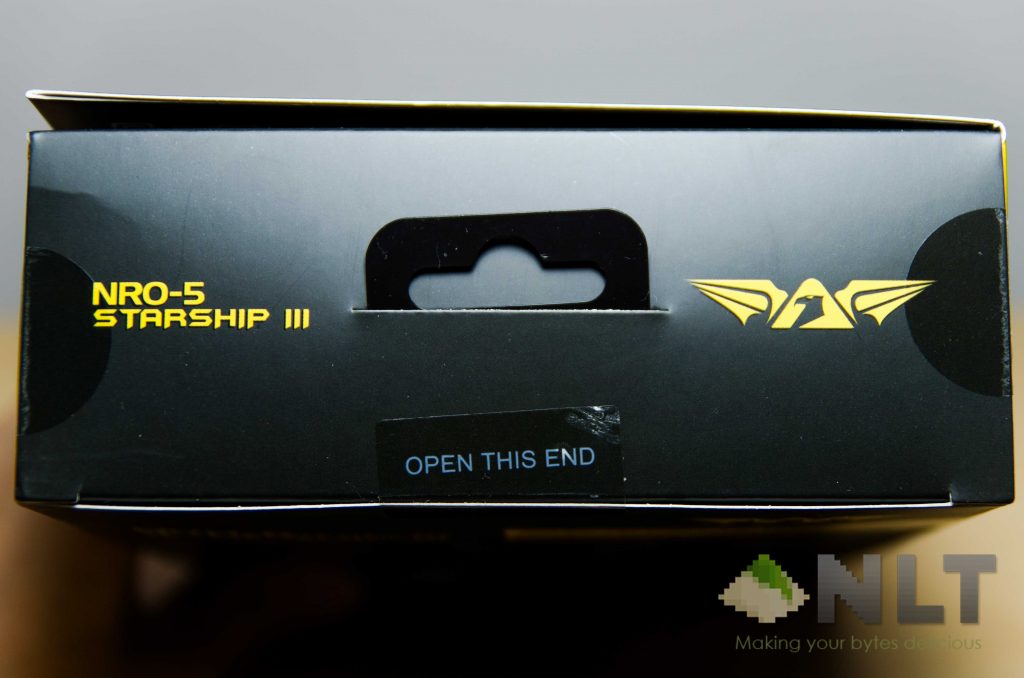
The name is explicitly long and even the mouse itself only has the shorter form printed on it – the STARSHIP III. That’s what we’re going to call it.
Design
It’s surprising to see that Armaggeddon is taking some unorthodox choices while creating the STARSHIP III. First, it doesn’t have the forward and back button on the side, but instead features 5 macro keys. These keys matches the thumb’s articulation relative to its position while holding the mouse.
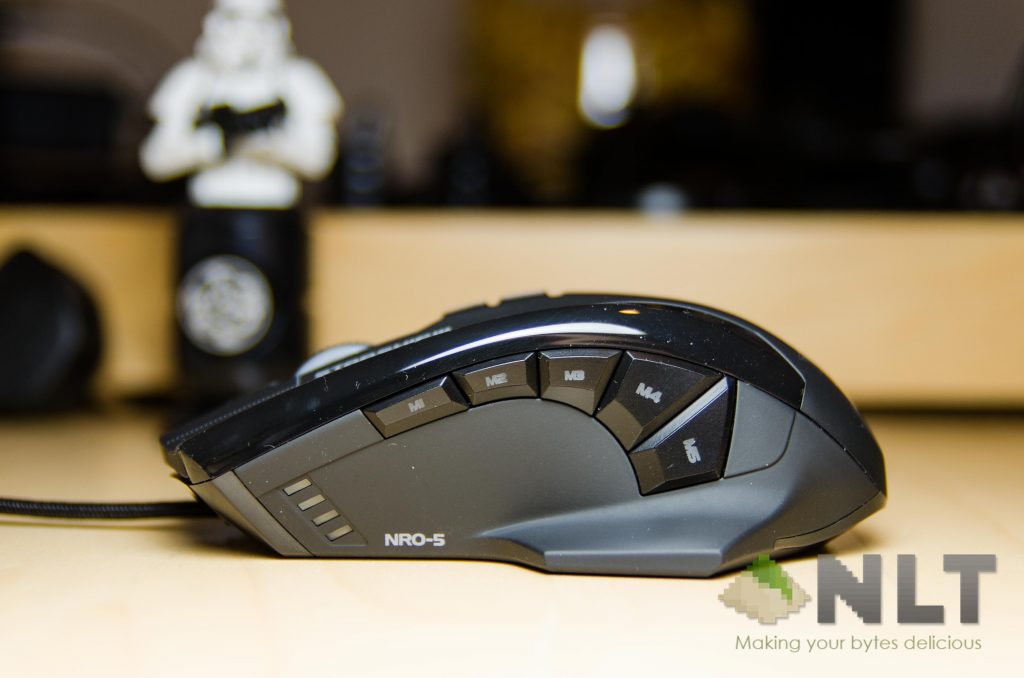
The STARSHIP III also features a “wing” style mouse, where the entire palm can be fitted on the mouse itself, while balancing on the on both the little wings at the base of the mouse itself. Pretty comfortable actually, but too bad the wings aren’t coated in a rubberized material instead of having a soft touch.
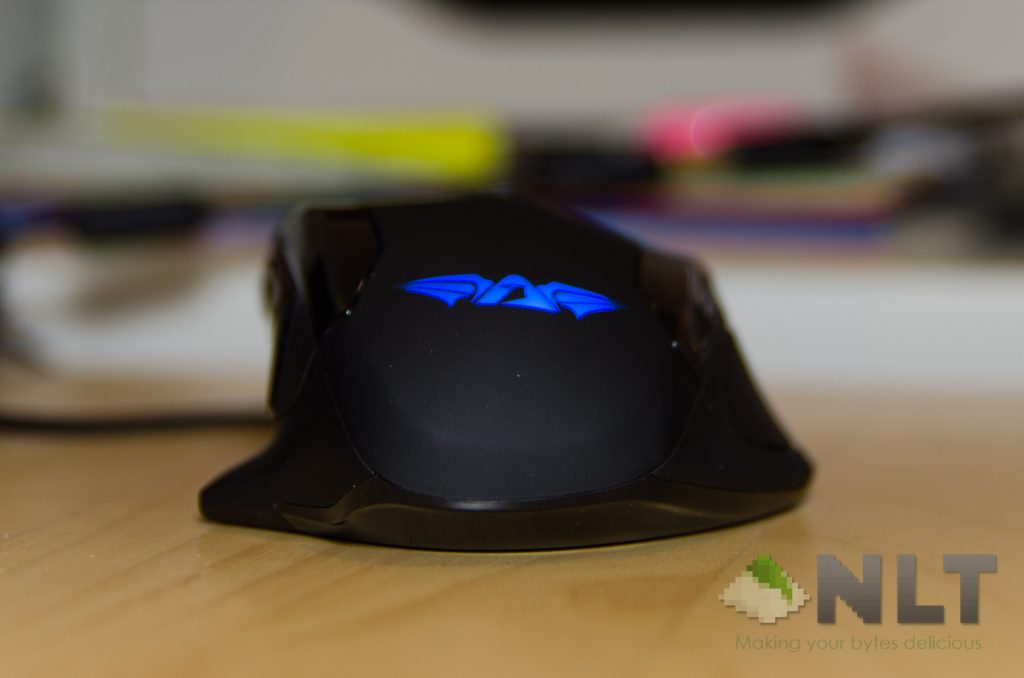
Not to forget about the weight system on the STARSHIP III too, that is found on the right side of the mouse.
[image-comparator left=”https://nasilemaktech.com/wp-content/uploads/2016/03/STARSHIP-III-19.jpg” right=”https://nasilemaktech.com/wp-content/uploads/2016/03/STARSHIP-III-20.jpg” width=”100%” classes=”hover”][/image-comparator]
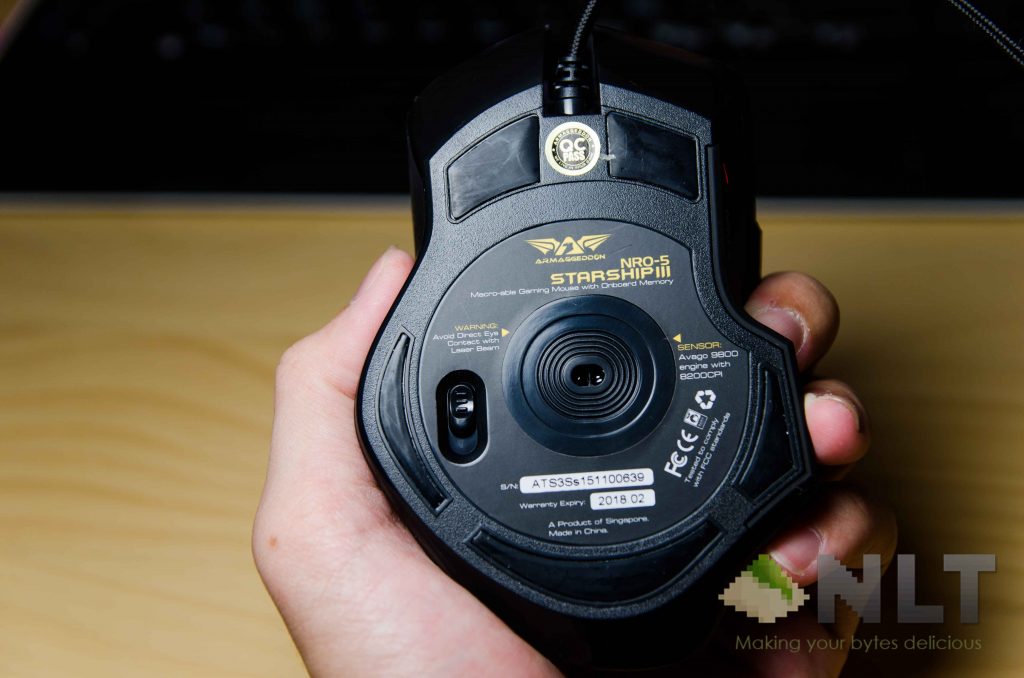
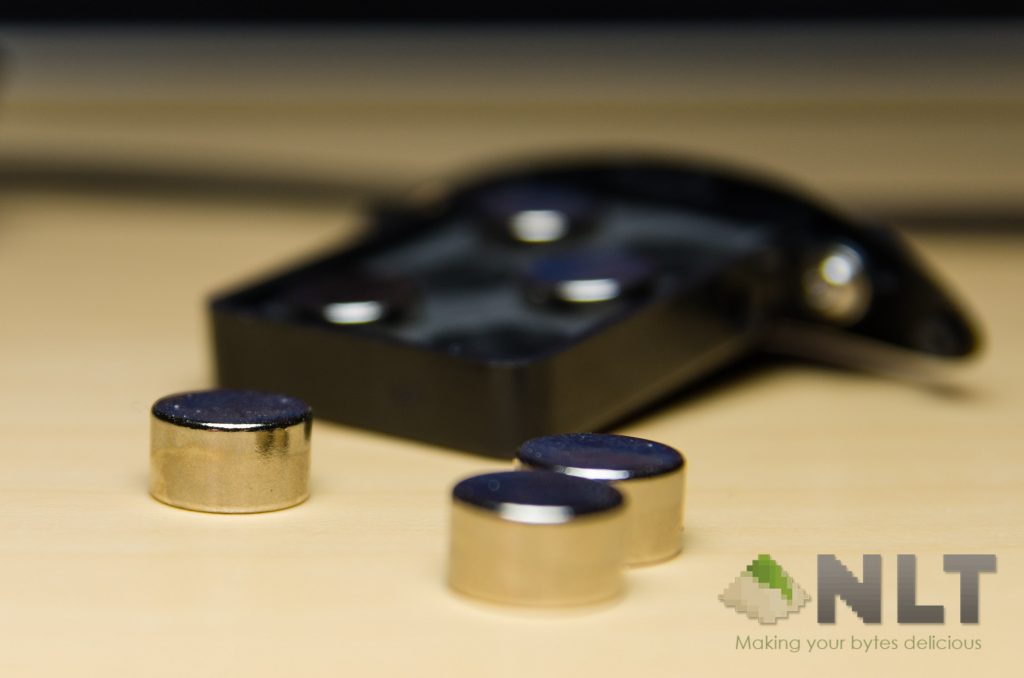
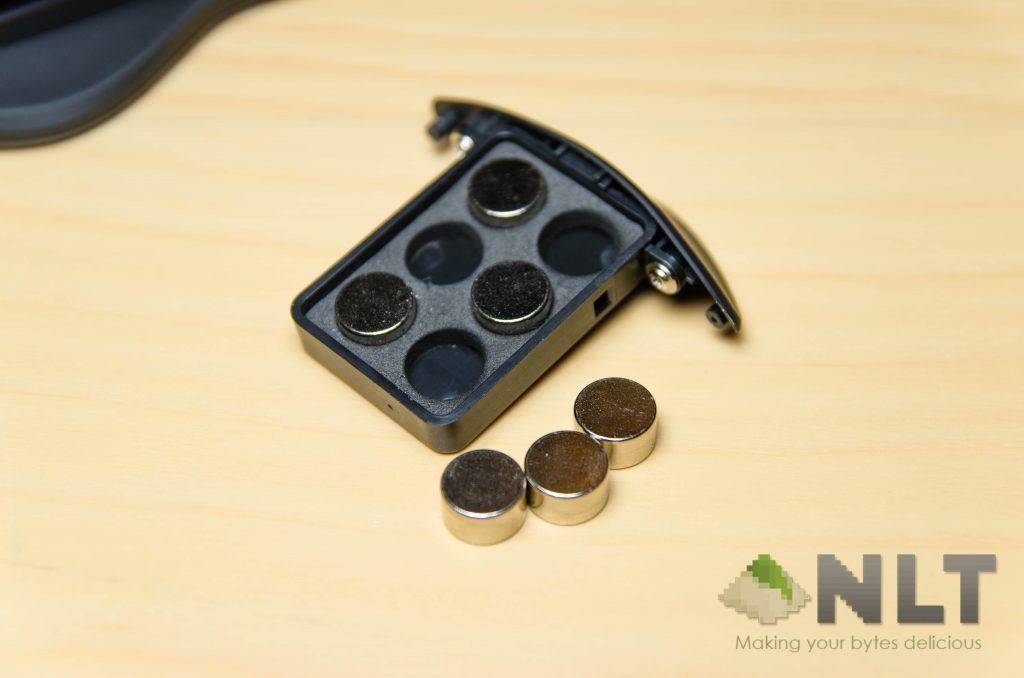
At the bottom of the mouse is where the latch to open up the tray for weights is found. Simple pull-to-unlock mechanism actually. There are a total of 6 weights found inside and placed in a 3×2 array, but sadly no exact heaviness is described or printed on the weights themselves.
Also, the weights don’t have any sort of seams to grab on, making the removal of these weights quite messy. They just fall everything without proper grip.
Comfort
The mouse itself is actually quite comfortable and deserves a commendation in its separation of right and left click buttons. Thereon, I think the mouse is pretty much suitable for any sort of grip you like – given that your palm is actually big enough to hold it.
Since we’re focusing at its comfort, are those 5 side buttons really comfortable? I personally think they made an effort to shape the buttons to follow a thumb’s articulation while holding the mouse, but it varies between your palm size. For me, M1 till M4 are pretty ok to press, but M5 is a definite no-no for me. If you’re someone with a shorter thumb, it might be just for you.
Then comes the scroll wheel. It’s by far one of the best ones I’ve ever used. Silent yet springy and tactile, but a little stiffer than the ASUS RoG Gladius. I love the Gladius’s scroll wheel, but too bad it only scrolls up and down and not sideways. Oh wait – the STARSHIP III can do that!
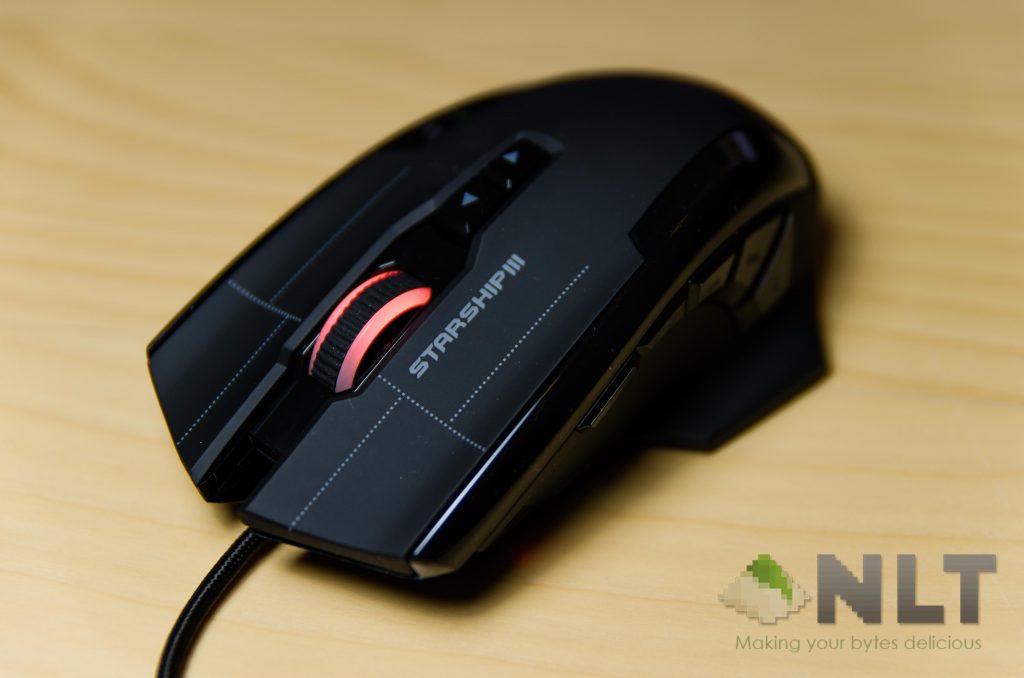
Then there’s also the up and down buttons at the top, which by default are on-the-fly DPI switches. It’s nice that they include these buttons, because I’m going to remap them to next and previous track instead.
Speaking of DPI, the side of the mouse here tells the DPI level that is currently selected, and has an LED to indicate it too. There’s a reason why those DPI levels don’t have numbers too – because you can manually change those presets using the software, which leads us to the next segment.
Software
After shooting up the STARSHIP III’s software for the first time, it’s safe to say that Armaggeddon came a long way to fix their software properly. As we can see here, it’s way more polished than what we have before!
You can even have multiple profiles, but however does not save to the mouse directly.
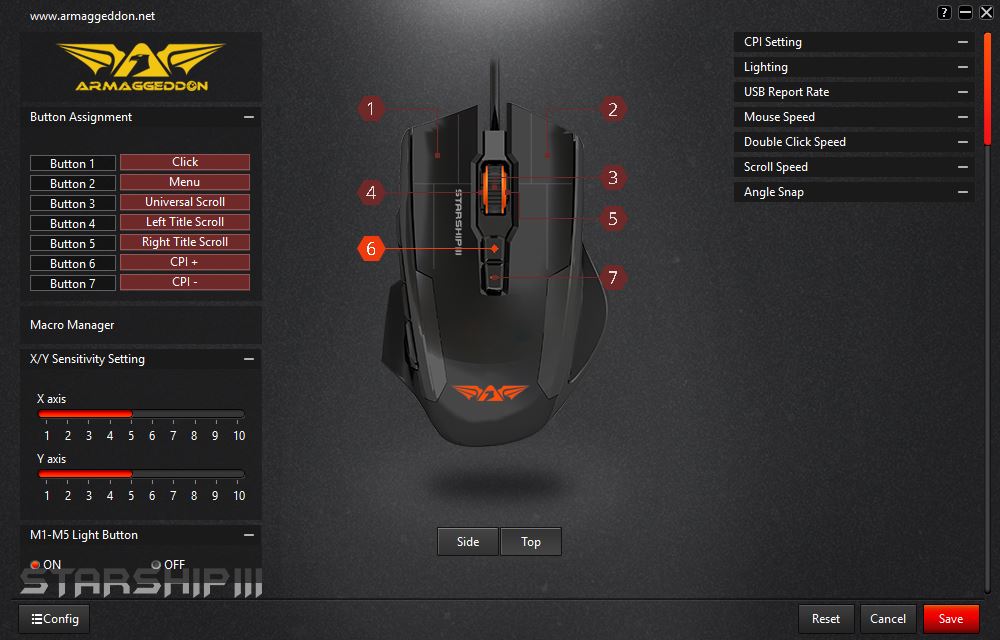
My favourite thing to all is also available here on this mouse, and that is software updates. You really need to get the latest firmware for all the greatest feature too, if the maker allows that is.
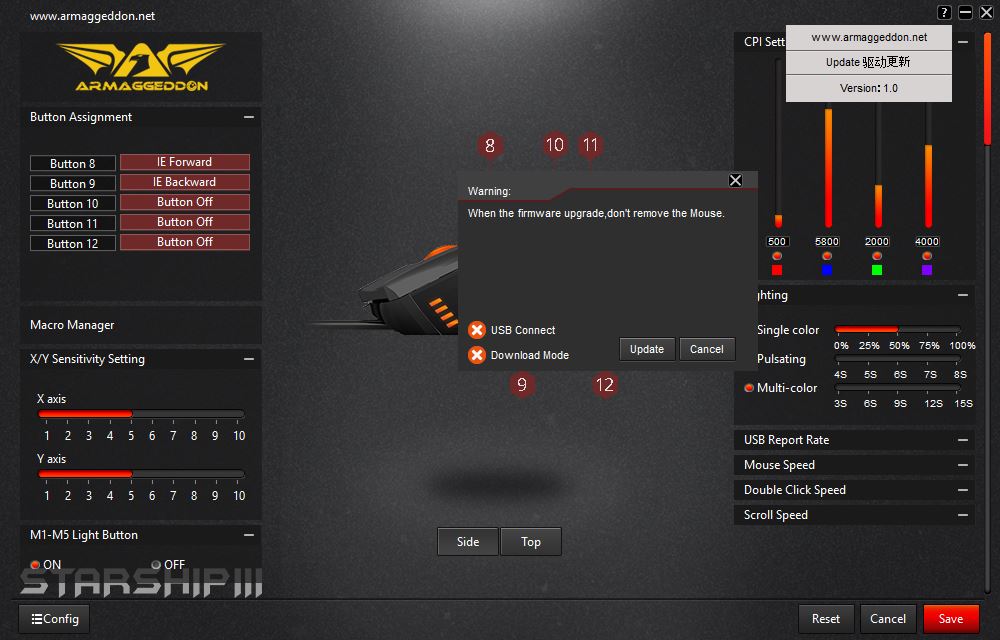
I have no idea why it’s partly in Chinese, but there you have it!
Wrap up
There’s a reason why I never focus on RGB lighting – it’s because I don’t care, and I feel that it’s really annoying, yet I am paying for things that I don’t use (especially on keyboards!). The STARSHIP III however has minimal lights with just a few lighting mode tweaks, whereas a majority of the features are focused on its ability to have all of the buttons reprogrammed. The weight system is a little unnecessary since the weight distribution isn’t equal, as it’s a 3×2 distribution system instead of a 3×3.
Is it comfortable to use? Not too bad actually, and that’s coming from me who’s using a mouse that’s nearly double the price of the STARSHIP III. Have a look and try it for yourself – but beware, you might just fall in love with it.
Like our Facebook Page here at NasiLemakTech.com for more news and in-depth reviews! Also, join our Facebook Group for insightful information and memes!
Subscribe to our YouTube channel too!