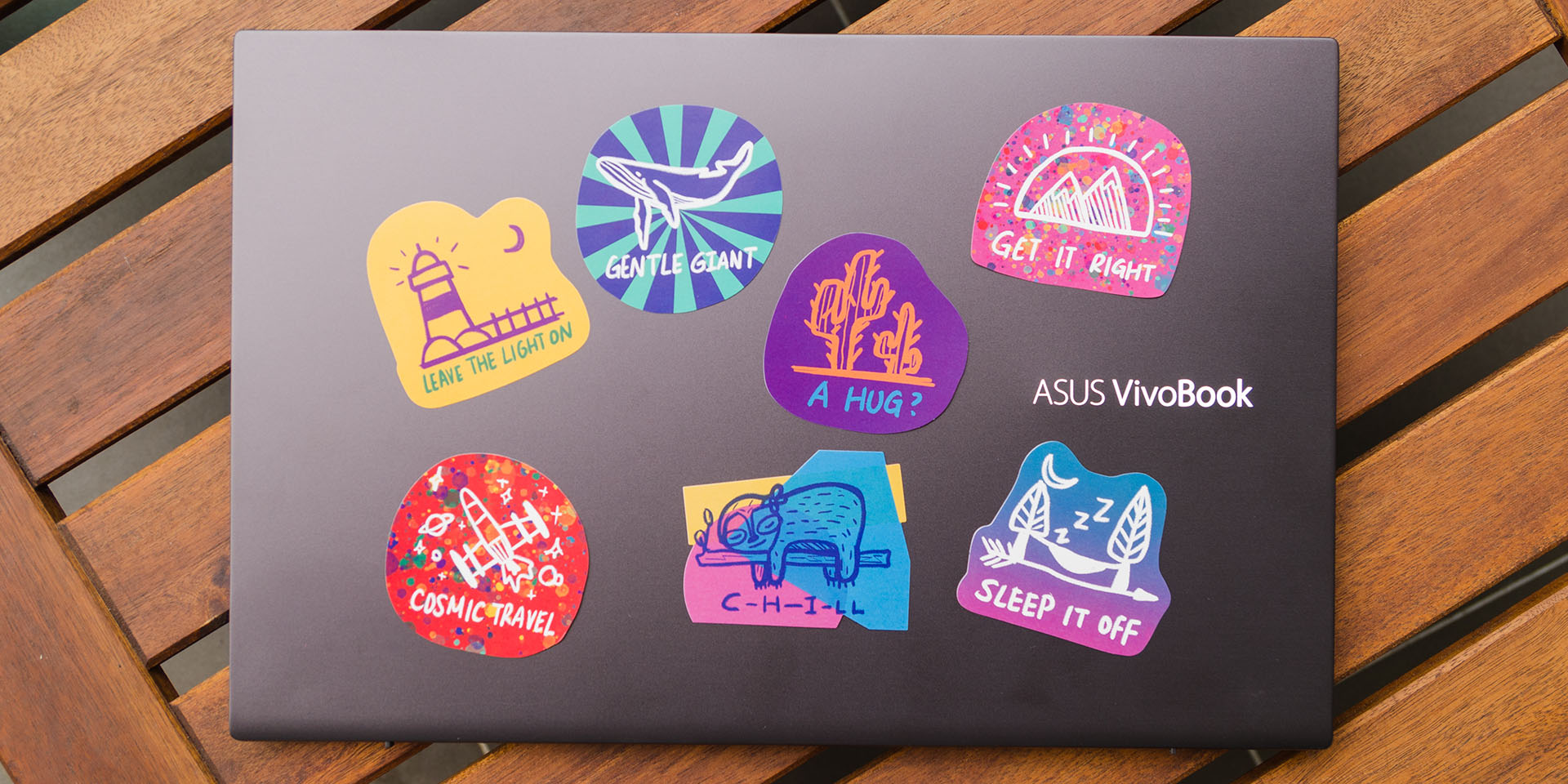

Here’s ASUS’s latest laptop. These laptops were first announced and shown back at Computex 2019, which we also covered here. After a few months, we finally now have it on our hands – and with it comes a few differences from what was announced during Computex 2019.
Here’s our full in-depth review of the brand new ASUS VivoBook S531F.
Unboxing
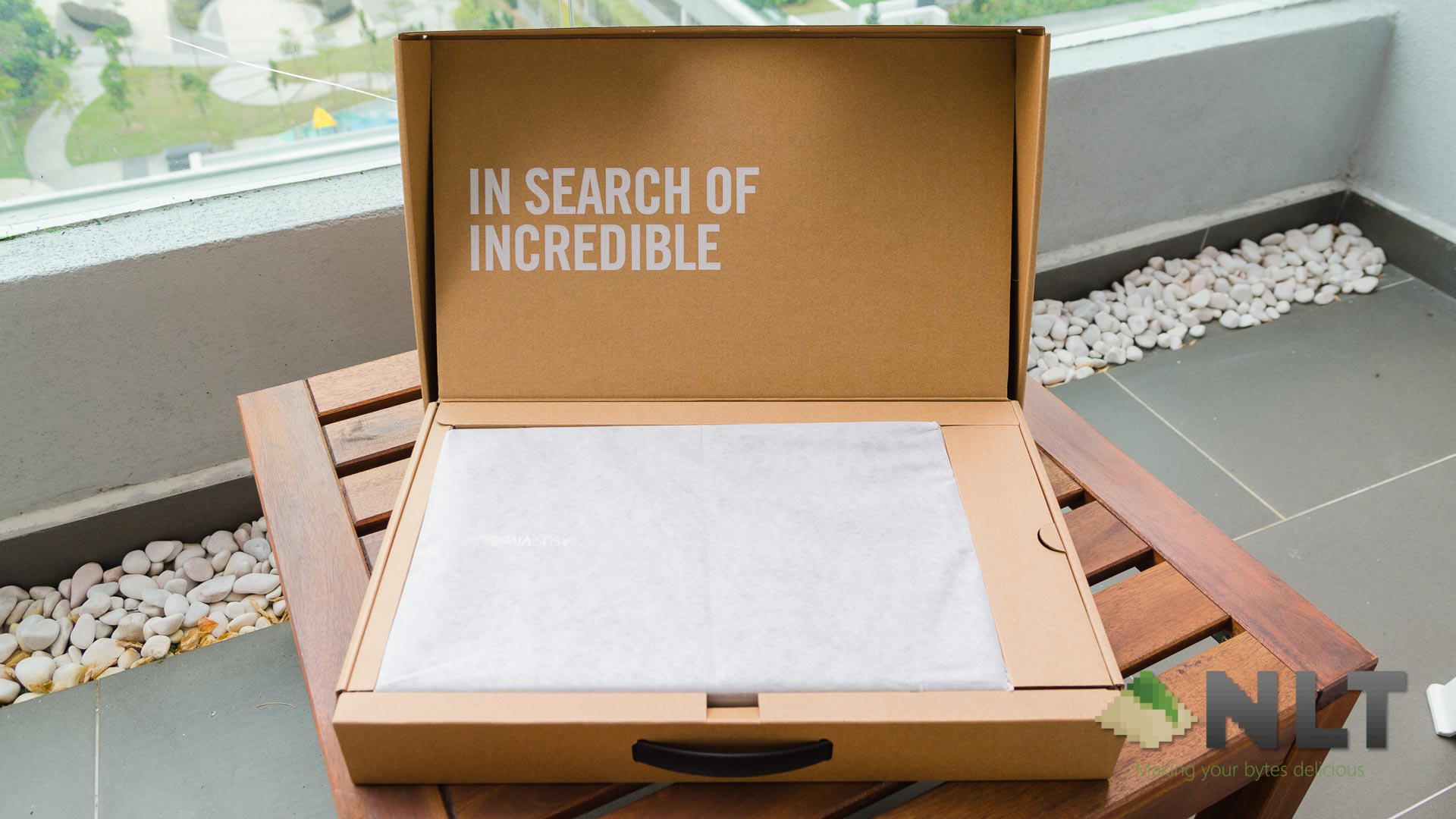
The overall box of the ASUS VivoBook S531F is pretty similar to any other affordable ASUS laptops. It has a simple box with pretty much the same types of content like the previous VivoBook laptop that we reviewed.
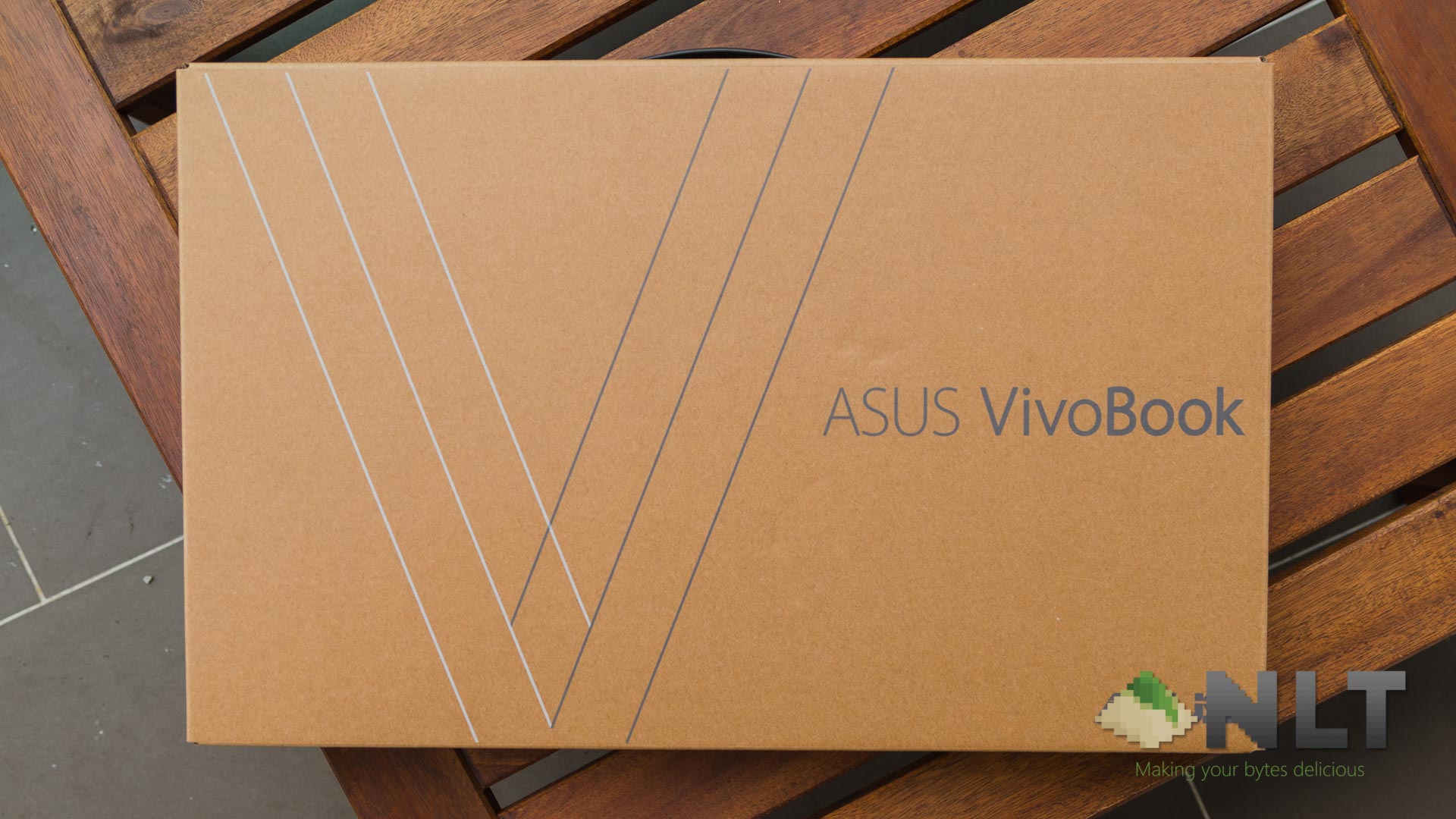
You get the laptop itself, a relatively small power brick, some documentation – and most importantly, the HDD upgrade kit. Now, we have to also mention that 2.5-inch drives can be either HDD or SATA III SSDs, so the term “HDD” here is not entirely representative. Hence, that’s why we still call them 2.5-inch drives as it is instead of “HDD” or “SSD”.
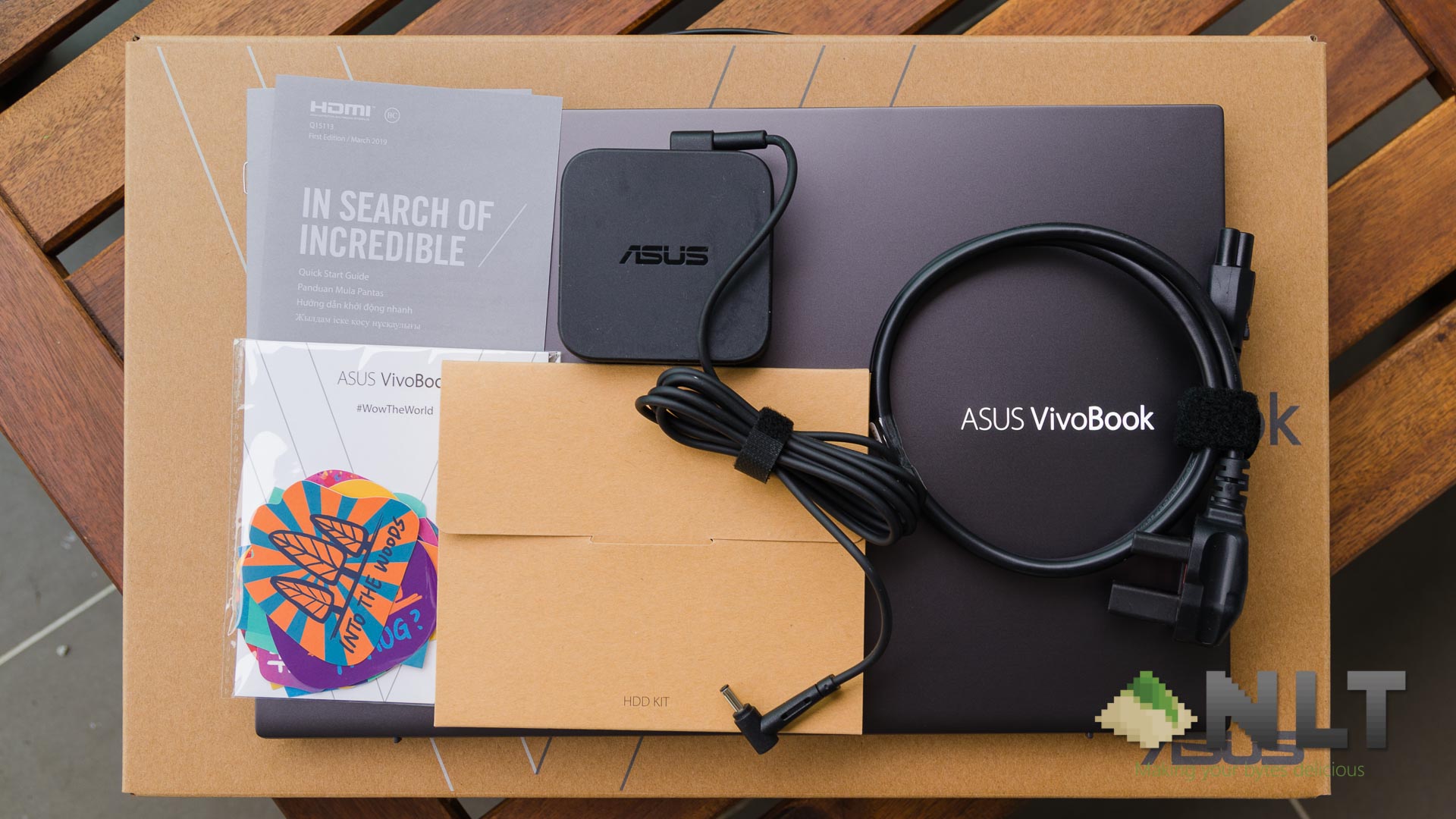
Inside the upgrade kit, I was surprised to see a few additional things included here – a heat shield and an anti-vibration mounting bracket for the 2.5-inch storage drive. It’s good to see ASUS going the extra mile for budget lightweight laptops like the VivoBook S531F, just like the previously-reviewed VivoBook here.
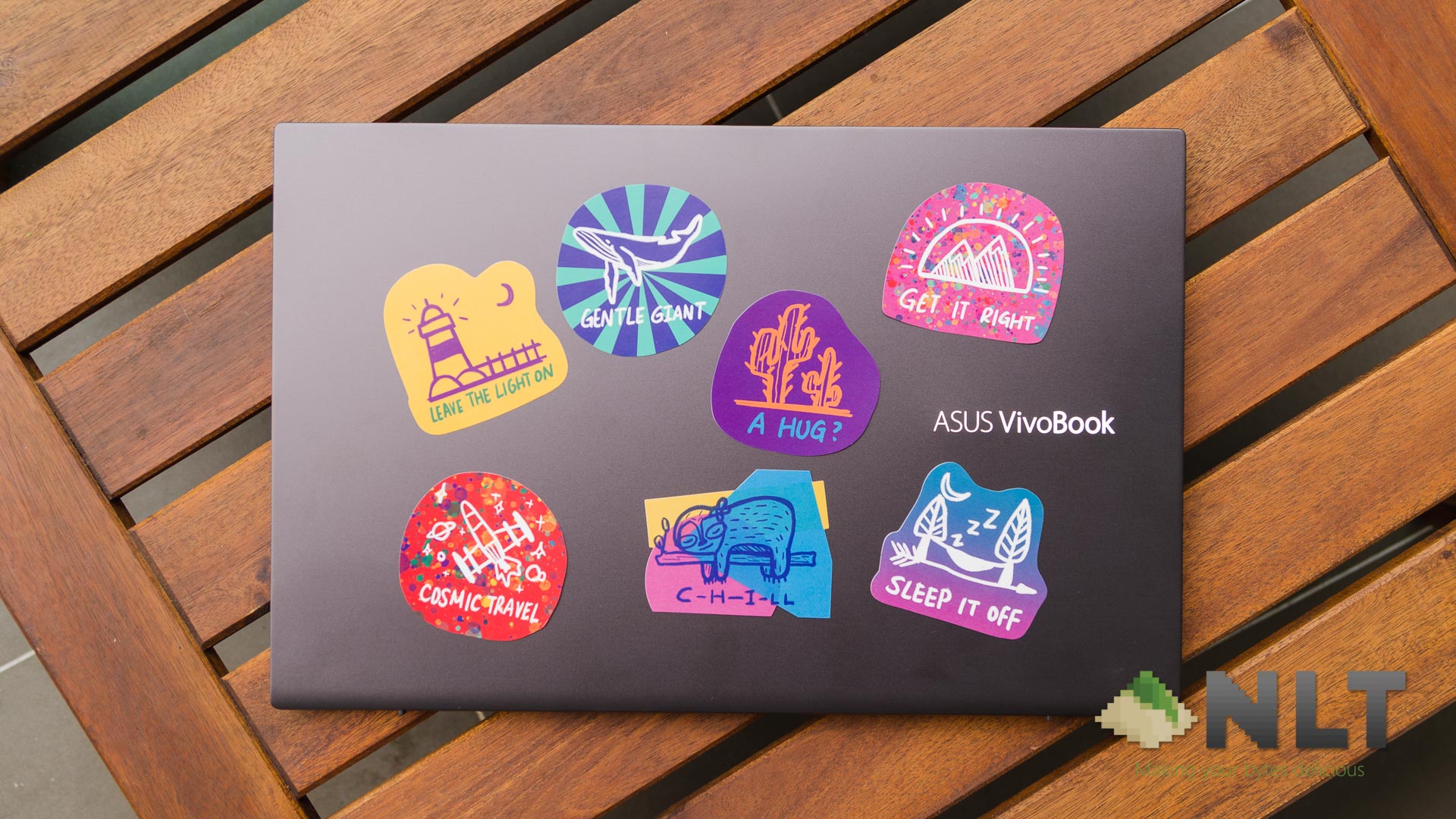
But that’s not all – saw that little packet earlier? ASUS included a bunch of custom-designed stickers to suit your personality.
[nextpage title=”Design, ports, screen”]
Design
ASUS clearly said one thing about the brand new VivoBook S531F – color-blocking. For me, being someone that’s senseless when it comes to fashion, have no idea what it means. From a quick Google search, “color-blocking” originated from using colors at different ends of the color wheel. Literally opposite ends of the color spectrum.
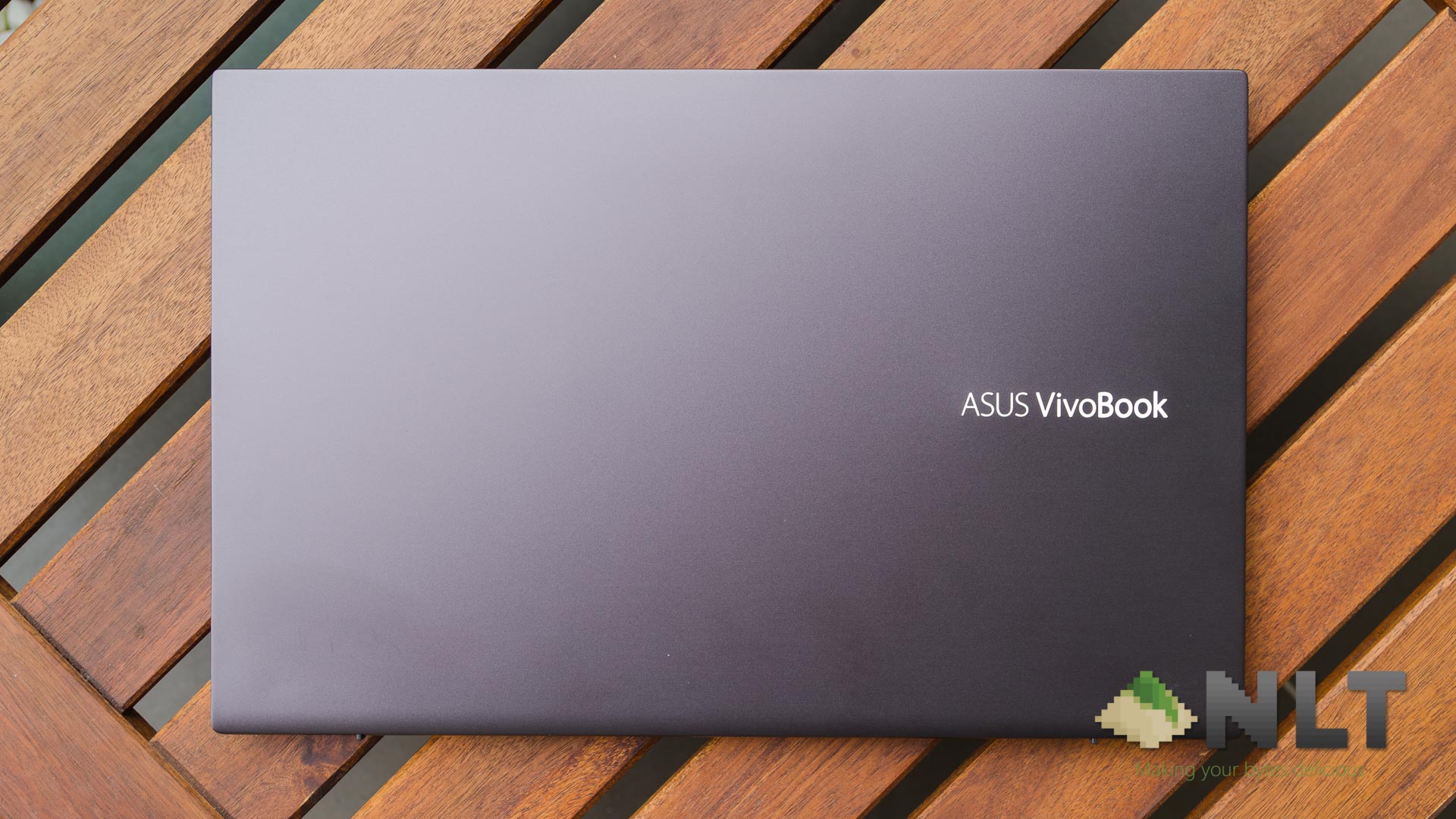
Though for me, the color options are rather interesting too. There are a total of 5 different colors available this time around – Moss Green, Punk Pink, Gun Metal, and two more colors which we have seen before which are the Cobalt Blue and Transparent Silver.
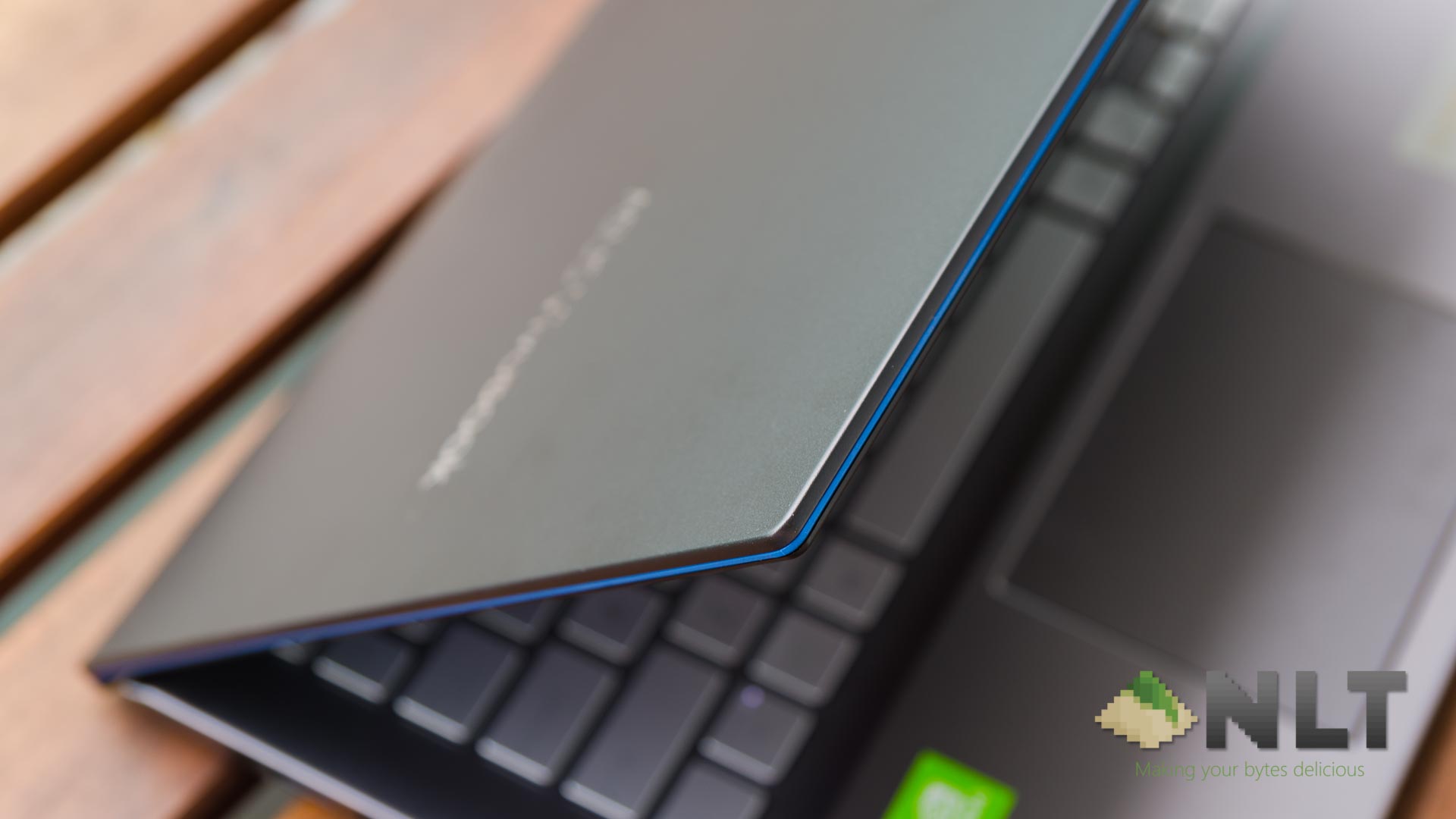
The one we have here is the Gun Metal grey color option, which has a blue accent around the perimeter of the screen. Nice little touch for style points though it’s difficult to notice in the first place.
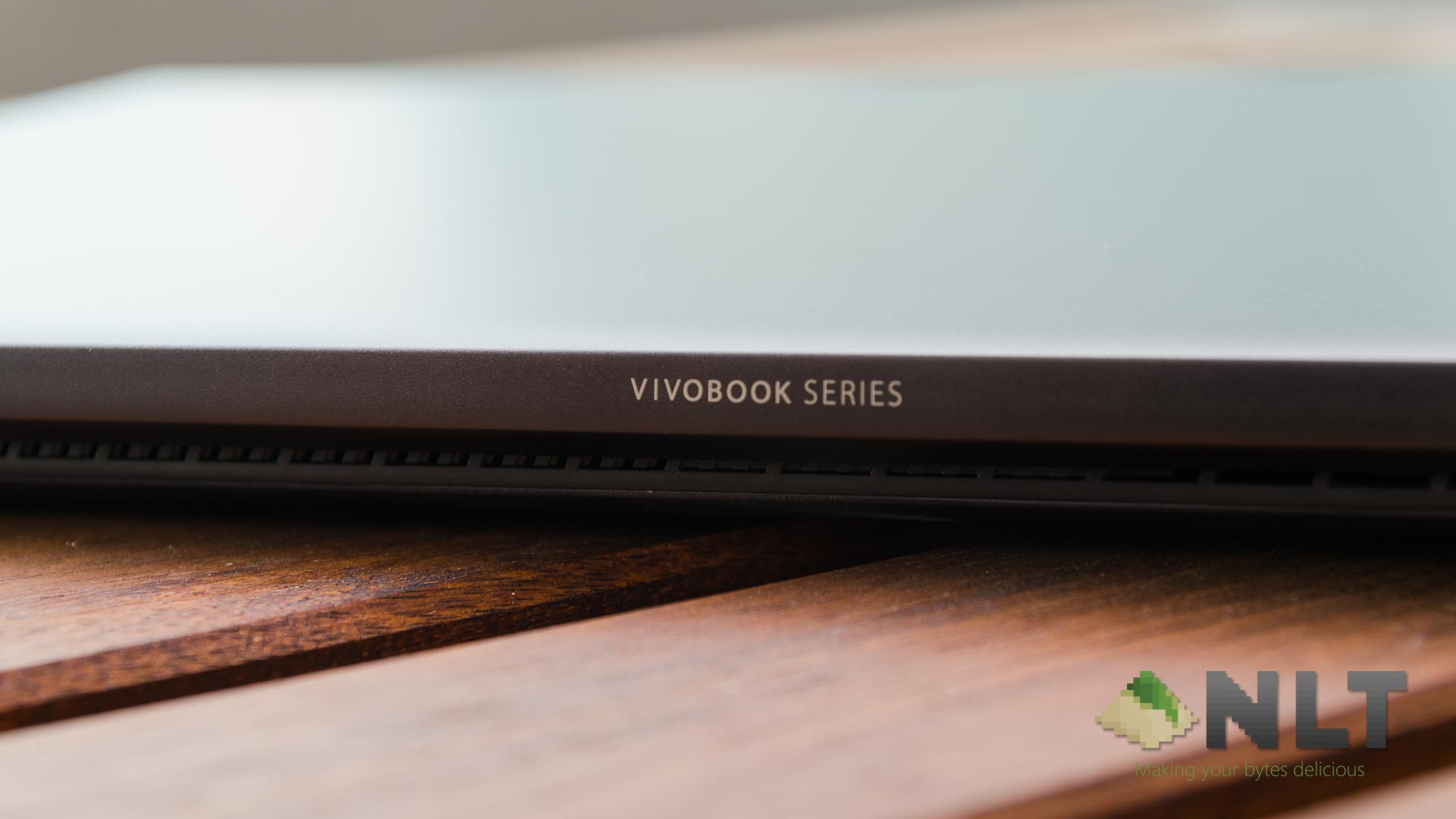
Now, I have to go about and mention the other part of “color-blocking” when combined with the stickers. These stickers are made to inspire you and a way for your personality to shine. They are all beautifully designed – and I absolutely love some of these designs.
Ports
In terms of ports, ASUS did a pretty good job here. On the left side, you have two USB 2.0 Type-A ports and a battery indicator. Nice to know when the battery is fully charged when plugged in.
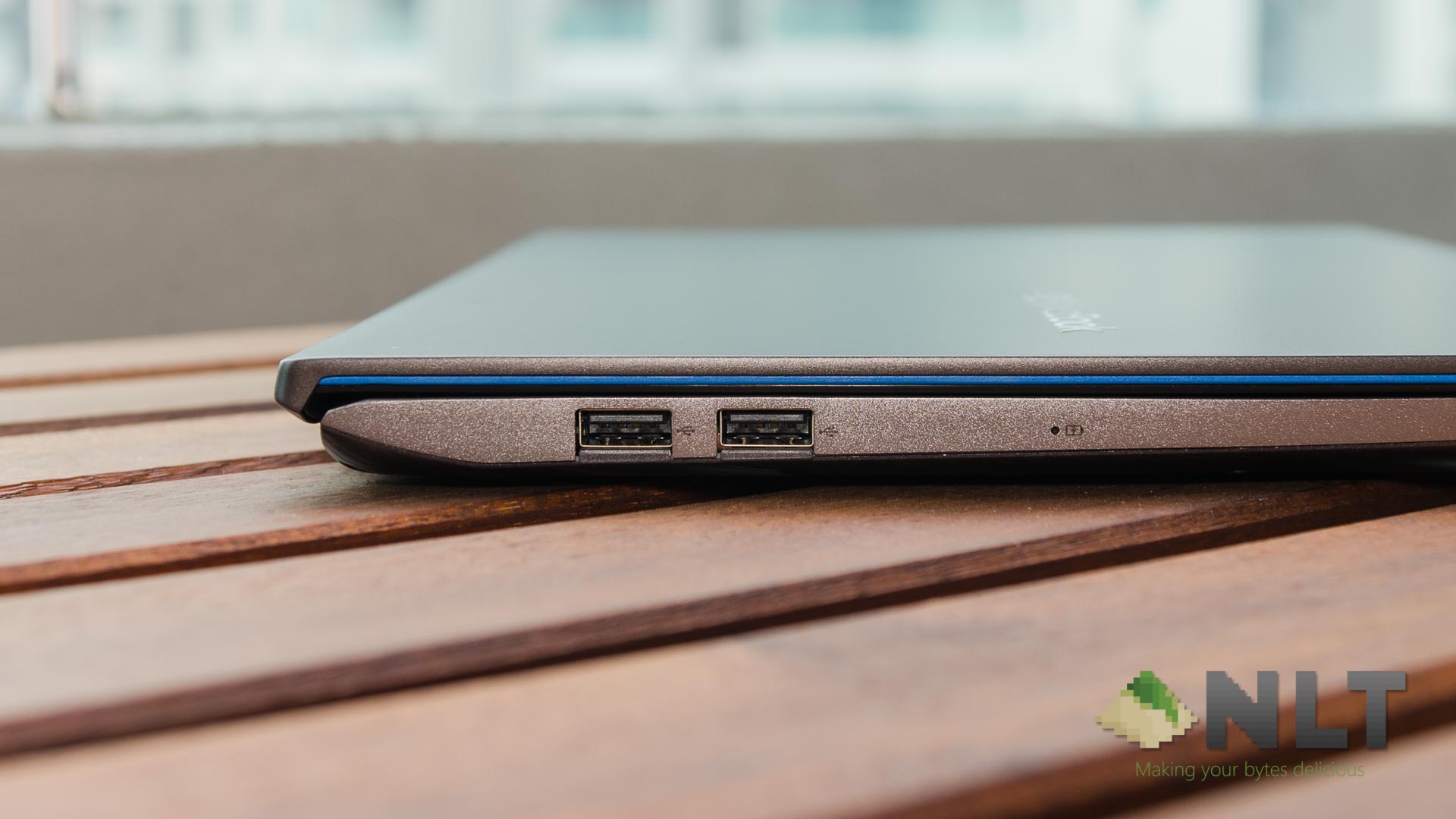
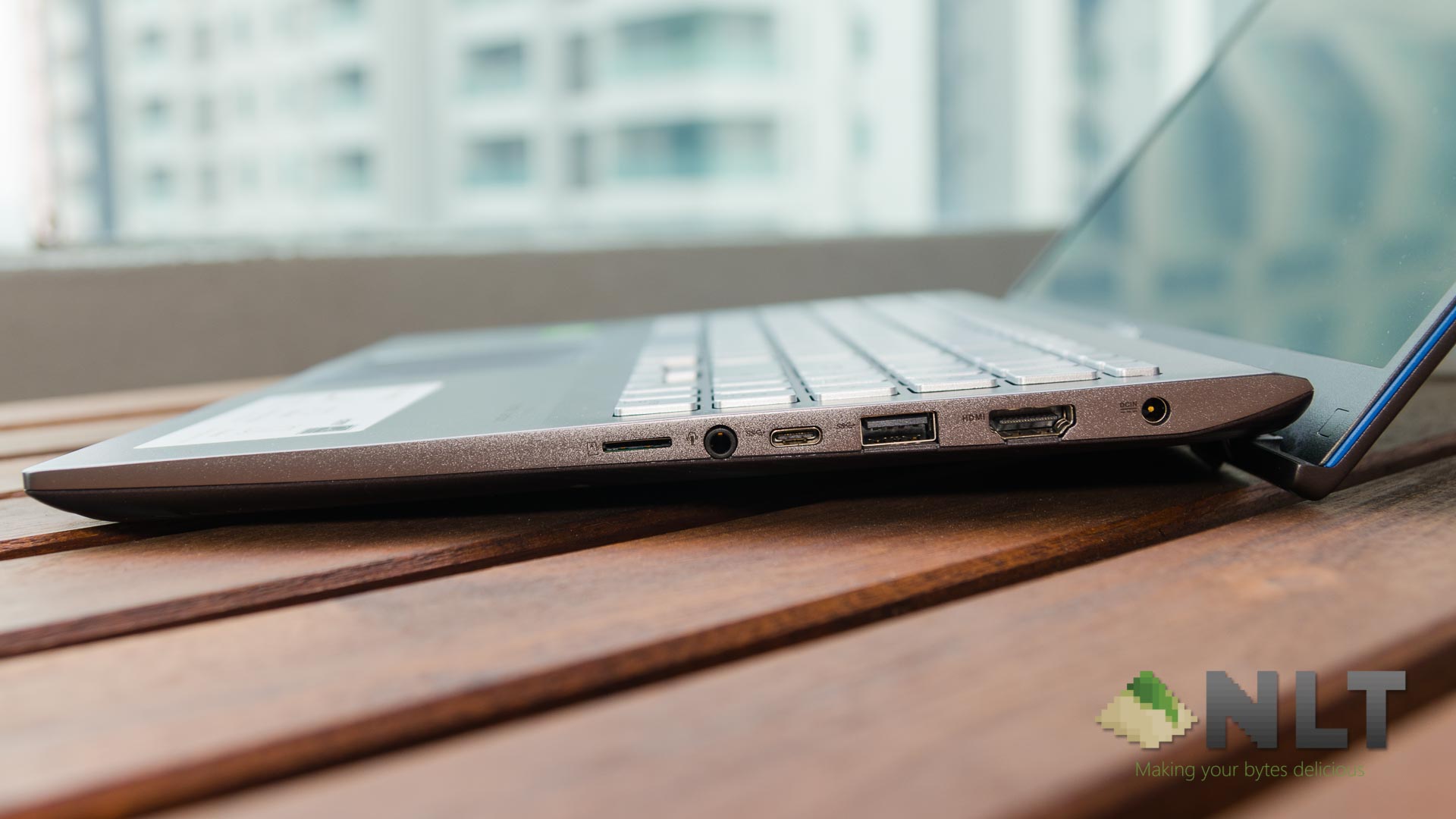
On the right side, you have another slew of ports are found. You get a single microSD card reader, a combo audio jack, a USB 3.0 Type-C, another USB 3.0 Type-A port, a full-sized HDMI port, and a barrel power jack. Pretty nice selection of ports but I’d like to see a full-sized SD card reader instead, honestly.
Looking at the bottom of the laptop, we find two bottom-firing speakers. ASUS made a pretty big deal this time around as its sound system is certified by Harman Kardon. Honestly speaking, the speakers themselves sound good!
There is no fingerprint reader on the VivoBook S15 S531F, but hey – you get Windows Hello. And that’s a great feature. Speaking of which…
Screen
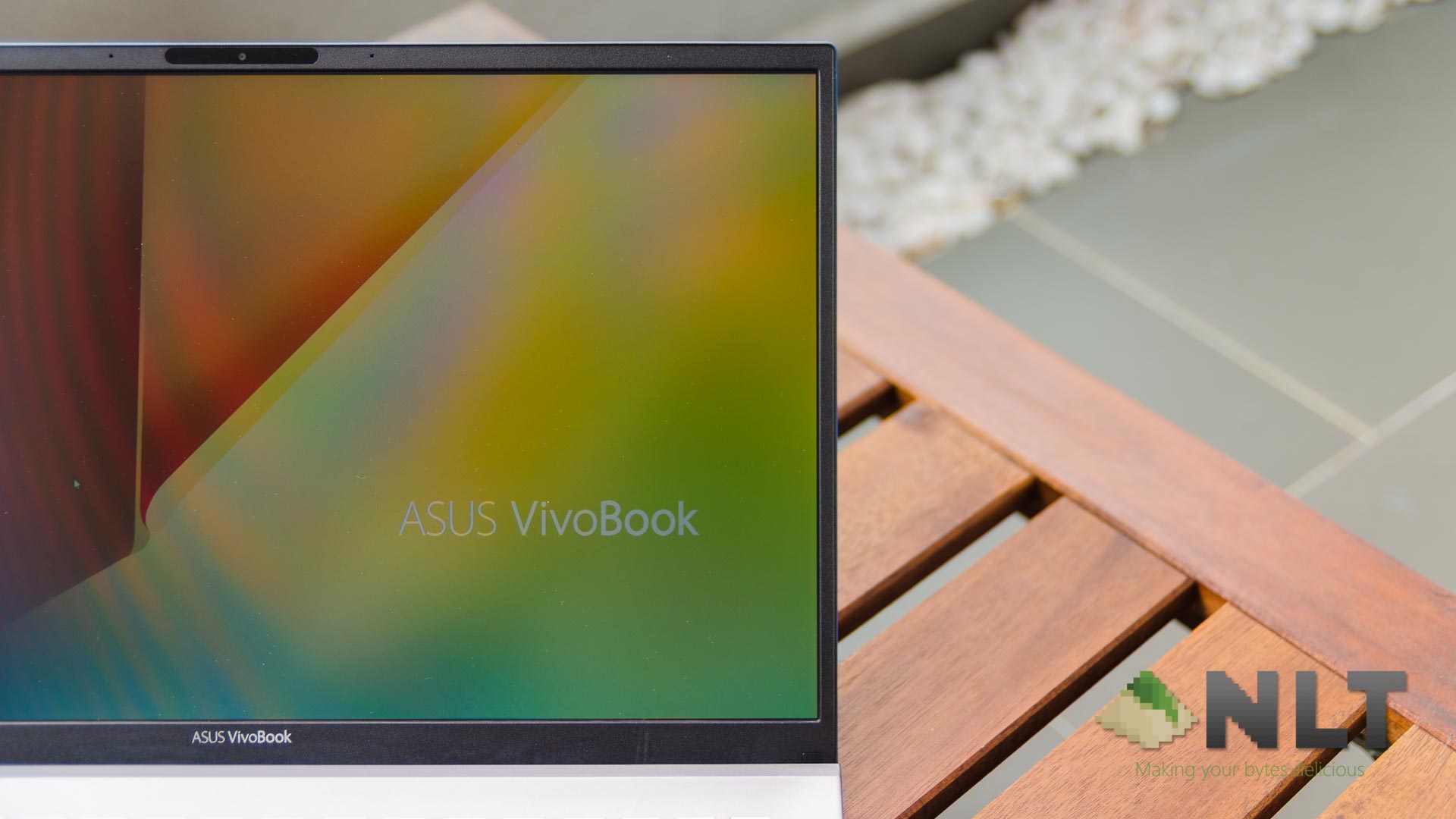
Slim bezels around the screen are all the rage now – and ASUS did a lot of good decisions here. The bezel around the top is slightly bigger – sure, but the compromise is for the inclusion of Windows Hello is excellent. It has two IR blasters flanking the camera. There are also two microphones flanking the entire Windows Hello camera module.
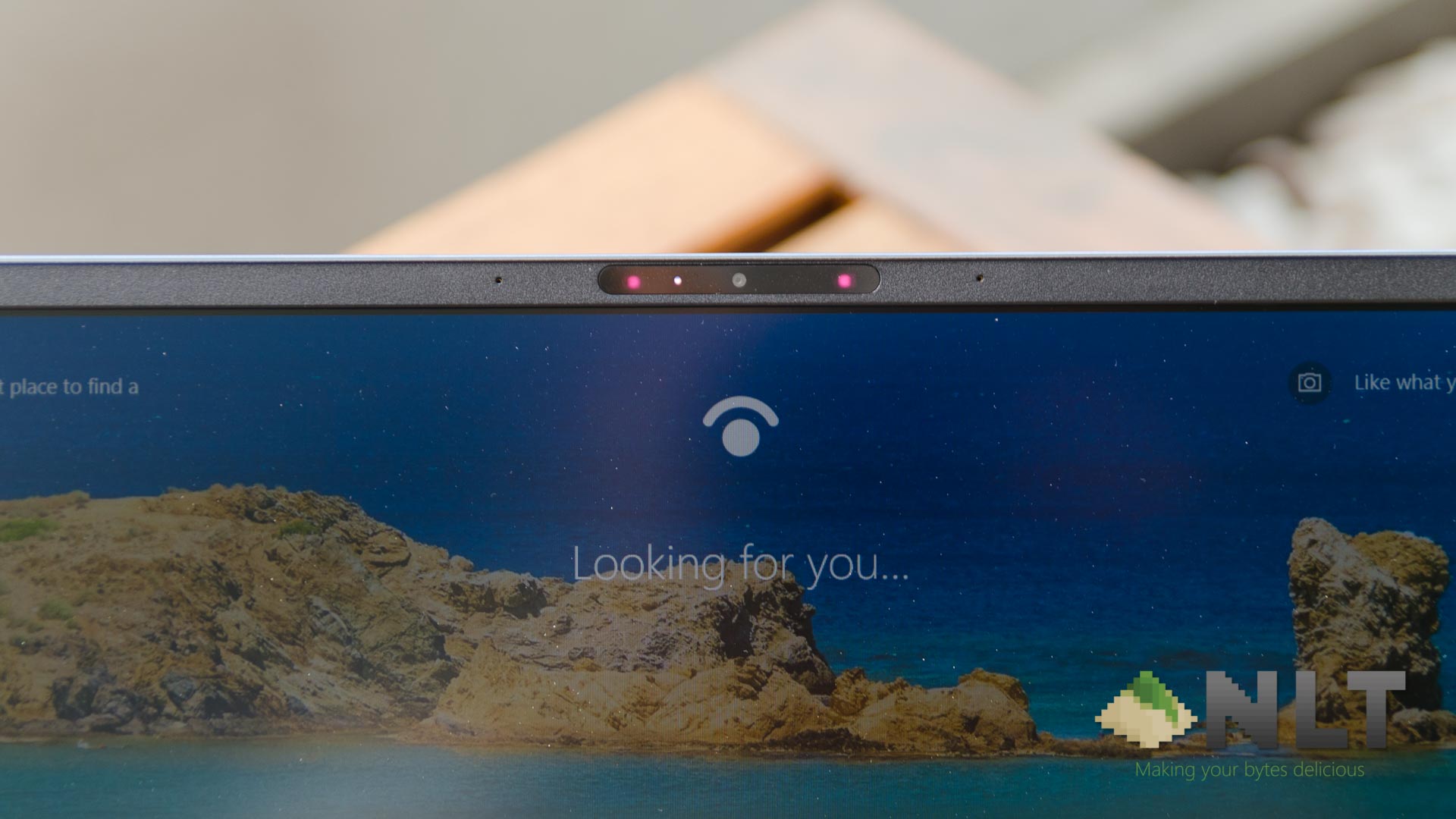
With that said, ASUS managed to shrink the visible part of the bottom bezel. That is because a part of the bezel goes under the horizon of the laptop body, as a part of the ErgoLift design. Great trick here, ASUS!
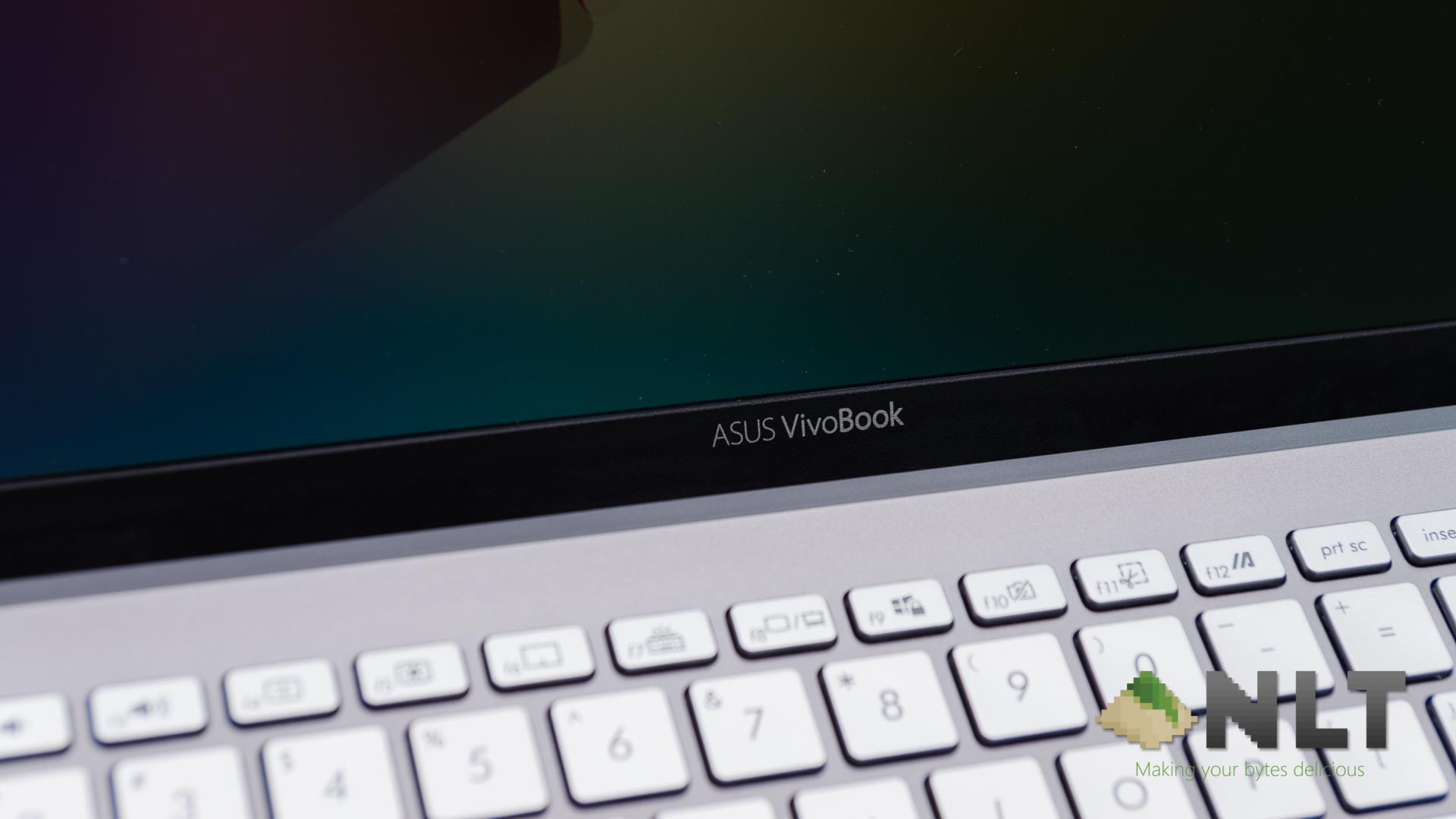
Overall, from my eyes, the ASUS VivoBook S15 S531F has a pretty color-accurate display. The green hue is a bit too saturated for my eyes since I always have a green-colored theme on my Chrome. Other than that, the display looks pretty okay. Just don’t bother using it outdoors since the display isn’t bright enough.
We should mention first that the Malaysian unit of both the VivoBook S15 and S14 does not have ScreenPad or NumberPad. Even our unit of the VivoBook S15 S531F does not have these features, despite what was announced during Computex 2019.
[nextpage title=”Trackpad and keyboard”]
Trackpad
ASUS has once again included precision trackpad drivers for the VivoBook S15 S531F. This means it can use all of the built-in Windows gestures like multi-finger tap and swipes to perform specific tasks.
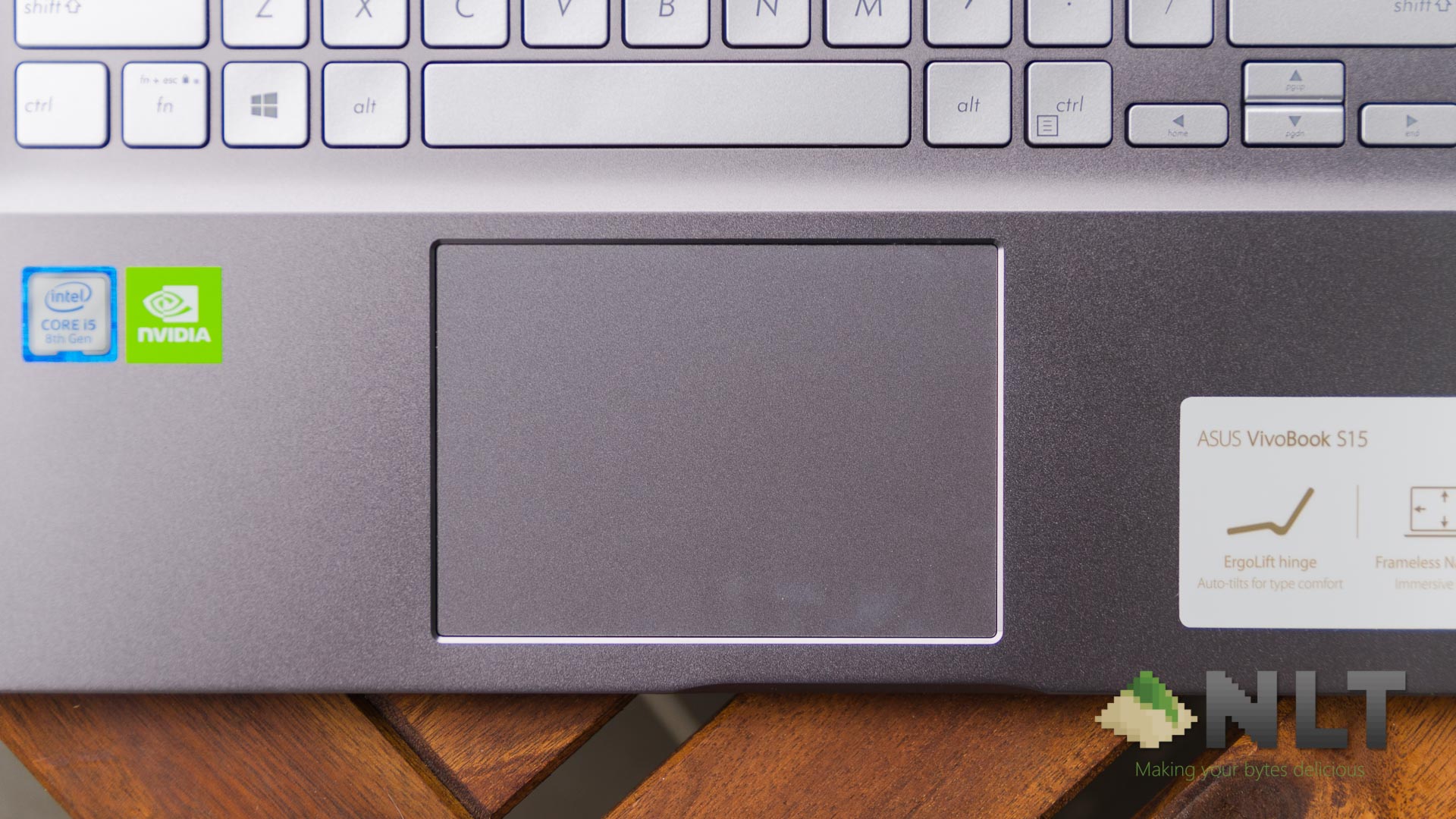
The trackpad is adequate most of the time but doesn’t seem to be good enough for small, precise movements – like dragging and dropping a marquee just one pixel to the left in Photoshop. With that said, the acceleration of the trackpad is rather decent.
Keyboard
Honestly, I think that the keyboard on the VivoBook S15 S531F is actually pretty good. It’s springy, good travel distance, and also very good tactile feedback. The keyboard typing experience in this thing, I can only describe it as “fun to type on”.
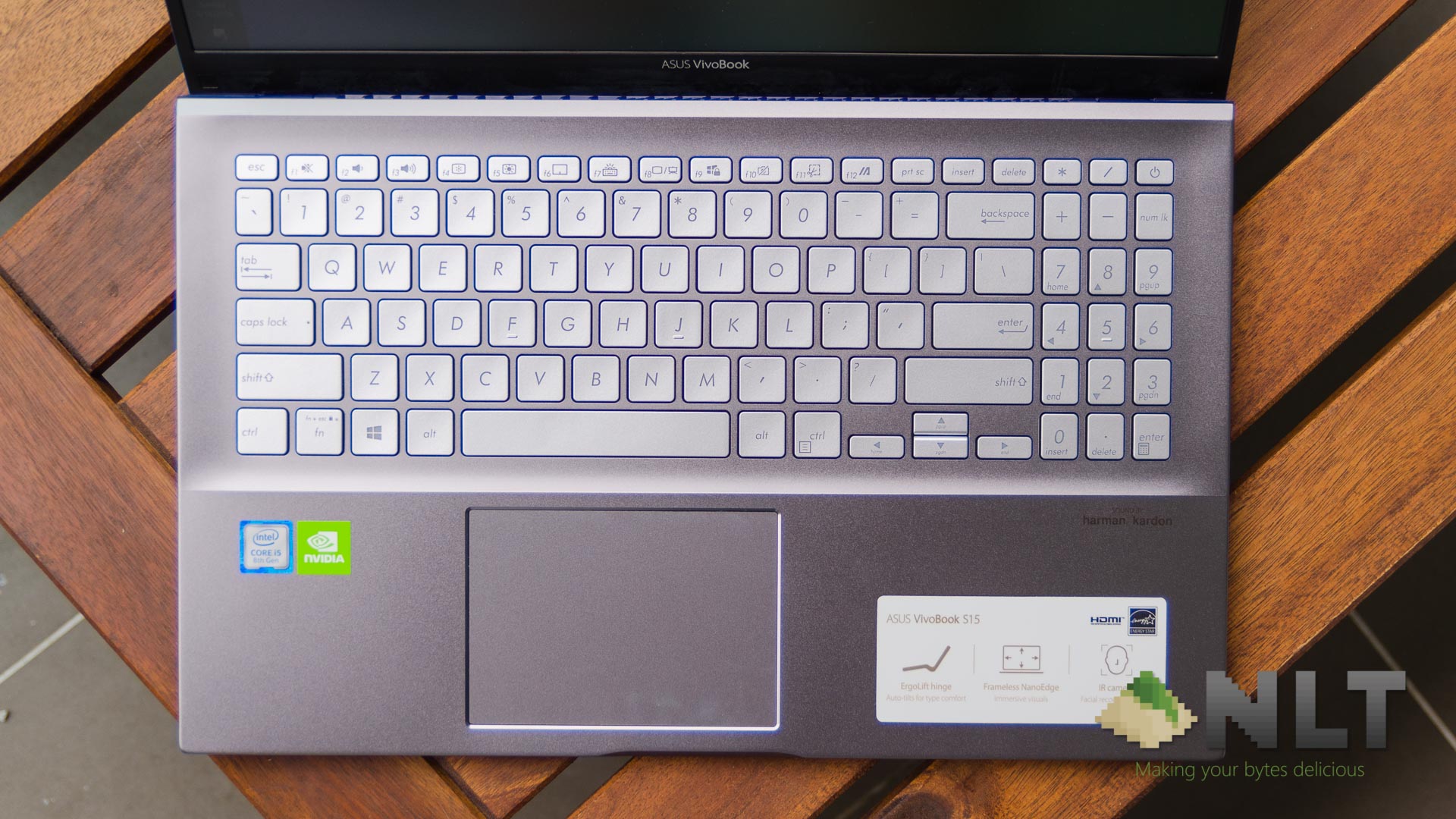
But then again, the keyboard layout is a little weird. Since we are reviewing the larger version – the S15 with a 15.6-inch display – it has a number pad. Some people might like this inclusion – but if you’re not a fan of the number pad, then perhaps look for the slightly smaller VivoBook S14 S431F with a 14-inch screen instead.
I do wish ASUS would just let the arrow keys be at its full size but protrude downwards, like the TUF Gaming laptop keyboards. At its current state, it is very cramped and just difficult to use.
[nextpage title=”Performance, gaming, and battery life”]
Let’s first talk about the specs. The ASUS VivoBook S15 S531F has this list of hardware:
- 15.6-inch IPS LCD display with NanoEdge thin-bezel design
- Intel Core i5-8265U
- Integrated Intel UHD Graphics 620
- NVIDIA GeForce MX250 with 2GB VRAM
- Soldered 4GB of DDR4 RAM
- 512GB of Intel 660p SSD
- 42Wh battery
Performance
We’ve seen this set of hardware on many laptops before, but we’re still doing the benchmarks just for the sake of being a completionist.






Gaming
It’s interesting to know that ASUS packed in a beefier GPU in the VivoBook S15 S531F. That means it can perform better in games, albeit not by much. That is because of the rather inadequate cooling system inside of the laptop.
We tried Overwatch on medium settings and it outputs 70fps constantly. The temperatures are generally fine, hovering at about 65°C for CPU and about 70°C for the GPU most of the time. Certain maps and heroes in Overwatch are graphically more intensive, and the GPU shot up to 80°C. When that happens, I get a brief moment of lag and I suppose the GPU downclocked itself – but the lag was only for a brief moment.
One thing to note is that the fan noise on the VivoBook S15 S531F is noticeable, but not to the point where it’s annoyingly loud.
Battery life
When we tested the ASUS VivoBook S15 S531F, it lasted for about 4-5 hours of use depending on how heavy the load is. For us, our usage pattern is always the same – multiple Chrome tabs with some Facebook and some light Photoshop in the meantime. Good to know that the 42Wh battery.
ASUS also boasts a fairly unique charger here. It’s a tiny cuboid-shaped charger that outputs a total of 90W of power. Interestingly, in the specs sheet, it is mentioned that this VivoBook S15 S531F has fast charging capability.
ASUS claims that it can charge to 60% battery in just 49 minutes. While we don’t know the methodology that ASUS used, we used our own testing method instead.
Here’s our result.
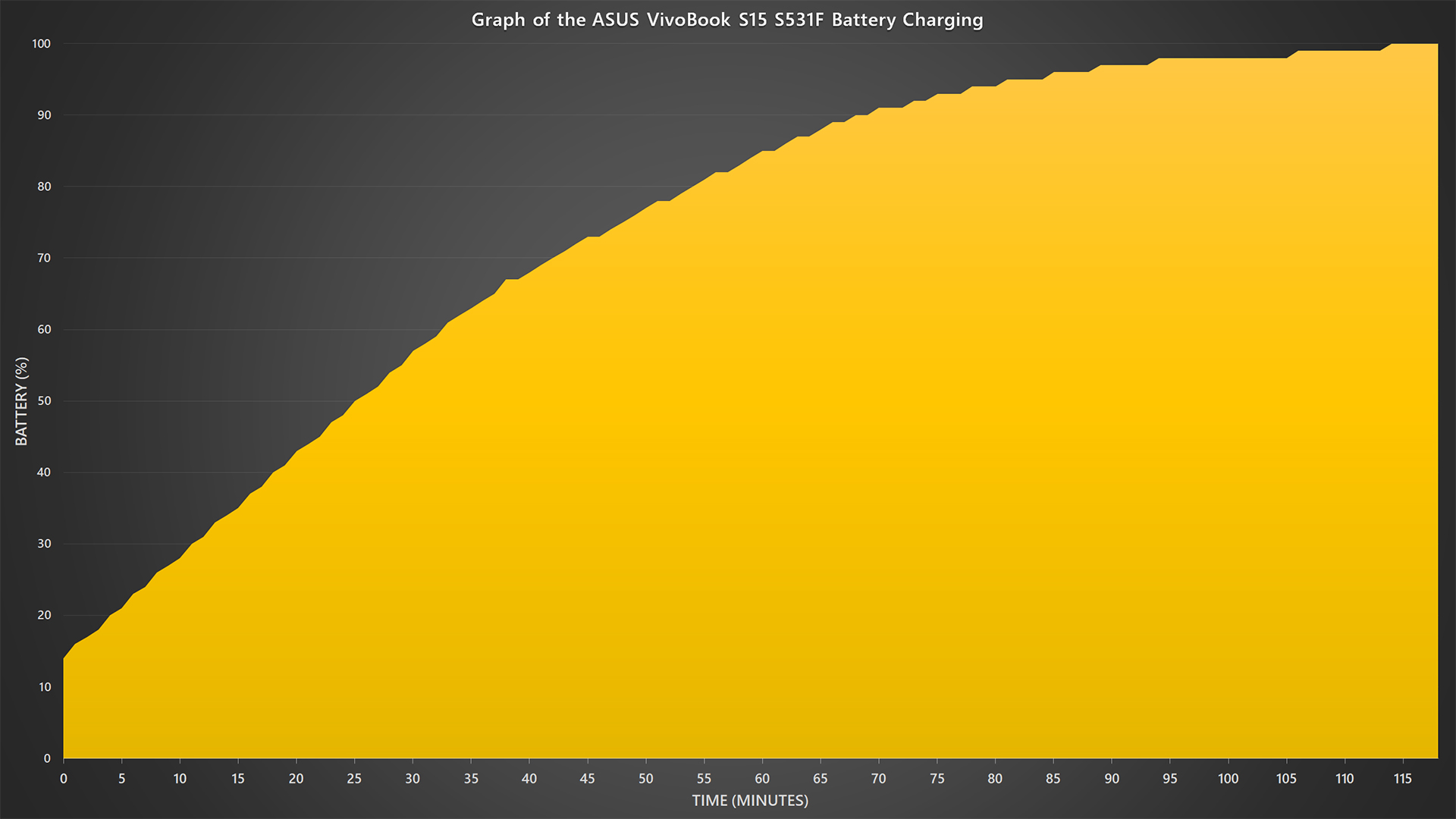
What?! We charged from 15% to 60% battery in just 32 minutes?! We even reached all the way up to 76% battery charge in 49 minutes! It’s mindblowing to know that from our test, the battery charging is faster than what was claimed by ASUS. Interesting.
[nextpage title=”Maintenance and upgradability”]
So far, ASUS has a great reputation of allowing its customers to open up and service the laptops on their own. The new VivoBook S15 S531F is no different.
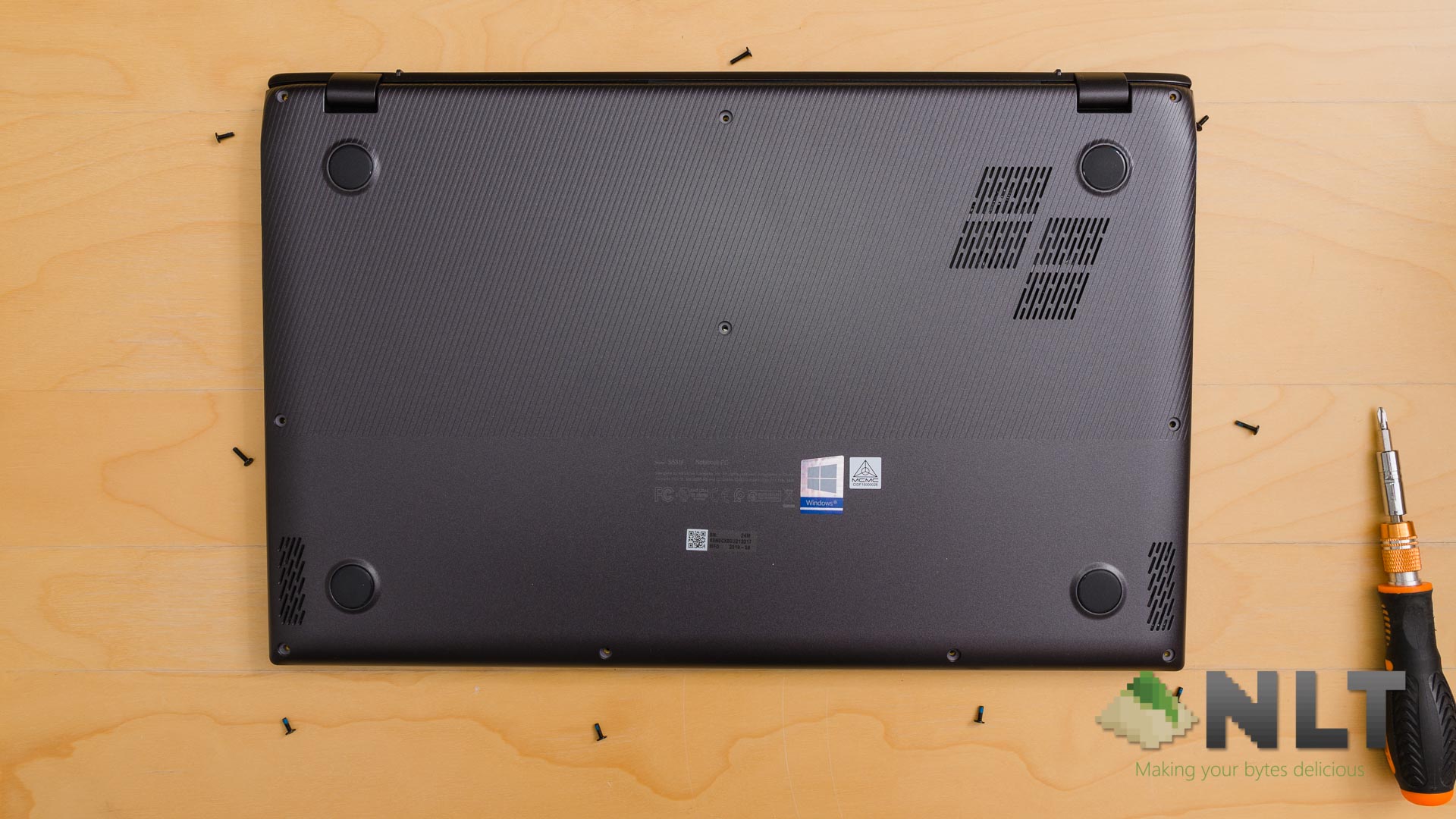
Looking at the underside of the Vivobook S15 S531F, we can see a total of 10 screws around the edge of the laptop. All of them are standard Phillips screws but of varying lengths. Make sure you know which screw goes into which hole.
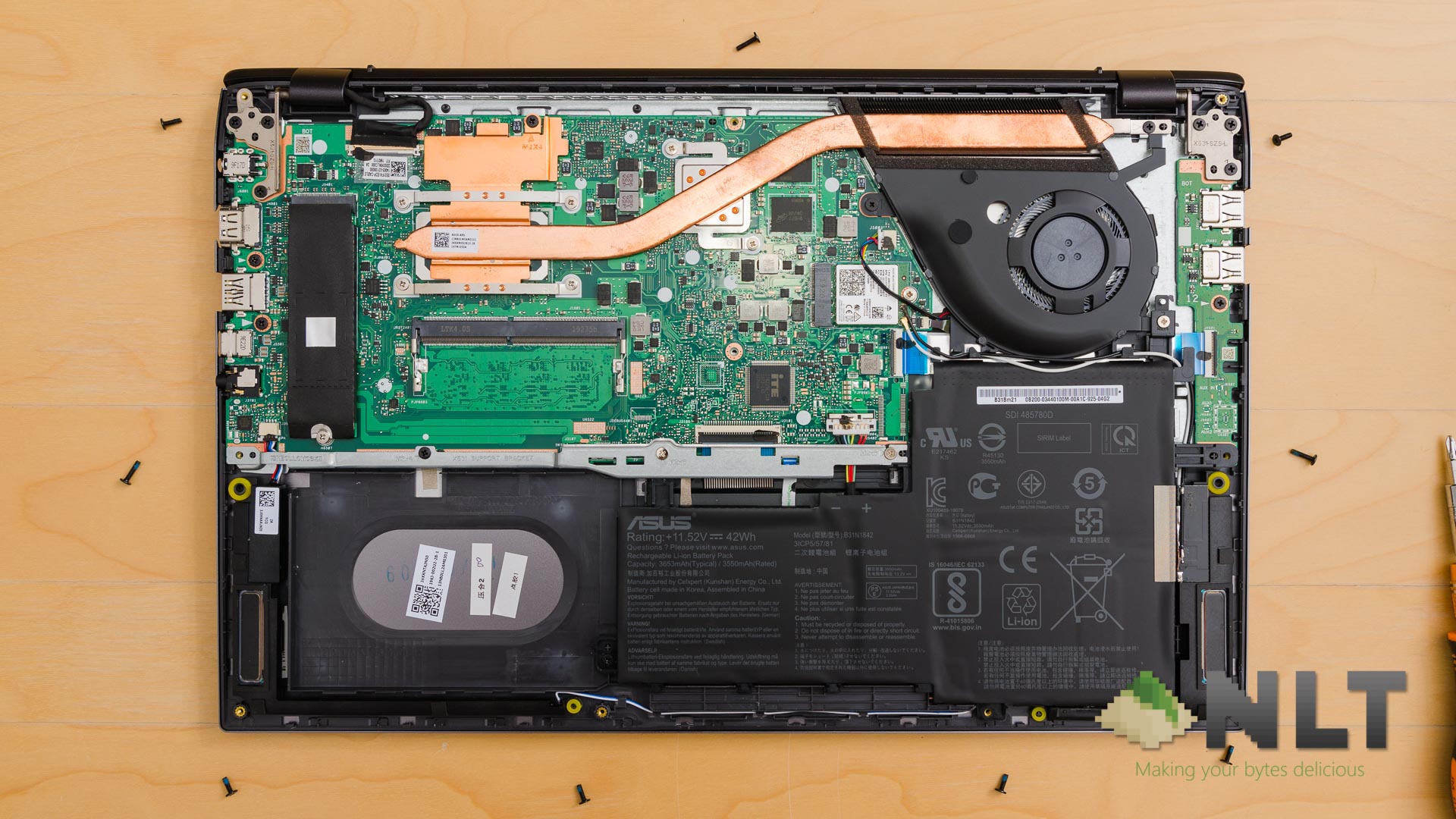
Opening up the backplate is fairly simple. There isn’t an easy way in but you can work your way at the USB ports. Once it’s opened, you are greeted with everything there is to service and upgrade on the Vivobook S15 S531F.
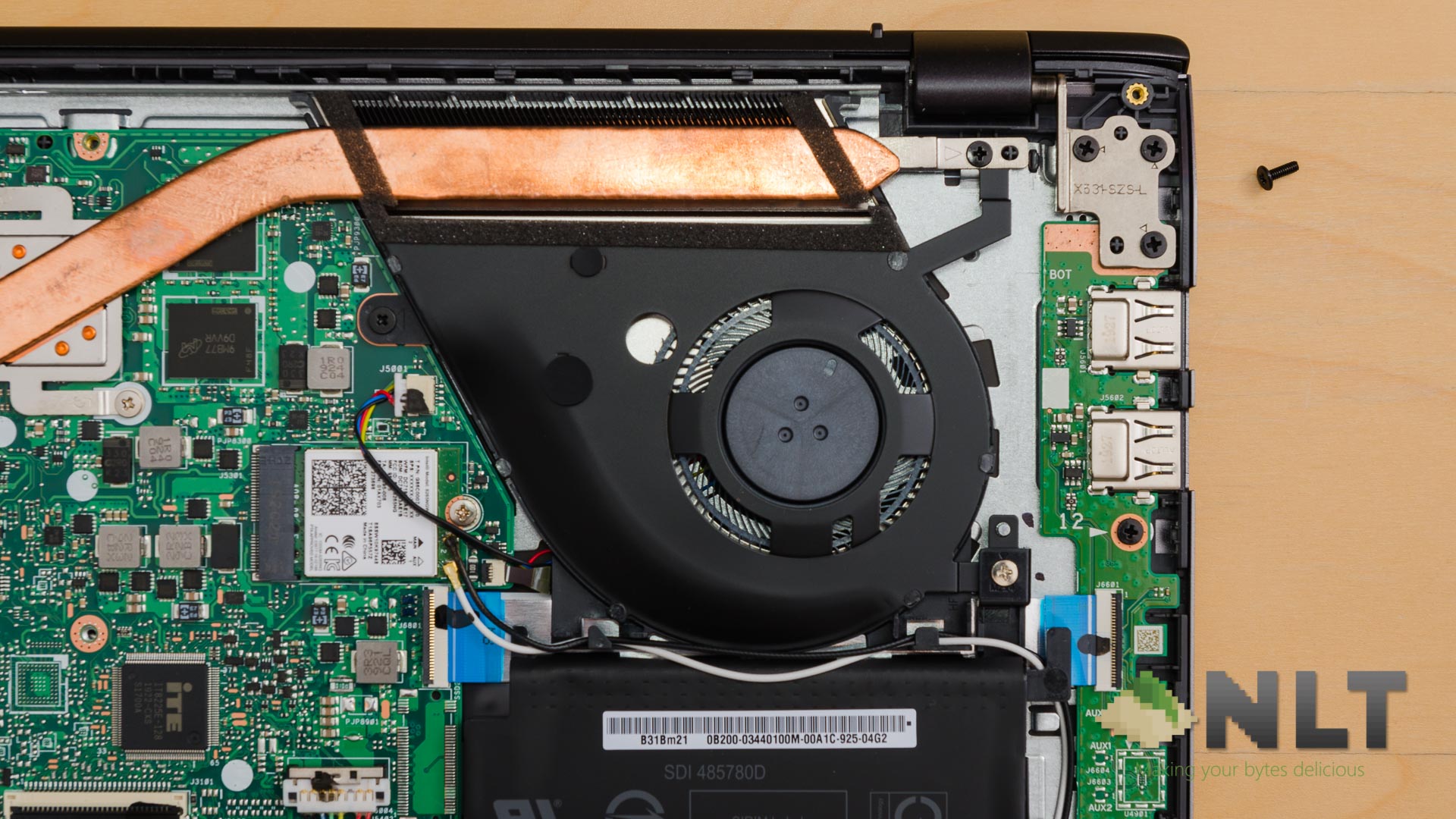
The fans are easily accessed and the heatpipe is also easily dismantled to be serviced. Not too sure about the blue accent around the lid, though.
I do want to reiterate my appreciation for the prismatic battery design here as it really maximizes the utilization of space in the laptop itself. The maintenance and upgradability are pretty solid, especially for its target audience.
Overall, this is a fantastic laptop. For the price of RM3,199, it might feel a little steep at first sight – but the engineering that went into the ASUS VivoBook S15 S531F is uncommon for a laptop of this category and of this price range.

Like our Facebook Page here at NasiLemakTech.com for more news and in-depth reviews! Also, join our Facebook Group for insightful information and memes!
Subscribe to our YouTube channel too!