



















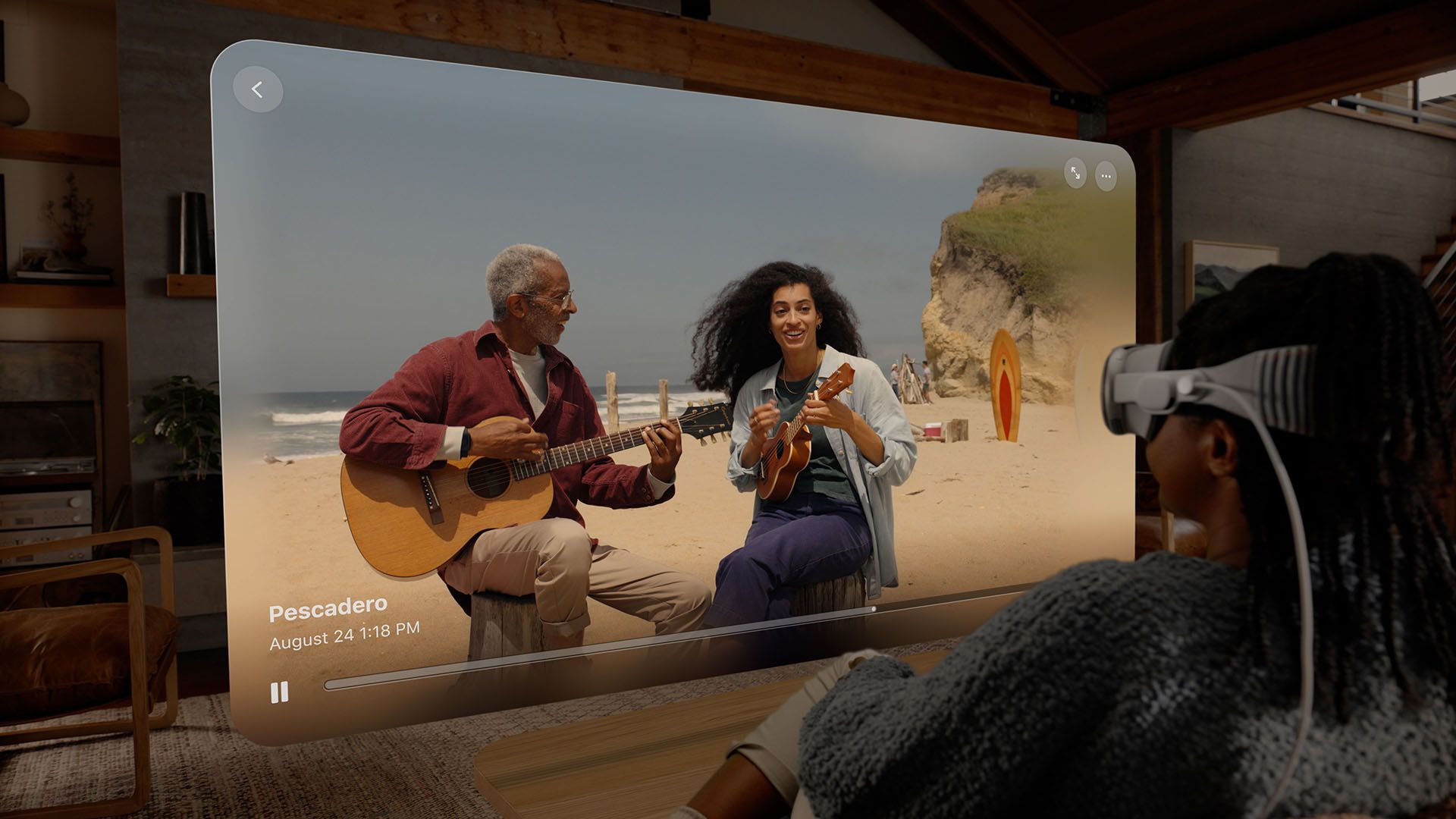

Apple has issued an official newsletter saying that the iPhone 15 Pro and iPhone 15 Pro Max can capture spatial videos to be viewed on the Apple Vision Pro.
This means millions of people can literally start capturing videos right now to be relived via the Apple Vision Pro when it arrives early 2024.

To enable Spatial Video Capture on iPhone, head into the settings menu to do it. Then, just use the camera app in video mode, rotate the iPhone into landscape orientation and tap on the spatial video icon – then tap on record. The iPhone will start recording from both main and ultrawide angle cameras. Then, it’ll do FOV matching via computational videography to create a stereoscopic spatial video.
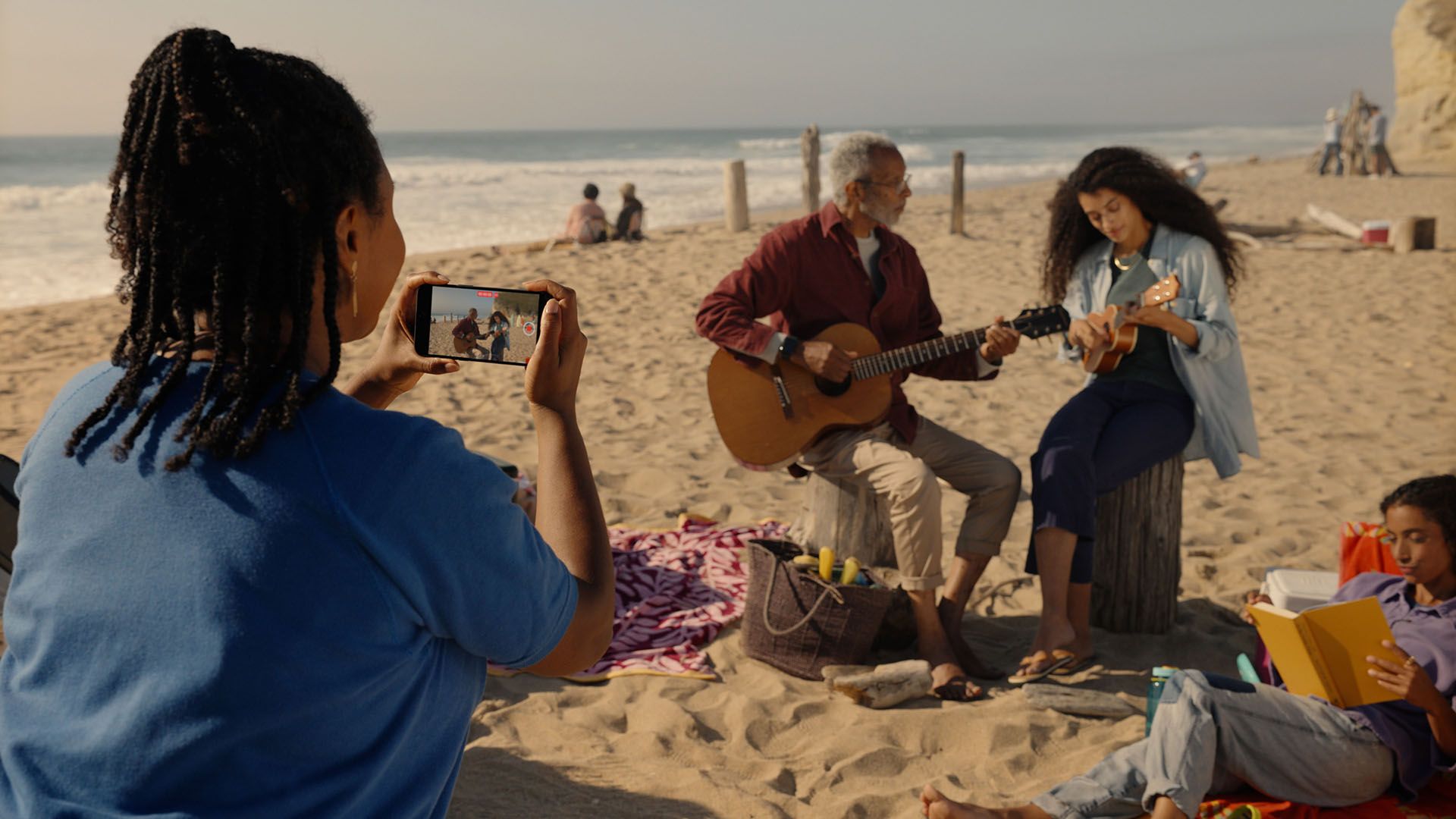
The iPhone 15 Pro and iPhone 15 Pro can capture videos at 1080p 30fps in standard dynamic range. Thanks to the magic of advanced computational videography processing and HEVC compression, the video file size will be compact.
Apple says that a minute of spatial video is about 130MB, which means a bitrate of 2.1667MB/s. This HEVC compression really small in comparison to the standard H.264 compression.
The video will be showing up as a regular 2D video on iPhones any other devices – but once it is viewed on the Apple Vision Pro, it’ll become a spatial video.
Like our Facebook Page here at NasiLemakTech.com for more news and in-depth reviews! Also, join our Facebook Group for insightful information and memes!
Subscribe to our YouTube channel too!

