




















We’ve all been there. You’re standing at a stunning viewpoint—maybe the Petronas Twin Towers at sunset, or a quiet rice terrace in Ubud—you pull out your phone, hit record, and… the footage comes out shaky, poorly lit, or just flat. Later, when you try to piece together a travel vlog or Instagram Reel, the reality doesn’t match the memory.
For tech-savvy travelers, content creators, and even casual users in Malaysia and beyond, this is a familiar frustration. But what if you could fix all of that without learning complex editing software? That’s where insMind’s Travel Video Maker comes in. It’s an AI-powered tool designed to transform ordinary photos into cinematic travel stories—no timelines, no keyframes, just results.
In this article, I’ll walk you through how to use insMind’s AI tools to rescue your travel footage, covering everything from creating smooth destination transitions to upscaling old clips to 4K. Whether you’re a vlogger, a marketer, or just someone who wants better vacation memories, this guide is for you.
Part 1: From Stills to Stories – The Power of Travel Video Maker
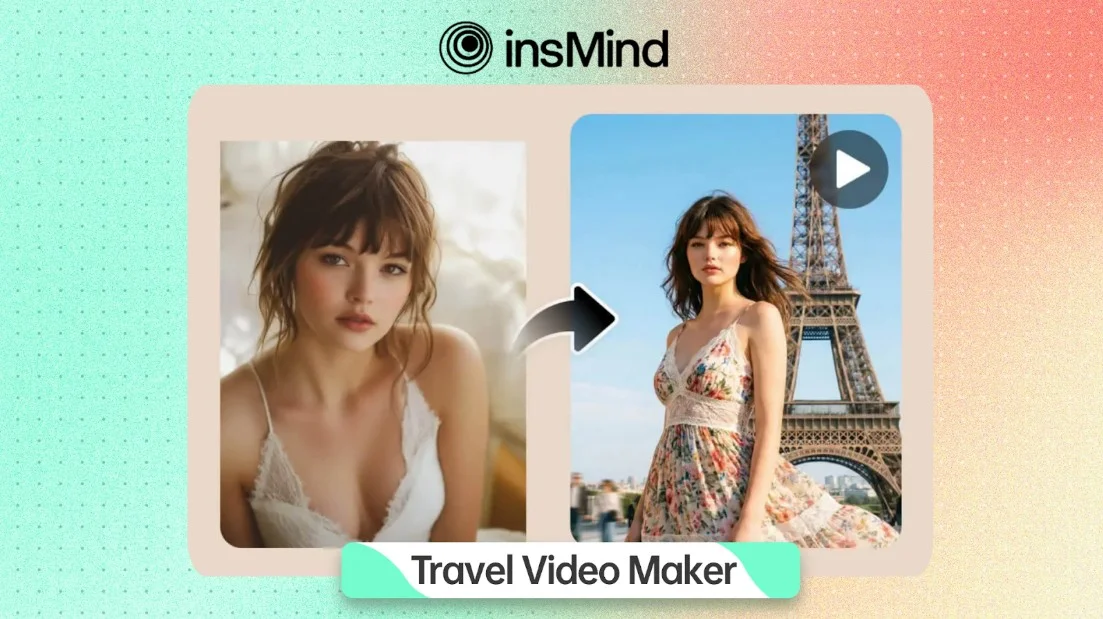
The heart of insMind’s travel toolkit is the Travel Video Maker. This tool is built specifically for travel storytelling, and it solves one of the biggest challenges: turning static photos into engaging video content.
Let’s say you took a great photo at Batu Caves, but you didn’t think to shoot video. With the Travel Video Maker, you can upload that single image, add a short prompt like “walking toward the giant golden statue with dramatic sky”, and the AI generates natural motion, depth, and even background music. The result feels like a real video clip, not a slideshow.
The tool also excels at start-end frame transitions. Imagine you have a photo from your departure in Kuala Lumpur and another from your arrival in Tokyo. Upload both, and insMind creates a smooth, cinematic transition between them—perfect for multi-city trip recaps or “how I got here” storytelling.
The Travel Video Maker is built specifically for photo-based storytelling—it doesn’t require you to have any video footage to begin with. Whether you’re working with a single stunning shot or a pair of destination images, the AI handles the motion, transitions, and music automatically. This makes it an ideal starting point for travelers who primarily shoot photos but want to present them as engaging video content for social media or personal keepsakes. Once your photo-driven story takes shape, you may find that certain clips—especially those shot in busy or less-than-ideal conditions—could benefit from further refinement. That’s where insMind’s dedicated editing tools come in.
Part 2: Cleaning Up the Chaos – AI Video Editor in Action
Even with a decent clip, travel videos often come with unwanted elements: a stranger walking through your shot, messy backgrounds, or inconsistent lighting. Instead of spending hours in Premiere Pro, you can use insMind’s AI Video Editor to fix these issues with plain language.
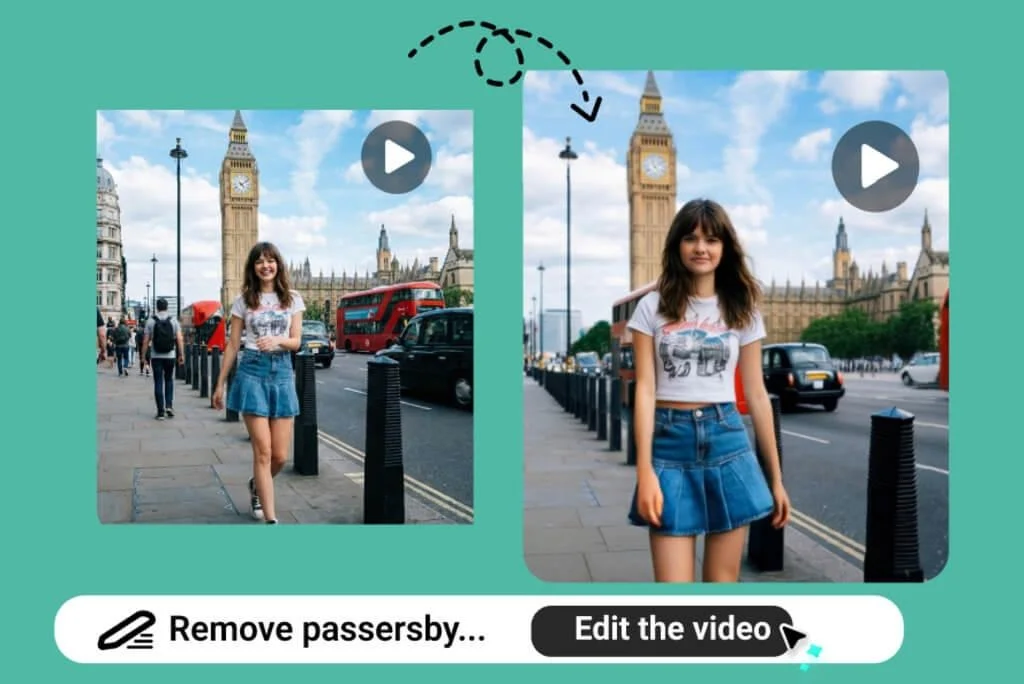
The AI Video Editor works entirely through text prompts. You upload a short clip (3–10 seconds works best), then describe what you want to change. For example:
- “Remove all pedestrians from the street and keep the buildings looking natural.”
- “Replace the background with a sunny beach, preserving the subject’s position.”
- “Apply a cinematic warm sunset lighting to the whole clip.”
One feature that stands out is subject replacement. Let’s say you filmed a B-roll shot of a local market, but you want to use it for a different story. You can swap the main person in the frame with another character while preserving their motion and pose. This is incredibly useful for marketers creating multiple ad versions, or for storytellers who want to maintain consistency across scenes.
Another highlight is object removal. In busy tourist spots like Jalan Alor or the KLCC Park, it’s nearly impossible to get a clean shot. With the AI Video Editor, you can simply ask to remove people or distractions, and the AI fills in the gaps with natural textures. No manual masking, no frame-by-frame cleanup—just a clean result in minutes.
Part 3: Polishing the Final Cut – AI Video Enhancer for 4K Clarity
Once your story is assembled and cleaned up, the final step is ensuring it looks professional. Many travel videos, especially older ones or those shot on smartphones in low light, suffer from blur, noise, or low resolution. That’s where insMind’s AI Video Enhancer comes in.
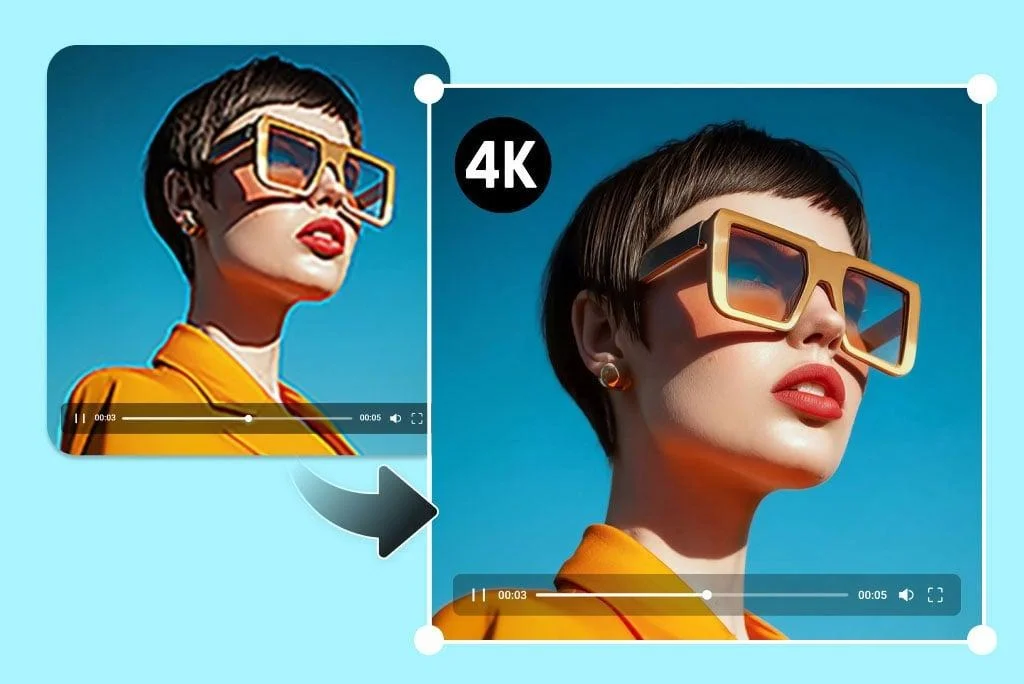
This tool does two main things exceptionally well:
- Upscaling to 4K – It intelligently fills in missing pixels, sharpens edges, and adjusts color tones. So if you have a clip shot on an older phone or a compact camera, you can boost it to 4K without the usual artifacts.
- Removing blur and noise – Whether it’s motion blur from a fast-moving scene or graininess from low-light shooting, the enhancer analyzes each frame and restores clarity. I tested it on a shaky night clip from a pasar malam, and the result was noticeably sharper and more vibrant.
For creators posting on YouTube, Instagram, or TikTok, this level of polish can make the difference between a clip that gets scrolled past and one that stops viewers. The enhancer is also excellent for restoring old travel memories—bringing grainy family vacation videos back to life with modern clarity.
Part 4: Putting It All Together – A Simple Workflow
You don’t need to be a professional editor to use these tools. Here’s a practical workflow that combines all three, from raw footage to finished video:
- Start with Travel Video Maker – Upload your key photos or clips. Use photo-to-video for static shots you want to bring to life, or start-end frame transitions to connect different destinations.
- Refine with AI Video Editor – For any clip that needs cleanup, use text prompts to remove distractions, change backgrounds, or adjust lighting. This is where you take control of the final look.
- Enhance with AI Video Enhancer – Before exporting, run your final video through the enhancer to upscale to 4K and sharpen details. This ensures your video looks crisp, even on large screens.
The beauty of this workflow is that it’s fast and doesn’t require any timeline-based editing. You can go from a collection of messy phone clips to a polished travel story in under 30 minutes—all within your browser, without installing heavy software.
Conclusion
Travel videos are more than just recordings; they’re how we share experiences, tell stories, and relive memories. But not everyone has the time or skill to master traditional editing tools. With insMind, that barrier disappears.
Whether you’re creating a quick Instagram Reel, a YouTube travel diary, or a marketing video for a local brand, the combination of Travel Video Maker, AI Video Editor, and AI Video Enhancer gives you professional-level results with minimal effort. You focus on the story; the AI handles the rest.
So next time you’re about to delete a blurry clip or skip posting because the footage doesn’t look “good enough,” give insMind a try. Your travel stories deserve to be seen in their best light.
Like our Facebook Page here at NasiLemakTech.com for more news and in-depth reviews! Also, join our Facebook Group for insightful information and memes!
Subscribe to our YouTube channel too!

