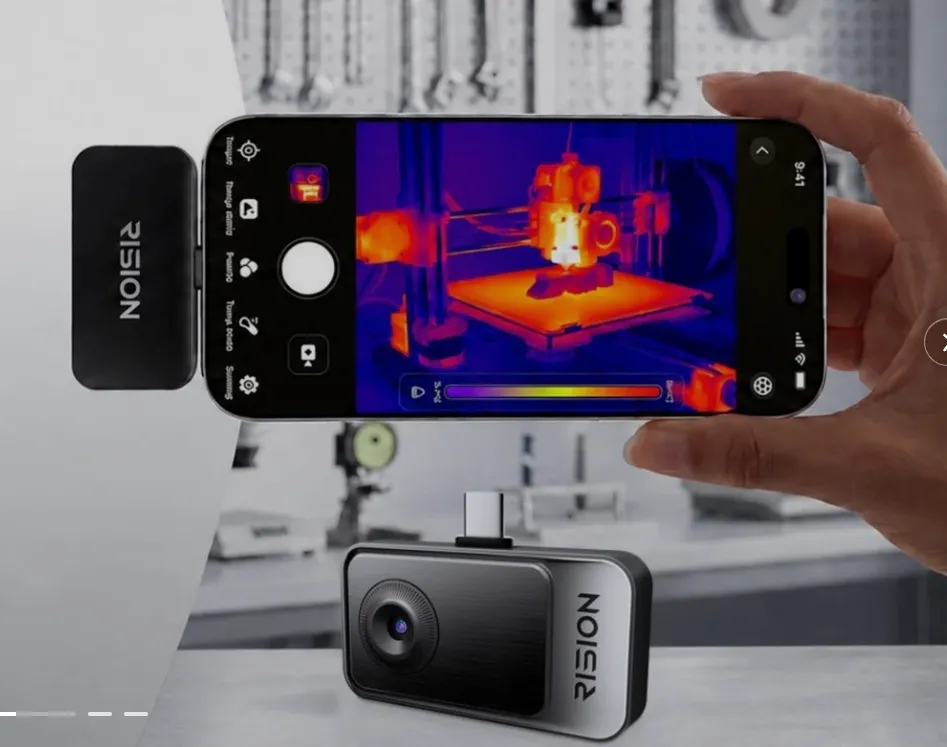

Rision smartphone thermal camera. Product image supplied for illustration.
A phone with USB-C can do more than charge from the same cable as your laptop. With the right accessory, it can read a memory card, record through an external microphone or display information from a separate sensor.
That doesn’t mean you need a pouch full of adapters. The useful purchase is the one that solves a problem you already have. The frustrating purchase is the one that fits the port but doesn’t work with your phone.
A card reader is useful when you actually need the files
If you take photos on a separate camera, a compatible card reader can give your phone access to the memory card. An external drive can also be useful for carrying large files without keeping everything on the phone itself.
There are a few practical limits. The phone needs to support the storage device, its file format and its power needs. The file also has to open in an app you can use. A successful connection isn’t much help if the video you came to edit remains unreadable.
Transfer speed depends on the whole connection, including the phone’s port and the cable. Apple’s supplied iPhone USB-C cable, for example, supports USB 2 data speeds. A faster drive alone won’t remove that limit.
An external drive isn’t automatically a backup, either. If you move the only copy of a video onto it and delete the original, you still have just one copy. Keep that distinction in mind before clearing space on a trip.
A microphone helps most when it can get closer
For a video of someone speaking to the camera, the phone may be far enough away that its built-in microphone picks up more room sound than you want. A compatible external microphone can sit closer to the speaker while the phone stays in position for the shot.
The app matters as much as the connector. It needs to accept the microphone as an audio source. A short recording and playback will tell you whether the intended mic is being used; a symbol on the screen may not tell the whole story.
Think about the physical setup as well. A receiver plugged into the bottom of the phone may clash with a grip or mount. That is a small detail on a shopping page and a fairly large annoyance when you’re ready to record.
A thermal camera adds information the normal camera misses
A thermal attachment measures a different part of the scene: surface temperature patterns. It can show a cooler area around an air-conditioned room’s door or a warmer section of an accessible surface that looks ordinary in a photo.
The Rision Thermal camera for Smartphone uses a compatible phone and companion software to show surface temperature patterns—a useful addition for home maintenance checks.
A temperature pattern needs interpretation. Shiny surfaces can reflect surrounding heat, and the warmest-looking color doesn’t by itself mean something is faulty. Thermal images cannot reveal what is behind a wall or confirm that electrical equipment is safe.
For occasional curiosity, the accessory may spend a lot of time in a drawer. For repeated maintenance checks, the ability to see a whole area at once is the reason to consider it.
An HDMI adapter can’t add missing display support
USB-C ports don’t all offer the same features. Before buying an adapter for a television or monitor, look for wired video output in the phone’s specifications.
Apple provides a useful example: its iPhone 16 models support wired external displays except for the iPhone 16e, even though the 16e also has USB-C. A matching plug doesn’t resolve that difference.
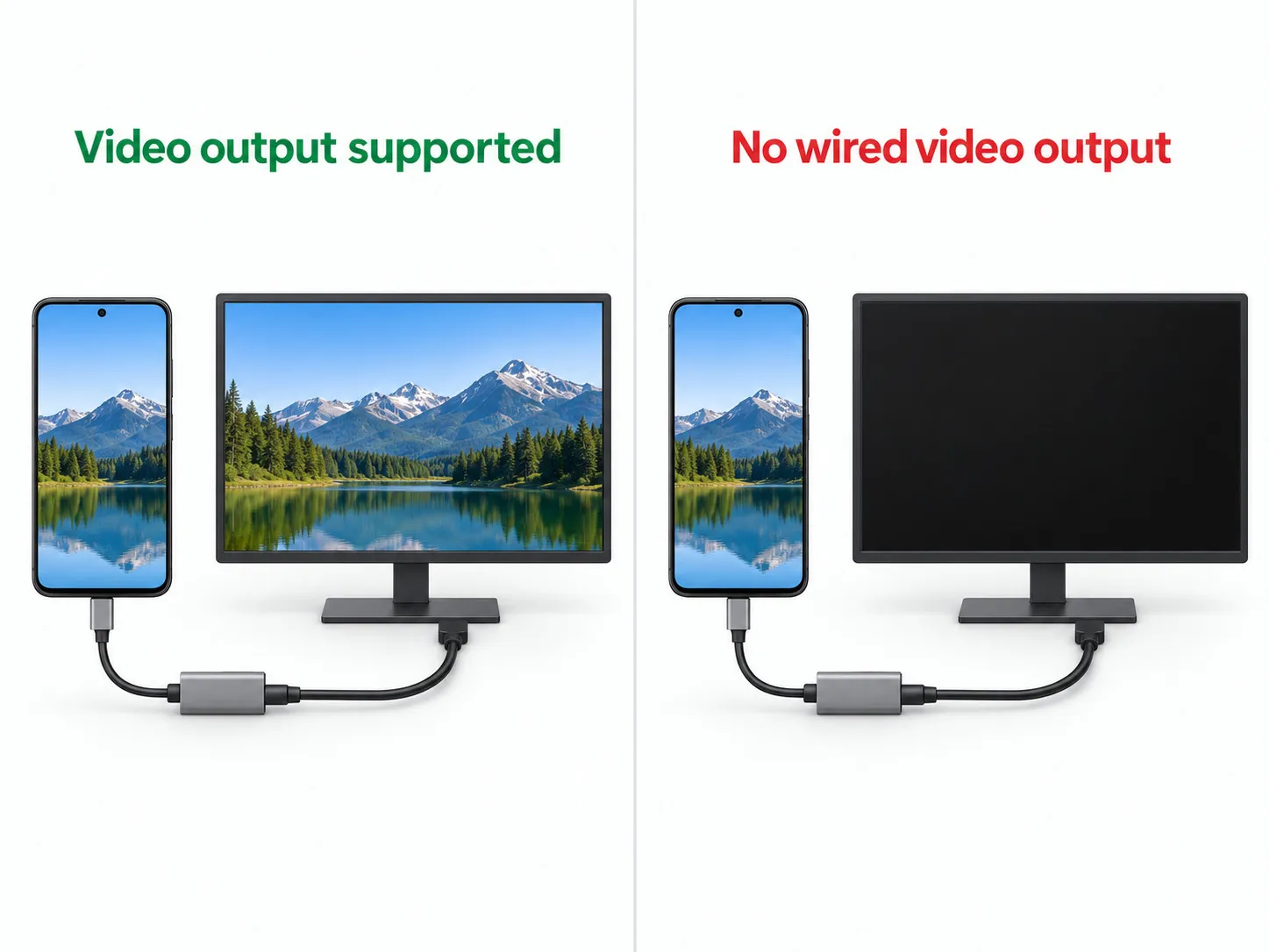
On a supported phone, check what the app will show on the larger screen. Screen mirroring is useful for photos and presentations, but it doesn’t necessarily give you a desktop-style workspace.
Try the job before the return period ends
A multiport charger needs the same kind of practical check. Its headline wattage may be shared between ports, so the power available to a laptop can change when you connect a phone. The maker’s power-allocation chart is more useful than the largest number on the box.
Once an accessory arrives, use it with your normal case, cable and app. Transfer a real file, record a short clip, or connect the display you intend to use. That is when awkward fit and missing support become obvious.
If making it work requires another hub, another cable and a different app, include those in the cost. You may still want the setup, but it should earn the extra space in your bag.
Like our Facebook Page here at NasiLemakTech.com for more news and in-depth reviews! Also, join our Facebook Group for insightful information and memes!
Subscribe to our YouTube channel too!