










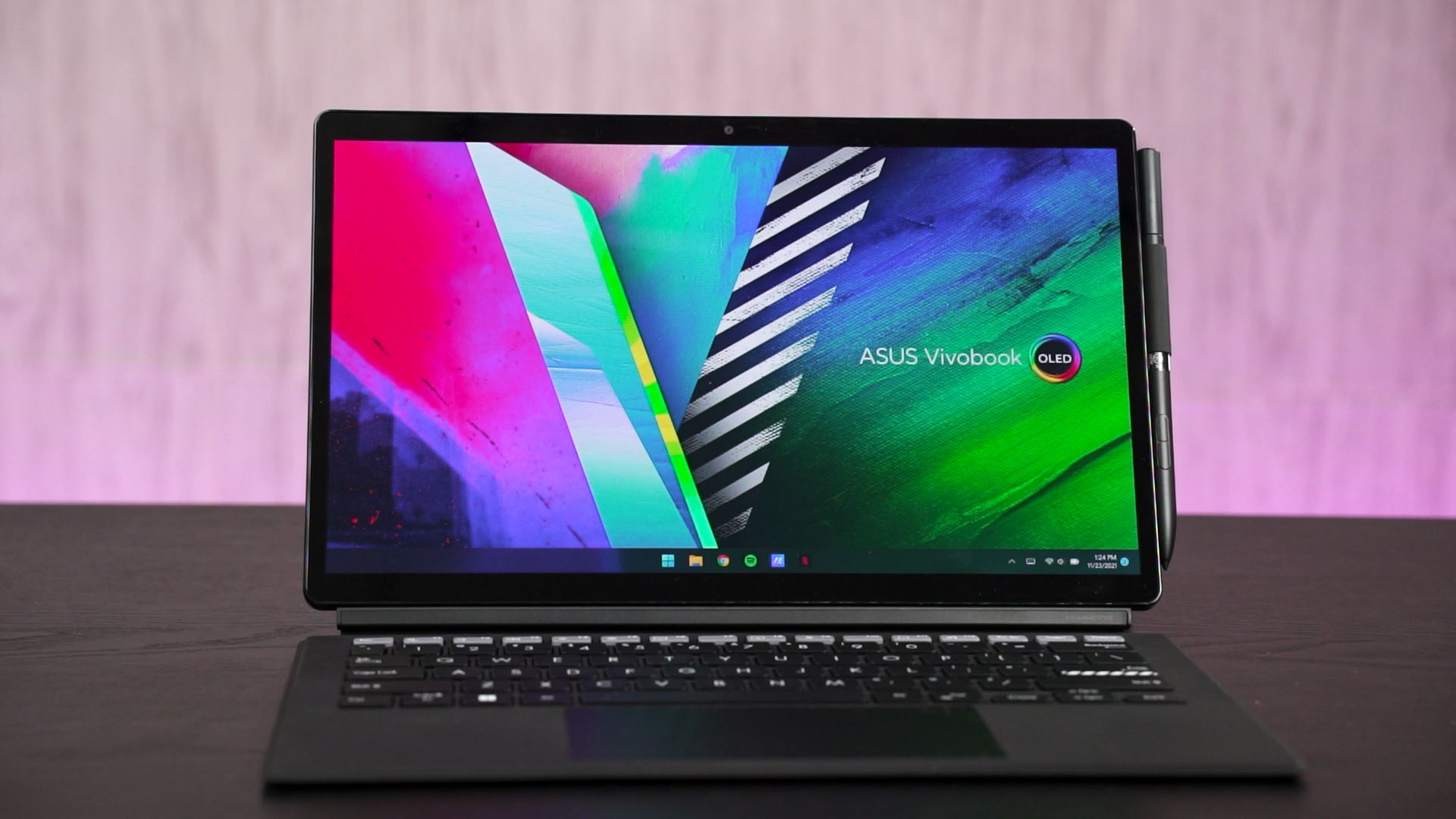
Ah, the ASUS Vivobook 13 Slate OLED T3300KA. I’ve spent the last 2 weeks with this device that ASUS exclusively sent to us only here in Malaysia. Again, I have to bid my thanks to ASUS once again for this special opportunity.
But, since this is a review, ASUS has zero control or input over what we have to say in this video. That is because, throughout my 2 weeks using this device, I discovered a lot of quirks that I think you need to know about.
Okay, our ASUS Vivobook 13 Slate OLED comes in this special edition box – and you can watch it here. I think you should be getting everything that is inside that special edition box – which we have laid out on the table here. However, we can’t confirm it.

At the footnotes of the ASUS Vivobook 13 Slate OLED’s product page, it states that Accessories are available in most countries’ bundle package. Bundle package may vary according to different countries.
The tablet itself
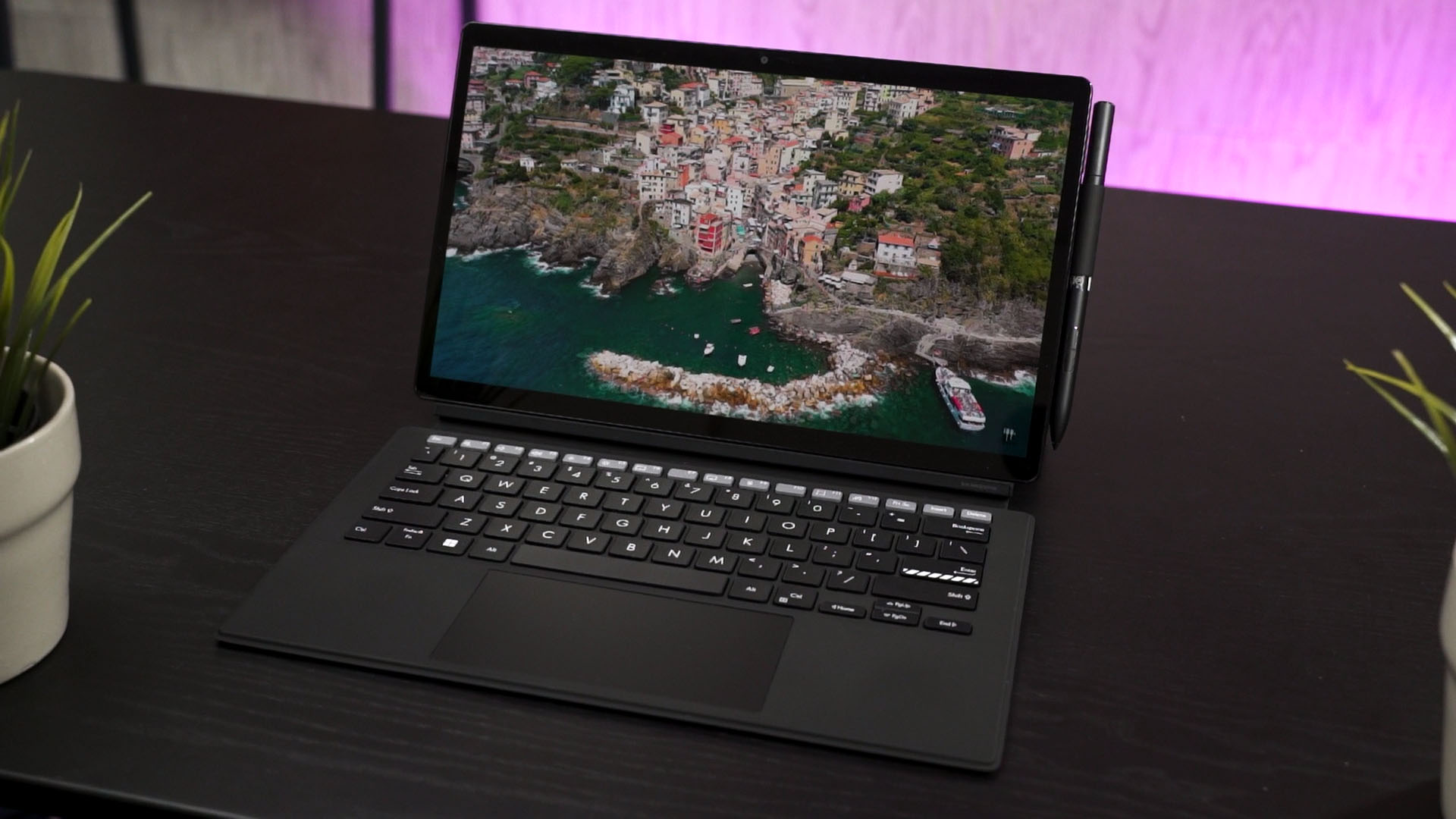
Okay, so let’s talk about the tablet first. It’s a rather lightweight device and obviously, the main selling point of this device is as the name suggests – the OLED screen.
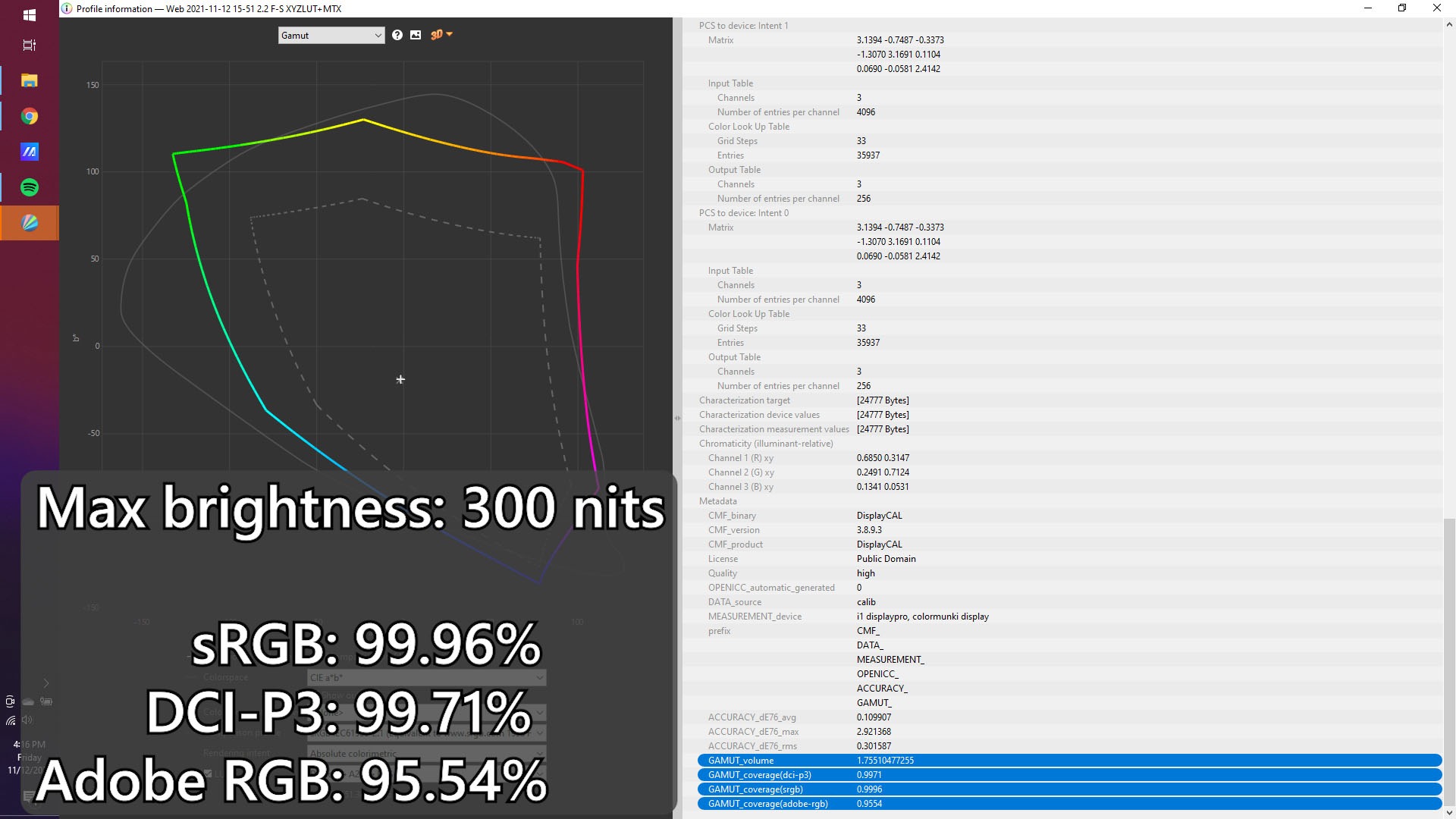
This 13.3-inch OLED screen is just gorgeous and comes with a super high color accuracy of above 99% for both sRGB and DCI-P3. Yet, it comes with decently-sized tablets to prevent accidental touches when holding it.
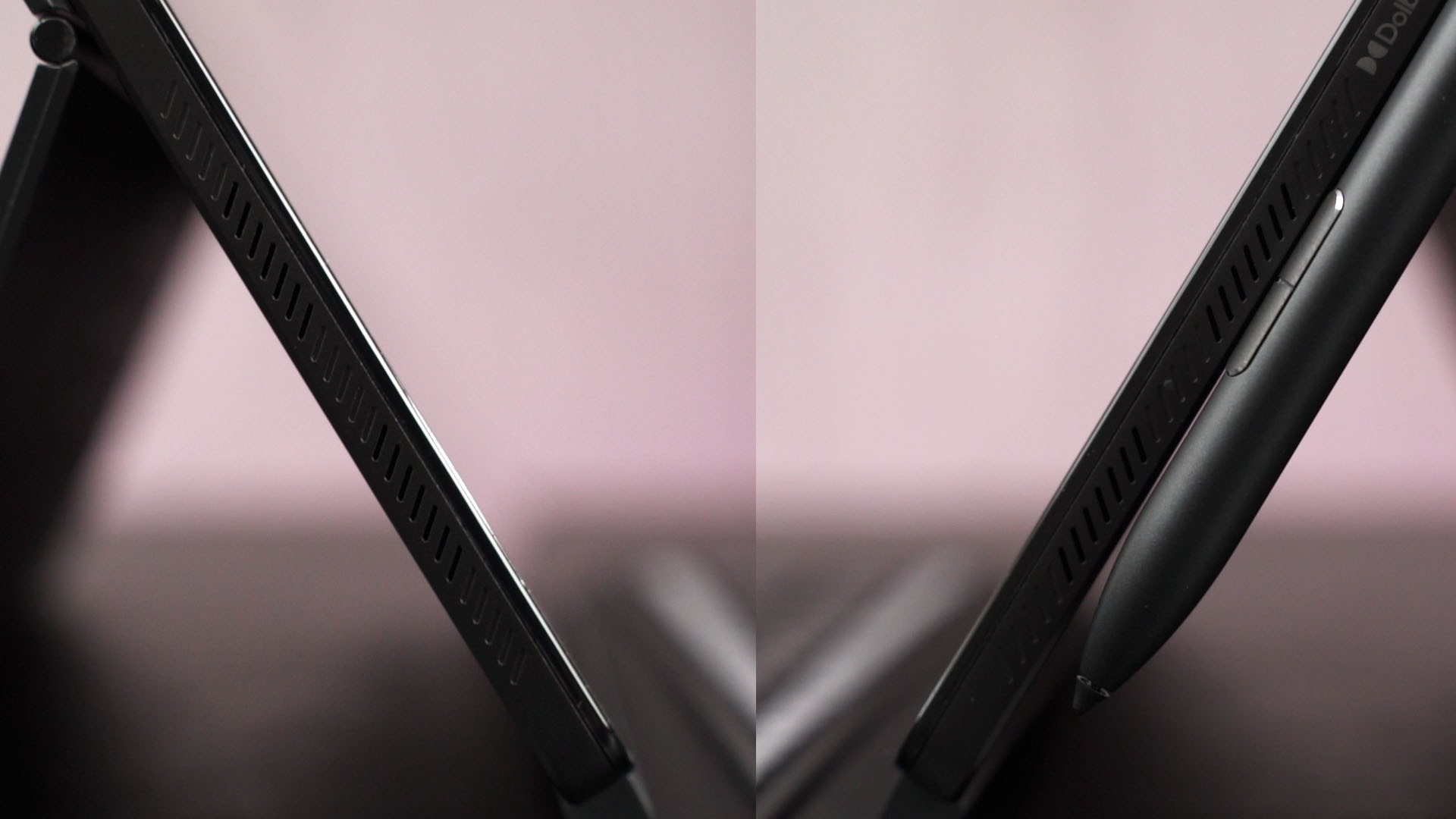
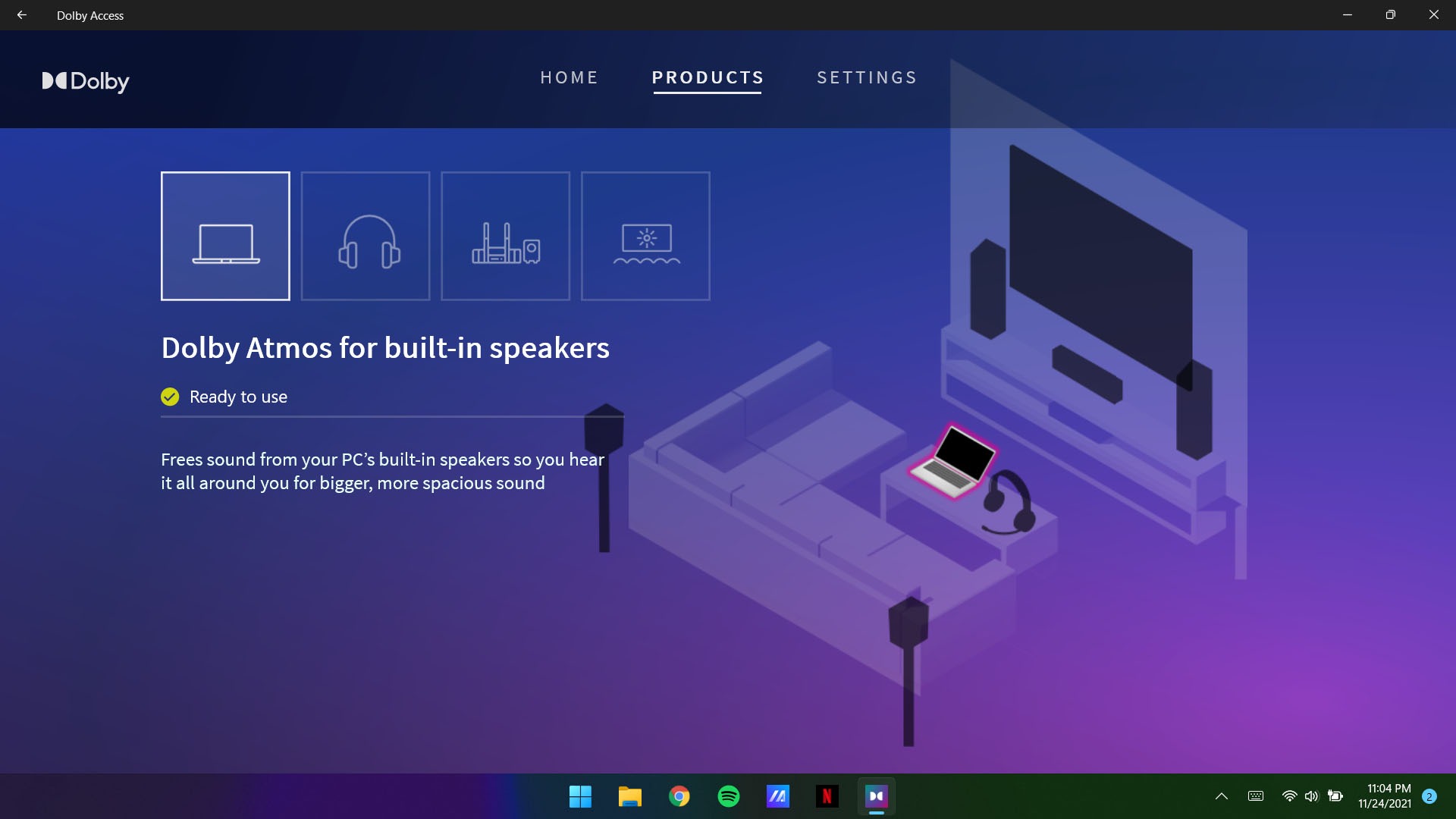
And the speakers are actually quite good too. There is a quad-speaker setup – two on each side but clumped at the lower side. Have a listen here.
Combining the lightweight tablet body, gorgeous 13.3-inch OLED screen, and magnificent speakers – it makes this an amazing tablet for media consumption – be it YouTube, Netflix, and everything else.
Plus, it also supports both Dolby Atmos and Dolby Vision too. You can find this utility pre-installed on the laptop.
The kickstand cover
Then, we can snap on the magnetic cover stand too. This stand snaps onto the rear of the device and provides both protection and functionality in the form of a kickstand too. It can even make the tablet stand in portrait mode – which I think many people will like.
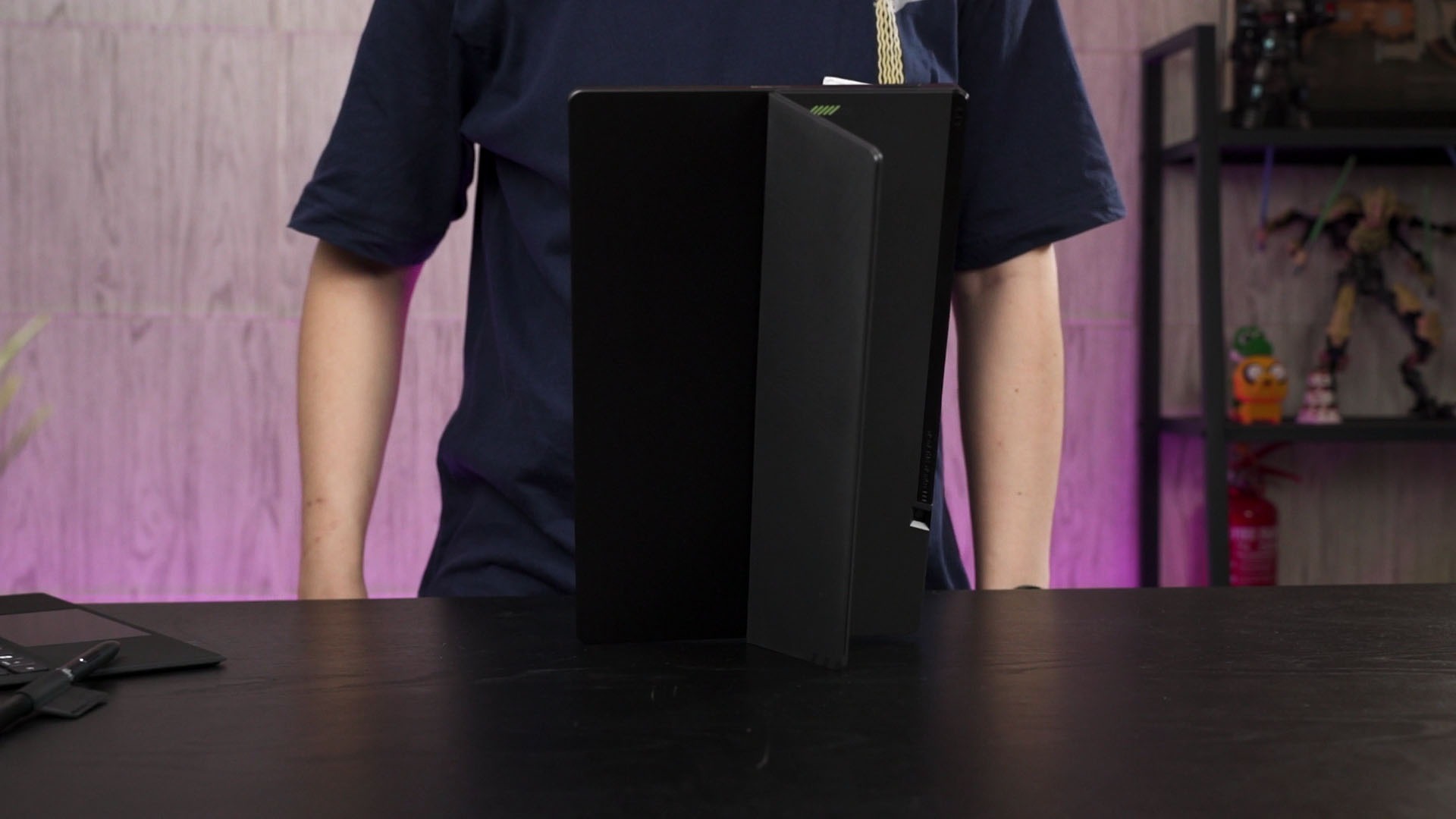
Honestly speaking, I don’t think I’ll ever detach this magnetic cover stand from the tablet – ever.
The detachable keyboard
Now comes the detachable keyboard. It just snaps onto the bottom of the tablet via magnets. I’ll tell you this now – this keyboard is much better than many conventional laptops. Each key has this really nice rough texture and the travel distance is amazingly well done.
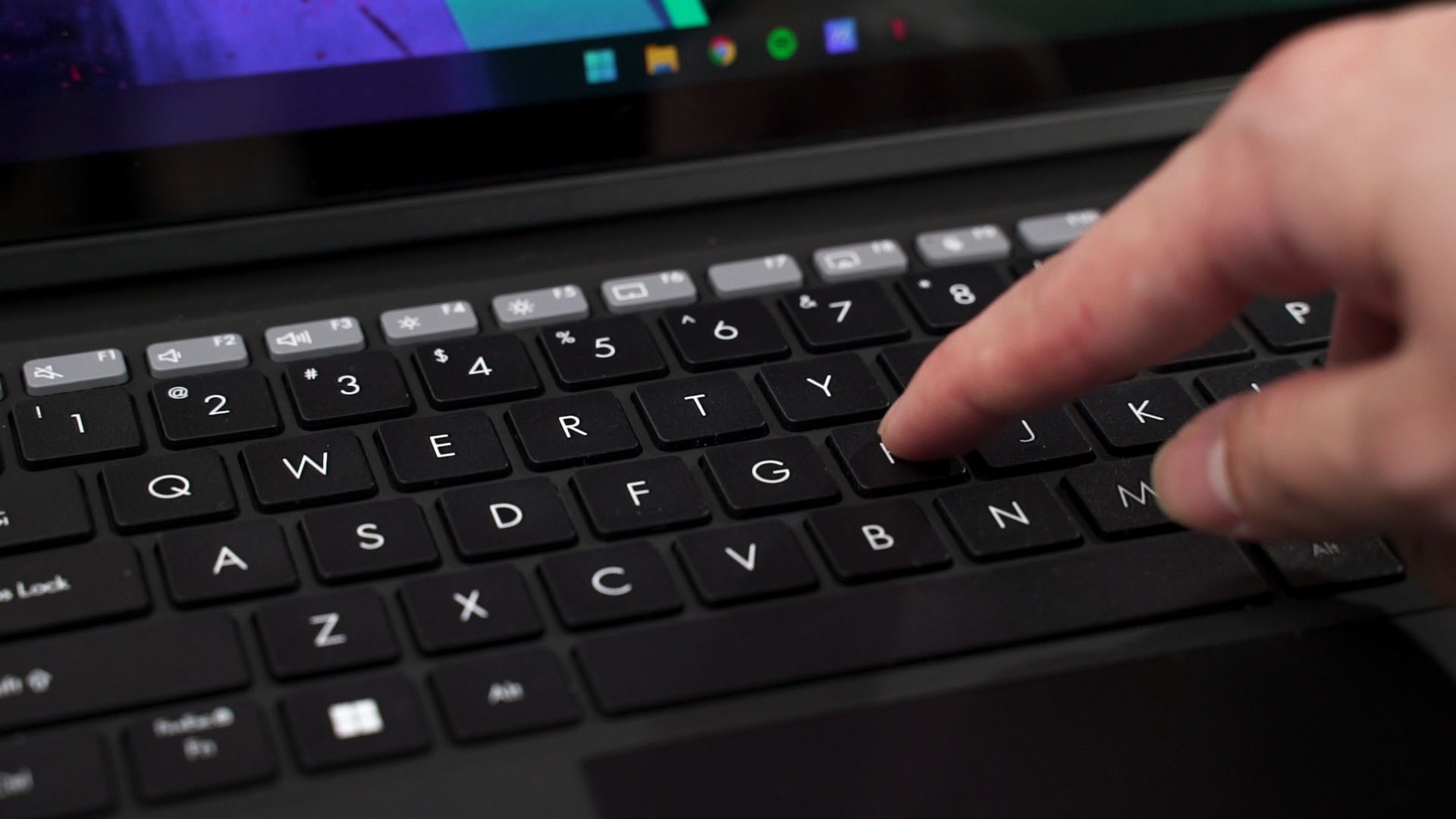
While this is called a “detachable keyboard”, it also comes with a trackpad. This trackpad is centered, large, smooth, and also has fantastic palm rejection. That’s not possible with any Android or iPad tablets.

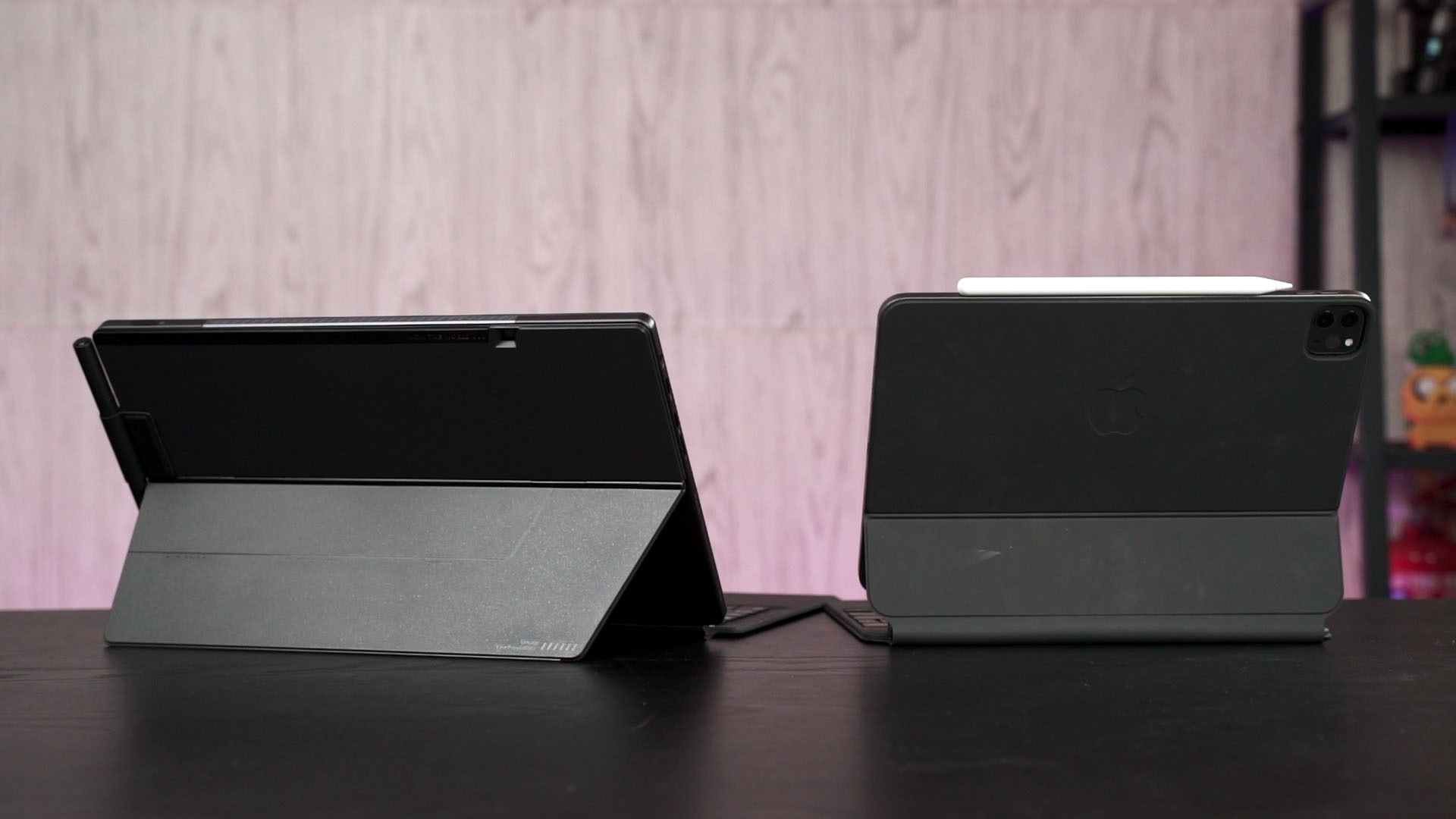
Also, I just want to bring up the iPad Pro for a moment. Combined with the Apple’s Magic Keyboard, the entire setup is much more compact, more stable, and can actually be used as a laptop on my lap. But of course, no other companies can copy that design as of now because Apple obviously patented it. They deserve it! I mean, they deserve it since they do have some really genius design. Sometimes.
Where to buy the ASUS Vivobook 13 Slate OLED? (Affiliate links; not available yet, though)
Now that we’re done reviewing this device and since we do have this unique little device with us, I’m going to explore other operating systems. I have thought of giving Linux a try on this tablet, but I have a confession to make – I never used Chrome OS before.
So, I’ll give Chrome OS on this device a go and see how things play out, then an update to let you guys know my experience.
Like our Facebook Page here at NasiLemakTech.com for more news and in-depth reviews! Also, join our Facebook Group for insightful information and memes!
Subscribe to our YouTube channel too!