





















Multimedia speakers. Who really uses them anymore, anyway? While the days of home desktops have decreased, many people have opted for a fancier and compacter Bluetooth speaker. It might be convenient, but the sound quality is still up for debate. Enter SonicGear Titan 11 BTMI – a 2.1 speaker system that has Bluetooth and more.
Let’s start off by saying this – we’ve previously reviewed quite a similar product before. Remember the Quatro V that we reviewed last year? That is a small USB-powered 2.1 speaker system that can play music through Bluetooth, microSD card, aux audio jack, and even FM radio. The SonicGear Titan 11 BTMI is no different.
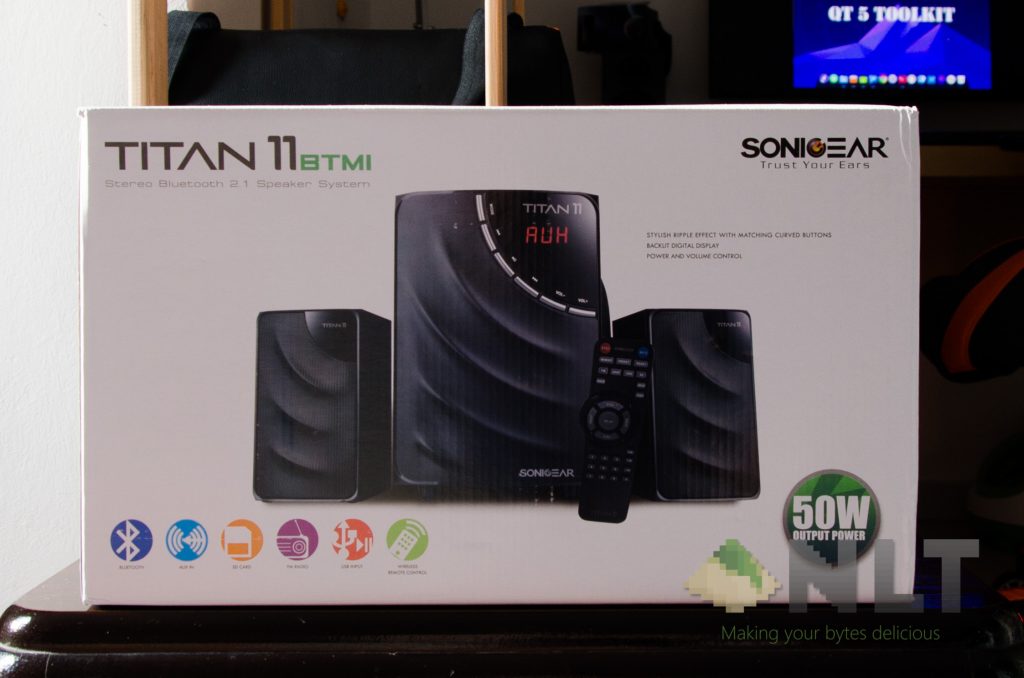
The box itself is considerable in size, but right off the bat though – there’s one small, minor complaint. For some reason, the material used for the box is pretty thin and weak, in my opinion. The speaker arrived at my doorstep with some heavy damage on one side of the box. Not much of a deal though, because there is a considerable amount of foam inside, protecting the speakers.
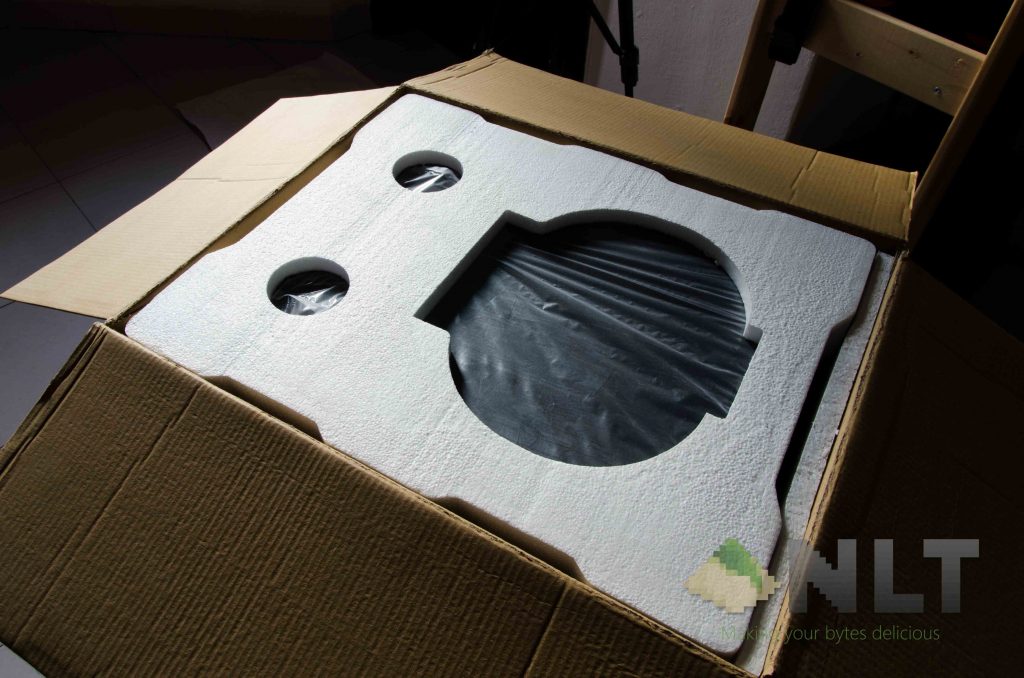
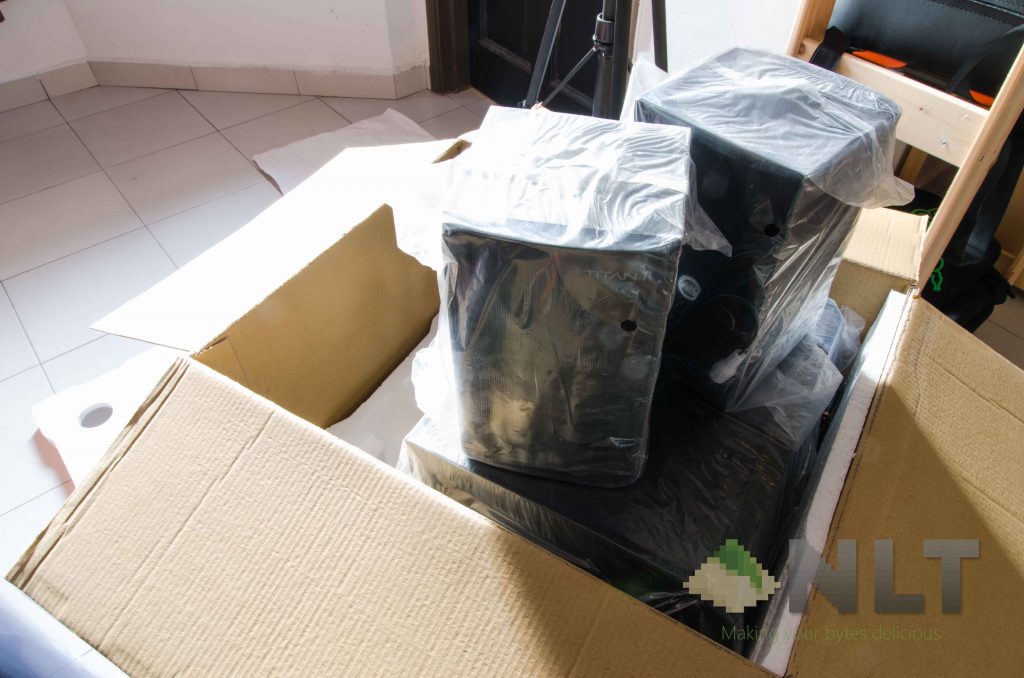
Once the foam is removed, it reveals the 3 largest components in this speaker system – the two satellites and one subwoofer. It’s all wrapped in plastic – so that’s a plus point from me. If I need to transport these large items, I can do so without worrying that it’ll get scratched during the process.
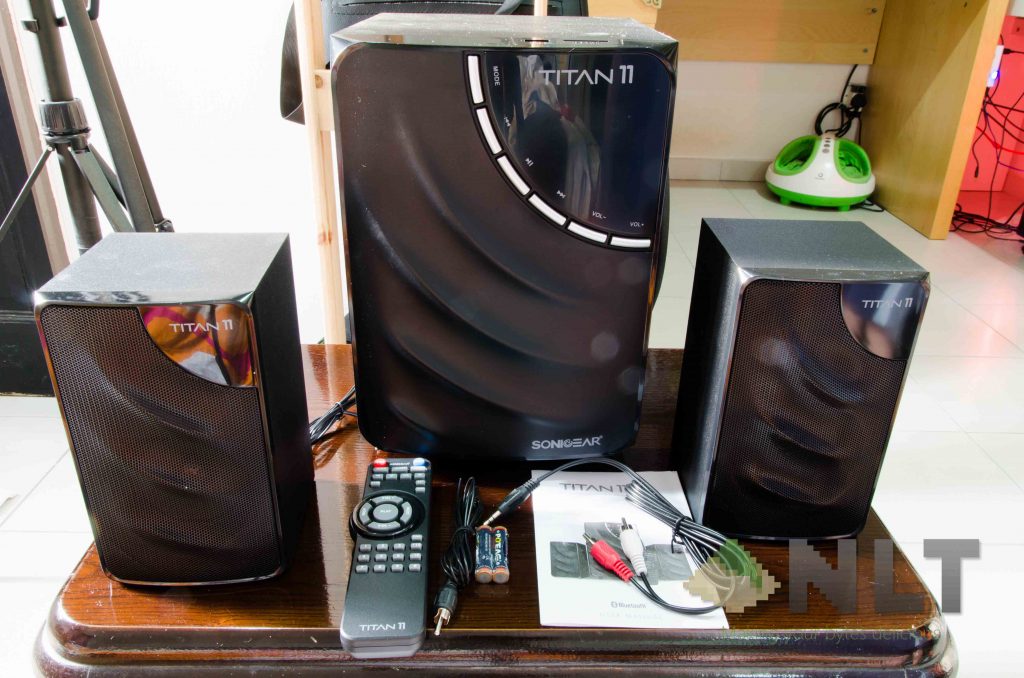
Digging through all of its contents, I found out there’s more than I expect to have. Firstly, I like the fact that they included batteries for the remote control. I don’t care what brand or quality it is – a decent one will do, as it can get me started right away. Then, there’s a FM radio antenna, a RCA-to-3.5mm audio jack, and a user manual.
[nextpage title=”Design & Features”]
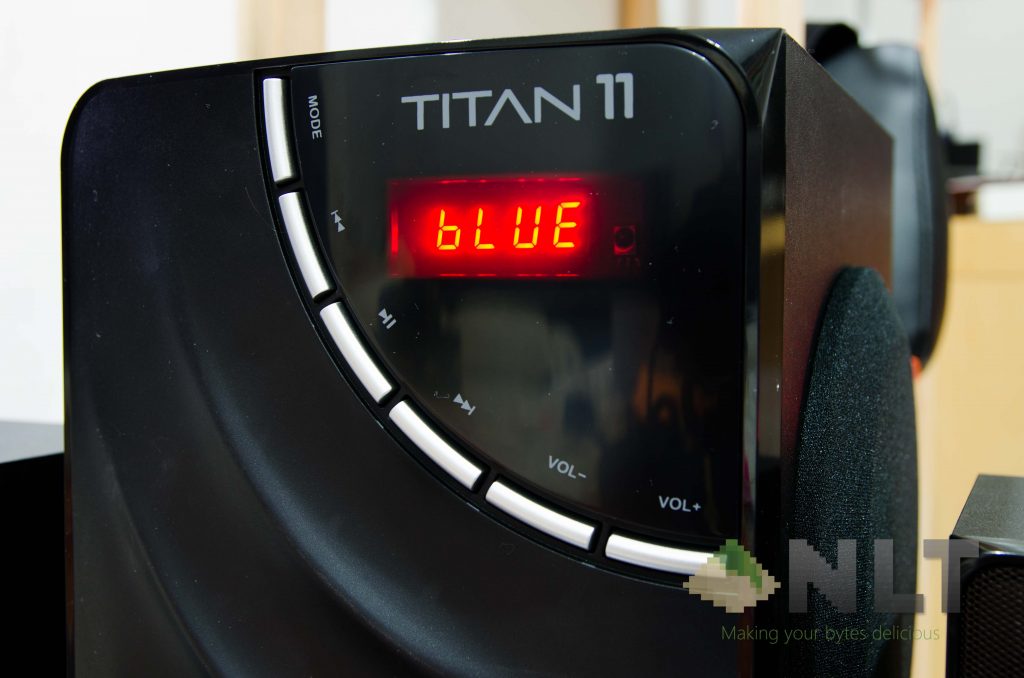
Personally speaking, the SonicGear Titan 11 BTMI looks great. It has a 4-character 7-segment display at the front, which is bright enough to be seen in a brightly-lit environment, yet not too bright that it hurts my eyes while in the dark. I use this speaker while I sleep, actually.
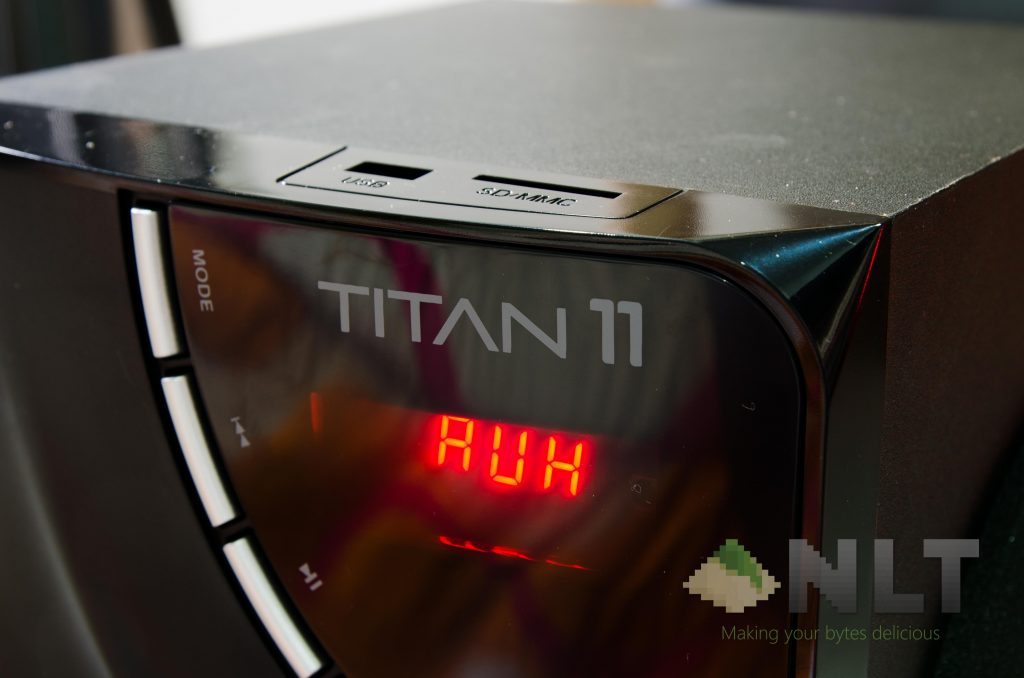
Its design is consistent throughout – with the top right corner having a piece of glossy plastic and a label. This part doesn’t serve any purpose on the two satellite speakers though, so I wonder why SonicGear included that.
However, on each and every piece of the speaker, it has some sort of wave pattern on its grills. It’s a really neat design, to be honest. Does it serve any purpose? Maybe not, but gains lots of points in terms of aesthetics.
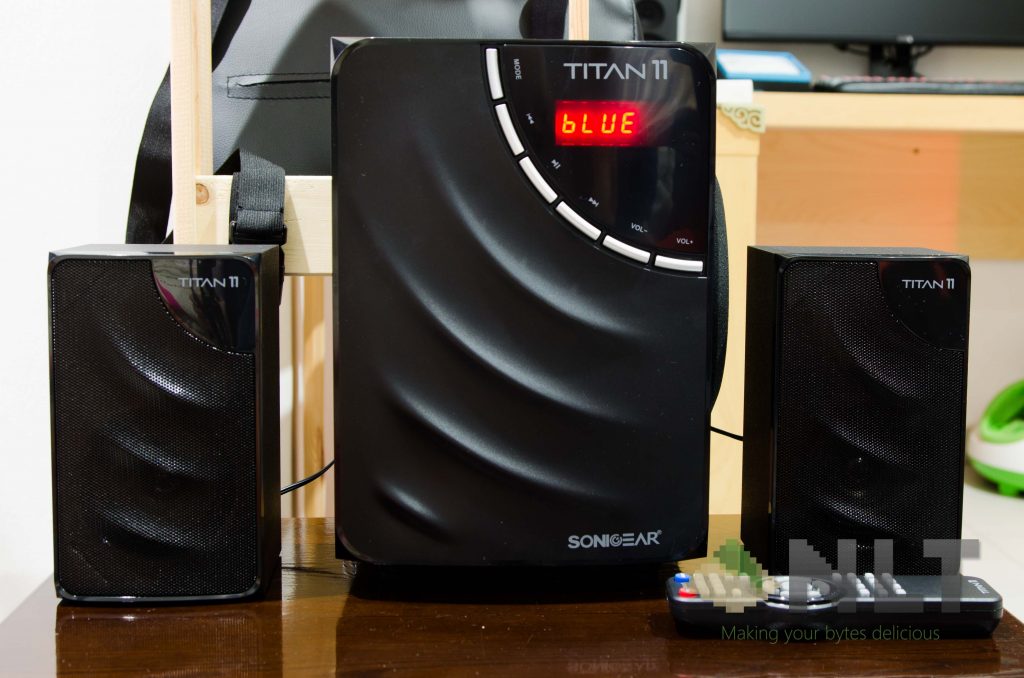
Overall, the design of this speaker is great. Even the build quality is great. Matte black finish on all of its surfaces except the front. So far so good, but…
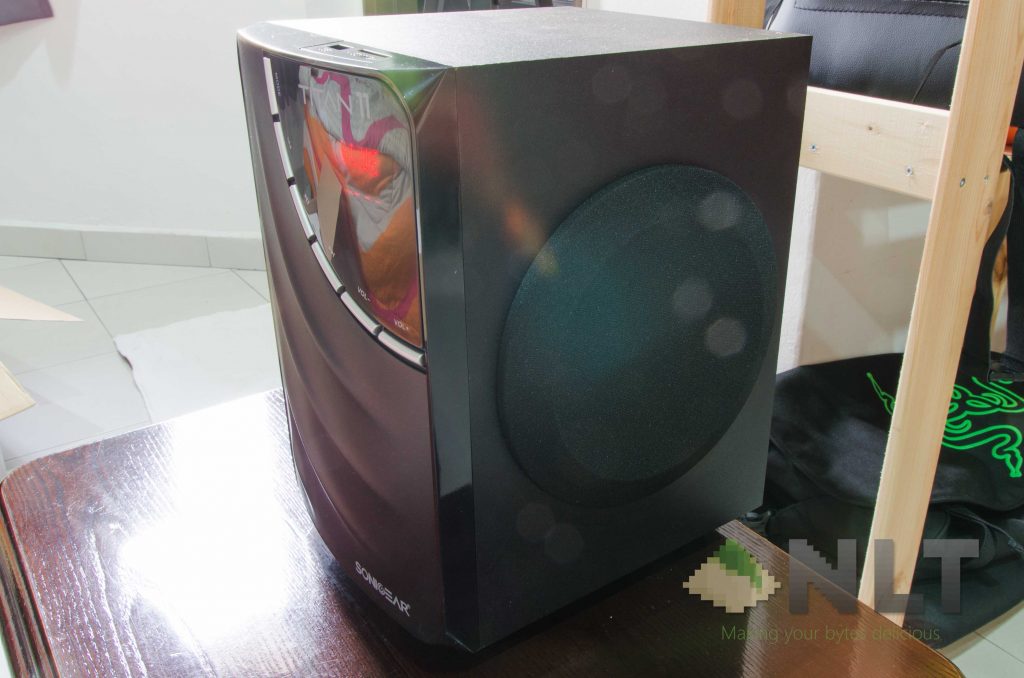
Since the subwoofer is designed in such a way, it must be placed on the table. If I do put it on the floor, I can’t access the ports or USB/SD card slot easily. Also, pointing the remote control downwards to a corner in the room just to control the volume isn’t that nice-looking either. Luckily though, it doesn’t really affect the bass quality much since the cone is facing sideways instead of downwards. More about the sound quality itself later.
Features
The amount of actually relevant features on the SonicGear Titan 11 BTMI is definitely what sets this speaker apart from its 2.1 speaker system rivals. As you might have realized, the SonicGear Titan 11 BTMI comes with a remote control and a FM antenna. That gave out some hints on what features it has, but there’s more.
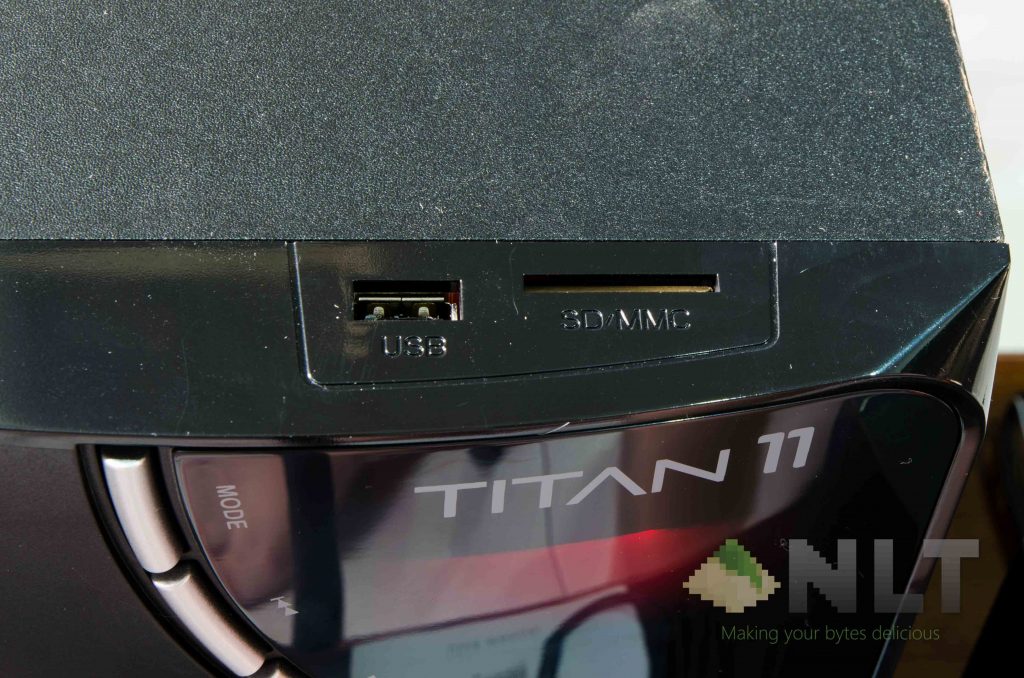
All you have to do is format your USB flash drive or SD card to FAT32 format, and copy your music files in it. Then, plug it in the SonicGear Titan 11 BTMI. If the speaker is already turned on when plugging in the USB drive, it’ll automagically switch to USB mode. That’s pretty neat!
[nextpage title=”Using the SonicGear Titan 11 BTMI”]
The biggest realization I had about the SonicGear Titan 11 BTMI is the buttons on the subwoofer. It’s adequate enough to do some basic controls like changing modes (the speaker does have a weird-sounding announcer to tell you what mode is selected by the way) and volumes, but totally impractical when it comes to FM radio mode or seeking to a specific track number while on USB/SD card mode. That’s where the remote control comes into play.
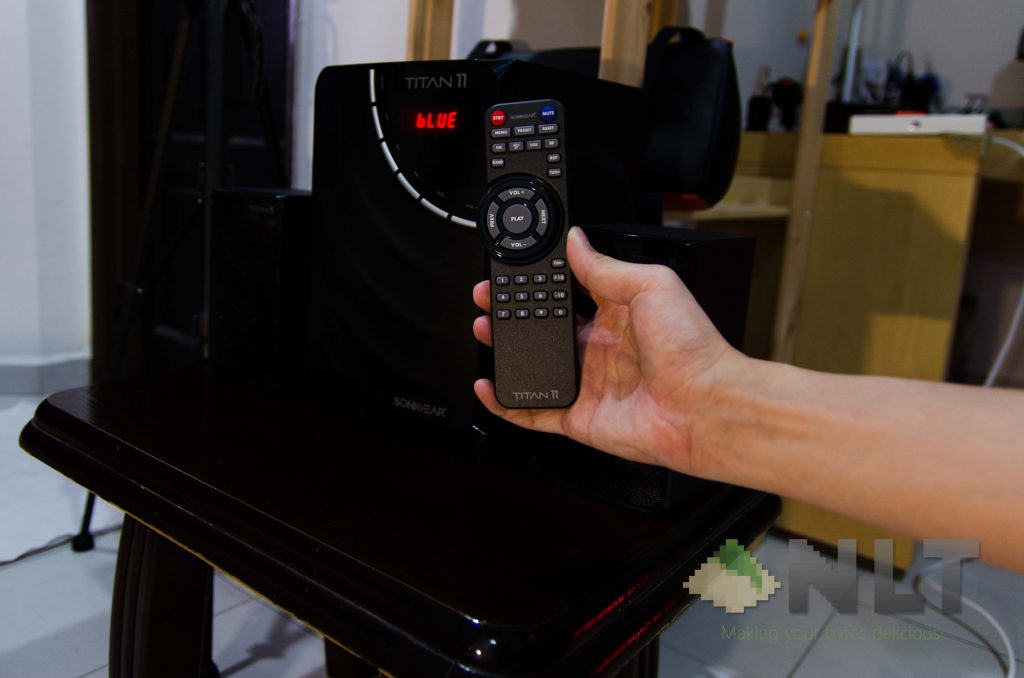
It’s a full-sized remote control actually – looks like a TV remote too. The remote could be smaller in my opinion, since there’s a ridge for ergonomic purposes – but I doubt anyone would hold a remote control for that long period of time.
Anyway, make sure you don’t lose this remote control, as it is very crucial in controlling the SonicGear Titan 11 BTMI. It does way more functions than what the speaker itself offers – and I like it. Makes changing FM radio stations much more easier too. Speaking of FM radio…
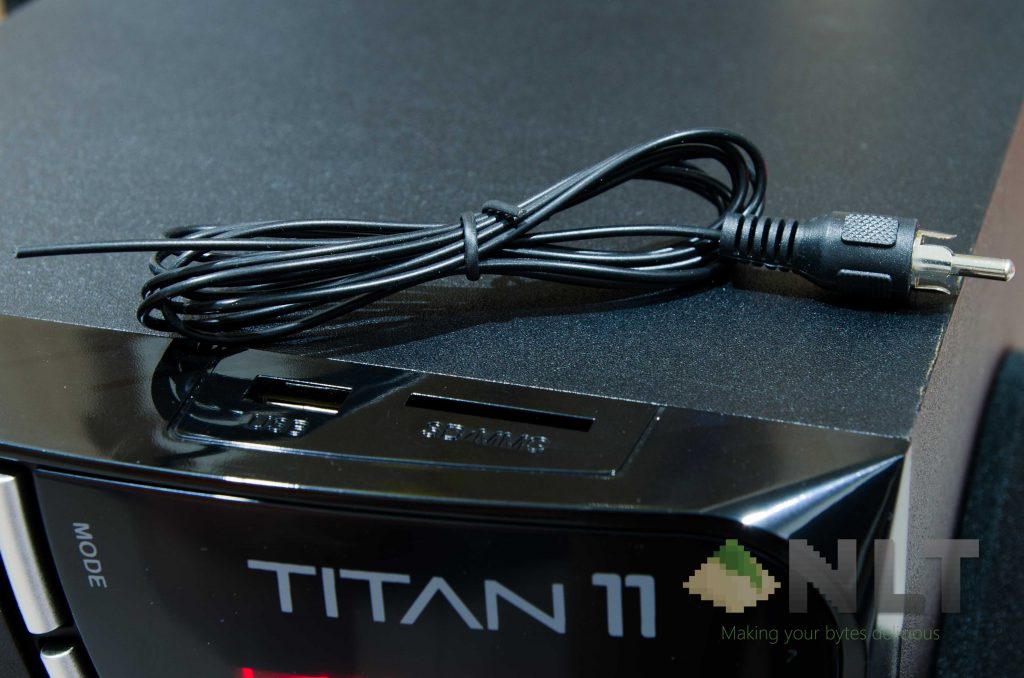
You’ll have to attach the dedicated FM radio antenna onto the subwoofer itself. That means one more cable protruding out of the speaker itself, and the cable will have to be positioned somewhere else so that the FM signals can be received relatively clean. Thankfully, the FM radio antenna cable is a little lengthy.
That said, there some minor complaints I have with the SonicGear Titan 11 BTMI. A big one too – and that’s related to its on-board memory storage. I did mention about this quite heavily on my review of both the Pandora Neo Classic speakers, where all settings – including volume and FM radio frequency settings – will be lost when the battery is depleted. A simple CMOS battery to keep the on-board memory powered up would address this.
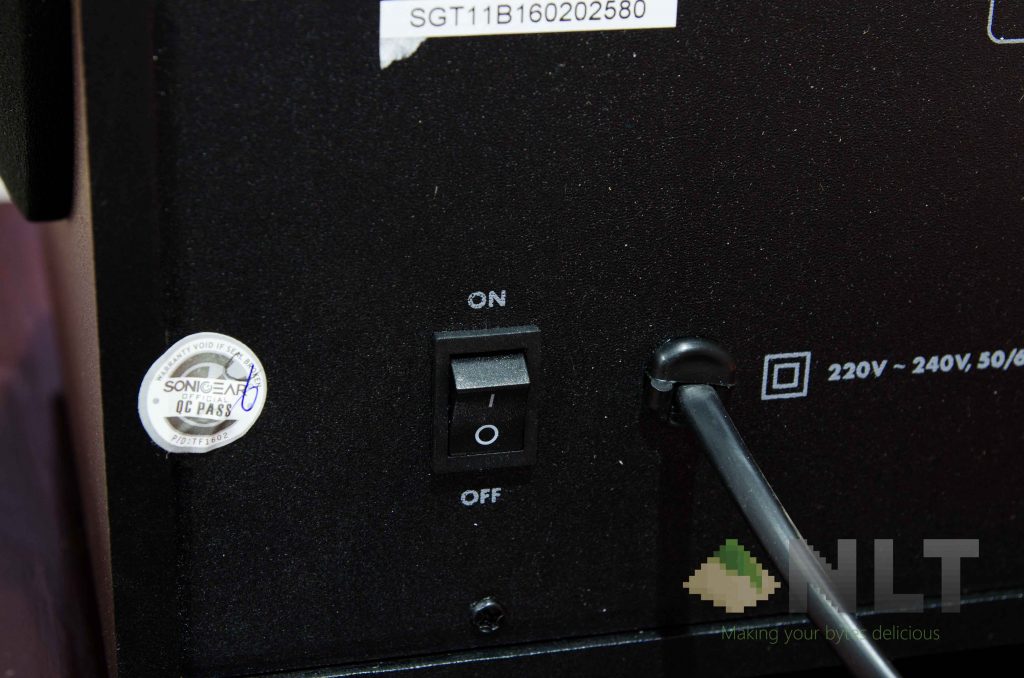
The only way that the SonicGear Titan 11 BTMI can hold all the settings is by putting it on standby instead of powering it down entirely – and those red lights on the display will display “- – – -“, and there’s no brightness control either. That means you can’t turn off the display without losing all of your settings – which is the same as my Edifier C3, a 9-year-old speaker system.
UPDATE: There’s one newly discovered issue regarding its Bluetooth mode.
I discovered that once Bluetooth when I was reviewing the Edifier XM6BT. When the speaker is paired, it will automatically pair with the previously-paired device. There is no option to unpair the two on the speaker itself, and you’ll have to manually unpair or disable WiFi on your connected device before pairing it with another device.
This holds true for both the Edifier XM6BT and the SonicGear Titan 11 BTMI, which is a real bummer for someone like me who has multiple devices.
However, the sound quality is something to behold.
[nextpage title=”Sound quality”]
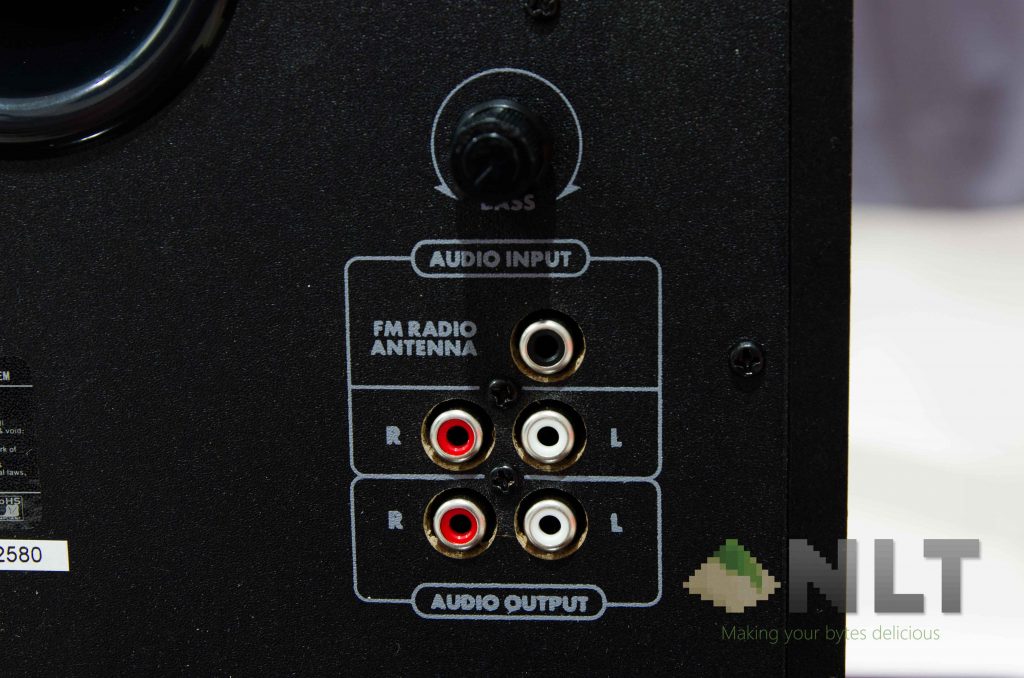
First of all, I’m going to compare it heavily with my personal 2.1 speaker system – the Edifier C3. The C3 is old – I know – but that speaker is still rocking hard even after 9 years, and it still sounds fantastic! That said, let’s get on with it. Let’s take a look behind the speaker itself. It features RCA cables for left and right channels for both audio input and output.
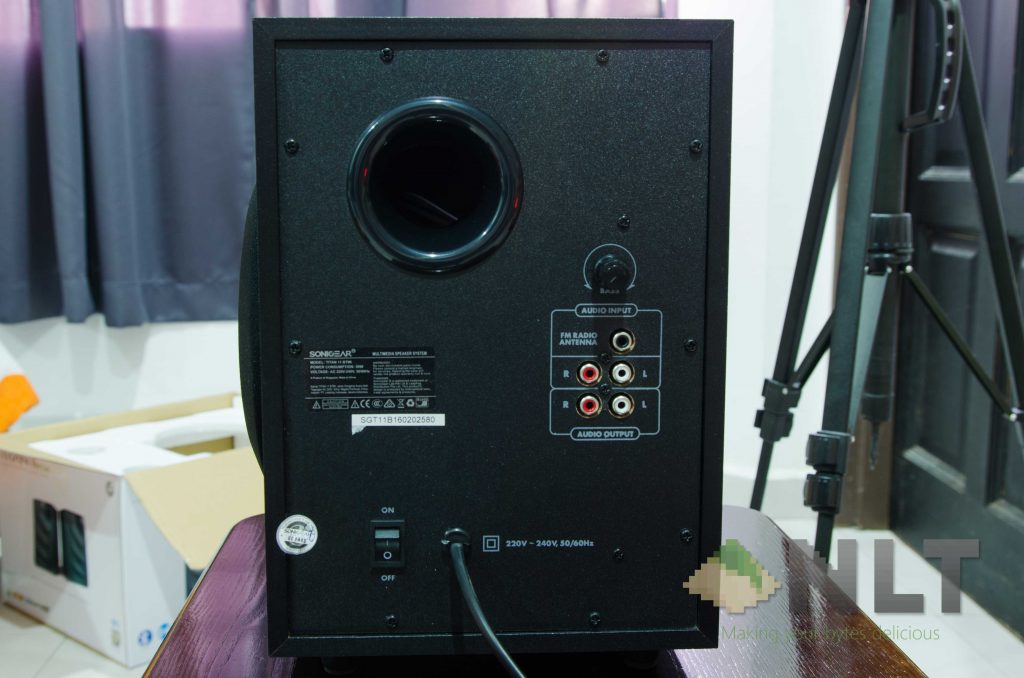
Then there’s that bass knob. It does provide some degree of freedom when it comes to bass tuning, but it keep in mind that it has a 5.25-inch driver for its subwoofer. It means the bass is still limited by its driver size itself.
At the beginning of my sound tests, I realize that the bass response isn’t that good, so I turned the bass knob and tried again. In the end, I just turn it all the way to the max and tested it thereon. Personally, I think the songs sound much better with bass turned on to the max – it’s not too heavy, so the SonicGear Titan 11 BTMI might not be for bassheads.
On songs like Alone by Marshmello, where bass hits strongly, does sound fantastic throughout the room and made the table vibrate too. Too bad that it’s already on the maximum bass setting though. Mids and highs sound great on that particular song too – which I personally enjoyed.
Listening to orchestral music sound fantastic too – as its mids and highs are maintained very well throughout its frequency response. The bass is balanced nicely and did not overwhelm the mids and highs – which I absolutely prefer.
On some songs with vocals all throughout – for example rap or specifically the beginning of Let U Fall by PatrickReza and Aubren Elaine. The sound produced by the SonicGear Titan 11 BTMI sounds absolutely great.
Oh – by the way, I’m testing it entirely over Bluetooth. Once I accidentally launched Overwatch while connected to it and I thought – this would be a great test for audio latency! To my surprise, there is no noticeable audio delay between the game itself and the audio that I perceive. Same goes to movies and YouTube videos, as mouth movement is in sync with the audio that I hear. Great!
Overall, sound quality wise – the SonicGear Titan 11 BTMI is fantastic. My first impression is blown away like it was a feather – although I wish that the highest bass level can be increased a little further. That’s just because some songs sound even better with more bass – like The Salmon Dance by The Chemical Brothers.
[nextpage title=”Wrap up”]
I’m impressed by how great it sounds, honestly. It comes with all the latest and greatest features that everyone is seeking – like Bluetooth and USB playback, while not forgetting the more obscure features like FM radio and aux. Comes with a remote control that does everything that you want to do, and has a bass knob to adjust the bass in a granular fashion.
I really like this speaker, and it’ll be perfect if there’s no loss of settings each time it’s powered down. “So what’s the price for this speaker?” – I thought to myself. To my surprise – not much. It costs at about RM189 right now on Lazada. That’s excluding the 5% discount for purchases made via HSBC and discount codes too! That’s a great deal!
Check out the deal right here at https://goo.gl/oT1QIl!
Like our Facebook Page here at NasiLemakTech.com for more news and in-depth reviews! Also, join our Facebook Group for insightful information and memes!
Subscribe to our YouTube channel too!

