
We’ve all heard of the phrase – Netflix and chill – and by now I’m sure most of us are familiar with this phrase. Enjoy some lovely time with your boo while watching Netflix together while… er… I’d say embracing each other intimately. Netflix however is something that is not available in Malaysia – and never will be, since iflix is approved and established their user base.
What is UnoTelly, really?

A legitimate question right here. First off I’ll have to point this out – it acts more like an intermediary layer between us the TV users, also know as the chillers, and services like Netflix, also known as the providers. UnoTelly here is made with the chillers and providers in mind – and they’re really engulfing the entire world’s internet TV watchers.
Imagine this – the chiller wants to watch Orange is the New Black but the chiller is not in the United States – let’s say in Malaysia. Netflix won’t work, since the IP detected is coming in from Malaysia. That’s where UnoTelly comes in. If somehow and some way the chiller manages to get great internet to stream Netflix, then you’ll be able connect to Netflix through UnoVPN (available with UnoTelly Gold Plan) and voila, your Netflix shows while staying at another side of the world!
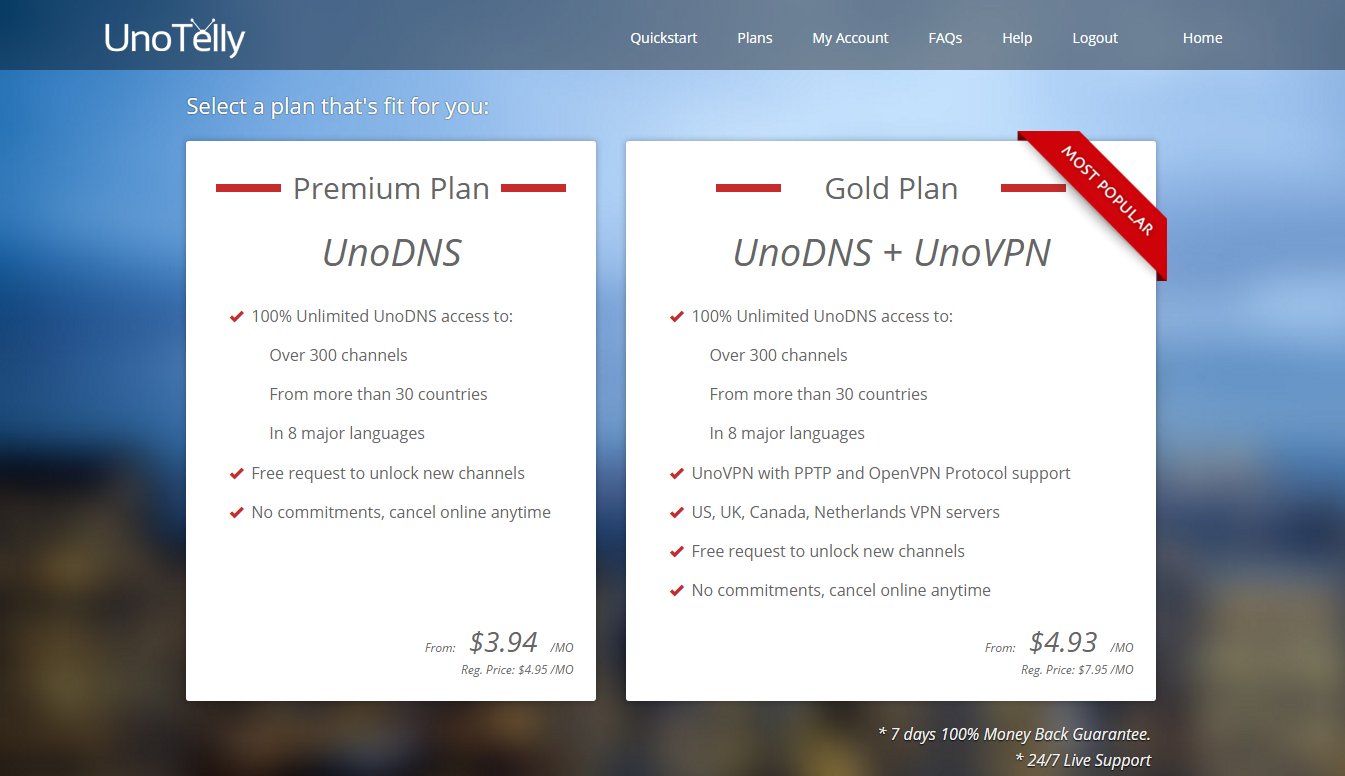
UnoDNS and UnoVPN does two separate things, but the plan that I have here for testing is he Gold Plan. Gotta watch shows from other countries, fam.
Using UnoTelly
In simple terms, it’s like this. You at a different country, where your usual services won’t work, can watch Netflix by going through UnoTelly’s UnoVPN!
You may or may not know that American TV is more or less like a pay-per-channel type of subscription. So if you wanna watch channels like Cartoon Network for example, you’ll have to subscribe for that channel through your TV provider service, and then use the credentials provided by your TV provider and login to watch those content.
Same goes to Live TV too actually. Once you’re logged in, you’ll have to be in the United States or whatever country you’re currently situated to watch contents uploaded to those sites.
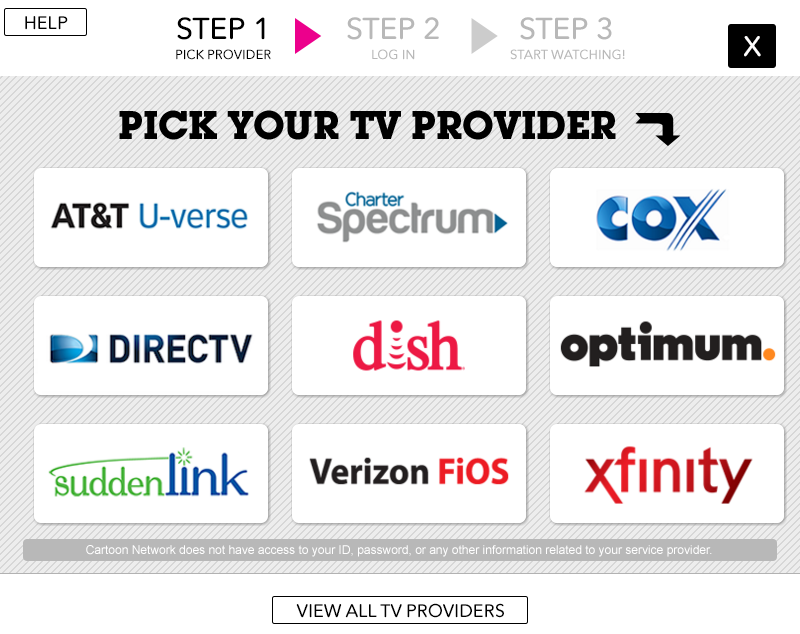
So in this case, to watch the United States Cartoon Network on live TV when I’m right here in Malaysia now, I will need these things :
- A TV provider account that is subscribed to Cartoon Network
- Residing in the United States
UnoTelly’s UnoVPN does the first thing for you with absolutely no hassle!
Why you need UnoTelly
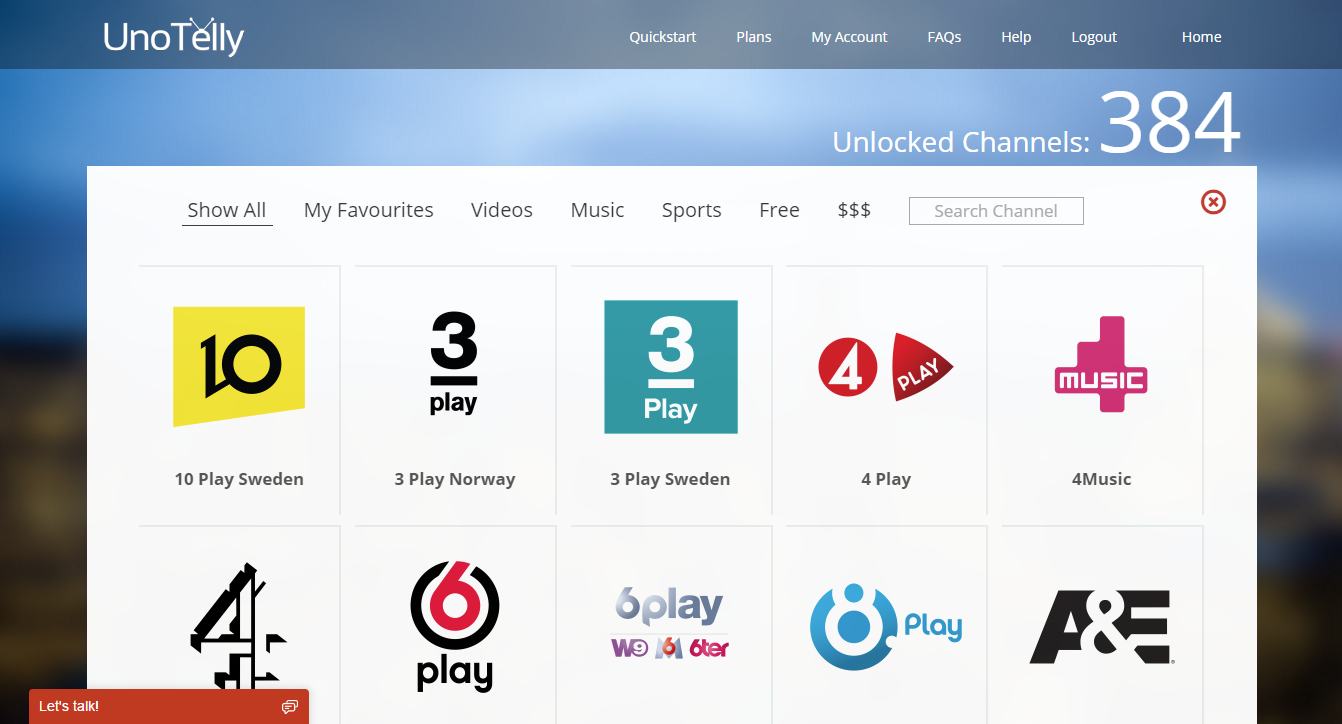
Let’s be honest here – UnoTelly is not just for those who reside in the US, as UnoTelly is smart enough to create a simple categorical separation for all channels – 384 to be precise, and counting.
Even when the channels are free to watch, some of them require you to be in the United States, else the web page just can’t load outright. UnoTelly is here to fix that, obviously.
I’ll tell you outright that I don’t have an American TV subscription, but I watched pre-recorded episodes on Food Network from the United States for free, and I did that by using UnoTelly. I specifically watched this episode on my computer where UnoTelly was set up, it ran flawlessly and I watched the whole episode with my mom, who loves to cook.
Okay – so I cheated a little by using a PC to set UnoTelly up and watch that episode on Food Network. Though the setup process is easy and fully guided by UnoTelly’s very friendly widget, and I’m pretty sure someone like my mum would know how to set it up if she follows the guide.

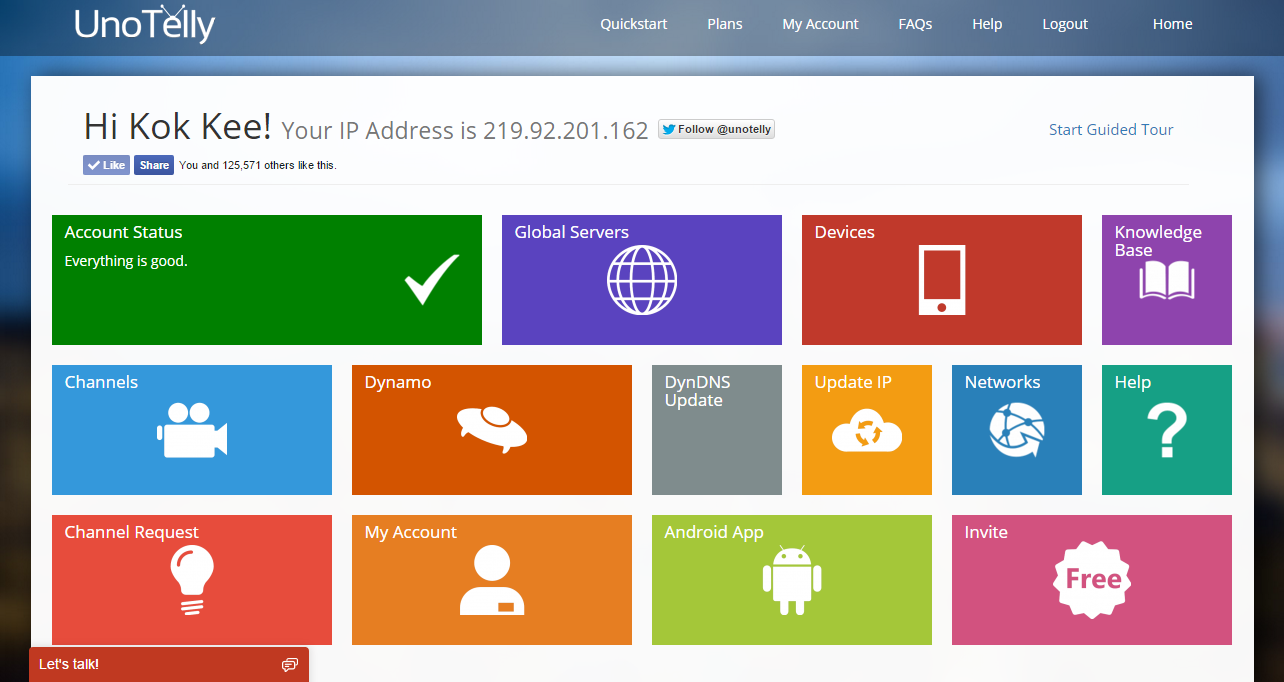
Yet again I digress. Back on the main point here, UnoTelly can be used by all sorts of devices! The setup process is fairly simple – if your device has an option to manually tweak its network settings, then it’s a very straight forward process. If your device doesn’t have manual network settings, then it might require a little bit more work before everything is set up. UnoTelly got you covered too, with their awesome customer support!
Yes, the setup process is nicely described in two steps, but the second step is a big headache for first timers. Whichever case that may be, UnoTelly provides specific guides for certain devices on how to set up, like the PlayStation, Xbox, WDTV Live, Windows and Mac machines, Android and iOS devices, and even Smart TV by Samsung, Sony, LG, and Toshiba. If you wish to have all your devices at home to be using UnoTelly, then set up the DNS on your router instead, where UnoTelly does provide guides for certain routers.
Privacy Matters
As you may or may not know, using services like UnoTelly means that they can potentially track your movement around the internet. However, UnoTelly has clarified that they will do no such things, and will only identify a few things for obvious reasons – firstly your login time, then your logout time, and lastly the amount of bandwidth you used.
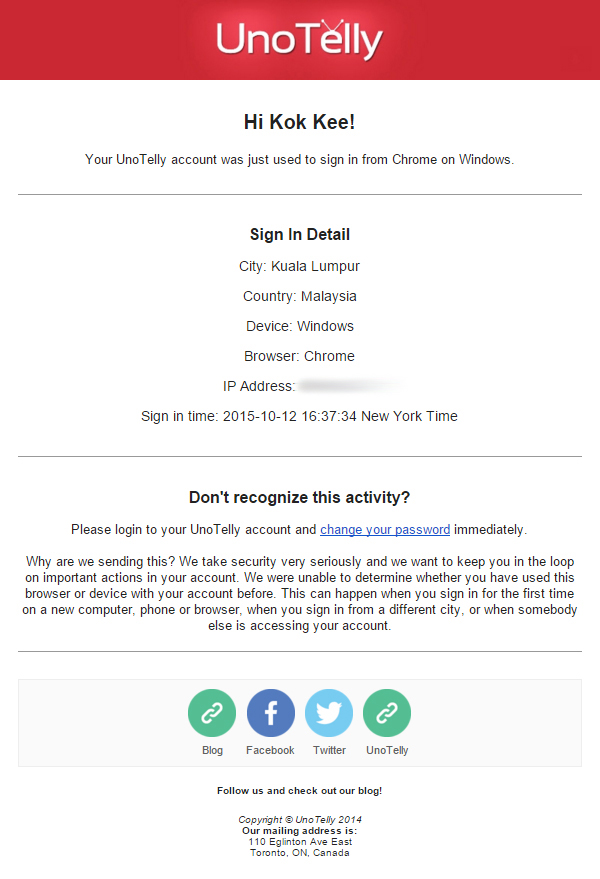
I know what UnoTelly is opting for – and that is basic security with the real minimal amount of activity monitoring. Each time a new device logs into my UnoTelly account, an email is sent to me, notifying that someone of this time and location (from their IP) has logged into my account! And that’s great – I don’t want anyone logging into my account and ruining my Netflix and chill session.
As for the bandwidth usage part, UnoTelly has to monitor how much bandwidth has been used in specific regions. Then, they can improve their bandwidth cap and improve their service for you. This data serves absolutely no purpose, other than that. Then comes the logout time part. Let’s say that bandwidth usage is at its peak from 8pm to 11pm, then the lowest at about 2am to 8am. With these exemplary situation, UnoTelly being smart, will have more servers running during the peak hours and less servers when most of the people are sleeping. Don’t wanna waste energy if less people are going to use at that time now, do we?
Also, all of the data going through UnoTelly’s servers are sharing the same IP, so it’s quite impossible to track your data and patch it all back together, since it got jumbled up with other people’s data. Just like how a it’s impossible to find a piece of paper after being shredded and mixed with other shredded papers.
Bonus Features
Remember UnoDNS and UnoVPN as two separate services? UnoDNS is what most people will generally use, as it enables any UnoTelly users to watch content from other countries – but only if the internet you’re connected to allows you to have a custom DNS. Else, you’ll have to go through the other service that UnoTelly includes in the Gold Plan – the UnoVPN.
In its simplest terms, UnoVPN is like an agent. It takes the video that you’ve requested and sends it to the user. Your agent will do the talking for you, as the agent here is able to help you get stuff that you can’t even get close to. Since there’s another layer between you and the video you’re watching, there will be some delays introduced.
These services are amazing – set it up once, and everything just works!
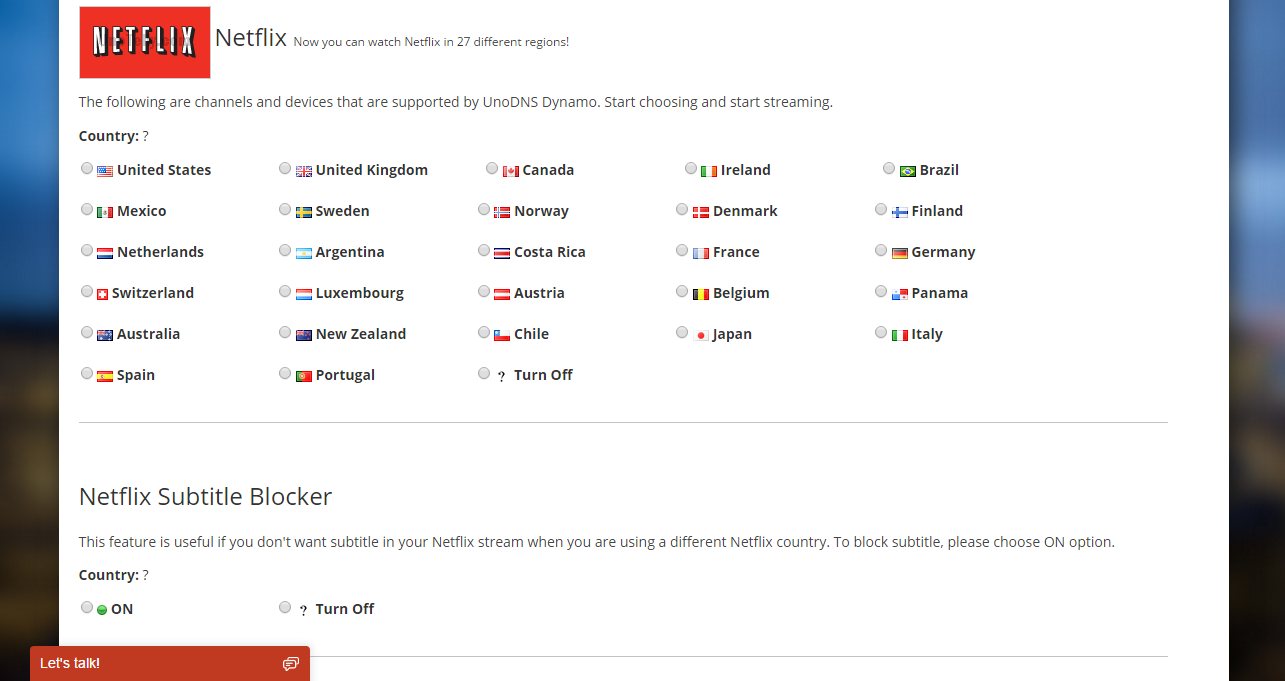
UnoDNS also comes with Dynamo feature. Certain providers like Netflix is available in multiple countries. So the Dynamo feature here will enable you to change which country of the content you wanna enjoy.
Wrap up
UnoTelly is an intermediary between you (the chiller), and the provider (Netflix for example), where UnoTelly enables the chiller to bask into the entire library of what Netflix has to offer. UnoTelly is really easy to use, and they have a lot of options catered for non-techies and advanced users alike.
Best part is, you can use the same UnoTelly account in several computers at the exact same time. I really like to support the shows directly by watching them on legitimate channels, and UnoTelly created the portal for me to do just that. Seriously, what more can you really ask for?

BRB, gonna watch the latest episode of The Flash on CWTV.
Like our Facebook Page here at NasiLemakTech.com for more news and in-depth reviews! Also, join our Facebook Group for insightful information and memes!
Subscribe to our YouTube channel too!