





















PC gaming is never going to die, and we know it. eSports is on the rise, and custom-built PCs are selling better than ever too. However, many of us value function over form – and the ASUS Expedition GTX 1050 Ti will fit right into that category.
Before that, I think it’s best we clear some confusion here. ASUS has been releasing quite a lot of graphic cards these days. We’ve seen many different variants of their GPUs in the past, but it seems like ASUS is moving forward with four different lineups of GPUs – Strix, Expedition, Dual, and Phoenix.
So you might be wondering to yourself – what exactly does “Expedition” here really means?
According to ASUS’s own ROG blog, the Expedition card is “design like TUF motherboards” and it is suitable for non-stop and long-term durability, while still maintaining ASUS’s 0db technology where fans do not turn if it is under 55°C. Alright, with that out of the way, let’s proceed with the review.
Unboxing
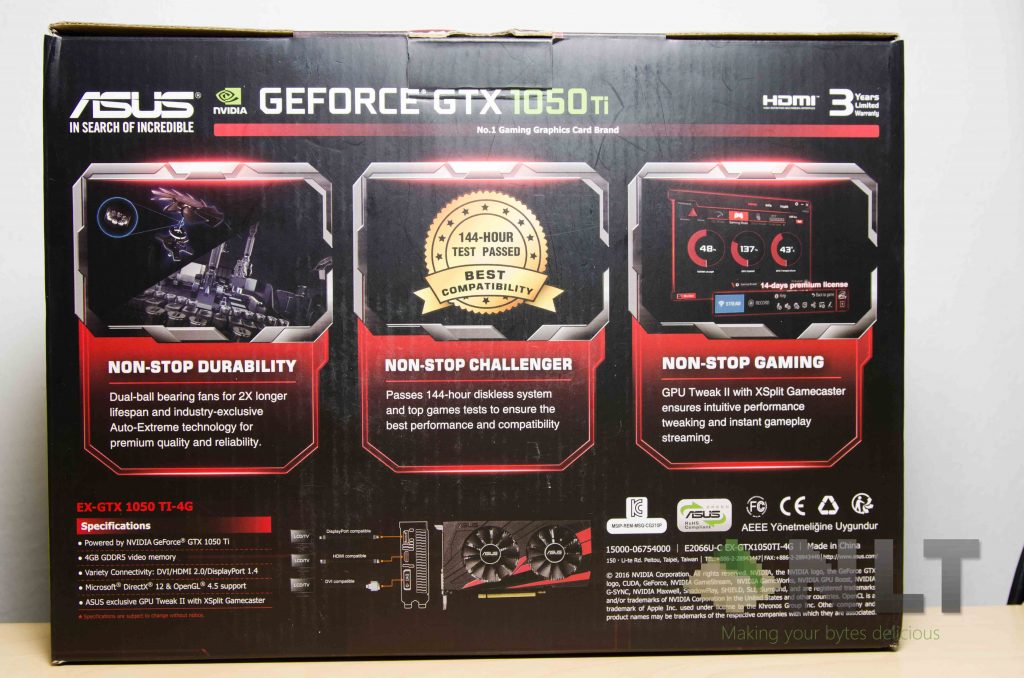
The box itself is pretty… I’d say informative. It tells you what’s the specialty of Expedition cards, but ASUS didn’t provide any sort of comparison with the other series of cards. I certainly hope they did.
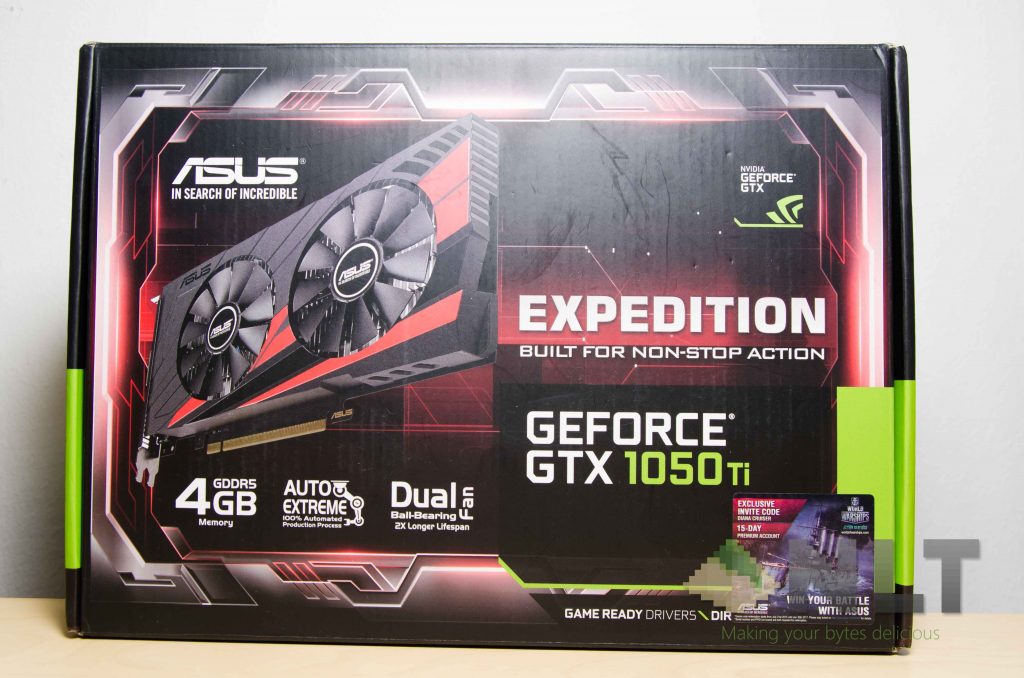
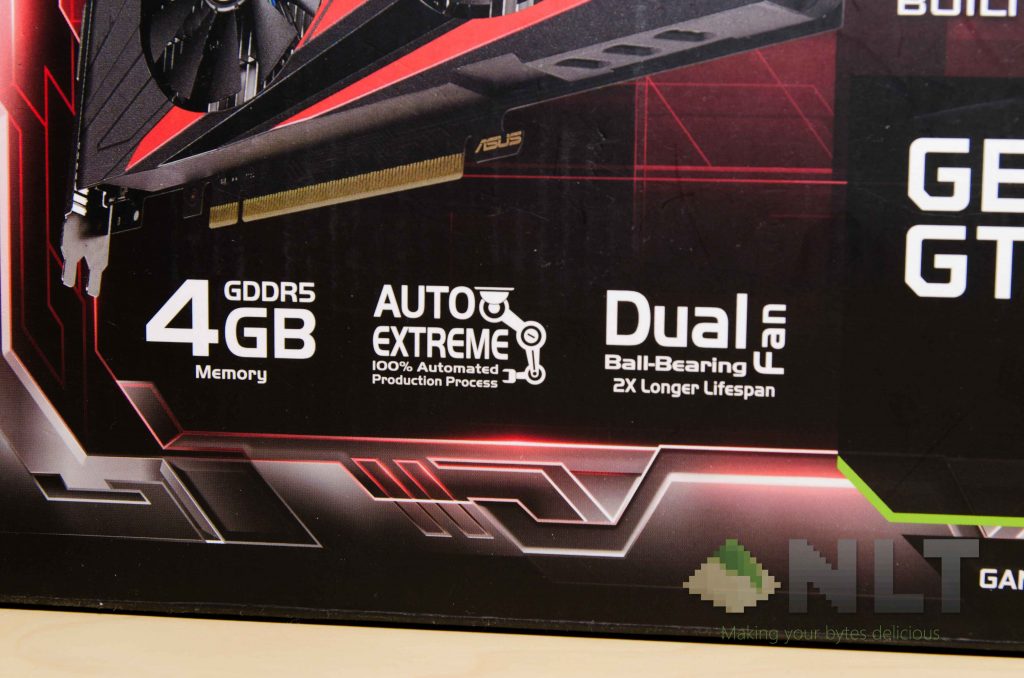
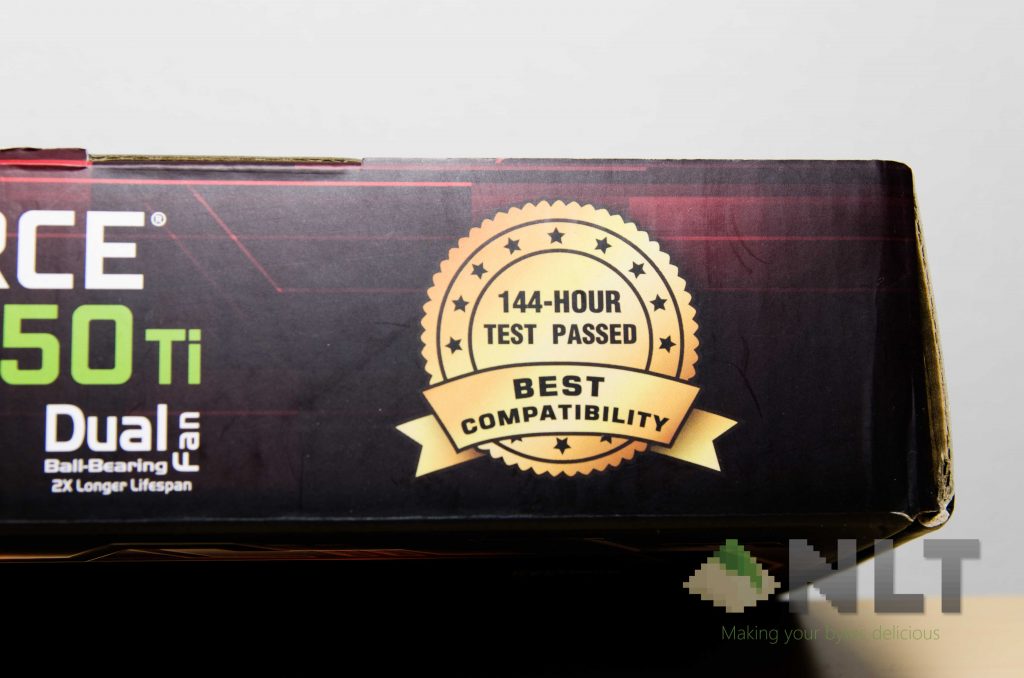
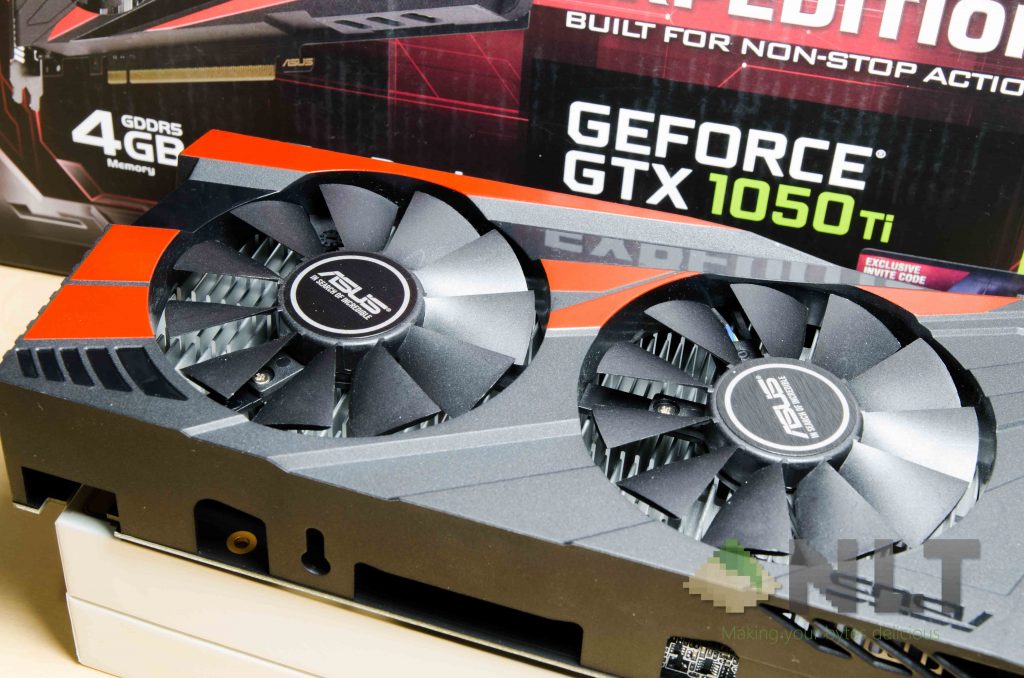
Anyway, every feature highlighted by the ASUS Expedition GTX 1050 Ti just screams long-term durability and reliability, as they claim to have a dual ball-bearing fan for double the fan’s lifespan, and a badge that says it passed a 144-hour long test!
Digging out all of the contents show pretty much everything that we would’ve expected to get – GPU itself, some documentation, and a driver disc.
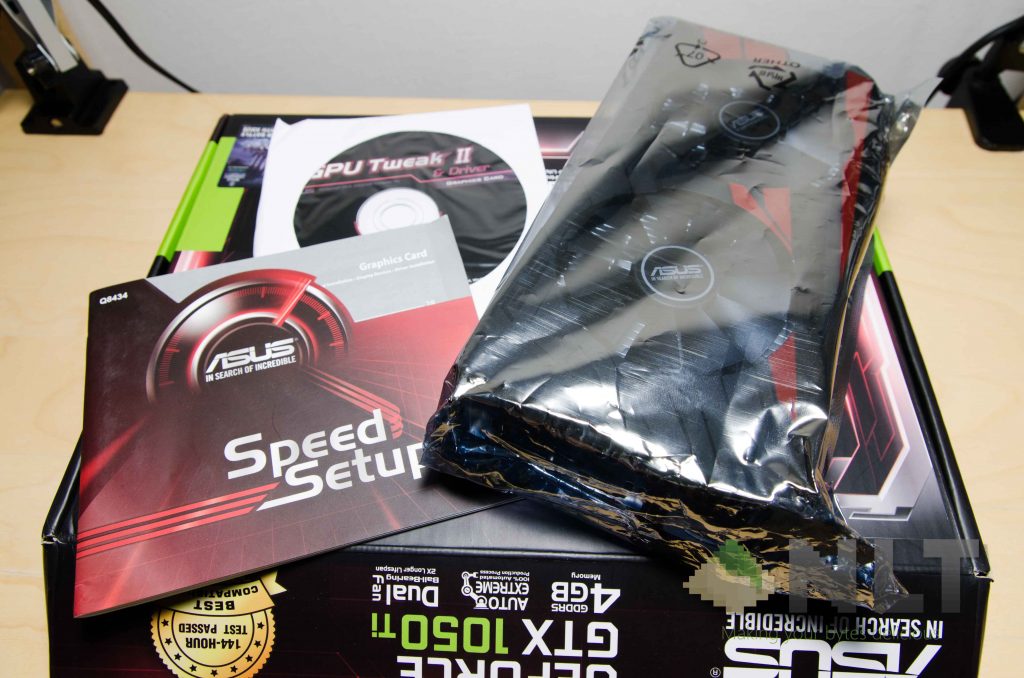
I was actually expecting a video output converter, but there isn’t. Not a big deal since the ASUS Expedition GTX 1050 Ti has a full-sized DisplayPort, a DVI-D port, and another HDMI port.
Design
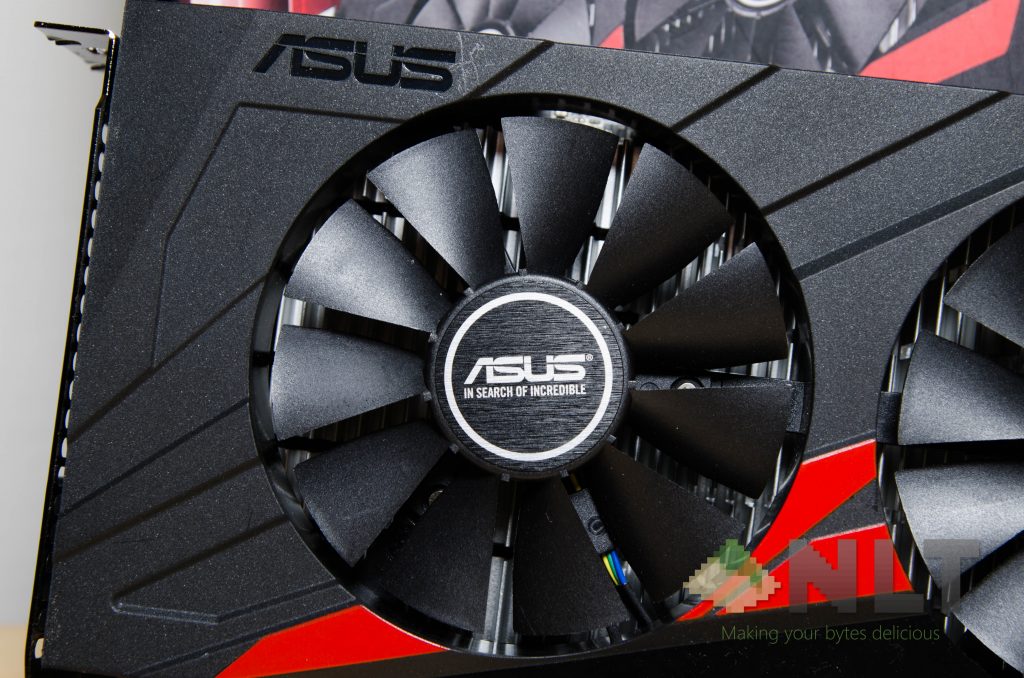
Let’s talk about the aesthetics. Who doesn’t want to talk about aesthetics these days, am I right? So here’s the deal – these Expedition cards don’t have all the fancy RGB LEDs. The shroud design – well, at least in my opinion – is an okay looking one. It gets the job done while providing some aesthetic value.
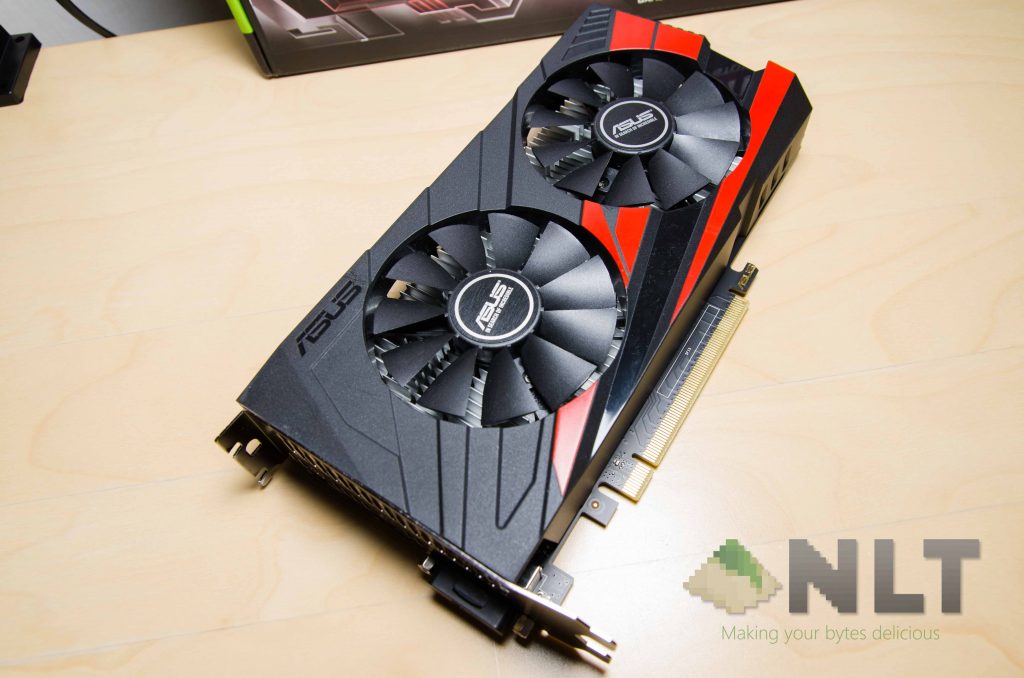
Take a look at some of these shots right here.


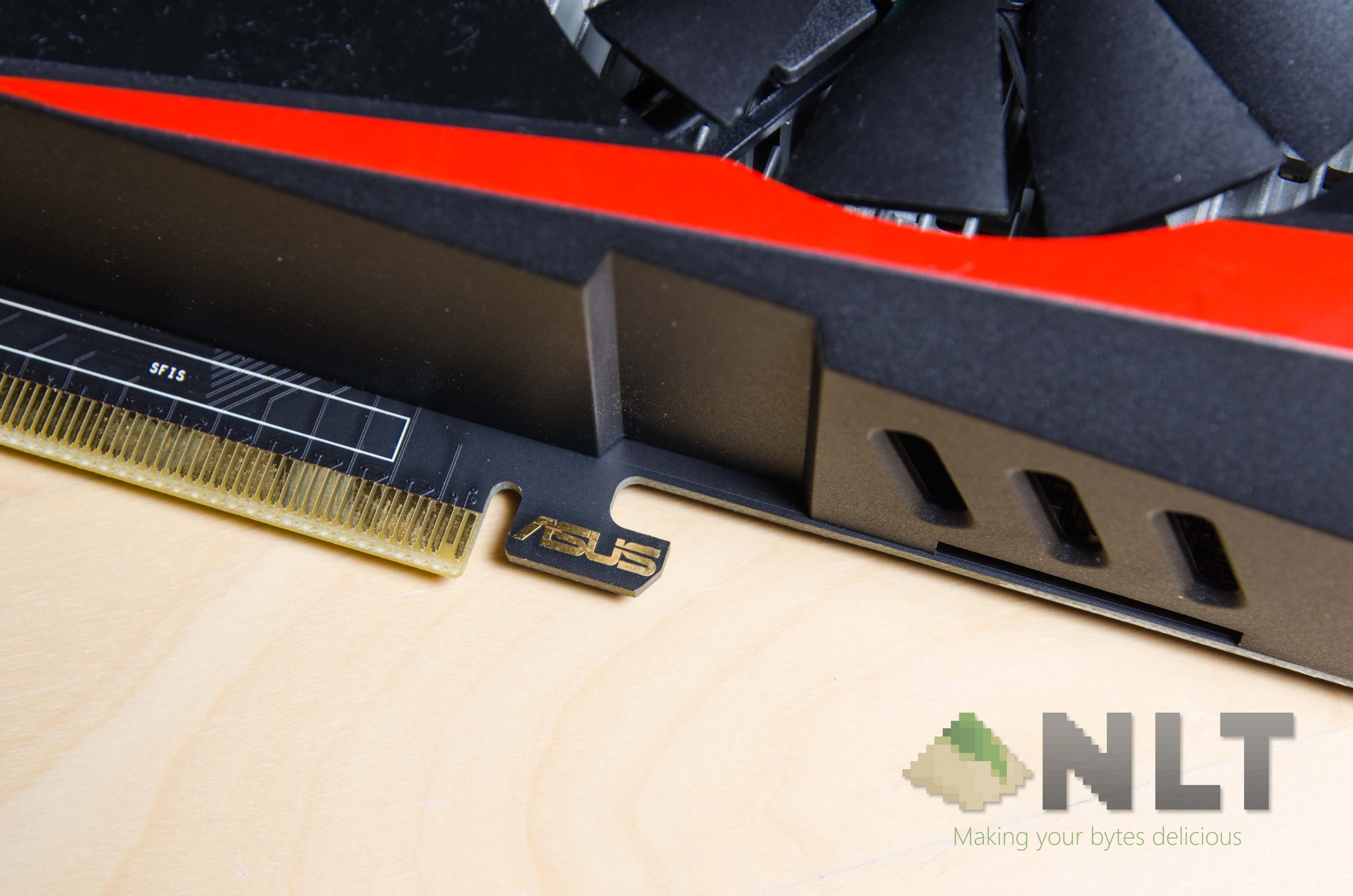

No backplate is included, though I highly doubt that the ASUS Expedition GTX 1050 Ti would ever need it.
From what I saw, there are no heatpipes coming out of the cooler. Everything here is kept really simple – big aluminium heatsinks are in contact directly with the components, then cooled by two separate fans, and a shroud to keep everything pretty and in place.
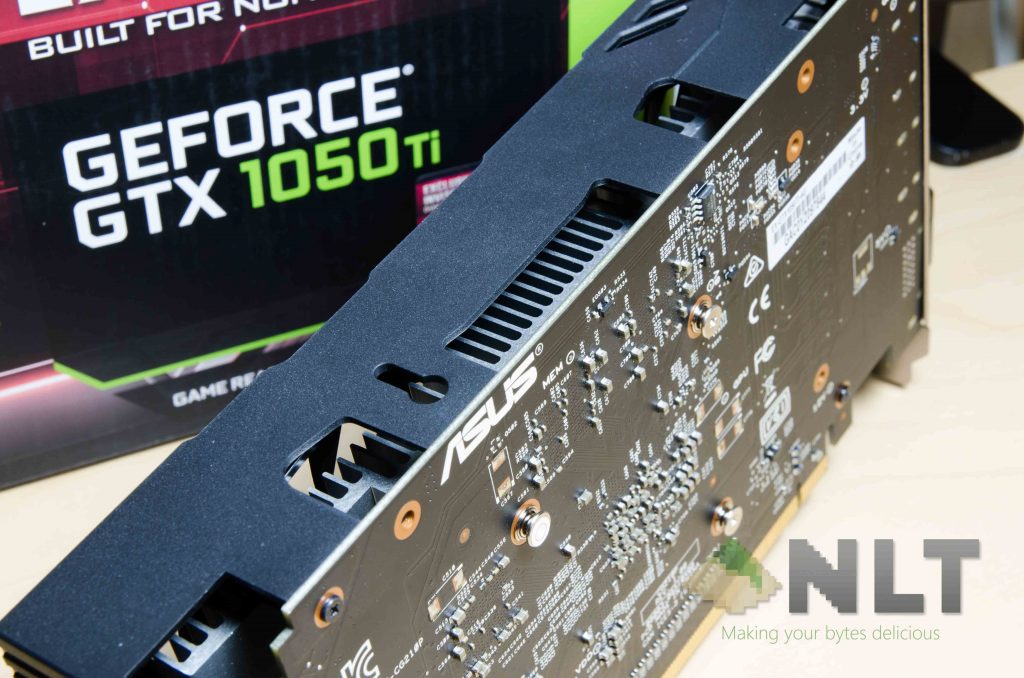
Aesthetically, it’s okay. The shroud has some bright red accounts – which I honestly think it would be a better option if I can peel it off. It just seem a little out of place, in my opinion. Again, aesthetics is something that is purely subjective, so I can’t tell you what is absolute beauty.
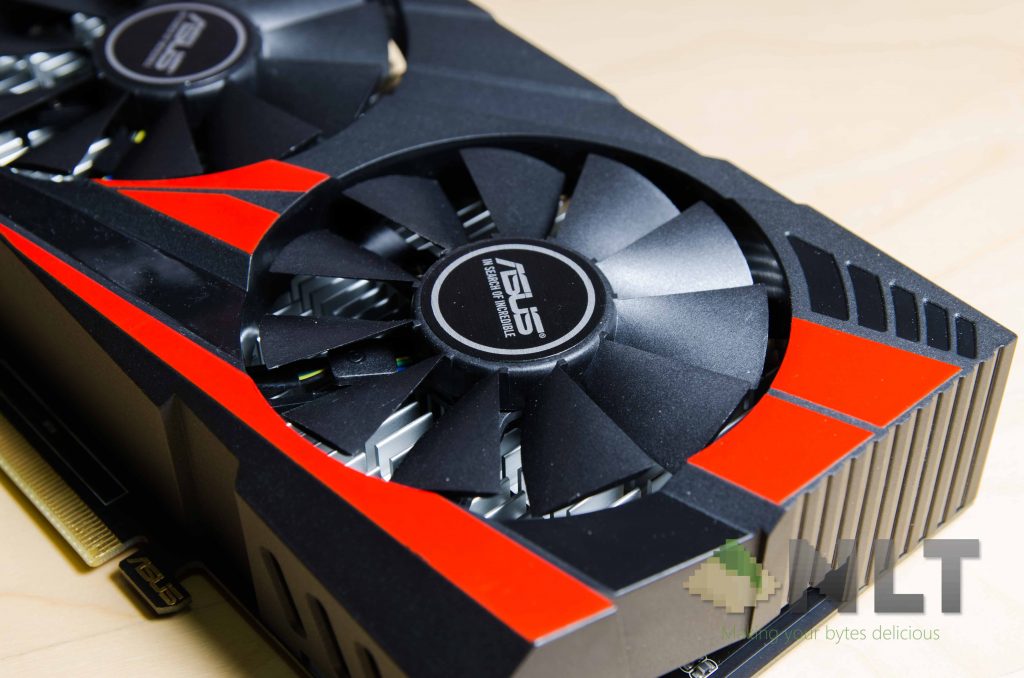
Also, the ASUS Expedition GTX 1050 Ti looks a bit… too square. Geometrically, at least.

Specification
| Specifications | |
| Model | ASUS Expedition GTX 1050 Ti |
| NVIDIA GeForce GTX 1050 TI | |
| VRAM | 4GB GDDR5 |
| Base clock | 1341MHz |
| Boost clock | 1455MHz |
| Memory interface | 128-bit |
|
Ports
|
DVI-D |
| HDMI 2.0 | |
| DisplayPort 1.4 | |
| Additional power delivery | None; PCIe only |
| Special software | ASUS GPU Tweak II |
| Dimension | 21.2 x 11.1 x3.8 Centimeter |
Testing setup
In this test, I’m actually using my main rig to test it. I’m still in the works of getting a testbench ready, so my apologies in the not-so-accurate testing methodology. We’re working on getting something more consistent – I swear!
| Testing hardware configuration | |
| CPU | Intel i5-6400 @ 4.4GHz |
| Motherboard | ASRock Z170 Pro4 |
| GPU | MSI GEFORCE GTX 1060 3GT OC
ASUS Expedition GTX 1050 Ti |
| Memory | Corsair Vengeance LPX 4GBx4 |
| Power supply | FSP Hexa+ 550W |
We’ll be stuffing everything into a SilverStone RL05 that we’ve reviewed here too. I mean, that’s only reasonable, considering the demographic of the ASUS Expedition GTX 1050 Ti.
Benchmark
There have been quite a lot of people asking the same exact question – which one performs better for my money? Is it the GTX 1060, or the GTX 1050 Ti? That’s what I’ll put it against – my personal unit of the MSI GTX 1060.
I’m comparing the ASUS Expedition GTX 1050 Ti here while using the Gaming Mode profile in ASUS GPU Tweak II. There was barely any difference when I select the OC Mode, so I might as well stick to the Gaming Mode instead.
Take a look at a few of these benchmarks.
Here’s the deal – the 4GB VRAM here is a little overkill. I mean, it’s not like you’re going to use all 4GB of them most of the time. Only Rise of the Tomb Raider managed to use cap 4GB of VRAM usage, whereas other games like Overwatch manages to take up only 2.4GB.
For a little more graphic-intensive game like Overwatch, the ASUS Expedition GTX 1050 Ti did struggle to keep up at 60FPS cap, as it oftentimes dip to about 55FPS and sometimes even 50FPS. However, I was playing Overwatch at its highest possible settings. Just tune it down by just a tad bit – like slightly lower anti-aliasing – and the ASUS Expedition GTX 1050 Ti can definitely maintain at 60FPS.
Wrapping up the ASUS Expedition GTX 1050 Ti review
For the price of RM 819, you get what ASUS claims to be a super-reliable GPU for extensive hours of operation. Frame rates were decent too. Sure, it’s priced higher than other GTX 1050 Ti in the market, but you’ll actually get a 3-year warranty on top of that too.
The ASUS Expedition GTX 1050 Ti is a card meant for lower power consumption, and they delivered. This card is made for those who want the longest operation time without breaking the bank – both in terms of the GPU price and electricity bill. That’s again, perfect for places like internet cafes. This also defines the Expedition cards are meant to be.
It’s simple to setup, easy to use, and doesn’t require any further setup after plugging in. Great for online games like Dota 2, League of Legends, and even Overwatch, while it can maintain a pretty decent experience in AAA titles like Rise of the Tomb Raider.
Where to buy?
Head on over to Lazada to get it here!
Like our Facebook Page here at NasiLemakTech.com for more news and in-depth reviews! Also, join our Facebook Group for insightful information and memes!
Subscribe to our YouTube channel too!

