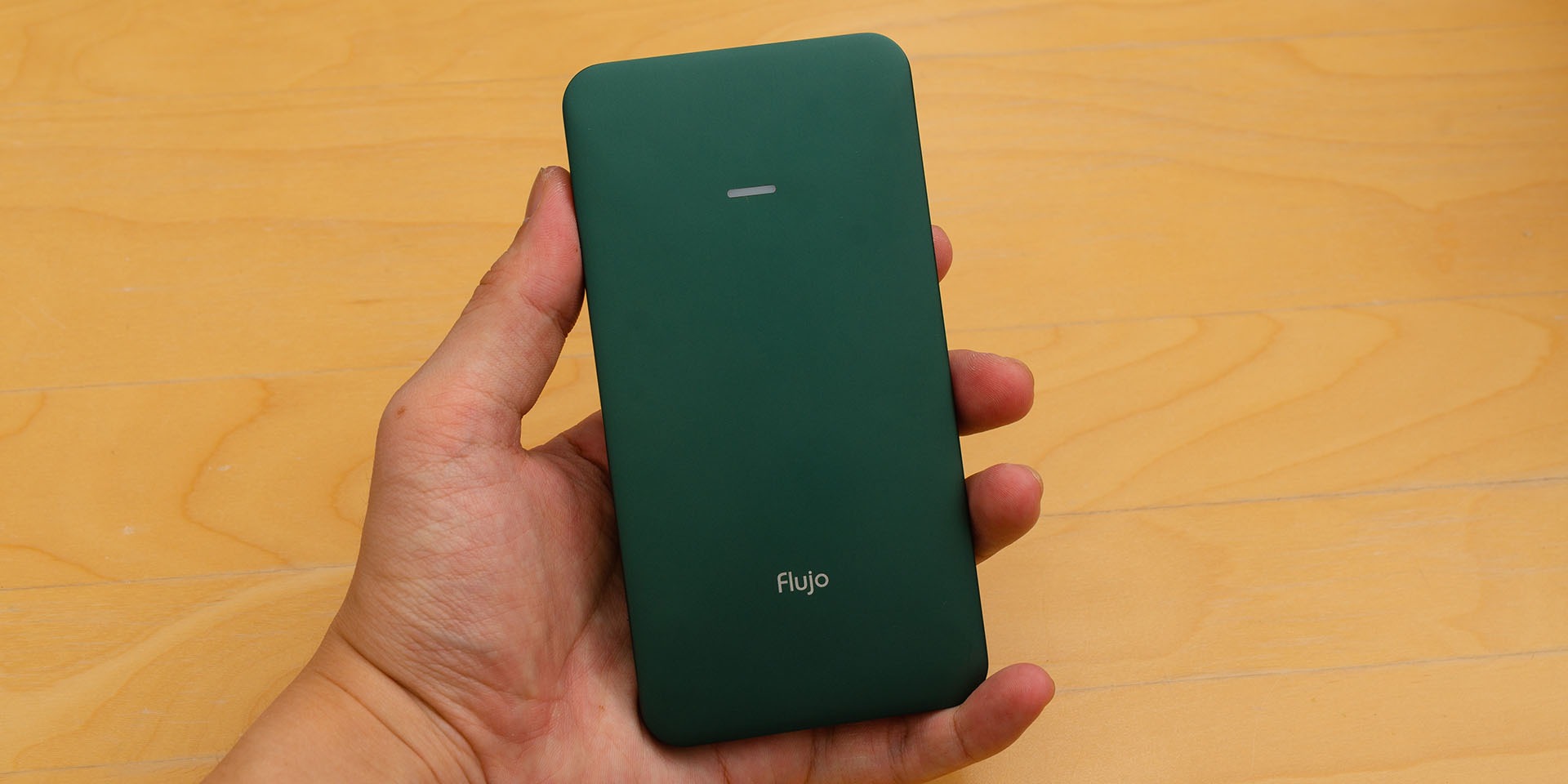

If you’ve been shopping for USB-C hubs, then you’ll come across that one design but with many different brand names slapped on it. When Flujo approached us and asked – hey, do you want to review the Flujo Signature Pro? I was hesitant – but the more I learned about it, the more I was intrigued.
So here’s the Flujo Signature Pro. It’s not like of those generic USB-C hubs that are available in the market – and here’s why. But hey – it’s also fully funded on Kickstarter – which means a lot of people like it, too.

Unboxing
The packaging is rather simple. It has a transparent cover that shows the color of your Flujo Signature Pro. Pretty simple and you can see the product directly – but there’s more inside.

We also get 2 years warranty for the Flujo Signature Pro. More on that later.
Once we unboxed everything, we get:
- The Flujo Signature Pro itself
- Hardshell case
- M.2 SSD screws
- Phillips screwdriver
- A short USB-C to USB-C cable
- User manual

Design
The Flujo Signature Pro comes in a total of 3 different colors – Space Grey, Silver, and also Midnight Green. I picked Midnight Green because I like that color.

The whole thing is made out of anodized aluminium and it’s very solid.
I didn’t realize how thin the Flujo Signature Pro is until I get to see it for myself. Even my pinky finger is fatter than the Flujo Signature Pro – and remember, there is a user-servicable part of this adapter.
The number of ports
There are a lot of ports available on the Flujo Signature Pro. We have:
- Left
- USB 3.1 Gen 2 (10Gb/s)
- Full-sized SD card reader
- MicroSD card reader
- Right
- Full-sized HDMI port
- USB-C passthrough port for charging
- Top
- USB 2.0 port
- Host USB-C port


I’m not sure why Flujo included two different SD card readers, though. Usually, just a full-sized SD card reader is good enough but having a dedicated microSD card reader doesn’t hurt either since it does provide more convenience.
That inclusion of a single USB 2.0 port is also smart – providing users a dedicated port for a keyboard or a mouse while keeping the cost as its lowest.
That M.2 NVMe SSD slot
At the back of the Flujo Signature Pro is a little door that can slide off the main body. Beneath the door is that M.2 SSD slot. It can support up to M.2 2280 – the most common M.2 SSD form factor to this date.
Looking at the connector itself, we asked and confirmed with Flujo that the Signature Pro only supports NVMe SSDs, so any SATA III SSDs which are using M.2 form factor will not work.

While the ease of access to the SSD on the Flujo Signature Pro is similar to the Ugreen M.2 SSD enclosure, Ugreen has another advantage which is to use a TPU screw instead. Ugreen made the M.2 installation process tool-less, which I think Flujo should follow. Maybe not an exact copy since TPU will someday and break after becoming crusty.

The included hardshell case
One thing I didn’t expect is the inclusion of a protective case. Inside this case, there’s a netted pouch and a rubber band. The netted pouch holds whatever else accessories you have. In this case, it’s meant for the USB-C to USB-C cable.
I do wish it’s a tight mesh pouch instead, though. Currently, the holes are too big and the cable can poke through easily.

As for the rubber band, this is meant to hold the Signature Pro in place. It’s a nice, snug fit – but makes the Signature Pro difficult to be taken out. If there’s a flap that we can pull, that’ll make taking out the Signature Pro much easier.

Using the Flujo Signature Pro
I absolutely love the form factor and the number of ports available. It’s future-thinking as it uses USB-C. Plus, if your laptop charges using USB-C, the Signature Pro has a passthrough charging port that supports up to 100W in power.

With that in mind, the Flujo Signature Pro can also be plugged into any other USB-C devices. For example – your Android phone or your tablet. Maybe even the iPad Pro since it uses a USB-C port too. That makes multi-device file transfer easy and convenient.
Being a photographer/videographer myself, the SD card reader is a boon. I can instantly transfer my files into my other devices easily. Or maybe into that NVMe SSD, since the Flujo Signature Pro does have an SSD inside.

I don’t know how Flujo made it. The Signature Pro gets slightly warm but nowhere near as hot as the other enclosure that I was using. And yet the speeds are pretty good as Flujo is using a Realtek RTL9210 controller that converts the NVMe SSD into a USB port with 10Gb/s speed.
Do I recommend the Flujo Signature Pro?
Absolutely. Even for me, I already edit videos through an external SSD nowadays. And the Flujo Signature Pro is a perfect all-in-one solution that replaces my Ugreen 9-in-1 hub and also my external NVMe SSD enclosure. All of them can be integrated in just one slim yet durable hub – and that’s just a dream come true.

Like our Facebook Page here at NasiLemakTech.com for more news and in-depth reviews! Also, join our Facebook Group for insightful information and memes!
Subscribe to our YouTube channel too!