




















Introducing Ugreen’s new pair of TWS earbuds – the HiTune X5. For the price of just RM199, what makes this pair of TWS earbuds special? Let’s find out.
Okay, so let’s take a look at the box first. At the front, there’s really nothing much – but we’ll need the back part of the box because that’s where the gestures are listed out.
Thank you Ugreen for doing this, so I don’t have to refer to the user manual for the gestures.
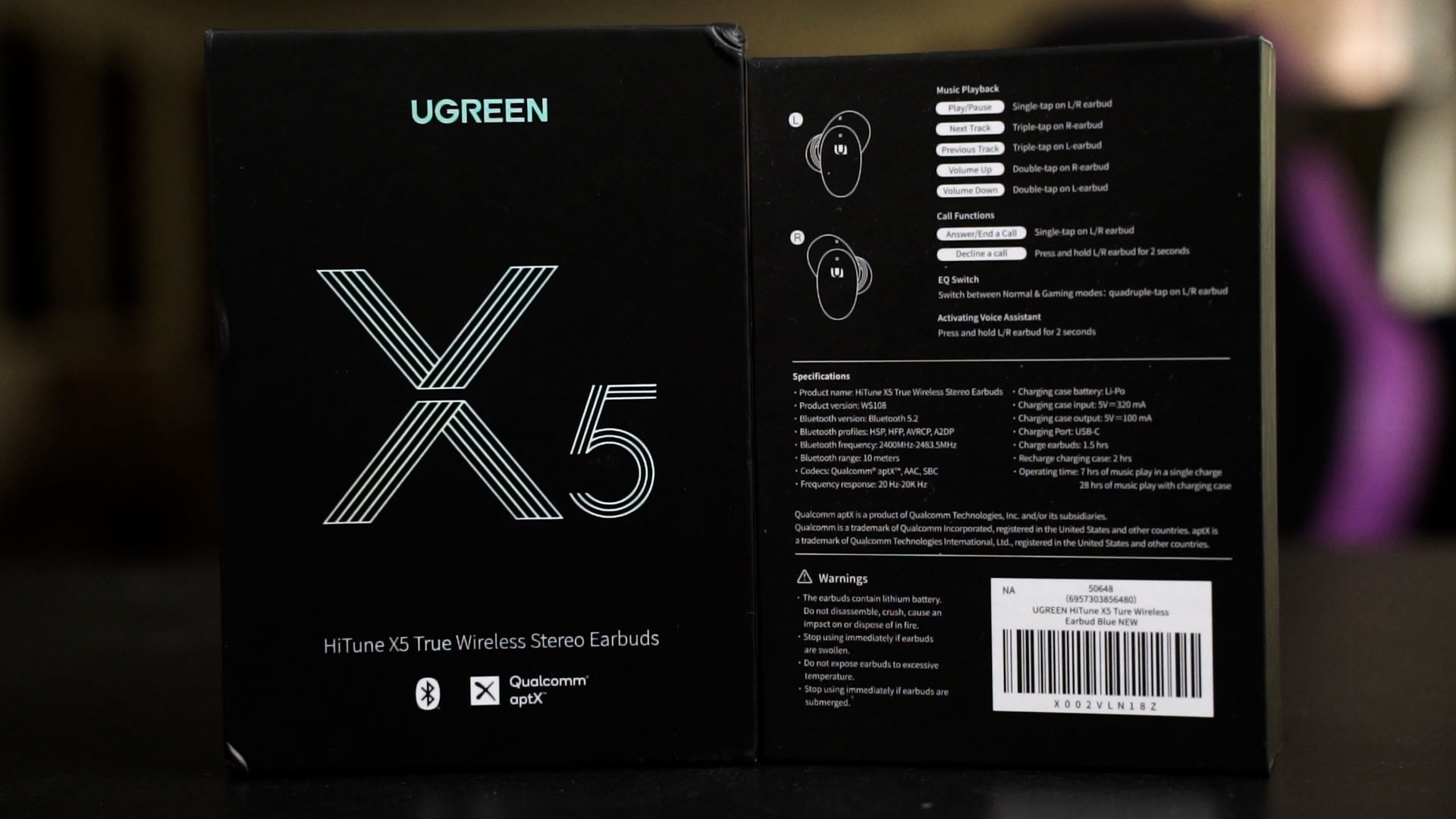
We’ll come back to the gestures later – but let’s proceed first.
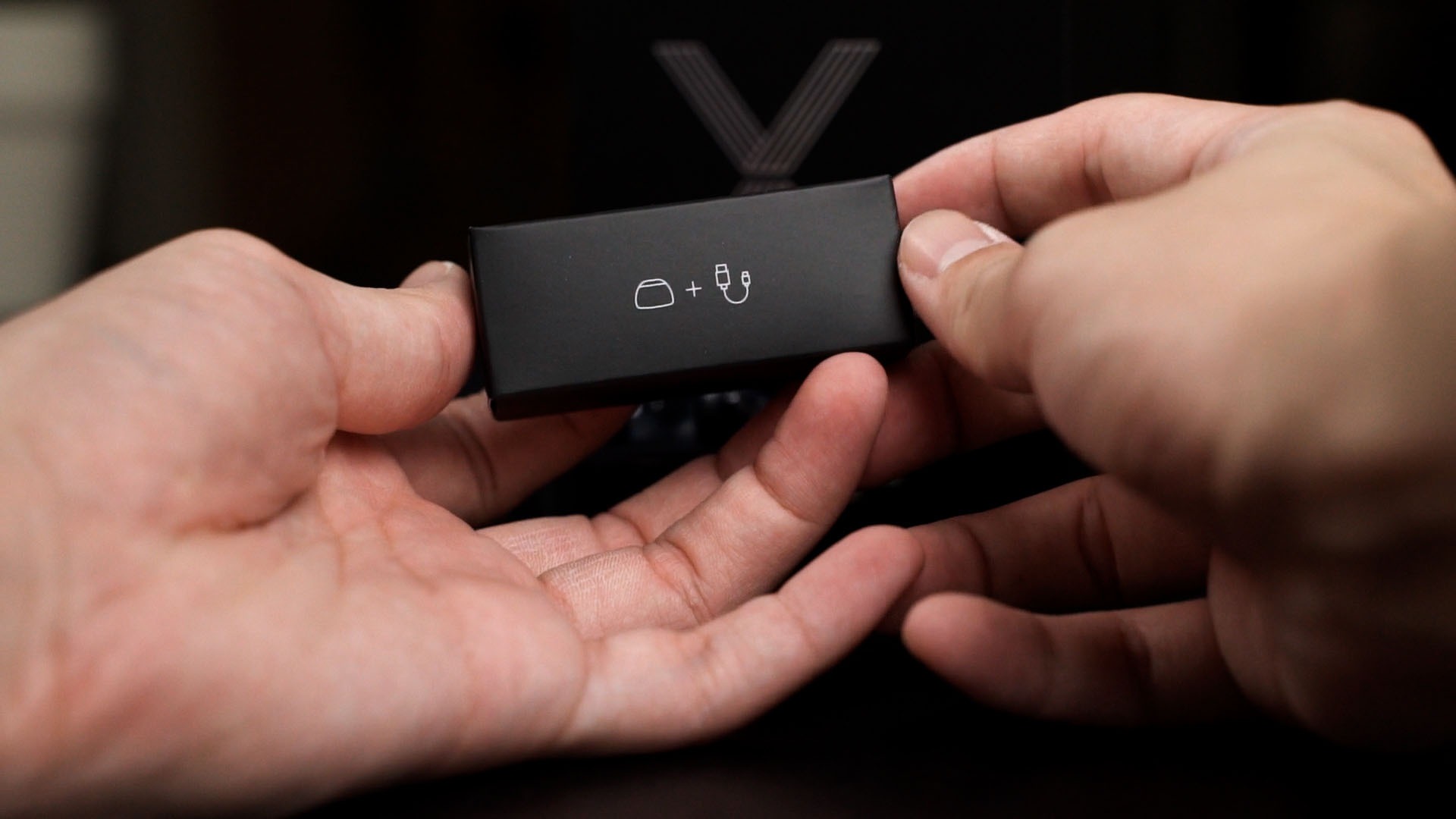
Opening up reveals the aforementioned user manual which I am not going to touch – and then we have the HiTune X5 itself and also an accessories box.
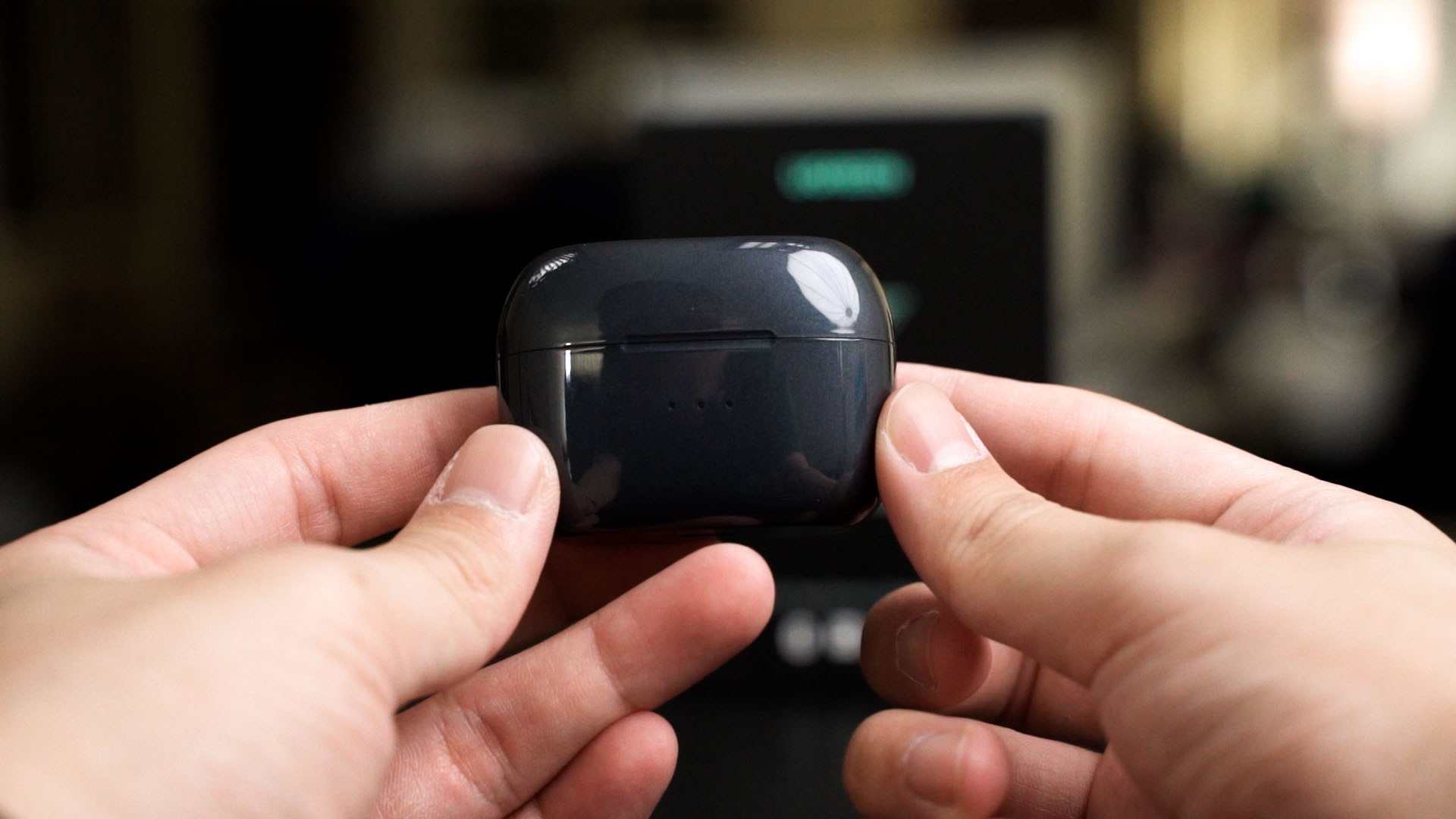
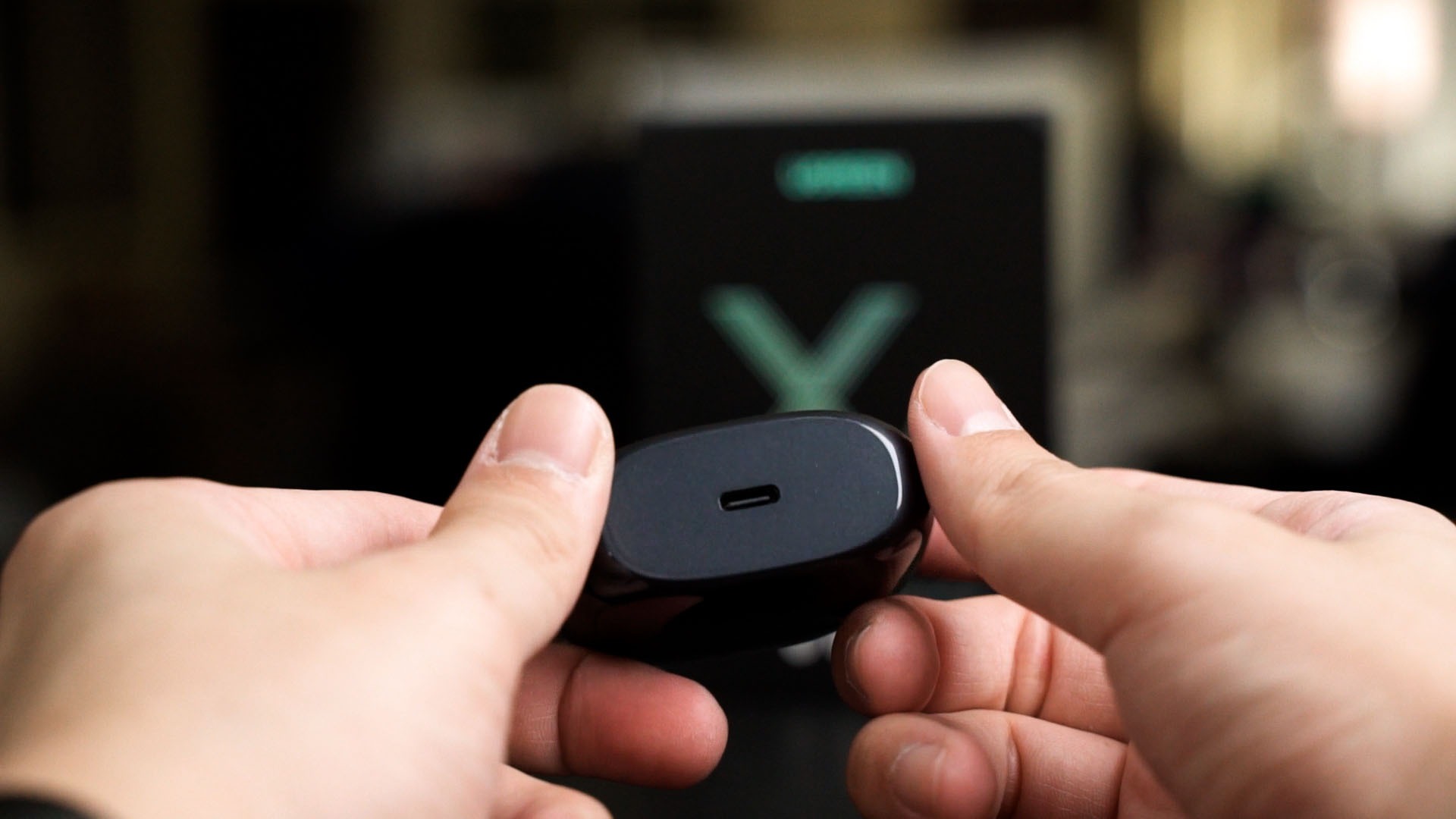
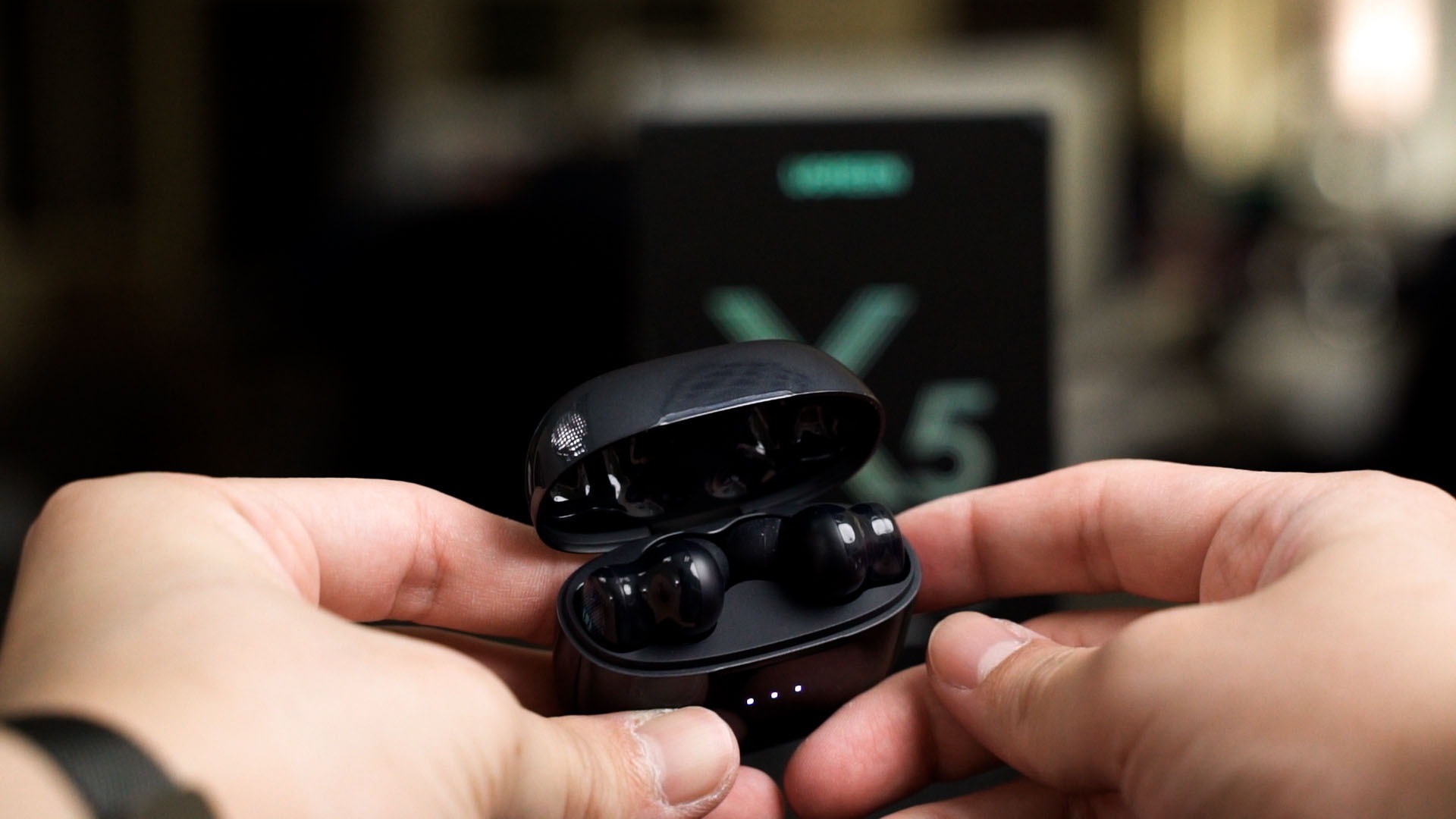
Let’s dive straight into the HiTune X5 here. It’s in this relatively small glossy plastic case which I personally don’t prefer since it gets fingerprints and hairline scratches easily. The USB-C port is at the bottom and means it can’t stand on its own while charging. At the back of this case is the pairing button – fairly standard for TWS earbuds nowadays.
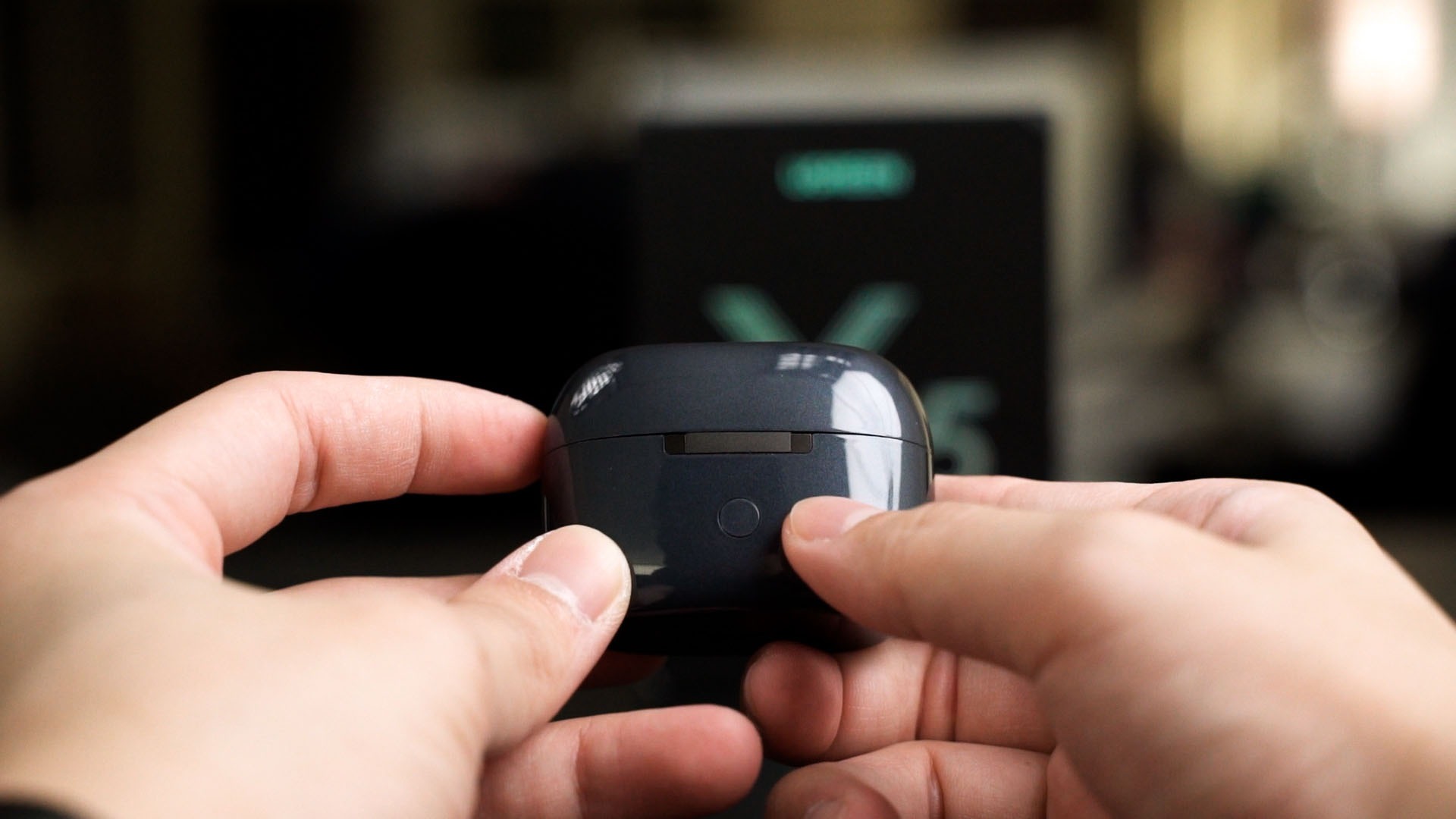
Opening the case though, is a different story. The hinge of this case is magnificent as it the lid flings open and snaps into place. I mean, that snapping is a bit aggressive – but it works very well. The lid doesn’t fall no matter how hard I wiggle the case.
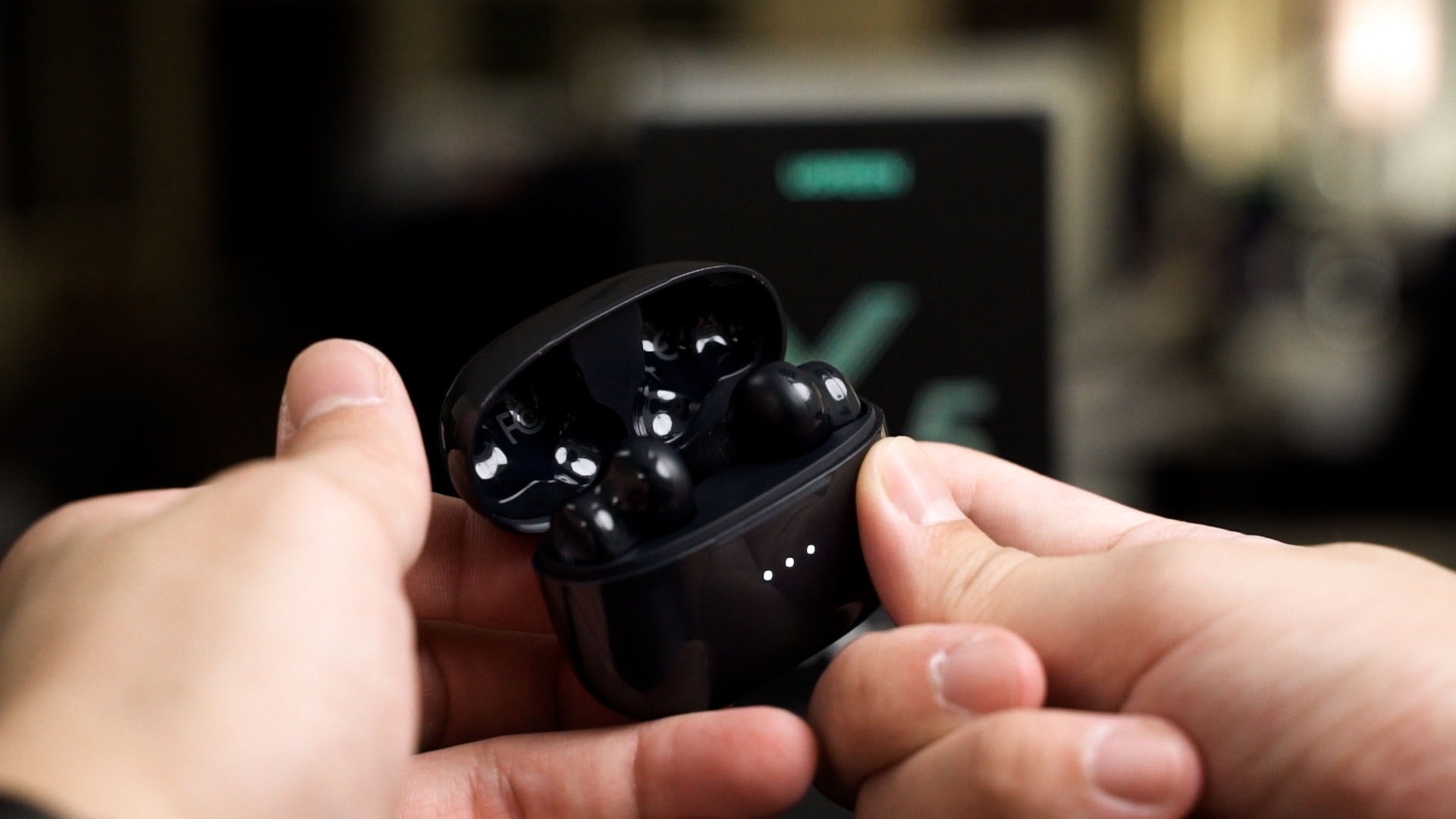
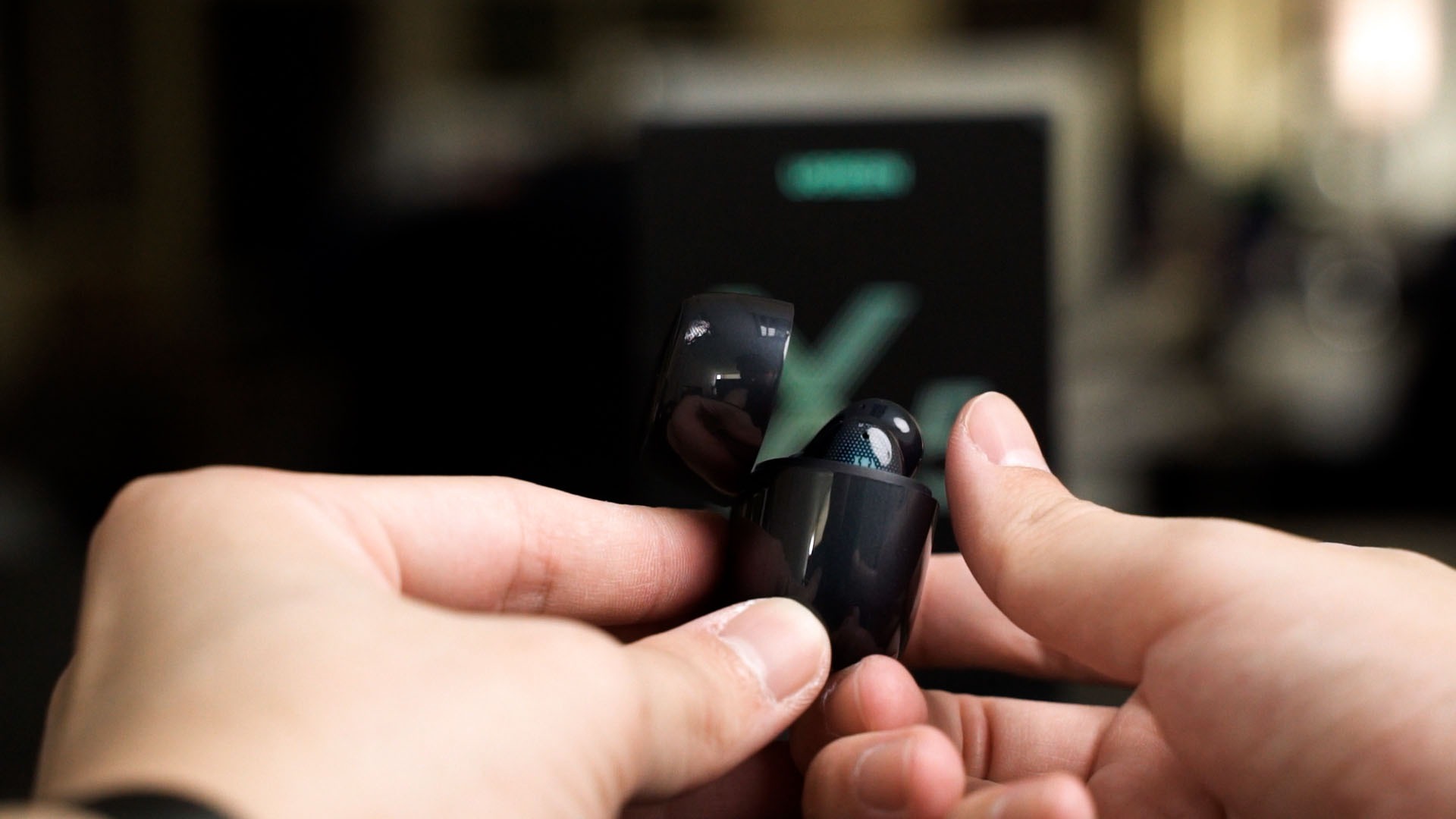
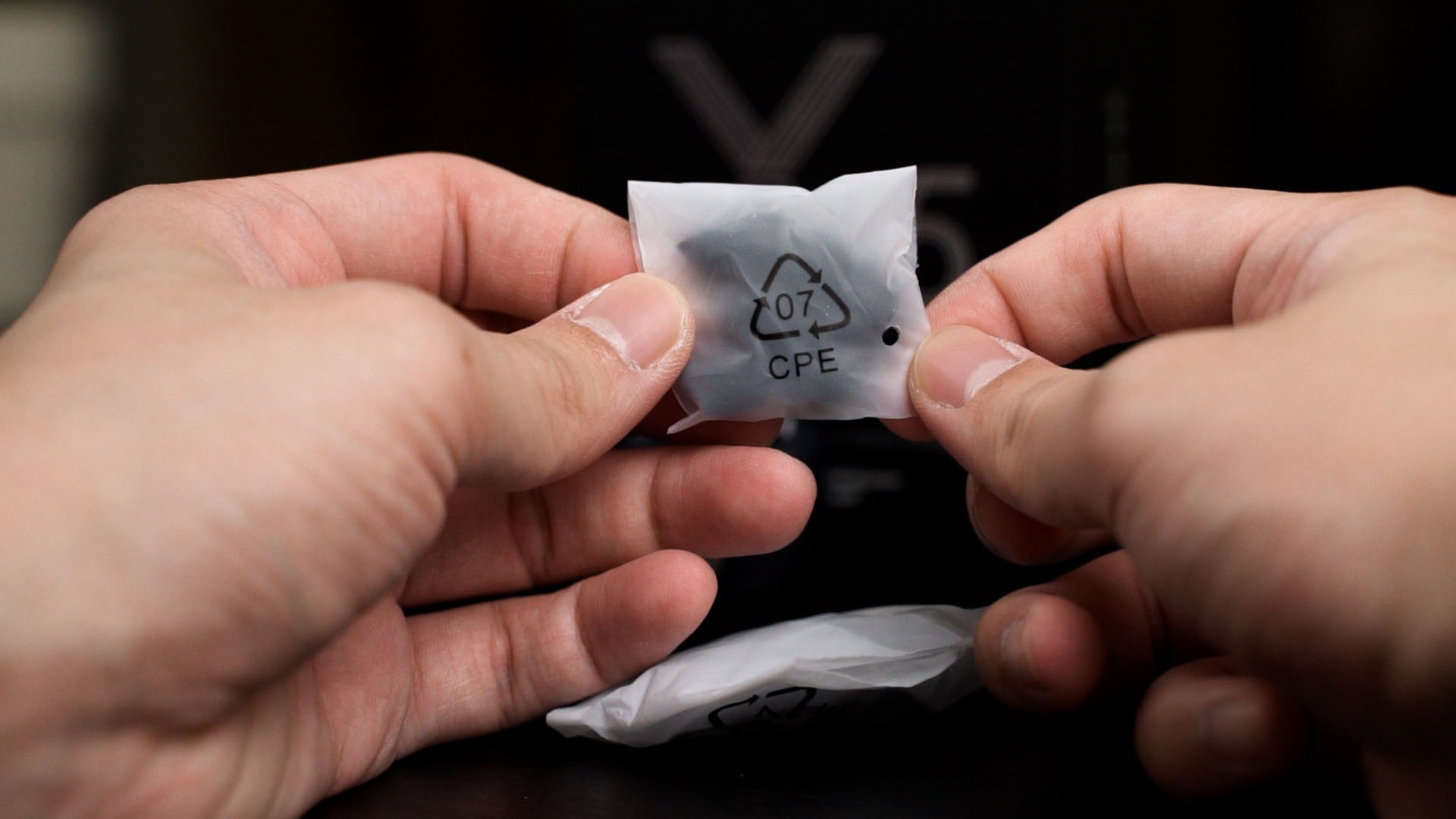
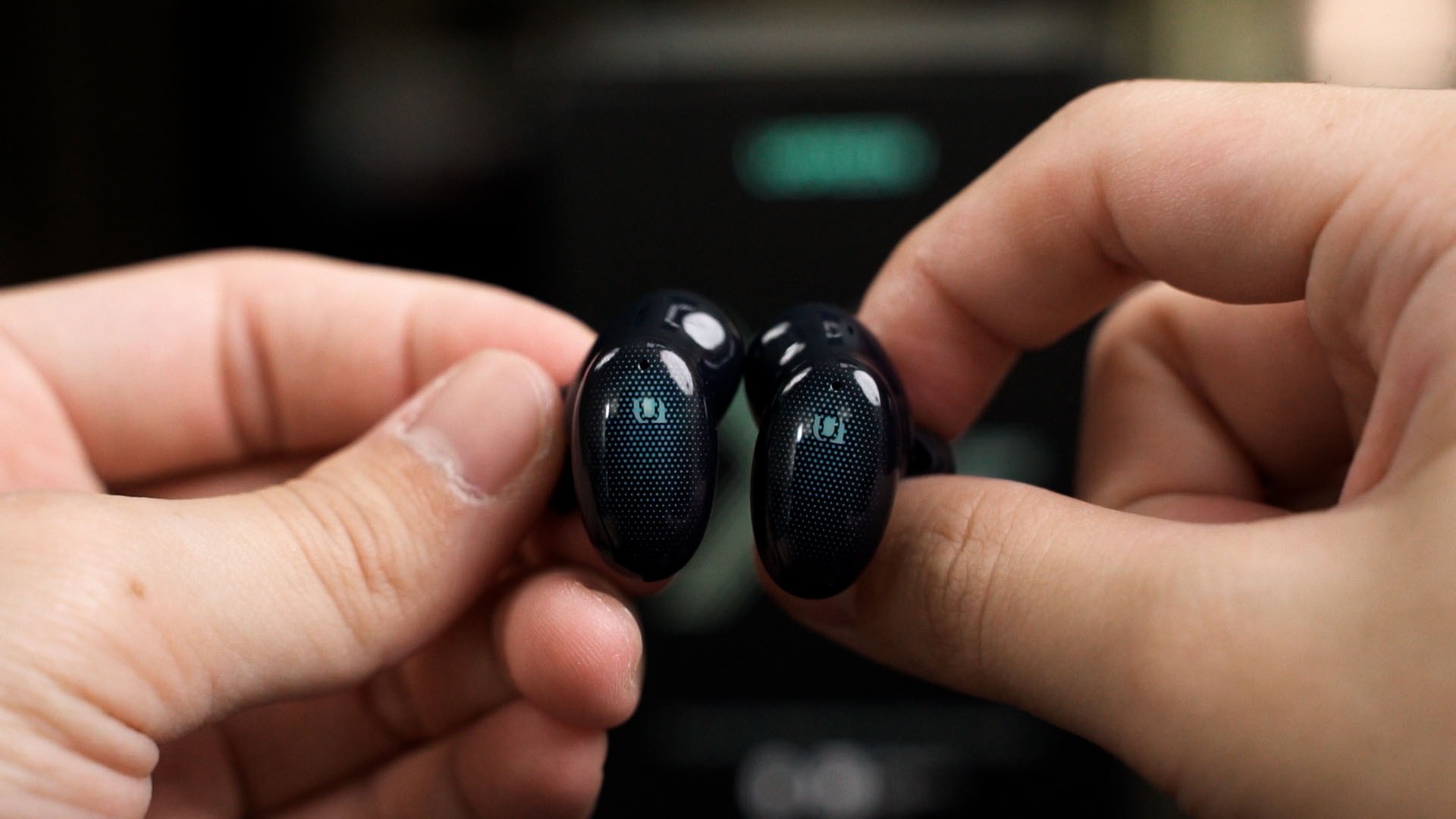
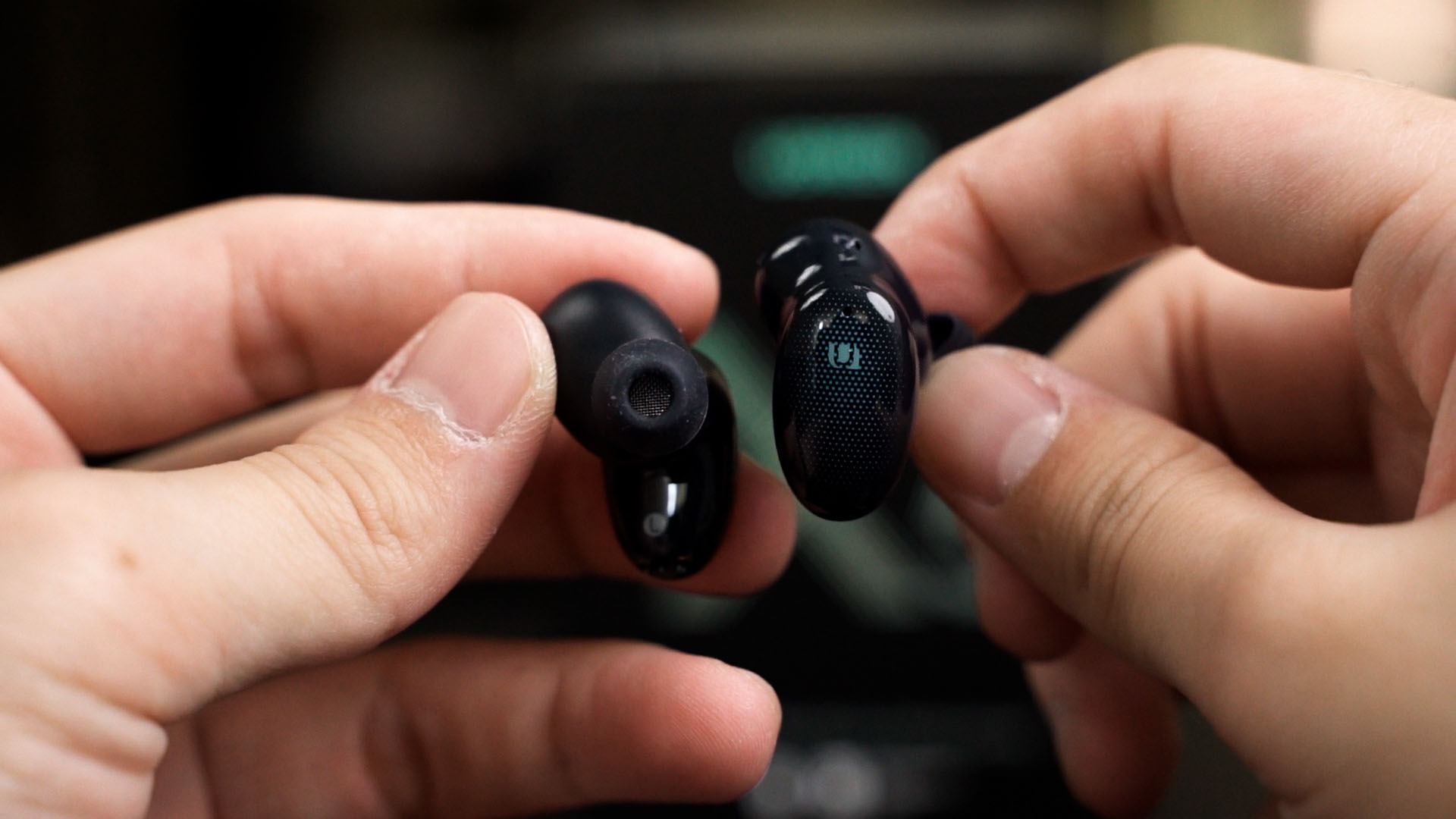
As for the earbuds themselves though, they’re having this fairly standard design. Wearing them feels comfortable enough – and Ugreen has a total of 4 different sizes for the eartips for you to choose from.
And this part is the touch control panel. It’s relatively big and I can execute those gestures easily. I do wish that there is a dimple or some sort so that I can feel to know where I’m touching, though.
And speaking of gestures, we’ll have to refer to the back of the box again. We can do a slew of basic controls on the TWS earbuds like play/pause, next/previous, and even volumes up and down. But, the volume controls are not independent and rely on your connected device instead.
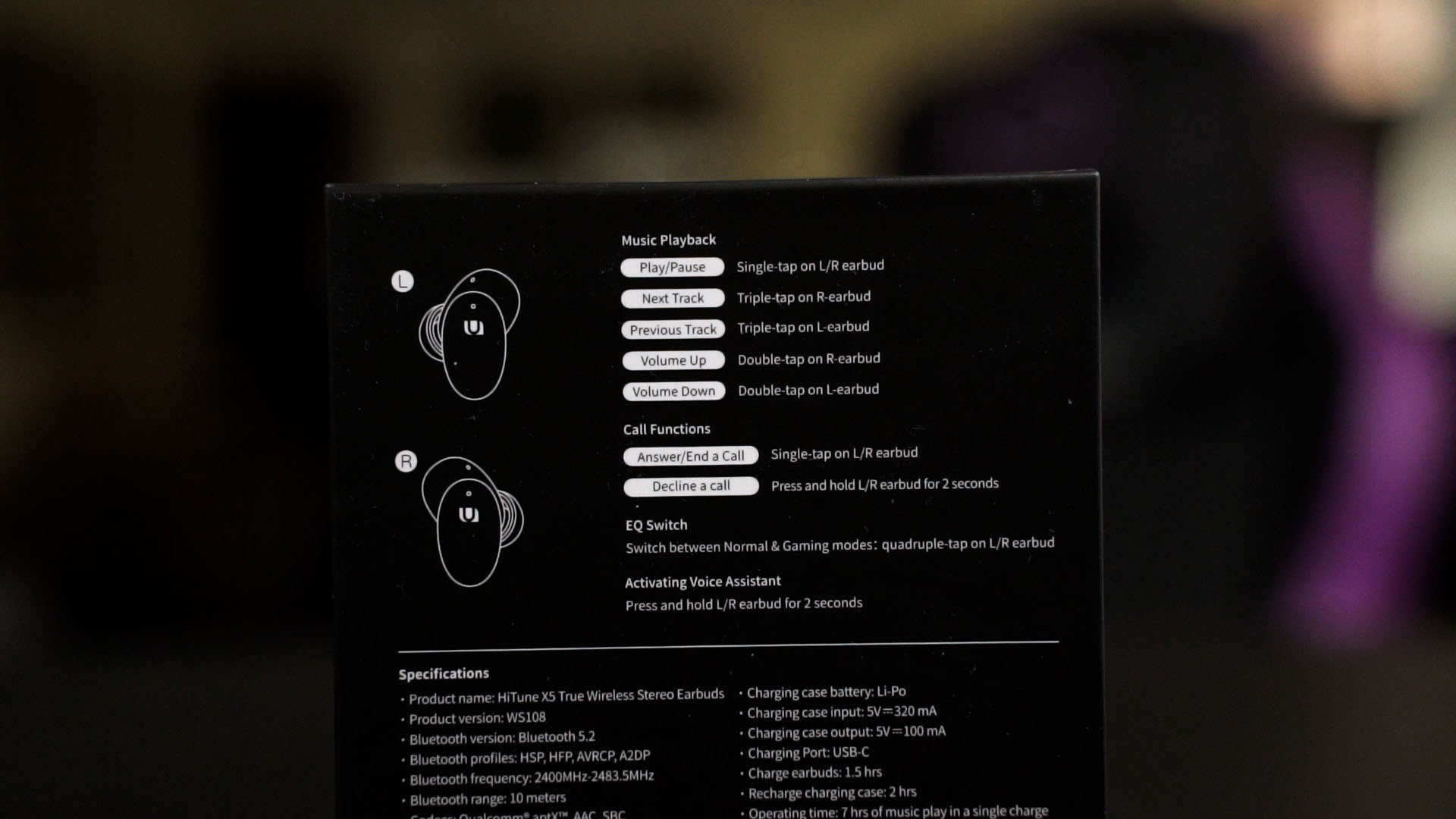
There is also a gaming mode on the HiTune X5 too. Activating it really does trim down the latency – but by how much? Quite a lot. From a quick test in PUBG Mobile with the ASUS Zenfone 8 Flip, there is an obvious delay when we’re using normal mode.
But when we switch over to gaming mode, the audio delay is barely noticeable. This is a huge improvement!
But with that said, how does the Ugreen HiTune X5 actually sound? Well, it actually sounds quite good! Pretty well-balanced overall in terms of the bass, mids, and highs. My big band jazz and electronic music sound good on the Ugreen HiTune X5. The bass isn’t overwhelming – which is also good.
One issue I realized is that when the earbuds are turned on but nothing is playing, there’s a very loud hiss. Not sure where the hiss comes from, though. After some time of not playing anything, the hiss goes away.
I should also highlight that the HiTune X5 does not have an app to control the gestures or EQ, so what you see is what you get.
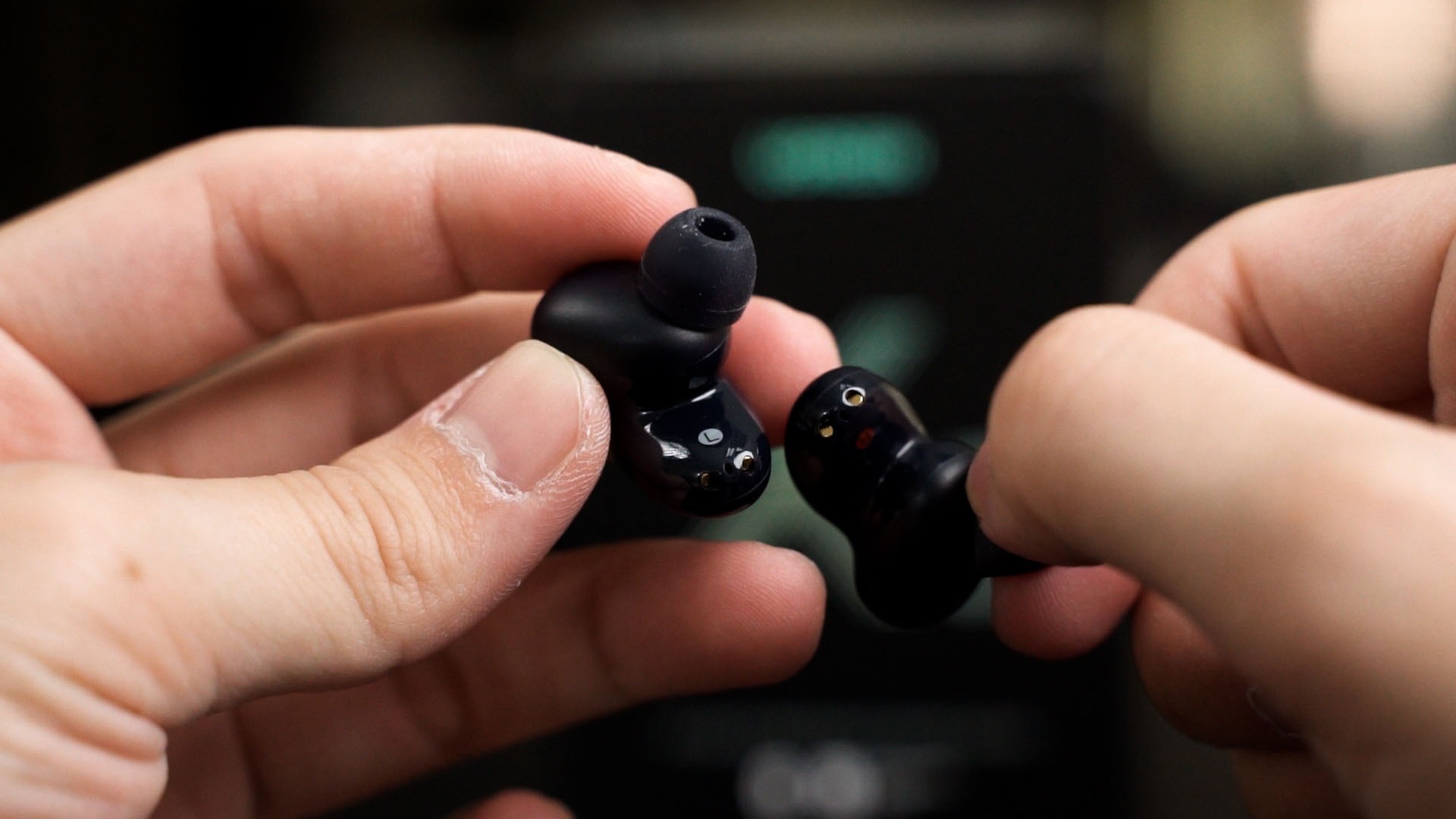
The microphones on the Ugreen HiTune X5 are pointed downwards toward the user’s mouth, which is good. The microphone does sound pretty good.
As for the battery life, not bad. I can get about 4-5 hours out of a single charge while listening to music at a comfortable volume.
Should you buy the Ugreen HiTune X5?
All in all, for the price of RM209, the Ugreen HiTune X5 is pretty decent. It surely is not perfect since it has a mildly noticeable hissing noise when nothing is playing, a glossy finish for its case which is prone to get scratches easily, and also a weird position for its charging port.
Other than that though, the Ugreen HiTune X5 has very decent sound quality, comfortable fit, decent battery life overall, and I think it’s justifiable for the price. Just keep in mind that there’s a very noticeable hissing sound when nothing is playing.

Where to buy?
Like our Facebook Page here at NasiLemakTech.com for more news and in-depth reviews! Also, join our Facebook Group for insightful information and memes!
Subscribe to our YouTube channel too!

