



Around a month ago, Whatsapp has announced the ability to transfer messages from iOS to Android with Samsung snagging exclusivity for a limited set of time. Well today, the function finally goes live on Samsung devices.
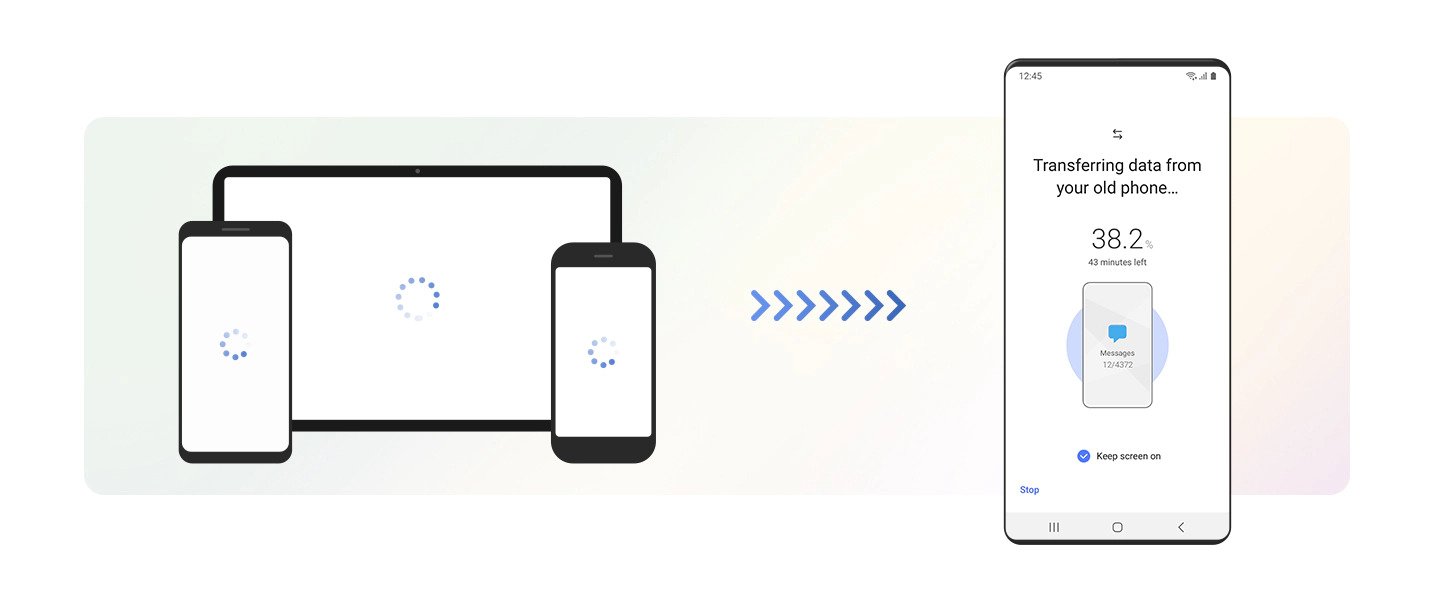
Whatsapp and Samsung have made sure that the transfer process is as simple as possible and completely doable by following the on-screen instructions. But we’ll provide you with a full head-to-toe list so you can prepare the necessary stuff beforehand.
- Turn on your new Samsung Galaxy smartphone and connect by cable to your iPhone when prompted
- Follow the Samsung Smart Switch experience
- When prompted, scan the QR code displayed on the new device using the iPhone’s camera.
- Tap Start on your iPhone and wait for the process to complete.
- Continue setting up your new Samsung
- When you reach the home screen, open WhatsApp and log in using the same phone number used on your old device.
- Tap Import when prompted, and allow the process to complete.
- Finish activating your new device and you’ll see your chats waiting for you.
Yes, it is that simple and easy. No installing 3rd party apps or troublesome problems anymore. But there’s something you gotta take note which is the following:
- Your new Android device must be factory new or reset to factory settings.
- Samsung SmartSwitch app version 3.7.22.1 or greater on your new device.
- WhatsApp Android Version 2.21.16.20 or greater on your new device.
- WhatsApp iOS version 2.21.160.17 or greater on your old device.
- USB-C to Lightning cable (or equivalent adapters).
- Use the same phone number on the new device as the old device.
Got any questions in mind? Check the FAQ prepared by Whatsapp themselves.
Like our Facebook Page here at NasiLemakTech.com for more news and in-depth reviews! Also, join our Facebook Group for insightful information and memes!
Subscribe to our YouTube channel too!