




















Apple’s annual WWDC event is a software-focused event. It focuses on both us consumers and even the developers ranging from app developers or car manufacturers as Apple does have their own CarPlay ecosystem too.
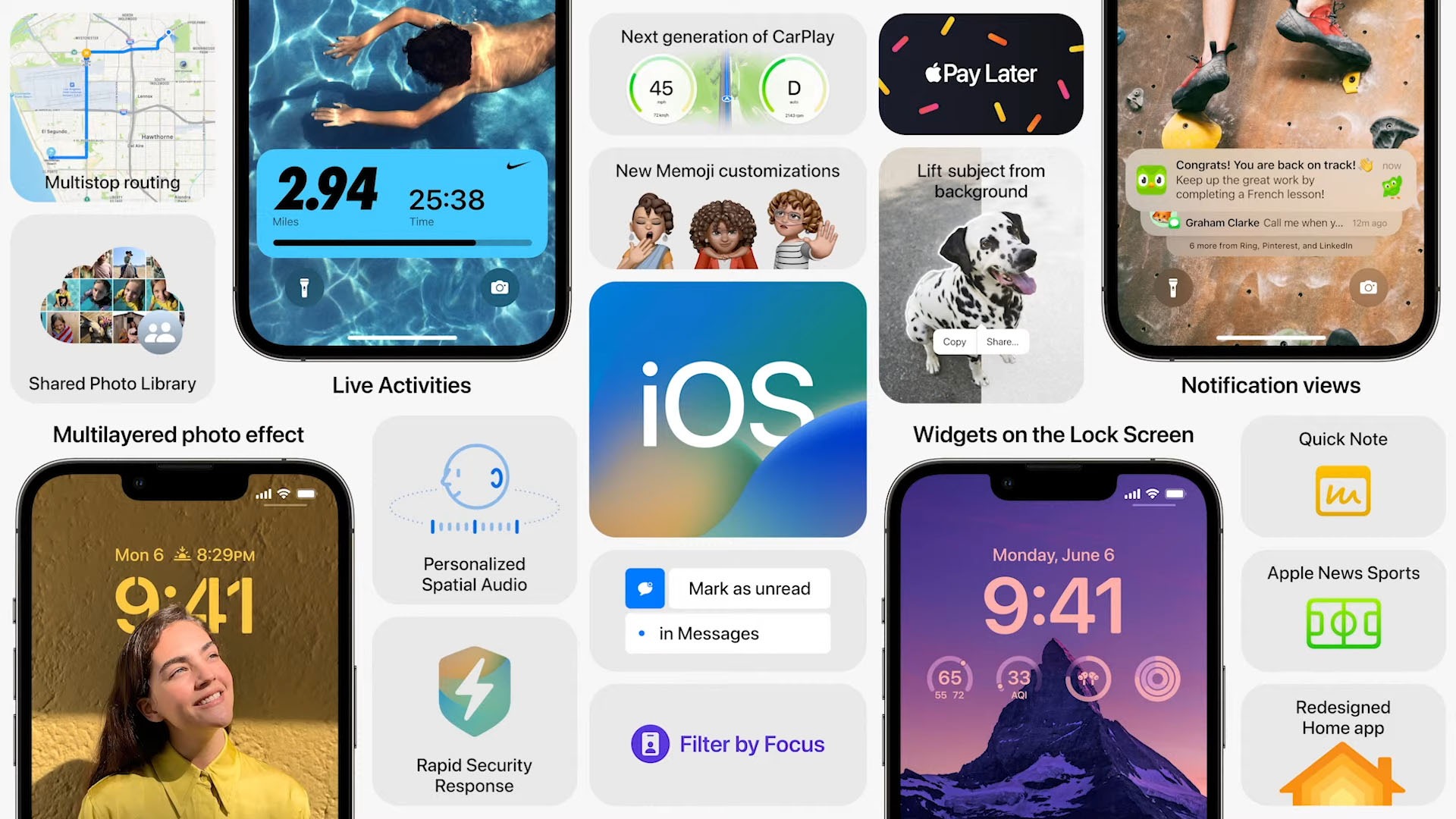
The biggest announcements for today mostly revolve around iOS 16. Here’s a very quick summary, going through some of the features announced today that caught my attention.
Honestly speaking, there are some new features here that I really want. So yes, it did surprise me.
iOS 16
Apple started WWDC2022 by talking about iOS 16’s new lock screen. It’s getting better, honestly. We can now do multi-level customizations ranging from the font of the digital clock, the filter of the lock screen wallpaper, or even move your wallpaper’s subject aside.
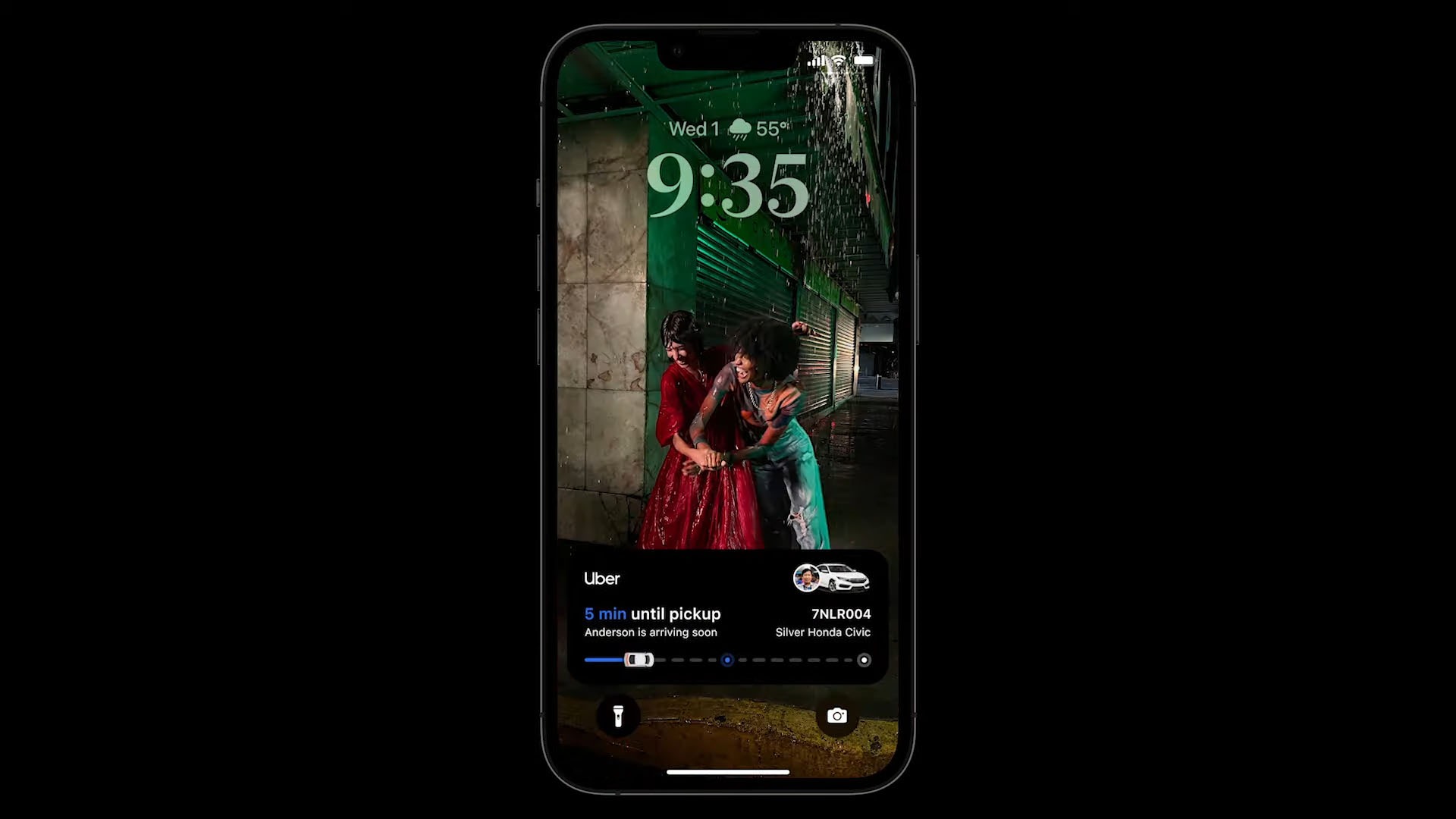
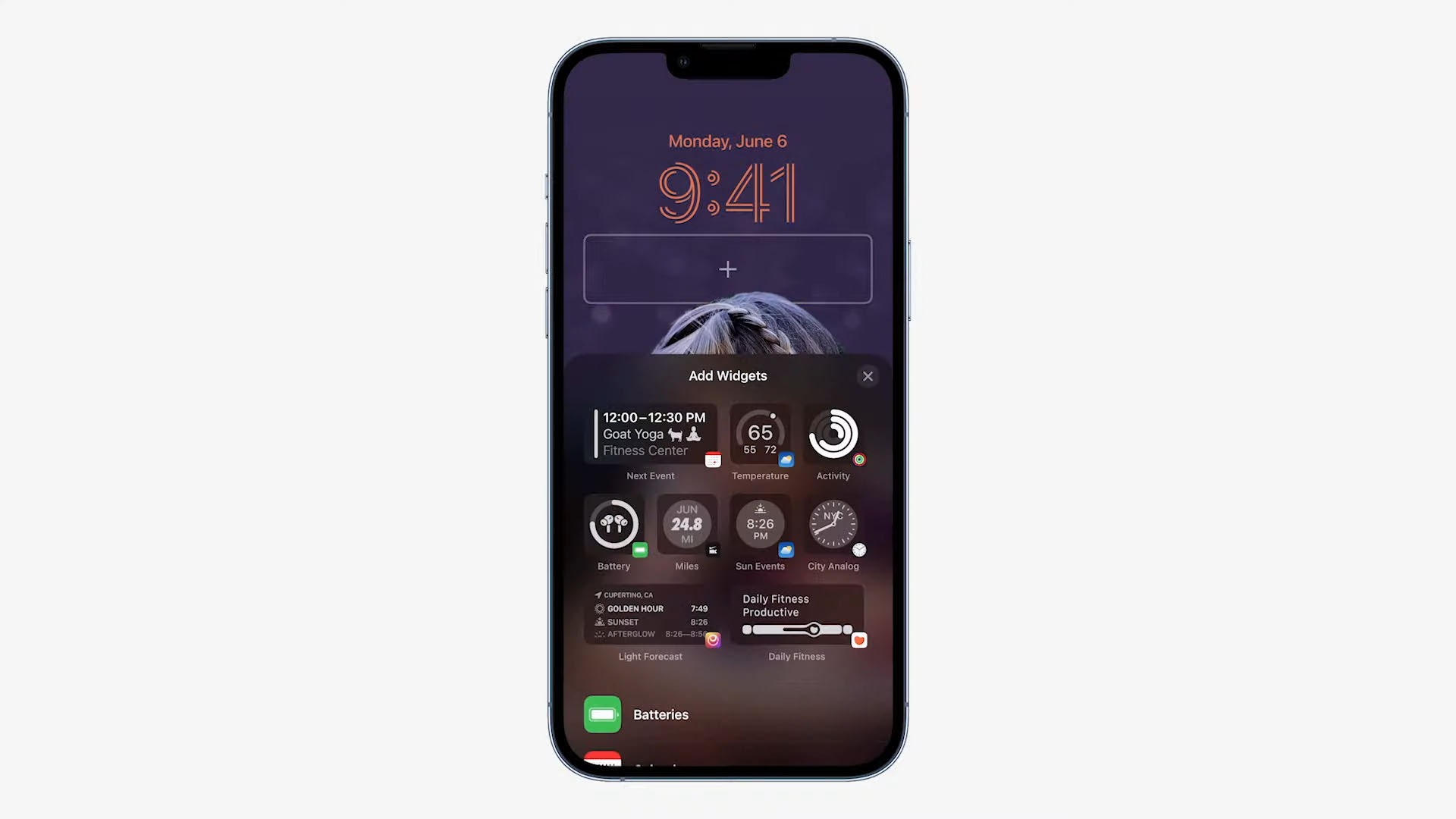
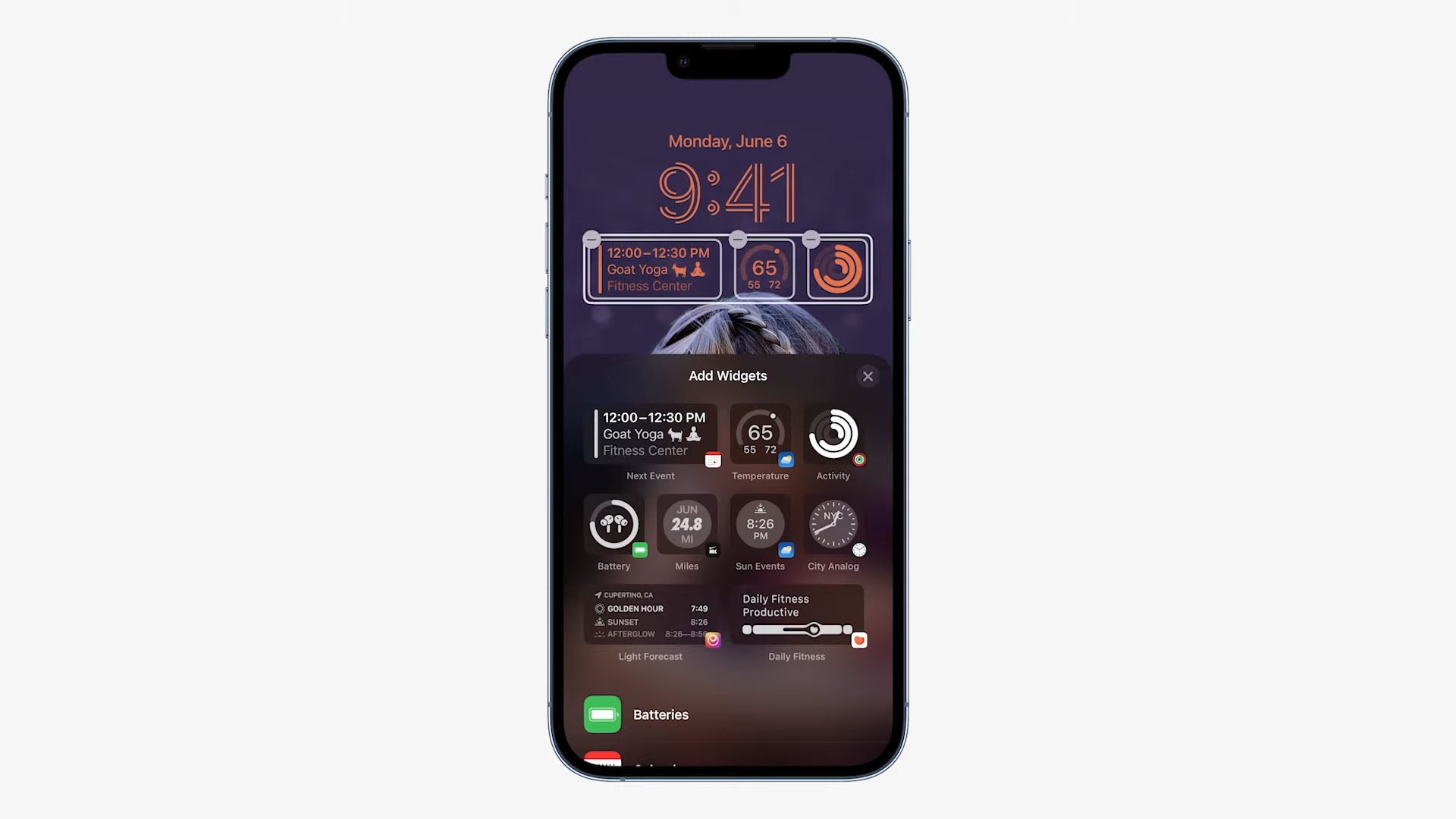
Plus, the addition of widgets on the lock screen is just brilliant. Seriously, this is something that I didn’t know I needed.
iOS 16 also allows multiple different “spaces” so you can create a “space” for work and a “space” for leisure. I’m curious if there’s a “private” space, though.
Then, Apple also upgraded Dictation. Now, we can talk and type at the same time. That’s something that I have no idea how it works.
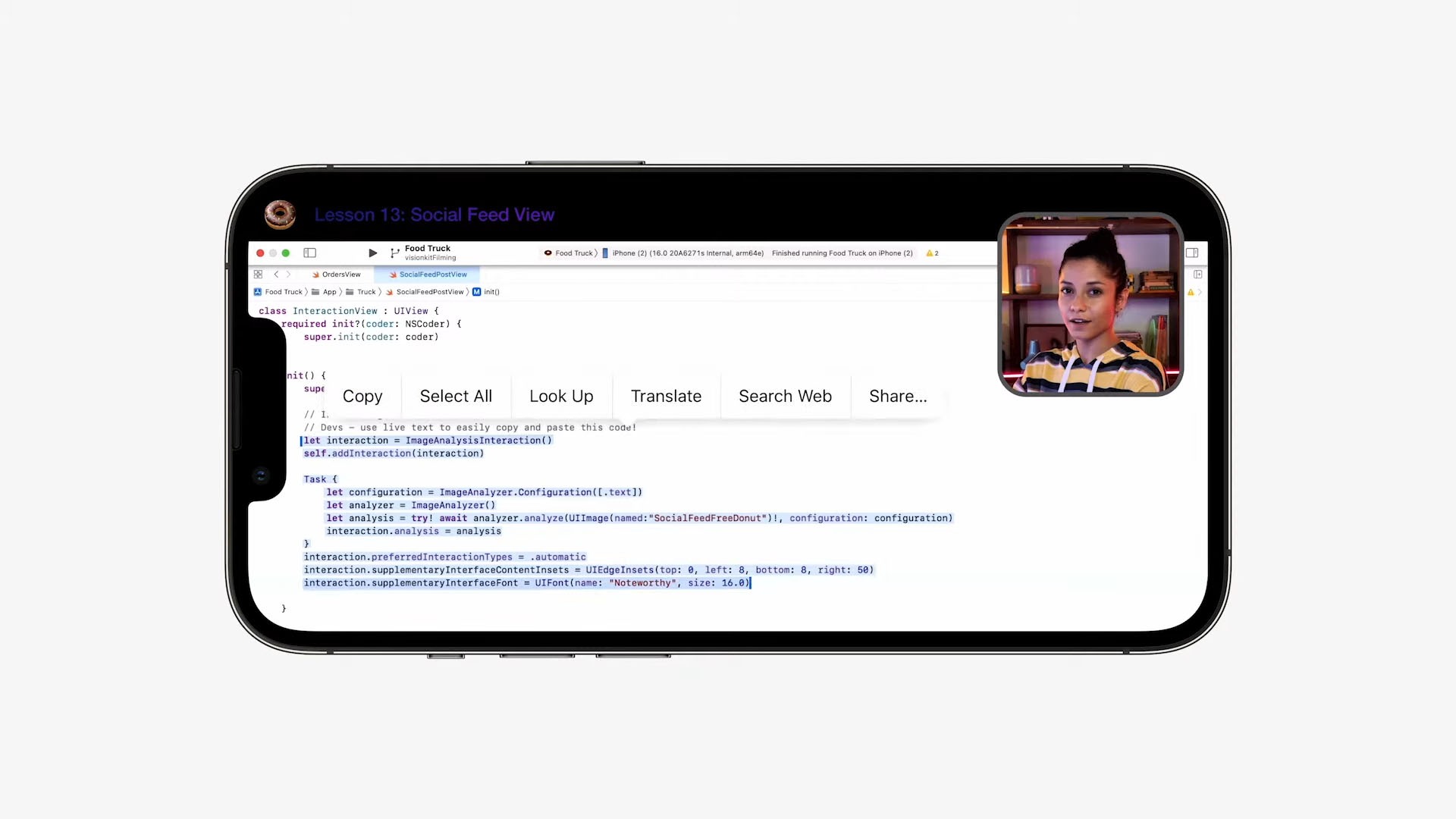
Live Text is another feature that I really like. After coming back to macOS for a few months, I realized that the Photos app on macOS can actually allow us to copy-paste texts directly from the image. Now, the feature is available on iOS 16 too. And it works on paused videos.
Visual Look Up is also another feature that I think is convenient to have, though I’m not sure if I can personally find a way to use it. It “lifts” an image – like manually cropping a subject out from the background via Photoshop – and it’s automated!
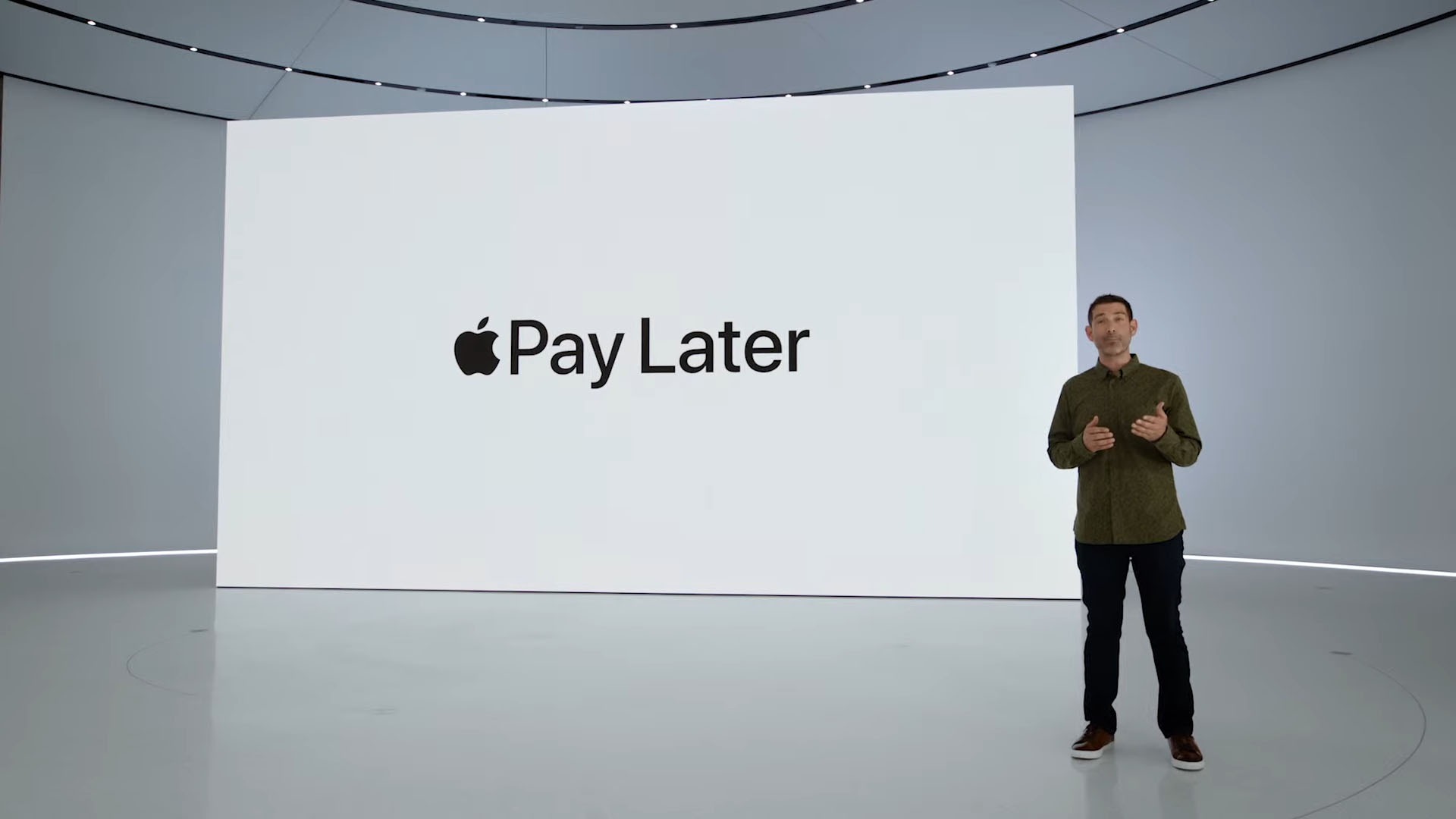
Apple Pay also got an expansion and it now includes “buy now pay later”, also known as BNPL, delivery tracking – not really something that I’m looking forward to since it’s not available in Malaysia yet. I do want to use Apple Wallet to house my ID card and driver’s license though.
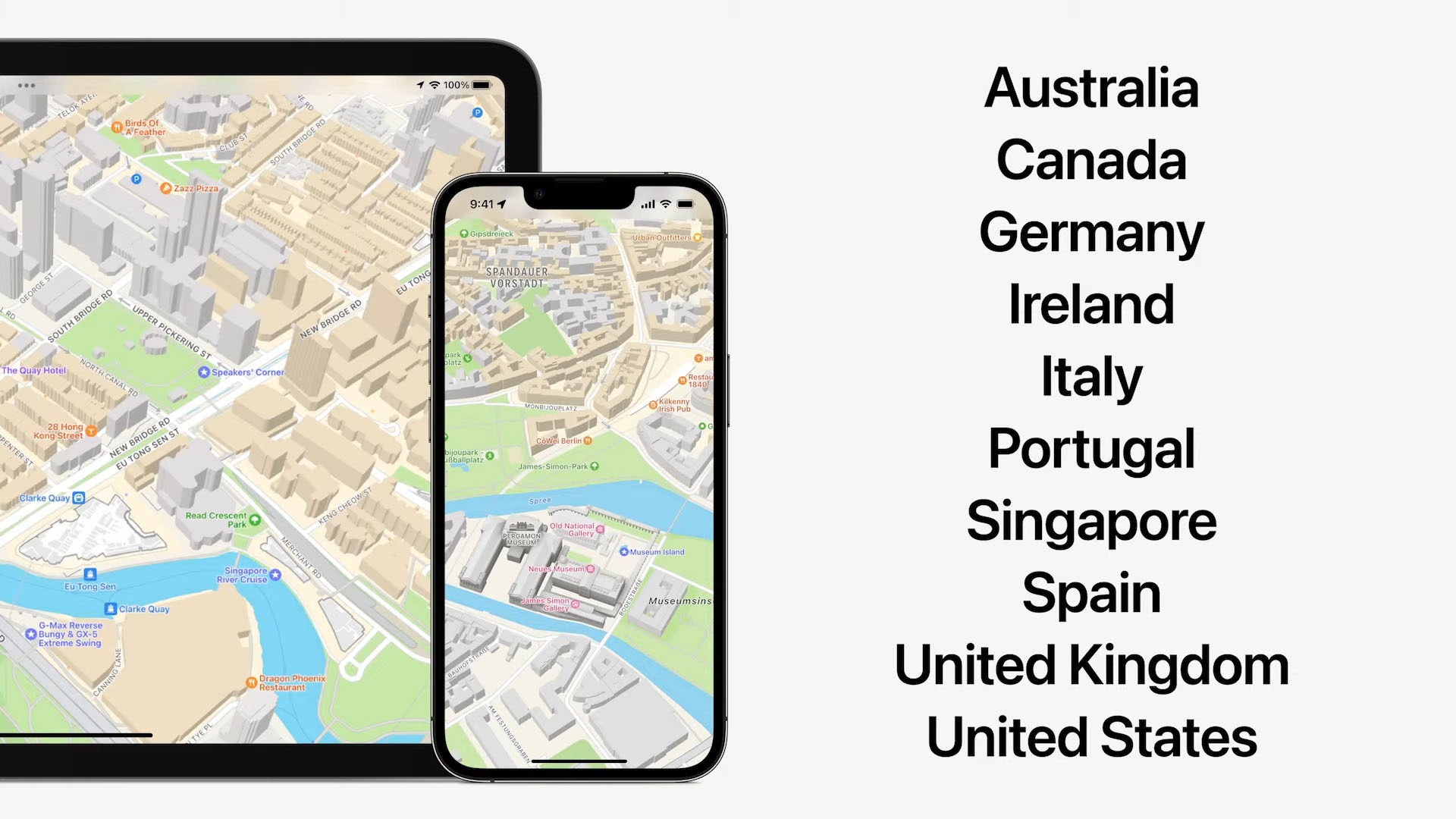
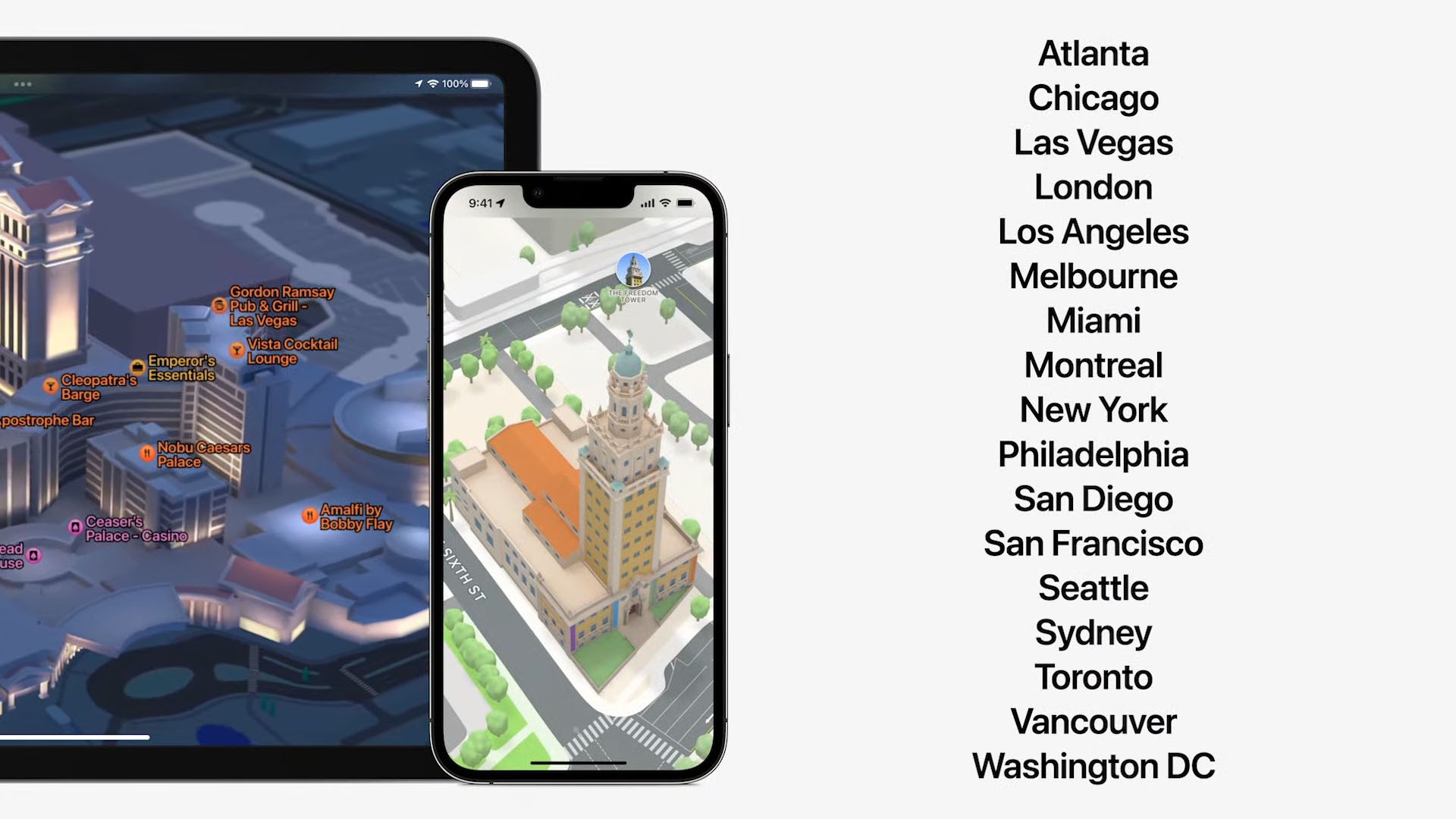
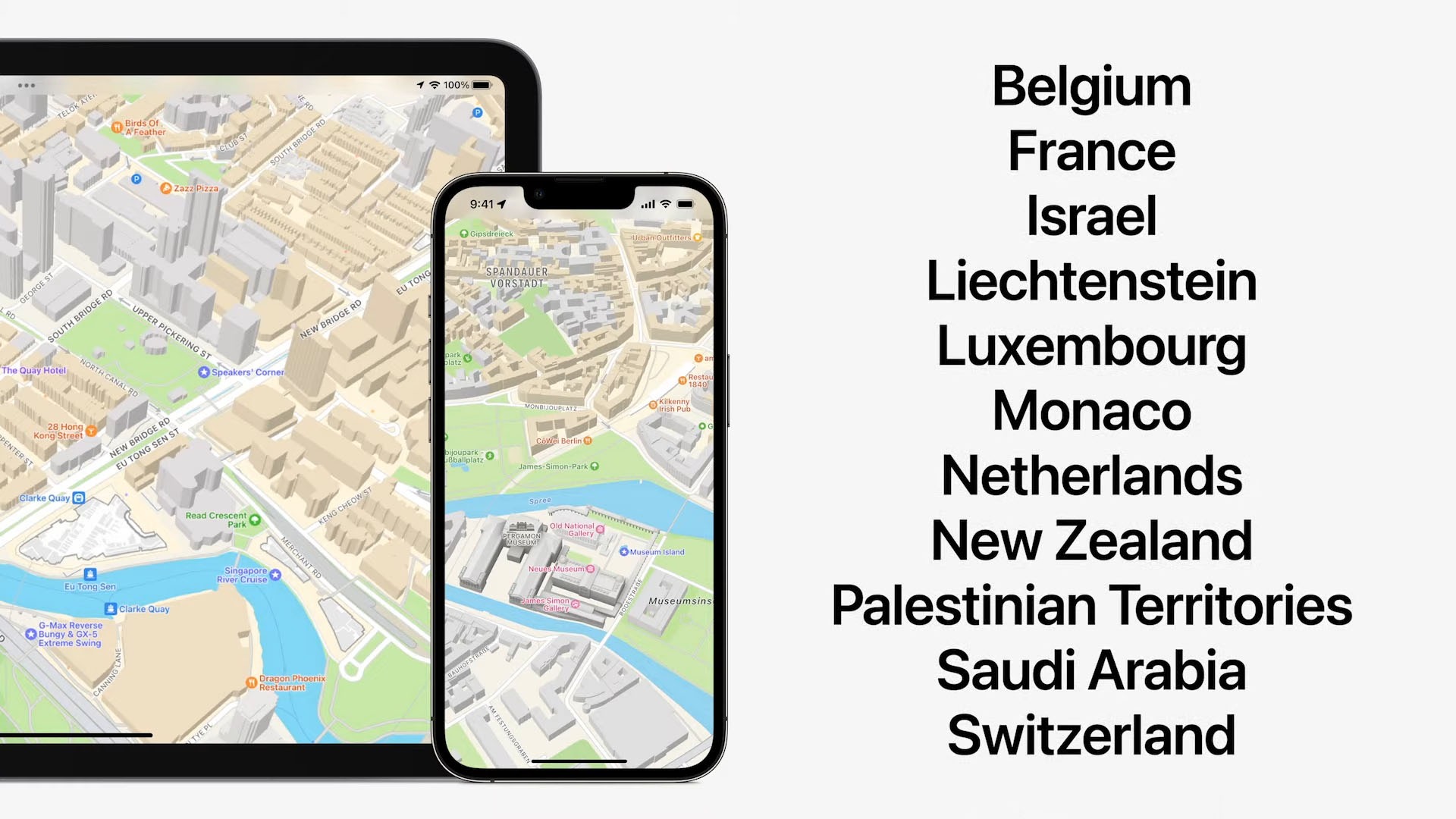
Apple Maps is another thing that I have played around with but never paid much attention to it. But it does look cool. I really like how Apple continuously innovates and improves maps with even more features, unlike Google Maps which is pretty much stagnant for a long time. And Apple Maps is expanding to a lot more places around the world, too.
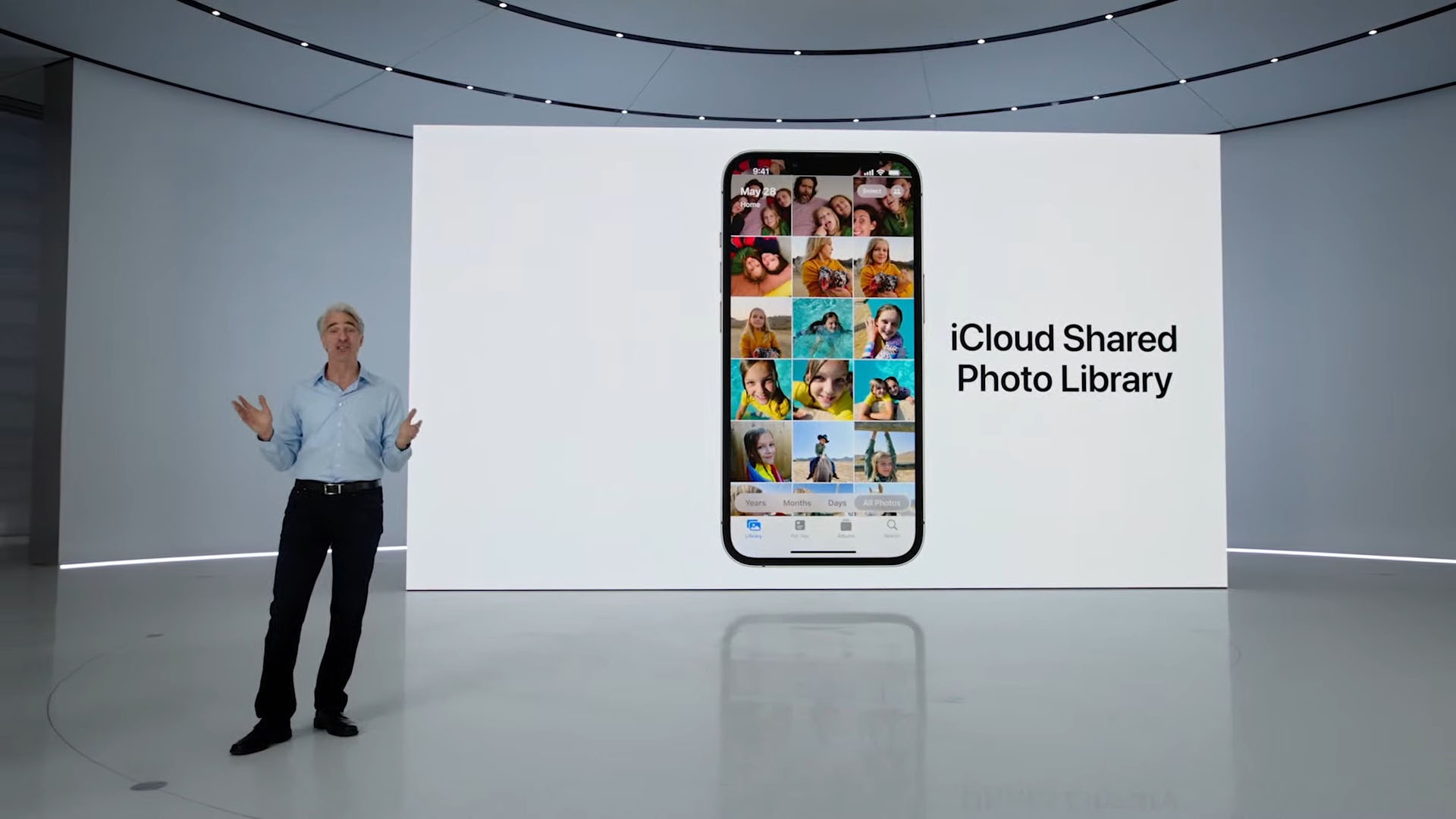
iCloud Shared Photo Library – seems like a great way to collaborate, and I don’t see anyone else doing anything similar.
Apple Home – as much as I’d like to try using it, I can’t pair my Yeelights with Apple Home. However, there’s something now called matter that is a new smarthome communication standard. Apple has already contributed HomeKit so I assume that in the future, my smarthome appliances can also be integrated with Apple Home.
Now, don’t @ me and say “hey, there’s Google Home and Samsung SmartThings already!” and yes, I know. But, it doesn’t hurt to integrate more. And it’s my job to try all these different systems.
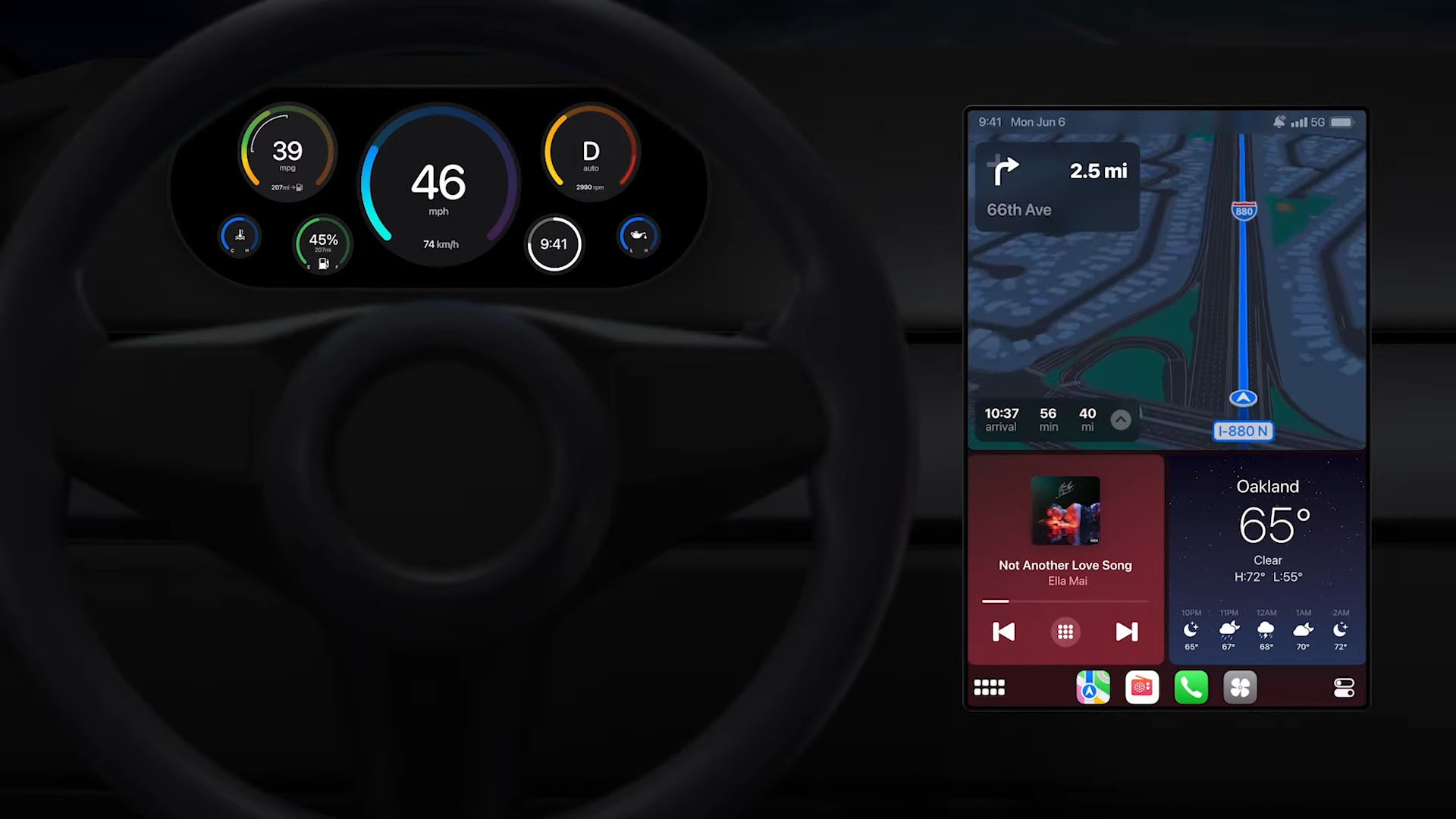
CarPlay isn’t exactly something that I’m familiar with since I don’t use CarPlay (I’ve never even owned an iPhone before, hahaha). I gotta say though, CarPlay looks exciting. It’s like treating the car dials as a smartwatch’s watchface and we can customize it to however we like. Maybe we can download some third-party dials with fancier animations.
But that’s not all though
I’m most impressed by the new M2, MacBook Air, and macOS Ventura. We’ll have another article for that – so have a read here.
Like our Facebook Page here at NasiLemakTech.com for more news and in-depth reviews! Also, join our Facebook Group for insightful information and memes!
Subscribe to our YouTube channel too!

