
The world of wearables is kinda huge. You have the really smart ones that cost you an arm and a leg to afford, while others can be really complicated or on the other hand, rather simple that we technically call smart bands.
Today’s guest will be in the smart band category yet it is marketed to be the best companion for outdoor people thanks to its rugged design and innate components becoming essential for exploring the unknown.
Let’s take a look at the new Amazfit T-Rex 2 and what kind of features and experience you can expect from something that is “simple” yet carrying a multi-hundred Ringgit price tag.
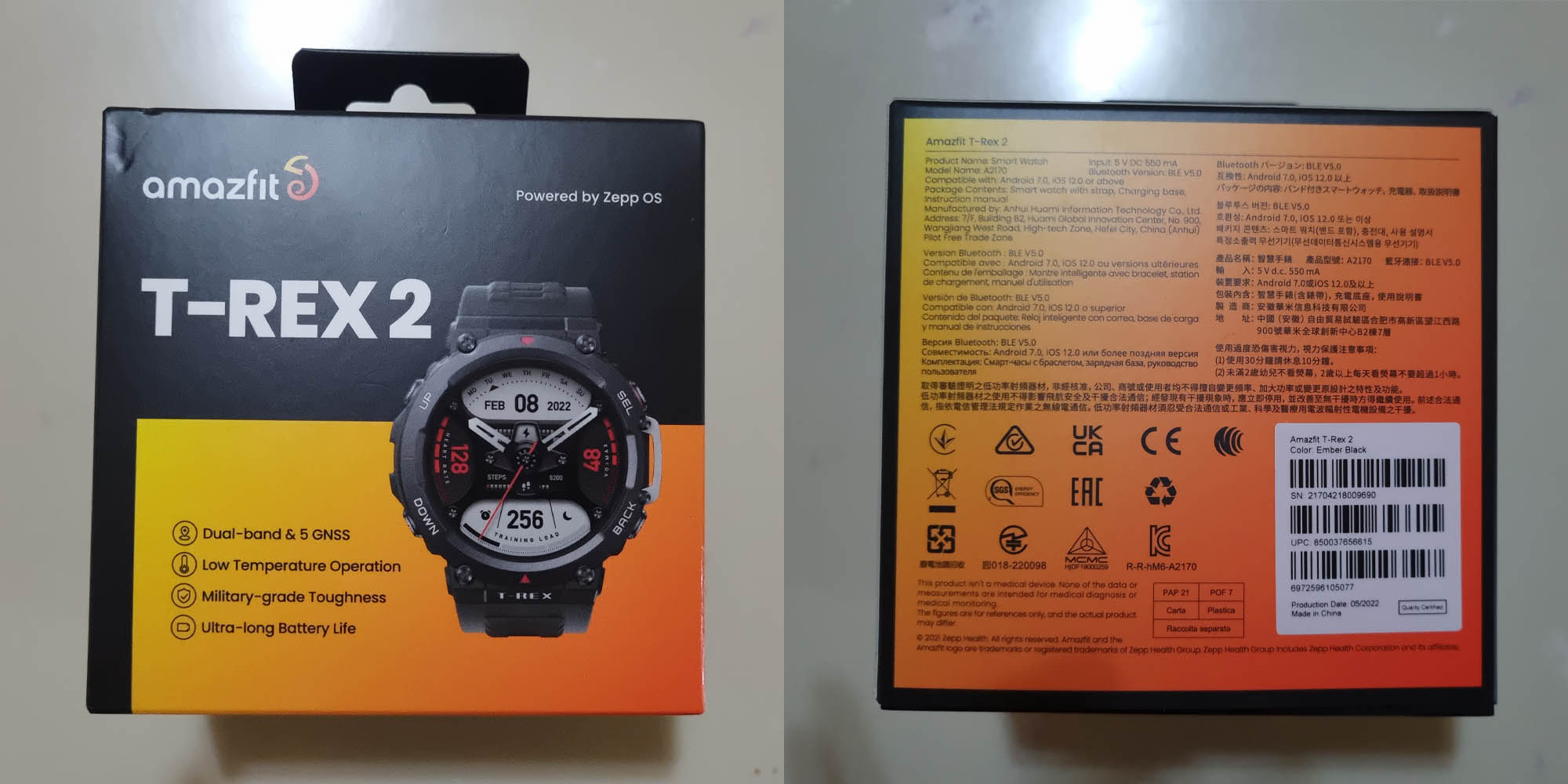
First up, the packaging is a square black box with an orange-yellow gradient and the overall quality is a bit thicker and tougher. Perhaps the ruggedness property also carries towards the box?
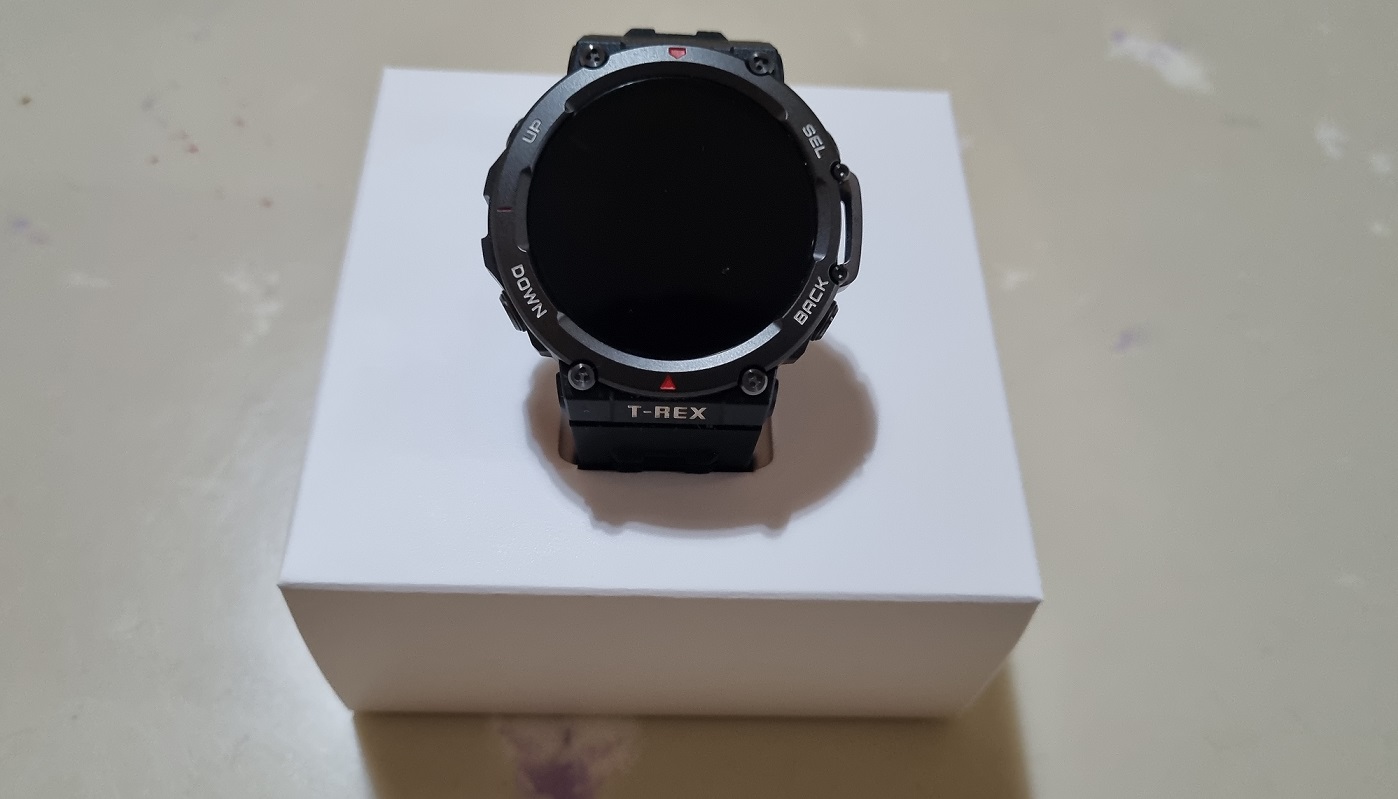
Pulling out the holder and opening up the cover reveals the T-Rex 2 sitting nicely in the middle. Taking it out requires a bit of wriggle effort but on the other hand, it means that it is properly secured and probably won’t fall off due to external sources of shaking and drops.
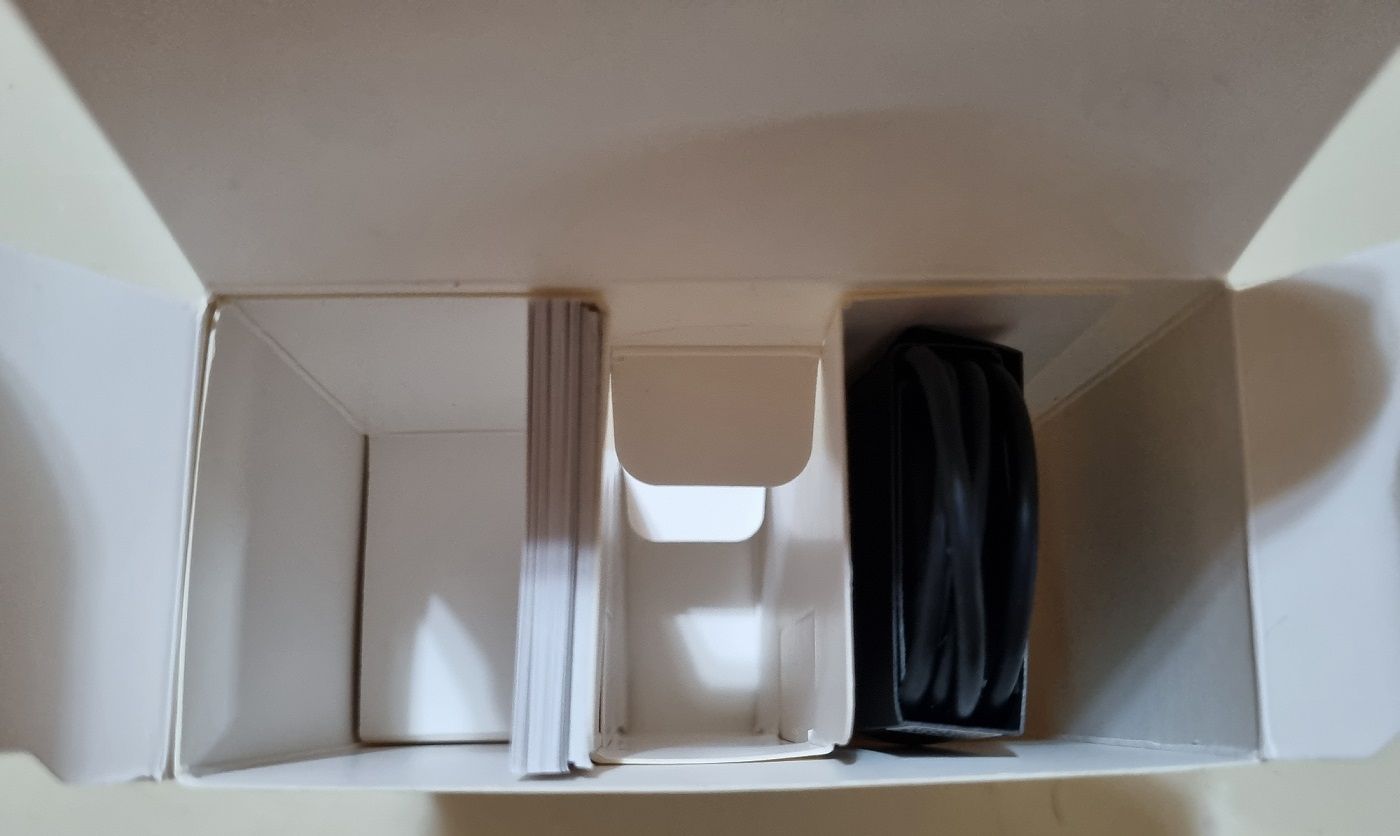
Opening up the seat and you can find the instruction manual and charging cable sitting back to back. Looks nice but there’s a lot of unused space so maybe a smaller packaging in the future?
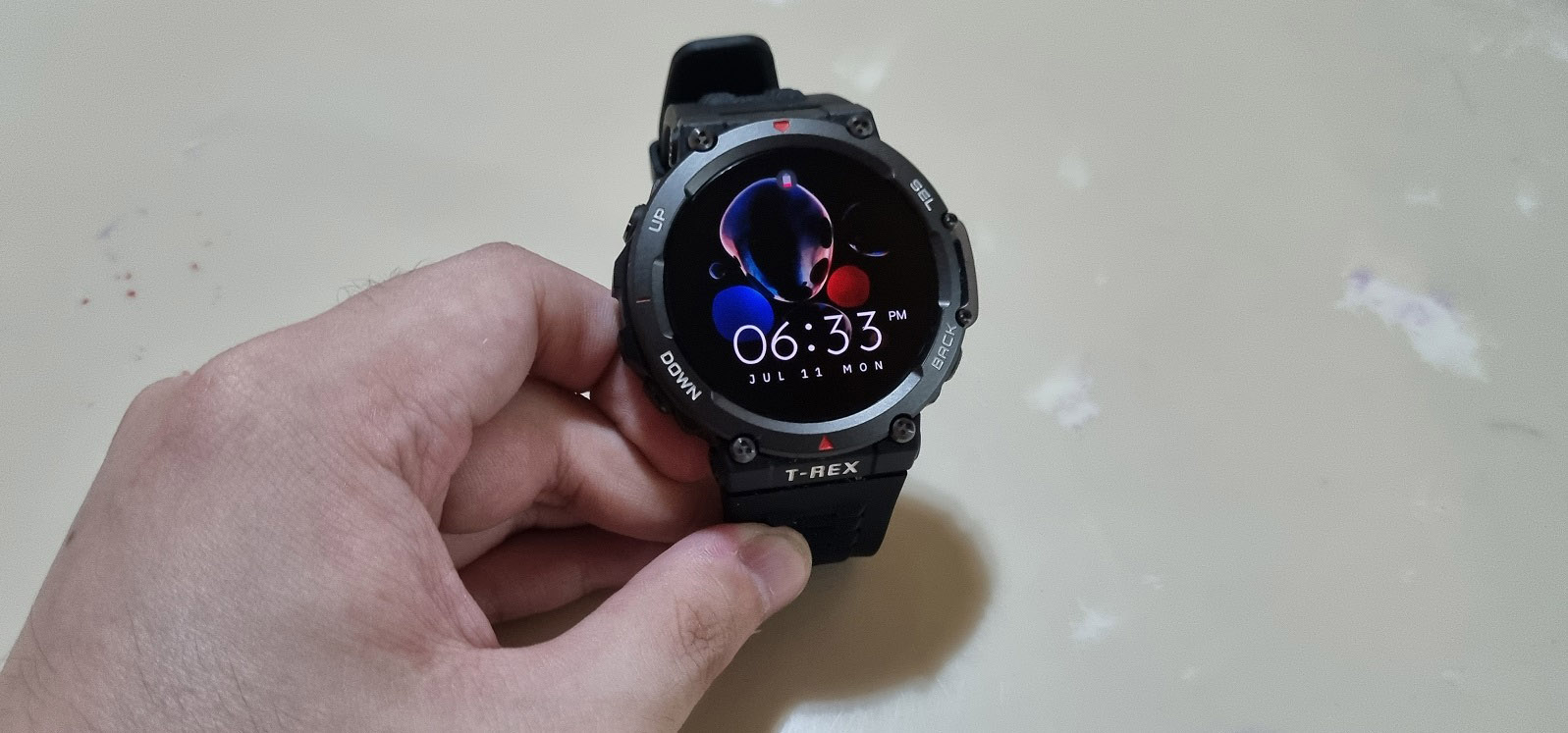
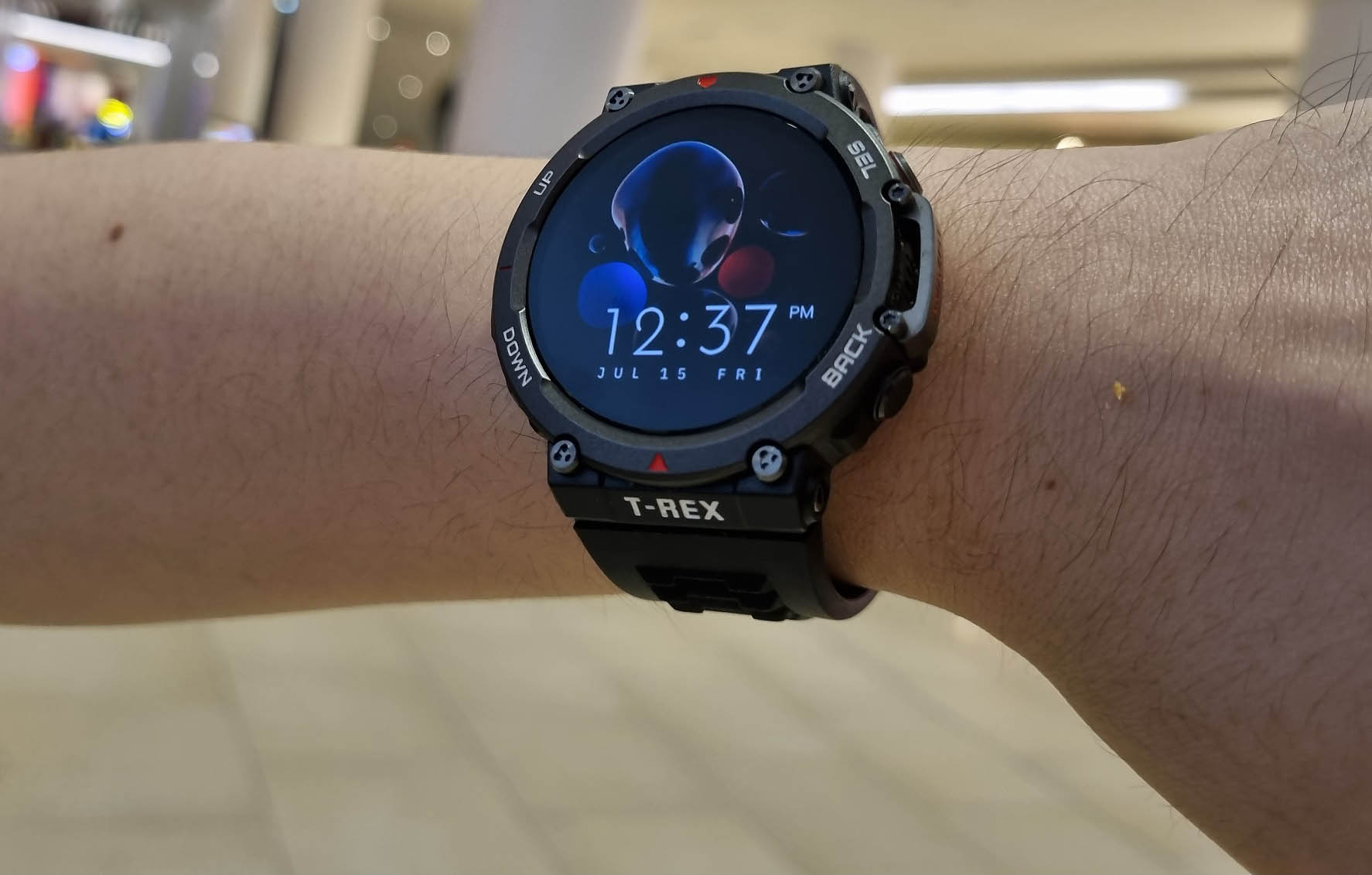
Lighting up the 1.39-inch AMOLED HD screen, the clarity is probably one of the best I’ve used so far. And a little disclaimer, I’m a sucker for big ass watches no matter if it is a traditional timepiece made entirely with metal or a rugged unit like this T-Rex 2, gotta love what you gotta love.
Also, the color variant I got here is the Ember Black version so with a main black finish coupled with little hints of red and white spicing up the text and design, it feels more sporty in this case rather than elegance portrayed by the Astro Black & Gold edition.
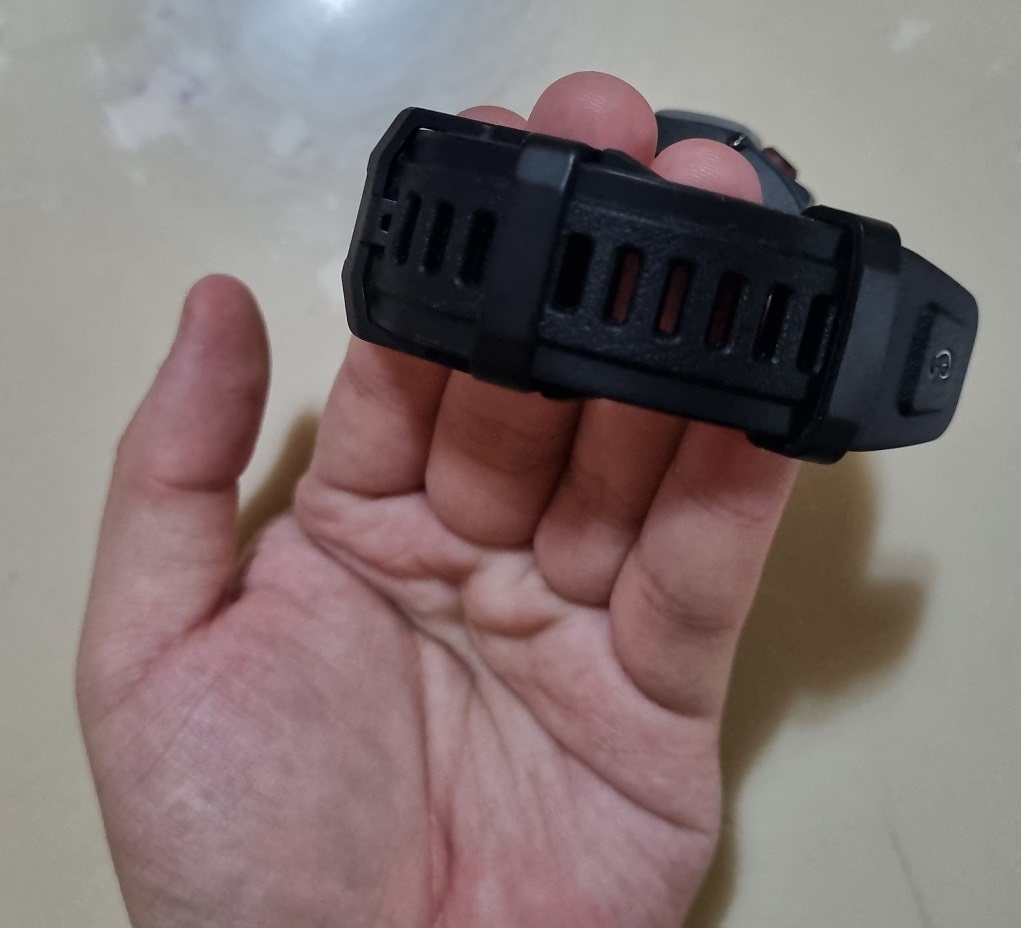
The wrist band is also a good point to take on since there’s a pair of strap holders instead of the usual single unit (Or none in some cases). The first one, the one closer to the stopper is fixed but the one at the looser end can be adjusted and it even has a little bumper to make sure it latches and locks in securely – all the more important in activities like hiking and other extreme sports.
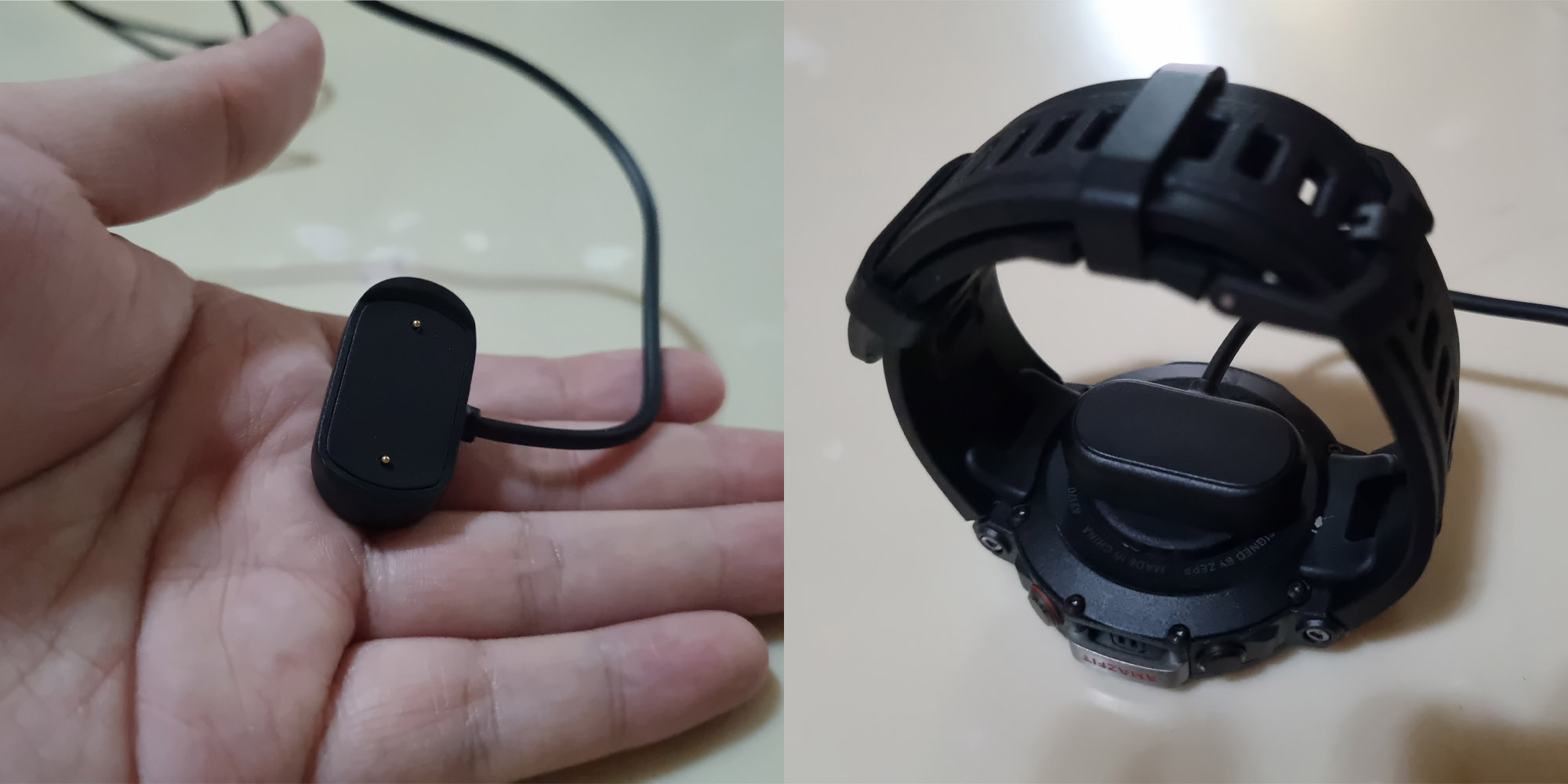
As expected, the charging cable is a USB-A to magnetic contact where you latch it onto the back of the T-Rex 2 easily. A small complaint though is that the magnetic force isn’t that strong so it is prone to accidental detach and ends up flinging the watch to the ground together in one go (yes, it happened to me) so be extra careful when juicing up the watch.
Also, the shape of the magnetic latch looks a bit like those boomer chargers from the early 2000s (thin and long Nokia barrel chargers anyone?).
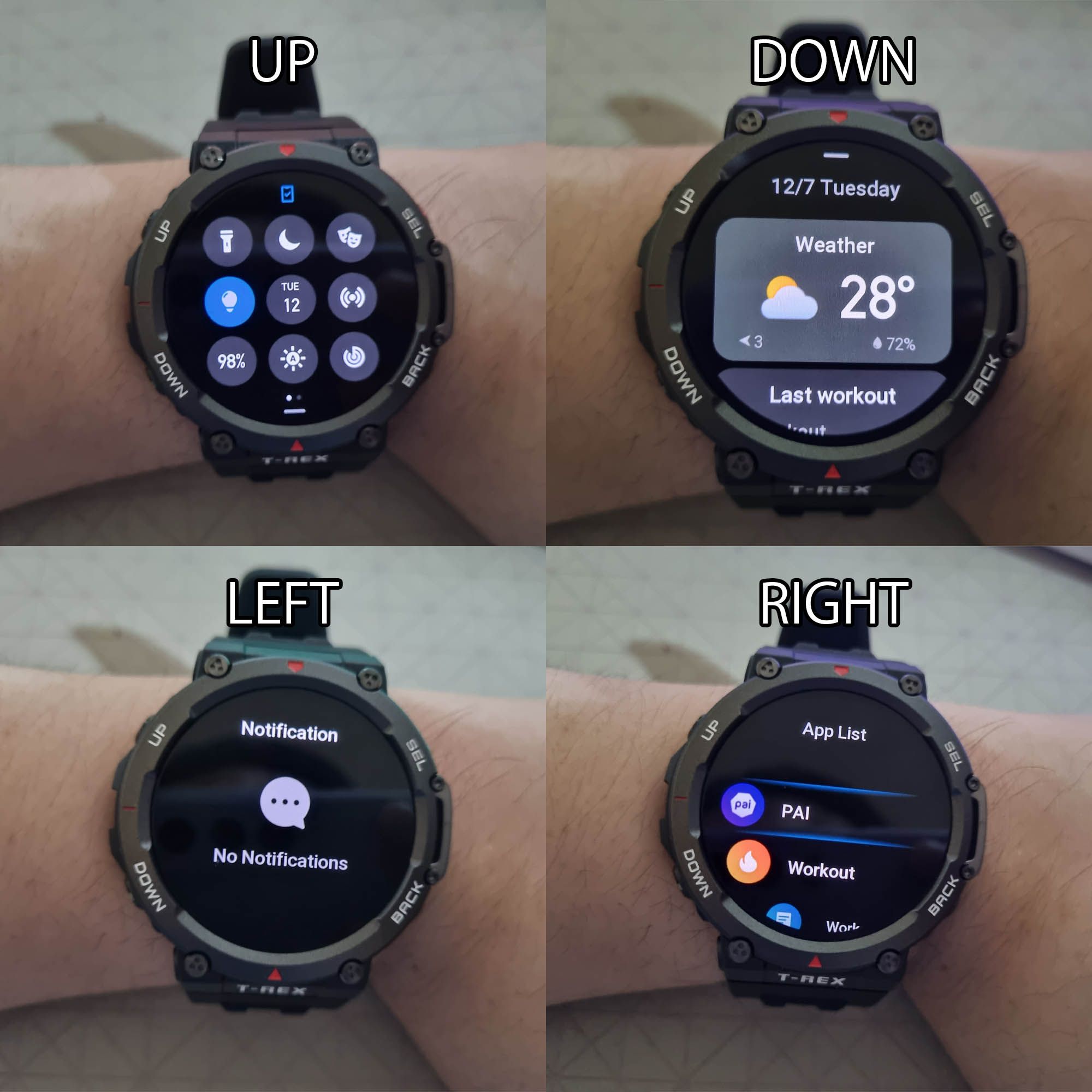
After lighting up the screen and having the clock show up, you can drag in 4 directions to bring up different kinds of menus.
For starters, the most accessed ones would be the Down gesture which brings up the date, weather, workout data, recent heart rate, and more thanks to the customizability. This is the “update dashboard” if I have to give it a nickname or some sort.
The Up gesture is my most used panel instead since it hosts the flashlight, Do Not Disturb, Cinema Mode, Auto-Brightness, Flashlight, and most importantly, the Locate Phone function. No more losing your mind over where your brick of digital companion is.
On the other hand, the Left is your notifications and the Right is a quick shortcut menu to the Apps installed within the watch and aside from health and fitness-related items, settings and music can be found here as well.
If you don’t really want to use the touchscreen because your fingers are dirty, oily, or anything, you can instead just use the 4 side buttons of Up, Down, Select, and Back to replace the touch inputs. Yep, in times of danger you won’t even have time to touch stuff so just click away quickly.
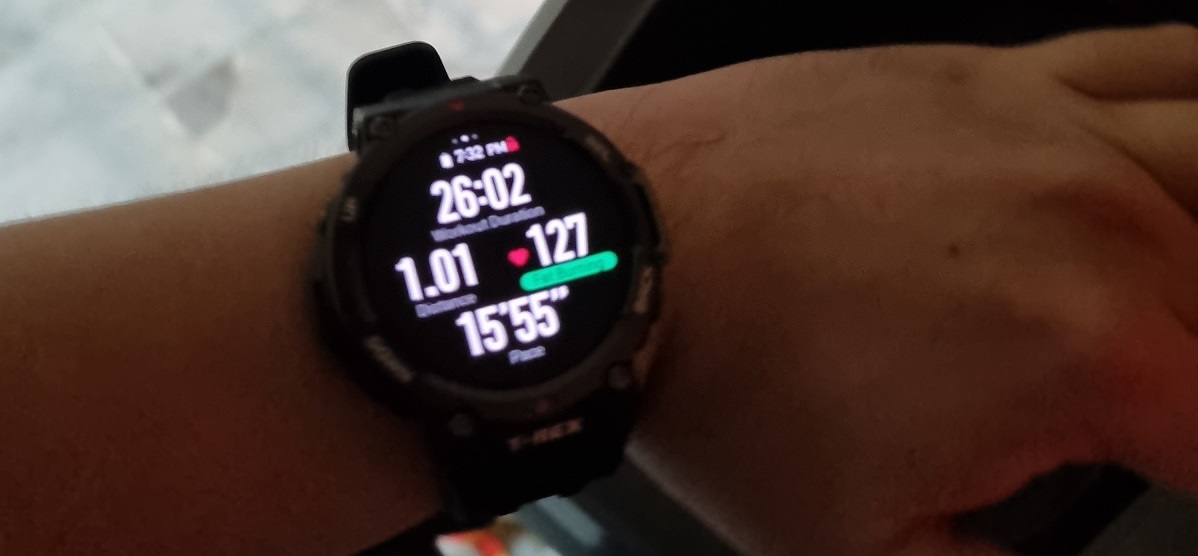
I also took the Treadmill workout tracking function for a spin. As expected, it displays the duration, distance, heart rate, and pace within a simple interface. When the 1-mile goal has been reached, a loud beeper noise is produced. All of these will be synchronized to the app for combined figures.
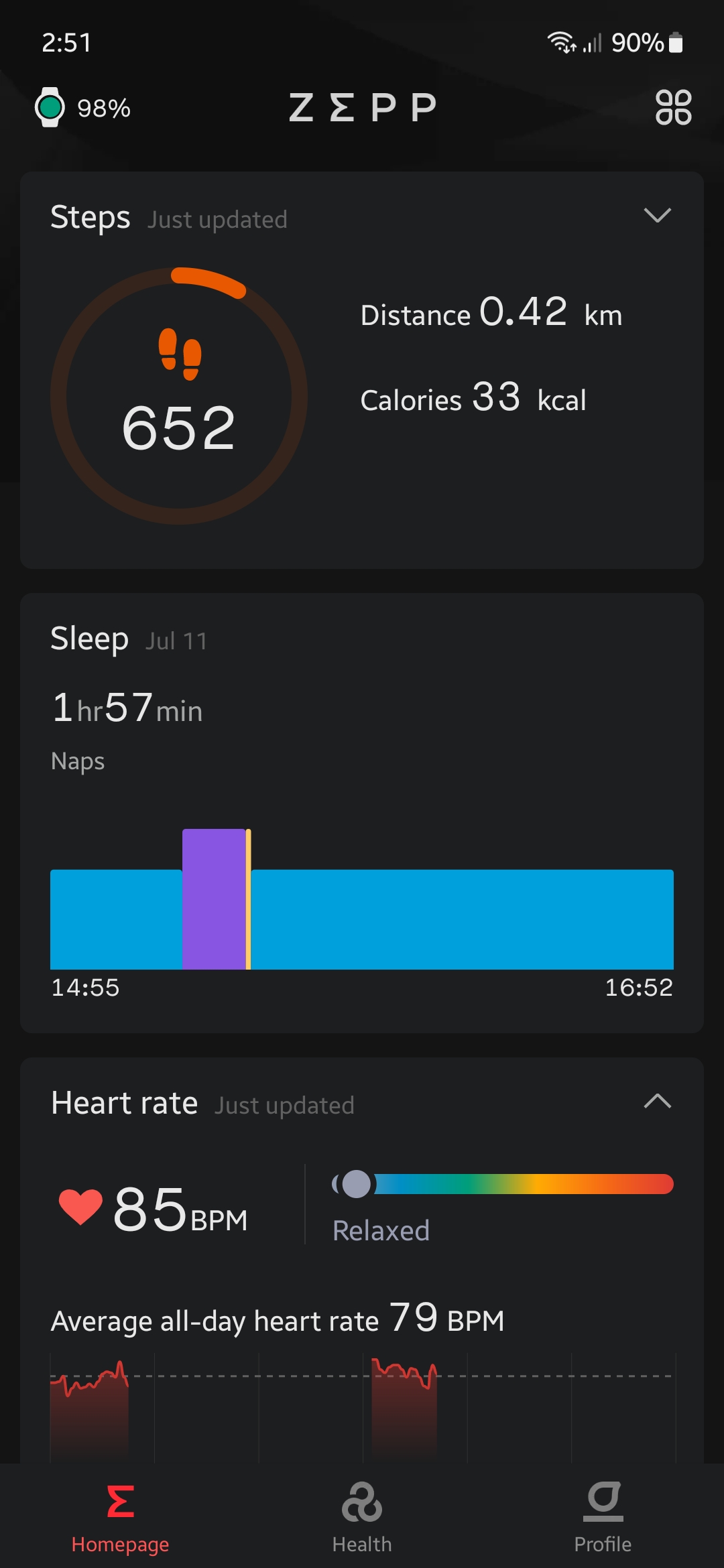 Amazfit’s own digital companion is under the Zepp app and you can access all sorts of records from here that are tracked by the watch from sleep, and heart rate to summarized workout records.
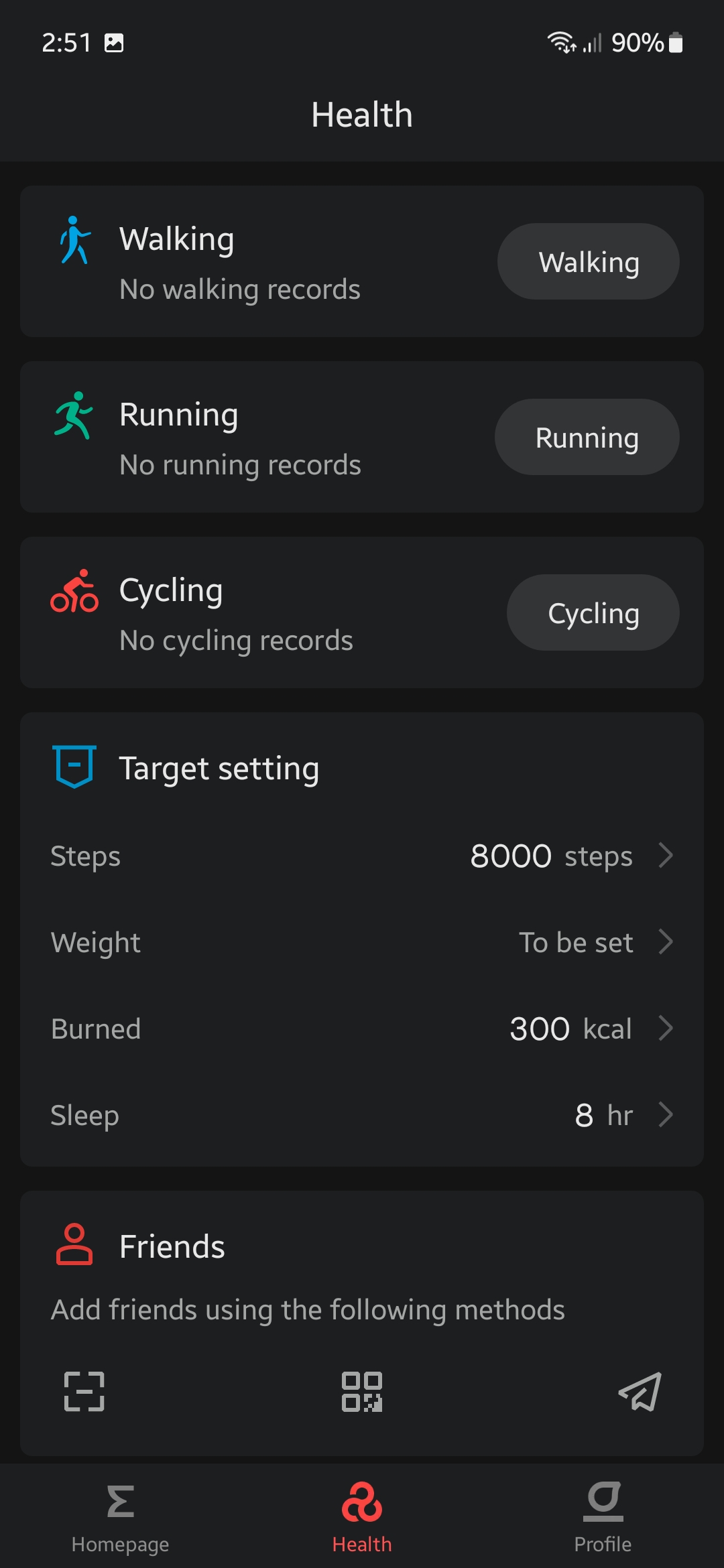 The Health tab will go a bit further by showing you the target setting that you’ve set (or by default) during the startup of the device alongside detailed numbers on specific workouts. If you have friends, you can rope them along for some friendly training goals.
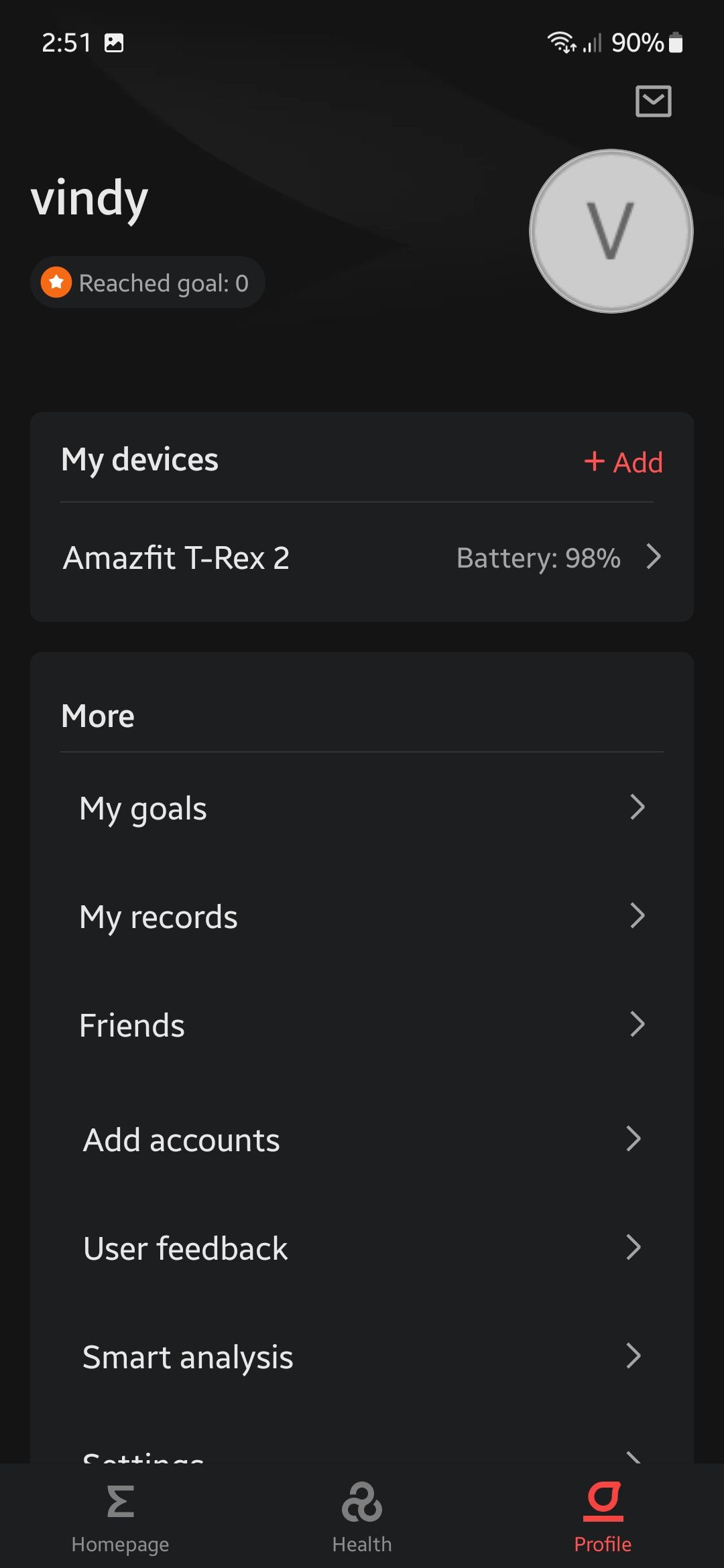 For the profile stuff, you can mess around with accounts and records management, and most importantly, the customization of the T-Rex 2.
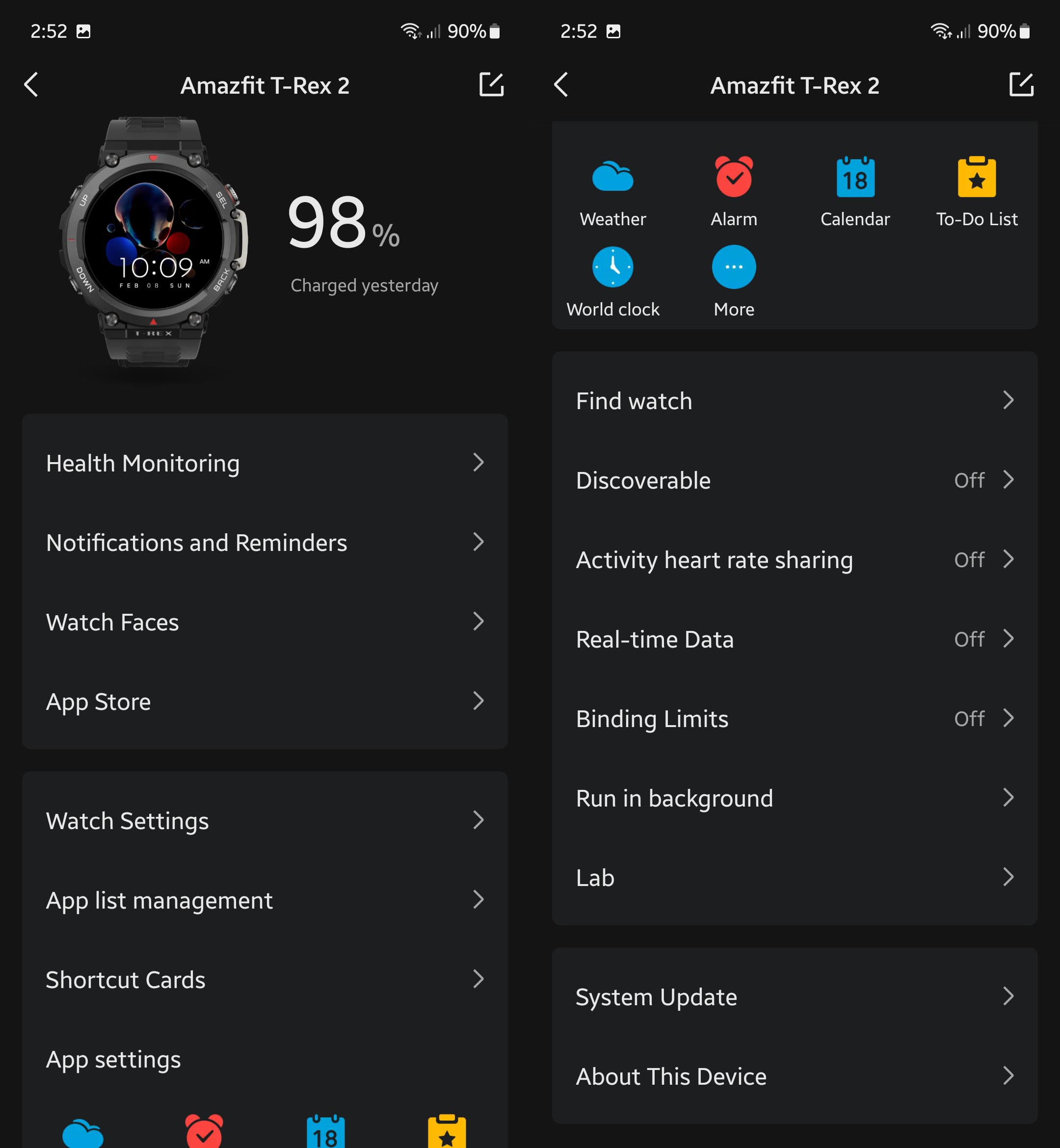 The number of options you can play with on the device page is quite a lot in my opinion despite some of them being repeated functions.
Remember the Find My Phone feature on the watch? You can do it vice versa via the app so you will not lose them anymore as long you have one of them.
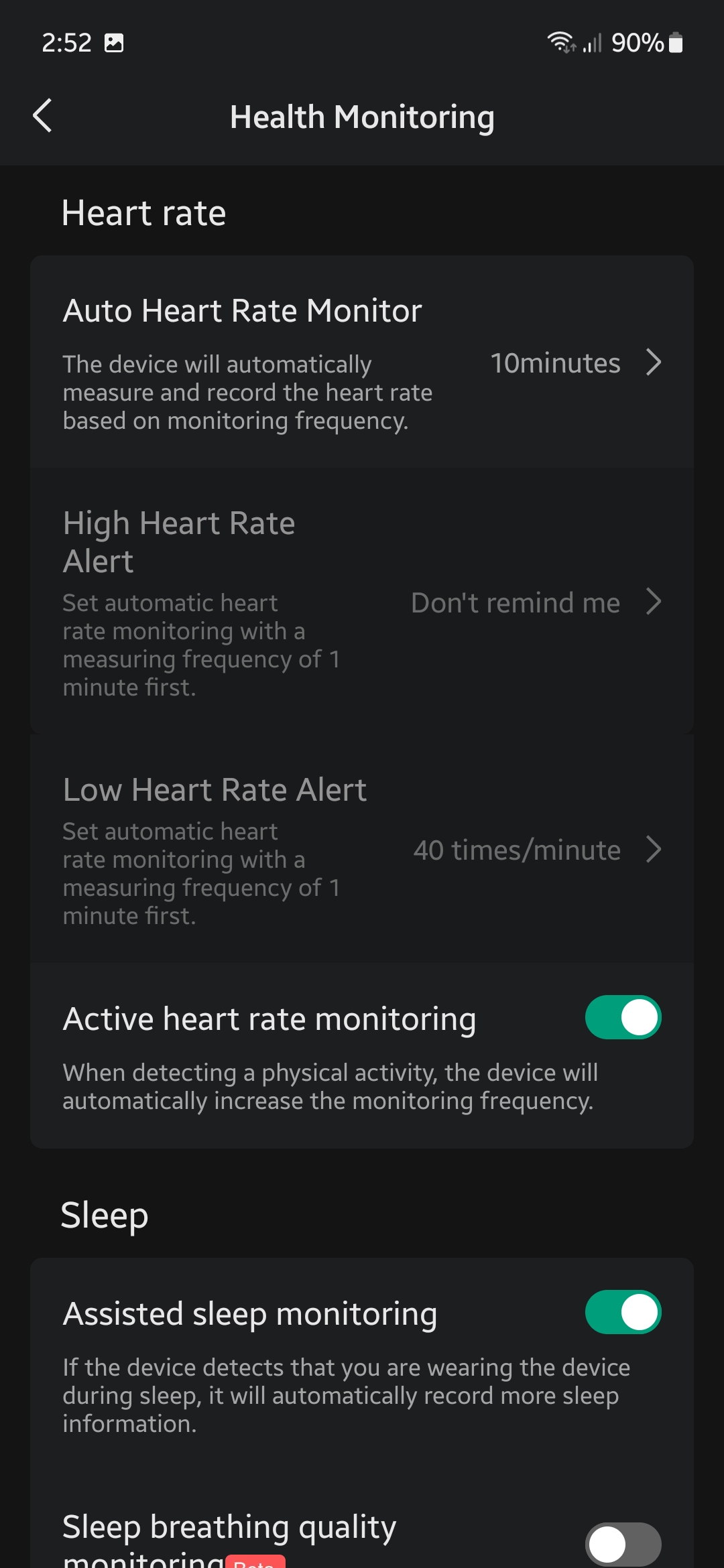 The health monitoring page offers even more choices for you to really get into the accuracy of measuring your overall fitness status. Here, you can swap up the duration of intervals in which things like monitoring occurs while other functions are either ON / OFF.
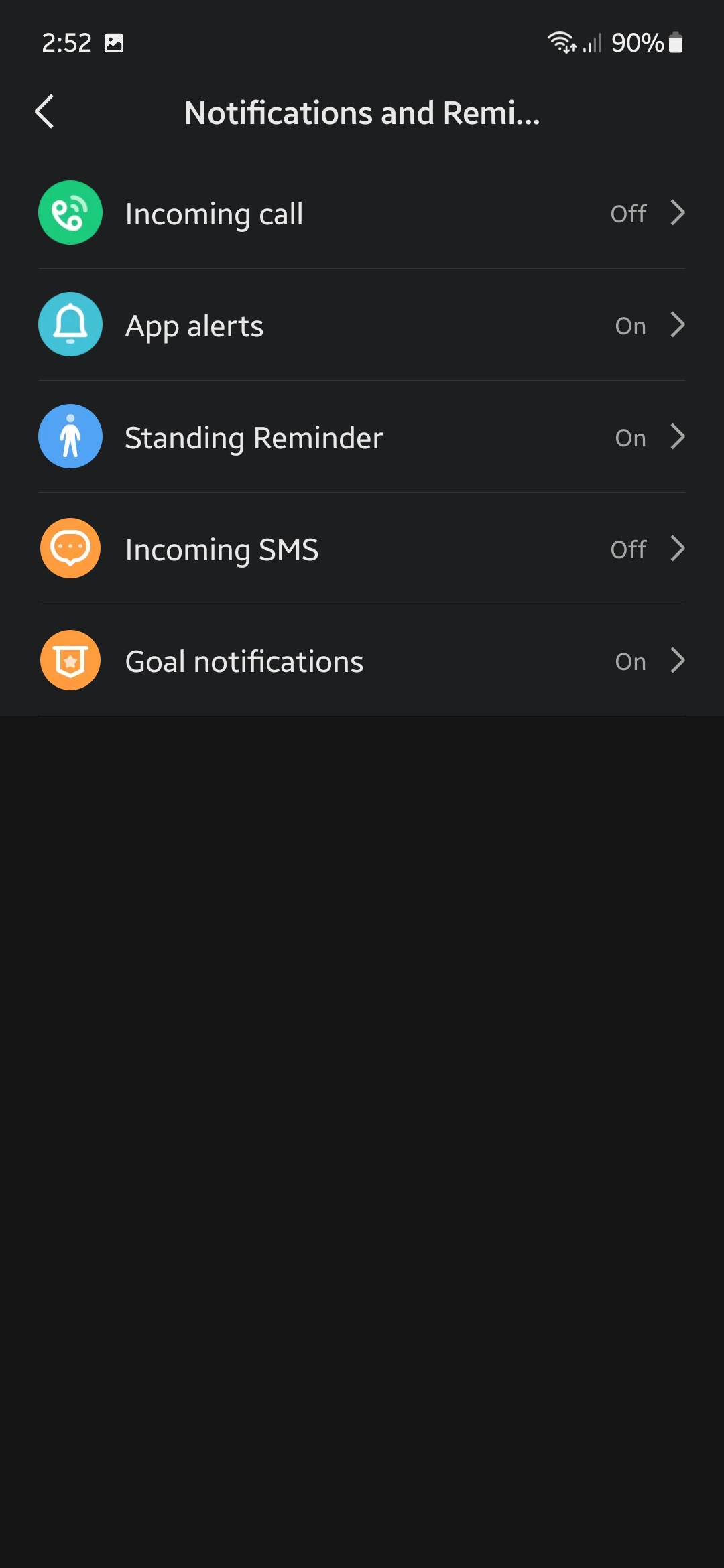
For one, I really like the notifications and reminders tab because it lets me adjust specific triggers to my own liking. Don’t want calls and apps to spook you suddenly? Get them off as you wish.
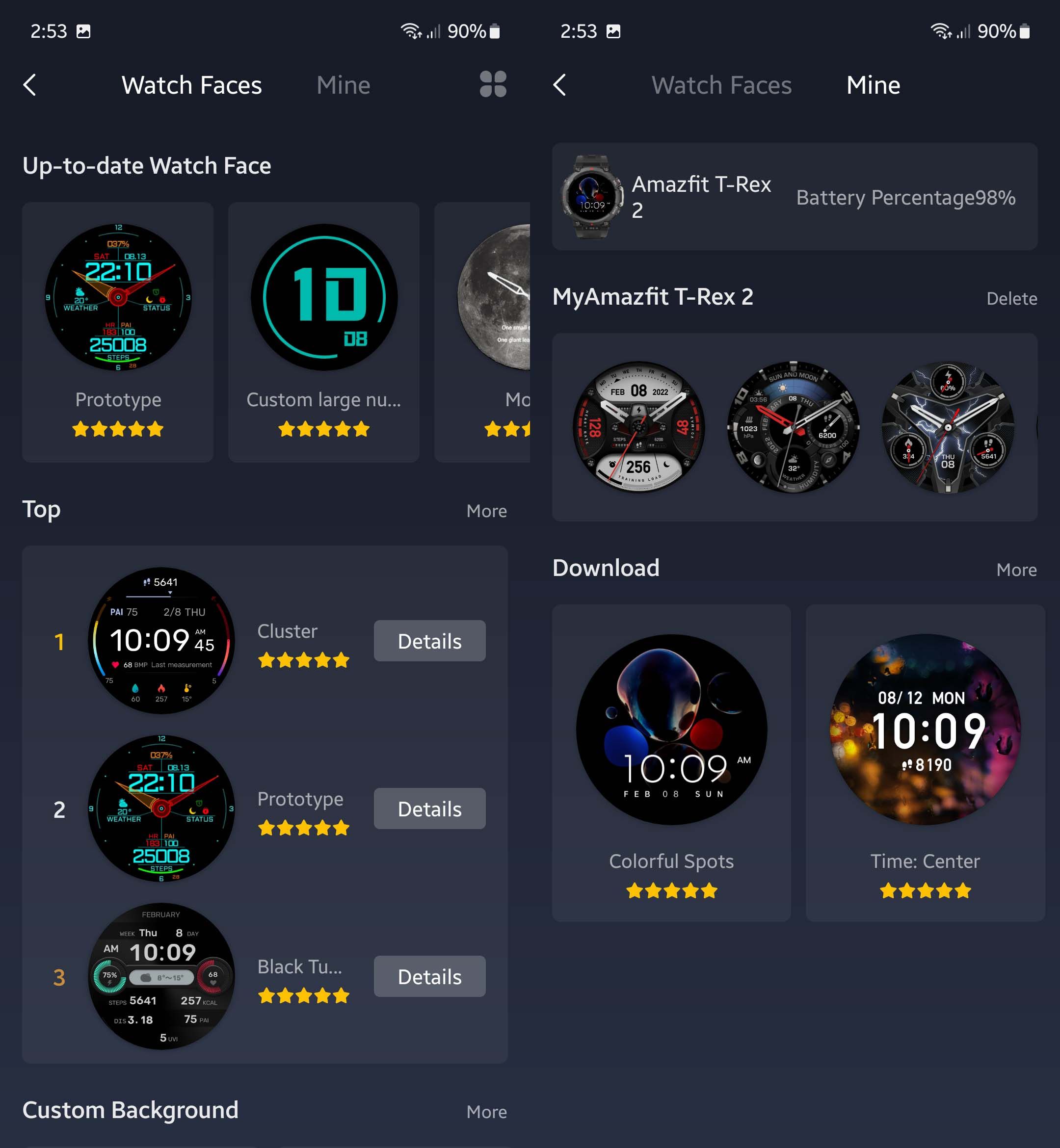
Ah, the watch faces. Good to know that at least Amazfit is providing lots of options for you to set up the mood or for the environment from the sporty and futuristic kind for outdoor exploration or them or the more “A E S T H E T I C S” for indoor occasions.
I personally run the Colorful Spots due to the clean design while the Time: Center (weird naming, I know) includes the step counter which is used when I need to take a quick glance at it every now and then.
Conclusion
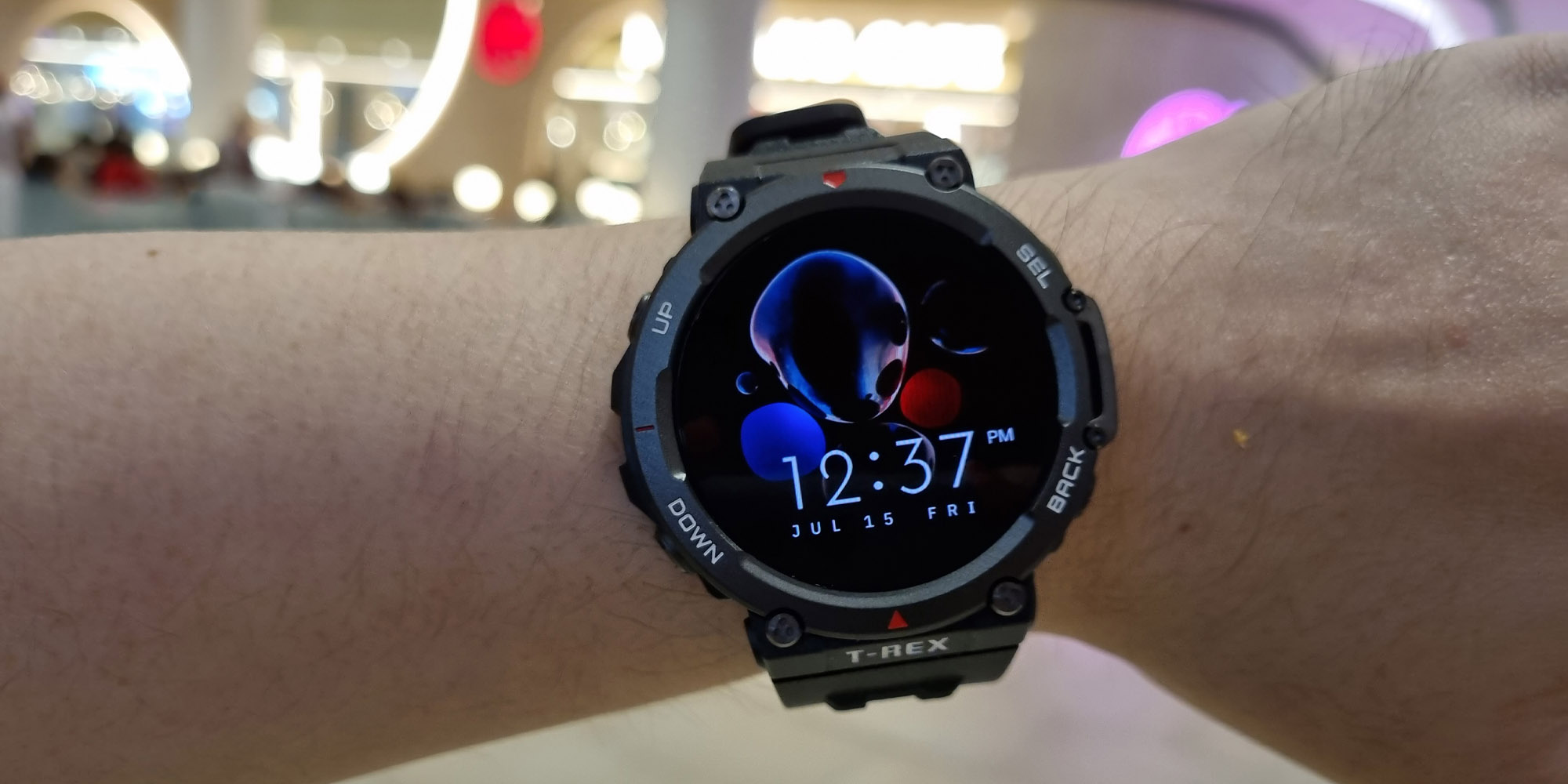
So what’s my verdict on my first athletic-focused smart band, the T-Rex 2? Well, this is surprisingly a pleasant experience overall. Partially due to my biased preference toward big-size watches, the looks, design, and comfort level are what got a thumbs up from me at the beginning.
As time passes, by exploring the functions and its ability to withstand wear and tear in the outer world, it is sufficient to say that I’d trust the T-Rex 2 to be the companion outdoors and not worry about it breaking or anything since it is quite durable.
Therefore, this watch definitely matches its value and the set of expectations especially if you need the following points in your smart band:
- Built to last
- Active in outdoor activities (especially engaging in different kinds of workouts)
- Long battery life
- Big size
And at the price of RM799 in Malaysia, I’d say that it is priced decently with the main contribution being its built quality and durability while the software, albeit being simple compared to something like a true smartwatch, is designed with depth that covers a large range of workout patterns accompanied by detailed recordings.
Where to buy? (Affiliate links)
Like our Facebook Page here at NasiLemakTech.com for more news and in-depth reviews! Also, join our Facebook Group for insightful information and memes!
Subscribe to our YouTube channel too!