



















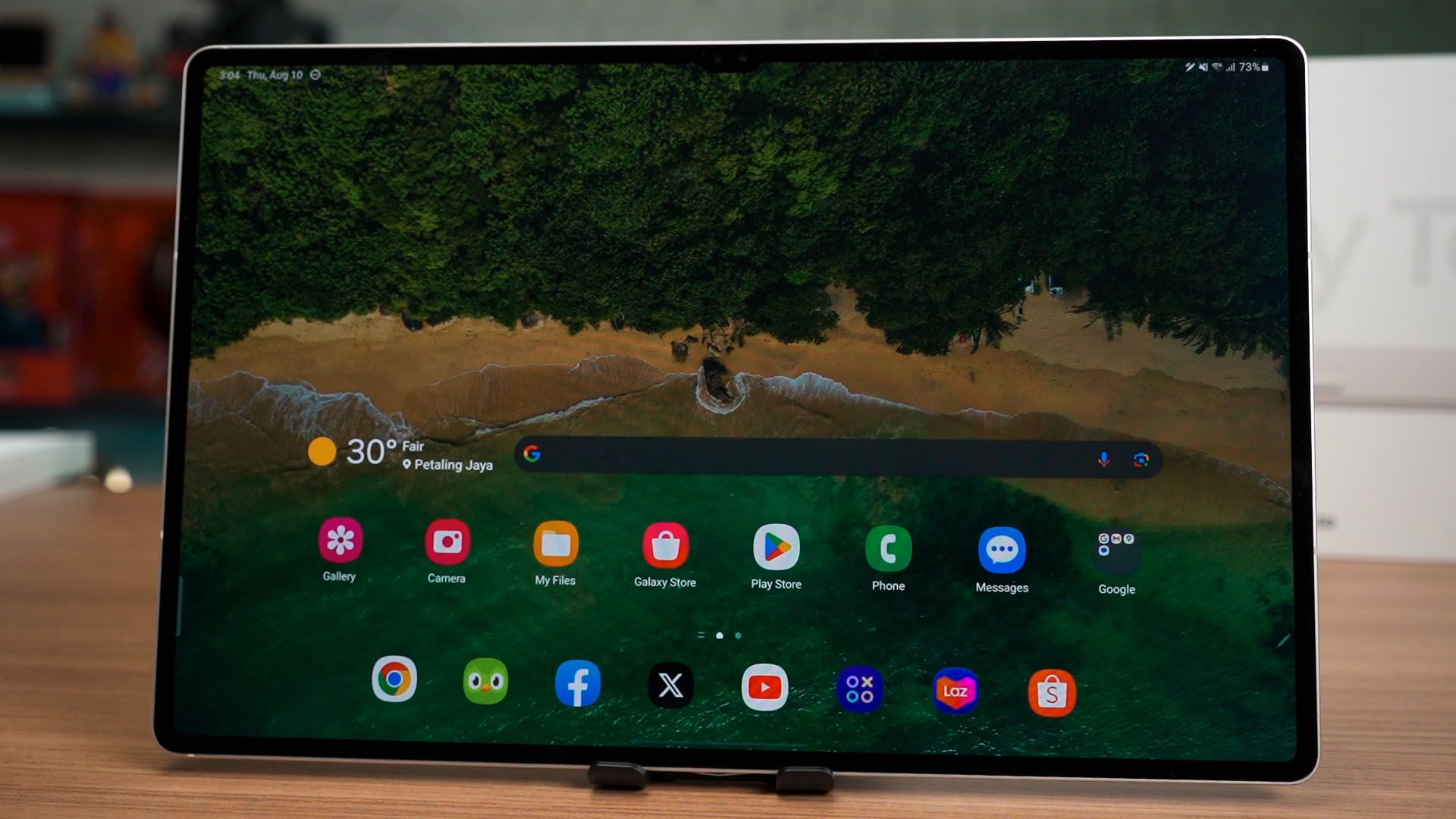

This humongous piece of screen here is the Galaxy Tab S9 Ultra. It’s not the first large-screen tablet because this is more or less like a refresh of the Tab S8 Ultra. Most of the things remain the same but with a few upgrades here and there too.
For our particular unit, we do not have the keyboard case – yet – so we’ll only talk about the tablet itself.
Screen
Anyone buying a tablet of this size is obviously because of the screen. Just like the predecessor, it is the biggest tablet that money can buy. And we literally mean the biggest. It’s a Dynamic AMOLED 2X screen that is 14.6-inches diagonally with an aspect ratio of 16:10, and a super high resolution of 2960×1848.

We decided that since this is such a massive screen, we split it into 3 segments. And we found out that the color accuracy is practically 100% for both sRGB and DCI-P3 color gamuts across the 3 segments. The high maximum ΔE number seems to be very extreme but has low occurrence as the average ΔE is very low.

As for the maximum brightness of this tablet, it is around 680 nits. While it might seem like it’s not that high, it is actually very bright considering that the “nits” measurement is the density of light intensity per square meter – and we have a lot of square meters here.
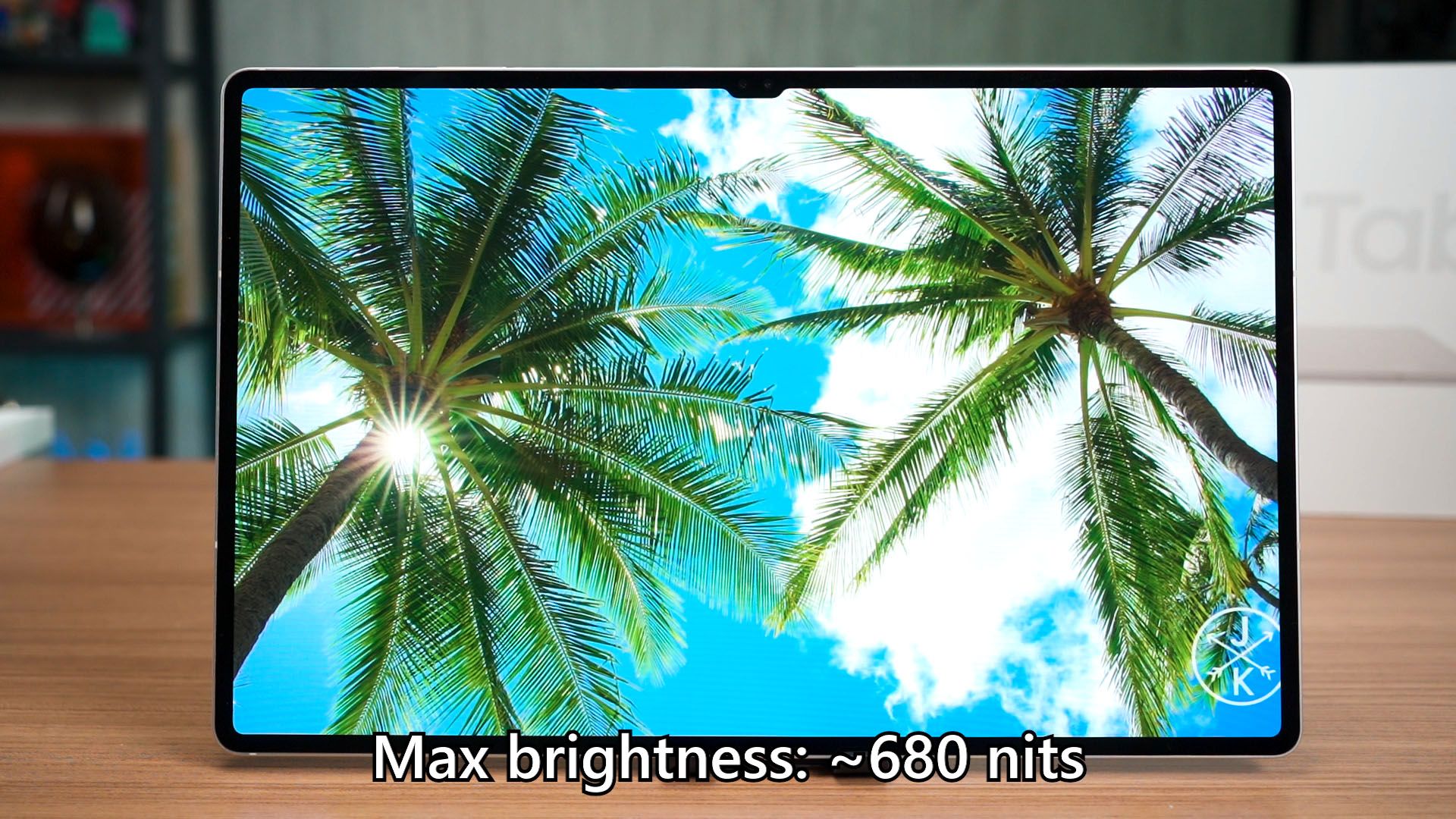
I have to say – the screen of this tablet is literally better than many laptops available in the market today.
Speakers
To complement this experience, it also comes with quad AKG speakers too. That means the tablet looks nice, and sounds nice at the same time.
To listen to the audio sample, watch the video at the top of this review.

Battery life
But because of the big screen, I am very worried about its battery life. OLED screens work in a very funny way – if we’re viewing mostly black images, then OLED displays are more efficient. However, considering the nature of the content we consume, IPS LCD panels will be much more efficient.

If you recall our Galaxy Tab S8 Ultra review from a year and a half ago, we mentioned that it had the worst possible battery life of a tablet. And the new Galaxy Tab S9 Ultra has the same battery capacity of 11,200mAh battery too.
Since we are using a standardized battery life test, we can compare the data – and I’m very impressed. The new Galaxy Tab S9 Ultra can last for 3 hours longer – and that means it has a massive 42.92565947% of battery life improvement! That’s insane!
Charging speed
The charging speed though, remains the same. It takes in a maximum of 45W and from our charging test – but it actually takes a longer time to charge? I’m not sure what’s going on here – but around 2 hours is what it needs to complete the charging cycle.
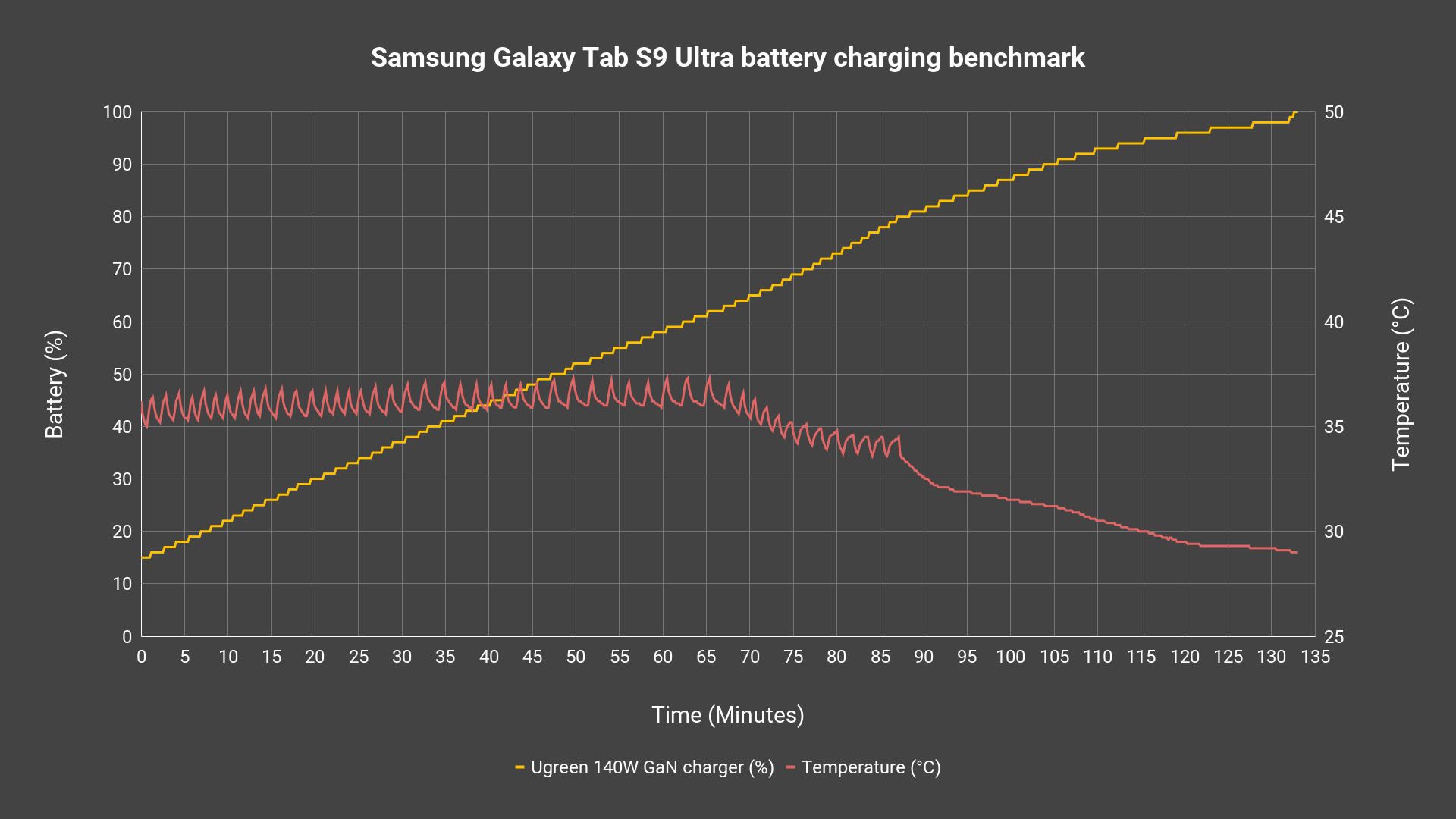
I do think that because this tablet is so big, it can pump in more wattage to increase the charging speed. As we can see through those jagged spikes, Samsung is controlling the temperature quite aggressively. I mean, the entire tablet is a giant heatsink so I don’t think heat is going to be an issue any time soon.
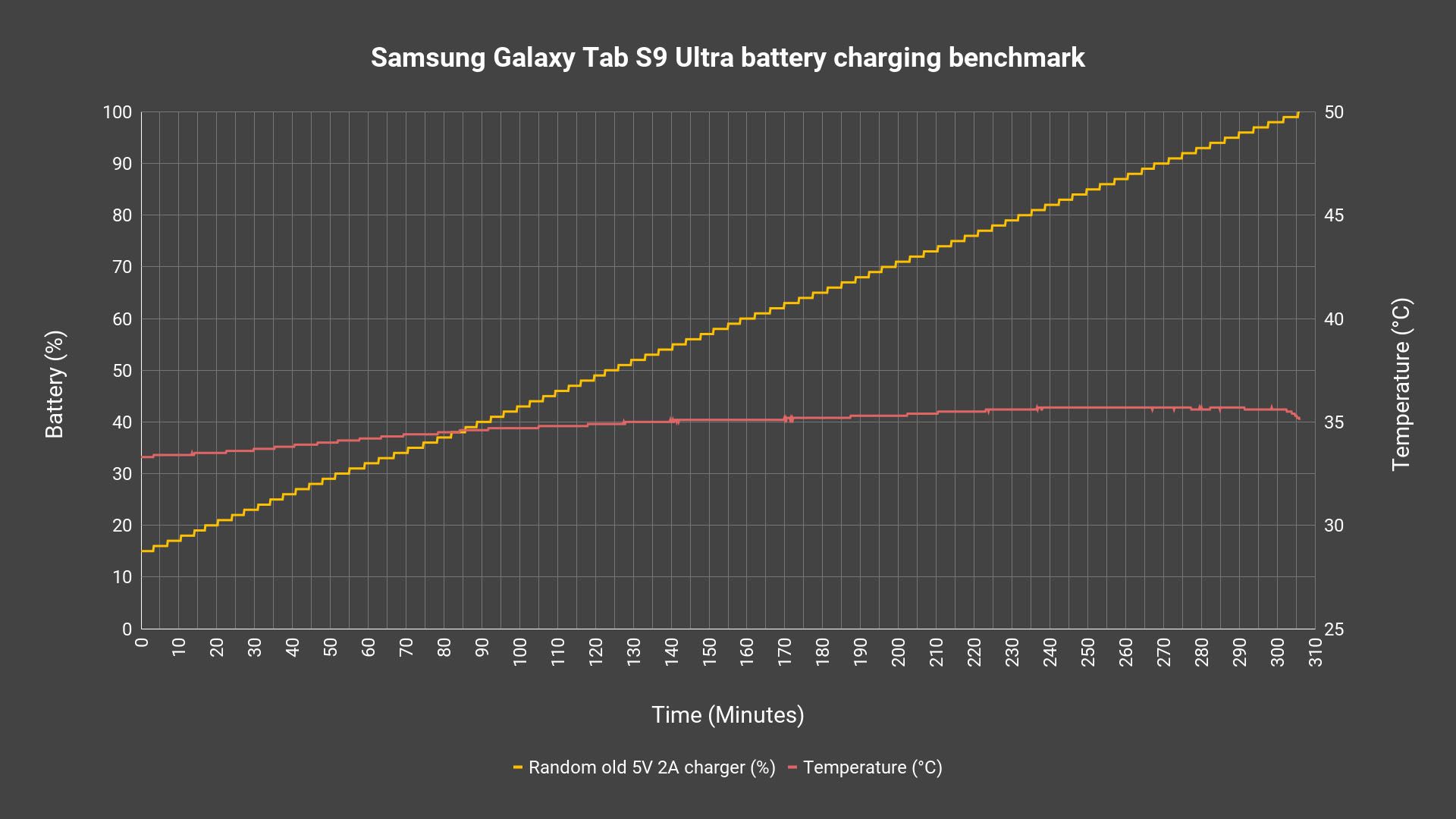
And just for fun – since it has a massive 11,200mAh battery, I want to know how many hours it’ll take to charge it with an old 10W charger. The answer is more than 5 hours, actually. That’s actually okay if you charge your devices overnight like I do.
Performance
For now, we’ll jump to talk about the performance. Powered by the Snapdragon 8 Gen 2, this tablet really doesn’t any issues at all when it comes to gaming. Whatever I threw at it, it’ll perform the best it can. Doesn’t matter if it’s Genshin Impact, Fortnite, or even emulated games – this tablet will bring out the best of the Snapdragon 8 Gen 2 chipset.
Heat is never a problem since the entire tablet is a giant heatsink, and we can’t even make the tablet go 8°C higher than its ambient temperature. I can only feel a slight warmth when I touch the tablet.
By the way, we also tested emulation on the Galaxy Tab S9 Ultra – and it’s an absolute blast!
Software
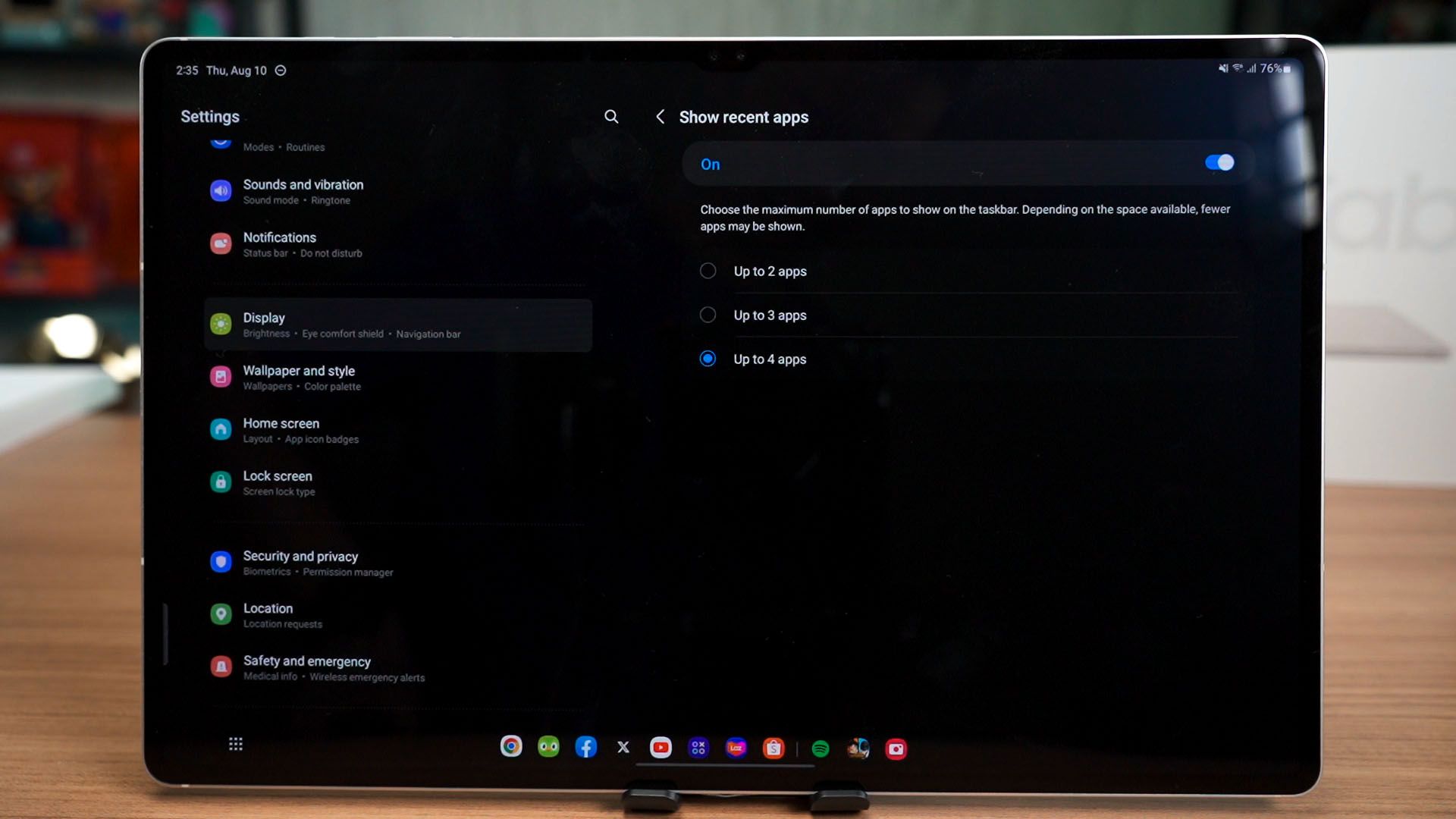
Of course, this tablet does come with One UI 5.1.1 software and what we’ve talked about the Z Fold’s software is applicable here too. We have the taskbar, which is an amazing addition to all big-screen Android devices in general.
If you do charge your devices overnight like I do, then you can even use the feature called Daily Board and place this tablet on your nightstand or something. It transforms into a special type of always-on display that is actually informative and useful.
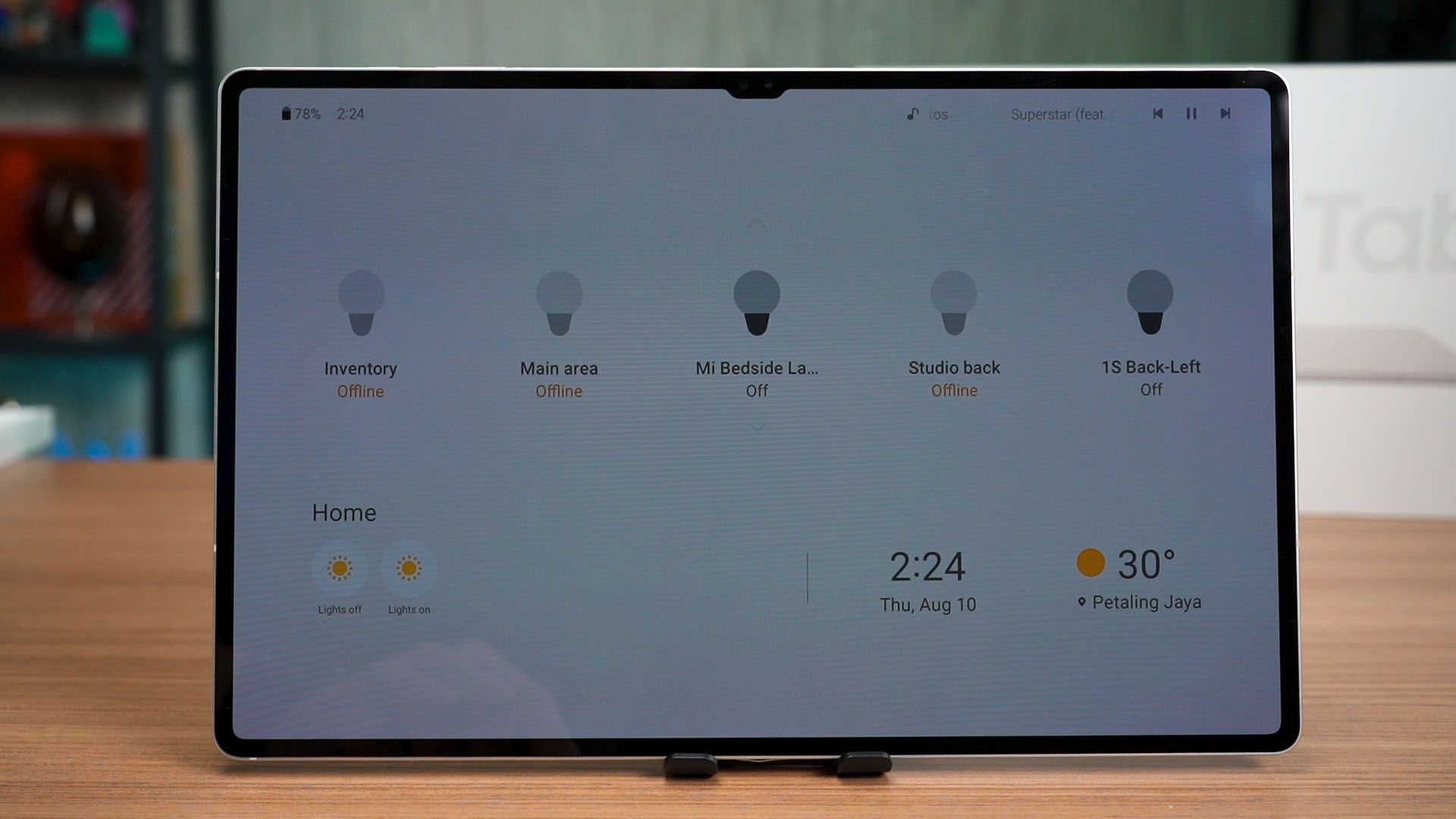
You can even swipe and go through some other features too. Pretty handy if you have smart home stuff that is linked to your SmartThings account.
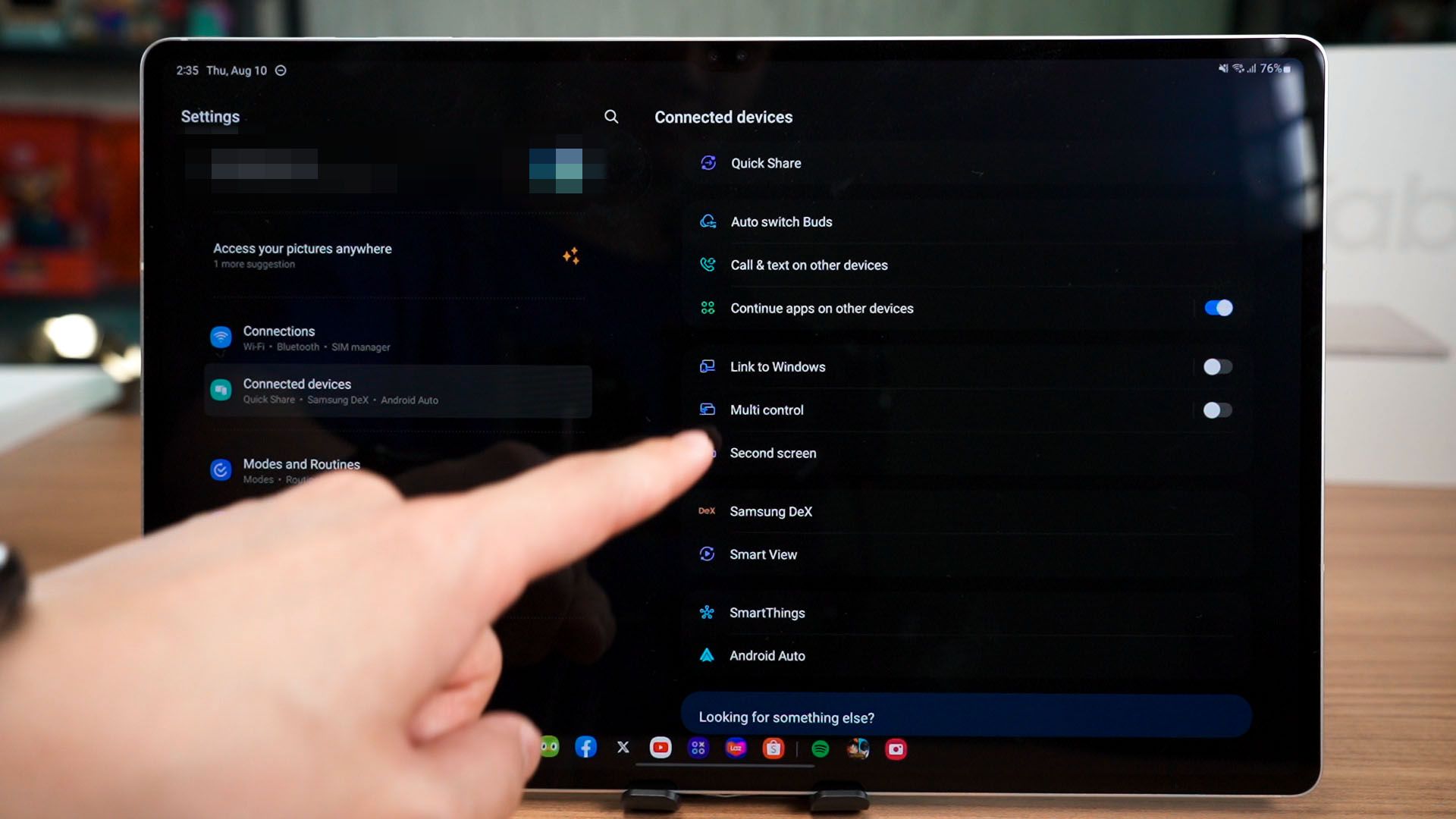
Since we have both the Tab S9 Ultra alongside the Z Fold5, we can experiment with Samsung’s ecosystem features too. There’s something called Multi Control that allows us to control both devices using one set of keyboard and mouse, and we can even drag files across devices too.
To see it all in action, watch the video at the top of this review.
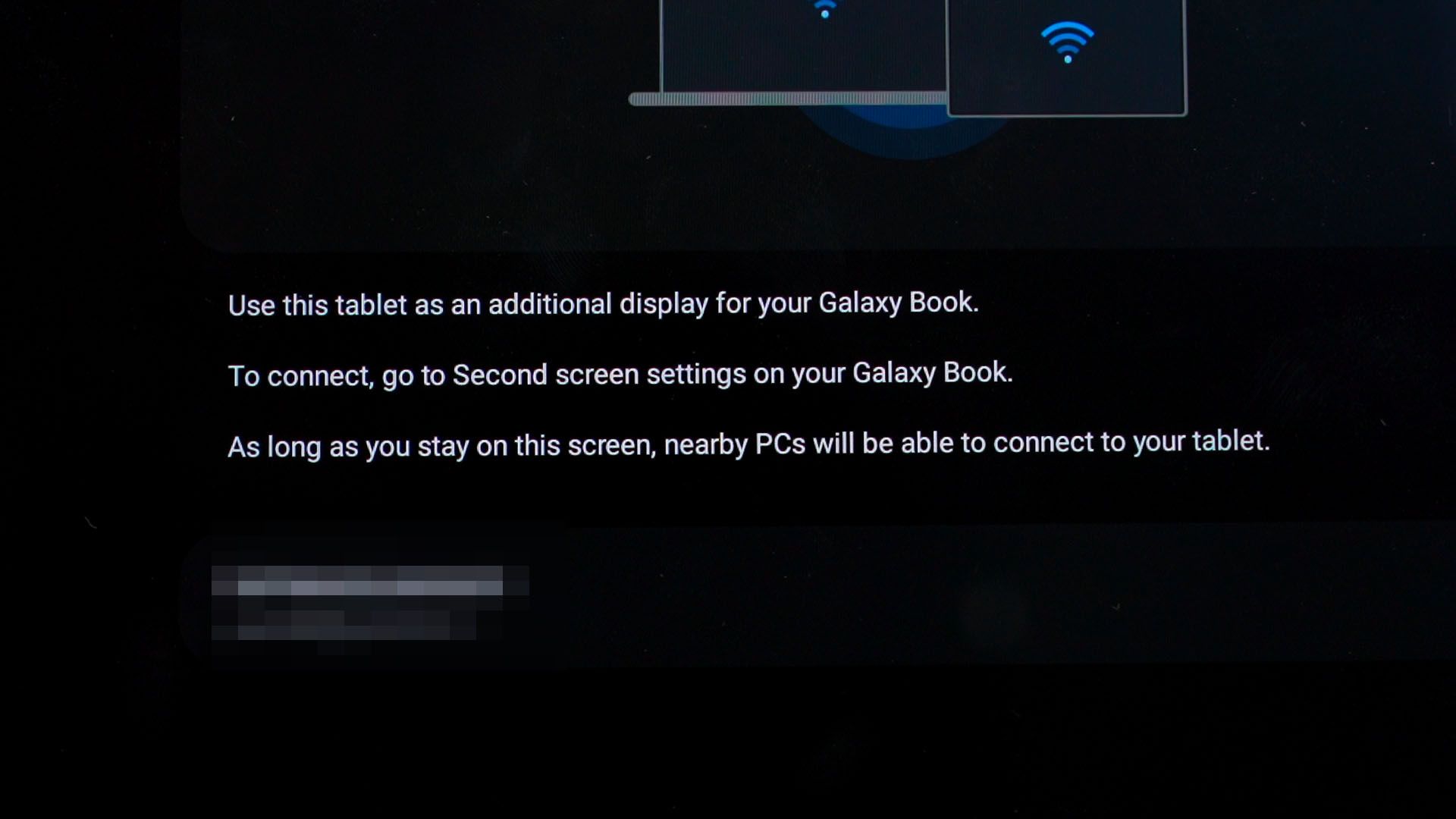
The second feature is to literally use the tablet as a secondary screen. However, as we can see here, it says “for your Galaxy Book”. These are Samsung’s laptops and unfortunately – they’re not available for sale here in Malaysia. I’d really like to get my hands on one, actually.
And I know this might sound like a stretch – Samsung, the Galaxy Tab S9 Ultra has a gorgeous screen. Please allow all computers – PC laptops, desktops, and even Mac for that matter – to use the Tab S9 Ultra as a secondary screen. Maybe just think of it as a way to flex on your competitors.
Samsung DeX
And that’s where I want to talk about the other part about the software – DeX. Samsung tablets have the ability to switch to DeX mode without having to connect it to an external display. Tap a button and it’ll morph into DeX mode.

If we do want to use an external display, then we can. Just hook up a cable and there we go! Even better, actually. But, I found out a weird limitation. We can’t use two monitors for DeX in extended mode. The tablet will turn back into tablet mode and the external display will be used for DeX instead. Kinda weird, honestly.
S Pen
But of course, this tablet is not meant for work only. We have the S Pen too. I’m not sure what’s new with this S Pen compared to the previous generations, but it does feel like more or less the same as before when I start to use it.

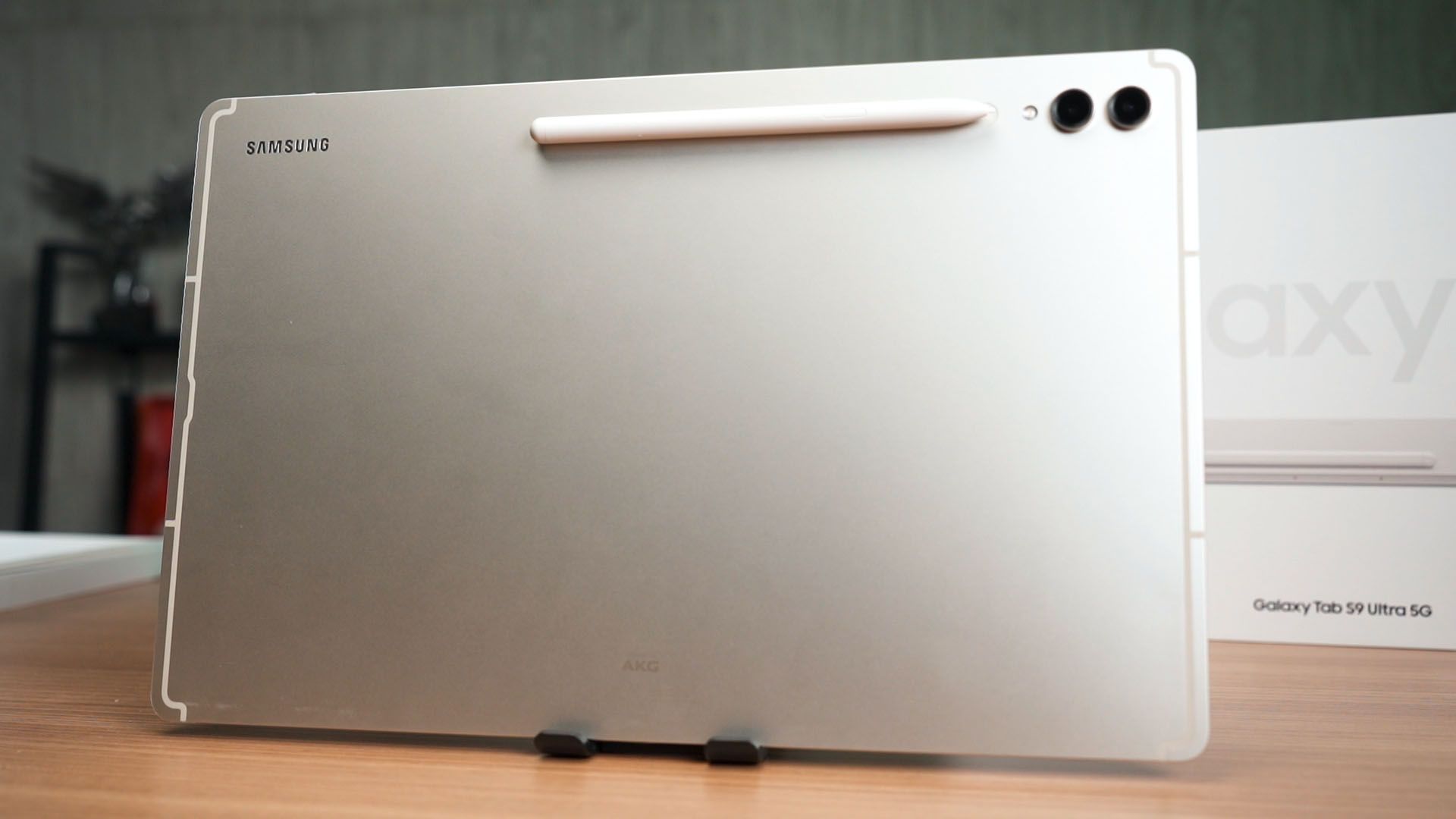
We can charge the S Pen by putting it at the back of the tablet and we can now point it either side. That’s great for left-handed users.
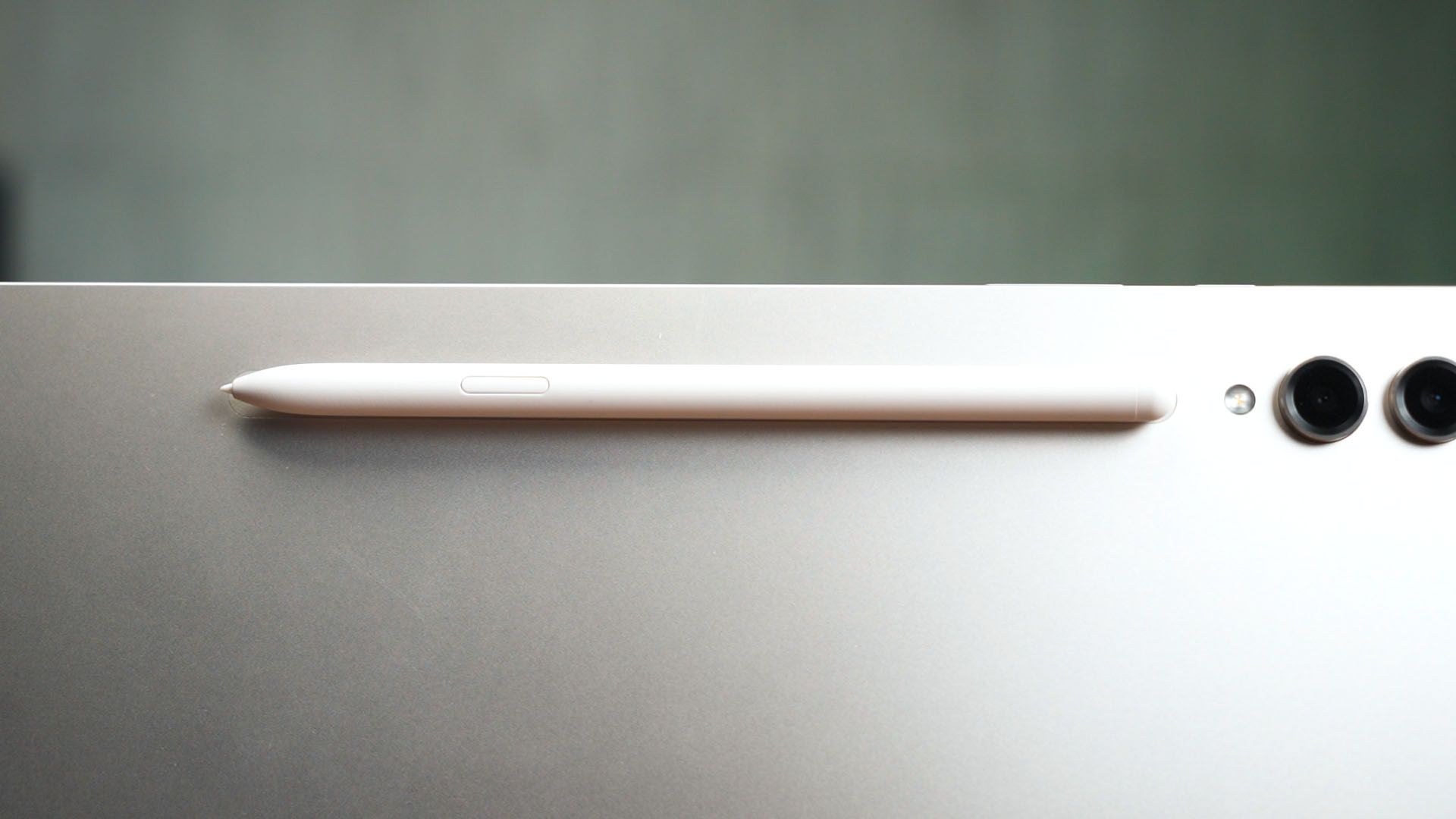
I’m not an artist by any means and I mostly use the S Pen to draw quick graphs and stuff like that. I treat it like virtual paper that I want to use to do math.
Samsung’s brilliant accessory for the Tab S9 series
Speaking of virtual paper, do you know about paperlike screen protectors? They totally degrade the viewing experience of such high-resolution, vivid displays but great for drawing. So, Samsung created a removable paperlike screen protector instead.
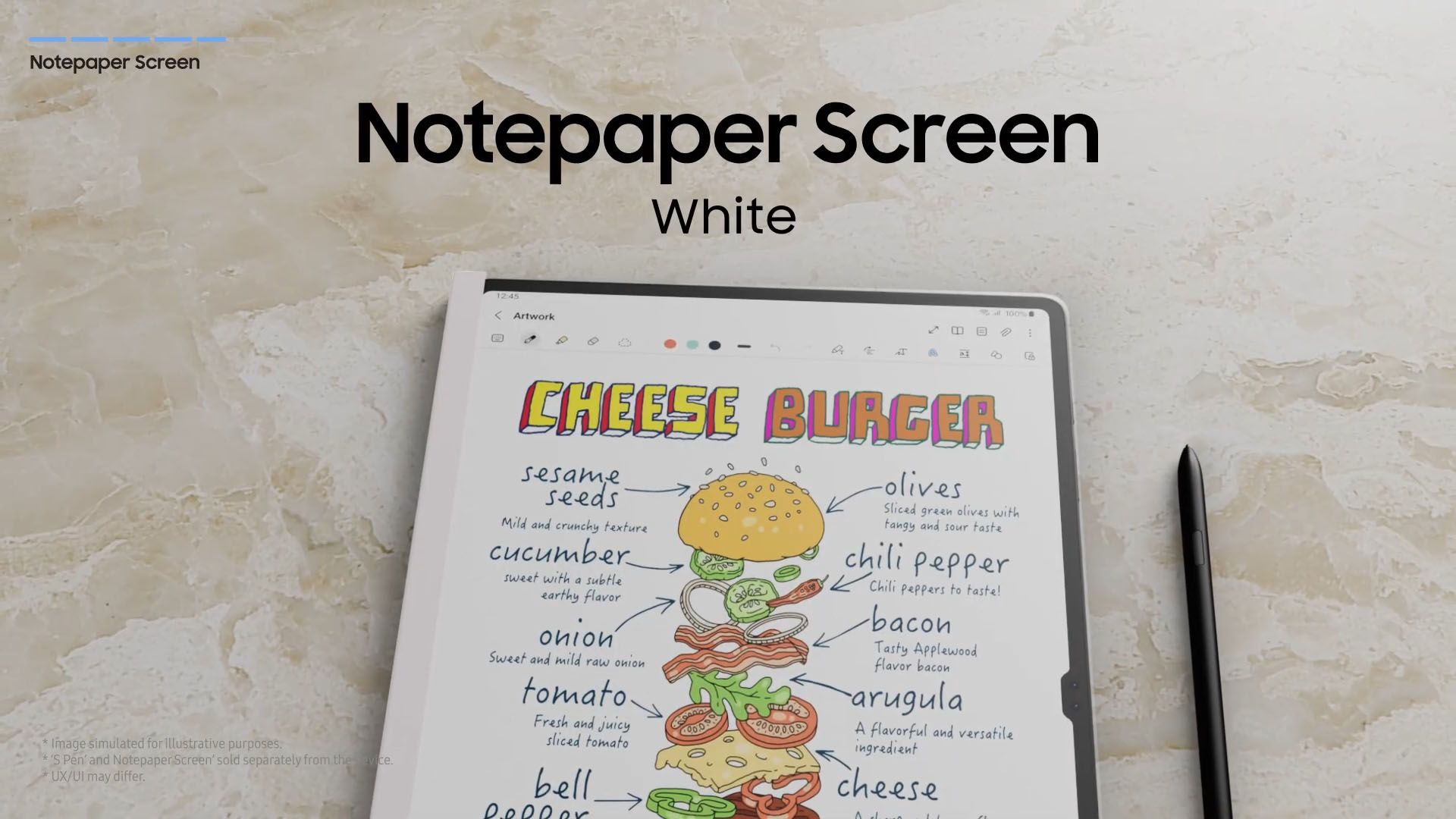
This accessory wasn’t mentioned or shown to us physically, but it is something that Samsung is selling right now. It just snaps at the bottom of the tablet and wham – it is now “paperlike”. You can then remove it when you’re done.
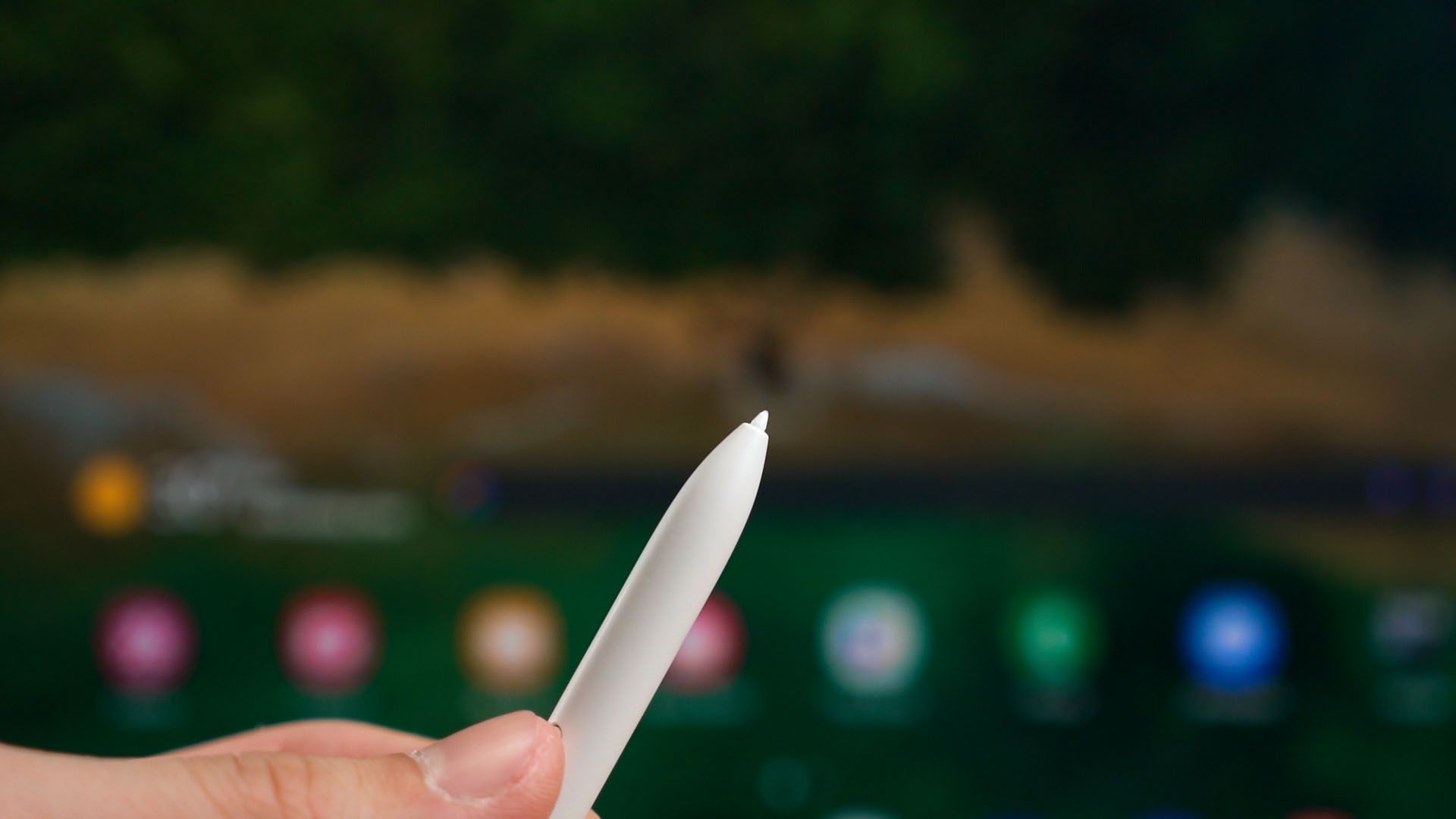
Just take note that you’re quite literally writing on sandpaper. The S Pen tip will get sanded away as you use it. This is an inherent problem with paperlike screen protectors. We have already talked about this in another video – and I just want to point this out so you don’t have to be like this guy.
There is another privacy filter screen protector that is made with the same idea too. I just think that whoever designed this accessory deserves a raise as it is a simple yet brilliant idea.
That notch…
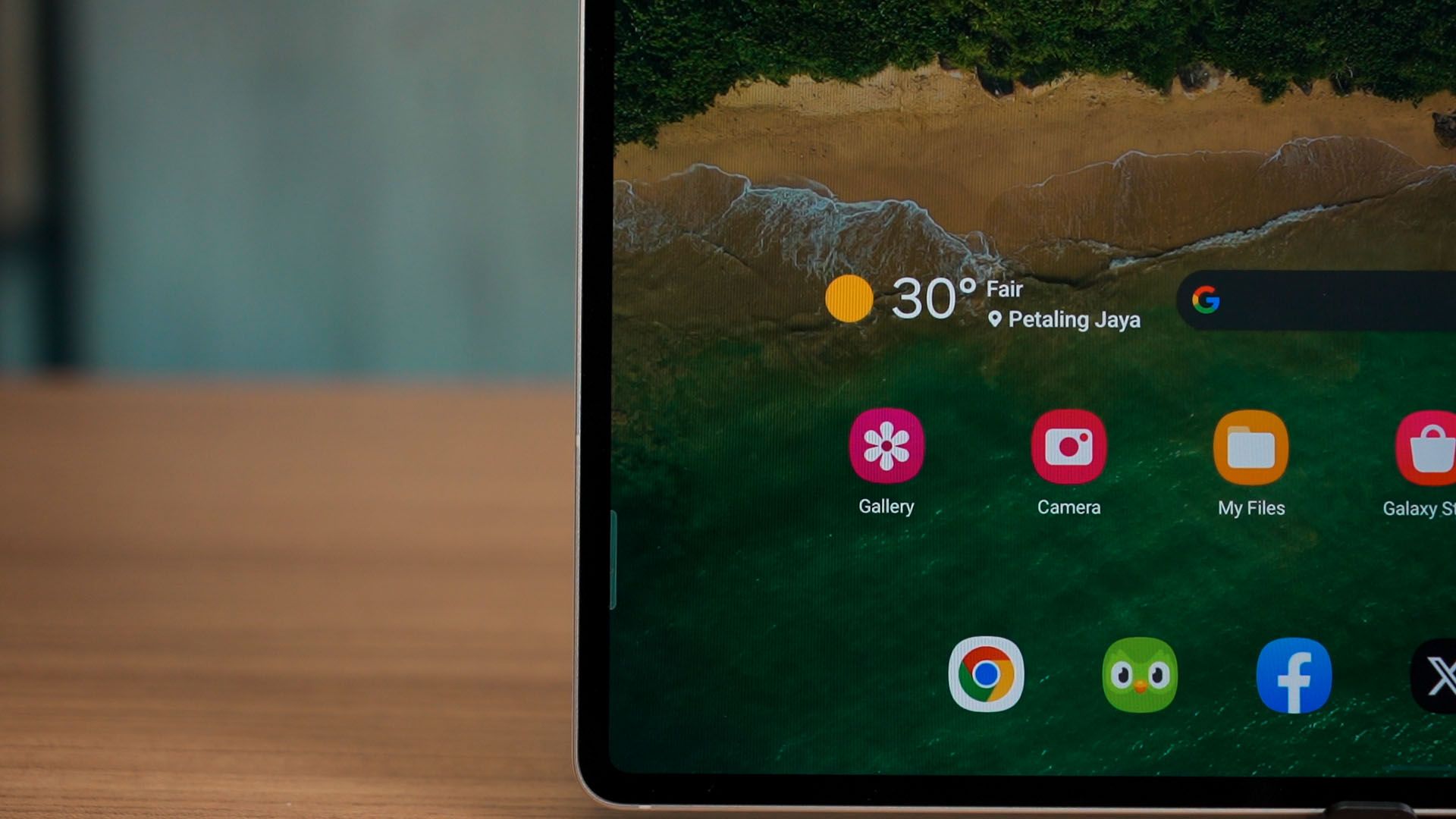
Of course, specifically for the Ultra, we have this. I still don’t like the notch on the screen.

I personally would’ve preferred the overall bezels of the tablet to be increased so that I can actually hold the tablet better without accidentally touching the screen. And that would also eliminate the notch. Win-win.
Cameras
While on the subject of cameras, this tablet does have two cameras at the back too. I’m not sure if Samsung is actually expecting us to use this tablet for photography purposes because it’s just rather unwieldy and I just don’t agree with tablet photography at all.
To have a look at all the pictures taken with the Samsung Galaxy Tab S9 Ultra, watch the review at the top of this review.
µSD card?
By the way, this tablet also has a microSD card slot. Rather unexpected, honestly. And yes, our unit here is also the 5G model – so we can slot in a SIM card as well.

Design
Quick mention about the design here – it’s practically the same as the Tab S8 Ultra. It’s thin yet strong thanks to what Samsung is calling the Armour Aluminium, and I’m still impressed by it.

The tablet that we’re showing is in beige color – but it won’t be available here in Malaysia. Officially, we only have the Graphite color available for sale.
Should you buy the Samsung Galaxy Tab S9 Ultra?
So… here’s the end of the review. I really don’t know how to conclude this review. Some people will drool over the fact that this is such a humongous, gorgeous yet portable screen that is unbelievably thin.
Even if you don’t use this tablet for work – then watching your favorite TV shows or movies is still going to be an amazing experience. Those quad speakers are a perfect complement as well.
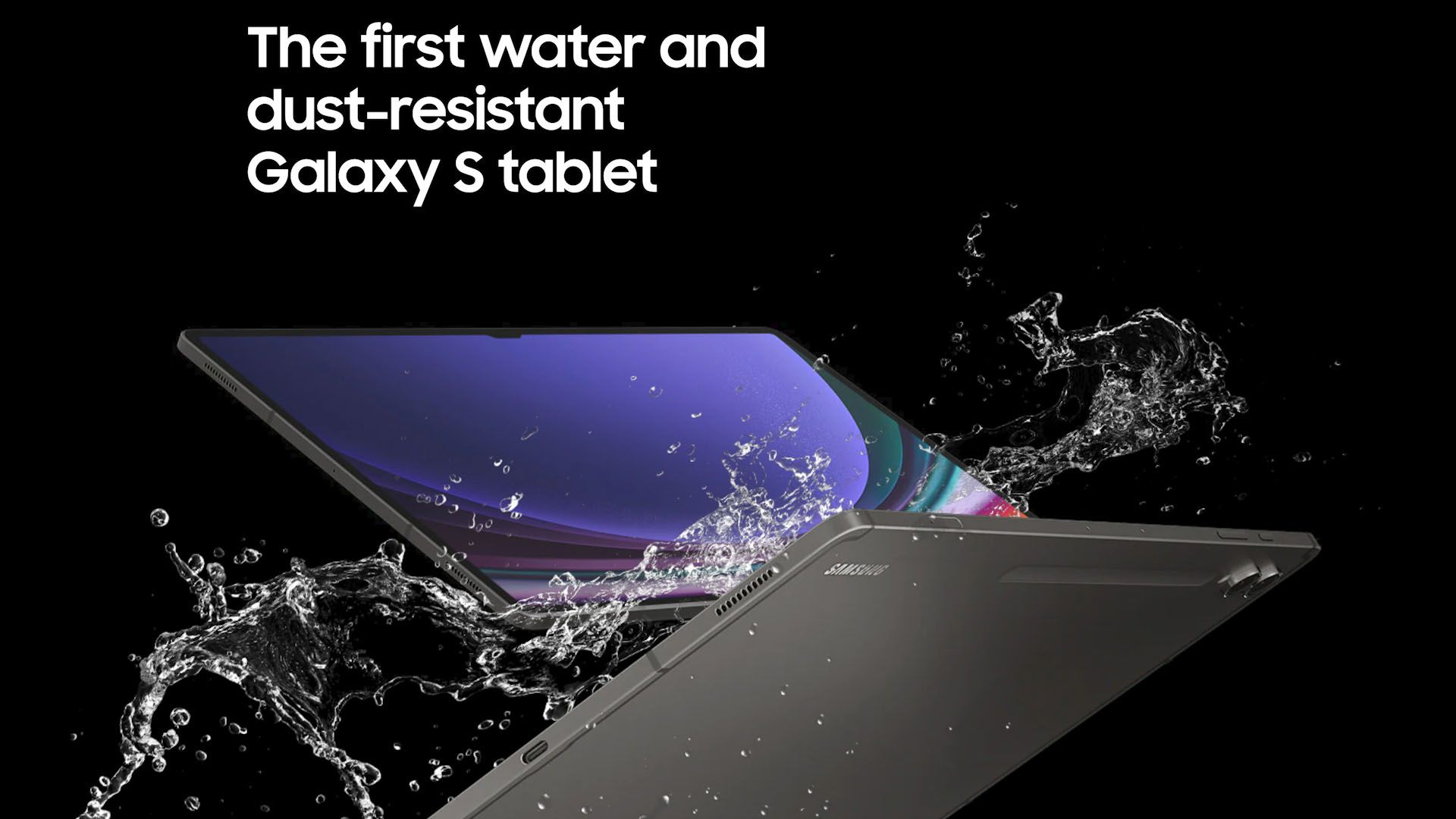
Take it to a beach or even watch it while you’re soaking in the bathtub – because both the tablet and the S Pen are rated for IP68.
Its price is also not something to scoff at. A big, powerful, gorgeous tablet like this also comes with a big price tag. At RM5,999, it does come with the official keyboard cover case included in the box too – but there’s still no charger in the box.
By the way, there will also be another S Pen Creator Edition that will be launched “later”, and we’ll take a look at that when it comes out – maybe.
Where to buy? (Affiliate links)
- Samsung Galaxy Tab S9 Ultra
- NotePaper Screen for Galaxy Tab S9 Ultra
- Privacy Screen for Galaxy Tab S9 Ultra
Like our Facebook Page here at NasiLemakTech.com for more news and in-depth reviews! Also, join our Facebook Group for insightful information and memes!
Subscribe to our YouTube channel too!


.. good review actually, but I’d just proofread the text 🤓😅.. there’s 3 or more grammatical errors that your average Joe might just overlook, but for an Editor, it’s very distracting .. 🧐😂