




With digital technologies advancing day after day, it becomes harder for ordinary people to protect themselves against malicious people and content as well as identify the smoke and mirror as the byproduct of gen-AI applications, but Google has many things working behind the scenes to protect you, so let’s find out what are the “unsung features”.
SynthID – Fake Image Spotted Easily
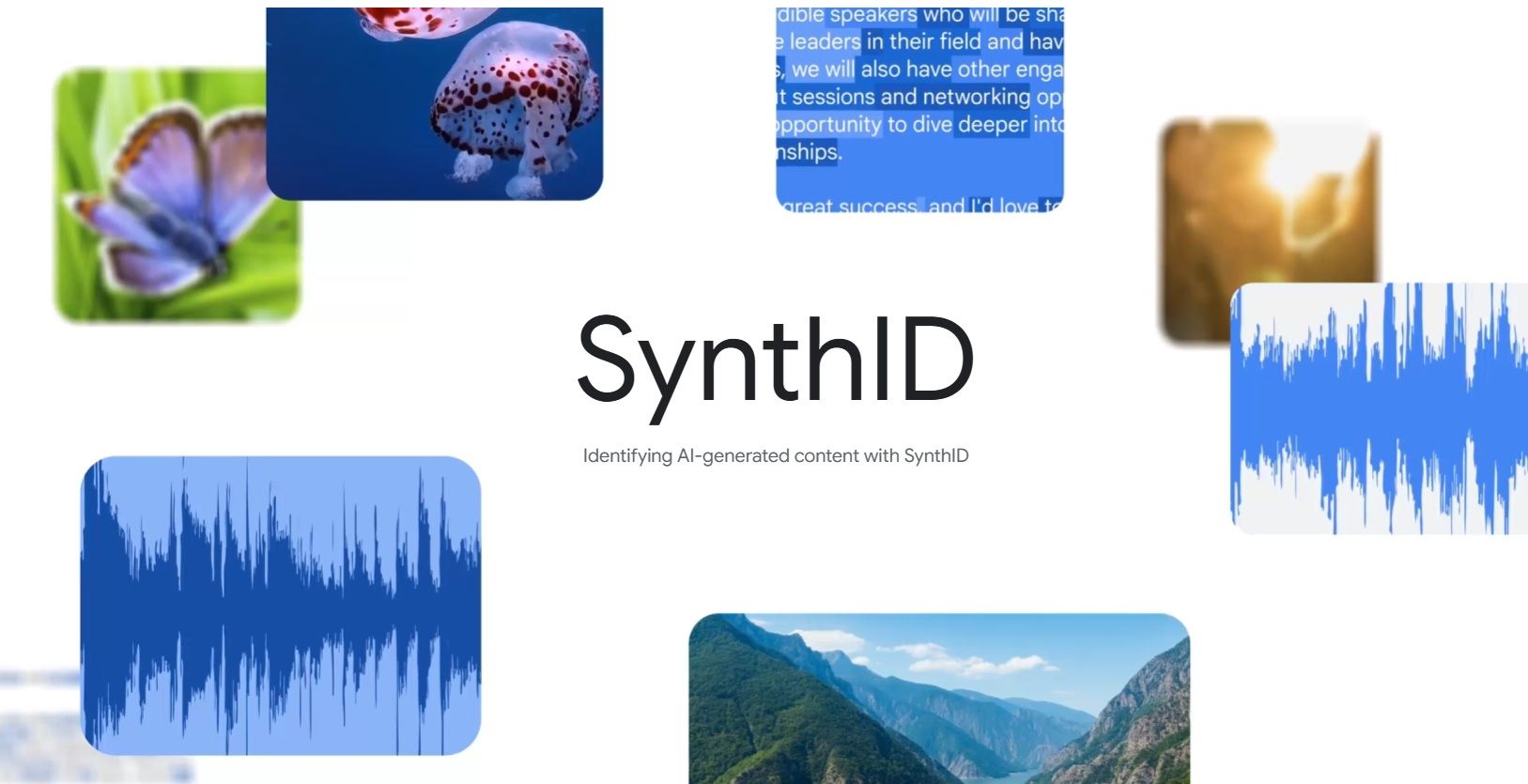
For the human eyes, it could be impossible to know whether an image is real or generated/modified by AI. But for computers, they will know if it carries something called a “SynthID”.
For one, users can use the “About This Image” on a photo in Google Image where the search engine will tell you when it is first indexed and appeared if applicable. And if it is edited with Google’s AI too, it will be slapped with a SynthID, making fighting misinformation one step easier.
Gemini, your adviser against dodgy messages

Let’s be real, too-good-to-be-true messages and those that are completely out of context are everywhere, suggesting some sort of random bait by scammy people.
But just to be fair, it could be real in some of the extreme cases. But how does one know if their language proficiency isn’t that good in the first place? Then let Google Gemini help you.
By calling up the Gemini app and using the “Ask About Screen” with the prompt “Is this real or a scam”, it will analyze and tell you more about it, such as the use of threatening language, random urgencies, requests for sensitive info, etc.
Then you’ll be the judge on whether it is ok to trust the message sender, but at least you have a good assistant to help you out.
Play Protect protects you while you play
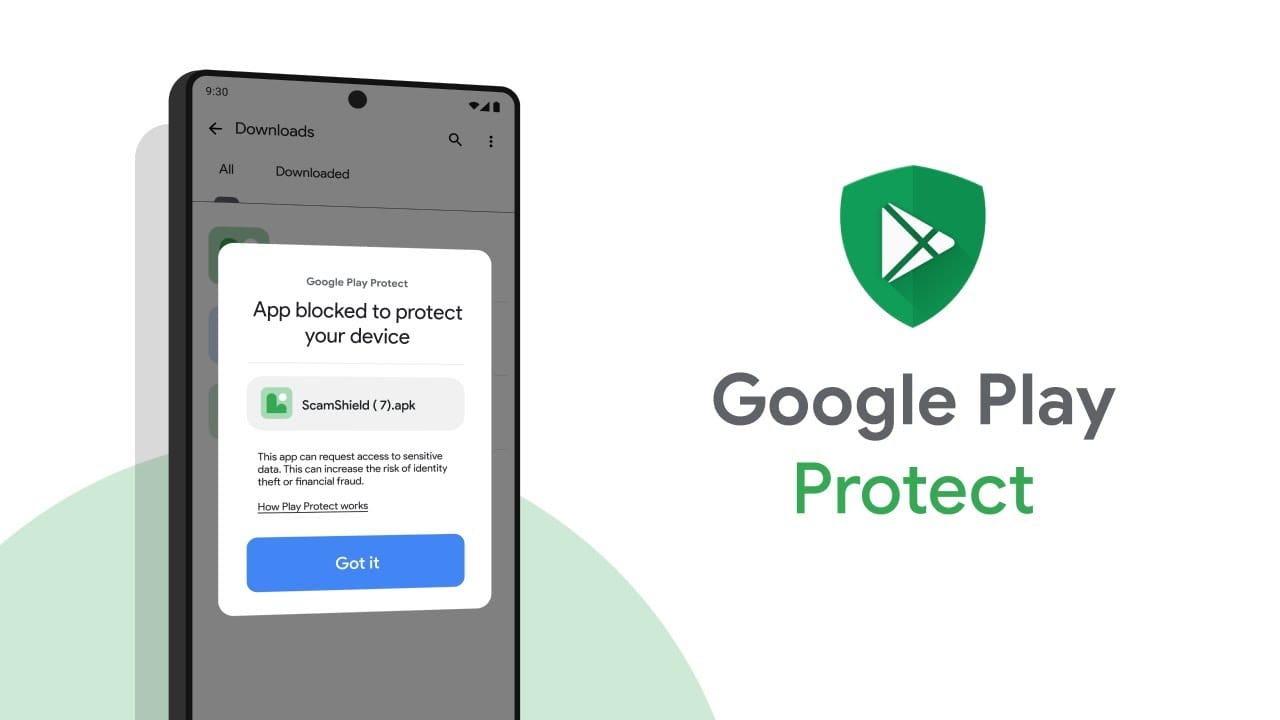
For this one, this is pretty much well-known for many years and it is a straight forward feedback-like feature. Just enable “Scan Apps with Play Protect”, your device will scan through permissions requested by apps and highlighting suspicious ones, such as the “calculator” having access to your microphone and root directory.
Safeguard the kids with Family Link
Gen Alpha are all looking at phones and tablets, not gonna lie. So it is essential that parents block off all inappropriate content, so let Family Link help you.
Download the app on both your and your children’s devices, link them up via Google, and then you get to set screen time limits, monitor their activities, and approve and block app downloads.
Stop the bleeding before it gets worse with Theft Protection
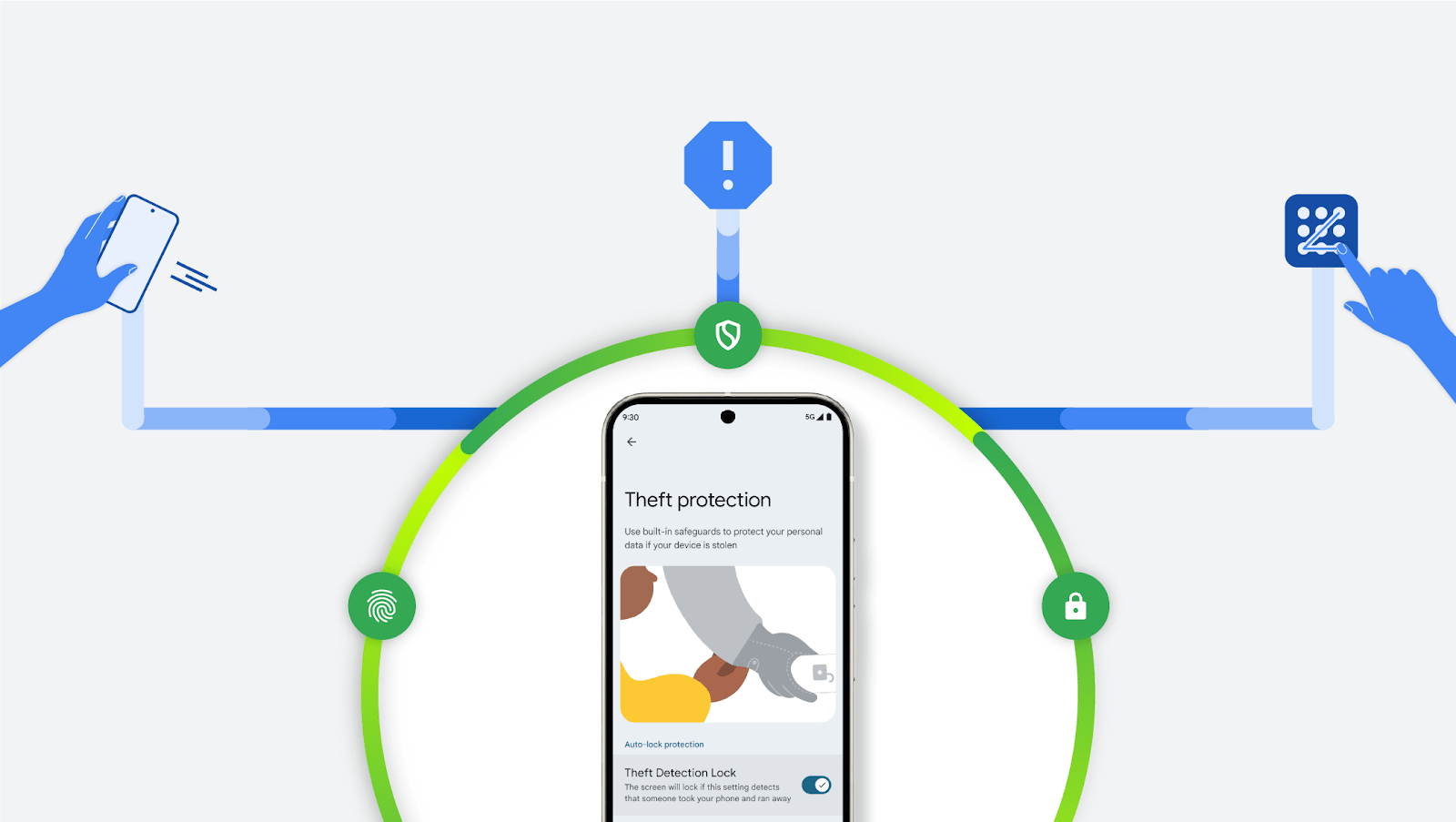
It’s the worst when you lose your phone somewhere, no matter if it’s by accident or stolen by some bastards.
But at least you can turn on Theft Protection to protect your data in such cases. You can activate this via Settings, then Google Services, then Theft Protection, and finally turn on Theft Detection Lock.
The AI algorithm will know if someone stole your device, then proceed to auto-lockdown the device if it feels like it is actually stolen.
Like our Facebook Page here at NasiLemakTech.com for more news and in-depth reviews! Also, join our Facebook Group for insightful information and memes!
Subscribe to our YouTube channel too!