



















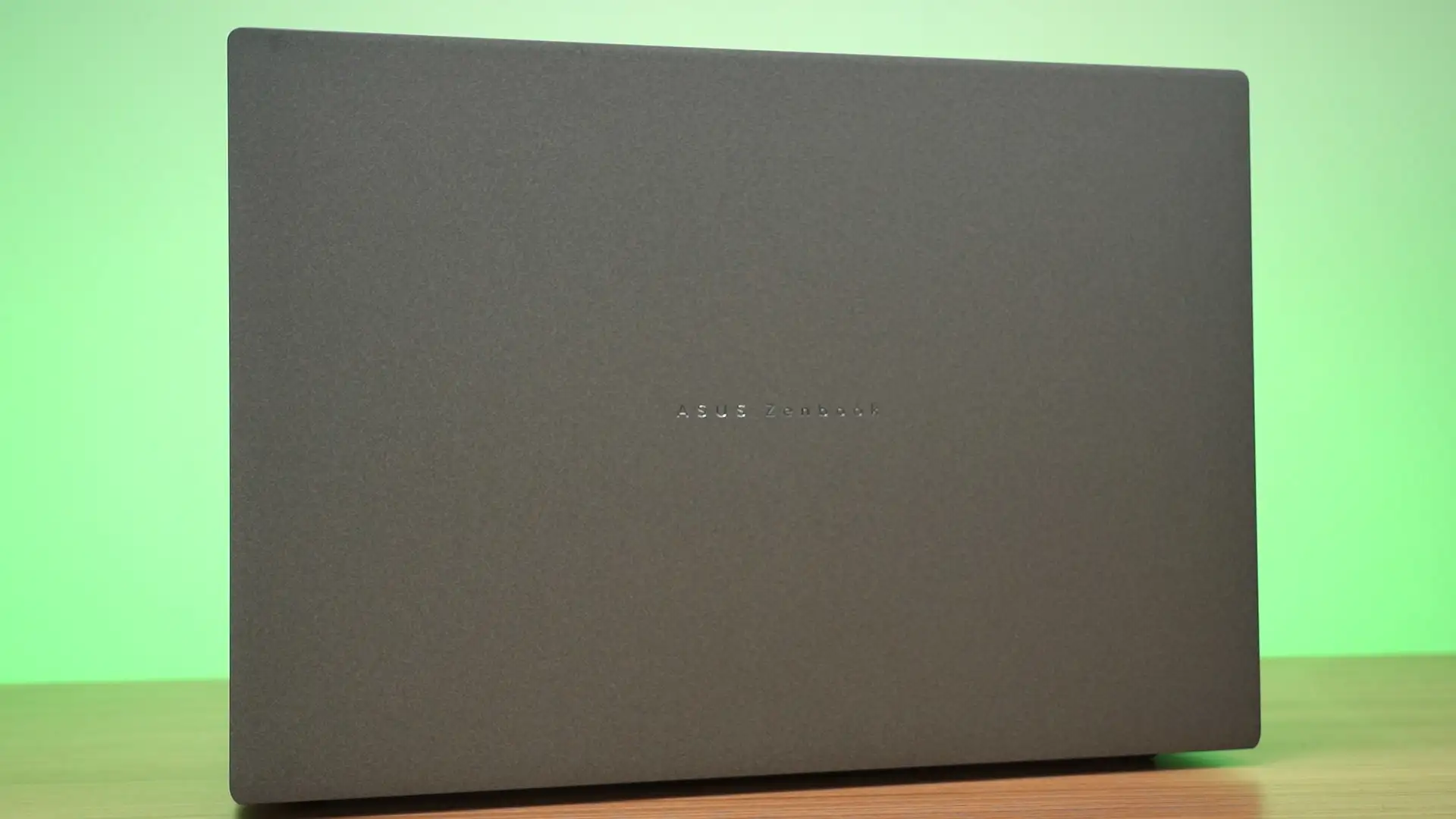

One of my favorite laptop ever is the ASUS Zenbook S16 UM5606WA. It comes with the AMD Strix Point SoC, namely the AMD Ryzen AI 9 HX 370. I used it constantly for the past 1.5 years, and we also have a review about it – watch it here.
For today, we have a brand new generation with a new AMD chip. Introducing the new ASUS Zenbook S16 UM5606G. Yeah, I know the naming is quite atrocious – but this is indeed the new generation. So, let’s take a look at what this new generation of the ASUS Zenbook S16 has to offer.
Performance and specs
Let’s first talk about the performance and specs as this is one of the biggest change from the last generation. It is now powered by:
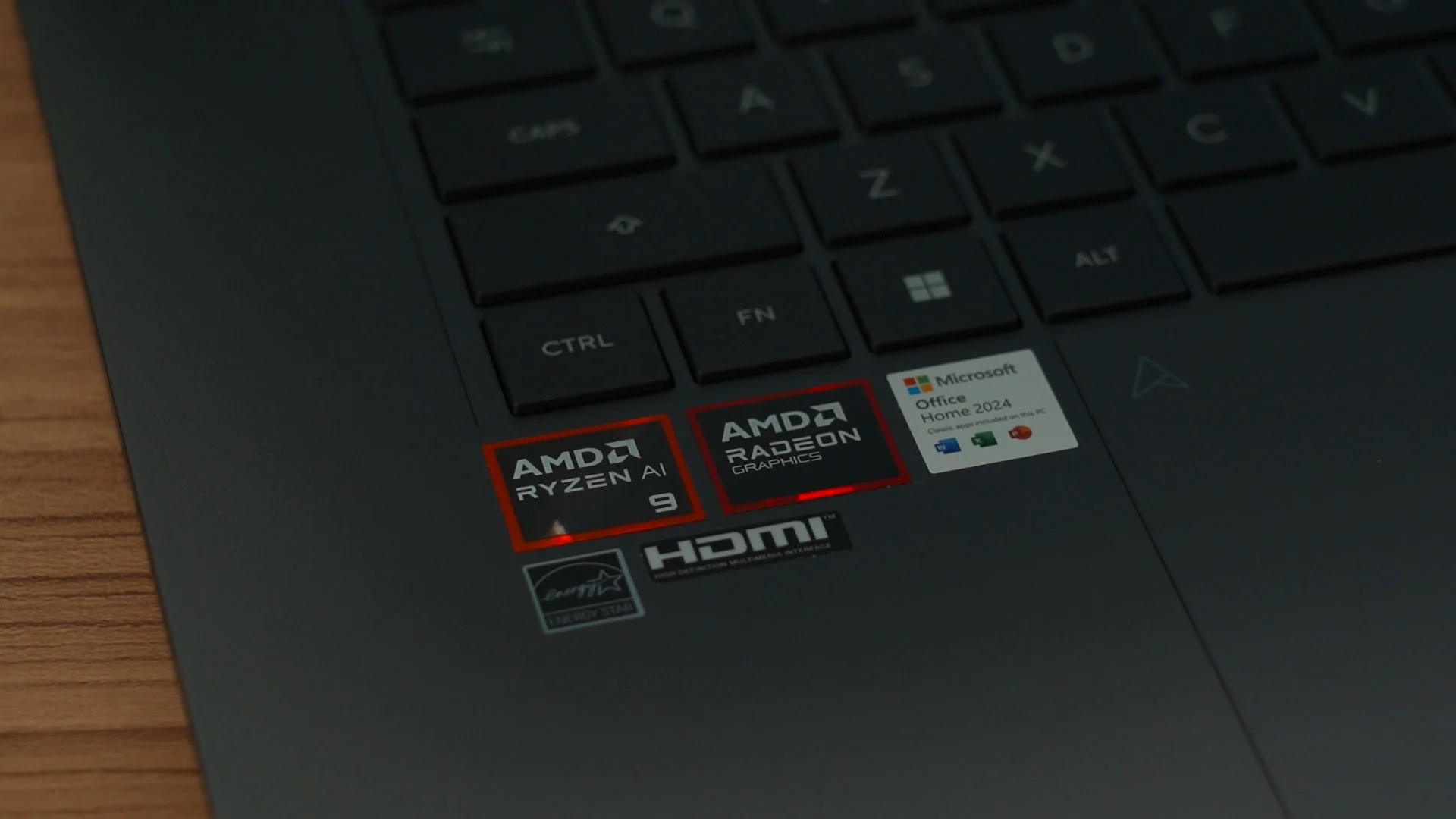
- AMD Ryzen AI 9 465
- AMD Radeon 880M integrated GPU
- 32GB of LPDDR5X RAM running at 8533MT/s
- 1TB of SanDisk NVMe SSD
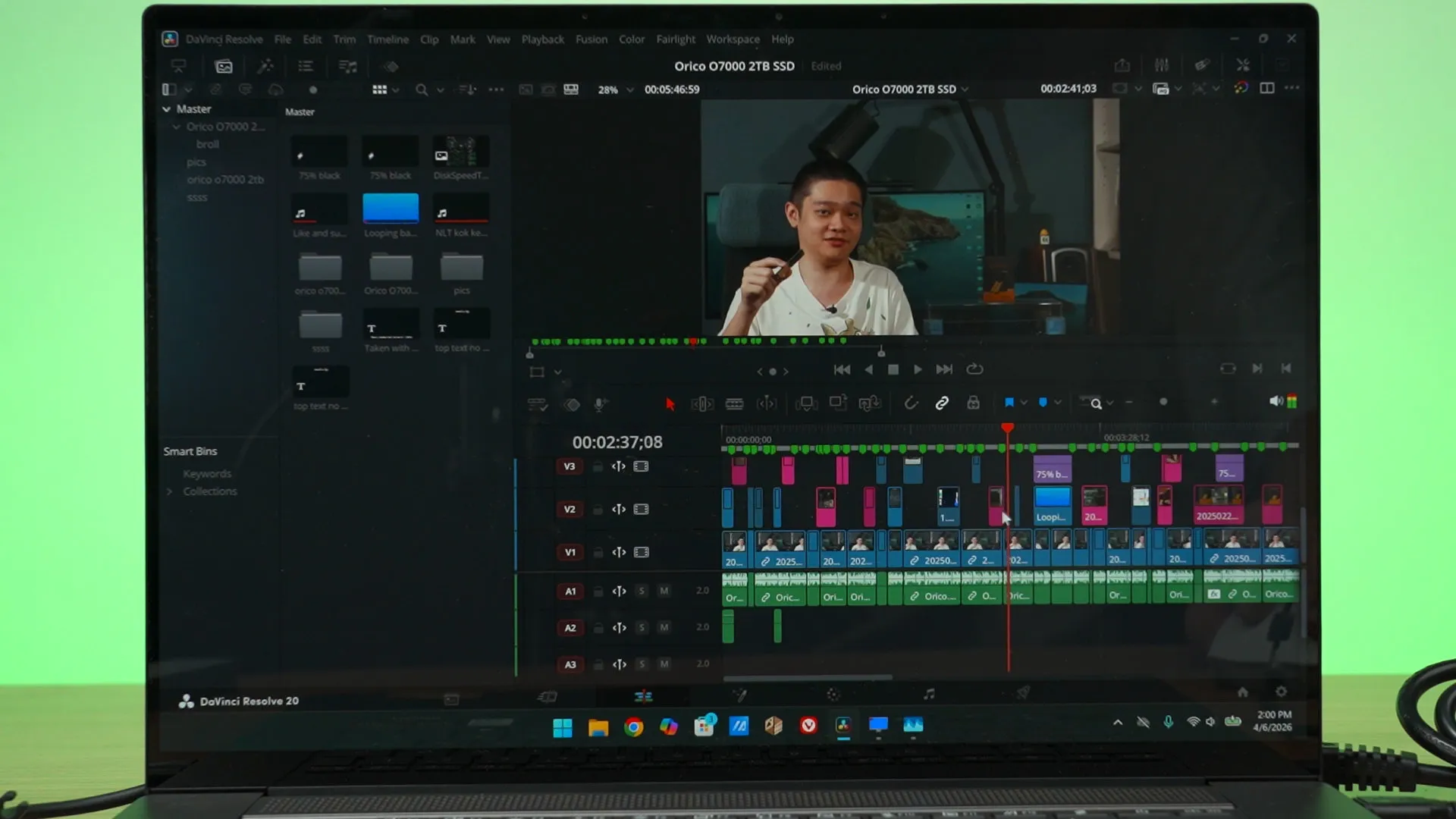
The main focus here is the new AMD Ryzen AI 9 465. It is certainly quite powerful when it comes to creative works like video editing using DaVinci Resolve. Scrubbing around this project is super smooth, and rendering is also quite fast. Overall, this is rather impressive.
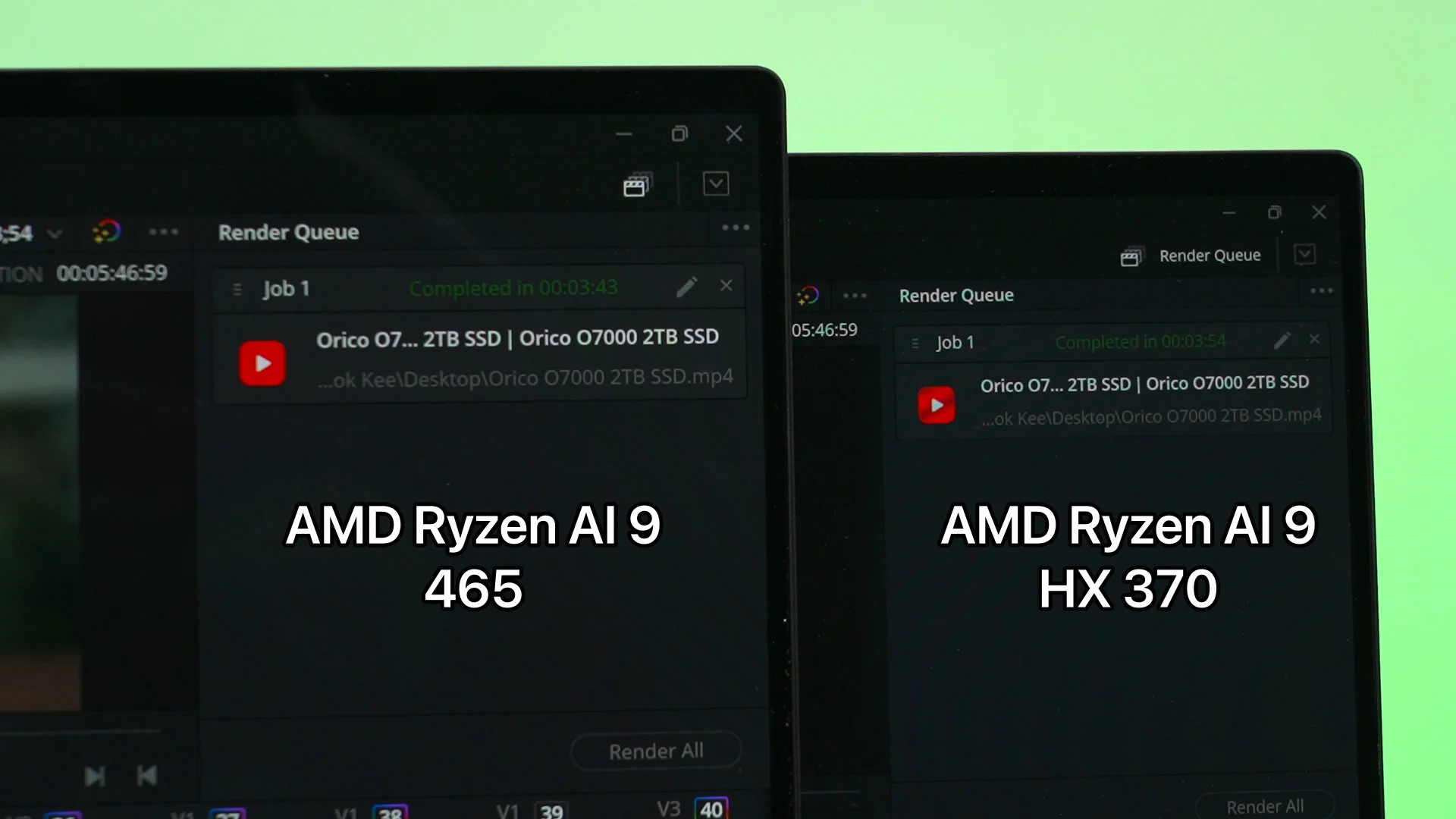
However, comparing this with the previous generation AMD Ryzen AI 9 HX 370, we’re getting a slightly less powerful integrated GPU and also less CPU cores. On paper, the AMD Ryzen AI 9 HX 370 should be better, but surprisingly – no. DaVinci Resolve still managed to be ever so slightly faster on the new AMD Ryzen AI 9 465 – and that is mostly due to the new interconnect that allows the RAM to run at a higher speed, at 8533MT/s. That really boosts up the performance of creative apps like DaVinci Resolve.
However, when we jump to games, yeah the new AMD Ryzen AI 9 465 is not as powerful as the HX 370 since it has 4 less GPU cores. As expected, we’re getting lower FPS overall. Here are a few graphs to summarize everything, but we do have a separate video showing you even more benchmarks and gameplay – so check out that video down below.
Screen
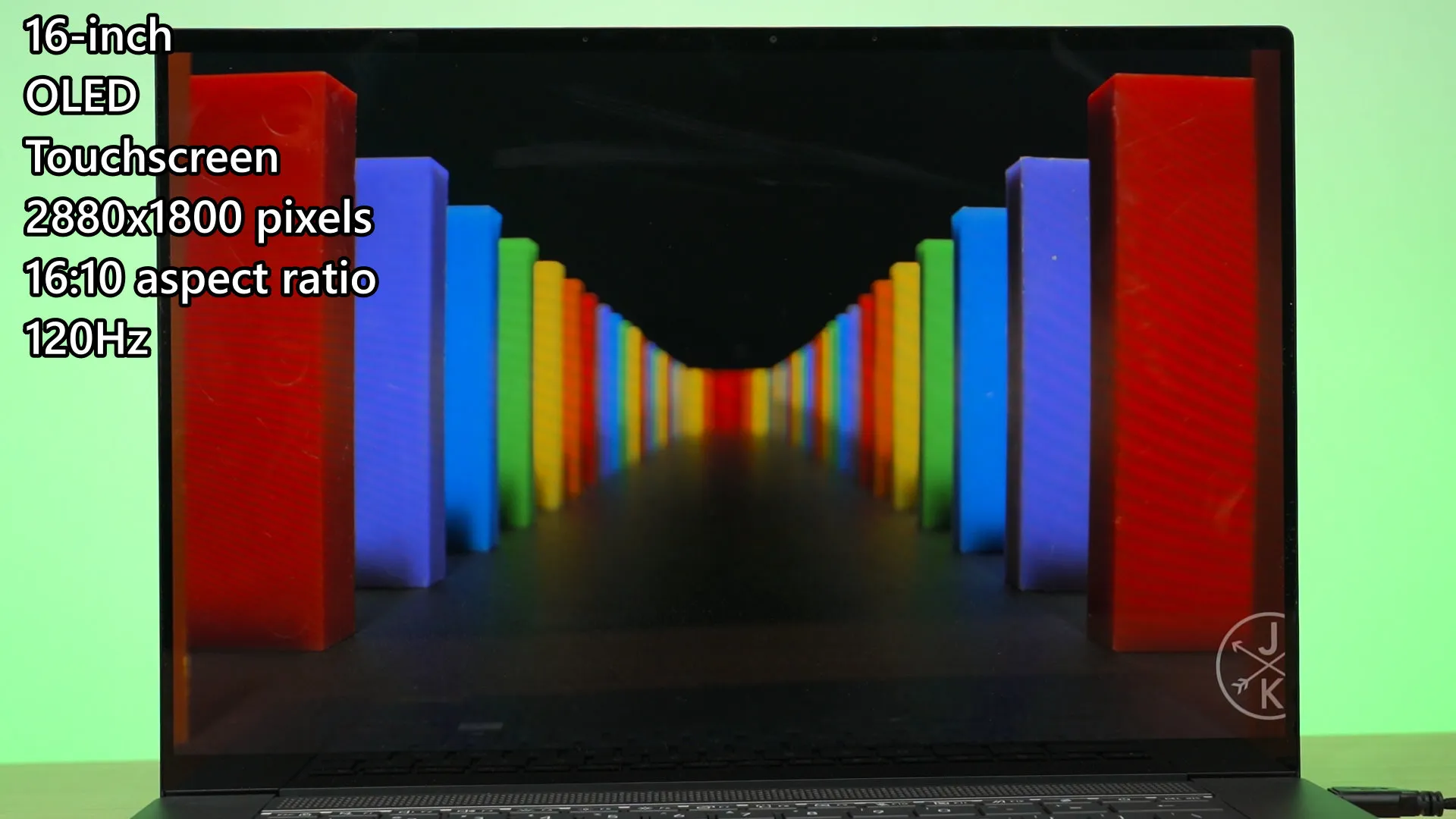
The new ASUS Zenbook S16 UM5606G has the same specs on paper compared to the previous generation. It’s 16-inch in size, has an OLED touchscreen panel with a resolution of 2880×1800 pixels with a 16:10 aspect ratio, and goes up to 120Hz refresh rate. However, it did get an upgrade in terms of the maximum brightness.
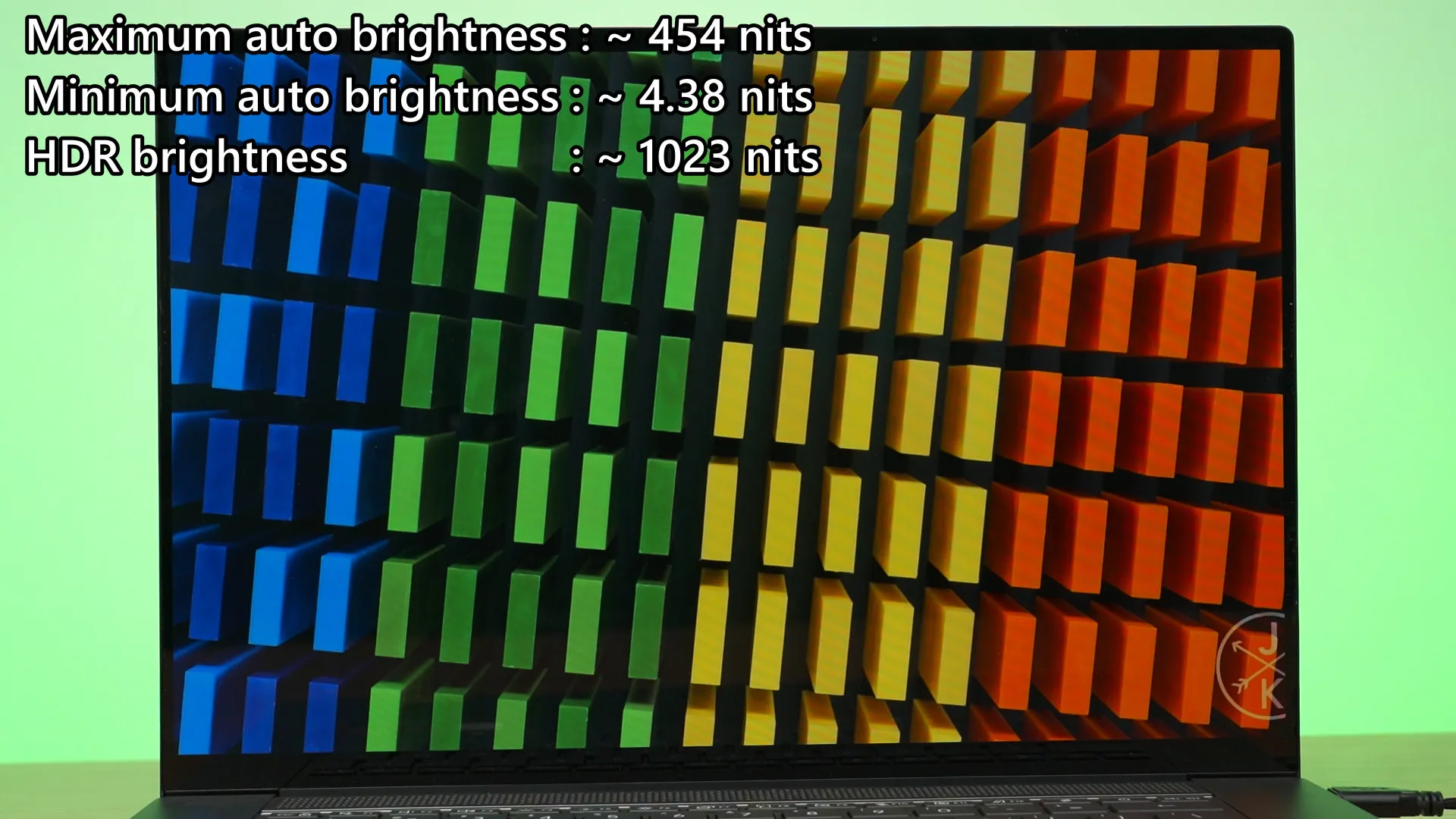
Through our test, it can now reach a maximum of 454 nits and down to 4.38 nits, but I doubt anyone will use their laptop with such low brightness away. Once we enabled HDR mode, the screen can go all the way up to 1023 nits – which is really bright. I got flashbanged, so make sure you know what you’re doing before enabling HDR.
As for the color gamut coverage and color accuracy, it’s very good. With the default settings, we can get virtually 100% of both sRGB and DCI-P3 and also 94% of Adobe RGB. The color accuracy is good as well as the average ΔE is really low. That maximum ΔE number seems to be a random spike somewhere and I don’t think it matters since the average is so low.
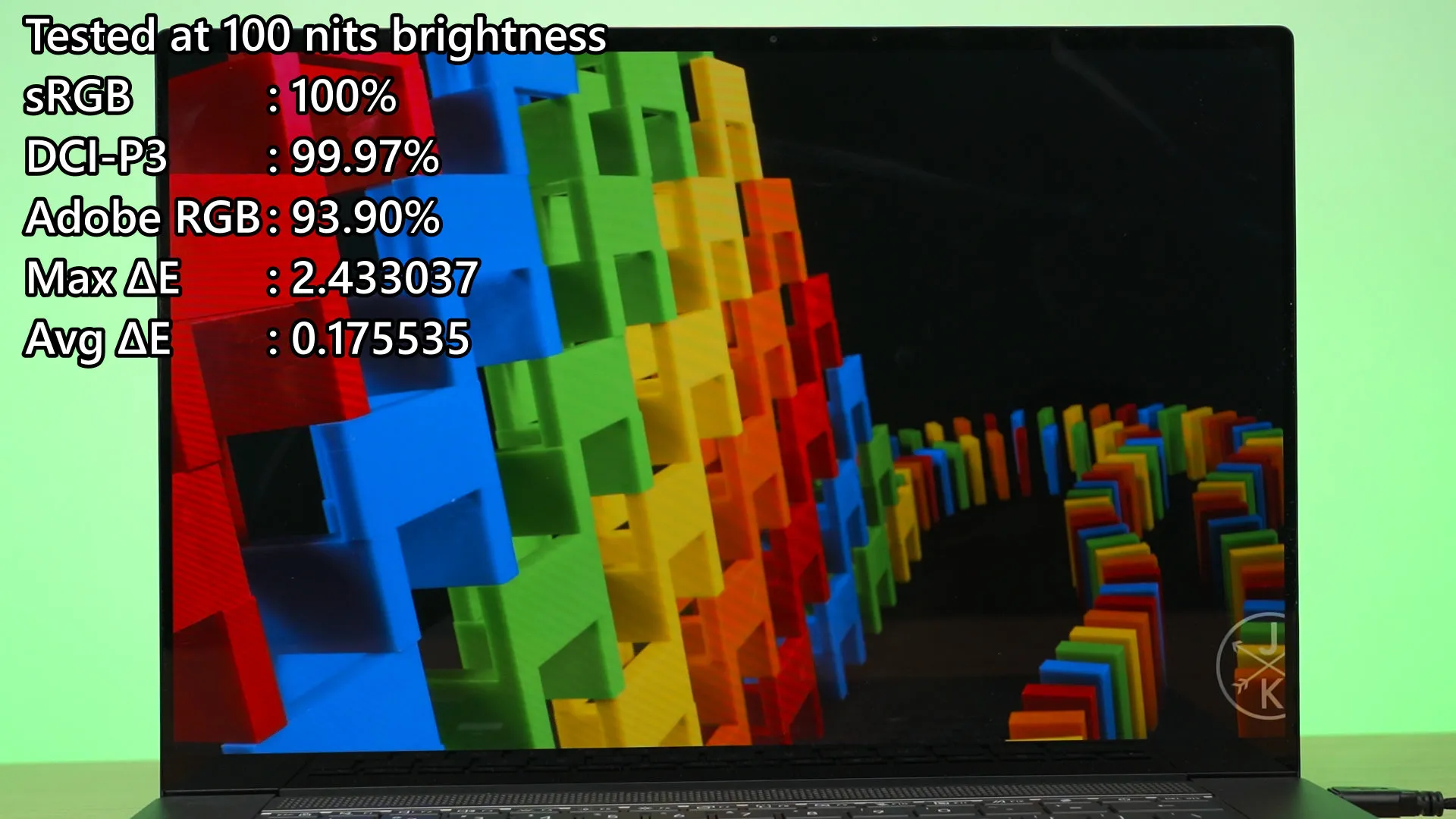
Overall, this is an amazing screen. Even better than the previous generation.
Design
Another thing that changed is the design. The previous generation has this really elegant motif with the Star Trek-looking ASUS 30th anniversary logo, but that’s all gone now. We now only have a tiny ASUS Zenbook written at the center of the laptop. I mean, it’s way more minimalist compared to before, but it’s also quite bland. But I gotta say, this Antrim Gray makes the laptop look so sleek and understated.
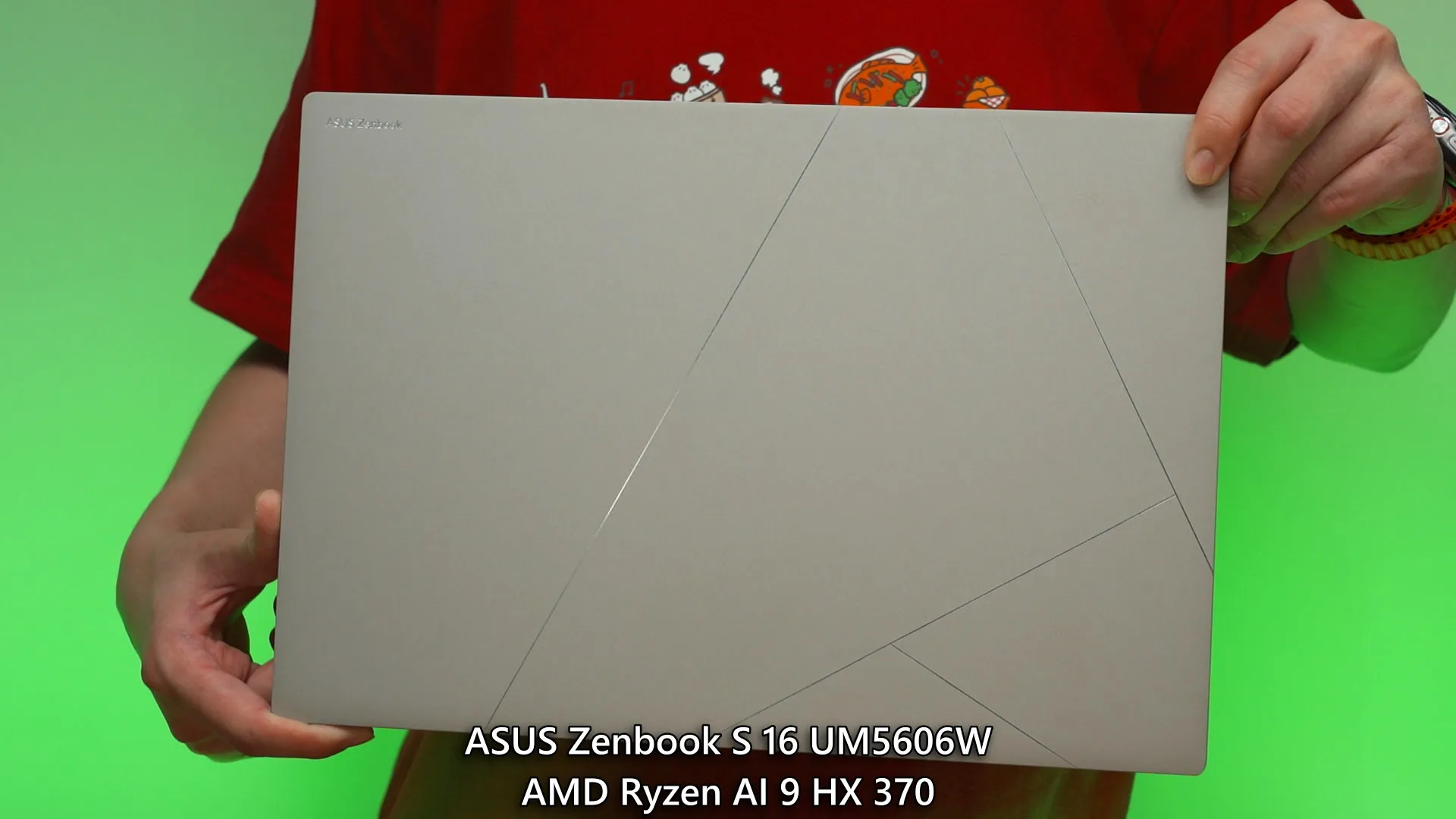
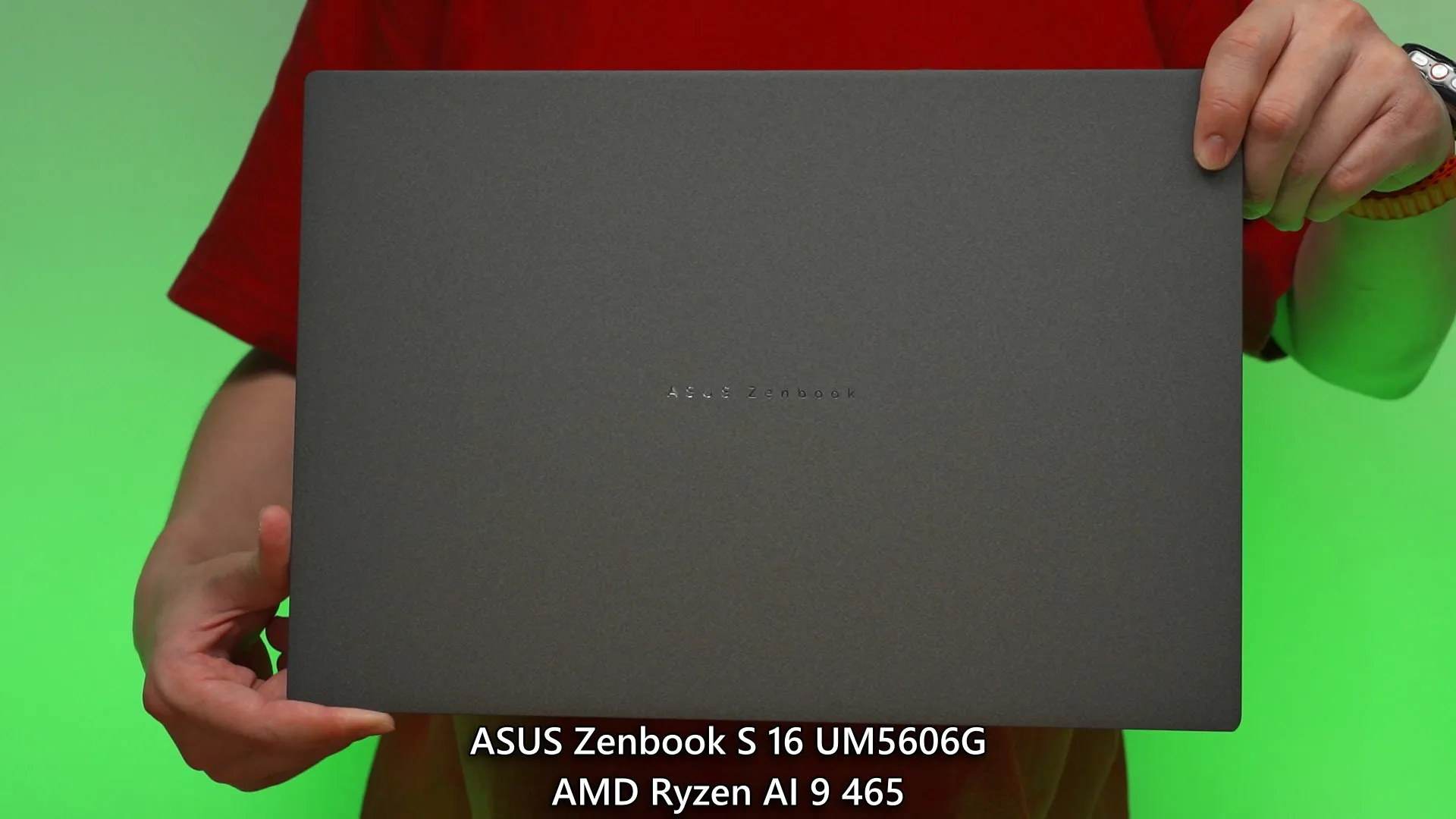
The overall material used to build this laptop is also the same as before as we have ASUS’s proprietary Ceraluminum material for the top, and metal everywhere else. So, despite it being only 11mm thin, this laptop is still very sturdy yet lightweight at only 1.5kg.
Battery
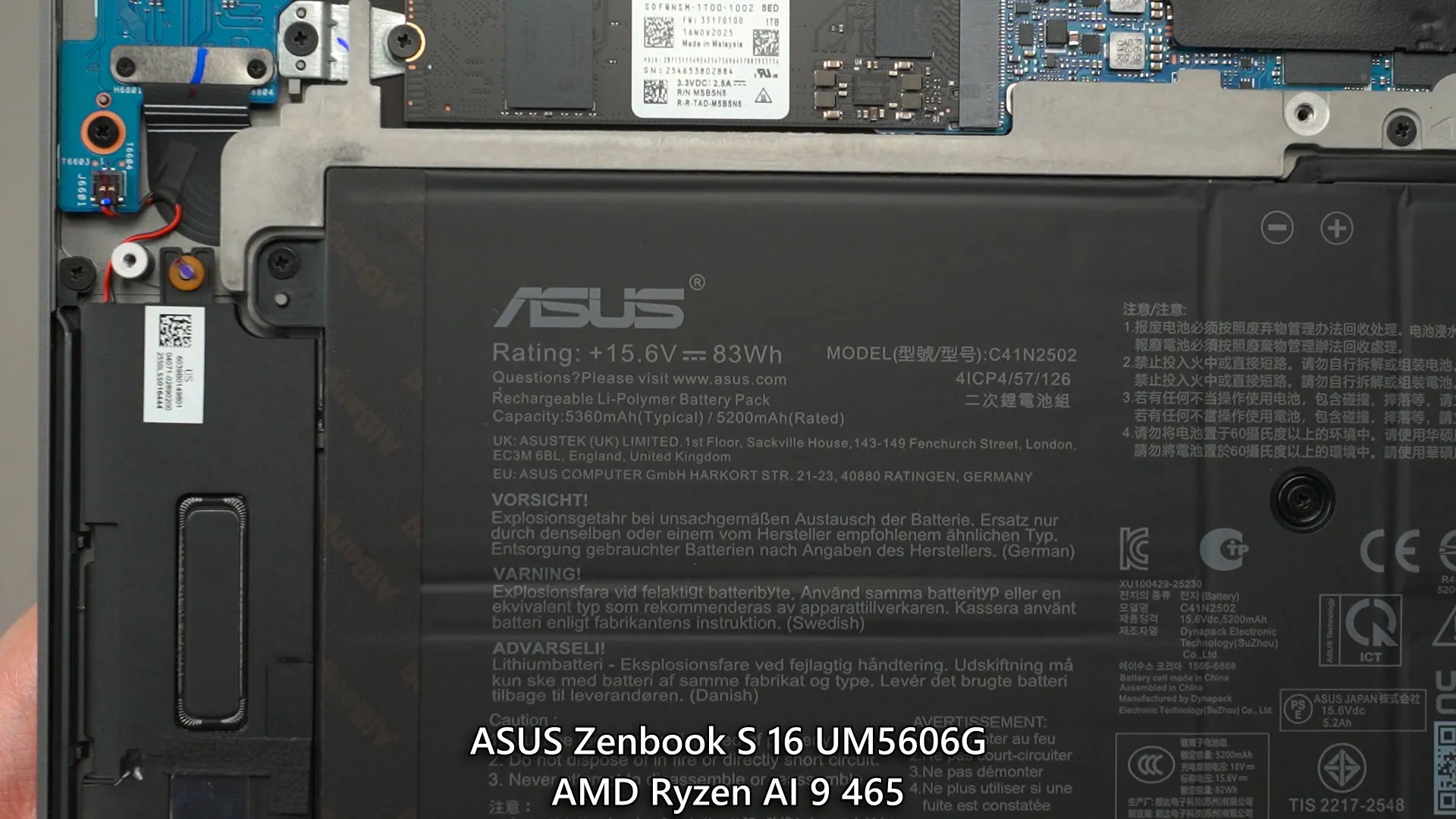
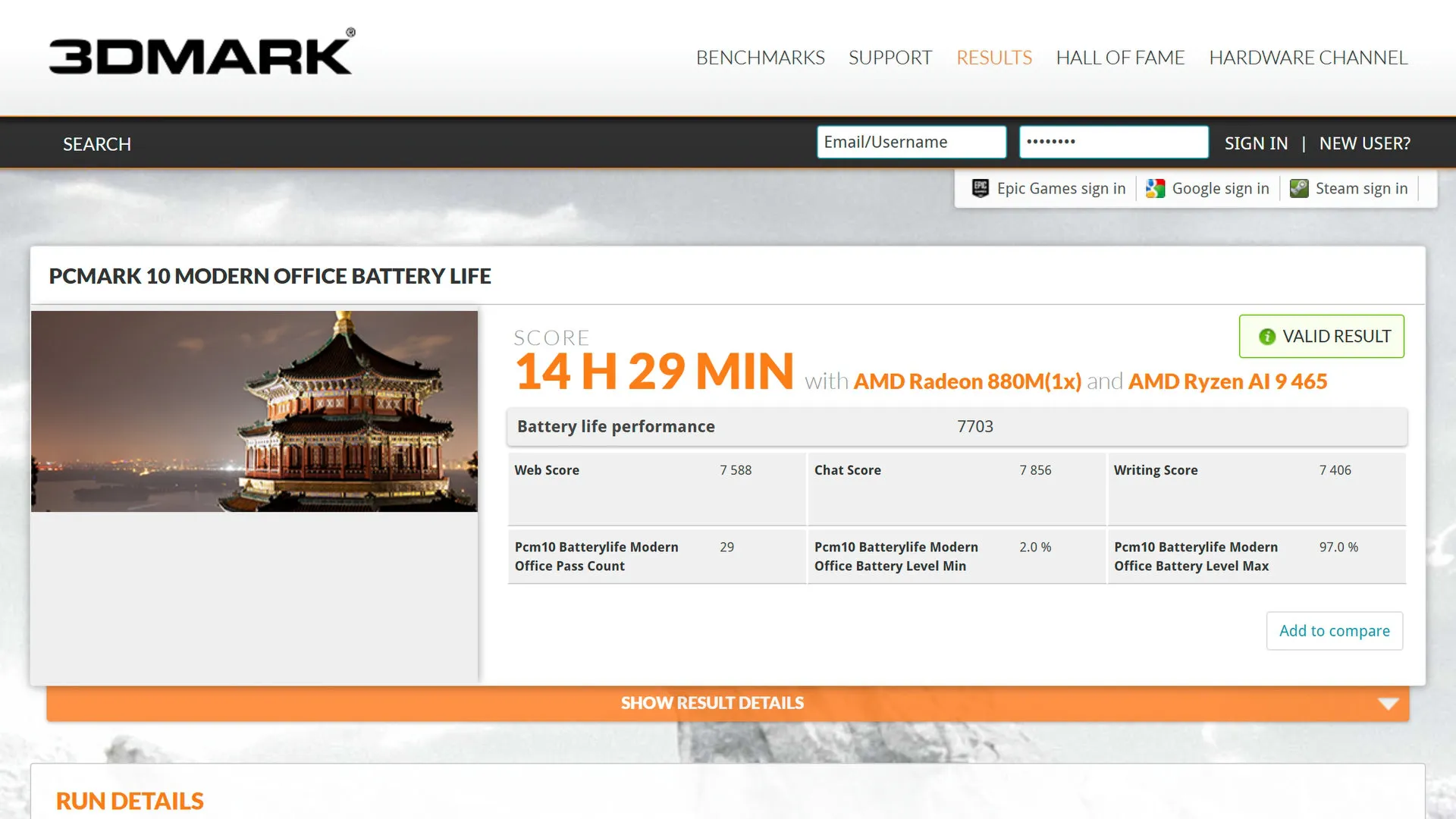
Surprisingly, despite having the same weight, the new ASUS Zenbook S16 gets a larger 83Wh battery. It will definitely last more than a day’s work – if we’re not doing any sort of video editing on battery, that is. Using our standardized battery life test, this laptop can reach 14.5 hours. Really good battery life, honestly.
Charger
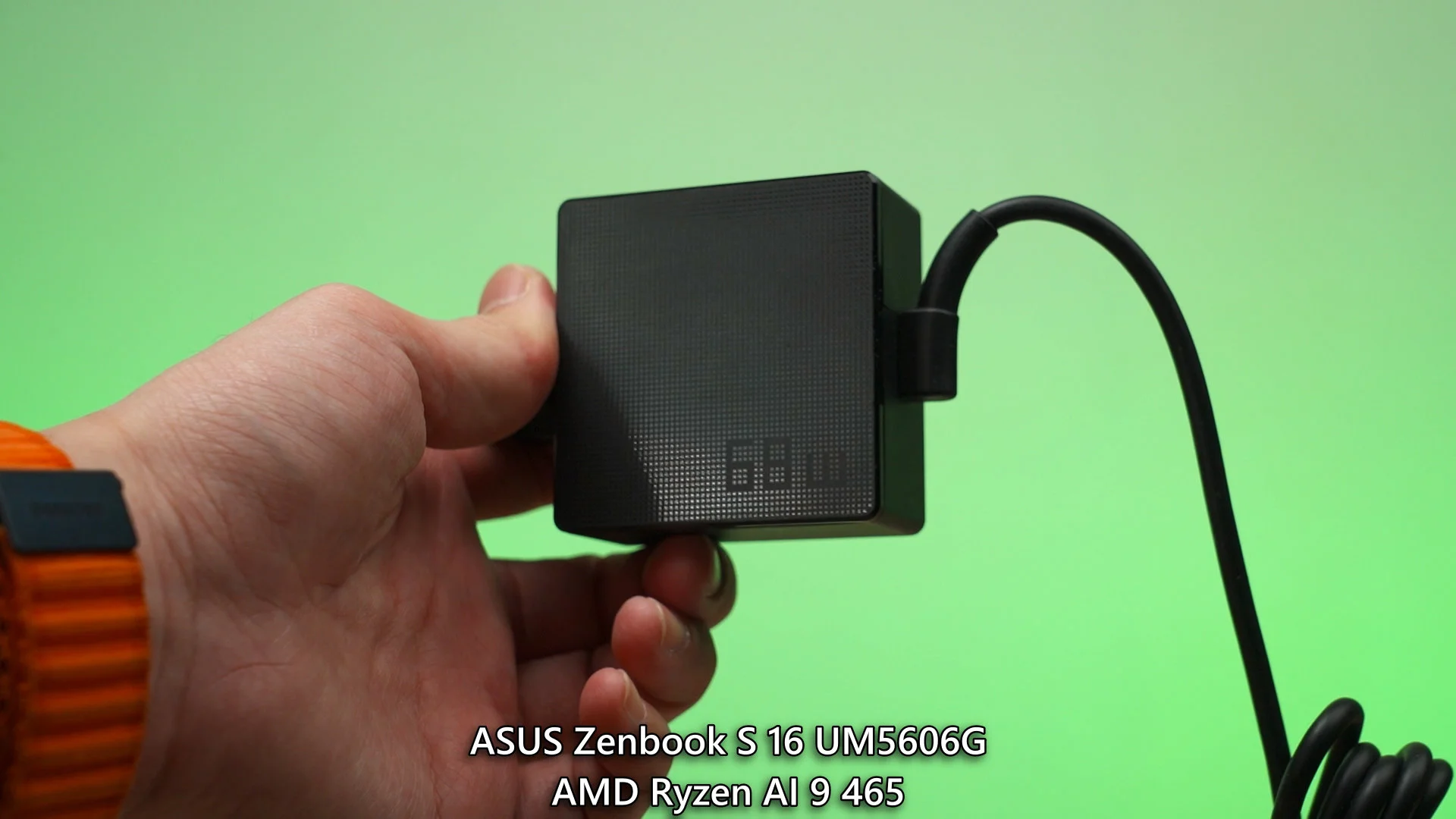
The charger did change this time. The previous generation has a 65W charger that is very similar to how phone chargers are designed, but the new one… they’re back to the traditional laptop charger design, but it’s a 68W charger. No idea why ASUS did this, but here we are.
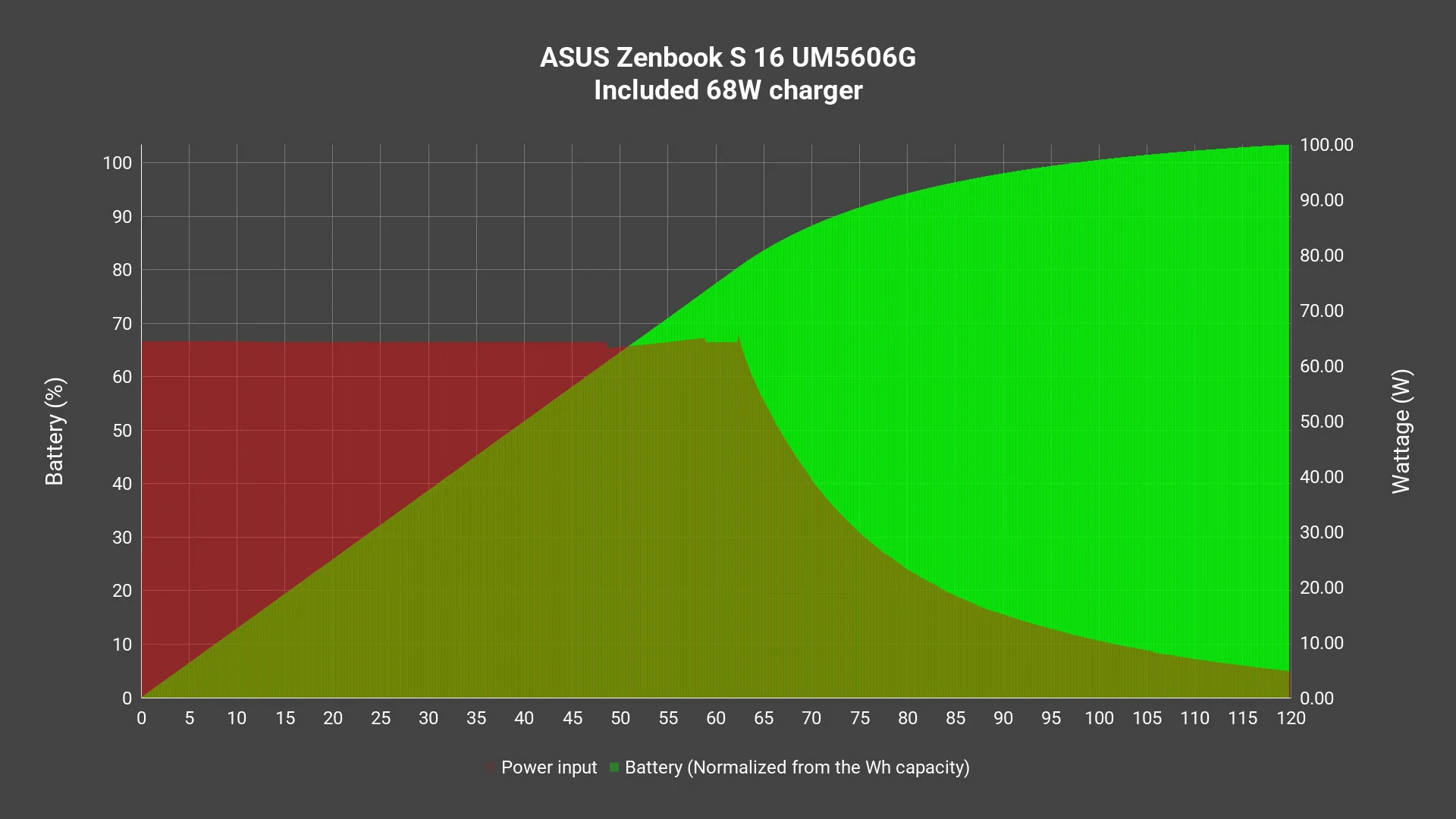
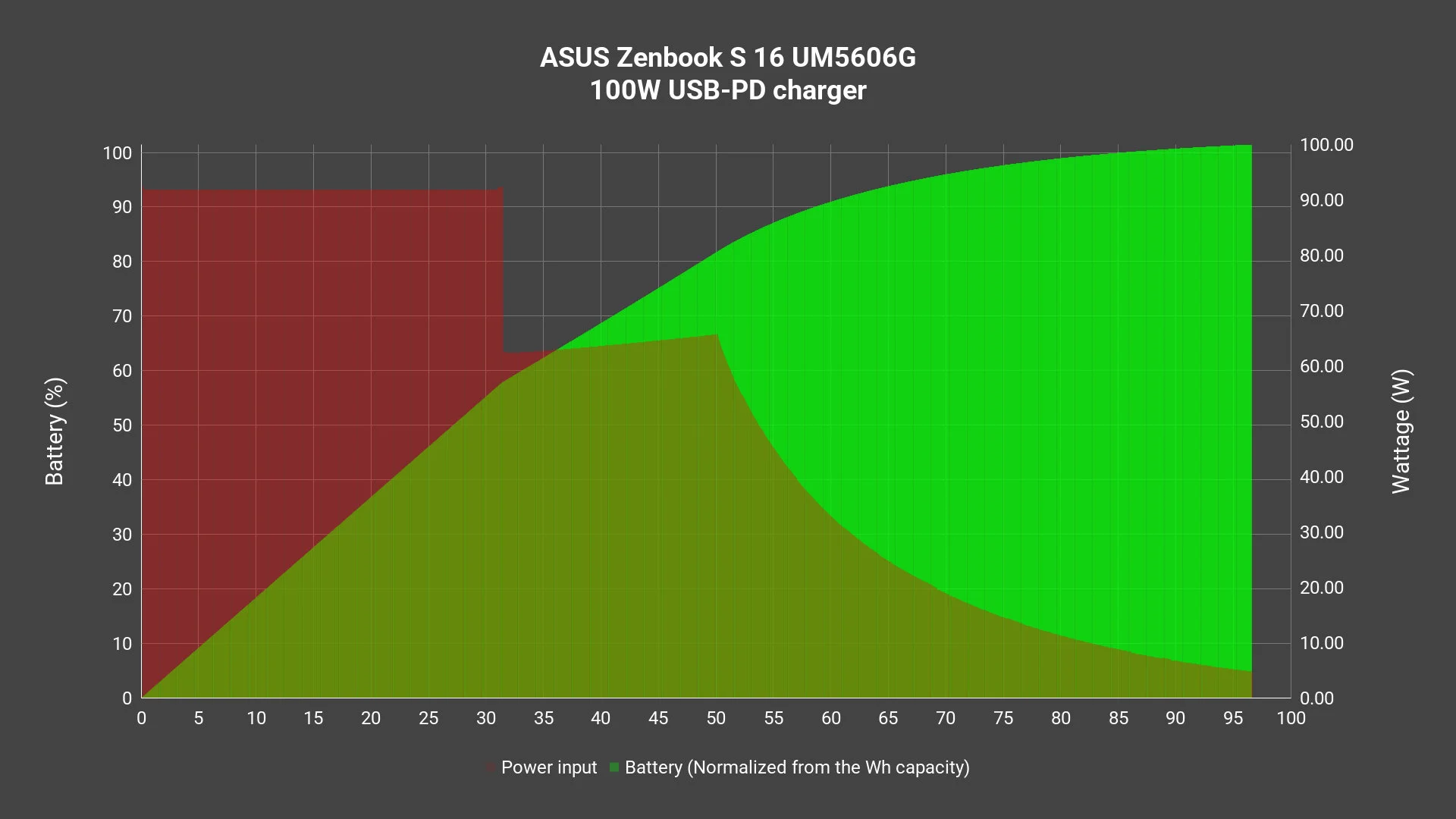
Anyway, using the stock 68W charger that’s included in the box, we can charge the laptop from 0% to completion in around 2 hours with around 2.86978227W wasted. Not too bad, honestly.
And just like a few of the latest ASUS products that we’ve tested recently, it can take in a higher wattage if we have a faster USB-PD PPS charger. This laptop can actually take in around 92W when connected to a 140W USB-PD PPS charger. It takes around only 97 minutes to charge from 0% to completion and it wastes only 1.215664729W – much more efficient than the included 68W charger, but negligible amount of wastage if we look at the big picture. I just thought that this is an interesting bit of information.
Everything else remains the same
And everything else remains the same as the previous generation – so I’ll just speedrun through all of them.
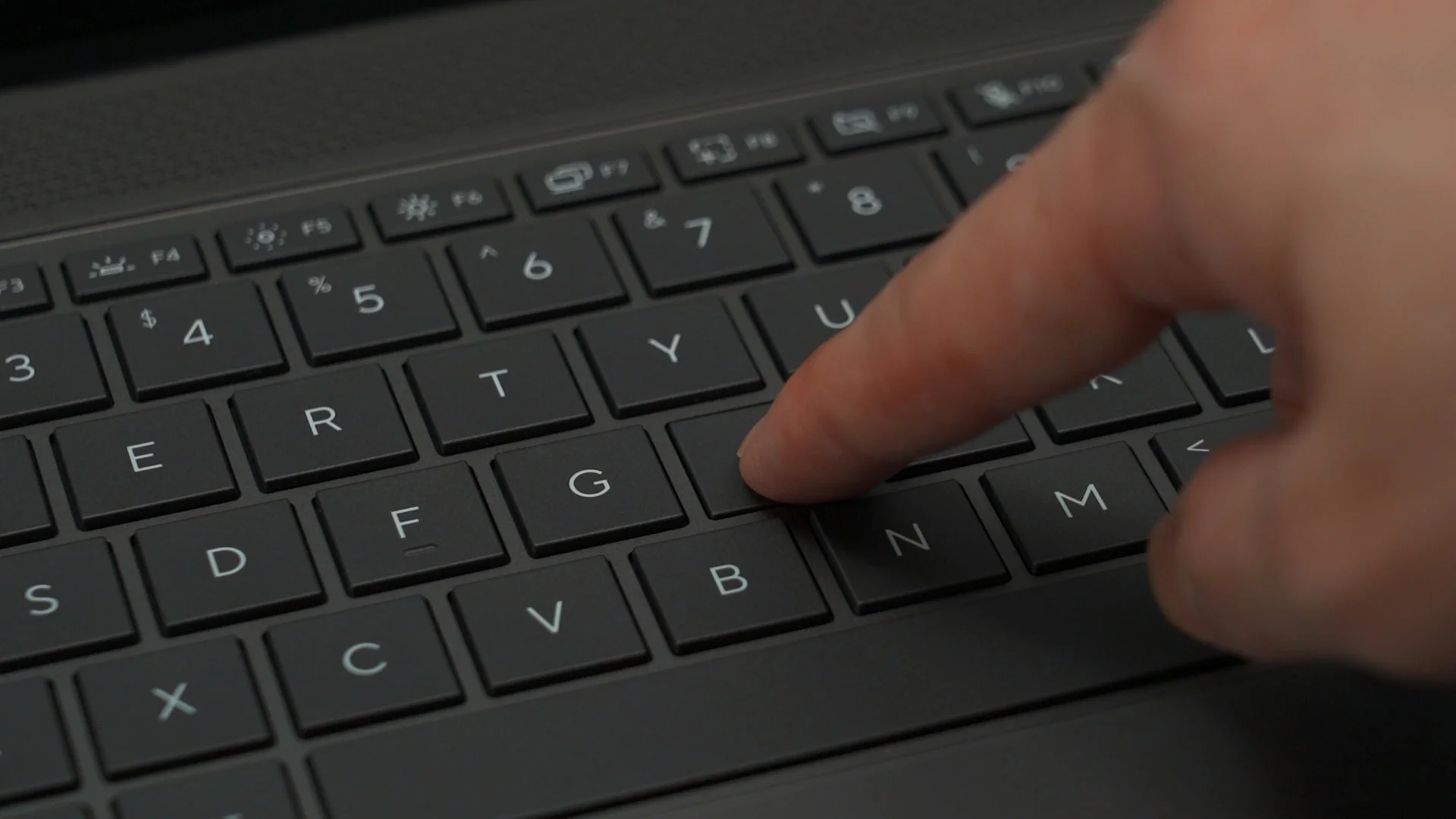
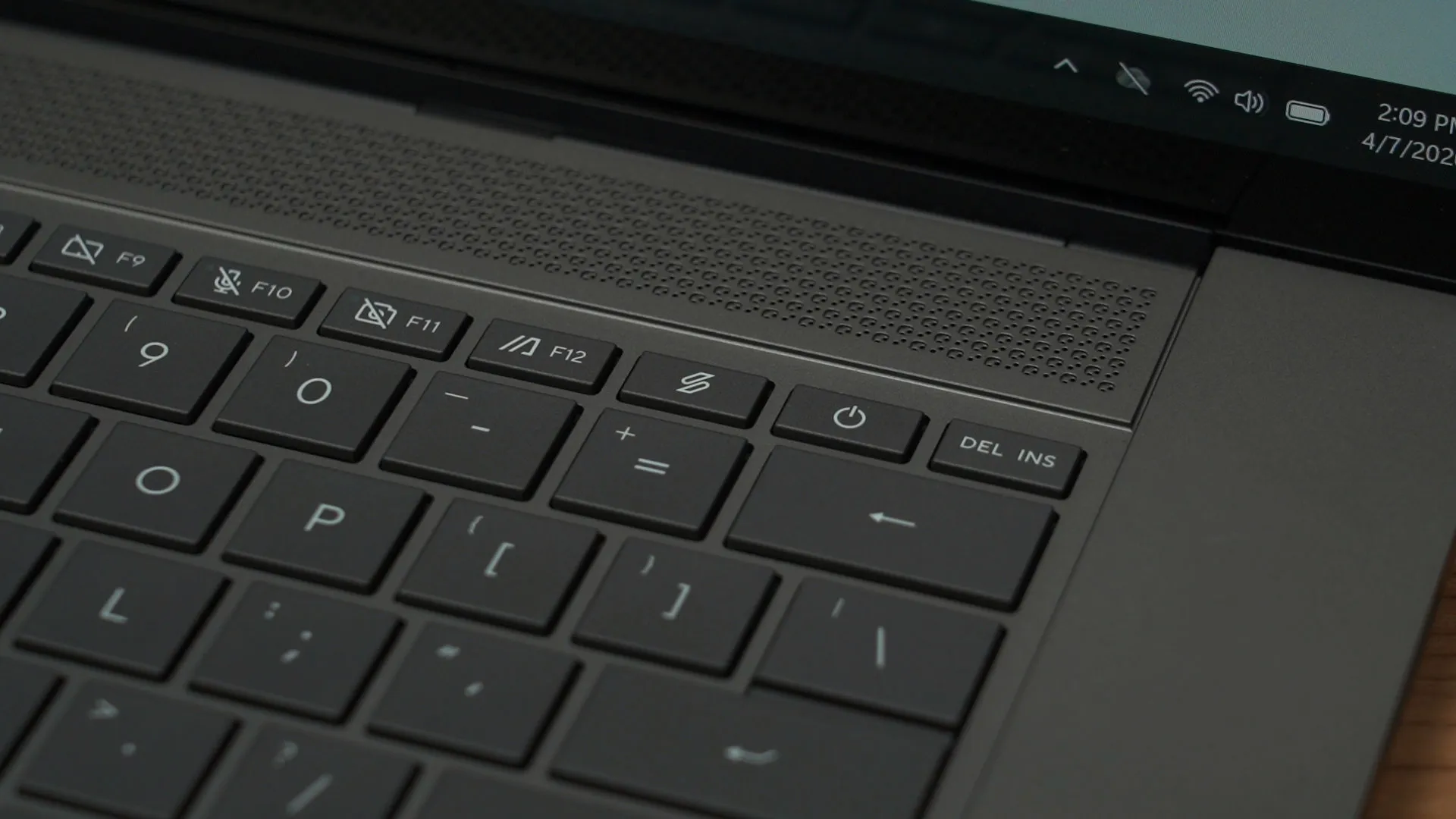
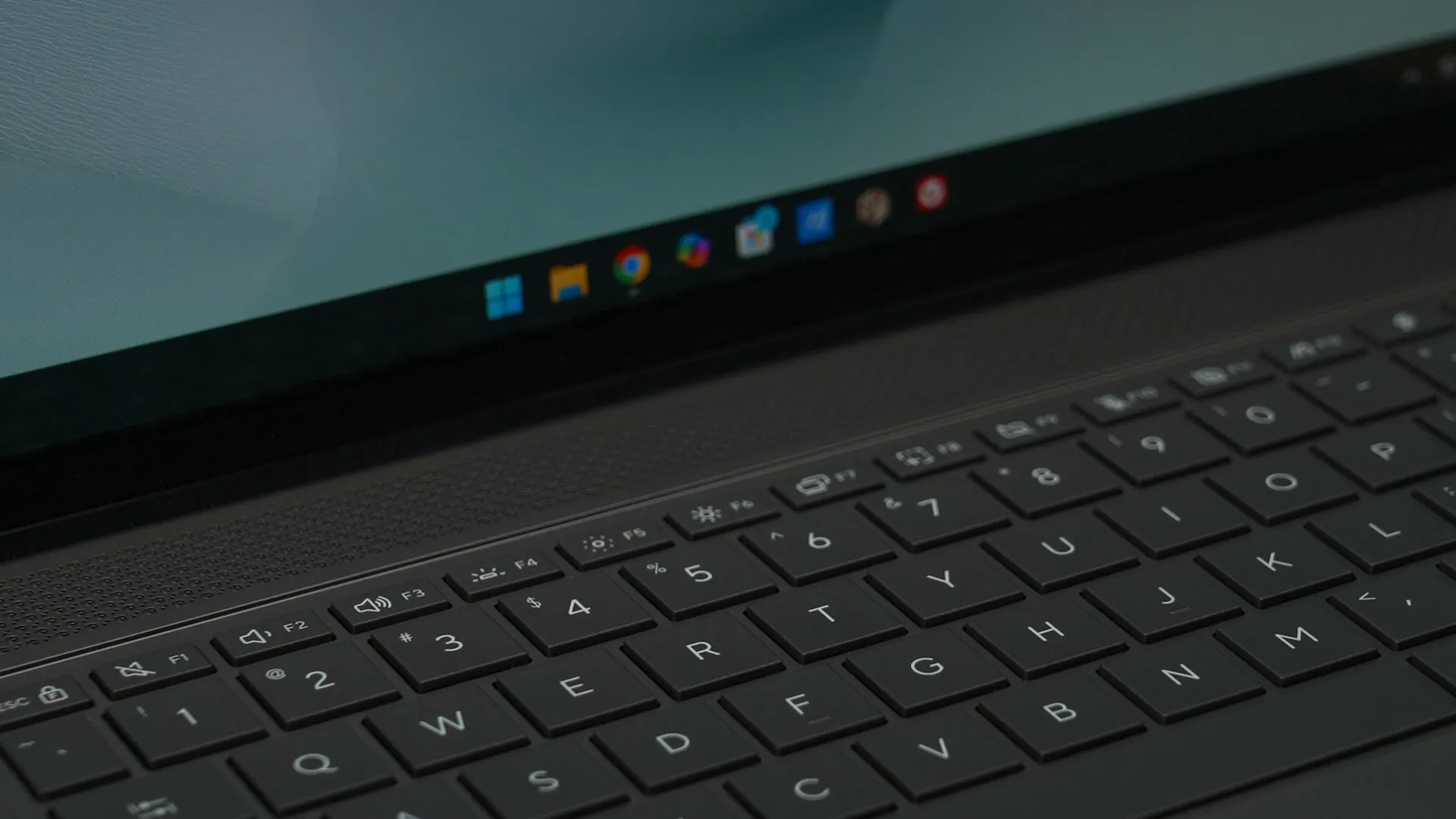
The keyboard remains the same as the previous generation. Well, mostly. The key travel is the same. It’s a rather shallow travel distance but the keys are really bouncy – so it is very fun to type on. However, ASUS removed the print screen button… why? No matter, at least we can remap it using AutoHotKey or something similar. Overall, I find this keyboard to be good, barring the missing print screen key.
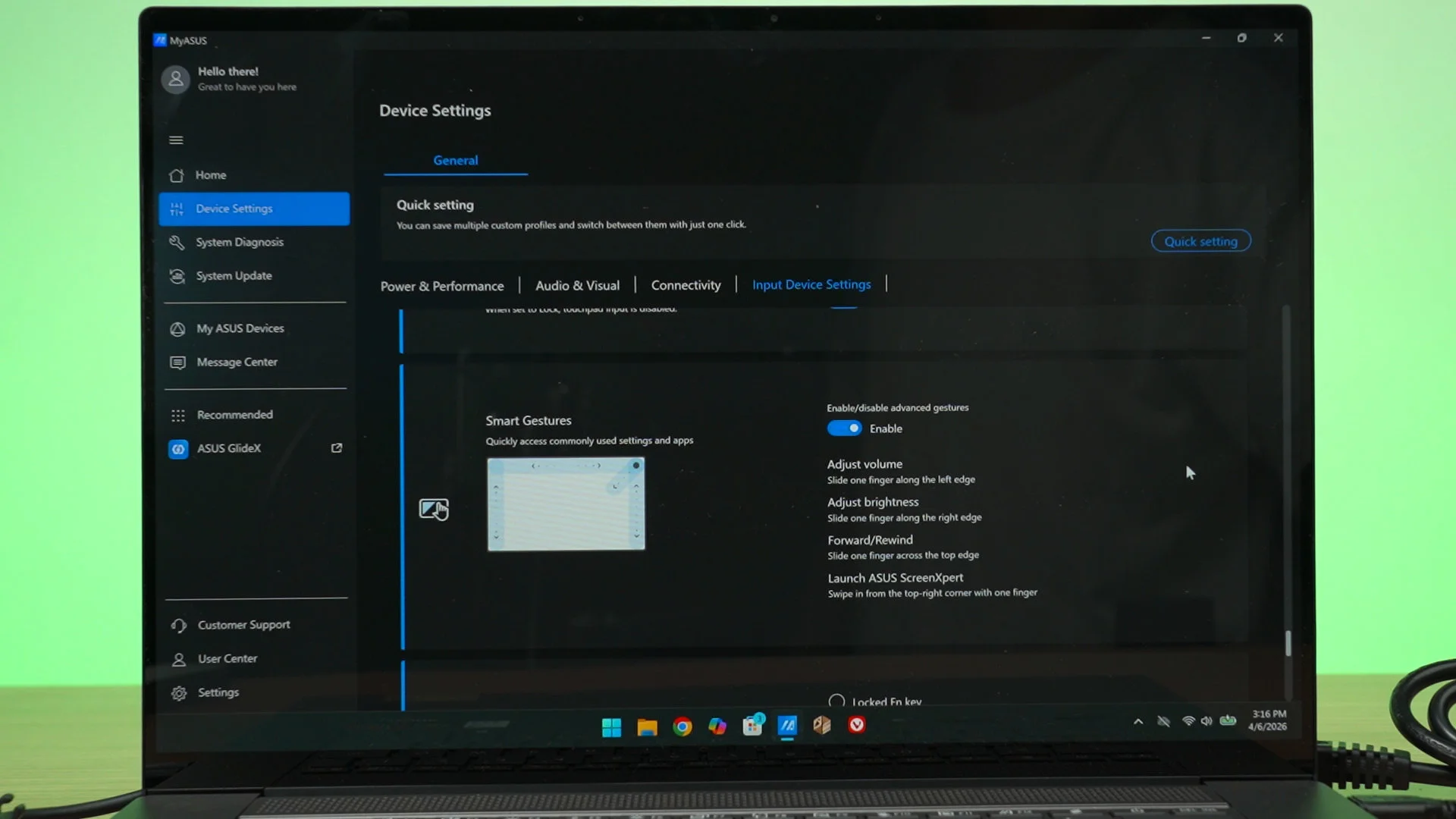
The trackpad is still as huge as ever. My finger glides on it really smoothly, it tracks well, and palm rejection is good – most of the time. You see, the trackpad has this feature to change the brightness, volume, and also seek YouTube videos by swiping along the edges. Sometimes when I am typing on the keyboard, it changed the volume.
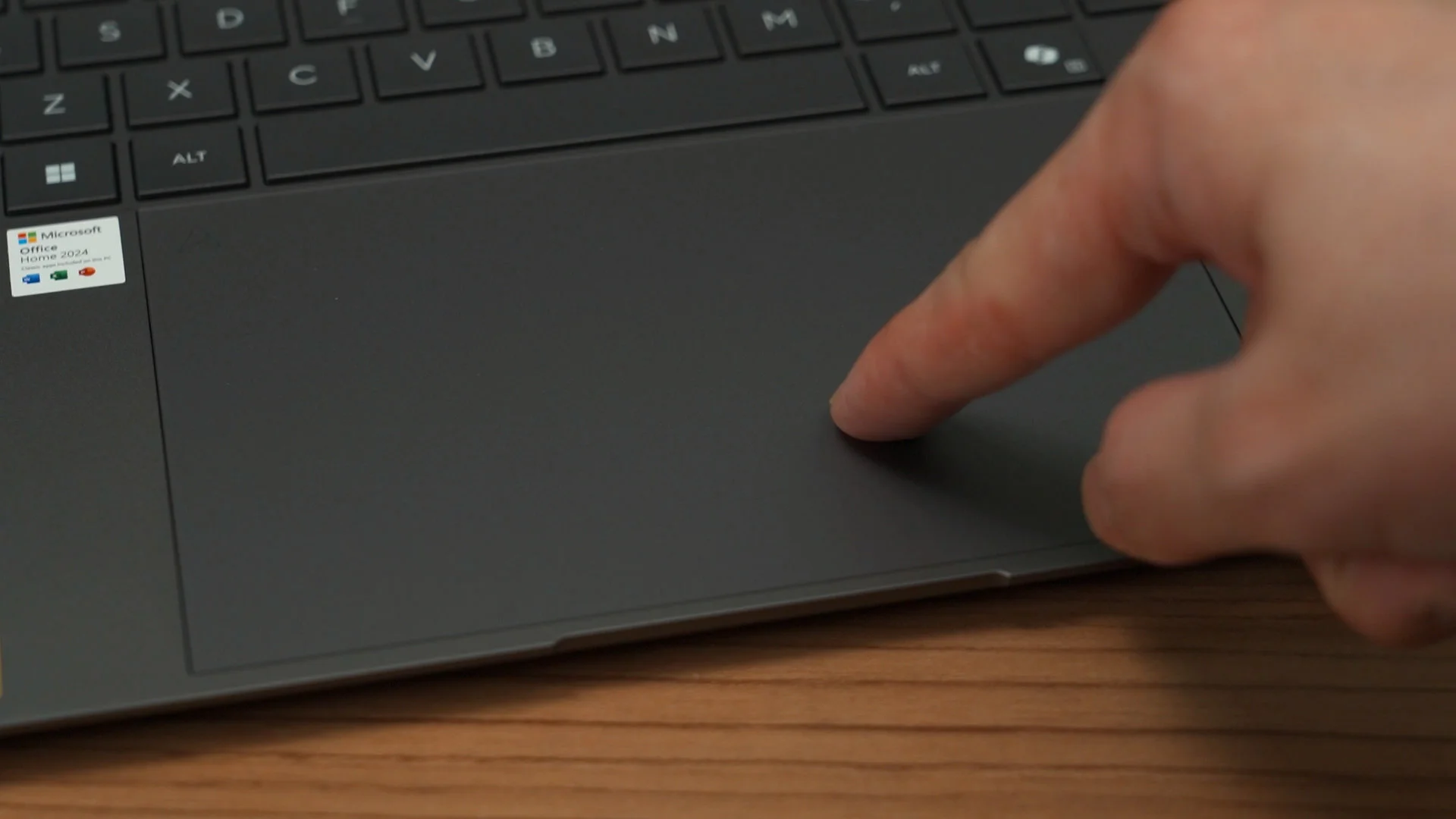
Luckily, this feature can be disabled in the MyASUS app if it truly annoys me. The MyASUS app has a lot of other features to tune, by the way. Take your time to go through the settings to make the laptop truly work the way you want it to be.
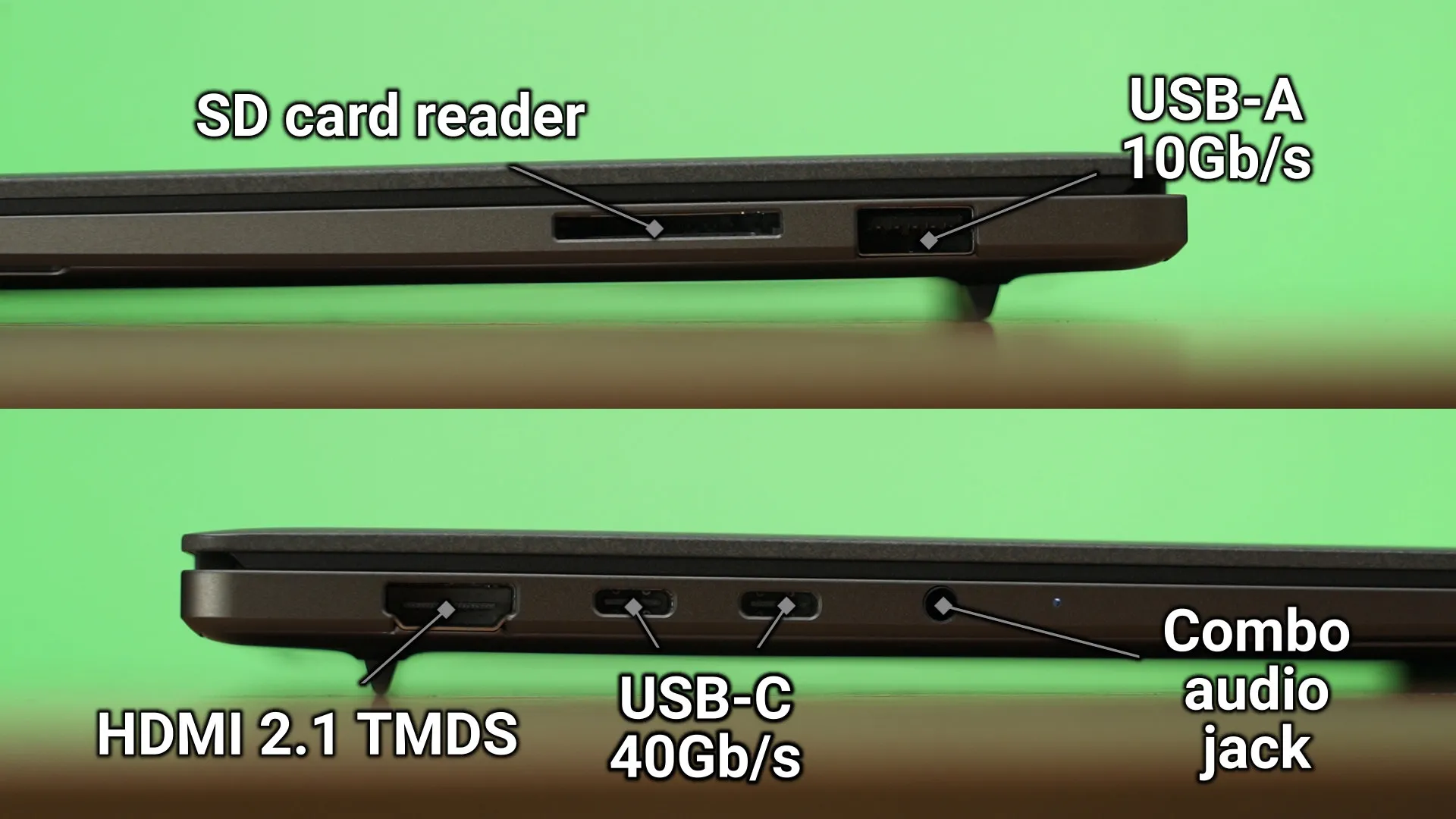
The ports are also identical to the previous generation. We have double USB 4 40Gb/s ports at the left side alongside a HDMI 2.1 TMDS and also a 3.5mm audio jack. On the right side we have a USB-A 3 10Gb/s port and also a a full-sized SD card reader. Pretty good though I do wish to have more USB-C ports since one of them will be taken up by the charger.
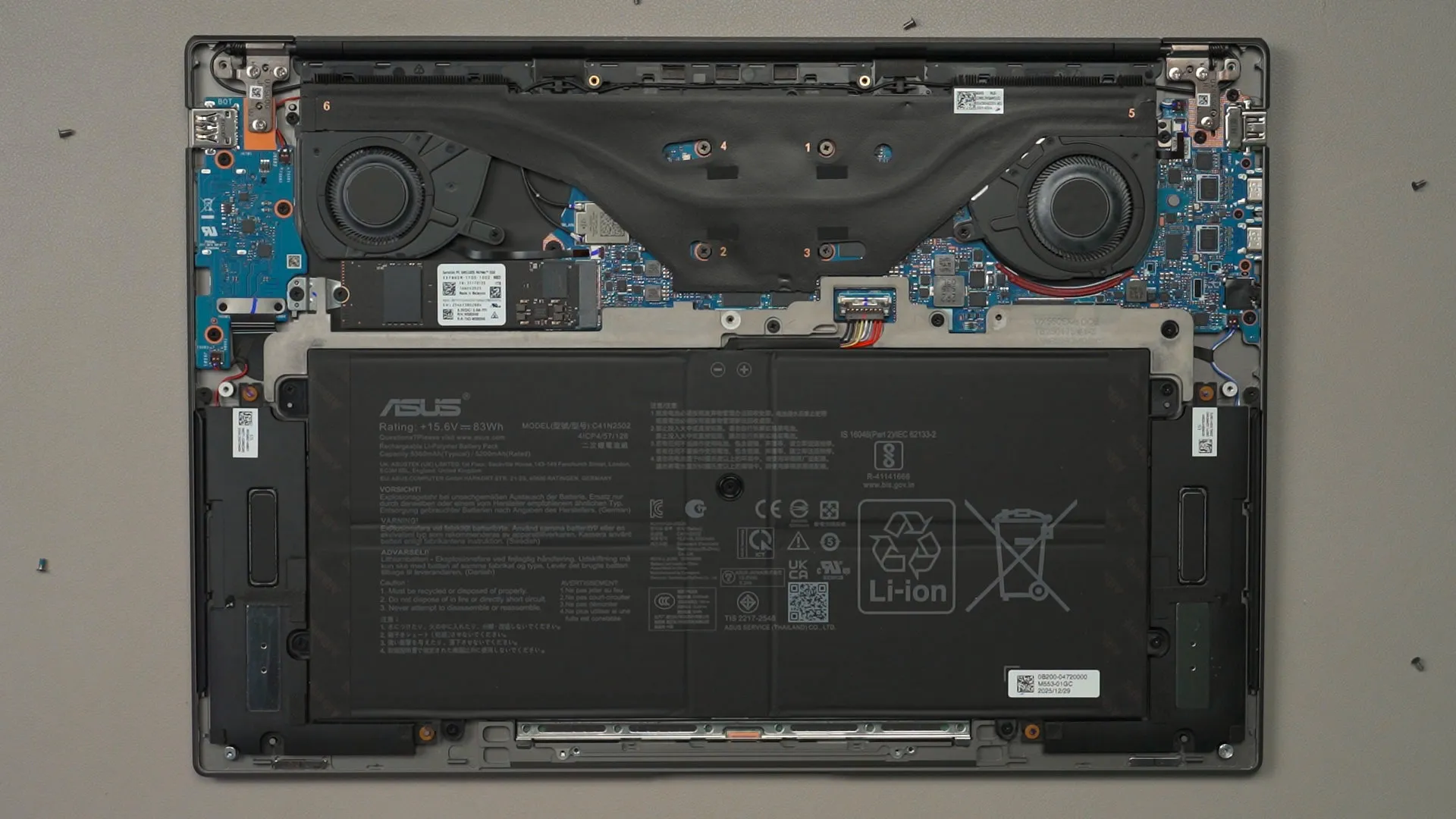
Upgradability is the same too. Opening up the back panel is as simple as ever, and inside we can find the humongous battery that takes up like 60% of the entire laptop, a rather small motherboard with one single M.2 SSD slot that is already taken up by the included SSD, and that’s about it. The 32GB LPDDR5X RAM are soldered onto the motherboard.
Should you buy the ASUS Zenbook S16 UM5606G?
So, should you buy this laptop – the ASUS Zenbook S16 UM5606G? Well, it truly depends on you. This is a premium 16-inch thin and light laptop with a beautiful, high-resolution OLED touchscreen, massive battery, and a rather good selection of ports.
I mean, I already used the previous generation of this laptop for 1.5 years, and this is just more of the same, but refined. It’s clearly a fantastic laptop.
As for the price, surprisingly it’s at the same launch price of RM7,999 despite the memory crisis that we’re still going through. I know the price sounds hefty – but hey, it’s not easy to find a laptop that offers a massive 16-inch OLED touchscreen.
For more information about the ASUS Zenbook S16 UM5606G, check out this link.
Where to buy? (Affiliate links)
Like our Facebook Page here at NasiLemakTech.com for more news and in-depth reviews! Also, join our Facebook Group for insightful information and memes!
Subscribe to our YouTube channel too!

