Introducing Samsung’s latest Galaxy Tab S12 series. This is the Galaxy Tab S12+, which I think is already plenty big, yet it comes with quite a lot of meaningful upgrades that I think need highlighting. If you think this is just another generation of a Samsung tablet, then you’re wrong.
Specs and performance
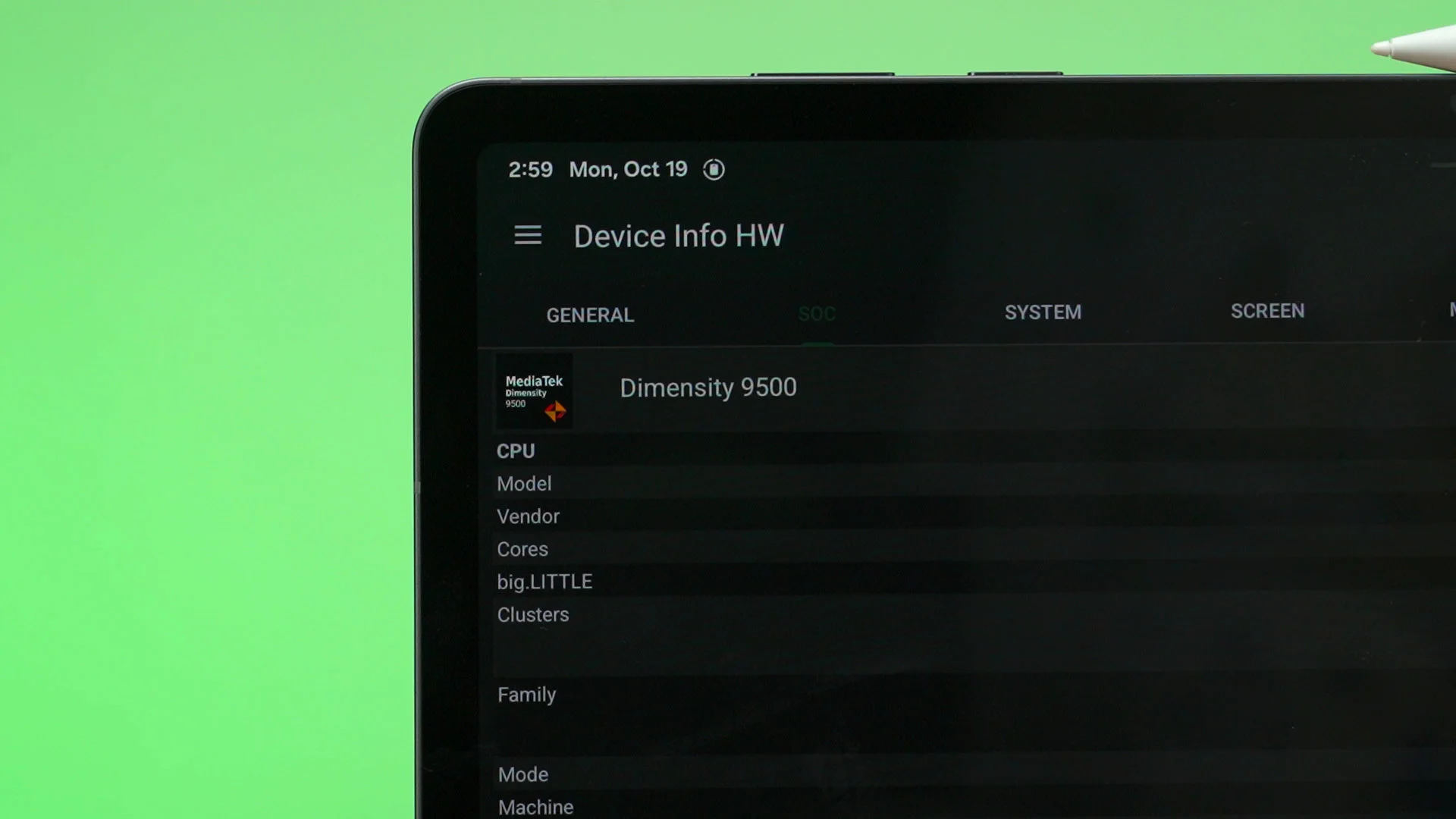
Let’s start with the specs and performance. The latest generation of the Samsung Galaxy Tab S12 series comes with the MediaTek Dimensity 9500. At this point in time, it’s technically a generation old already – but this comes with the advantage of a year’s worth of optimisations already, and this is important for games.
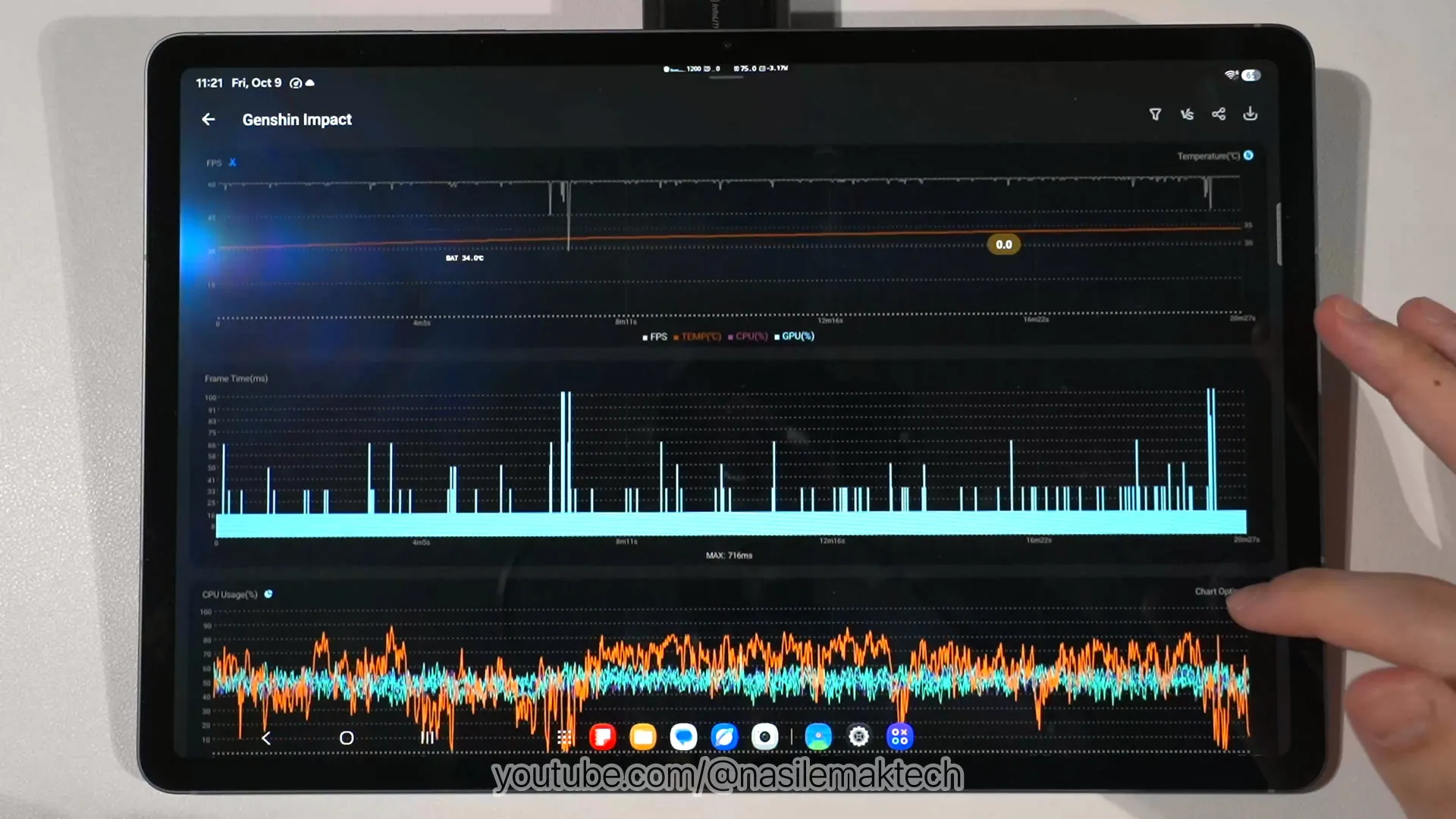
As we’ve seen in the full gaming test video, Genshin Impact can actually run at a very high render resolution while maintaining basically 60fps throughout the entire gameplay. The frame time graph is also flat, which means there’s no stuttering – hence an amazing gaming experience overall. Seriously, this is rather crazy.
I thoroughly enjoyed COD Mobile on this tablet because of the options available for this game. We can turn it up to the “max” graphical settings with 120fps, and the game renders at the native resolution of the tablet. Combined with the massive screen, COD Mobile is exceptionally enjoyable, especially since it can maintain near 120fps throughout the entire gameplay. I mean, I can see the enemies better because the display is so huge.
Moving on to Zenless Zone Zero, this game has an even higher render resolution and is much more graphically demanding – and this stresses the chipset even further, especially since we’re playing the game at the highest graphical settings. I mean, we can still get great frame rates, though there are some stutters here and there. I highly recommend turning the graphics lower to get a better experience.
Next up – Wuthering Waves. It’s a very similar to Zenless Zone Zero, but I’m very impressed by the frame rate that we can get. Remember, the Dimensity 9500 is already one generation old but it still manage to squeeze out frame rate numbers similar to the iPhone 18 Pro with the latest A20 Pro chipset, yet at a higher render resolution too. Still, we need to lower the graphical settings to get a smoother experience.
We tested a few more games than just the ones mentioned here, so check out the full gaming test video down below – and do remember to hit that like and subscribe button too. Thanks.
Also, don’t worry about thermals. Tablets will rarely thermal throttle since there’s so much surface area for heat to dissipate away.
Battery life
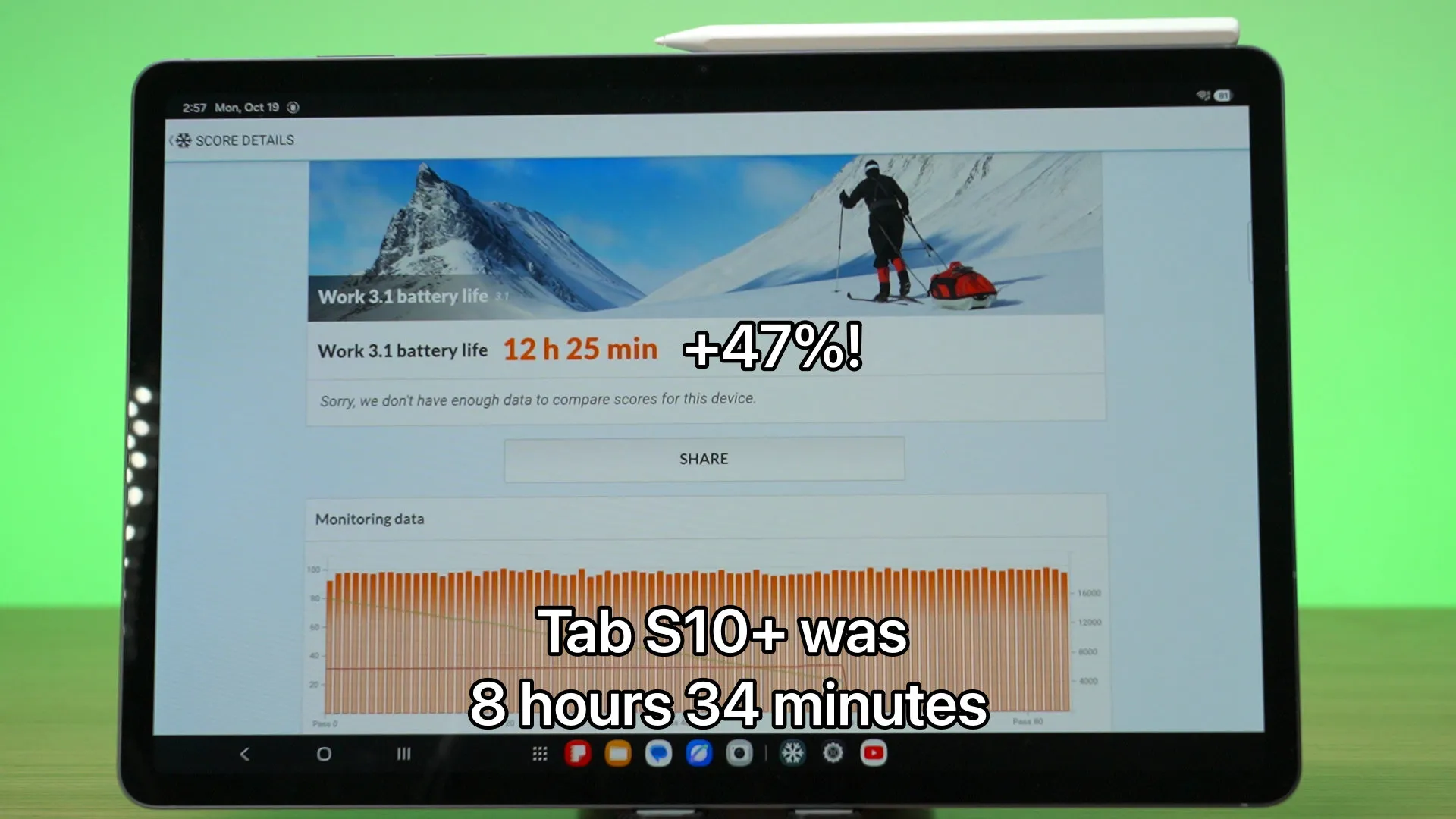
Another thing that I am impressed by is the battery life. I was genuinely shocked by this, actually. You see, the Galaxy Tab S10+ was the last Plus tablet what we had – and the battery capacity got a minor 5% increase to 10,600mAh.
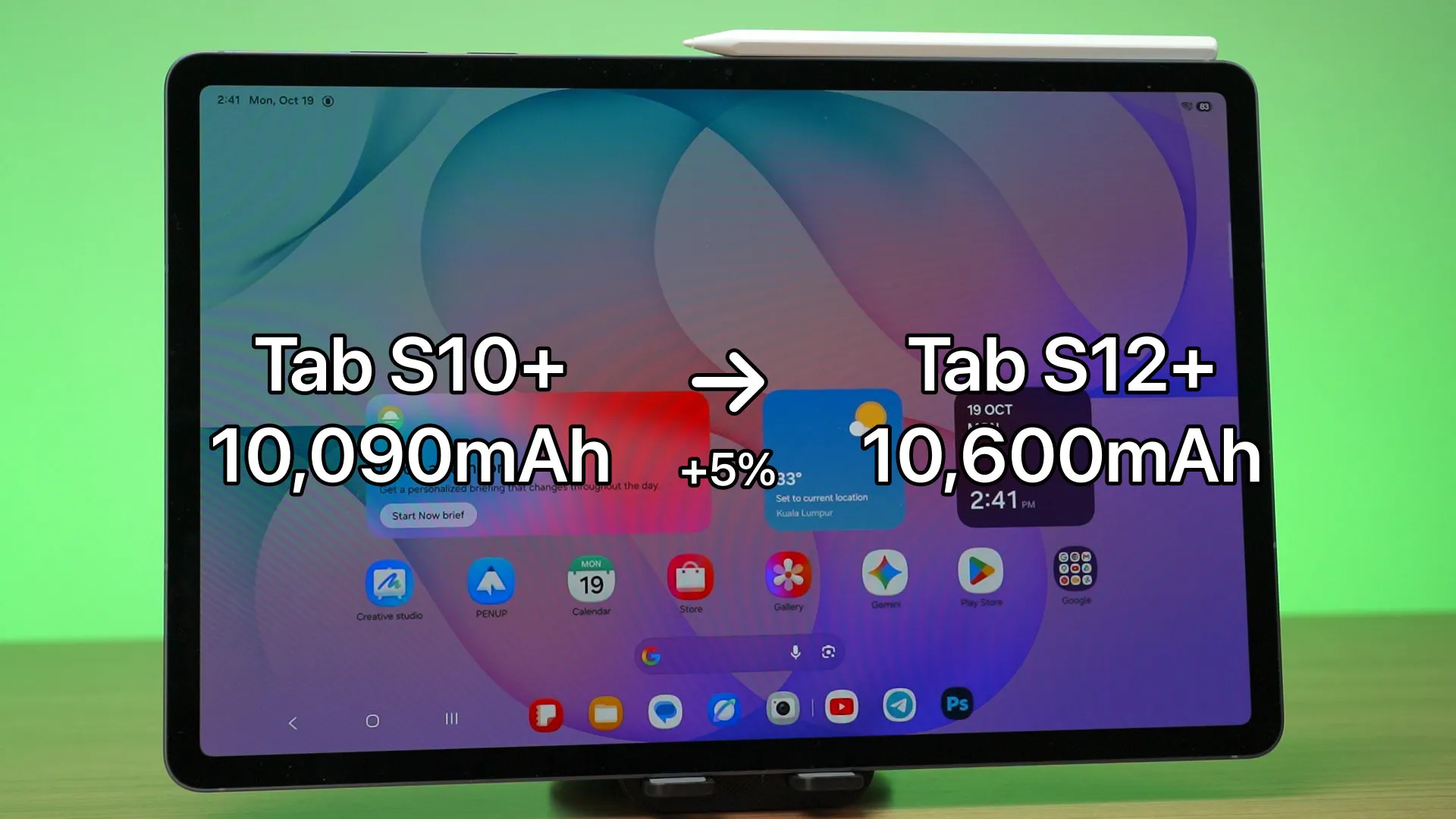
Thanks to the magic of chipset advancement and software optimisation, the battery life got increased about 47%, up to 12.5 hours. That’s truly magical and I never thought the battery can last for this long. Really crazy stuff, to be honest. Remember, our battery life test on Android side is standardized too.
Charging speed
As for the charging speed, it remains unchanged, maxing out at 45W. It’s not the fastest charging speed that we have, but good enough as it can charge from 15% to completion in around 80 minutes. The entire charging curve is rather linear, which is a great sign of not throttling at all.
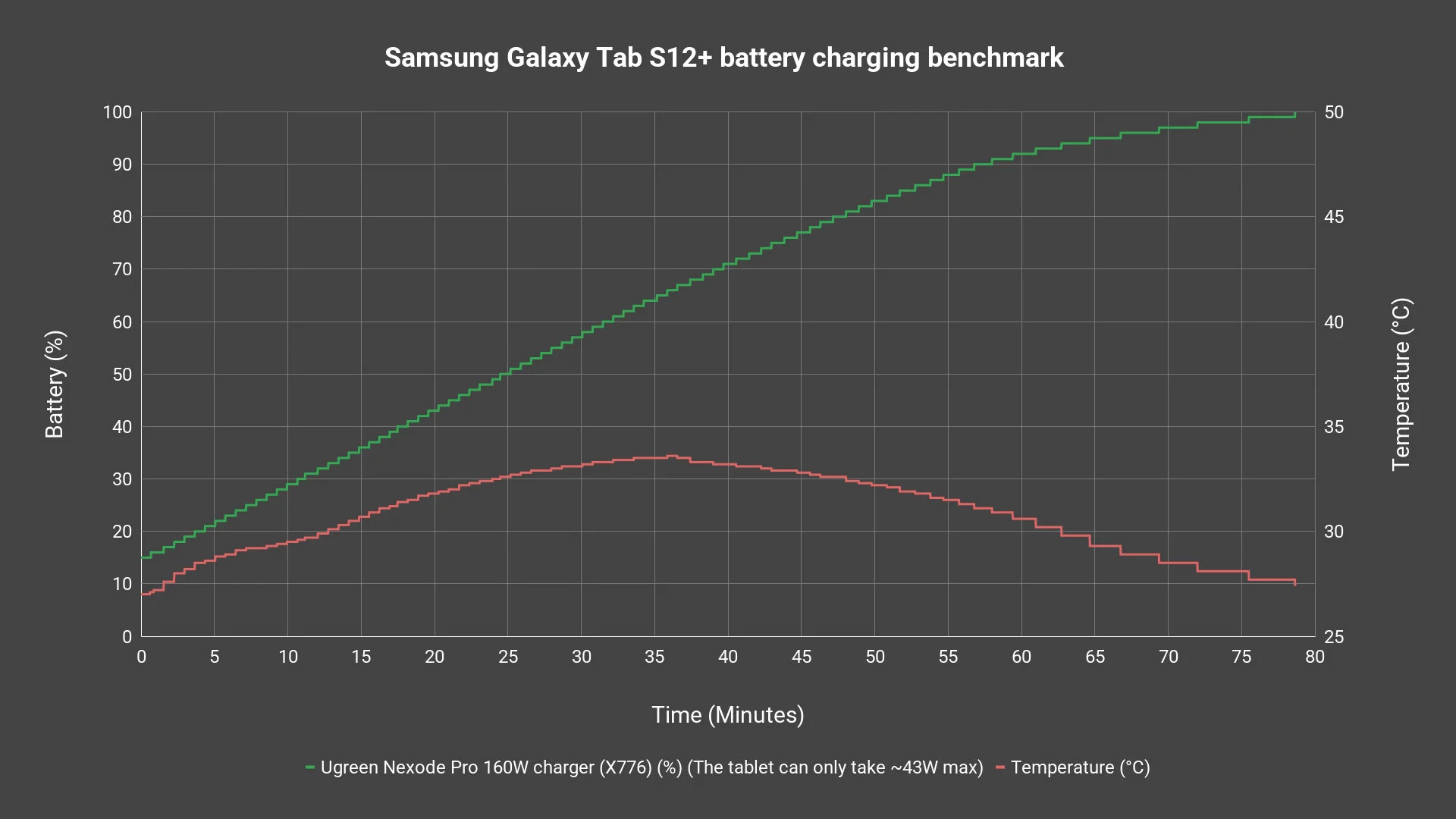
By the way, any USB-PD PPS charger of up to 45W can achieve the same charging speed. That’s the beauty of embracing open standards.
Screen
Obviously, for a tablet, the screen is the most important. For this generation, the Galaxy Tab S12+ actually got a slightly larger display at 12.6-inch Dynamic AMOLED 2X panel and has a resolution of 2800×1752 pixels and goes up to 120Hz refresh rate.
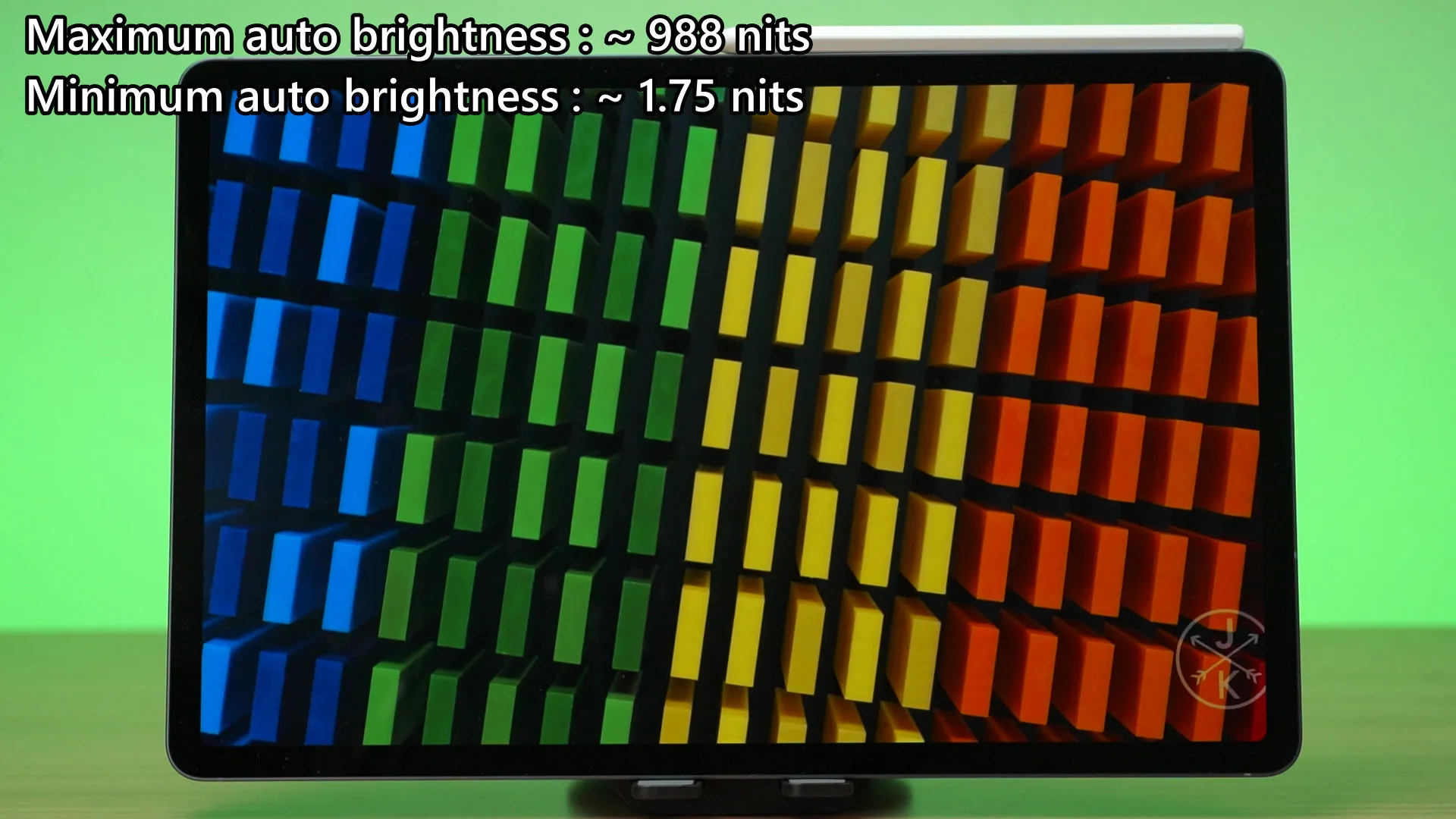
With our tests, this display can reach up to 988 nits at most and down to 1.75 nits minimum. It’s a really good range, and remember – nits is a measurement of the density of brightness. 988 nits for a 12.6-inch display is actually super bright.
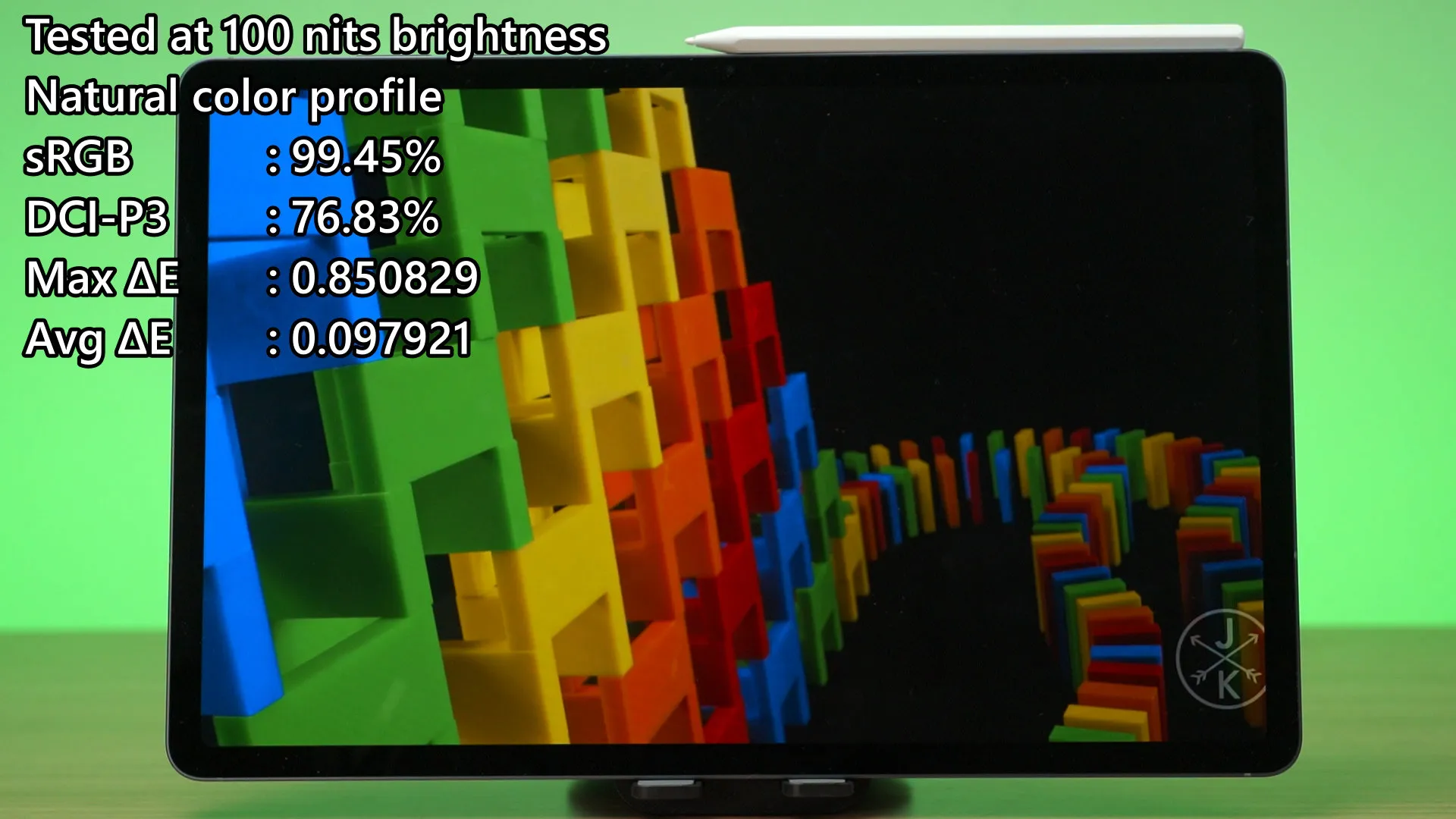
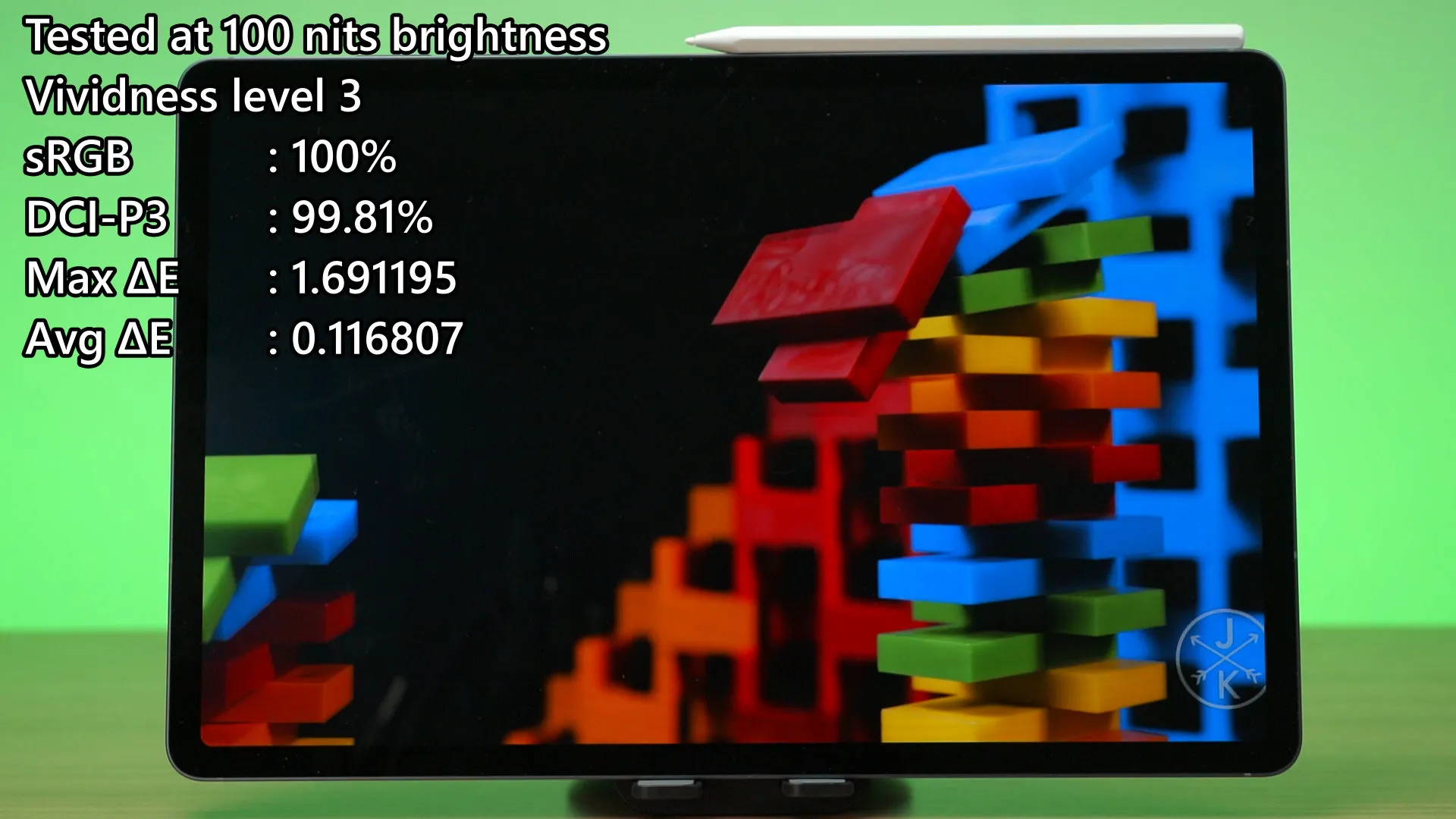
Since this Galaxy Tab S12+ also has the natural color profile and vividness levels 1 to 3 to select from, I only tested the natural color profile and vividness level 3 for the sake of brevity.
The natural color profile can cover 99.45% of sRGB and 76.83% of DCI-P3 color gamuts, while the ΔE number is extremely low. This is to be expected, and I’m glad that the quality here is the same as other Samsung devices with the Dynamic AMOLED 2X panel.
When we bump it up to the vividness level 3 color profile, it can basically cover 100% of both sRGB and DCI-P3 color gamuts, while the ΔE number is still below 2.0. That’s amazing, honestly.
Design
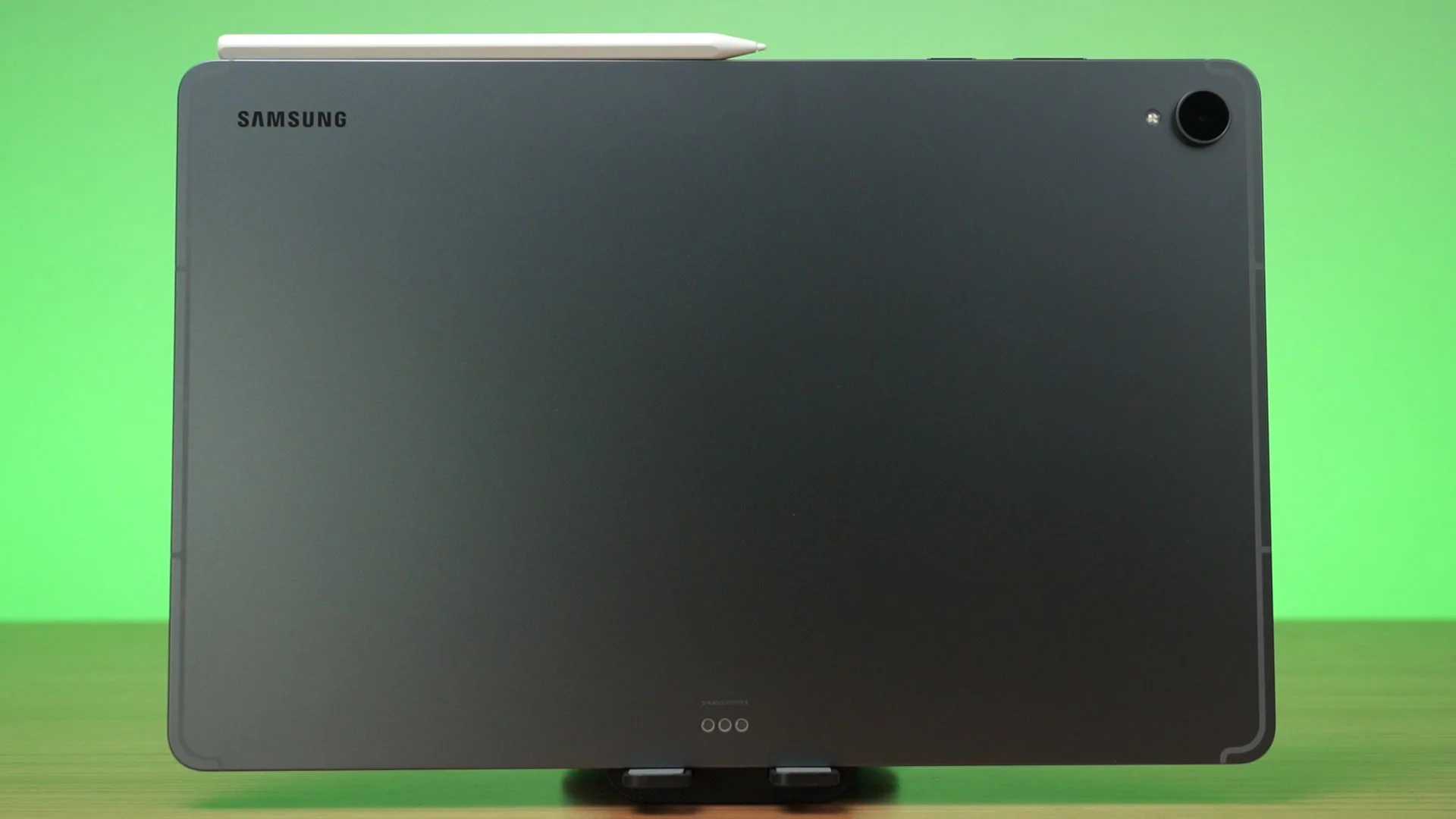
All of that is packed within this design of a tablet. It’s similar to the Tab S10+, but we have one less camera now. It’s really not an issue since I don’t use tablets to take pics anyway – but let me know what you think about this change down in the comments below.
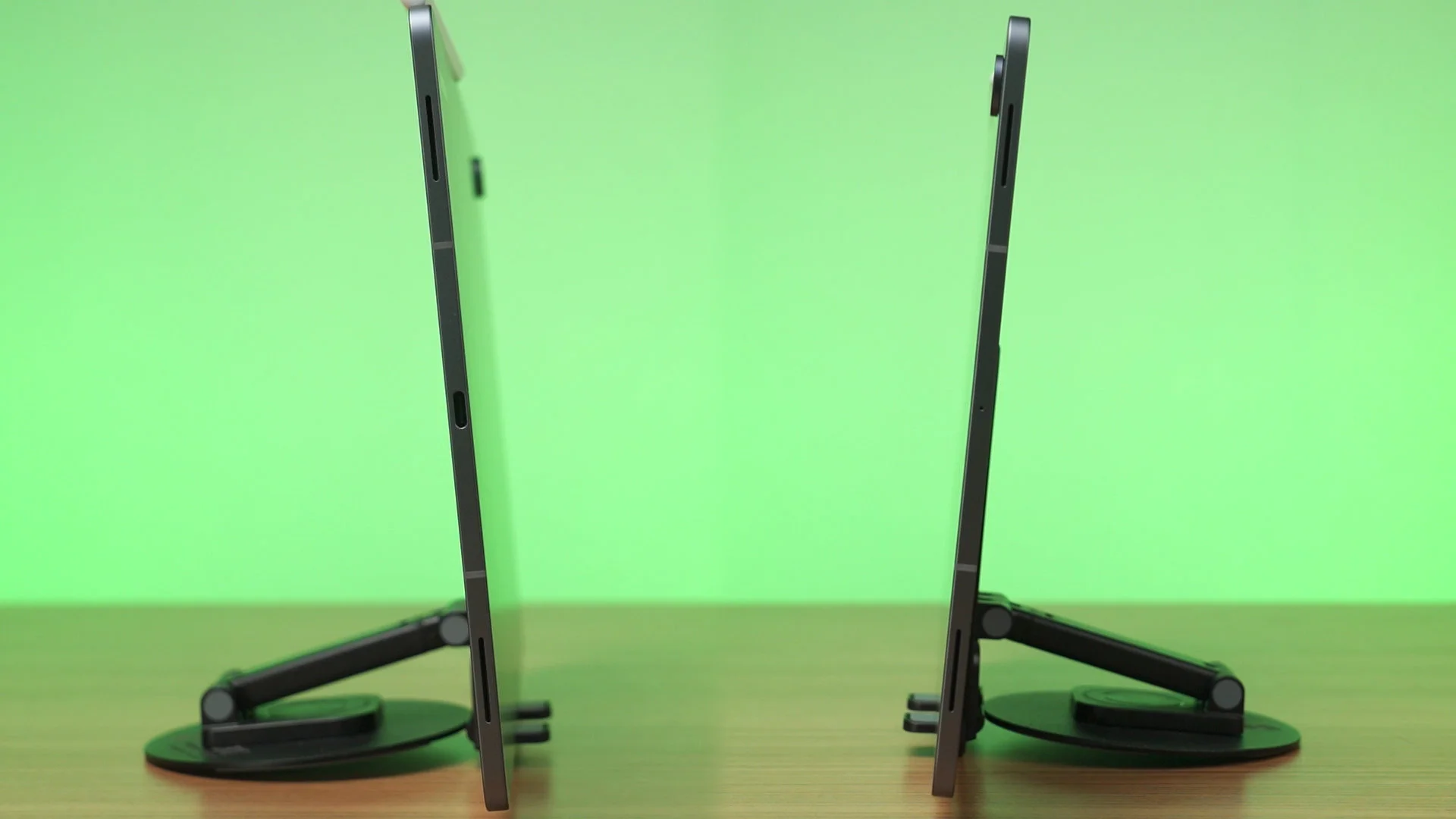
The speakers at the side got upgraded to a 4-channel speaker system, and it sounds better with soundstage thanks to channel separation. However, I don’t think we can show the sound quality through a YouTube video where the audio is mixed down and compressed.
To have a listen, watch the video at the top of this review.
Software
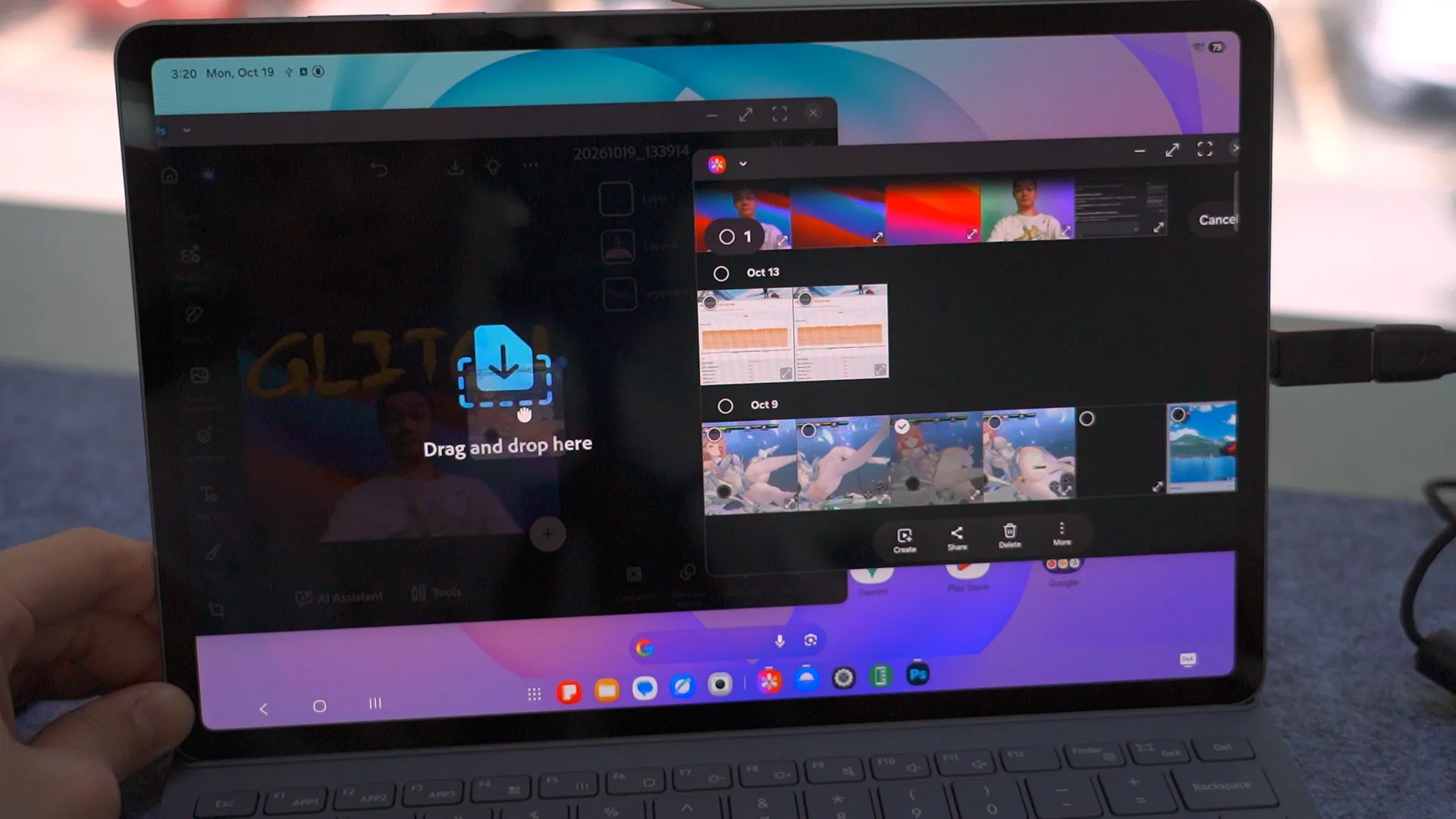
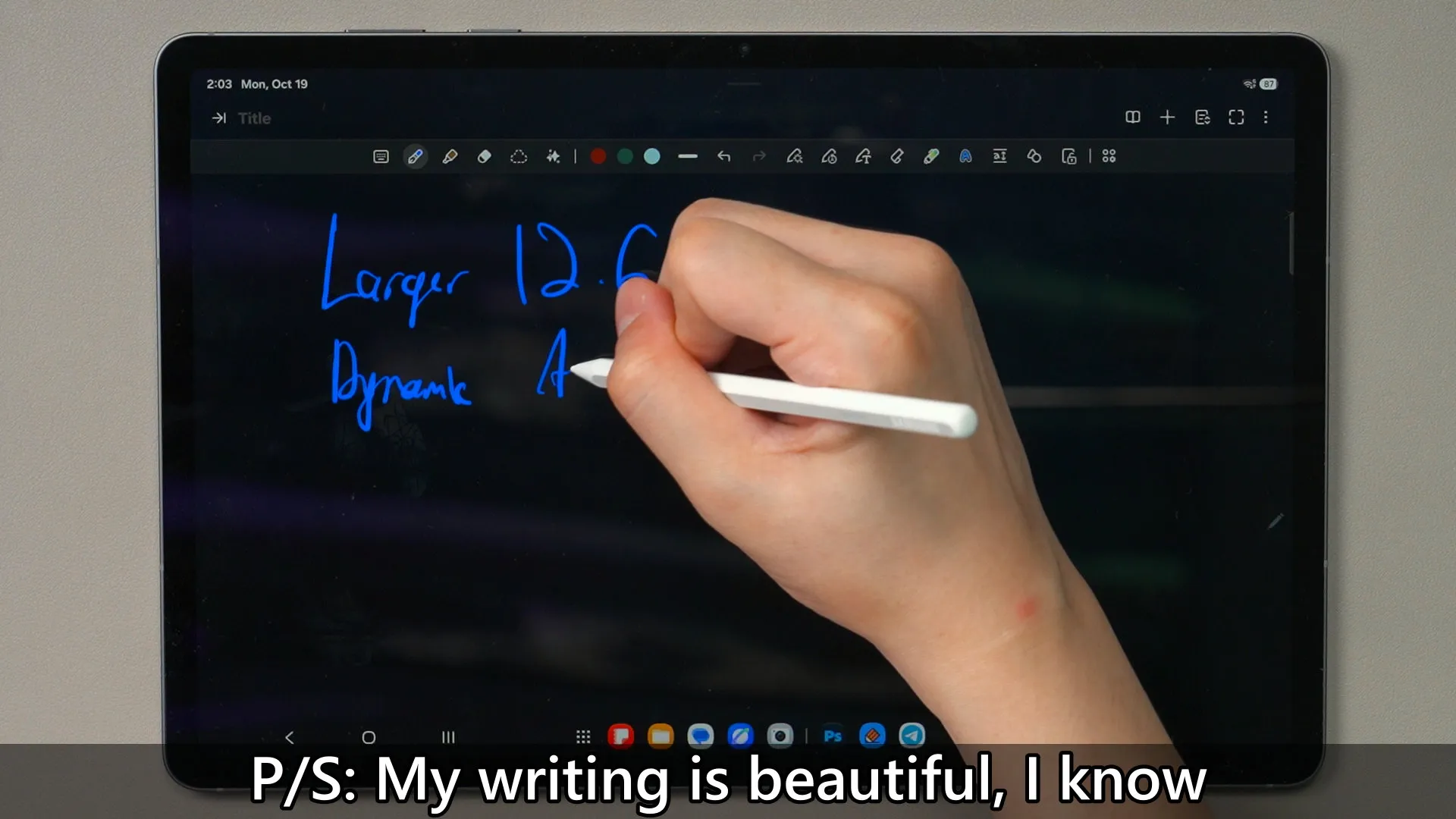
The software is about the same as what we’ve expected. It comes with the latest One UI 9.0 on top of Android 17, and it has all of the features we are used to. What’s new here is the software collaboration. It’s the first Android tablet to have Photoshop, and you also get a free trial as well. The app is also optimised to go along with the S Pen – which is perfect for big tablets like this.
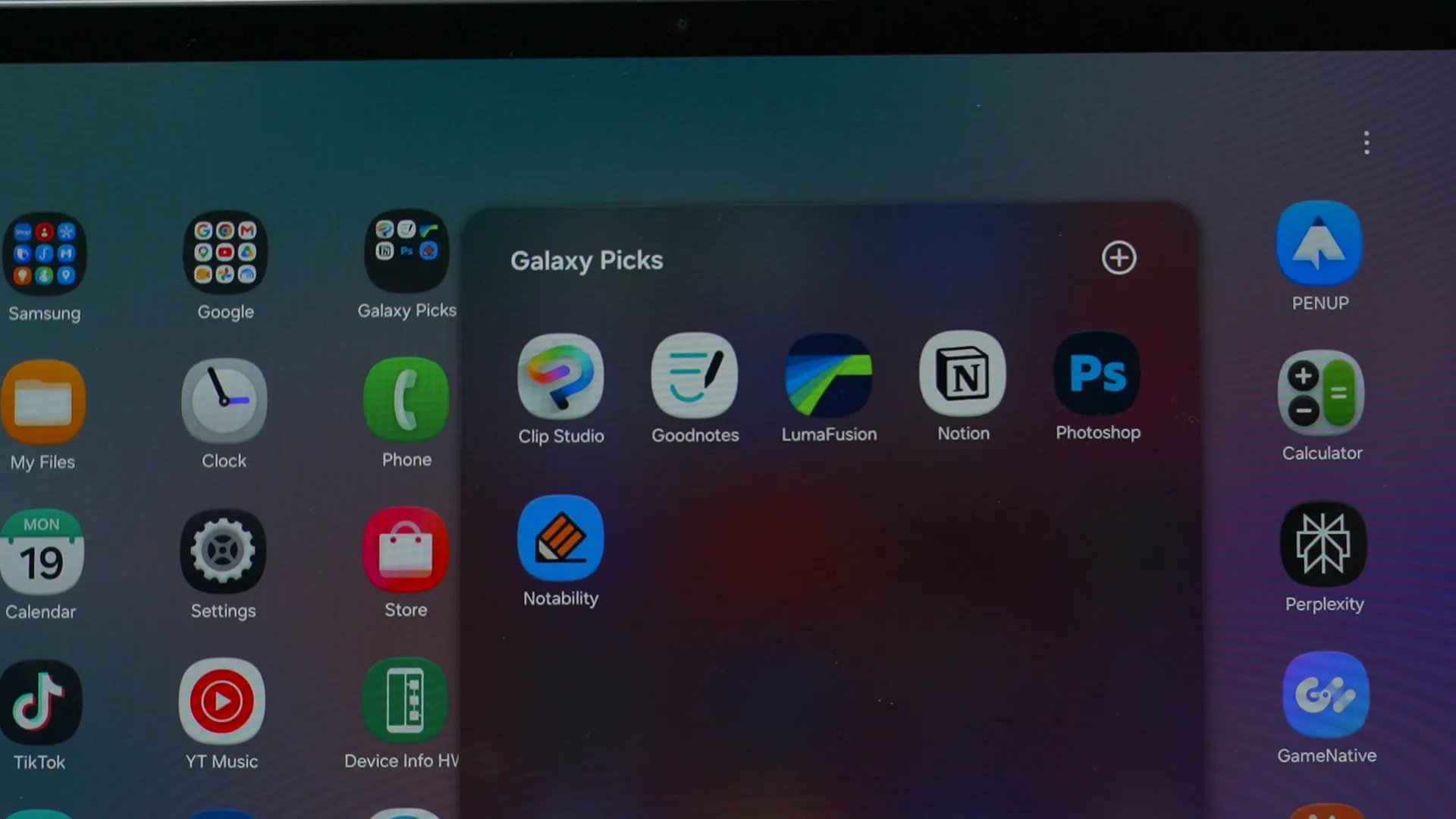
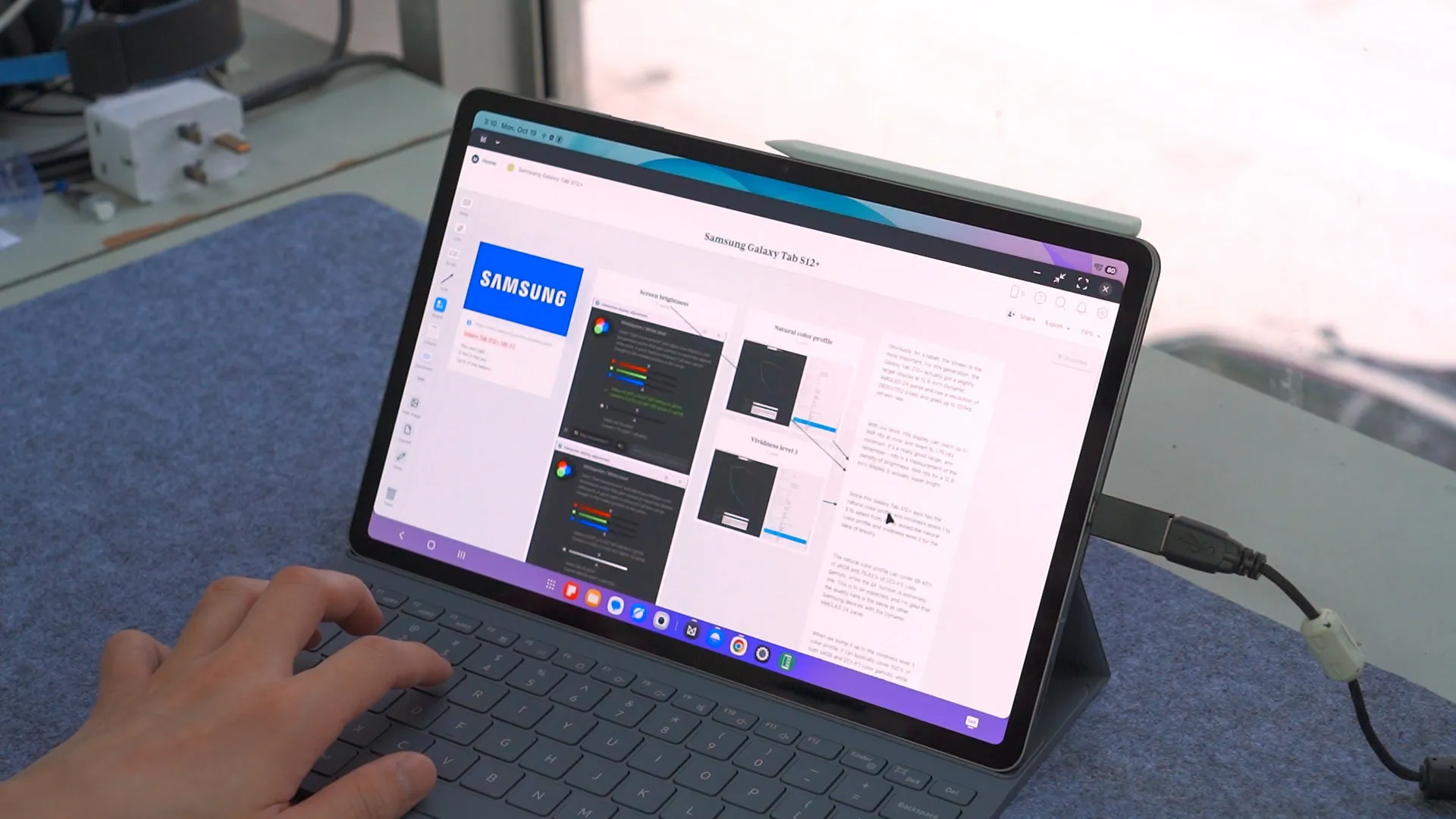
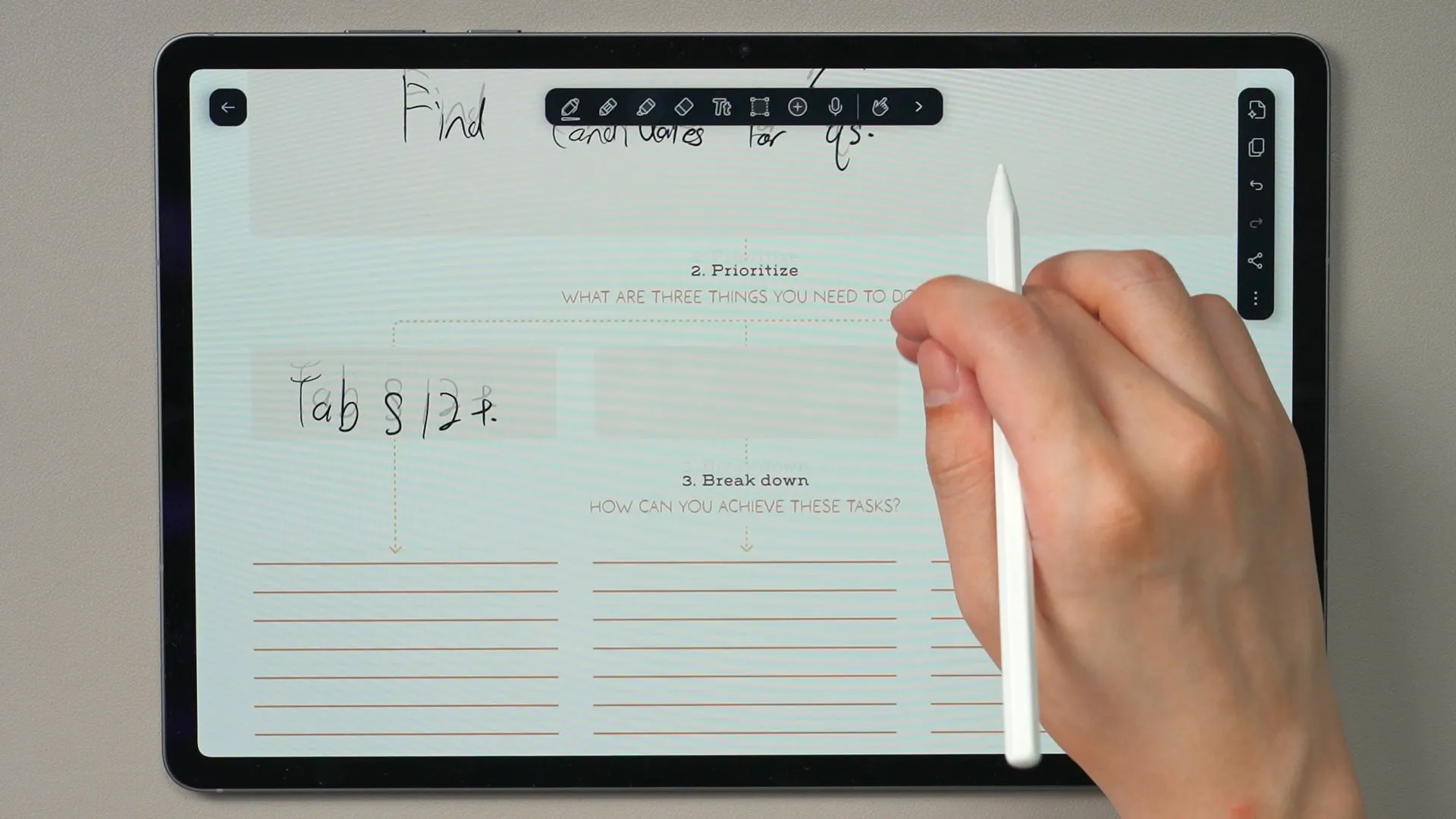
Notability is also here – and combined with the Book Cover Keyboard, it becomes a really good productivity laptop that is suitable for all sorts of usages.
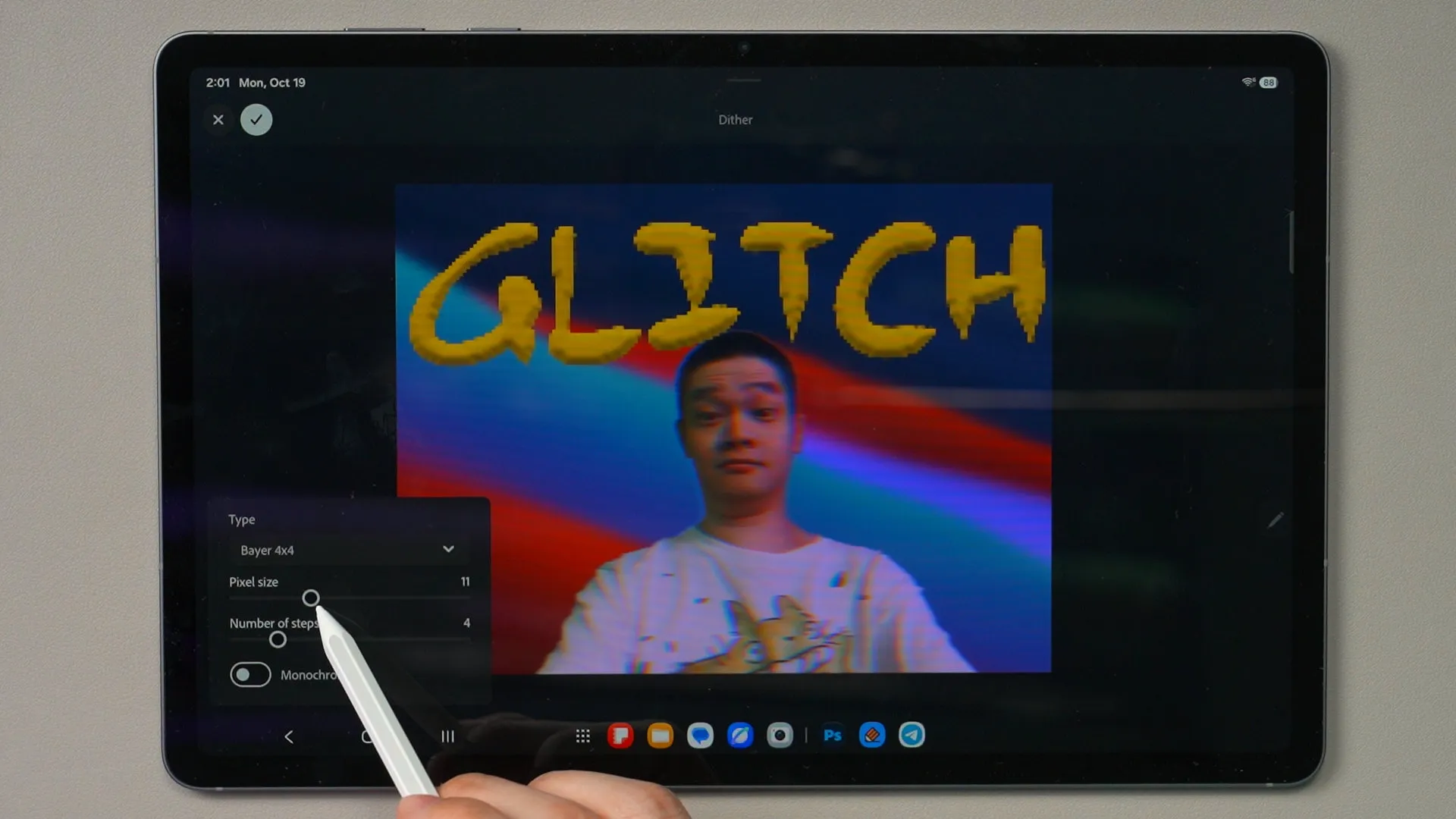
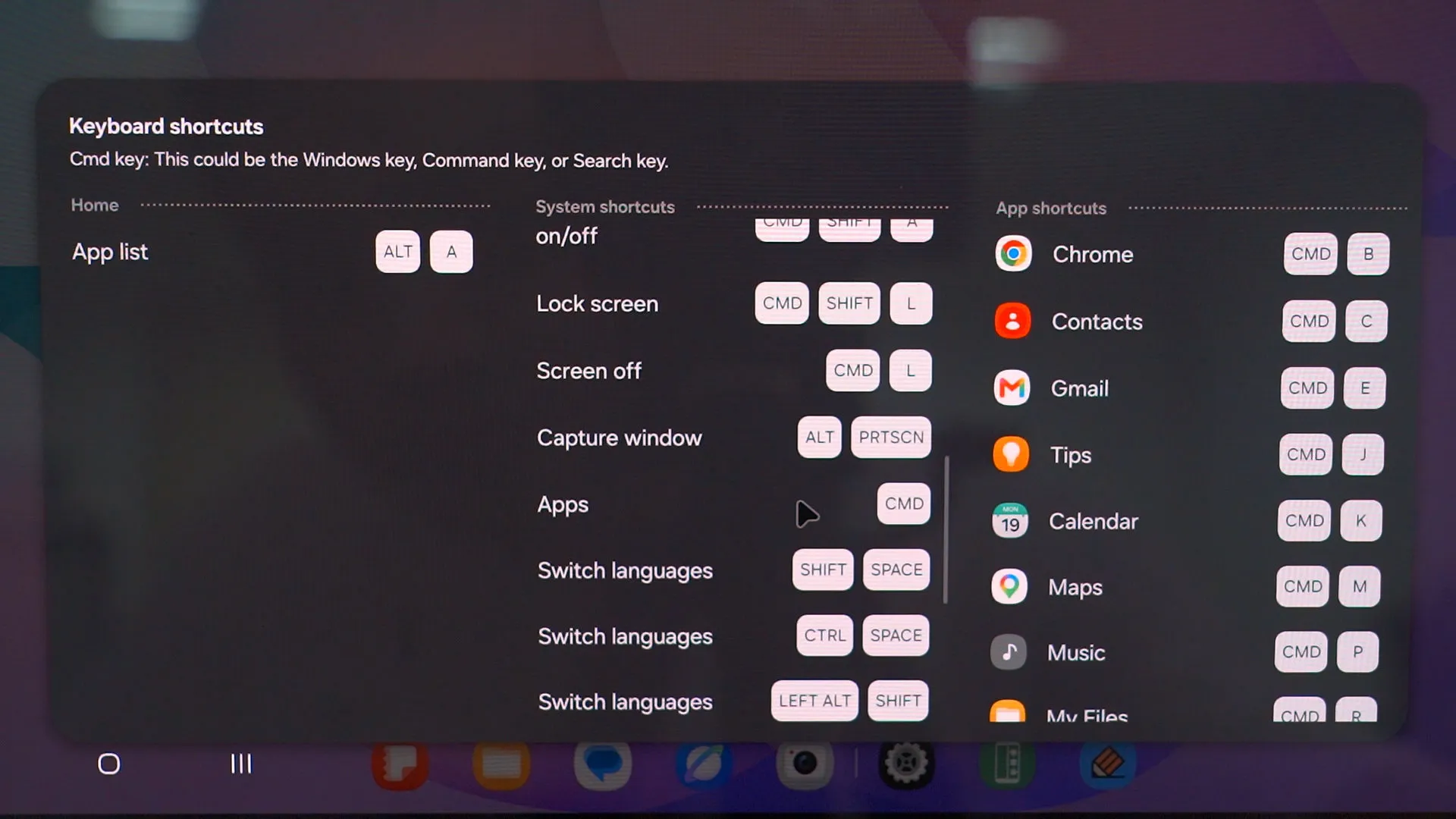
Plus, we can bring up DeX mode on the tablet directly – and when connected with a wireless mouse, it really works like a laptop – especially when keyboard shortcuts are very similar to what we already know.
Book Cover Keyboard
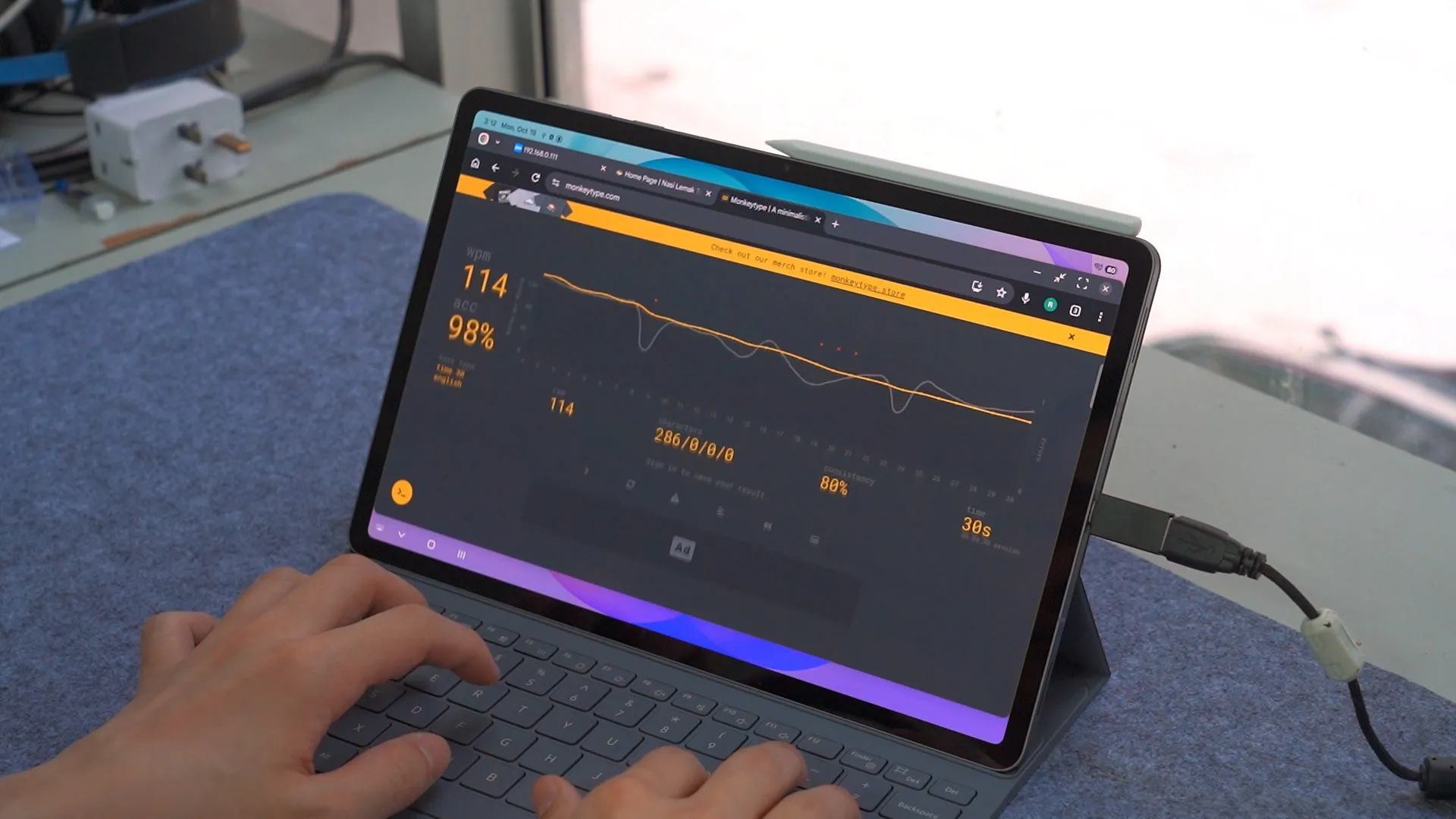
Oh – the Book Cover Display is kinda similar from what we had on the Tab S10+. The keyboard layout, the switches, and the way it connects to the tablet all remains to be the same. Its typing experience is still as good as ever – clicky, bouncy, and has a short actuation force. Feels like typing on a laptop, actually.
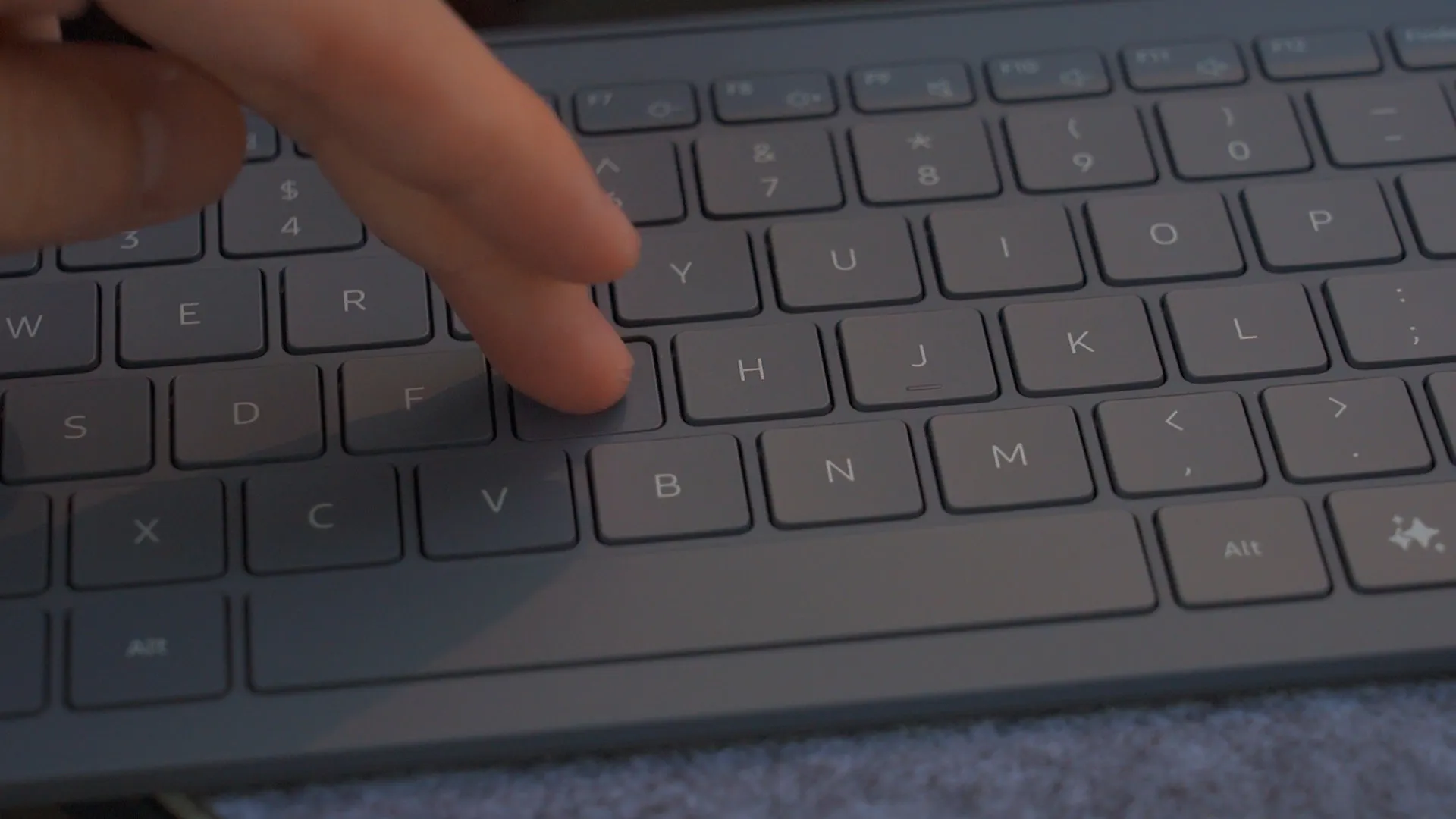
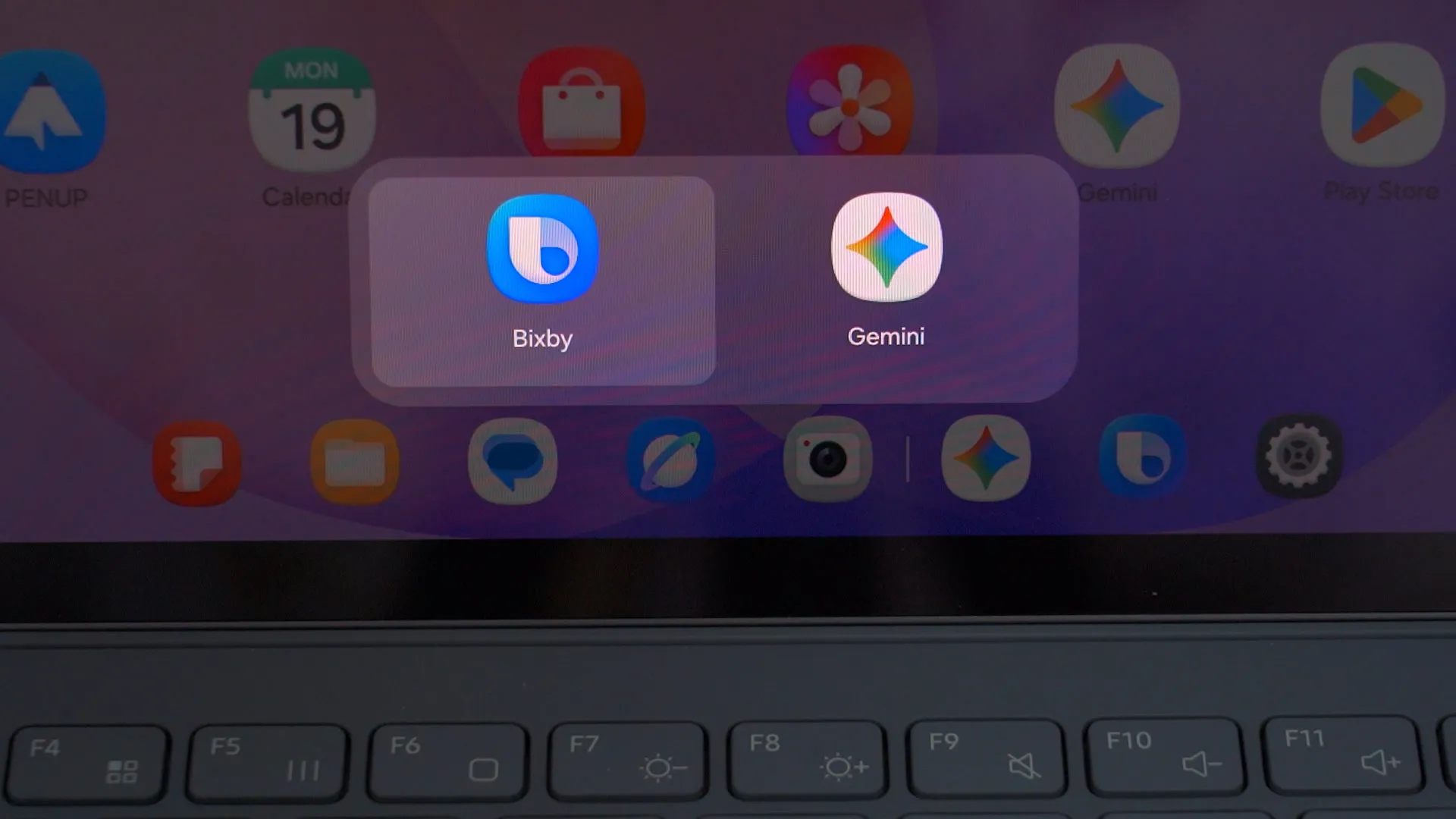
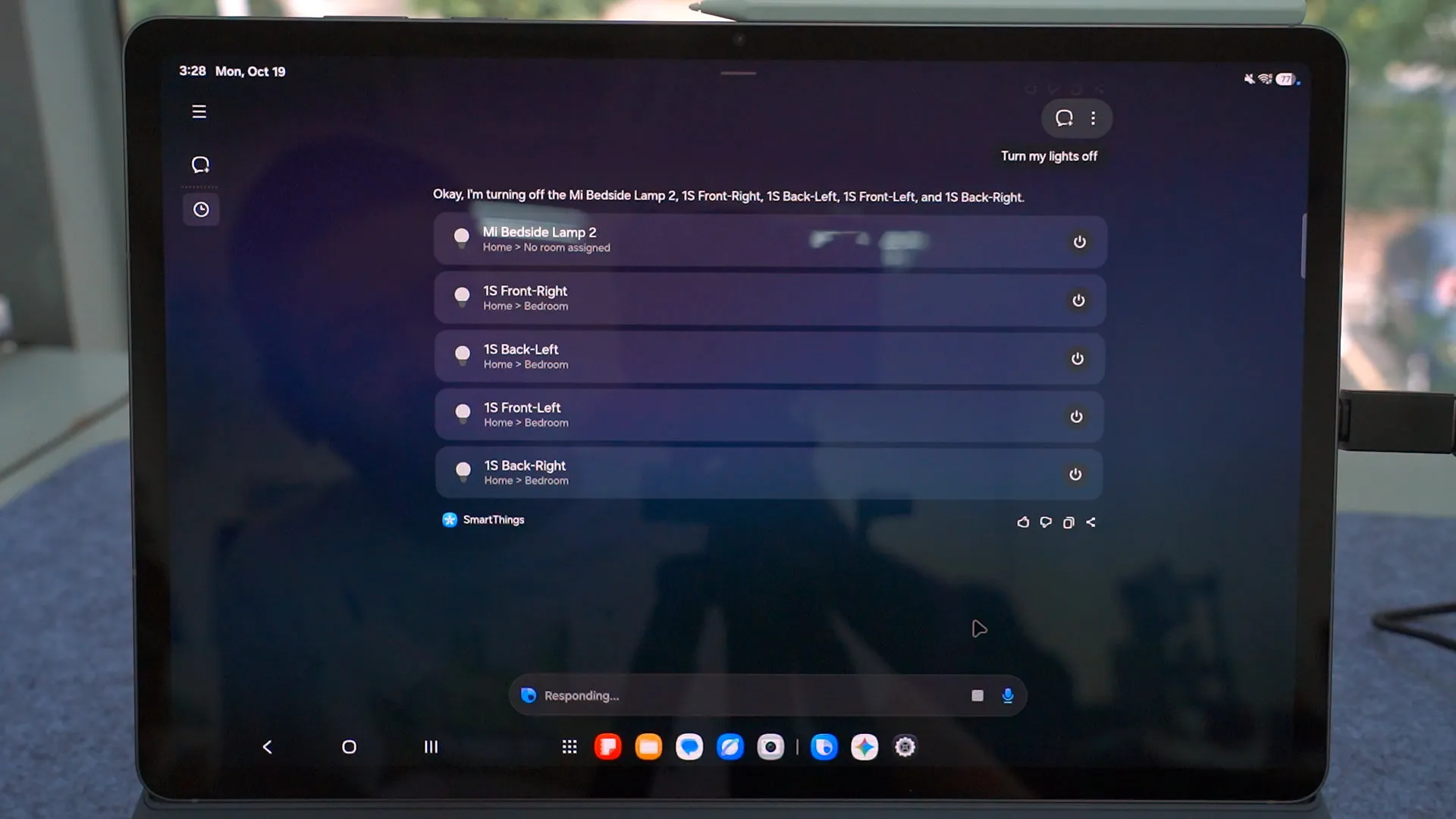
The AI key is here too. We can bring up either Gemini or Bixby quickly – and I know what you wanna say – who uses Bixby in 2026? Actually, a lot of people. Bixby has really good integration with its system for on-device settings changes and also SmartThings for smart home controls.
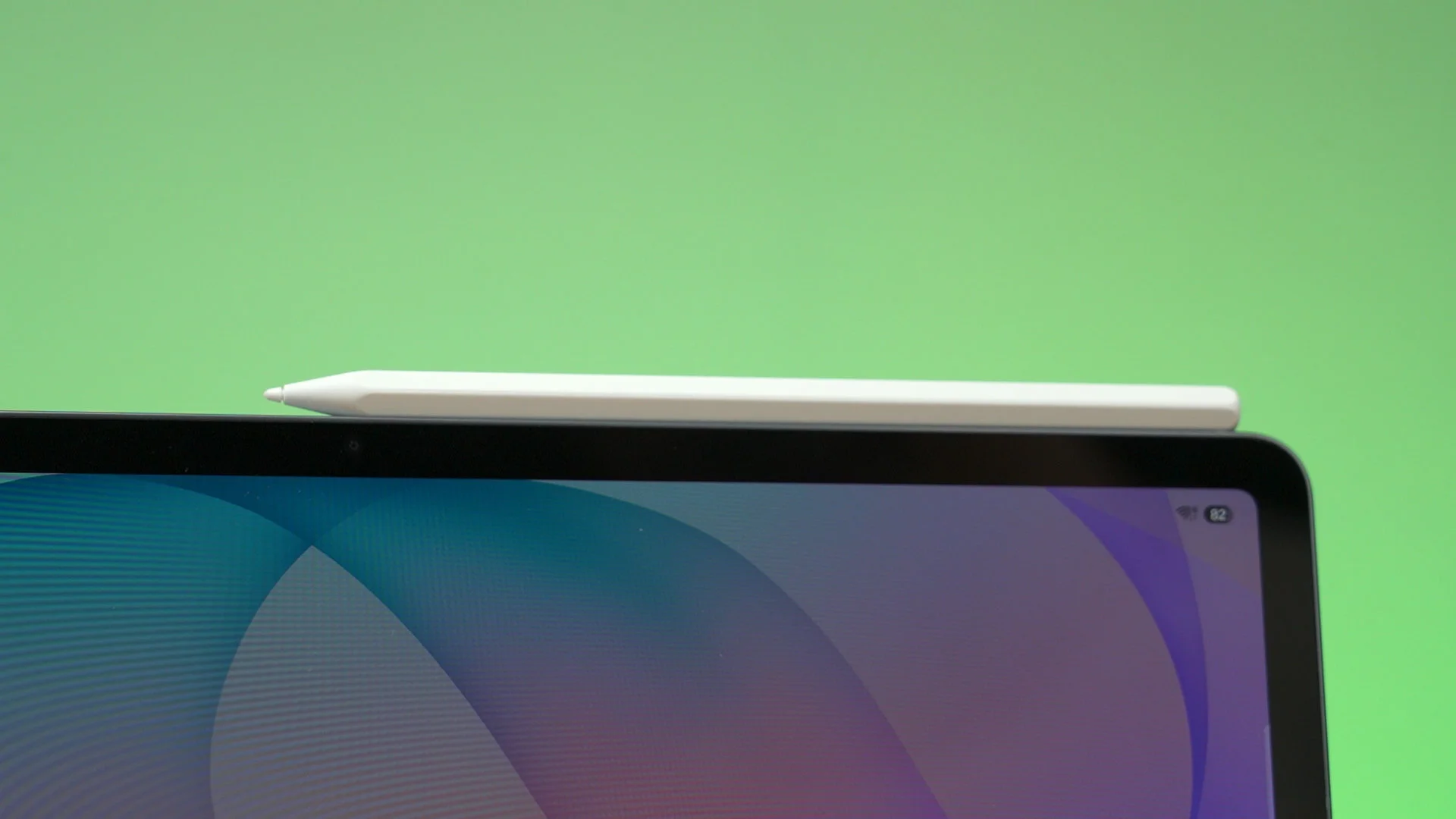
However, the S Pen only snaps to the side of the tablet now – so it’s rather dangerous and it’ll definitely drop easily.
S Pen
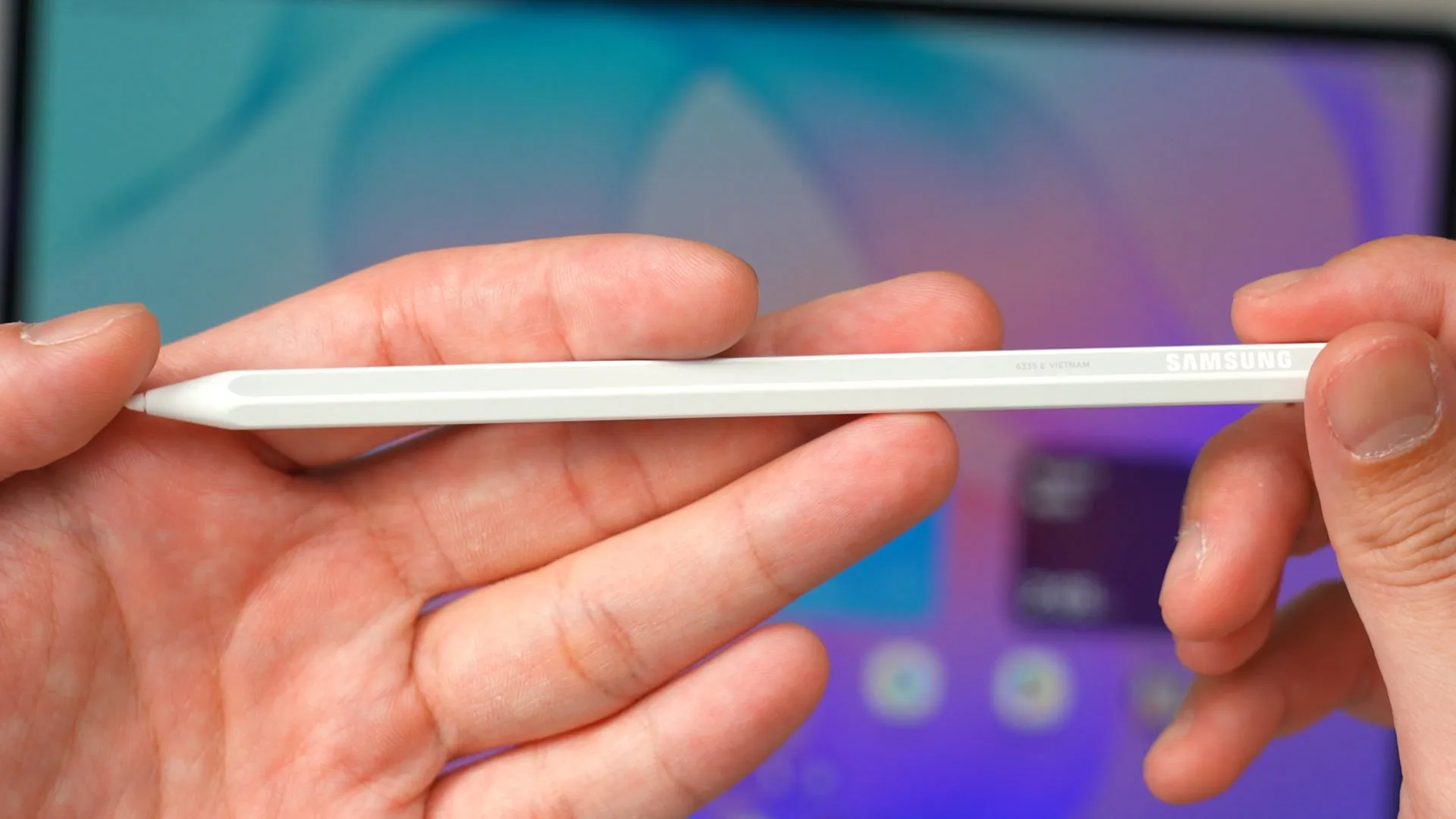
The S Pen though, actually to be the same as the Tab S11 series. There’s no Bluetooth anymore, so it works passively all the time now. I mean, other than the lack of the magic wand feature that I love so much, it functions the same with the same pressure levels. Video at the top right corner there even though it’s absolutely irrelevant right now. The grip is still as comfortable as ever too.
A few more things to mention
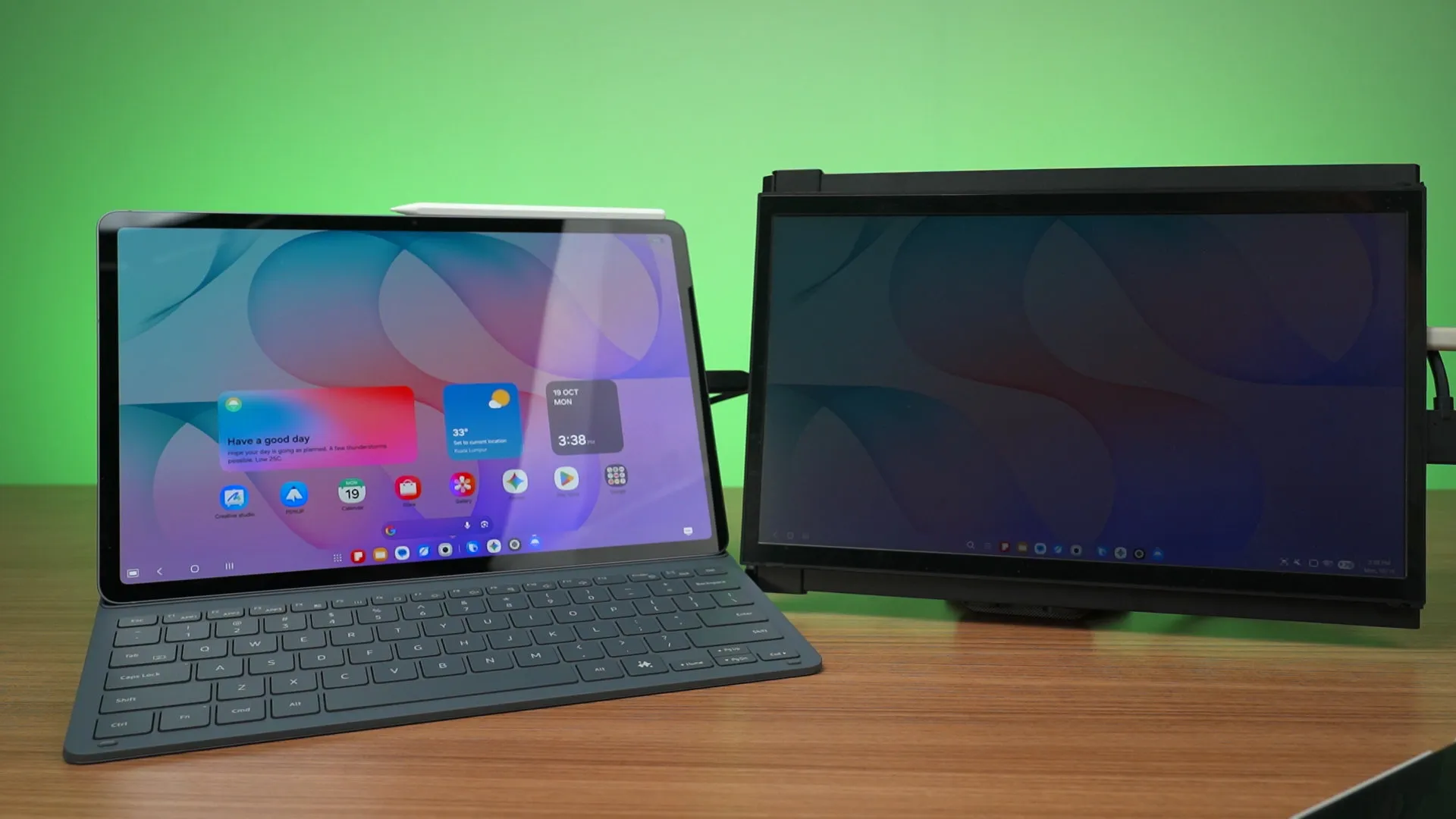
And a few more things to mention as usual, the Galaxy Tab S12+ has a USB 3 port at the side and can connect to an external monitor too.
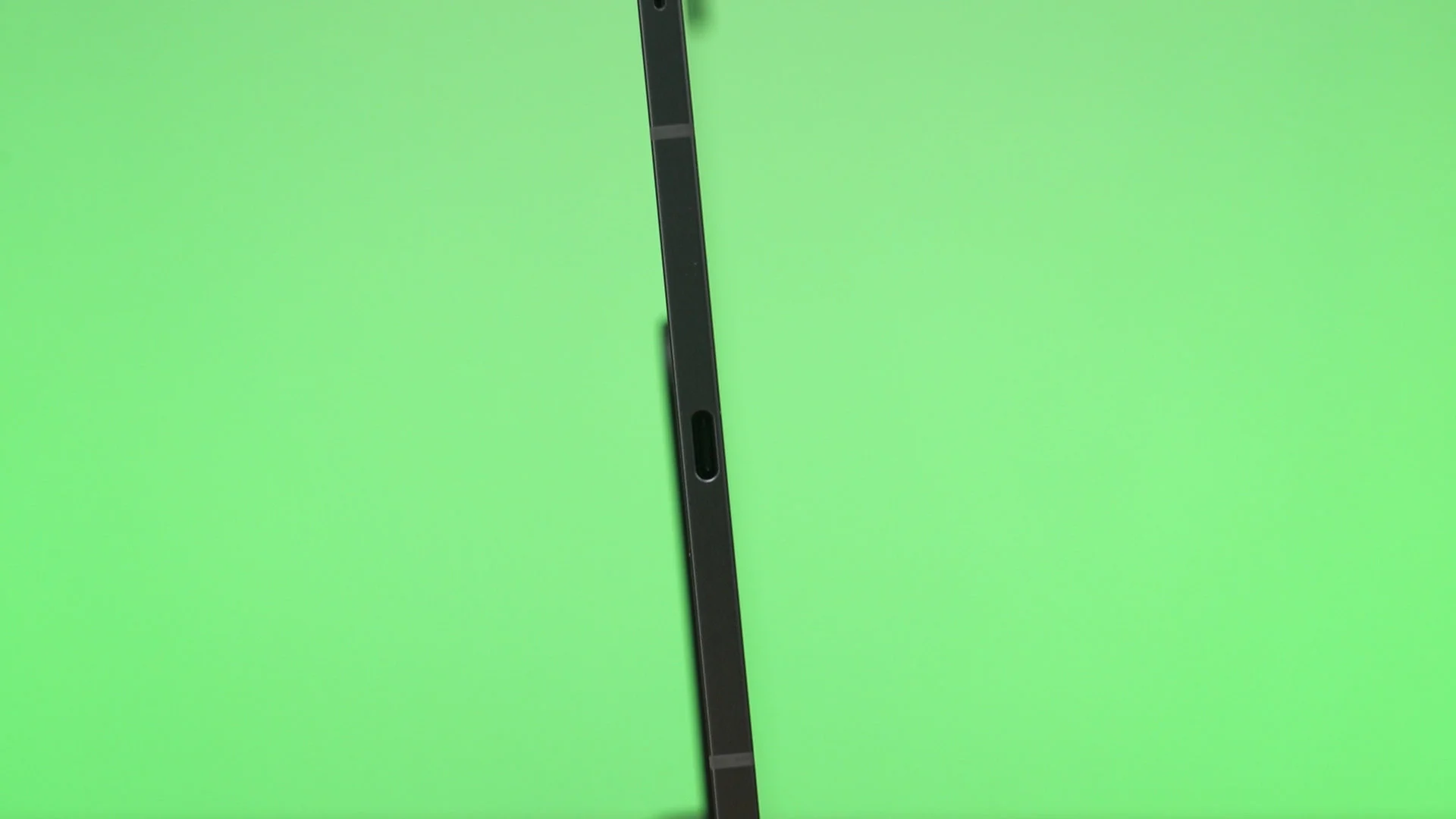
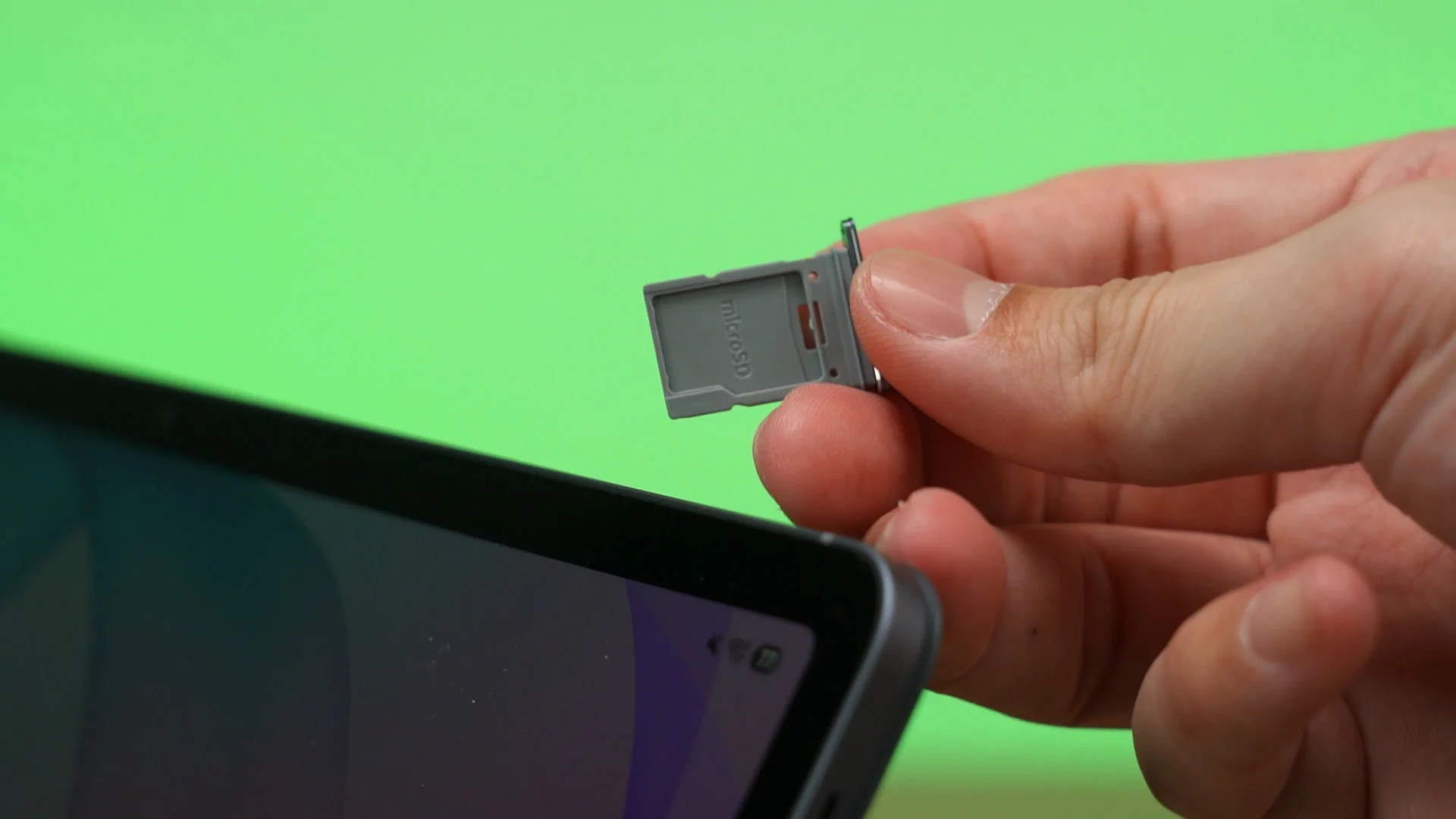
It also has a microSD card slot to further expand the storage – and that’s about it.
Should you buy the Samsung Galaxy Tab S12+?
So then, should you buy the Samsung Galaxy Tab S12+? I’d say it is a great upgrade for those who are already using the Tab S10+ or older. I mean, even just compared to the Tab S10+, you’re getting 50% more battery life, much better performance – especially while gaming, and better sound quality as well.
Combining One UI and its Galaxy ecosystem with this tablet, the experience here is unrivaled. I really like this tablet, actually.
Where to buy? (Affiliate links)
Like our Facebook Page here at NasiLemakTech.com for more news and in-depth reviews! Also, join our Facebook Group for insightful information and memes!
Subscribe to our YouTube channel too!