



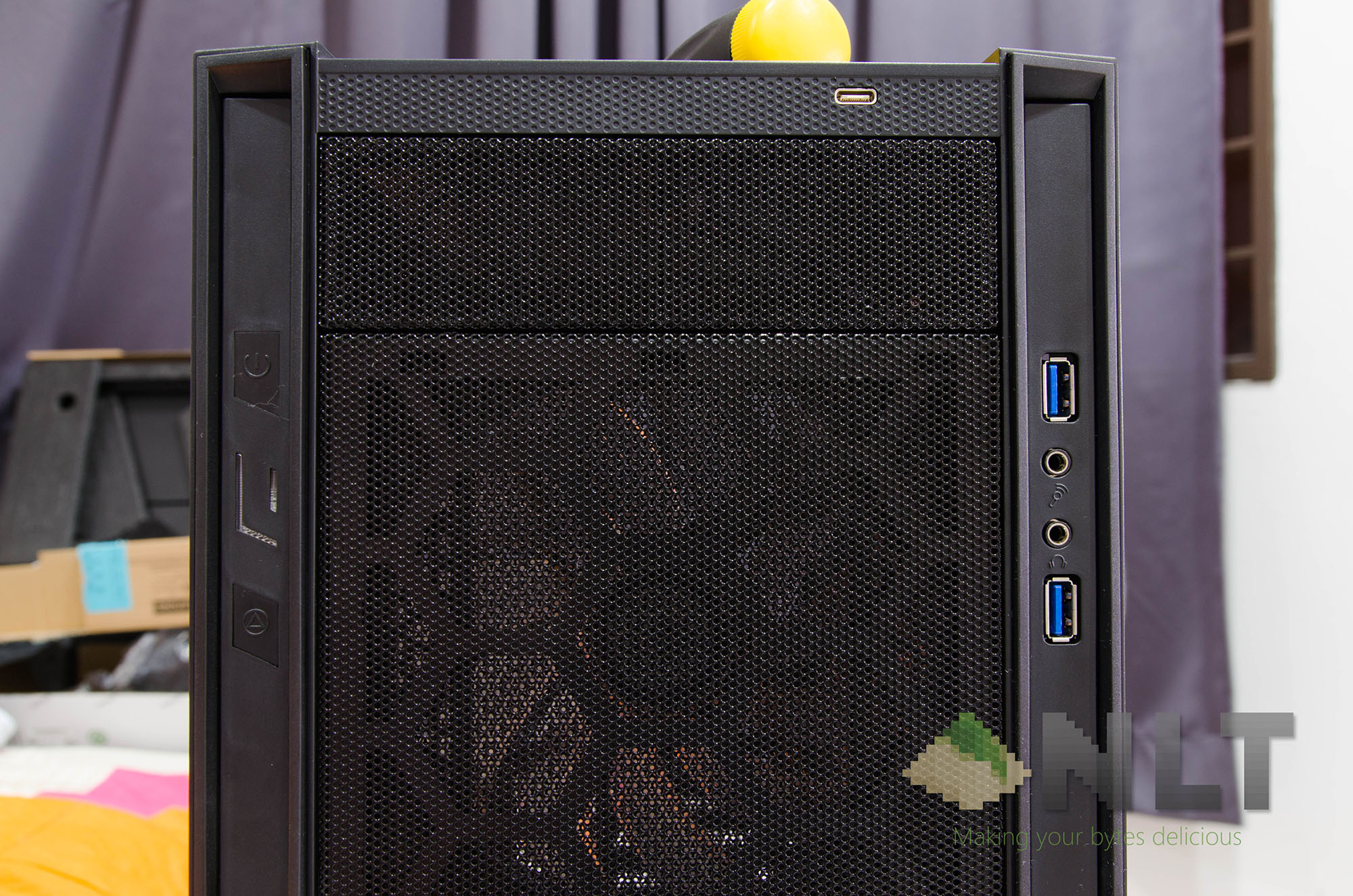

This is the SilverStone RL05 ATX case, our second review of PC cases after the Sharkoon BW9000-W case review. The SilverStone RL05 is categorized as an entry-level case with ample features, which we will have to test to truly determine if it is worthy of that claim. Quick shoutout to Inter-Asia for giving us the opportunity to review the SilverStone RL05 case too!
Unboxing
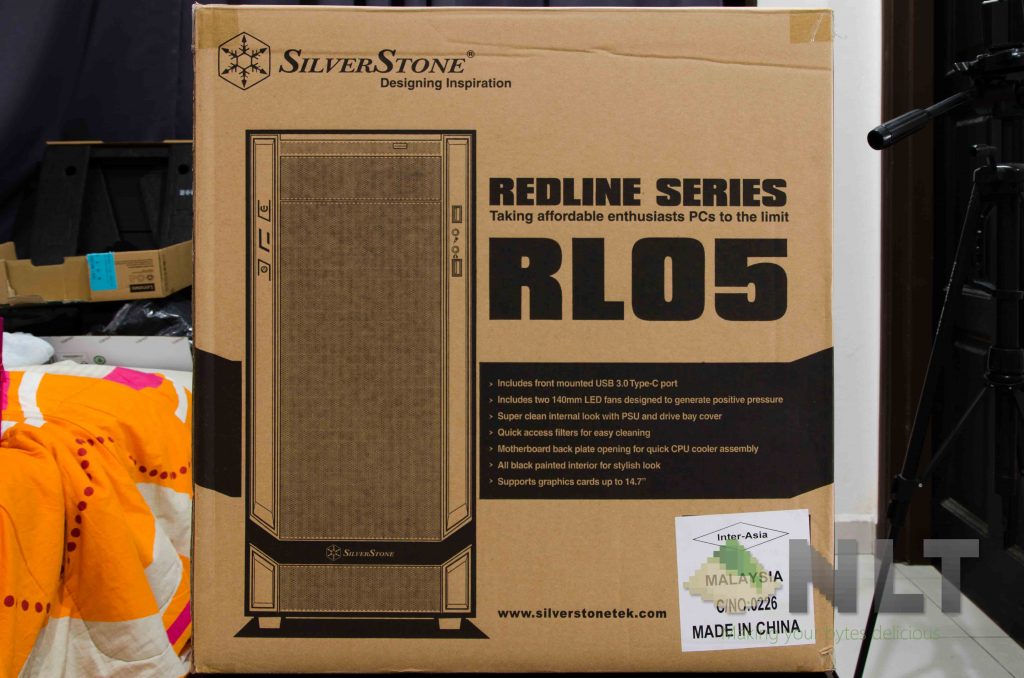
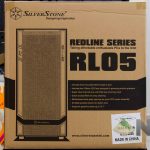
The box itself tells us a lot of information regarding the SilverStone RL05 itself. The first side tells all of its features and a view from the front.
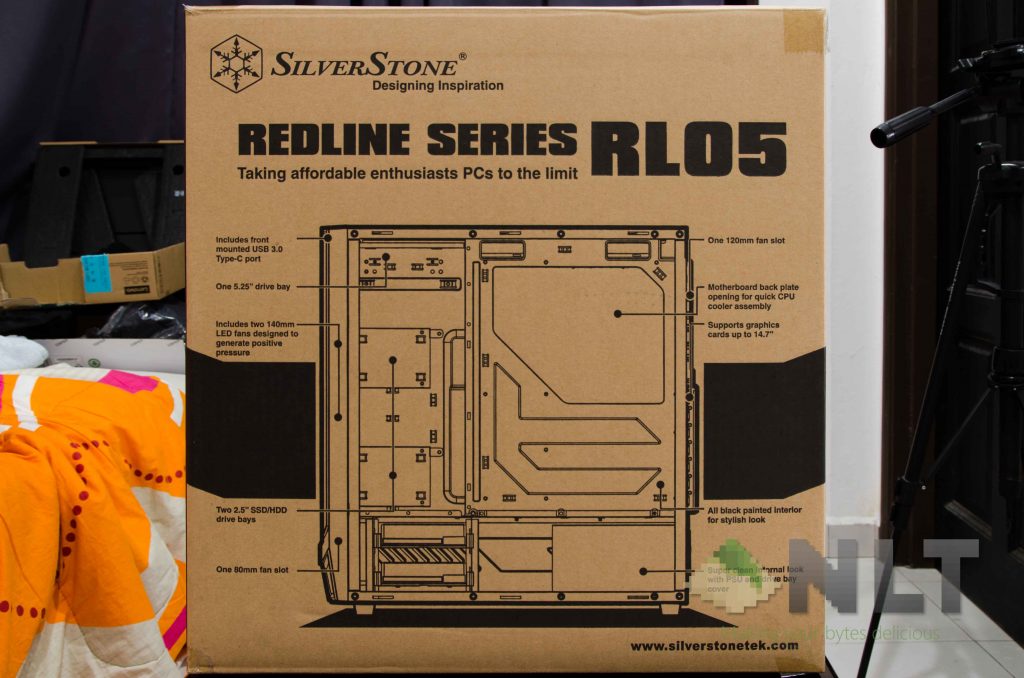
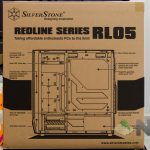
On the other side of the box, it shows and tells all of the features and internal layout at the back of the SilverStone RL05. Pretty neat.
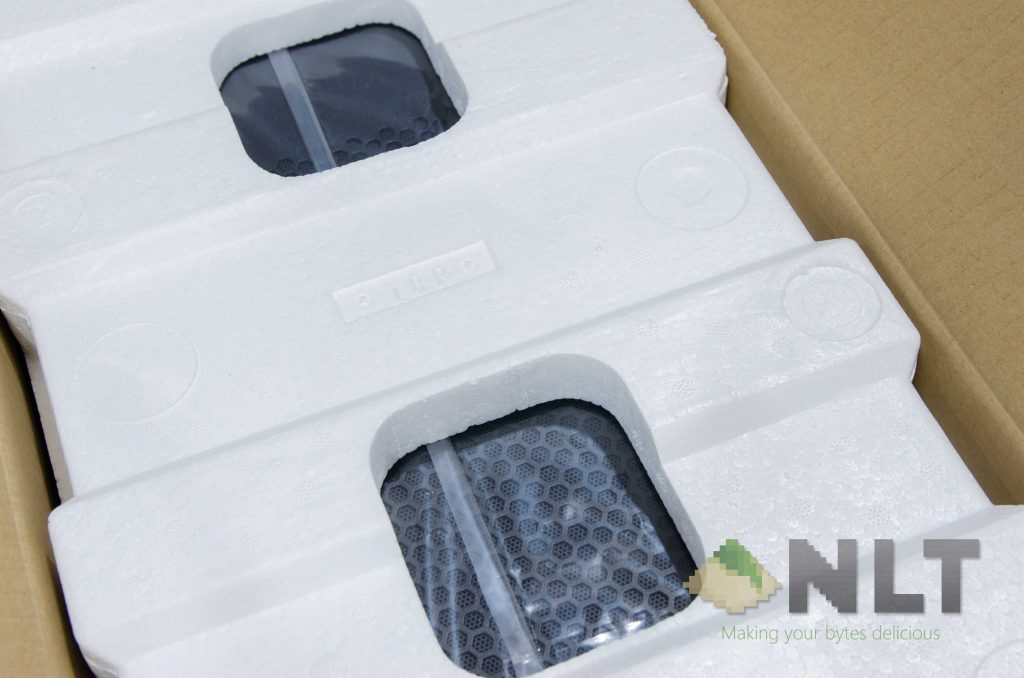
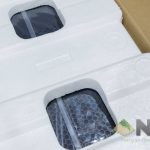
Opening up the box shows a basic piece of polystyrene foam. It’s decent enough for protection.
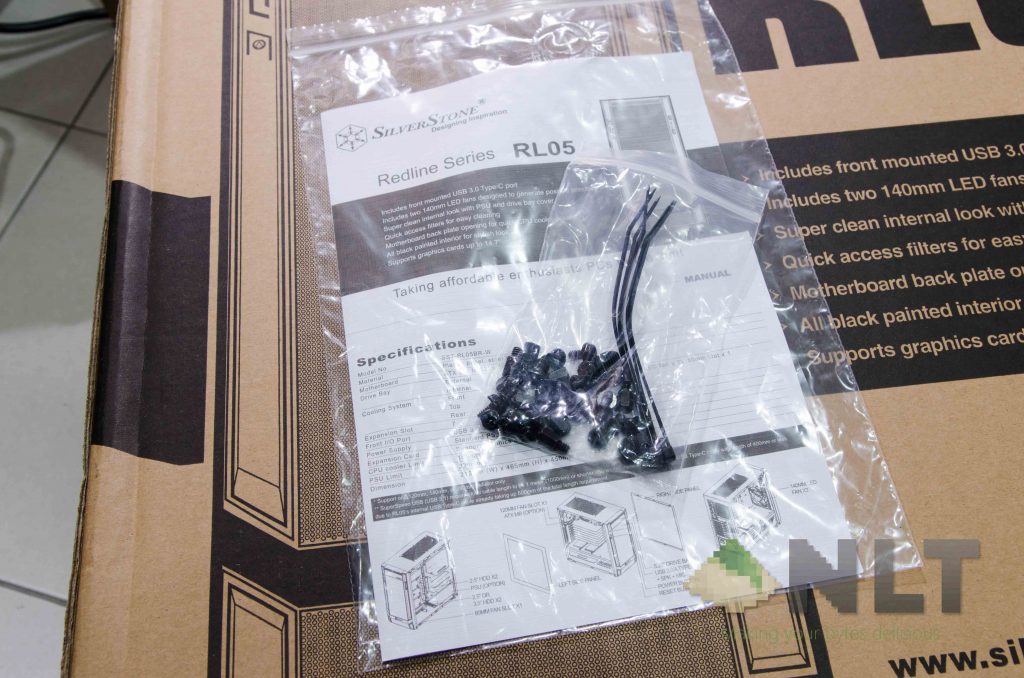
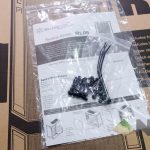
Digging all of the contents out reveals a minimal amount of included accessories.
Design
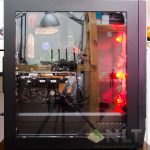
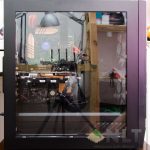
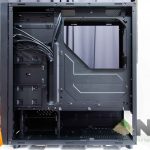
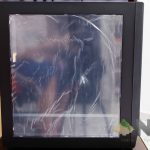
At the side, there is a humongous acrylic side panel, which shows off everything inside the SilverStone RL05. Make sure you have great cable management if you are going to use this case. Fortunately, the SilverStone RL05 does have a non-removable metal shroud covering the basement.
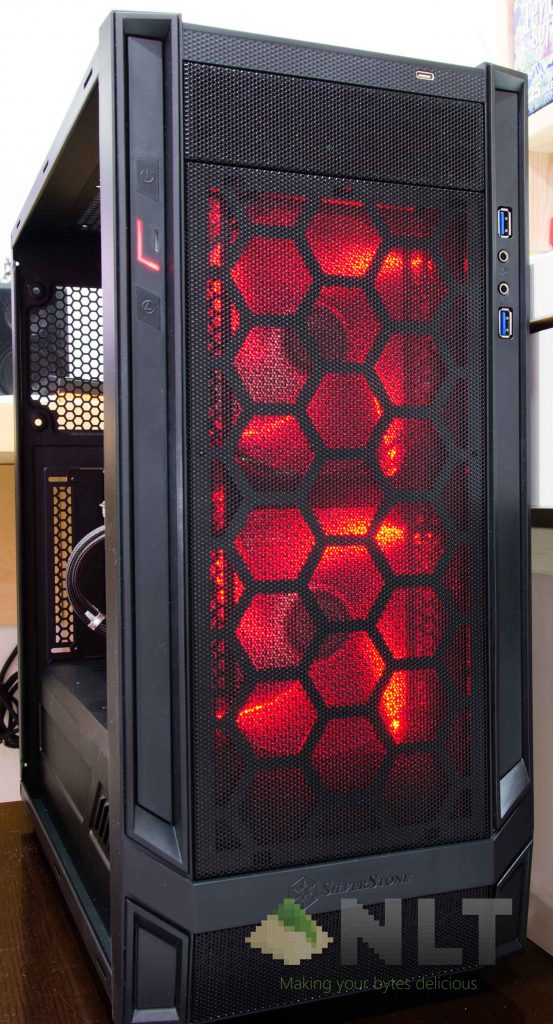
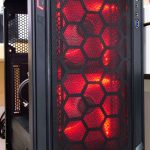
The SilverStone RL05 has a matte black metal finish all around, and has a few plastic bezels at the front. Overall, the materials used here are really good for its price point.
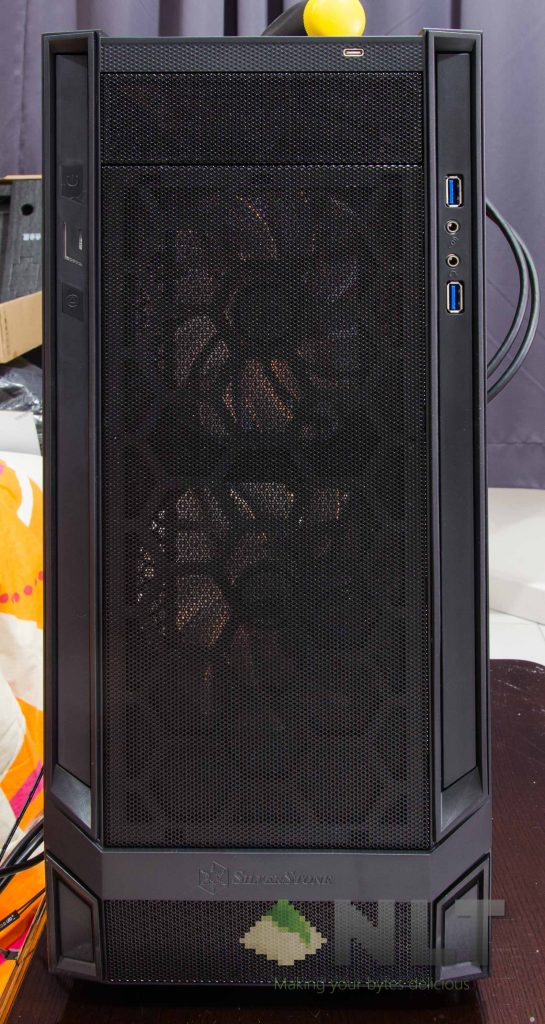
On the other side panel, there is absolutely nothing on it. Just a flat piece of metal with a matte black finish.
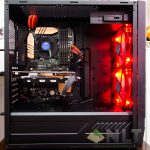
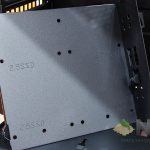
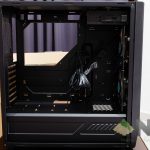
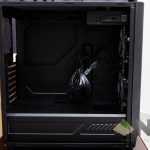
Opening the side panels shows a blacked out interior, with quite a lot of space and an unconventional cable management design.
Personally, I really like the whole look of it.
[nextpage title=”Specifications & features”]
Specifications
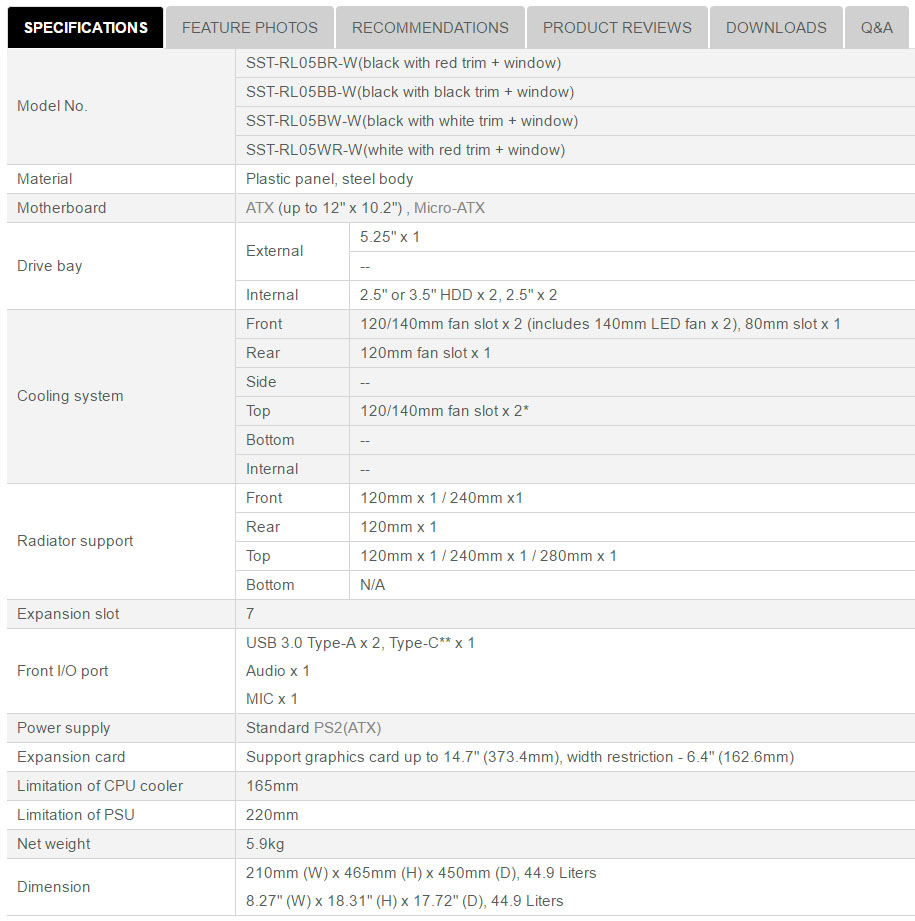
Do take note that SilverStone did put an asterisk on the fan accommodations for the top panel. On their website, it states that the RL05 supports one 120mm, 140mm, or 280mm radiator only. More on this later.
Features
Let’s start with the front panel. SilverStone highlights the USB-C port on the front I/O panel, but there are some caveats that affect the RL05 overall. One thing I realize is that the power and reset switches and its respective LEDs also come out from the right side of the front panel. So why can’t the USB-C cable go along the right side too?
With the cables coming out from two completely different locations, it sort of “anchors” down the front panel, making it unable to be accessed easily. Make sure you have some slack on the cable.
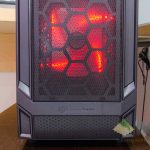
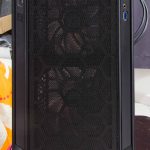
While on the subject of the front panel, the SilverStone RL05 has a removable mesh which doubles as a fan filter. Unfortunately, there is no easy removal or reinstallation mechanisms for the said filter. Bummer.
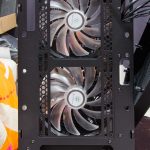
The front fan slots however are can accommodate two 120mm or two 140mm fans, or a 240mm radiator according to their specs.
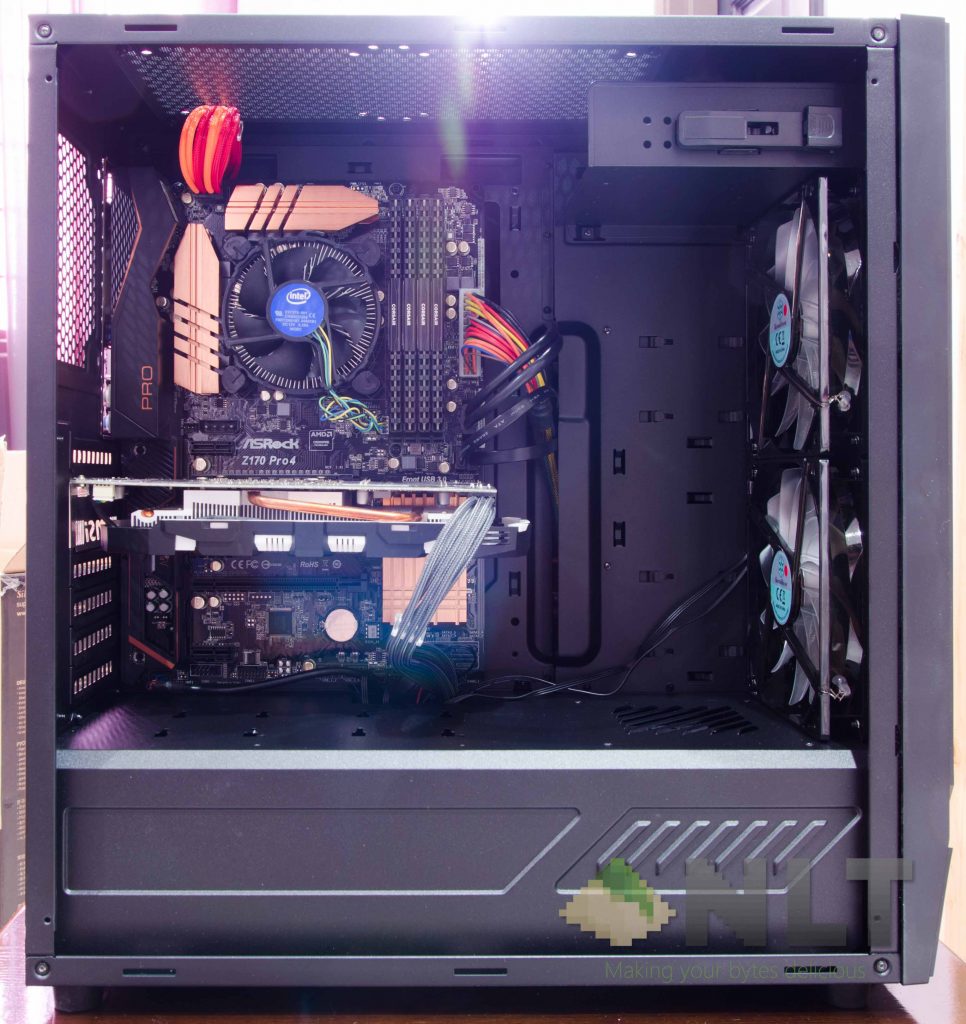
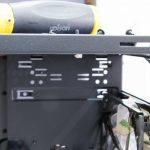
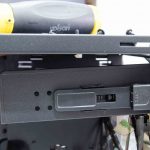
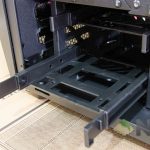
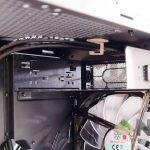
On the inside of the SilverStone RL05 shows a large space to accommodate radiators at the front, while still having a lot of leeway for long GPUs. If you do need more space on top of the front fan area, then fear not – as that single 5.25-inch bracket is removable too. The bracket is held by a few screws along the front panel and behind the motherboard area, so a decision on whether or not to use this bracket early in the build to save some time and hassle.
For those who have a have a few 2.5-inch drives, then you might want to retain this bracket, as it doubles as a dual-2.5-inch drive caddie. Of course, cable management will be a more difficult challenge to tackle – but it’s always good to have options.
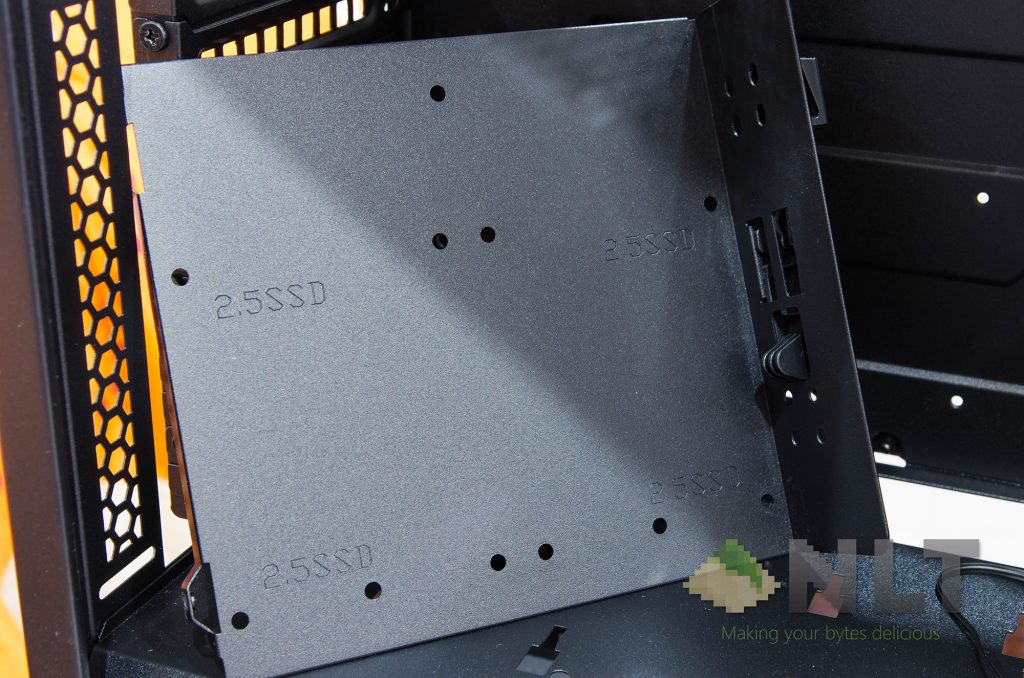
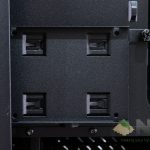
While on the subject of 2.5-inch drives, the SilverStone RL05 also included two more 2.5-inch brackets for you to either mount it on the PSU shroud itself for display, or mount it behind the motherboard area for a sleeker look.
Since I have two 2.5-inch drives, I personally prefer the 2.5-inch drives to be mounted behind the motherboard area as there is no dedicated cable routing cutout for the 2.5-inch drive on the left side of the PSU shroud.
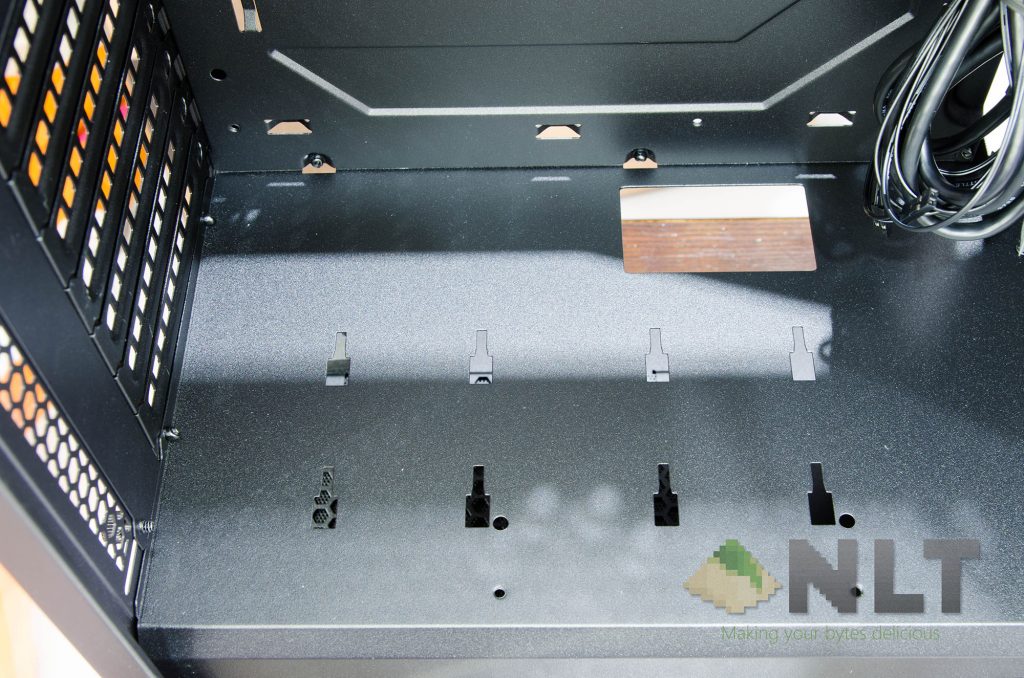
Of course, for those who are using a single 2.5-inch drive, this isn’t an issue at all.
One of the most positive point about the SilverStone RL05 is the PSU shroud itself – as it is indeed an entry-level case, SilverStone made the shroud feasible.
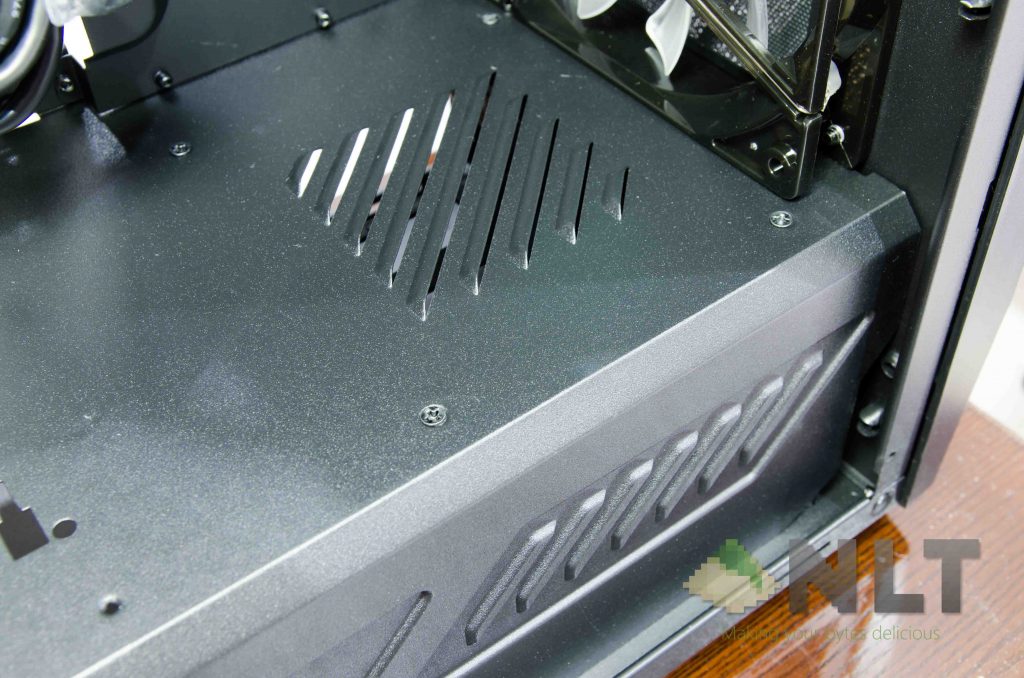
Also, take note of those 4 screws around the top part of the shroud. This actually holds the 3.5-inch drive cage that is underneath it, and it is removable. Just take off a few screws along the shroud and at the bottom of the case, and the cage can be taken out. Not sure why anyone wants to take it off, since it doesn’t interfere with anything at all.
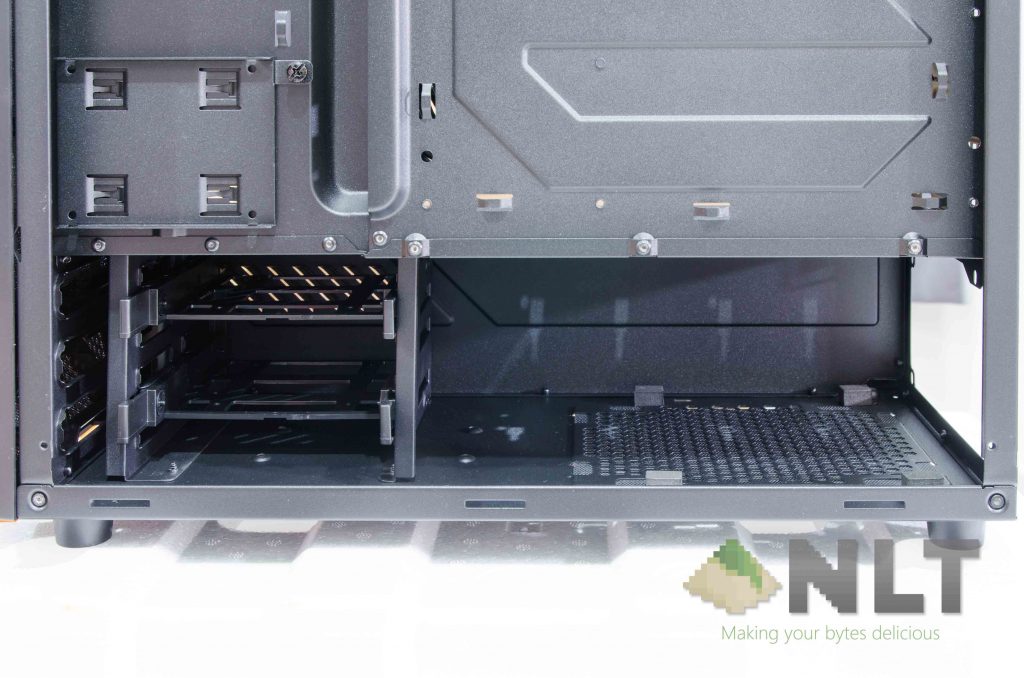
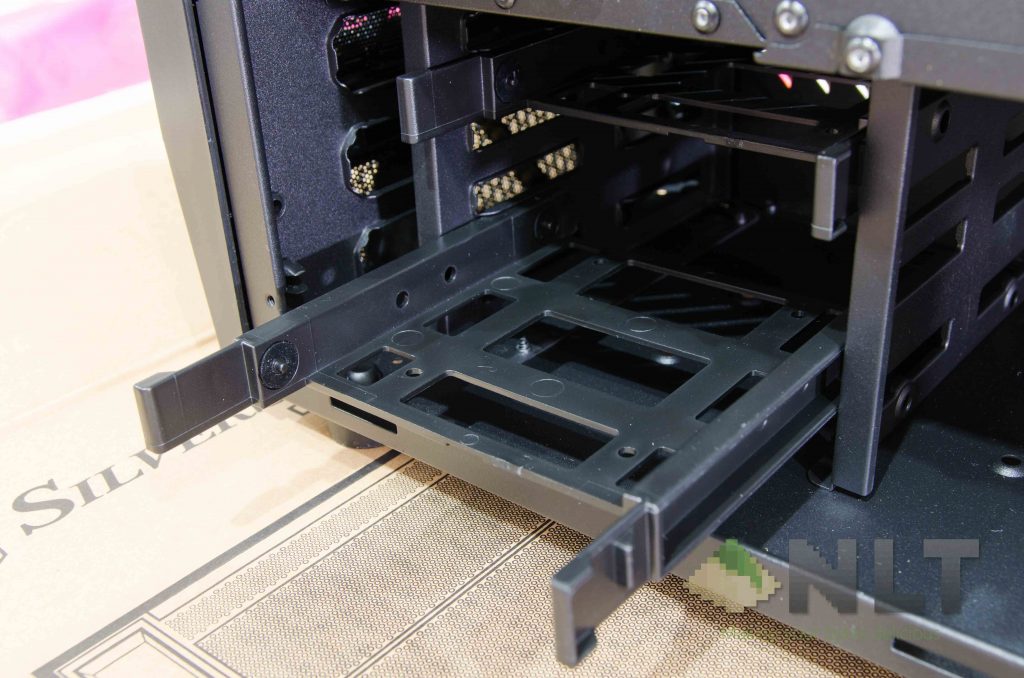
Of course, all of these 3.5-inch drive cages are with toolless installation mechanisms.
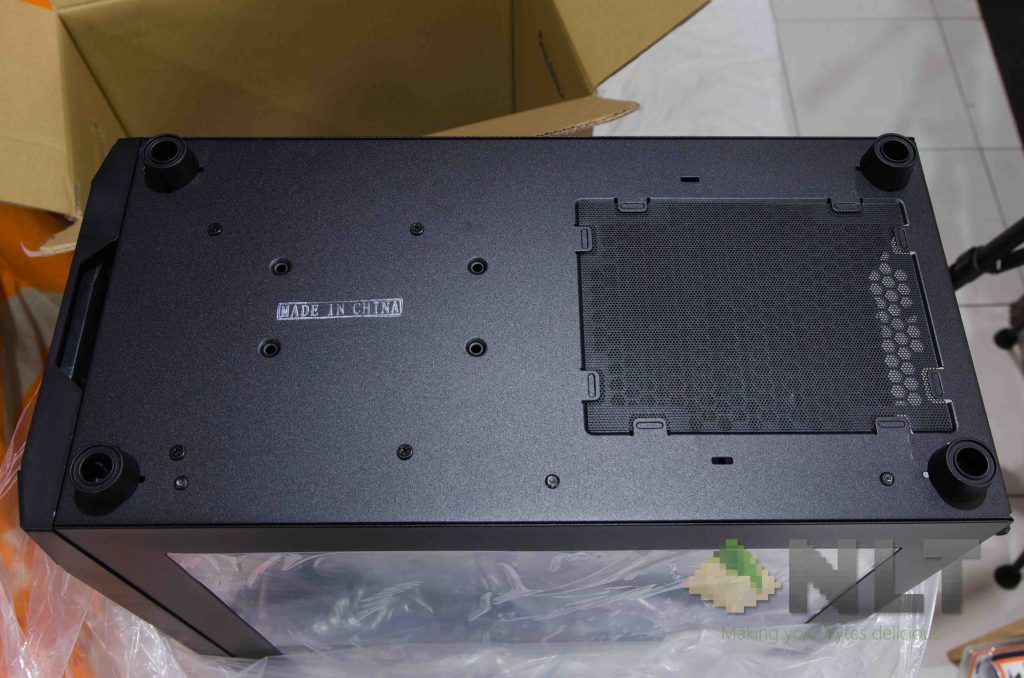
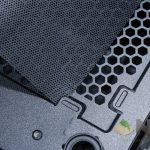
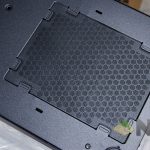
While on the subject of the PSU, I want to point out the fan filter used again. Repeating the same approach as the front panel’s fan filter, SilverStone opted for another piece of mesh for the bottom side.
This time, the mounting mechanism is a lot wonkier than the front panel. To remove or reinstall the mesh filter, the filter will have to be pinched and pulled or pulled. It might sound okay, but the metal mesh snags onto its anchor points around the sides all the time.
I don’t see this as a big issue, as these filters won’t have to be cleaned every single day, but I do wish a simpler mechanism is implemented. A simple magnetically attached fan filter would be great.
Also, there are 4 plastic feet which have some height to it. It’s pretty well-built overall.
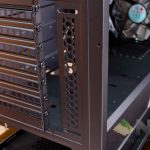
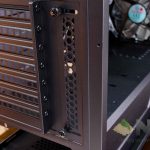
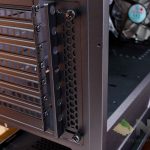
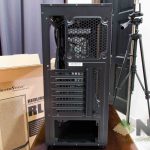
At the back of the SilverStone RL05 however, is pretty standard for an ATX case. 7 expansion slots and a 120mm fan slot at the back.
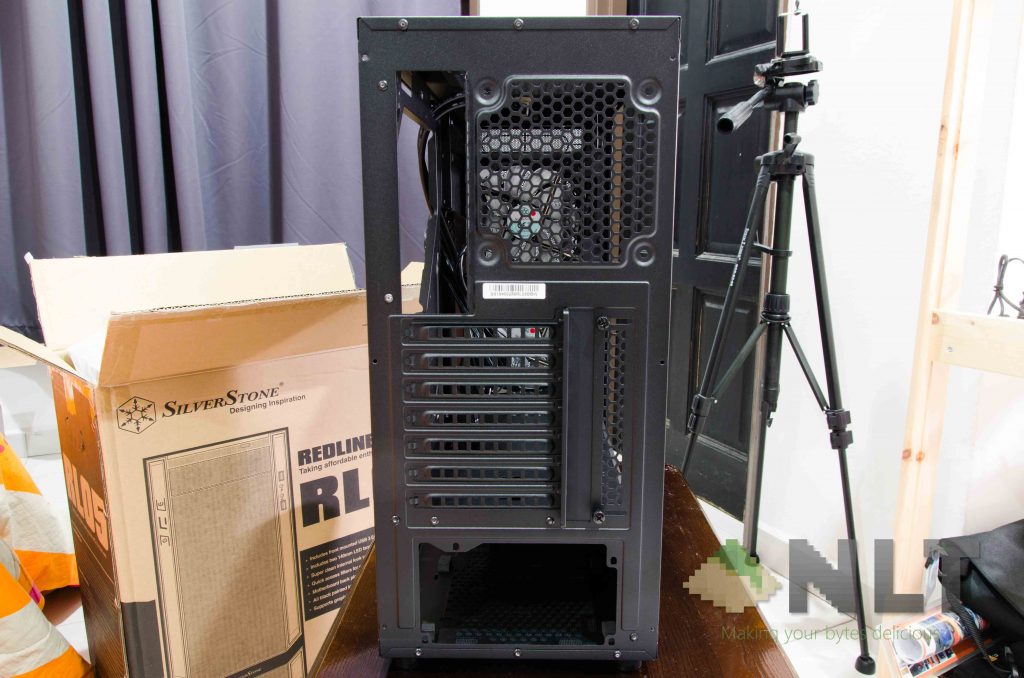
There is a removable PCI slot cover which is held on by two thumbscrews, so it is entirely up to you to use them, or not.
At the top, however, is a little tricky. More on this on the later part.
[nextpage title=”Building experience, temperatures”]
Building in the SilverStone RL05
I built my personal system on the SilverStone RL05 with all of its included accessories and fans. The included accessories are enough to complete the build, but will barely accommodate any more extra demands.
| Testing hardware configuration | |
| CPU | Intel i5-6400 @ 4.0GHz |
| Motherboard | ASRock Z170 Pro4 |
| GPU | MSI GEFORCE GTX 1060 3GT OC |
| Memory | Corsair Vengeance LPX 4GBx4 |
| Power supply | FSP Hexa+ 550W |
One thing I do realize is the amount of unfolded/exposed sharp metal while building in the SilverStone RL05. I went around and saw many potential hazards that I really need to be aware of before proceeding with the case.
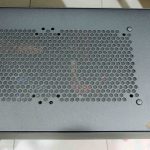
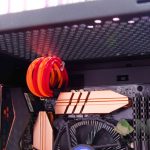
Personally, I think that SilverStone should include another 120mm fan at the back, and the SilverStone RL05 will be a great starter kit for new PC builders. I can’t find a good reason to mount fans at the top of the SilverStone RL05 because of the lack of clearance between the motherboard, EPS cable, and the top fan mounts. This essentially means that you cannot mount a radiator at the top. You can however, mount a 120mm fan here – but be extra careful of the EPS cable. But how about 140mm fans?
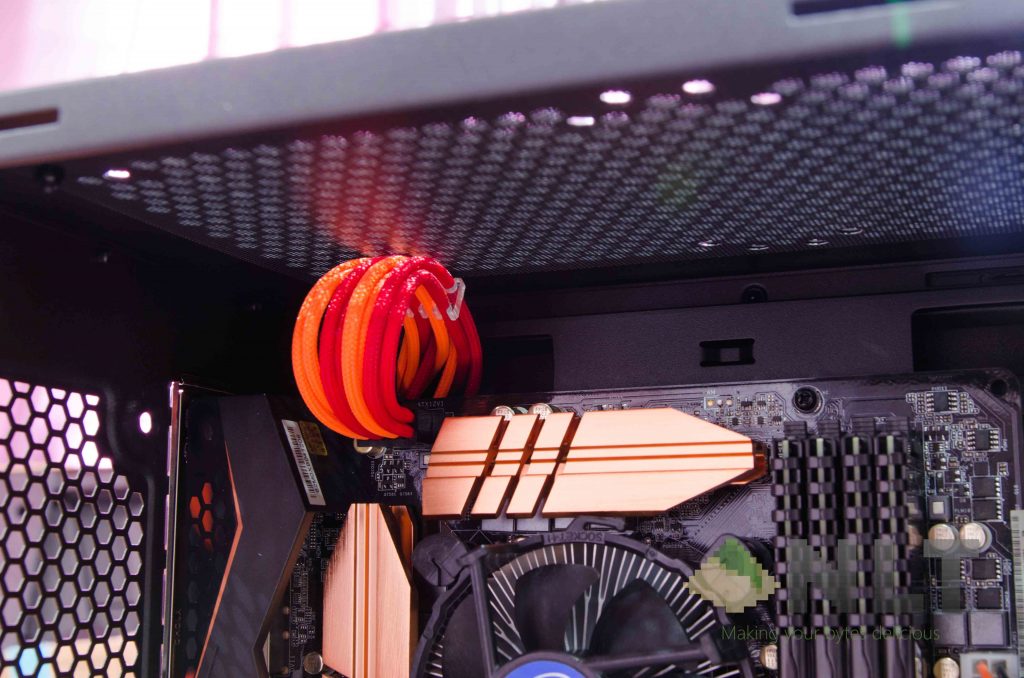
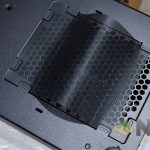
The process to clean the top fan filter is ridiculous, to say the least. The top fan filter is secured by plastic push screws which have already occupied all of the screw slots that a 280mm radiator would be mounted on. These plastic push screws will have to removed before the mesh dust filter can be accessed, or to install any 140mm fan properly.
Removing these plastic push screws are a pain, and mounting a 140mm fan near the EPS cable is essentially impossible without wrestling with the EPS cable. Just be careful not to damage it.
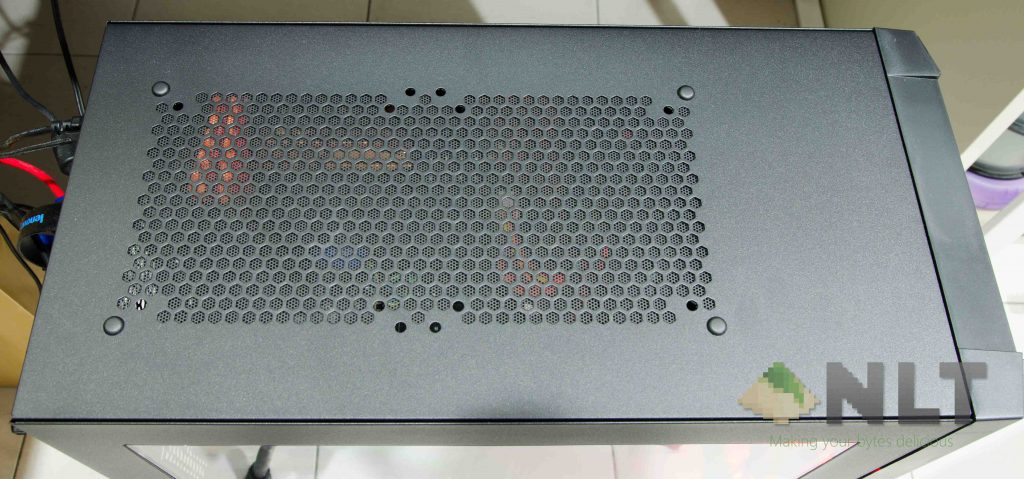
Again, this can clearly by improved by having a simple magnetic fan filter at the top. Aesthetically, it won’t be as flushed – but it makes building and maintaining a system in the SilverStone RL05 a lot more enjoyable.
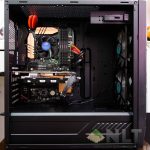
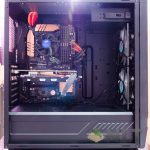
However, once the build has completed, the SilverStone RL05 looks stunning. It has a clean and minimalist aesthetic overall, giving it a clean and neat look with no flashy and distraction effects or lighting. Obviously, you can go that route if you wish to do so.
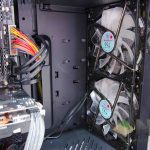
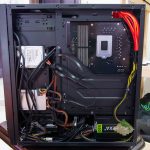
I’m really happy with the overall result of the SilverStone RL05, as cable management is a breeze in this case, thanks to its wide clearance between the motherboard tray and the back panel, and thanks for a PSU shroud at the bottom.
Looking from the front, I like the whole opening longitude-wise so that all cables can fit through. The SilverStone RL05 doesn’t have any rubber grommets – just a humongous slot on the right side of the motherboard.
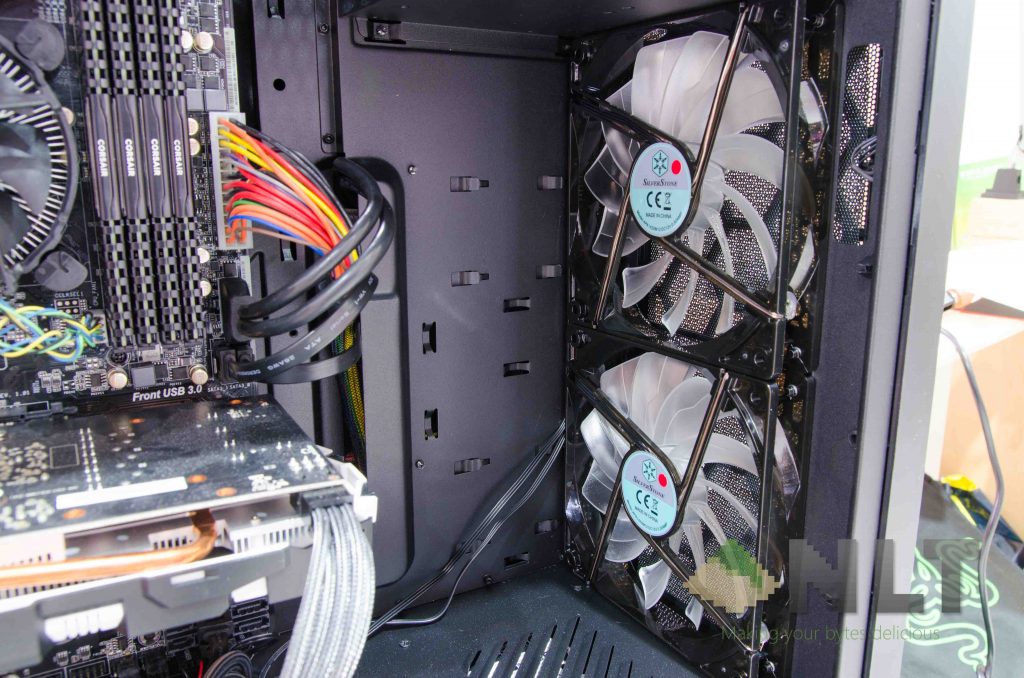
I personally like this approach a lot – it’s clean, and I don’t have to go through an existential crisis because I can’t decide which opening should the SATA cable go through, since the SATA port is in between two openings.
I spent less than 15 minutes to route the cables, and I got a very neat look already.
Temperatures
Running the SilverStone RL05 with the default fan configuration on AIDA64 stress tests shows these temperatures.
| Idle | Stress CPU only | Stress GPU only | Stress both | |
| CPU (℃) | 40 | 58 | 56 | 63 |
| GPU (℃) | 29 | 31 | 61 | 64 |
The temperatures can be improved if there is a fan at the back. That would impact the thermals, obviously.
[nextpage title=”Wrap up & picture gallery”]
Wrapping up the SilverStone RL05 review
I can confidently say the SilverStone RL05 is a nice case after the build is completed. It does have its own fair share of flaws, as I can see that SilverStone tried to implement a lot of the more premium features into the RL05, but unpolished. Take the fan filters, top panel fan mounts, and 2.5-inch drive mounts on the PSU shroud for example.
I do like the cable management system that SilverStone took for the RL05, as it is much cleaner than the Sharkoon BW9000-W that we reviewed here. The PSU shroud itself is a godsend for those who don’t have a modular power supply (like me), and I spent less than 15 minutes on cable management and I can still achieve a very clean and minimalist look.
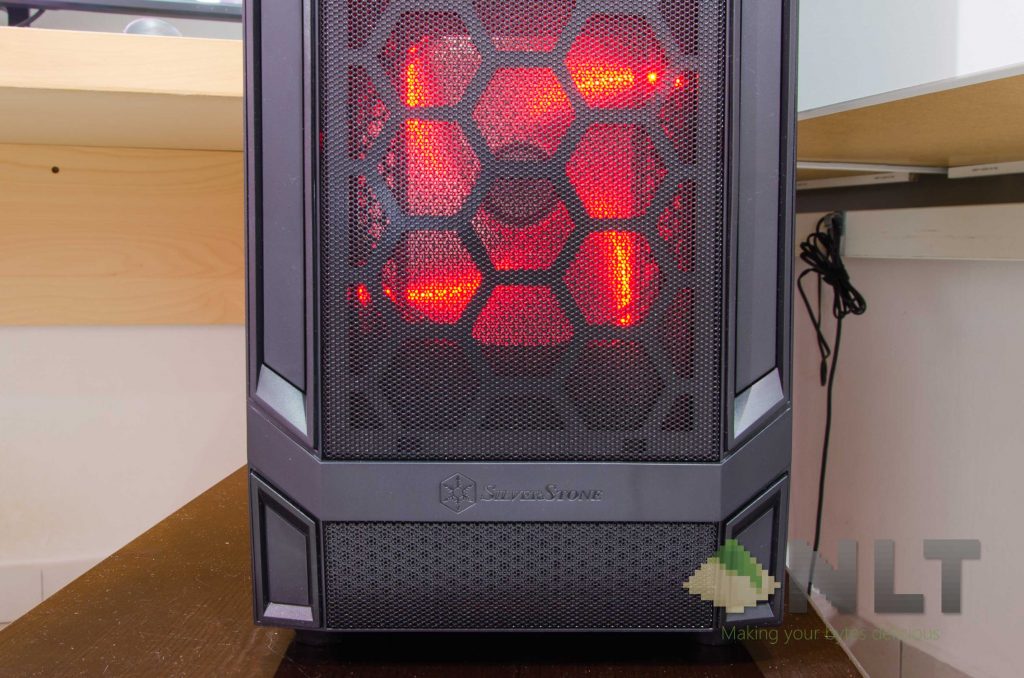
For some reason, sharp metals are exposed pretty much everywhere on the SilverStone RL05, to which I have to say, be careful not to cut yourself. Also, the top panel fan mounts need a design overhaul. And magnetic fan filters should be used.
I think SilverStone should have included another 120mm fan with red LED at the back to seal the deal, and we as customers can see the SilverStone RL05 as a complete starter’s kit with some great additional features for an entry-level PC case.
For the price of RM 269 which you can get it on Lazada by clicking here, it might be little too hefty – but considering all of the features that it has, the SilverStone RL05 is a great entry-level case.
Image gallery
Like our Facebook Page here at NasiLemakTech.com for more news and in-depth reviews! Also, join our Facebook Group for insightful information and memes!
Subscribe to our YouTube channel too!