

















Are you a Mac user? Did you skimp out on paying extra for the larger storage option and regret it now? Or perhaps got a second-hand MacBook that has only 128GB of storage? Well, the latter one is me – and Transcend now has an upgrade path for your Mac computer’s storage. Introducing the new JetDrive 855 and JetDrive 850.
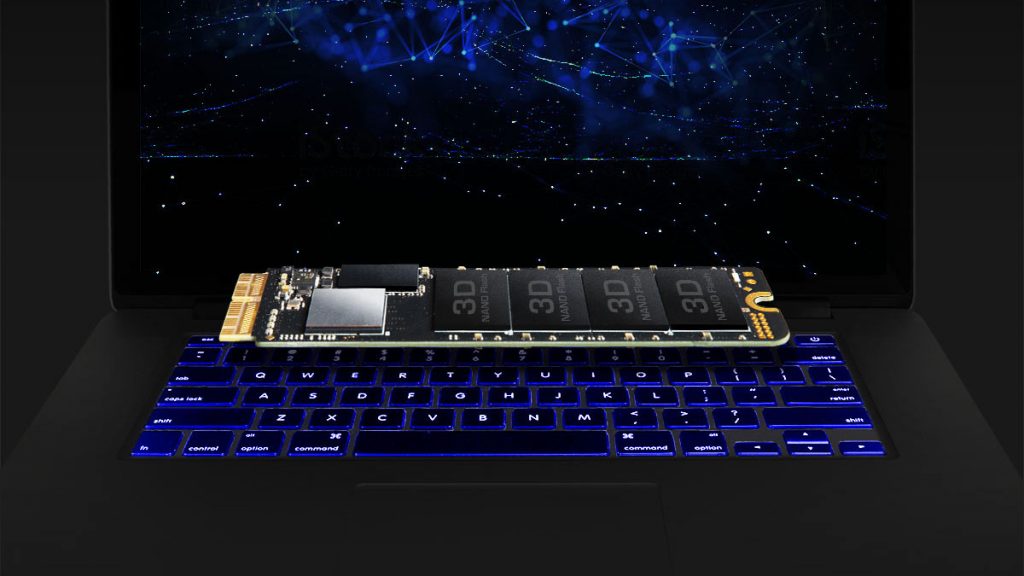
This isn’t Transcend’s first Mac-only SSD, actually. Our partner reviewed the JetDrive 820 last December. Keep in mind these SSDs have a proprietary connector and is not compatible with other M.2 SSDs.
So you might be wondering – what’s the difference between JetDrive 855 and JetDrive 850? What’s the difference between the older JetDrive 820 and JetDrive 825? Transcend has prepared a handy little table for us.
| JetDrive 855 | JetDrive 850 | JetDrive 825 | JetDrive 820 | |
| Interface standard | NVMe | AHCI | ||
| PCIe version | Gen3 x4 | Gen3 x2 | ||
| Maximum performance | Read 1,600MB/s Write 1,300MB/s |
Read 950MB/s Write 950MB/s |
||
| System requirements | macOS 10.13 or later | macOS 10.10 or later | ||
| Note | With enclosure | SSD only | With enclosure | SSD only |
Transcend touts the new JetDrive 855 and JetDrive 850 PCIe Gen3 x4 NVMe SSDs to have read and write speeds of up to 1,600MB/s and 1,300MB/s, featuring the latest 3D NAND flash technology.
The JetDrive 855 includes an aluminum Thunderbolt enclosure for you to reuse your existing SSD in your Mac computer as an external storage. Else, your existing SSD now will be collecting dust – like mine, since I didn’t get an enclosure for it.
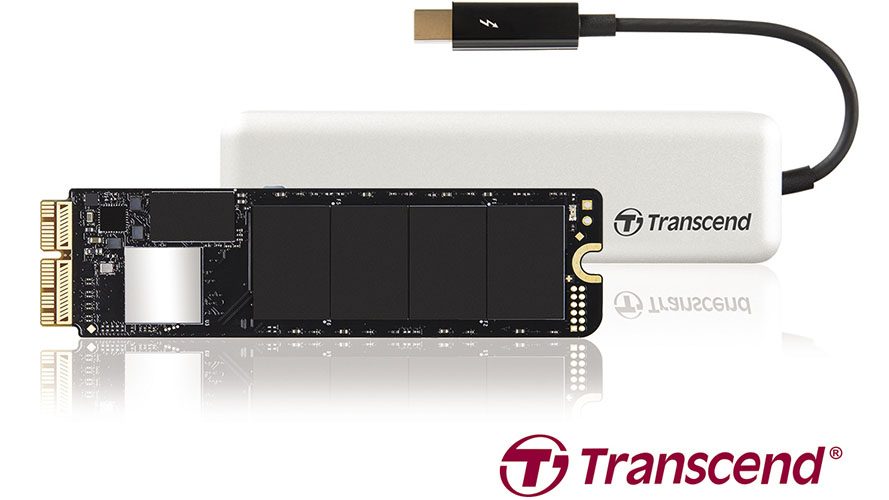
Transcend’s JetDrive 855 features as its storage media the JetDrive 850 PCIeNVMe SSD. Utilizing a 10Gb/s Thunderbolt interface, the drive boasts blazing-fast transfers. The JetDrive 855 is housed in a sleek, aluminum alloy enclosure designed to tastefully complement the Mac’s simple, clean design. In addition, the SSD inside can be removed, making it even more adaptable to user preferences.
Transcend also has its own software called the JetDrive Toolbox – which is free to download from Transcend’s website – that helps users to maintain their SSD’s health and keep it up to date. The Toolbox includes Drive Information, Health Indicator, and Firmware Update functions. Remember to turn on TRIM using the Toolbox upon installation of your new JetDrive! And backup everything on a separate drive before updating your firmware.
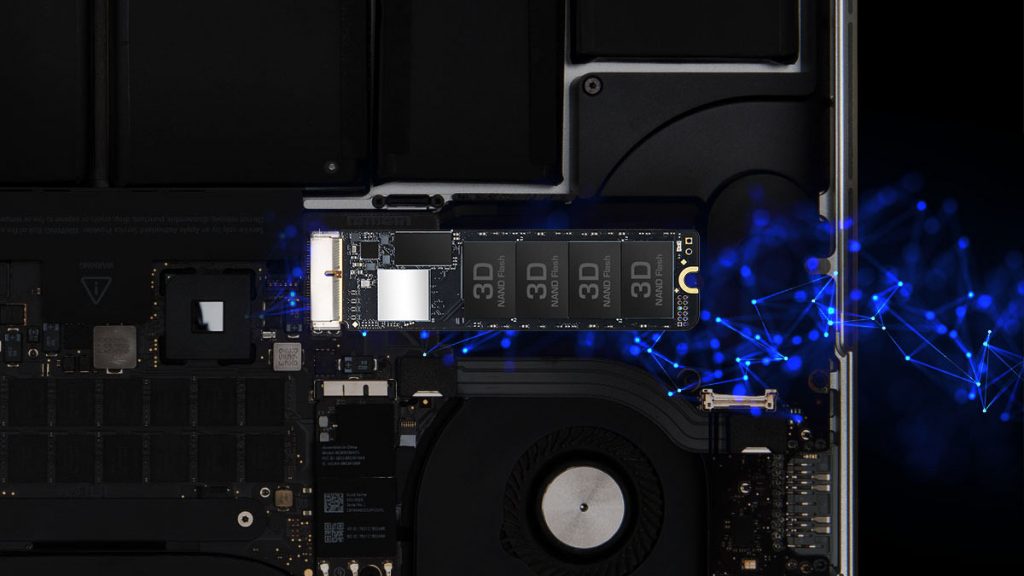
Transcend’s JetDrive 855 and JetDrive 850 come in 240GB and 480GB capacities, and are backed by Transcend’s five-year limited warranty.
For the list of Mac computers that are compatible with the JetDrive 855 and JetDrive 850, click here.
Like our Facebook Page here at NasiLemakTech.com for more news and in-depth reviews! Also, join our Facebook Group for insightful information and memes!
Subscribe to our YouTube channel too!