



















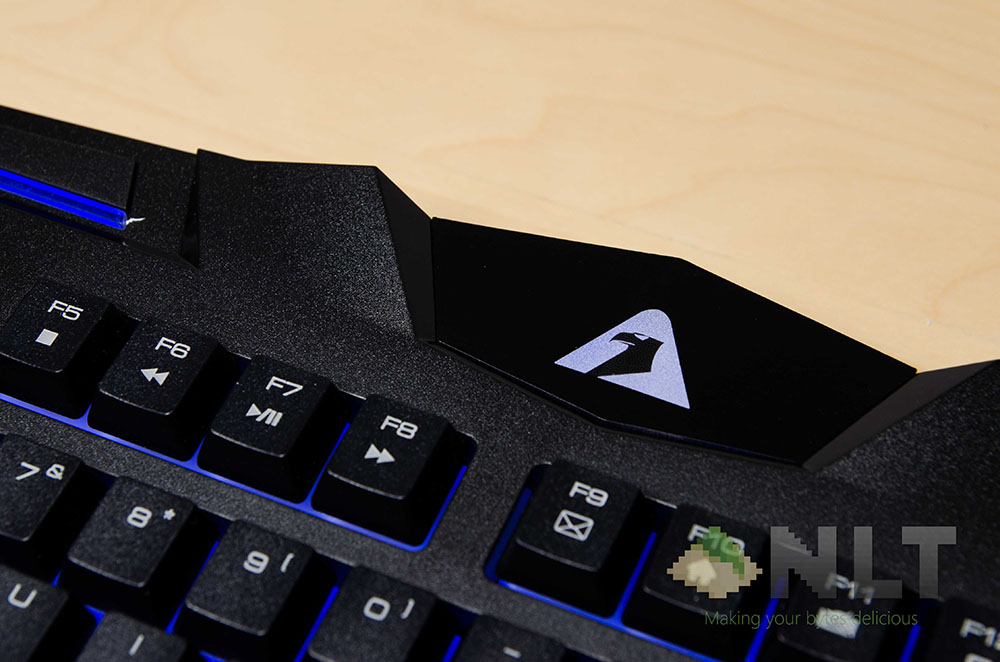

This is the Armaggeddon Kalashnikov AK-555 keyboard. It’s spill-proof, and still has the not-so-minimalistic design inherited from its predecessor, the Kalashnikov AK-550i which we reviewed here. Let’s find out what’s all the buzz is about with this keyboard!
Of course, it always starts off with the unboxing experience. The Kalashnikov AK-555 comes in a rather simple packaging – and I mean that strongly, as the box only has the Kalashnikov AK-555 keyboard alone, and nothing else.
Check out the full unboxing where we also unbox the Armaggeddon Motolov-5 headphone, Armaggeddon MKA-9C mechanical keyboard, and also the Armaggeddon Kalashnikov AK-555.
[nextpage title=”Design & build quality”]By the look and feel to it, the Kalashnikov AK-555 isn’t much different from its predecessor. It still features the same matte plastic material from before as its chassis, but has a lot less flex compared to before too. I really like this matte plastic material, as it’s something that I suppose Armaggeddon found it to be the perfect material to be used for spill-proof designs, and yet offers a lot of grip and has some sort of anti-fingerprint side effect to it with its matte design.
Last year we took a look at the spill-proof design on the AK-550i, where the drainage mechanism underneath the keys weren’t exactly well-planned, and the evenness of backlight distribution had to be sacrificed. You can check out this part of the review for the AK-550i from a year ago to get exactly what we’re referring to.

This time however, the Kalashnikov AK-555 has much less drainage holes than before, and they’re all situated at the bottom row, at its lowest points. That said, the lighting effect on the newly-improved Kalashnikov AK-555 looks fantastic compared to its predecessor. The spill-proof design still works the same as before, but somehow they manage to make it a lot sleeker than before. Great job, Armaggeddon!
There are some other design cues taken from its predecessor though, like the unnecessary lights at the two sides. The Kalashnikov AK-555 managed to take it up a notch by combining all of the dedicated shortcut and multimedia keys from the top row into the function keys (and more on that in a jiffy) and replace all of it with 2 strips of lights – one on each side.
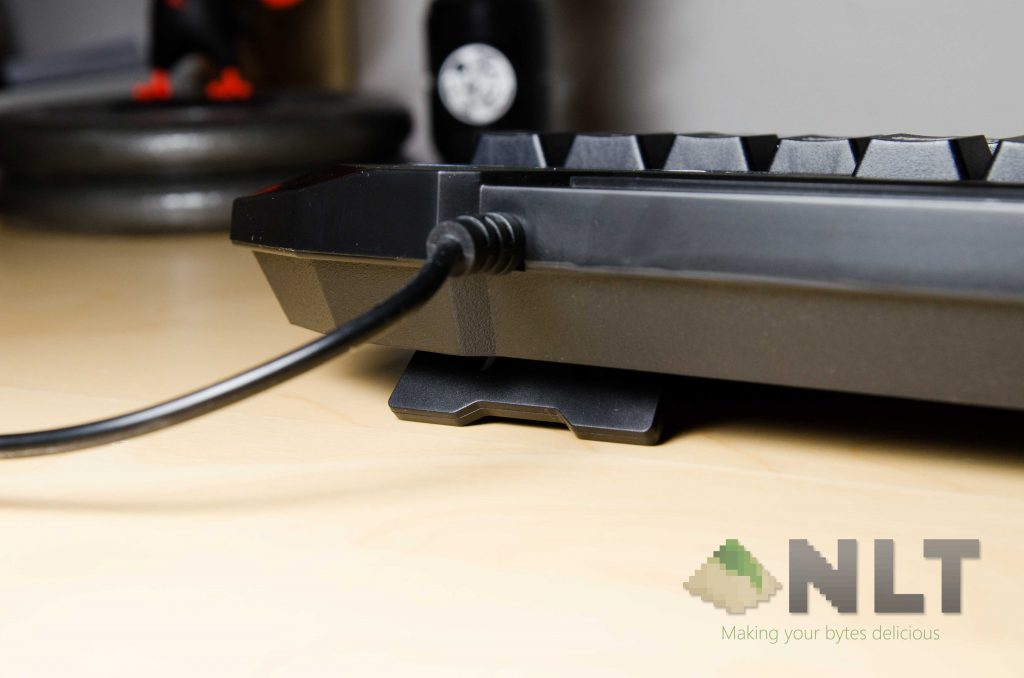
A little side note here though – the USB non-removable USB cable protrudes from the left side again, just like its predecessor. You might like it, or not. For me, I’m pretty much liking it since my entire setup has my desktop placed on the right side.
[nextpage title=”Comfort and typing experience”]I can tell right off the bat, the Kalashnikov AK-555 keys are a little softer than its predecessor, and a lot more comfortable to type on in my experience. The keys somehow have a little soft clack to each keystroke – but not as loud as even the Cherry MX Brown switches. Also, the humongous wrist rest is a big pl us for me too!
The overall typing experience was great, and the matte black keycaps was also satisfactory – except for the printings on them, and you can clearly see some fading on the right Shift key there. I don’t blame Armaggeddon on this part though, as it’s their method to cut cost on the cost of this Kalashnikov AK-555 keyboard. Personally, I’d really like to see Armaggeddon manufacture some backlit keycaps for this keyboard instead of having what seems to be side-lit keys on its current situation.
Another point about the keycaps on the Armaggeddon Kalashnikov AK-555 is the shape of it. For some reason, Armaggeddon opted for a near-flat keycap shape for the Kalashnikov AK-555, with negligible amount of curve on all of the keys. In contrast though, its predecessor has some curve on the entire bottom row of modifier keys (CTRL, Windows, ALT).
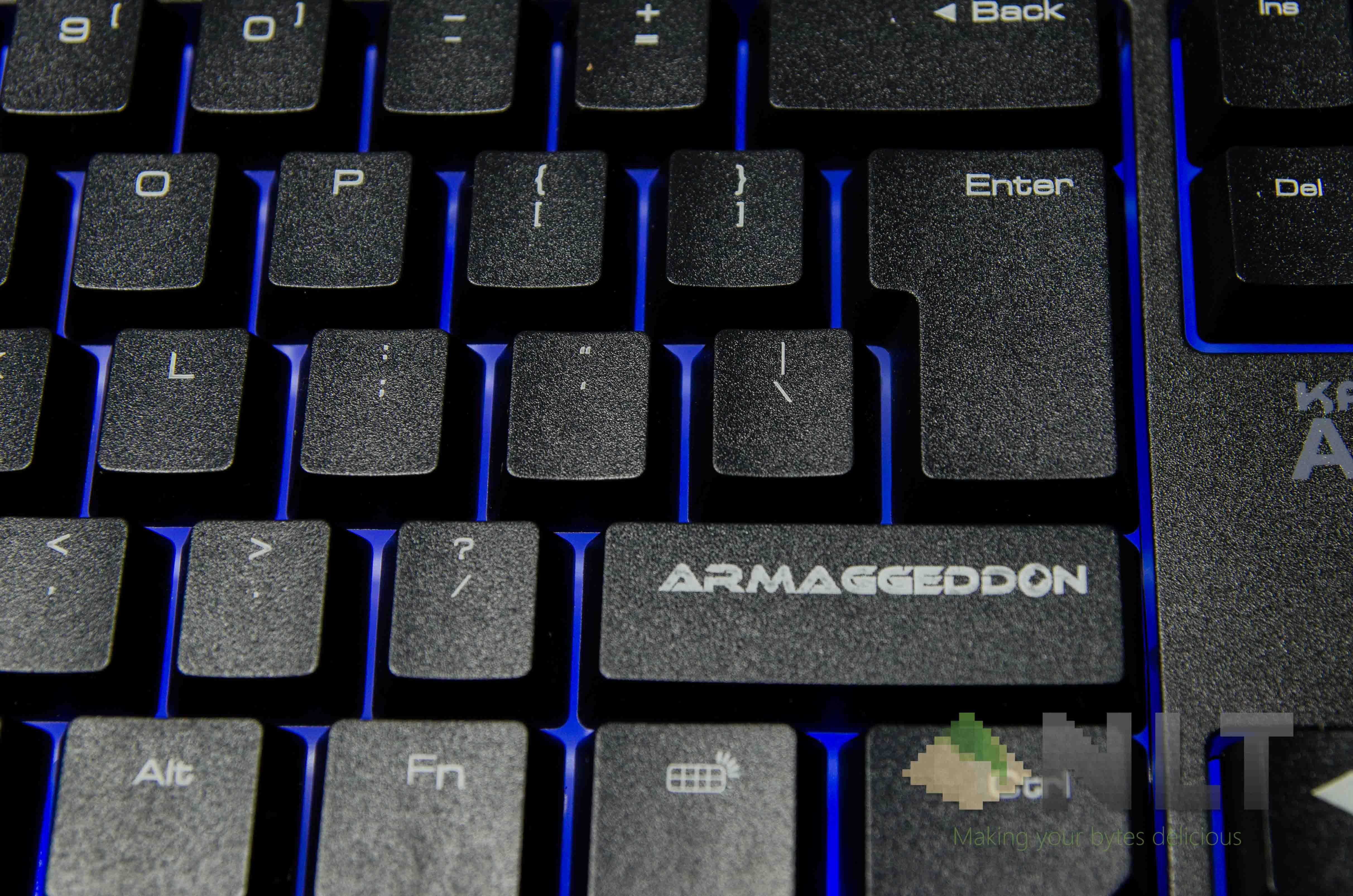
Moving further across the keyboard, another thing that bugs me a lot is the non-standard layout for a few crucial keys around the enter key, which did bug me a lot.
First off, having that particular shape for an enter key is definitely going to need some getting used to, and I am definitely going to miss the Menu key, which is replaced by a backlit on/off key instead.
It’s convenient to have a single button to turn the backlight on or off at an instant, but I seriously wish that Armaggeddon would incorporate the backlight switch elsewhere and controlled via the function key, instead of sacrificing the crucial – although obscure – Menu key.

I think the only thing I can nitpick about the Kalashnikov AK-555 here is the removal of the Menu key and the layout of keys around the enter key. I use that a lot- and that’s why my main keyboard is one with a standard layout with the retention of the Menu key. The former is again, something that can be adopted to over time, but not the removal of Menu key.
[nextpage title=”Software – or lack there of”]I have to give Armaggeddon some big credit here for totally obliterating the need for a software. Previously there are some degree of freedom to customize the keyboard according to your own liking, but now since the entire row of dedicated shortcuts have been combined with function keys, then there’s no need for any software to control them at all.
The one thing that the Armaggeddon could have done better on the Kalashnikov AK-555 is the Menu key, which I need it.
[nextpage title=”Wrap up”]There’s only one reason why I can only nitpick around the flaws on the Kalashnikov AK-555 instead of having a full-fledged list of legit problems with it – that’s because the Kalashnikov AK-555 is a great keyboard for its price of RM69 only, or get the bundle with a gaming mouse for only RM109!
You can check out the deals for the Kalashnikov AK-555 here!
The Armaggeddon Kalashnikov AK-555 is available in both red or blue backlighting, so choose your weapon according to your flavour!
Like our Facebook Page here at NasiLemakTech.com for more news and in-depth reviews! Also, join our Facebook Group for insightful information and memes!
Subscribe to our YouTube channel too!

