



















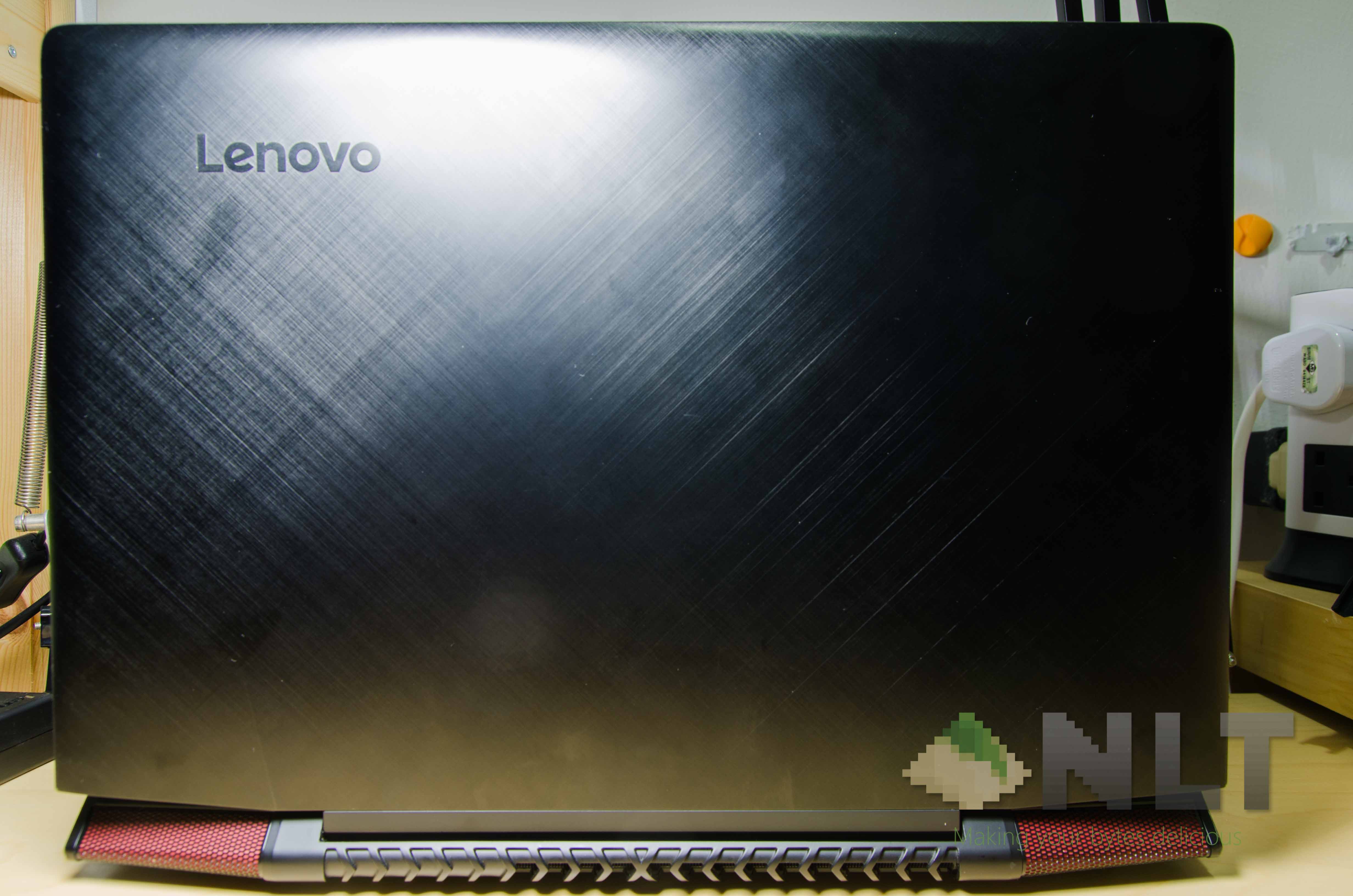

I’ve always taken interest in the most balanced laptop ever – the one that has decent gaming specs and doesn’t cost much. This time around, the recently launched Lenovo Ideapad Y700 is a candidate in that niche. Just how well does it perform though? Let’s find out.
[alert type=”info” icon-size=”normal”]The Lenovo Ideapad Y700 that we are reviewing here is the 15.6-inch variant with 8GB of RAM and 128GB M.2 SSD.[/alert]
The box that I got the Y700 in, is not the prettiest. It’s nice to know that the Lenovo Ideapad Y700 itself has thick foam surrounding it in all directions. That’ll surely keep it out of any damage.
Design
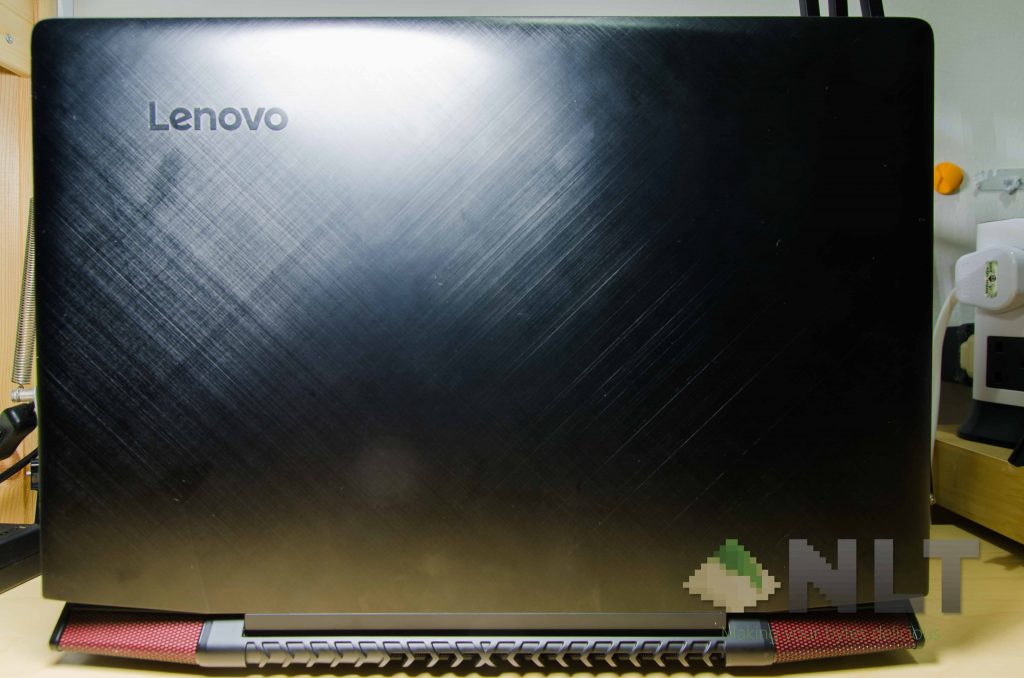
The Lenovo Ideapad Y700 has a similar color scheme compared to its predecessor. Still having that black color with red accent, and nothing much has changed since its predecessor, the Ideapad Y50.
General aesthetics on the Lenovo Y700 is derived from its predecessor’s design and build, then modified from thereon.
Even the lid has the same angled cuts at both sides and the same cross pattern across the entire lid. The only notable difference here is the Lenovo logo. Yes, they’ve redesigned their logo this year and I think the brand new logo matches the overall design a lot sleeker than before.
One thing I am impressed by this 15.6-inch laptop is the durability. Both the lid and the keyboard area have minimal flex, which means it’s a very durable laptop overall.
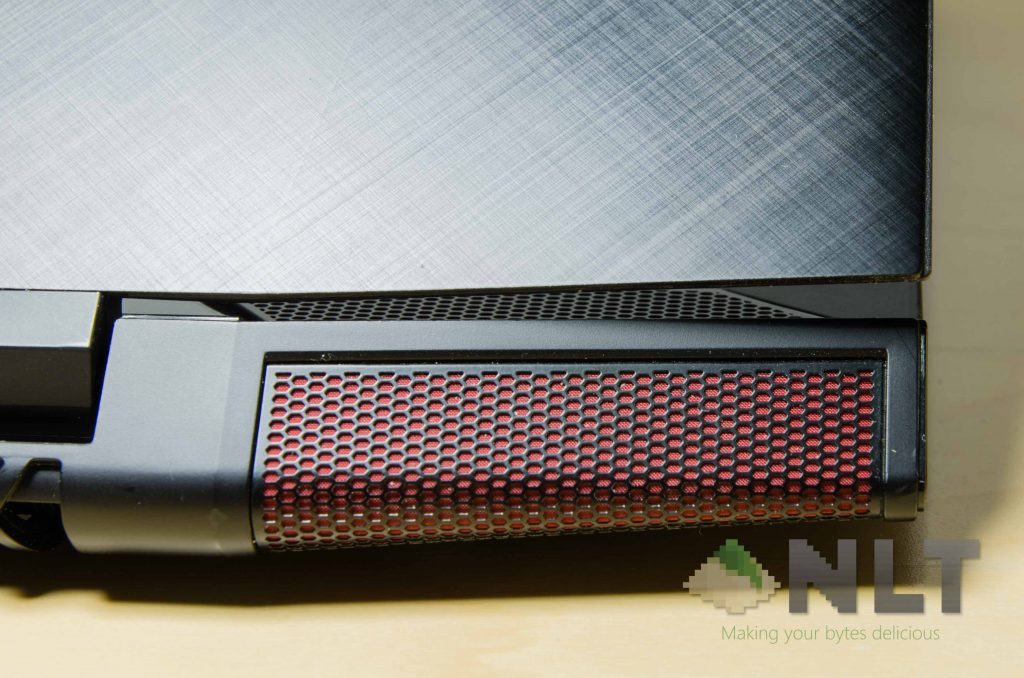
Underneath the Lenovo Ideapad Y700 is where things get a little different. The subwoofer is now located around the area below the trackpad, and the air intake is now filtered by a red mesh. Looks very good, in my opinion.
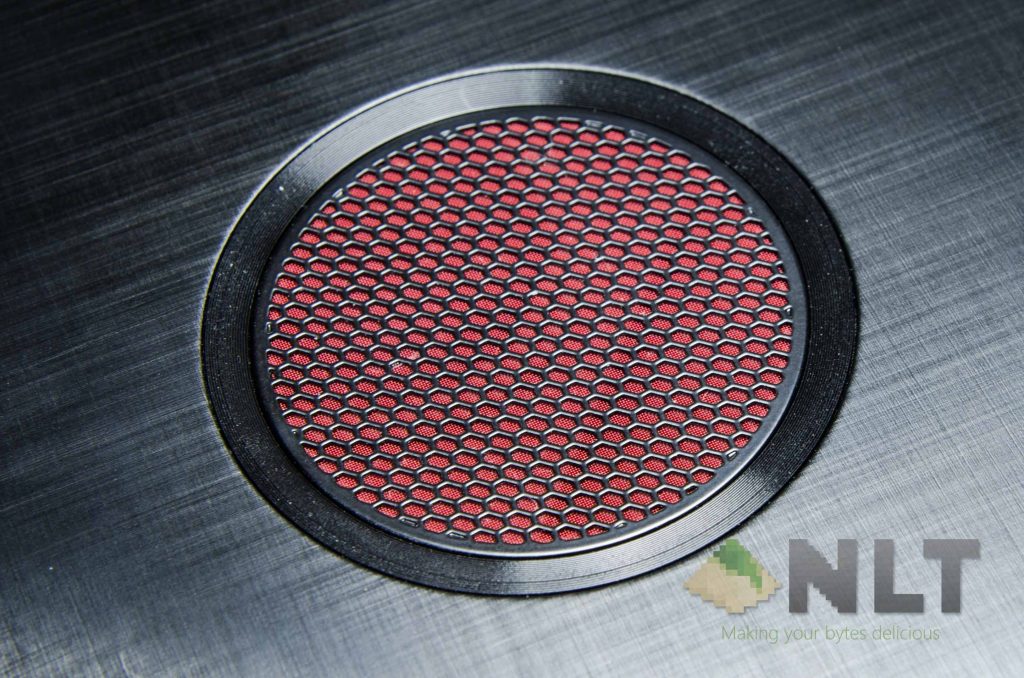
I’m generally unsure what this is for, but it is found on both sides of the Y700. More on this later.
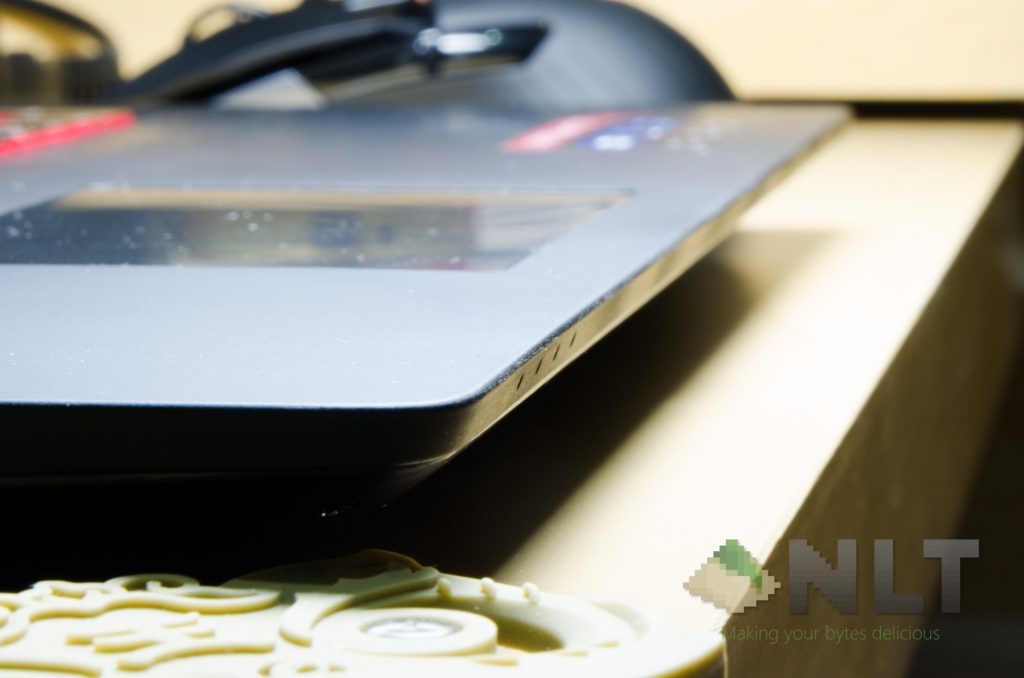
One design choice that I don’t like is the sharp edge at the front. For me, this sharp edge does dig into my wrist, causing discomfort. A rounded edge might be better here.
[nextpage title=”Connectivity and ports”]
Placements for power button is still the same, from what I can see. The ports have been shuffled around, but it’s generally the same too. It covers a very basic amount and variety of ports, which is sufficient for many users.
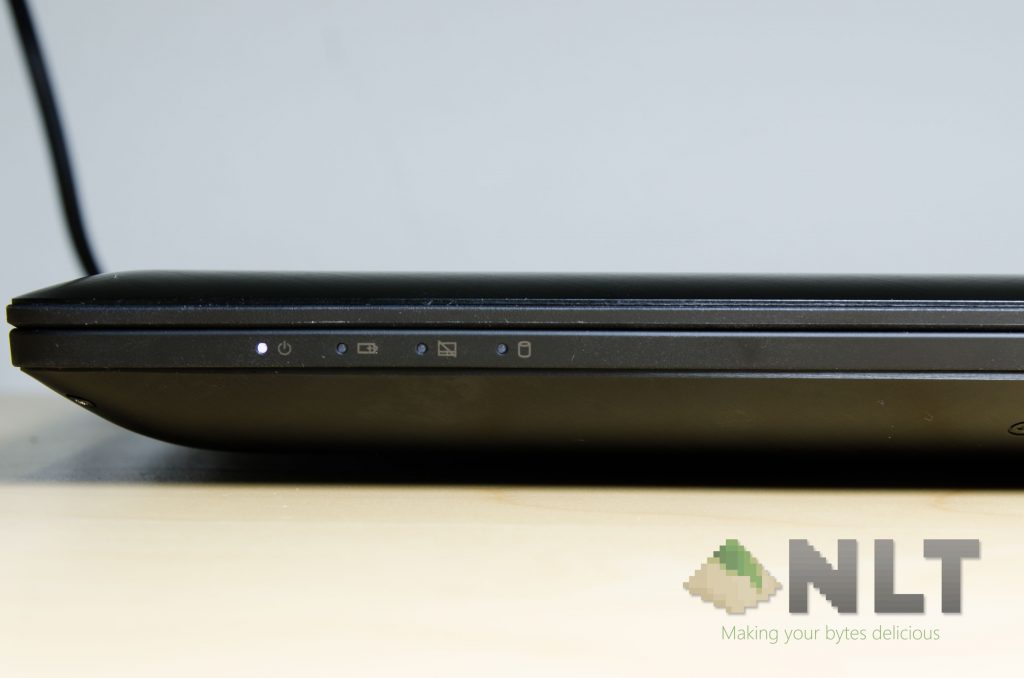
At the front is where the usual indicator LEDs are found.
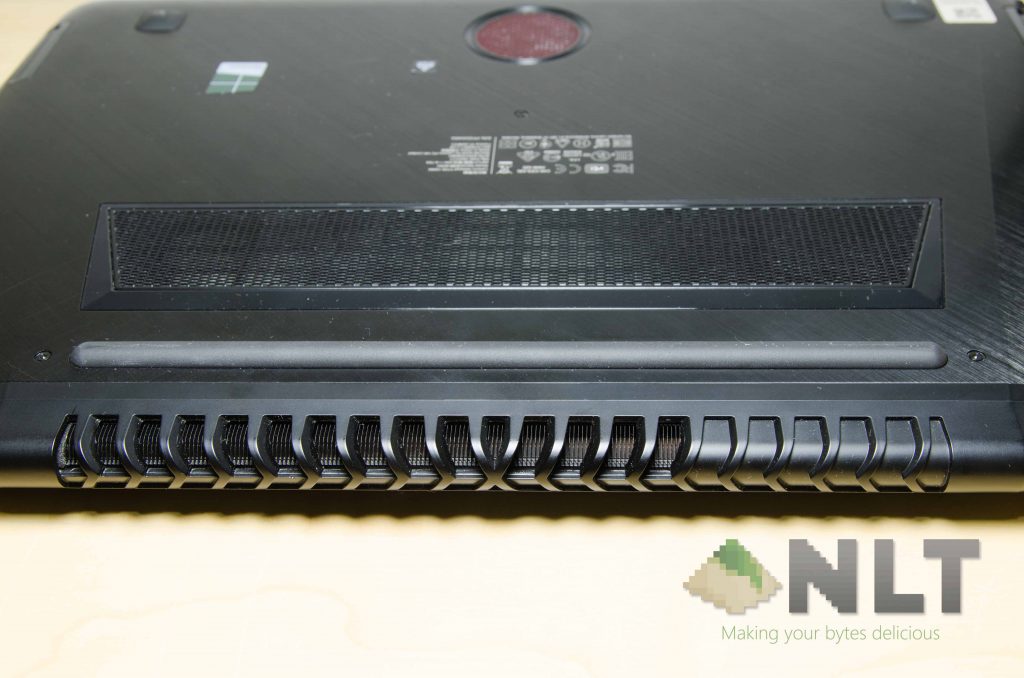
The back however, is where things get a little heaty. A large set of fins can be seen from the outside, and this heatsink alone has to cool both CPU and GPU. I suppose it’s a beefier cooler than its predecessors, but we’ll have to test it out for sure.
There are also two little openings on two opposite corners around the wrist area, which is presumably for improved airflow. They serve as an opening for airflow.
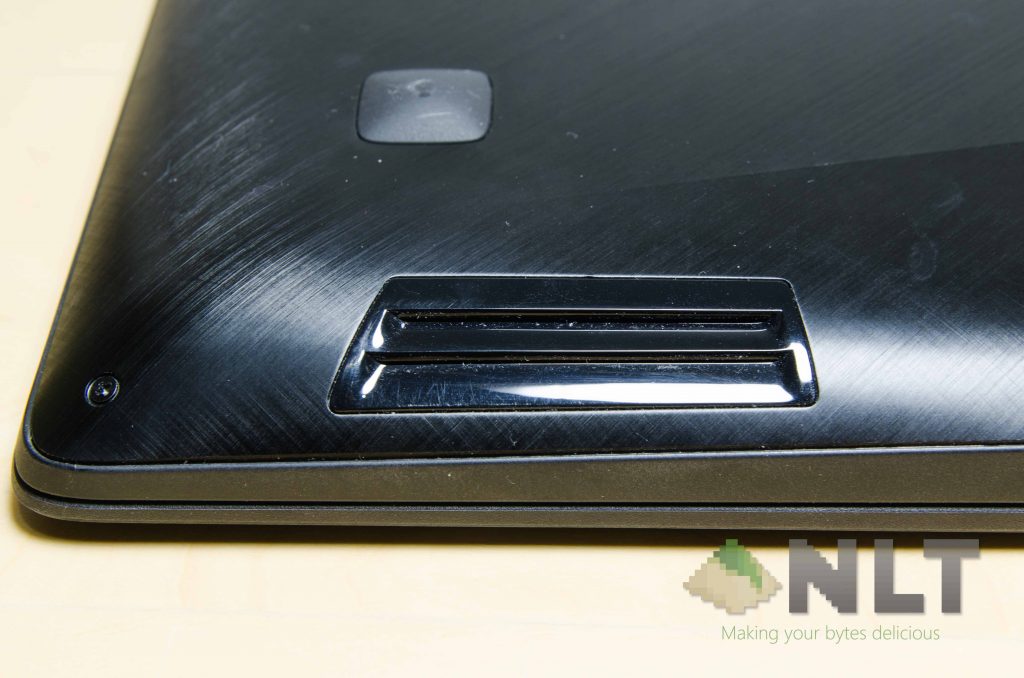
For those who are interested in what’s inside the Lenovo Ideapad Y700 then this is for you. Opening the back panel is excruciatingly confusing at the first time. After removing all of the screws, the back panel will have to be pried apart from the edge right below the center of its trackpad.
Once a gap is found, the back panel can be pried alongside the edges and eventually the whole back panel will come loose, but not removable just yet. Just be sure to take this step slow and steady.
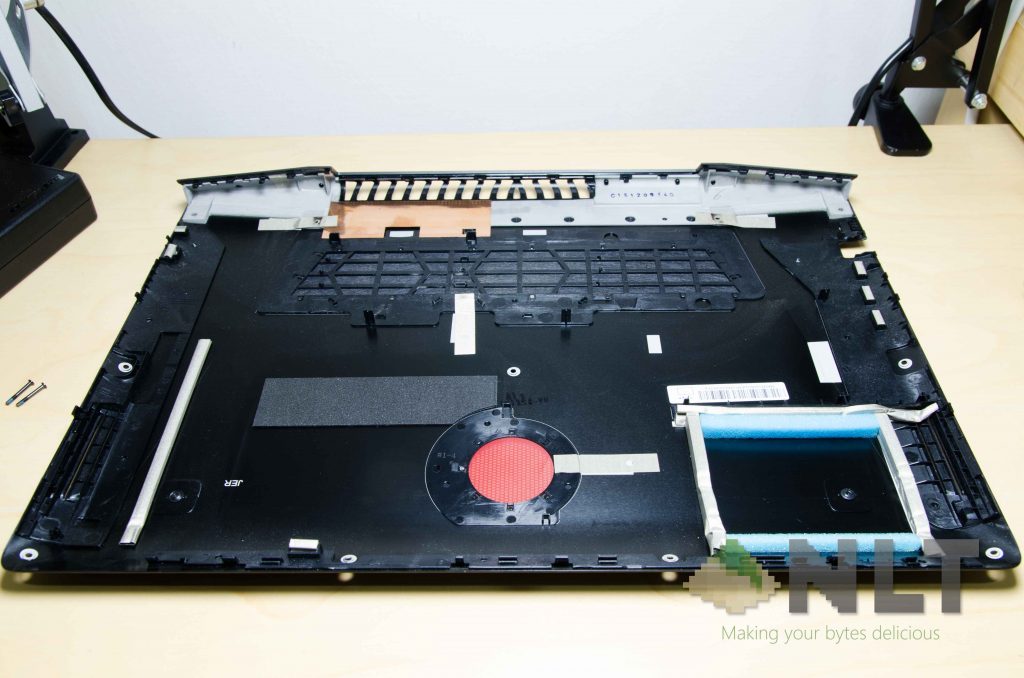
The two little “hooks” found on the back panel are actually covers for the two satellite speaker covers that flank the screen’s hinge – which leads us nicely to the next section.
Maintaining and upgrading the Lenovo Ideapad Y700
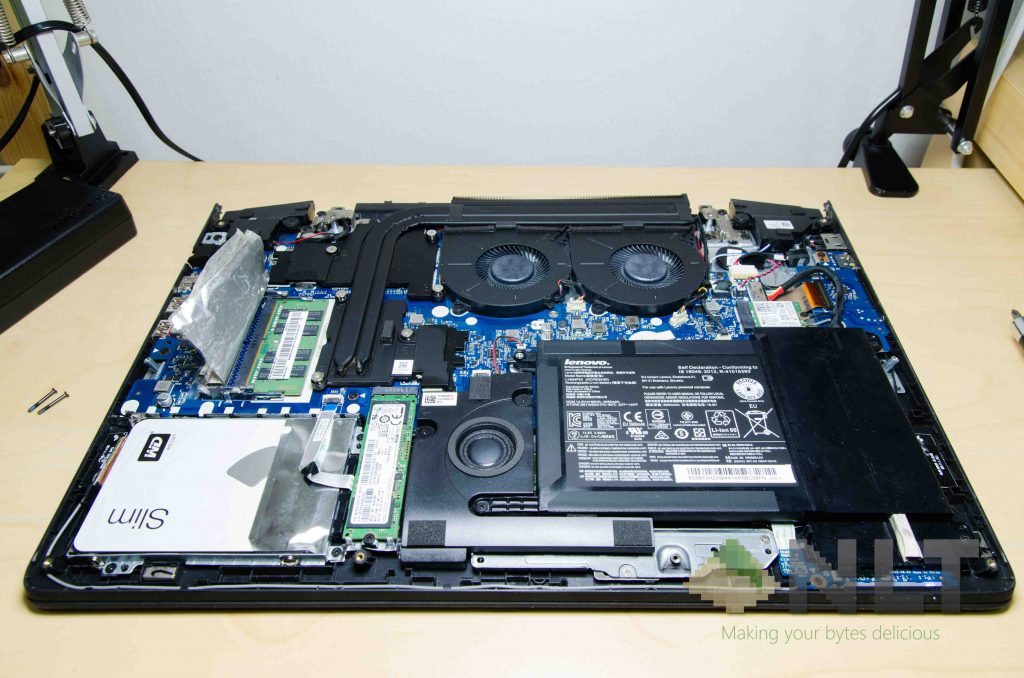
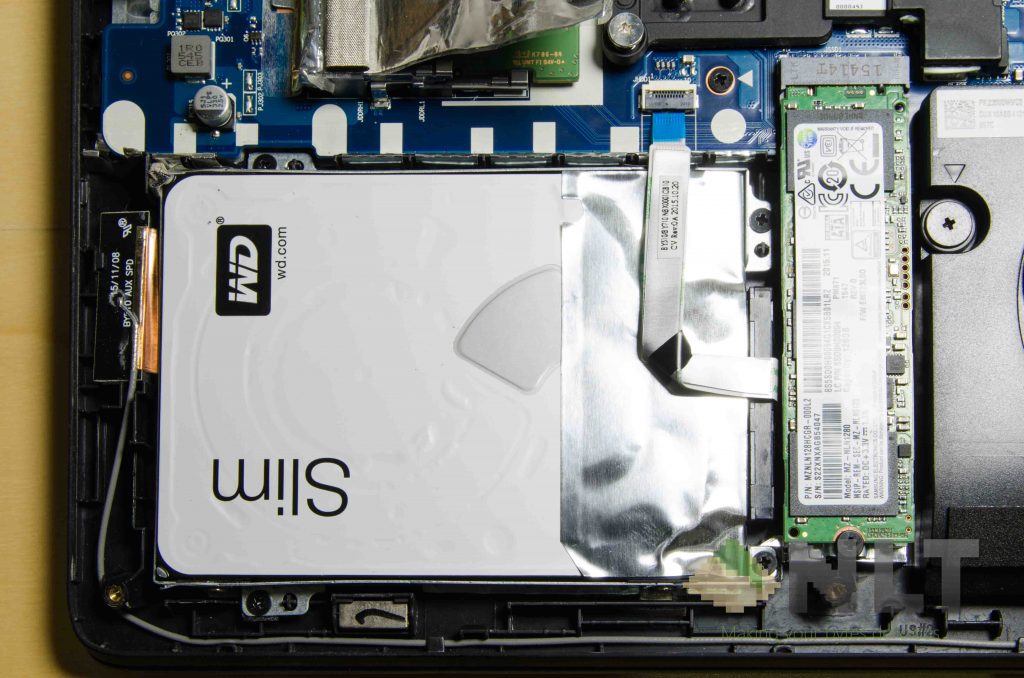
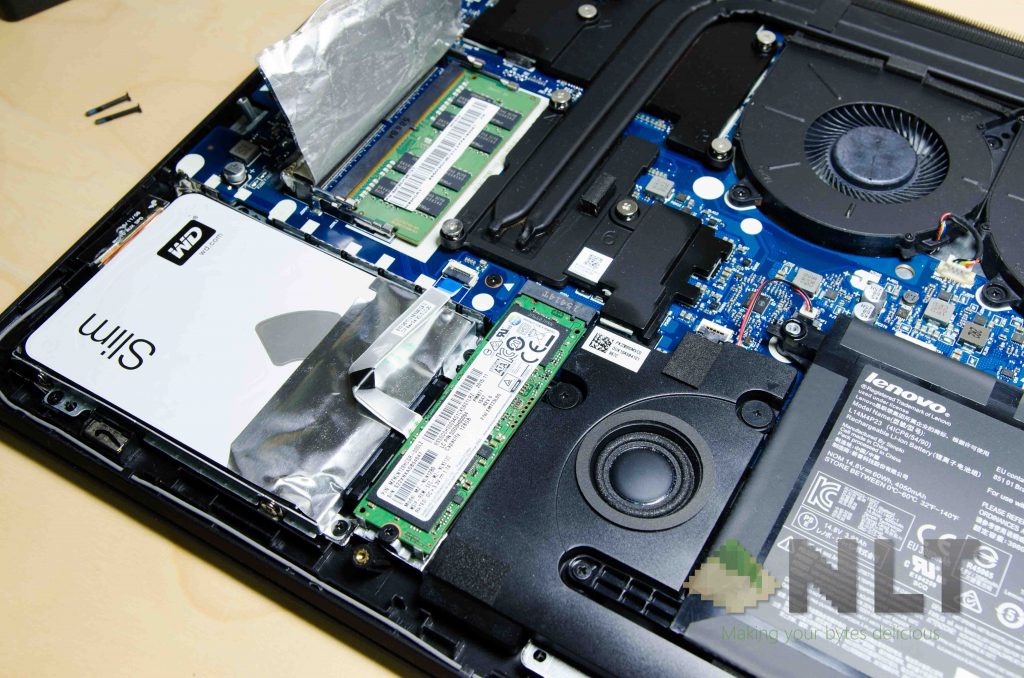
Once the back panel has been popped off, the usual 2.5-inch HDD can be found at the lower right-hand corner, and beside it is the M.2 SSD slot.
The two SO-DIMM RAM slots are covered by a piece of thick aluminium foil. Not sure why, though.
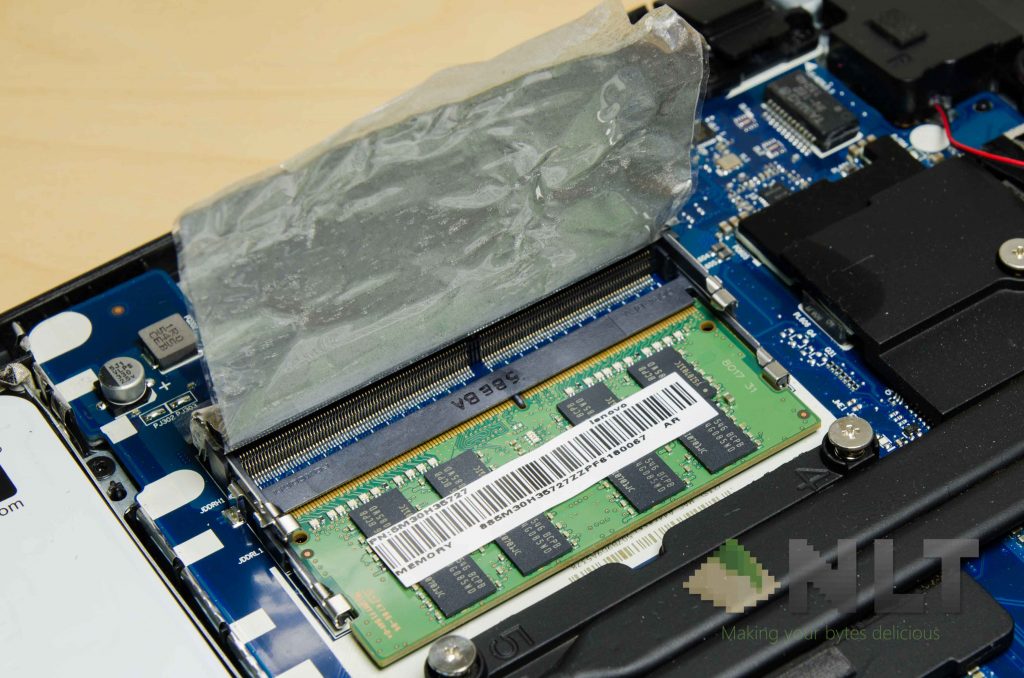
Only one RAM slot has been used in this model, so it’s definitely upgradeable.
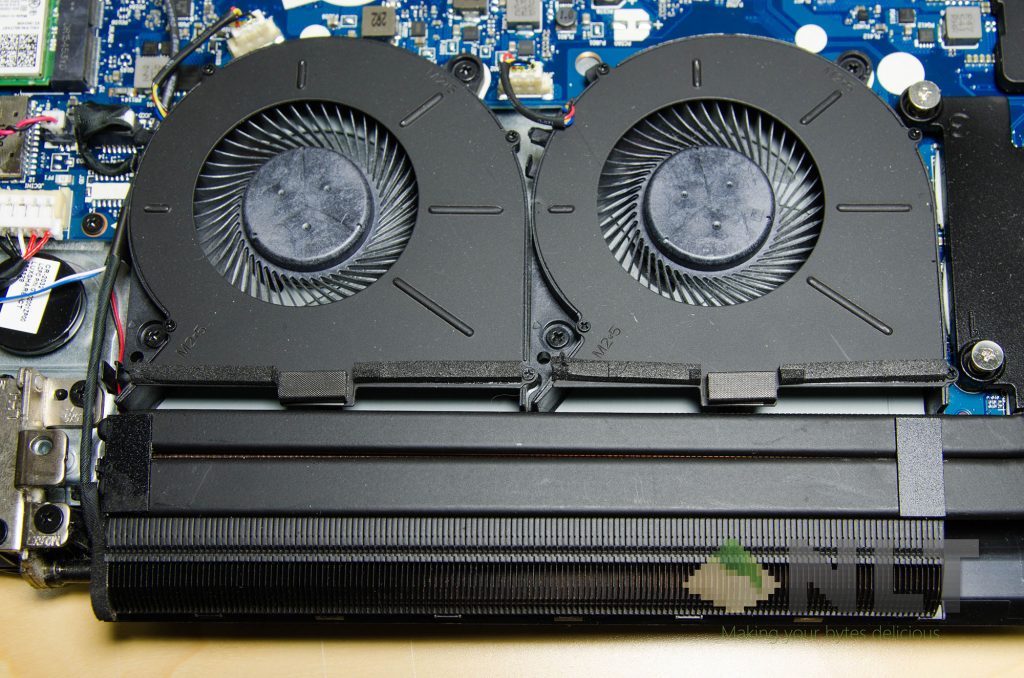
Looking around the Y700, I found out that Lenovo implemented a much more easily-accessible cooler. The fans can be removed fairly easily for a quick clean-up, and even the heat pipes can be unscrewed easily, so that the thermal paste can be renewed. A rather neat solution on Lenovo’s part.
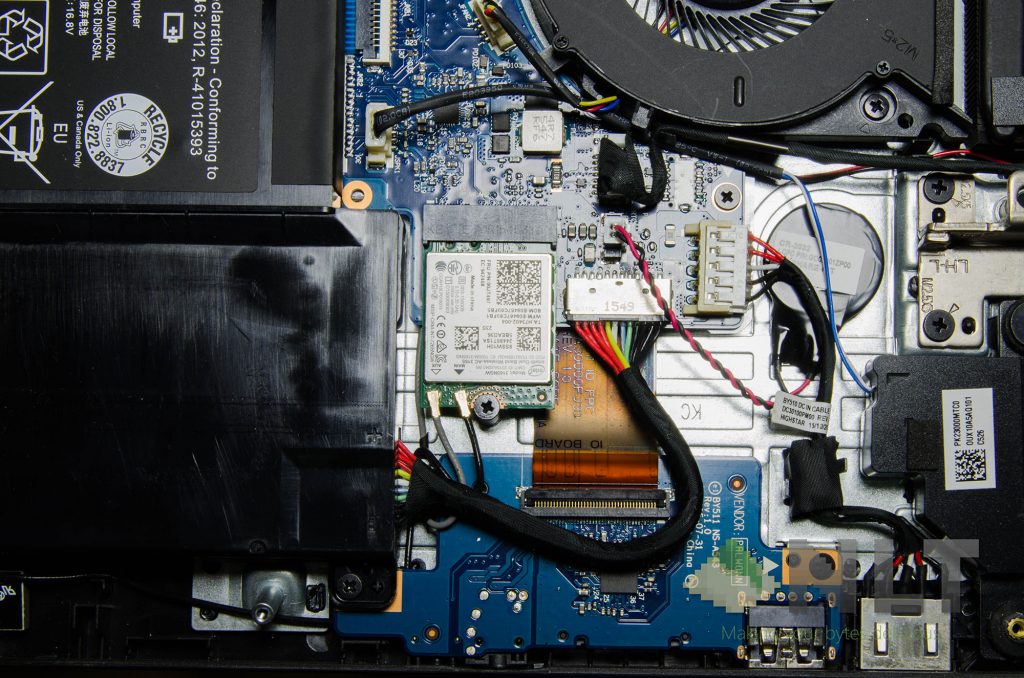
As a bonus, the WiFi card can also be swapped – but beware, it might not work as Lenovo might have implemented a ‘WiFi card whitelist’ to its BIOS.
[nextpage title=”Screen”]
To iterate, the Lenovo Ideapad Y700 that we have here, has a 15.6-inch 1080p IPS display with an anti-glare coating.
Unfortunately, this laptop is definitely not for creative professionals. The color reproduction and its accuracy are very poor, and it is instantly noticeable to my naked eye when I signed into my Google account on Chrome, and my beautiful theme sets in. I mean, when my deep greens look yellow like dried leaves, it’s definitely not as color accurate as I’d like it to be.
However, color accuracy isn’t important for gamers, so that’s okay for those who don’t have to stare at Photoshop or Lightroom.
Backlight bleeding however is minimal in this case. Lenovo even shipped the Y700 with a rather dark background – and they’re confident about this.
Earlier, I did mention about the anti-glare coating. I specifically mentioned the term “coating”, because according to systox from the official Lenovo forums, the anti-glare coating can be removed with heat and a little bit of careful surgery. Then, it turns into a clear, glossy display.
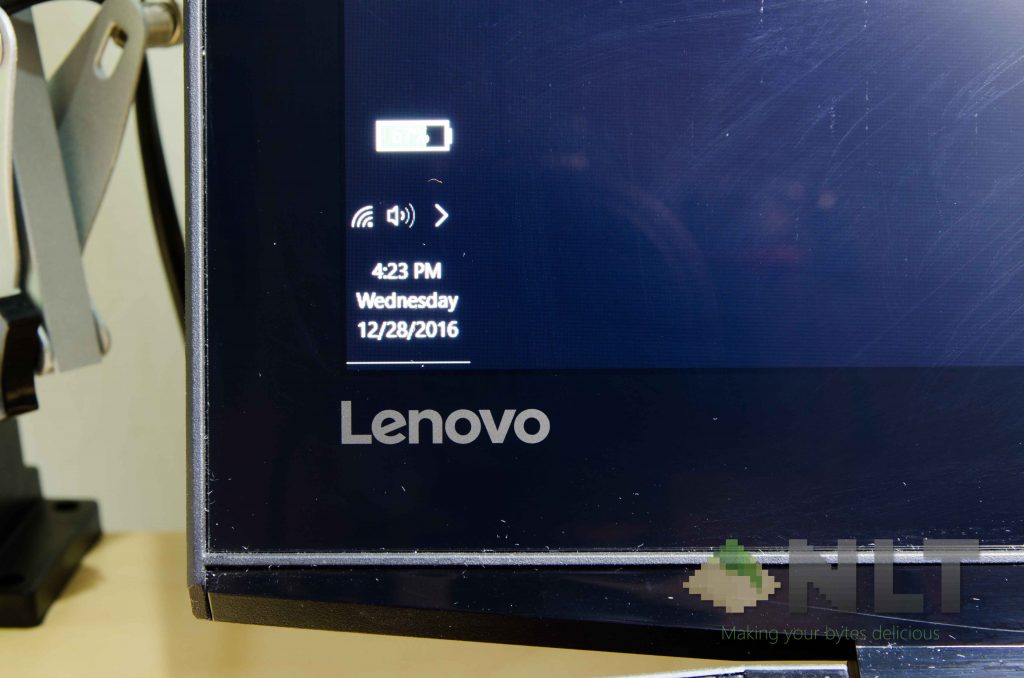
Also, please note that removing the film means that the film can no longer be reinstalled and reused, and it won’t improve the color reproduction too.
[nextpage title=”Trackpad, keyboard & speakers”]
They’re both surprisingly pleasant to be used, actually. The wrist rest area is covered with a soft-touch material all throughout the entire body of the Lenovo Ideapad Y700, but sweats and stains can be wiped off with relative ease.
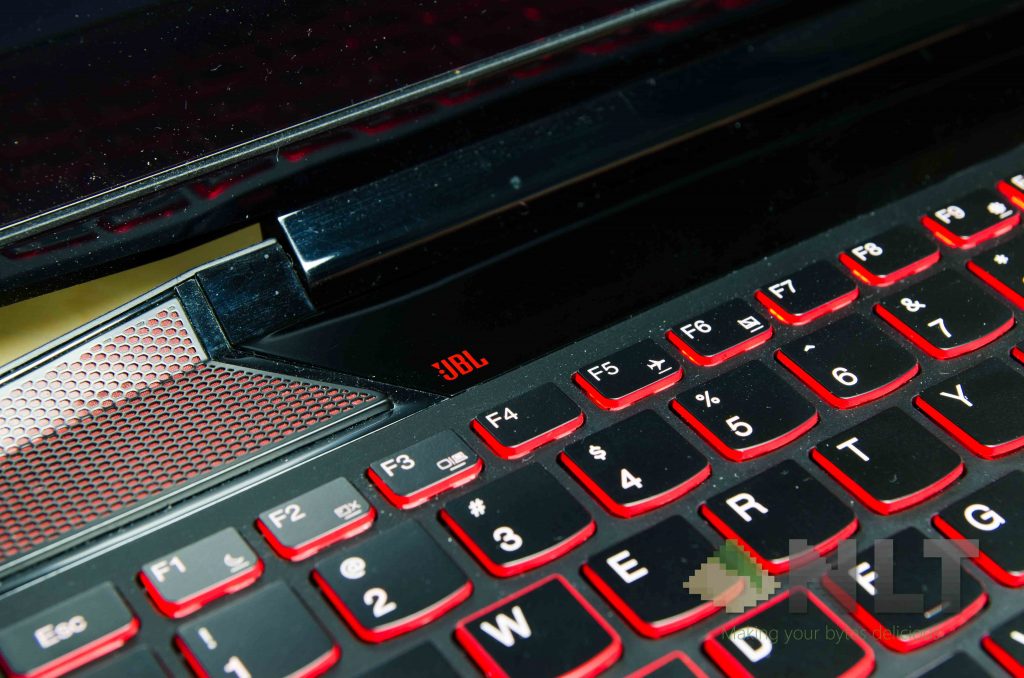
The trackpad is smooth, and my fingers can glide across pretty well. It’s an okay trackpad – tracking is smooth and has no major hiccups and multitouch is pretty good too. Clicks are fine for me.
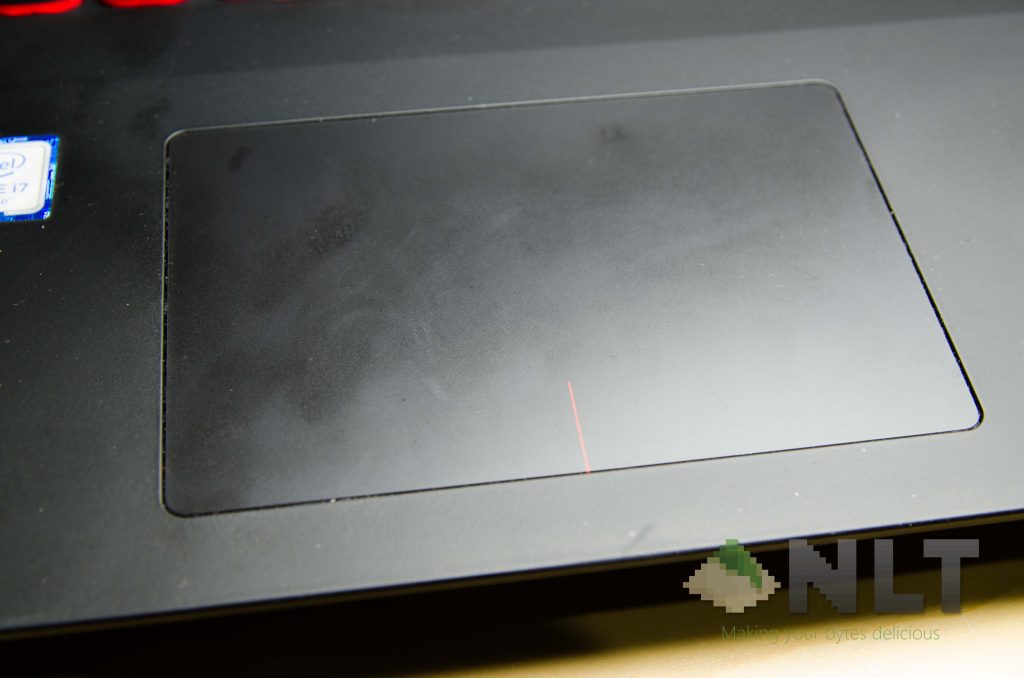
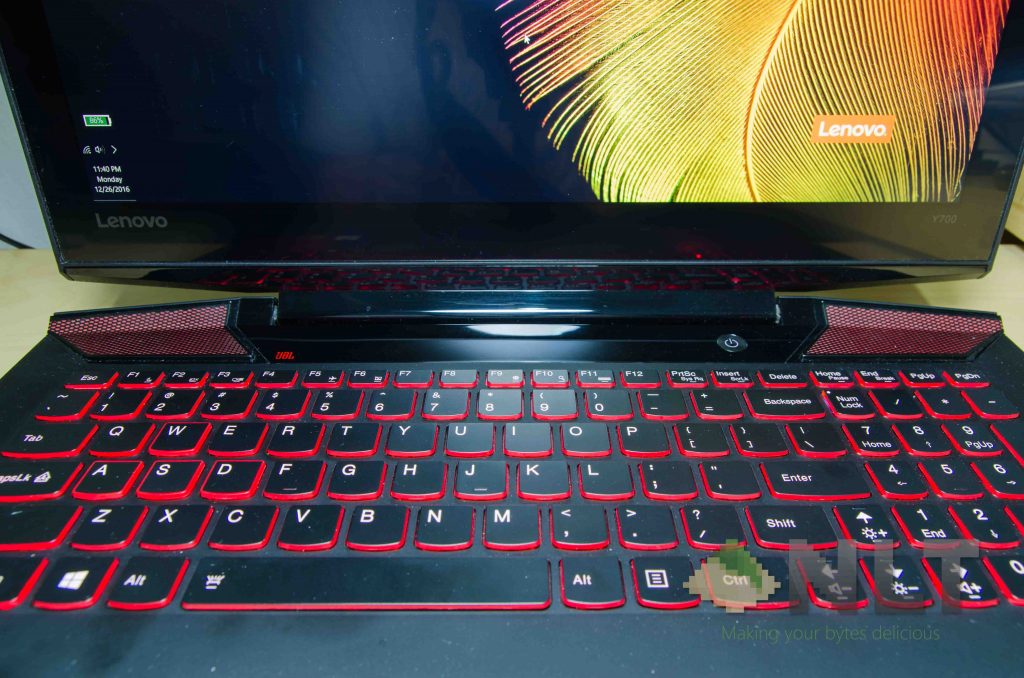
In this case, the keyboard feels fun to type on – as they have quite a springy feel to it but doesn’t require much force to actuate the switches.
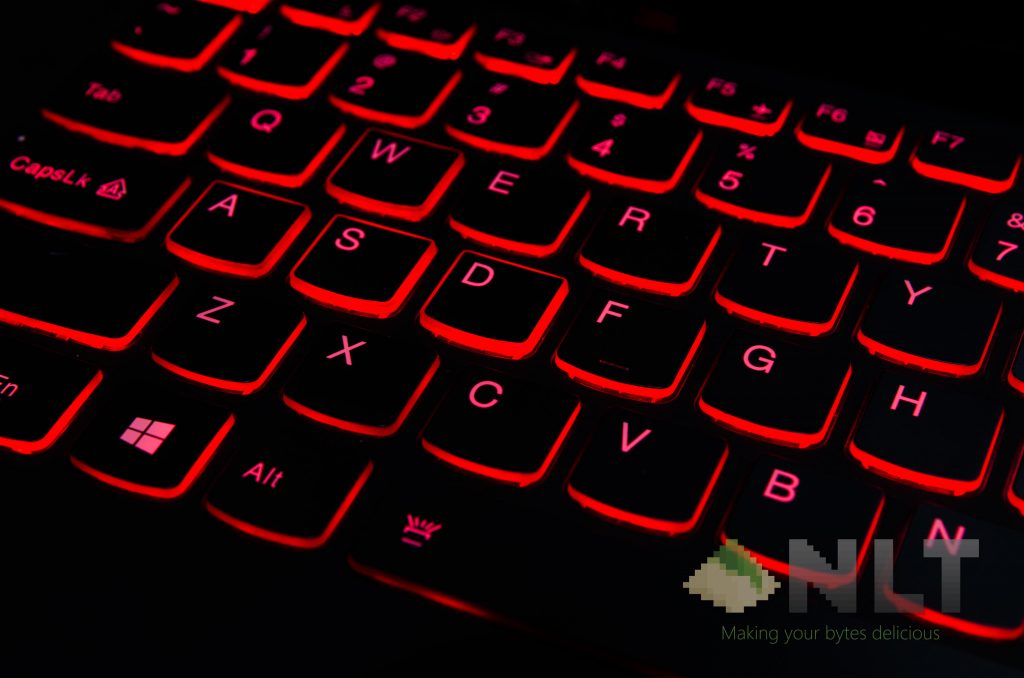
Also, thanks for the backlit keyboard!
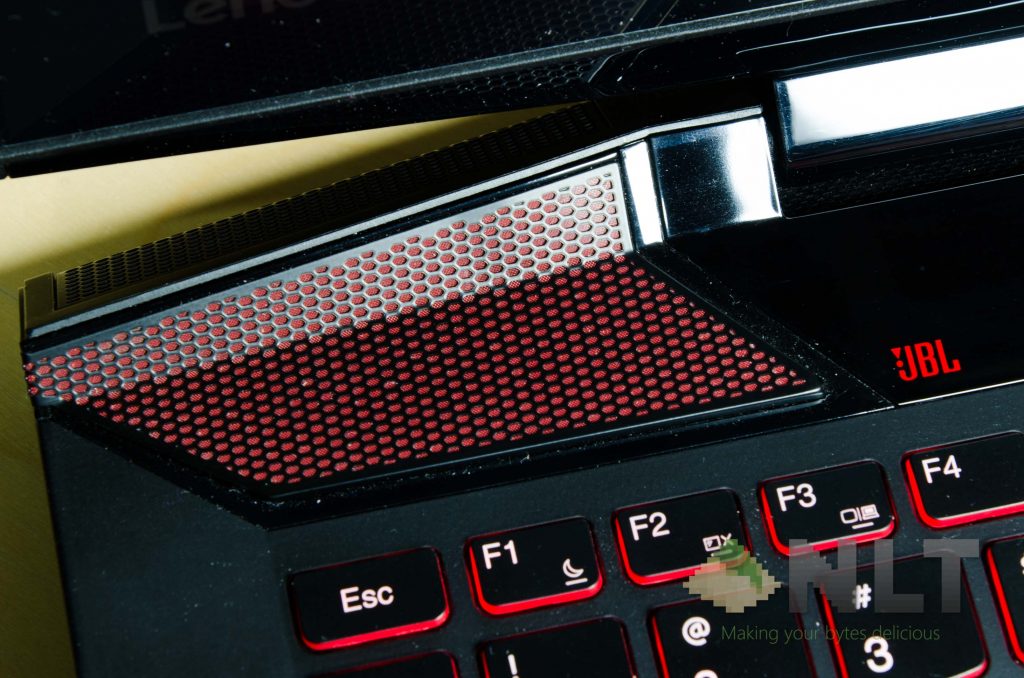
For the Lenovo Ideapad Y700, it has JBL speakers again – just like its predecessors. Yet to my surprise, it sounds surprisingly good, and also adequately bassy. It obviously won’t give you an immersive gaming experience with excellent directional audio, but it does provide adequate sound quality for games, music, and movies.
[nextpage title=”Performance”]
With all these said, what about the performance? Packing in an Intel Core i7-6700HQ, a 4C8T processor, GTX 960M graphics with 4GB VRAM, 8GB of DDR4 RAM, and a 128GB SATA-based M.2 SSD. For additional storage, Lenovo included another 1TB hard disk.
Starting off with its SSD speeds. This particular variant of the Lenovo Ideapad Y700 sports a Samsung MZNLN128HCGR-000L2 SSD – a 128GB M.2 SSD, for short.
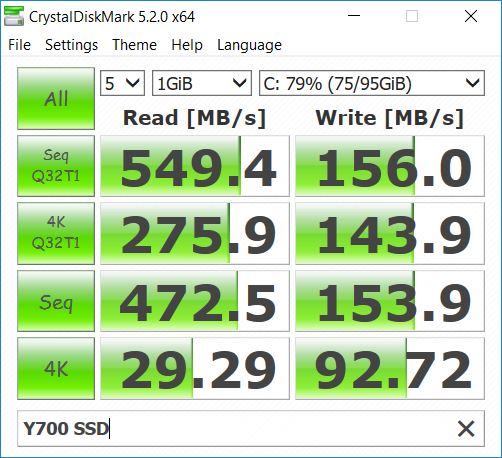
For an SSD, I have to say that the SSD here isn’t the best. While the sequential read speeds are fine, the write speeds are quite bad. A typical scenario for SSDs (where we reviewed here, and another one here), the read and write speeds wouldn’t have such a large gap between them.
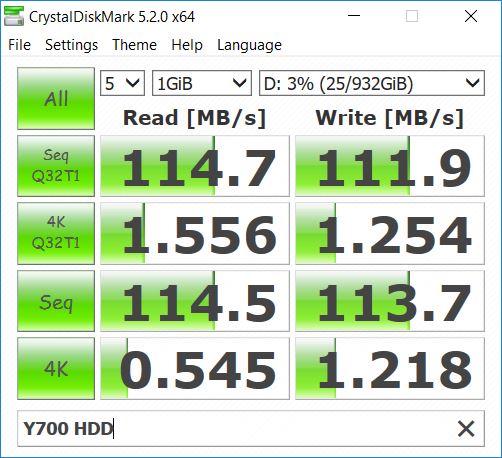
As for the 1TB secondary drive, the speeds are fine.
Now – how about games?
I tried to run Overwatch on the Lenovo Ideapad Y700 while it’s plugged in. The performance is fairly okay, given that the only bottleneck here is the GTX 960M graphics. It can, however, run Overwatch at Low-to-Medium settings (at 1080p with 100% rendering scale) at a fairly consistent 60FPS experience with V-Sync turned on.
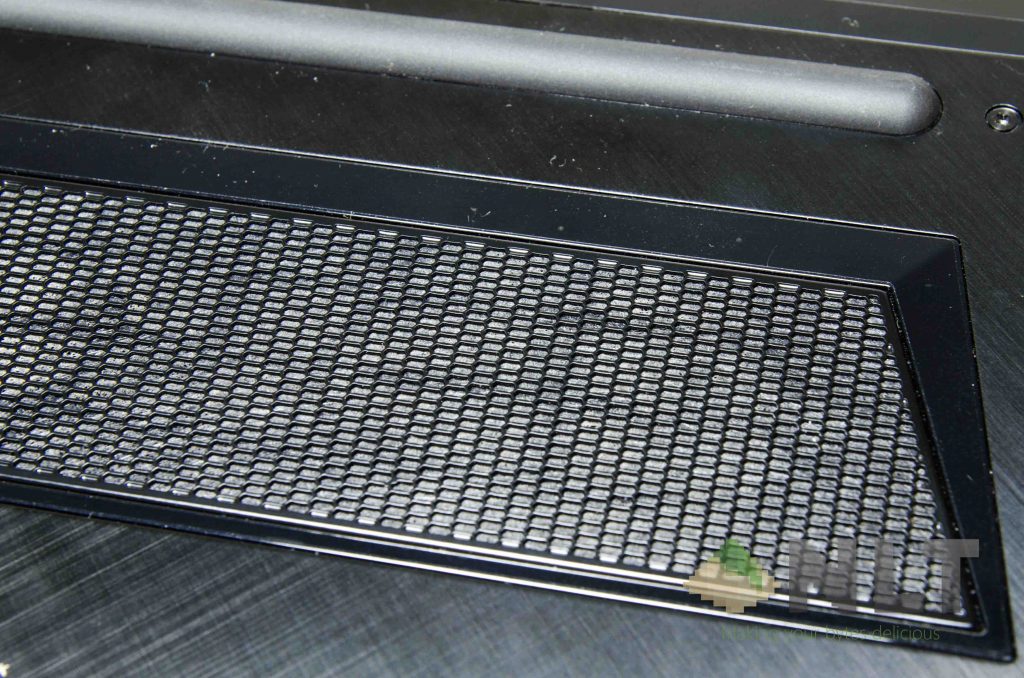
While stressing both CPU and GPU together, there are no signs of thermal throttling. The fans do get very noisy, however. However, there are reports on the Lenovo Forums stating that there is a way to fix this, but it will require the removal of the fan filter on the underside.
Playing some older titles like Assassin’s Creed III (thanks Ubisoft for the free game!), showed quite a consistent 31FPS all throughout the game on its highest settings at 1080p. However, it drops to about 21FPS at certain scenes.
[nextpage title=”Battery”]
For me, this is a strong point for the Lenovo Ideapad Y700. The battery lasts for about 5 hours while browsing and listening to music on Spotify while going on YouTube occasionally. Quite good, in my opinion.
However, don’t long gaming hours on battery though, as it lasts barely 2 hours of gaming on Overwatch with the aforementioned settings.
The included power brick, in this case, is a proprietary one. Not only that it uses the special USB-like plug that only Lenovo laptops use, but its required power is rather non-standard.
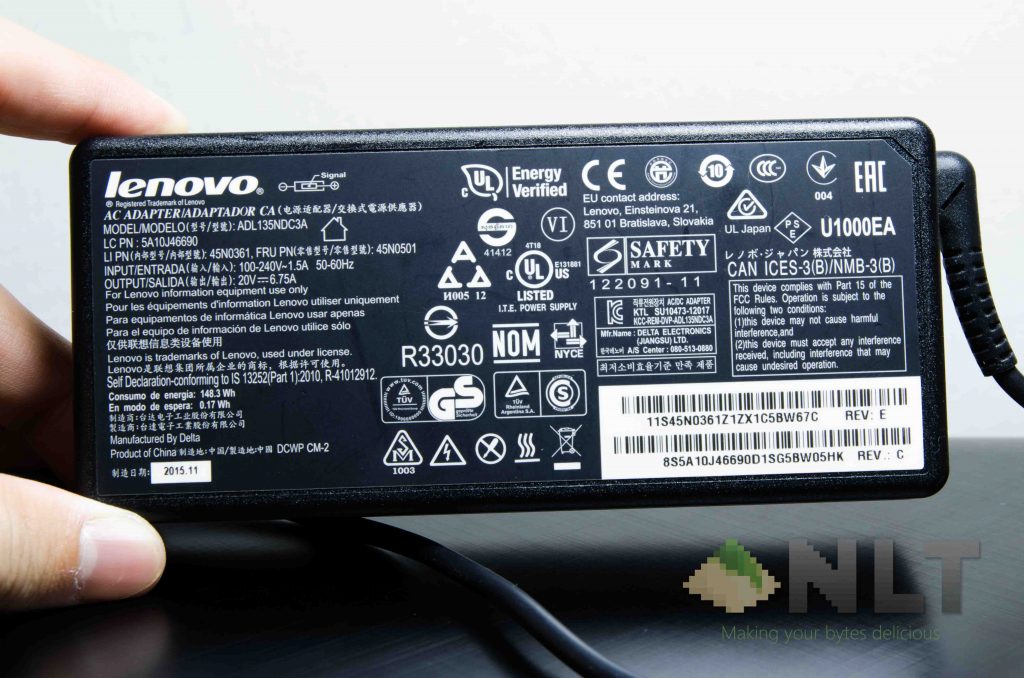
As stated on the output side, the Lenovo Ideapad Y700 takes in 20V at 6.75A – which means it’s at 135 watts. Finding a secondary power brick, in this case, might be a little tricky.
as I realized that there is a software-controlled performance throttling mechanism that triggers when the battery reaches 30% and below. It throttled the CPU down to about 780MHz. Obviously, it is to conserve battery while you save all your work and hunt for a power plug. However, I find it better if the performance can be maintained so that my tasks can be done quicker.
[nextpage title=”Wrap up”]
The Lenovo Ideapad Y700 is undoubtedly aimed towards those who seek a budget gaming laptop. It’s definitely not the fastest laptop on the market – because prices start from RM4,199 to RM4,999. The price variation here is due to the difference in the specs. Some of them have 4GB RAM with only 1TB HDD, whereas some come with 16GB RAM with a larger SSD. All of them do get to enjoy Lenovo’s 2 Year Carry-In Warranty too.
While there are certainly some issues that can somehow be worked around – like its screen quality and the thermal issues. I don’t see them as major issues unless you’re going to use the Lenovo Ideapad Y700 for colour-accurate work.
Lenovo pretty much took their existing laptop, fixed things that were wrong, updated its hardware, updated some aesthetics, and released the Y700. It’s a great budget gaming laptop that doesn’t cost a bomb, and offers a pretty pleasant experience overall.
Like our Facebook Page here at NasiLemakTech.com for more news and in-depth reviews! Also, join our Facebook Group for insightful information and memes!
Subscribe to our YouTube channel too!

