



















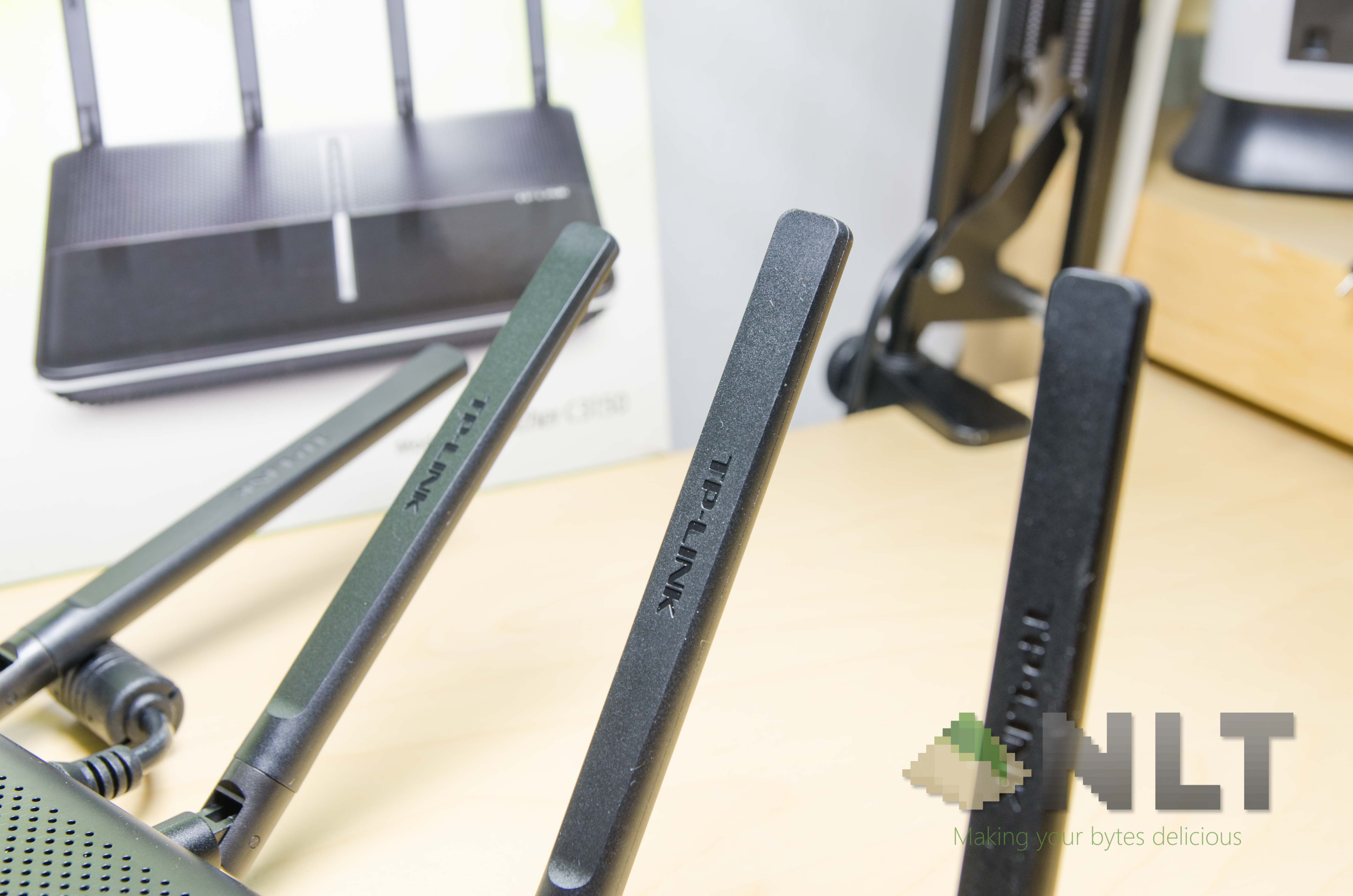

Earlier, we took a look at the TP-Link AC3200 here – that is their flagship router Now we’re taking a look at their second-in-line – the TP-Link AC3150. I have to start off by saying, TP-Link got their naming scheme right with these routers. It’s not confusing, and while the AC3200 is the highest end, deducting 50 from the value there means it’s not as high-end.
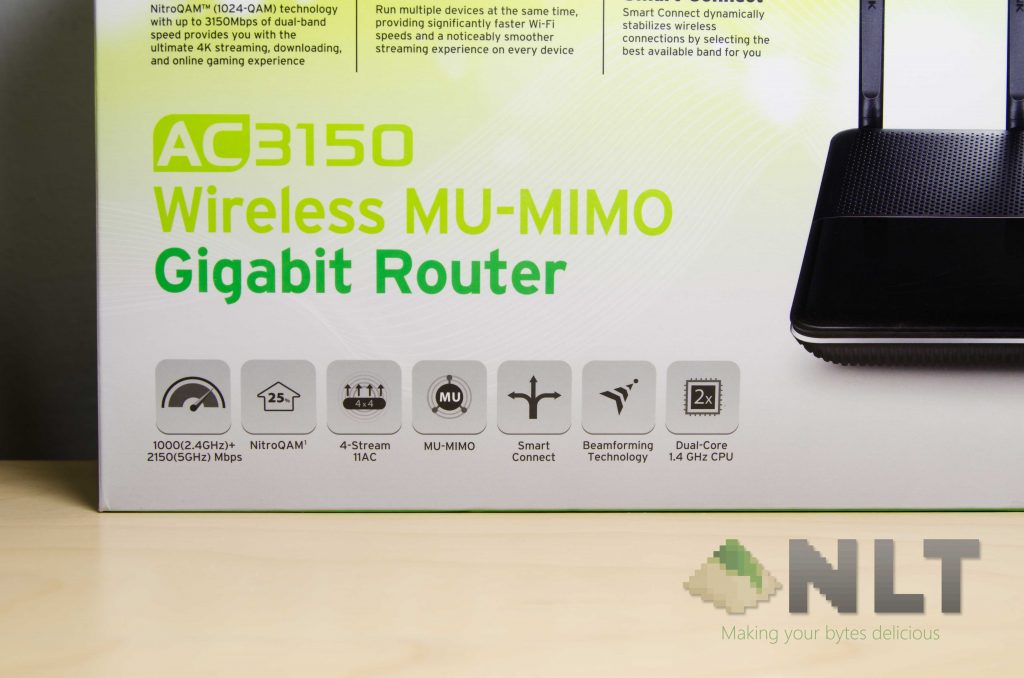
Starting off with a few of its specs:
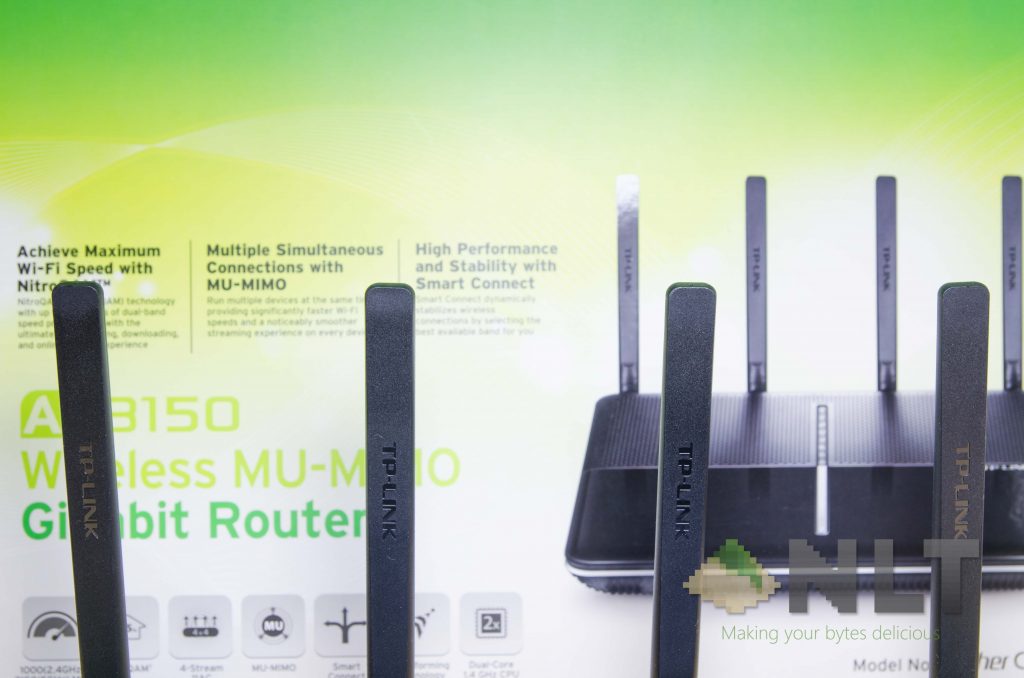
- NitroQAM
- 4-Stream 11AC
- MU-MIMO
- Smart Connect
- Beamforming Technology
- Dual-core 1.4GHz CPU
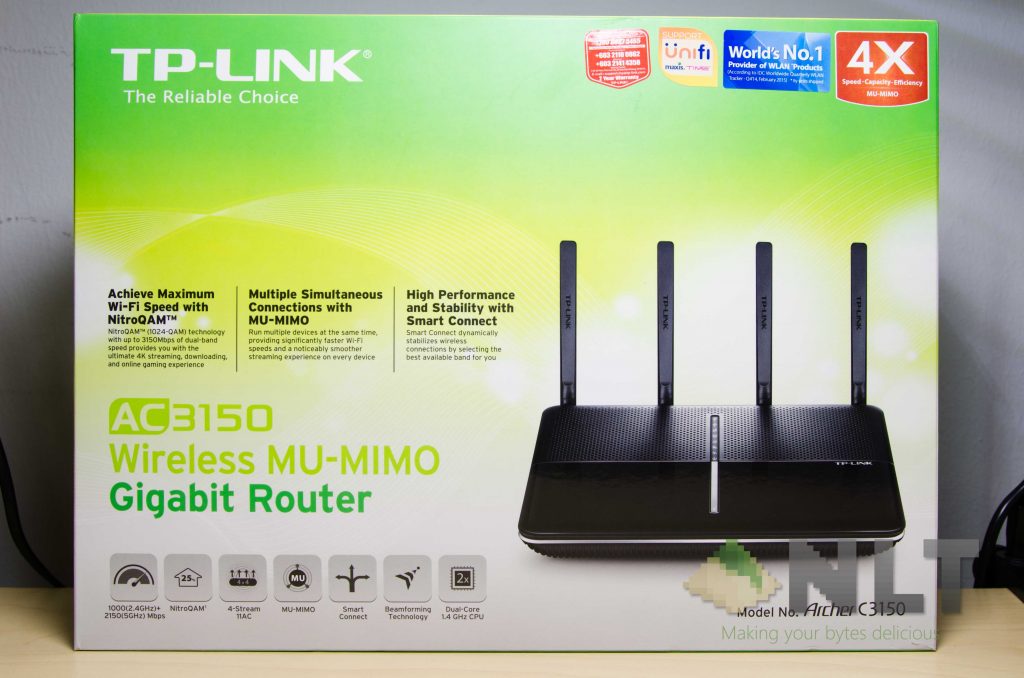
Again, the box is rather huge and still has their old logo and packaging design language on it too. I’m certainly unsure on when the new design language is coming to its products, but I’m quite eager to see how colorful they are.
Opening up the box shows off the usual things included alongside a router – Ethernet cable, some documentations, the router itself, its antennas, and power source. We’ve seen the TP-Link AC3200’s power brick before – and the AC3150 has a similar one too.
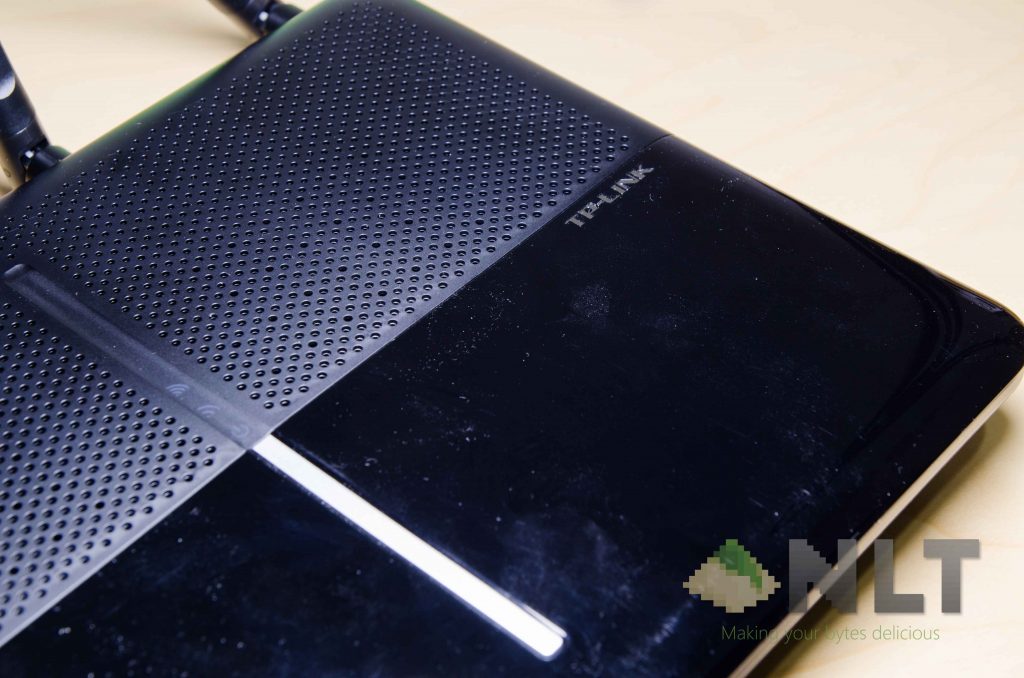
Aesthetically, the TP-Link AC3150 is a lot cleaner – if you can maintain, that is. It features two halves – the first top half is made out of perforated matte plastic for aeration – or air circulation, whereas the lower half is made out of glossy plastic.
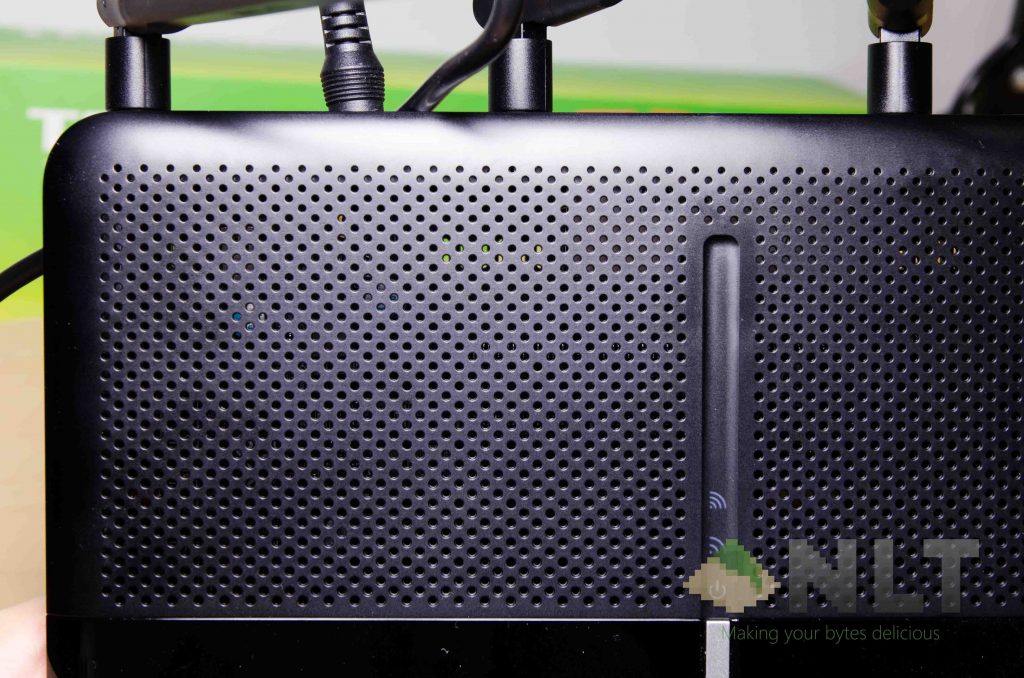
As we’ve clearly stated on why glossy plastic isn’t particular the best material to use (here, and especially here) – they tend to attract dust first, then get even the tiniest scratches very easily.
It has quite an interesting number of ports too. Starting off with the back.

At the left side is where most of the other I/O ports are found.

I find it quite interesting for TP-Link to include wall mounting screw holes and has raised corners for proper ventilation.
The interface and setup process is mostly the same as its elder brother, the TP-Link AC3200 which we’ve seen here,
Throughout my test, the TP-Link AC3150 the speeds are good, but signal strengths just aren’t that strong compared to its elder brother, or my personal unit of the ASUS RT-AC66U. 5GHz, the signal drops off quite significantly when I was at one floor below the router.
Here are my findings when I used the 802.11ac WiFi on the TP-Link AC3150. These were done by copying files via the AC WiFi SSID between two computers.
| Number of files/size | Distance | Average speed (MBps) |
| 1 file @ 2.3GB | Next to the router | 33 |
| One floor down | 22 | |
| On the other end of the house | 1.2 | |
| 784 files @ 1.13GB | Next to the router | 18 |
| One floor down | 14 | |
| On the other end of the house | 0.677 (unstable) |
The signal drops off quite significantly when I was at one floor below the router – especially when it comes to the single large file test. When I moved to the other end of the house, the connection starts to drop off.
The TP-Link AC3150 is priced at RM969 – which I think is a little hefty too. I suppose finding an alternative might be better.
Like our Facebook Page here at NasiLemakTech.com for more news and in-depth reviews! Also, join our Facebook Group for insightful information and memes!
Subscribe to our YouTube channel too!

