



















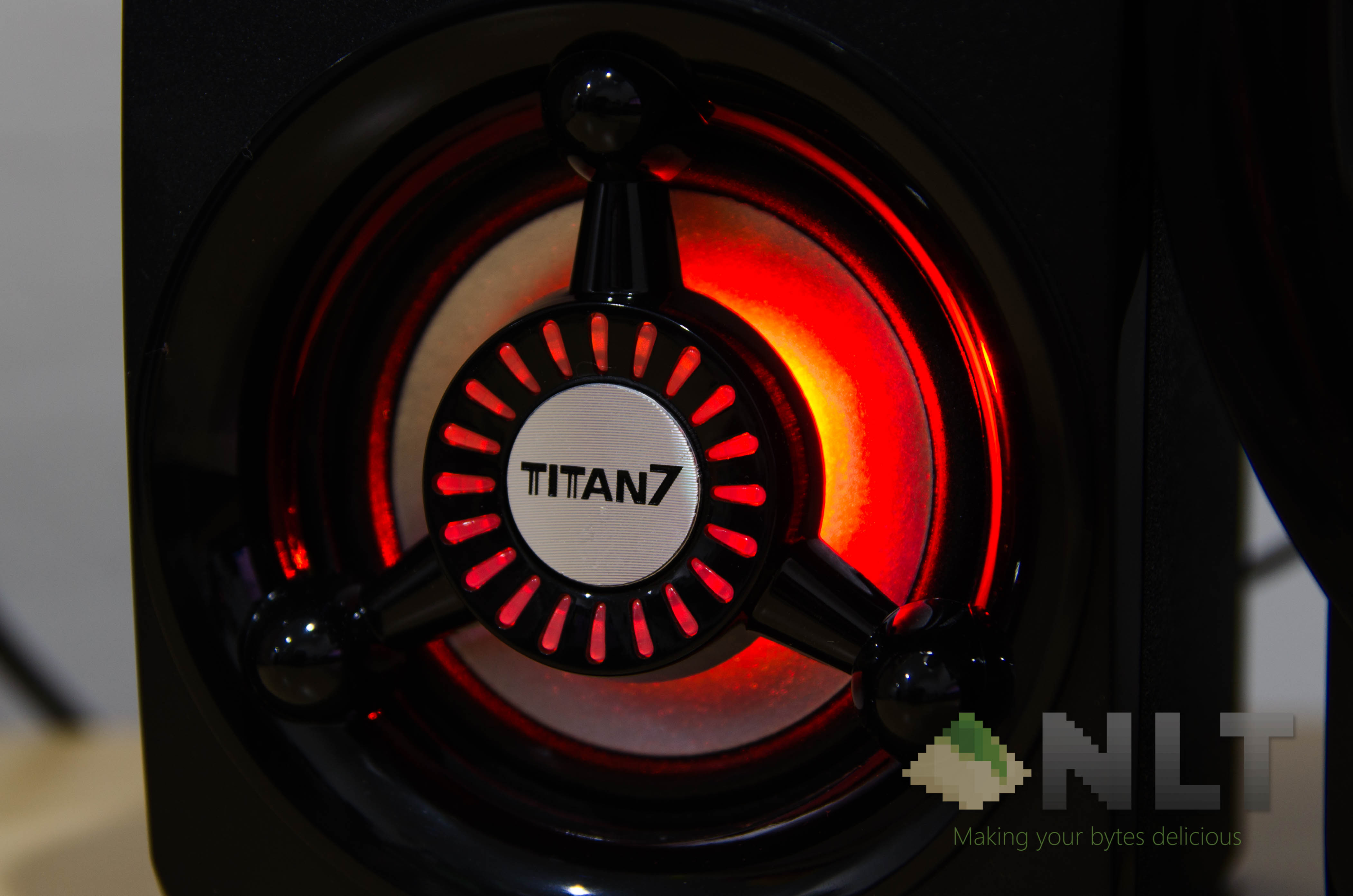

I can say it with confidence – 2016 was the year of RGB uprising. We’ve been seeing an insane amount of RGB peripherals, LED strips, and even being implemented to motherboards, GPUs, and whatnot. I thought RGB multimedia speakers were never going to be a thing, but here we are – the SonicGear Titan 7 BTMI is a speaker with multicolor.
Now, let’s clear out something first. This is the new SonicGear Titan 7 BTMI (2017), and it isn’t exactly RGB – it just has 7 different colors and that’s about it as far as lighting goes.
Without further ado, here’s the review of this flashy speaker.
Unboxing
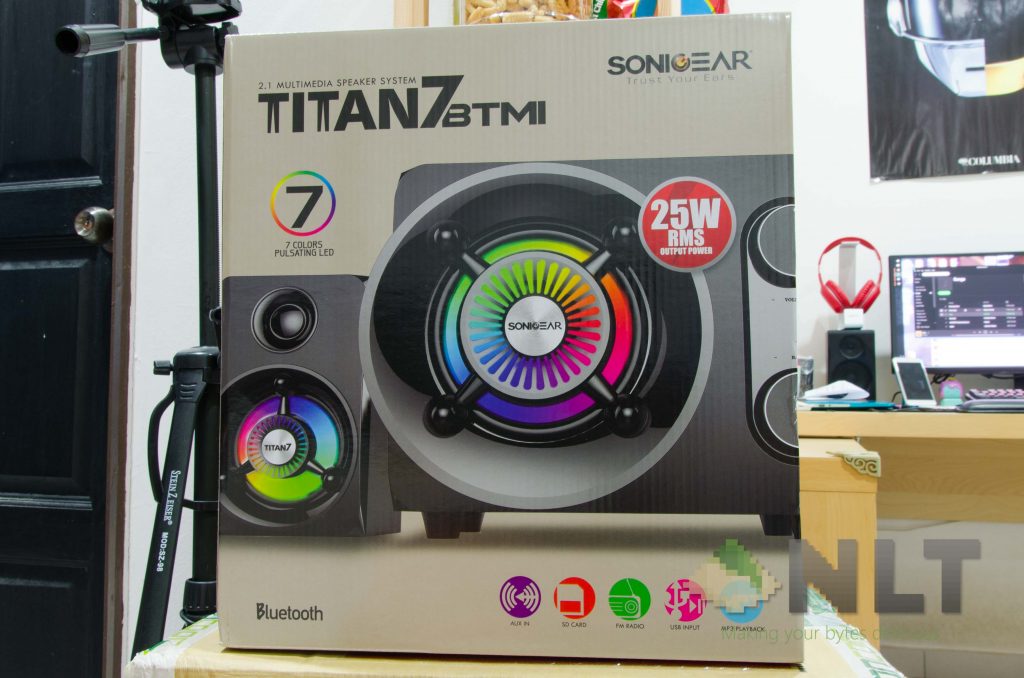
This is where I call out the exact same issue on each of SonicGear’s speakers. The box itself is made out of a rather thin and fragile piece of cardboard, which frays by just opening the box. That means this box isn’t particularly reusable – and please don’t carry anything heavy using this box if you plan to recycle.
The unboxing experience is rather dull, with the two satellite speakers at the top tray, and everything else above the inner layer. Not like SonicGear included a lot of accessories, though.
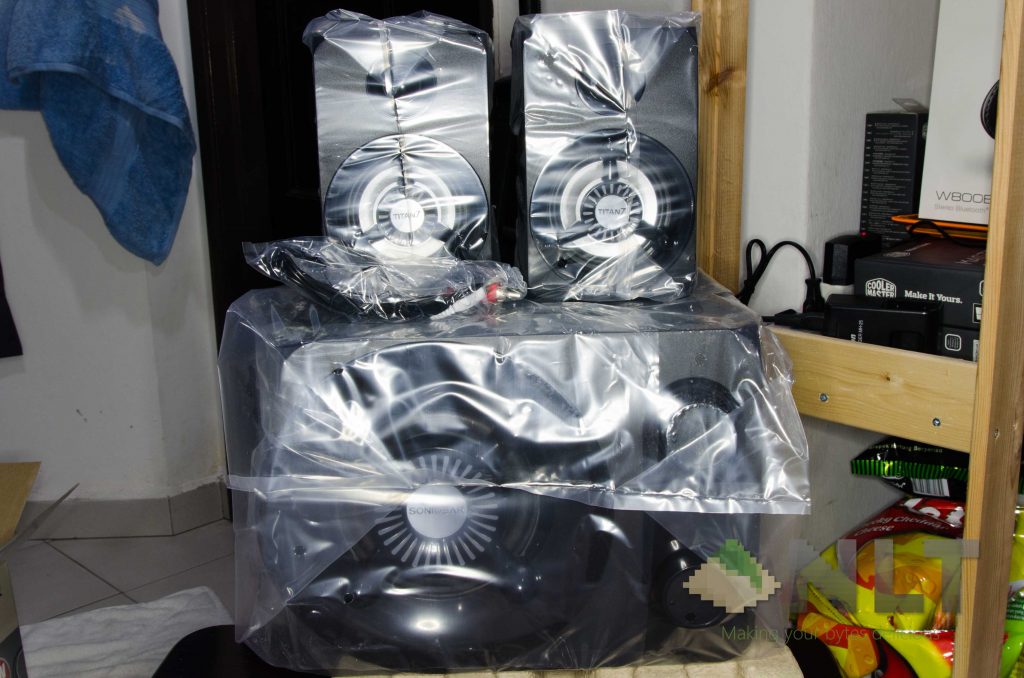
I mean, that’s all you get. Two satellites, a subwoofer, an RCA-to-3.5mm audio jack, and a tiny little piece of user manual. That’s all you get in the box.
Design & Features
It’s a rather… unconventionally designed. I mean, geometrically, it’s the standard 2.1 speaker design – there’s no denial in that. Everything is still essentially square and circular in shape, but there’s a facade to give it that special flair.
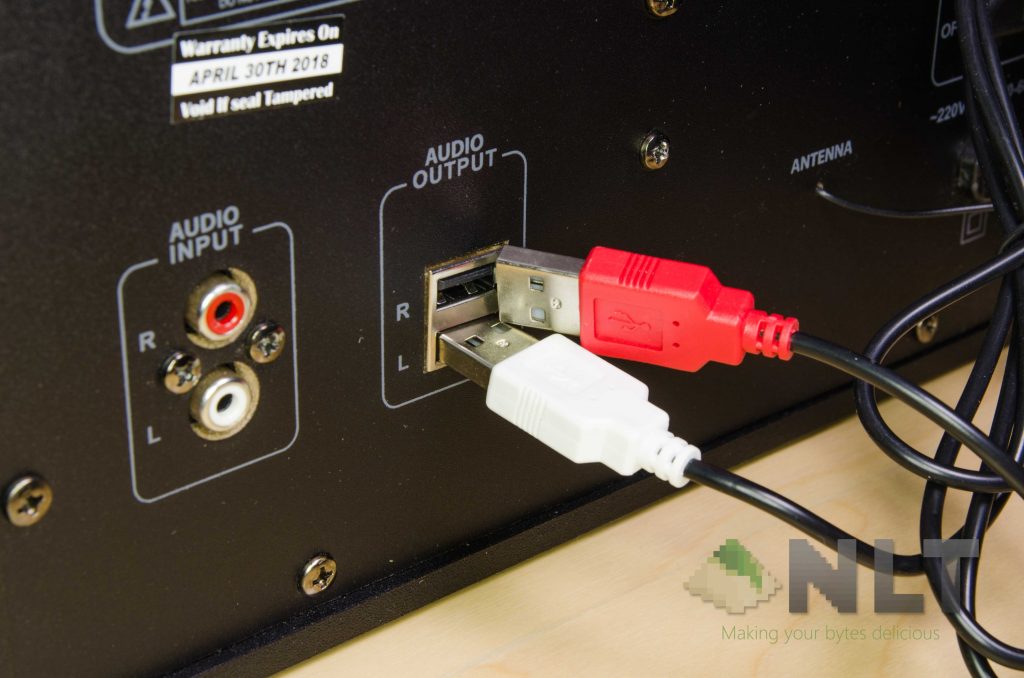
For some reason, SonicGear opted for a USB-like connection for both satellites. Interesting, but make sure you plug in the speakers only.
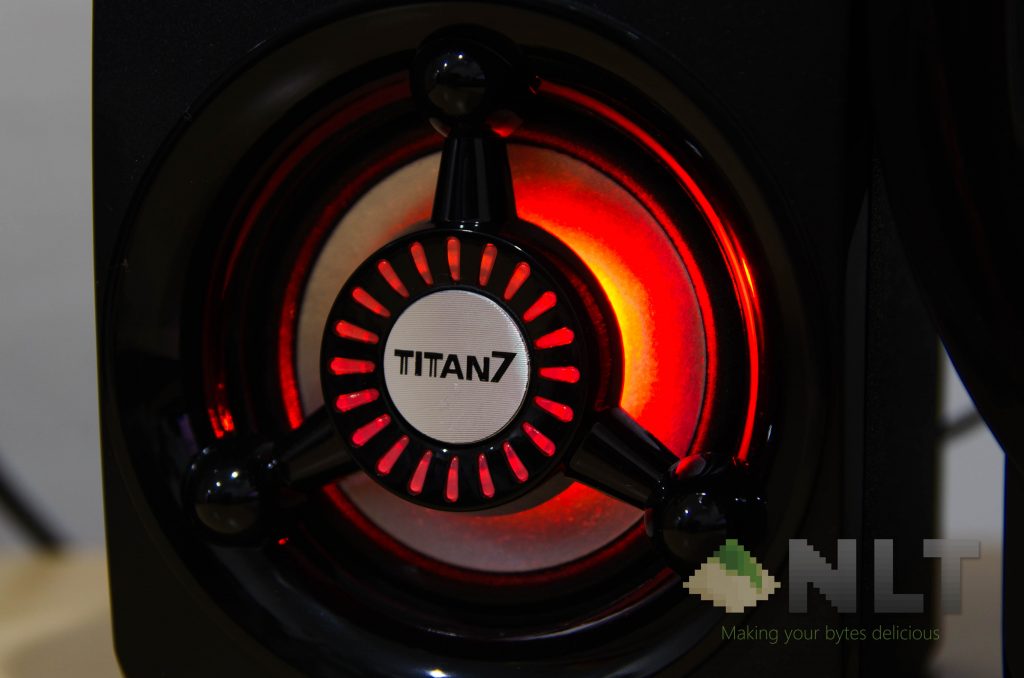
And that special flair is its colorful LED. More on this later, of course.
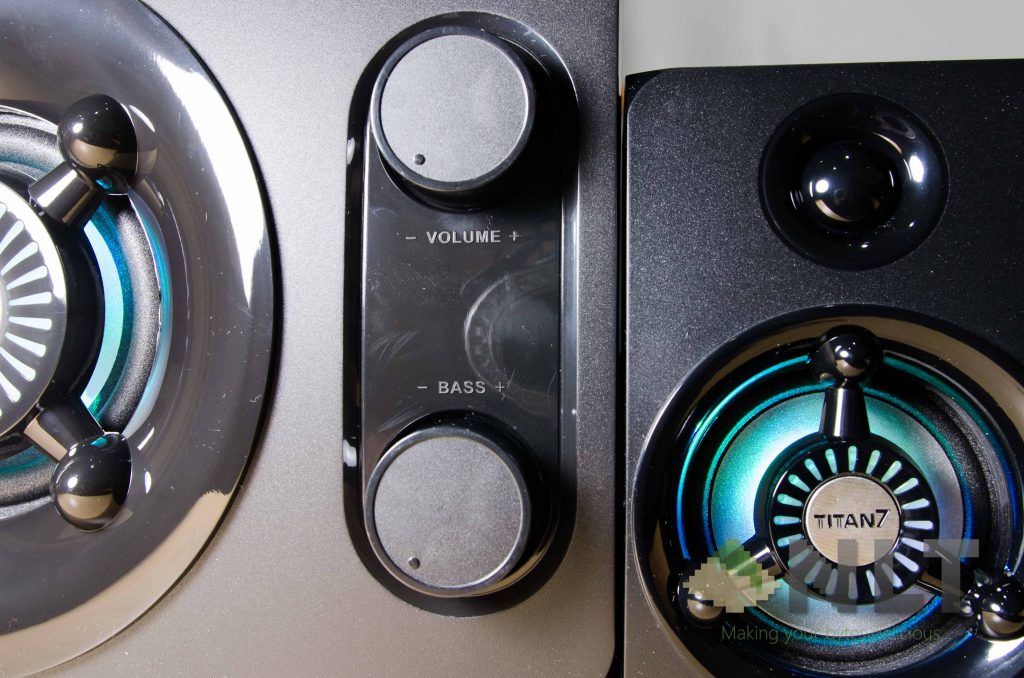
All I/O ports are placed at the top of the woofer, whereas the least-touched cables are placed at the back. For some reason, they placed two unnecessarily large circular knobs at the front for volume and bass control.
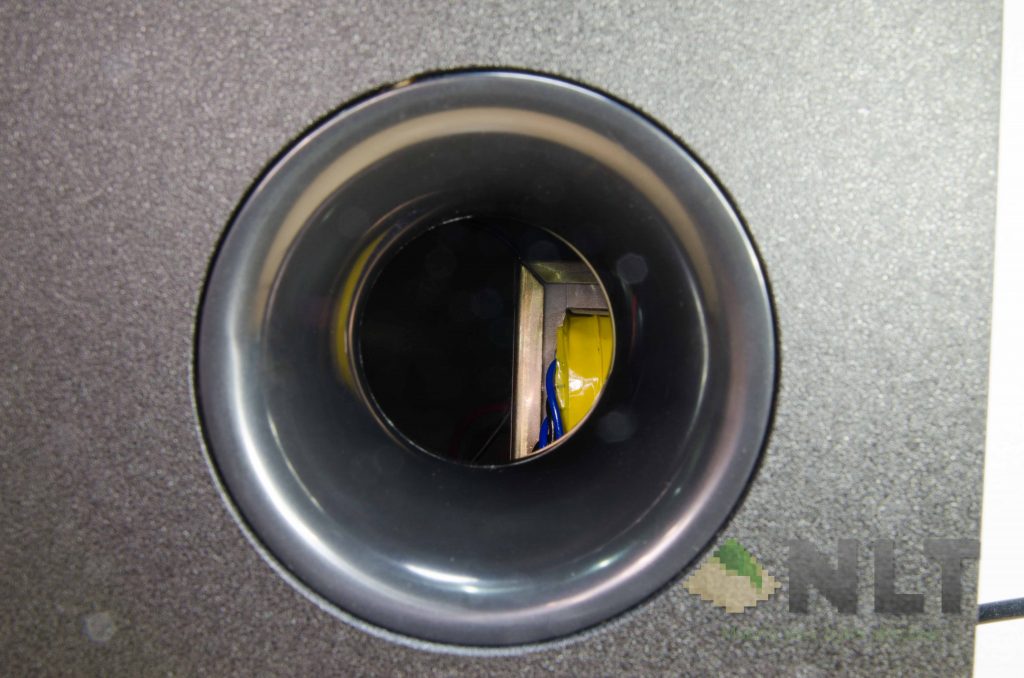
By the way, there are no filter or protection on the subwoofer’s air intake opening. Be aware of the accumulation of dead insects inside of it after some time!
Then comes the cable outlet on satellites themselves. I have no idea why SonicGear opted for such flimsy cable management. I can only foresee that accidentally the cable will get yanked and damage the cable connections internally. That’s certainly not a good thing.

Features
Speaking of those ports and buttons at the top, the SonicGear Titan 7 BTMI supports SD card, USB, Bluetooth, FM radio, and aux. That’s actually not a bad slew of connectivity.
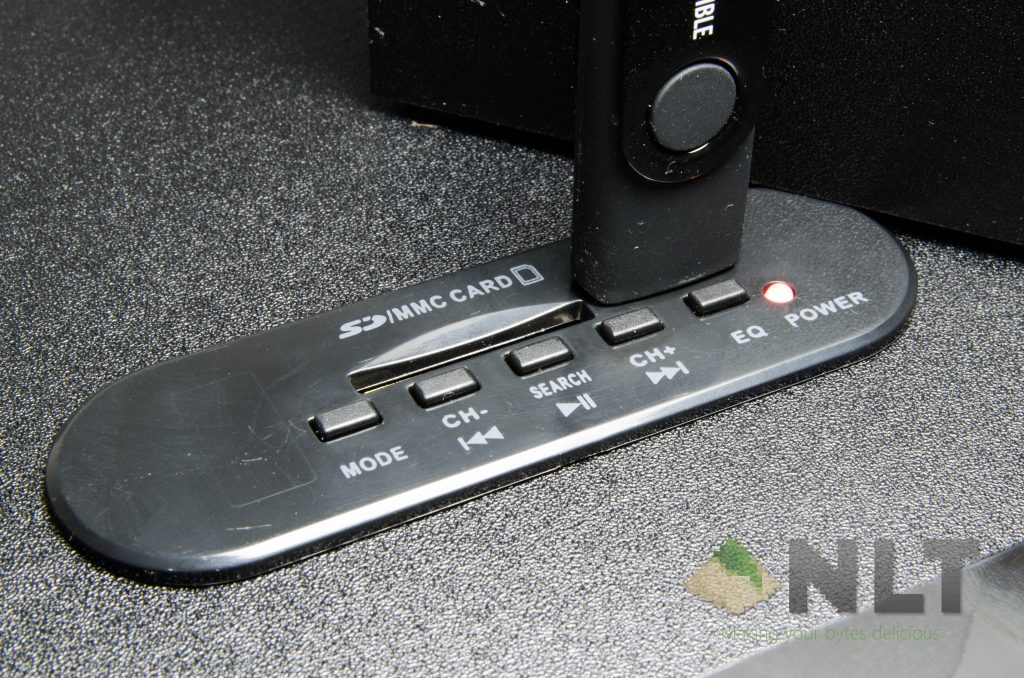
However, if you realized what’s missing in the unboxing section, you’ll find out that the SonicGear Titan 7 BTMI doesn’t have a remote control. Alright – if the buttons can do some of the features that I expect it to do, then it should be fine, right?
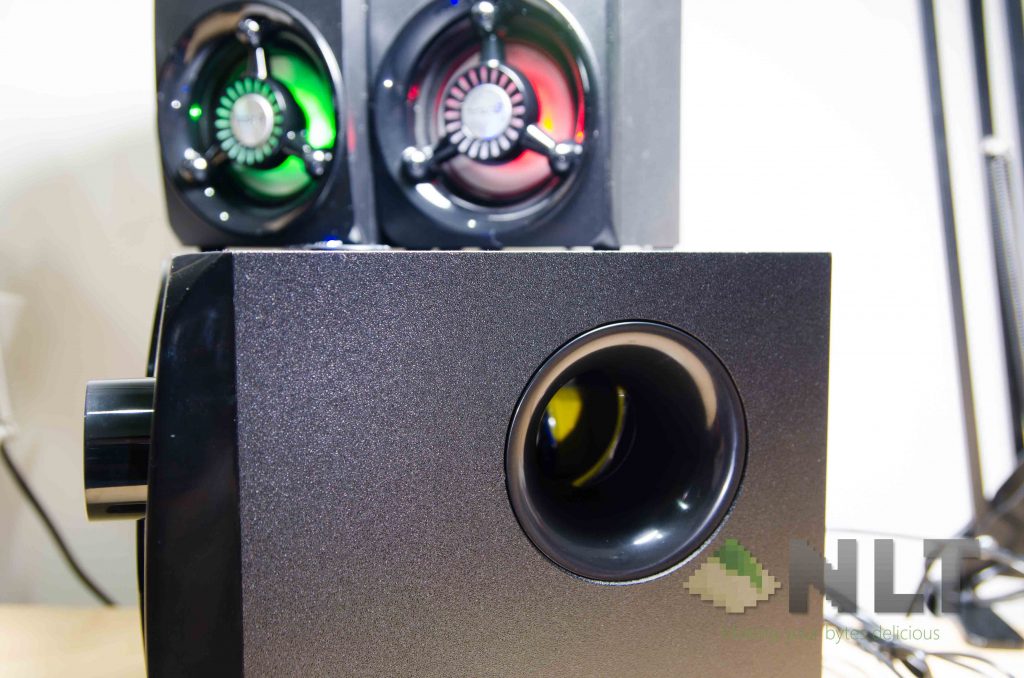
So I went about and test the features, only to realize that SonicGear didn’t even implement the color feature appropriately. The flashy lights cannot be changed in any shape, form, or even brightness.
These lights are constantly at its single brightness level and constantly circulating at that pattern only. I mean, come on – at least give me an option to turn the lights off!
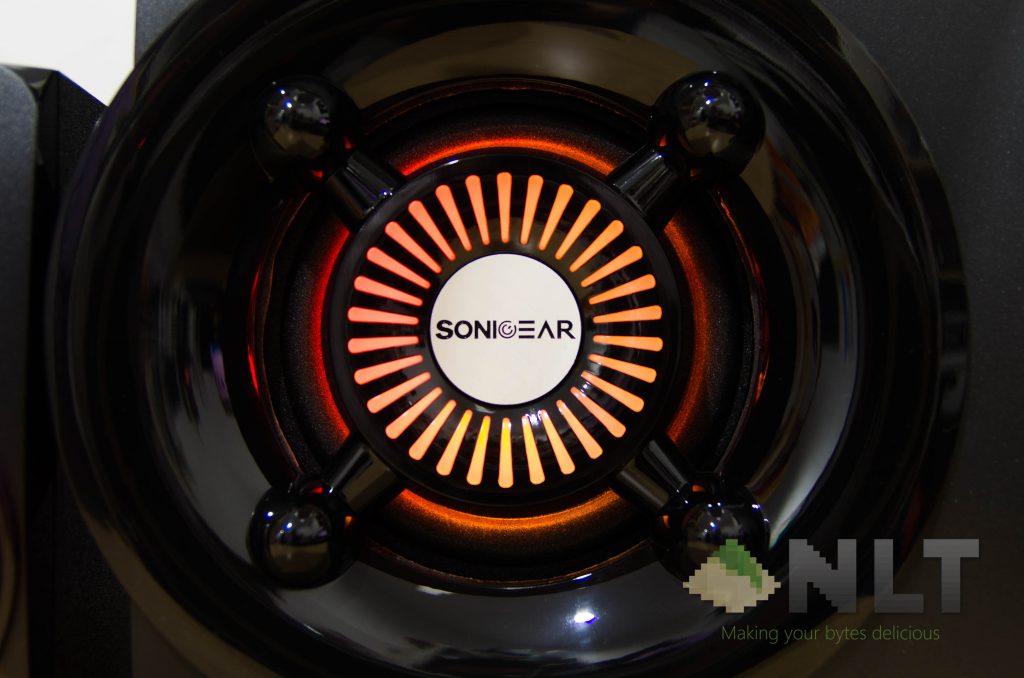
Well, technically you can switch it off. – via the master switch at the back. That master switch is at the back of the subwoofer. Not the easiest or convenient to access.
The lack of a remote control makes the SonicGear Titan 7 BTMI extremely difficult to work with – be it to just switch modes, tune the volume, or even to just mute it. Keep in mind that there is only one possible way to mute it – either by turning the volume completely off, by turning your Bluetooth connected device to mute, or by simply switching it off completely.
Using the SonicGear Titan 7 BTMI
With those frustrations aside, how does the SonicGear Titan 7 BTMI actually sound? Simply speaking – from the size alone, I don’t expect much. It’s in between those USB-powered 2.1 speakers and a proper 2.1 speaker, and it performs as such.
The sound produced is teeny, if that makes sense. Everything just sounds like it’s trapped inside, and the sound can’t project far and wide. Bass projection is poor, treble quality is no better than a MacBook Air, and vocals sound mediocre.
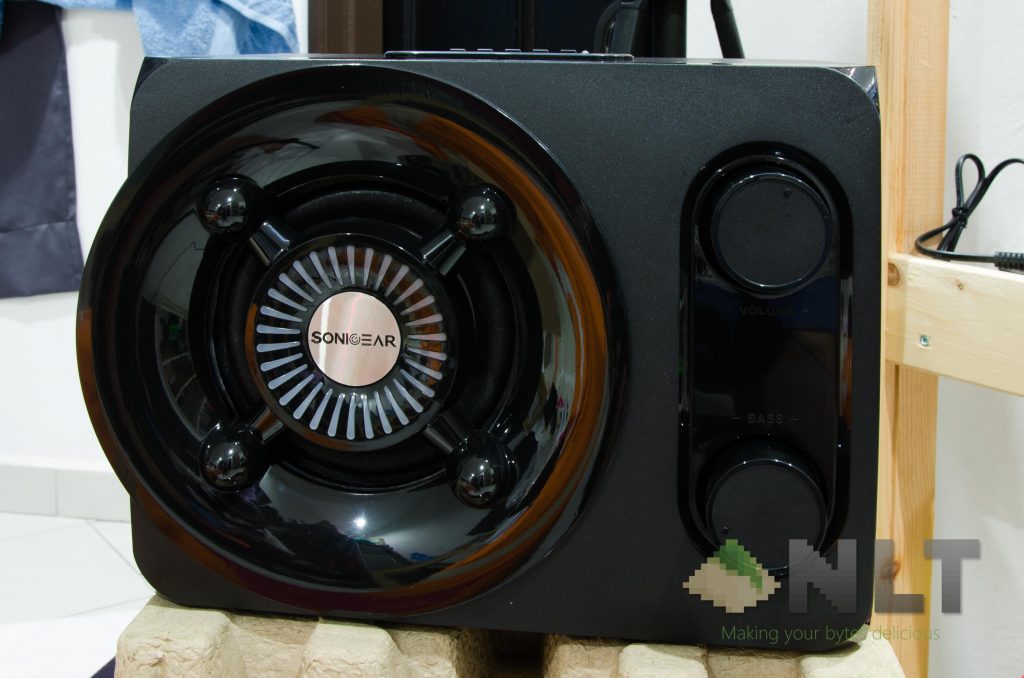
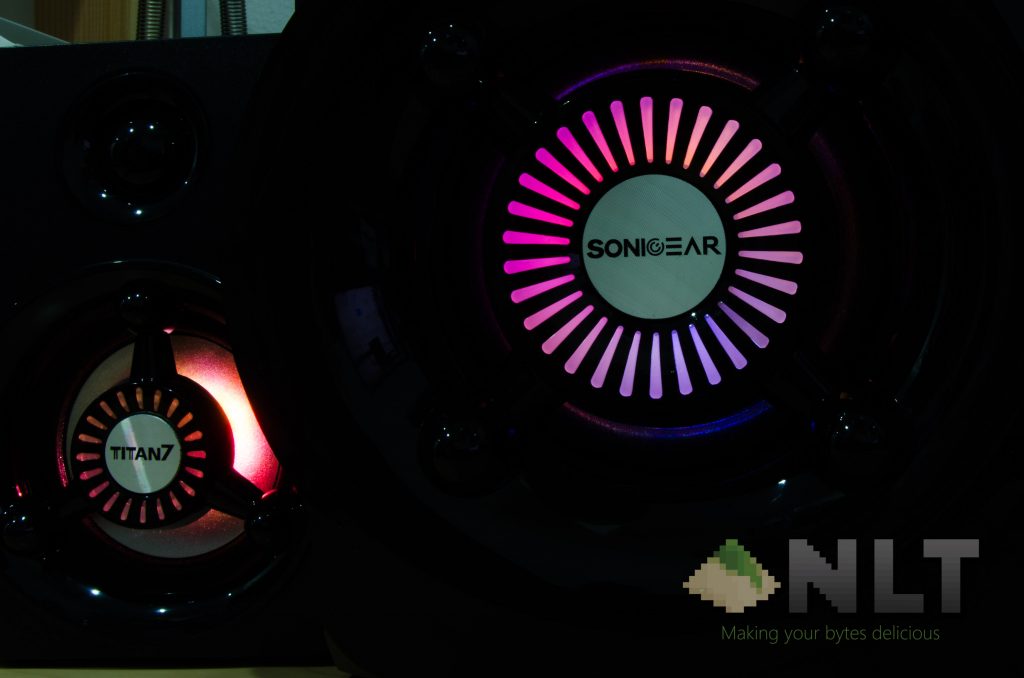
Now, back to those lights. I would have expected to have those 3 parts to sync up in colors if not the patterns. Sounds fairly simple to do, right? Just program the LED light color cycle for one component and copy paste to the other 2 – that way it won’t screw up.
But I have no idea how SonicGear screwed this up. Each time I flipped the switch on the SonicGear Titan 7 BTMI and let it stay on for some time, the LED colors aren’t in sync. One is in purple, another one is in green, and the last one is in red. WTF?
Wrapping up the SonicGear Titan 7 BTMI review
In short, just don’t buy the SonicGear Titan 7 BTMI. With those lights, it’s a classic example of a product going fully in favor of form over function. The audio quality is nothing impressive, and to be honest – for a price of RM 139.90, you’re better off saving those cash and buy a better speaker like the Edifier XM6BT that we’ve reviewed here, or anything by Creative that’s around the same price range.
If you STILL want to buy a SonicGear Titan 7 BTMI, you can get it here over at Lazada.
Like our Facebook Page here at NasiLemakTech.com for more news and in-depth reviews! Also, join our Facebook Group for insightful information and memes!
Subscribe to our YouTube channel too!

