





















When it comes to portable storage, there’s always a compromise between 3 main factors. It’s a balance between size, storage capacity, and obviously its price. Let’s not forget some other factors like durability and build materials too. Transcend realizes this, and they came up with something that skewed the balance. Introducing the ESD400 – a portable external SSD. The one we have here is the TS256GESD400K, the 256GB variant.
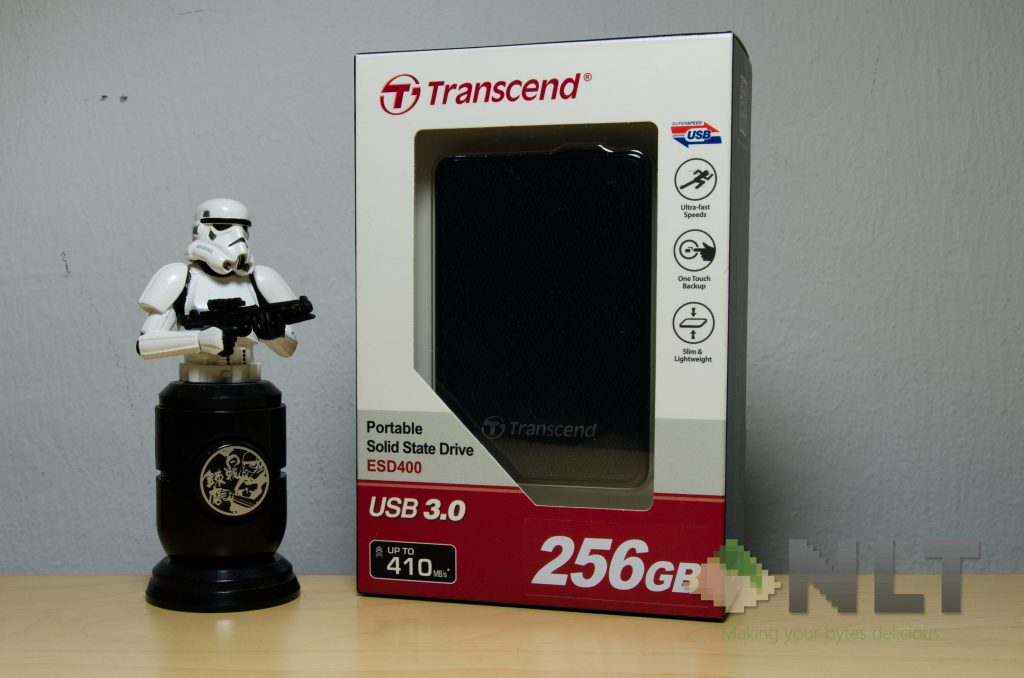
It seems like Transcend pulled off a very generic package design throughout the entire box itself. It certainly works though.
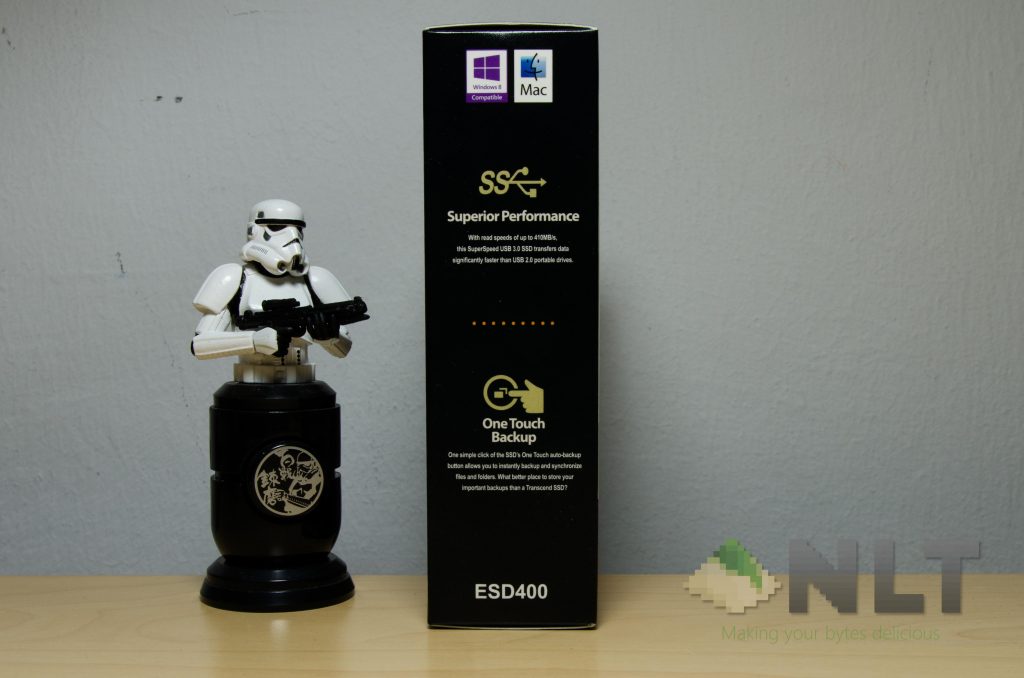
Around the side is where the other functions of the ESD400 are shown – like the One Touch Backup button.
Opening the box is fairly straight forward here though. Open the flap, pull out the products and everything is there. Well, not really.
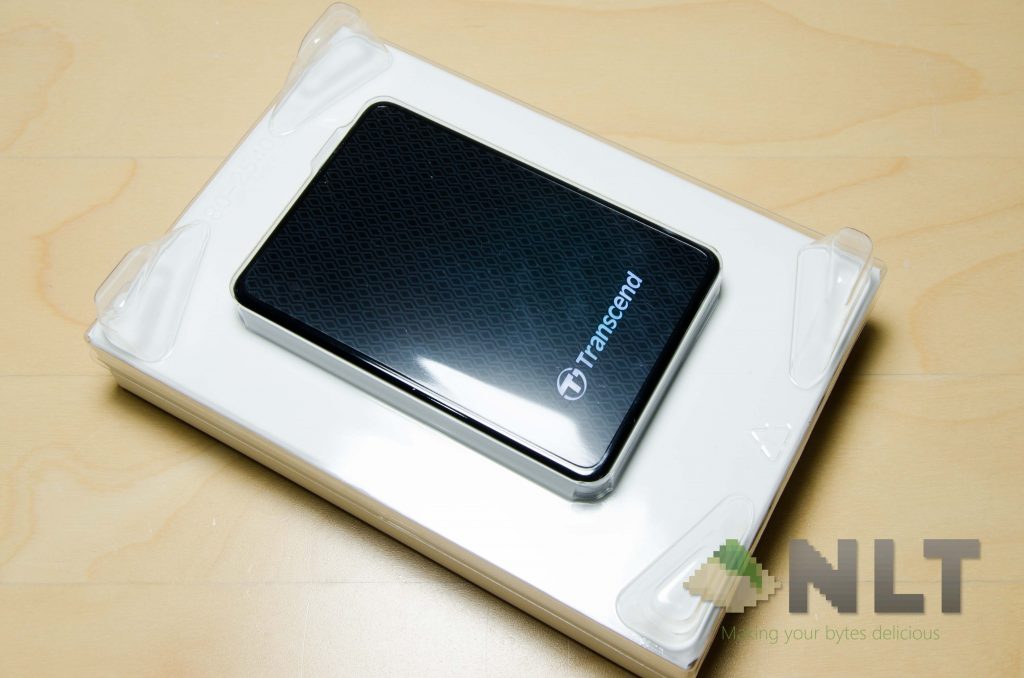
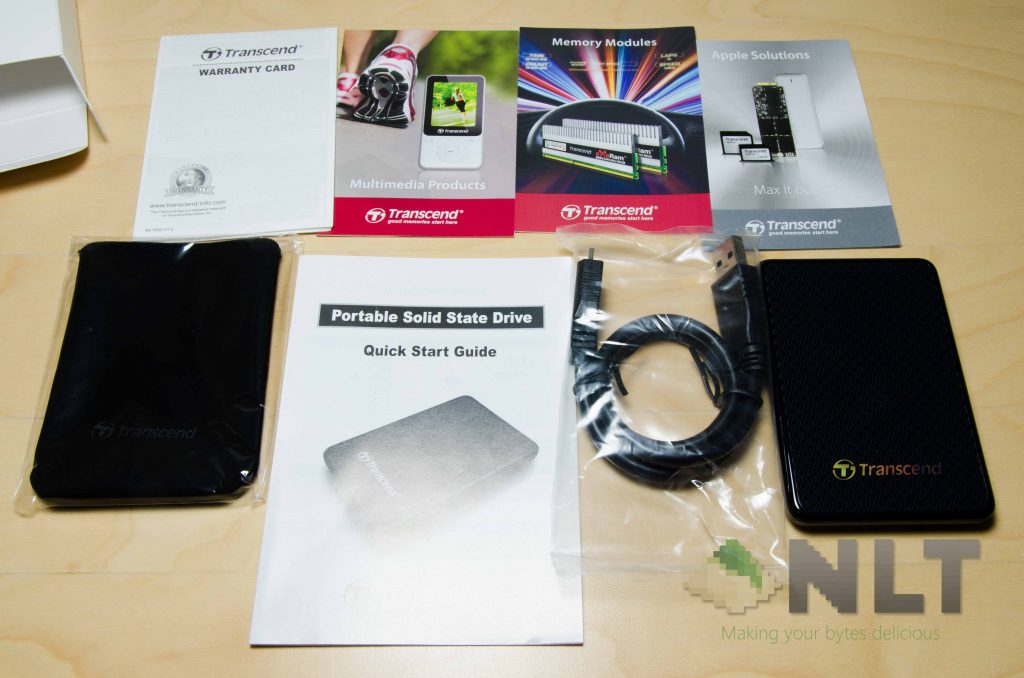
Transcend took the courtesy to package all the things into a nice box too, which includes the pouch, USB cable, and a bunch of documentations and catalogs. Keep these if anything happens to the ESD400, After all, there’s a 3-year limited warranty included.
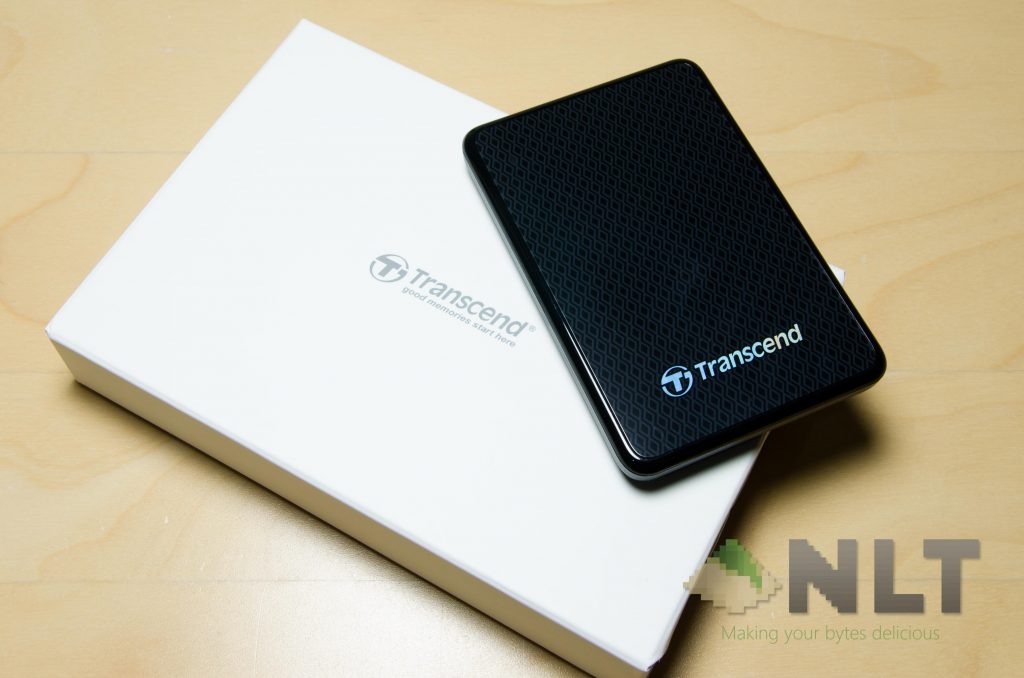
Yeah… that box is a little excessive in size actually.
[nextpage title=”Design”]The entire ESD400 is really thin. I mean the size itself is baffling. It’s only 62mm wide, 92mm short, yet only 10.5mm thin. It only weighs at 56g. For that size and weight, it’s not only tiny, but also very light. Very pocketable, actually.
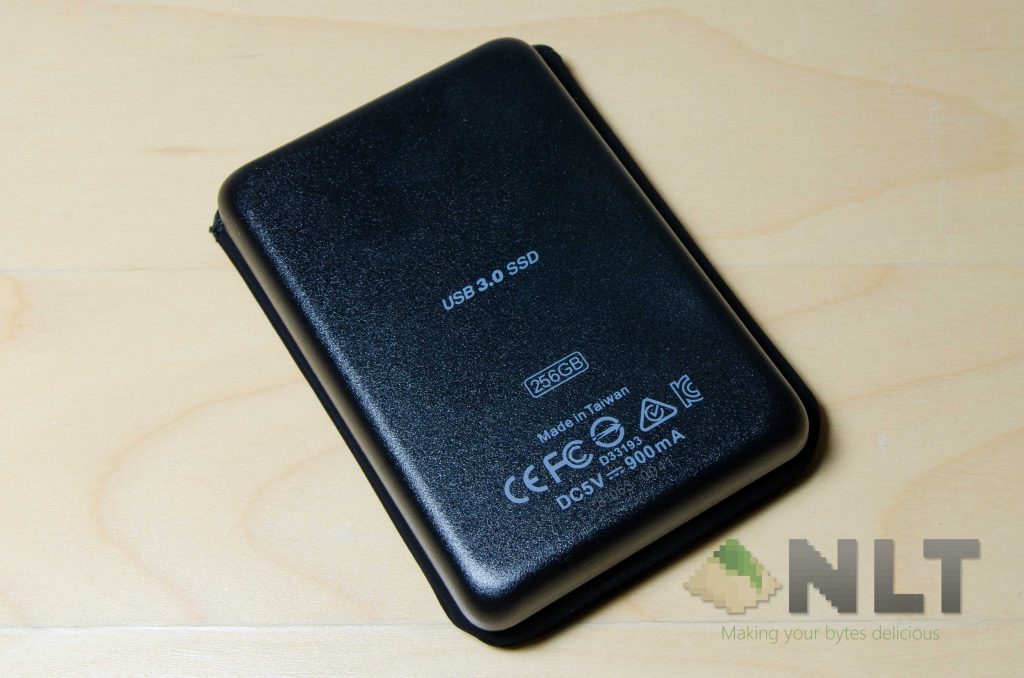
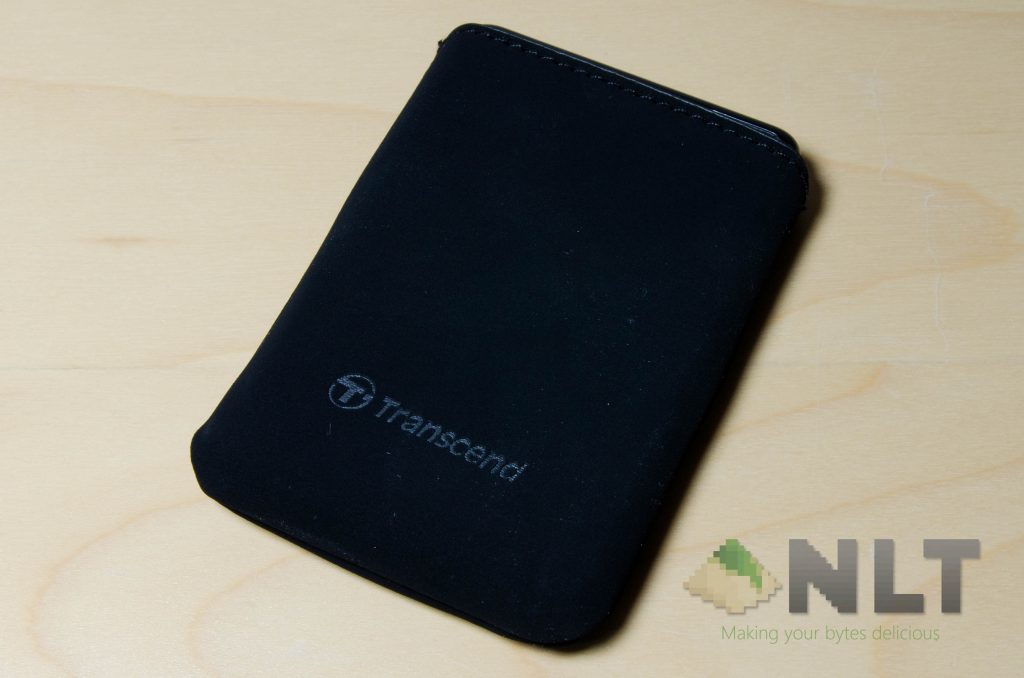
It has a very nice design at the front too, but it’s not like anyone’s going to be looking at it often. Use the pouch, because that will really help you prevent scratches on the beautifully textured top surface. It wouldn’t prevent any sort of drop damage though, as the pouch is very thin.
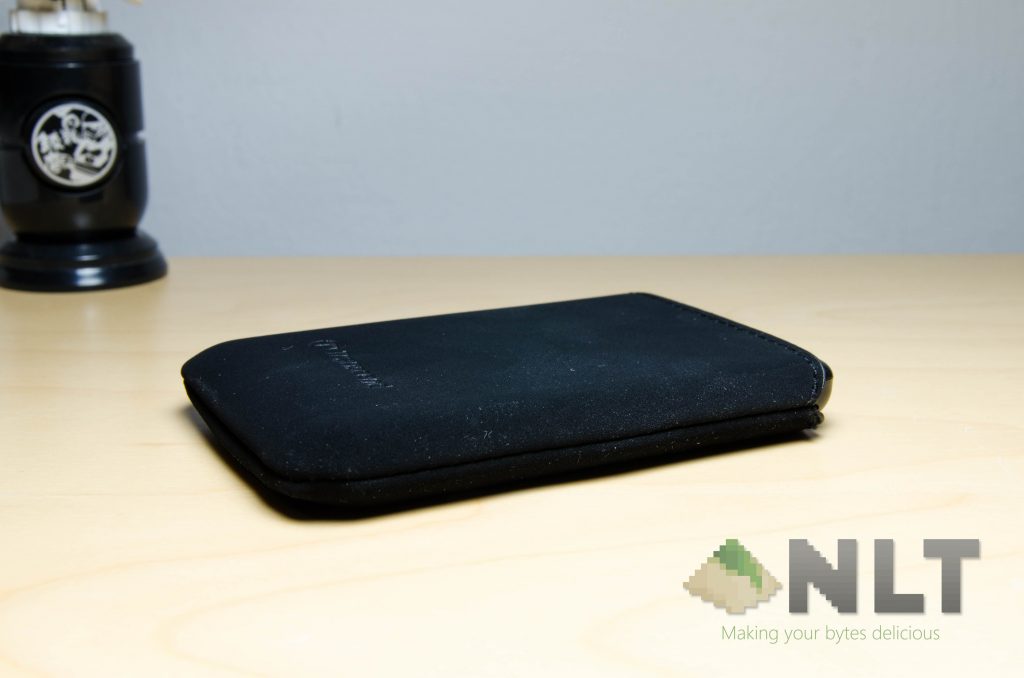
That said, when the ESD400 is in the pouch, the top where its cable goes, is exposed. Even the One Touch Backup button too. Fantastic easy access actually.
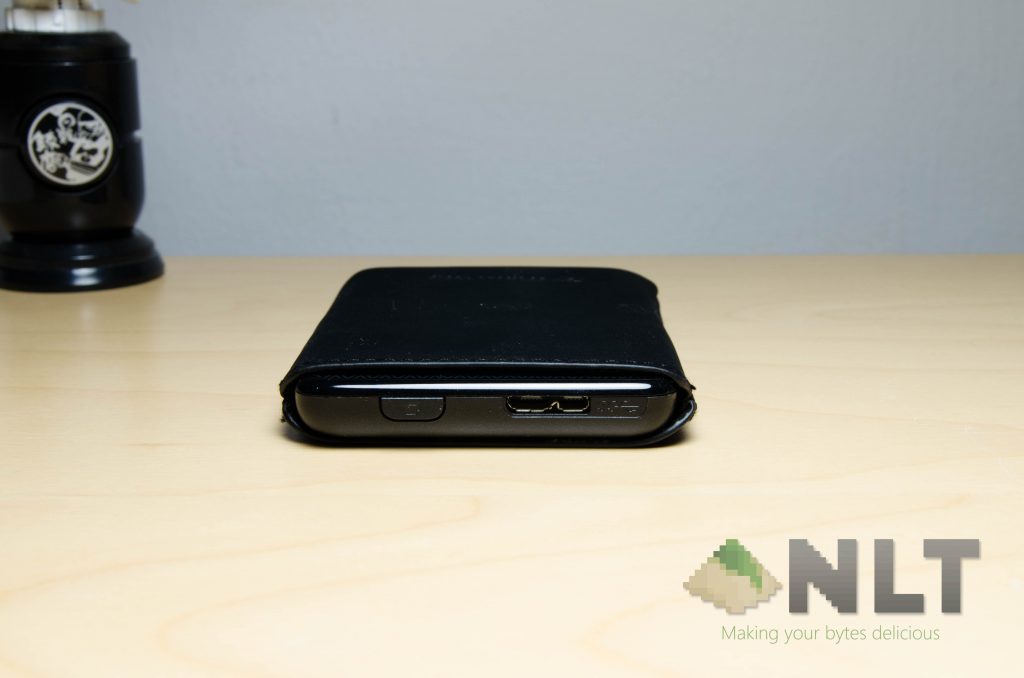
I do have one single complaint about the pouch though. While designing the pouch, why did Transcend totally neglect the USB cable needed entirely? There should certainly be a place for the cable to be stored alongside the ESD400 together.
[nextpage title=”Benchmark tests”]It feels a little surreal at first, because there’s actually an SSD at the size of a card on my palm. To know that this little storage device can surpass the speed of all its 2.5-inch external hard disk brothers. To have such a durable external storage device of such capacity seemed impractical years.
I plugged in to my USB 3.0 port and voila, it works just as expected of course.
What else did you expect? It’s supposed to be working like an external storage anyway. It’s just that the ESD400 is SSD-based.
I fired up Crystal Disk Mark as usual, I ran the tests 3 times, and this is the average result that I got.
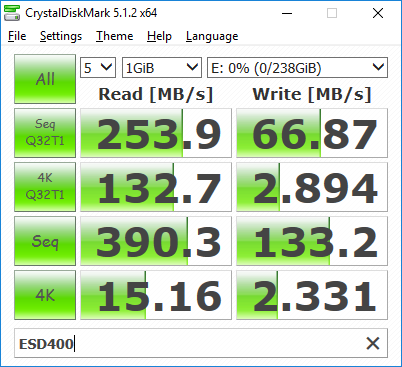
For my test, I can get a fairly decent speed all across. Definitely faster than the fastest external hard disk that I’ve tried. It can’t be compared apples-to-apples basis with an internal SSD though, because that uses a much faster connection than USB 3.0.
Keep in mind, this is the 256GB variant. In Transcend’s website, it states up to 5Gbps, or 5 gigabits per second. There’s a mention on how and why larger capacity SSDs tend to have a higher read/write speeds in general right here.
To power it up, it takes 5V and 900mA. It’s similar to the standard required power for a USB flash drive actually. That means the ESD400 can be powered by a smartphone, and have its data read through OTG too.
Software
Oh right – let’s not forget about the software that can work with the ESD400.
In this case, there are a two softwares which are provided by Transcend for free. They are the Elite Data Management software, and also the RecoverRX. Both of these tools are developed by Transcend for its users for free. Let’s go around and have a look what’s up.
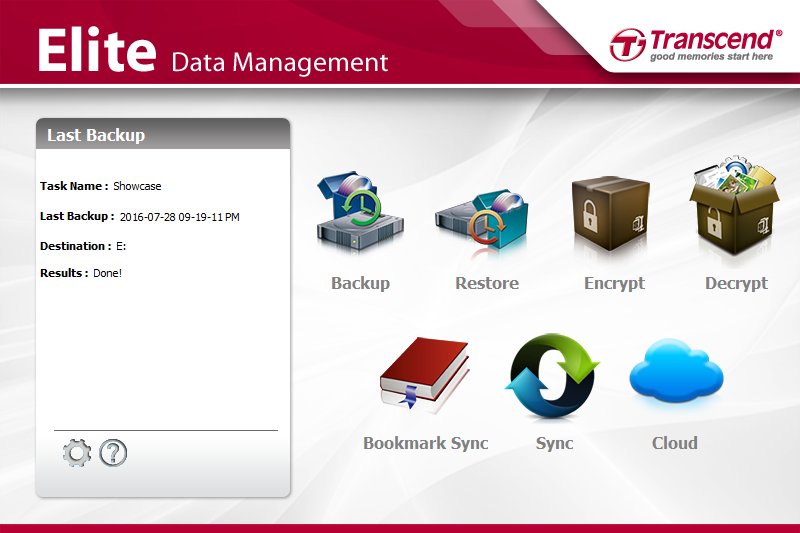
The Elite Data Management is I think what most people will use. Firstly, I configured the One Touch Backup button to do one specific folder backup first. I can make the software to be a little smarter, by having scheduled automatic backups if I wish.
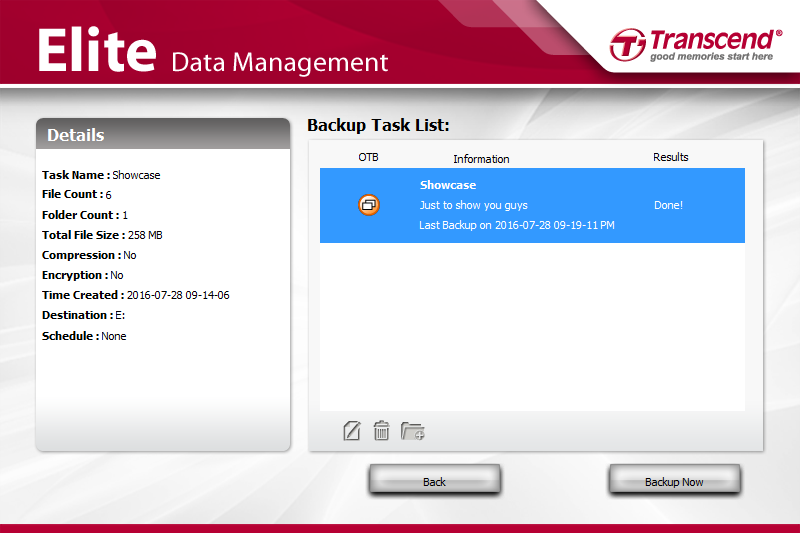
I’m happy how the Elite Data Management works, and it even offers an option to backup your bookmarks too. That’s obviously for those who doesn’t use cloud syncing. It’s not like we need this feature, but it’s great that Transcend included this.
The RecoverRX is a deep-scan file recovery software. It’s definitely a useful software for those who did some mistake in deleting their files of course. Who knows, accidents do happen. Having some sort of hope in recovering the lost files is actually nice.
[nextpage title=”Wrap up”]Overall, the performance is great, and it’s definitely better than all of the other external hard disks out there. Maybe even better than most internal hard disks too. While it’s pretty hefty, the ESD400 comes at a price recommended price of RM459, yet you can get it for a lower price here. I’m aware of the price too. While you can get a 256GB USB drive at half the price, you’ll therefore have to consider think of the speed here. You’ll get top notch speeds and features for the price of RM459.
While most people are considering the higher price/gigabyte though, at its recommended price, the ESD400 is at RM1.79296875/gigabyte. Not particularly the best, but for that sped and size – it’s the only one you can get.
On a side note here though, it lacks colour options. The EDS400 is only available in black.
Check out Transcend’s product page for the ESD400 for other information.
Like our Facebook Page here at NasiLemakTech.com for more news and in-depth reviews! Also, join our Facebook Group for insightful information and memes!
Subscribe to our YouTube channel too!

