





















It has been years since WiFi became the utmost important technology in our modern lifestyle. We’re always taking WiFi for granted – and complaining whenever the signal is poor. Here we review the TP-LINK AC3200 router that will not only improve your WiFi signal, but your local WiFi speeds too.
Let’s start off with a quick rundown of its features right here:
- Supports AC WiFi
- Tri-Band WiFi (one 2.4GHz and two 5GHz)
- 6 antennas
- Beamforming technology
- Dual-core 1.0GHz CPU with 3 co-processors
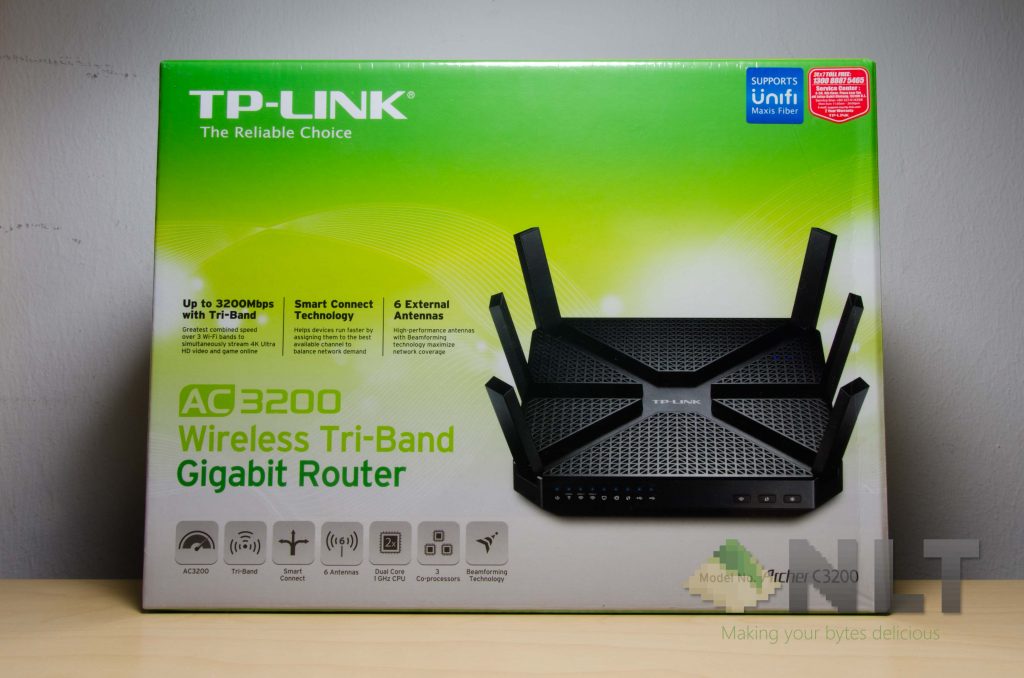
The box itself is rather big, and has that now-depreciated signature TP-Link packaging design beaming from the product itself. More info on their brand new packaging design and TP-Link’s philosophy here.
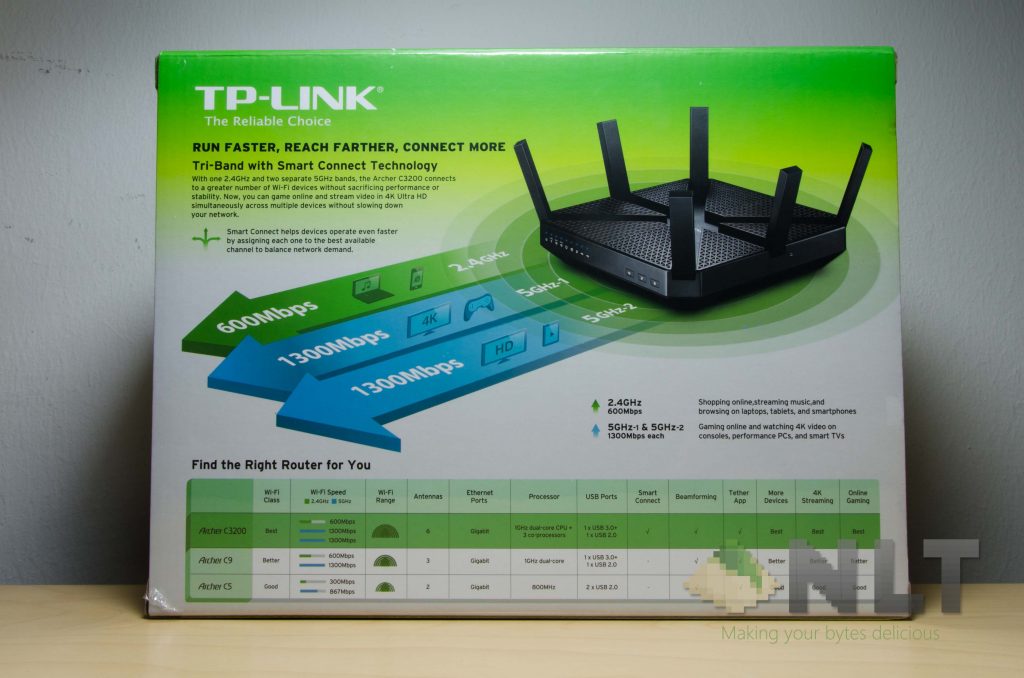
At the back of the packaging is where more details are listed. As you can see there, there are 6 antennas with 3 differen bands – that means you get 3 different SSIDs (WiFi networks) coming out of a single router. Why this is great? You can segregate your WiFi connection to specific devices. In other words, it’s a form of WiFi load balancing.
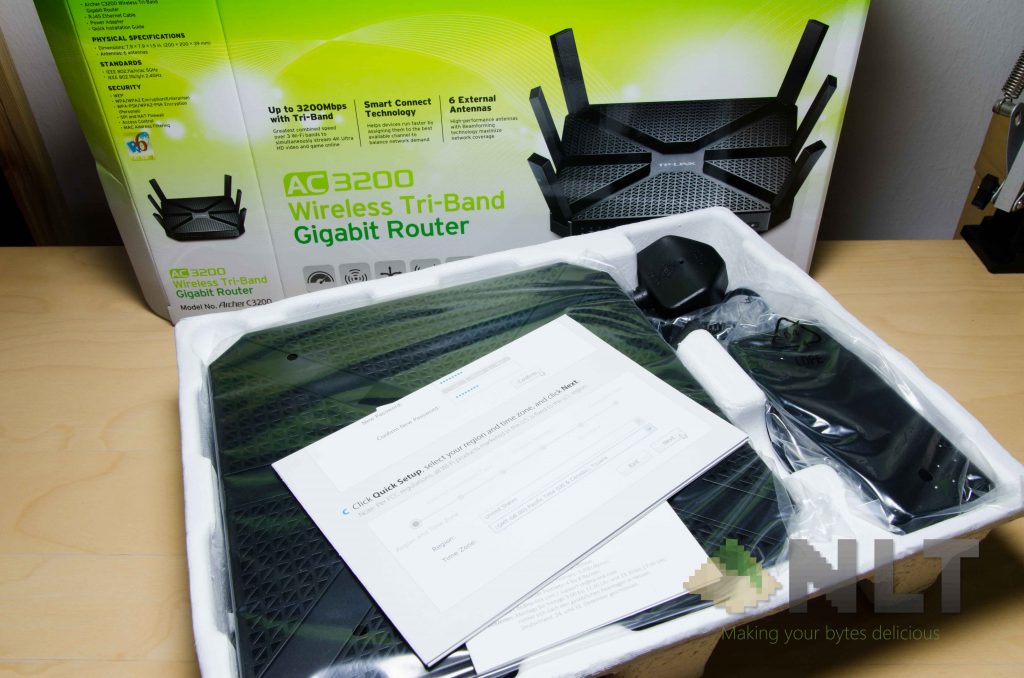
Opening up the box reveals a bunch of common stuff that comes along with routers. Power brick, power cable, router itself, some documentations, and a LAN cable. Pretty much all we need to get started
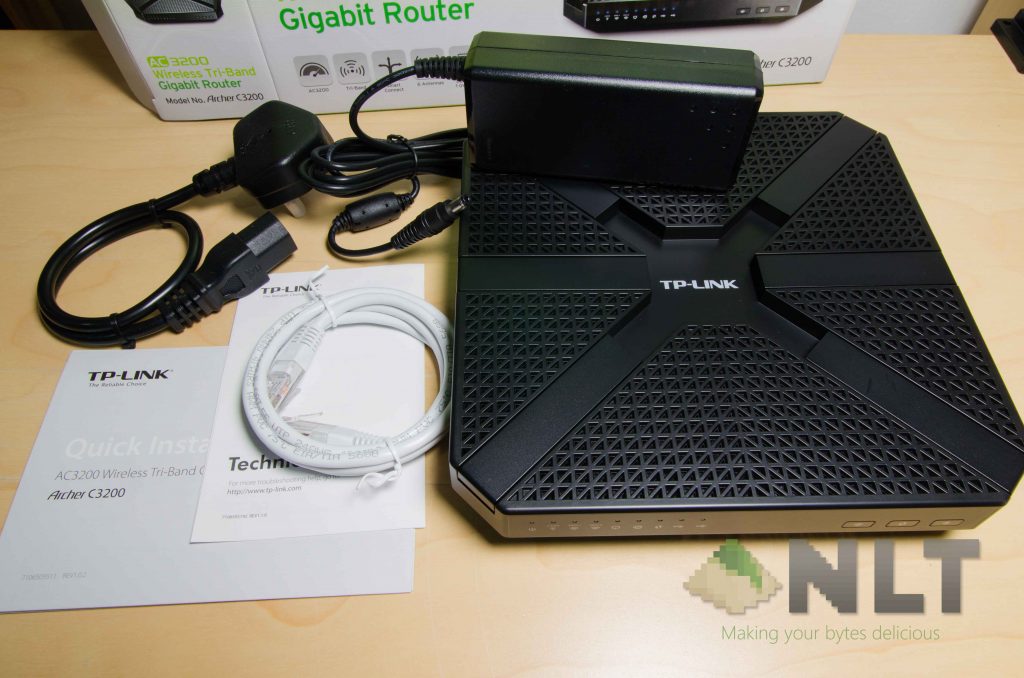
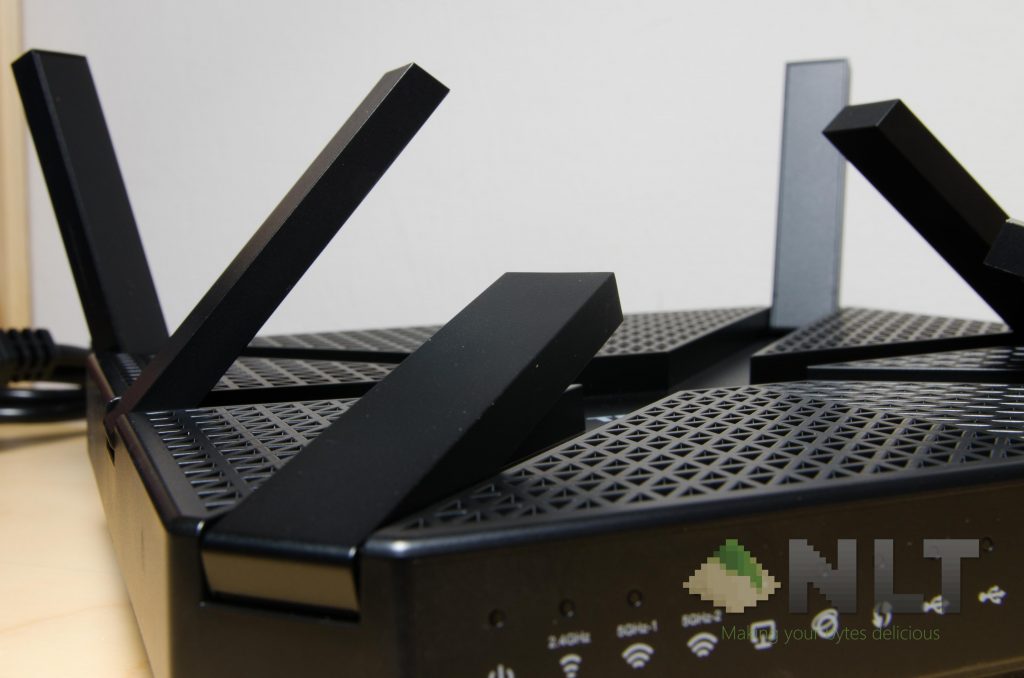
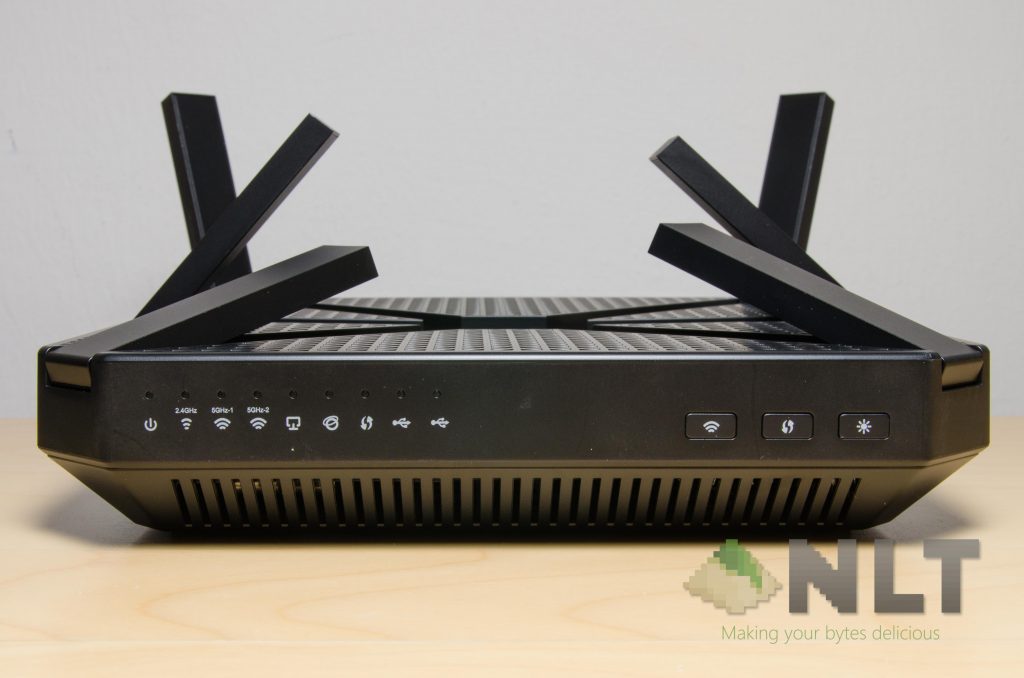
Let’s talk about the design of it real quick here – it’s a big. It looks like a piece of slab from afar, but it actually has a lot of small little triangular holes all over the top and bottom. There’s a great reason for this too – more on that later.
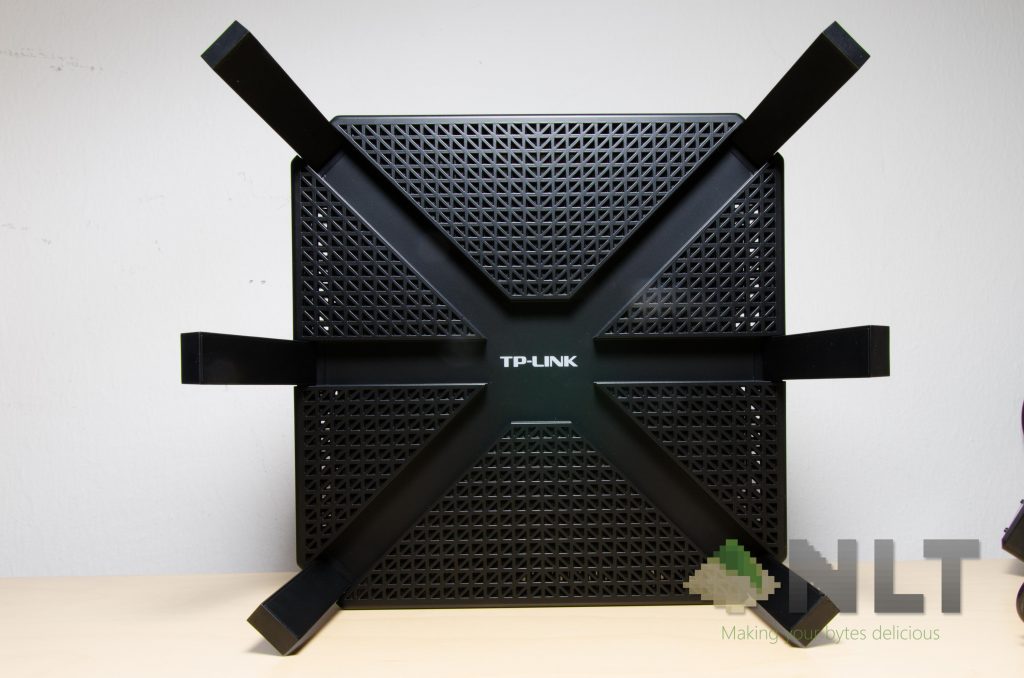
Overall, the TP-Link AC3200 itself is rather humongous compared to my other routers. That is to be expected however, as the AC3200 is pretty compact with all of the components and antennas packed together.
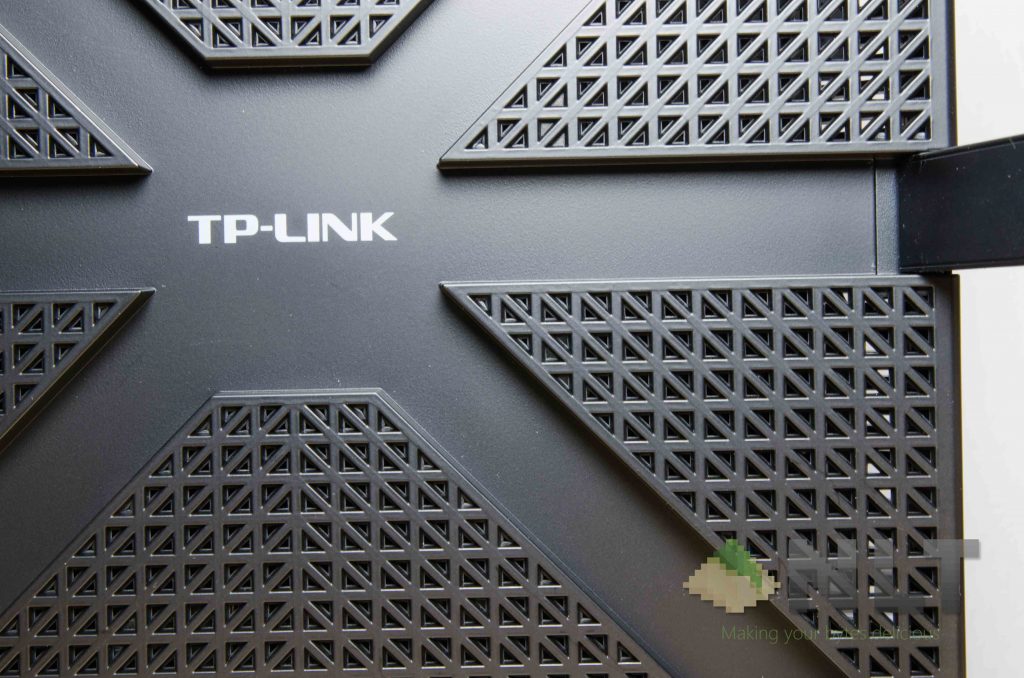
Once zoomed in, we can really see the triangular holes on the TP-Link AC3200 up close and personal. These holes act as a ventilation hole too, because for some reason, this router just heats up really quickly. So, do not block these ventilation holes – better yet, prop it up at an angle for better cooling.
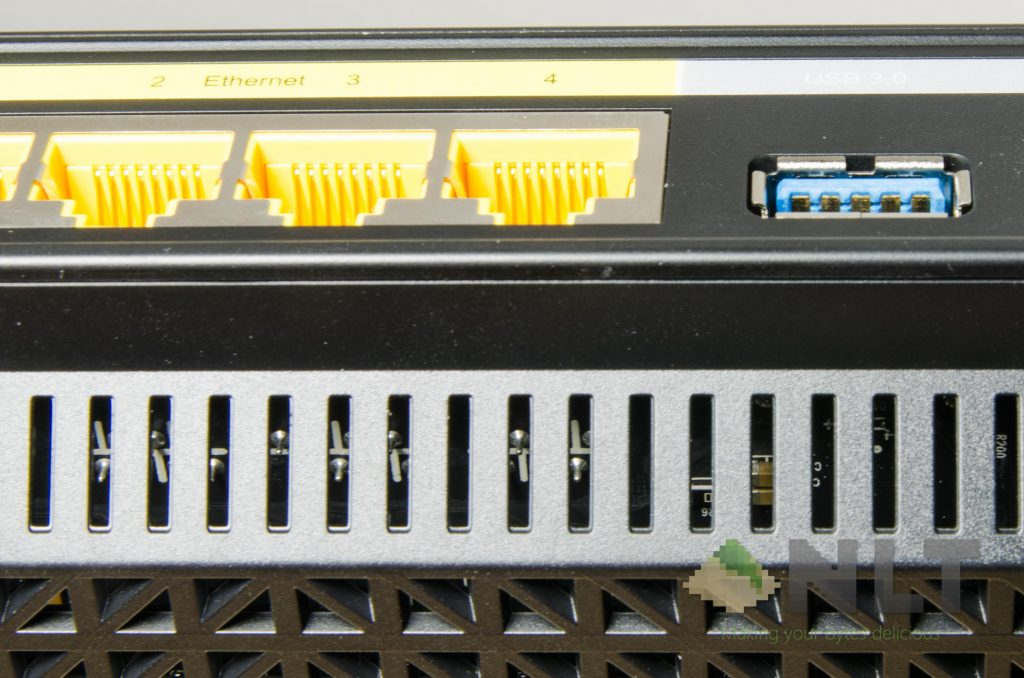
I mean, TP-Link really takes its thermal performance seriously. Even around the sides have large slits for air flow. The front, back, and sides are openings.
My question here – is it necessary?
Well, yes actually. The router itself is uncomfortably hot to the touch after a few minutes of operation. So for those who put their routers at a corner or somewhere not well-ventilated, do take note about this. That’s why I mentioned about propping the TP-Link AC3200 at an angle to have better ventilation.
Performance
Setting it up was simple – there’s a quick start guide to get started with the simplest settings, such as your time zone, internet type, ISP connection details, WiFi SSIDs and passwords.
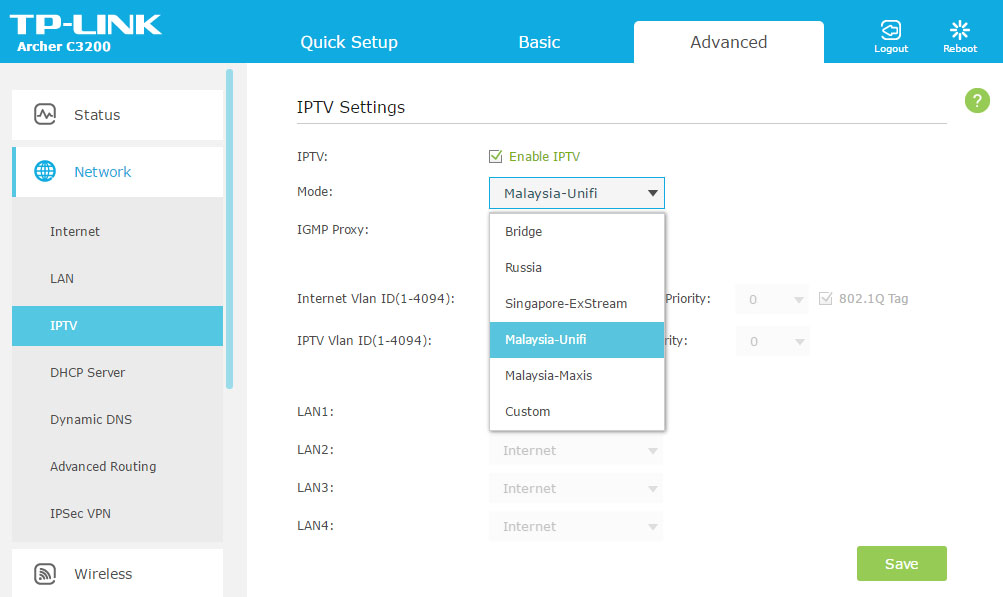
However, as we Malaysians are currently stuck to either Unifi or Maxis when it comes to IPTV, the internet connection will not work after setting up using the router’s built in Quick Setup feature. You’ll have to head over to Advanced –> Network –> IPTV, and select the Mode to Malaysia-Unifi or Malaysia-Maxis, depending on which internet you’re using of course.
As for the most important one here – the WiFi. I have to admit, I don’t have the best equipment to benchmark the TP-Link AC3200, but I shall still present my findings here. Let me first give you a quick breakdown on the results as compared to my current ASUS RT-AC66U router.
- 2.4GHz is strong
- Signals on both 5GHz are extremely strong
- WiFi deadzone in my house (the kitchen on the other end of the house) can actually get decent signal on both 2.4GHz and 5GHz
- Having 3 different SSIDs (one 2.4GHz and two 5GHz) really does help distribute the load
- Helps out a lot since I have an average of about 12 devices connected to the network in a day
- Doesn’t have WDS feature? Not a big deal for most users though
So far so good, and regarding the exact speed though, I don’t have any. So far though, I don’t see any major issues regarding WiFi speeds, and if you’re ever going to transfer few gigabytes from one computer to another, it’s always better to either use LAN or through some other storage media instead.
With such a powerful router though, it does come with quite a hefty price – and I don’t mean that phyiscally, since the TP-Link AC3200 is the highest end router in their roster. I meant the power consumption instead.
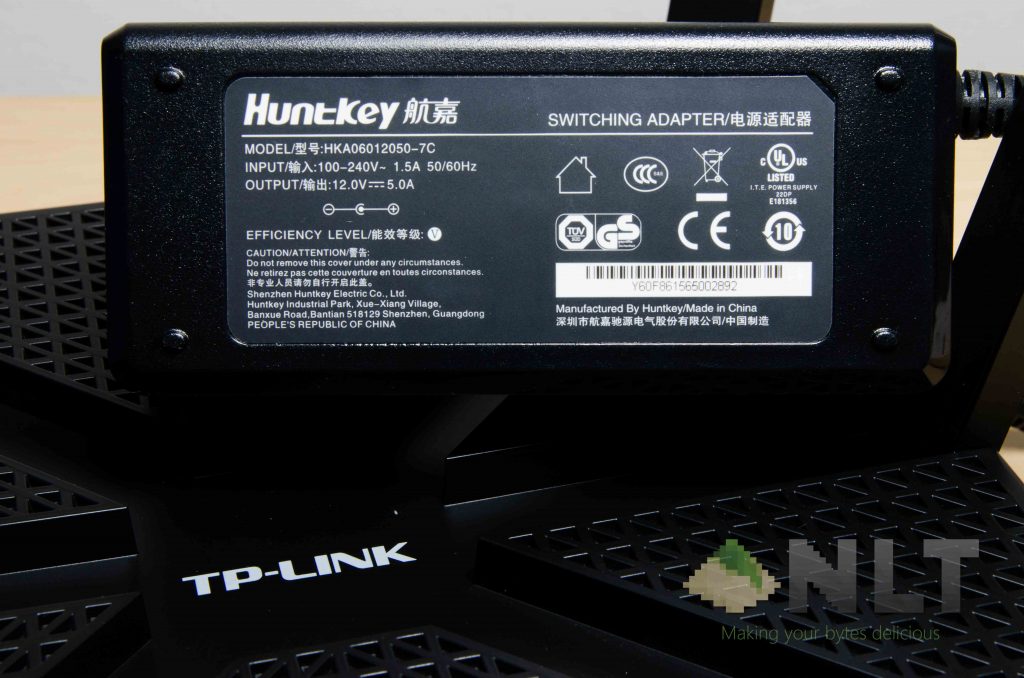
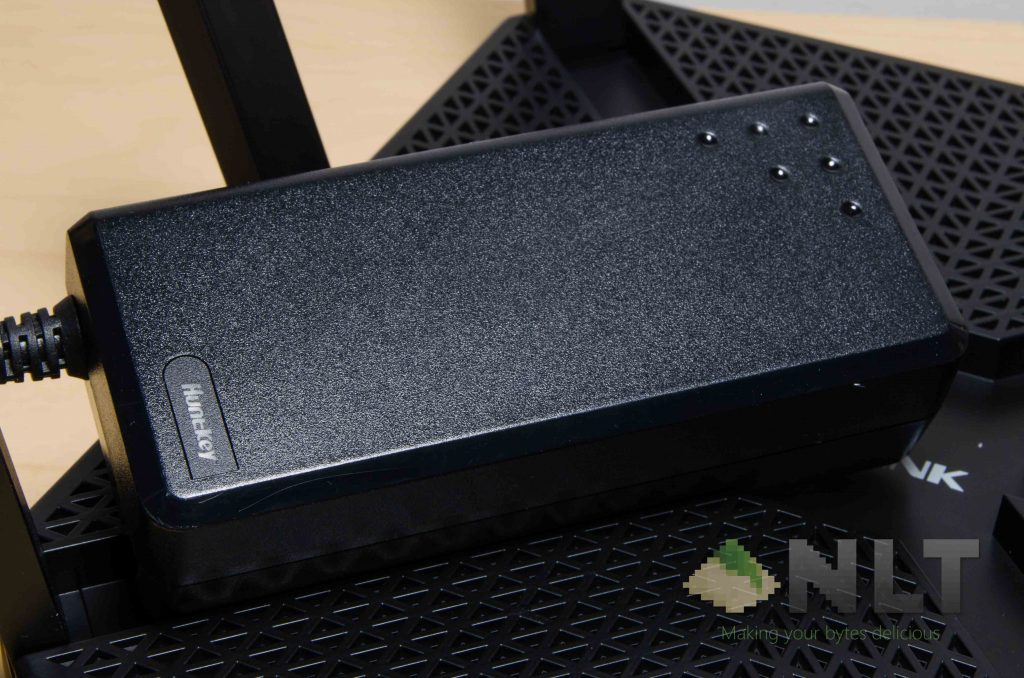
It uses a HuntKey power supply, and takes in 12V at 5A. That’s a full 60 watts – equivalent to many mid-range laptops in the market today. That’s quite an intensive amount of power for a router, to be honest. Since routers aren’t particularly meant to be powered off, it will translate to a heftier power bill overall.
Wrap up
All in all, is the TP-Link AC3200 a great router? I think yes. The collapsible antenna design will in a way make the entire TP-Link AC3200 sleeker, but have issues in terms of replacement parts. I really wish that there’s a mechanism to prop up the router for better ventilation, but sadly that’s excluded from the router.
The WiFi signals are fantastic even at WiFi deadzones. That said, I’m really impressed by how magnificently it performs with the near-complete set of features albeit at a price. Not only does the TP-Link AC3200 itself costs ~RM859 on Lazada, but that 60 watt power supply is quite painful to power-hungry to be honest.
Is it really worth the price of ~RM859? It really depends – do you really need an AC WiFi router? Does it improve your WiFi signal? Yes, definitely.
Is it necessary? Probably not, I suppose. Personally, I still don’t see the use for AC WiFi, even though I do have an AC WiFi router at home. However, the two independent 5GHz SSIDs are truly helpful in distributing the WiFi loads across its 3 separated networks.
You can find the deal for a decently-priced TP-Link AC3200 right here at Lazada!
Like our Facebook Page here at NasiLemakTech.com for more news and in-depth reviews! Also, join our Facebook Group for insightful information and memes!
Subscribe to our YouTube channel too!

