













Meitu Inc., publisher of the world-renowned photo-editing app Meitu, is dedicated to the pursuit of beauty around the world. For almost 10 years, Meitu has been an innovator of apps that generate 6 billion photos per month globally. Today, Meitu managed to expand its expertise to Artificial Intelligence (A.I.) and created its first ever A.I. painting robot – Andy, the ArtBot.
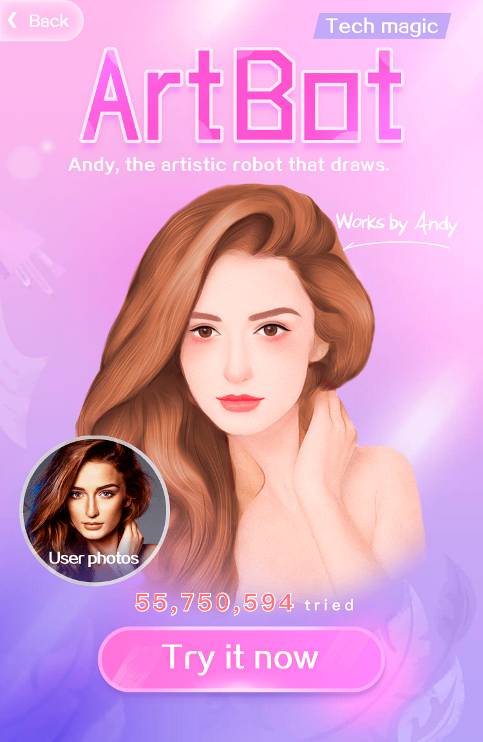
What makes Andy so unique?
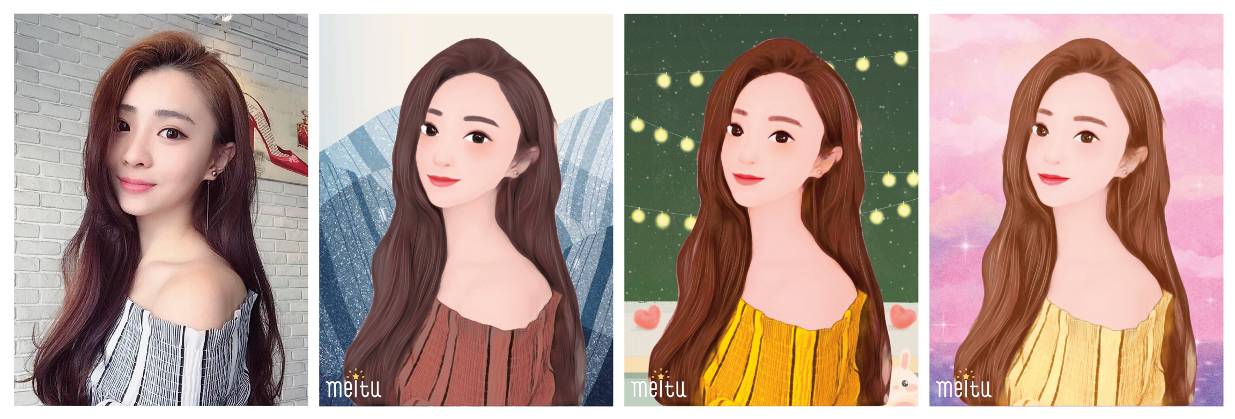
Unlike other photo-editing functions that add effects to original photos, Andy breaks up and reconstructs photos, then turns them into paintings within 5 seconds. Its segmentation technique is so humanized that it recognizes humans in photos and is able to take them out from the backgrounds behind them, and turn into a brand new painting.
Undoubtedly, Andy marks the beginning of A.I. in the art industry. As Andy continues to learn, more painting styles created through A.I. will be developed. Andy may not be comparable to any of the great painters like Picasso, Van Gogh, etc., but it will certainly lead a different art trend for the future.
How Andy works?
Firstly, you’ll have to install the Meitu app first. You can get it here. If you don’t already have it on your smartphone, what are you doing on your phone, anyway? ?
Once you’ve installed the Meitu app, launch it and follow the instructions below to get started with the brand new Andy ArtBot!
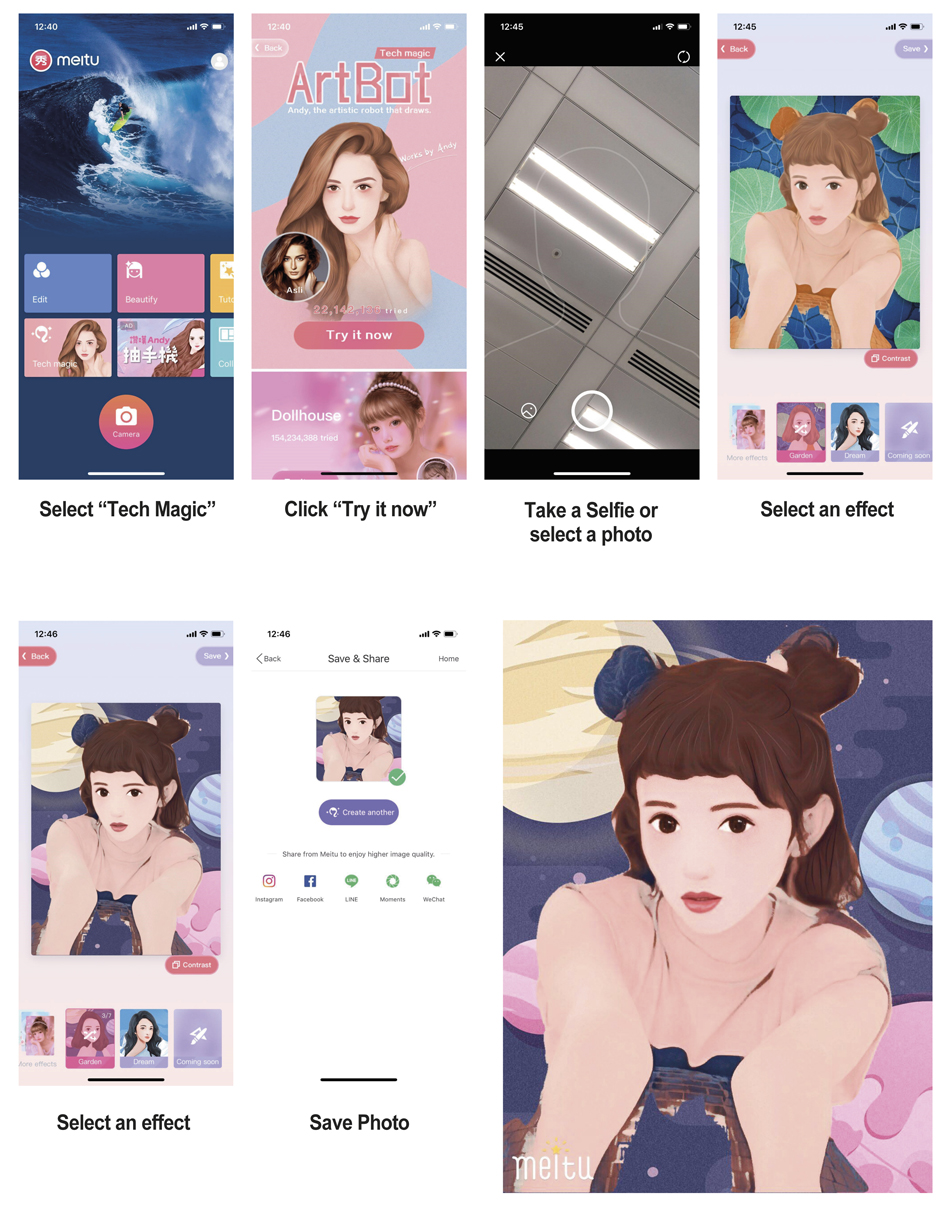
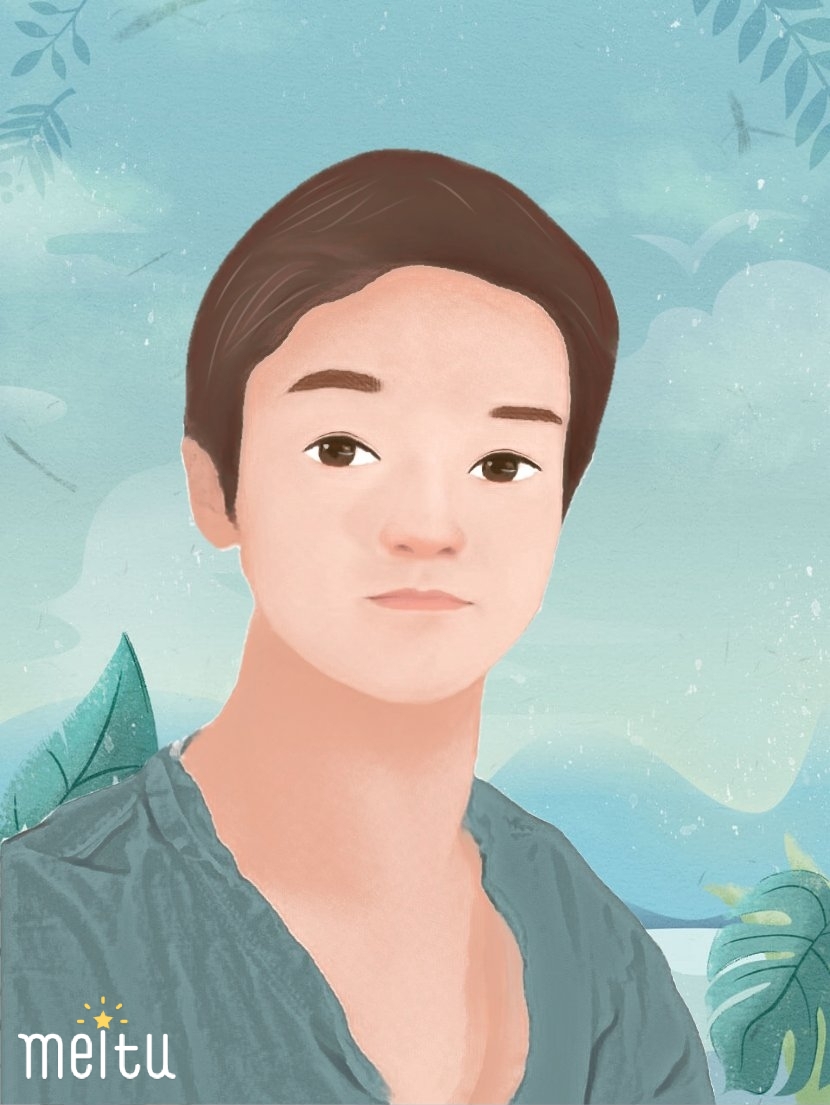
We here at Nasi Lemak Tech couldn’t resist – I tried the ArtBot myself after I downloaded it, and the result is just incredible! I took a quick selfie in my room with nothing in the background so that I can test Andy’s algorithm in splitting the subject with the background.
All I can say is, the result is stunning. Take a look at a quick picture generated by Andy, the ArtBot here!
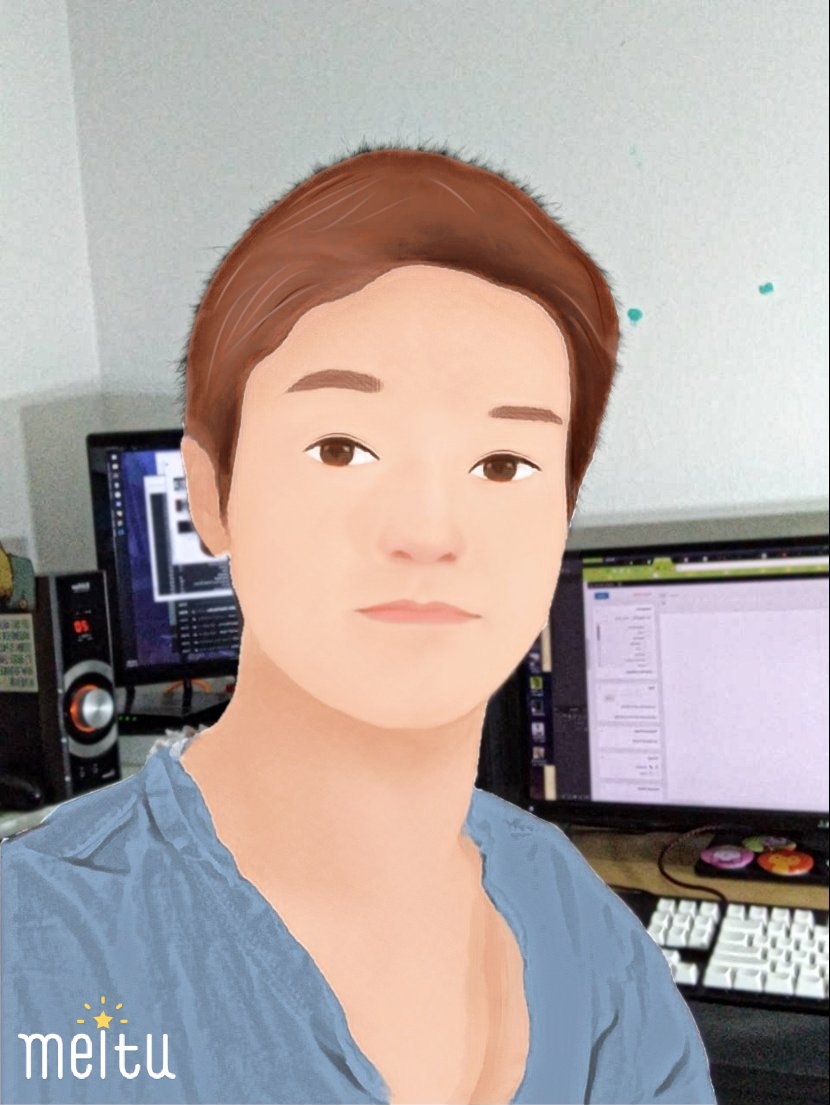
For those who are wondering what’s the original background of the selfie, here it is. The hair isn’t that clean, but that’s okay since my hair is spiky to begin with. Even I can’t comb it down.
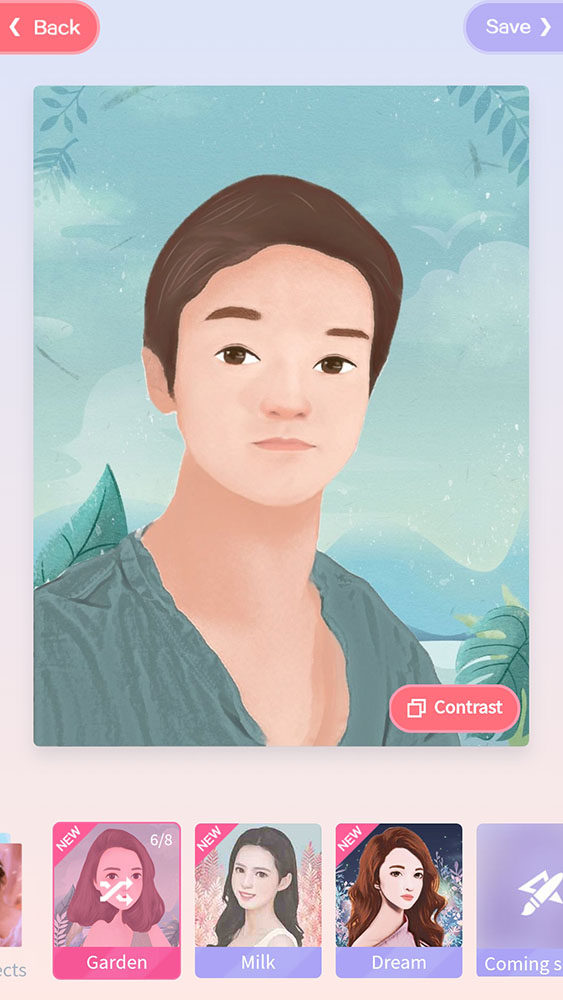
Currently, there are a total of 3 different themes of background scenery to choose from. Within these 3 different themes, you can tap on them again to change to other designs. It’s a pretty fun mode, to be honest.
If you want to try out the brand new Andy, the ArtBot on your own selfies, then download the Meitu app here now!
Like our Facebook Page here at NasiLemakTech.com for more news and in-depth reviews! Also, join our Facebook Group for insightful information and memes!
Subscribe to our YouTube channel too!