



















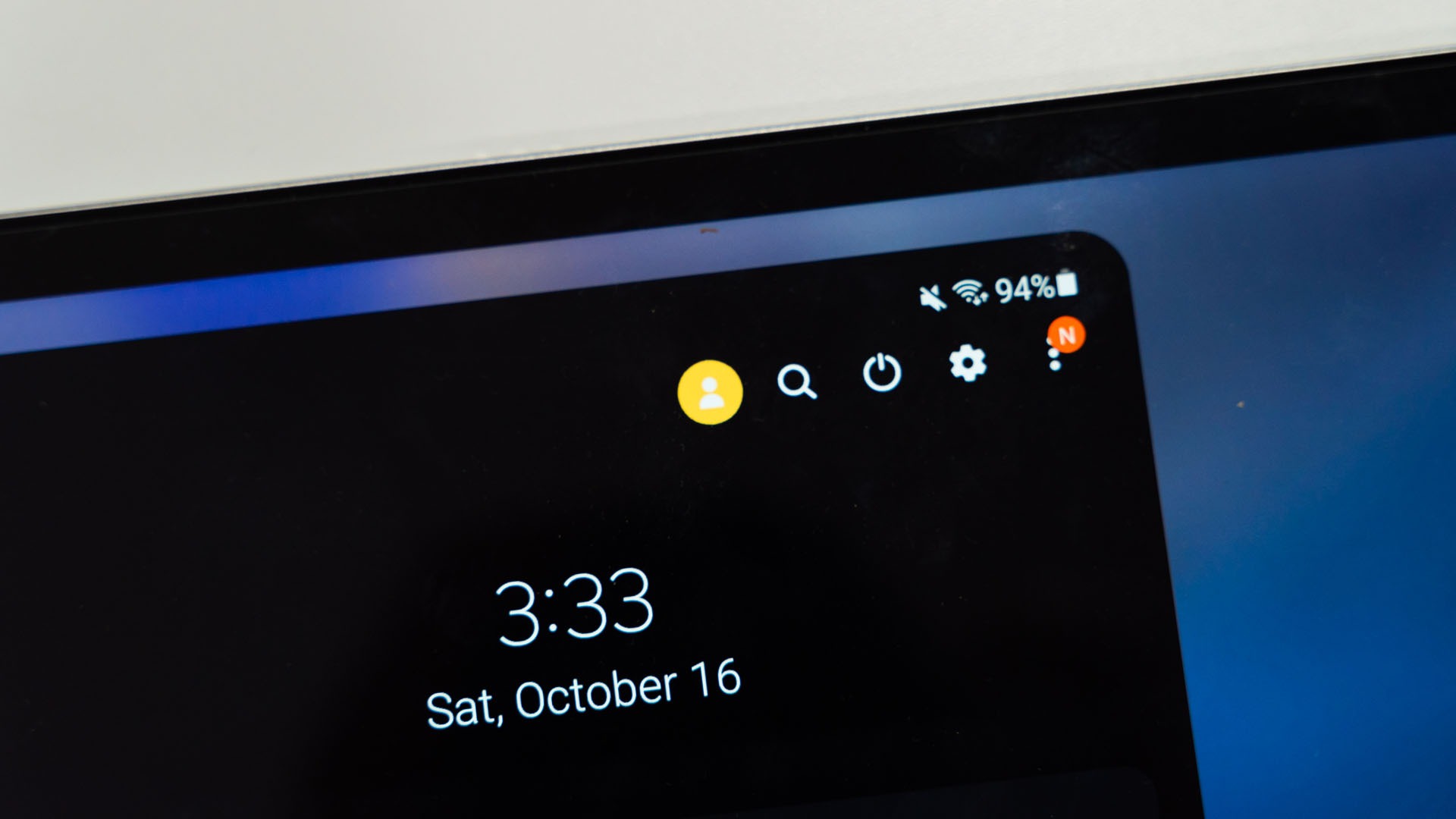

Did you know that you can share your tablet with multiple different people without sacrificing privacy? There’s a multi-user feature that you can use so that you can share that one tablet with a few different people. And it’s also very easy to start using.

Just head into the settings menu and find this option. Then, you can click on “users” and add a brand new user.


Then, you will be presented with two options. The first option lets the new user have full access to install apps on their own and download files.
The second option here limits the new user in terms of app access and the ability to download content. Treat this second option as “made for kids” since it’s something like a parental control feature.


We can also create a guest user
I’m not sure if anyone actually will use a guest feature as I can’t think of a use case myself. It creates a “temporary” profile for someone to use, then all the data for that user will be wiped. Then, the next time this guest account is used again, it will be “fresh” and clean.
Why user management is important
I think tablets aren’t that personal like how phones are. For me, I don’t need the tablet to be around me all the time. For example, whenever I’m at the office, I’ll leave the tablet at home so my mother can use the tablet during that time.
So, I can create another user profile for her and she can log in to her Facebook and chat with her friends using that tablet. And since I’m a night owl, I’ll switch back to my user profile at night when I need it.

That way, we can just share one single tablet instead of buying a few tablets. I’m not going to use the tablet 24/7 so might as well share it. And using this multi-user feature, I can ensure no one gets to my data and I can’t get to other users’ data.
Like our Facebook Page here at NasiLemakTech.com for more news and in-depth reviews! Also, join our Facebook Group for insightful information and memes!
Subscribe to our YouTube channel too!

