As a laptop user myself, the first thing I do when I arrive at the office is docking my laptop to the monitor and USB hub. The docking solution I’ve been using all these while was a standalone laptop stand and paired it with a UGREEN 5-in-1 USB-C hub.
The solution works, but it is not the most elegant as the HDMI cable and USB-A cables are dangling with the hub at the side of my laptop. So the other day, UGREEN happened to send in their latest selection of products, and the X-Kit Laptop Docking Station immediately caught my attention.
UGREEN X-Kit Laptop Docking Station
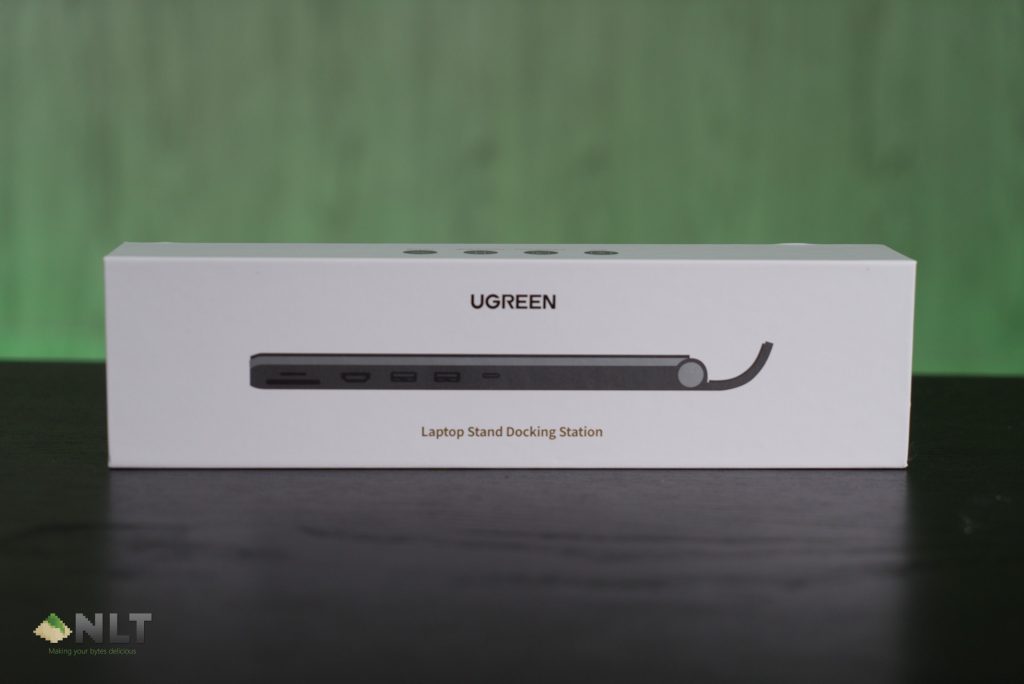
The dock comes in a compact packaging.
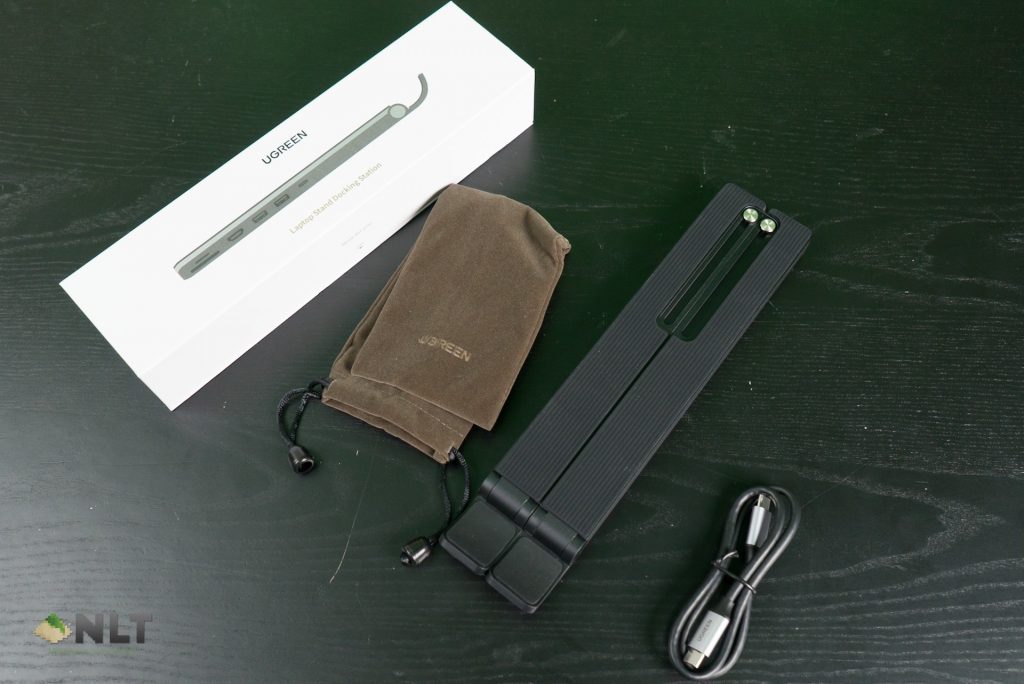
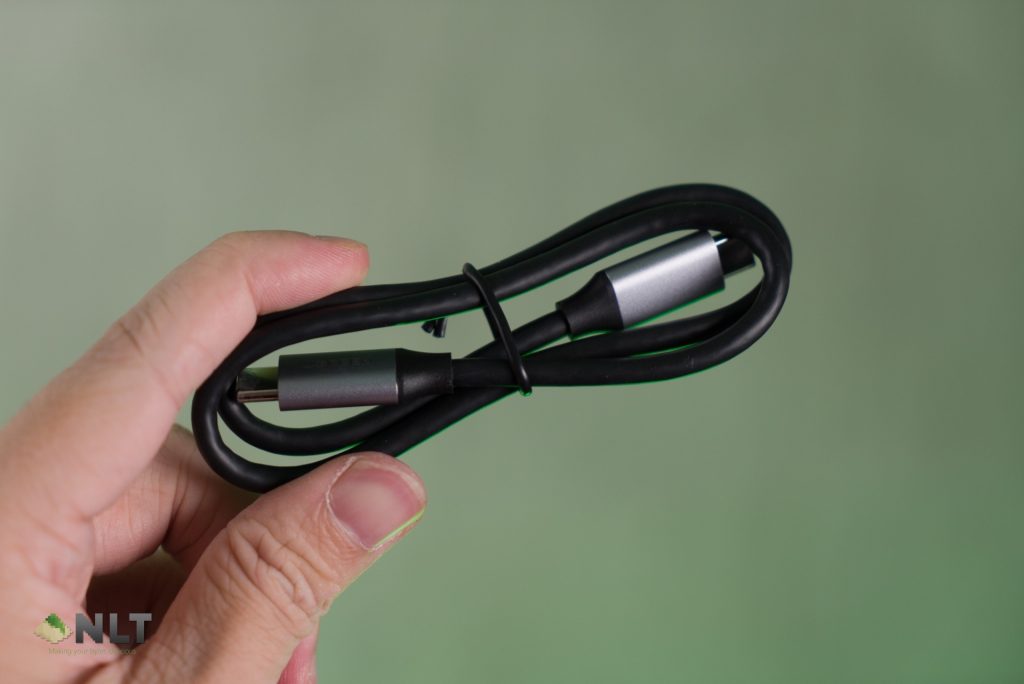
What you get in the box:
- UGREEN X-Kit Laptop Stand Docking Station
- USB-C to USB-C cable
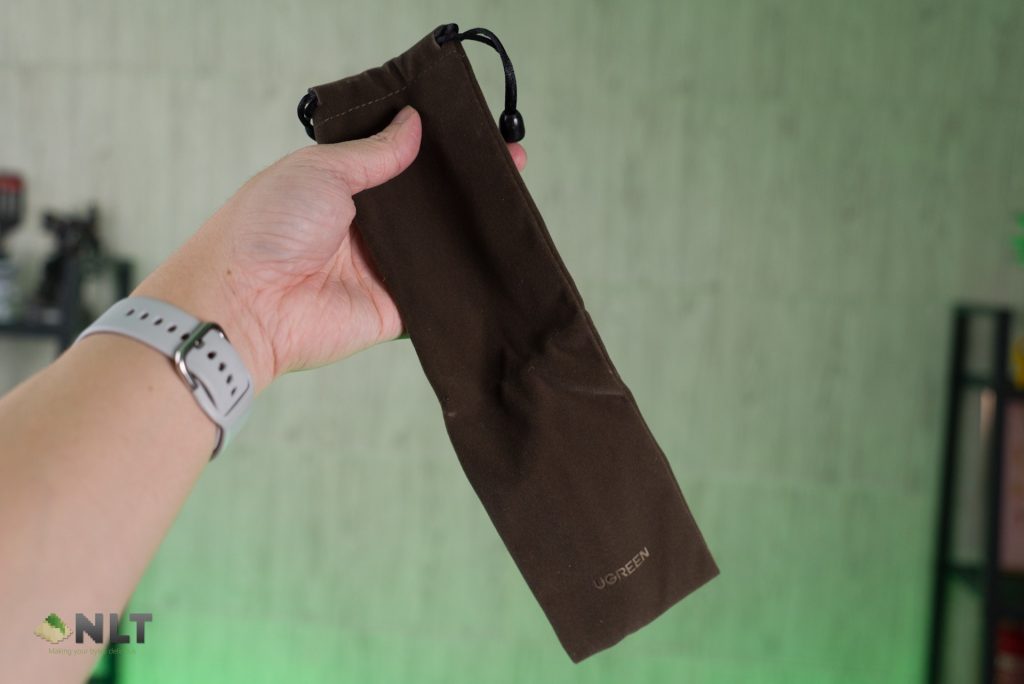
- Travel pouch


The dock in its folded state is extremely compact. That explains the miniature box that comes shipping this laptop dock.

The built-in USB hub covers all my basic requirements:
- USB-A 3.0
- HDMI (4K@30Hz)
- SD & micro SD card reader

This is how you setup the dock – connecting the laptop to the dock via the USB-C to USB-C cable. I know this is not the most elegant solution since there’s still a cable dangling from the laptop, but that least now the HDMI cable and other USB cables are well hidden underneath the laptop.

Unfolded the dock reveals the “x” mechanism that connects both left and right support.

There are two metal bars used as laptop height adjustment support rod.


Depending on your preferences, there are four different height adjustments for you to choose from.
First Look & Conclusion
The UGREEN X-Kit docking station is a wonderful 2-in-1 solution for laptop users. It solves two problems at the same time, simplifying the desktop dock setup and ergonomics. While the official price tag is rather steep, at RM219 (US$69), unless you’re willing to sacrifice simplicity for standalone stand and USB-C hub.
Of course, nothing is perfect, for instance, there’s no USB-C port, the HDMI only supports up to 4K30Hz and the port placement are difficult to reach when a laptop is docked on it. Nonetheless, it keeps your desk clean and organized with the cables pre-connected to the dock and you will just need to plug in the USB-C cable.
Where to buy (affiliate link):
Amazon – https://amzn.to/3F56BB1
Lazada – https://invol.co/cl79w00
Shopee – https://invol.co/cl79vw4
Like our Facebook Page here at NasiLemakTech.com for more news and in-depth reviews! Also, join our Facebook Group for insightful information and memes!
Subscribe to our YouTube channel too!