

















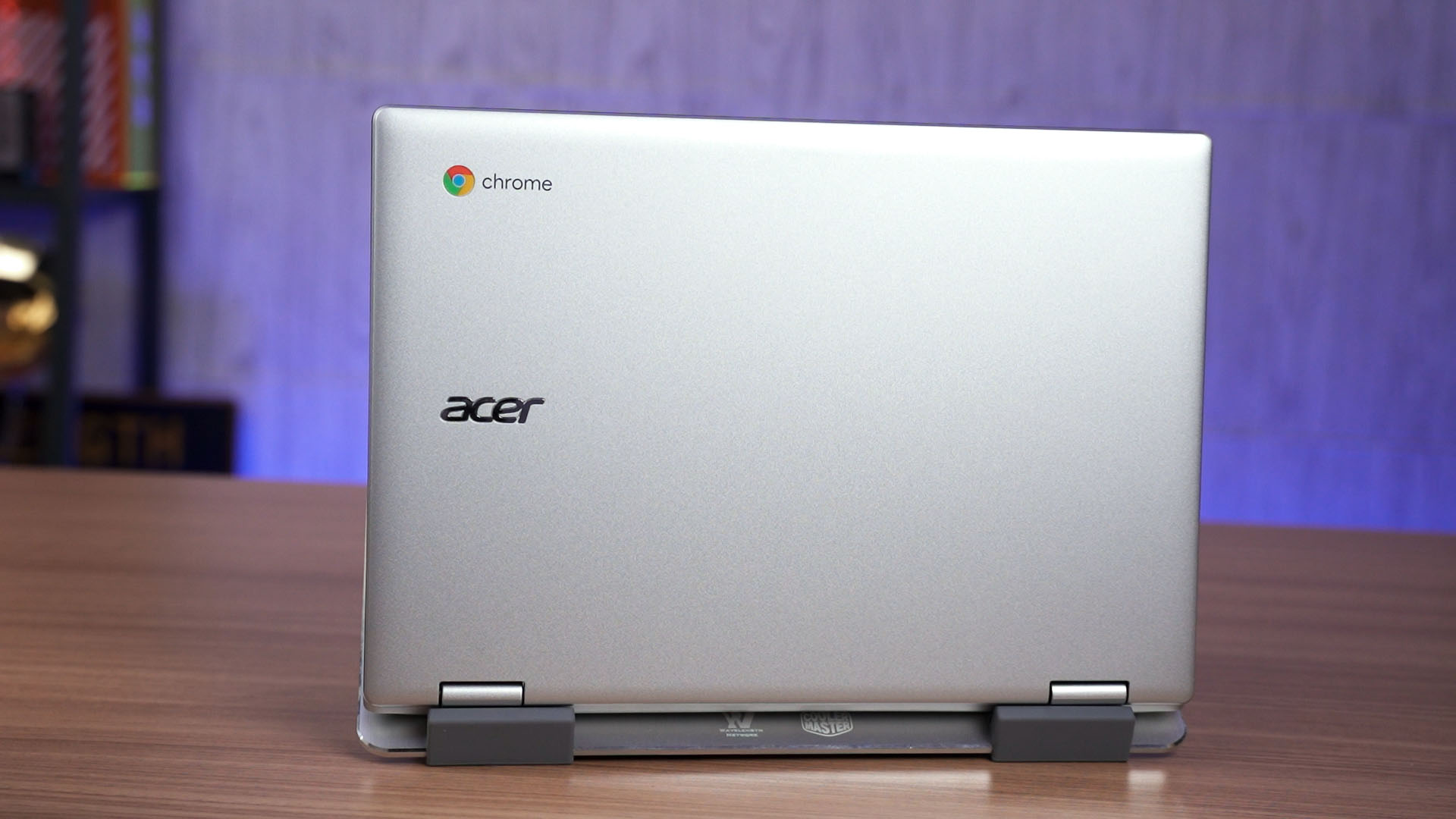

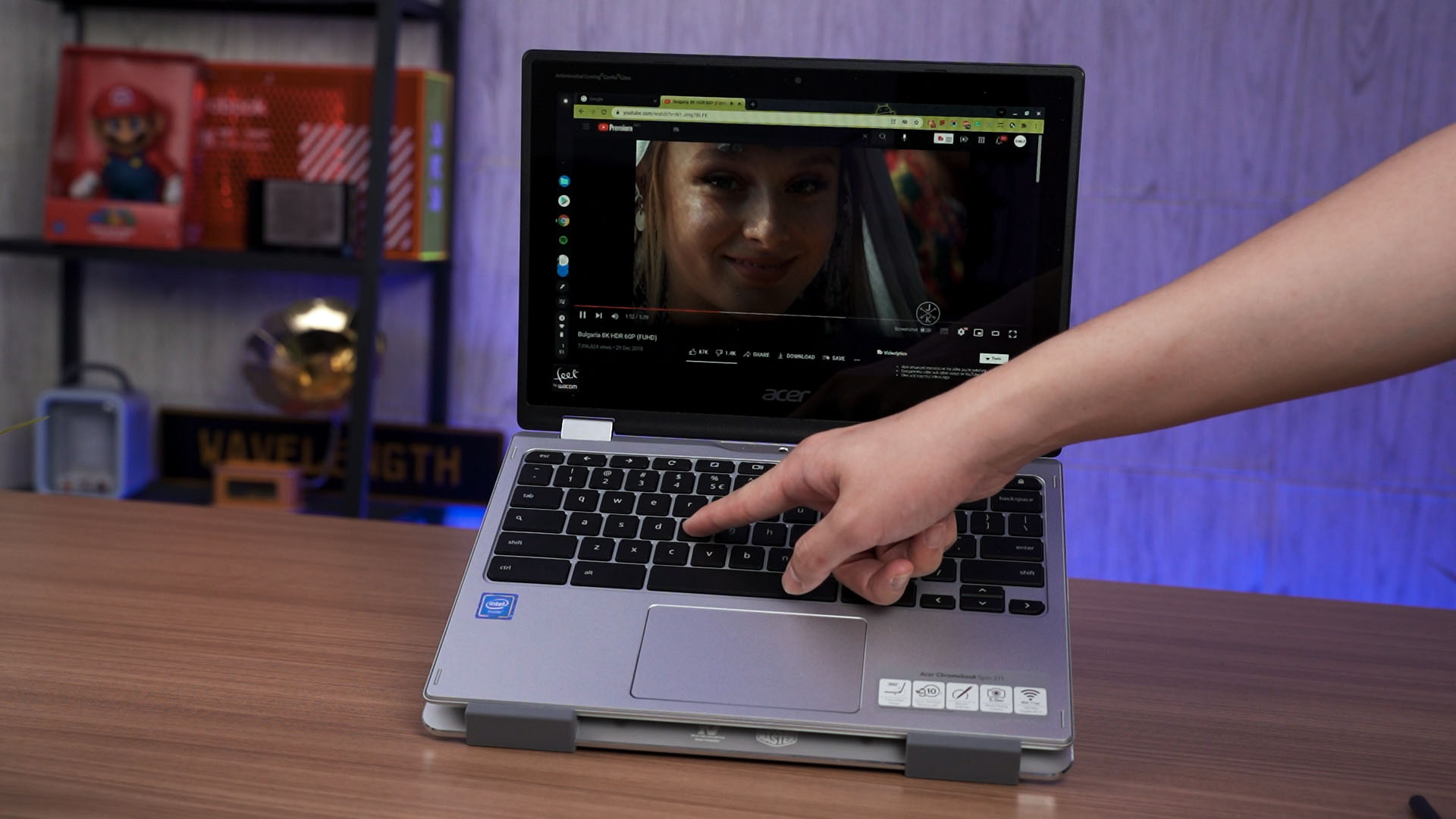
This is the Acer Chromebook Spin 311 with this specific model number. This is also my first time using a Chromebook and I have to say, the entire experience is a rather interesting one. So, let’s begin.
So the Acer Chromebook Spin 311 is more on the entry-level side of the market. Its price is low, at just RM1,999 retail. And yet, I can do – and I did – a lot of things with this laptop.
The laptop itself is a fairly simple one. It’s made out of mostly plastic as you can hear – yet the build quality is what I’ll consider being sturdy and compact.
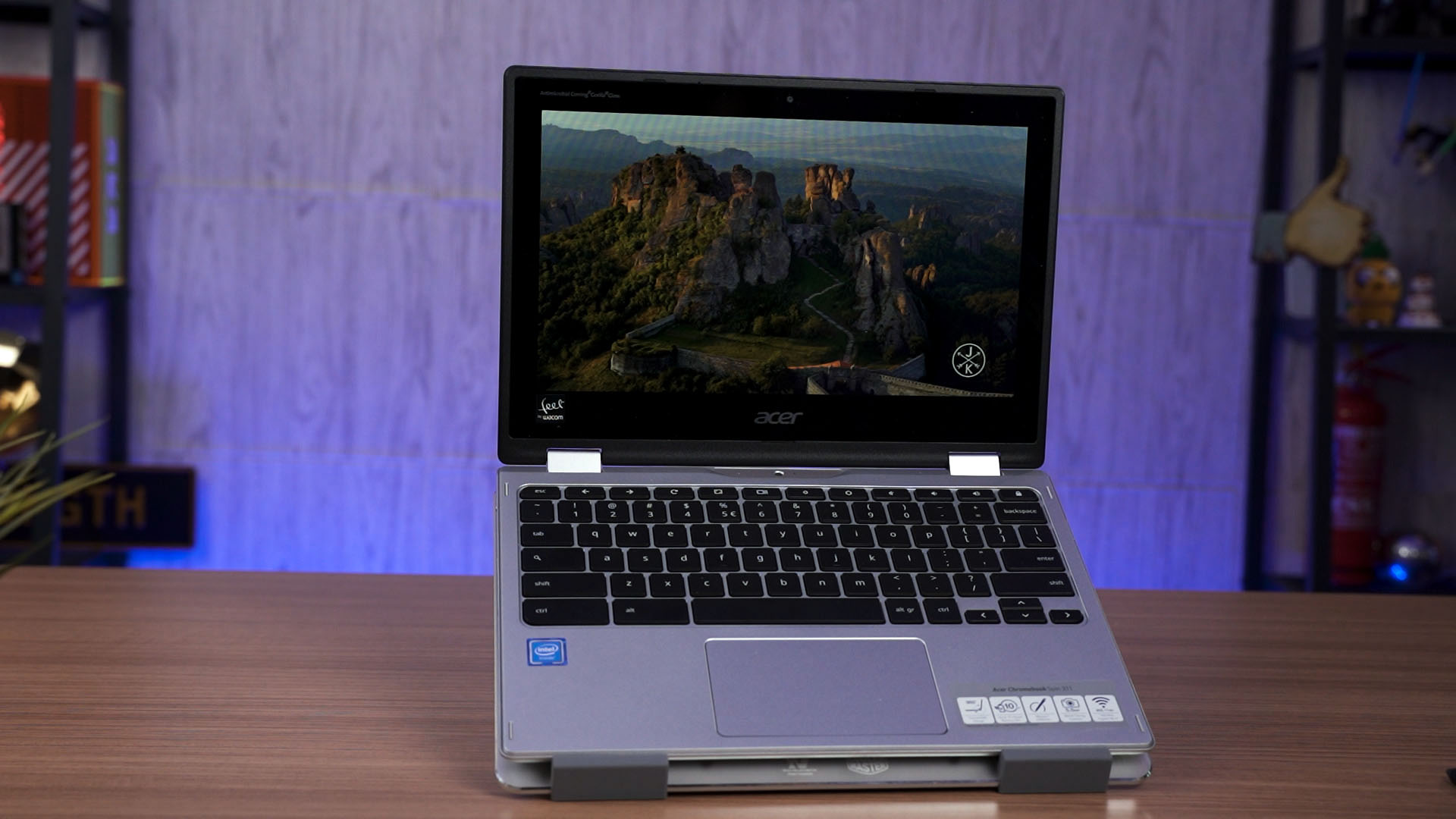
Its compactness is mostly due to the 11.6-inch IPS LCD screen. Though, that thicc bezel and the resolution of 1366×768 are giving me 2015 vibes.
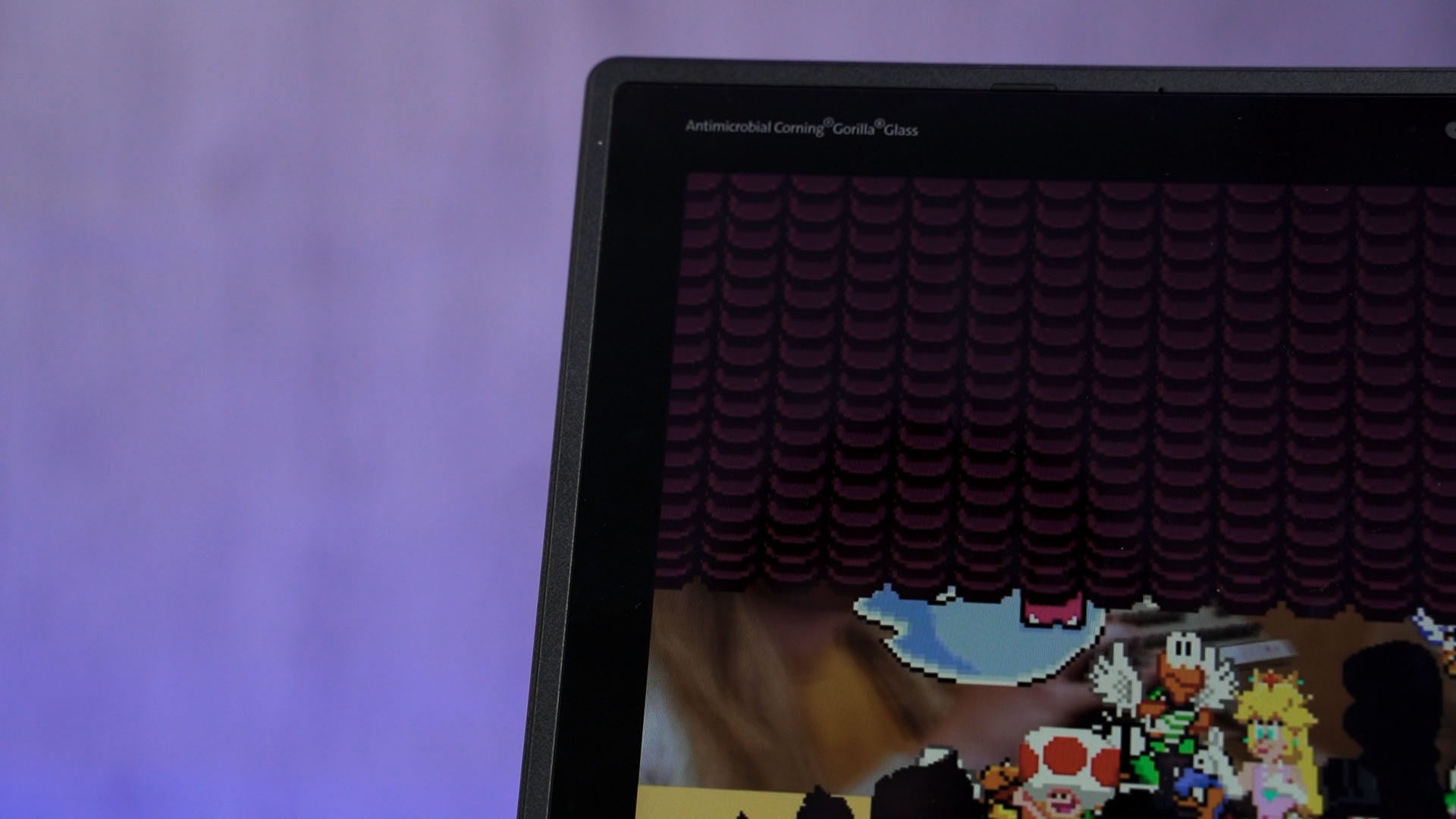
That aside, it does come with a touchscreen – which I think is essential for Chromebooks. We’ll explain more on that in another video where we only talk about Chrome OS.
The trackpad is actually much better than most Windows PC at the same or higher price range. Palm rejection is fantastic and the overall touch gestures work fantastically too.
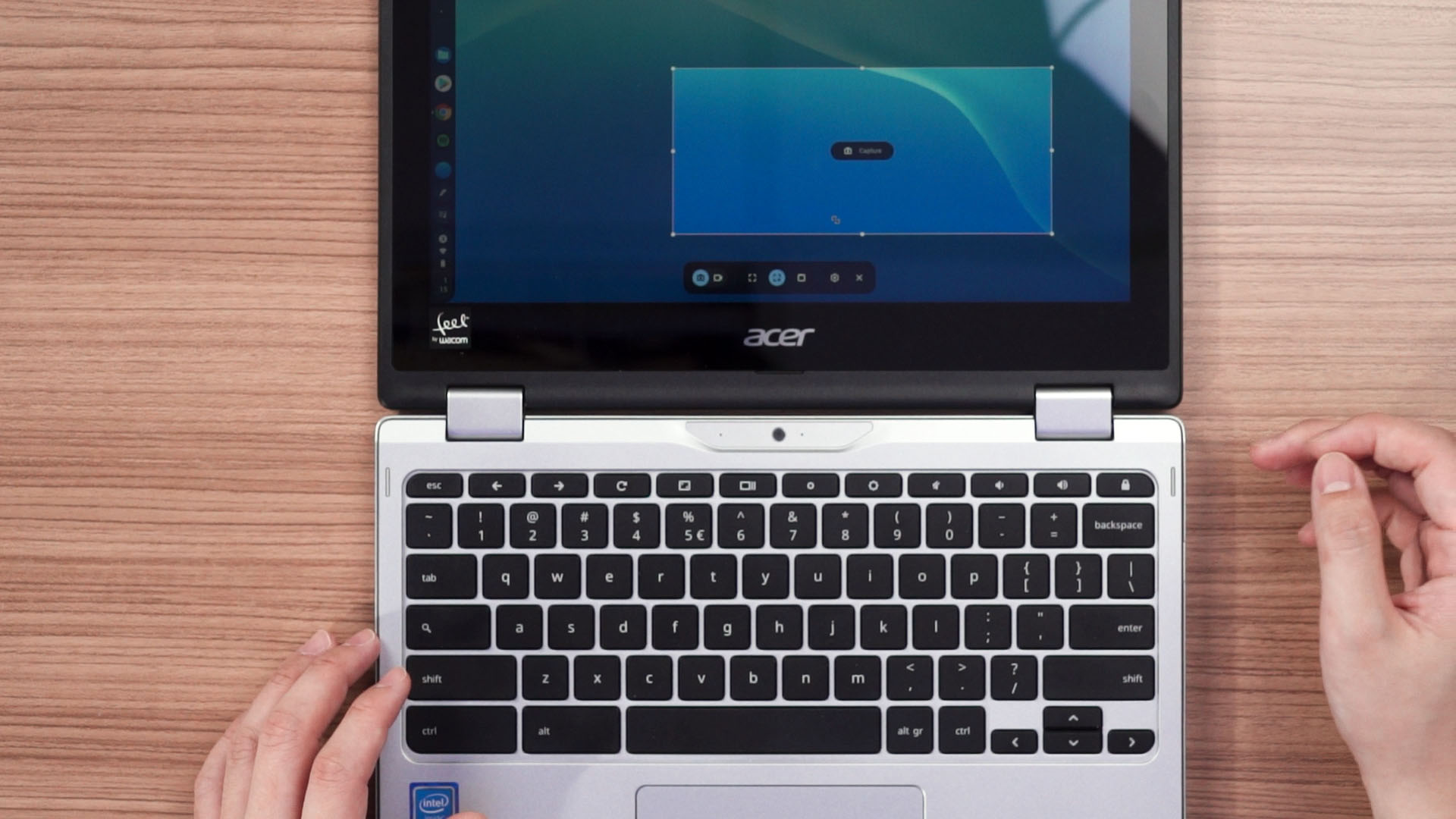
The keyboard isn’t entirely my cup my tea since it’s a bit too stiff, but it’s still a fine keyboard overall. What I did also realize is that this Chromebook doesn’t have those F1 to F12 keys and it doesn’t have the caps lock key. That caps lock key had been replaced with the “search” key, which technically functions as the Windows key.
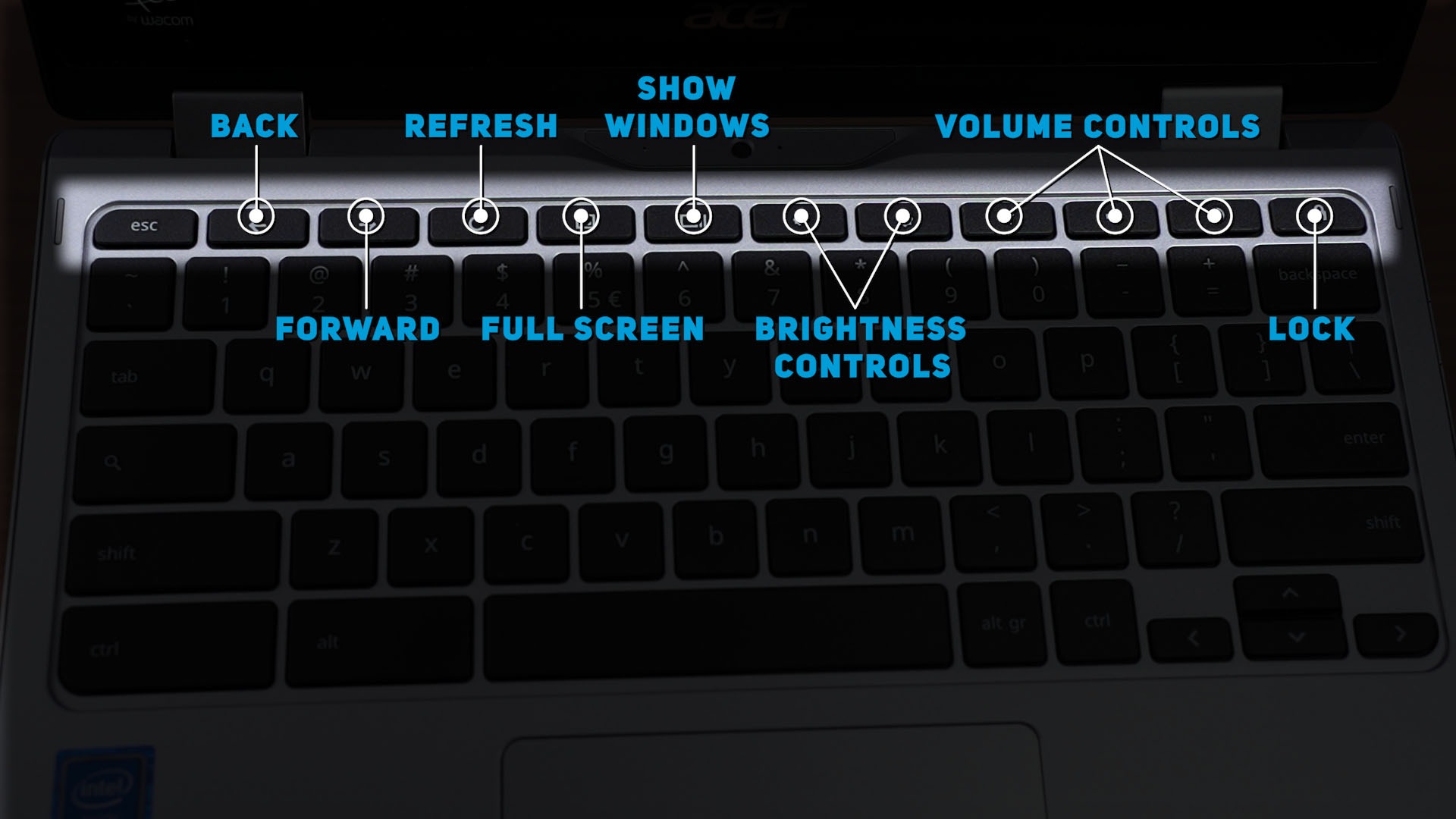
I surely needed some time to get used to this layout as some keyboard shortcuts are completely different – like taking a screenshot is by holding the control + shift key plus this weird icon that should’ve been F5.
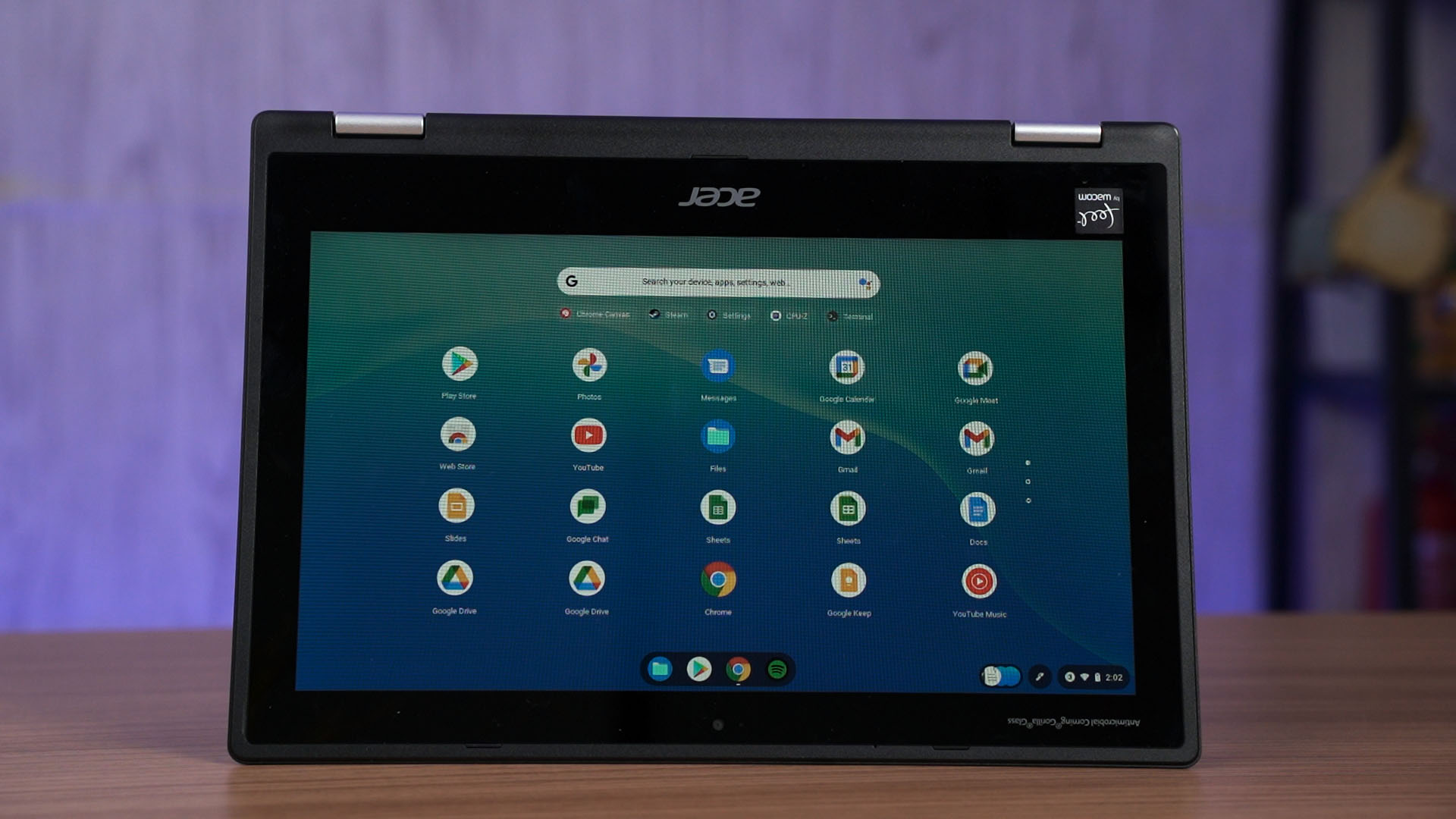
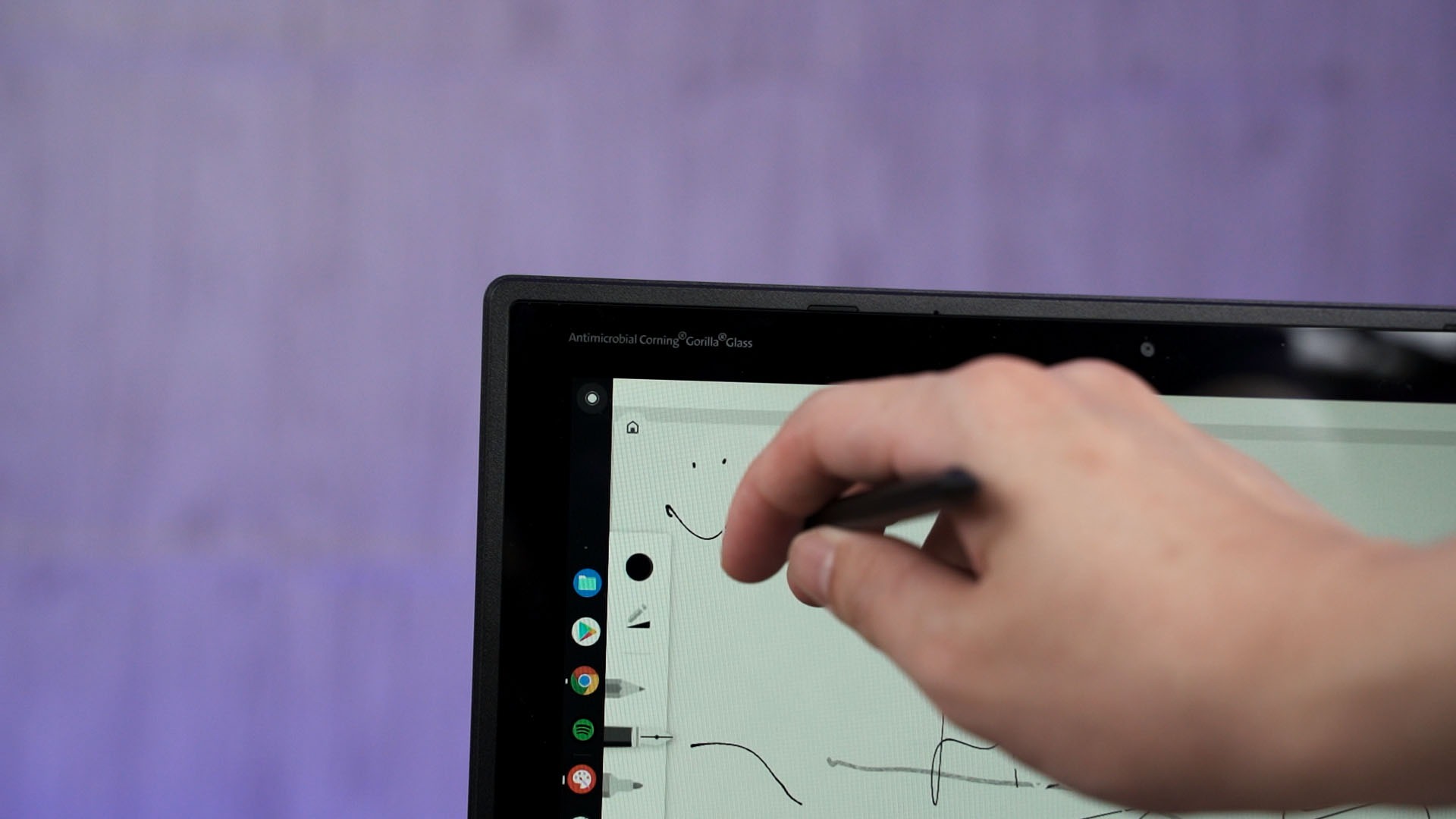
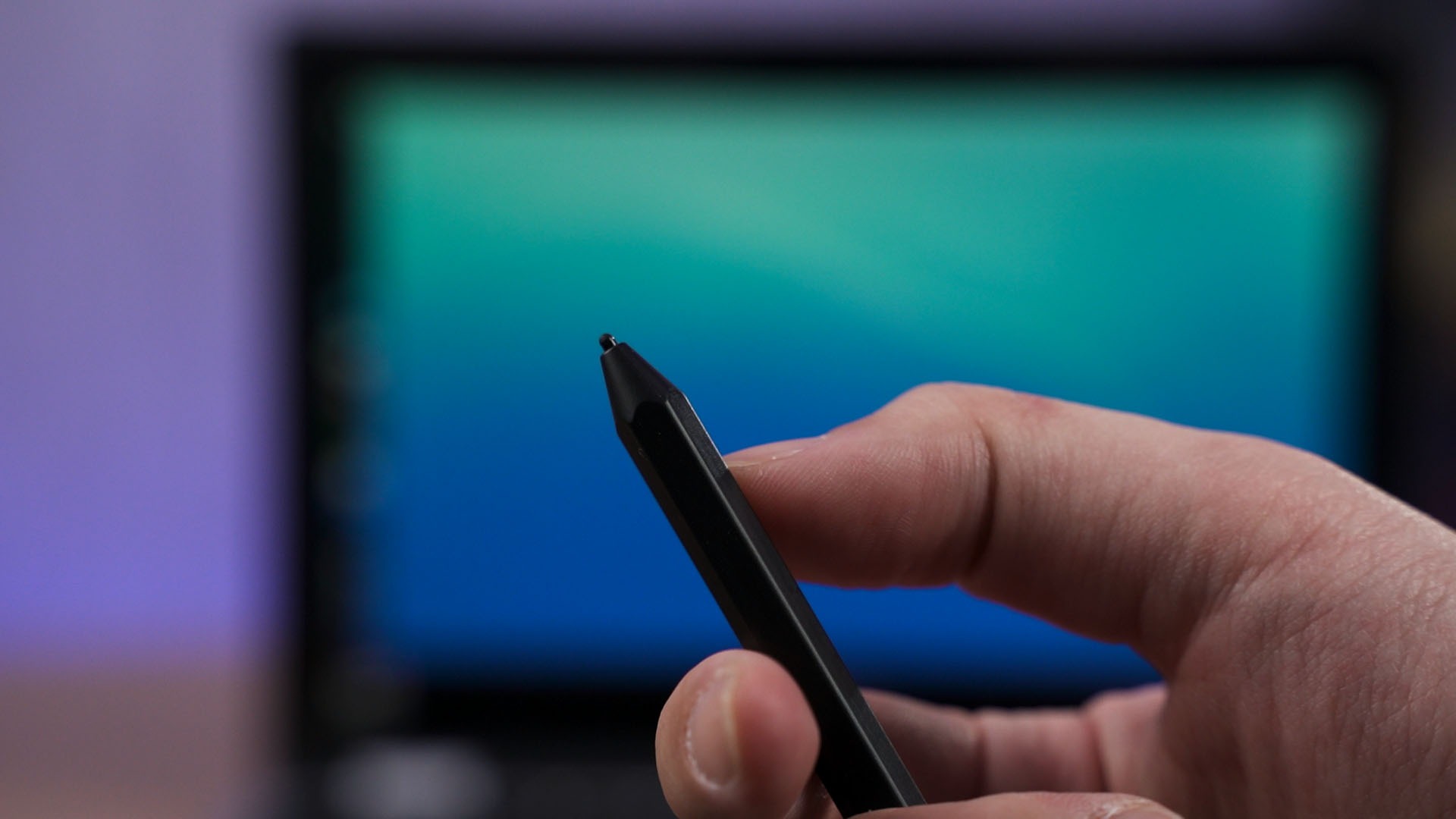
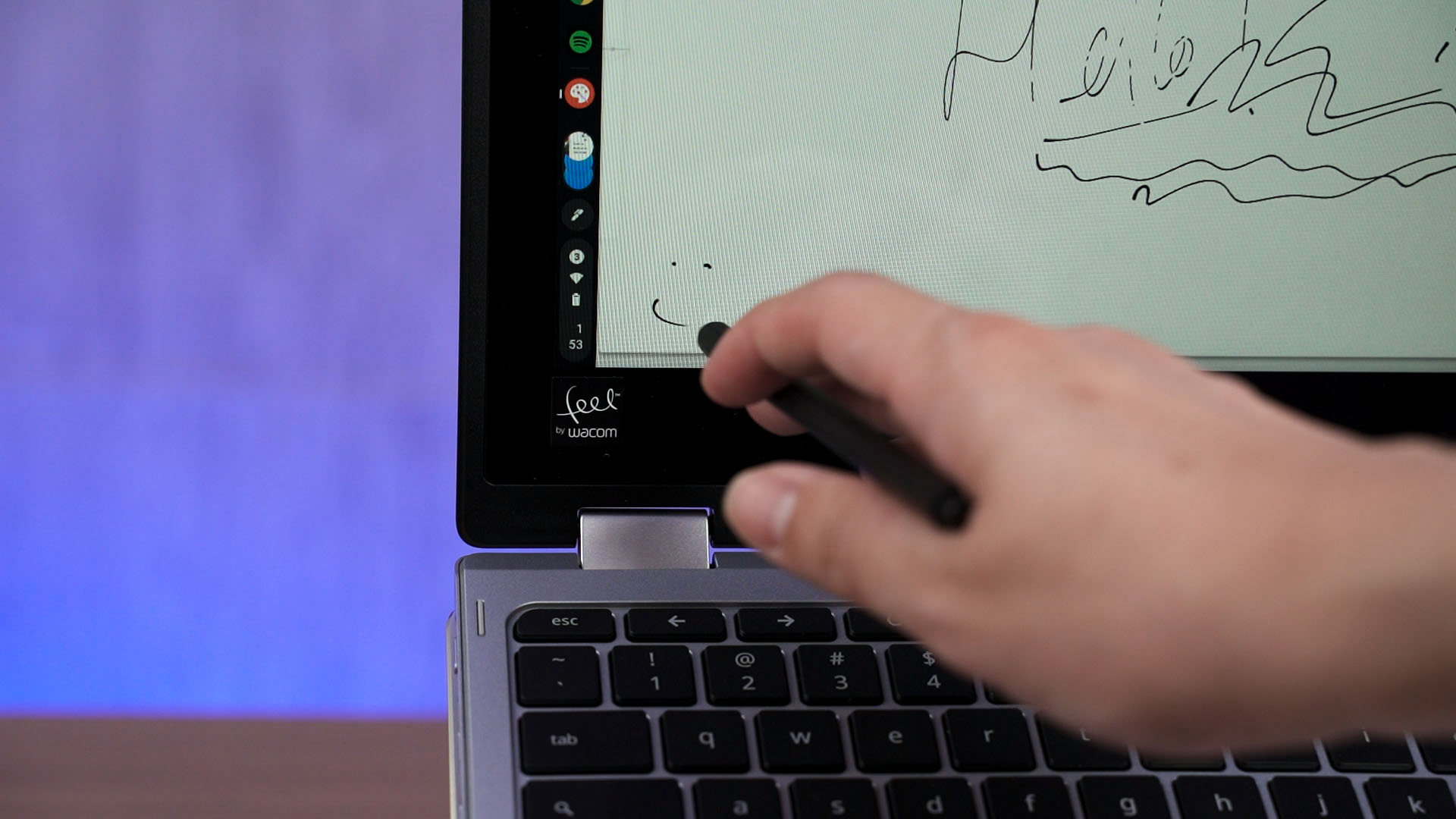
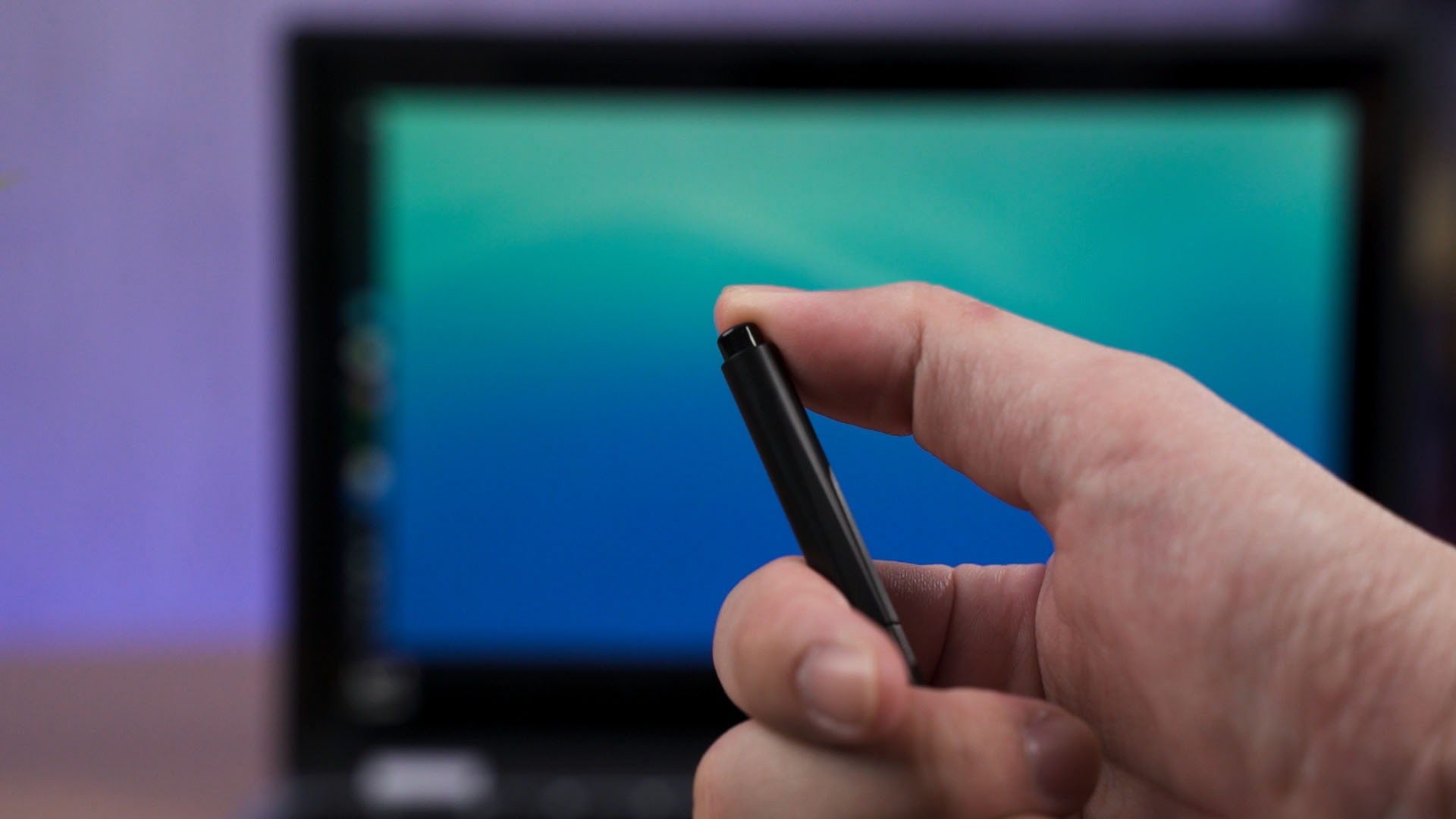
But, as the name of this laptop suggests, it can indeed, spin. It also has autorotation so you can use it in whatever orientation you want. It even has Wacom EMR Pen support and this pen is also included in the box. This pen doesn’t need to be charged and can be used right away – just like Samsung’s S Pen.
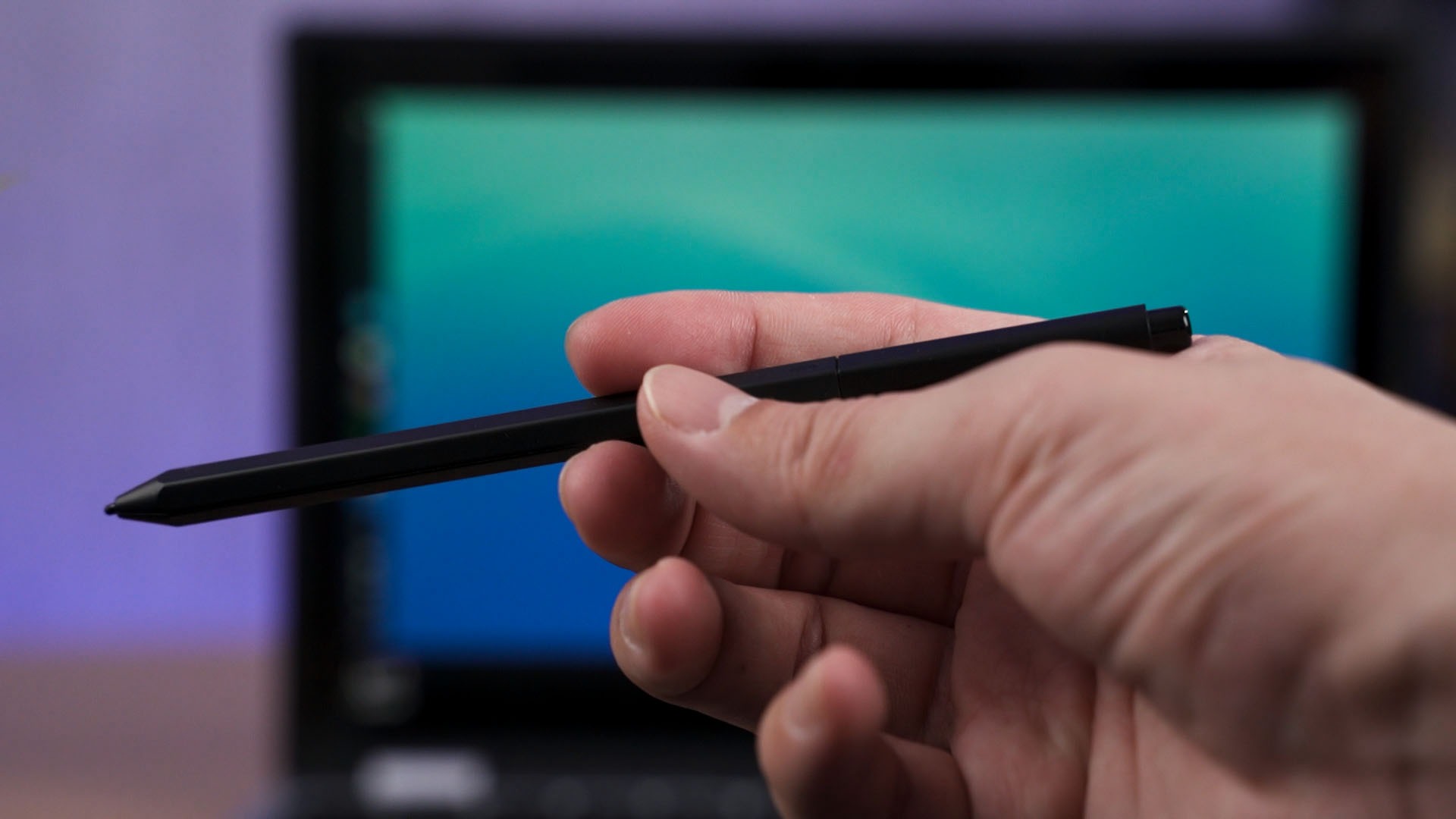
And don’t worry about scratching the screen with the stylus – it comes protected with Corning Gorilla Glass though we’re unsure which generation of Gorilla Glass. Whichever the case is, it is also antimicrobial.
With so many things that you can do with this Acer Chromebook Spin 311 laptop, how’s the performance? That’s where the magic of Chromebooks comes in. Even though this laptop only comes with Intel Celeron N4100 Quad-Core CPU and 8GB of RAM, for all I can say – it is very responsive on whatever I throw at it. And it’s even fanless and I felt no heat at all!
Even going in and out of fullscreen on YouTube is snappier than another similarly-specced laptop that is Windows-based. The biggest difference here between these two machines – is the storage capacity. I mean, Chromebooks are meant to work with web apps and cloud storage – so that’s okay.
With that said, the battery life of this laptop is amazing. I have no idea what’s the battery capacity but it can easily get at least 7 hours out of my usual heavy Chrome usage with Spotify and some YouTube in the mix. I end up not charging for two days and just left it to sleep and the battery barely reduced. That’s just impressive.
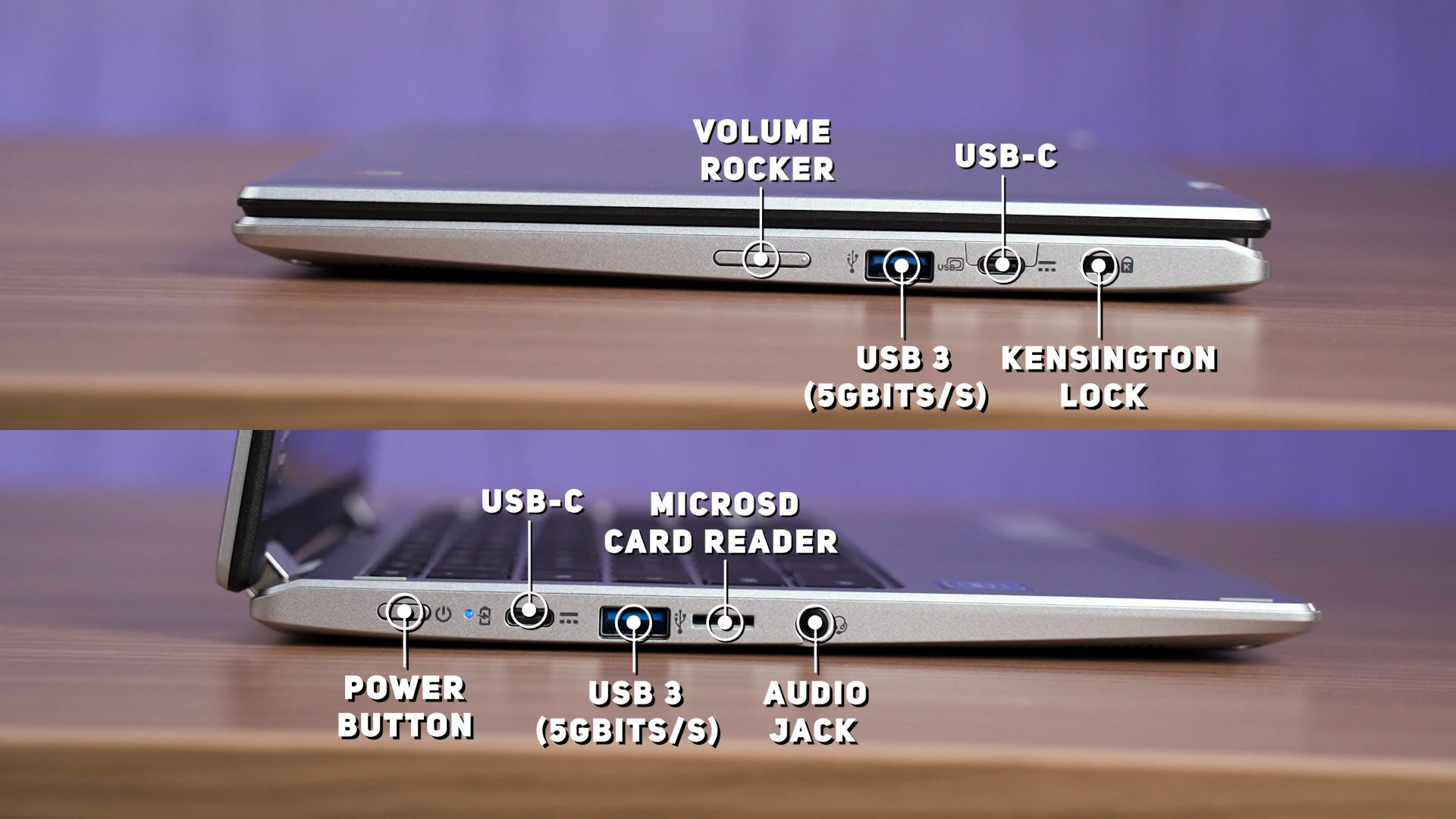
And to charge this laptop, it comes with a USB-C charger too. However, I didn’t use it since I just use the Ugreen USB-PD charger that I have on my desk to charge the laptop. And I can plug it into any of the two USB-C ports to charge the laptop. I absolutely love this laptop’s versatility as it also comes with two more USB 3.0 Type-A ports! This is better than many other premium Windows laptops!
Should you buy the Acer Chromebook Spin 311?
At the retail price of RM1,999 – I’m impressed by what this Chromebook can do. The convertible form factor is amazing with this size. The build quality is decent as it contributes to its weightlessness, and Chrome OS is magnificent.
Of course, I do have my own set of complaints – particularly about the humongous bezel. By the way, the speakers on this laptop is… not that good.
Where to buy? (Affiliate links)
Like our Facebook Page here at NasiLemakTech.com for more news and in-depth reviews! Also, join our Facebook Group for insightful information and memes!
Subscribe to our YouTube channel too!

I can’t see the simcard slot on my Acer Chromebook spin 311!