















This is OPPO’s new foldable device – the OPPO Find N2. It was a part of the OPPO INNO Day announcement from about a week ago, and I gotta be straightforward and honest with you guys – I didn’t get to spend much time with it. I only have a week to play with it before I need to return it back to OPPO, and by the time I did all of the usual tests, it was already day 3.
Nonetheless, I tried to use the device as much as I could to give you a proper user experience review in this video. There will be lots of references and comparisons with the Galaxy Z Fold 4 too – which is my daily driver since it was launched. So, let’s begin.
I’ll try to talk about this phone objectively first and I’ll leave all of my thoughts, opinions, and comments at the “usability” segment of this article.
Unboxing.
If you buy the OPPO Find N2 then you’ll get this fancy box – you can watch our unboxing here.
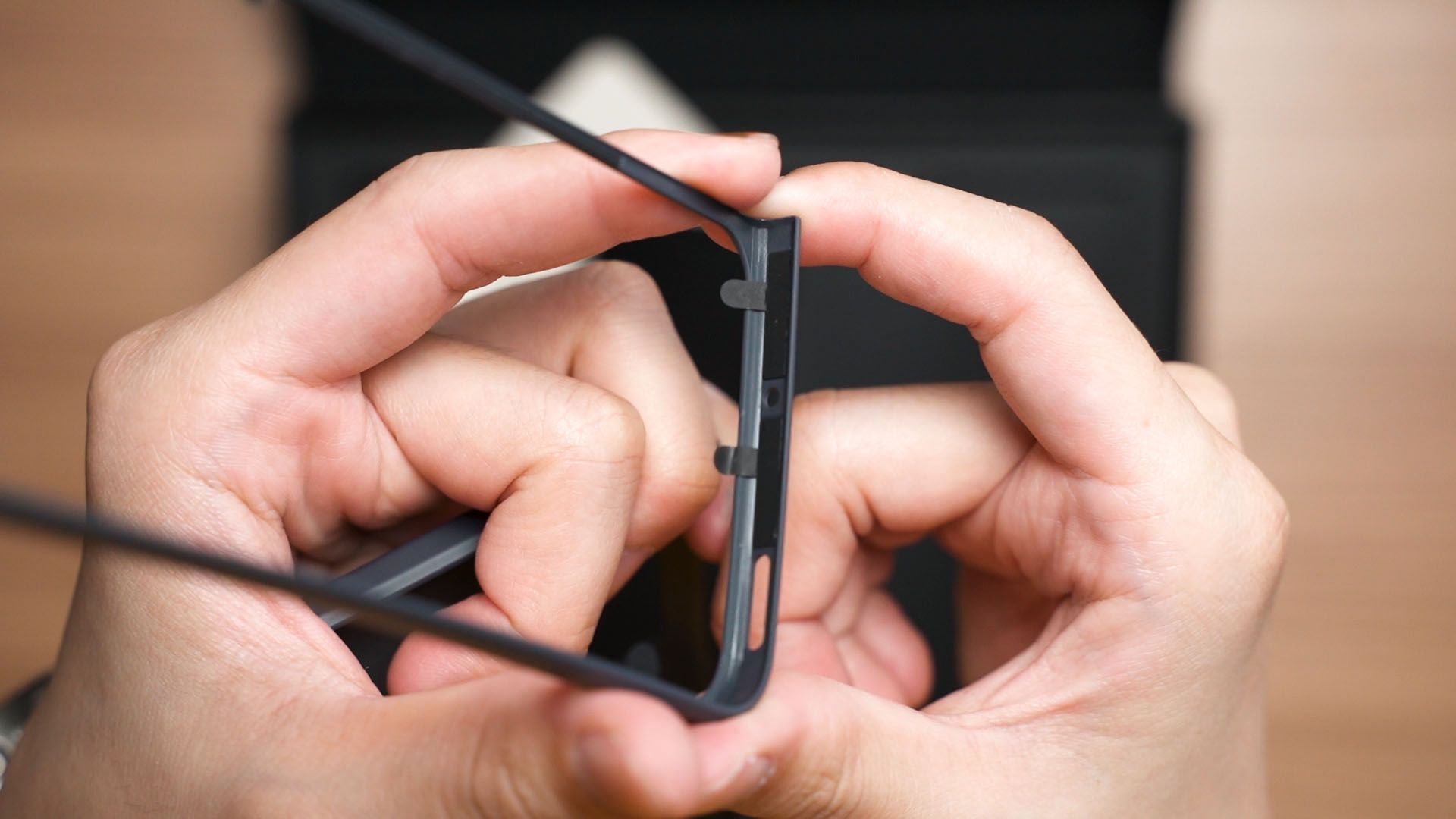
You’ll also find a case that is in two pieces of hard plastic. They do require adhesives to stick to the phone. Love it or hate it, cases for foldable devices oftentimes require adhesives. There is just no way around it.
Performance
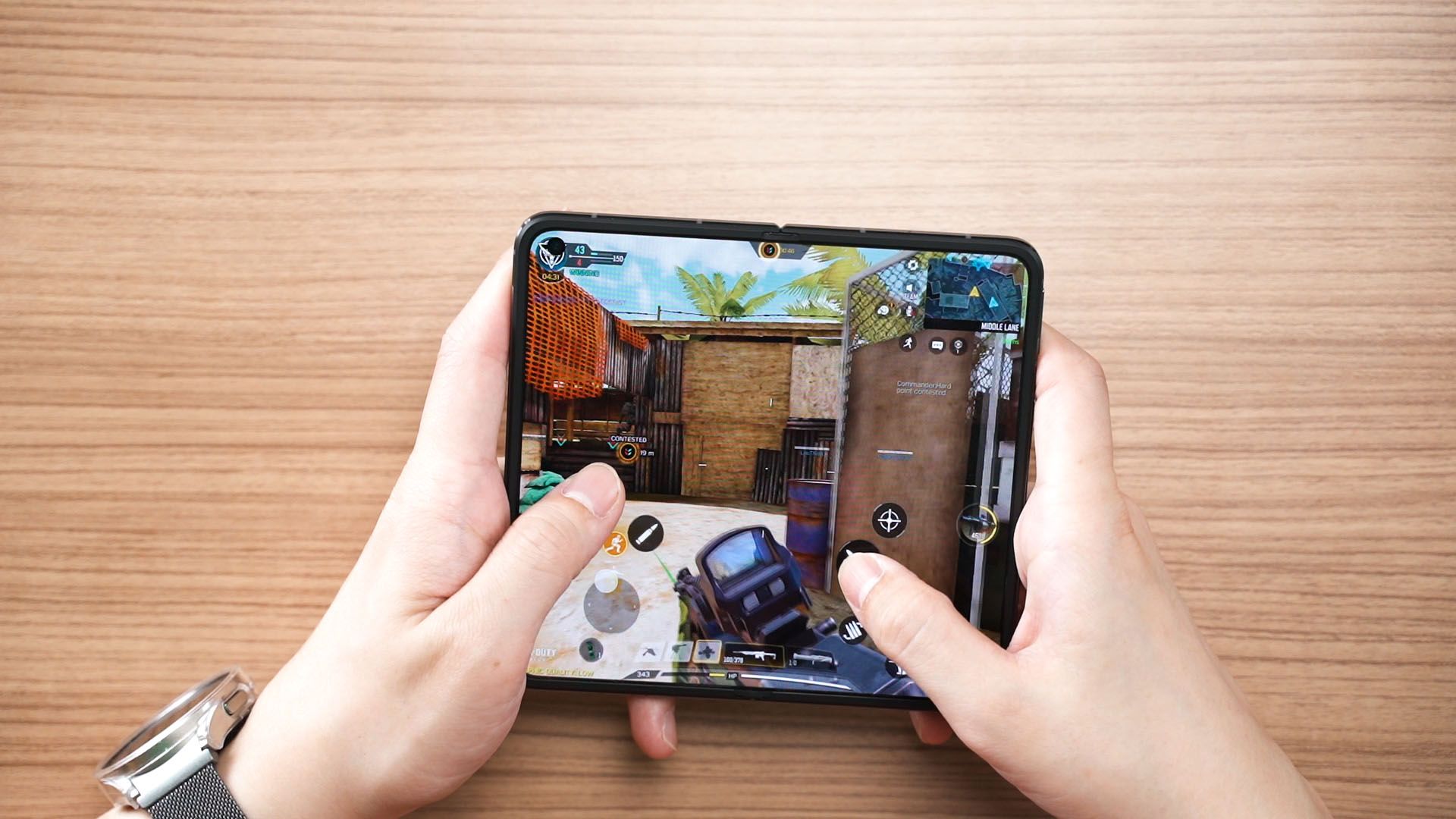
I won’t talk much about the chipset since it’s using the Snapdragon 8+ Gen 1 and we already know how amazing this chipset really is. You can play games on this phone but we’ll leave that to a later segment instead.
Cameras
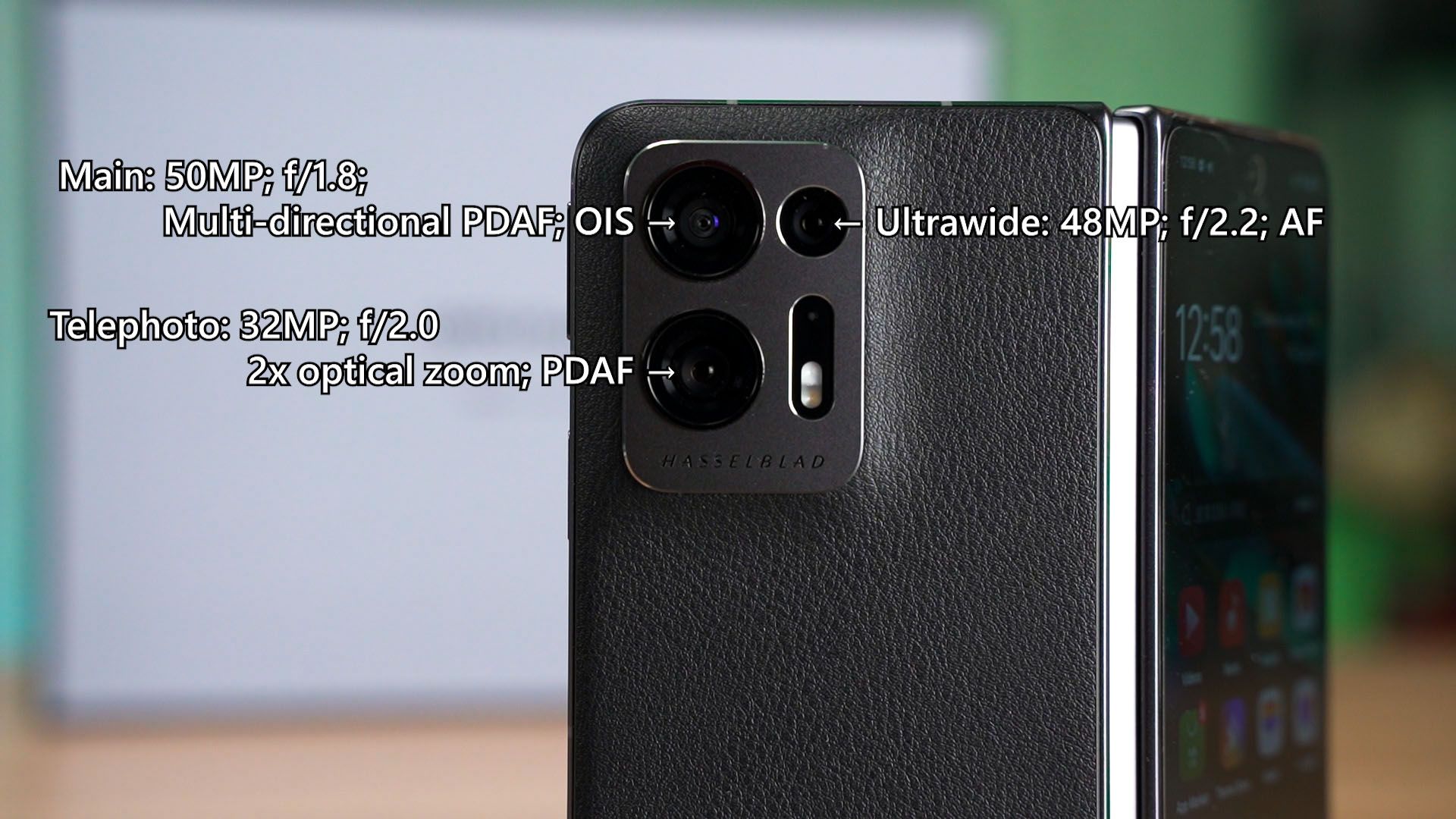
I’m going to start with the camera. It’s tuned by Hasselblad and there are a total of 3 cameras available – so I’ll just show you some random pictures I took over the week of using this phone. This phone is also using the same MariSilicon X chip that is found on the Find X5 Pro as well.
To have a look at all the pictures we took, watch our video at the top of this review.
Design
Okay, I really want to talk about the screens on the OPPO Find N2 first. It looks completely different from the Galaxy Z Fold 4 as it is shorter and wider, which changes the entire user experience.
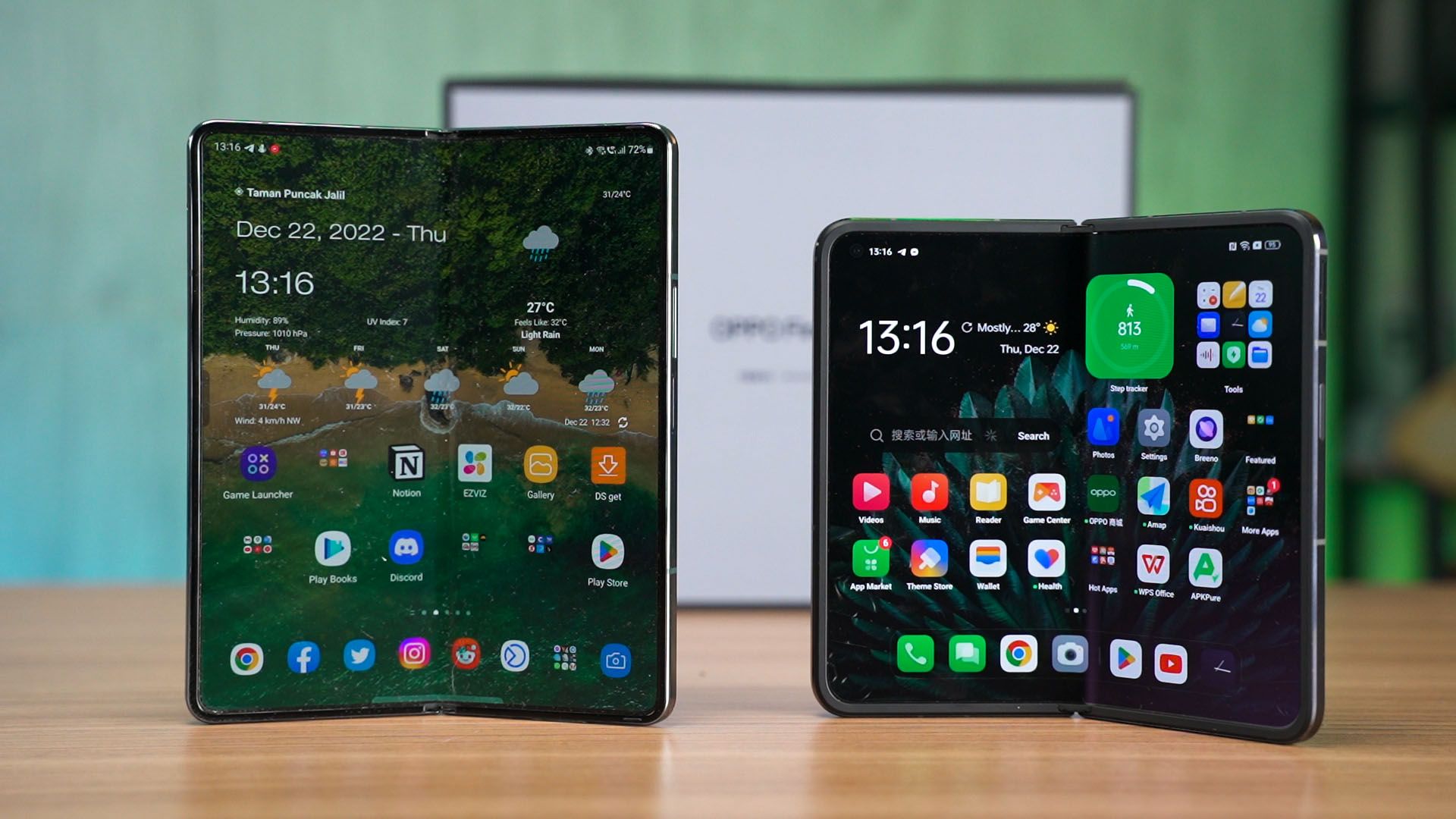
The Find N2 is also a whole lot thinner thanks to the second-generation Flexion Hinge.
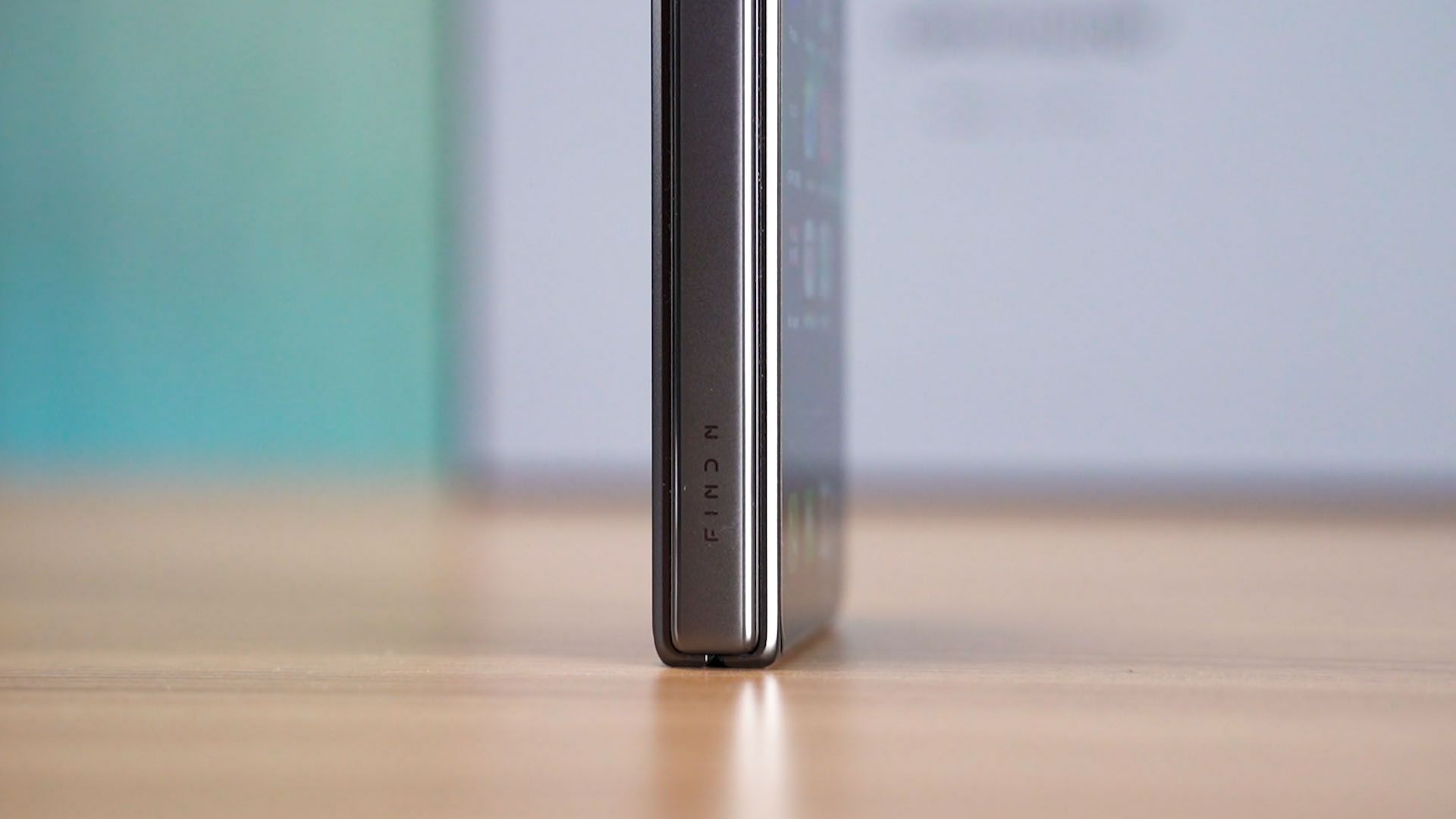
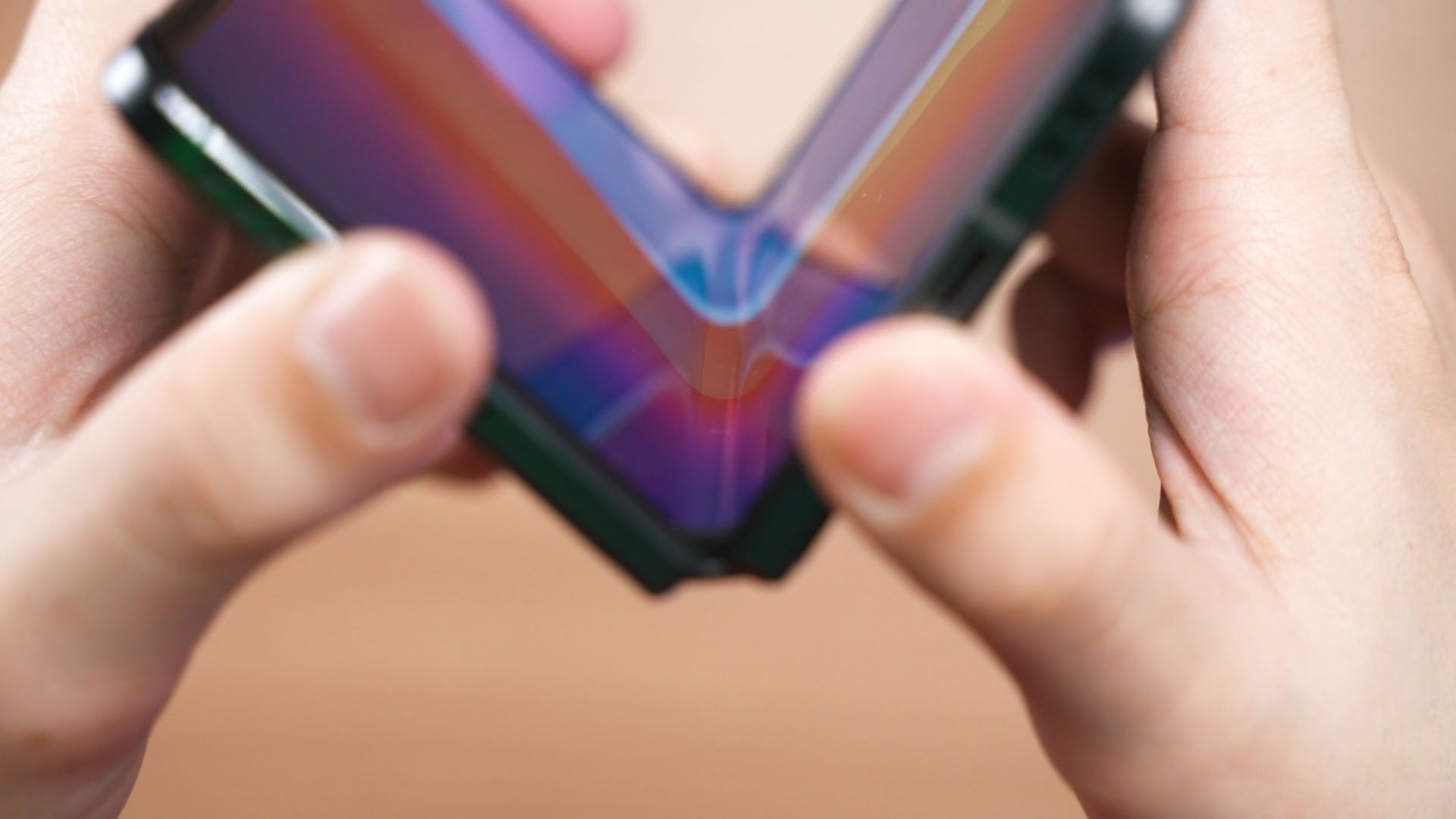
OPPO says that this hinge allows a thinner and lighter design with an almost invisible crease. That is because it folds the display with a teardrop shape at the fold which creates a larger turn radius, hence lessening the stress at the folding point.
We do have a hinge that locks itself between 45-125 degree angles which OPPO is calling the FlexForm Mode.
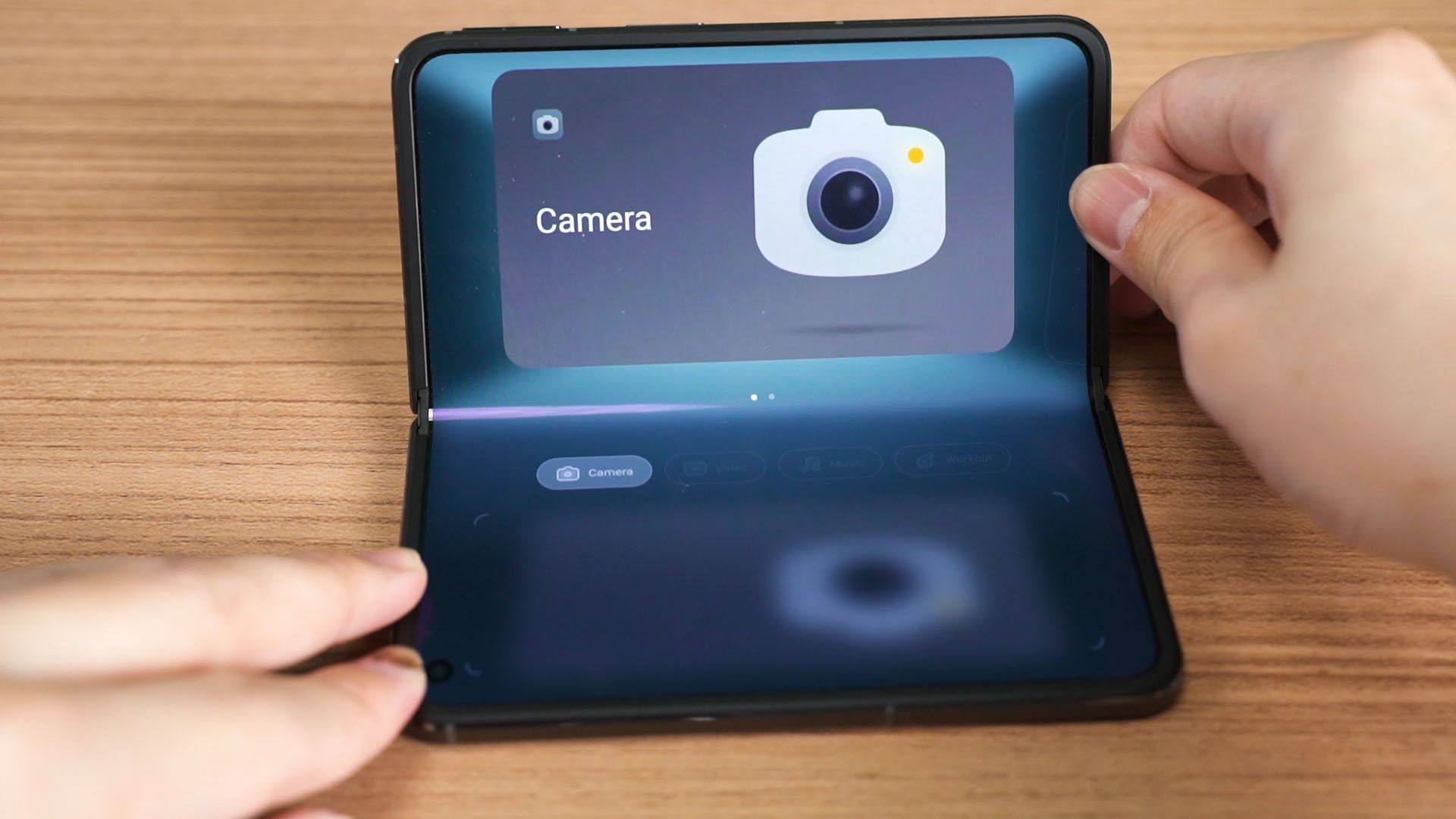
It’s essentially OPPO’s version of Samsung’s Flex Mode – and we’ll also revisit this later.
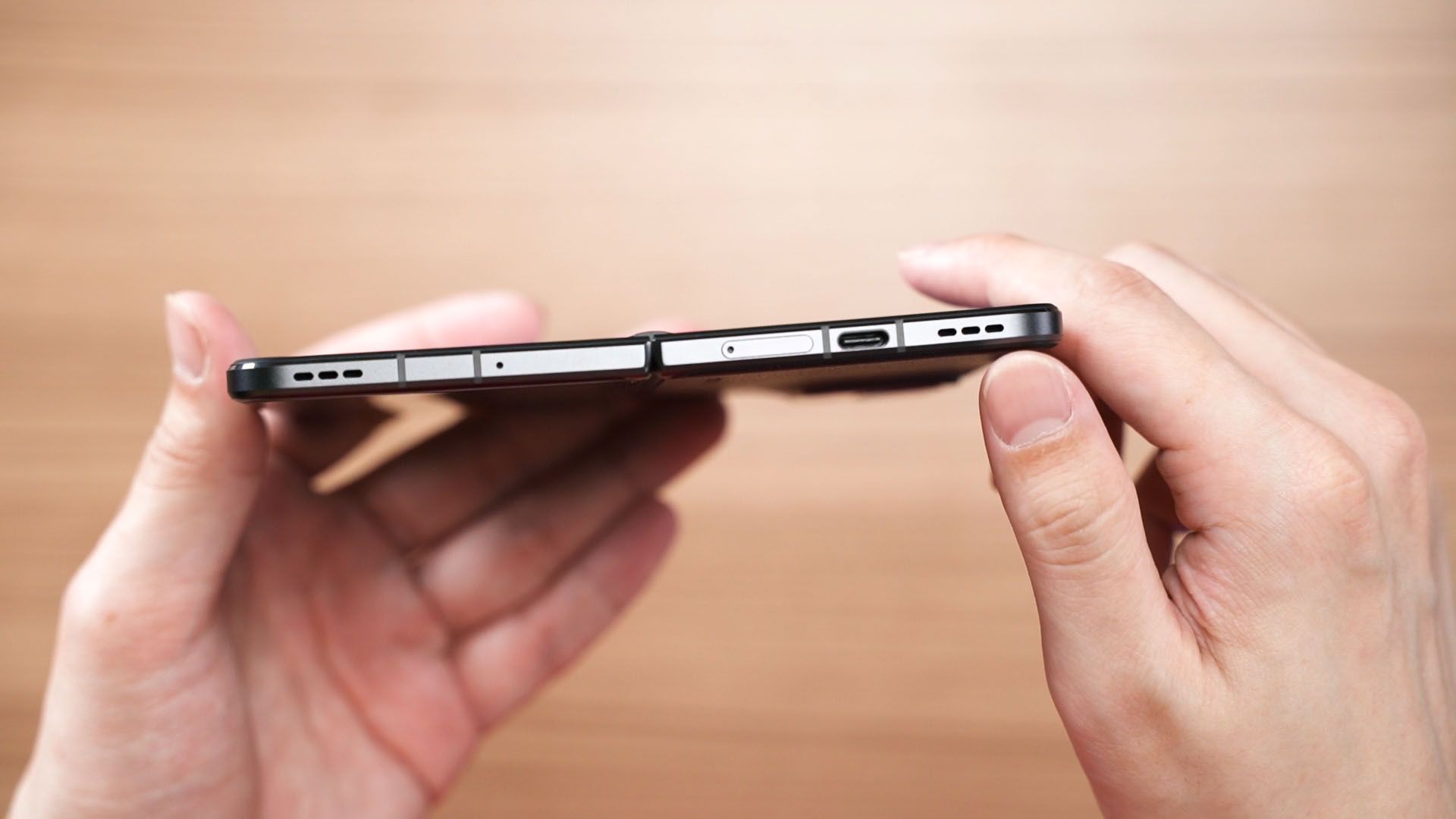
What’s weird though, is that both speakers of the OPPO Find N2 are pointed downwards. Does it really matter? We’ll talk about this later.
Screens
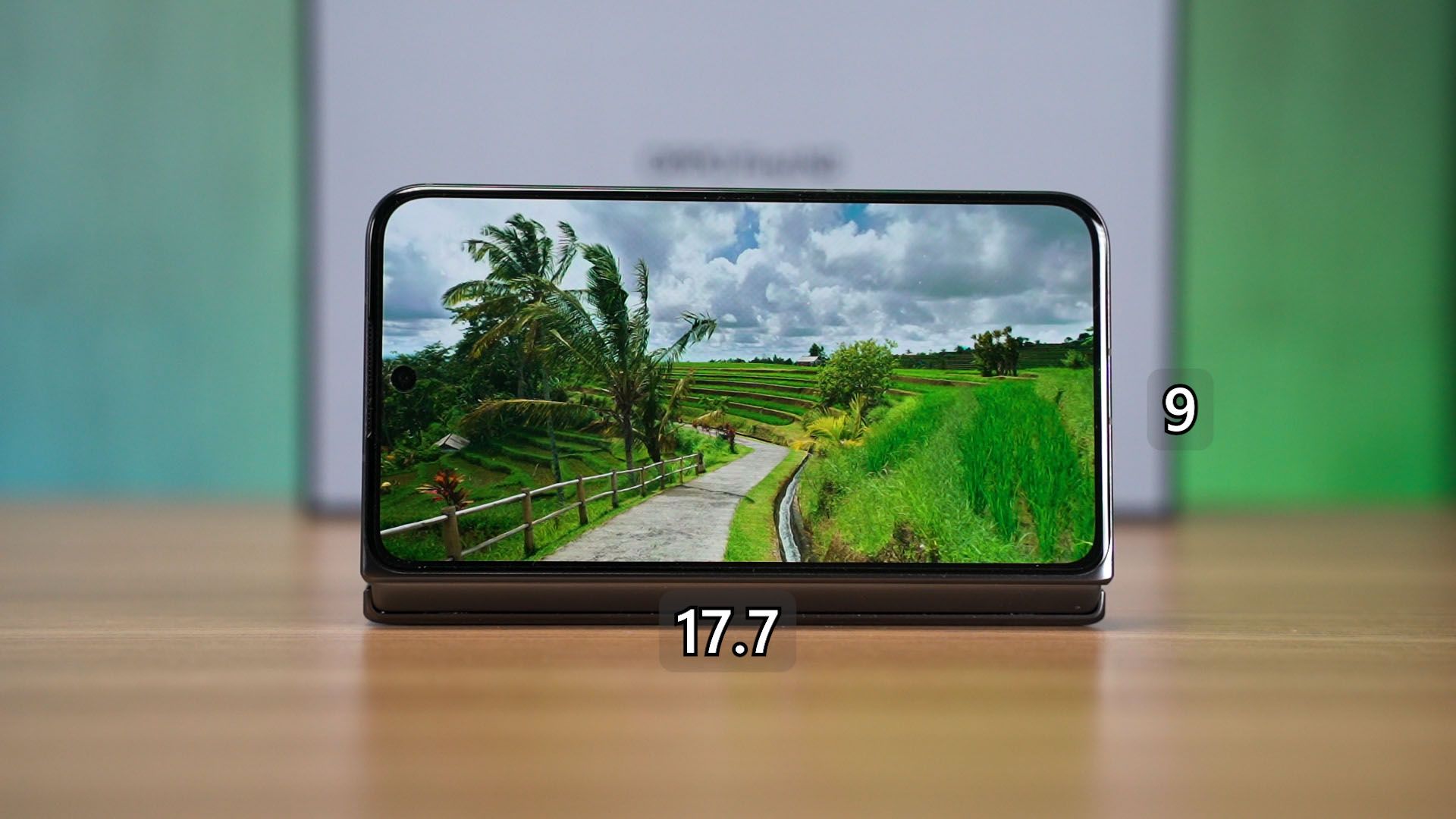
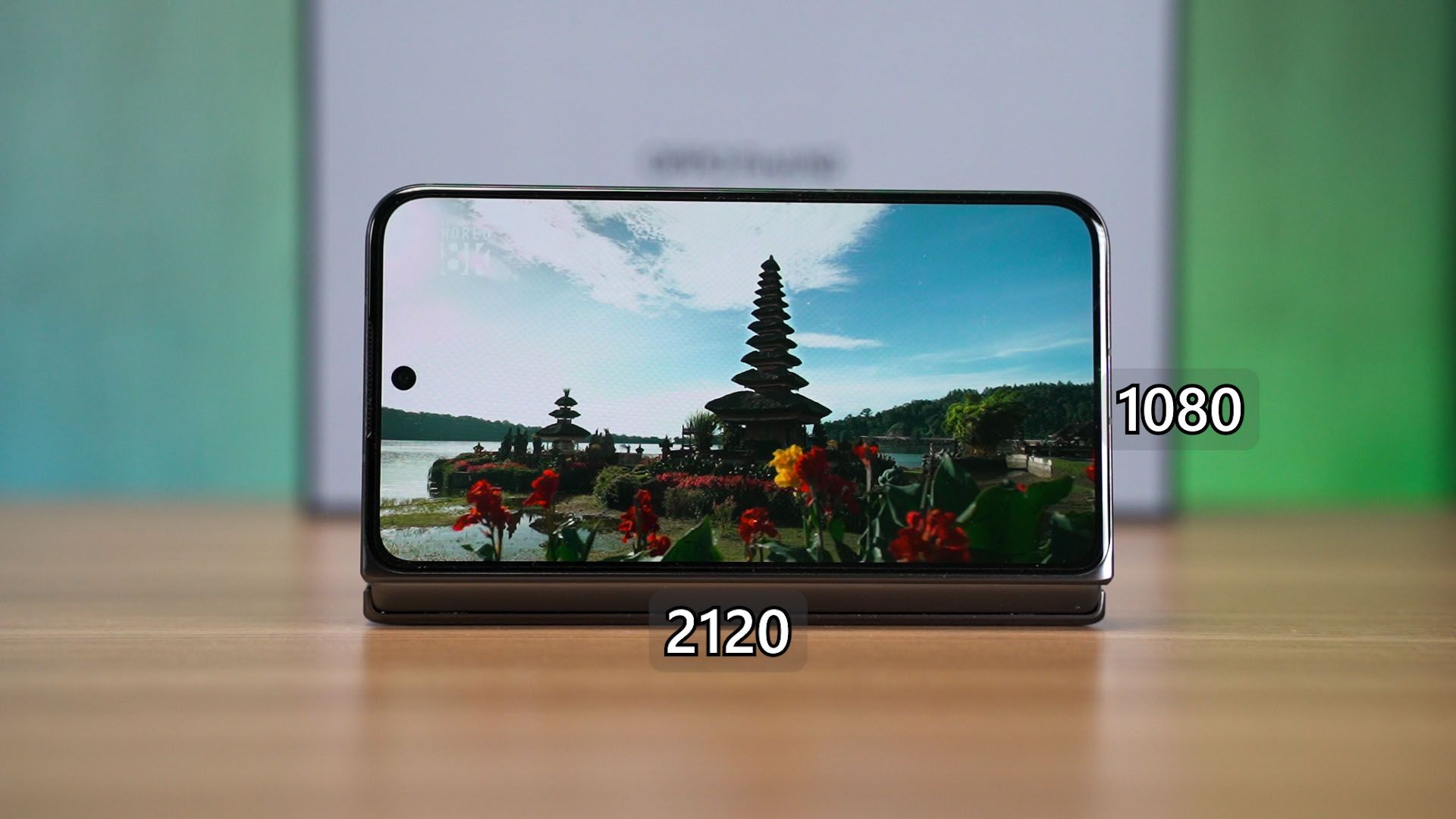
Before we get ahead of ourselves, let’s talk about the screens now – starting with the cover display. It is a 5.54-inch display with a very standard aspect ratio of 17.7:9 with 2120×1080 pixels in resolution and goes up to 120Hz refresh rate.
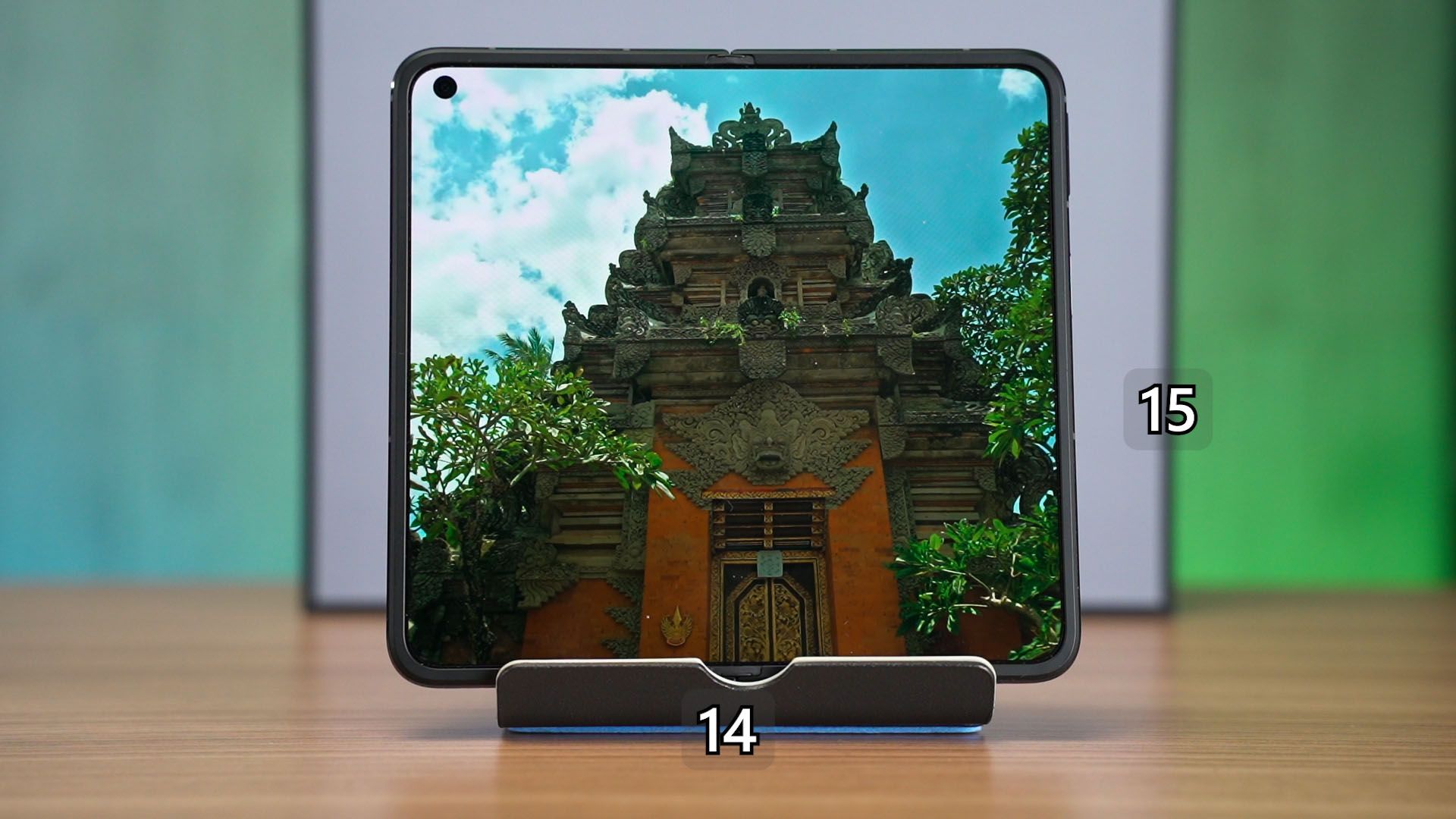
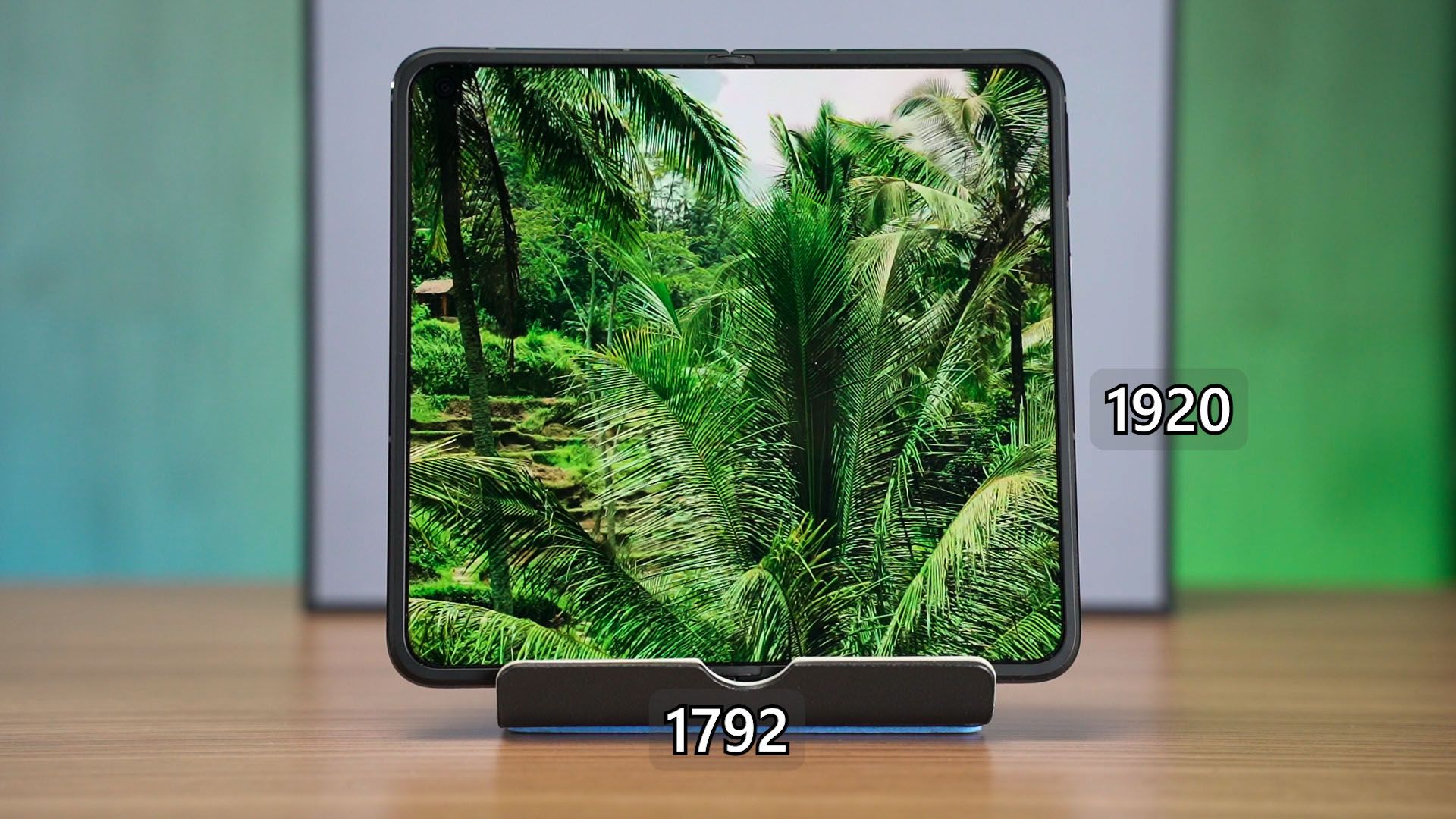
Once we unfold the device, we have a 7.1-inch display with 1792 x 1920 pixels in resolution with a maximum refresh rate of 120Hz and an aspect ratio of 14:15. Surprisingly, this is very close to being a square display and we’ll talk about this again in the later segment of this video.
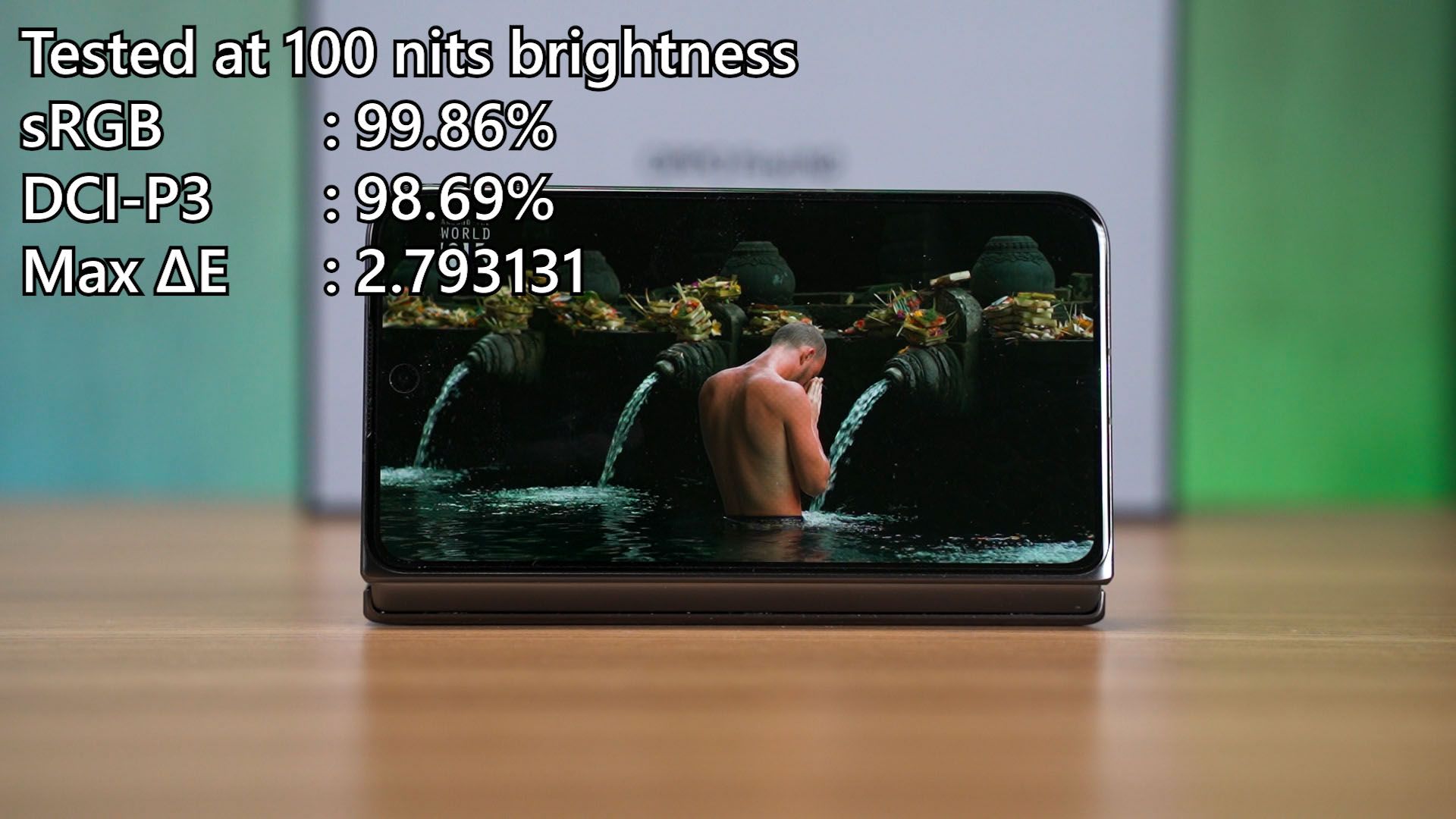
Using our colorimeter, we tested the color accuracy first. At 100 nits of brightness, the cover display is pretty good though the Delta E number is quite high, and for the unfolded display – we split it into 3 parts – left, right, and right in the middle along the crease line.
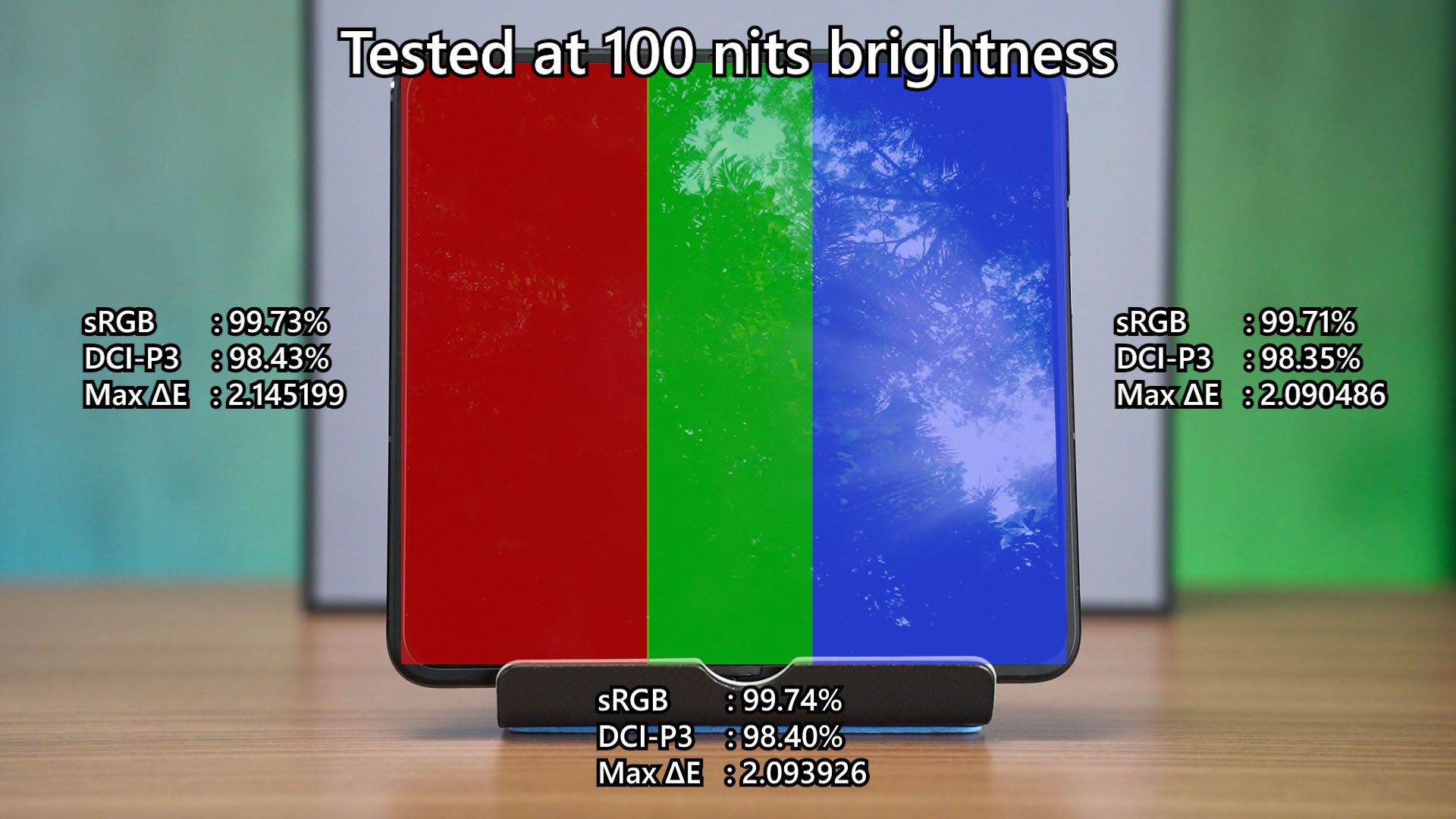
Surprisingly, the color accuracy is remarkably consistent across the entire unfolded display and even the Delta E is consistent.
Then, we tested the maximum brightness. The cover display has a maximum brightness of about 480 nits, but the unfolded display can go slightly higher than 500 nits, but it is not consistent as I found out that the display is bright on the left side and get slightly dimmer as we move to the right side of the screen.
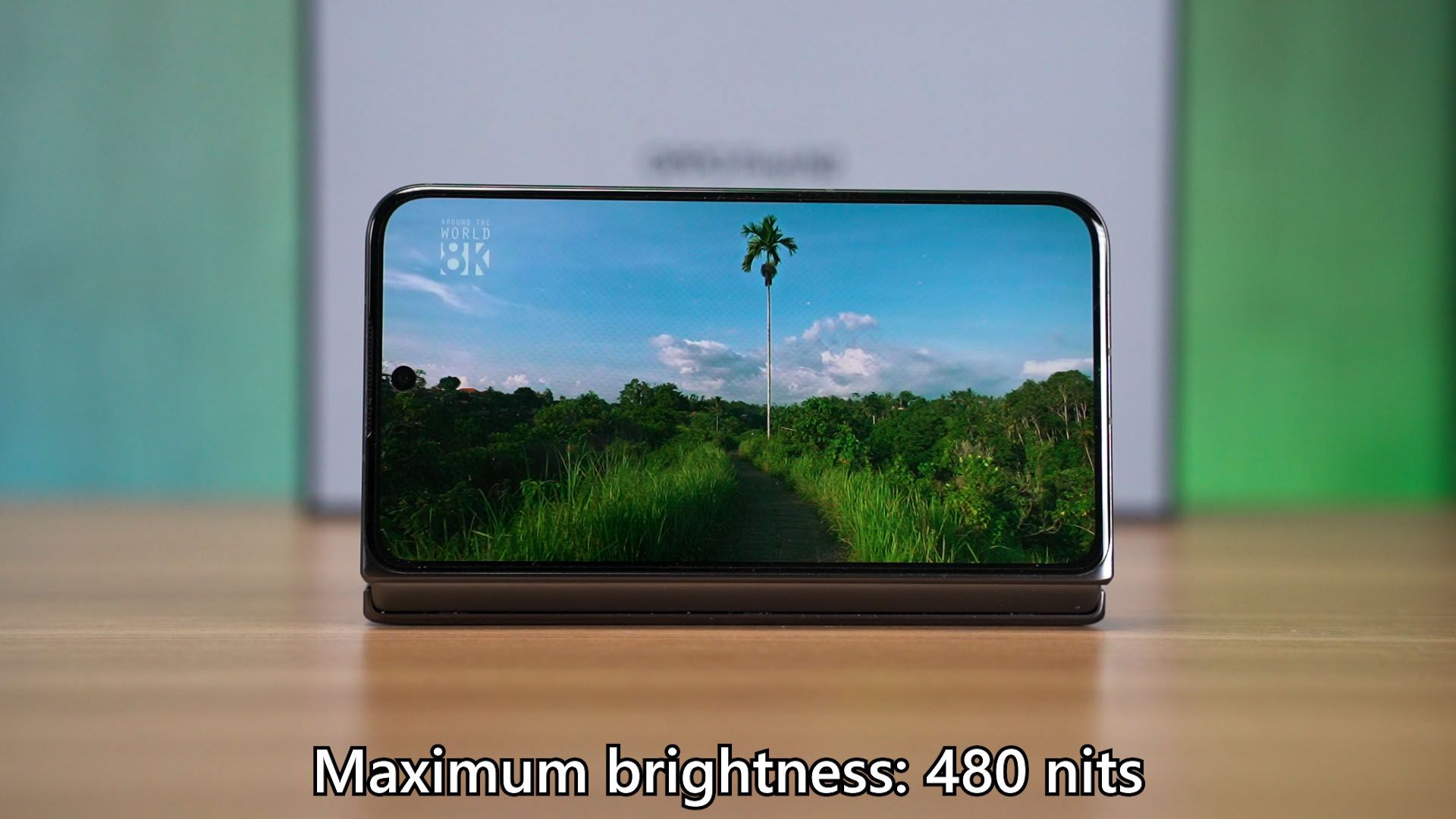
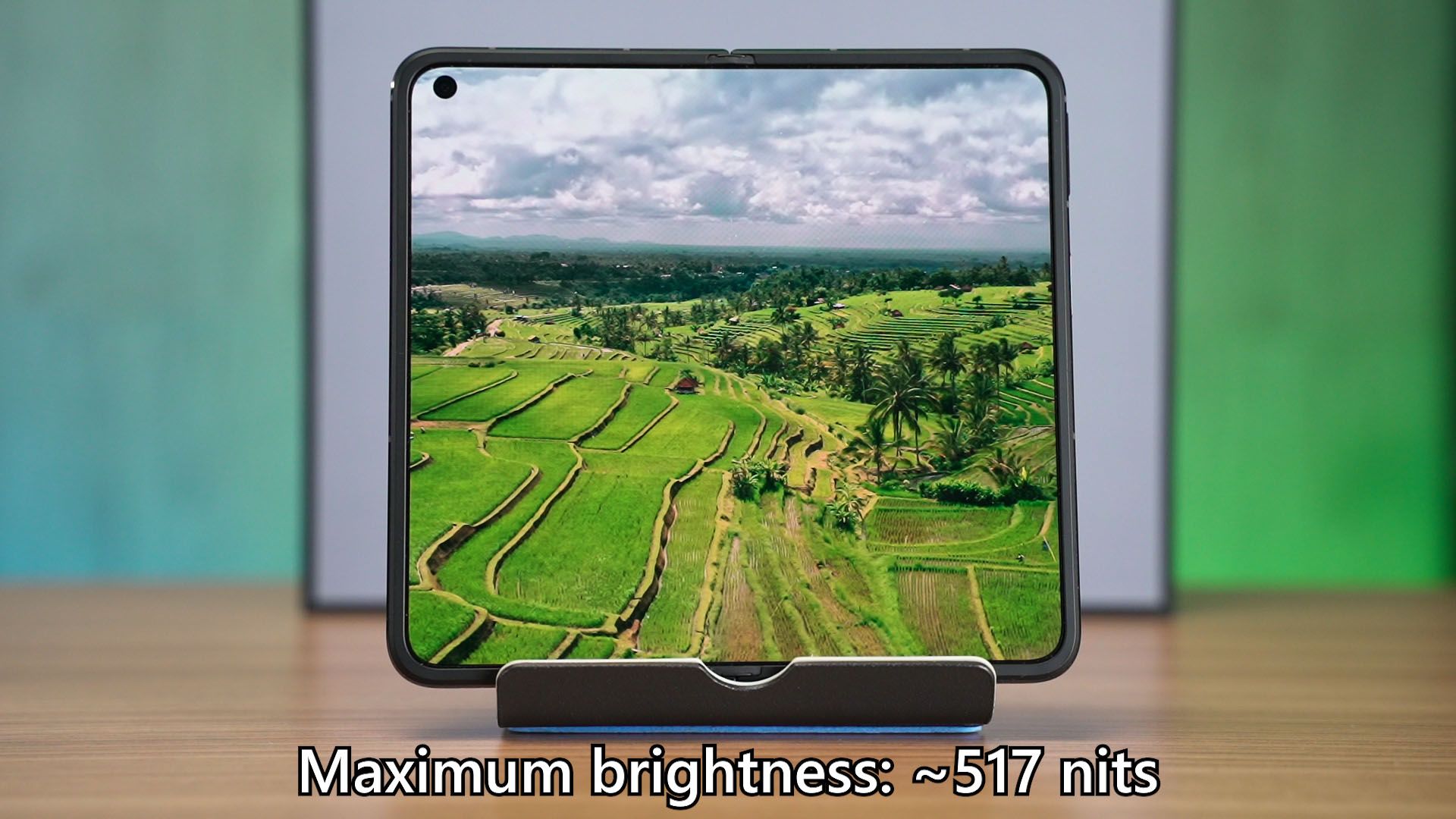
At about 500 nits brightness though, it is not enough for outdoor usage especially when it is sunny. This is where I want to tip my hat off to Samsung because the Galaxy Z Fold 4 has a maximum brightness higher than 750 nits for the cover display and also the unfolded display. Samsung’s maximum display brightness is just unparalleled.
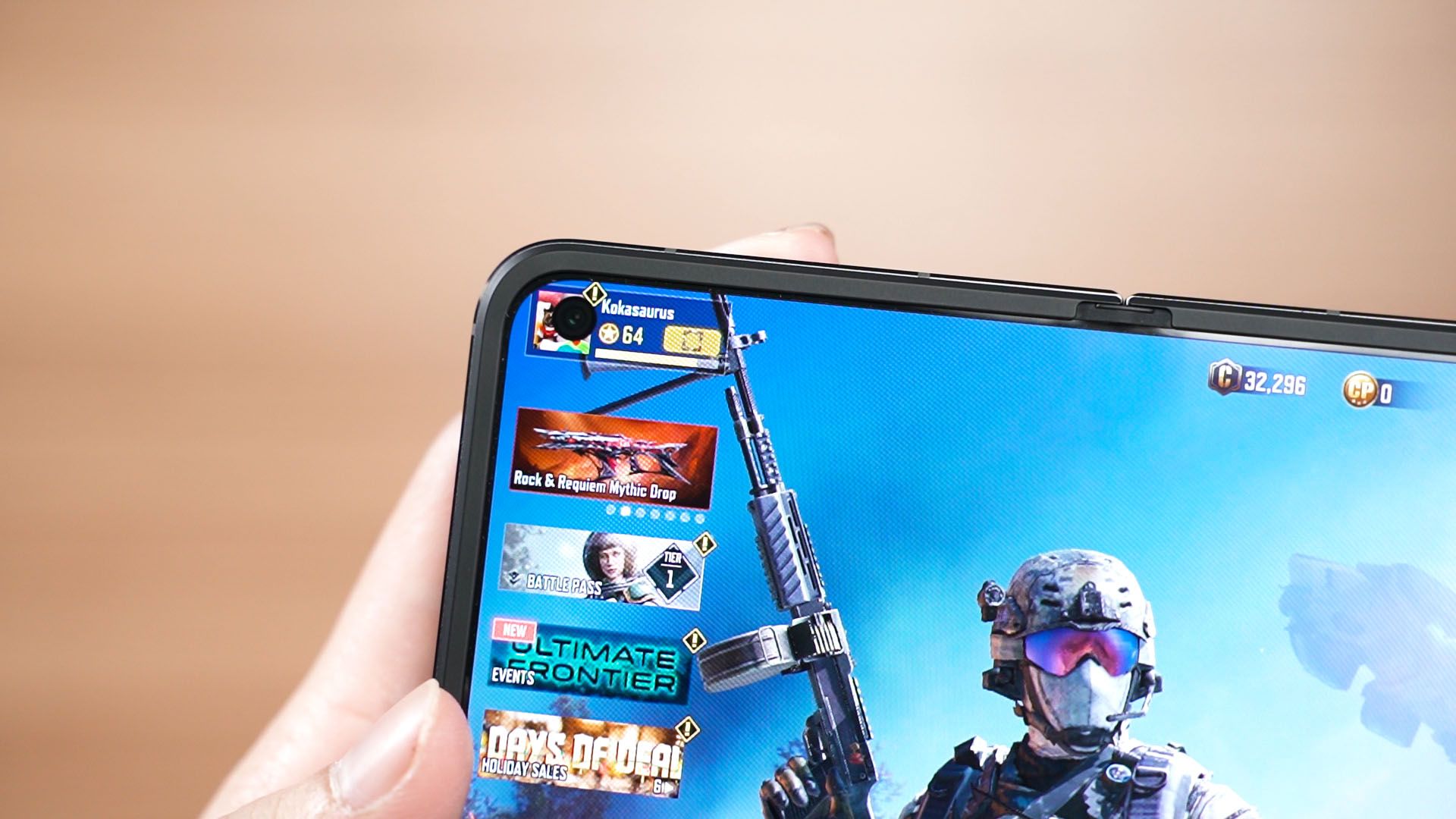
As a quick mention, the unfolded display’s humongous black hole at the top left corner is actually quite distracting.
Battery life
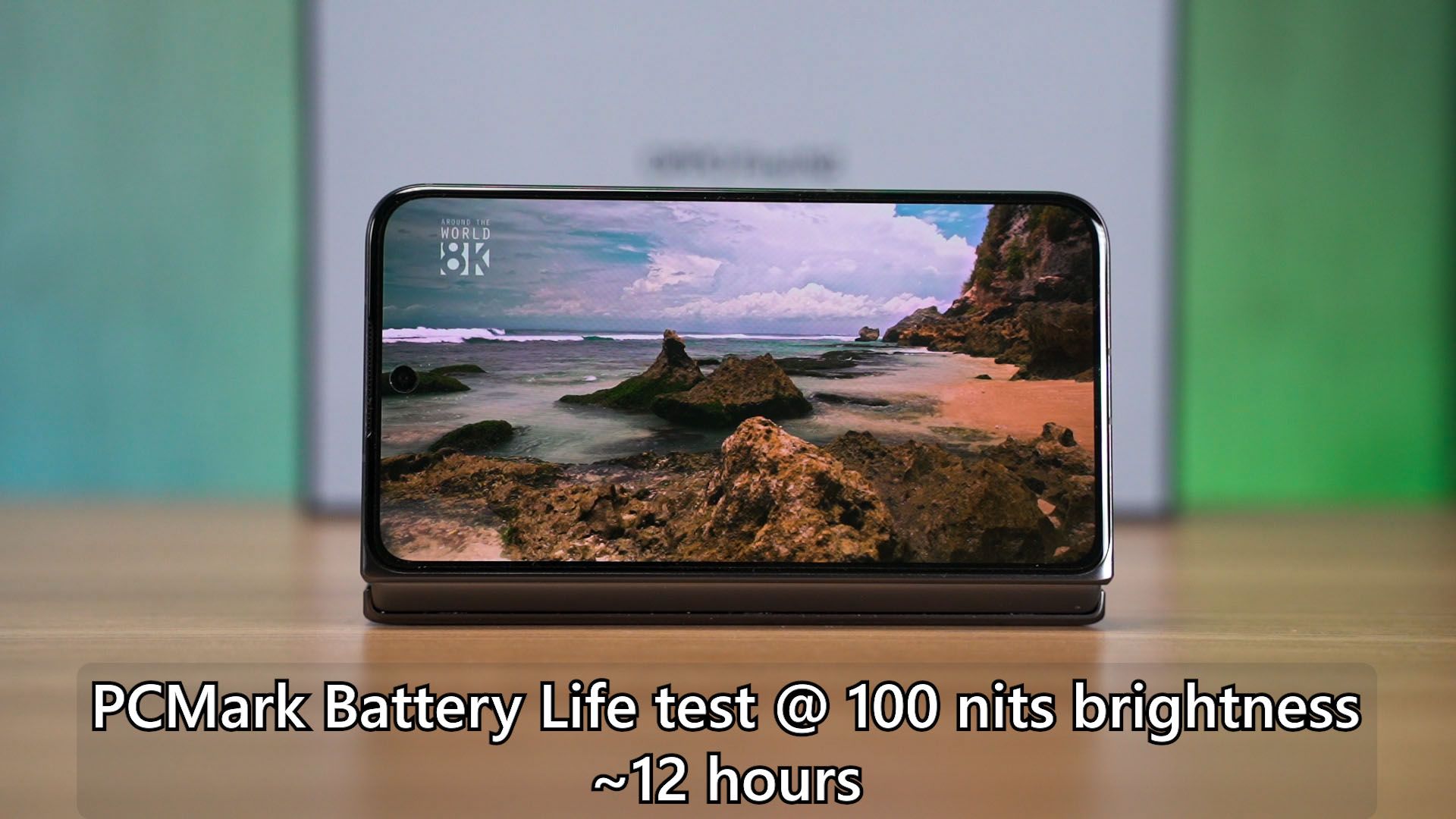
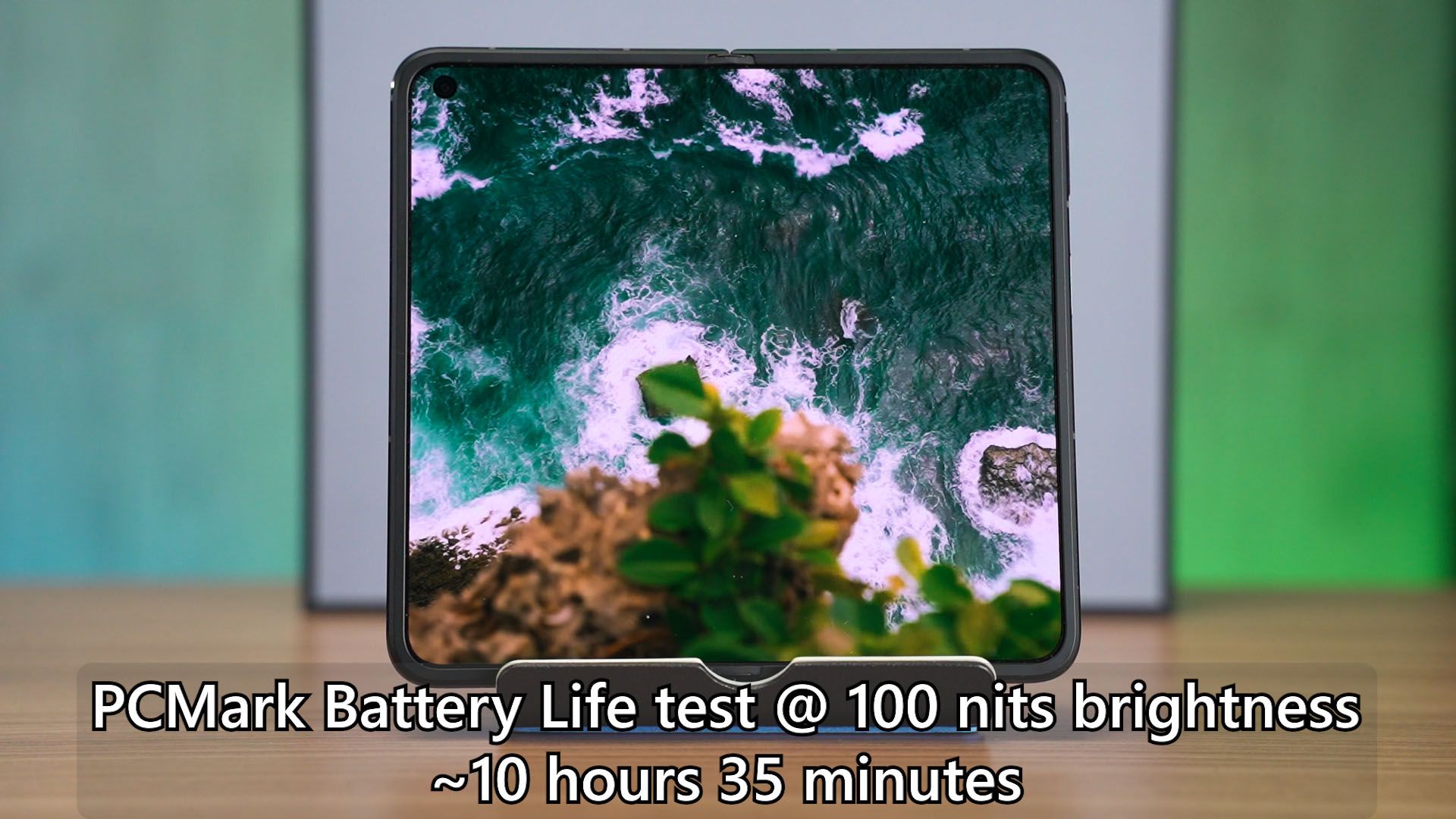
I also quickly want to mention the battery life before we proceed further. Calibrated at 100 nits brightness, the cover display scored about 12 hours whereby the unfolded display scored 10 hours and 35 minutes. It’s actually quite similar to the Galaxy Z Fold 4’s battery life.
Software
Okay, now we move on to the software. This phone does come with OPPO’s ColorOS 13 which is running on top of Android 13.
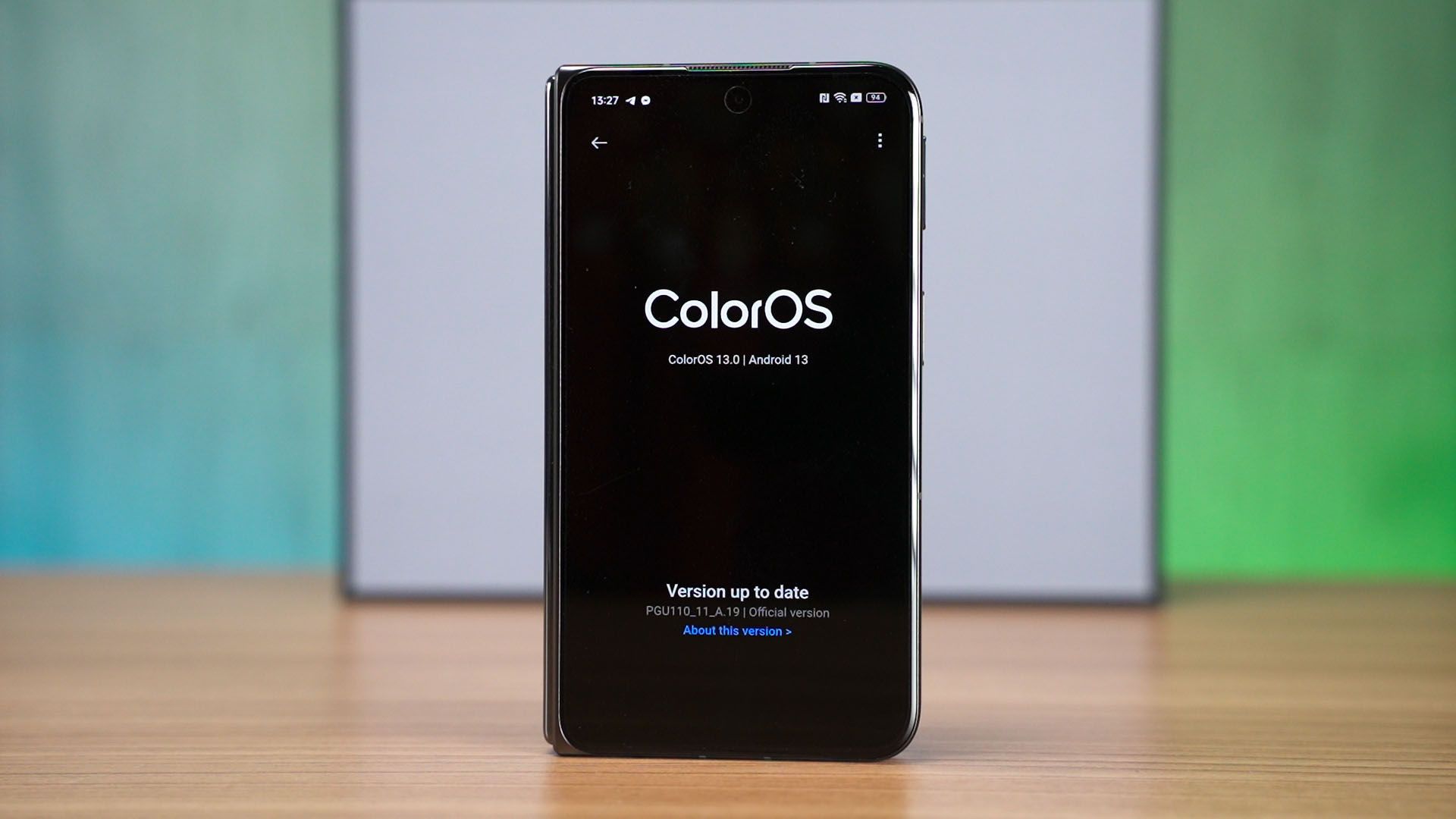
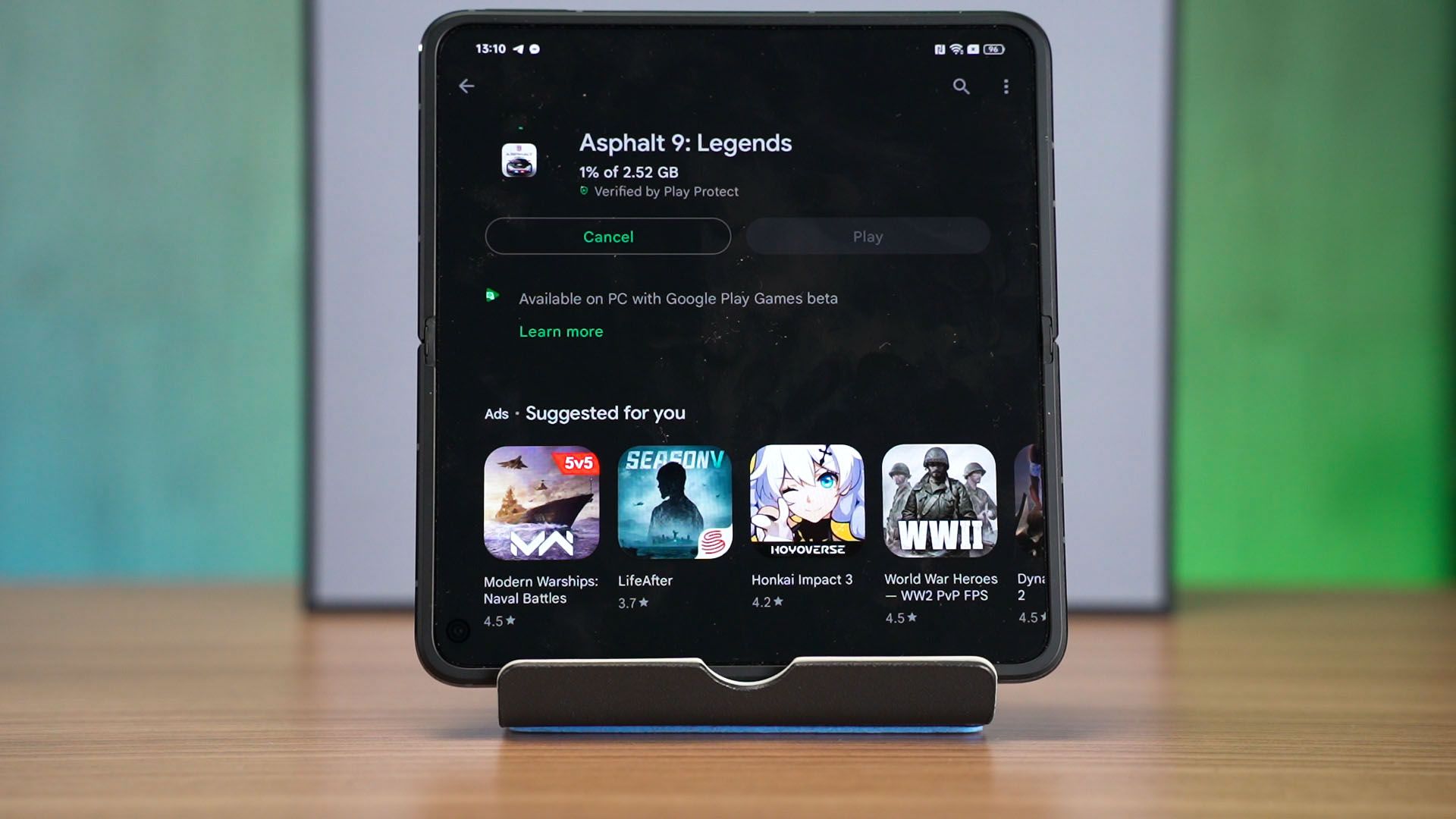
Our unit of the Find N2 is from China, so it doesn’t have Google Play Store out of the box. However, it does have all the dependencies pre-installed, so I just gotta install the Play Store app and everything worked natively.
This is where I’ll compare with the Galaxy Z Fold 4 a lot more. Most of the features available on the Find N2 are similar to the Galaxy Z Fold 4, but the OPPO Find N2 has a much more aggregated settings menu since all of the special features related to the foldable form factor are aggregated into a single menu.
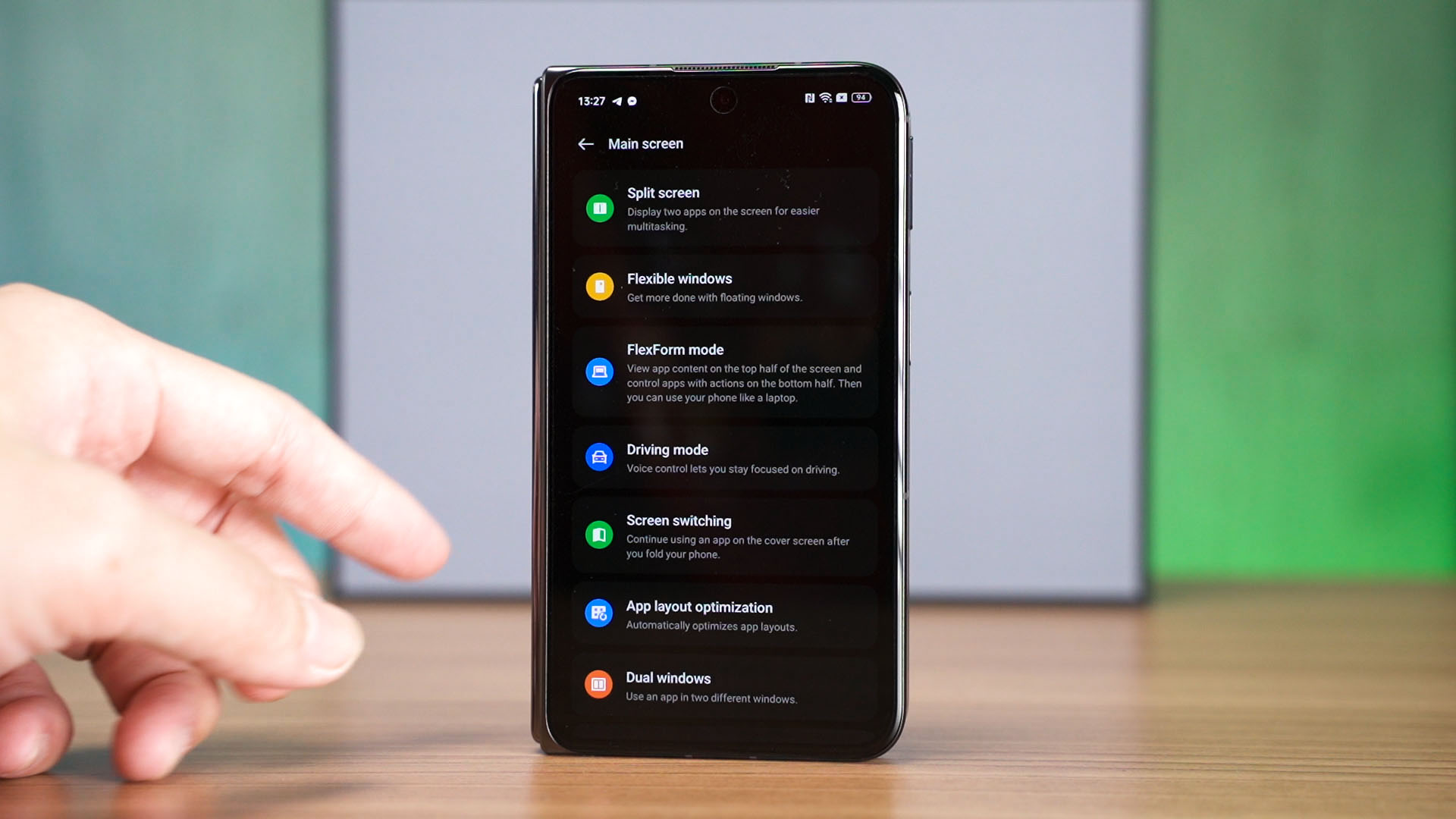
It makes changing the settings – especially for new users – a whole lot easier and digestible since we mostly need to fine-tune settings to see what works for the apps we use.
Unfortunately, this is where the OPPO Find N2 falls short. There aren’t that many special features that are well-made to take advantage of the foldable form factor.
Usability
And I think this is where we should talk about the usability of this foldable smartphone. No joke, from the moment I unbox this device – I immediately tested the hinge and it felt amazing. The hinge smoothness makes the device open and closes smoothly while having an even less noticeable crease compared to the Galaxy Z Fold 4!
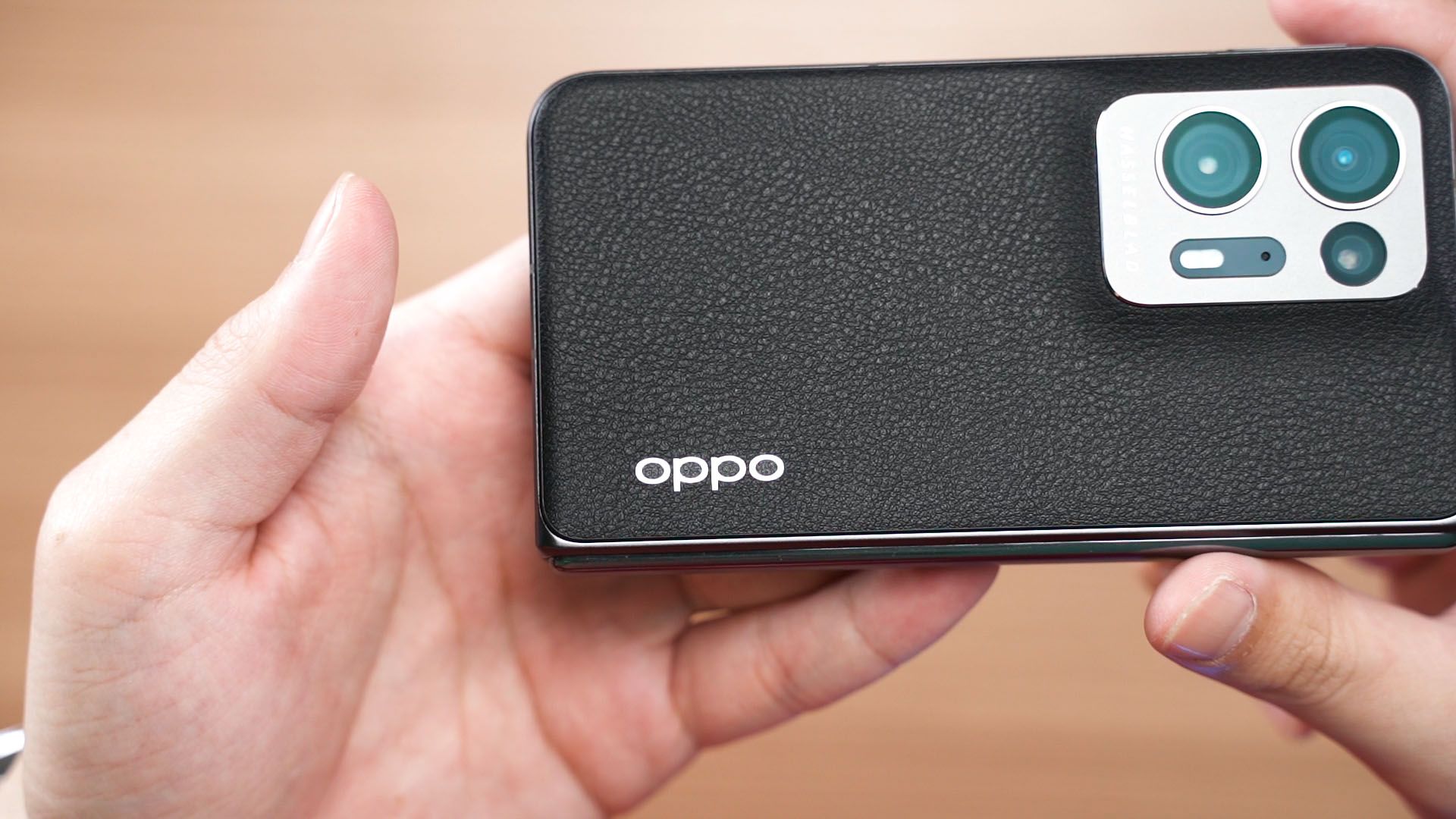
What’s even better is the OPPO Find N2 is thinner and when closed, leaves no gap thanks to the teardrop folding design. That means I don’t have to wipe away all the dust and lint every time before I start to use the device.
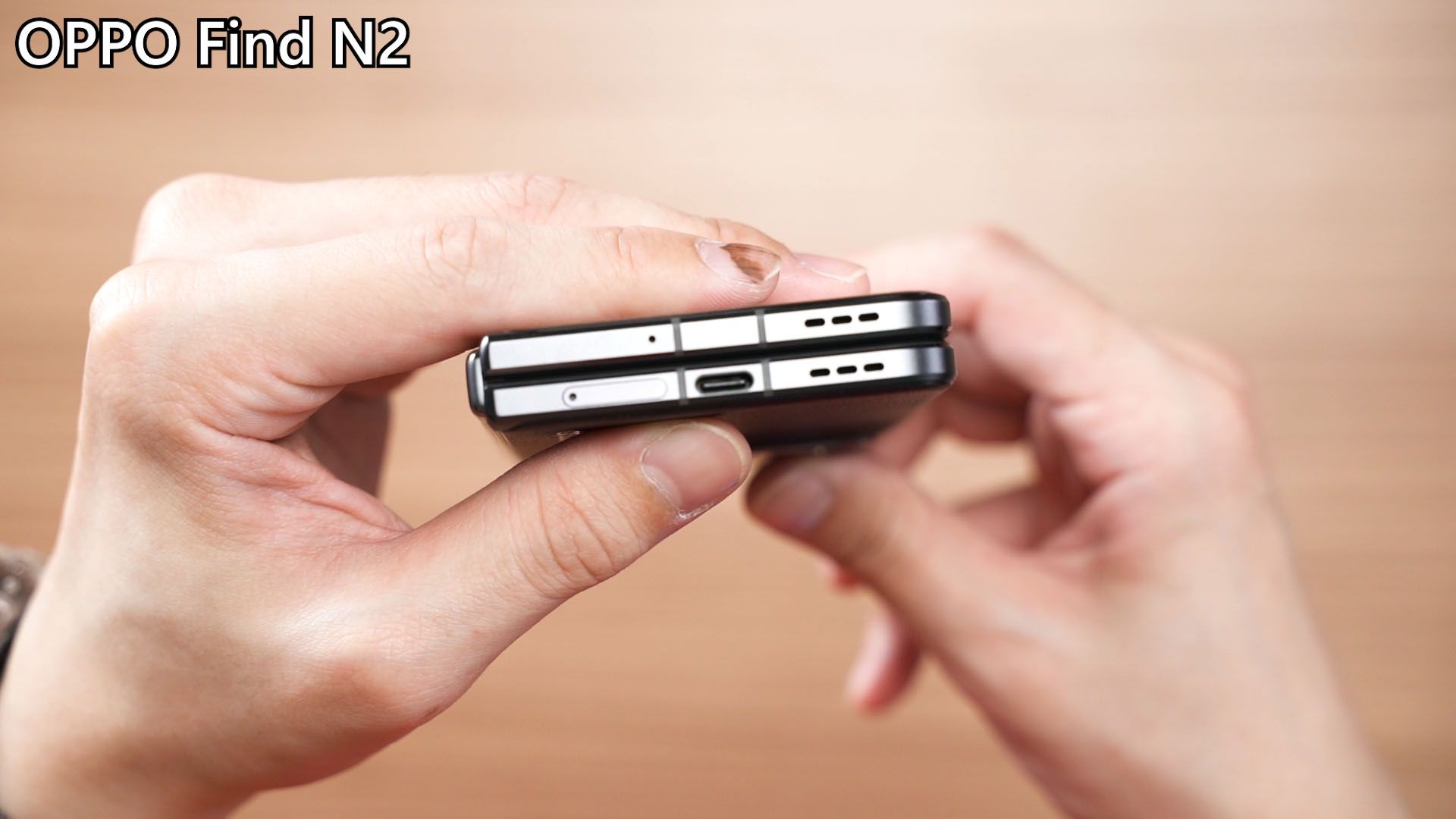
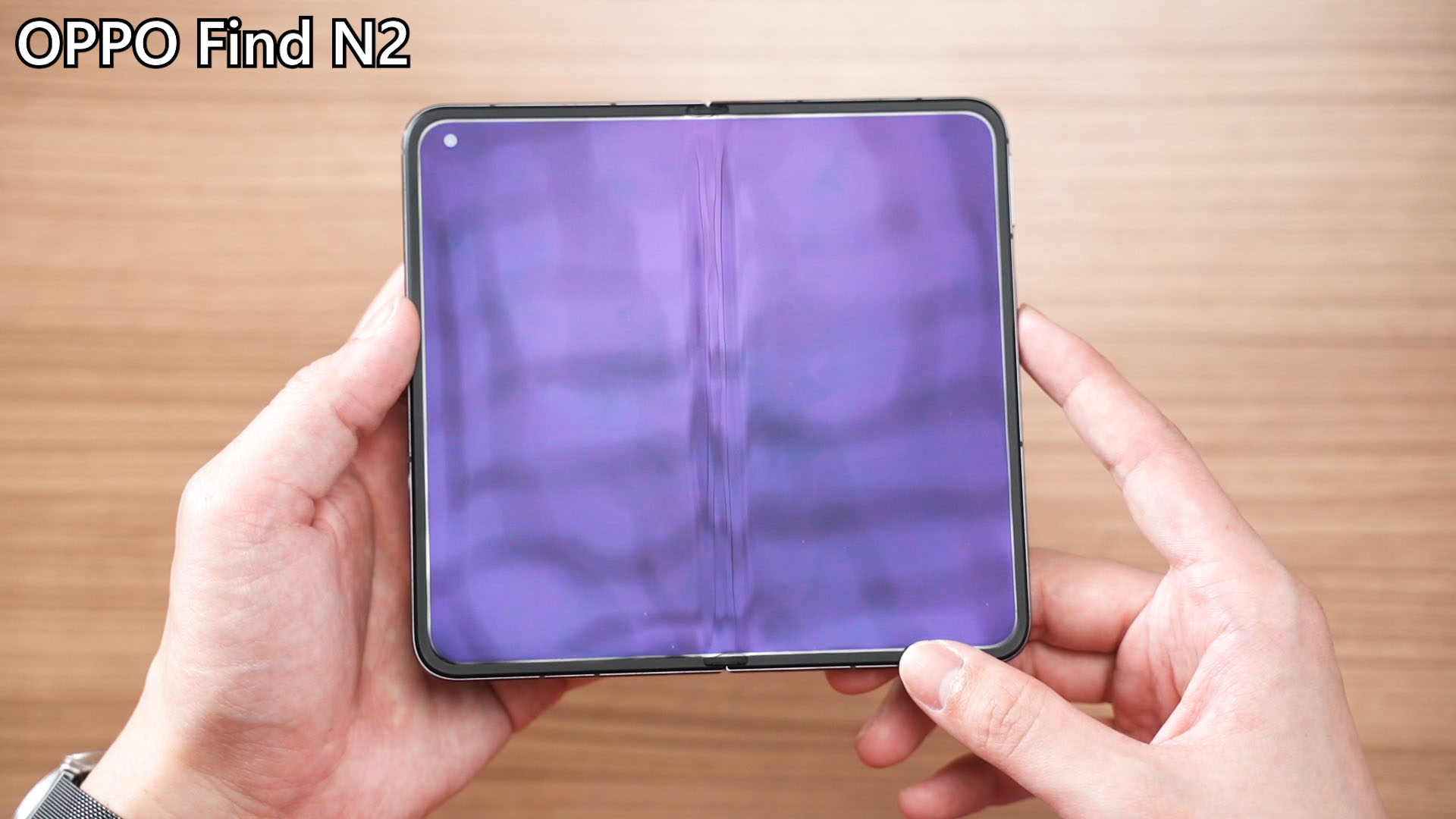
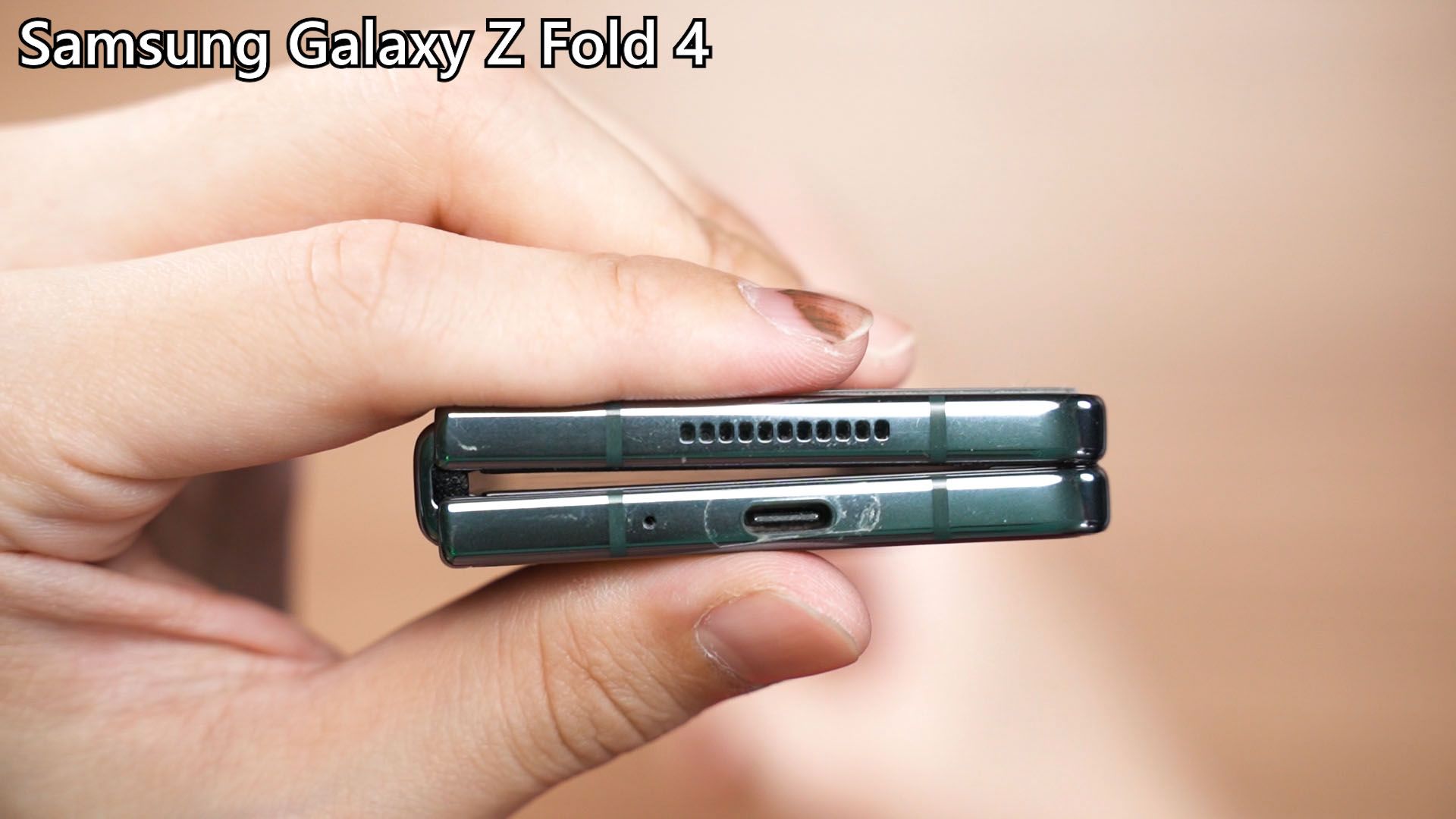
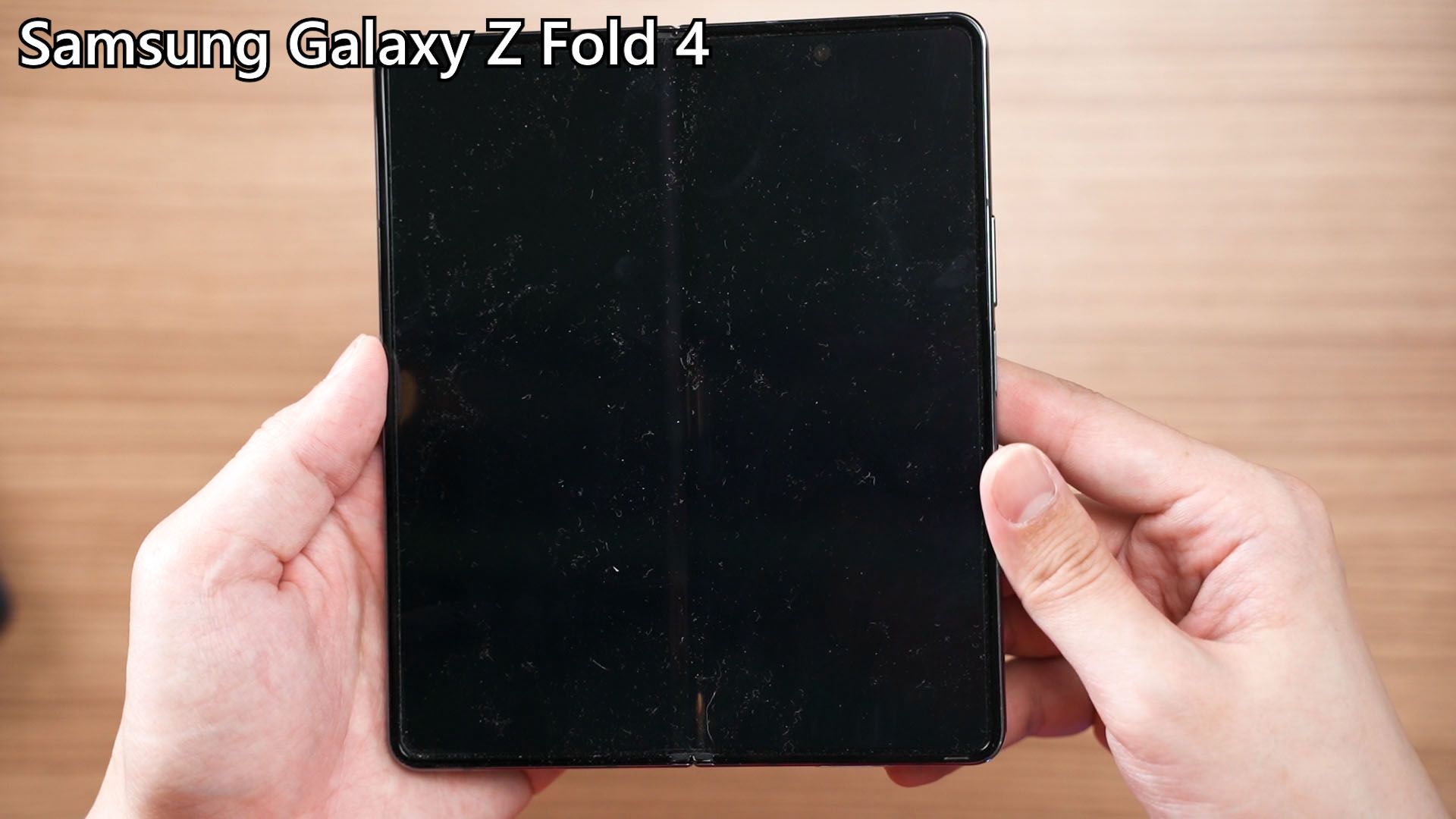
However, the OPPO Find N2’s speakers – both of them are pointed downwards. Does it really matter though? Well, I think it does but not in the way you expect.
You see, we have to talk about the unfolded display first. Since the aspect ratio is at 14:15, it’s technically at 0.9333 and that is very close to 1, which means absolute squareness. Watching videos or playing games with the screen in portrait or landscape mode – doesn’t actually make that much of a difference since it’s nearly square.
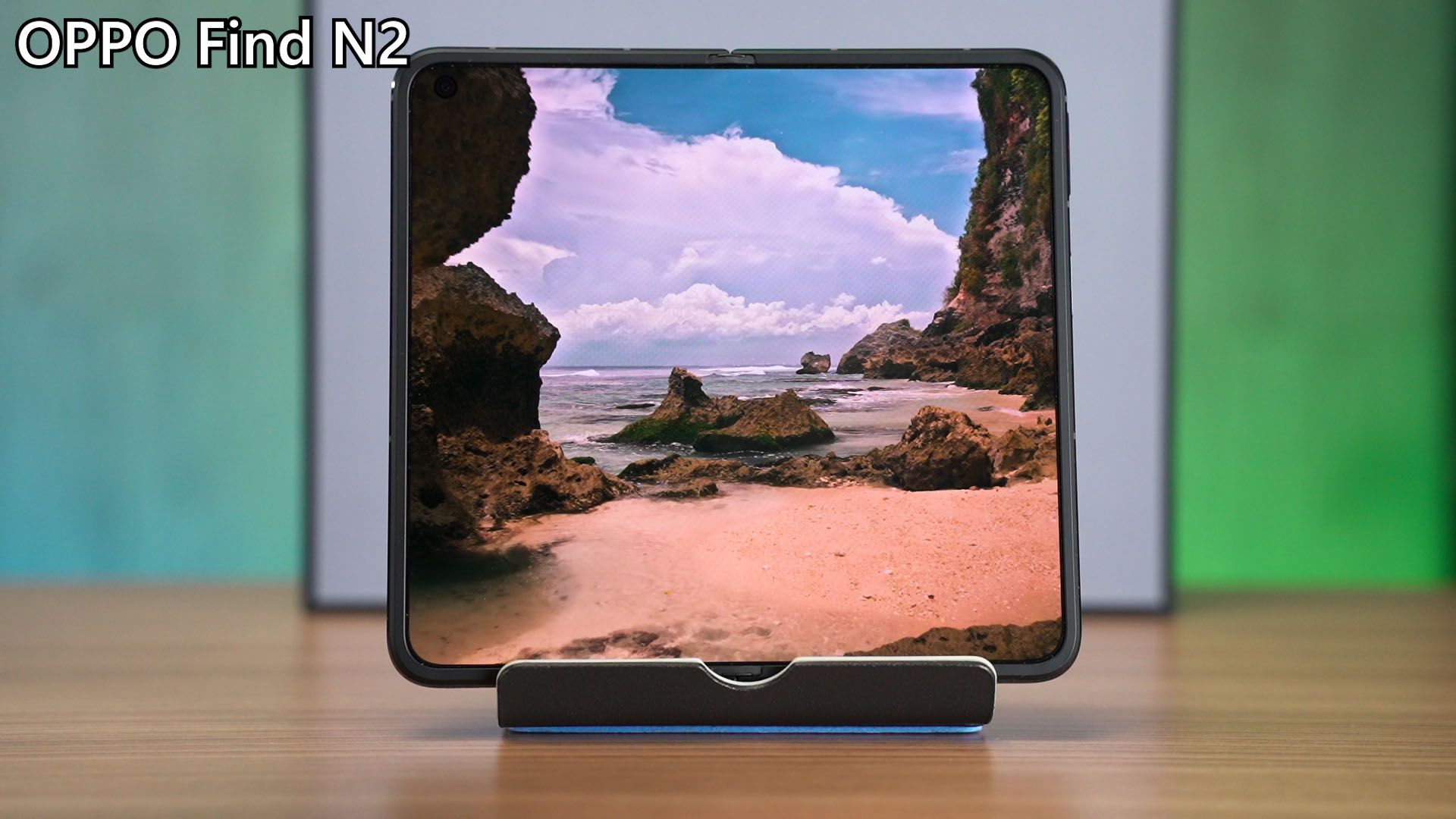

Then, for the cover display, it’s a lot wider than the Galaxy Z Fold 4, but I think this is kind of a double-edged sword. Yes, I prefer the cover display on the OPPO Find N2 since I can see more – but that wideness has to be doubled when you unfold the display, hence making the unfolded display nearly square. By the way, since the cover display is so wide, it’s nearly impossible to use it one-handed.
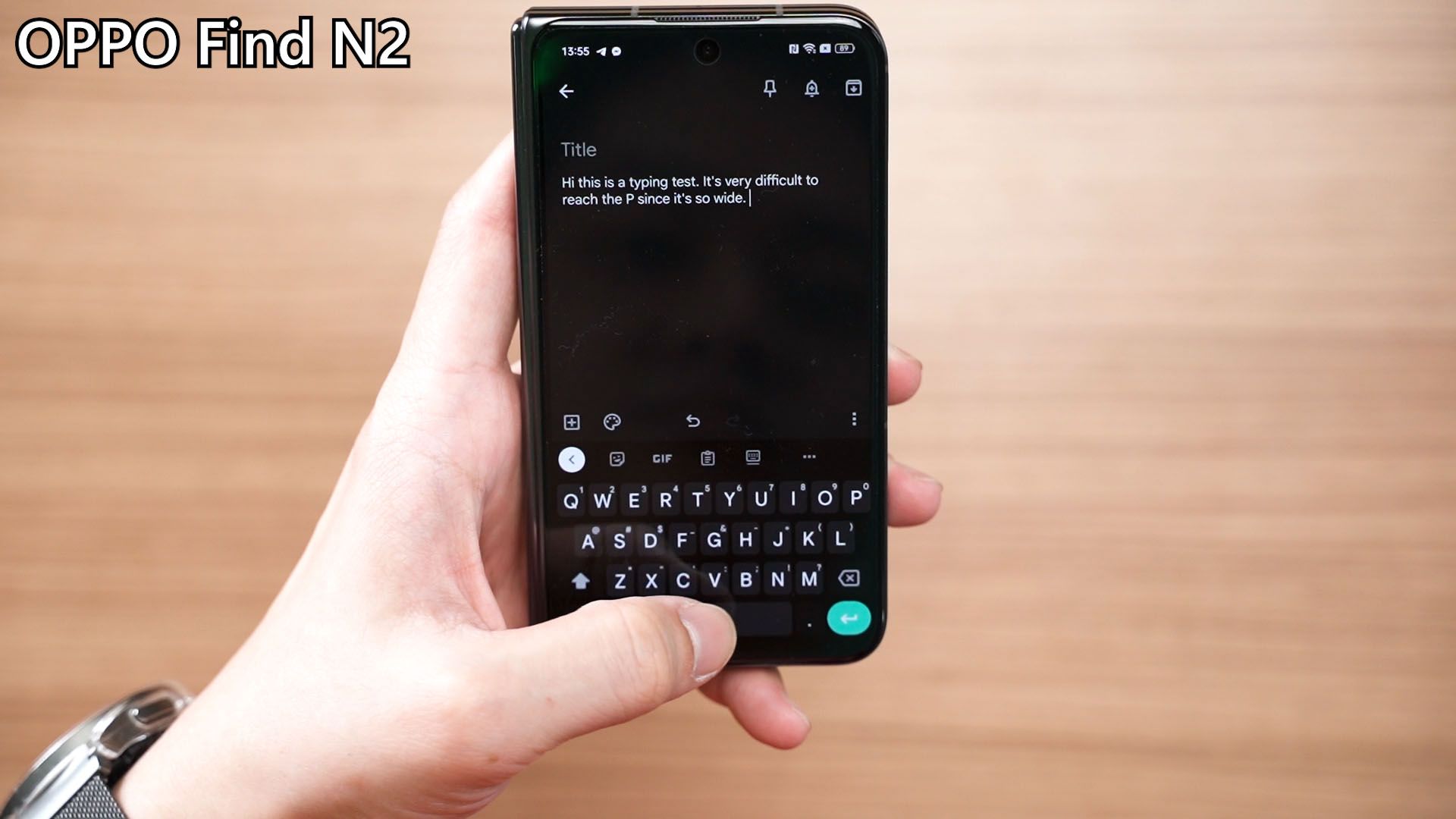
I gotta say, after experiencing both phones, I kinda prefer the cover display to be somewhere in between these two. The Z Fold 4 is too lanky, but the Find N2 is too tubby.

For the unfolded display though, I honestly prefer the Galaxy Z Fold 4. The reason is a bit more nuanced. If you select apps like Twitter and Facebook to use in full-screen mode, then a lot of content will be difficult to view without scrolling. This, however, is even more apparent in the Find N2. That nearly square display will have the top and bottom taken up by the app UI and buttons, leaving not that much space to view the content.
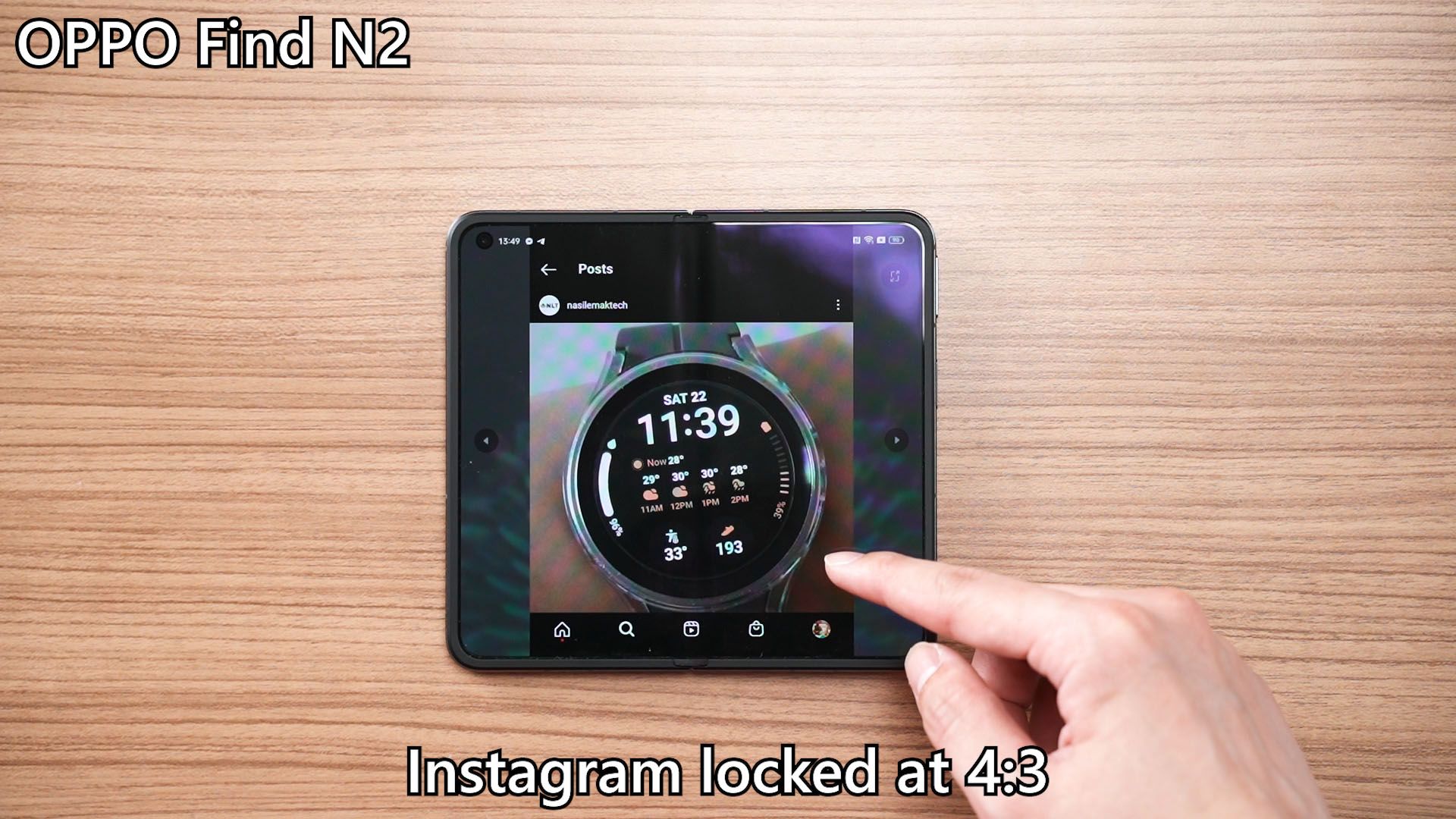
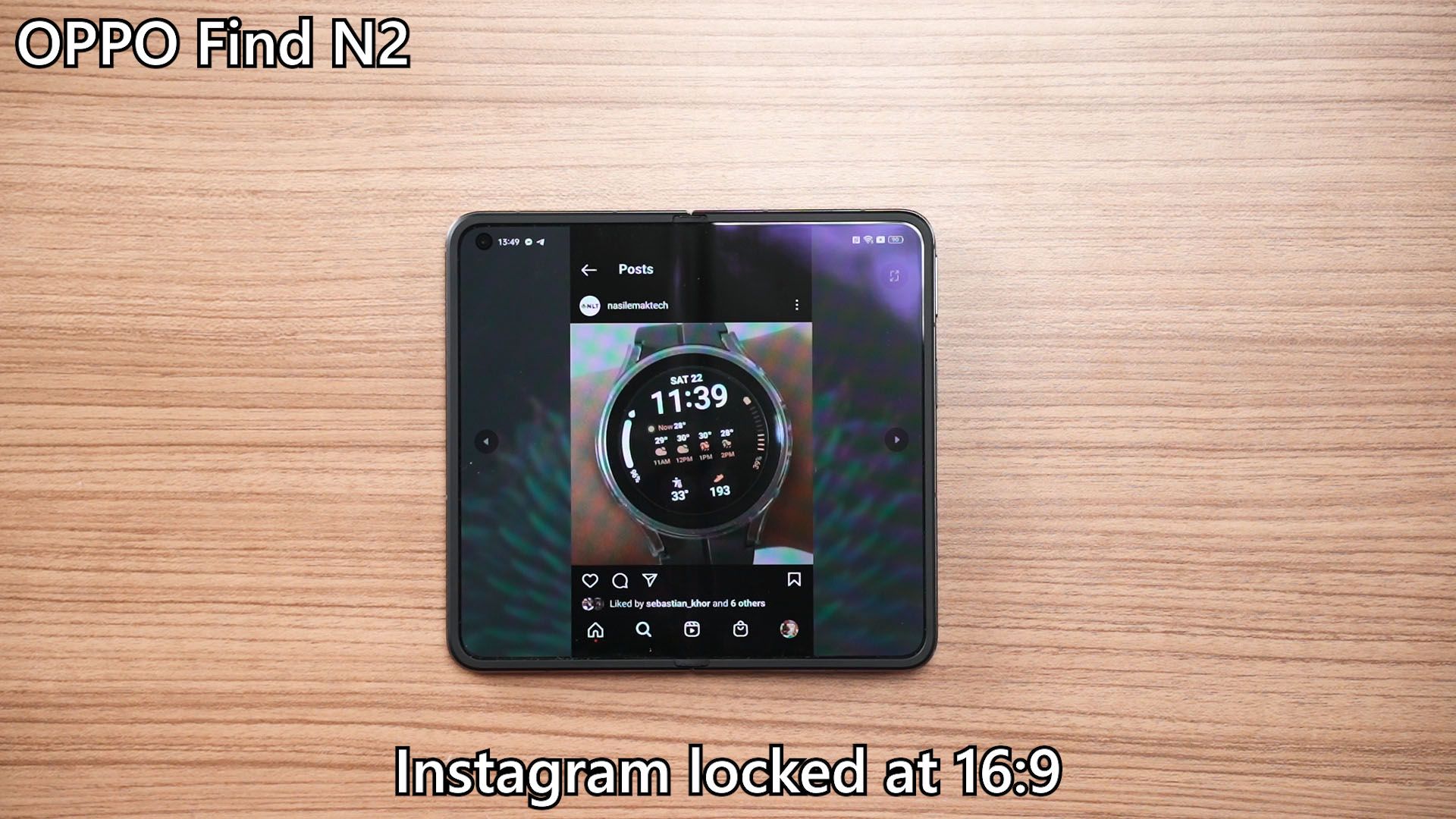
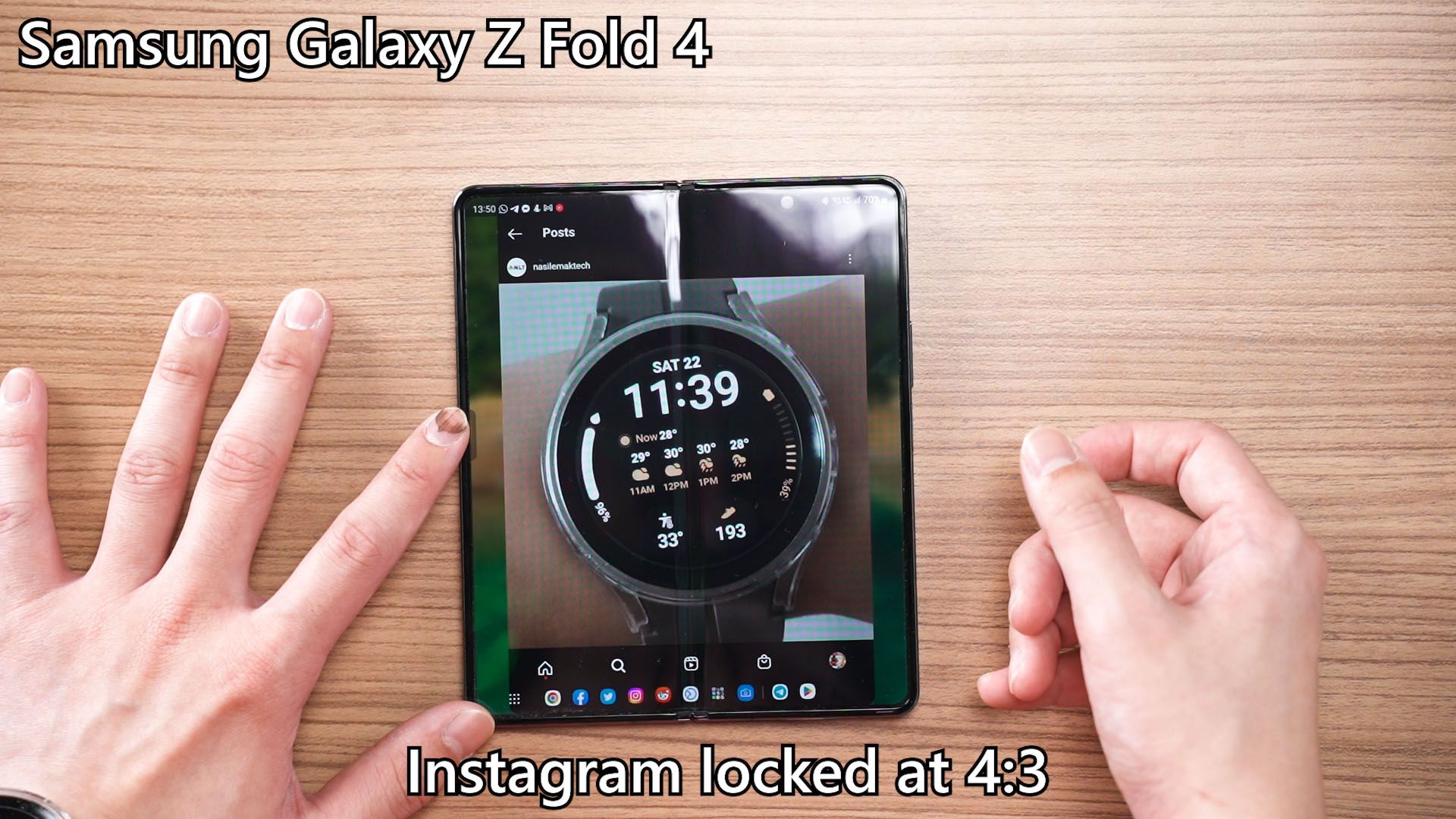
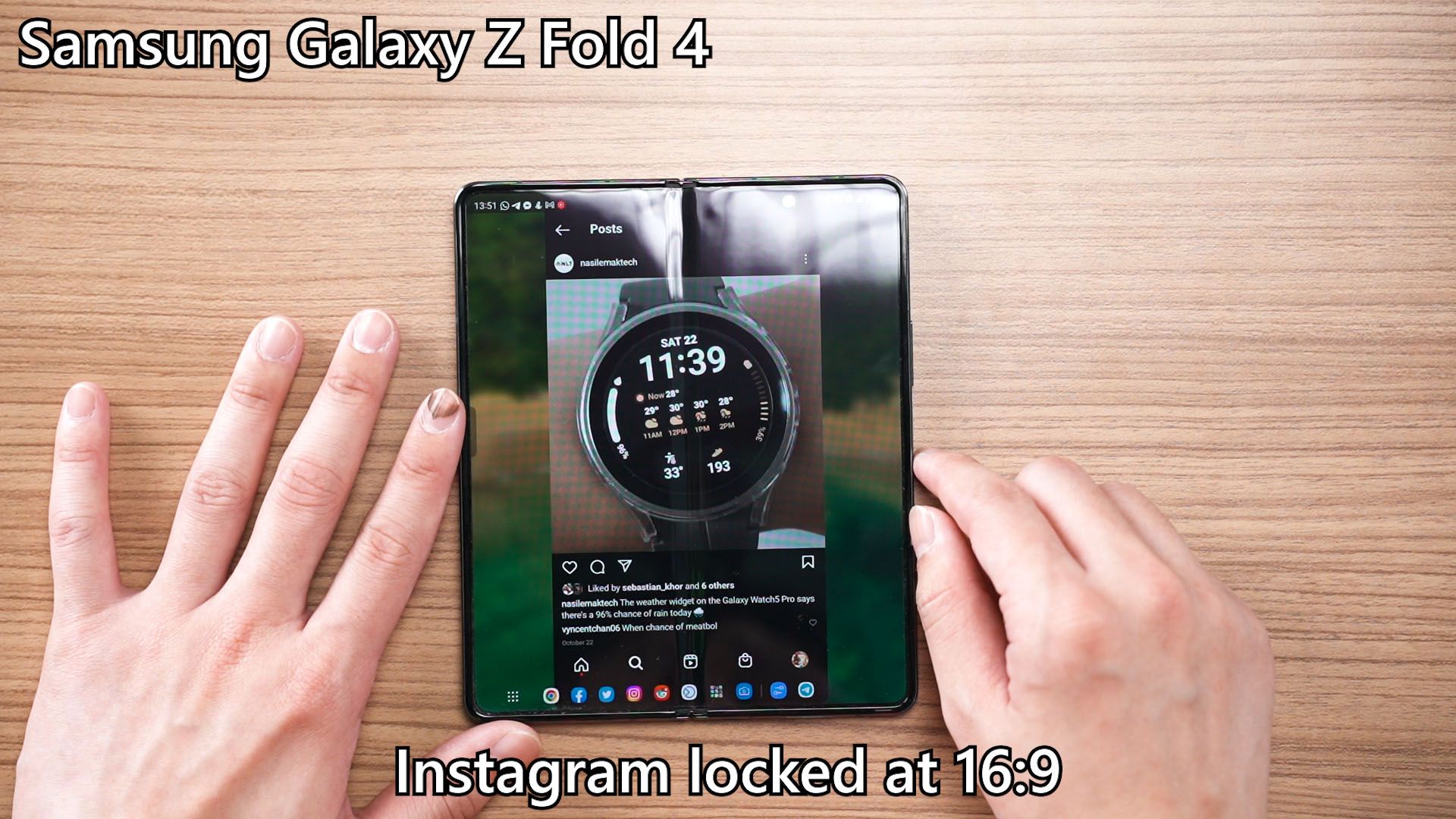
Instagram is particularly problematic. If I lock the app into 16:9 or 4:3 aspect ratio, then I’m going to lose some screen real estate but it’s exceptionally significant on the Find N2 due to the nearly-square display.
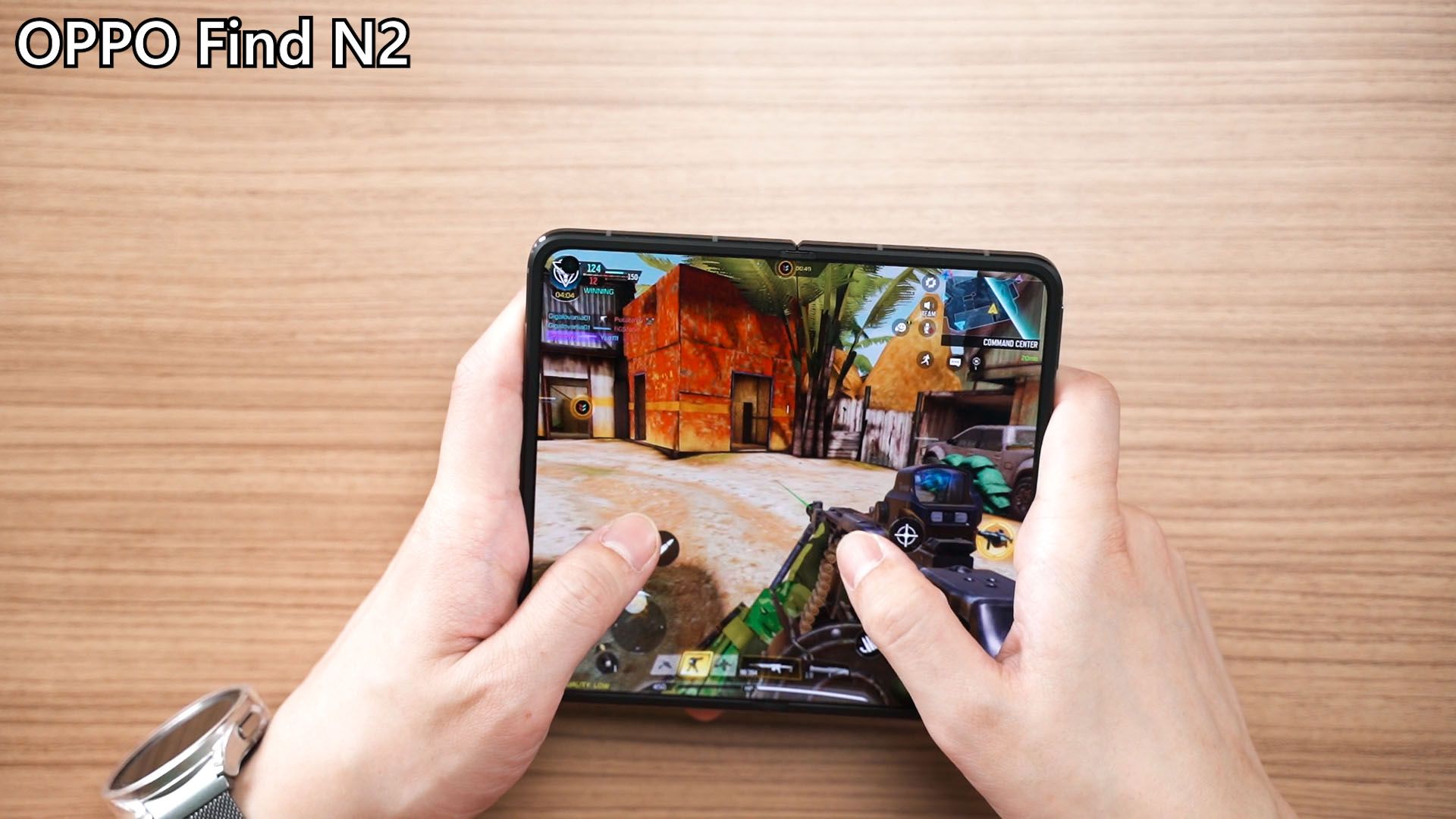
I had a short discussion with a friend who is reviewing the Find N2 as well, and he stated that shooter games like COD Mobile are quite unplayable in full-screen mode since the FOV is cropped off significantly.
The “folding halfway” mode
Then, the “folding halfway” mode. Samsung calls it the Flex Mode and OPPO calls it the FlexForm Mode – they both mean the same thing. OPPO’s hinge has a wider angle to select from – but the software integration with this feature is weird. By default, you can leave it opened halfway and this will automatically pop up. You can then swipe to select what apps you want to use – which only the camera and calculator apps are supported as of now.
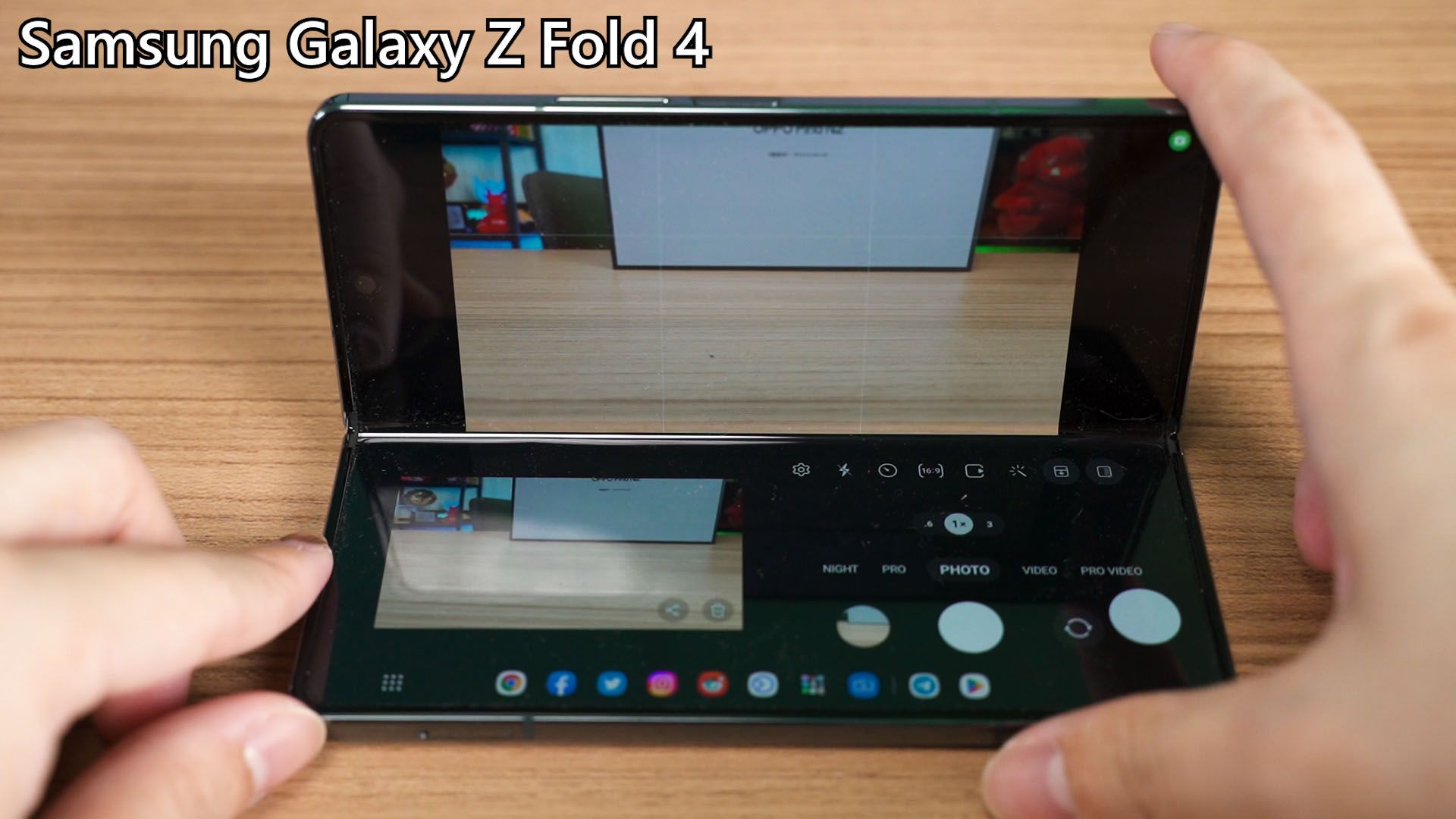
The camera UI is familiar if you’ve used the Galaxy Z Fold 4’s camera in Flex Mode before. We have the usual option to use the cover display as a viewfinder for selfies, and also the option to swap the viewfinder position between the upper and lower half of the screen.
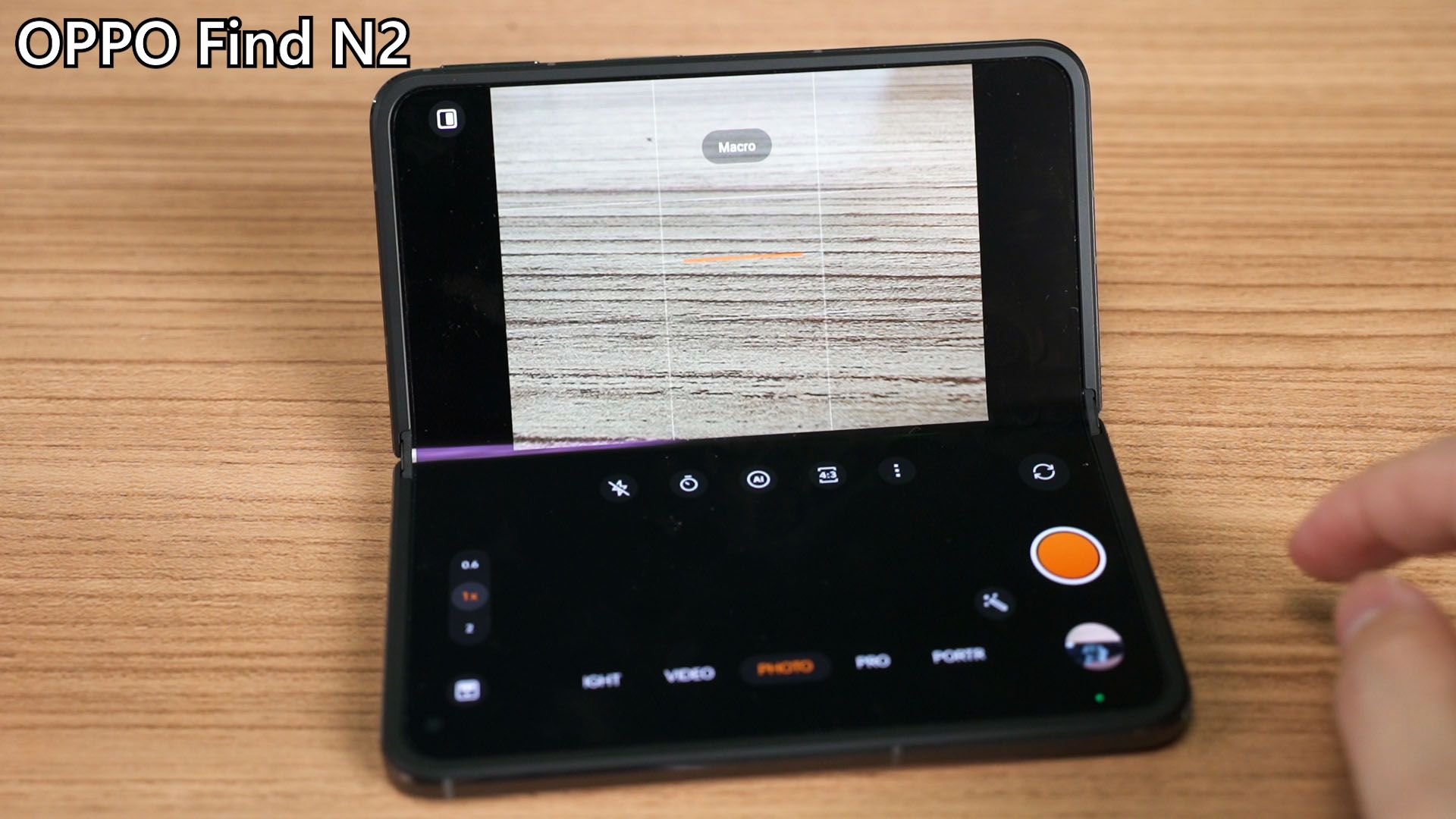
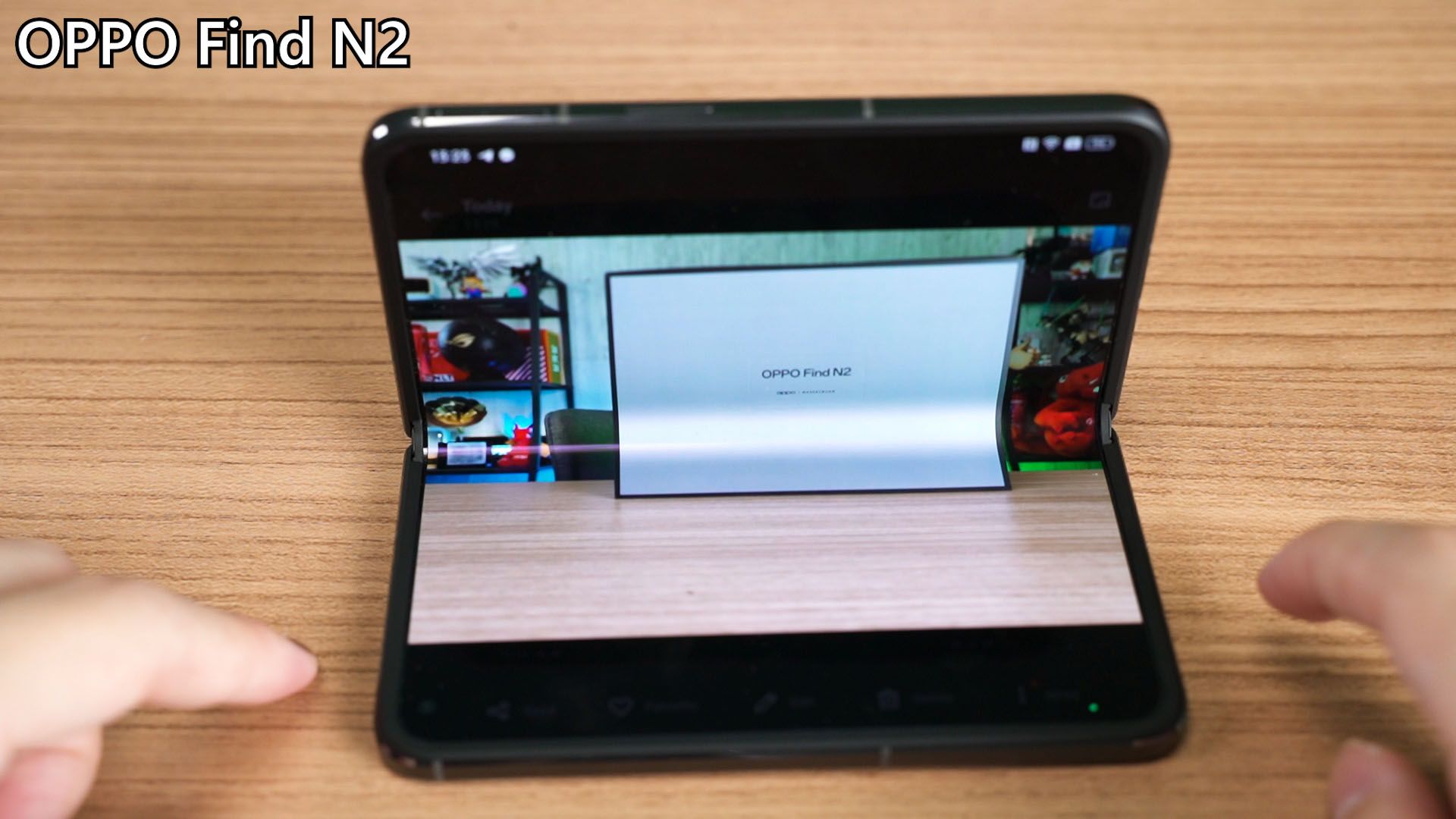
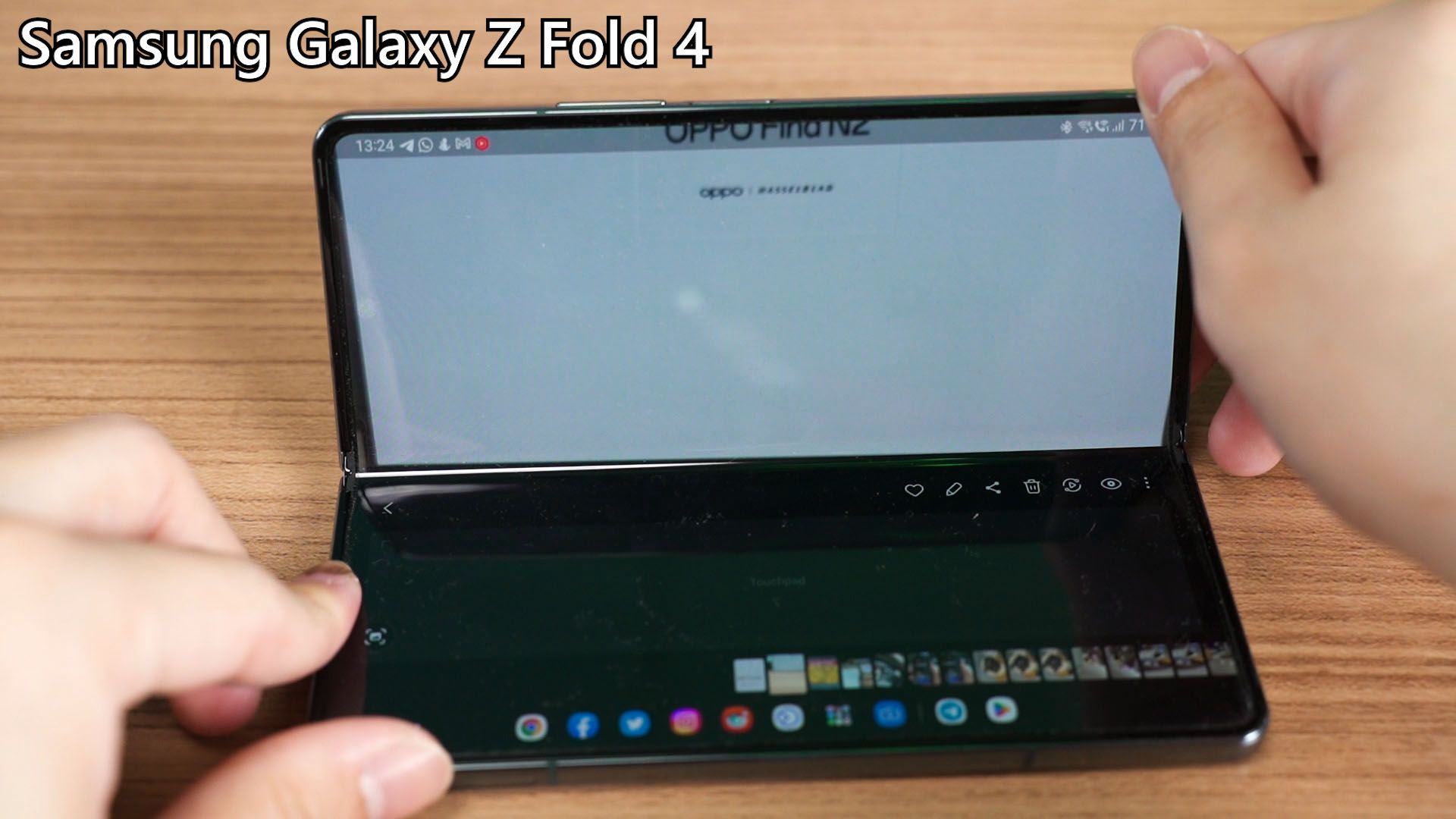
Once we press the shutter to take the picture, I think Samsung’s execution is better. It has a segment to display the photo we just took, and we can tap on that picture to enter the gallery – and even the gallery app has a touchpad now. But for the Find N2, it’s just a regular gallery app with no special integration with the FlexForm Mode. Kind of a missed opportunity by OPPO, I must say.
The biggest missing feature
One big feature that Find N2 doesn’t have is the taskbar. I have no idea why OPPO didn’t just include the taskbar since it’s using Android 13 – which should have all features from Android 12L – and that means they should have the taskbar as well.
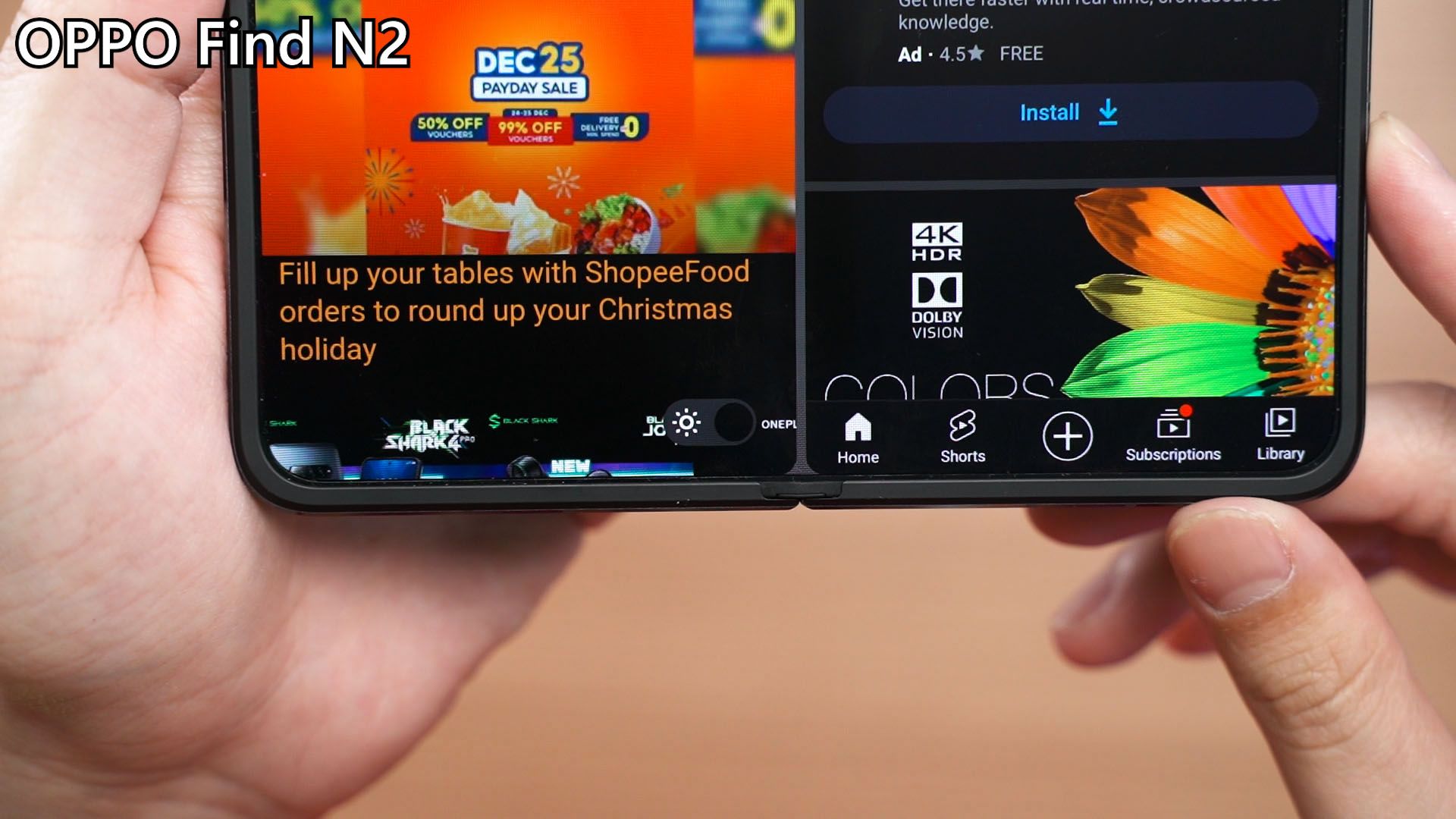
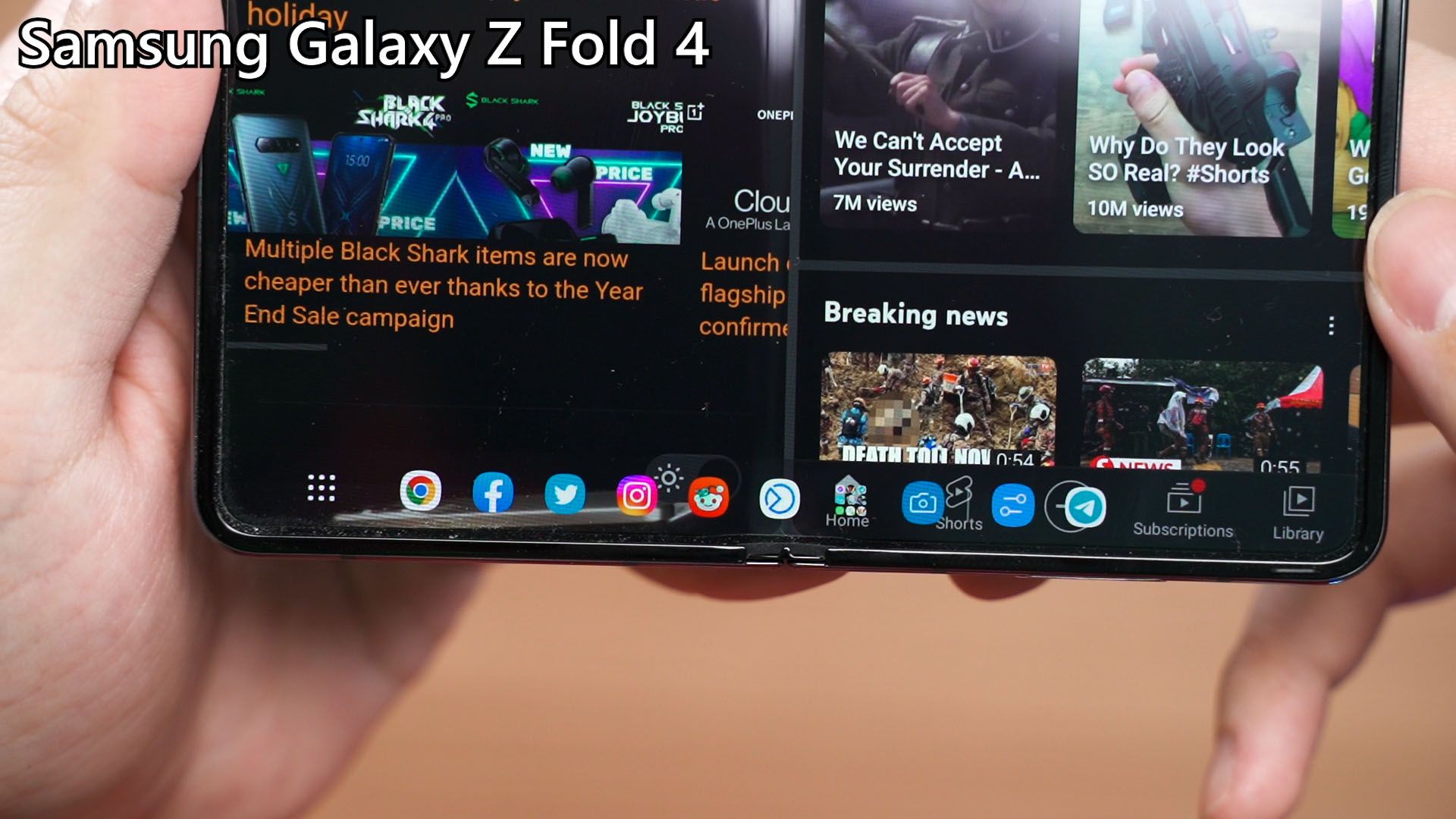
Without the taskbar, the Find N2 just feels like a phone with a larger screen when unfolded.
Misc. mentions
And before we end – I also have to talk about a few more things.
- The OPPO Find N2 does not have IP-rating
- It doesn’t even have wireless charging which is weird exclusion.
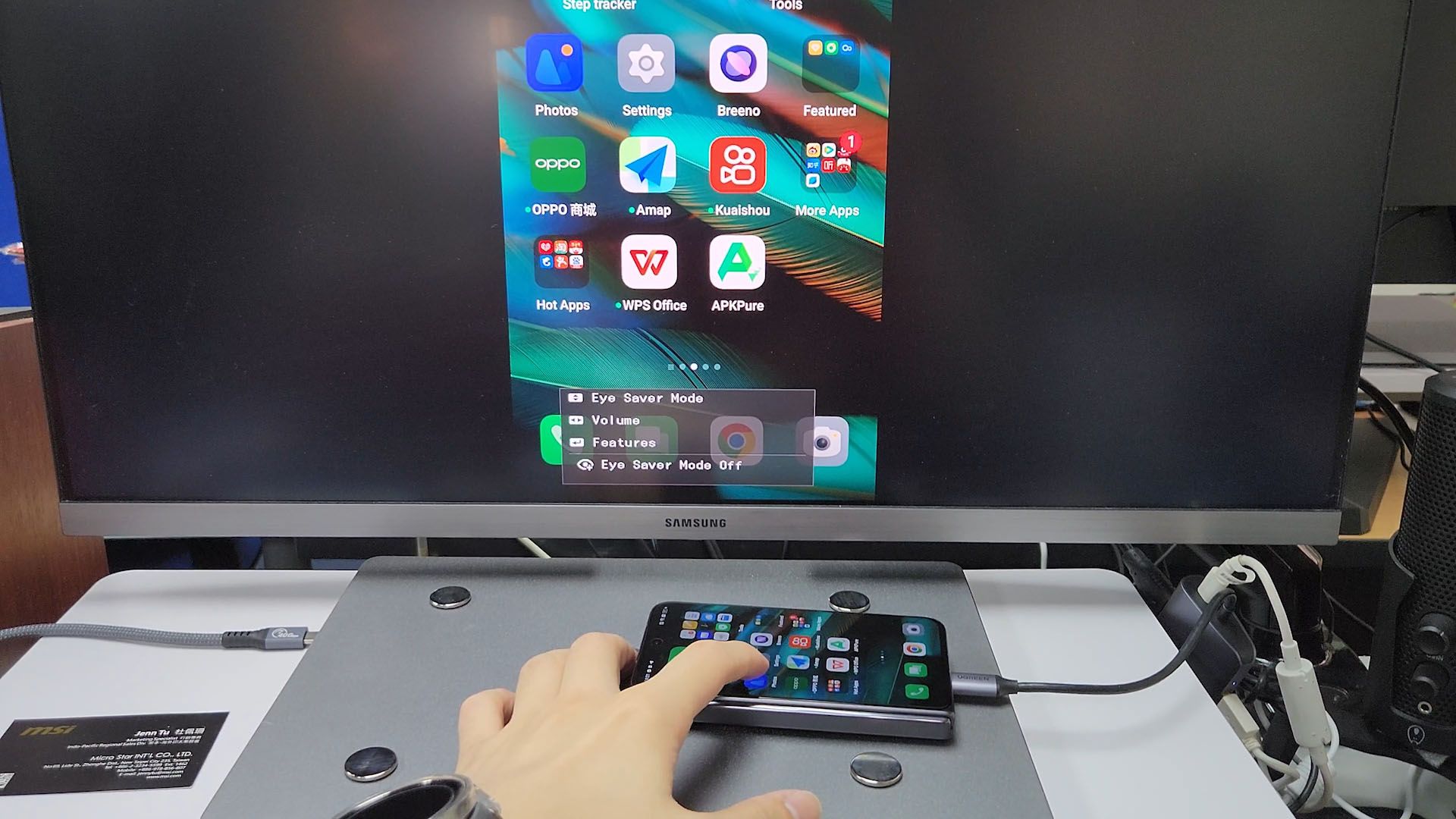
- The Find N2 does have HDMI output since it is using a high-speed USB 3.0 Type-C port. Nice.
Wrapping up the OPPO Find N2 review
So, all in all, I think the OPPO Find N2 has phenomenal hardware – especially the hinge. The cover display aspect ratio is definitely up for debate as I prefer something taller but not as tall as the Z Fold 4. I personally find the nearly square unfolded display quite difficult to use – and to grab the phone with one hand.
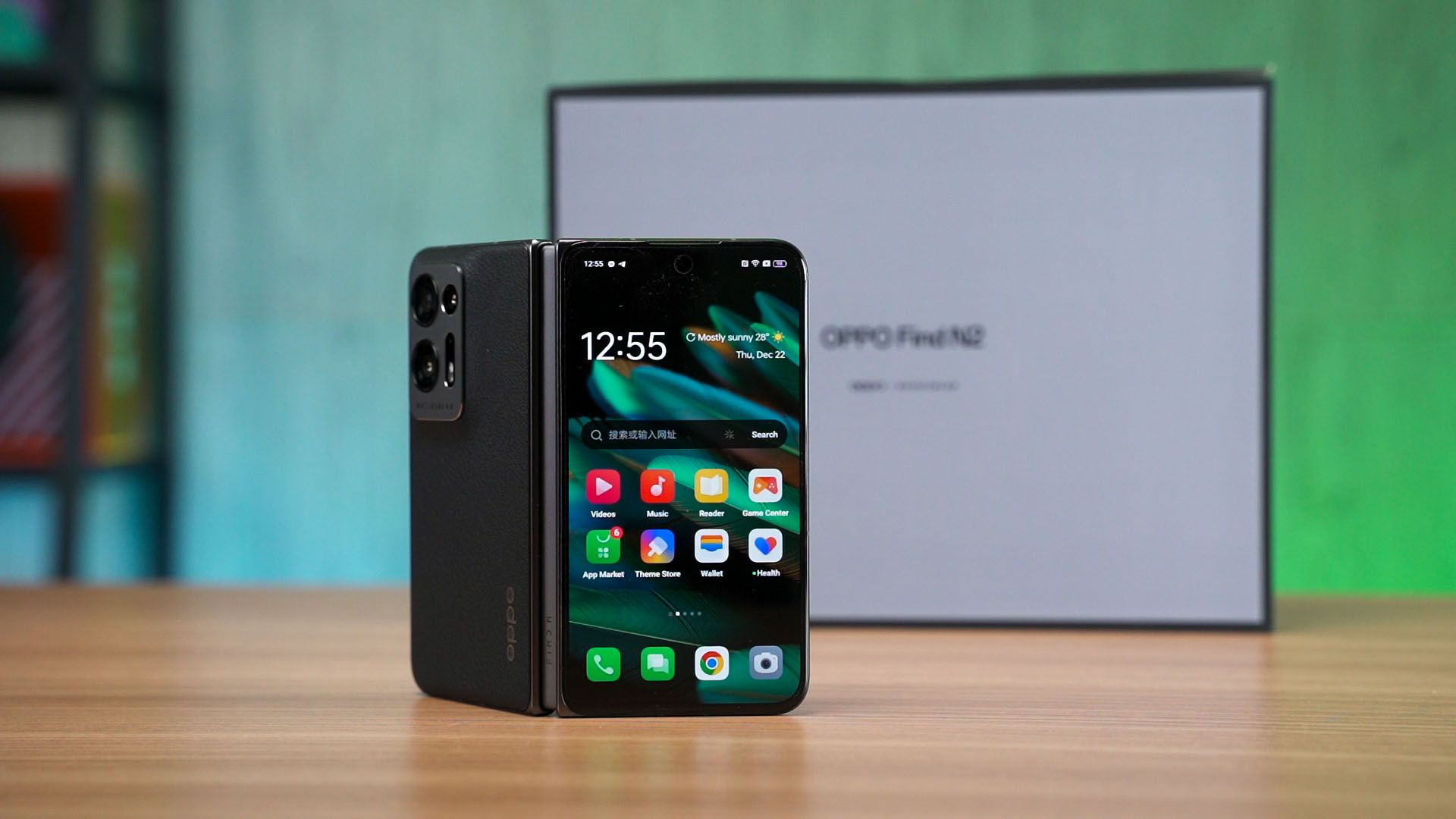
I still don’t know if OPPO will sell this phone anywhere else in the world because according to Android Authority, the global launch for the Find N2 is still under discussion.
Where to buy? (Affiliate links)
I don’t have where-to-buy links since it’s China only (for now, hopefully). But please click on our affiliate links to support us 🙏
Like our Facebook Page here at NasiLemakTech.com for more news and in-depth reviews! Also, join our Facebook Group for insightful information and memes!
Subscribe to our YouTube channel too!

Play store works fine as usual? Need some confirmation Thanks,
Yep