




Here is the new Xiaomi Pad 6! It was launched just a few days ago – and the specs are pretty interesting. Let’s take a look at the tablet itself first, then all of the accessories. We also have all of the accessories, by the way – the stylus, the keyboard case, and also the official folio case too.
Design
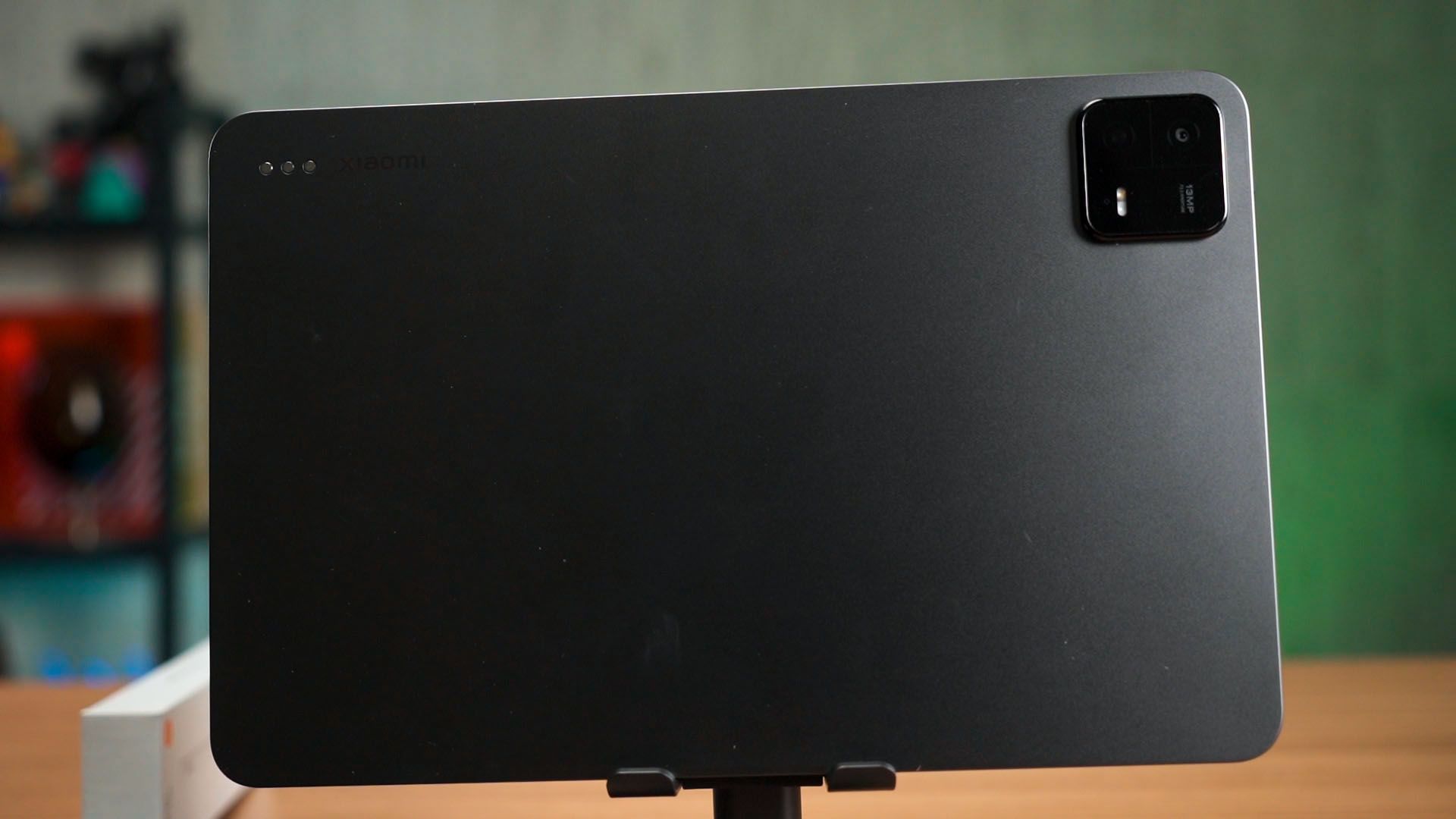
Alright, the tablet itself is rather simple. It has a rather simple design and we have it in the grey color variant. The matte finish makes it feel good to grip and doesn’t attract any fingerprints too.
Camera
This tablet does have a humongous camera bump though, and I have no idea why. It even makes the tablet rock so badly when placed on the table. Seriously, does Xiaomi expect us to take pictures with a tablet? There’s only one camera there. Again – no idea why, it can take some okay pictures but why is the bump so big?????
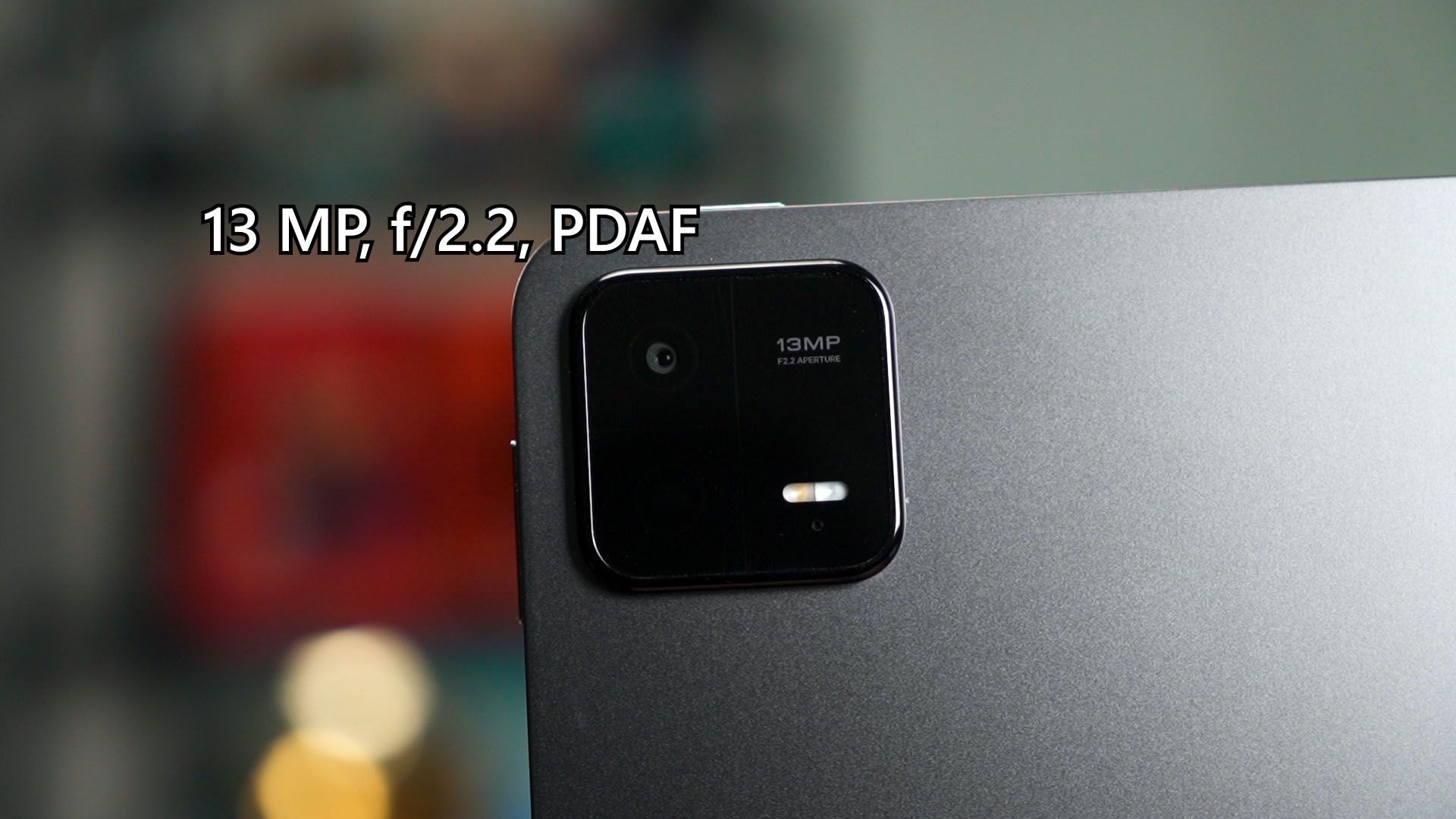
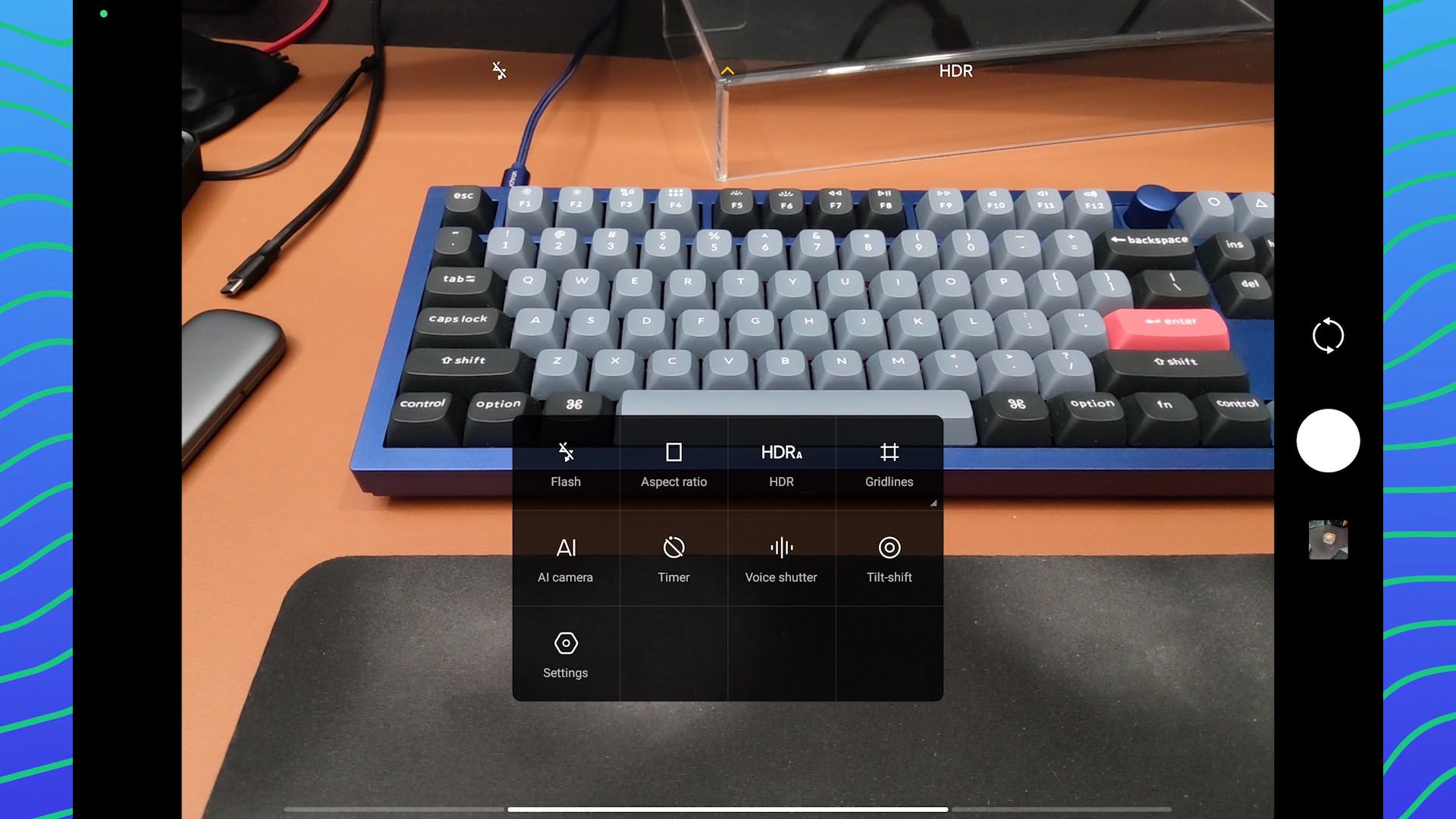
By the way, this tablet even has a custom camera app interface that is different from their phones. Honestly, I don’t really like the idea of tablet photography.
Performance
What’s important here is the performance. It is using a rather old chipset – the Snapdragon 870. It’s already nearly 4 years old at this point in time. Remember, the Snapdragon 870 is technically an overclocked version of the Snapdragon 865+, which is an overclocked version of the 865, which was already announced back in 2019.
When we did our gaming test, I found out that the chipset is actually still holding up after all these years. We tried Genshin Impact at the highest graphical settings and it still can hold up to about 50fps average but will definitely stutter and have lots of frame drops down to around 24fps.
So, I lowered to the suggested Medium graphical preset, and hey – the frame drops are only down to around 40fps and I think it performs a whole lot better.
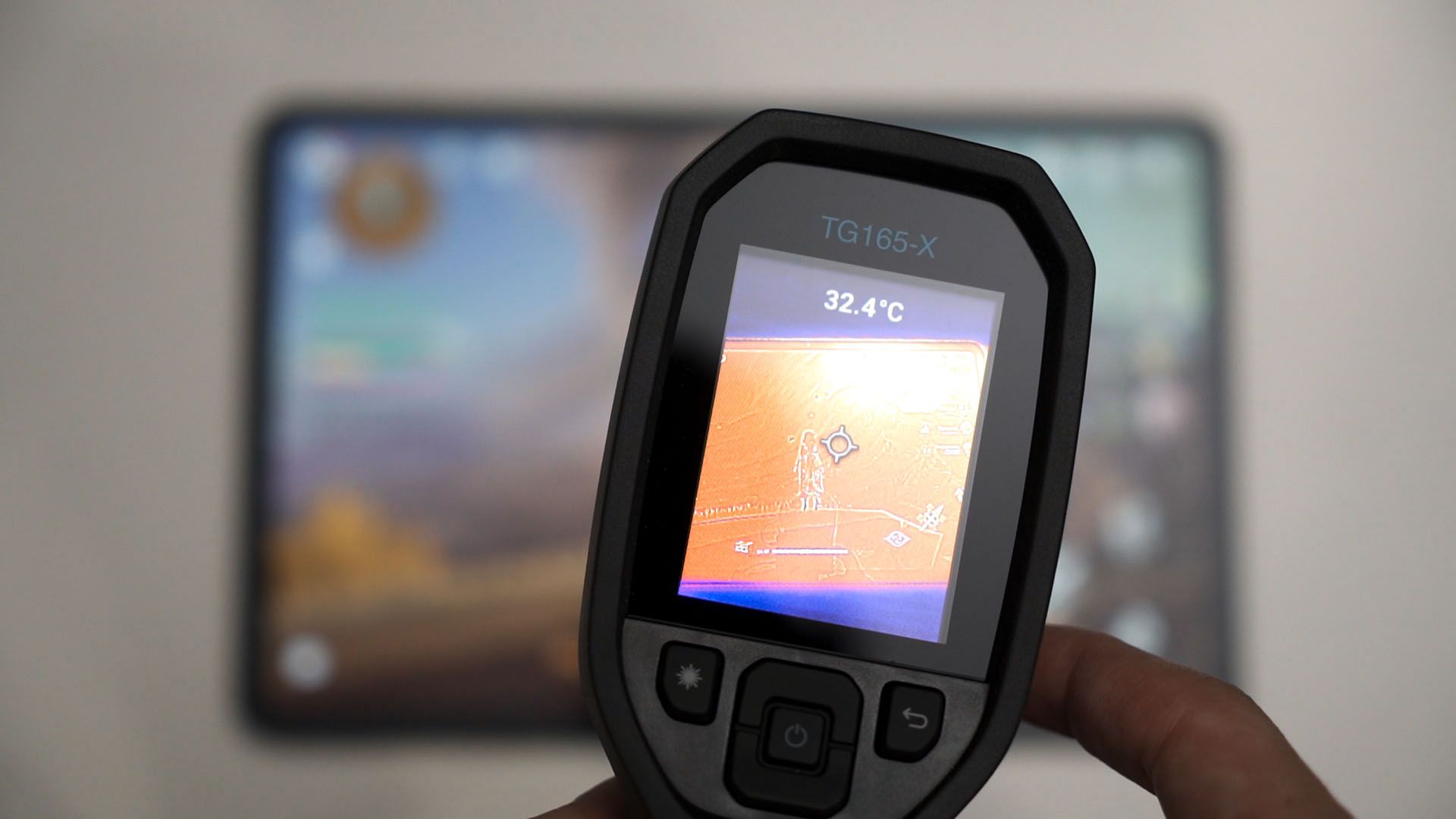
And even though this is an overclocked version of an overclocked chipset, the temperature is actually quite good. That is because the entire tablet is basically a heatsink – and that helps to dissipate heat away. The tablet is barely warm to the touch, honestly.
Battery life
But this chipset will definitely affect the battery life. The tablet doesn’t have the largest battery – it’s 8,840mAh and the battery life isn’t exactly the best. It can last for about 11 hours in our standardized battery life test.
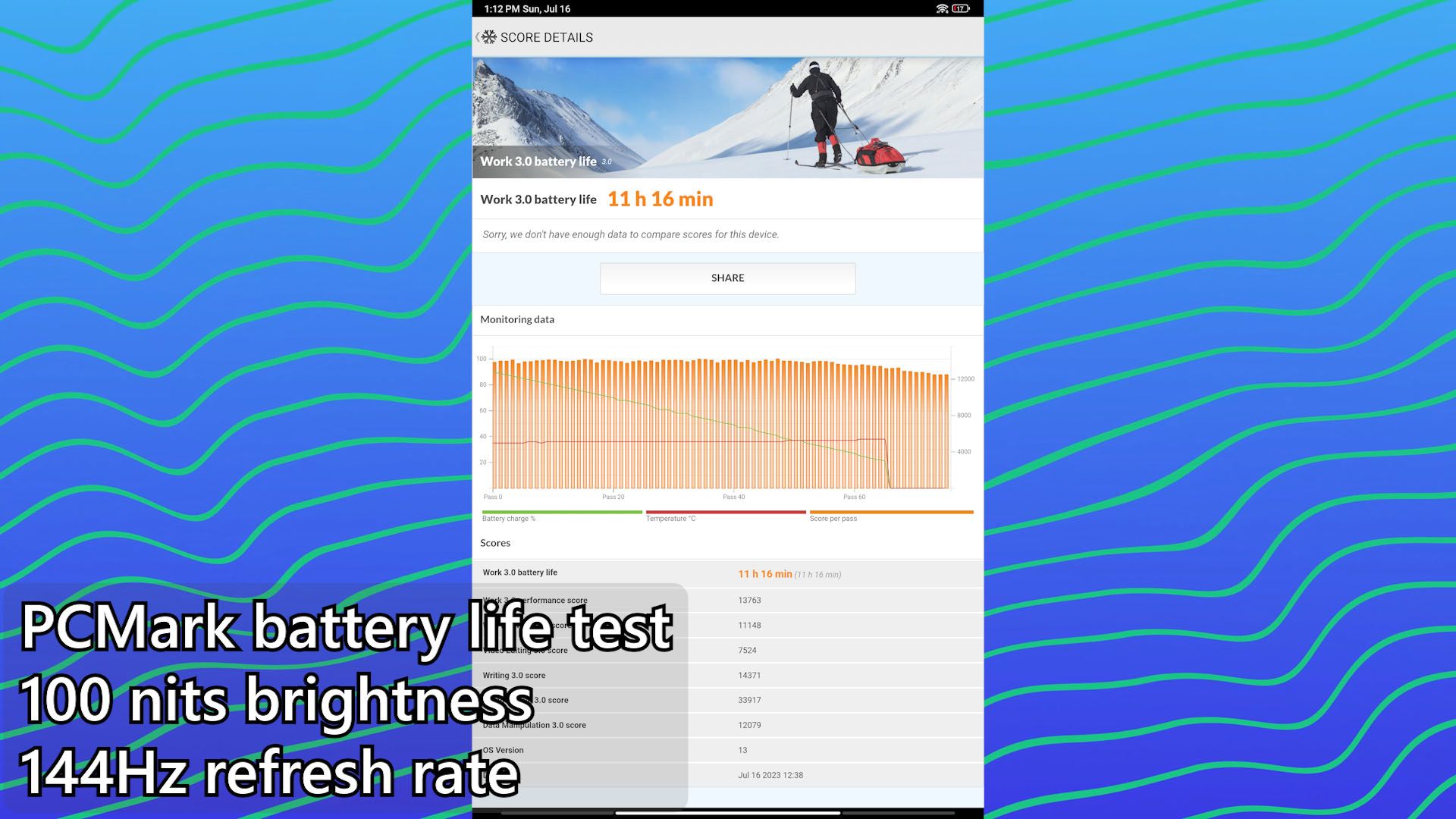
It could be due to the higher resolution screen but we’ll talk about this in a while later.
Charging speed
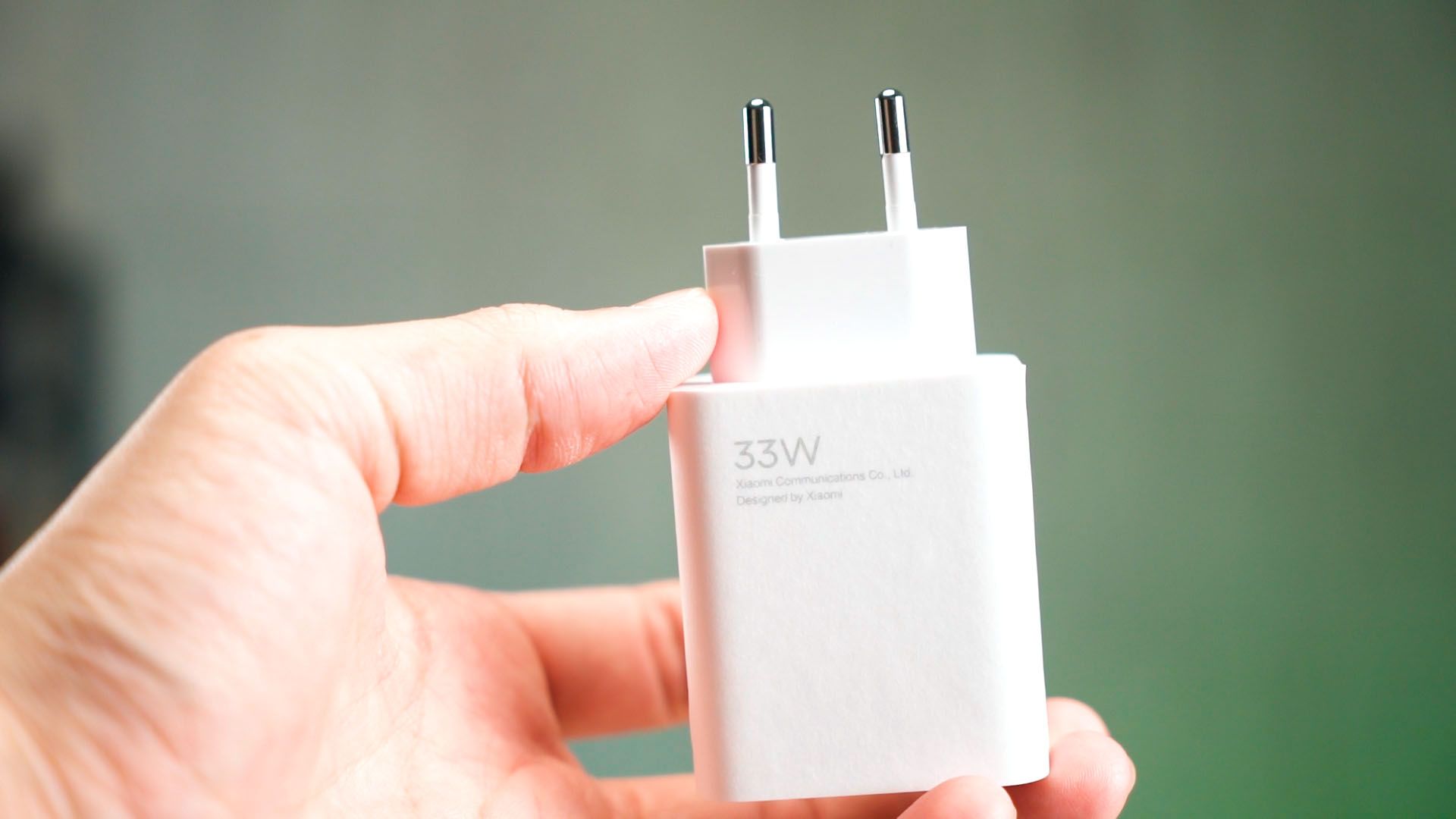
The charging speed though, isn’t exactly the best either. It does come with a proprietary 33W charger in the box.
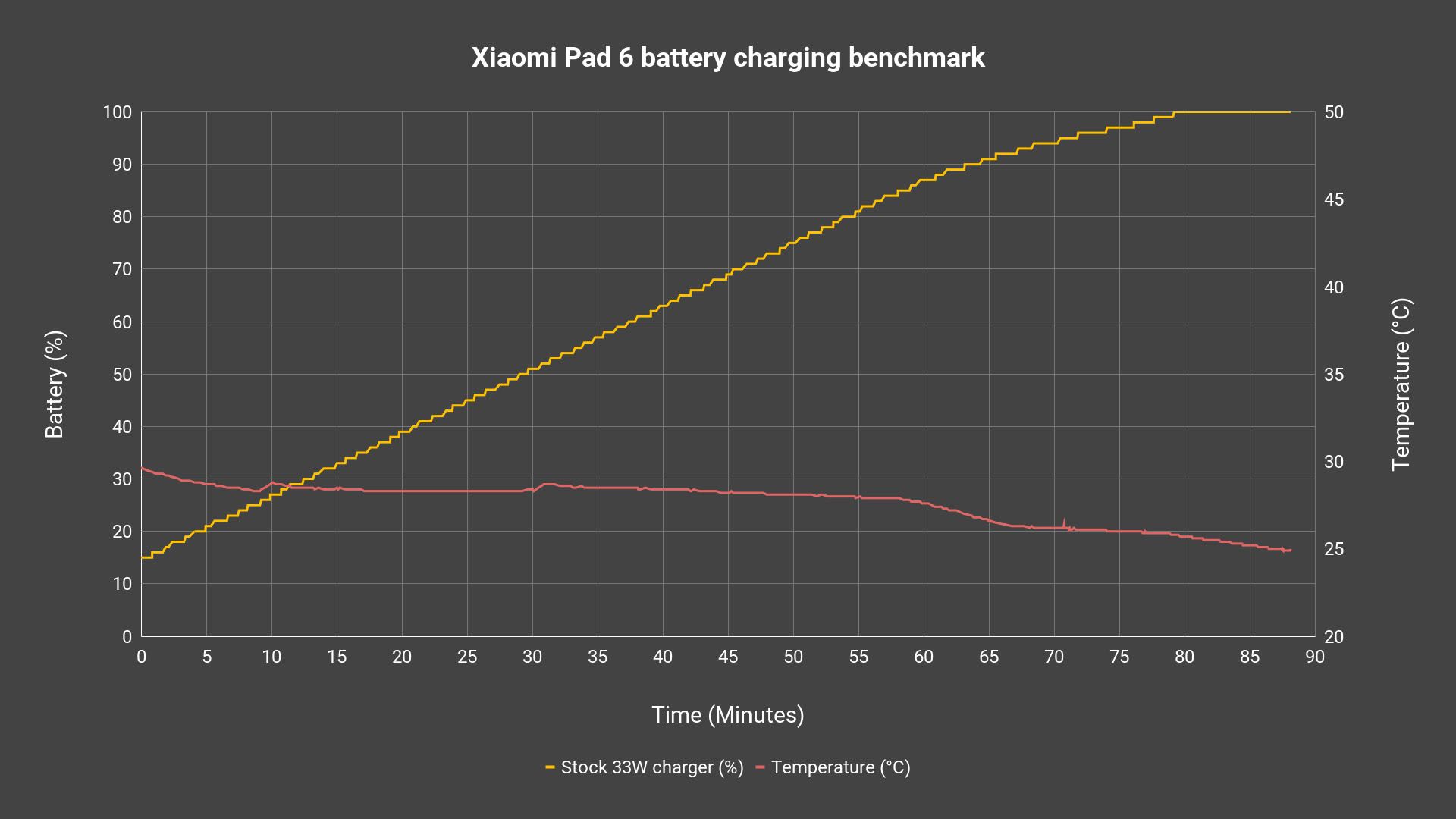
It charges from 15% to completion in about 80 minutes and that’s actually quite fast. Looking at the temperature though, it is very obvious that the humongous screen became a heatsink and the temperature is very low throughout the entire charging cycle.
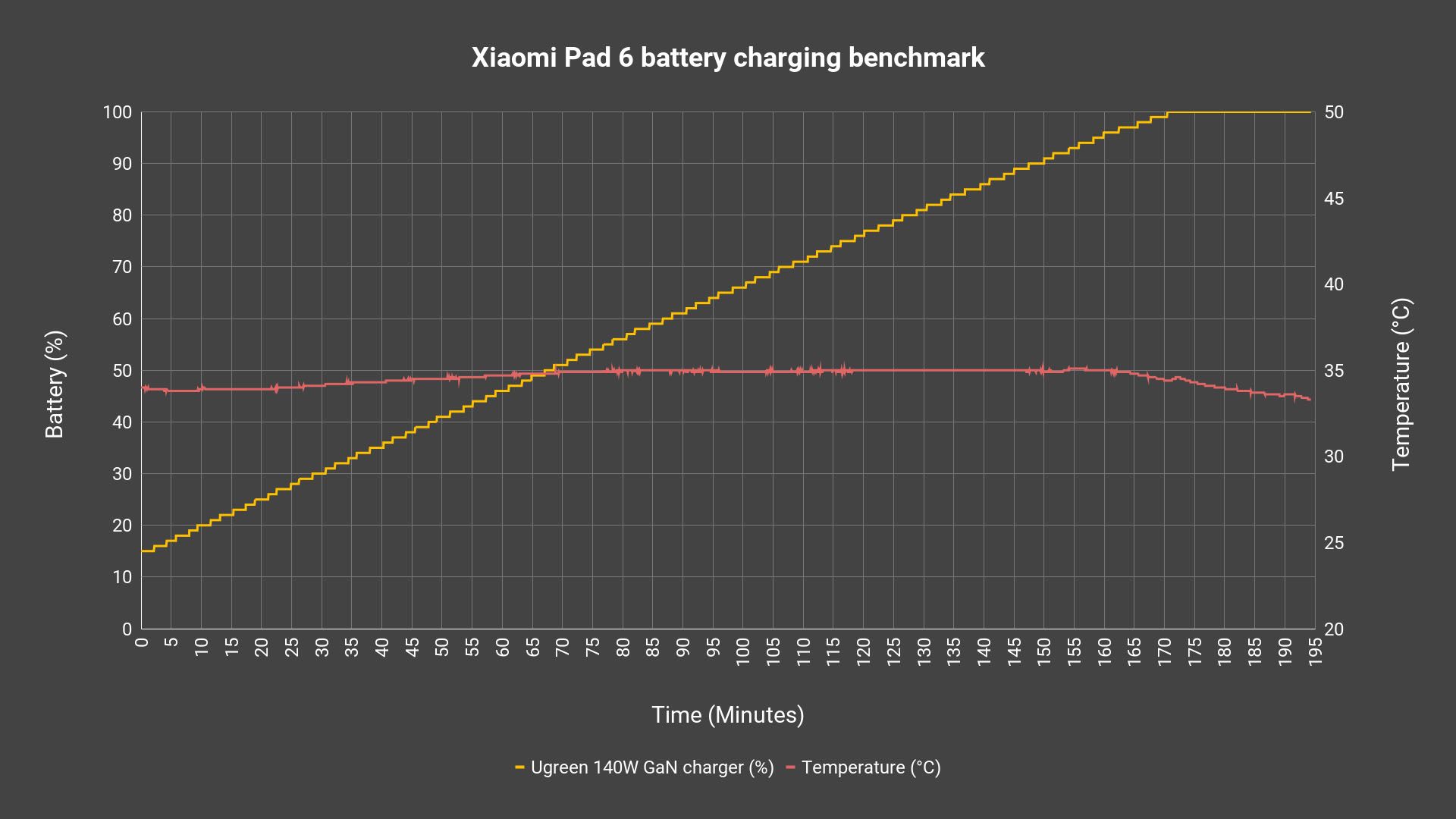
I also tried charging the tablet using my 140W Ugreen GaN charger and the charging speed is abysmal. It can only take 10W and takes nearly 3 hours to charge completely. Ouch.
Screen
Okay, the screen. This is an 11-inch screen with a high rather high resolution of 1800×2880 that can go up to 144Hz refresh rate. That could affect the battery life. Anyway, this is an IPS LCD screen and it is pretty okay in terms of quality. It covers around 95% of the sRGB color gamut and has a max ΔE of only 1.47.
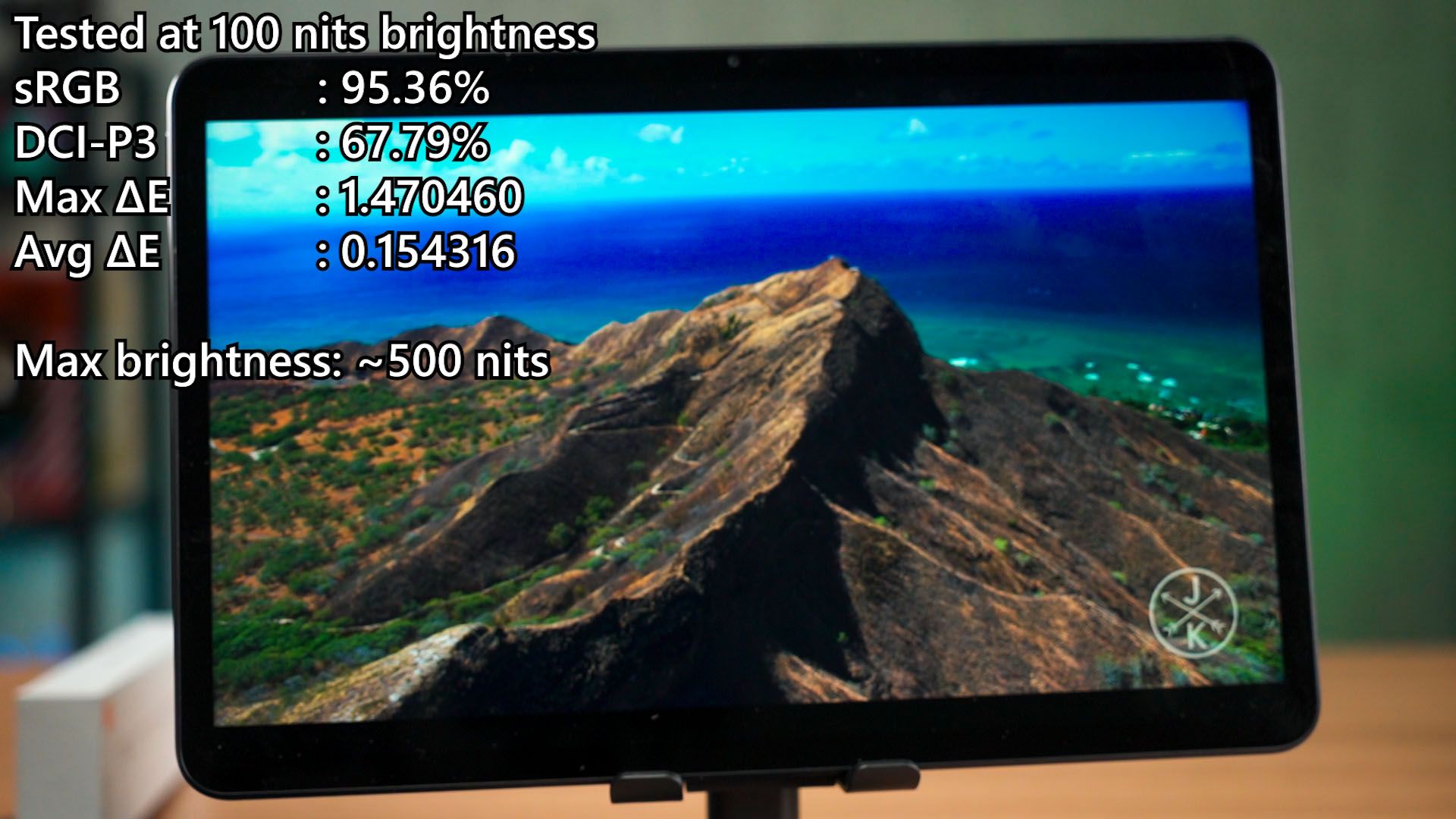
The maximum brightness is only at around 500 nits and that’s about it. Oh – do take note that the Xiaomi Pad 6 does not come with a screen protector. You’ll have to get it yourself.
What I do like about this tablet though, is the speaker. Have a listen to some music by watching the video at the top of this review.
Accessories
Now, it’s time for the accessories. We’ll return to the tablet in a while. We have 3 accessories for the tablet here.
Cover case
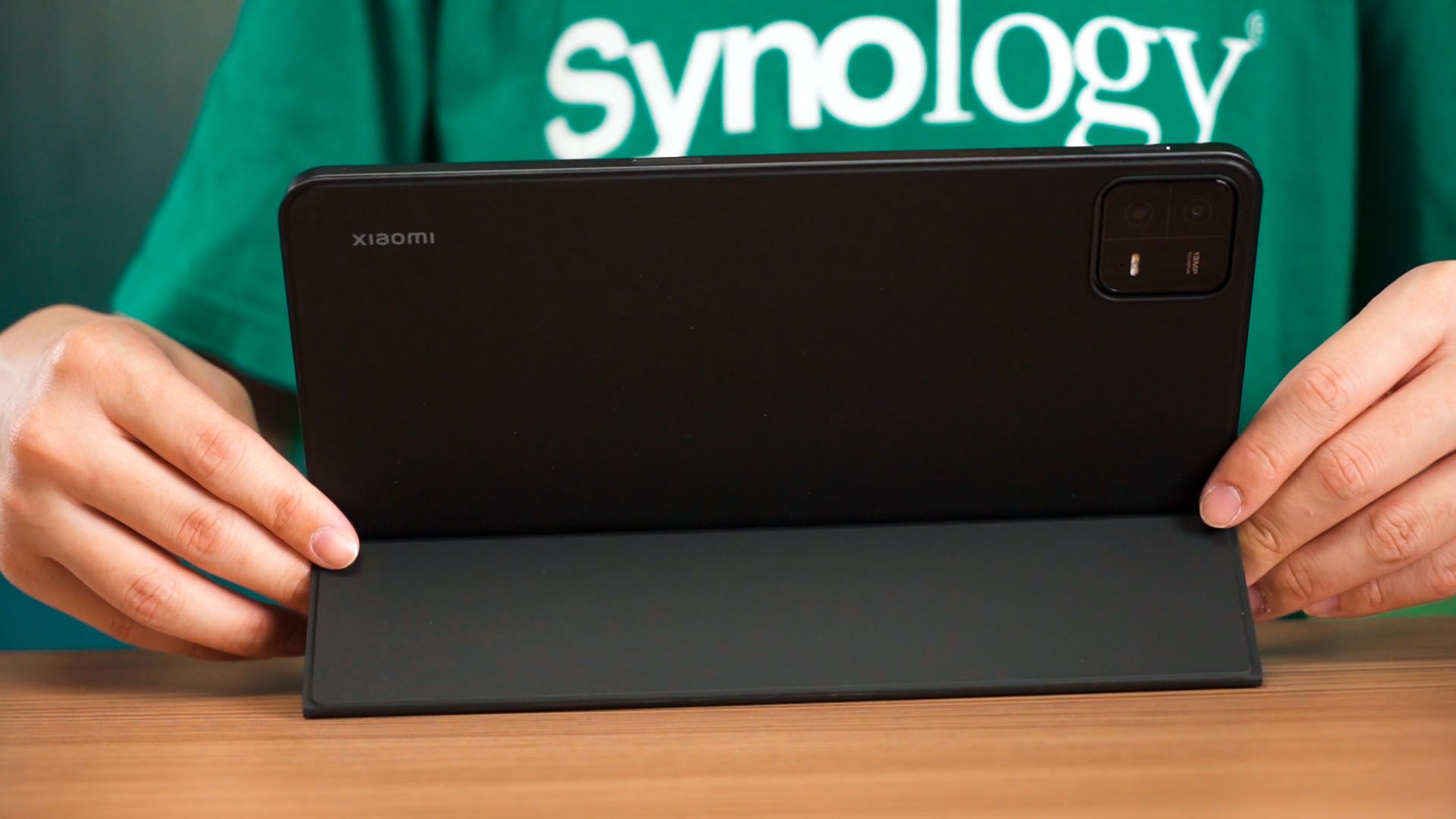
And we’ll start off with this. It’s just a basic folio case. Honestly, nothing to point out. It’s made out of PU leather and it does protect the tablet nicely – and that’s about it.
Keyboard
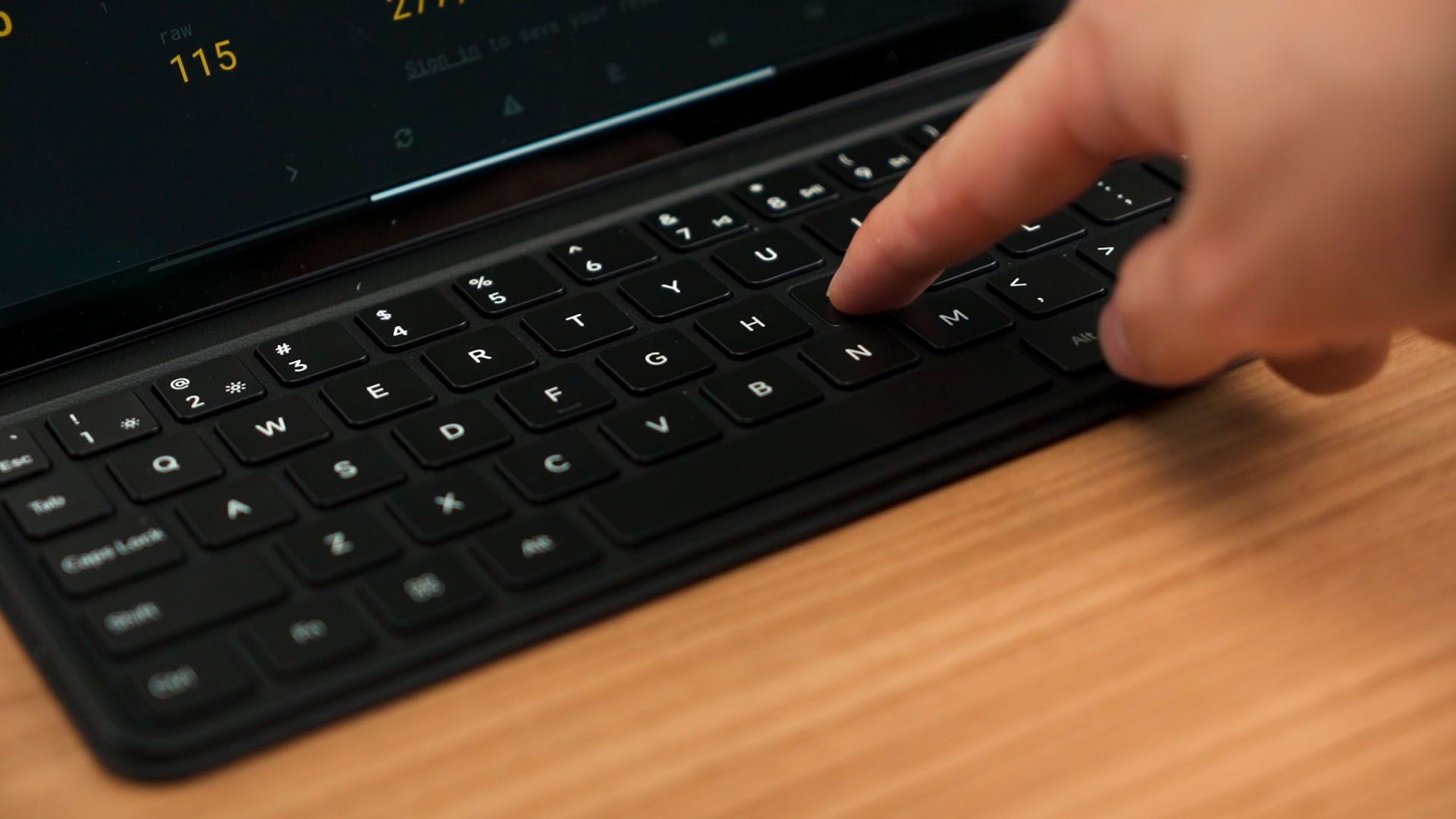
Then, the keyboard case. I mean, this keyboard case is a weird one. The quality of it is nice and it is made out of the same PU leather material as the cover case. The keyboard keys and typing experience is amazing as each key has a good travel distance and the keyboard layout is also good too.
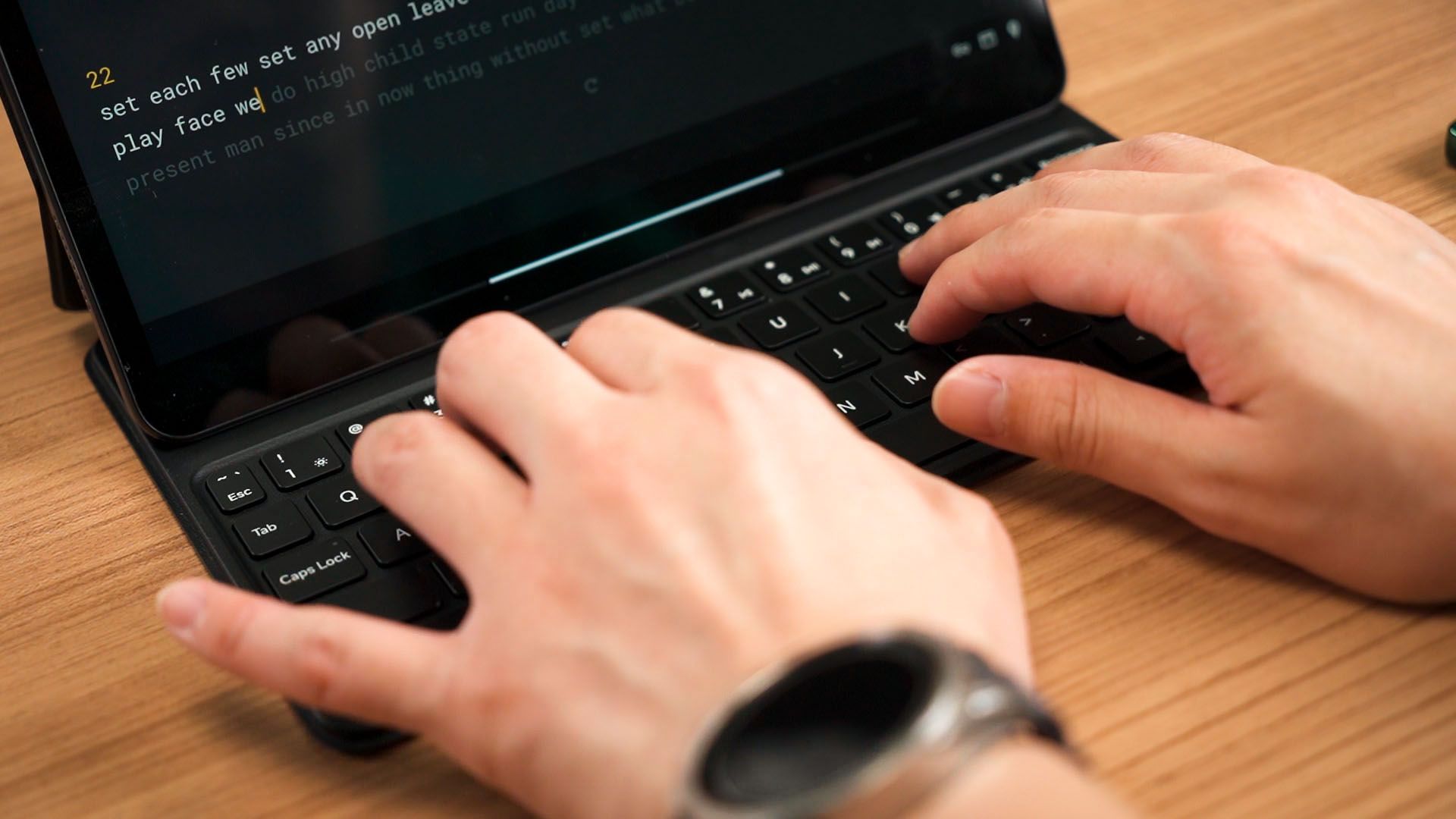
However… there is no angle selection at all. There is only one slot for the tablet to be parked, and for someone with a long body like me, I can’t actually use it comfortably without hunching my body.
Xiaomi Smart Pen Gen 2
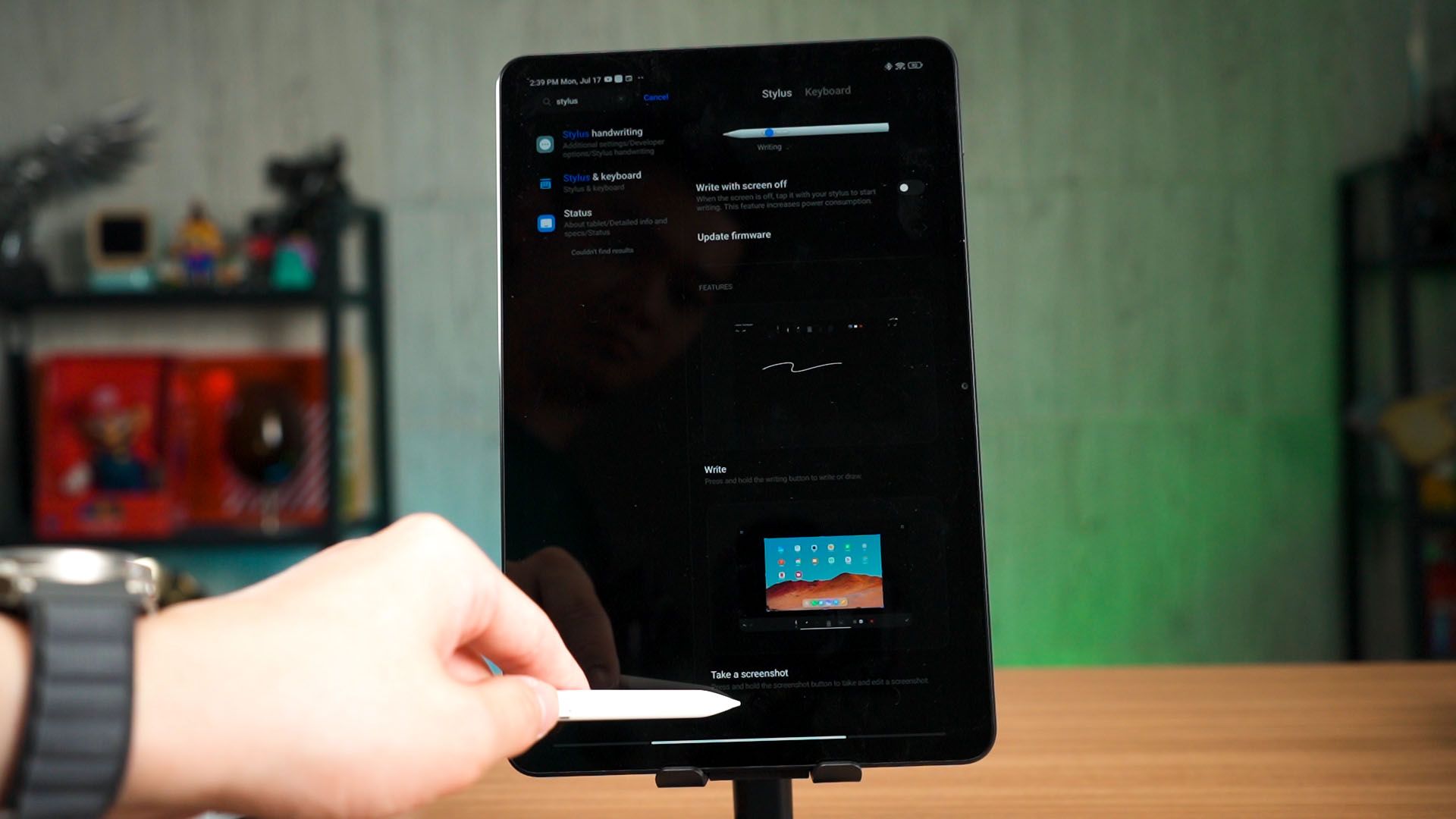
Then comes the Xiaomi Smart Pen Gen 2. It does have two buttons and there are a few shortcuts built-in.
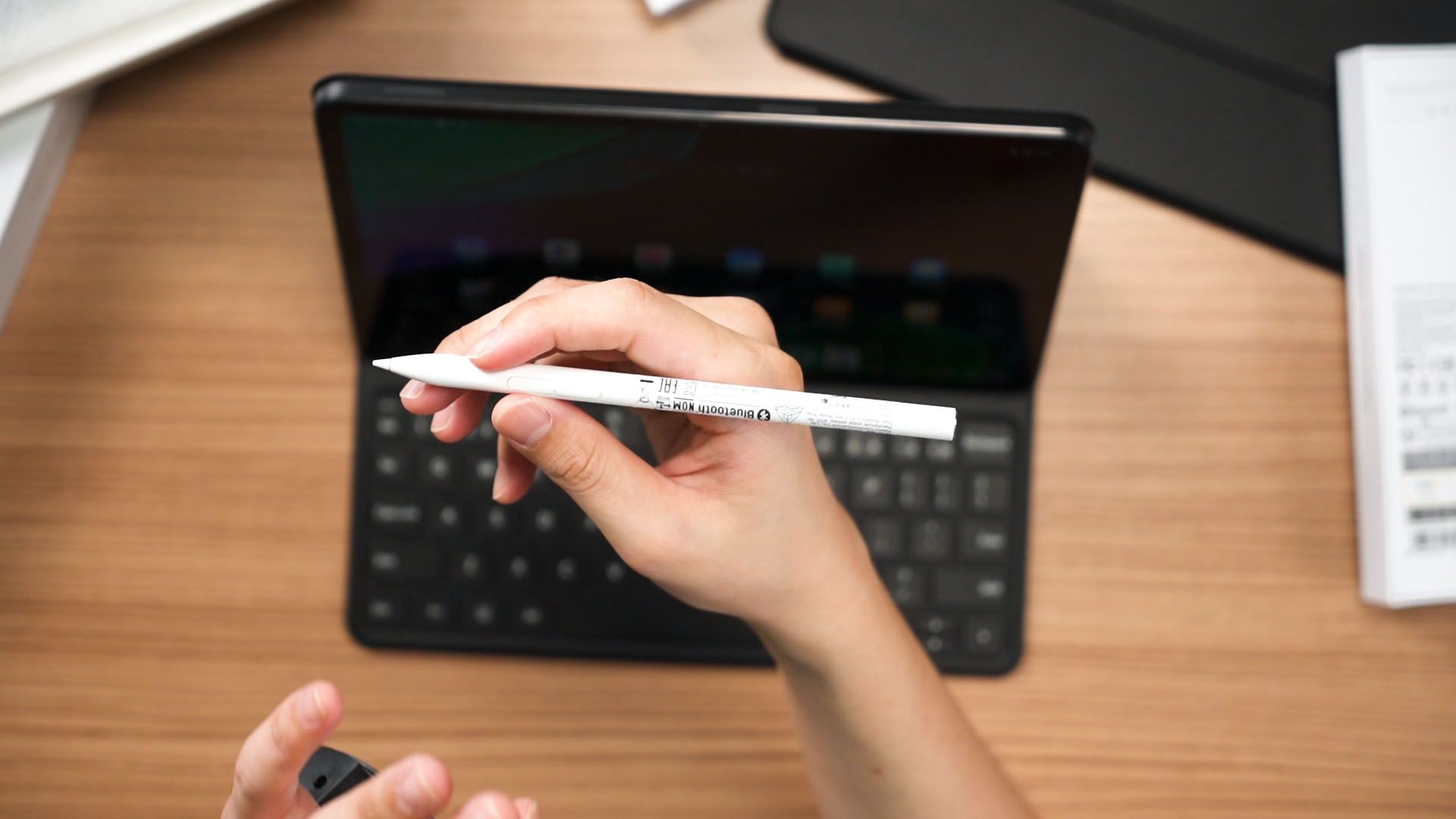
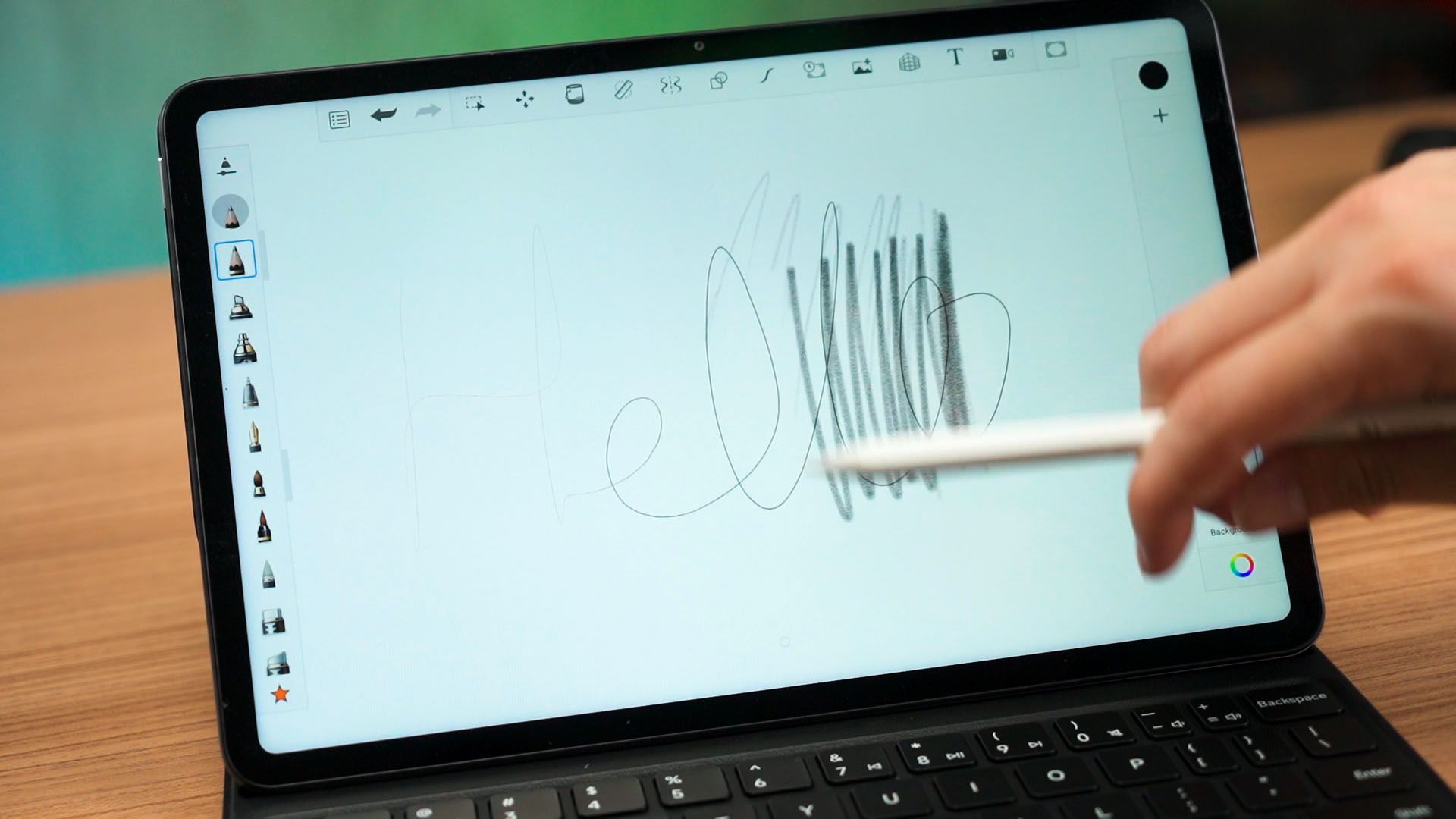
I don’t think these buttons are customizable, though. I’m not an artist but I do use it to draw diagrams and whatnot – and it works fine for me. It does have 4096 levels of pressure sensitivity too.
Software
And now it’s time to talk about the software. The Xiaomi Pad 6 is using a special version of MIUI called MIUI Pad. It still has the same issues as their phones, but we do have some extra features here. For example, the settings has a “features for tablets” menu.
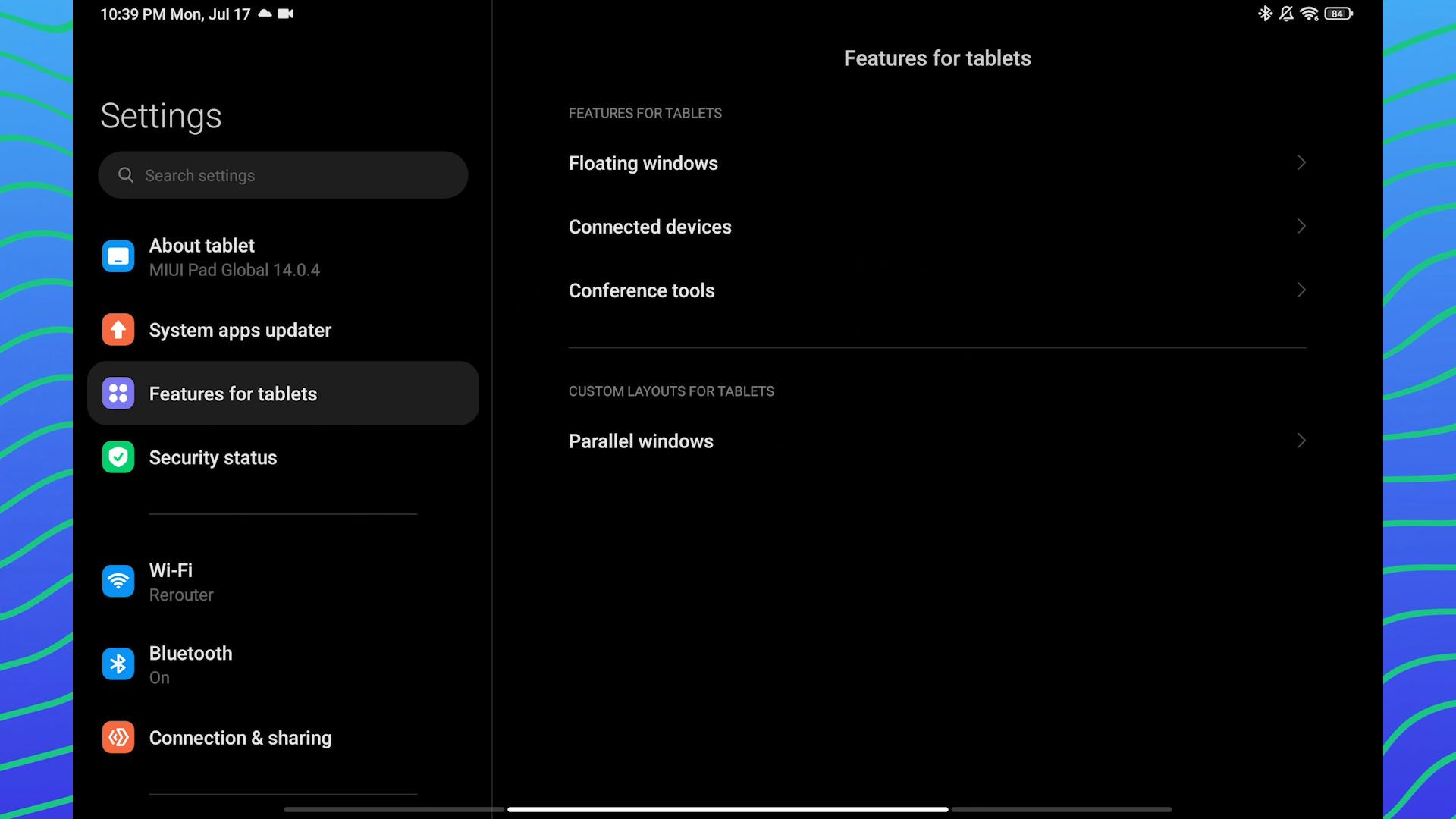
It does have some tutorial on how to use the MIUI Pad software and I think that is crucial. For example, MIUI Pad has the taskbar and it functions the same as the Galaxy Z Fold4 and I really like it.
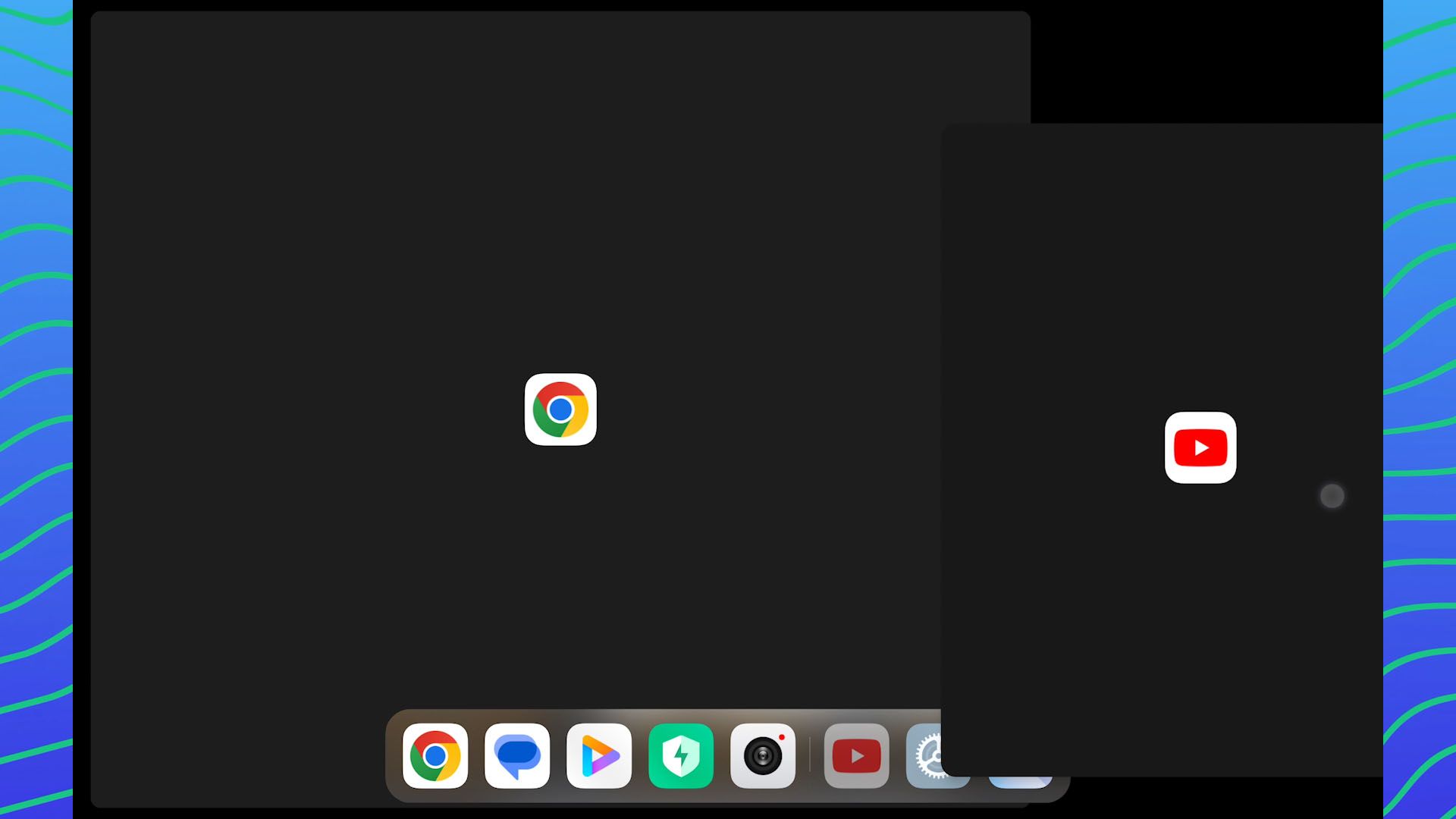
However, this MIUI Pad lacks any sort of desktop mode like Samsung DeX. That is probably because the keyboard case doesn’t have a trackpad? I’m not sure – I also paired a wireless mouse and there is no desktop mode.
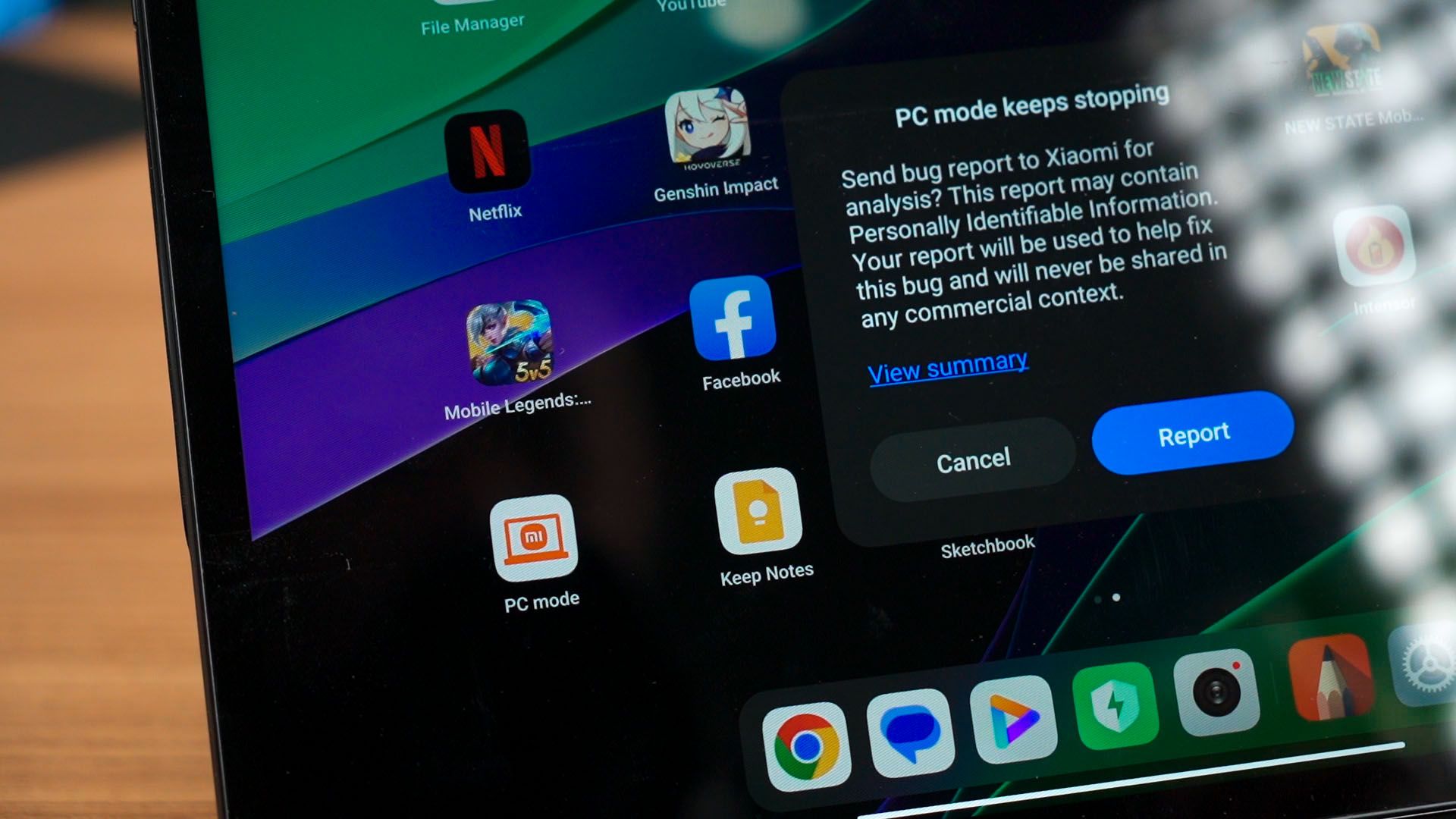
If you remember, the Xiaomi Pad 5 has an app called Desktop Mode that you can sideload and use. But, that Desktop Mode has been abandoned and it does not work with this Xiaomi Pad 6.
USB 3 – finally?
By the way, this tablet does come with USB 3 while means I can transfer 1GB files quickly. Surprisingly, this tablet even has HDMI output over its USB-C port! However, I realized that there is a lot of delay if I use it this way.
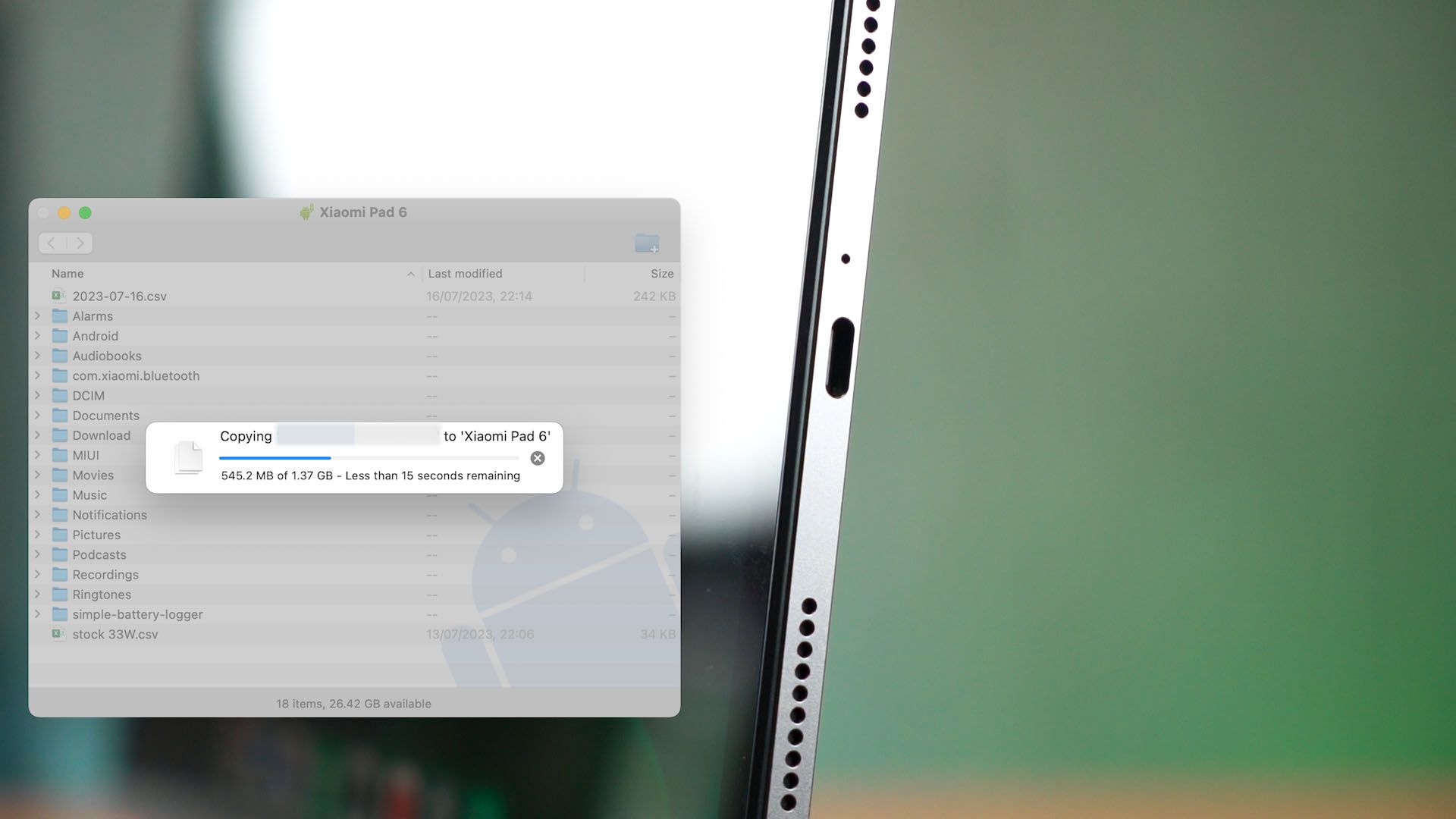
But then again, there is no desktop mode so this is pretty pointless.
Should you buy the Xiaomi Pad 6?
So, overall, I’m not sure what’s the price of the tablet here in Malaysia yet but I do think the tablet is pretty good even if the chipset is quite dated at this point. I do hope that the price is around the same as the Xiaomi Pad 5 or at most around RM1,599.
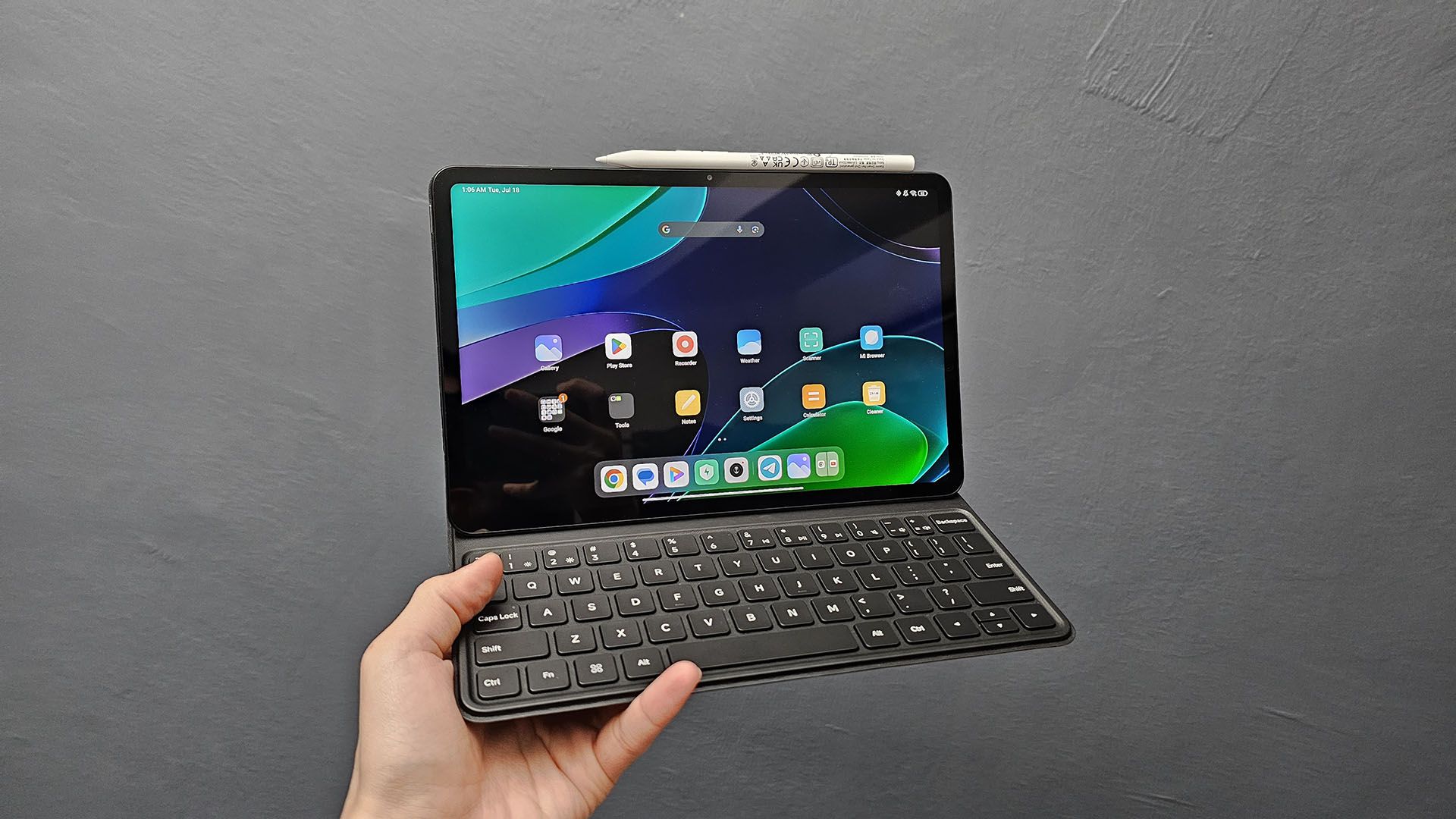
The keyboard is pretty good to type on but we’ll have to take note of the limited angle. As for the stylus – well, that would make the Xiaomi Pad 6 a fantastic tablet for drawing.
If you want to know what other tablets you can get around this price tag, then have a look at the Samsung Galaxy Tab S7 FE. That tablet is around 2 years old at this point but Samsung hasn’t released any other tablets that are around this price range.
Where to buy? (Affiliate links)
Like our Facebook Page here at NasiLemakTech.com for more news and in-depth reviews! Also, join our Facebook Group for insightful information and memes!
Subscribe to our YouTube channel too!