



Introducing, a tablet by TCL. It’s a brand that’s not really famous here in Malaysia, but I’m happy to see more competition in the market. This TCL Tab 11 LTE has a few unique features but there are some weird decisions that I want to talk about.
This tablet is a budget tablet. It’s priced at RM999.
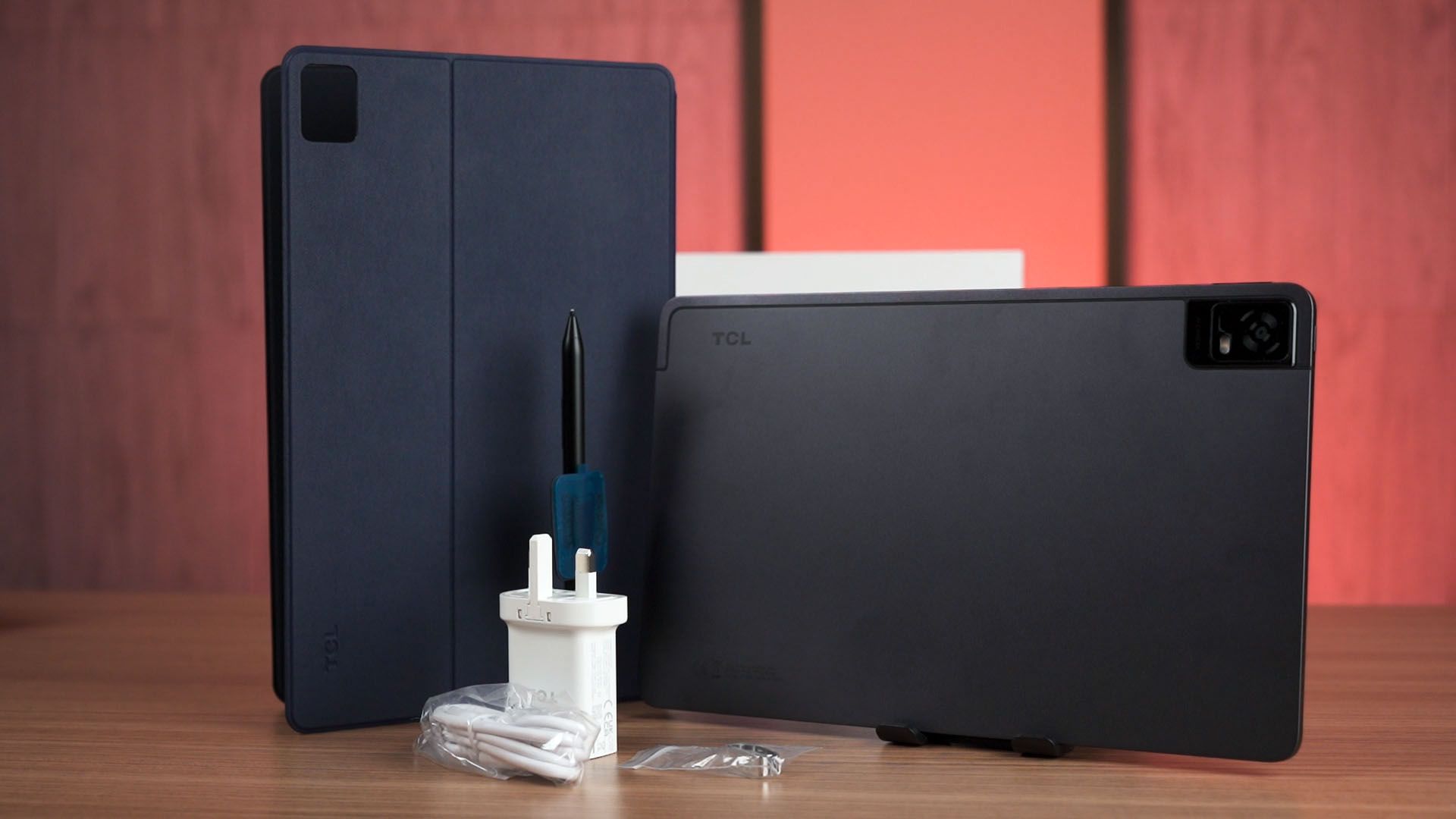
So let’s get started with the unboxing. We get a lot of things inside this thick box. Of course, we have the tablet, then a case, a piece of film screen protector, and there is this big box that houses the stylus holder that we need to stick it on the aforementioned case, a stylus tip, and also the stylus itself.
Before we start using the tablet, we’ll have to talk about one weird design decision that TCL made. It already has a screen protector pre-installed from the factory but it has this stuck underneath that screen protector.
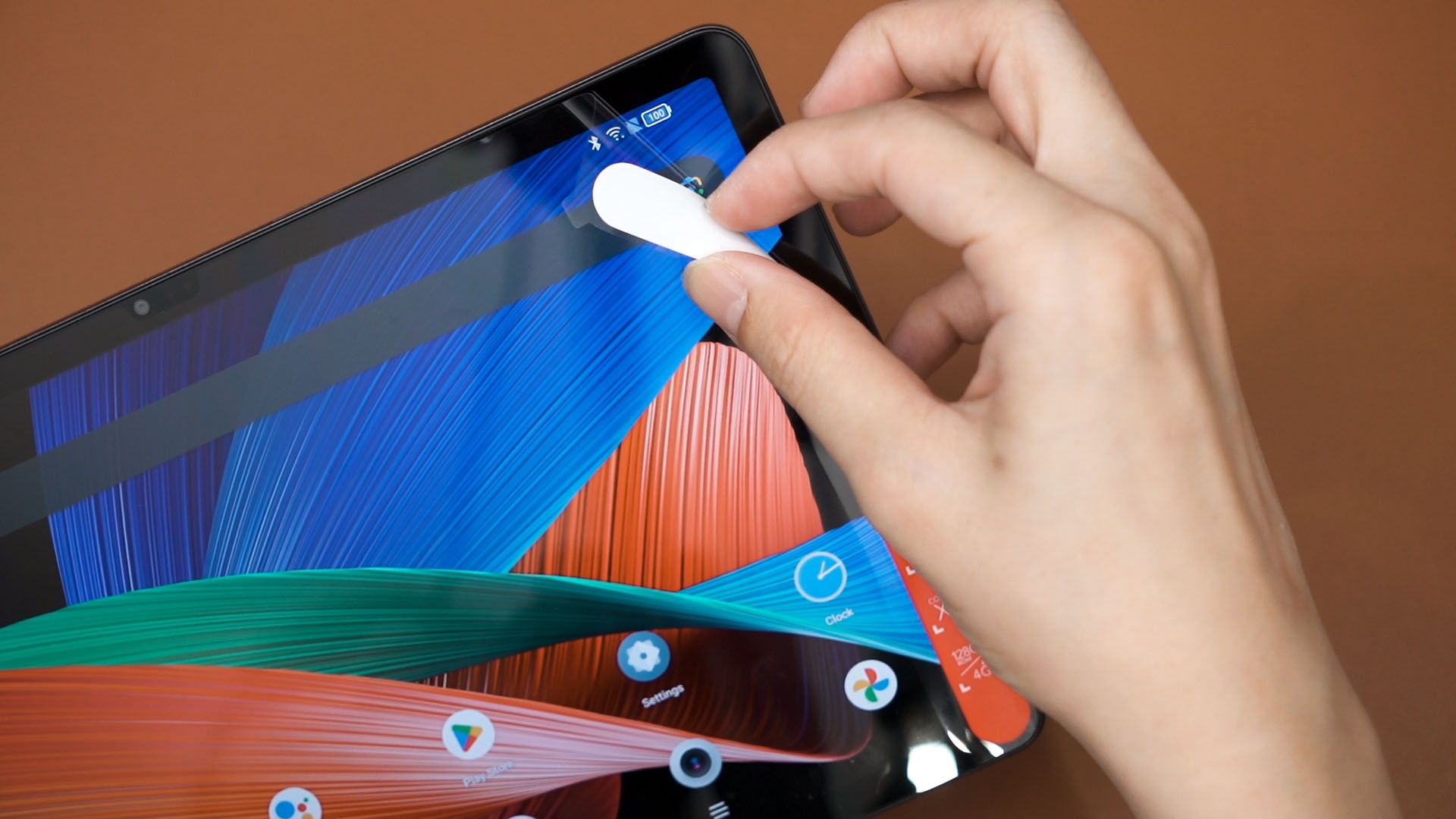
I have no idea why, and I’ll have to throw this away and apply the one they also included in the box. That pre-installed screen protector is perfectly fine to use if they didn’t stick the specs sheet under it. They could’ve saved some cost and created less waste, and we could just unbox the device and use it right away.
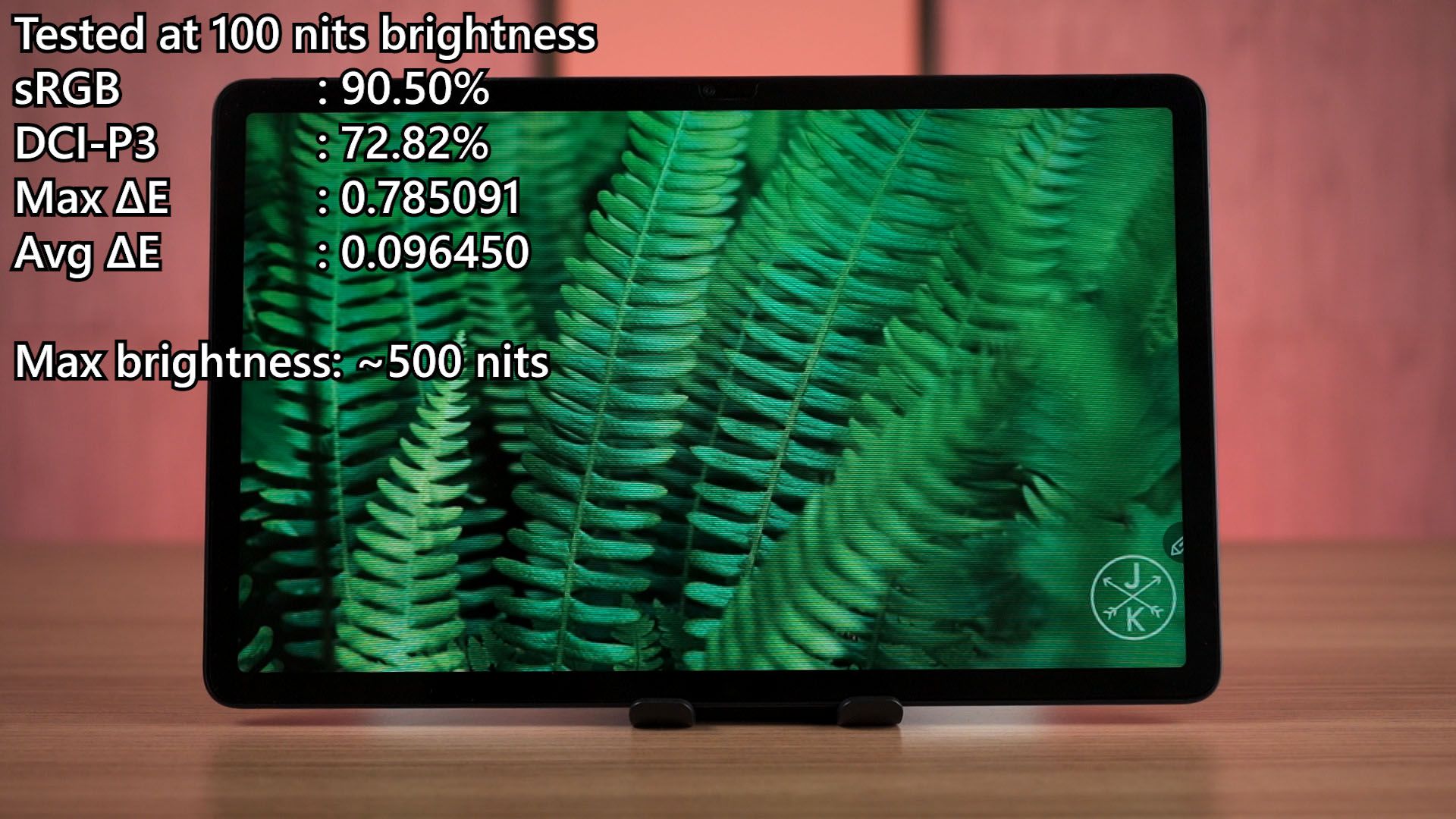
So as the name has described, this is an 11-inch screen with a rather high resolution of 2000×1200 pixels at 60Hz refresh rate. It does look decent and our colorimeter reports 90% of sRGB color gamut coverage with a maximum brightness of 500 nits.
For those who want to use this tablet to watch videos or listen to music, then I’m pleased to tell you that the speakers are actually quite decent too.
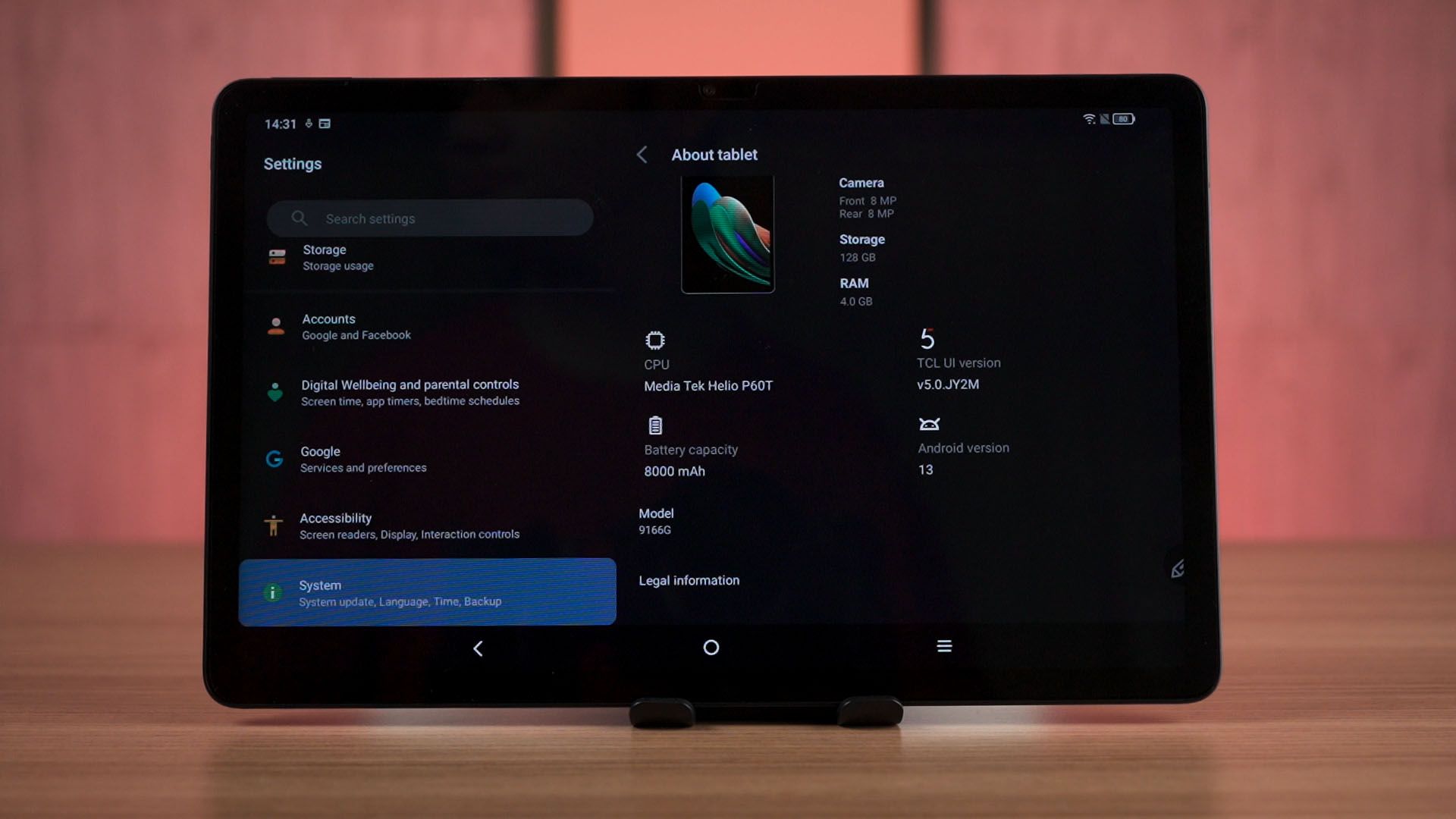
However, if you’re thinking of using this tablet to play games then it’s going to be a bit challenging. It uses the MediaTek Helio P60T chipset which is very old at this point in time.
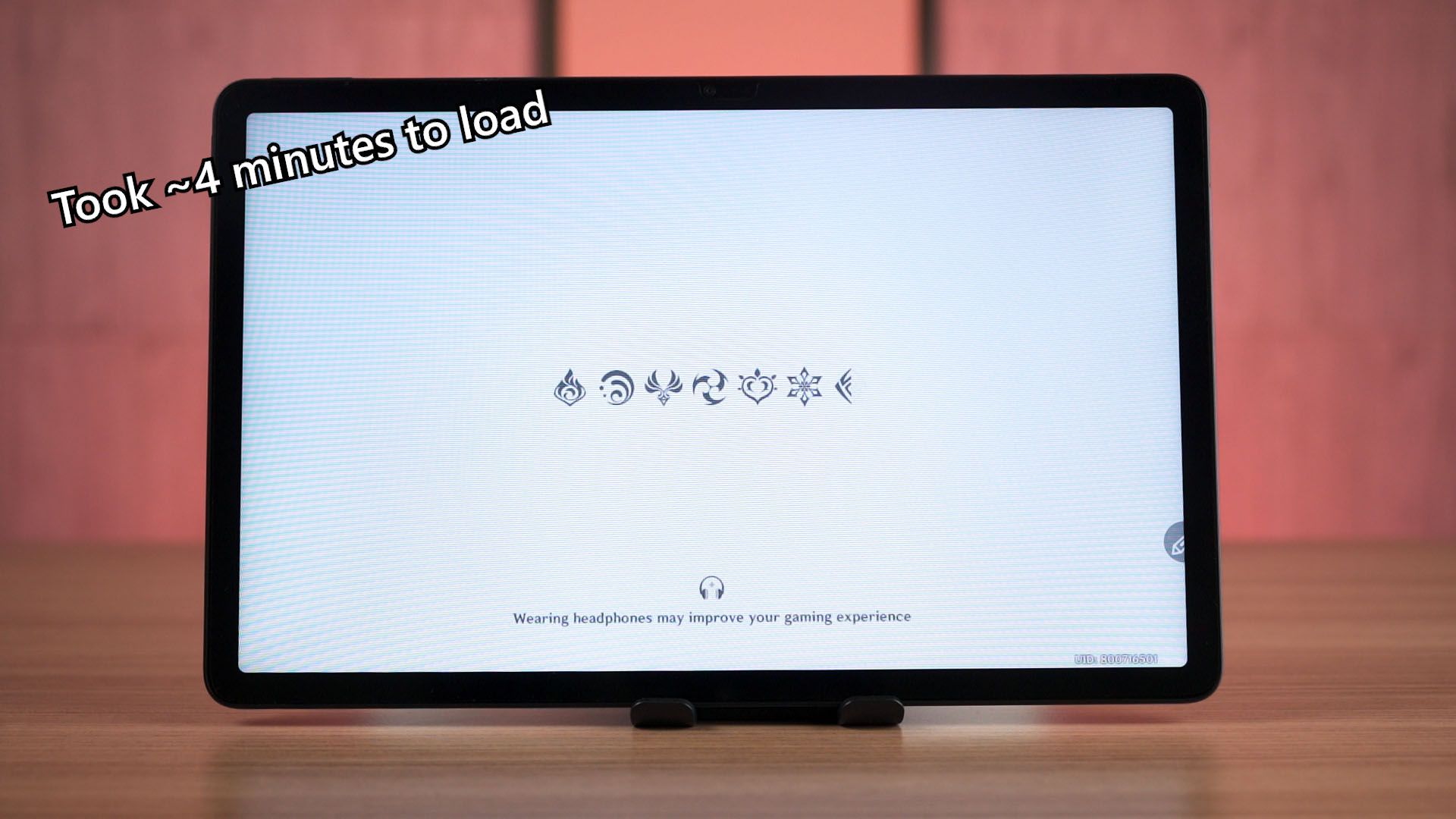
I downloaded some games and let me just show you how they perform. Genshin Impact is not going to run well since this chipset is too underpowered to play even at the lowest graphical settings.
If we are not gaming, then I’d say it’s pretty okay.
The 4GB RAM will be the biggest limiting factor if you’re planning to listen to music while browsing the web or social media using this tablet.
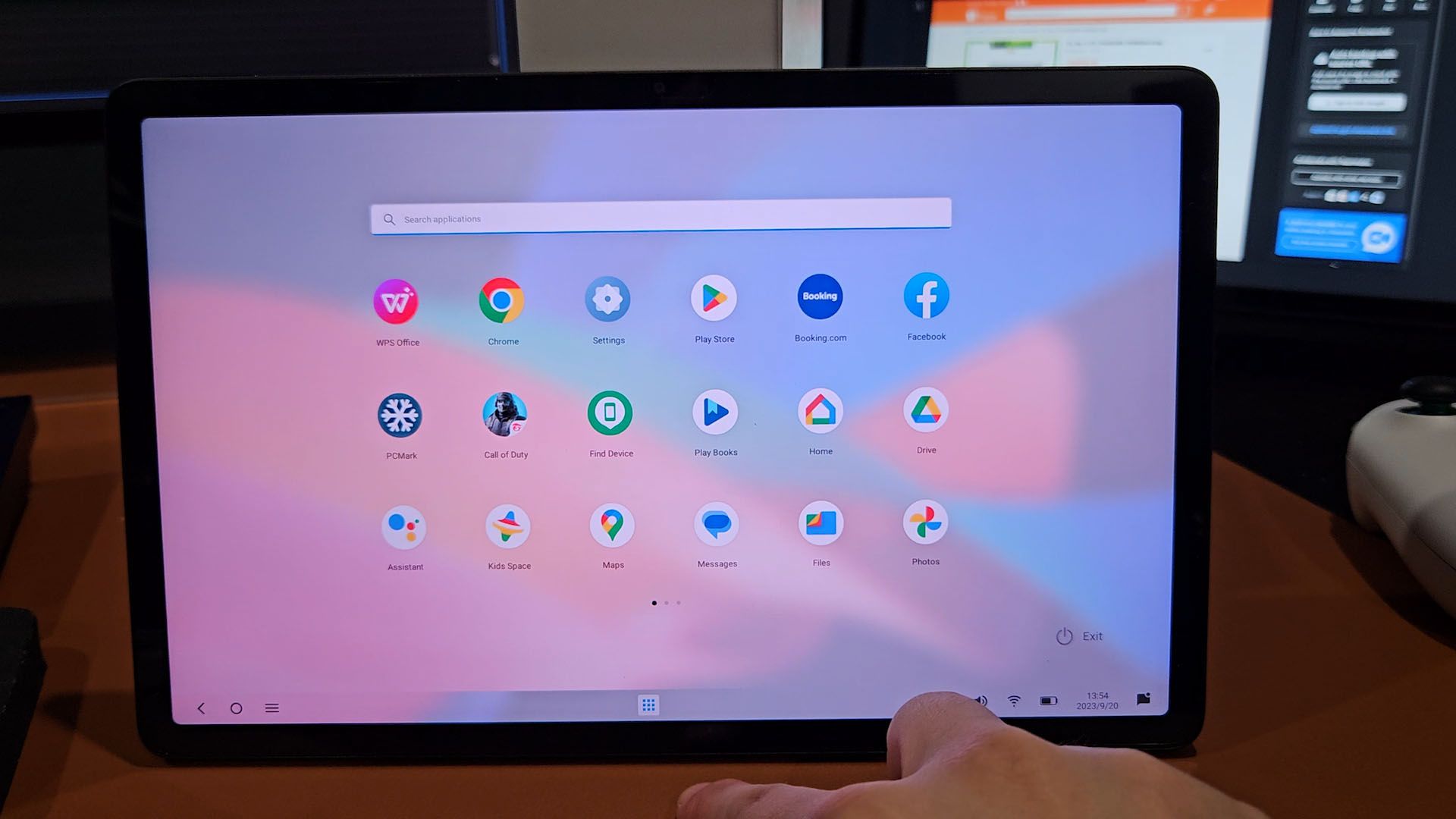
While we’re on that topic, let’s talk about the software. It’s running their own TCL UI and from what I can see, it’s pretty close to stock Android with a few more additional features that TCL has added.
For example, this tablet does have its own desktop mode that we can activate by taping this button in the quick settings menu. It disables dark mode and autorotation and we’re presented with an interface that’s very similar to Windows 11 but that’s about it. It would’ve been more useful on a tablet with more RAM and a better chipset.
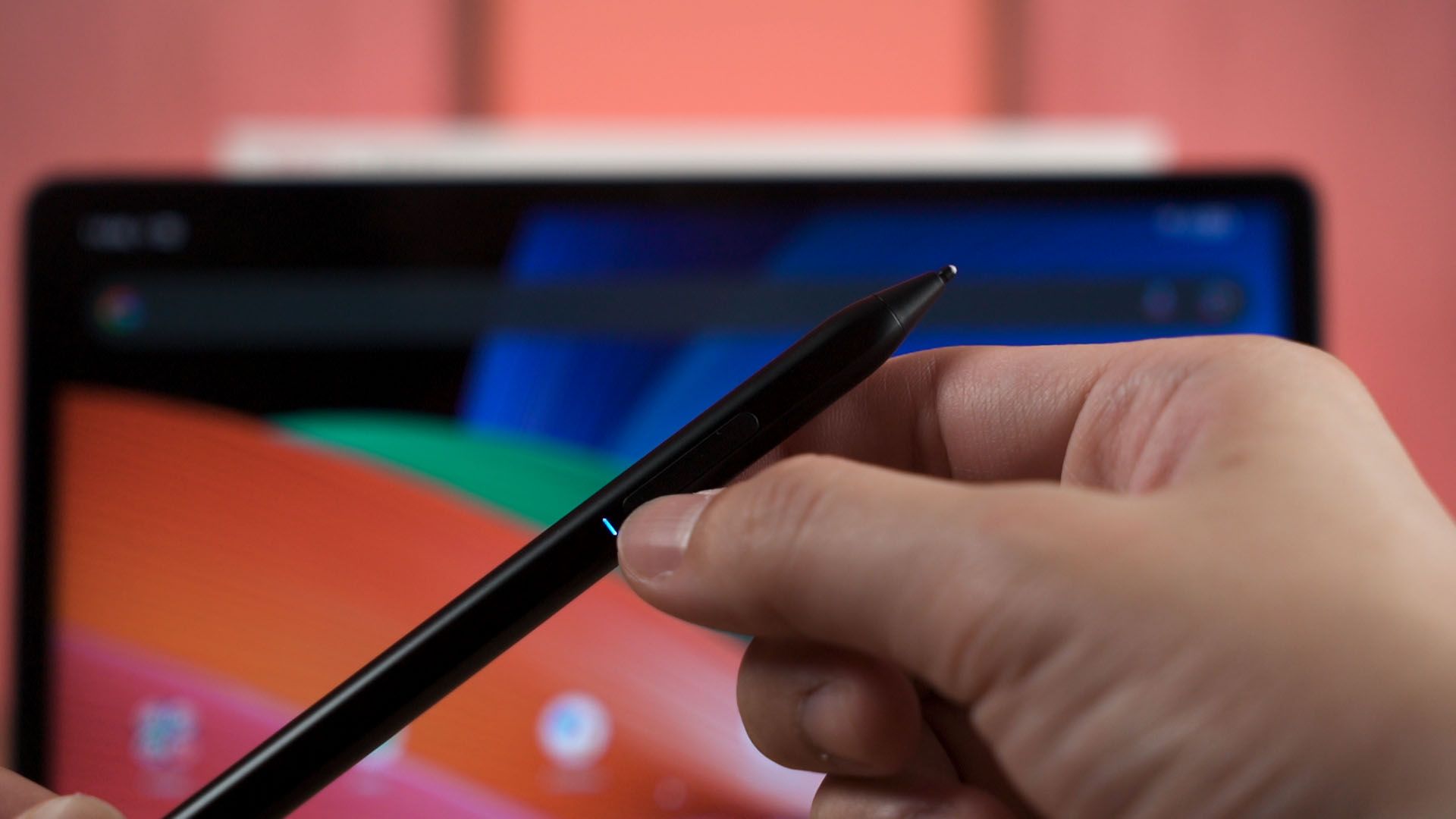
Another feature that this tablet has is the stylus. I’m quite impressed, actually. This stylus just works. I had to press on one of those buttons on the stylus to “wake it up” and then it just immediately works. Even the user manual doesn’t tell you how to pair it because you don’t need to do anything.
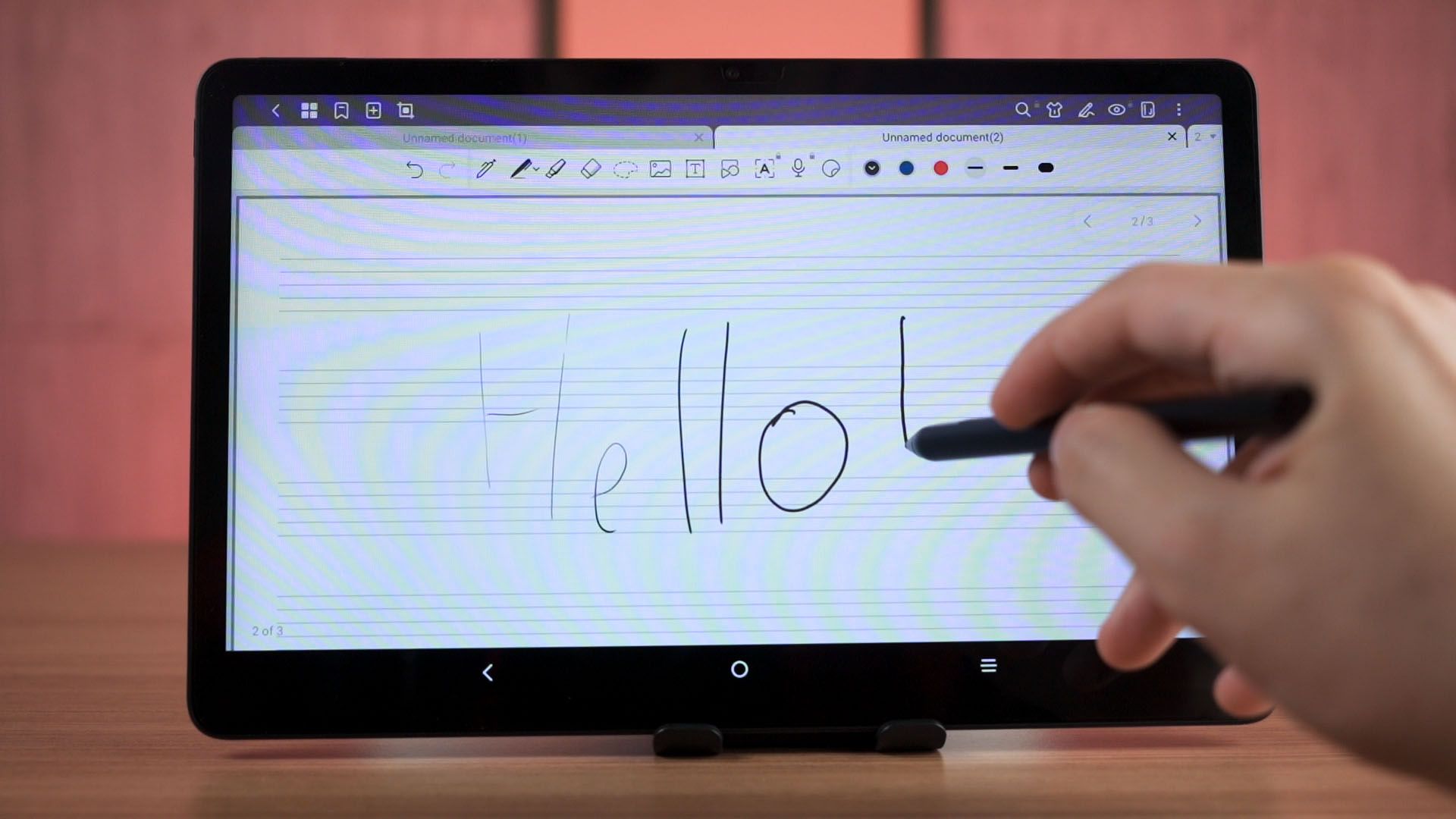
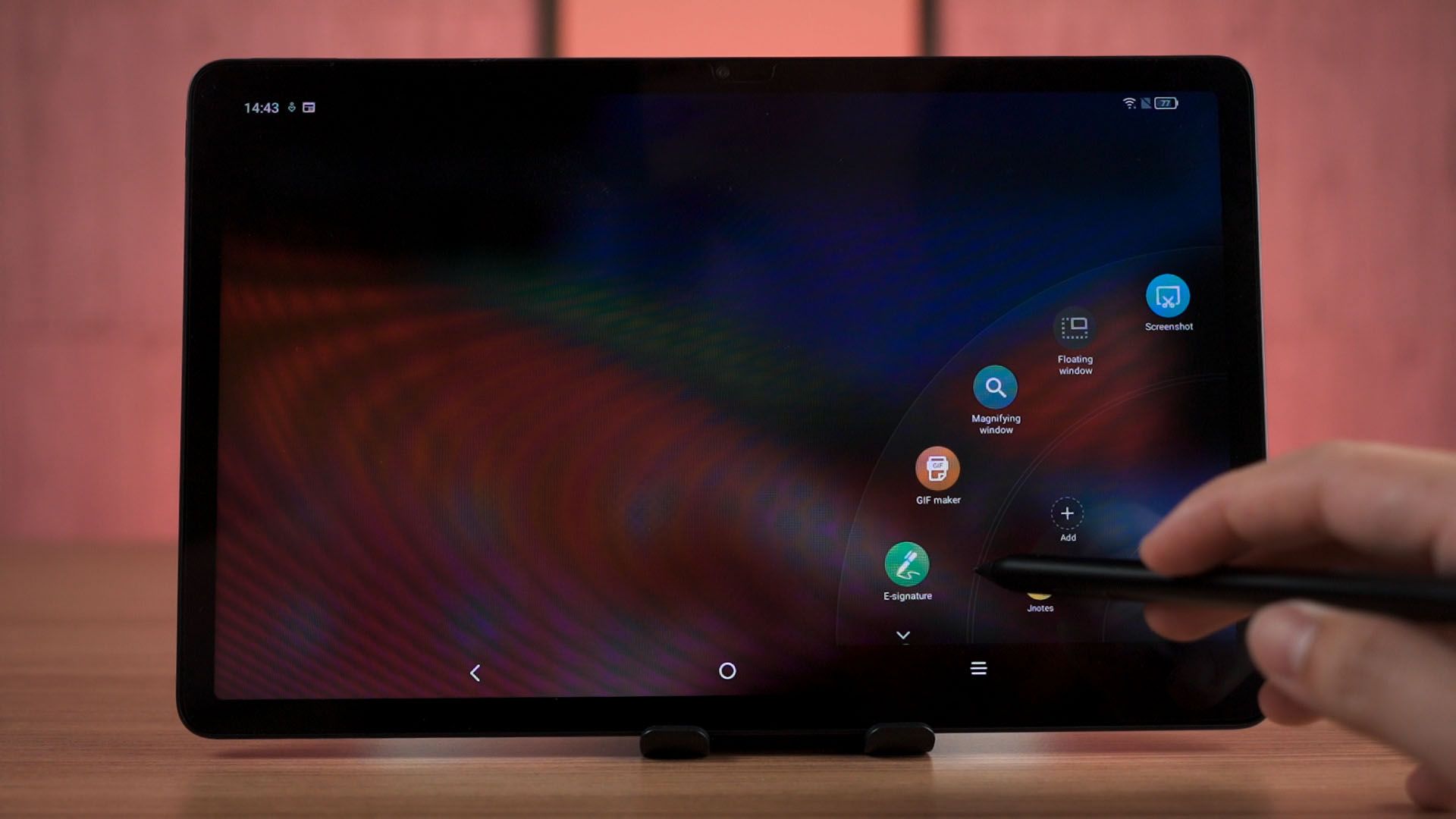
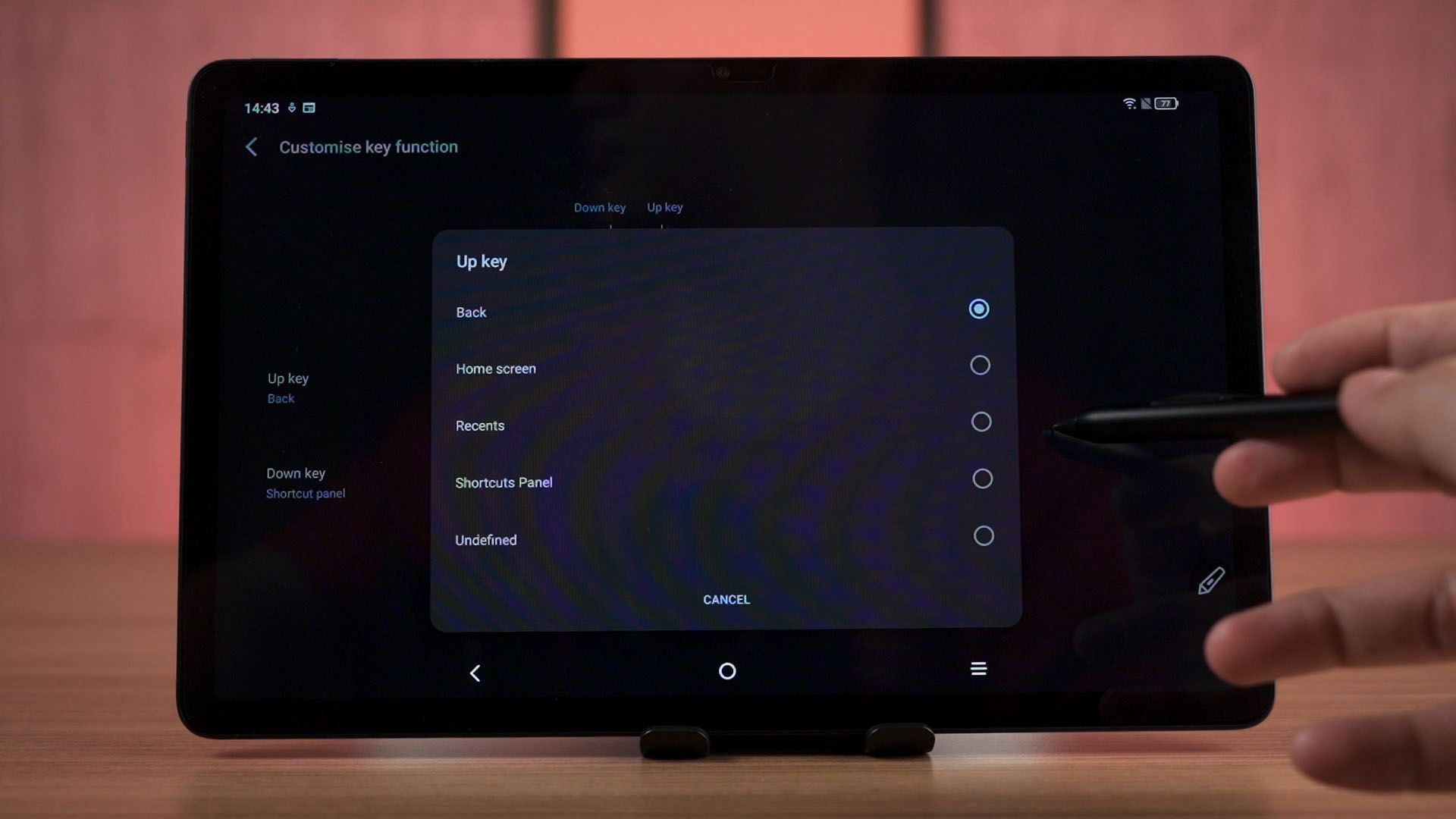
It does have 4096 levels of pressure but unfortunately, there is quite a lot of delay when we’re drawing something. It does have a floating widget for the stylus to launch certain apps like the note-taking app and whatnot. You can customize the buttons to do a few other shortcuts too – which is actually quite nice.
You do have to charge the stylus separately as it has its own USB-C port around the side. The only way to see the battery level is through that LED light at the side.
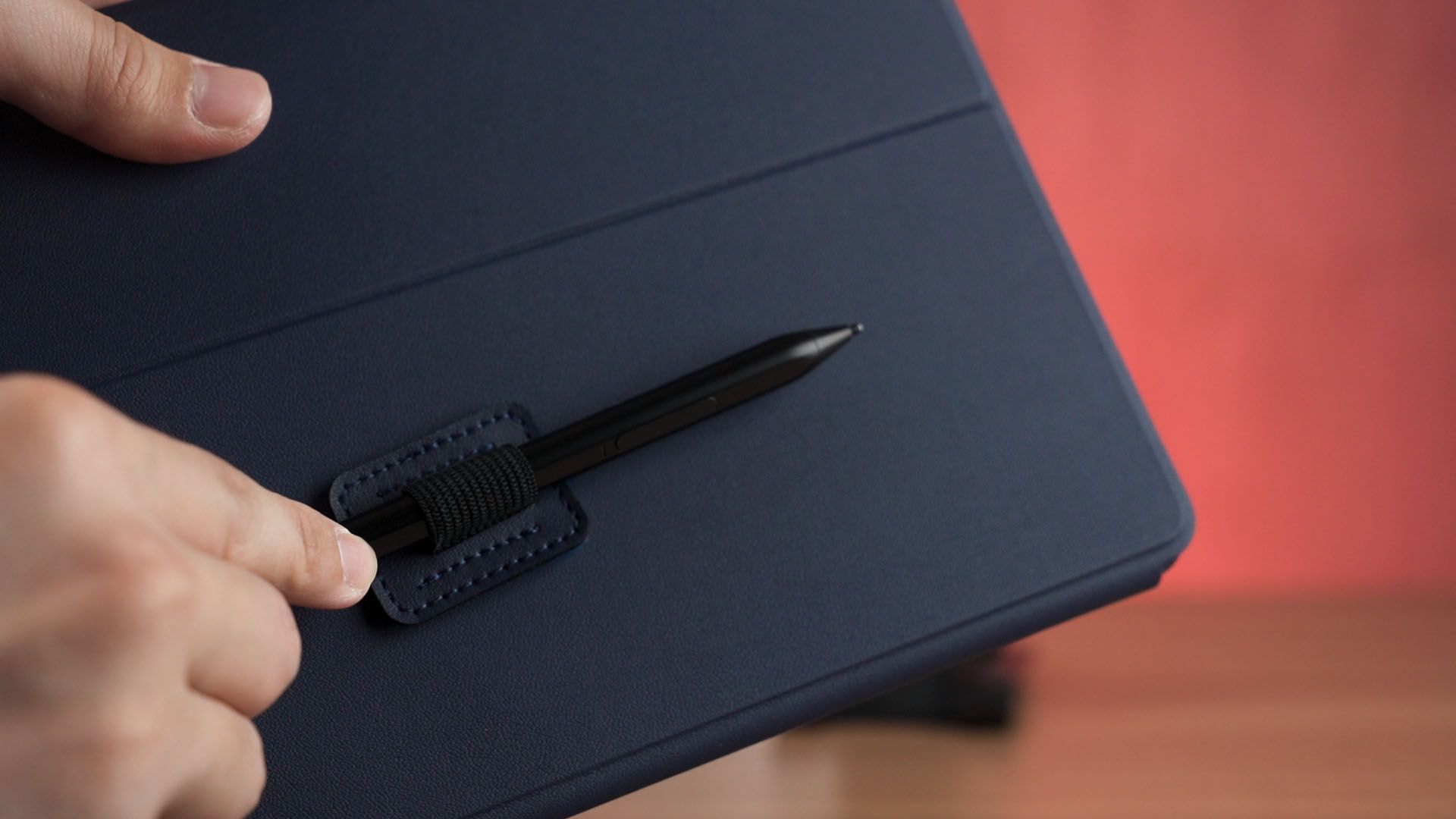
To store the stylus though, there is no way to magnetically snap the we’ll have to go back and talk about the case.
This piece of pen strap is how you store the stylus alongside the tablet. I’m not really a fan of this as I think the adhesive on this stylus strap won’t last long.
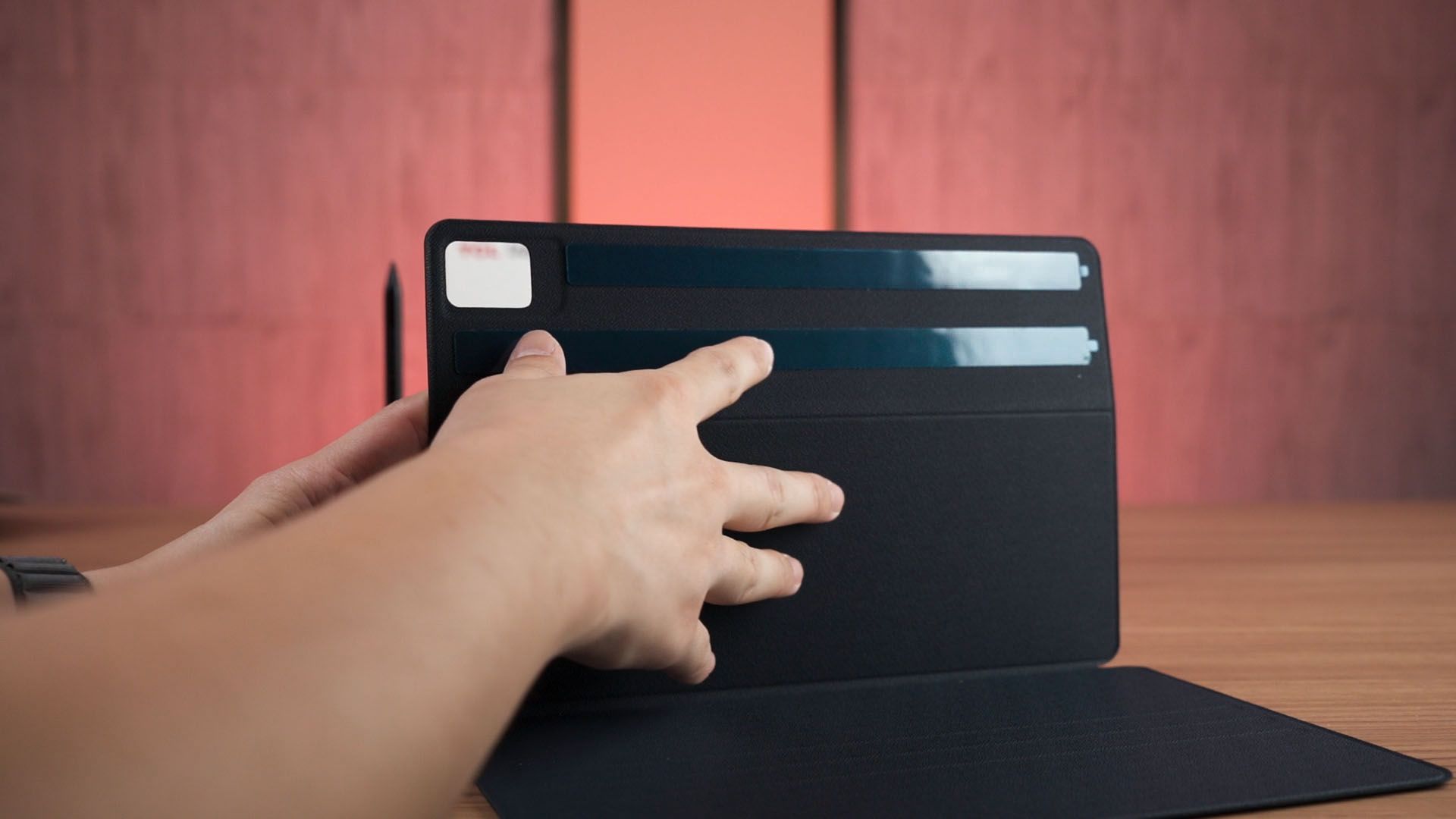
The case itself is also attached to the tablet with adhesives. Once again, I don’t believe it’ll last as the adhesive will get weaken over time – especially if this tablet gets hot. I do like the fact that this case has the cover detection though.
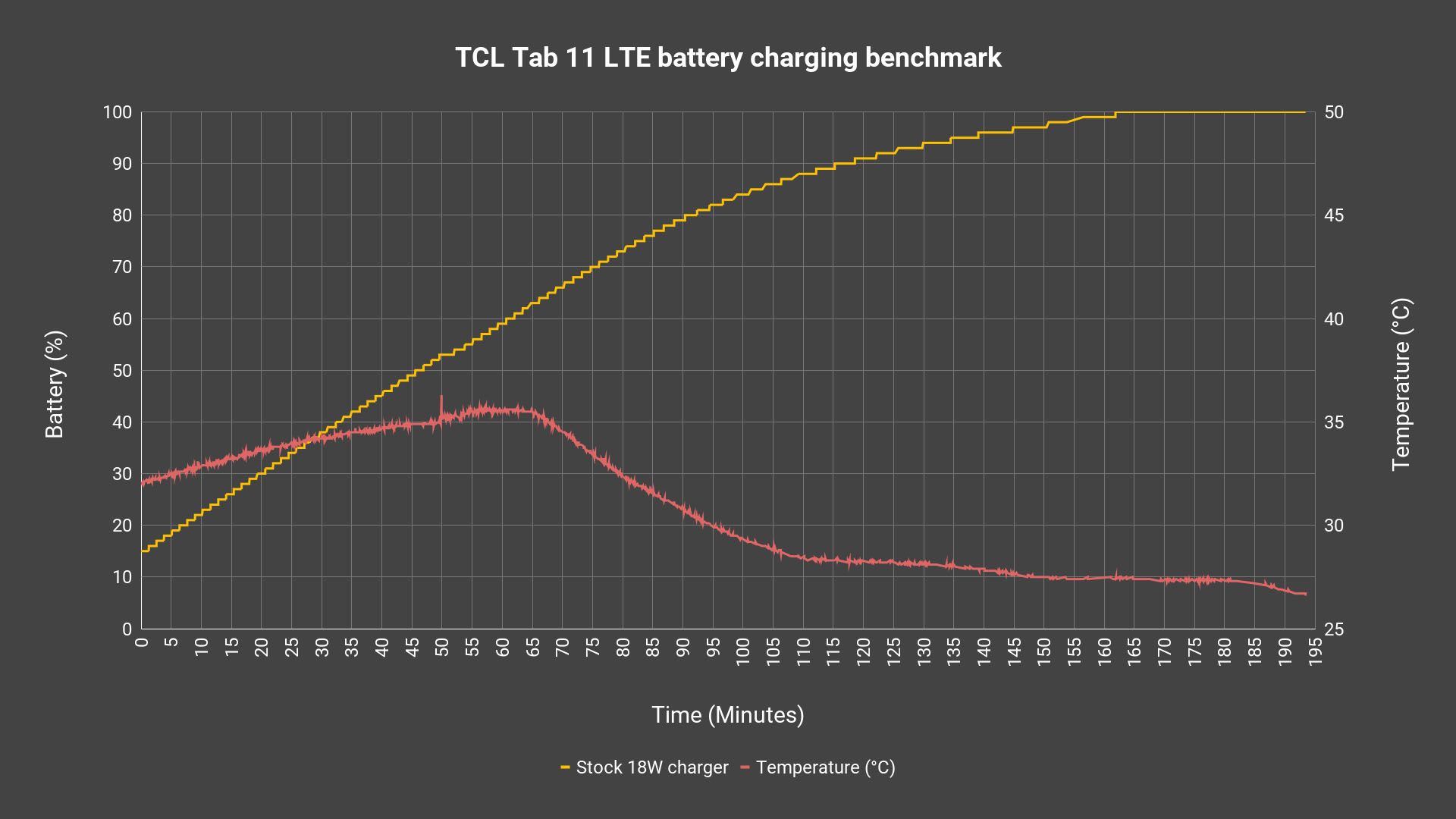
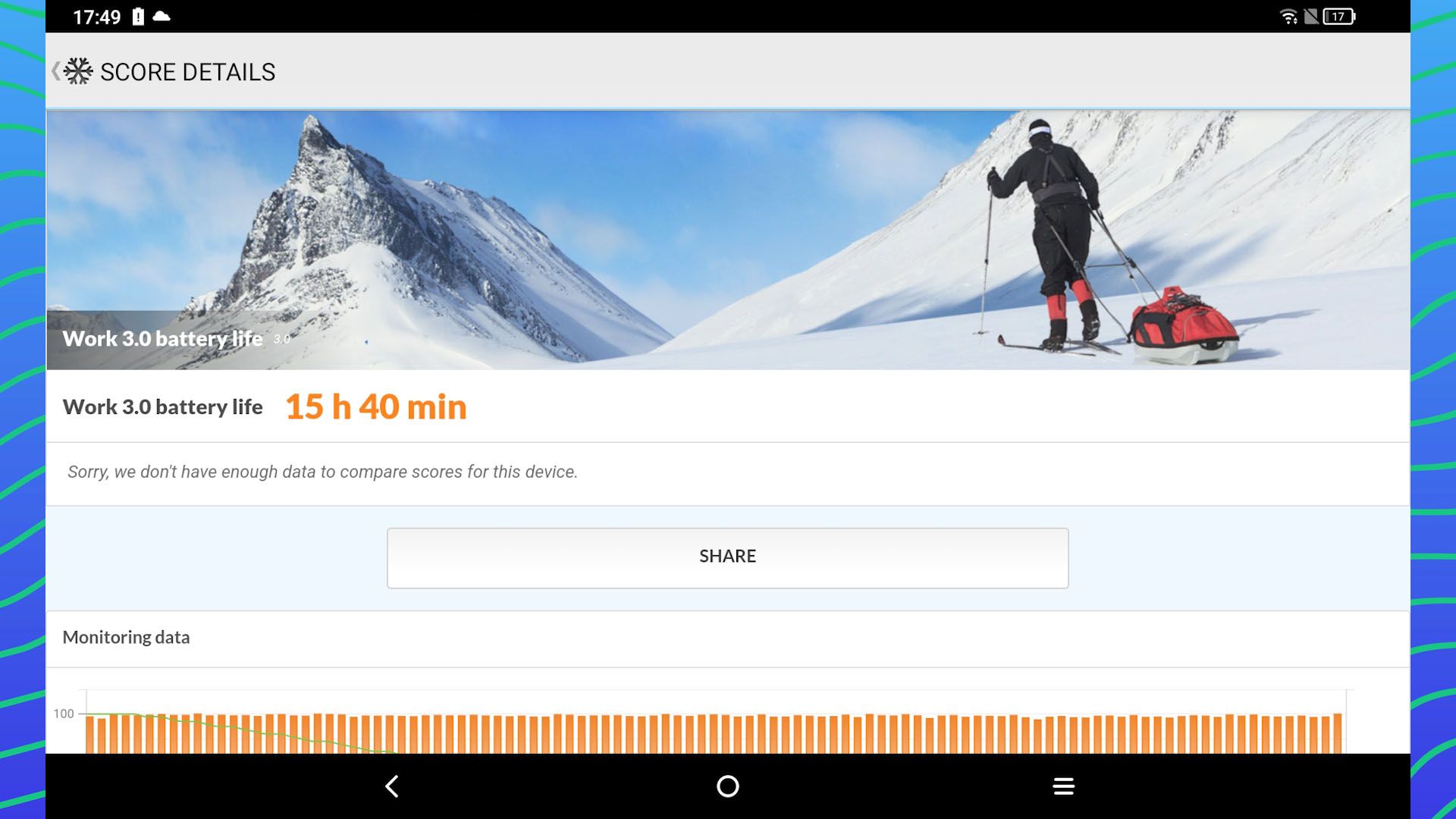
And we’ll have to talk about the battery of this tablet as well. It comes with a 8,000mAh battery and it comes with an 18W charger in the box. That means it’ll take nearly 3 hours to charge from 15% to completion. That is to be expected since it comes with an 18W max wattage.
Worth the price of RM999?
Okay, so for the price of RM999, I do think this tablet is a rather good one especially if you’re looking for a budget tablet with an actually good stylus. The only downside that I can see here is the screen protector situation. I think they should’ve just put a proper film screen protector from the factory, and the specs sheet above that screen protector.
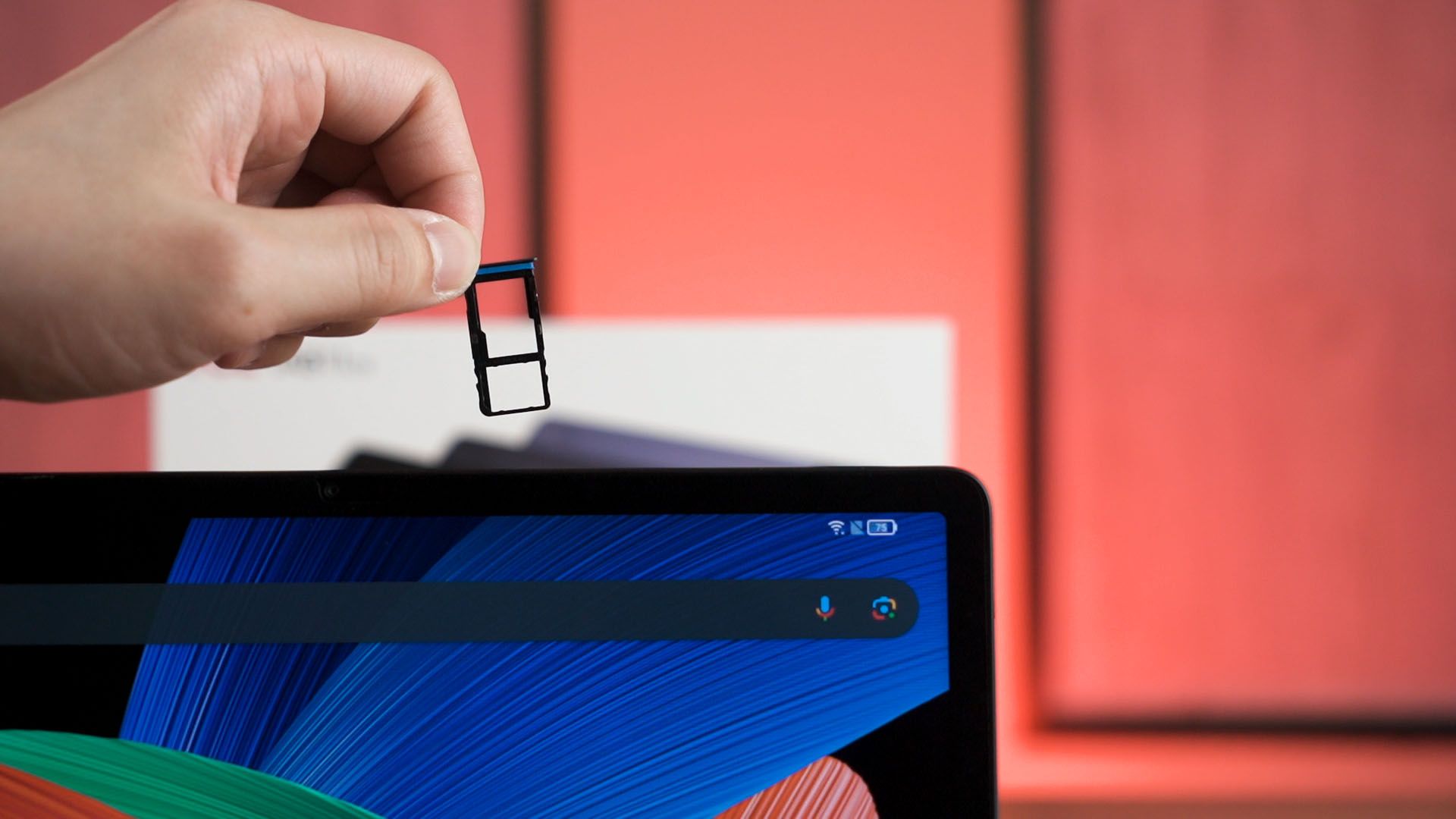
But if you don’t use any screen protectors then this point doesn’t apply to you. Oh – this tablet does have a microSD card slot and another SIM card slot too. Remember, this tablet does support LTE as well.
So yes, I think the price of RM999 offers a lot of value for those who want to draw on this tablet. There is another tablet like the HONOR Pad X9 that is at RM1,099 but there are a few weird design decisions with that tablet too.
Where to buy? (Affiliate links)
Like our Facebook Page here at NasiLemakTech.com for more news and in-depth reviews! Also, join our Facebook Group for insightful information and memes!
Subscribe to our YouTube channel too!