




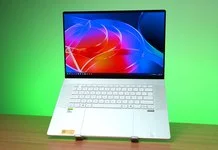











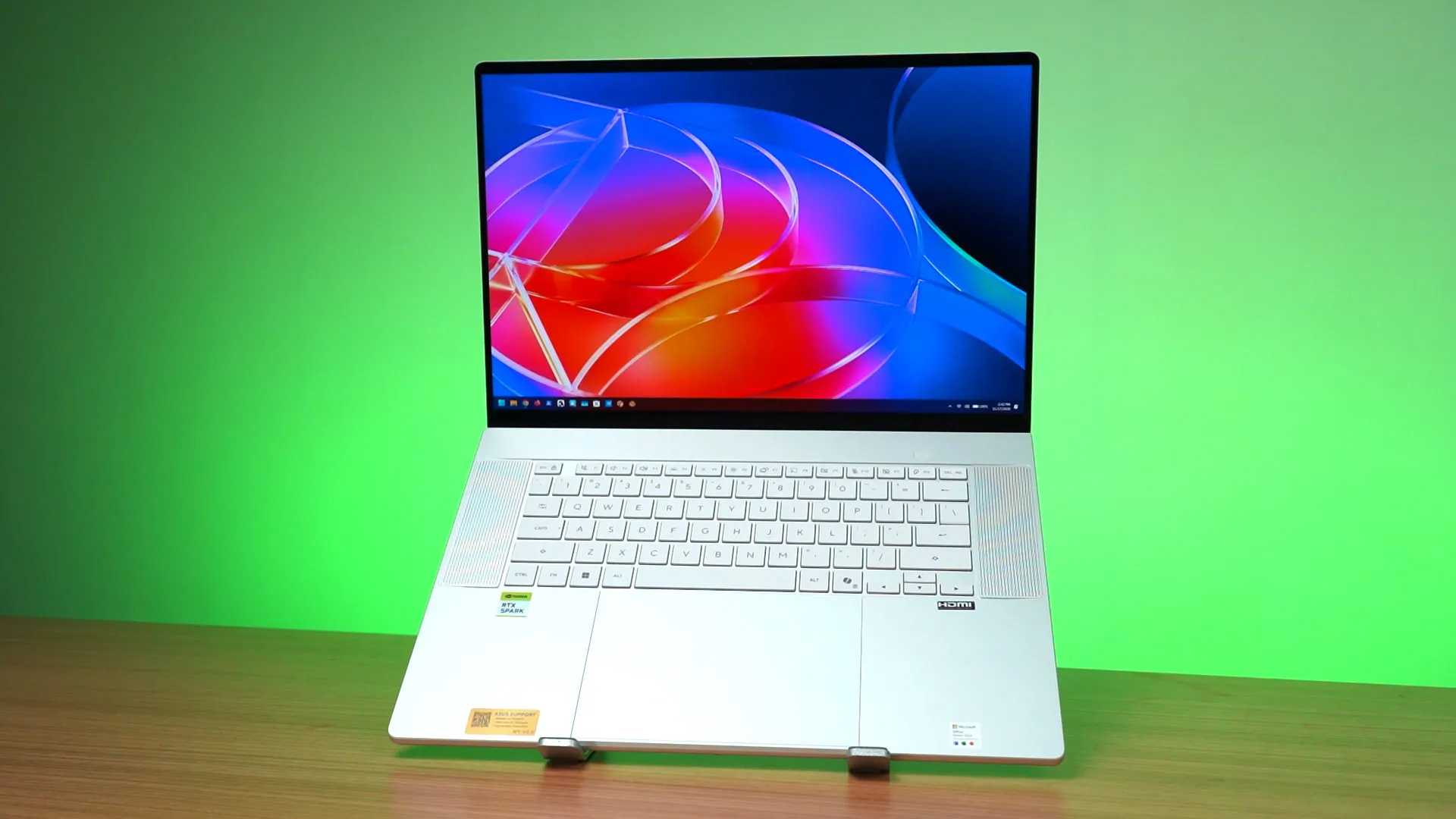

The RTX Spark is NVIDIA’s latest push in local AI. It’s practically a repackaged DGX Spark. Instead of a mini PC-style machine, it’s repacked into laptops and also other mini PCs… but let’s put that all aside for now and just talk about the laptop itself only. This is the ASUS ProArt P16 H7607, a laptop that we’ve actually seen back at COMPUTEX 2026 at NVIDIA’s booth.
This laptop is special in a lot of ways, and with its sky-high price tag, it better be special.
Specs and performance
So, let’s start off with the main highlight of this laptop – the RTX Spark chipset. This chipset is made in collaboration with MediaTek. This laptop is equipped with the highest-end RTX Spark N1X chipset, which has:
- NVIDIA RTX Spark N1X
- 20-core Grace CPU cores (10xP-cores + 10xE-cores (10x X925 + 10x A725)
- 6,144-core GPU cores (Blackwell)
- 128GB LPDDR5X unified memory @ 9400MT/s
- 1TB of NVMe SSD
The WiFi chip is also powered by MediaTek, by the way.
Now, the RTX Spark chipset is using Arm ISA – instruction set architecture – so it is running on Windows on Arm. It has gotten a lot better over the last year, so let’s start with gaming.
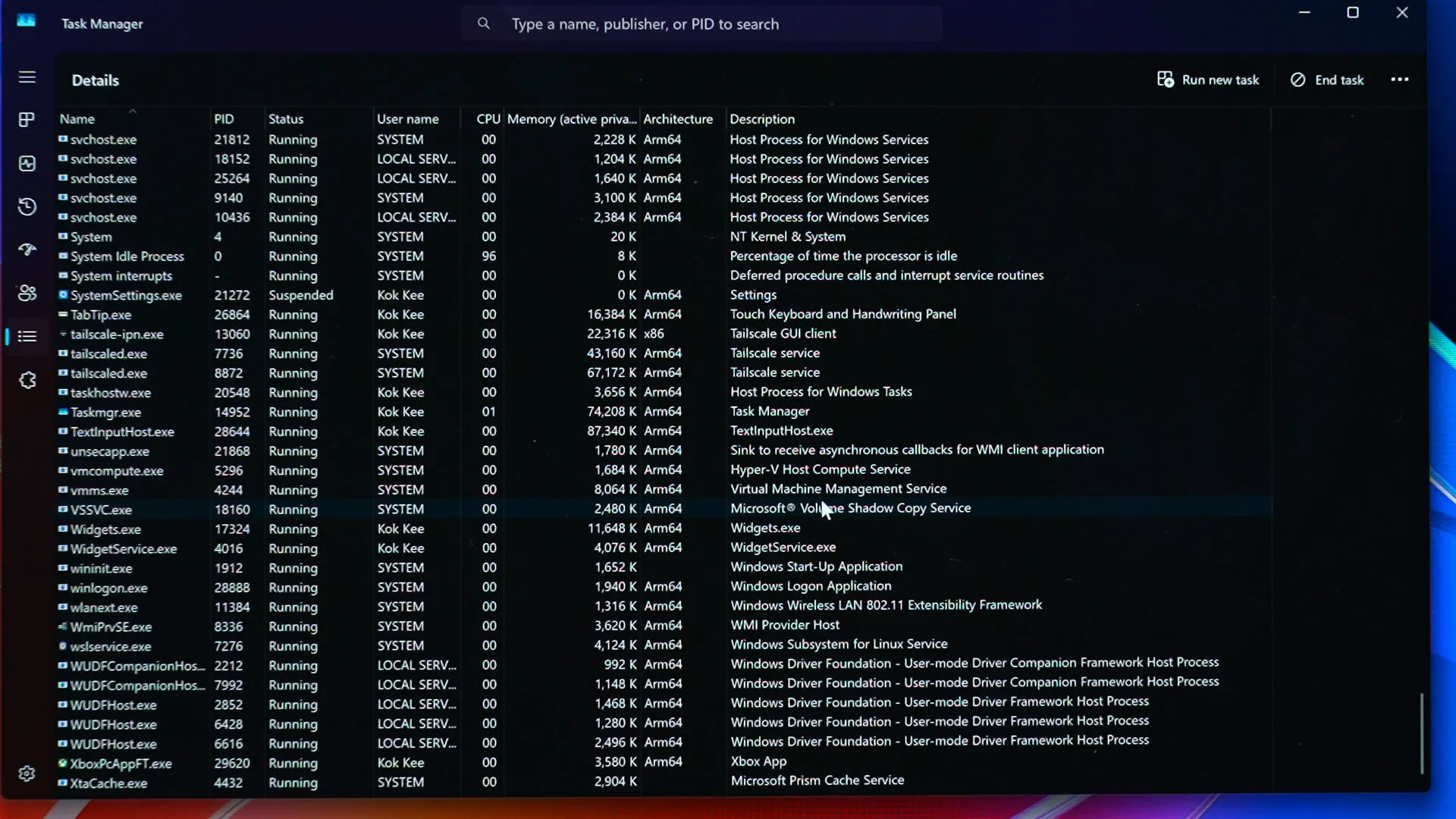
I gotta say, because the screen resolution is so high, the RTX Spark is going to struggle if we push it to the max graphical settings.
That aside, we’ve tested a few games to get an idea of how it worked. Firstly, let’s take a look at Cyberpunk 2077. I went for full max settings at 4K resolution with RT Overdrive graphical settings and turned on DLSS and frame generation, all that pazazz, and the game looks great and the frame rate looked great too. However, the frame pacing is… quite bad. Every input I made took about 200-ish miliseconds for it to show up on screen, and that makes driving in the game… rather difficult. There were also a lot of graphical artifacts, so I recommend just lowering the graphical settings and turn off frame generation.
For a not-so-graphically demanding game like Marvel’s Spiderman 2, it runs fine even when I turned it to “high” preset with ray-tracing turned on, and it actually runs really good as the FPS hovers around the high 40s in all scenarios.
Then comes Zenless Zone Zero. Yes, I play this game on PC mostly – and it the game launched without any issues at all and the game renders are perfectly without any graphical glitches. We’re playing in 4K resolution with around mid to high graphical settings, and we can get around 30-45fps most of the time. Yeah, that range is quite huge. For whatever reason, the game does not have the DX12 option on this laptop, so we don’t have any advanced NVIDIA features.
For Wuthering Waves, we have a bunch of options available – so we just turned it up to the highest graphical setting, and also turned on DLSS.
Depending on what we’re doing in the game, the frame rate does fluctuate quite a huge range. It can drop below 30fps in certain scenarios, but overall it worked pretty well.
So far, all the games I’ve tried on the this laptop works great. The reason why I’m worried is that… well, Windows on Arm has a pretty bad reputation with game compatibility in the past. It’s great to know that many of these problems have been ironed out already – and even FF7 Rebirth runs fine now and doesn’t throw me an error. Great!
Compatibility aside, the performance is actually quite good too, considering that the games have to go through the Prism translation layer and convert them from x86-64 to Arm. There is a performance drop because of this translation, but the RTX Spark can still brute force through to provide a great experience.
But, since we’ve tested these games in the highest performance mode, the fan speed can get super loud. That is necessary as it keeps the temperature of the RTX Spark SoC under control.
Local AI
Obviously, having a total of 128GB of unified memory is great for running local AI. We can directly allocate a certain amount of unified memory as the GPU VRAM using the MyASUS app – up to 96GB. With that much memory, we can immediately just load a humongous model into the VRAM and let the GPU run through it.
Pure local AI in itself is still… kinda iffy, in my opinion. I have done quite a lot of experimentation with it and it feels like the local AI is not as smart and also forgetful compared to cloud AI.
That aside, using local generative AI via ComfyUI is actually quite great. I’m not much of a generative AI guy, but hey – it’s all done locally.
Screen
Now, let’s talk about the laptop itself. One of the main highlights of this laptop is the screen. It has a list of specs that I’m not even going to bother reading, so you can just see everything on the screen here. What you need to know is the screen resolution, Tandem OLED, and the refresh rate.
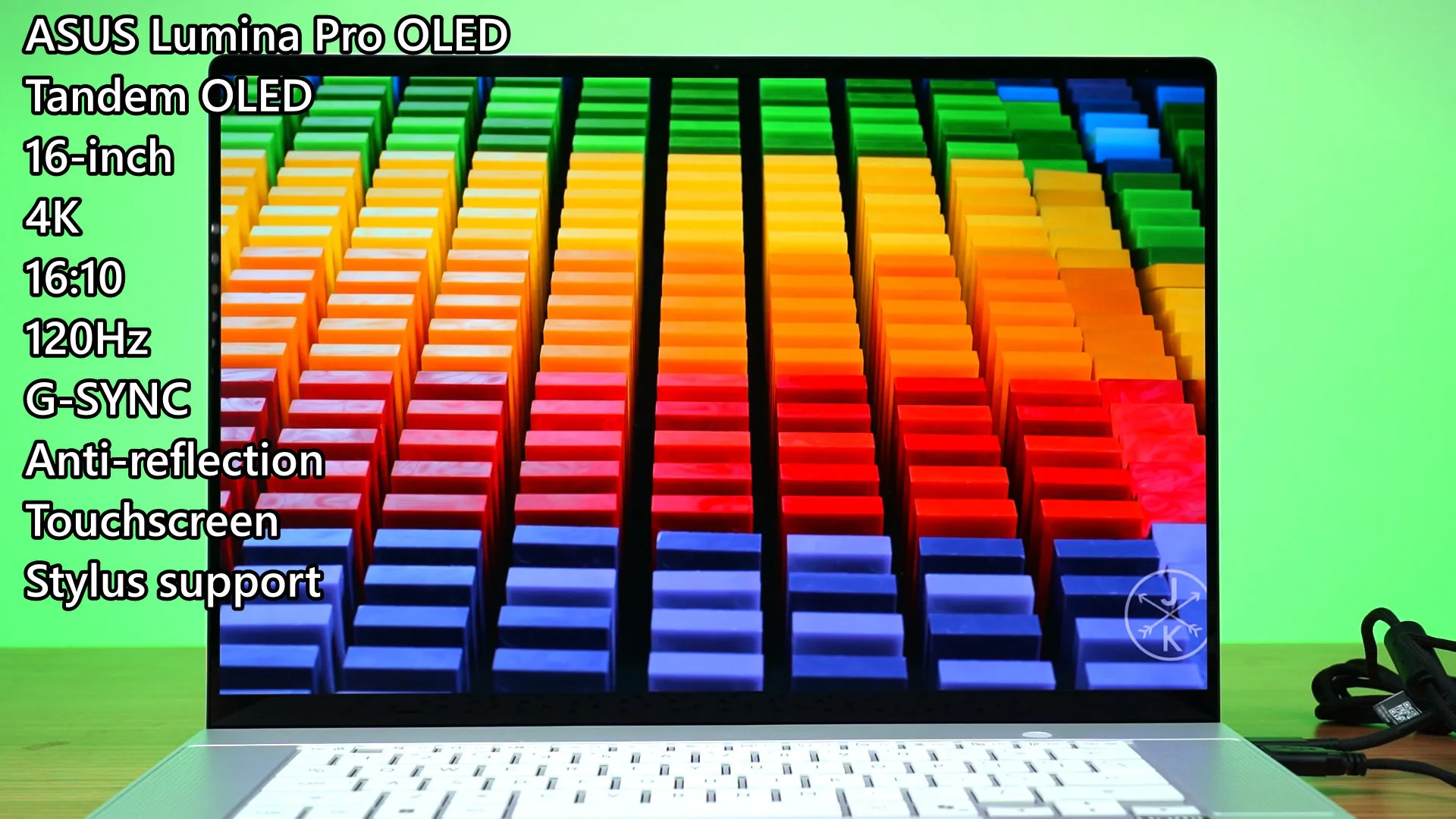
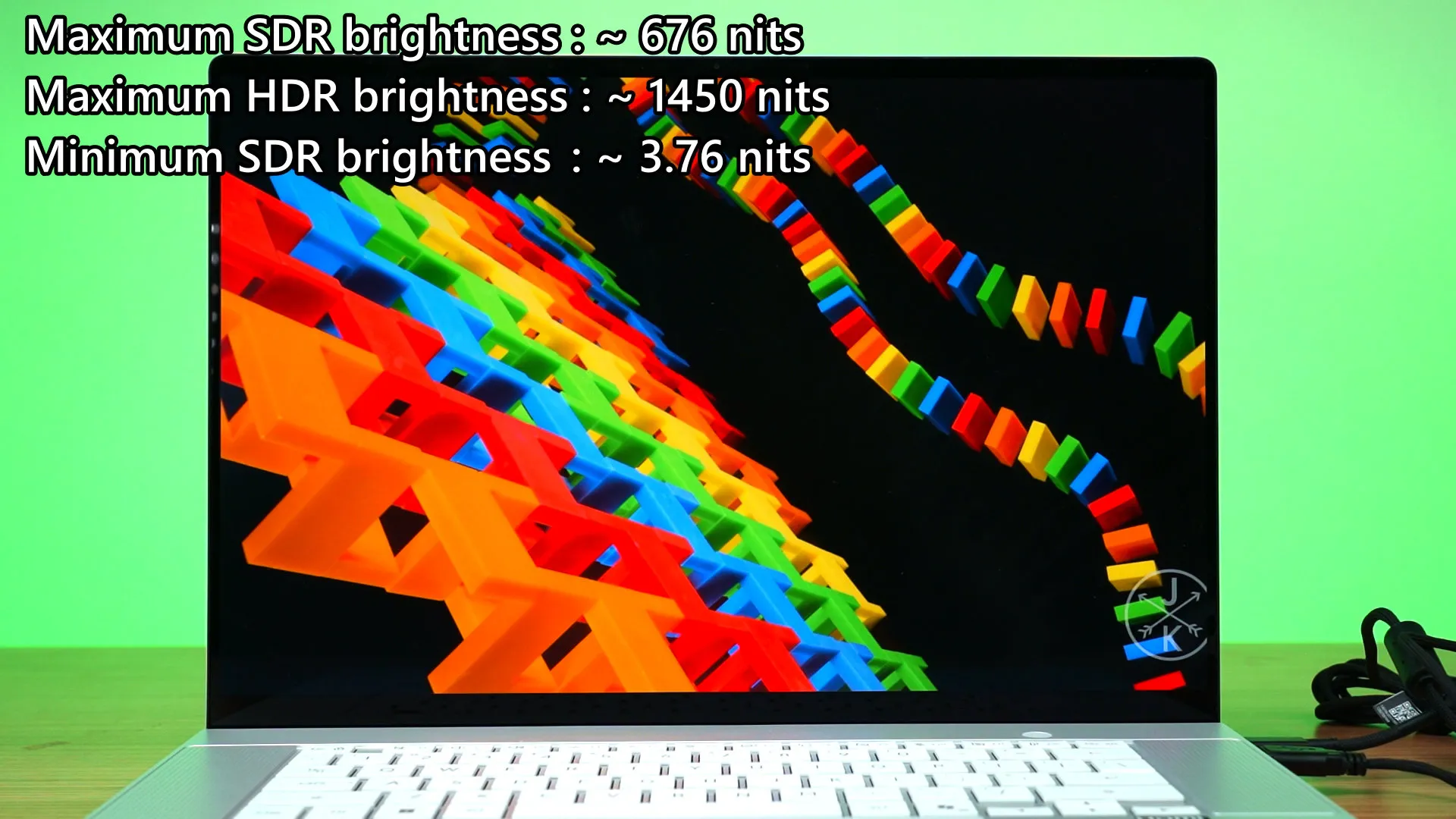
With this list of specs, this screen is going to be super amazing, right? Yeah, it is. This screen can reach all the way up to 676 nits in SDR mode, and up to 1450 nits in HDR. I was flashbanged when I turned on a HDR video at max brightness. But if you prefer to work in the dark, this screen can go down all the way to 3.76 nits only.
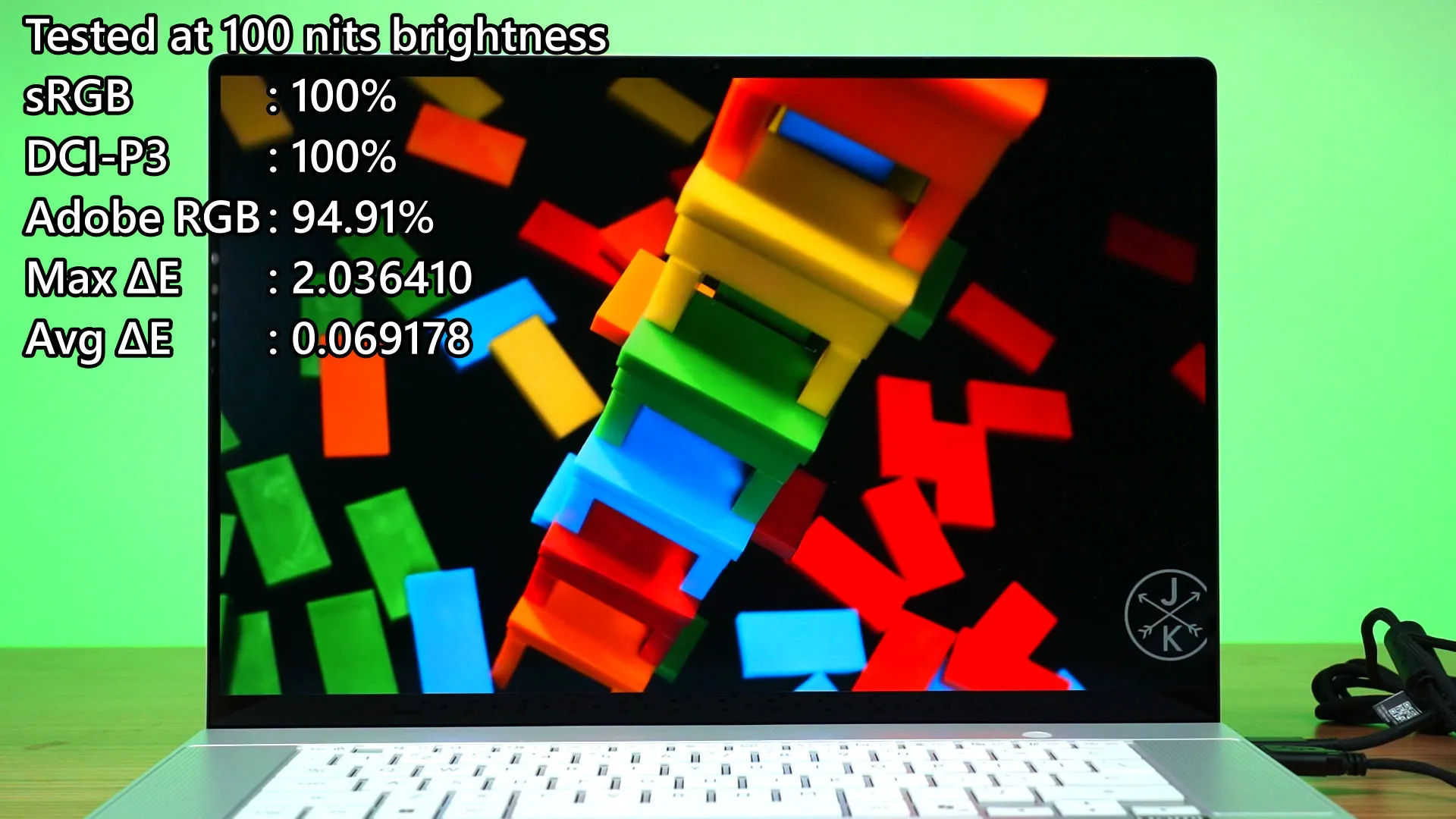
As for color accuracy, this screen is crazy amazing. It covers 100% of both sRGB and DCI-P3, and also 95% of Adobe RGB, while the average ΔE number is only 0.069. This is crazy good – and we can pretty much ignore the maximum ΔE number since the average is so low.
This is a crazy amazing display and it is one of the absolute best screens that I’ve tested so far. The colors are bright, vivid, and that anti-reflection display is just absolutely fantastic.
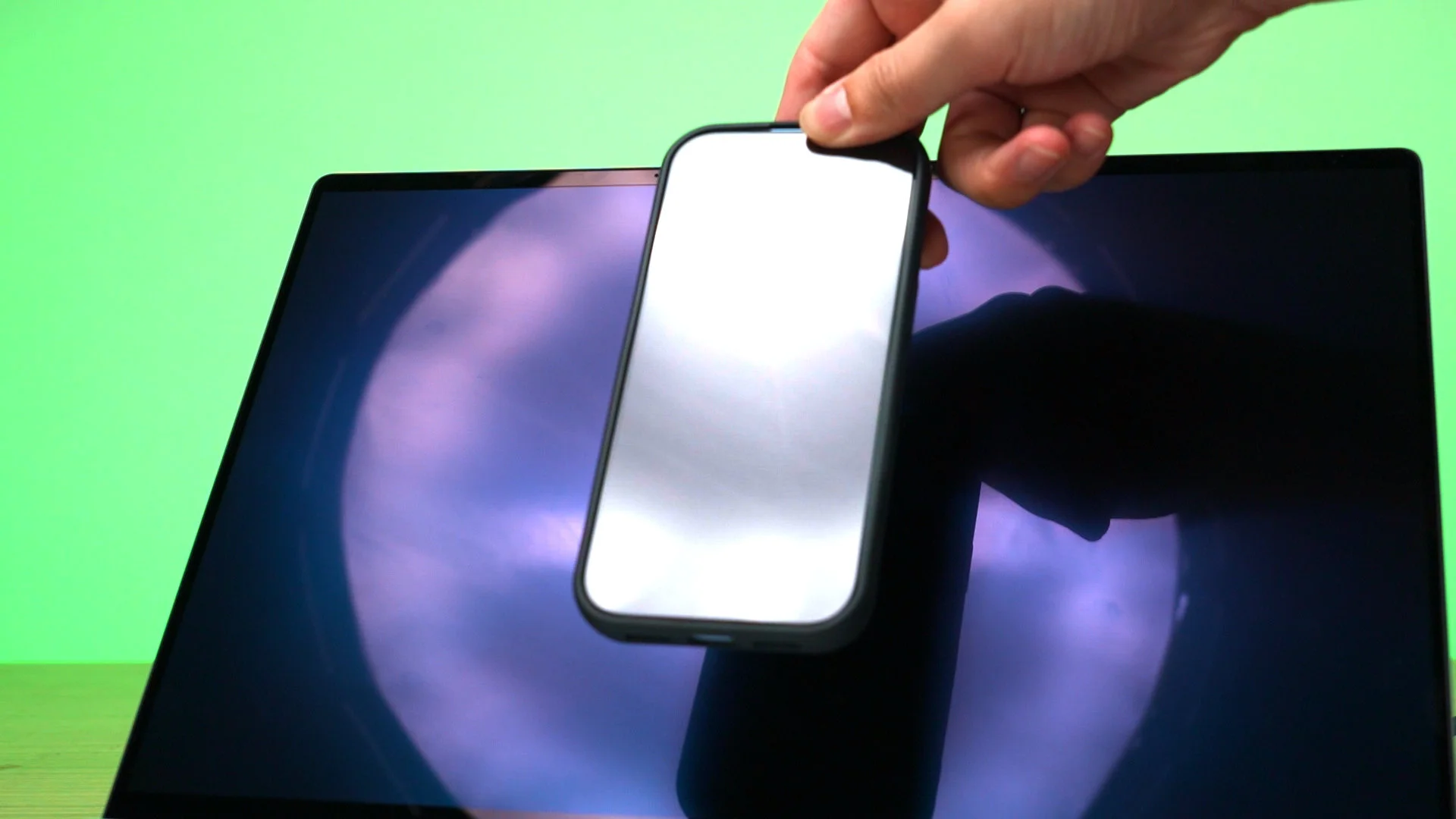
I’m not much of a touchscreen laptop kinda guy, but hey – this laptop has a really good touchscreen and has stylus support as well if you want to draw things directly on the screen – but we don’t have that stylus included. Still, I wish it’s a convertible laptop though.
Keyboard
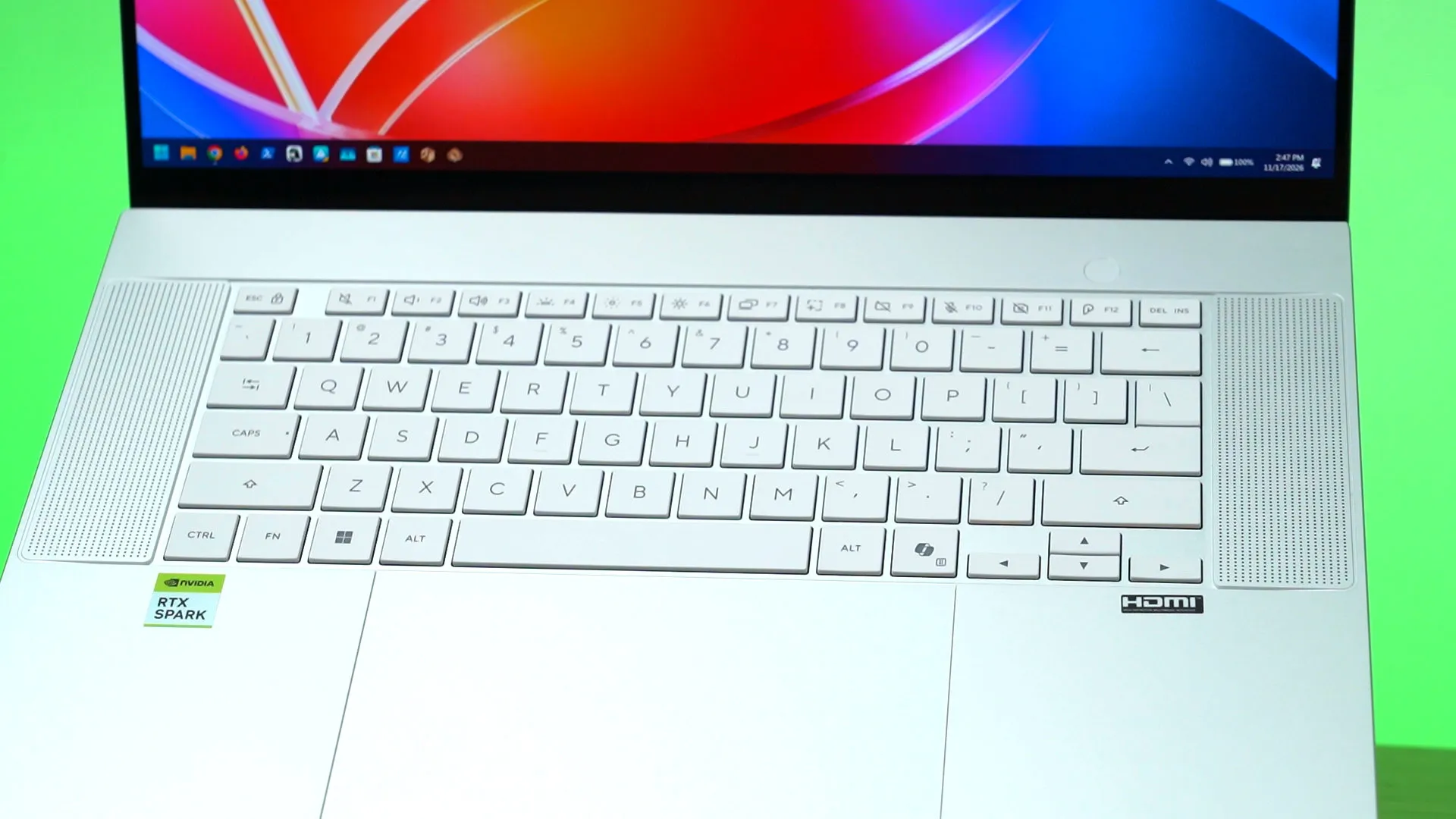
The keyboard is very good here as it is using a standard 14-inch laptop layout with a pretty great typing experience. The keys are rather stiff but it has a good travel distance, then springs back up immediately – making it very responsive to type on.

Trackpad
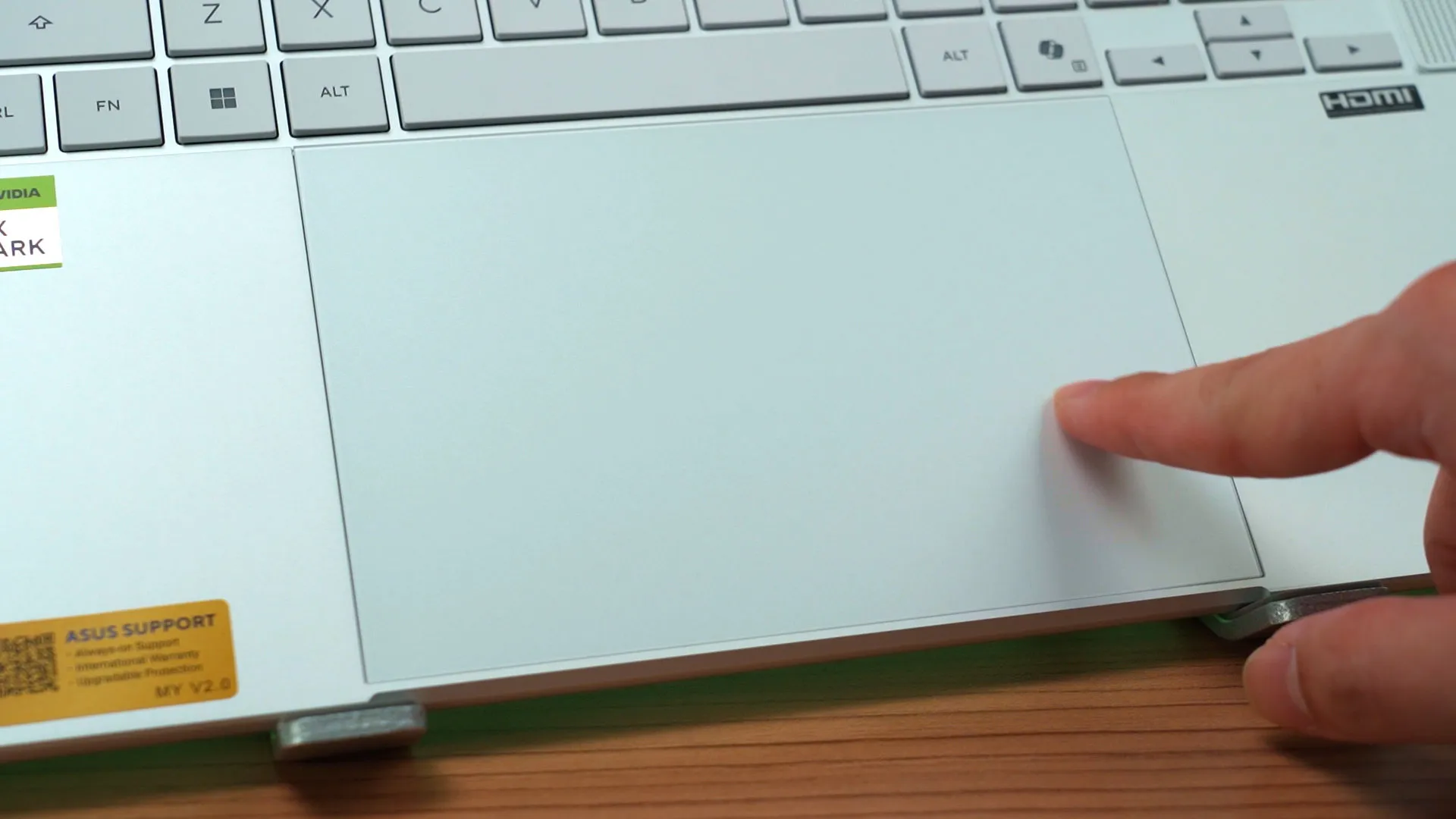
The trackpad is rather huge and it has a very smooth surface, tracks well and it actually doesn’t physically move when I press on it. This trackpad uses a haptic engine to send vibrational feedback to us instead. So, if I disable the touchpad, then it doesn’t do anything when I press on the trackpad.
Ports
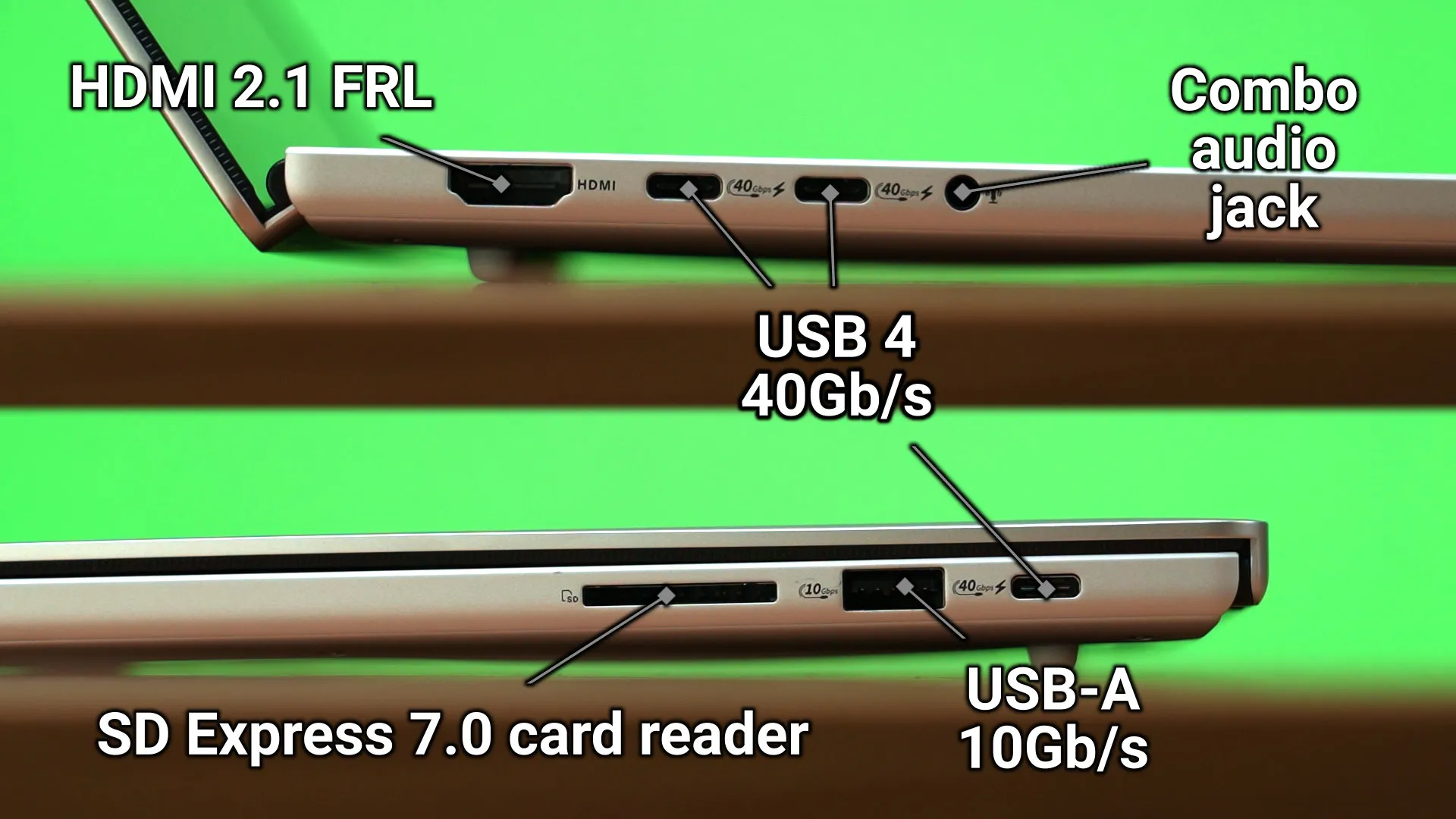
There is actually a generous selection of parts available on this trackpad. We have USB 4 40Gb/s ports on both sides – 2 on the left and 1 on the right, HDMI 2.1 FRL – the real HDMI 2.1, a combo audio jack, USB-A 10Gb/s, and a full-sized high-speed SD card reader. Yeah, this laptop is actually quite amazing for creators like me who constantly transfer stuff from my SD cards.
Design
The entire laptop is encased in this design. It’s super clean, and it feels so nice to touch. It is available in two colors and two sizes – Neo White and Nano Black, in both 14-inch and 16-inches. We have the 16-inch Neo White here, by the way.
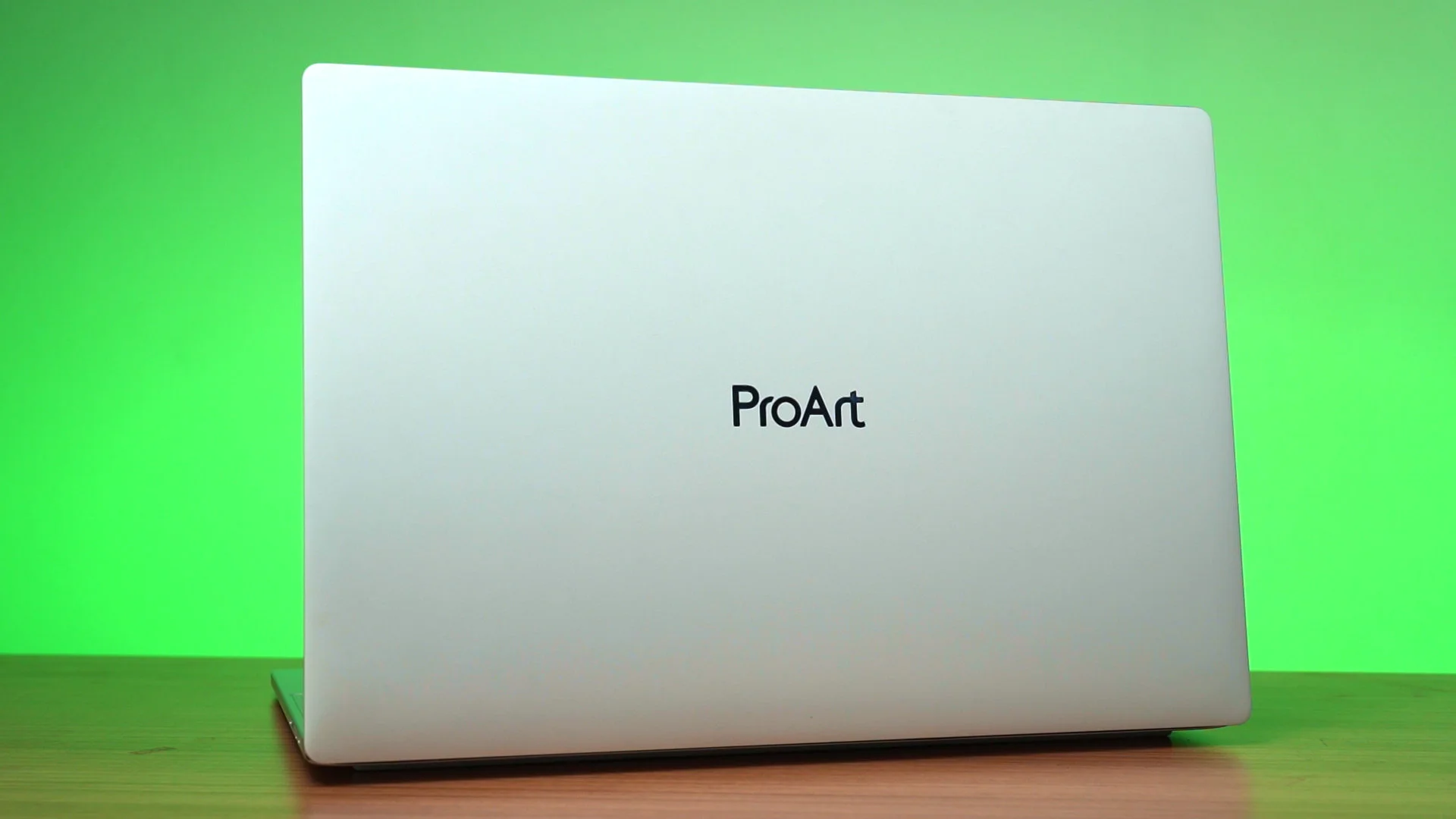
We’ve actually got our short hands-on time with this laptop at COMPUTEX 2026 already, and back then we were told that this laptop is smudge- and scratch-resistant as well.
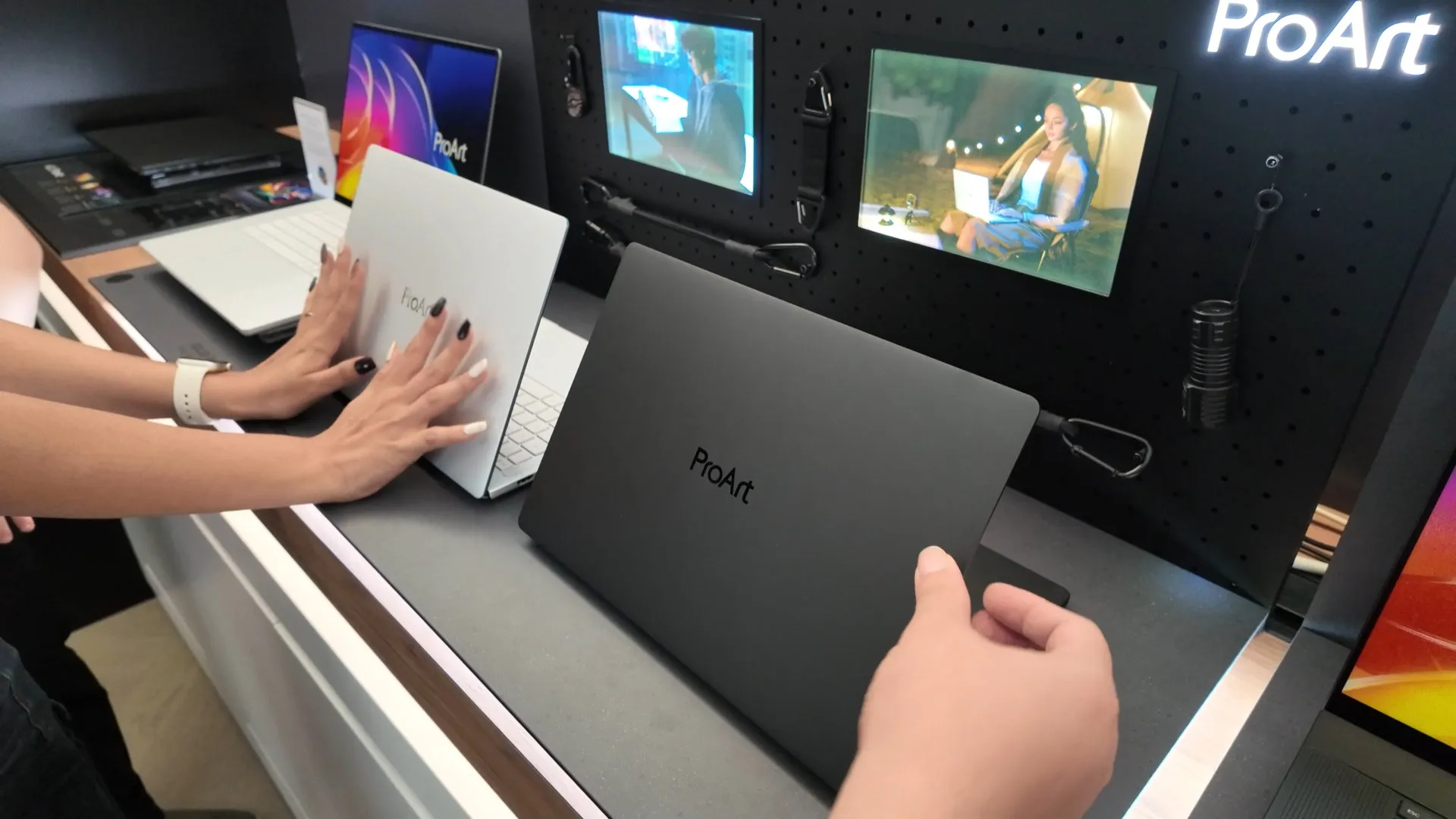
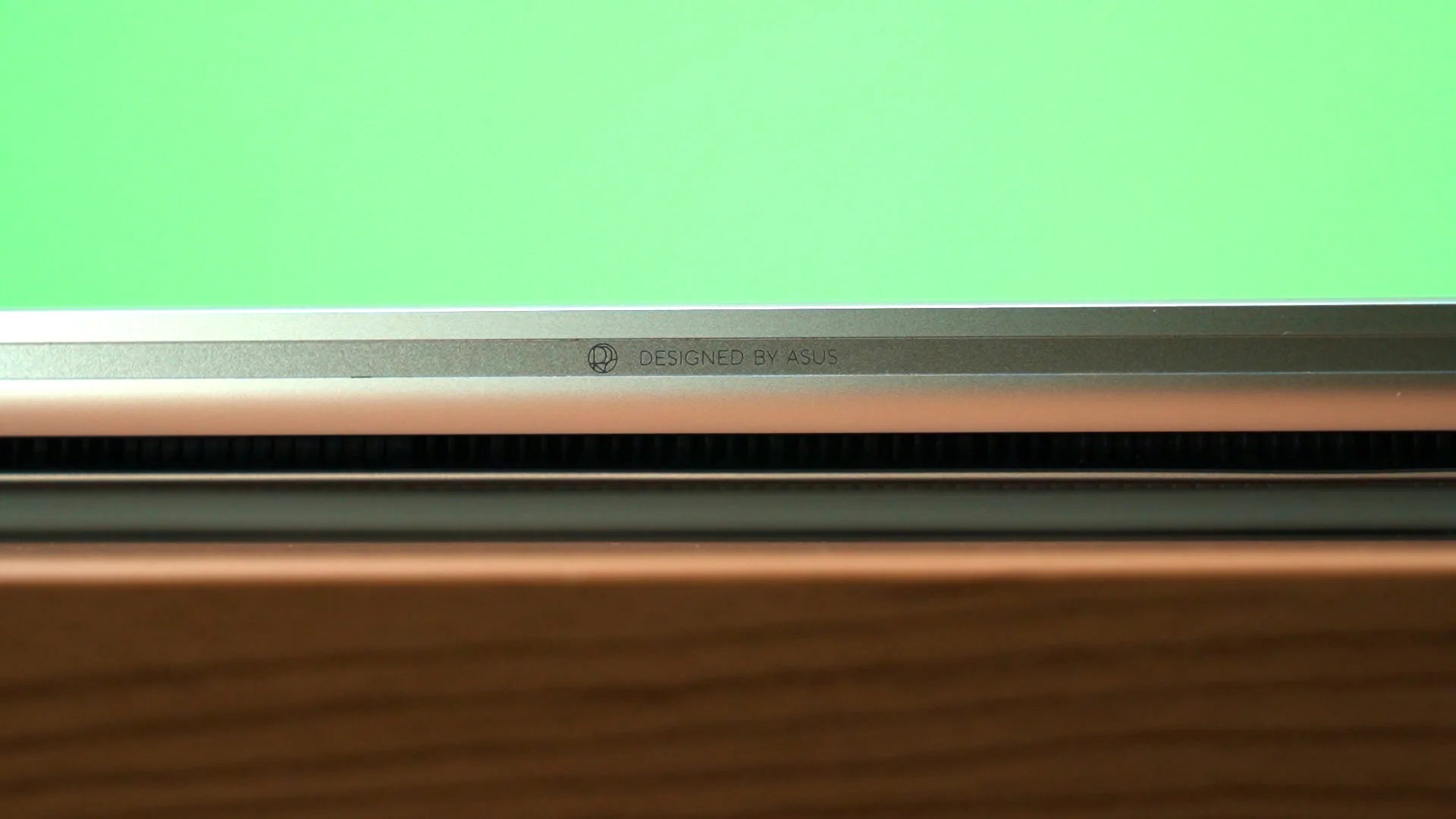
This entire laptop weighs at only 1.77kg and measures at 12.9mm thin, so we can definitely bring it wherever we go.
Battery life
Combined with a massive 99.9Wh – which is already at the limit of what the IATA allows in commercial flights. This battery is also rather humongous, actually. To be honest, the battery life here is quite okay, I’d say. For the entire video where we did local AI stuff, all of it was done on battery. We did about 1 hour and 20 minutes of AI stuff and we’re still left with 19% of battery at the end.
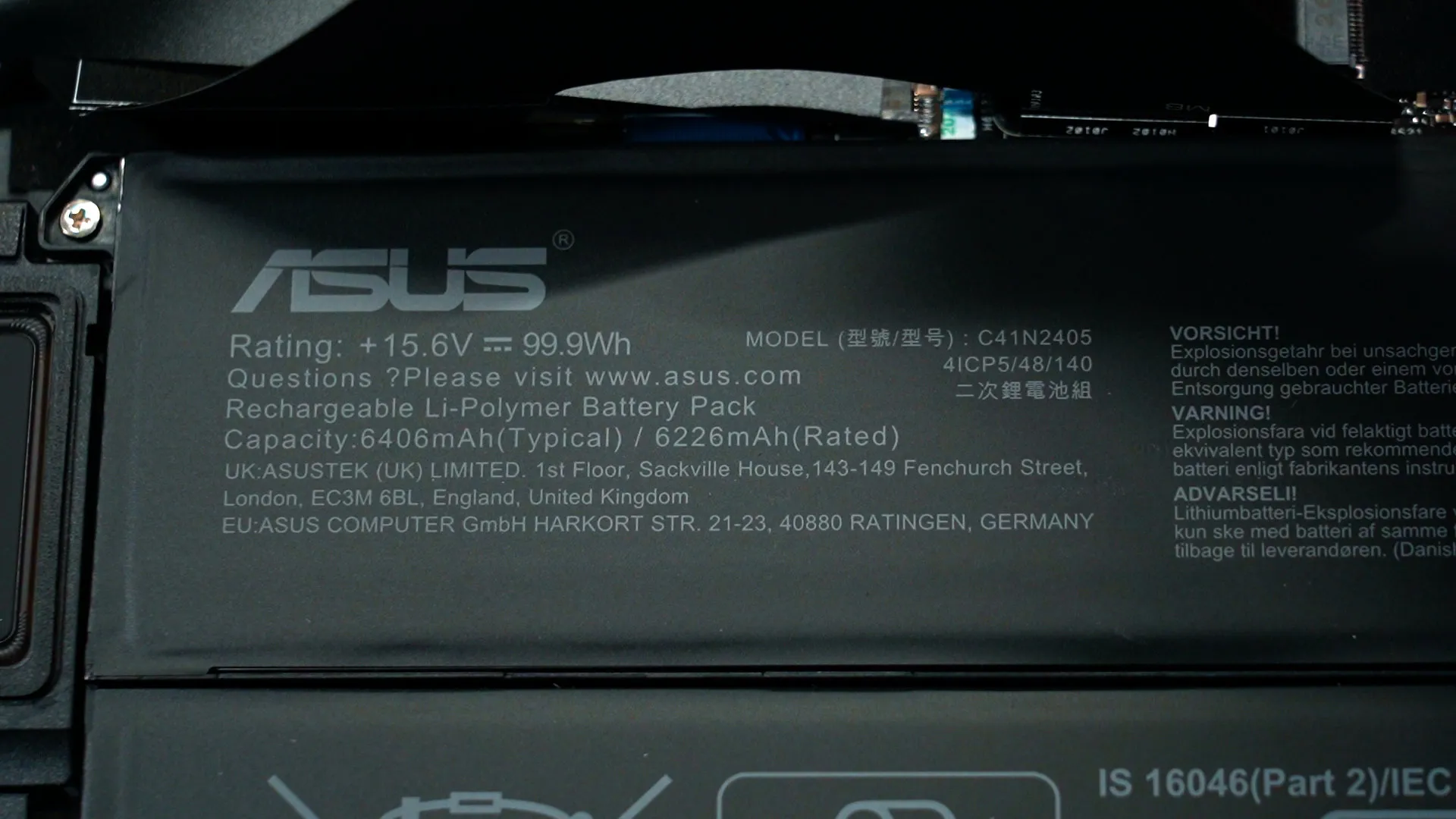
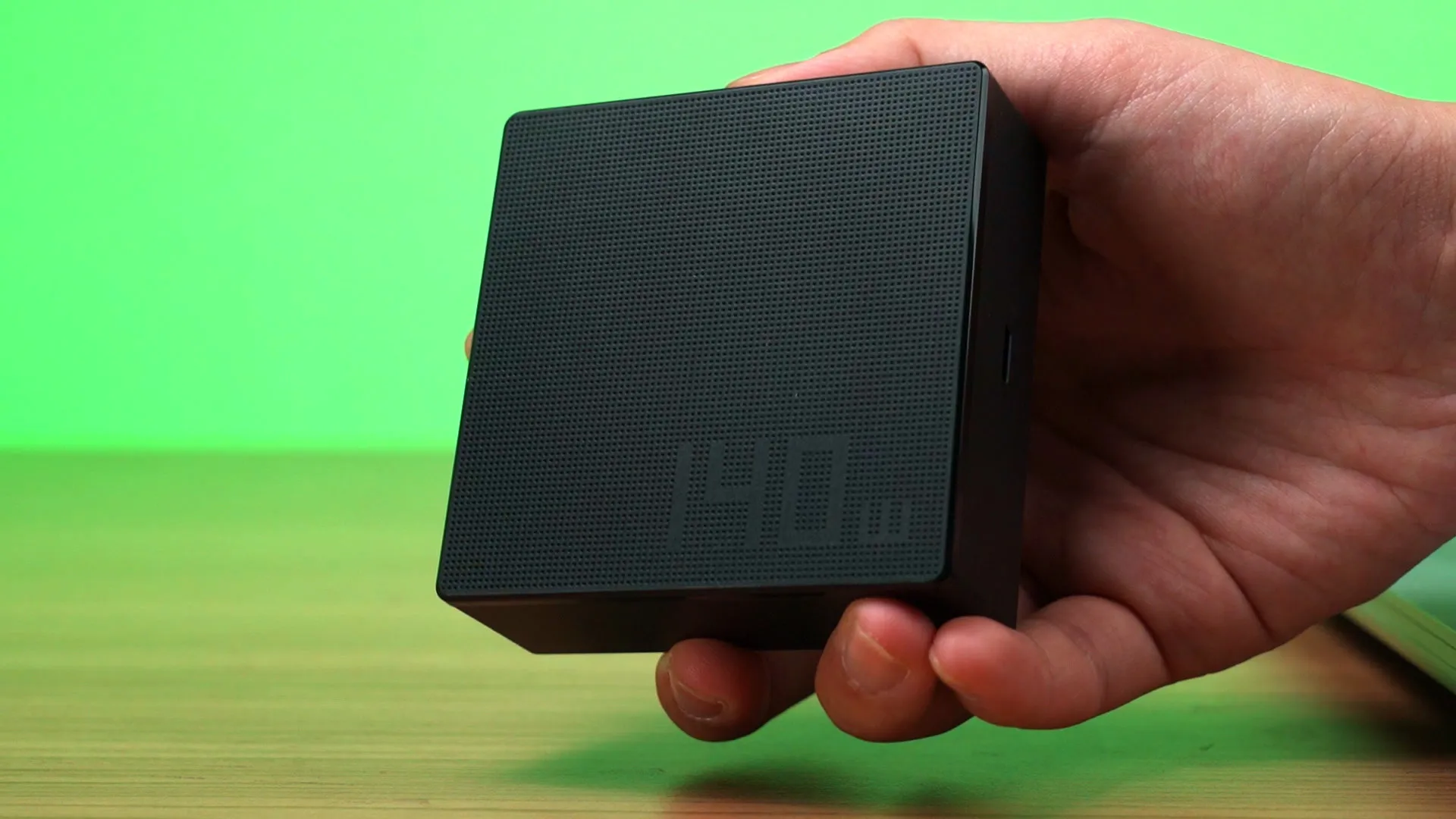
All of it is also powered by only a 140W charger – and we can also play games while on battery. Yes, it is that efficient.
Upgradability
Okay, what can we do with this laptop? Can we do any upgrades to it? Actually, yes. There are a few Torx screws at the back, so just unscrew them and the bottom right corner screw – at least from this angle – has a capture screw to help open a gap so we can wedge in to open other plastic clips easily. It’s actually quite easy to open up.
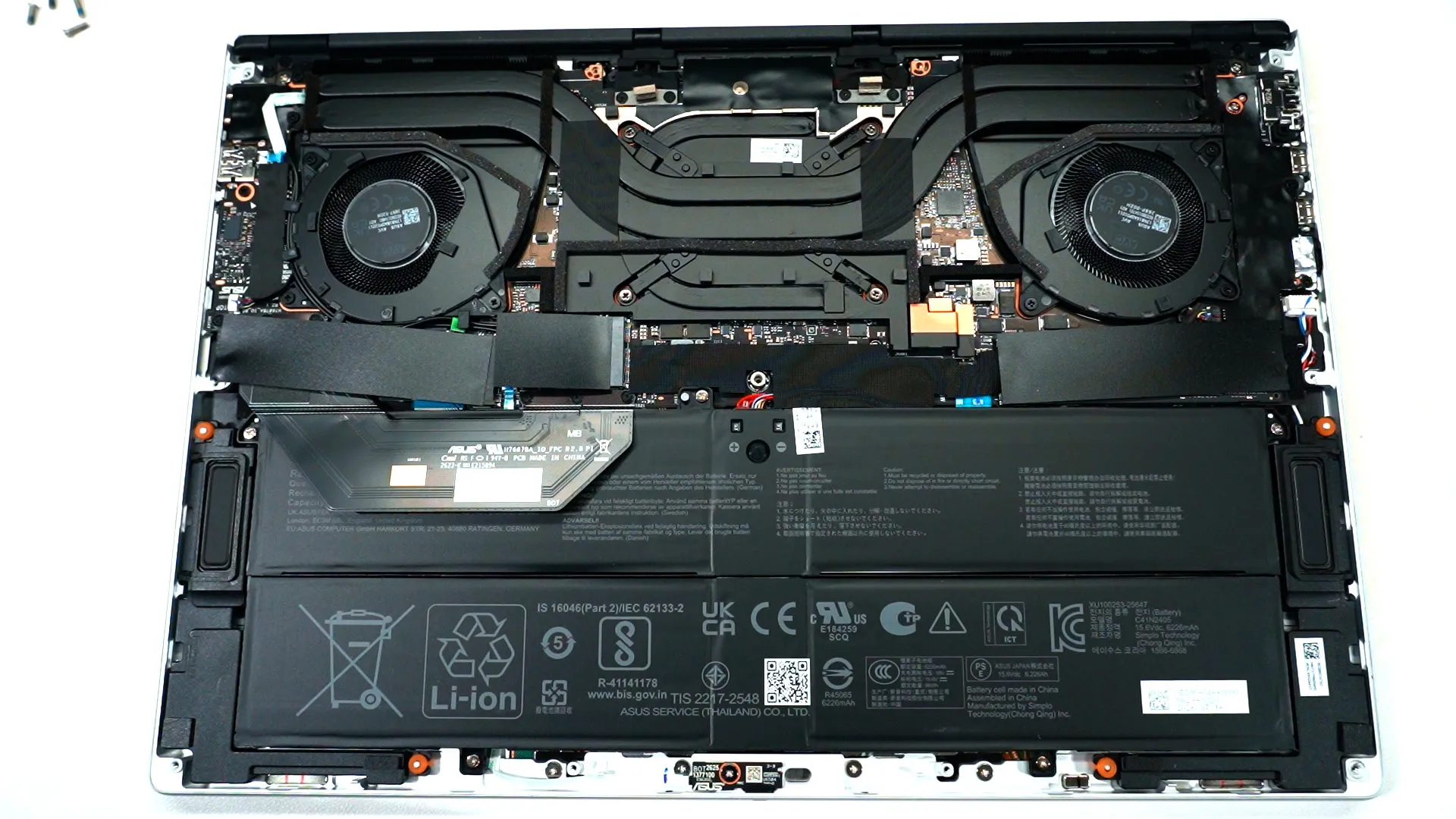
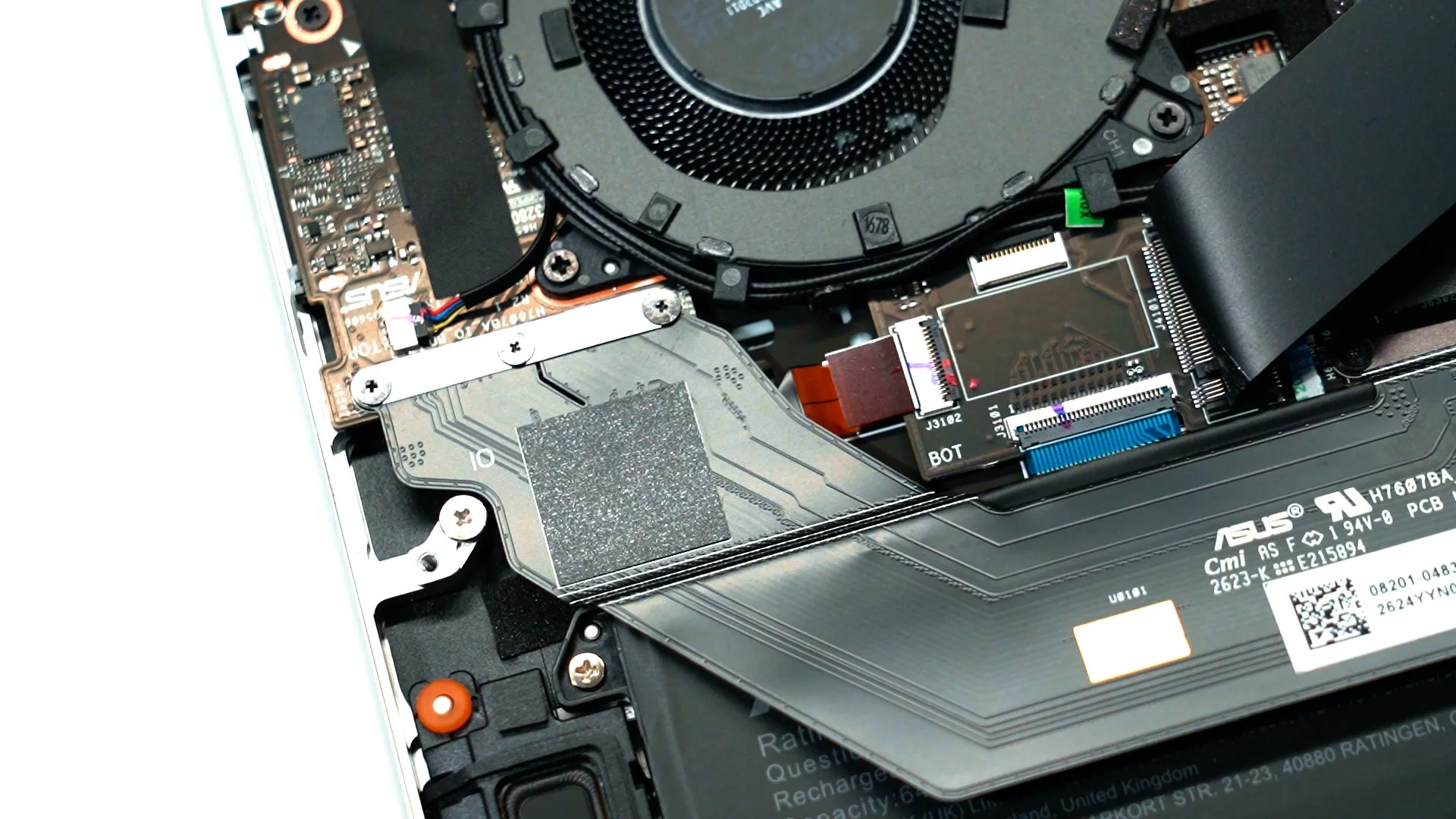
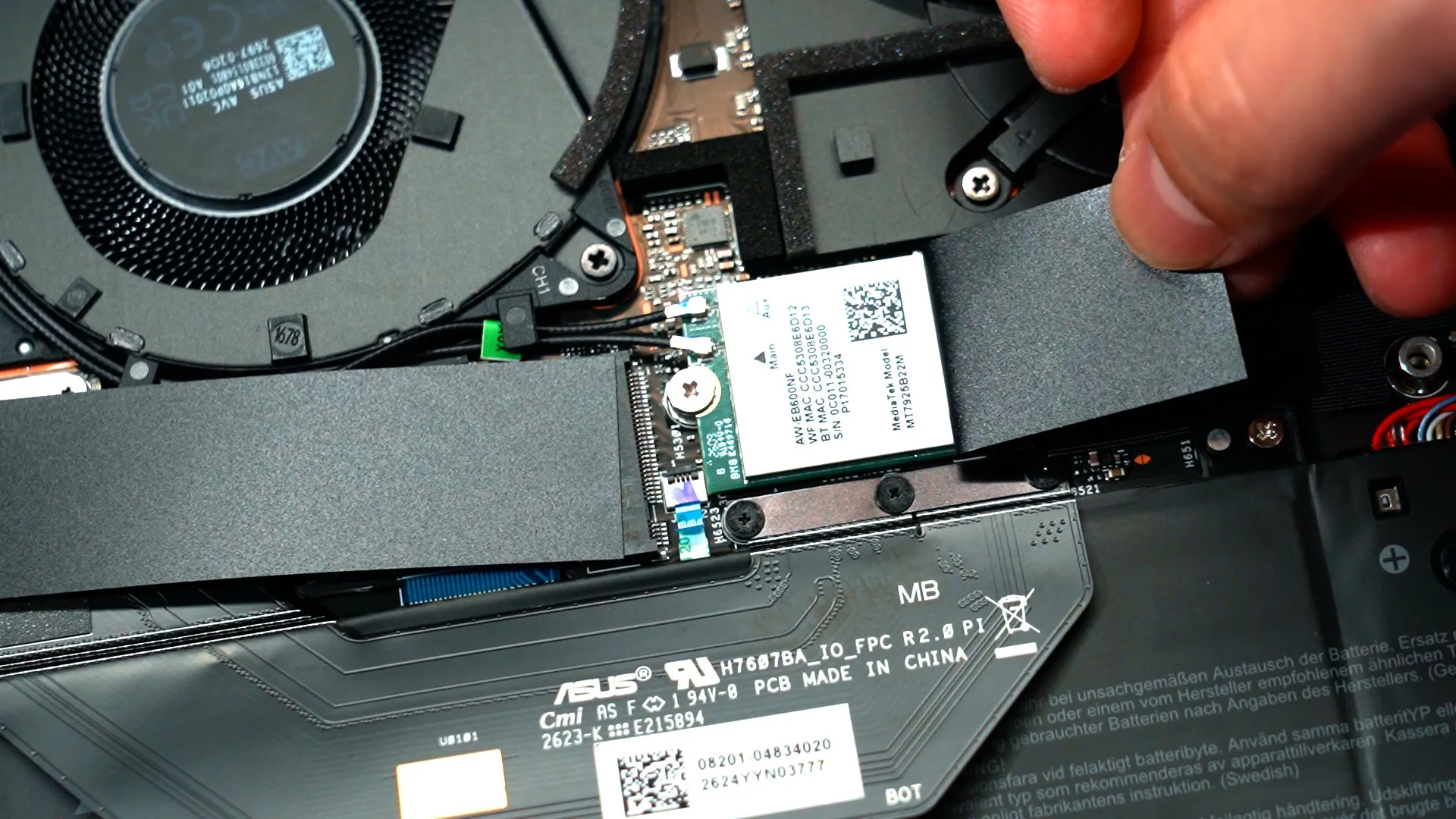
We then have direct access to everything. There are two SSD slots – one on the right side that is already taken up with the included SSD, and another one at the left side that’s unoccupied.
The MediaTek WiFi card can also be swapped out, though I’m not sure if it’ll work if we swap it out.
Unfortunately, all 128GB LPDDR5 RAM is soldered onto the motherboard. I really wish that they went for LPCAMM2 modules, as they also offer thinness while maintaining high speed with low latency, but removable as they’re just screwed into the motherboard. I mean, it just makes more sense as the memory crisis is so ridiculous.
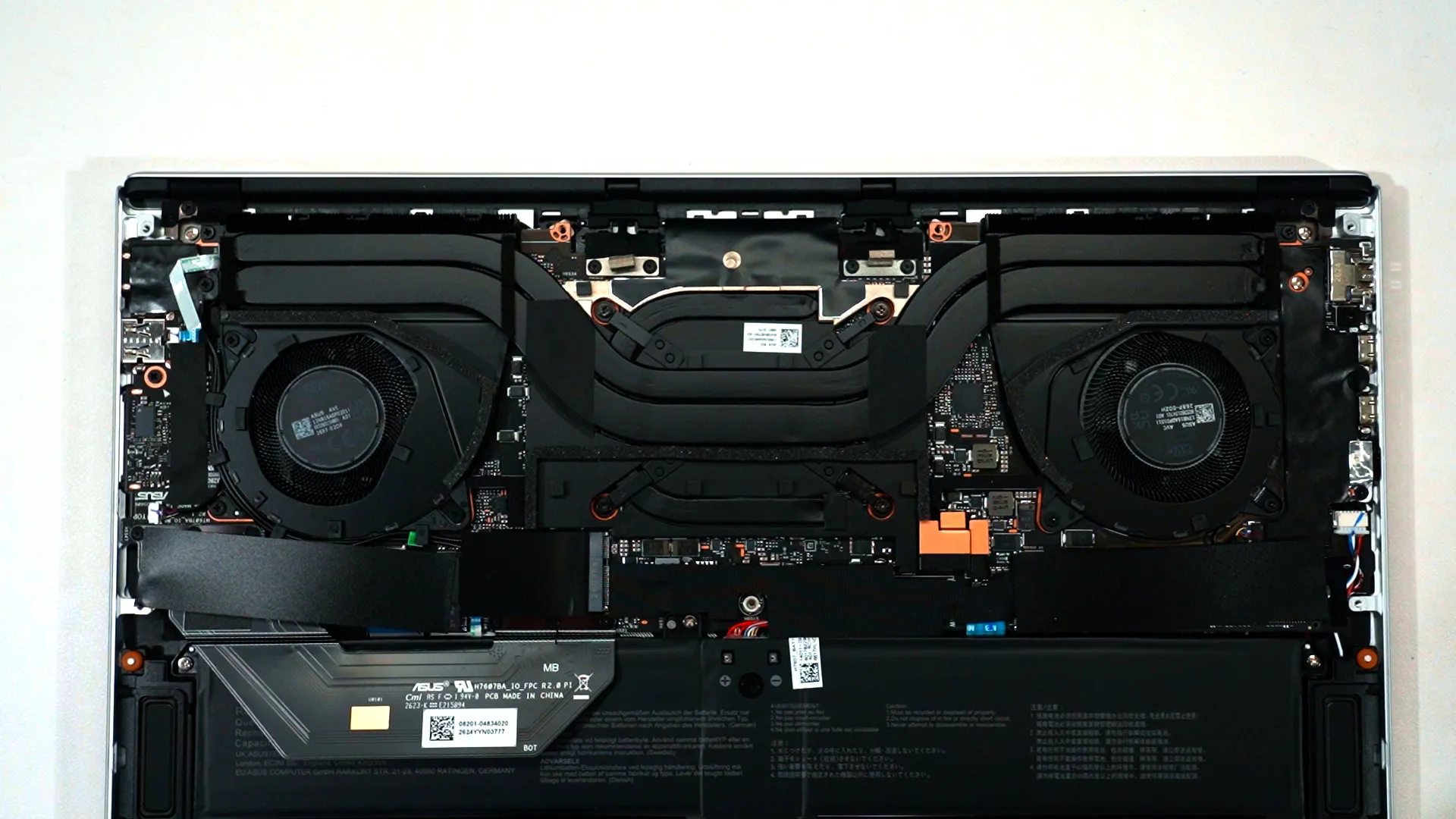
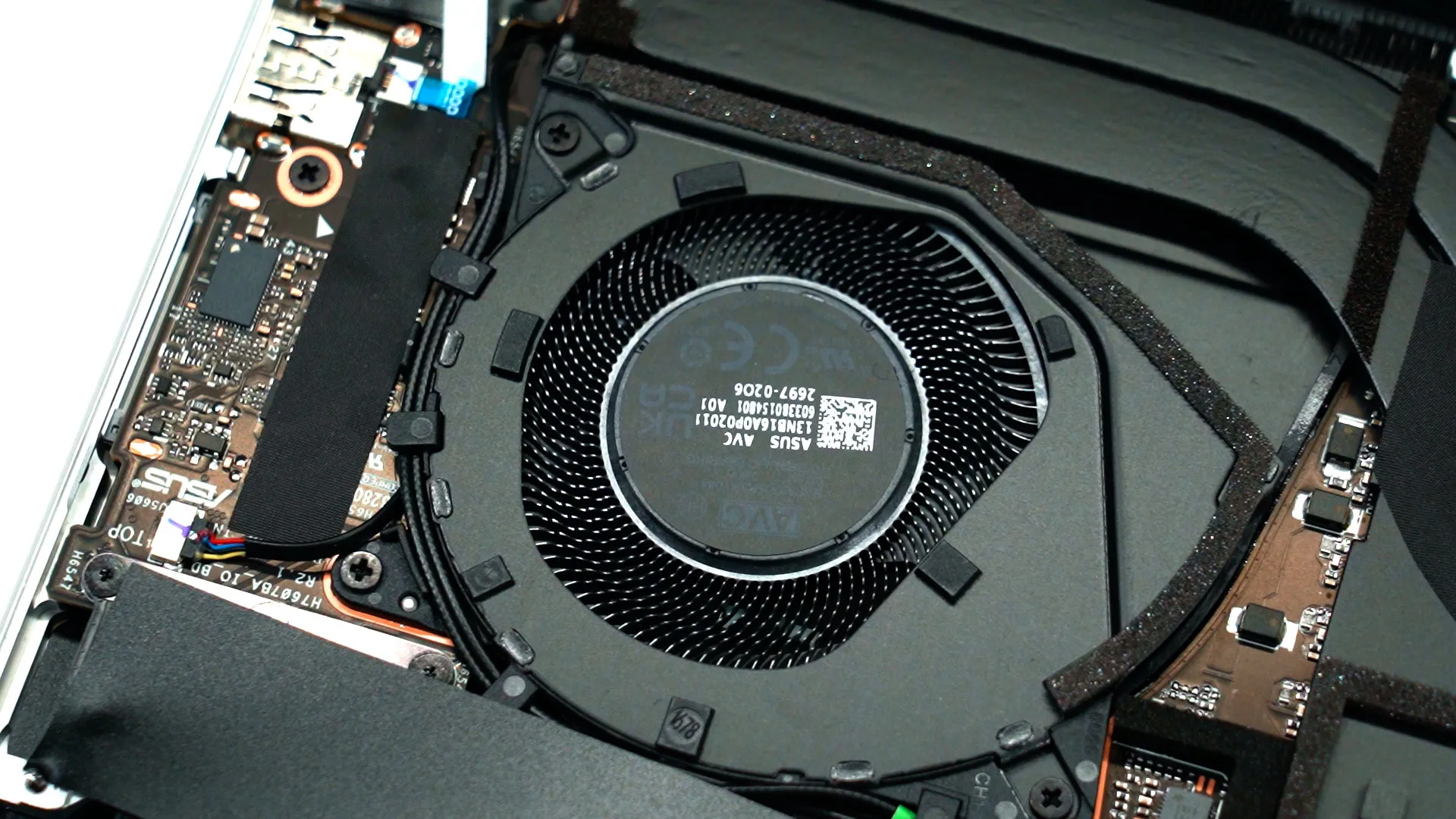
On another note, the fan on this laptop… looks weird. I’ve never seen fan blades looking like this before.
Can we install Linux?
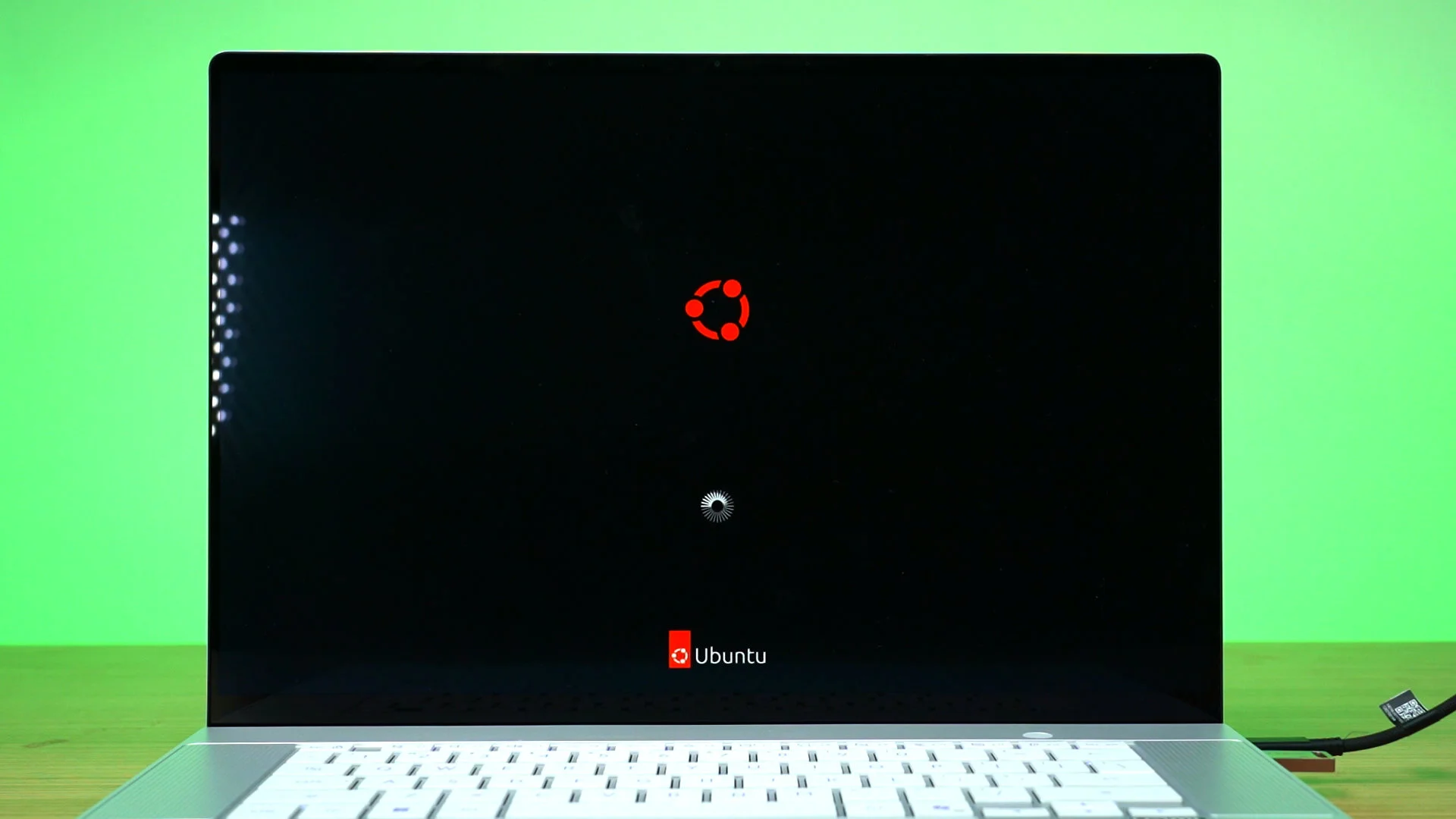
We do have a few more things to talk about this laptop. I am personally curious if we can install Linux on this laptop – and yes, we can! This is great as the other chipset for Windows on Arm devices only just started supporting Linux. Either way, we can boot into Ubuntu Arm version – but I have no idea what works and what doesn’t. I need to return this laptop as I don’t own it.
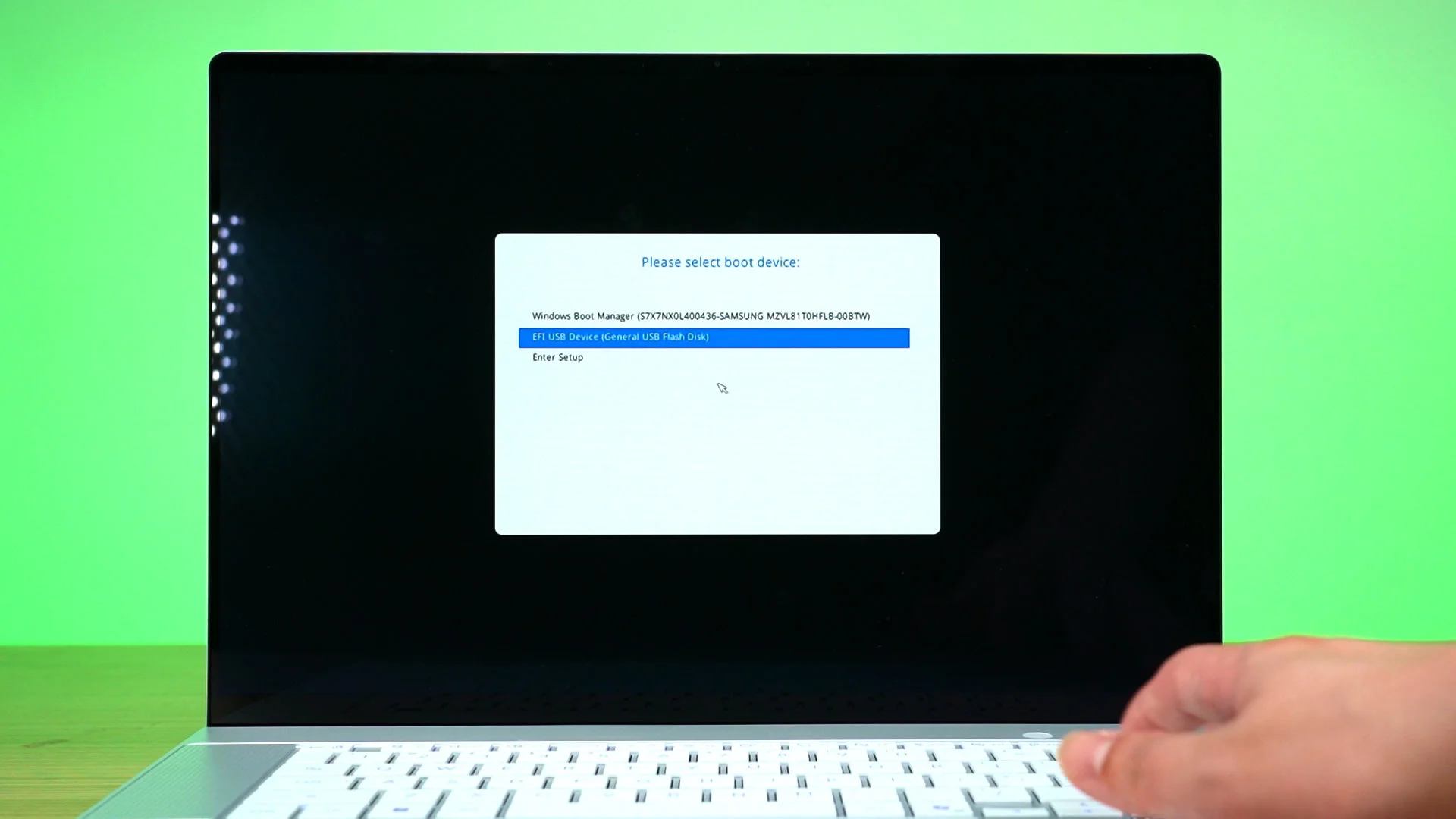
The one thing you need to know is that you’ll have to hold the Esc key during bootup to enter the boot device menu and it doesn’t tell you anywhere else.
Should you buy the ASUS ProArt P16 H7607?
So then, should you buy this ASUS ProArt P16 H7607? If you like the best of the best and do all the local AI stuff or intense Fusion or After Effects on the go, then yeah this is practically the only laptop you can get with this kind of hardware. For most people… maybe not this variant with 128GB RAM.

It’s just that local AI hardware overlaps with content creators and gamers. If I put it in a Venn diagram, it’ll be like this. Memory usage increases from gaming to content creation to local AI. This is independent of the raw performance of the GPU chip itself.
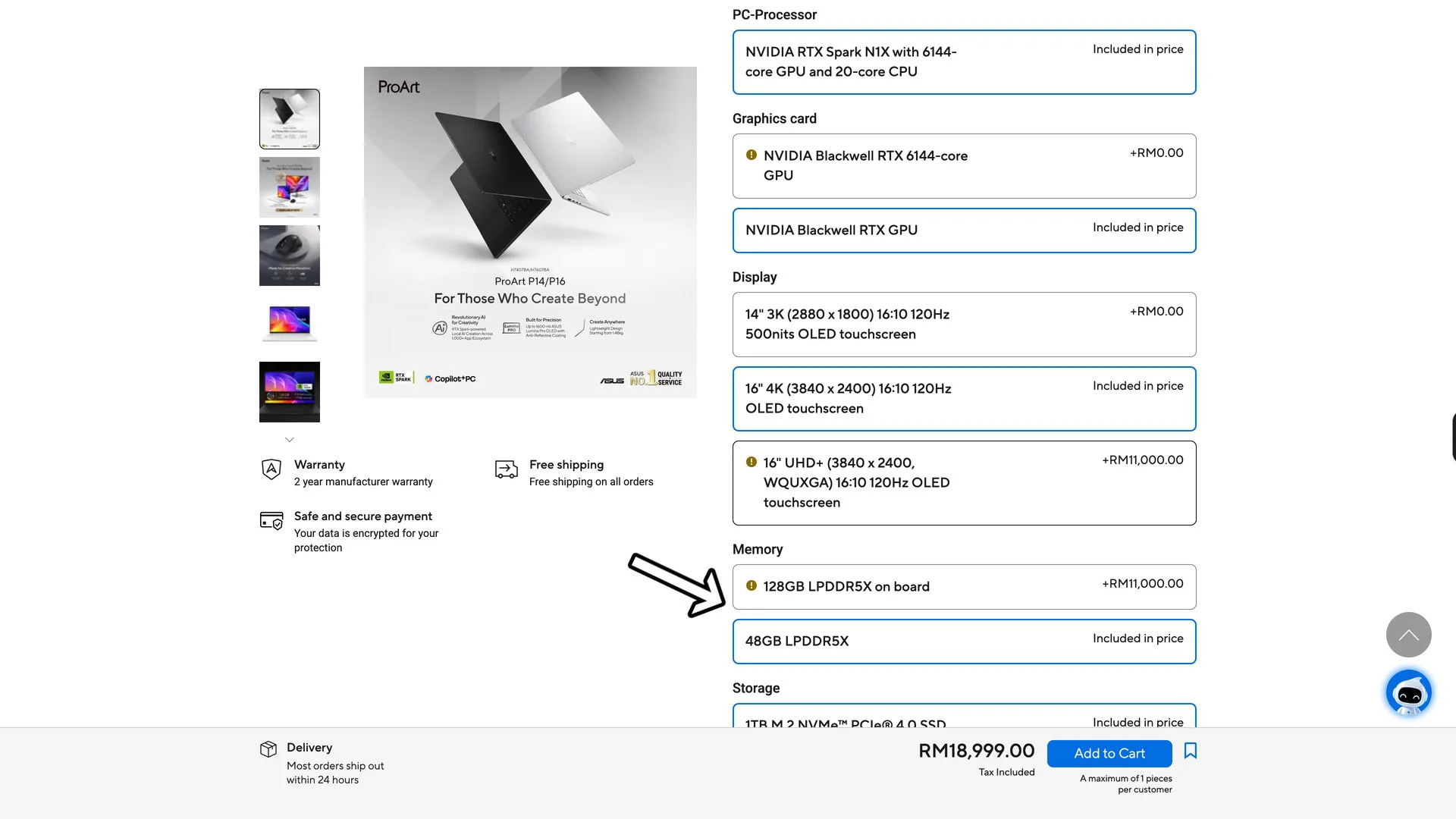
There is another variant that’s lower in price and comes with only 48GB of RAM at a much lower price. I said “only 48GB” as if it’s a small amount, but yeah, 48GB is plentiful. You can split 16GB for the GPU and the remaining 32GB as system memory. The RTX Spark N1X is a very powerful chipset for gaming.
I thoroughly enjoyed my time playing messing around with this laptop – and I gotta say, this is a fantastic machine.
Where to buy? (Affiliate links)
Like our Facebook Page here at NasiLemakTech.com for more news and in-depth reviews! Also, join our Facebook Group for insightful information and memes!
Subscribe to our YouTube channel too!