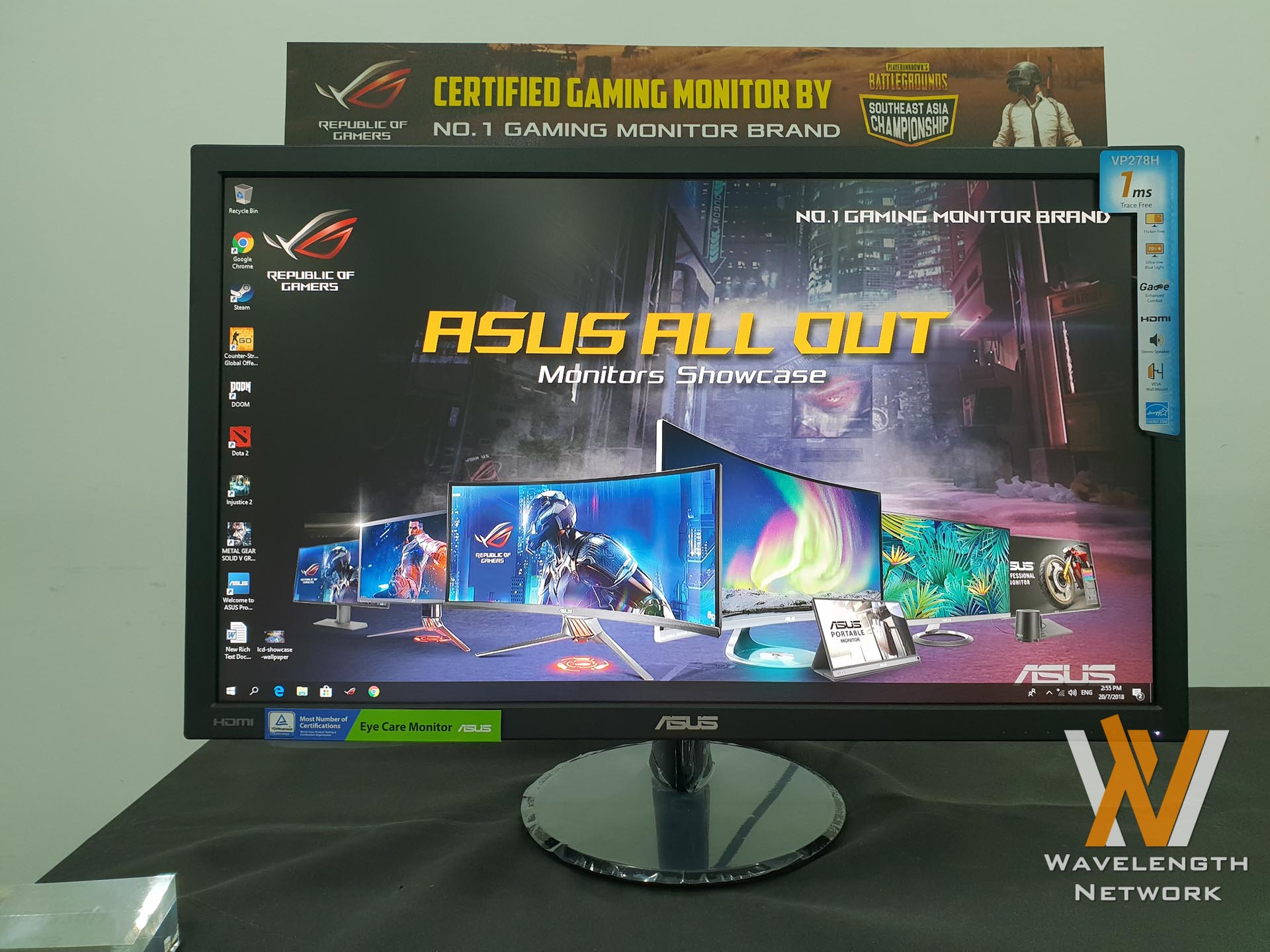

ASUS Malaysia had a gathering where they’re showcasing all of their monitors that they’re bringing in to the Malaysian market. We did see a few interesting monitors here – one of them being the portable USB-C powered IPS monitor! We also got to see and experience ROG’s latest and greatest 144Hz with 4K resolution monitor.
There were many monitors shown here – so let’s just go through each of them rapid-fire style. The price for each monitor is at the bottom of this page except for the ROG Swift PG27UQ. The price list includes monitors that were and weren’t showcased.
ASUS ROG Swift PG27UQ
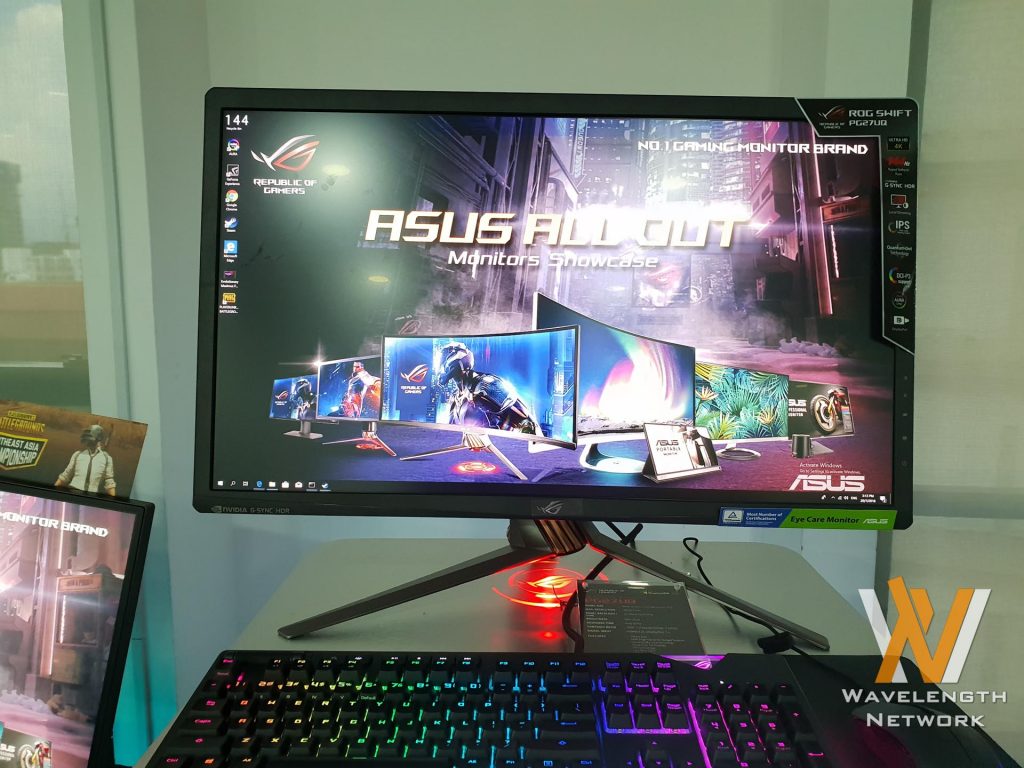
This is ASUS ROG’s latest, greatest, most advanced monitor in the market yet. This monitor might look like any other ROG monitor – but its specs are fantastic.
It has a 27-inch IPS panel with 4K resolution that is capable of running at 144Hz refresh rate. With a bit of overclocking, of course. It supports HDR and covers 97% of DCI-P3 and 99% Adobe RGB color space as well. Let’s not forget G-Sync since it’s an ROG Swift monitor after all.
And there’s RGB at the back and another projector LED at the top and bottom of the base shaft. It can tilt, swivel, and pivot too.
ASUS ProART PA329Q
Then we saw this big boy. It is a 32-inch professional grade IPS monitor with 4K resolution with quantum dot backlight technology. Comes with 99.5% Adobe RGB color space and ΔE<2, flicker-free, low blue light with TUV certification.
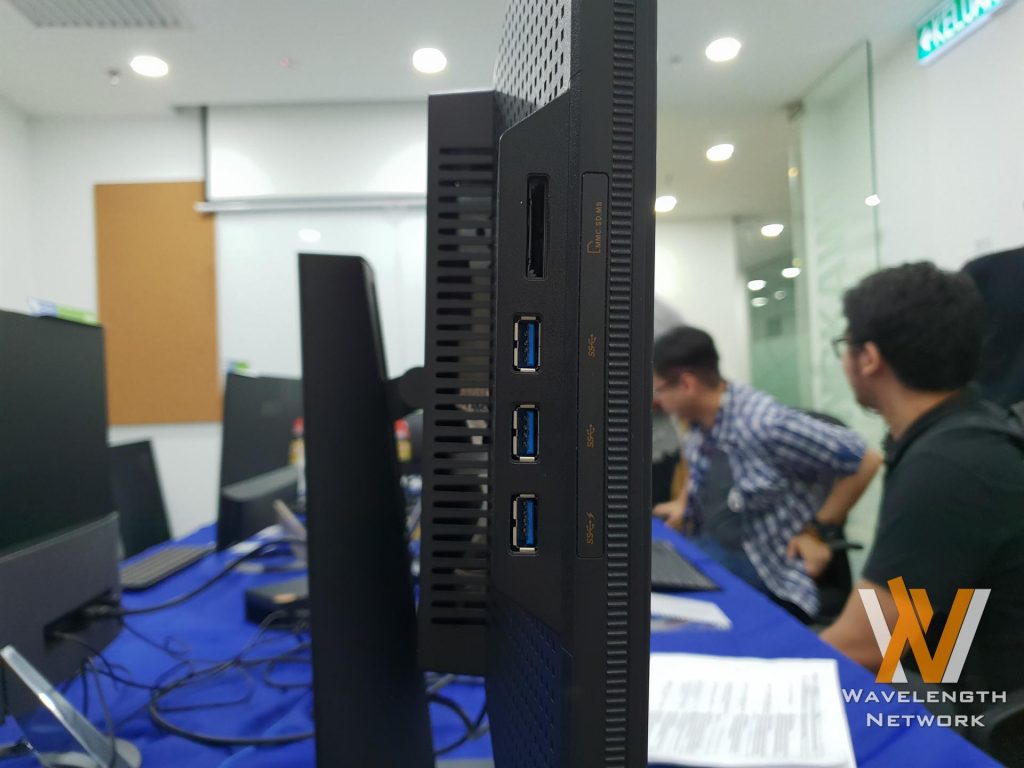
That’s not only the main highlight – look at the left side here. It has 3x USB 3.0 Type-A ports together with a full-size SD card reader! That one SD card slot is a blessing as those who work with cameras will know the benefit of having a card reader built into the monitor itself. That’s one less dongle that I have to buy and hook up to my setup.
ASUS ZenScreen MB16A
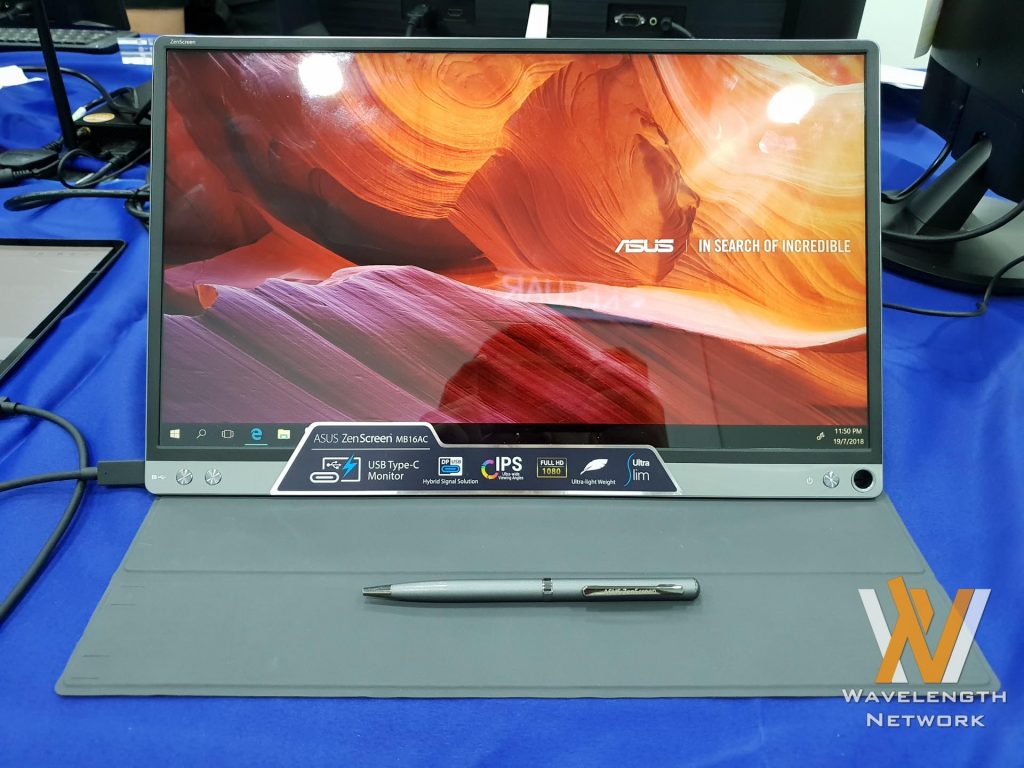
This is truly an interesting product. For one, it’s a portable monitor that’s slim and lightweight. Comes with the magnetic folio case that is reminiscent of tablets as well. The cherry on top is that the ZenScreen MB16A is connected to your computer (or phone) through a single USB-C port.
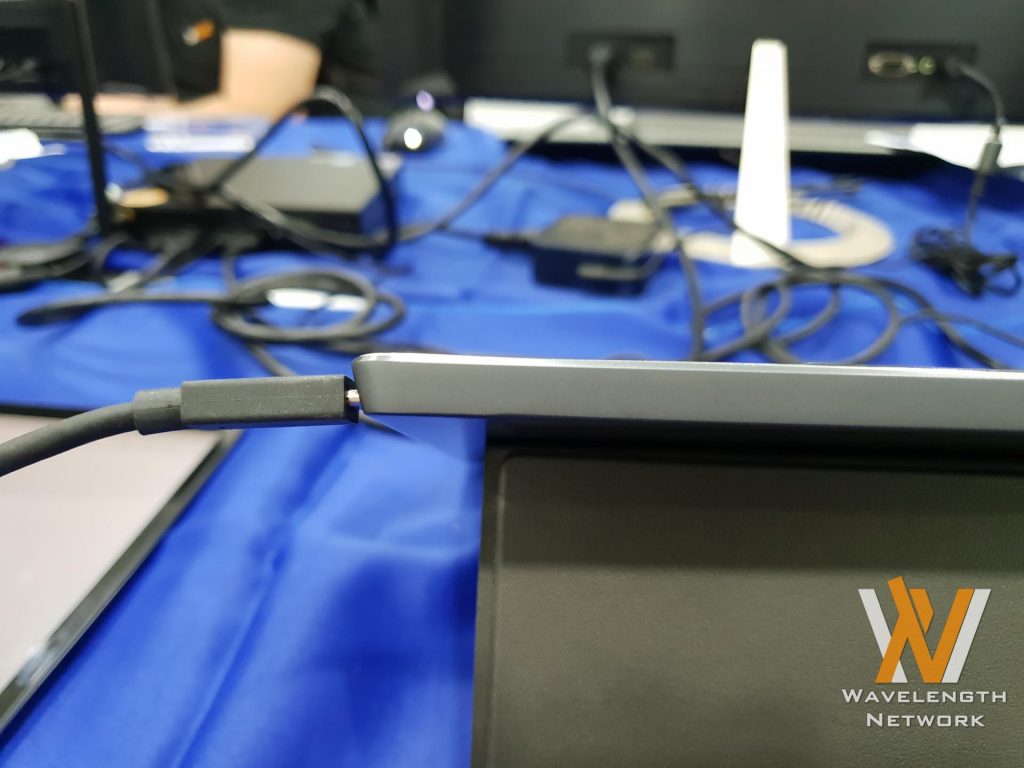
During the demo, we connected the ZenScreen MB16A to a ZenBook 3 Deluxe and also a Samsung Galaxy S9. It booted up instantly and everything was fine and dandy instantly. To prop up the monitor you can use the folio case, or use the included ZenScreen pen (ironically this model is not touch-sensitive) and poke the hole to make it stand.

The MB16A is a 15.6-inch IPS display with 1080p resolution. Comes with some gaming features that we’ve seen in the ASUS ROG Strix XG32V as well.
ASUS Designo MZ27AQ
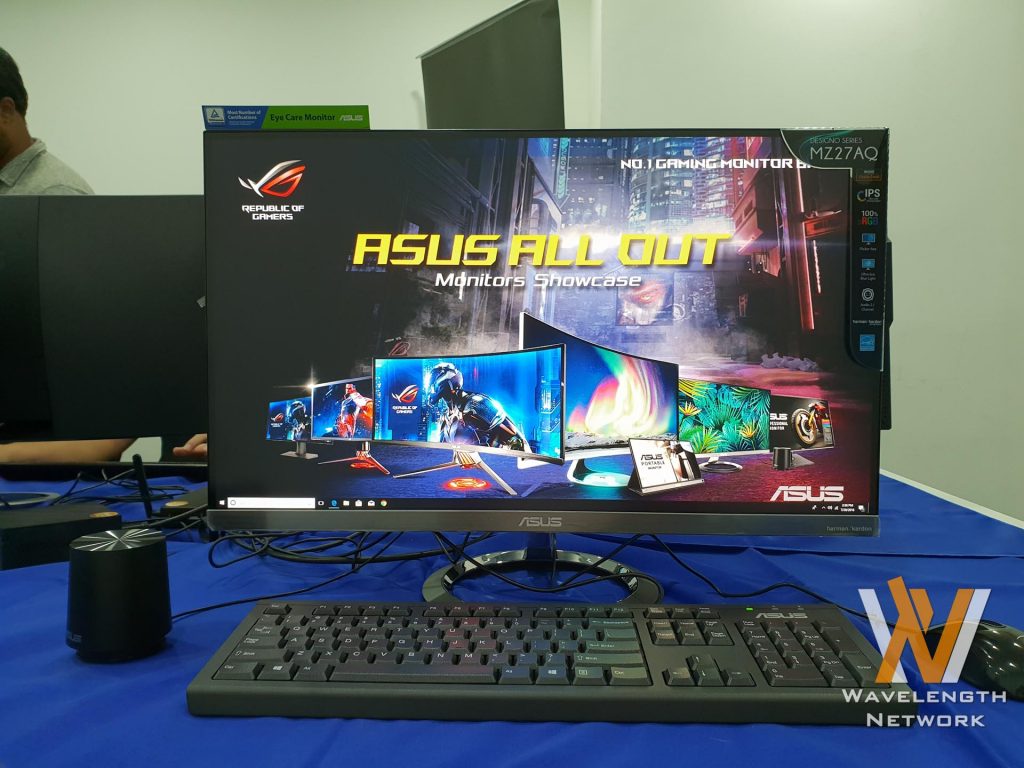
This monitor is something particularly nostalgic for me. Looking at the monitor, it looks like a typical ASUS monitor – but then looking at the back, there’s a Harman Kardon branding. This monitor has built-in stereo speakers too. And there’s more.
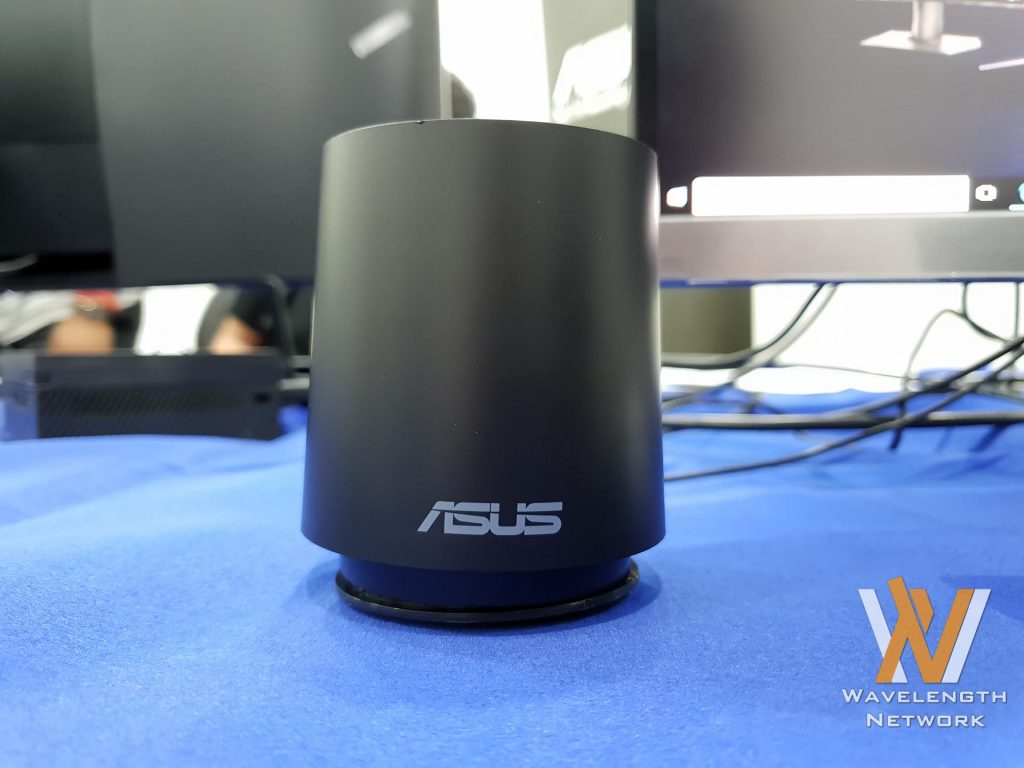
Remember this little guy? It’s an external subwoofer. The last time I ever saw this little guy was a few years ago during ASUS’s N-series of multimedia laptops – particular the N55SF. That laptop has ASUS’s SonicMaster technology – and so does the MZ27AQ.
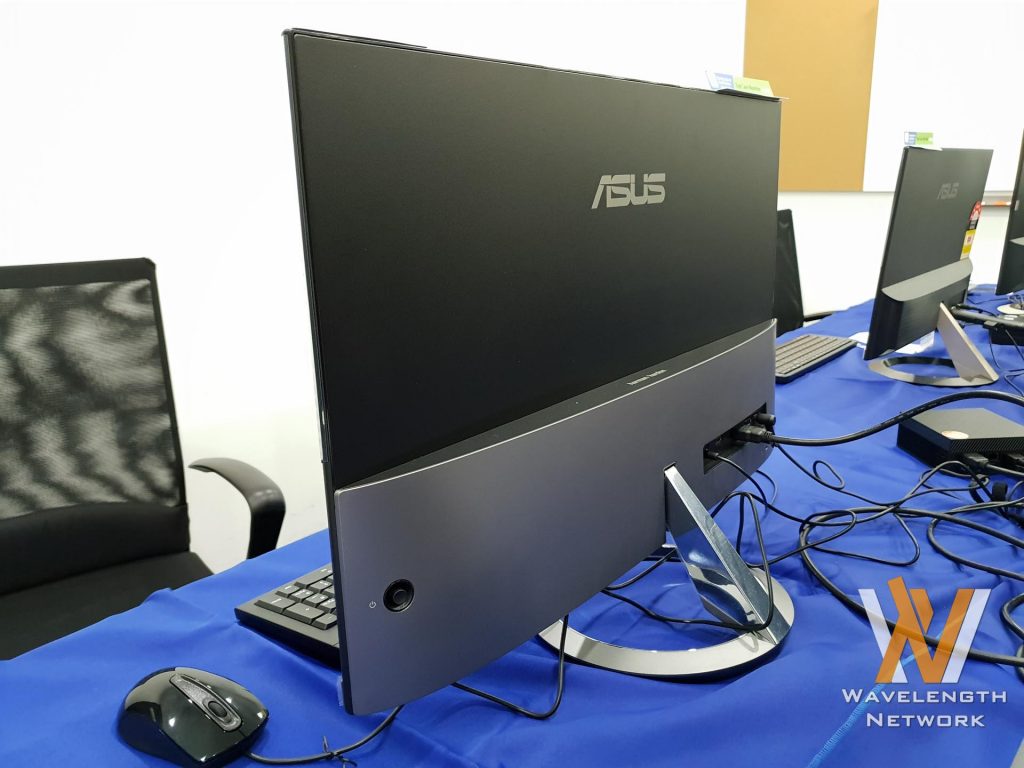
It’s a 27-inch IPS display with 2K resolution, 100% sRGB color space and has ultra-slim bezels. Comes with flicker-free technology, low blue light with TUV certification as well.
ASUS Designo MX34VQ
This monitor is also similar to the one above, but with a few differences.
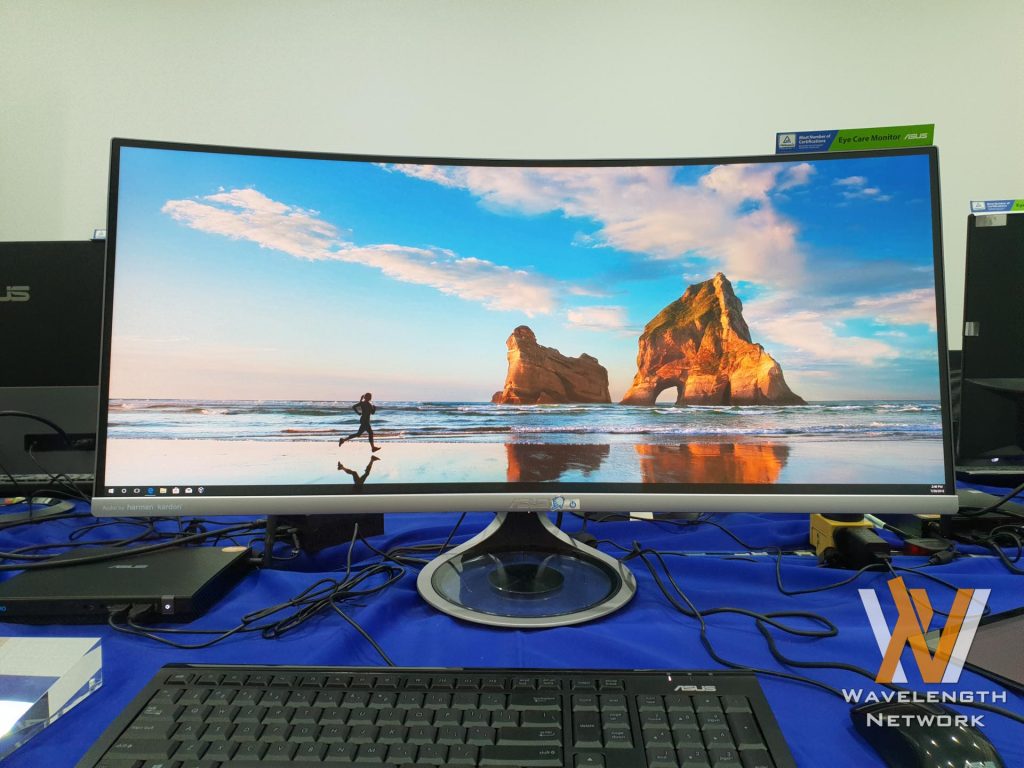
Firstly, it’s a curved ultrawide 34-inch 2K display with 100Hz refresh rate. It also has Harman Kardon speakers, flicker-free, low blue light with TUV certification.
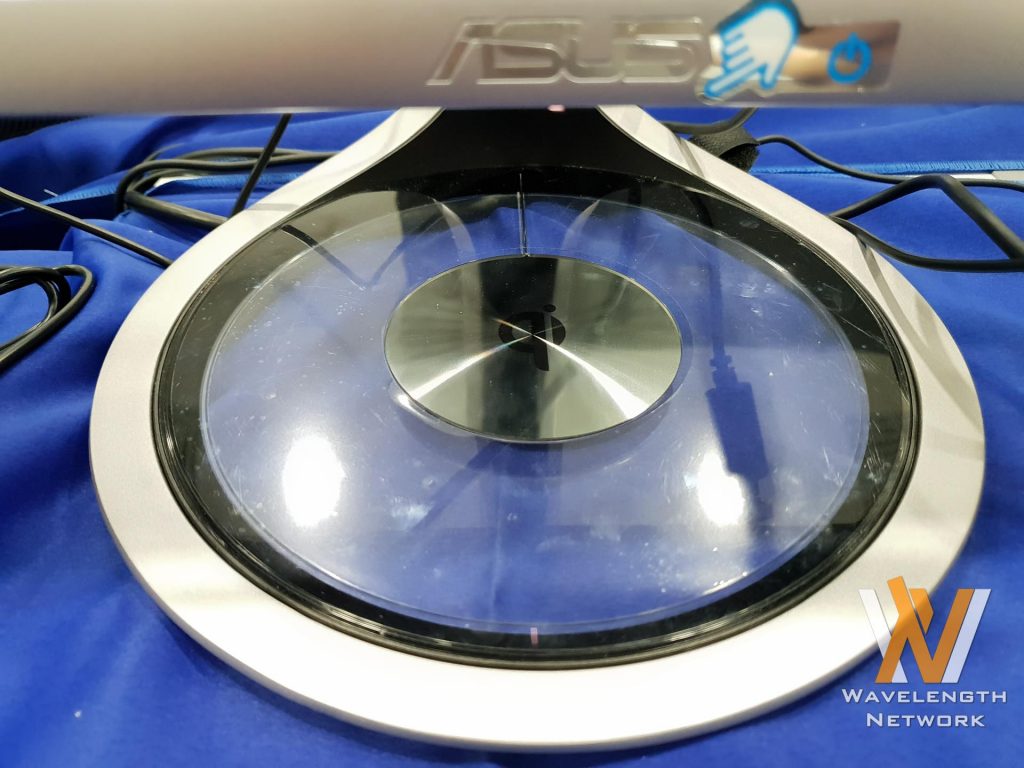
The big difference here is the Designo MX34VQ has a Qi wireless charging pad at the base of the monitor. Just throw your phone that is compatible with Qi wireless charging (or get an adapter) and put it on the base to charge. Really convenient use of the base.
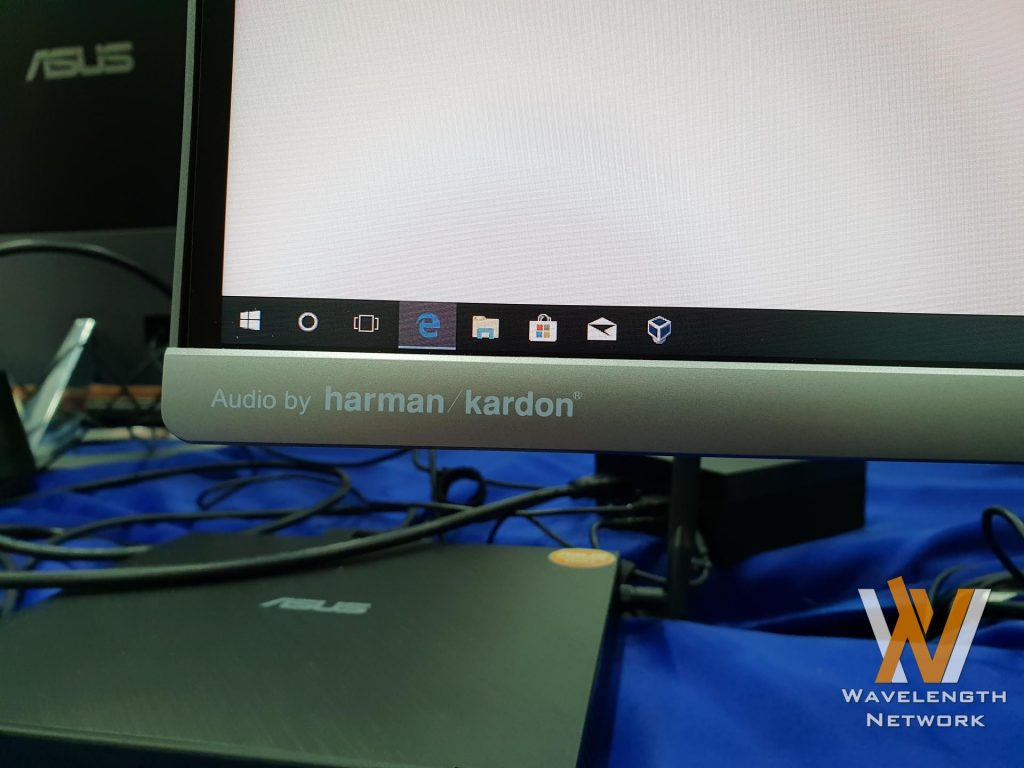
With that said, the Designo MX34VQ doesn’t have an external subwoofer – and yet offers deeper bass than the MZ27AQ.
ASUS ROG Strix XG258Q
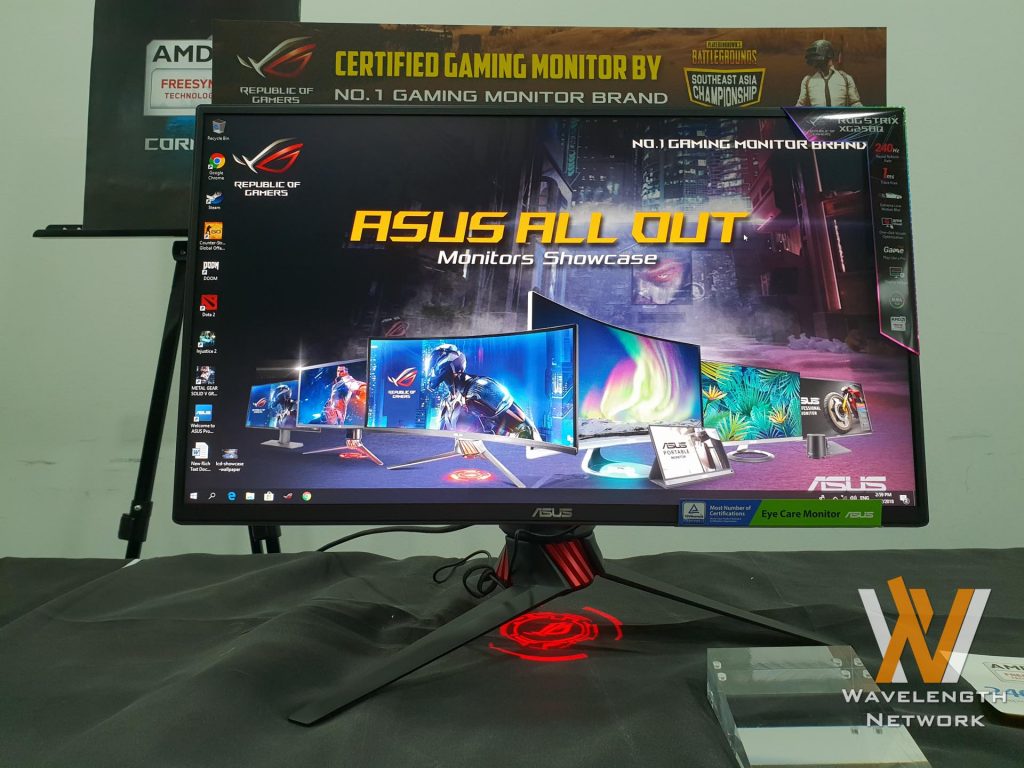
With a 24.5-inch 1080p TN panel, the XG258Q can go up to an insane 240Hz refresh rate with 1ms response time. With that said, it has flicker free technology, trace-free, GamePlus, extreme low motion blur (ELMB), GameFast Input, FreeSync, and Display Widgets.
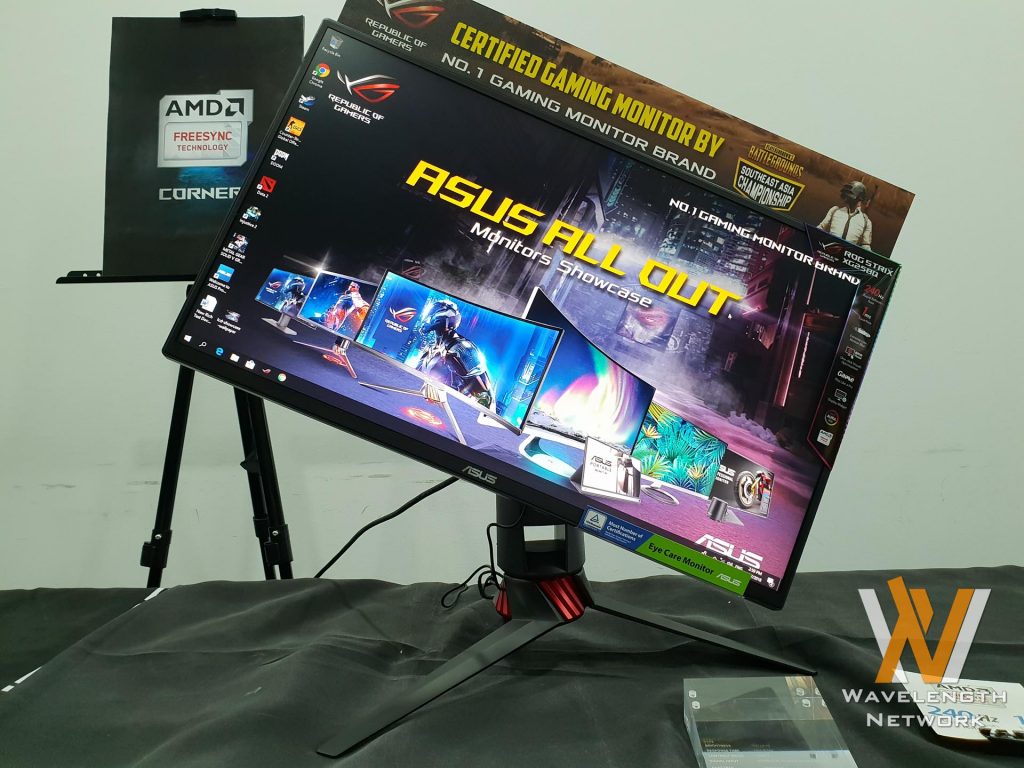
It can pivot, height adjust, and swivel as well.
ASUS VA326H
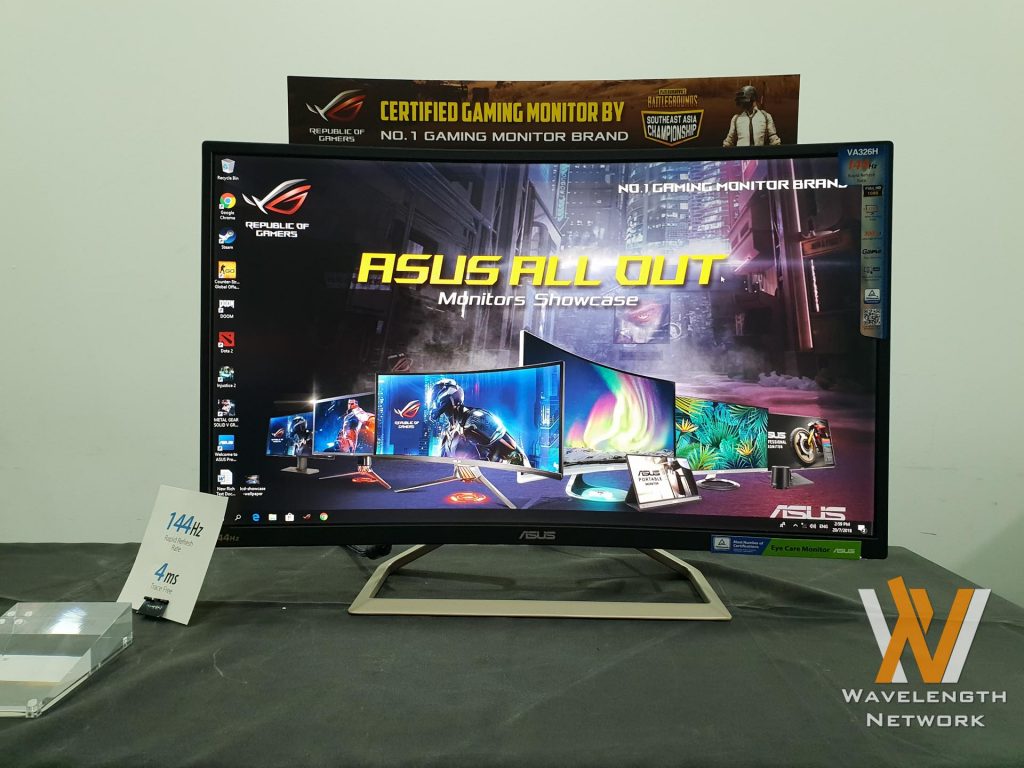
This monitor is in a unique position as it is a large, curved 31.5-inch screen that has 1080p VA panel that goes up to 144Hz refresh rate. It’s a unique proposition for gamers and everyday users, albeit at a lower resolution. However, this display is actually perfect for console gamers as a mini TV.
ASUS ROG Strix XG35VQ
This beautifully curved 35-inch ultrawide monitor is one of our favorite monitors to date. For me, I’ve always been a fan of ultrawide monitors since I’m already adapted to one. Once you go ultrawide, there’s no going back.
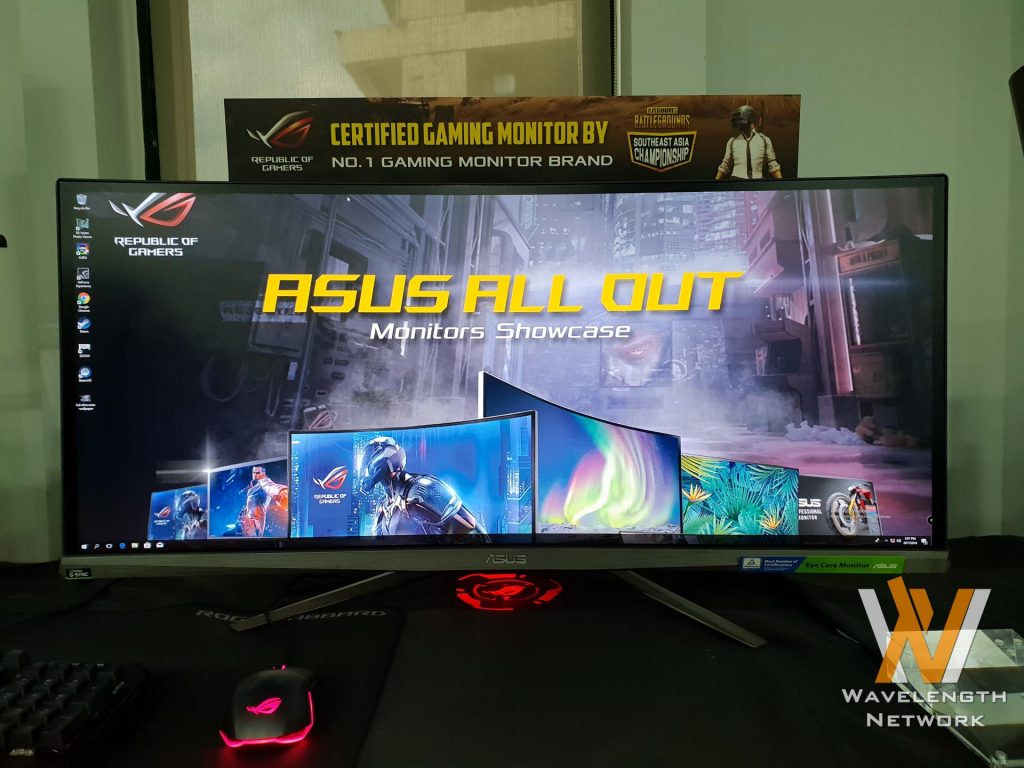
The XG35VQ features a 3440×1440 resolution and a VA panel. It has all of the gaming features like GamePlus, Extreme Low Motion Blur, and display widgets as well.
We actually reviewed this beautiful best before.
ASUS VP278H
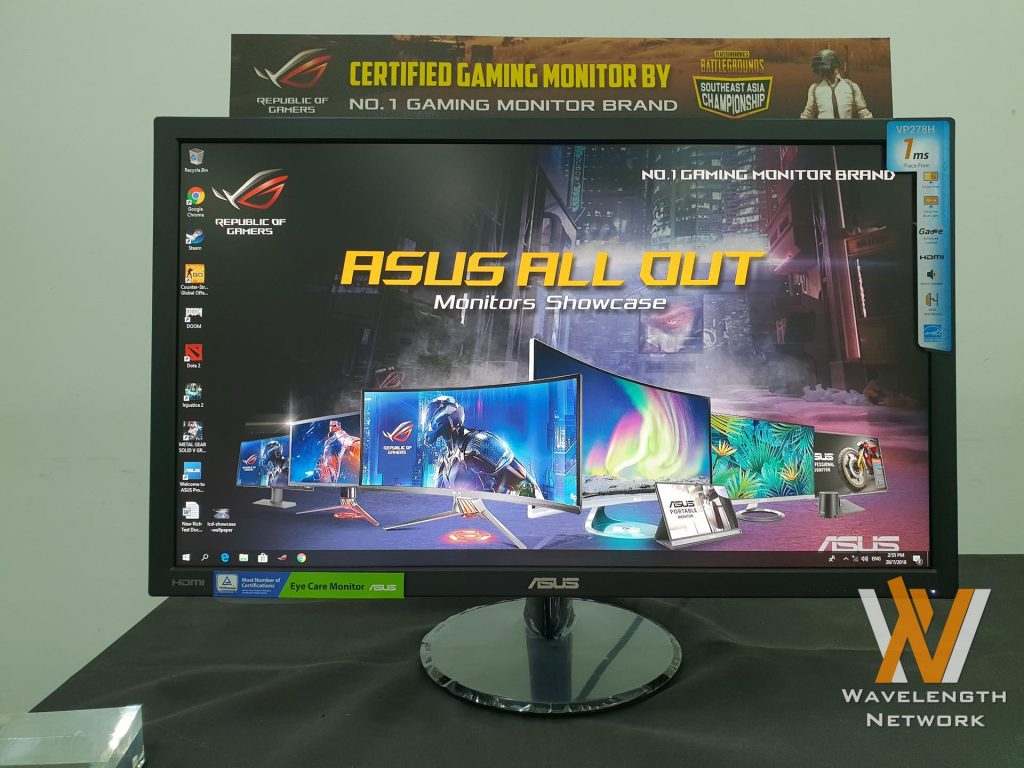
Being a part of ASUS’s lineup of budget gaming monitors with 1ms respond time. However, the VP278H has a fixed stand – no pivot, swivel, or height adjust. It has a lot of extra features like trace-free technology, QuickFit, GamePlus, low blue light, and has built-in speakers as well.
ASUS VG245H
This monitor has a 24-inch 1080p TN panel but can work at 1ms response speed at 75Hz refresh rate. It’s also AMD FreeSync compatible while having features like flicker-free, trace-free, GamePlus, low blue light, and also a 3.5mm mini jack.
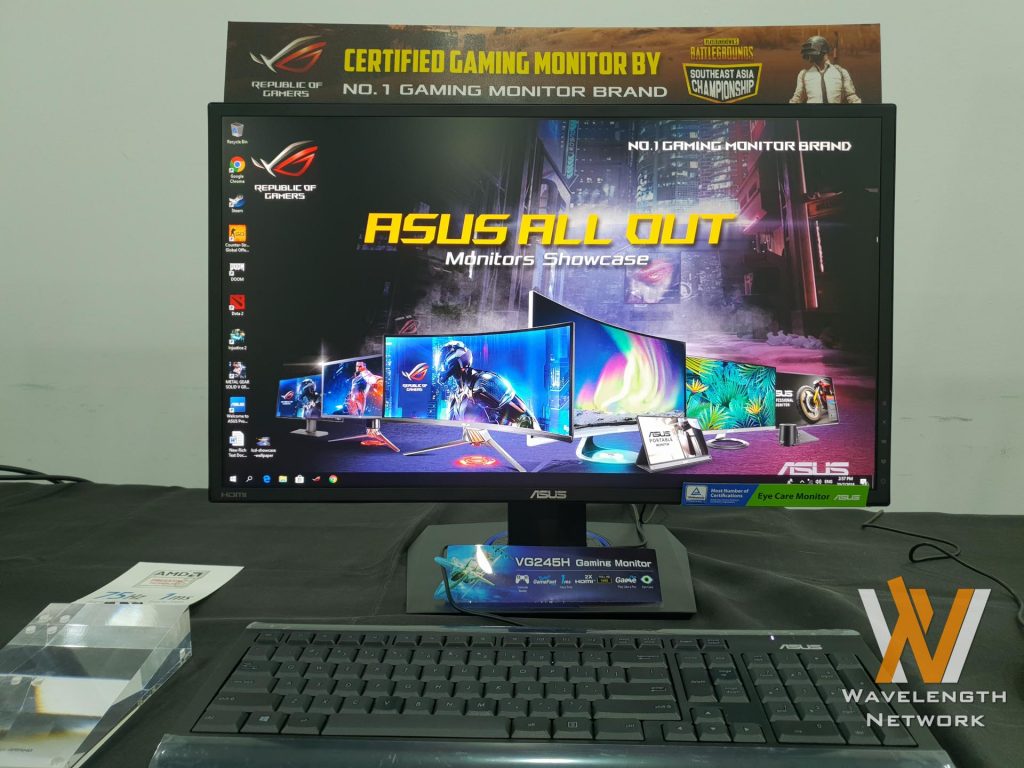
It’s also available in 25-inch version, the VG255H. These two monitors are also advertised as monitors for console and PC gamers since it has double HDMI ports.
Prices
| Model Name | SRP | |
| Essential | VC239H | RM 529 |
| VS228DE | RM 369 | |
| VS207DF | RM 289 | |
| Stylish ultra-slim profile (Frameless Display, Perfect for multi-display setups) | VZ27VQ | RM 1,239 |
| VZ279HE | RM 899 | |
| VZ249H | RM 639 | |
| VZ239HR | RM 539 | |
| VZ229H | RM 489 | |
| ASUS Designo model | MX34VQ | RM 3,749 |
| MZ27AQ | RM 1,969 | |
| MX279HR | RM 1,019 | |
| PB277Q | RM 1,489 | |
| Casual Gaming (1ms response time) | VP278H | RM 779 |
| VP247H | RM 709 | |
| VP228HE | RM 429 | |
| Pro Gaming (Value gaming monitor) | XG32VQ | RM 2,169 |
| VA326H | RM 1,329 | |
| MG278Q | RM 1,829 | |
| XG27VQ | RM 1,829 | |
| VG278Q | RM 1,399 | |
| VG275Q | RM 1,209 | |
| XG258Q | RM 1,879 | |
| VG258Q | RM 1,299 | |
| VG255H | RM 719 | |
| VG248QE | RM 1,149 | |
| VG245H | RM 659 | |
| ASUS ProART | PA329Q | RM 5,279 |
| ASUS Republic of Gamers | PG348Q | RM 4,429 |
| PG27VQ | RM 3,849 | |
| PG27AQ | RM 3,669 | |
| PG279Q | RM 3,489 | |
| PG278QR | RM 2,829 | |
| PG258Q | RM 2,479 | |
| PG248Q | RM 2,149 | |
| Commercial | VT168H | RM 699 |
| Commercial (Portable) | MB16AC | RM 1,069 |
| MB169C+ | RM 889 | |
| MB169B+ | RM 889 | |
| MB168B | RM 639 |
Like our Facebook Page here at NasiLemakTech.com for more news and in-depth reviews! Also, join our Facebook Group for insightful information and memes!
Subscribe to our YouTube channel too!