



















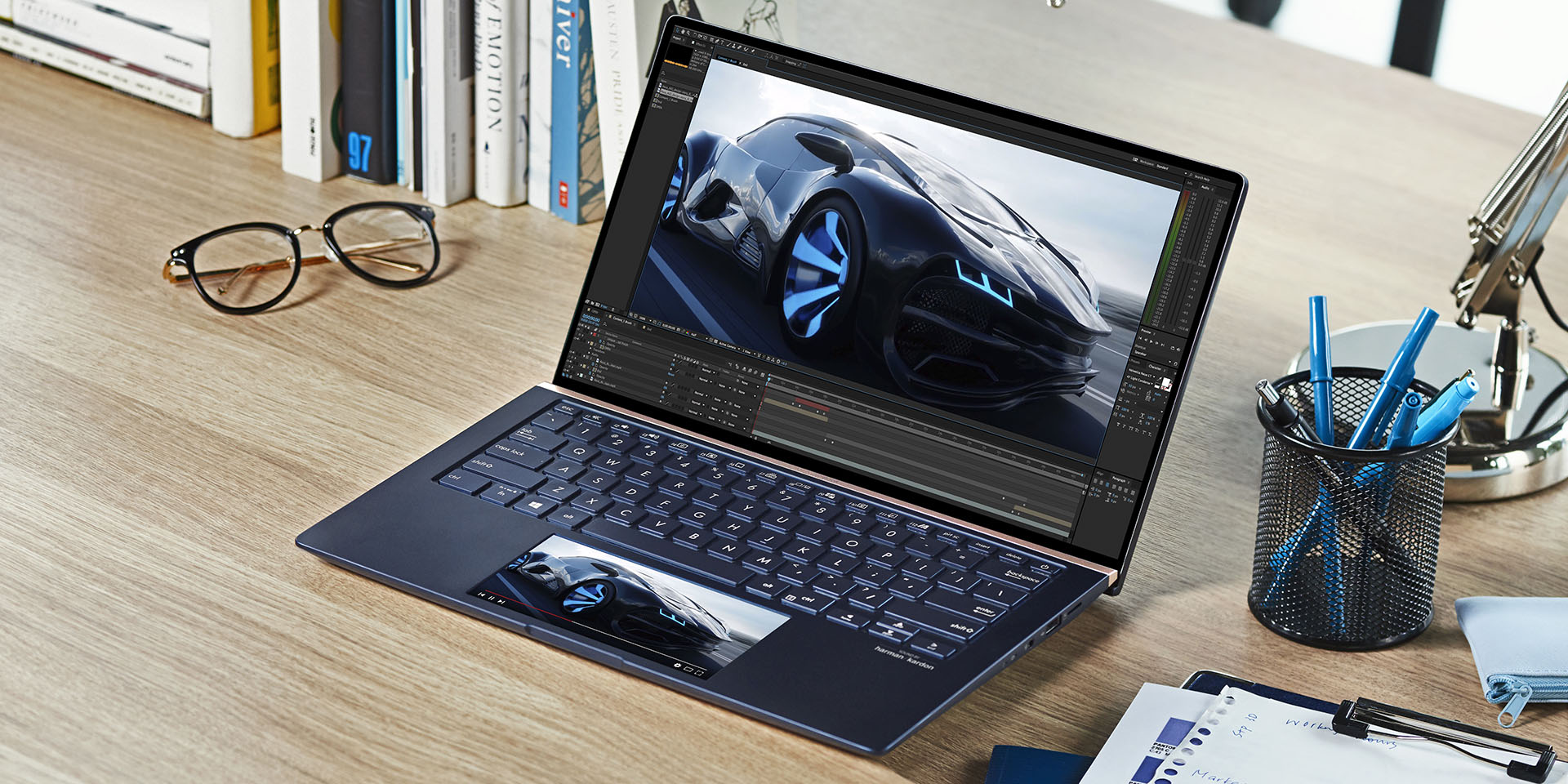

We here love the ZenBook series of laptops. They are thin, light, and has a long-lasting battery. Yet it looks sleek and has an excitingly premium look to it. Last year during Computex 2018, we saw the first ever ZenBook Pro – the first ever laptop in the world that has a screen on the trackpad, aptly named as the ScreenPad. Fast forward a year and we’re here at Computex 2019, and ASUS is showing off their brand new ZenBook series of laptops with ScreenPad 2.0.
Personally, I am glad that ASUS continued the ScreenPad even though its first generation was full of bugs and was rather wonky sometimes. With a clearer vision and sharp focus, ASUS strides along the path and creates ScreenPad 2.0 with the new ZenBook series. The new series here comes in 3 different sizes – the ZenBook 13 (UX334), ZenBook 14 (UX434) and ZenBook 15 (UX534).
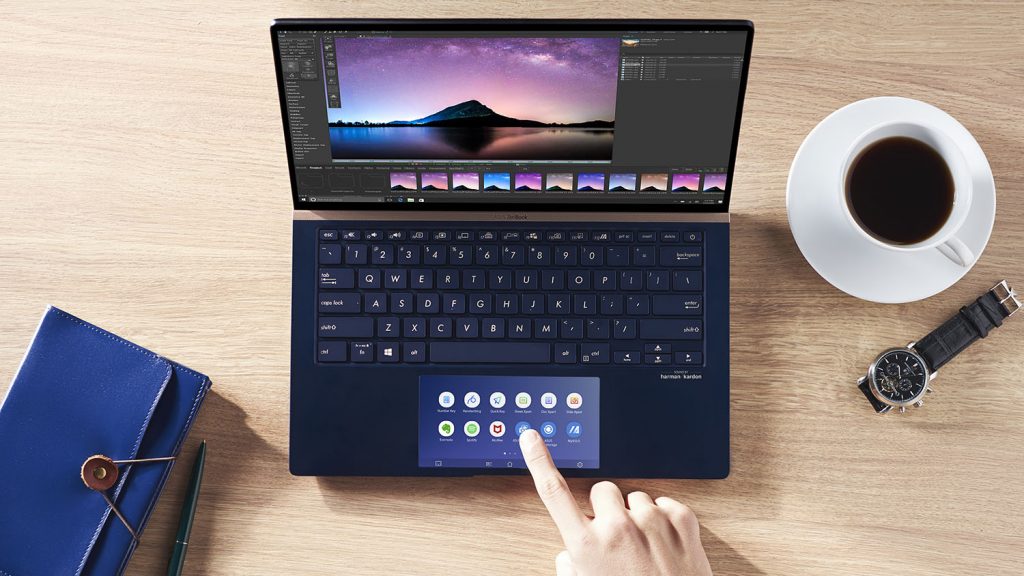
The new ScreenPad 2.0 is larger than before and comes with enhanced productivity usage and upgraded user experience. This screenpad is available on all new ZenBook models, adding a whole new dimension on how a laptop is used, like what we’ve said here in the past.
The new ScreenPad 2.0 is now 5.65-inch in size and comes with ScreenXpert software. It has a slew of shortcuts baked into the ScreenPad now, ranging from a Quick Key that enables one-tap automation of complex keyboard sequences (essentially a macro), handwriting for natural text input, and Number Key for data entry. The smartphone-like UI has also revamped and opened to third party developers to tap into the ASUS API for more magical apps to work on the ScreenPad.
The new ScreenPad also boasts better power efficiency, allowing 2.5x longer battery life when compared to the original ScreenPad on the ZenBook Pro.
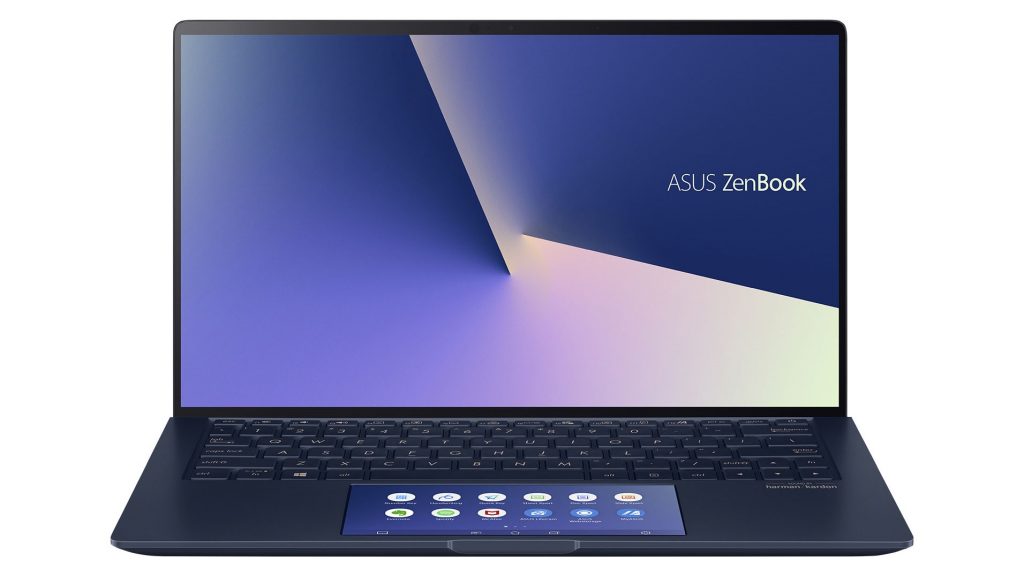
The new ZenBook also has a new version of NanoEdge slim bezels. All 4 bezels around the screen is now thin, which creates this amazing 95% screen-to-body ratio for an immersive user experience.
Even though it is still a thin and light laptop, ASUS packs in the latest 8th Gen Intel Core i7 CPU with NVIDIA’s GeForce GTX 1650 Max-Q GPU, 16GB RAM, and NVMe SSD.
With such powerful hardware, ASUS is boasting insane battery lives. ASUS touts that both the ZenBook 13 and ZenBook 14 will last up to 14 hours, while the ZenBook 15 will last up to 17 hours.
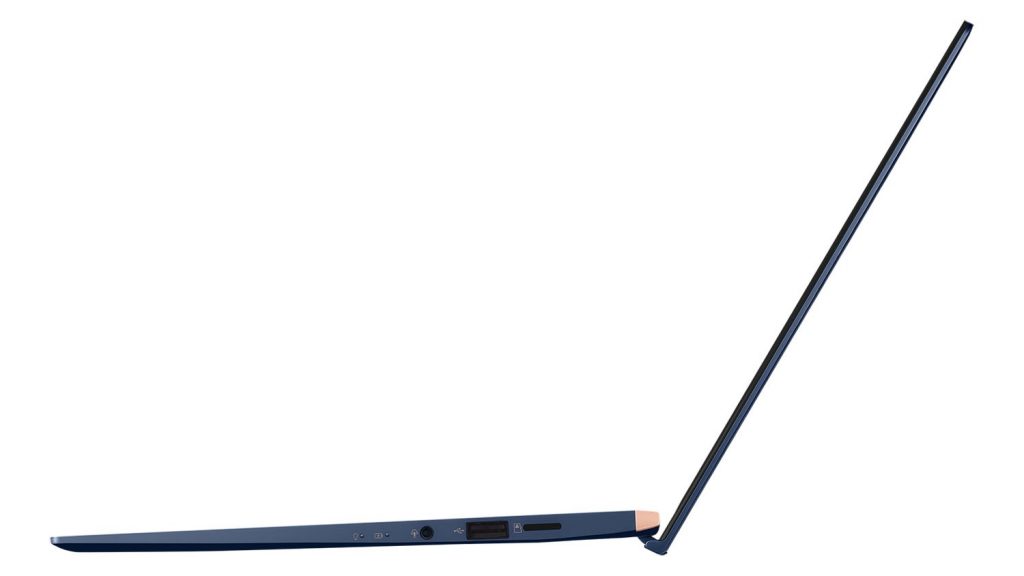
As of now, we do not know the local Malaysian availability and price yet. Stay tuned as we will update you when we have more information.
| Specifications | |||
| ASUS ZenBook 13 (UX334) | ASUS ZenBook 14 (UX434) | ASUS ZenBook 15 (UX534) | |
| CPU | Intel Core i7-8565U | ||
| Intel Core i5-8265U | |||
| Display | 13.3-inch 1920×1080 NanoEdge display | 14-inch 1920×1080 NanoEdge display, optional touchscreen |
|
| 178° wide-view technology | |||
| Up to 95% screen-to-body ratio | Up to 92% screen-to-body ratio | ||
| Graphics | NVIDIA GeForce MX250 with 2GB GDDR5 VRAM | NVIDIA GeForce GTX 1650 Max-Q, either 2GB or 4GB GDDR5 VRAM | |
| Integrated Intel UHD Graphics 620 | |||
| Memory | Soldered 8GB or 16GB 2133MHz LPDDR3 | Soldered 8GB or 16GB 2400MHz DDR4 | |
| Storage | 1TB NVMe PCIe 3.0 x4 SSD or 512GB/256GB PCIe 3.0 x2 SSD | ||
| Cameras | 3D IR HD camera | ||
| Interfaces | USB 3.1 Gen 2 Type-C | USB 3.1 Gen 2 Type-C (display support) | |
| USB Gen 2 Type-A (Up to 10Gbps) | |||
| USB 2.0 | USB 3.1 Gen 1 Type-A (up to 5Gbps) | ||
| HDMI | |||
| Micro SD reader | SD card readers | ||
| Audio combo jack | |||
| Touchpad | ScreenPad | ||
| 5.65” FHD+ (2160 x 1080) Super IPS display | |||
| 178˚ wide-view technology | |||
| Glass-covered for fingerprint and smudge resistance | |||
| Precision touchpad (PTP) technology supports up to four-finger smart gestures | |||
| Battery | 50Wh 3-cell lithium-polymer battery | 71Wh 8-cell lithium-polymer battery | |
| Up to 14 hours battery life | Up to 17 hours battery life | ||
| AC Adapter | 65W power adapter | 120W power adapter | |
Like our Facebook Page here at NasiLemakTech.com for more news and in-depth reviews! Also, join our Facebook Group for insightful information and memes!
Subscribe to our YouTube channel too!

