





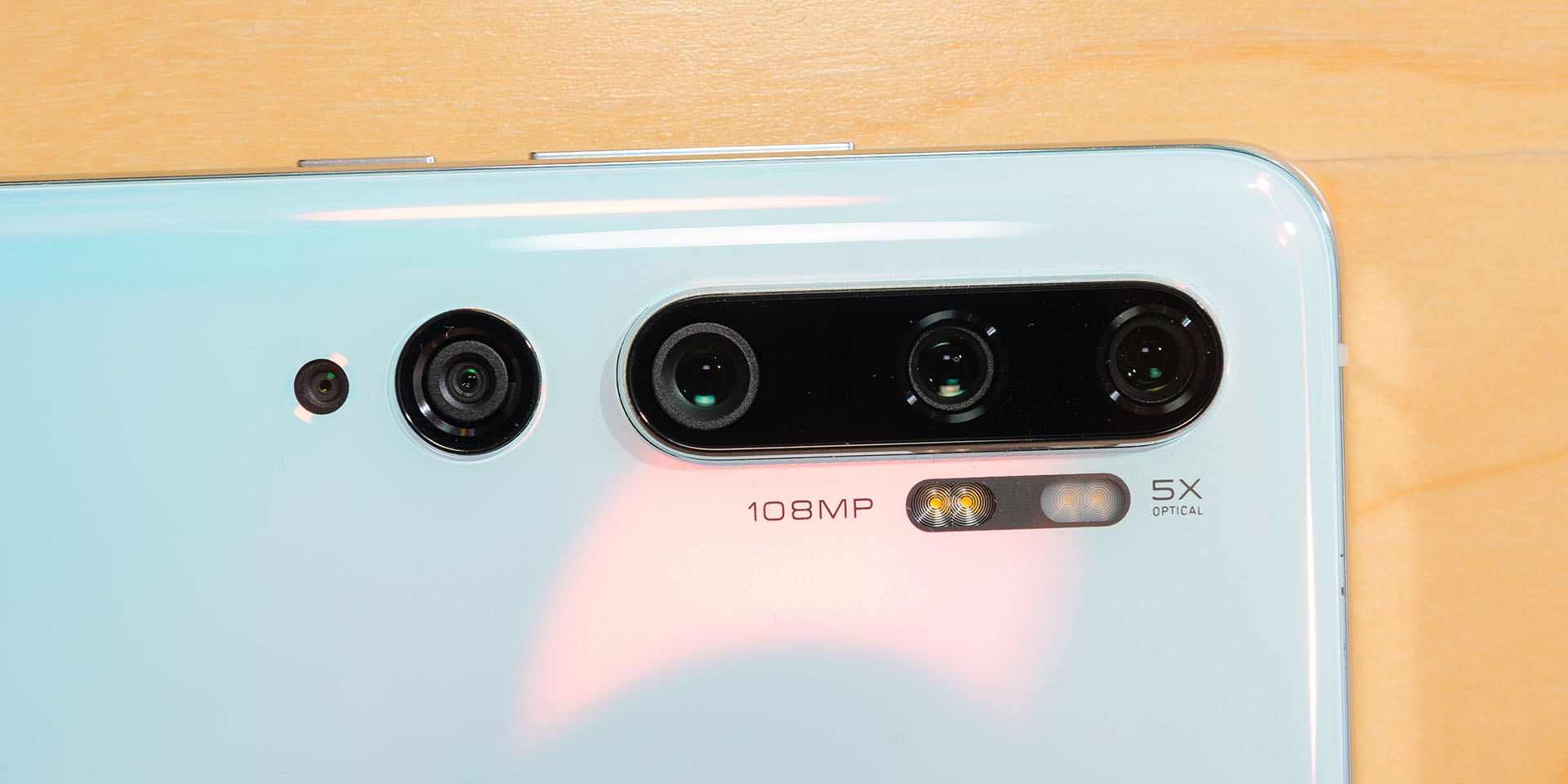
The Xiaomi Mi Note 10 is the world’s first smartphone with a 108MP camera sensor. I think even though we’ve talked about this smartphone for a few times, I think that there are more things we can do with that 108MP camera sensor. Instead of going through the laundry list of usages, I’m going to share with you how to take pictures using the pro mode. Some of you might know this as manual mode.
From all the smartphones we’ve reviewed in the past, Xiaomi’s pro mode is quite advanced in comparison. By using the Mi Note 10 and maybe a tripod with a little bit of Photoshop, these are the images we manage to get. We have resized all the images to 1080p, by the way. We’ve uploaded the full-sized images to Google Drive instead.
How to use the pro mode
At first glance, the pro mode is daunting. There are a lot of settings popped up at once – but let’s go through them one by one.
There are only a few settings that we are going to focus on:
- ISO – sensitivity of the sensor (affects noise)
- Focal length (F) – determines focus of the subject
- Exposure time (S) – affects brightness and motion blur
To begin, it is generally best to set the ISO to the lowest. The exposure time can compensate back for the low ISO by increasing the exposure time. However, this works only for certain scenes like light painting and still objects.
The focal length determines if your subject is in focus or not. Xiaomi’s camera UI is unique in this aspect because you can enable peaking to see which part of the scene is in focus. This is especially useful since the buttons on-screen are massive while the screen is small.
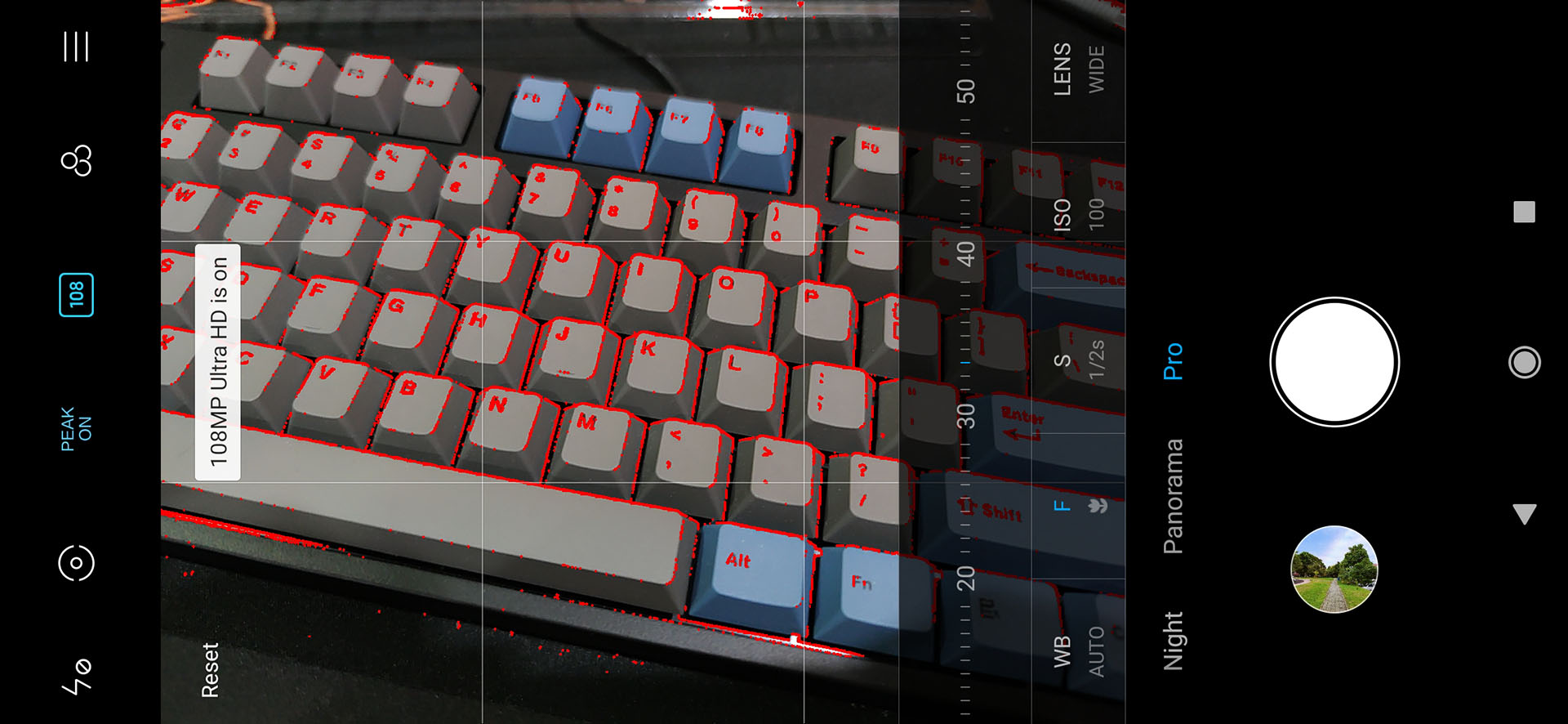
For the Xiaomi Mi Note 10, you can also enable RAW mode by tapping on the button at the top left corner, or enable 108MP instead. We took all these pictures using 108MP.
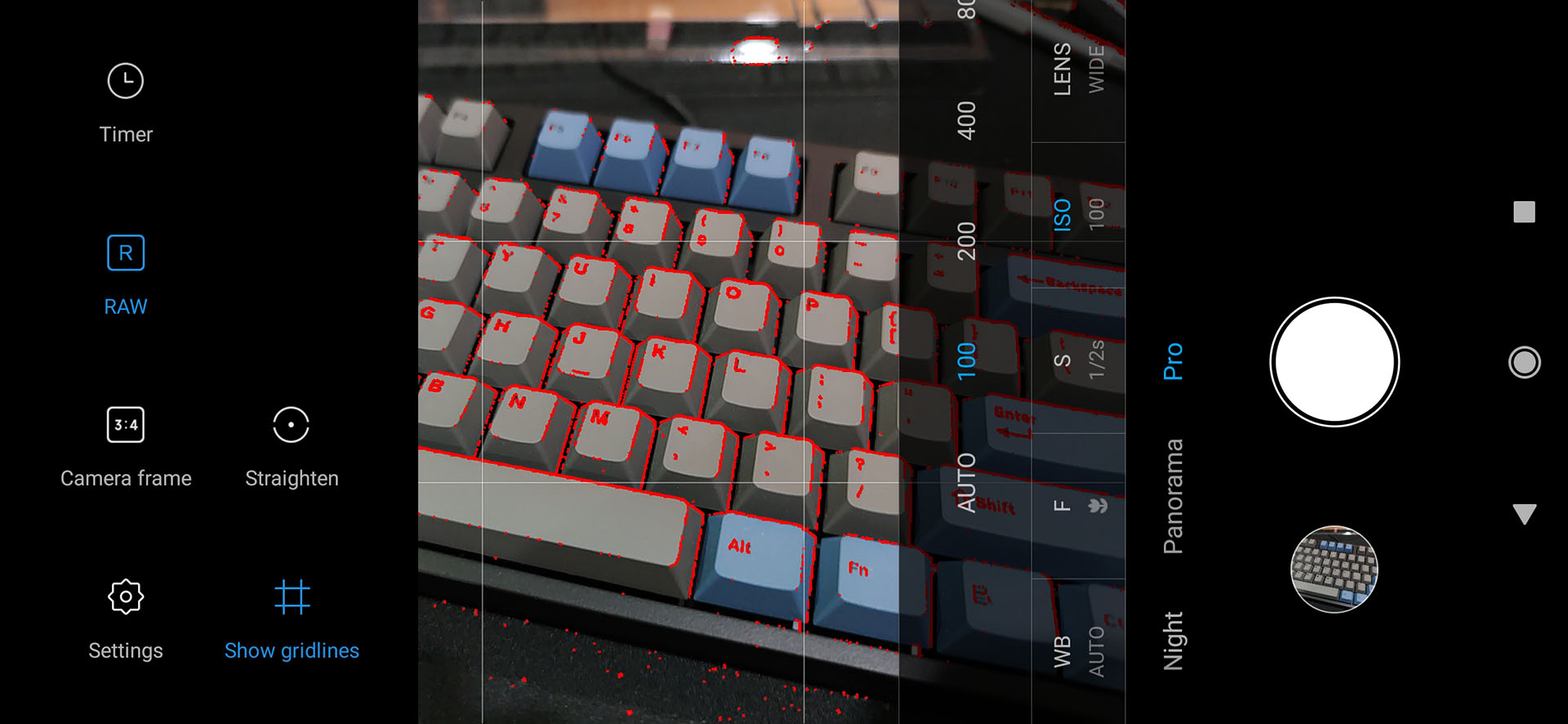
Another personal preference of mine is to enable grids. Grids make it easier for me to frame the shot.
Set 1 – night sky
It was a rainy day, but the sky cleared up at night. It cleared up so much that we can see the clear night sky – and a few stars from far beyond. Believe it or not, this was an impromptu photography session.
I was unpacking stuff from the pack at night while I saw this – so I whipped out the Mi Note 10 and dialed these settings:
- ISO: 100
- Focal length: infinity
- Exposure time: 32 seconds


With 108MP, I can actually crop and readjust the framing to suit my taste. That’s the beauty of high megapixel count of a camera.
Set 2 – Textures
I love talking about textures. They’re images that we can feel. I recently got a new keyboard and I absolutely love the texture of it. Every keystroke feels like I’m touching something that’s organically grown.
So, I took out my tripod and started shooting. I dialed in these settings instead:
- ISO: 100
- Focal length: focused on the “enter” key
- Exposure time: 1/4 seconds
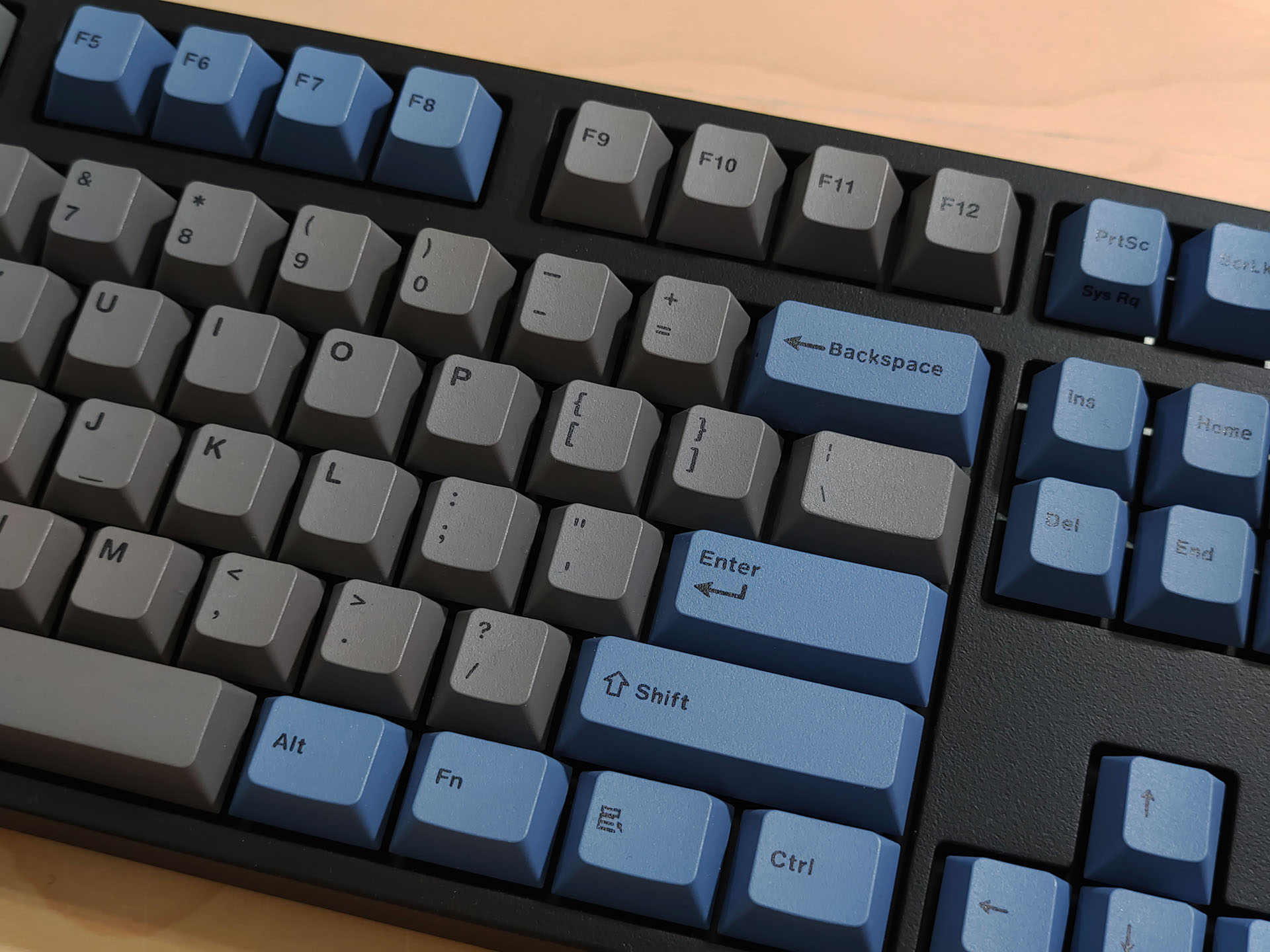
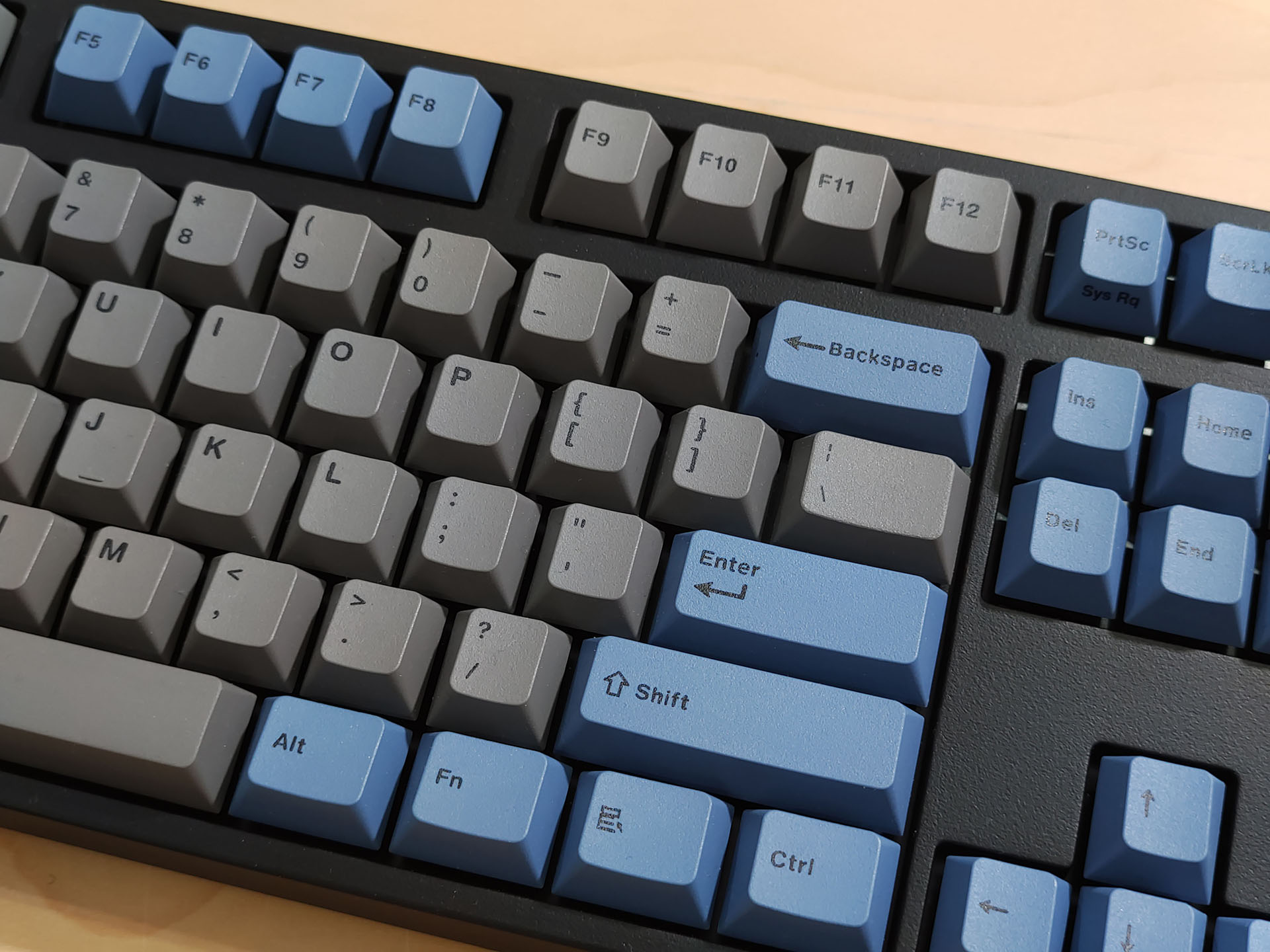
And hey – I love how this image turned out. The shadows hitting on each key with some glow at the face of the keycap make the texture pop.
Set 3 – Going back to auto…
Sometimes, using auto is perfectly fine – like sceneries in broad daylight. Take these two shots for example. The auto mode knows how to prioritize ISO to 100, then adjust the other settings.
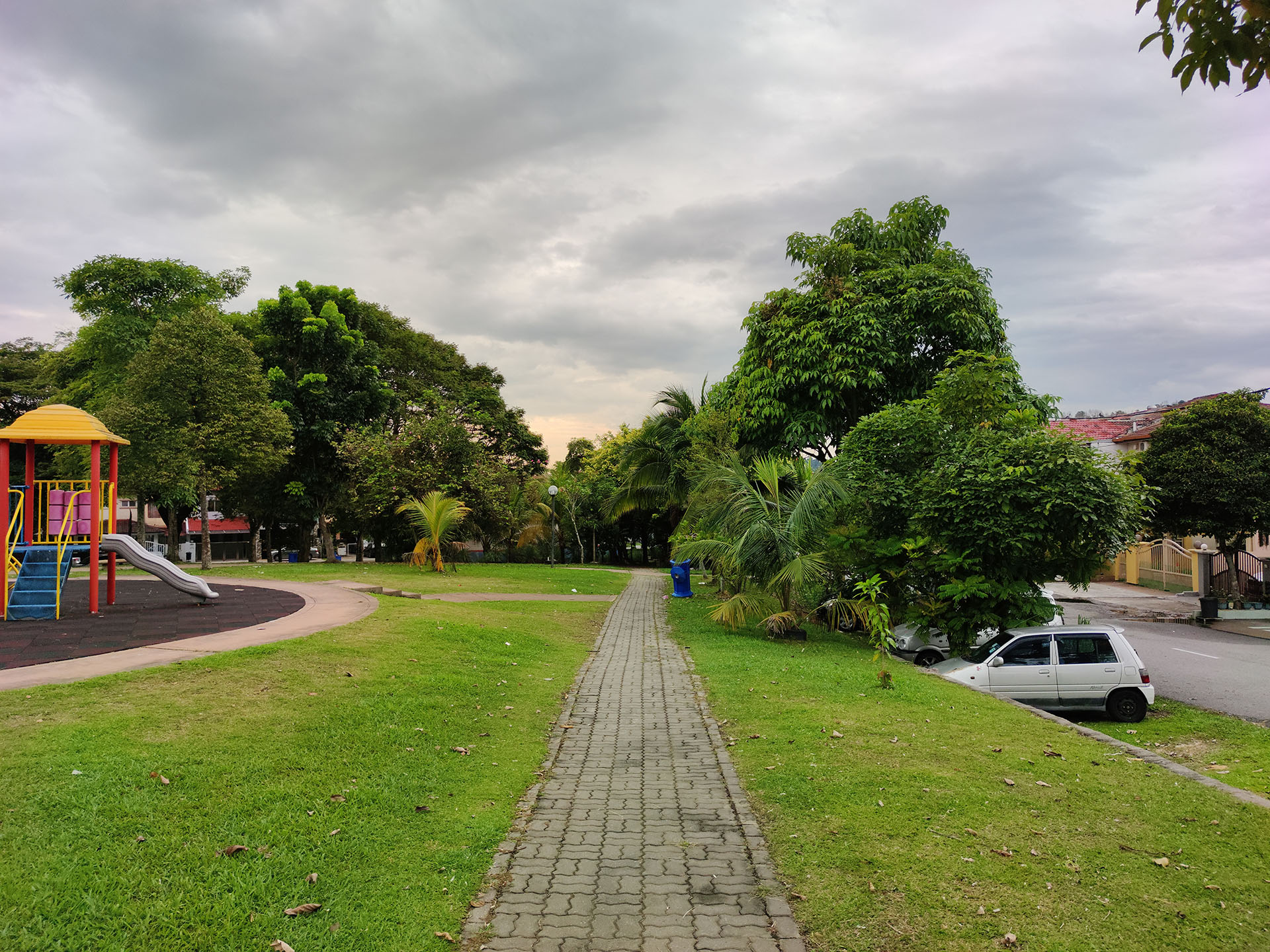
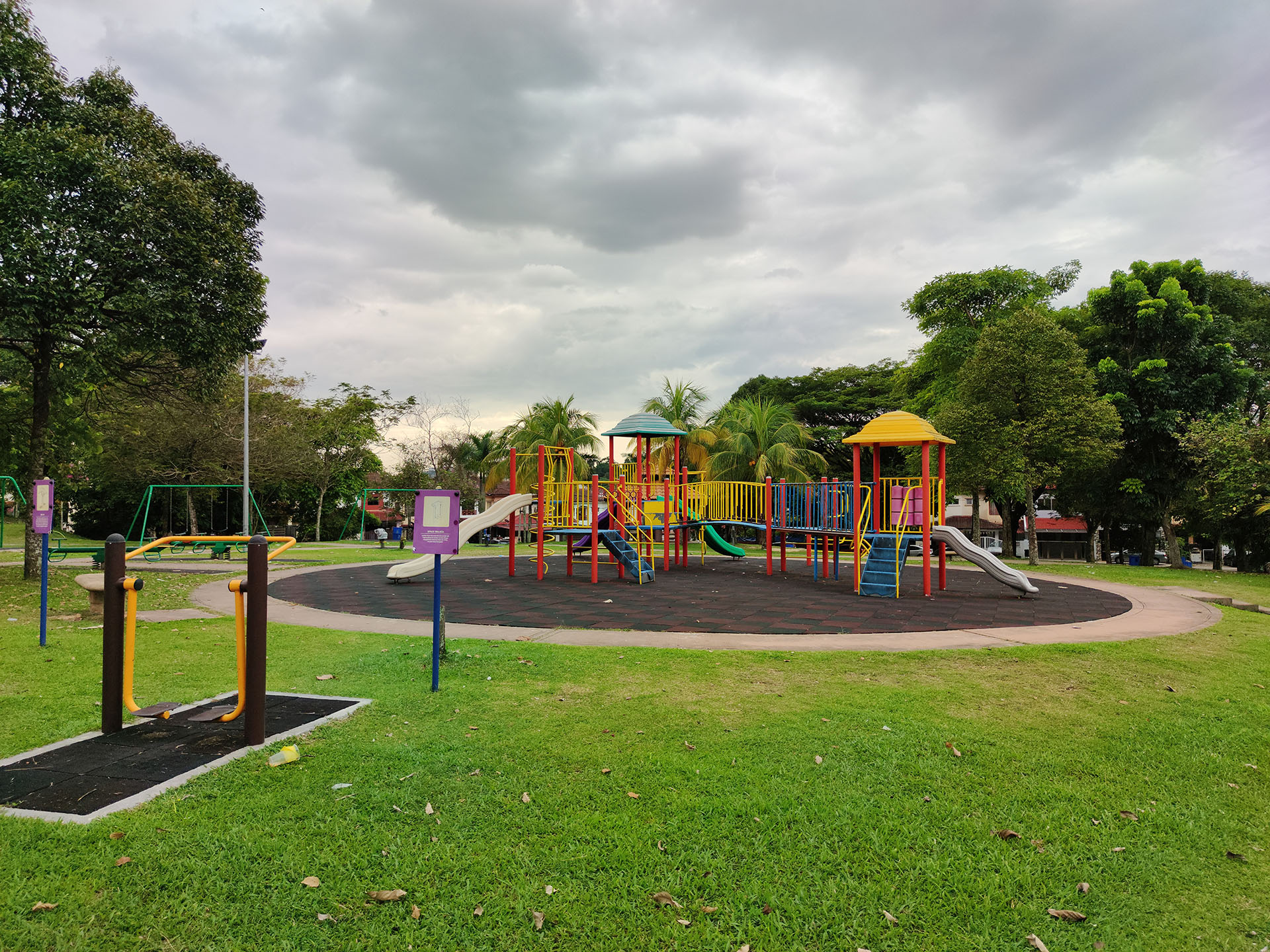
And they look good as it is.
Set 4 – Swapping out the sky
But the pictures I took in Set 3 was during a gloomy day. How can I make it look like a bright sunny day instead? Or maybe taken during a sunset?
Well, The Mi Note 10 does have one particular feature that’s new to MIUI 11 – the ability to literally swap out the sky, and we can adjust the intensity of the new “sky”. Take a look at these pictures.
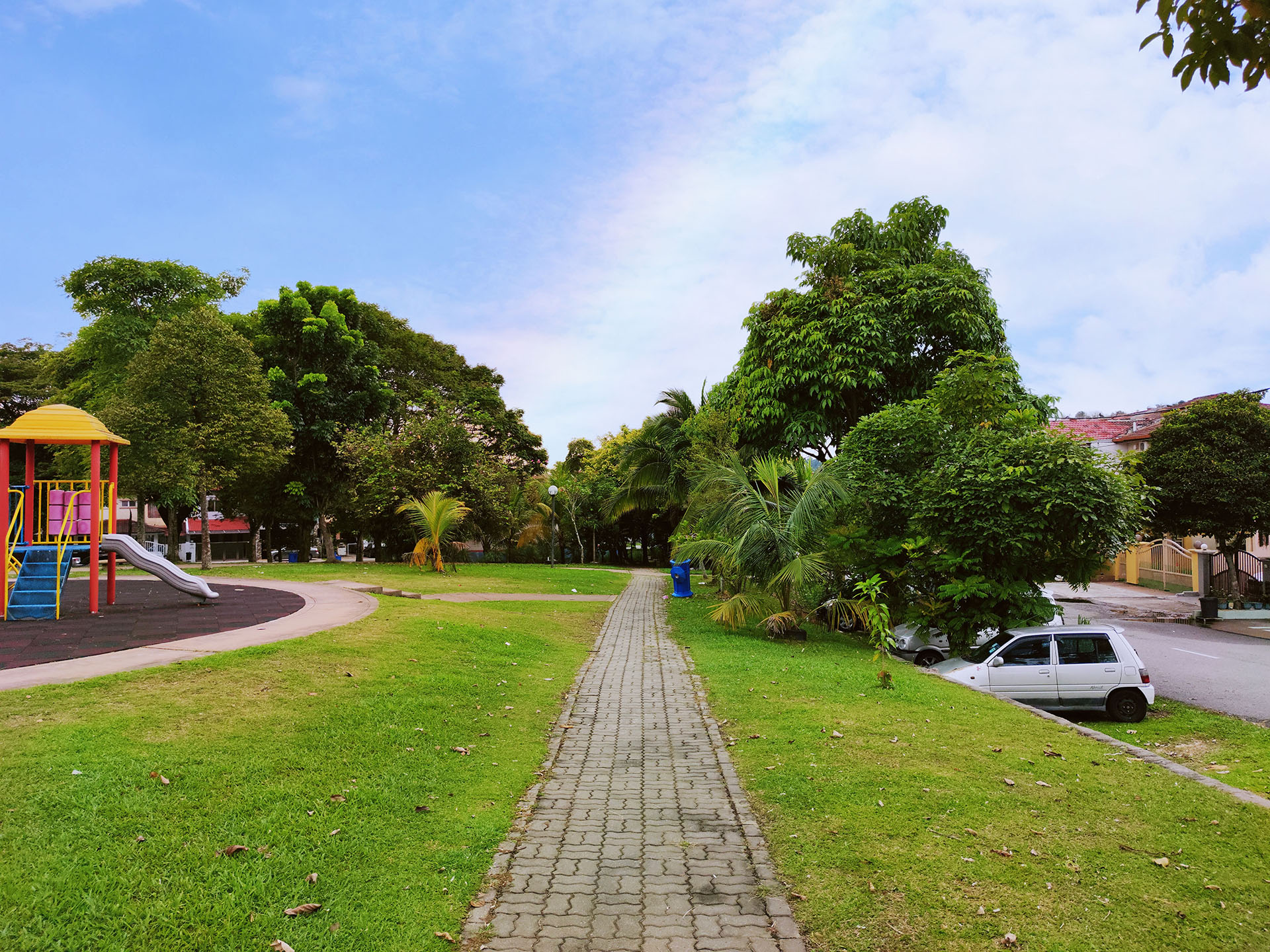

I literally lok the pictures shown in Set 3 and swapped them for “rainbow” and “sunset” skies respectively. Looks convincing, doesn’t it?
To achieve this look, it literally took me just a few taps to apply the filter and it totally changed the image’s look.
Be familiar with the settings
Pro mode offers a lot of control – but sometimes, these controls are unnecessary since the auto mode can outperform a human in terms of speed and accuracy, as shown in broad daylight shots.
Once you get familiar with the settings, you can exploit these camera settings to take some amazing pictures. For example – light painting requires a long exposure time, and you’ll definitely need to use pro mode and a tripod for that.
Where to buy?
- Mi Note 10:
- Lazada: http://bit.ly/2QQjTf4
- Shopee: http://bit.ly/2Ld3lKL
- Mi Note 10 Pro:
- Lazada: http://bit.ly/35G2euu
- Shopee: http://bit.ly/2XVJqoM
Like our Facebook Page here at NasiLemakTech.com for more news and in-depth reviews! Also, join our Facebook Group for insightful information and memes!
Subscribe to our YouTube channel too!