










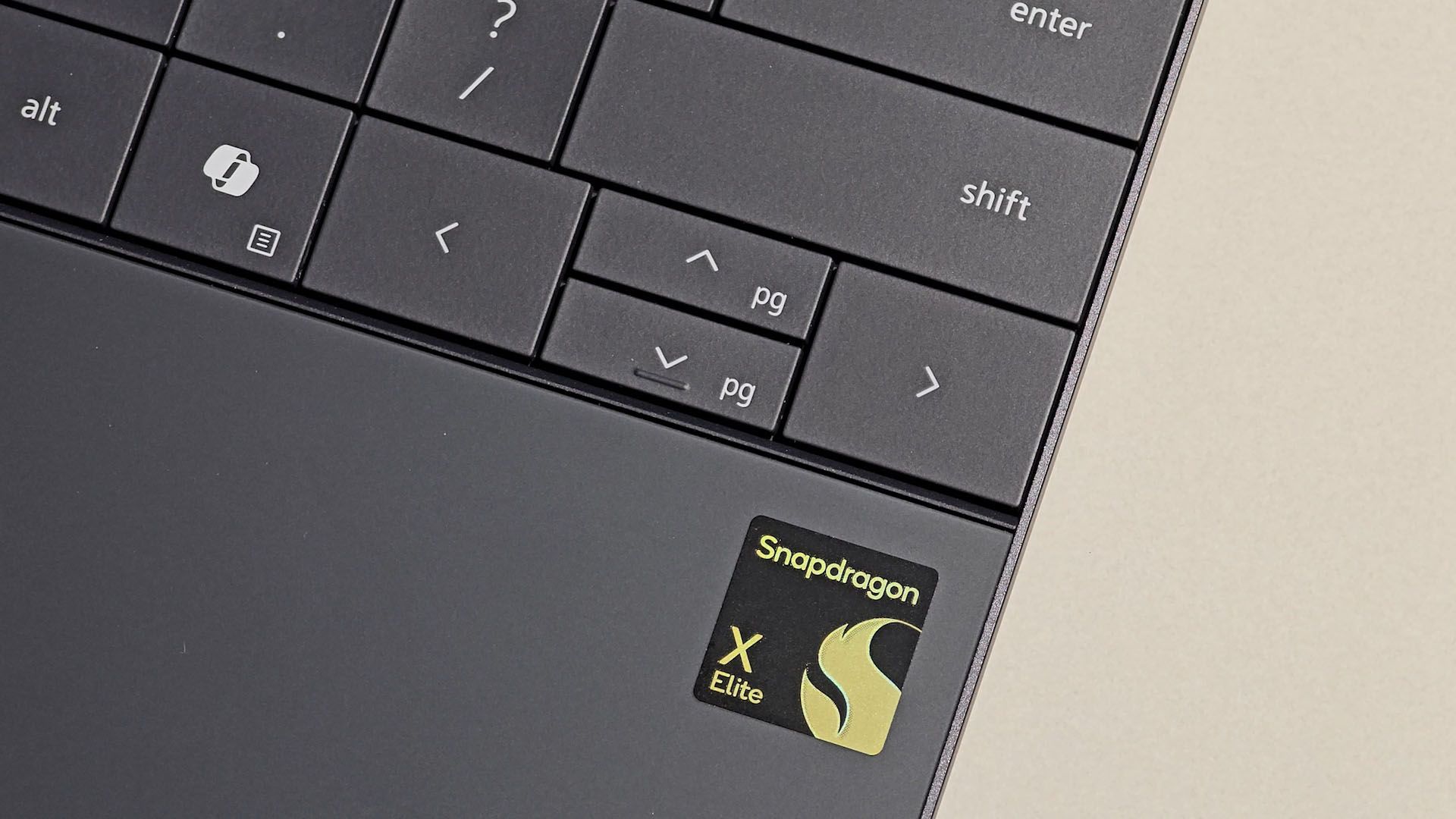
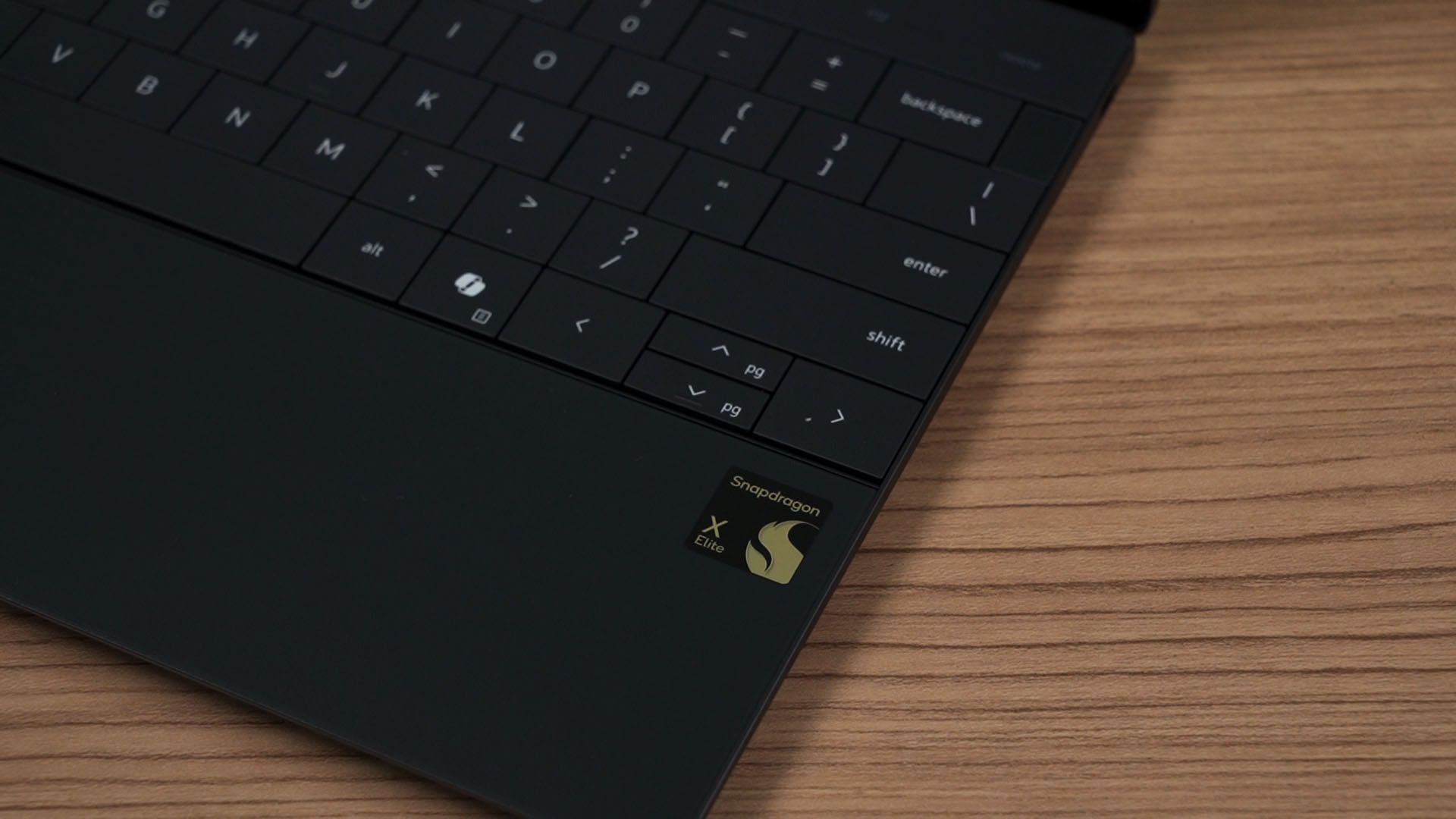
One of Dell’s most iconic lineup of laptops is the XPS series. It’s sleek, made out of CNC-machined aluminum, and this XPS 13 is no different. What’s unique about this XPS 13 9345 is that it is using the Snapdragon X Elite X1E-80-100 chipset.
In today’s video, we’re going to talk about this laptop. Is it a good laptop? Is it worth the price of RM6,999?
So, the XPS 13 9345 that we have here is in the graphite color. It is darker, almost dark gray – and it is also available in the platinum color.
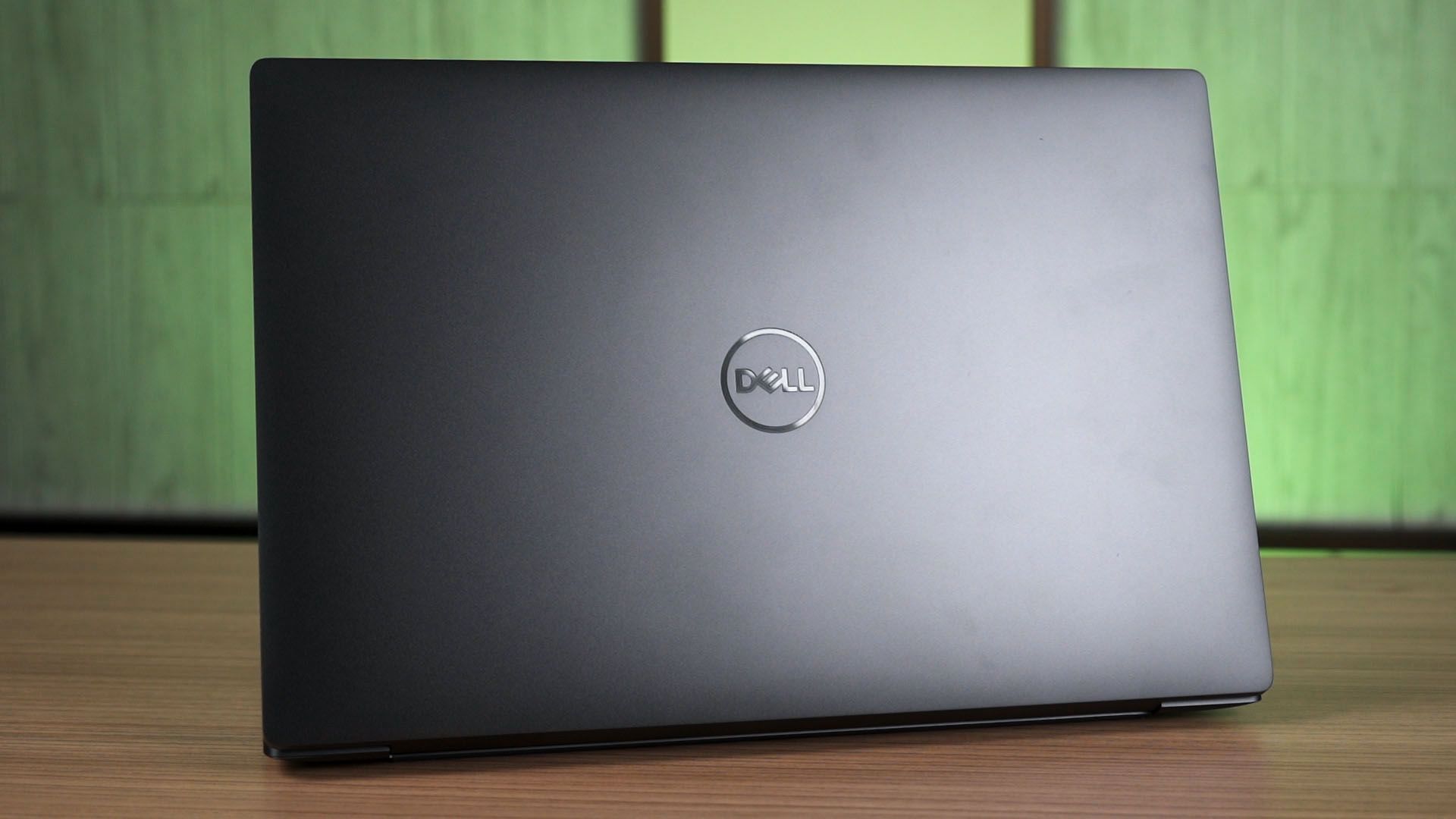
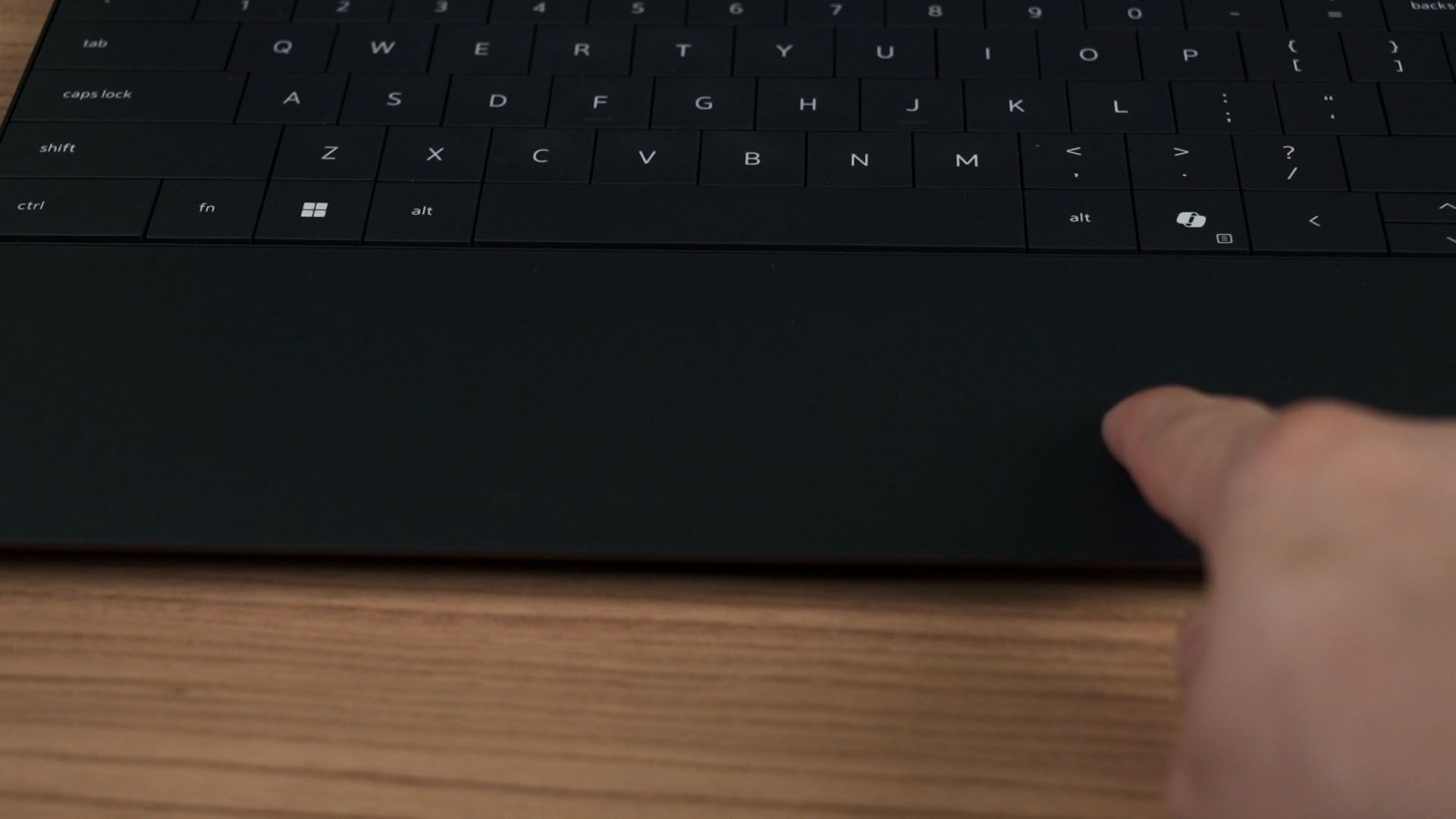
The design – if you’ve seen the latest XPS, then this is going to be the same. It’s really minimalist and when we open up the lid, there is no trackpad. It is completely hidden, spanning from somewhere around below the spacebar to below the right ALT key. It works really well and the palm rejection is surprisingly good too, so no complaints here.
The function row at the top of the keyboard is also hidden until the laptop is turned on. We can switch between the conventional F1 to F12 or the multimedia keys. Pretty standard.
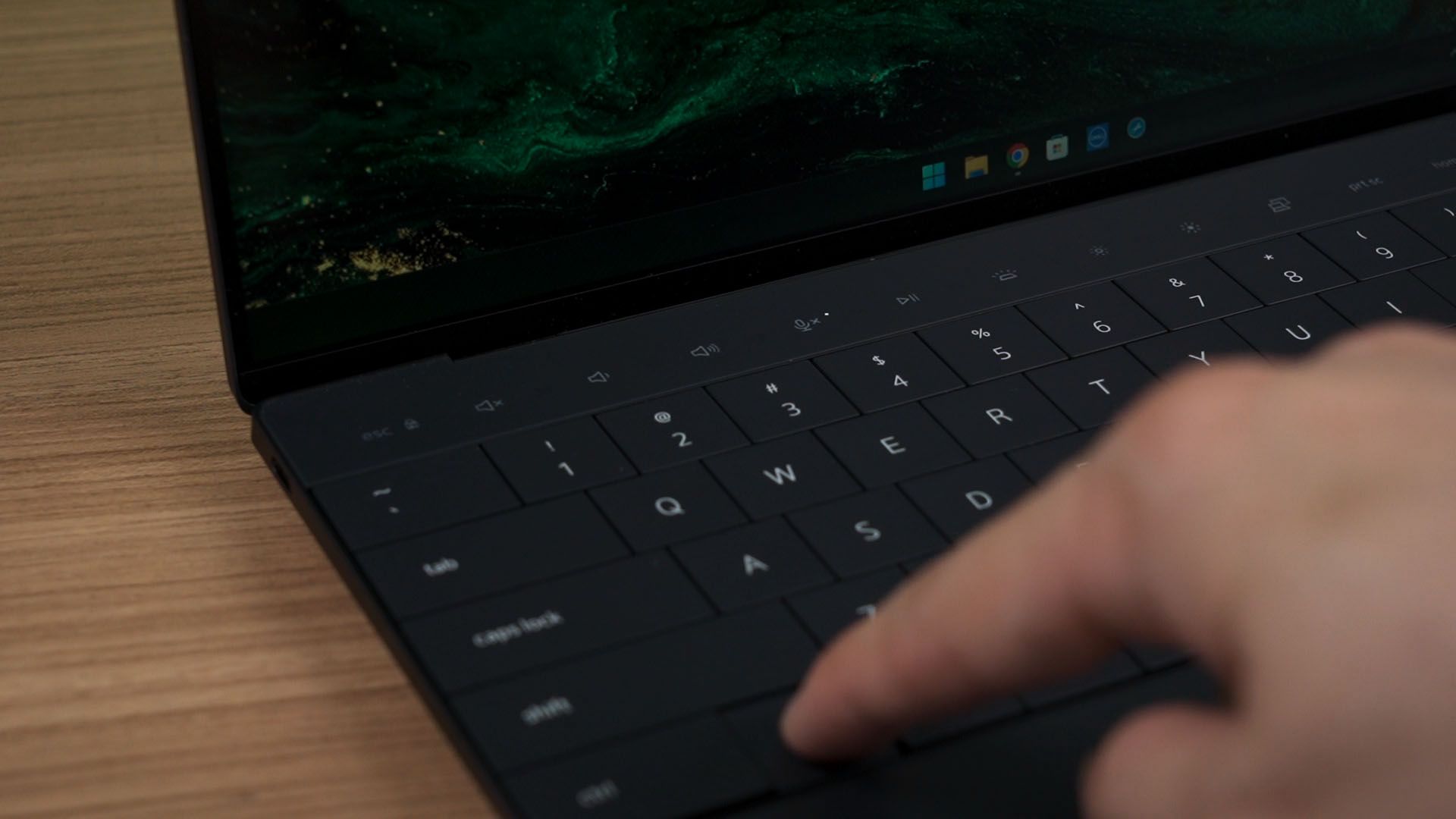
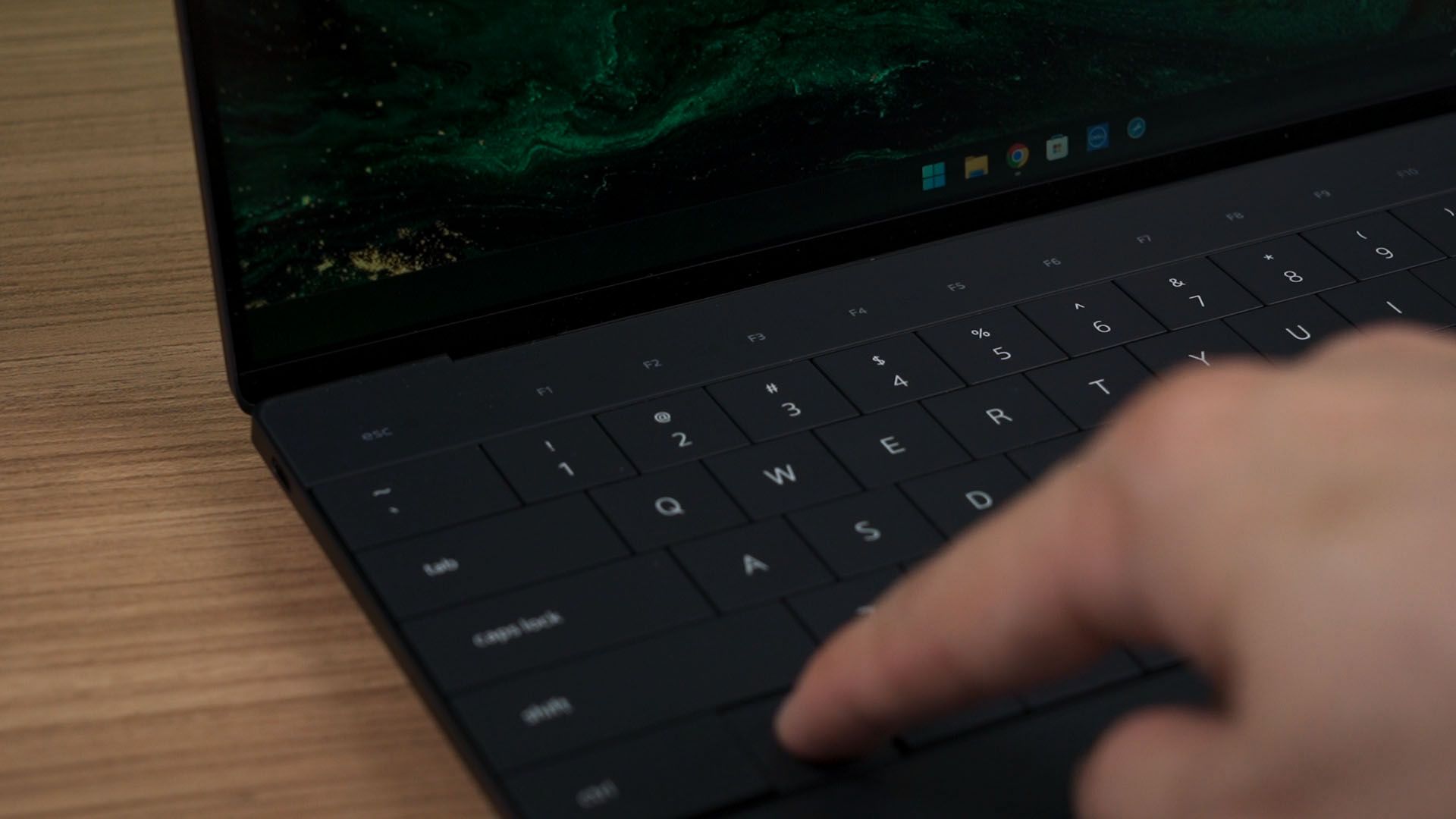
Since we’re here, let’s talk about the keyboard first. It’s the same as the XPS 16 that we reviewed earlier – it’s bouncy, has a good size, and the travel distance is good. However, the keys are a little stiff – so it does require a bit more strength to press the keys down.
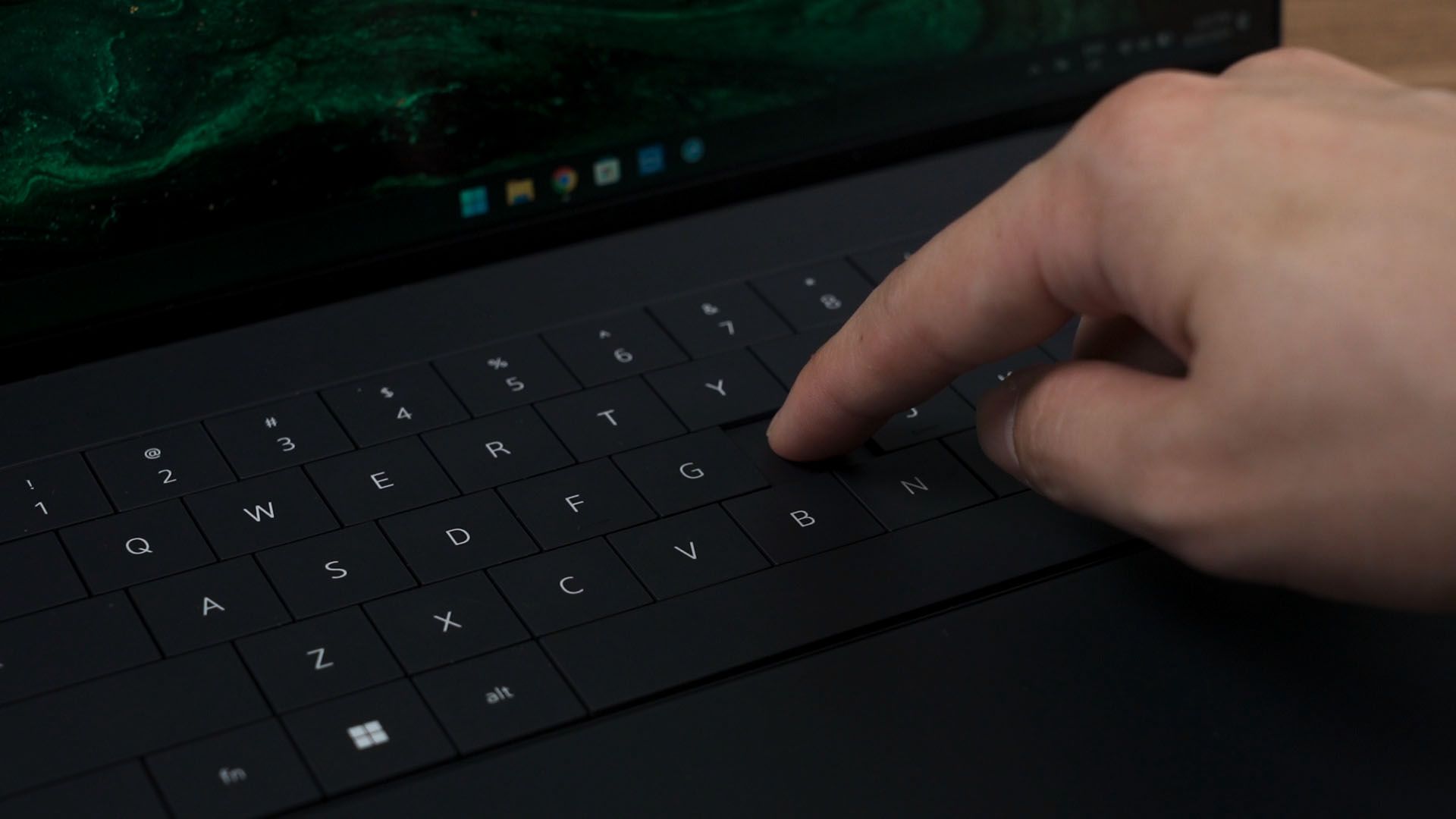
I’m still not a fan of the arrow keys, especially the half-height up and down keys.
Since the keyboard spans throughout the entire laptop, the speaker is placed elsewhere – and I’m happy to report that they actually sound fantastic. It doesn’t sound teeny even for such a small laptop – and I’m just surprised. To have a listen to the speakers of the Dell XPS 13 9345, watch our video at the top of this review.
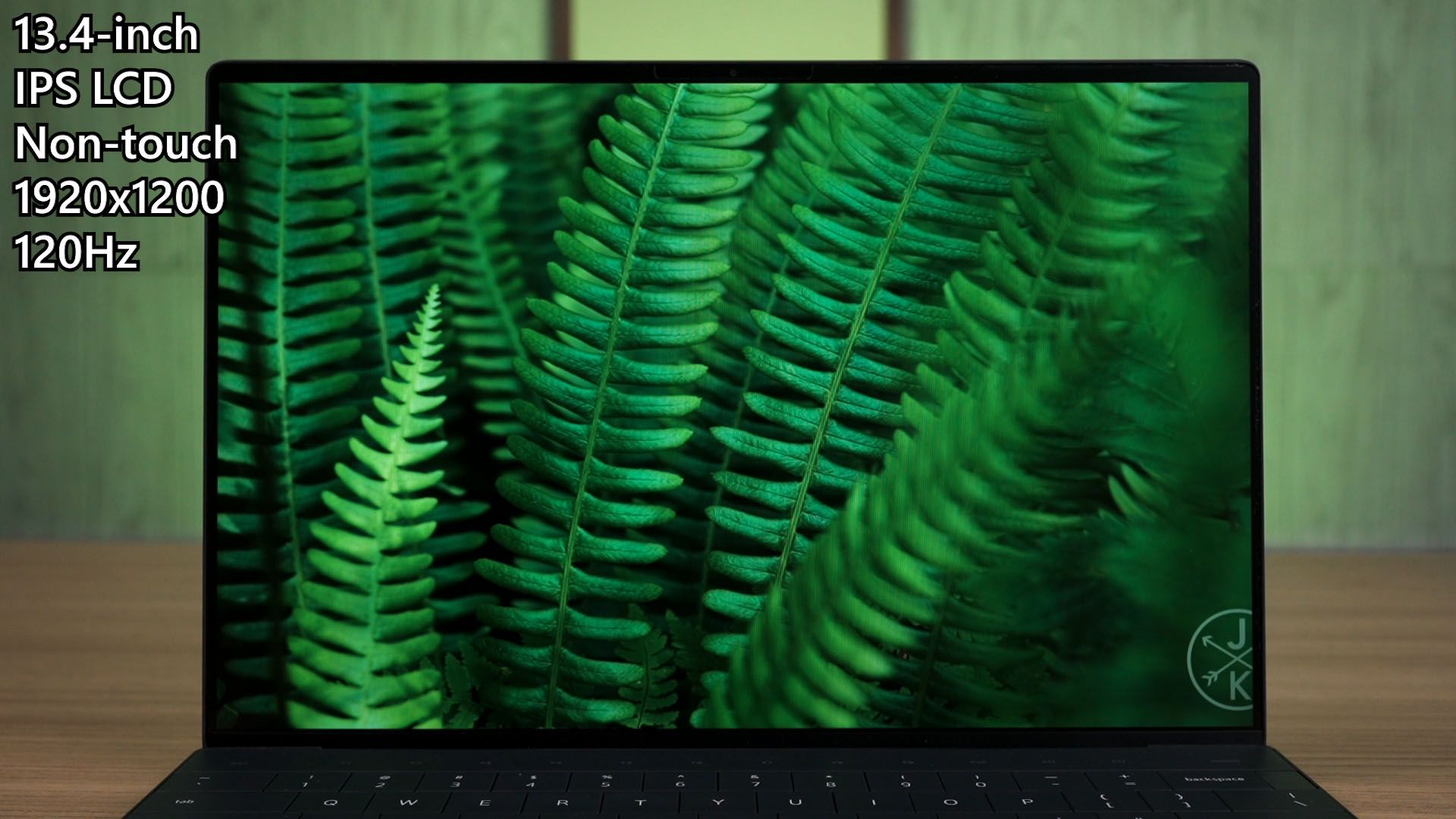
Now, let’s talk about the screen. XPS laptops always have the best-looking screens, and this XPS 13 is no different. Our particular unit here has the most basic screen available for the XPS 13. A 13.4-inch IPS LCD non-touch screen, at 1920×1200 pixels, and goes up to 120Hz refresh rate.
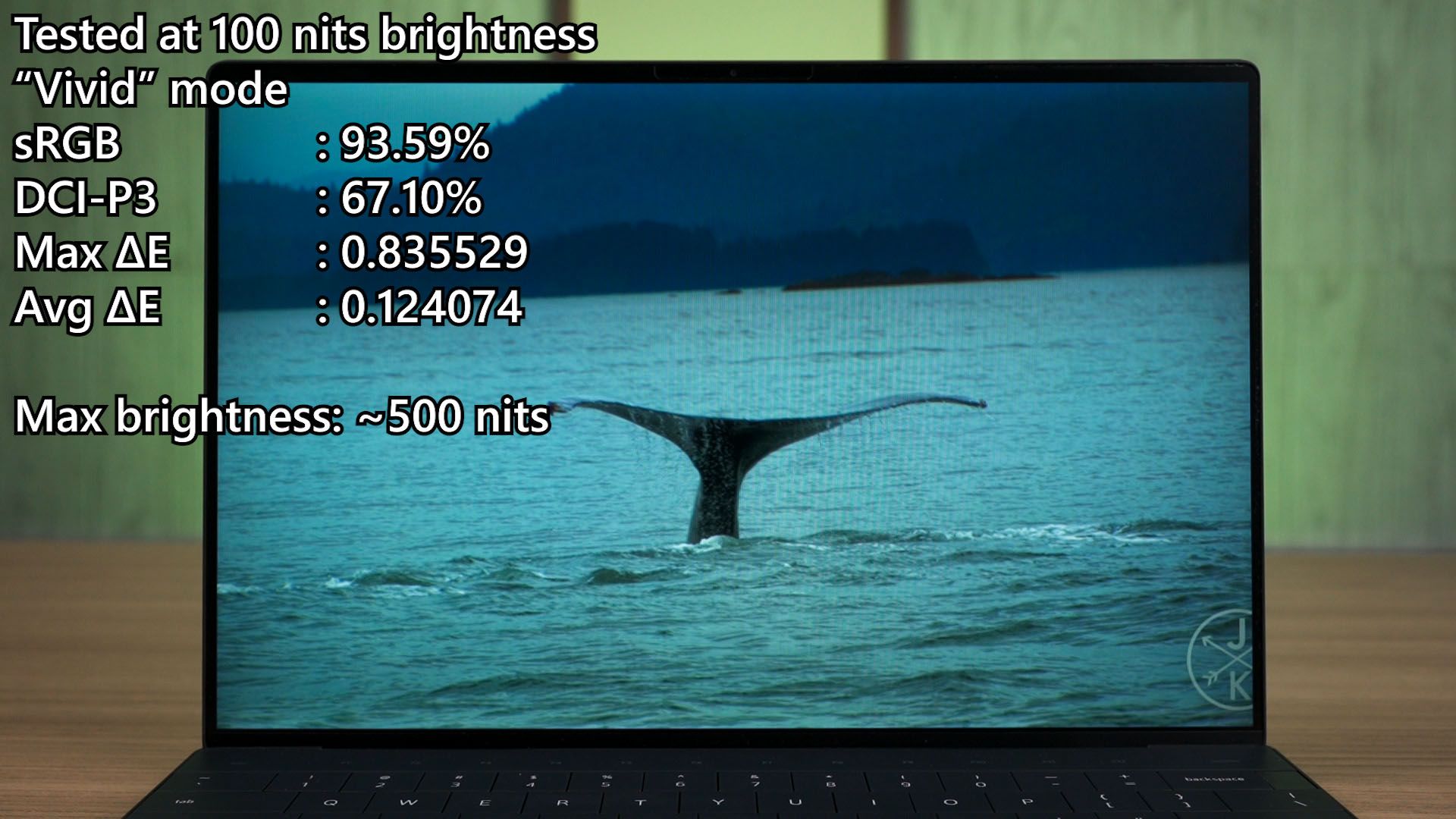
The screen is good too. It can go up to 500 nits brightness and its default mode can achieve 93.65% of sRGB with a very low ΔE number. Now, we can change the color profile to “vivid” but it doesn’t seem to do anything – just leave everything in its default settings and you’re good to go.
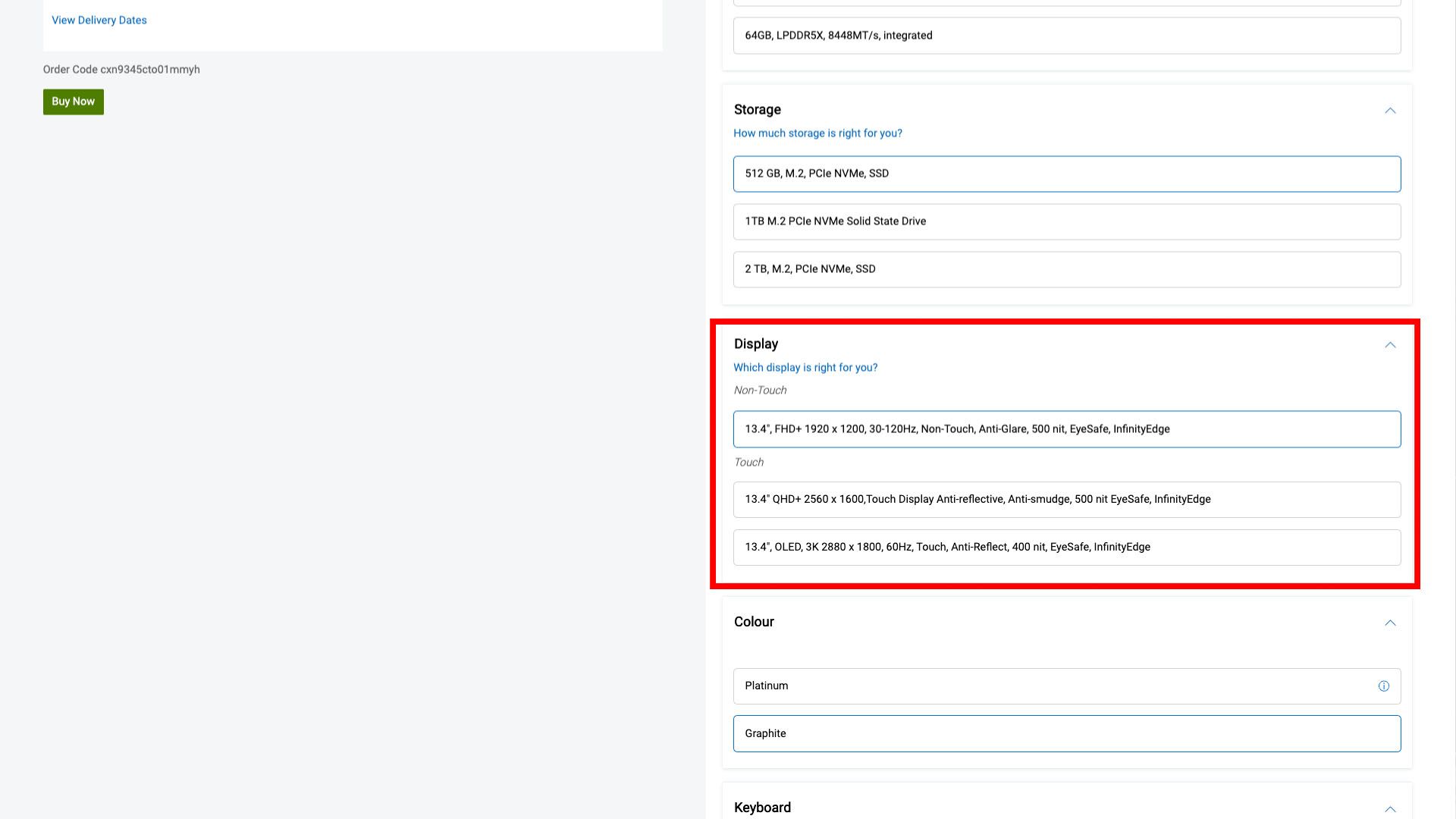
There is also an option to upgrade it to a higher resolution display with touch or go straight to an OLED screen. Either of those options will be much more expensive.
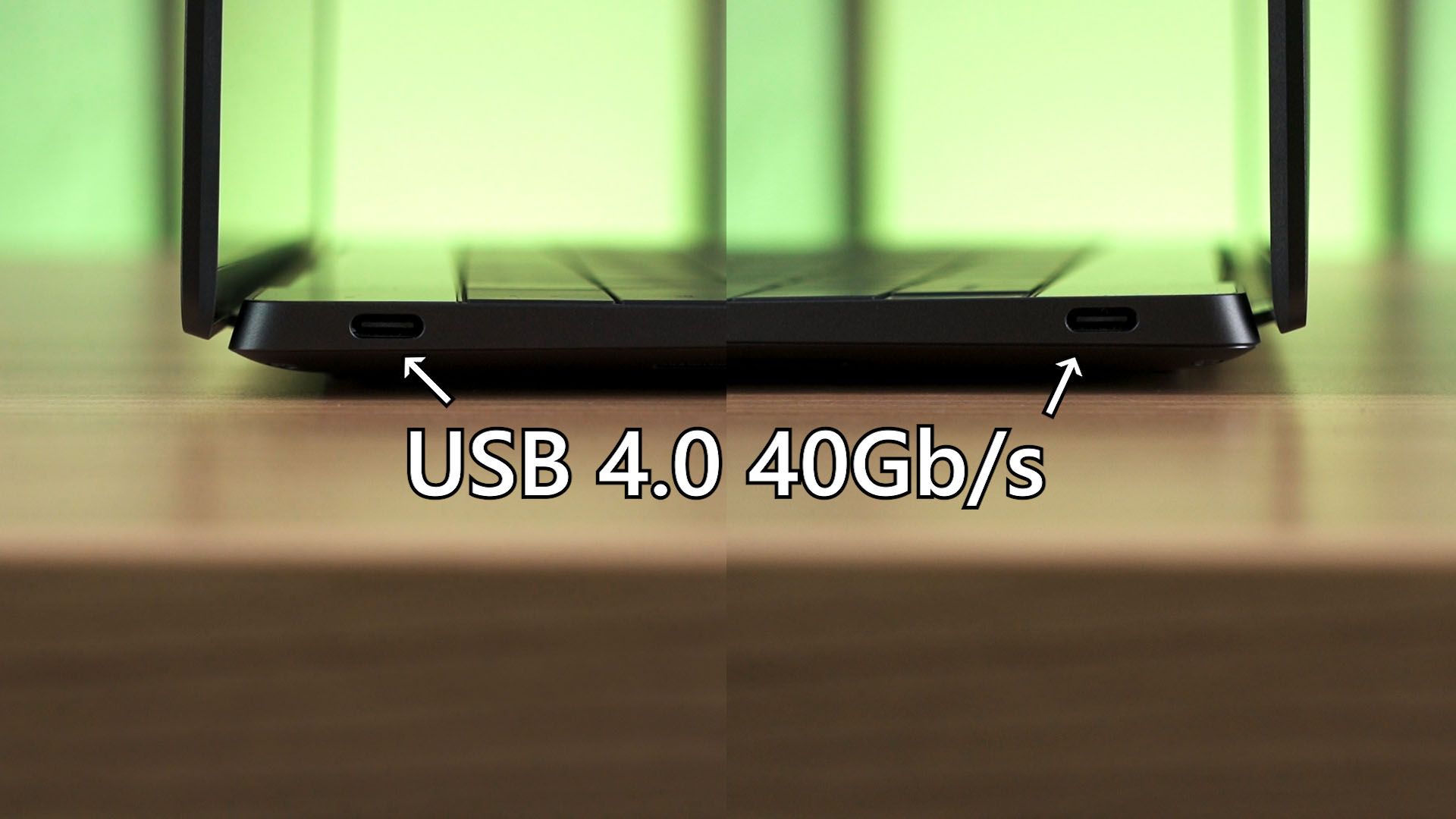
The ports though, are disappointing. Only two USB 4 40Gb/s ports, one on each side. There is no audio jack. I mean, it’s going to be really annoying if we want to use an earphone.
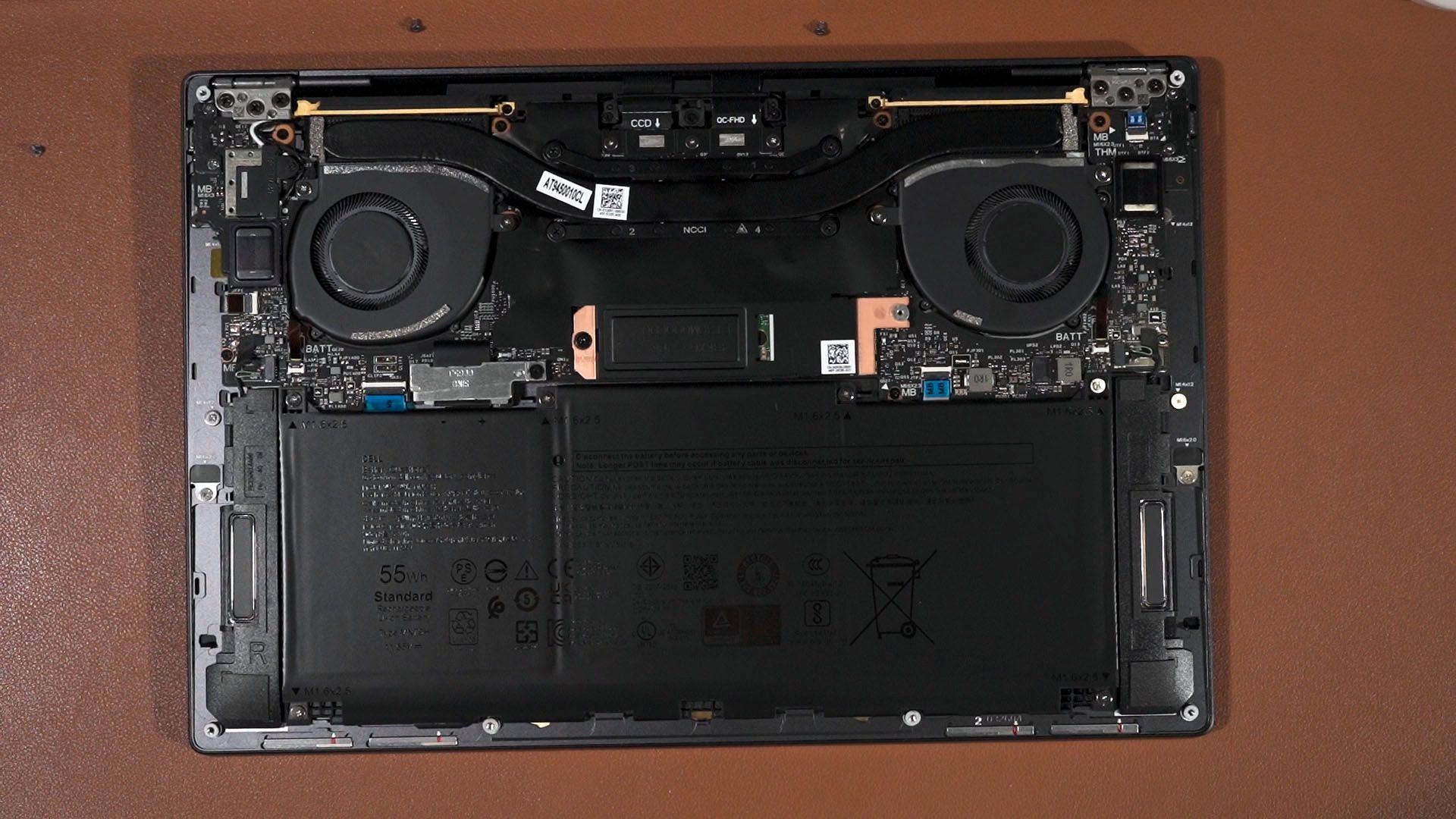
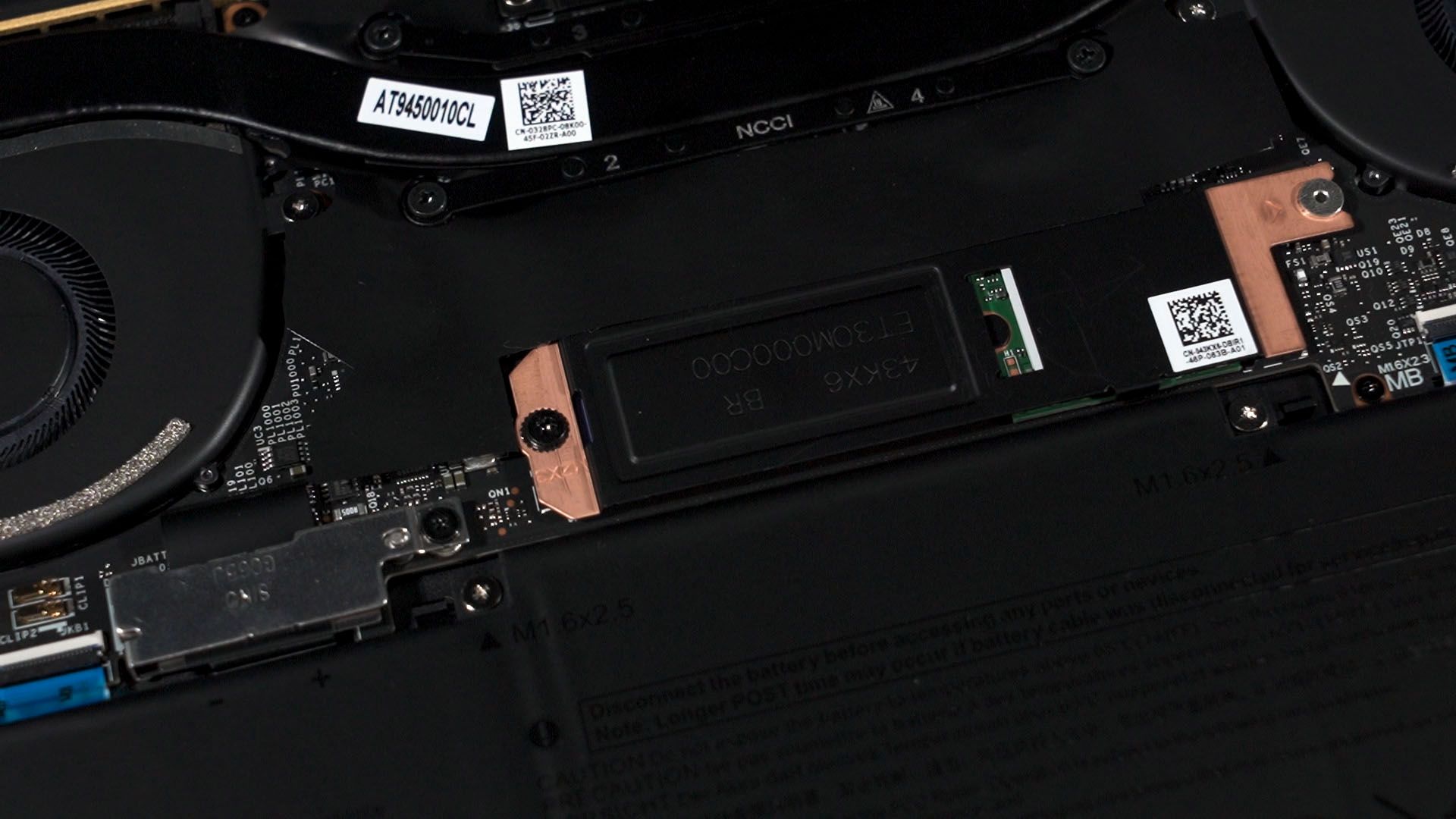
What kind of upgrades can we do on the XPS 13 9345? Well, none, actually. Everything is soldered onto the motherboard except for the M.2 2280 SSD. We can swap it out for whatever we want – and that’s it. It’s expected for a 13-inch laptop these days.
Now I know that we previously said the XPS 16 9640 is not a good laptop. It’s still an XPS laptop after all – but what’s different between that and this? It is because of the size. The XPS 16 is basically a larger version of this. Same exact build quality and materials, but larger. And this form factor does not work on a larger size. The XPS 16 is way too heavy and they tried to add a GPU inside – yet the performance is severely limited.
However, the XPS 13 works because it’s lightweight and actually pleasant to use. I carry this around way more than any other laptop I have because of its compact size.

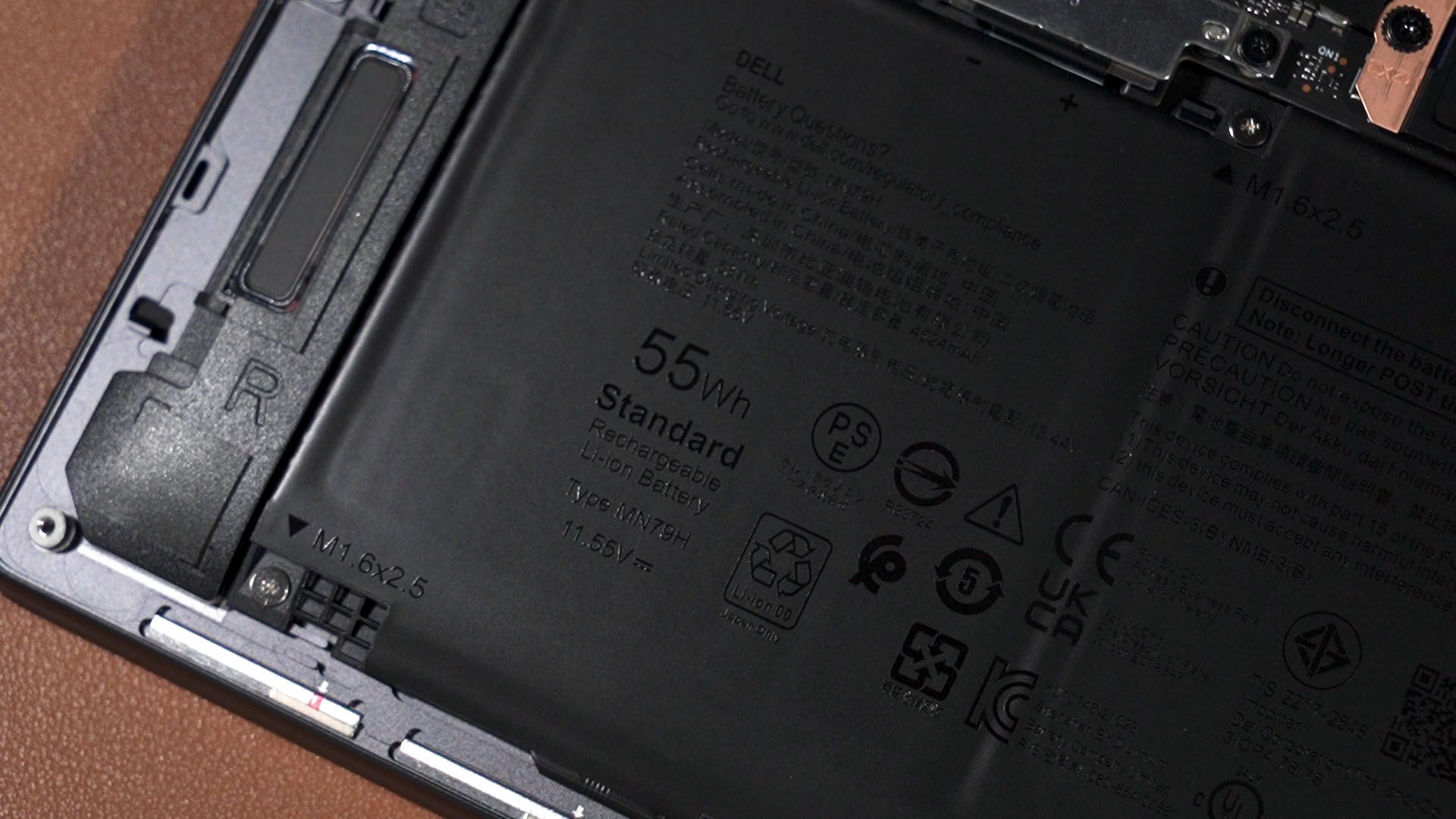
And since this is a Snapdragon X Elite laptop, the battery life is exceptionally good. I’m getting at least 8 hours on a single charge while doing my work on Google Chrome, listening to music on YouTube Music, and mixing with some YouTube videos. That’s actually amazing coming out of its 55Wh battery. Yes, only 55Wh.
It is compatible with the things I use it for – so I didn’t encounter issues in that regard. When it does work, it will work really well. It’s speedy and also very responsive.
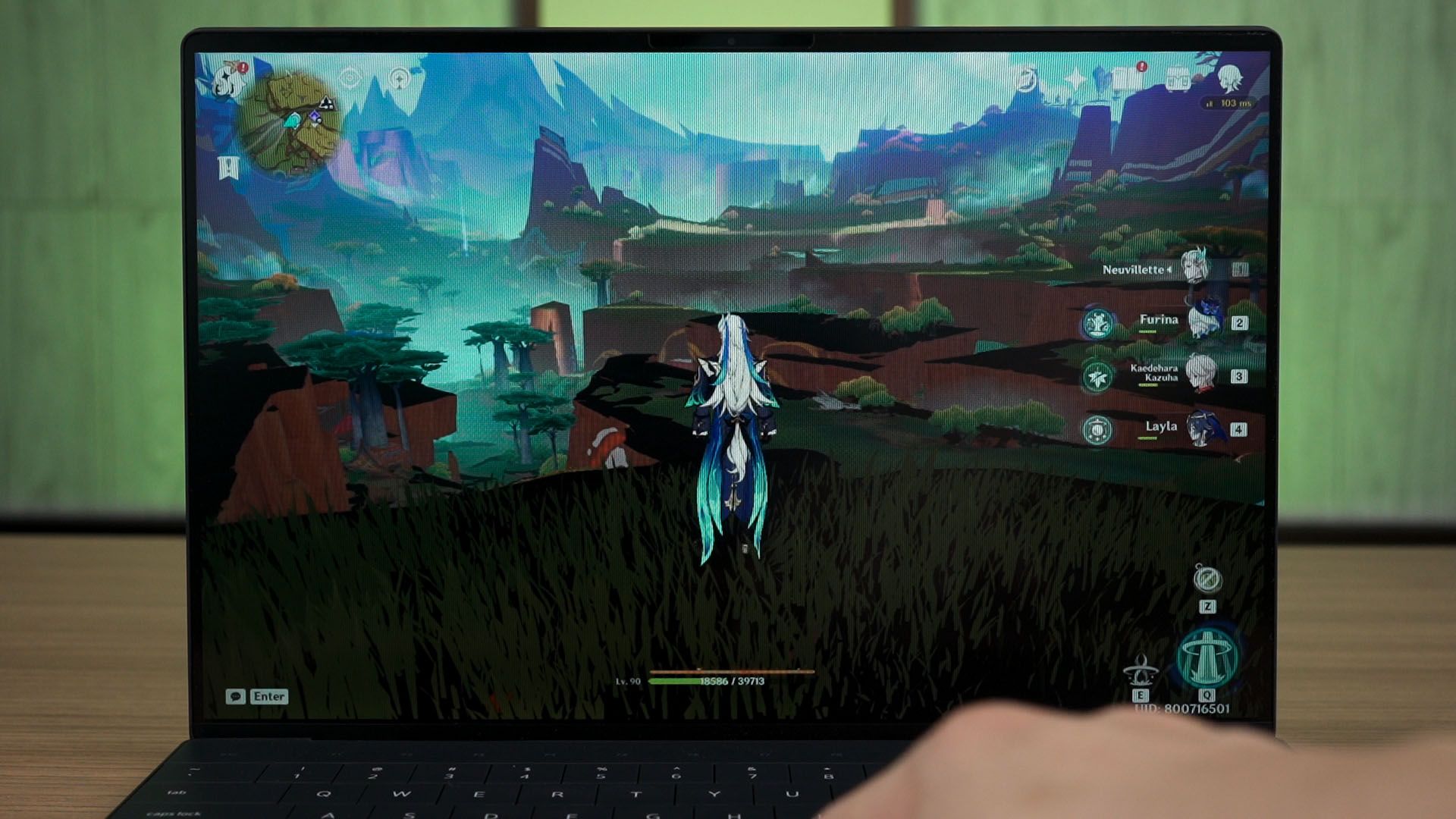
However, if I tried to play games on this laptop – then it’s not going to be a good time. Games are still not launching, constantly crashing, or just rendering the games wrongly. Sometimes, the game does launch at first but just decides to never launch again. Nothing has improved since we tested the Snapdragon X Elite a few months ago – click here to know more.
It’s just very disappointing to see both Microsoft and Qualcomm not improving things even months after its launch.
Should you buy the Dell XPS 13 9345?
And finally – the price. This specific base configuration of the Dell XPS 9345 is at RM6,999 and I think it is definitely expensive, considering that we can get a Dell XPS 13 9340 that is powered by an Intel Core Ultra 7 155H at the exact same price with the exact same design.
Getting an Intel-powered laptop is definitely not going to be as power-efficient as the Snapdragon version – but at least we don’t have to worry about incompatibility issues.
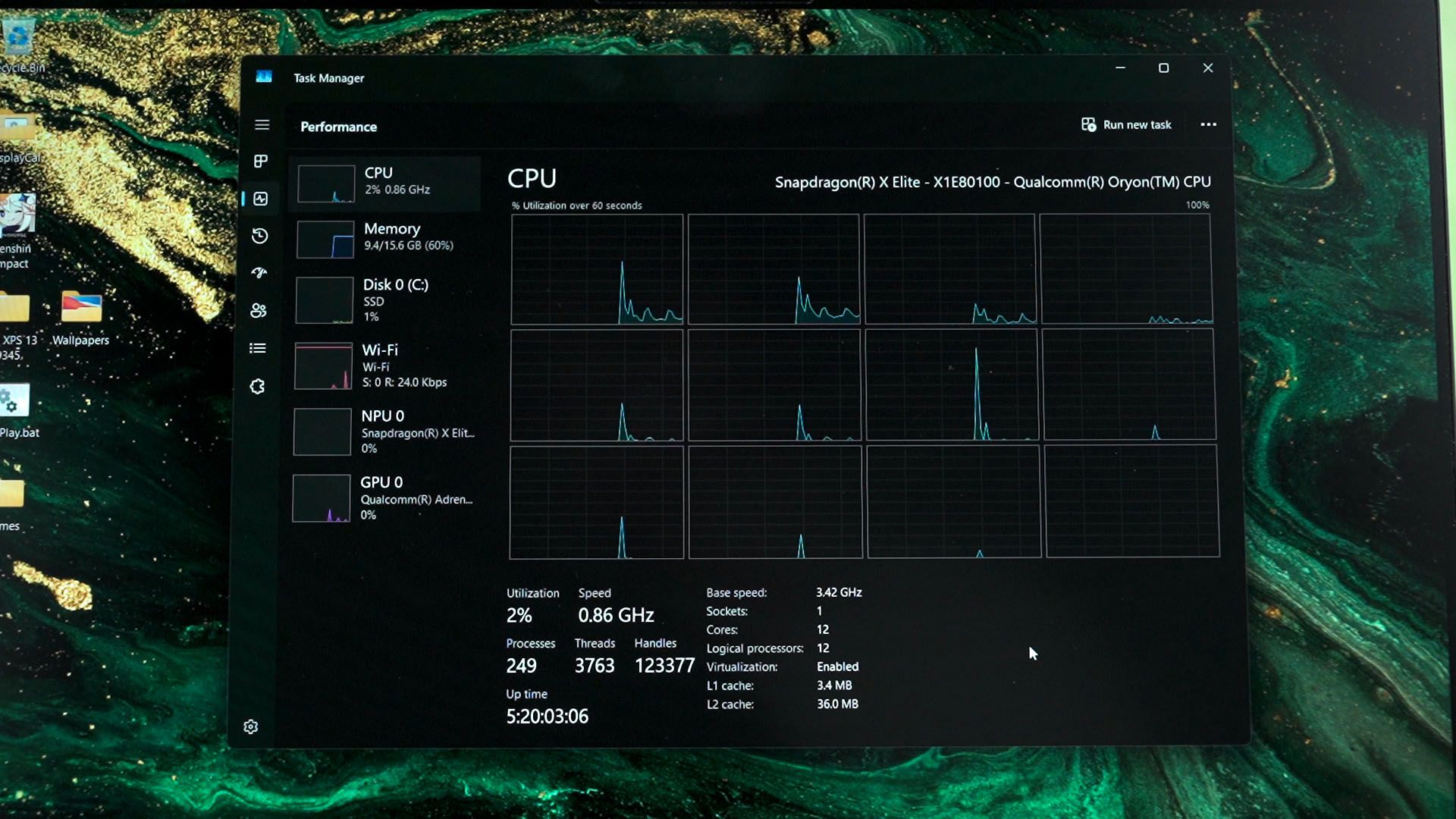
I honestly think that the XPS 13 is a great design with its size and weight, but the lack of an audio jack could be an issue for many people. The Snapdragon chip is an entirely different issue, so I recommend that you stay away from the Snapdragon X Elite unless you know what you’re signing up for.
Where to buy? (Affiliate links)
Like our Facebook Page here at NasiLemakTech.com for more news and in-depth reviews! Also, join our Facebook Group for insightful information and memes!
Subscribe to our YouTube channel too!