



When Samsung announced the first Galaxy Fold back in the year 2018, we joked around saying that it would be an amazing device if it has Samsung’s S Pen support and even mentioned that the S Pen could be hidden inside the device like the Nintendo DS. Perhaps for the Fold, the S Pen can be hidden inside the hinge area – that’ll be great.
Fast forward to today, and here we have it. The Galaxy Z Fold3 with S Pen support. It’s a dream come true for many people like me who just can’t live without a pen nowadays since having a pen is just so much more convenient to draw stuff with. Certain things are best conveyed through illustrations and diagrams compared to just plain words.
I bought this piece of accessory. It’s Samsung’s official Galaxy Z Fold3 Flip Cover with S Pen Fold Edition. Since this accessory is a two-in-one, we’ll be breaking this review into two parts – starting with the unboxing.

Ripping the packaging apart, we get a few things in total:
- The flip case
- The S Pen Fold Edition
- Some extra nibs and a tool to change the nibs
- Documentation
S Pen Fold Edition
As we mentioned at the beginning, this is a dream come true. This foldable device makes sense since it’s that bigger screen makes it so much better to draw on a bigger screen.
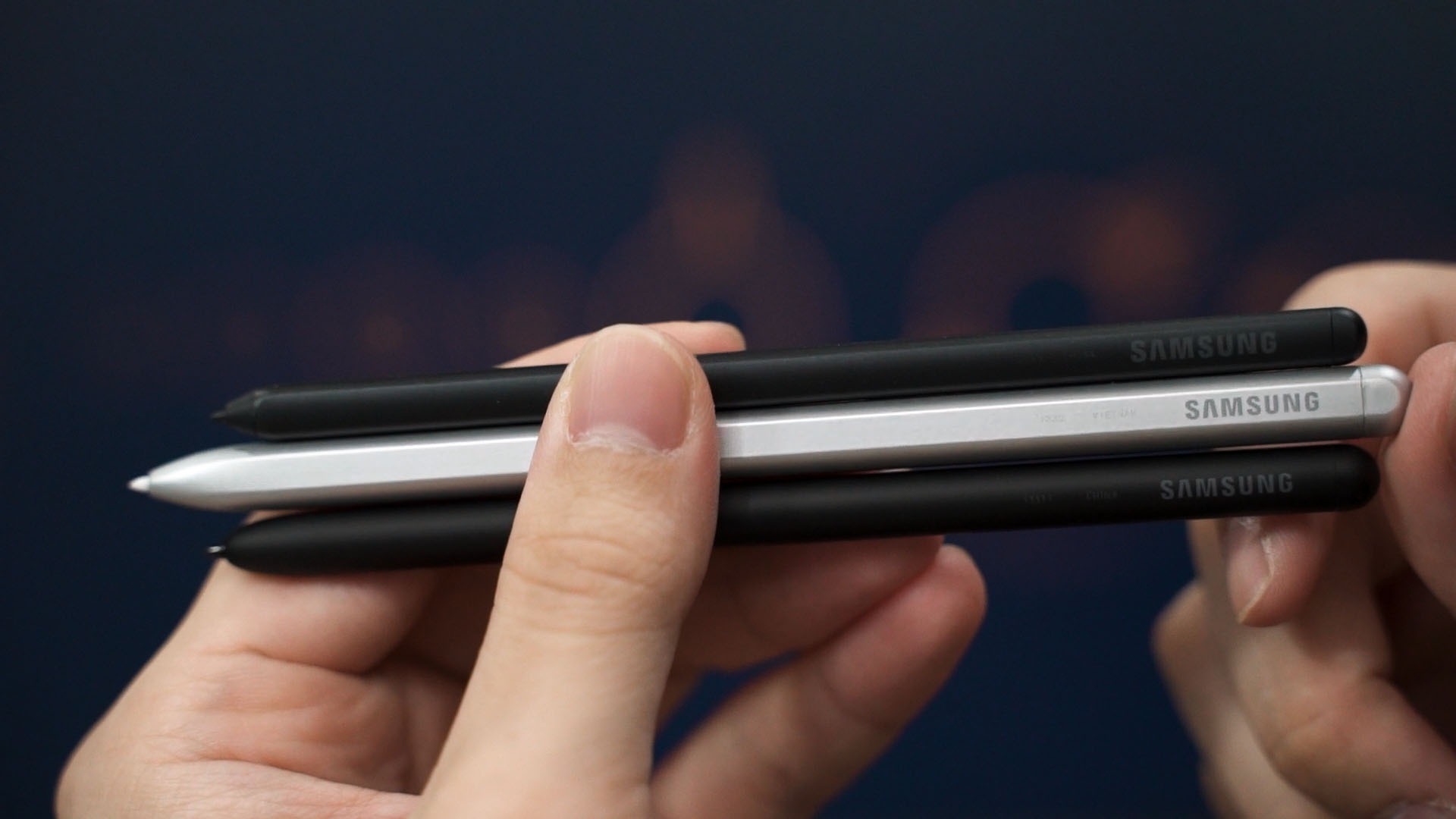
And the S Pen’s design plays a big role in terms of the experience while drawing, too. The S Pen Fold Edition is more similar to the Galaxy Tab’s S Pen as compared to the Galaxy Note’s series of S Pen. It’s for the better since the thicker body feels more like a real pen rather than using a twig to write on the screen.
I can also hold it with a tougher grip since this S Pen Fold Edition is sturdier, too.
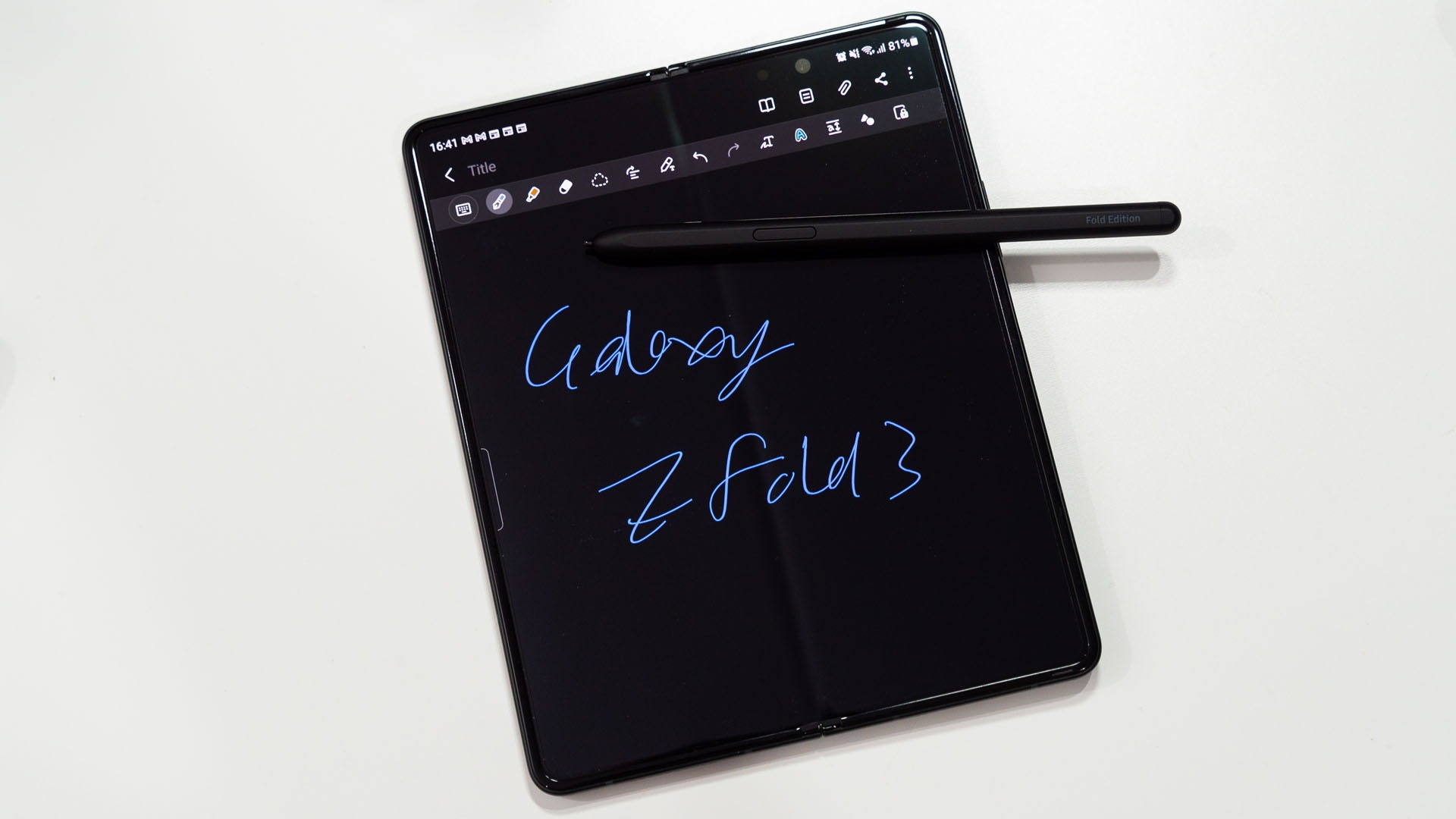
It also has a single button on the side here – which is the same as any other S Pens in the past. But, this is a passive S Pen so there is no Bluetooth LE connectivity to wave it like a magic wand a la the Galaxy Note9, Note10, and Note20 series of smartphones.

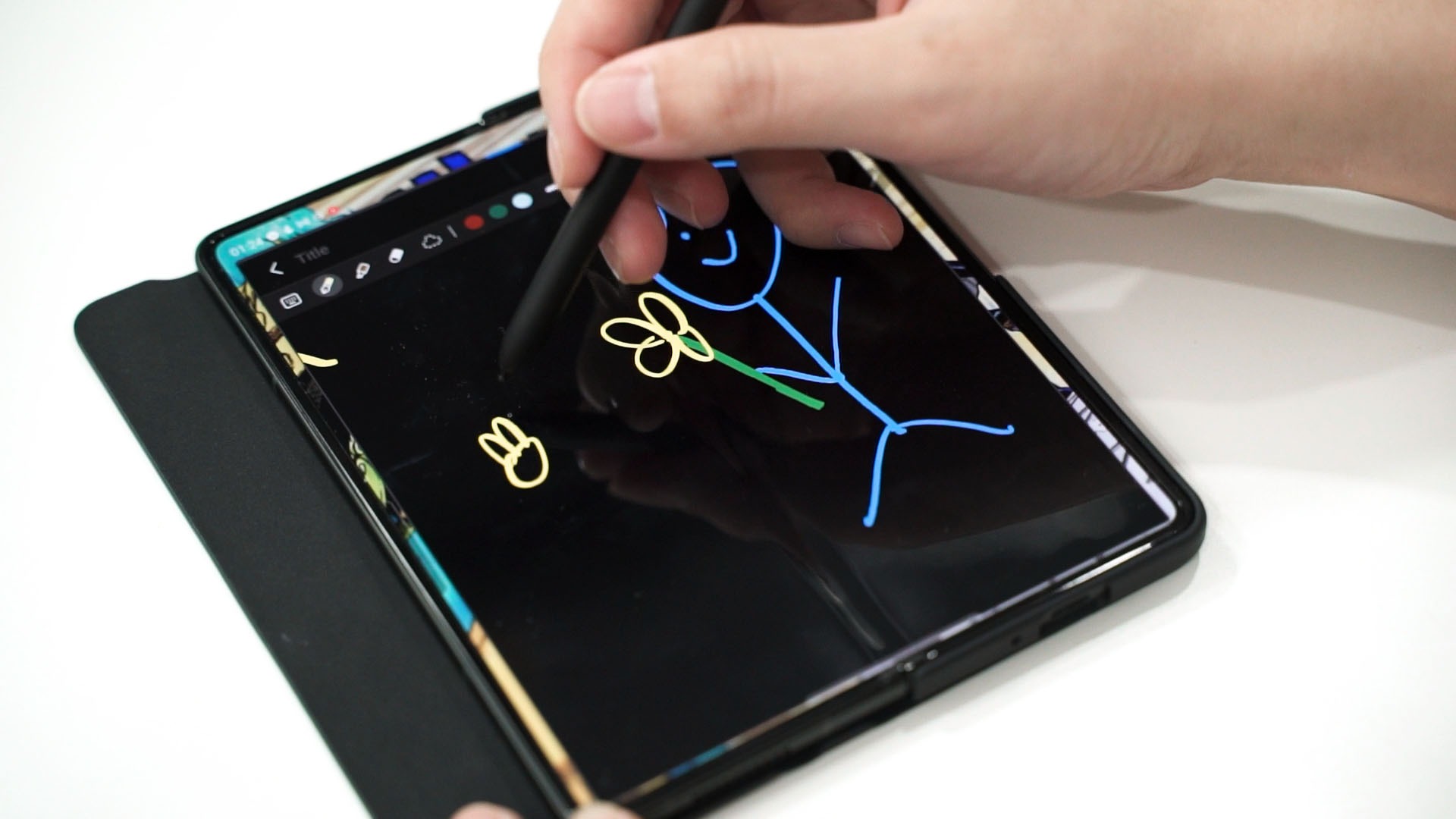
With that said, all of the features found on previous generations of Samsung devices are also found in the Galaxy Z Fold3. Air Command – my favorite utility when it comes to stylus shortcuts – is also present, and writing on it feels a little surreal.
You see, Samsung published a video detailing how they developed the S Pen Fold Edition, starting with the screen’s digitizer, all the way to the S Pen’s rubber nip, and also an inclusion of an internal spring to automatically retract when writing on the screen.
These are all technicalities that… while it really made the engineer in me go wild, it’s also impressive that these changes to the S Pen aren’t felt by the typical consumers while writing.
I mean, let’s do a quick comparison here. I have the Galaxy Tab S7 FE with me here. It comes with an S Pen and we’re writing on a hard piece of the glass screen, like any other Samsung device in the past. It feels good to write on – and we all know what.
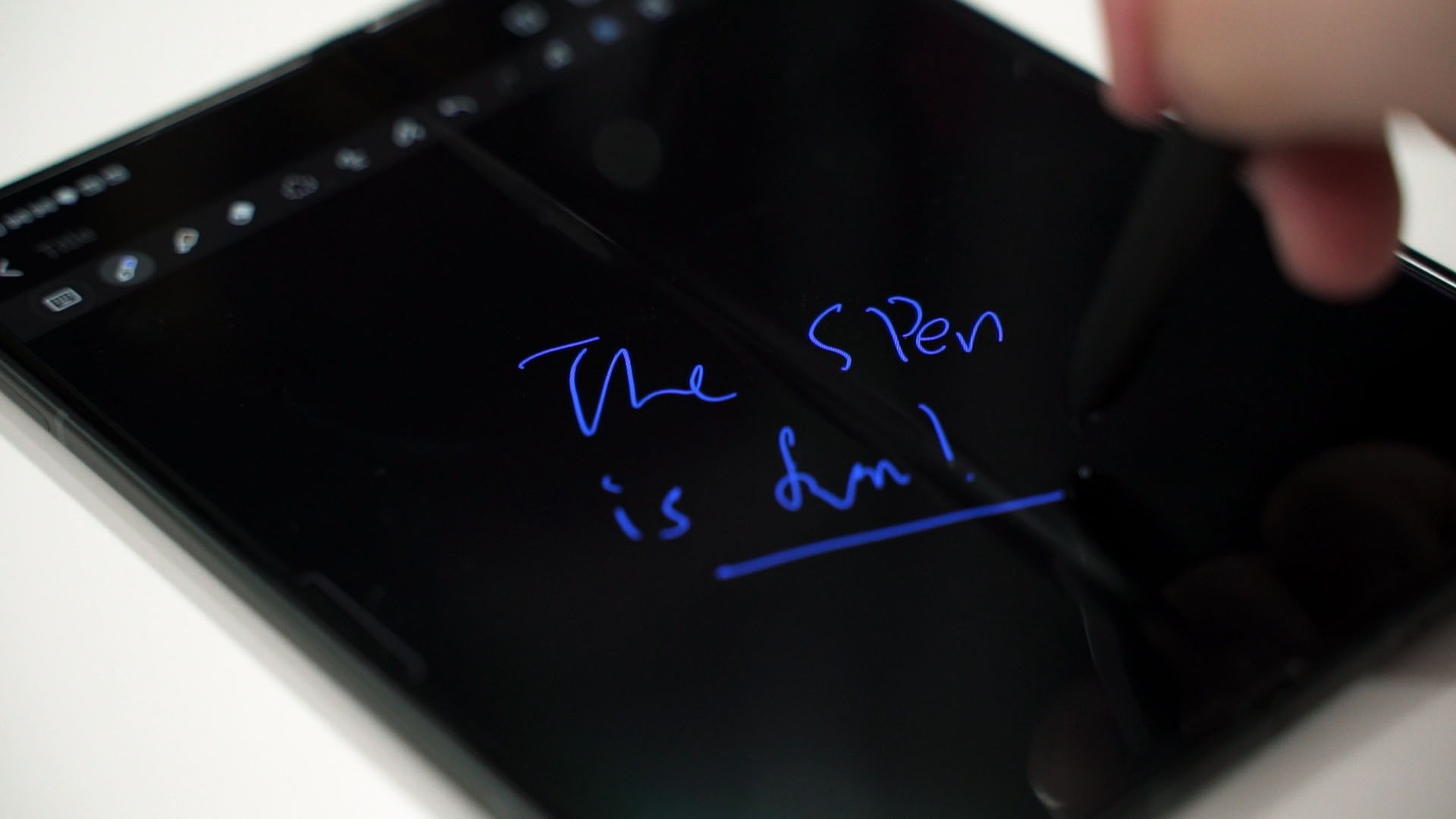
Then for the Galaxy Z Fold3, because the inner display is not a hard piece of glass – since it needs to fold after all – but it feels… exactly the same. In some ways, I think the PET screen protector on the Galaxy Z Fold3 makes the S Pen glide on the screen with less friction compared to glass.
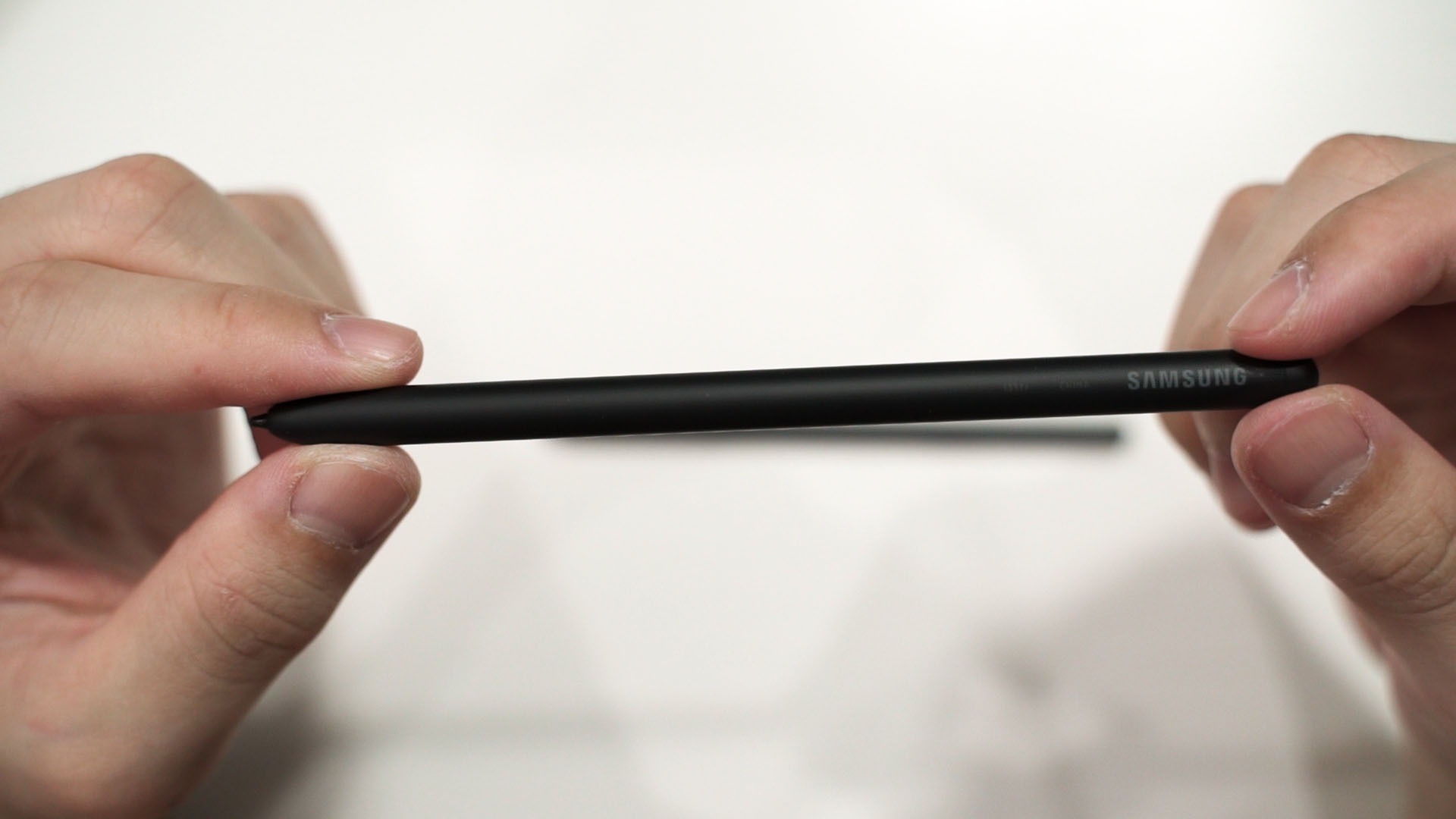
That internal spring that Samsung mentioned? I really don’t feel the S Pen retracting. Perhaps the spring did absorb the force just enough to make sure it doesn’t exert too much pressure on the screen and not hindering the writing experience. Either way, the S Pen writing experience feels the same.
But the digitizer of the S Pen. Since this is a foldable display, the digitizer was ultimately split into two parts but controlled by the same brain. The gap in the middle is filled in using software – and to be honest, if I didn’t know about this technical aspect of the Galaxy Z Fold3, I wouldn’t even have the slightest idea that this is how the S Pen functionality is implemented.
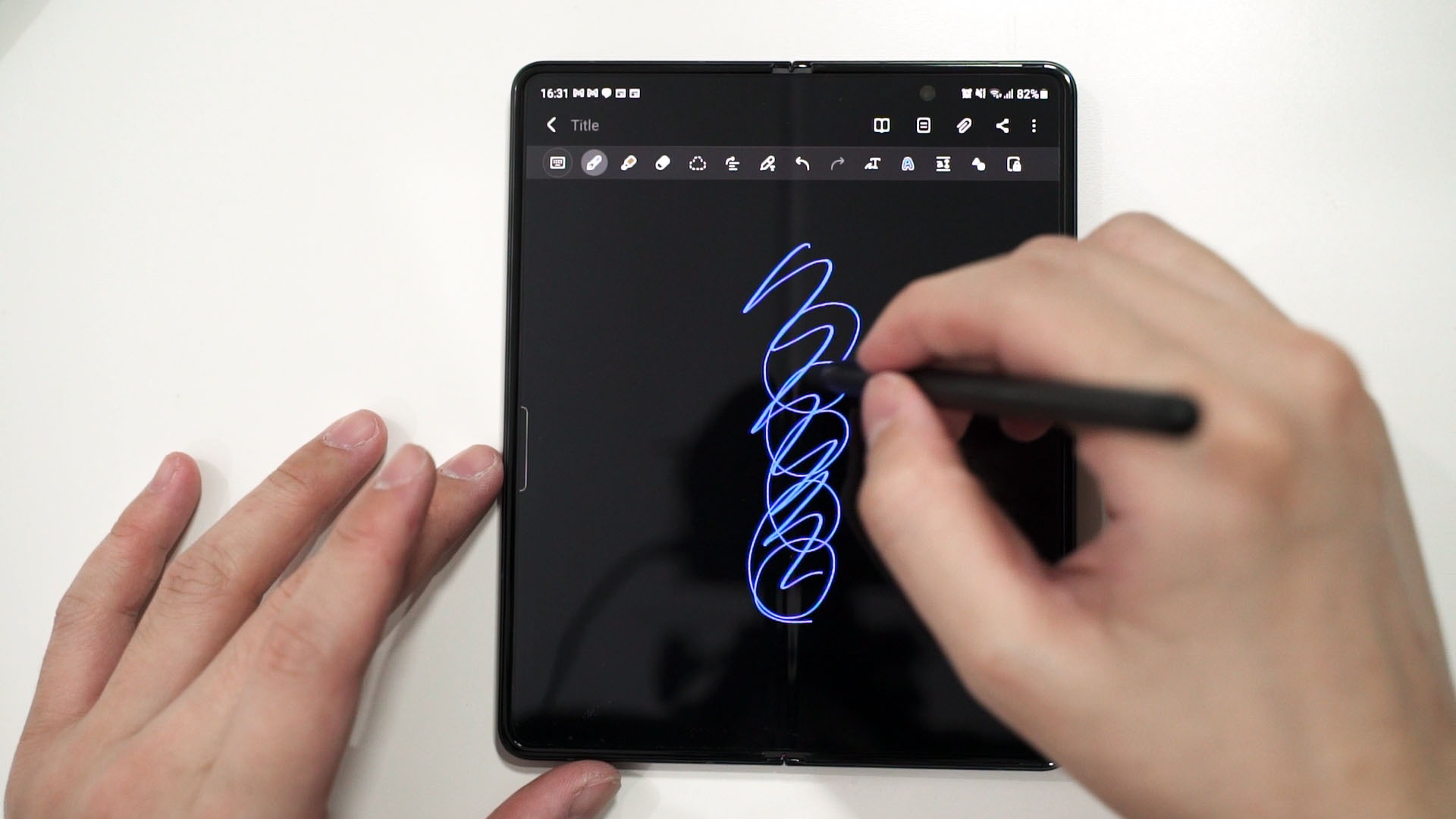
I do admit, writing across the Galaxy Z Fold3’s crease is a bit weird and it does take some time to get used to. Sometimes if I write across the crease too quickly, I’ll get some liftoff distance due to that crease and that broke my line. It definitely takes some time to get used to.
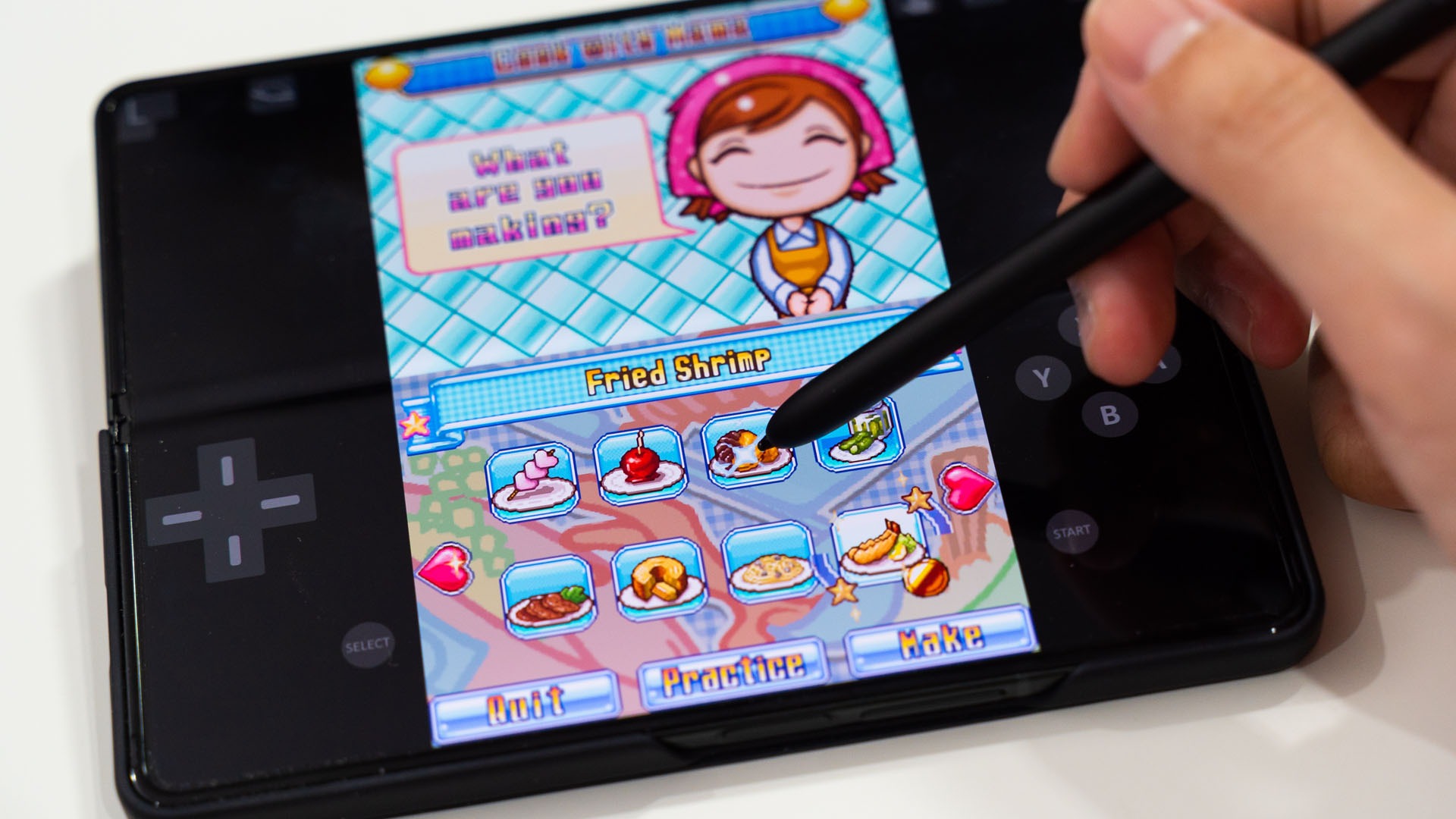
Like what we mentioned when we talked about game emulation on the Galaxy Z Fold3, using the S Pen makes it feel like a Nintendo DS Pro or something like that. I enjoyed playing Cooking Mama on it and that game requires some intense tapping and scrubbing with the S Pen.
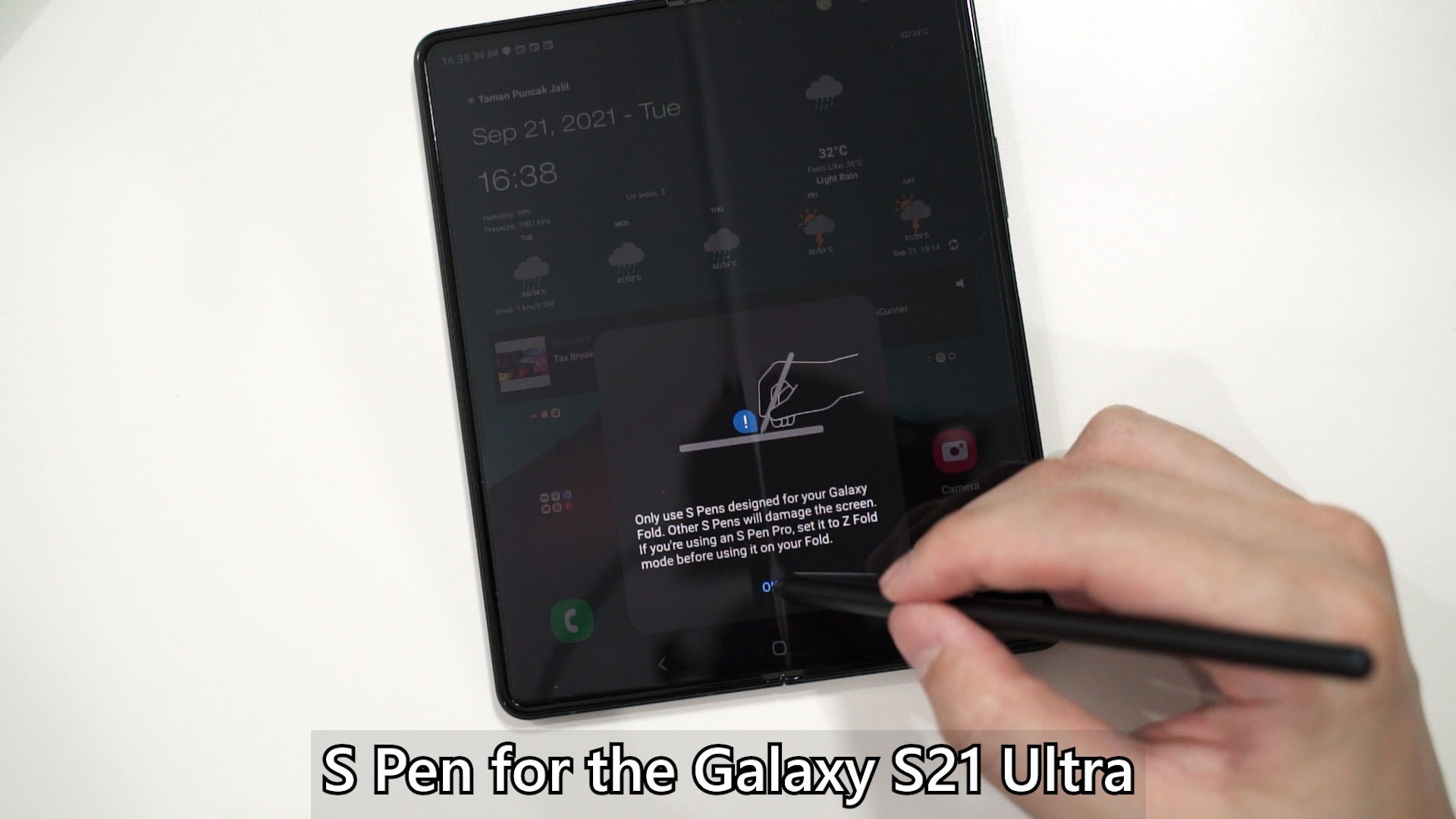
With that said, the S Pen Fold Edition looks and feels like any other S Pens while writing. Its internals, however, is different. The Galaxy Z Fold3 and this S Pen Fold Edition are made for each other and living in their own bubble. No other existing device or S Pens are cross-compatible.
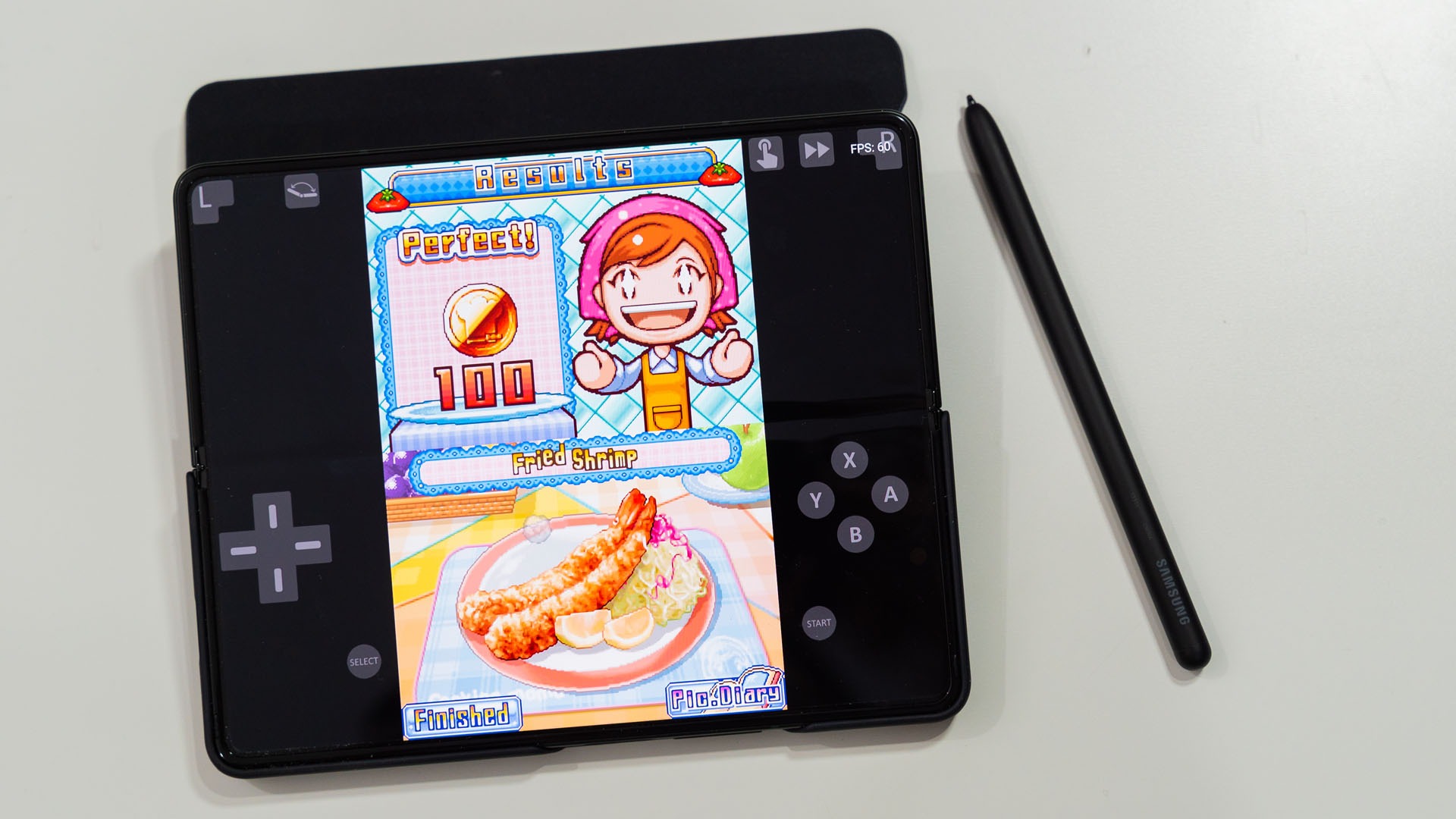
While I can understand why that is the case, it still feels like a slippery slope down to “one new variation of S Pen per device” territory. Hopefully, that’s not the case. Also – as a quick mention, the cover display is not compatible with the S Pen. It’s not a big deal, but I just instinctively used the S Pen on the cover display when I had the pen in my hand just to realize that it doesn’t work.
If you’re looking to just buy the S Pen alone, then you can! The price is RM199.

That Galaxy Z Fold3 Flip Cover…
This is a funny story. When the Galaxy Z Fold3 was launched in August, I saw this flip case and I knew I won’t like this case because of that front flap. One of the images shown was the protruding front flap while the device is unfolded.
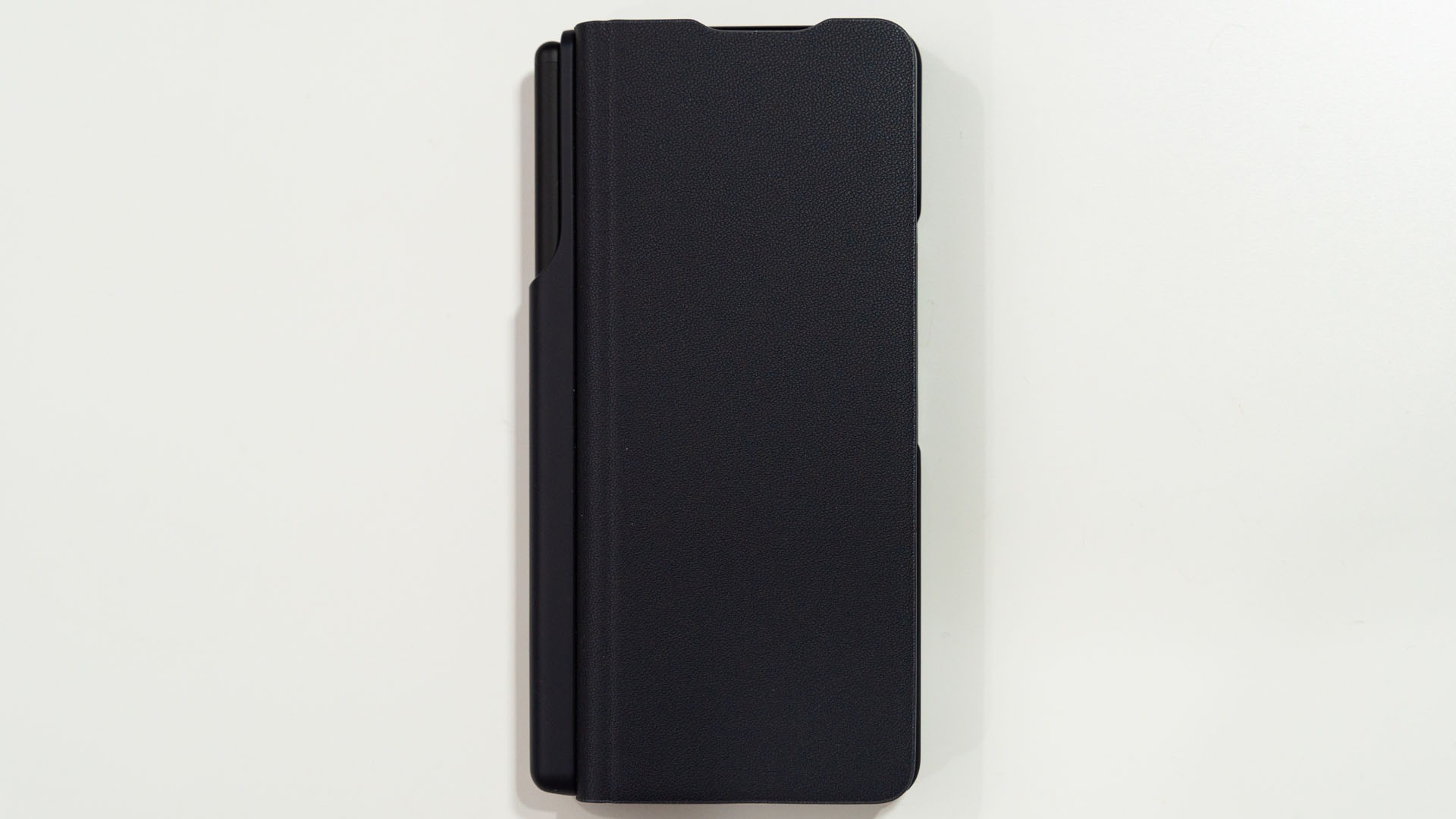
I mean, Reddit seems to agree as they have resulted in more… extreme solutions by chopping off the front flap. But that’ll leave the S Pen part dangling.
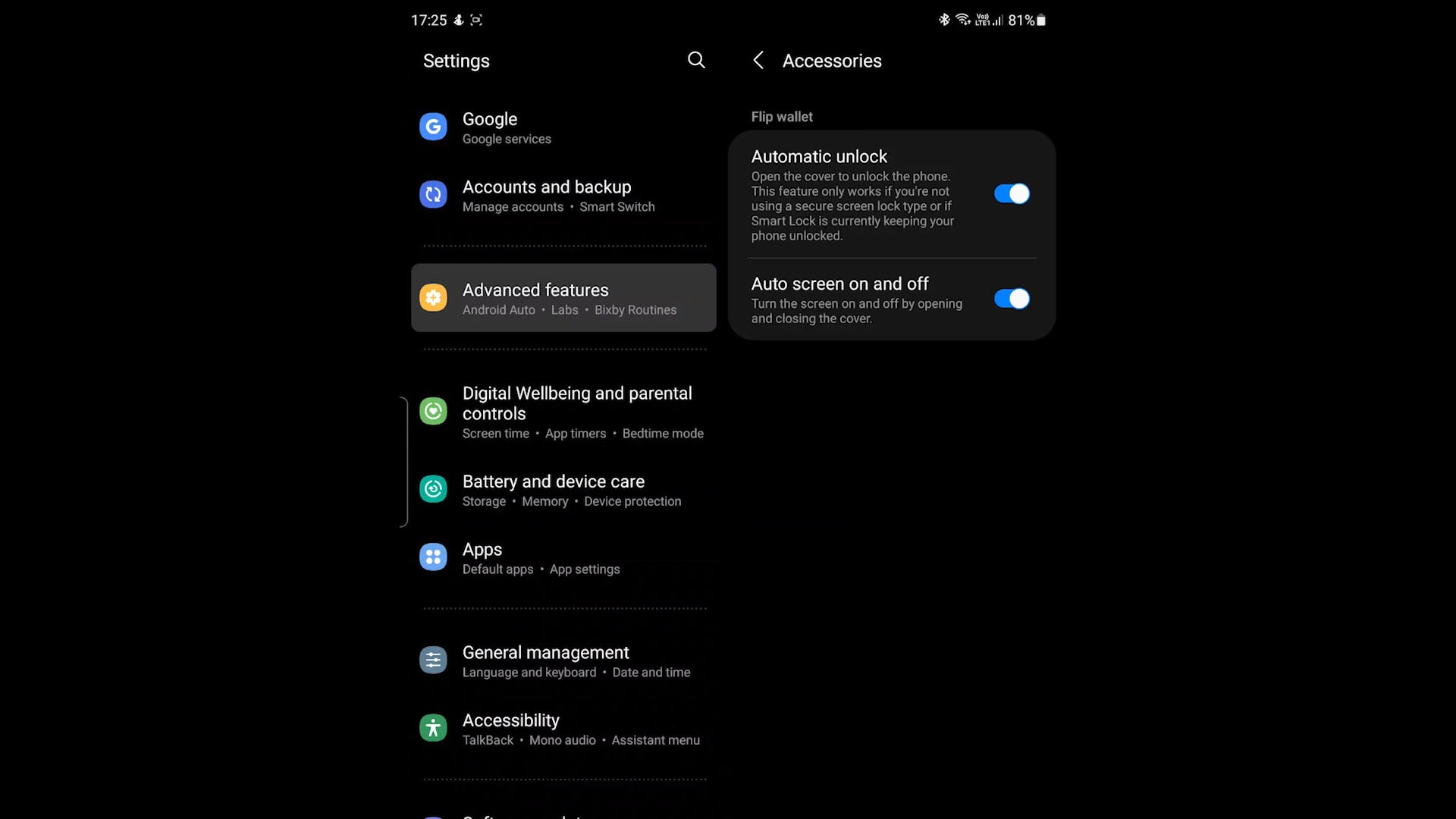
Oh – speaking of that, opening up the flip cover will wake the device up. But, since the front flap is so dangly, the screen can keep waking up while it’s in the pocket, thus wasting precious battery life.
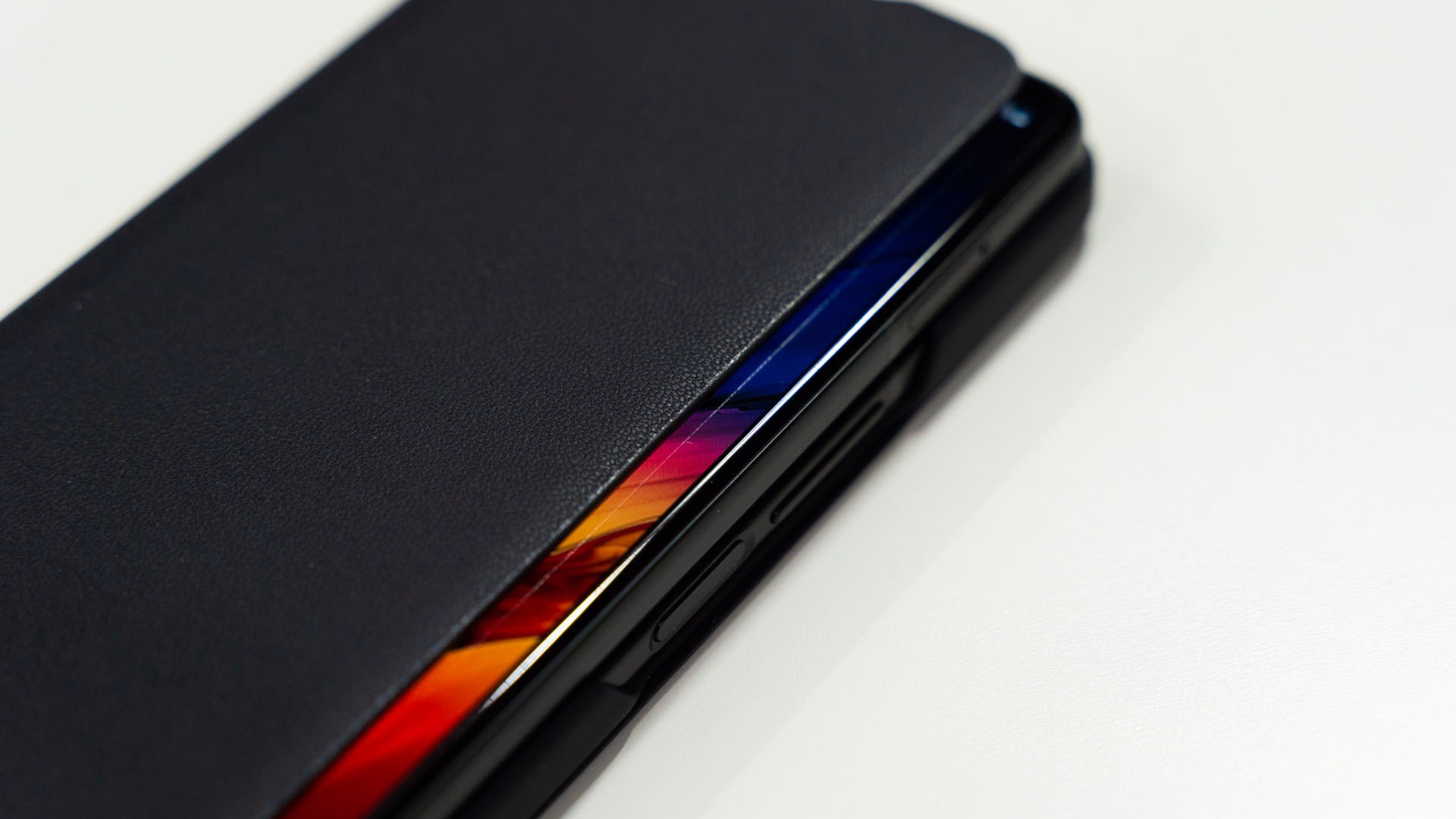
There is a new software update for the Galaxy Z Fold3 that gives us the option to disable this feature.
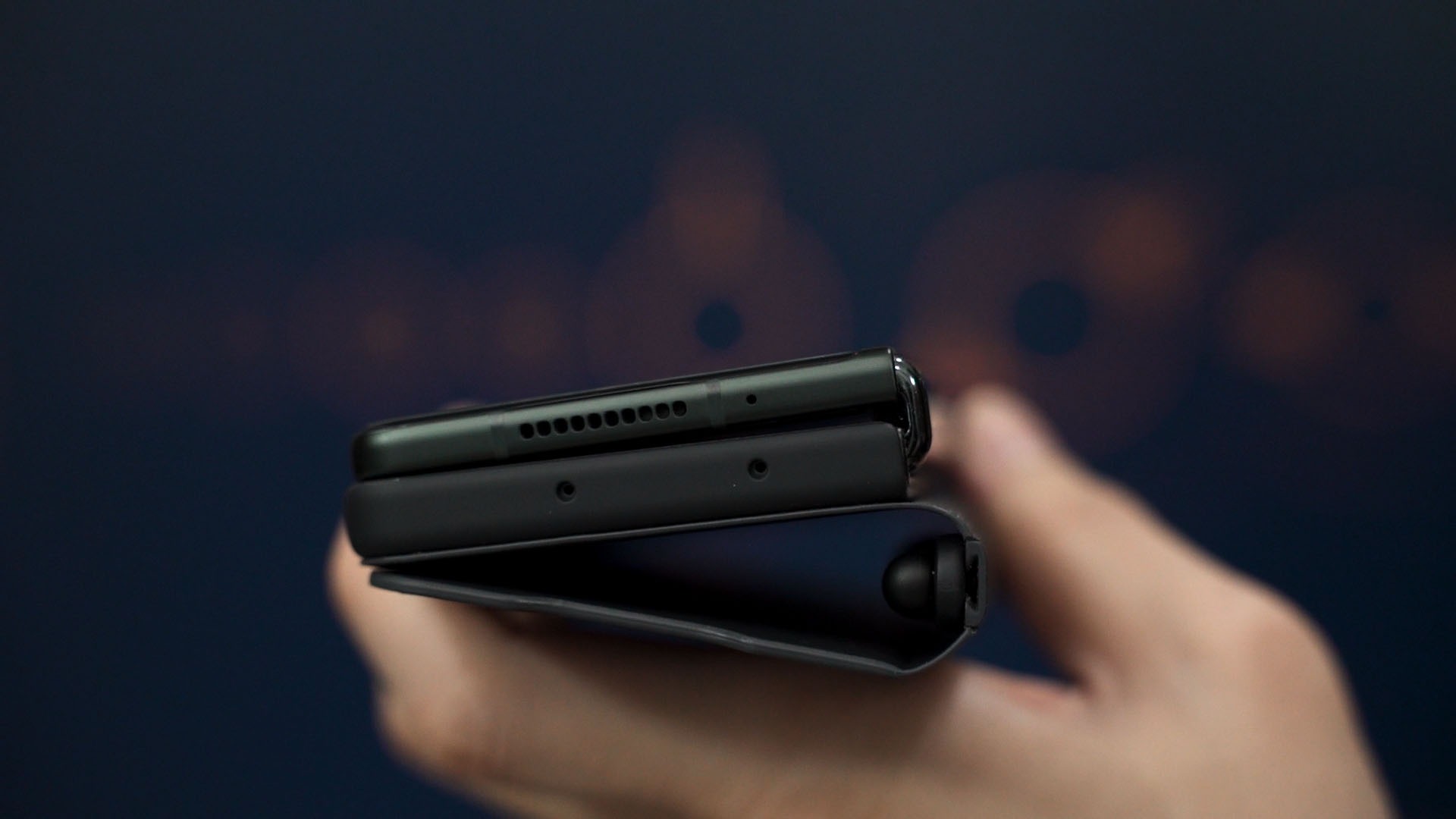
This case is also an abomination for left-handed phone users like me. The cover display is going to be difficult to reach thanks to the extra thickness. Reaching the power button is also a problem since there’s a lip that juts out and obstructs my finger.
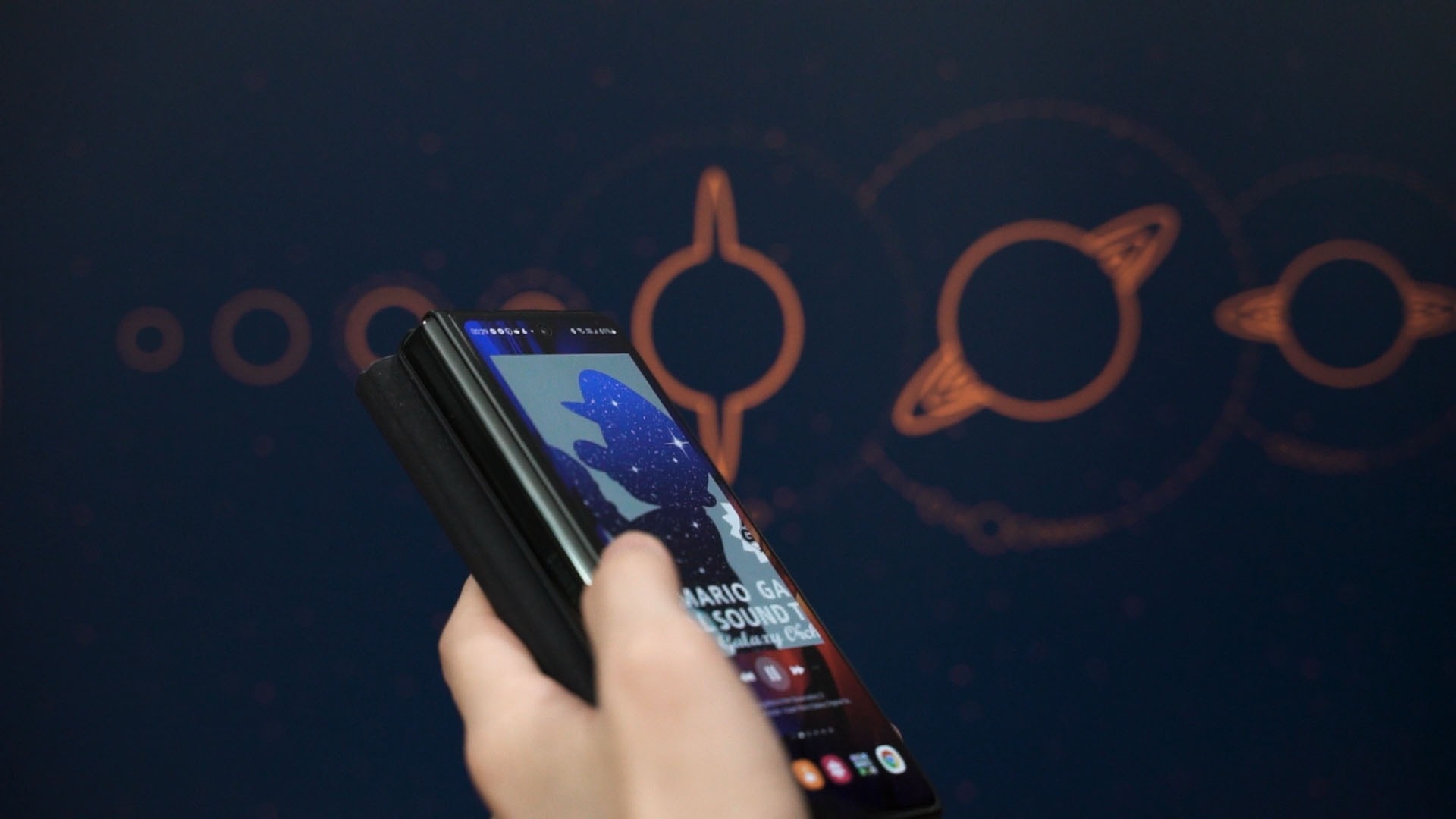
But, I do have a love-hate relationship with it now. Once unfolded, the protruding flap is… somewhat fine with me since I can grab on the S Pen holder for some grip. And the S Pen holder also provided me somewhere to grab and hold the device while unfolded.


Still, I find myself kind of liking this case eventually. If I want to check something real quick, just flick the case and face unlocked the phone, then I can proceed to use the device.
I bought this knowing that I probably won’t be using the flip case, but still need something to hold the S Pen while other third-party case manufacturers come up with their own case designs.
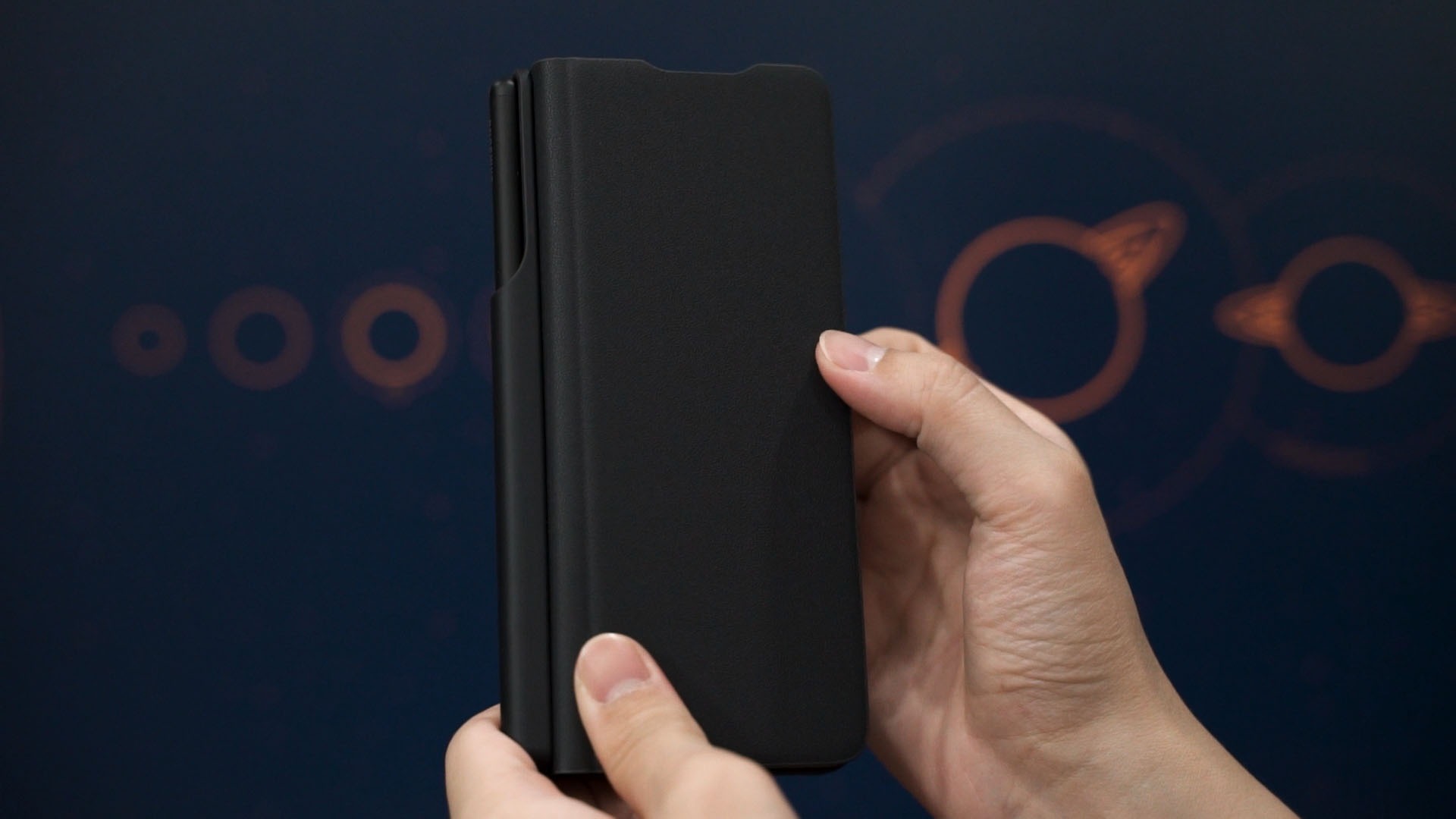
By the way, the entire S Pen holder is slid into the flip case via a track on the hinge area. You can essentially ditch the flip case and stick this S Pen holder into another case. Or just carry it in your bag or pocket.
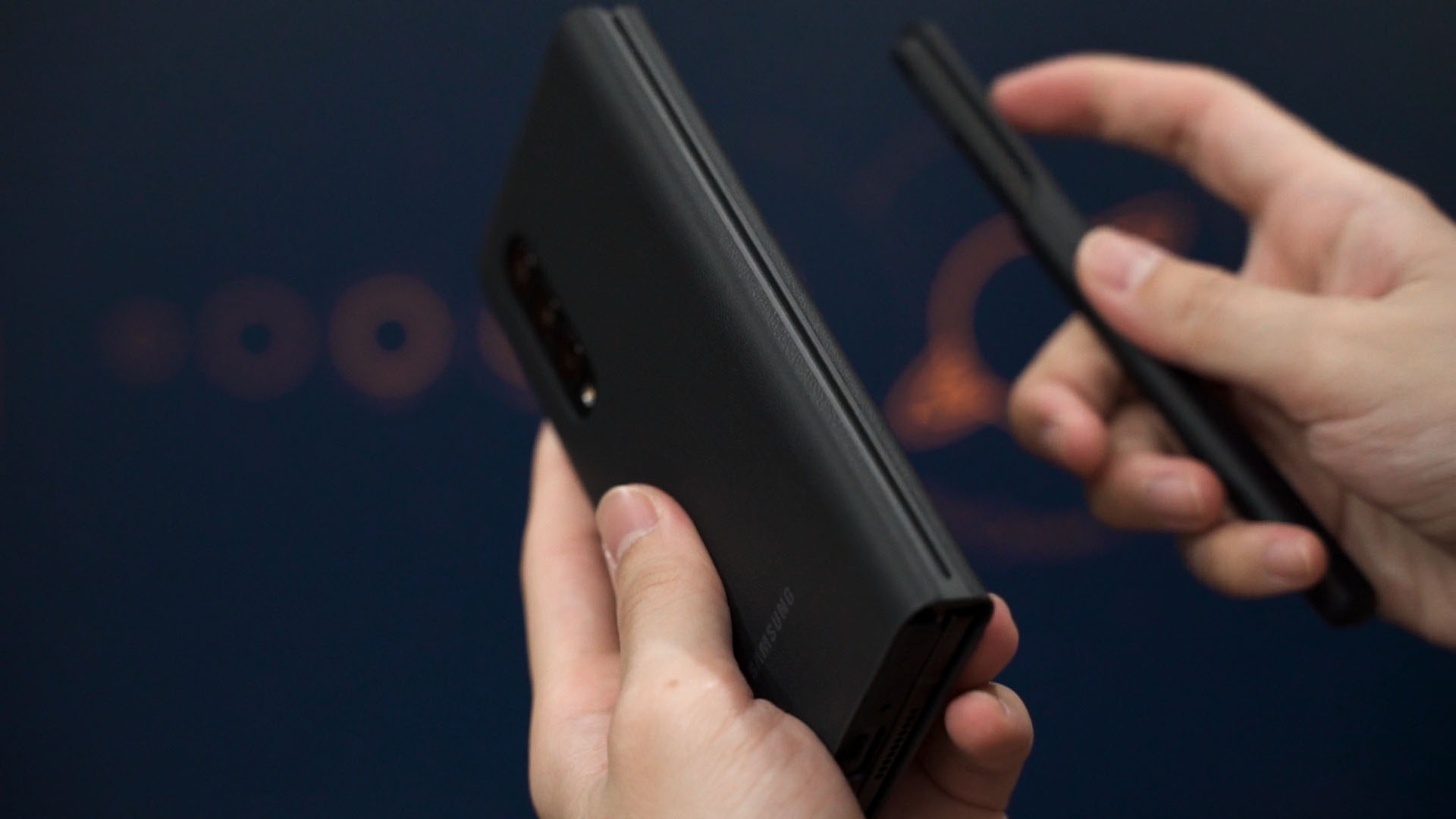
However, this flip case cannot be bought a la carte as it is only available via the Samsung Galaxy Z Fold3 5G Flip Cover with Pen bundle.

Where to buy? (Affiliate links)
- S Pen Fold Edition
- Samsung Galaxy Z Fold3 5G Flip Cover with Pen
Like our Facebook Page here at NasiLemakTech.com for more news and in-depth reviews! Also, join our Facebook Group for insightful information and memes!
Subscribe to our YouTube channel too!