



















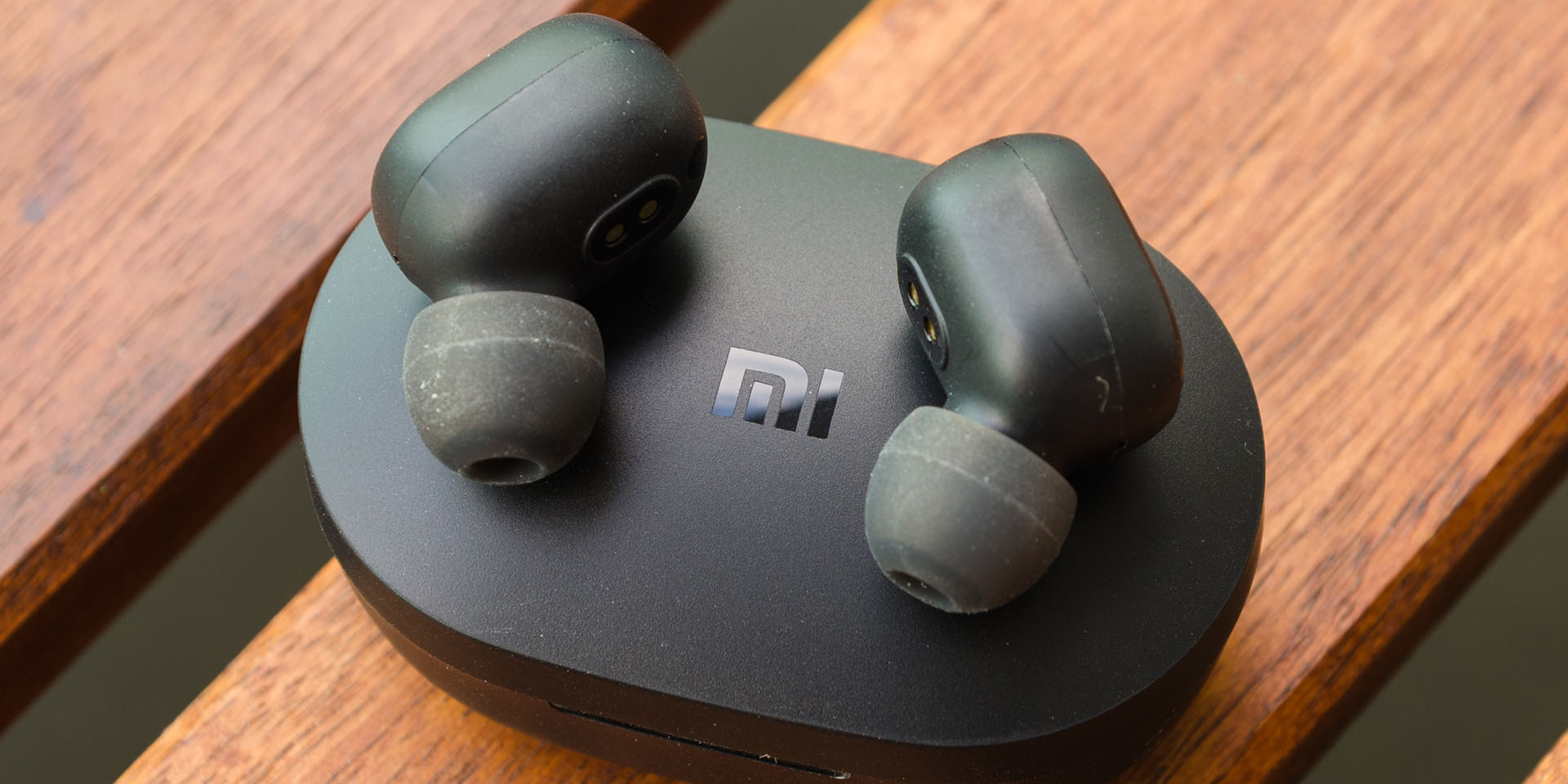

Over the past few years, we’ve seen many manufacturers heading towards the wireless era. Today, we have the Redmi AirDots with us here and with it comes a low price tag – which essentially is what we’ve all come to know when it comes to Xiaomi/Redmi. The AirDots shocked me when I saw the price, and I just need to test it out since we do have a number of wireless earphones with us.
EDIT: For some regions, the Redmi AirDots is known as the Mi True Wireless Earbuds Basic. They’re the same thing, just with a different name.
Also, beware of fake Redmi AirDots. More information here.
Thanks to GearBest for sending the Redmi AirDots over for us to review here. Click here to buy the AirDots over at GearBest.
Unboxing
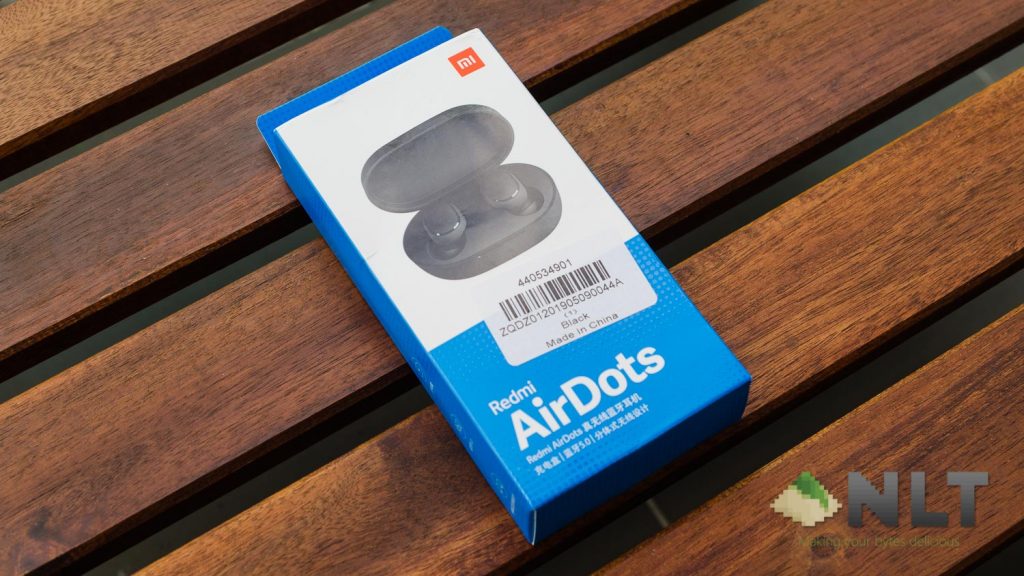
The packaging is somewhat different from Xiaomi or Redmi’s usual packaging design, employing a white and blue color scheme instead of their signature orange or red.
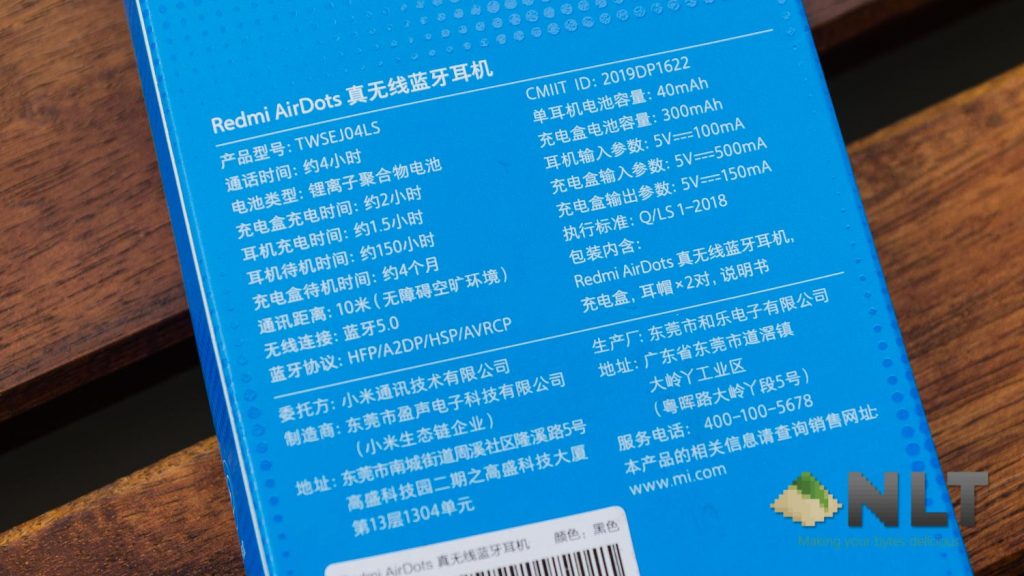
At the back of the packaging here we have its specs listed. It’s written in Chinese and I have no idea what it means. 🤷♂️
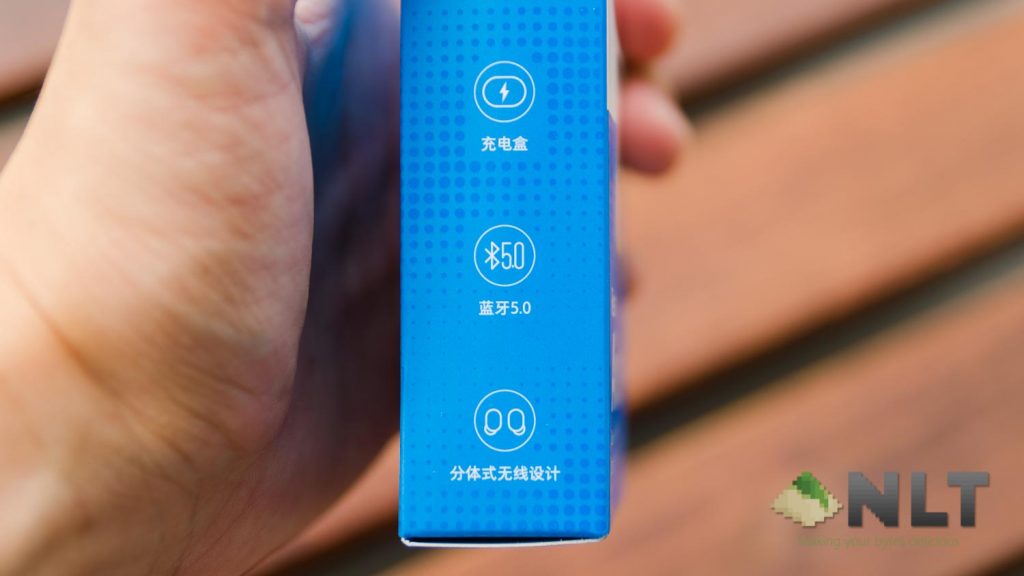
At the side, it is highlighted that the Redmi AirDots is using Bluetooth 5.0 but there is no Qualcomm aptX support (learn more here).

Opening up the box reveals that the Redmi AirDots only come with the earbuds themselves alongside with two more eartip sizes and a user manual. Everything is written in Chinese, by the way – that is why we are doing this tutorial to show you how to utilize the Redmi AirDots to its fullest potential.
Design
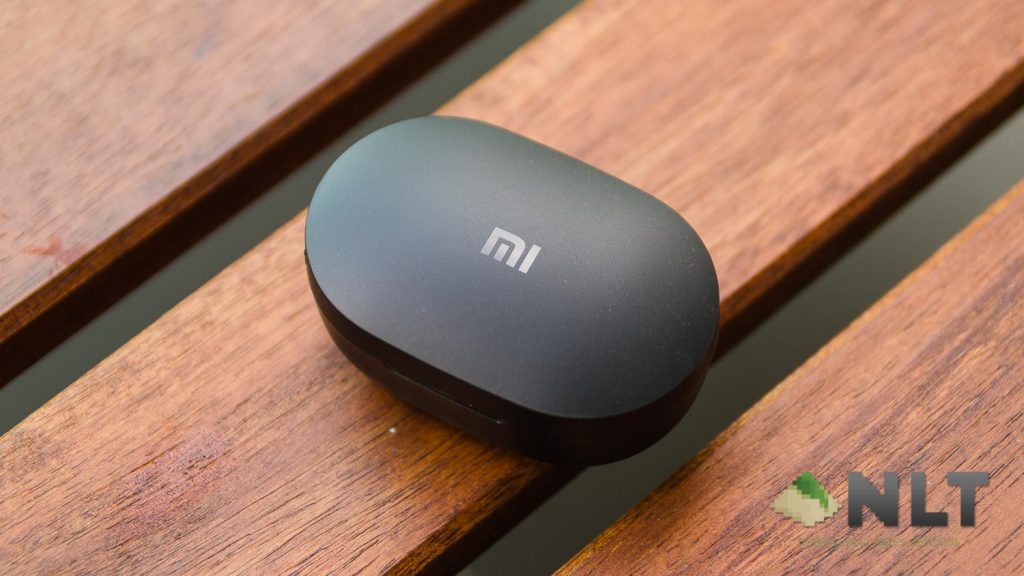
The Redmi AirDots is nothing fancy in terms of design. It comes with a pure plastic black body which looks surprisingly sleek and mysterious for what it is.
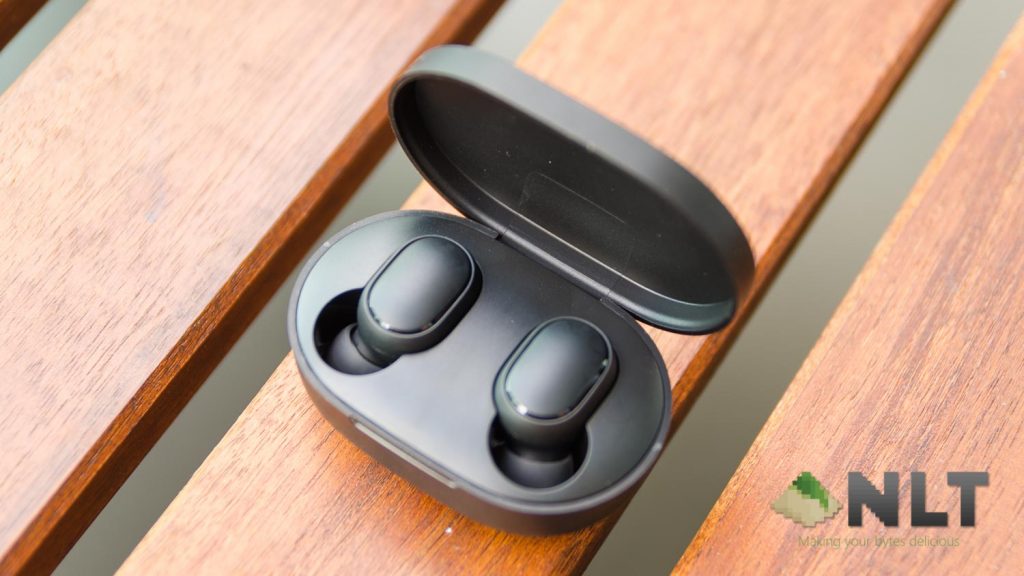
The AirDots themselves are also made out of pure plastic, though they feel solid yet almost featherlight. When I wore them on my ears, it is as if I am wearing nothing and the earbuds did not fall out even when I shook my head vigorously.
Features
In terms of features, the Redmi AirDots has a pressable button on each earbud. You can turn them off/on, enter pairing mode, and even factory reset. While listening to music, this button is only able to perform basic functions like pressing once to play/pause music and holding the button to bring up Google Assistant. Unfortunately, these are all the features that Redmi AirDots’ button can do.
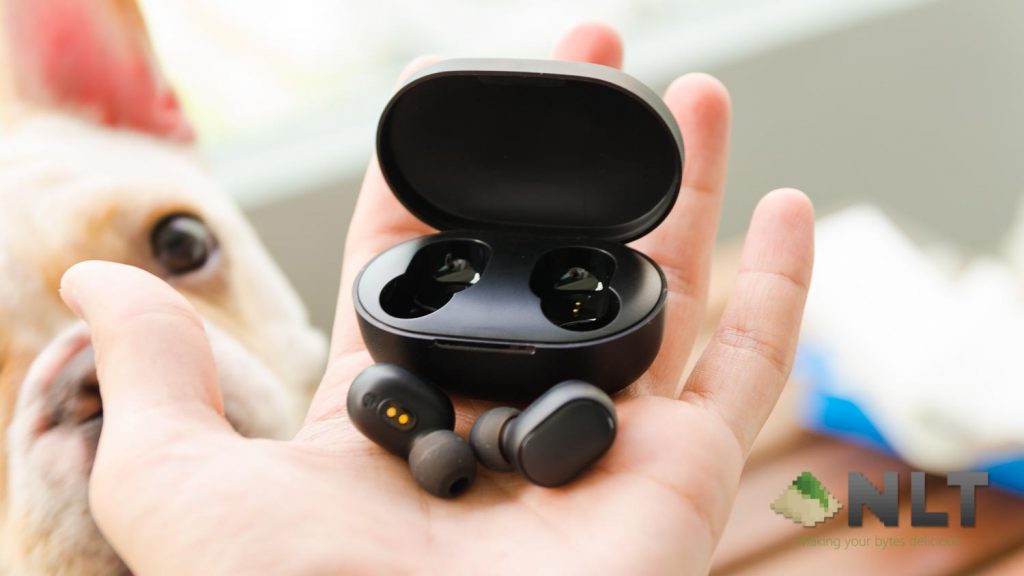
Also, the right side of the Redmi AirDots is considered the “master side”. You will have to connect to the right side to have audio on the left as well.
We highly recommend you to watch the review + tutorial video that we have placed at the top as we demonstrated everything that was mentioned here.
Sound quality
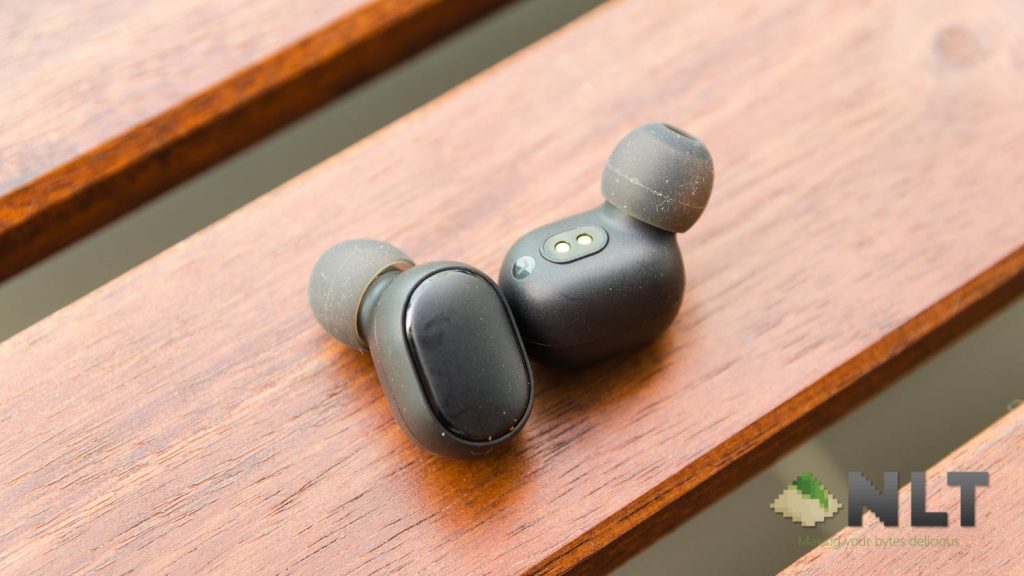
Then comes the sound quality. Of course, this is the most important aspect of an audio device. The sound signature on the Redmi AirDots is actually pretty decent. It is heavy on bass while still maintaining great treble. I am blown away by the sound quality on the AirDots and I can definitely understand why many people will buy a Redmi AirDots now.
Battery life
As for the battery life, the AirDots earbuds themselves lasted for about 4 hours before shutting down completely, which is acceptable. It’s nothing to boast about but not something to be criticized about.
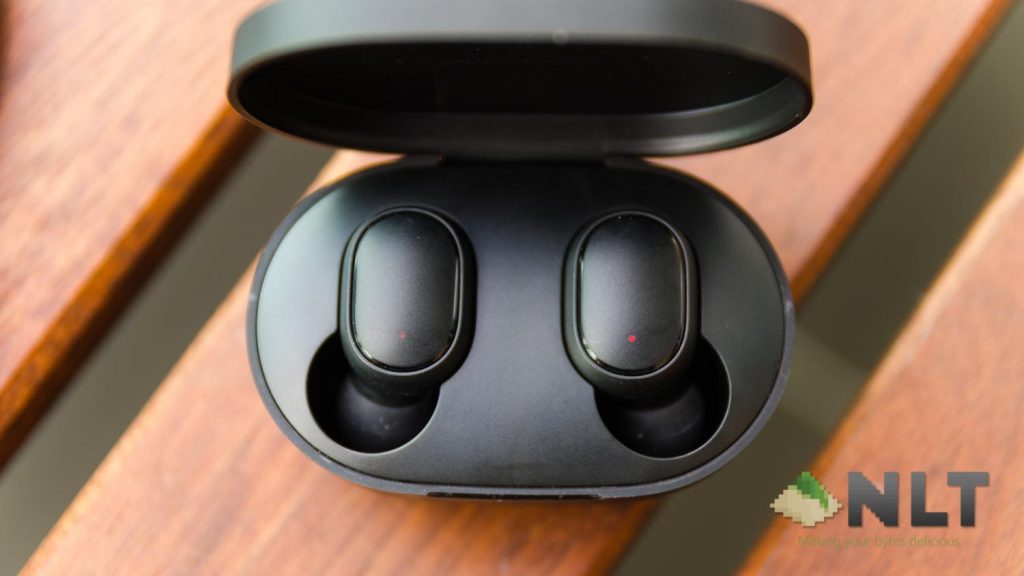
When the AirDots themselves are placed into the cradle, there is a red LED on each earbud to indicate that it is charging. Once the earbuds have charged completely, the LED turns white.
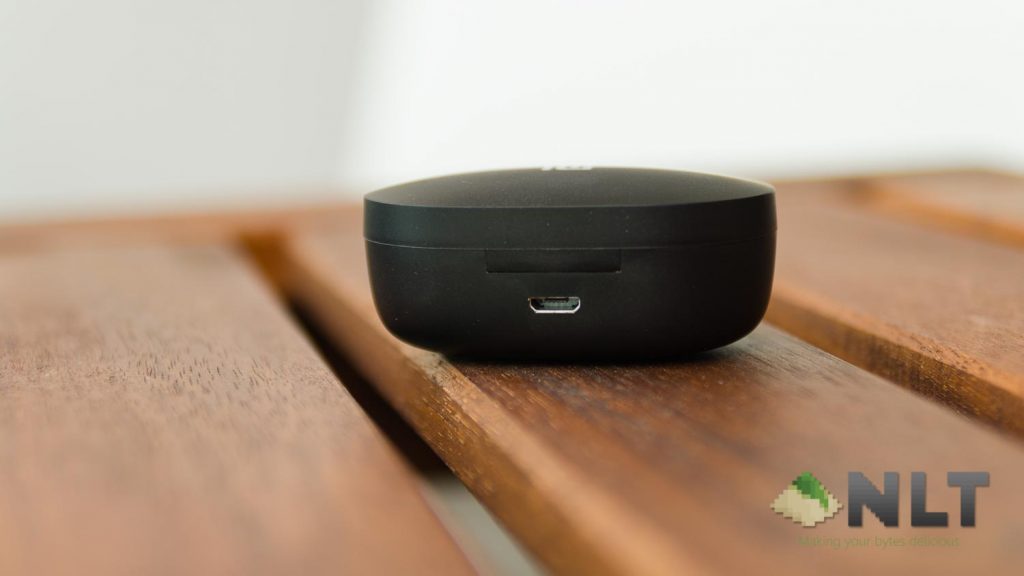
As for the cradle, it has a bright red LED at the front of the cradle to indicate that it is charging. Once the cradle is completely charged, the LED goes away.
Wrapping up the Redmi AirDots review
For the price of just RM88 (or lower) or at USD $22.49 at GearBest, the Redmi AirDots gets a thumbs up from me. I highly recommended it – especially because of its price. Imagine losing one earbud – it’s not that heartwrenching since it’s this cheap, yes?

Like our Facebook Page here at NasiLemakTech.com for more news and in-depth reviews! Also, join our Facebook Group for insightful information and memes!
Subscribe to our YouTube channel too!


Can we connect this to two devices without resetting them again and again?
Unfortunately, no.
How is the low battery indicator? How can we know that the battery needs charge?
Good question. You can only look at it from the phone’s Bluetooth menu (feature availability varies from phone to phone). By looking at the LEDs, it’s either 100% completely charged or not 100% battery.
Is it iphone compatible?
Yes it is!
LOL I have to share a stupid >>> so my AIRDOTS are brand new got them yesterday and been using them on and off since they arrived … today the power finally drained so I go to charge them up and there was no red LED indicator on (I had to look it up since the manual is in Chinese) so I’m thinking did I get a lemon… no there were tiny plastic protectors covering the leads! DOH! Morale of the story, always check leads for little covers before panicking!
That’s very common! We saw many people having this issue on our YouTube’s comment section too. Perhaps Xiaomi can make it easier to locate.
Can i use only one earphone (either left or right) instead of both? Sometimes we just want hear music on one ear only, right?
Yes you can do that but only for the right side.
Shall i remove the airdots from the cradle when charging or not?
No need. Can charge all together.
i just bought it from shopee.. 😀
we can just only control for play & pause? how about next & previous??
Nice purchase! Unfortunately, there’s no feature to go next & previous tracks.
Can i use regular 5V 1A charger in this( a phone charger)? And why there is only a steady red light in charging box when charging?
Yes you can. A steady red light means it’s charging. Once the charging is complete, the box won’t have any lights.
i only can connected to left side.
That’s a very common issue. Follow the instructions in this video and pair to the right side only.
What is the battery life for the charging box?
Not much, can charge the Redmi AirDots for about 2 times.
When box is charging can i close the cover?
Yes, you can.
I’ve got some questions..firstly,when charging there is no light on the airdots itself..next,something happen when I use it before..I just wear it but suddenly it got disconnected and since then my right airdot had not been functioning..I try to hold the button and it only shows faint white light for a few times then it turns red and shut off while the left side keeps showing normal white light…the airdots option appears on my phone but I cannot connect with it..pleasee help…
Have you charged the AirDots? You need to remove the blue sticker behind each of the earbud to charge.
Hello, just bought the redmi airdots.
My question here is whether can I use a samsung charger with output 5V 1A to charge the airdots case which is written 5V 150mAH? Is it safe to do so? I’m quite worried
Yes, you can use 5V 1A or 5V 2A chargers. It’s written 5V 150mA because that’s the maximum that it can receive. The charger will automatically provide the correct amount of current to charge the Redmi AirDots.
Hi does this airdots have mic??
Yes and I don’t recommend using them. they are very far away from the mouth.
what about the microphone sensitivity,
does the Noice cancelation is working properly
what about the Sound quality,specially on Bass
1. Microphone sucks on TWS. It’s too fara way from the mouth.
2. There is no noise cancellation on the Redmi AirDots
3. It is heavy on bass.
Is it safe to charge the case with the earphone in it?
Yes, it is safe. You can use any chargers with it and it is still safe.
I don’t know how common this problem is but here’s mine:
After the initial pairing with my device, whenever I remove the AirDots from the charging case (and when it auto pairs to my device) the volume is somehow extremely low. Any advice?
That does seem like an odd issue. Does this happen on other devices too?
Is it okay when the airdots is fully charge but we keep put on it in the charging case? I’m worry it will impact my battery life just like phone when we keep chargin on it far too long.. thanks.
Yes, you can. There’s no issue with that.
use for 3 days but still having problem with the sound keep on interupted (both of the airdot keep losing sound “while listening to music) even i just make a little bit movement while on sitting position and even worst sometime you make a lot of movement.please help me on this
Try doing a factory reset and pair to the “_R” side only. Also, try not to have anything blocking between the phone and the earbuds themselves.
It might be a defective unit. Perhaps send in for warranty?
“It’s written in Chinese and I have no idea what it means.” Here’s a partial solution: Scan the Chinese text and then upload to https://ocr.space/ which will OCR it and give you Chinese text. Then feed that to Google translator. Works best if you can get a crowd working on it.
That’s a brilliant idea! We’ll definitely do it next time.
Just got them today and right from the first use the left one was muted for most of the time then would automatically unpair, and after pairing them again, the problem persists. The left one only works if the earbuds are like 5cm apart. I’m starting to think they’re defective, do you think so?
Hey there, you can try doing a factory reset and pair to only the right side. That might solve your issue.
Thanks.
Hi!
my left AirDots suddenly stopped playing music and now it only shows a dim red light instead of a bright light.
It does not connect to anything and also does not charge anymore (and there’s no plastic between the connections).
In a brief search on google I found other people with the same problem, but no solution yet.
Could you help me please? It’s been only 2 weeks since I bought it.
Thanks in advance!
That seems like a faulty unit. Perhaps file for a return?
Can it connects with laptop and if want to connect, what condition is needed to support?
A laptop with Bluetooth is enough. It will work.
The problem that have is right airdots doesn’t charge when put it in the box any solution plz
Did you take out the blue plastic film on the golden contact pins on each earbud?
Hi i bought two airdots..on one of them while resetting it the red and white light is glowing..and on the other one..only white light is glowing. Please help in this matter.
That’s a weird issue. Both should be able to be reset together. Perhaps try turning off both sides first?
MY REDMI AIRDOTS HAVE BEPING RED LIGHT WHEN CHARING WITH USB CABLE AND WHILE PUTING EARBUDS IN CRADLE THE EARBUDS SHOW RED LIGHT BUT IN CRADLE SHOW BLUE LIGHT
Did you remove the blue stickers behind the earbuds?
Try putting both the earbuds into the cradle and charge together.
hi why u don’t recommend using the mic ,is it not ok to male or recieve calls ?
The microphone is too far away from the mouth.
Thanks mate! I was about to send them back until I saw your post and discovered the incredibly difficult to remove blue stickers. Cheers
Glad it fixed your issue. Enjoy your new pair of wireless earbuds!
how long does it usually take to charge it too 100% from 0%?
The buds only or the case?
Is okay to charge the cradle with the earphone in it?
Yes, no issues.