













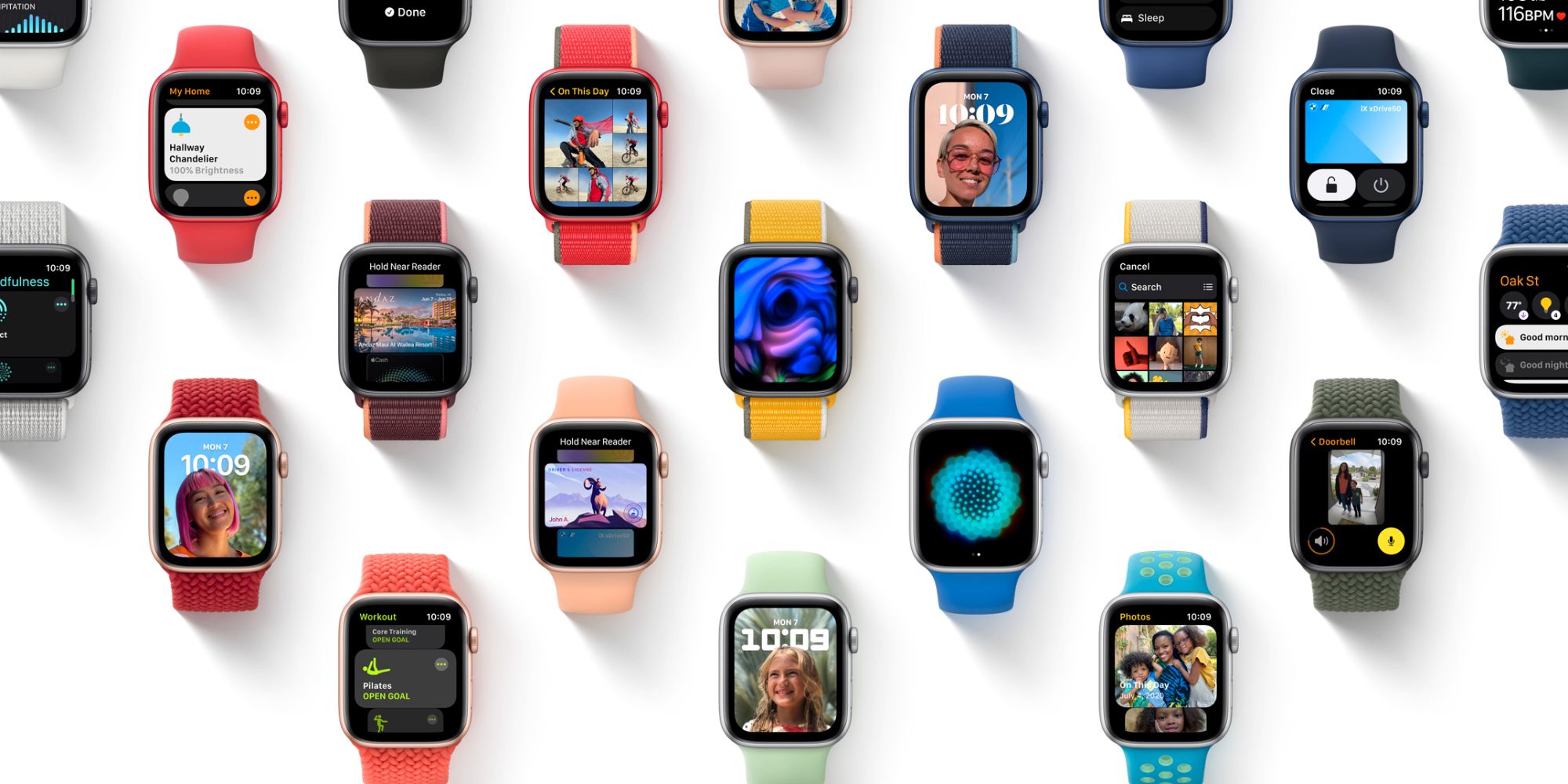

At the Apple WWDC 2021 event, Apple not only showcased the most important bits of iOS 15 and iPadOS 15 which are the company’s most selling device but Apple being Apple, they ain’t going to do everything halfway and call it a day so of course watchOS is welcoming the 8th version software update that includes some of the most practical functions you can use. Let’s dive into some of them.
More actions supported by Wallet
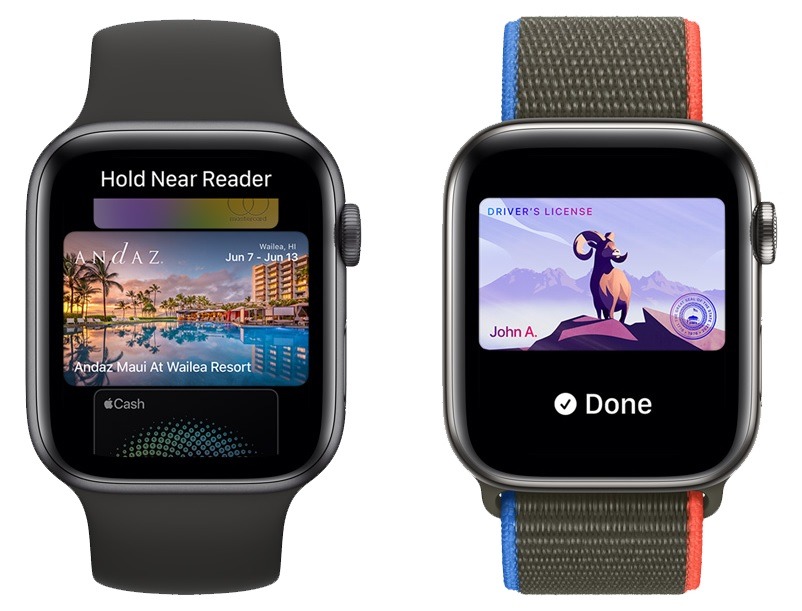
The option to use your Apple Watch as the medium for cashless payment through Apple Pay has been added. Additionally, the device can also be the contact point to engage car ignition, digital keys for various electronic locks, and storage for your driver’s license and state ID.
Home app revamped
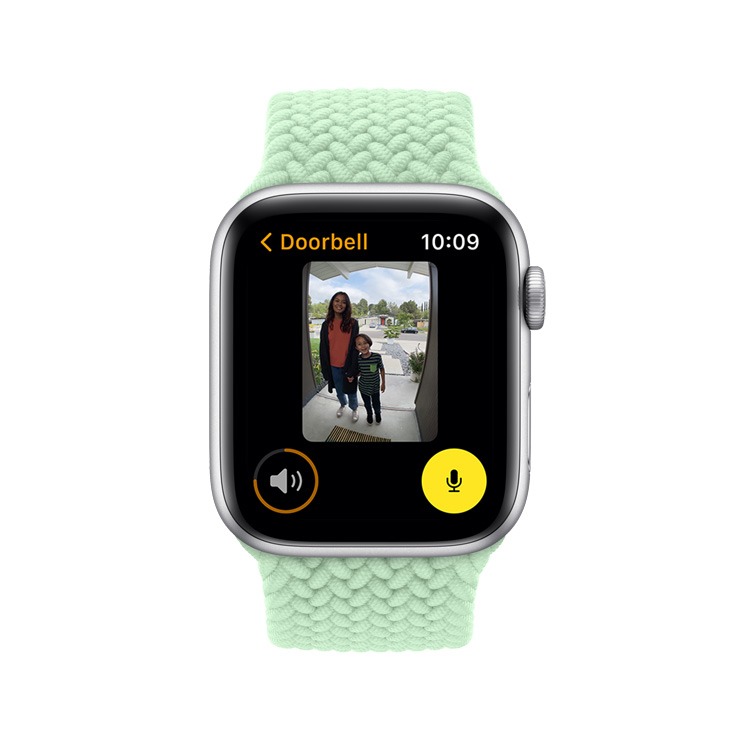
Users may directly access their HomeKit camera to quickly see who’s standing at the doorstep while the Intercom function lets you broadcast a message across your house with compatible devices such as HomePod, HomePod mini, and other personal devices acting as the speaker.
New Workout courses
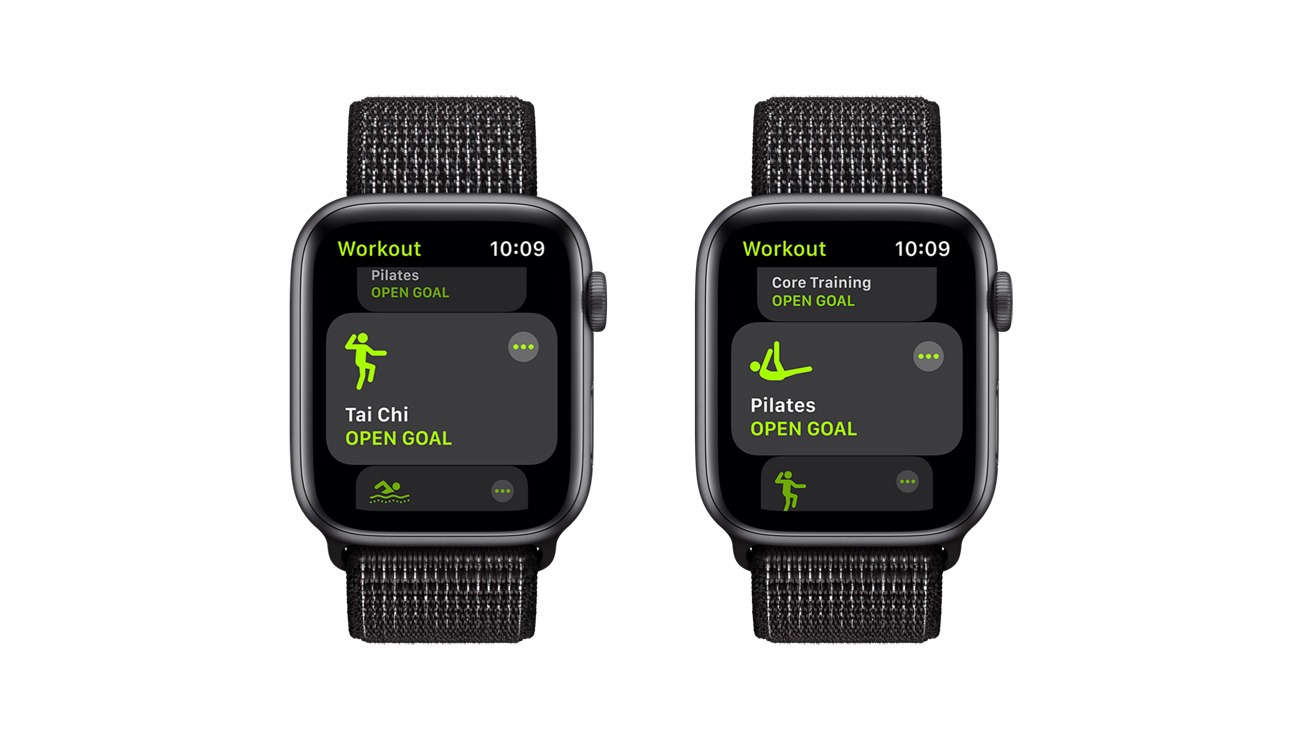
Tai Chi and Pilates added to workout courses for fitness tracking.
New ways to experience Mindfulness
The breath app has been integrated into Mindfulness while being enhanced with a new addition called Reflect. The consolidation of related content into Mindfulness makes it easier to access all the mental-related tasks.
Breath tracking even during sleeping
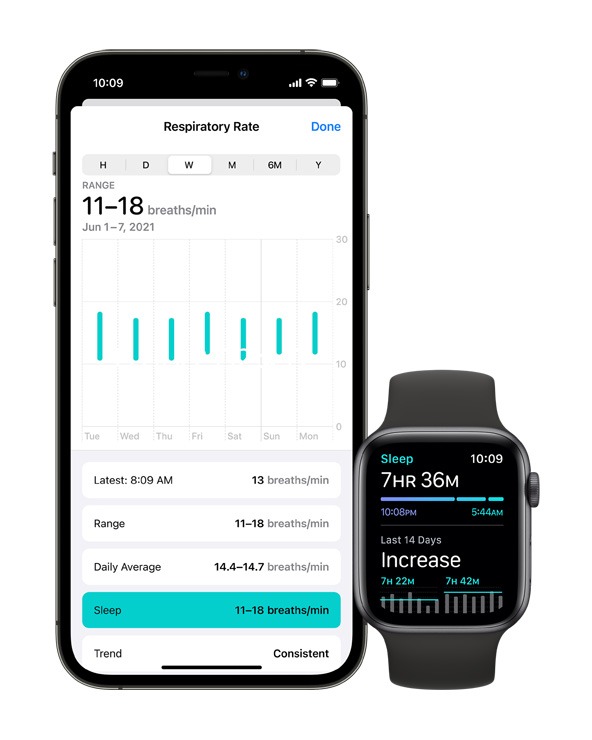
Aside from the conventional bedtime tracking such as sleeping pattern and REM period, watchOS 8 can now even track the number of breaths per minute and all the new information can be displayed directly through the Health app.
New watch faces and Photo support
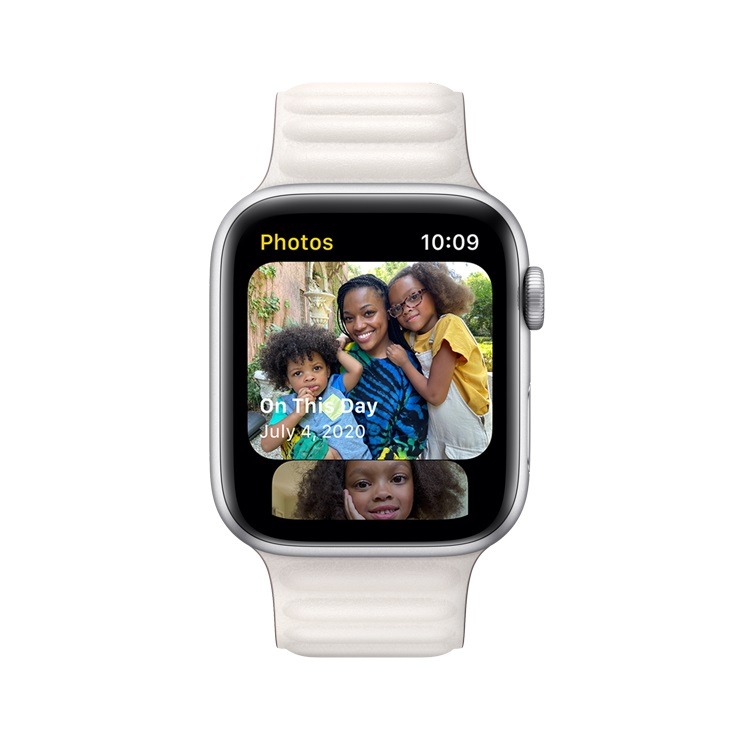
New Portrait watch faces designed to match the style of Apple Watch and watchOS 8 of being a smarter and cleaner software with Featured Photos and Memories can now be synced with Apple Watch as well.
Messages and Contacts
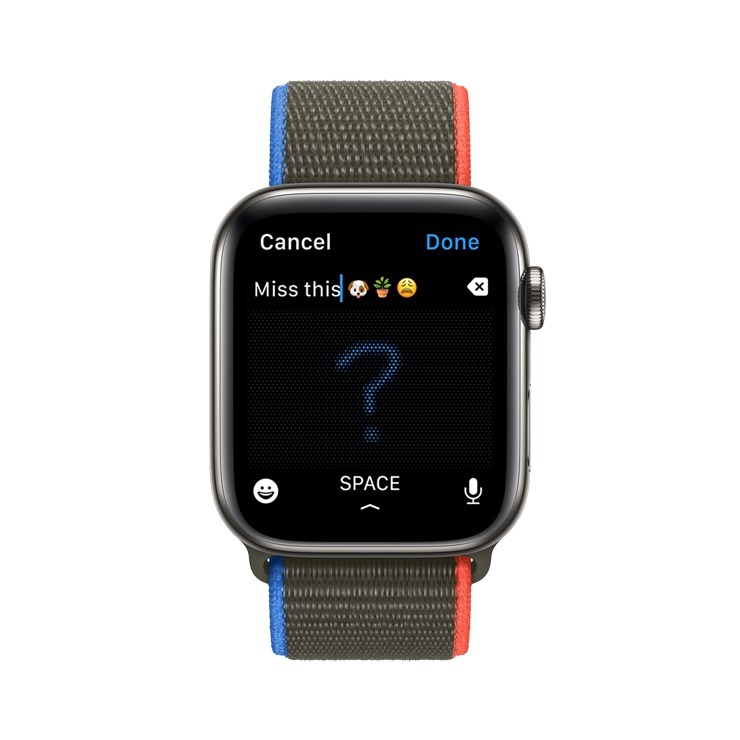
Scribble, dictation, and emoji can now be fully accessed from the Apple Watch for a more convenient typing experience by Contact can also be quickly accessed from it to make a call, edit information, etc.
Other Features
- Unique Timer Tags – Apply a special name to 1 of your timers through Siri
- AssisitiveTouch – Users can now perform one-hand gesture without touching the display
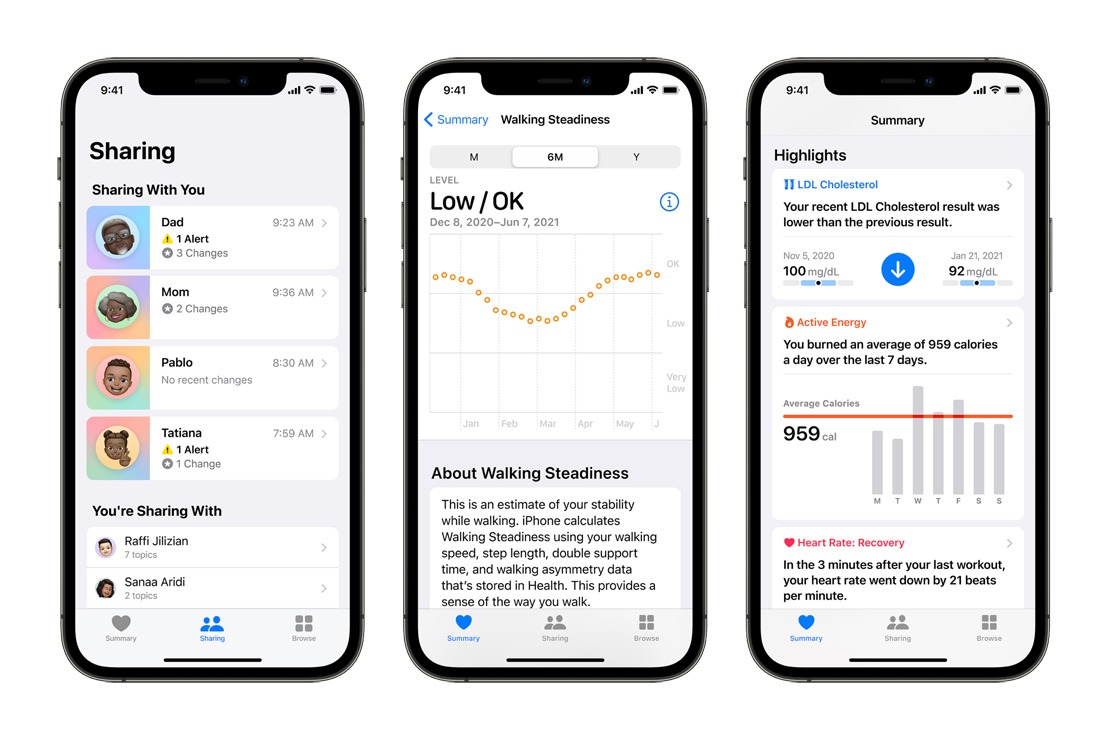
Let’s take a turn to the Health section where Apple also mentioned several key aspects that drives the importance of consumer health and wellness insight as well as new tools to support your loved ones.
With iOS 15, you may now share all your health and fitness statistics with a loved one, trusted partner, or a caregiver that can briefly, regularly, or constantly monitor them with the goal of continuously knowing that you are within a fine or controlled condition. Not only that, you have full control over what kind of data will be shared from heart rate, hours of sleep, the number of times fallen, and more.
The Trends app also got an update in the context of Health where now users can easily see how a metric moves over time which can be easily missed. With more than 20 types of data being added, a lot more physical and bodily metrics can be tracked and monitored from anywhere which is especially important for practitioners from afar.
Lastly, a new Waking Steadiness algorithm is in charge of assessing balance, stability, and coordination through built-in motion sensors on the iPhone. Since the elders are more susceptible to fall risk, this new function will help reduce the chance of occurrence which is also the industry’s first.
Like our Facebook Page here at NasiLemakTech.com for more news and in-depth reviews! Also, join our Facebook Group for insightful information and memes!
Subscribe to our YouTube channel too!