





















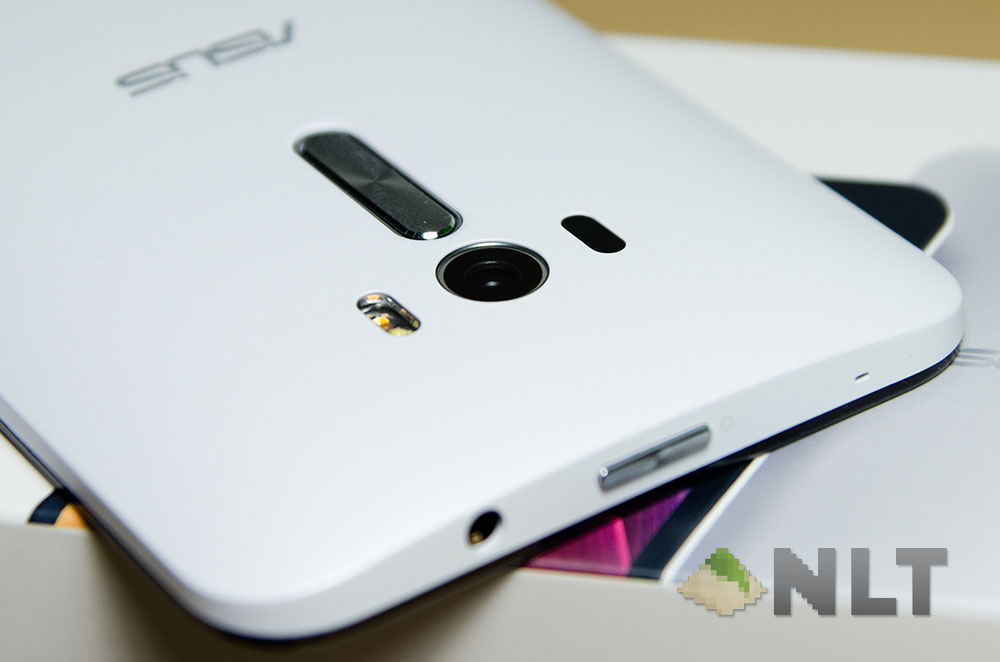
In some ways, the ZenFone Selfie is an in-between version of the original ZenFone 2, but with certain changes like the chipset (!!) where the original ZenFone 2 is using an Intel-based chip and the Selfie is using a Snapdragon – specifically the Snapdragon 615. Oh – and one more thing, the Selfie has dual 13MP cameras with two-tone flash for each, just that the rear-facing one has laser-focus technology.
In some ways, this review would be really short, and focused mainly on the difference between the original ZenFone 2 and the ZenFone Selfie.
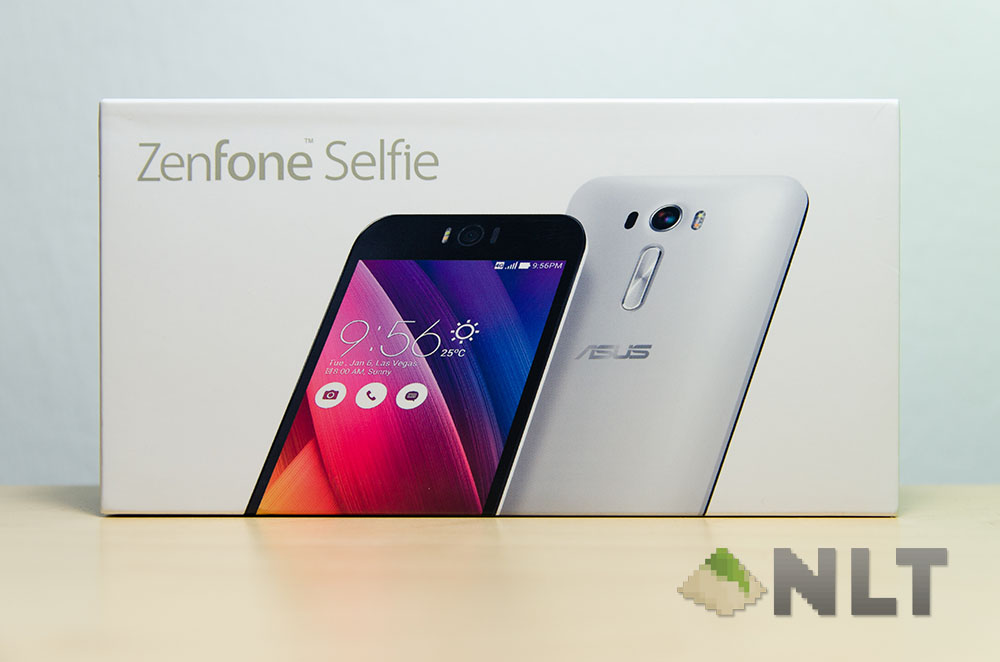
This part might not look different, but the components themselves change a lot. The ZenFone Selfie has the same packaging design as the other ZenFones (which I personally like it a lot) and still has that clean and sleek design. Nice!
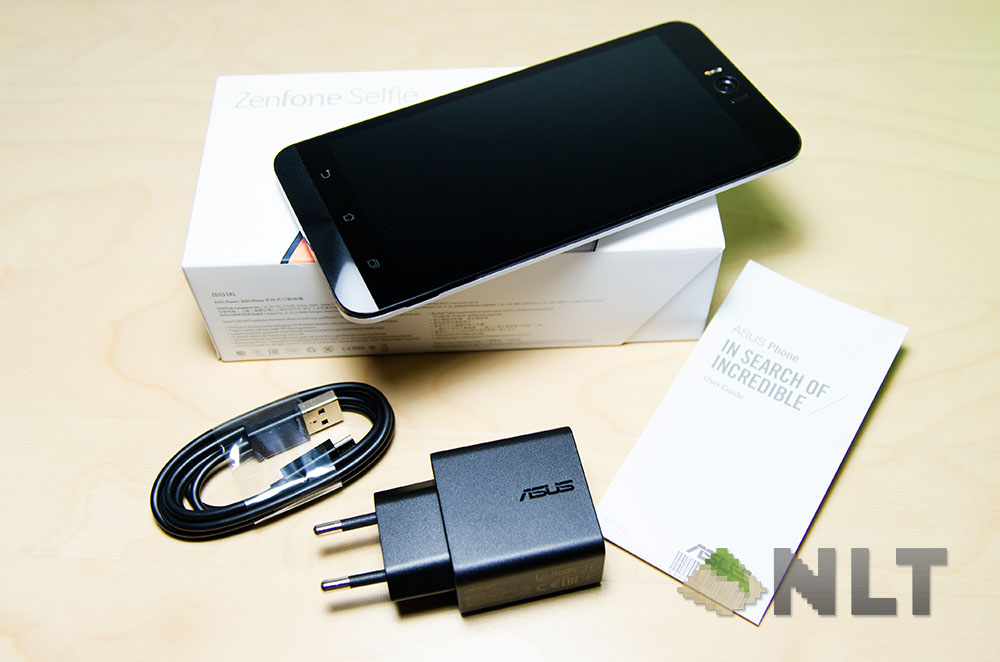
Opening the box, there is the Selfie itself, the charger itself, and the micro USB cable. That’s it – no earphones, but that’s okay. The charger has also been swapped out for a slower charger too, and again that’s okay. More on that later.
[nextpage title=”Design”]
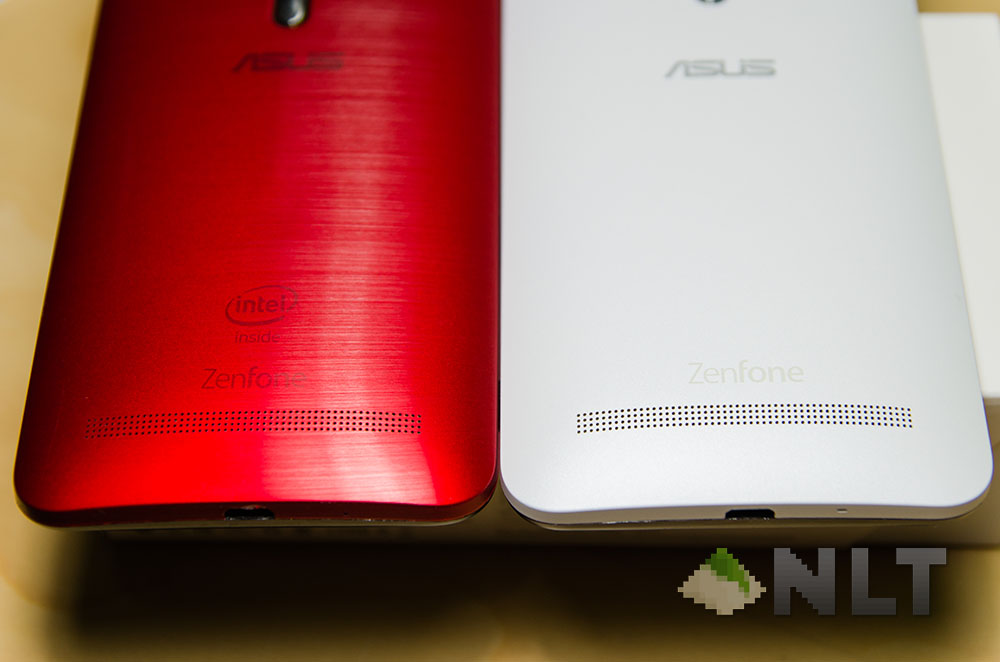
The ZenFone Selfie itself didn’t change much in terms of its design from the ZenFone 2. Maybe a little taller than its cousin and has a slight bulge on the front-facing 13MP camera, but that’s about it.
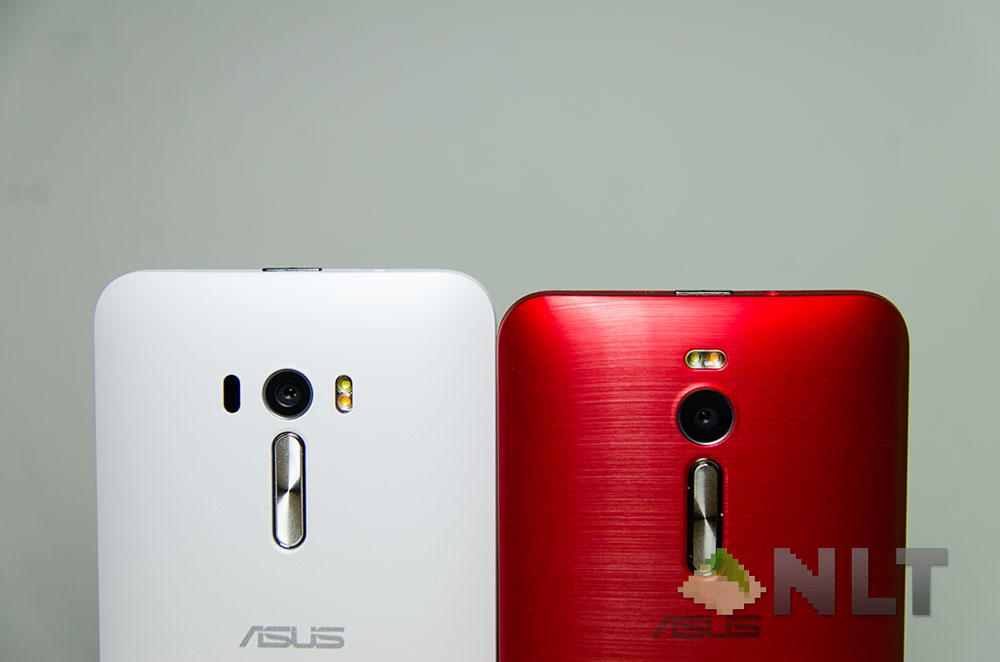
Though the material of the back plate is a little different – instead of opting for the horizontally brushed metal finish, the ZenFone Selfie has a sort of very fine grainy texture to it, almost feels a little like a subtle matte finish to it. However it is though, I like the both of the materials used on each of the ZenFones – the original ZenFone 2 offered more grip but has a more aggressive look to it (especially the red colour), whereas the Selfie as a friendlier glossy finish and feels much slipperier compared to the brushed metal finish.
In the other parts of the design, it remained the same as the ZenFone 2, including the rear volume up and down rocker with the power button and audio jack at the top. Do I like this design still?
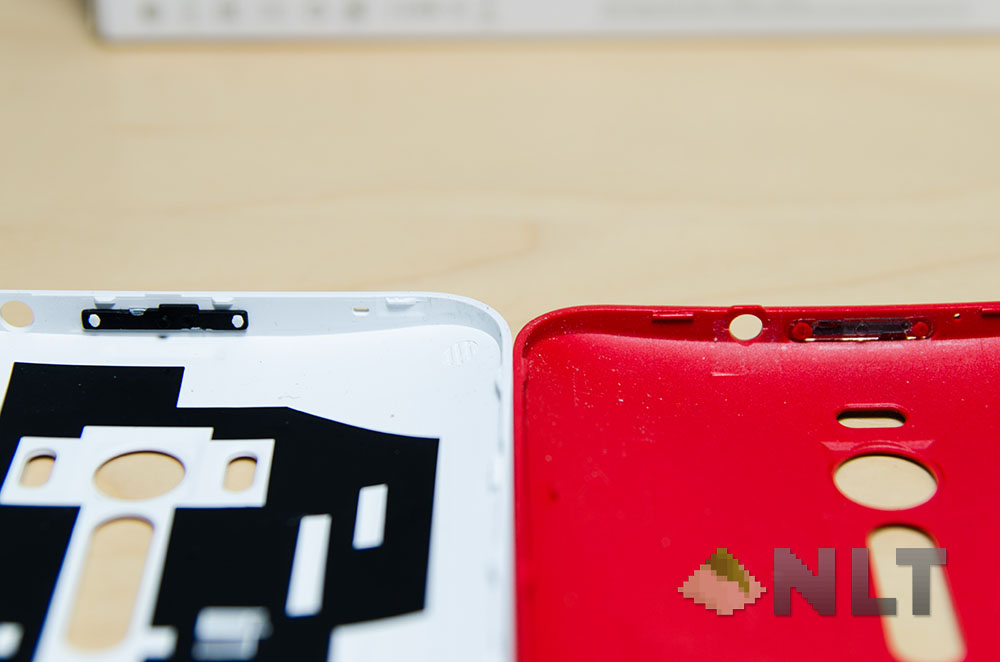
ZenFone Selfie has improved many of the faults from the original ZenFone 2 – including the mushy power and volume buttons. The battery is even removable now – I wonder why?
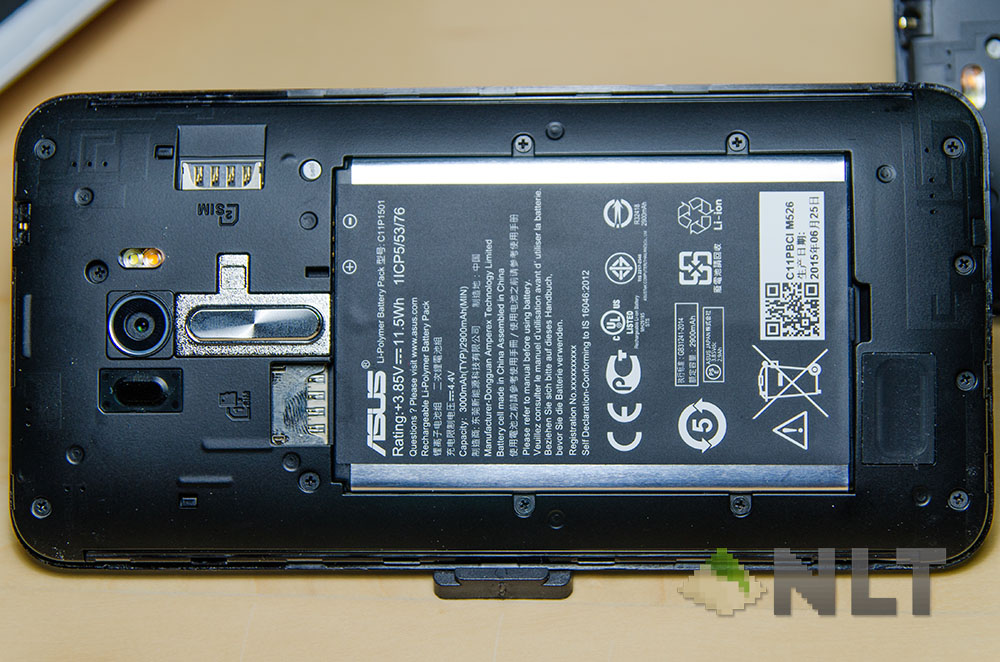
With the removable battery though is where a little reshuffling of the SIM card and SD card slot positions happen. The SIM 1 slot and the SD card slot are now stacked together and protected by the battery itself, so changing either of them will require the battery to be removed.
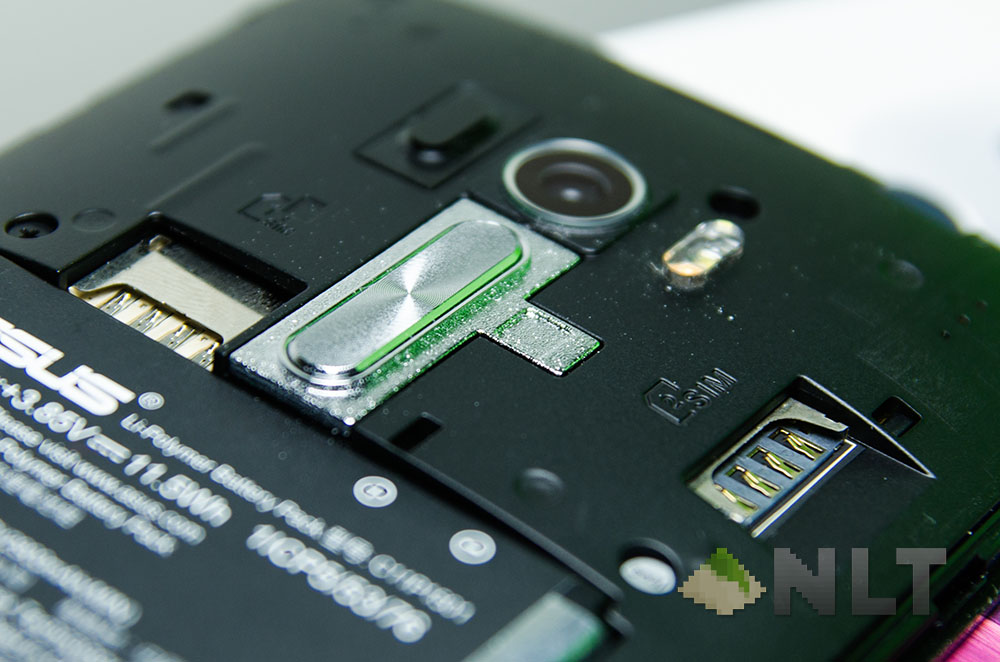
Still, this is one of the things that will be touched once and forgotten for many months or years to come.
[nextpage title=”Camera”]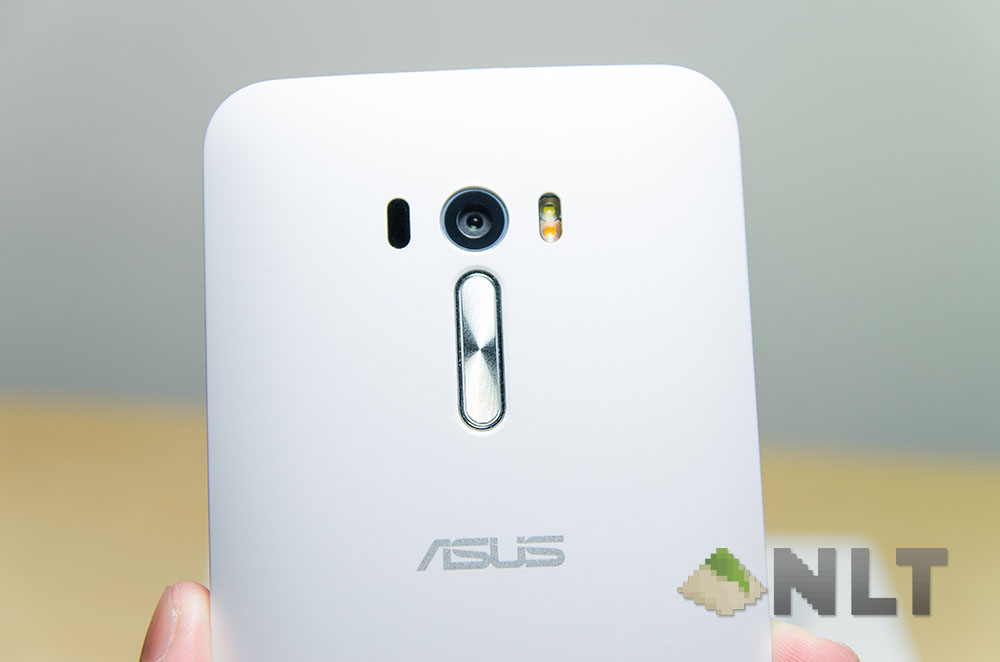
That’s also where the age of a phone start to matter. I’m still keeping my trusty Nexus 4 somewhere in my room and that little phone (yeah, 4.7-inches is tiny) though still performing well thanks to Google’s and the developer community’s support, the camera took the deepest and hardest strike to the heart of any smartphone users these days.
That’s where the ZenFone Selfie stands out – especially with its laser beams coming out from the back for its laser focusing. The rear-facing camera itself is one reason to change to the other new ZenFone – the Laser which features a 13MP rear-facing camera with laser-focusing.
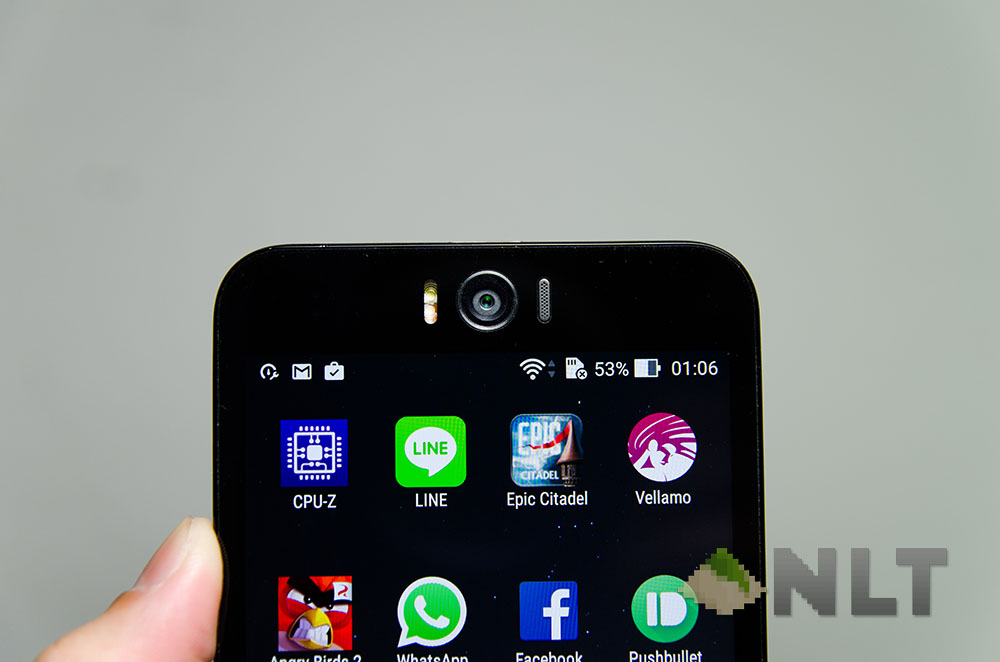
Then, ASUS took the Selfie towards another step forward and integrated a 13MP selfie camera with a two-tone flash too, which I find it a little weird for its positioning since the camera will be looking into my ear canals every time I take a call… put that aside though, let’s see some photos!
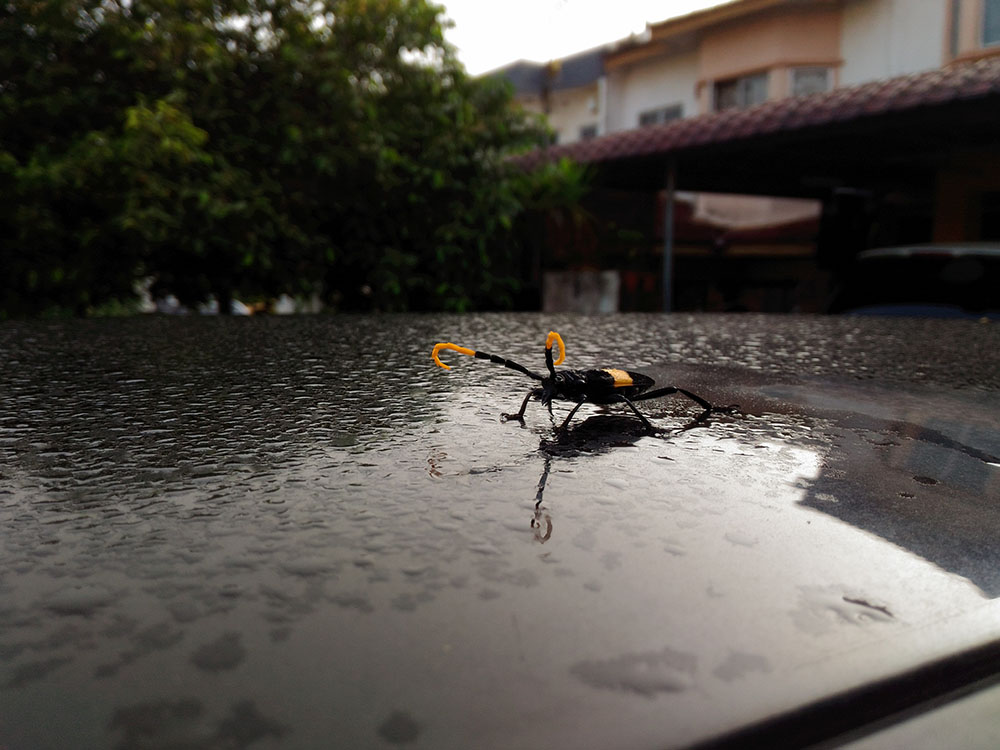
Well it does have my favourite camera mode from the ZenFone 2 – Super Resolution. Here’s a picture I took of a bug right on top of my car in the morning. I didn’t want to scare the shit out of this little modelling bug so I stayed at about 15cm away from it, turned on Super Resolution, and snapped.
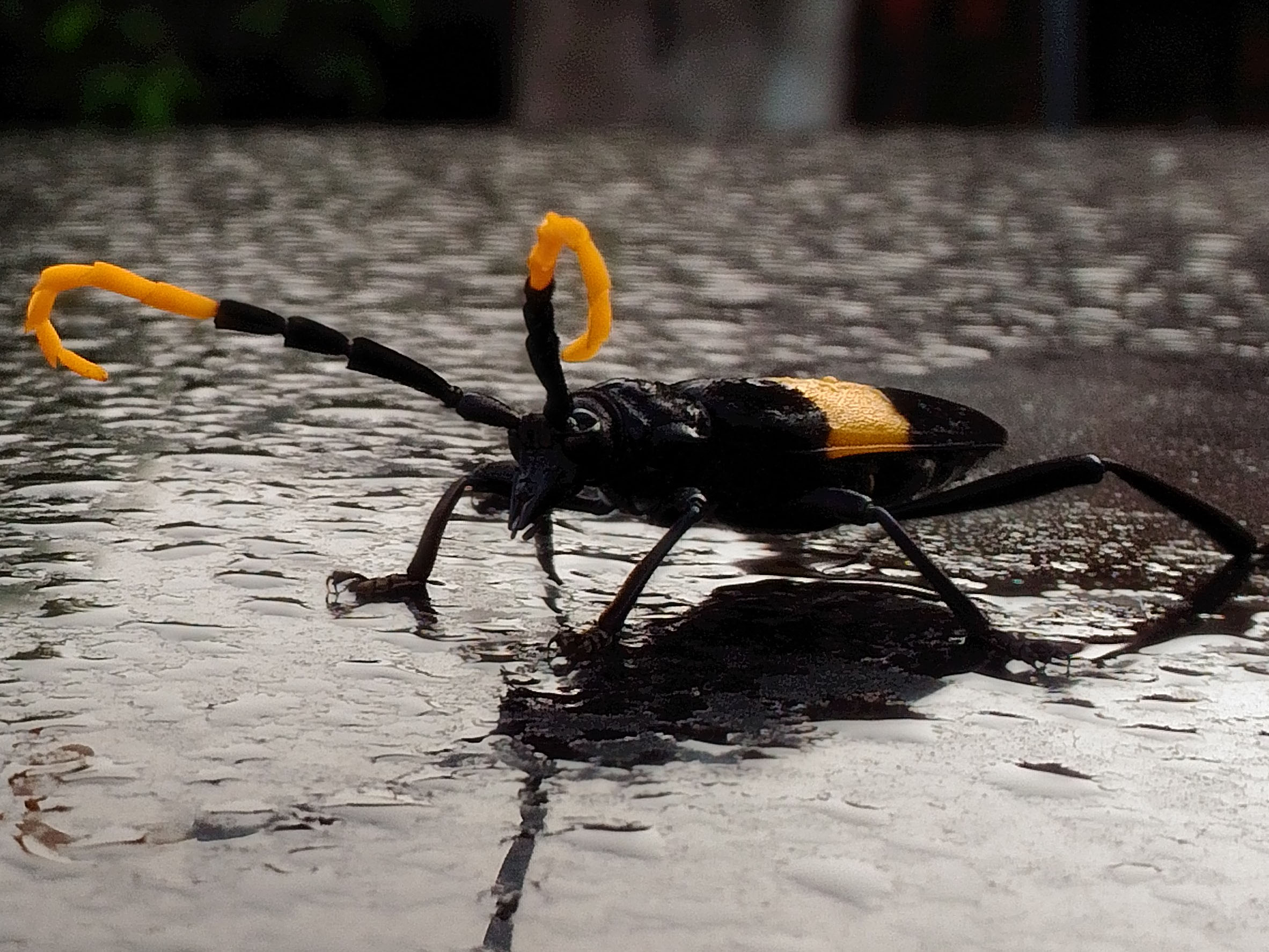
Yep, still looks great!
Then it’s some time for some selfie fun in the class, and yeah we tried with and without flash in certain conditions. They look weird, but the flash in my opinion was a little too harsh and washed out all the colours.

Though I guess that happens only in the full-auto mode. The ZenFone Selfie can do manual mode in selfie and create some amazing selfies, but if that’s now your cup of tea, then maybe use it as a selfie flashlight?
Even for a 13MP camera. the Selfie actually still takes beautiful shots with its rear-facing camera. Combined with the laser autofocus and a somewhat better version of ZenUI – more on that later – the ZenFone Selfie can take some of the fastest shots when I needed to a time-critical shot.

Take this vulgar picture for example. My apologies for using this photo, but I was driving halfway, cars were moving and the Selfie was in my pocket. Once I saw the subject to take a photo of, I whipped out the Selfie from my pocket, drew a character “C” on the screen and the rear-facing camera is focused and ready. Press the conveniently-placed volume button and snap – picture taken! It all happened in less than 3 seconds!
When the whole thing had gone by, the passenger asked me what was I doing, and did I need help. I told them “I wanted to take a picture of that car, and no, it’s already done”. They were awestruck – that quick? Though there were some problems with the software that happens when using tap to focus. In whichever way though, the Selfie does focus generally much faster than the ZenFone 2.

While doing so, the camera somehow focuses slower if tapped to focus – taking up a few precious seconds to just complete the focusing with no guarantee that it’s accurate. Somehow if I’m not tapping to focus, it works extraordinarily quick. I wouldn’t mind much of this issue though since its a software problem, and an update can fix this entirely.
Selfie lovers – fret not. There is an emergency selfie camera primed to snap pics of beautiful faces within a split second. Just whip out the ZenFone Selfie, draw a character “S”, and voila!
Check out the full album of photos right here at our Flickr album!
And I’m afraid that’s where the experience on the ZenFone 2 and Selfie varies – the usability of shortcuts are tremendously different.
[nextpage title=”Software”]And that’s where the software differs. Somehow double-tap-to-unlock on the Selfie works a lot better than on the original ZenFone 2, due to the usage of some other sensors (or hardware) to prevent accidental wakes and pocket dials or photos of my pocket.
That happened to the original ZenFone 2, and still happens till this day. That’s why I disabled that feature entirely. Amazingly everything else remained quite the same – the ZenUI, the special flip cover, just about everything – including the amount of bloatware too. Not really a big deal now though, since the apps can be mostly be disabled or deleted, except for the ASUS suite ones.
Though there is something that I want to point out – the ZenFlash doesn’t work with ZenFone Selfie. Why?
But hey – ASUS did include something fun for the Selfie – a Laser Ruler app to estimate the distance between two
[nextpage title=”Performance”]I think the most exciting part about the ZenFone Selfie is definitely this section – it’s sporting a Snapdragon 615, and that’s a pro to Qualcomm supporters for its architecture. Let’s not forget that Android devices were first created and powered by Qualcomm chips, with Mediatek and Intel coming in much later in the game.
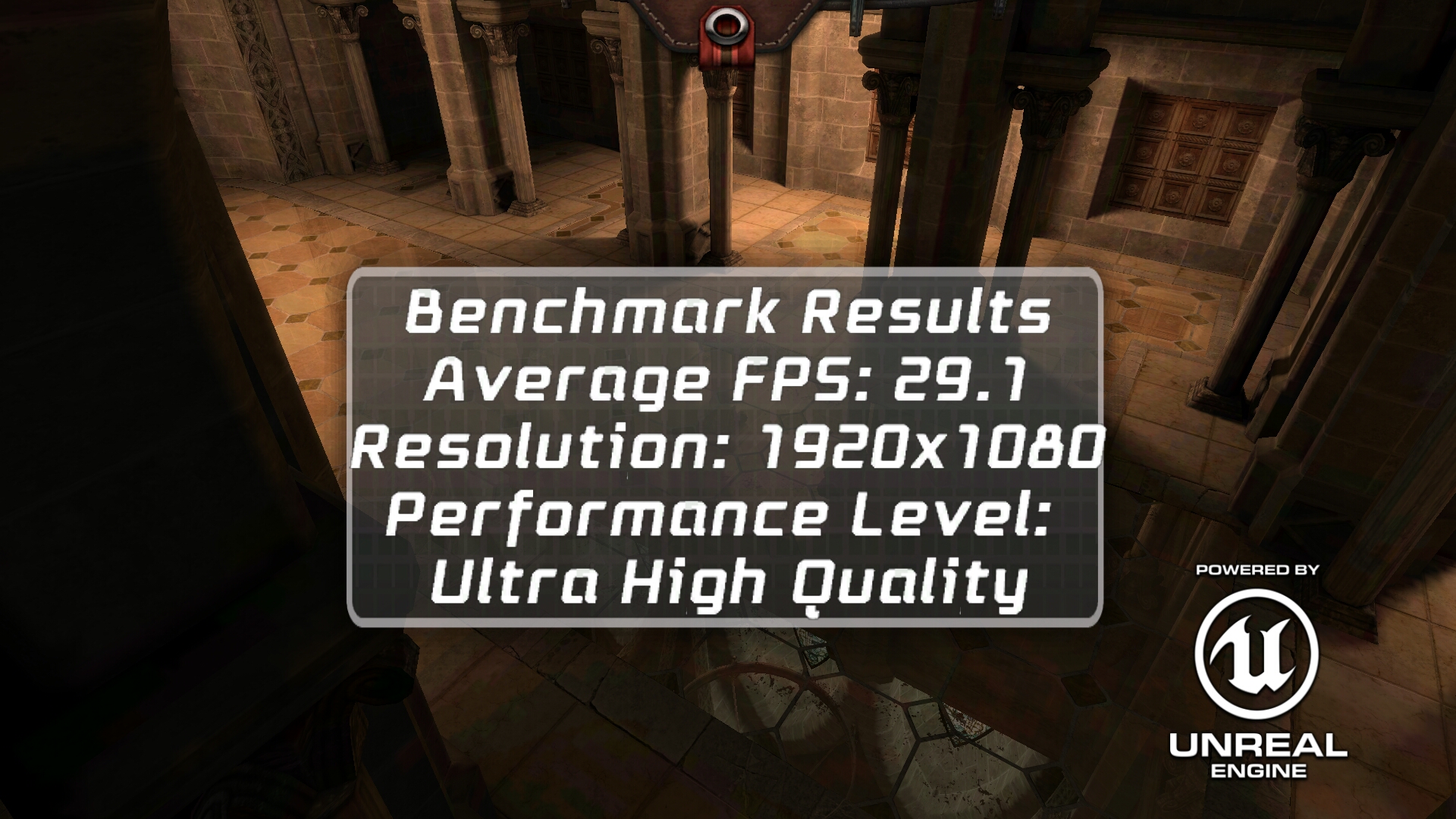
On Epic Citadel, the Selfie managed to score an impressive 30FPS on a Snapdragon 615 chipset with highest settings at 1080p resolution! Not too shabby!!
Using Qualcomm’s very own Vellamo benchmarker however showed that the Selfie is generally slower than the LG Nexus 5 – though it does seem so by pure horsepower. In terms of numbers, it doesn’t lead anywhere.
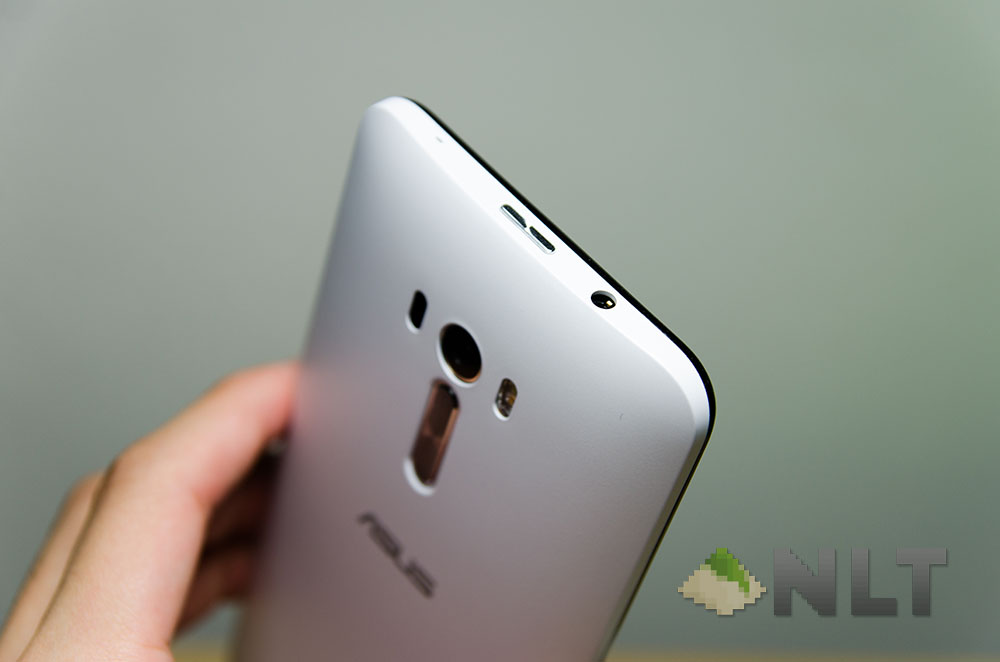
Why? It’s because the ASUS ZenFone Selfie is actually very smooth sailing, and I dare to say that the Selfie performs actually much better than many other phones out there, as compared to the specs of the OnePlus One and its similar rivals – including the Honor 6 Plus which we took a spin a while back.
Are the optimizations done on the ZenUI magical enough to have a device sporting a Snapdragon 615 performing like a champ? Somehow in this case, yes. ZenUI did improve a lot since its debut running Lollipop on the original ZenFone 2.
Magically though, the phone doesn’t feel hot at all, although on CPU-Z, it’s about 60ºC. Don’t know how ASUS did it, but I’m glad they did.
[nextpage title=”Battery”]With great power comes great power consumption – battery is a big problem for any smart device user these days, and to say that the ZenFone Selfie is power efficient might be the way to go. Snapdragon 615 isn’t exactly a top performer in the market these days, but not the slouchiest too. With the optimizations done on the software side, the Selfie managed to last for long hours before having its battery dry off.
Probably at an average, it lasts for about 6 hours of medium to heavy usage too, and that’s pretty impressive given that I do play Angry Birds 2 whenever I can find the time to.
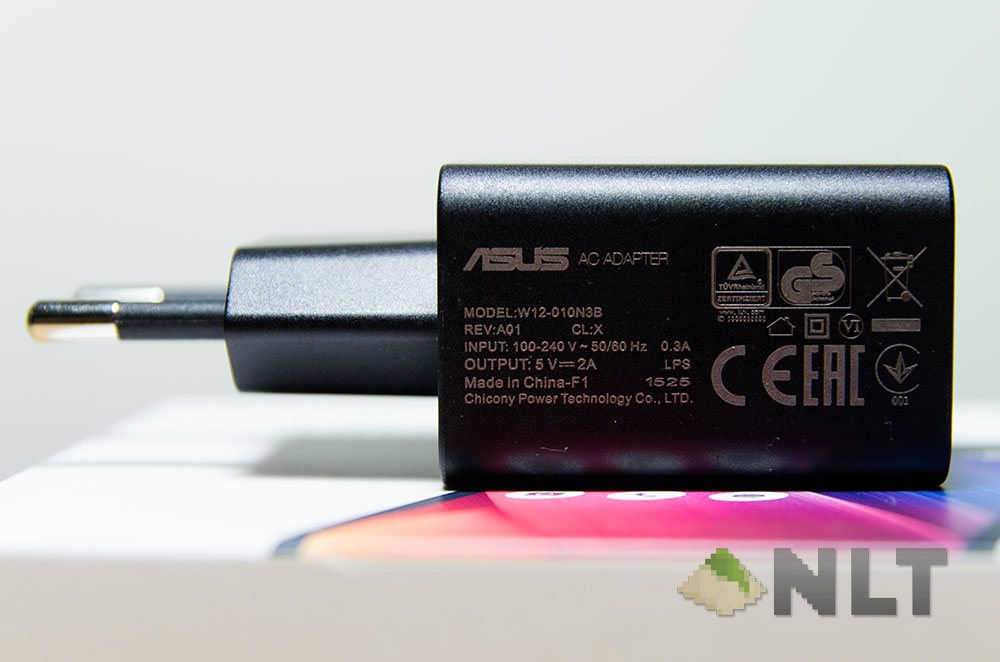
One more difference compared to the original ZenFone 2 is that the Selfie does not come with a higher powered charger nor support Fast Charging for that matter, so whatever charger you have won’t affect the battery charging speed.
Though the ZenFone Selfie actually comes with a 5V, 2A charger too. That means you can charge any other devices, including tablets, using this one charger alone.
[nextpage title=”Wrap up”]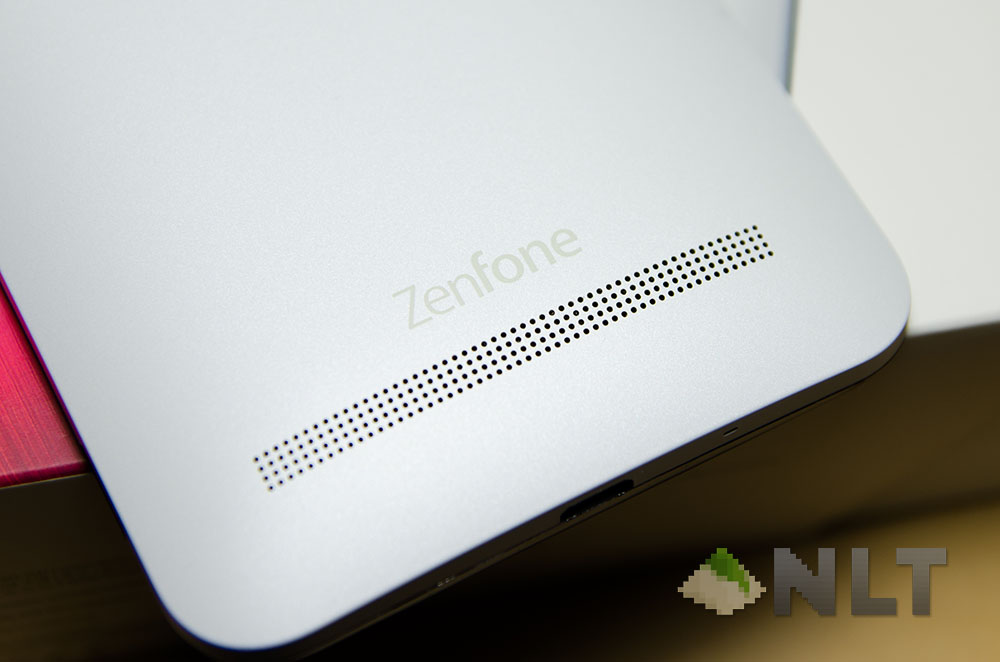
I think it’s better to tell you right off the bat – the ASUS ZenFone Selfie is RM1,049. Is it worth it? Definitely. Beautiful and bright 5.5-inch screen, amazing camera, decent performance, and magnificent battery life.
Who is it for then? By naming conventions, it’s for the selfie lovers, and thus the Selfie and a 13MP front-facing camera. But that’s not the case here, especially with the laser autofocus is something that all mobile photographers would really like to have.
Where to buy?
Here’s the real kicker – after reading all these, now please wipe off the saliva drooling out of your mouth and on to your keyboard. The Selfie can be found either at the ASUS Online Store right here or walk right into the ASUS Store in malls!
Seriously, all 3 colours are available now – blue, pink, and white (which we have here).
Like our Facebook Page here at NasiLemakTech.com for more news and in-depth reviews! Also, join our Facebook Group for insightful information and memes!
Subscribe to our YouTube channel too!


berapa harga trmasuk caj penghantaran d bahagian sabah
Hello, if I’m not mistaken delivery dia free.
Greetings, i’m getting this phone via ASUS Malaysia Online Store. I have a question if my asus selfie has some originally before the purchase or peoblems that i might have cause how do i get it done is there any warranty for Asus customers bought through online . I’m looking foward for the reply appreciate this review
Hey Samuel, the phone can be sent to any of the authorized ASUS service centers and your problem will be handled by ASUS themselves.
If I’m not mistaken, they check the warranty validity through your serial number.
it is good article thanks you
terjemahan tafsir ibnu katsir lengkap