















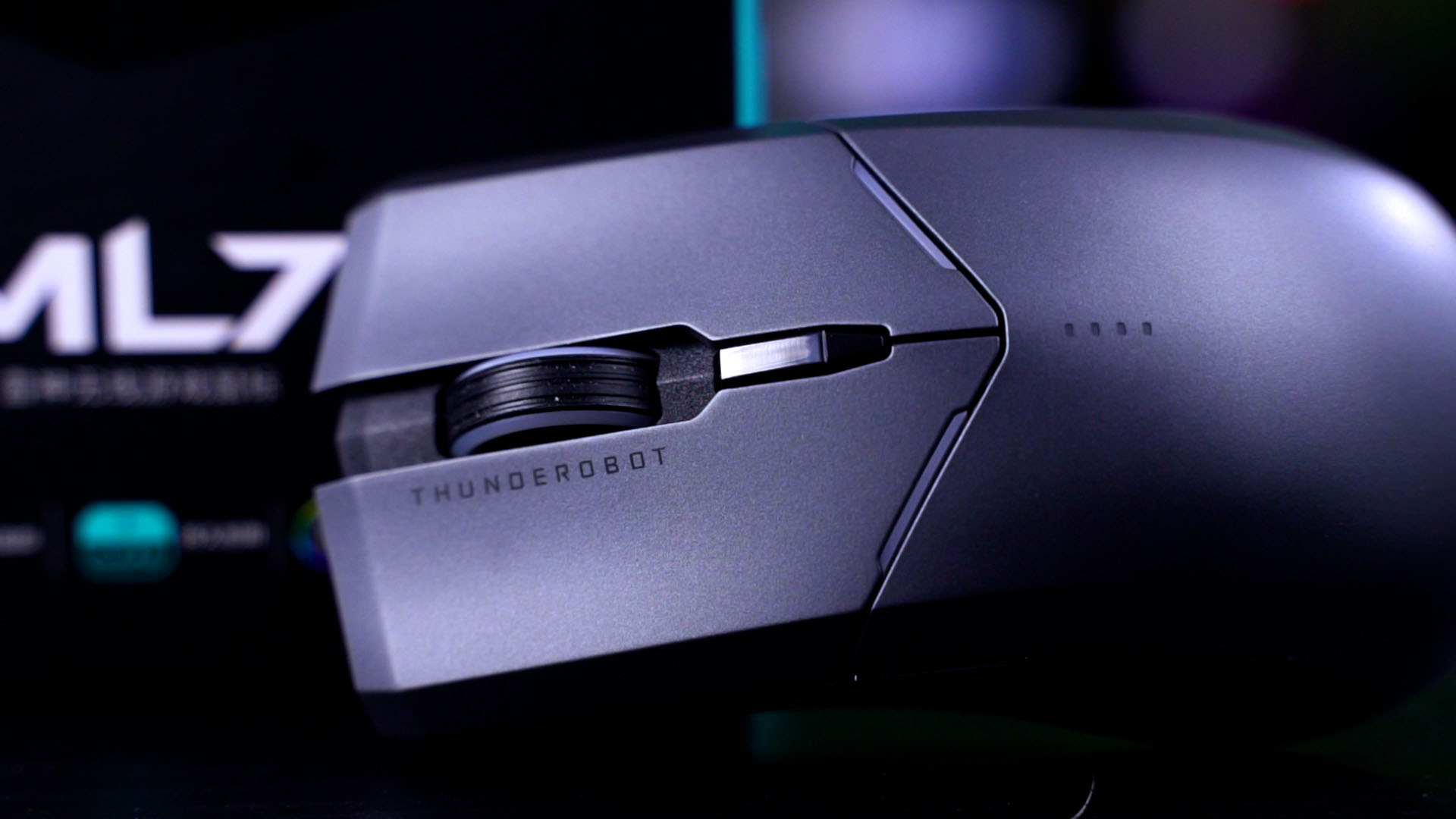

Thunderobot. It’s a brand that many of us might have heard of before. This is the Thunderobot ML701 wireless gaming mouse, which I personally love but there are a few improvements that can be made to this product to make it even more perfect.
In this review, I highly suggest you watch the video since it’s quite difficult for us to explain in words.
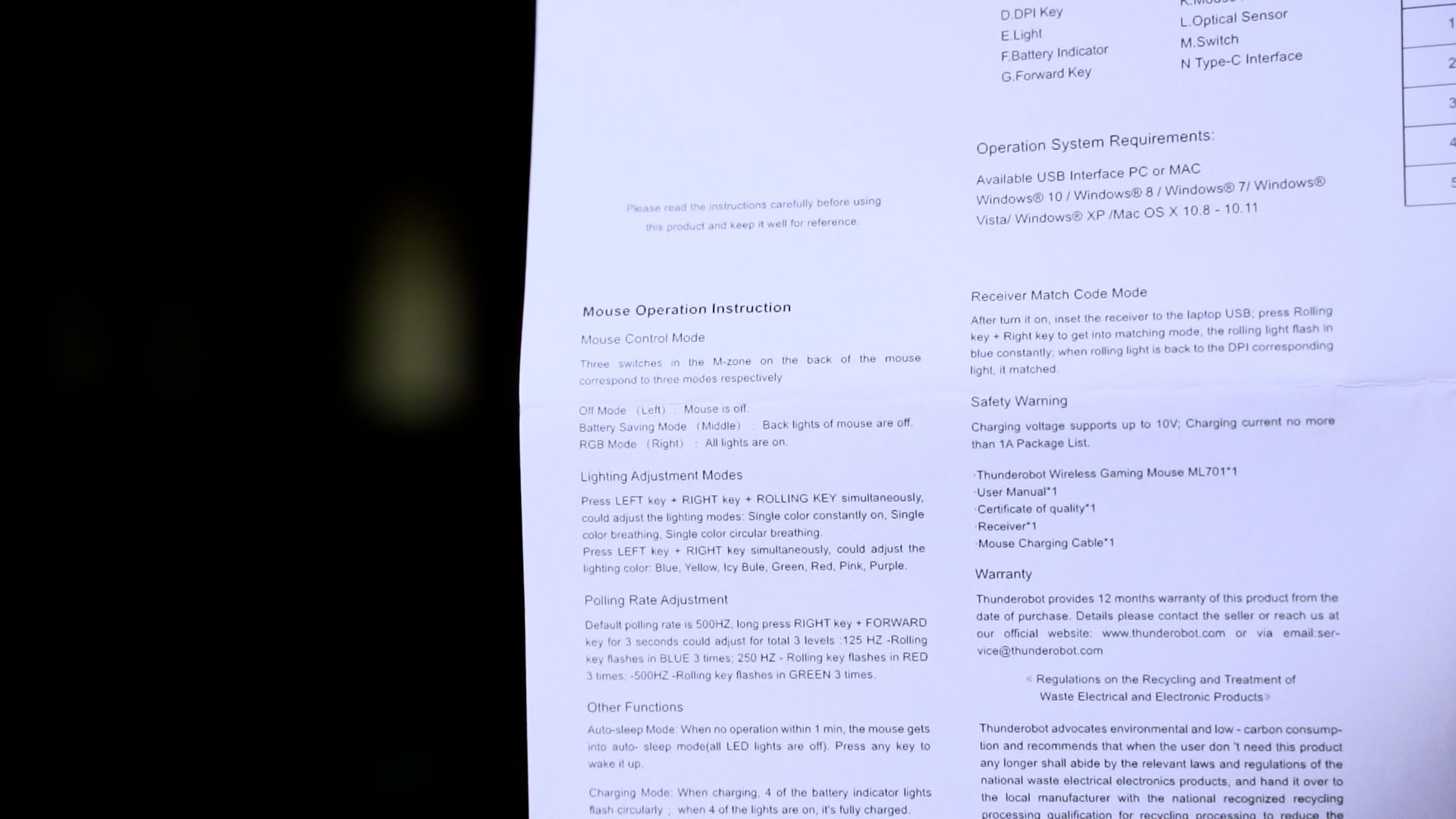
As per mentioned, the mouse comes shipped in a box with the Thunderobot ML701 wireless gaming mouse itself, and two pieces of A4 paper. These papers are translated versions of the user manual for the Thunderobot ML701 wireless gaming mouse, because the included user manual inside the box is all in Chinese.

Inside the box, we get a few simple things – the most important things are obviously the mouse itself, the USB dongle, and also a USB-C cable.

I thought this mouse is going to need a semi-proprietary USB-C cable since it’s having that weird header, but no – we took a random Ugreen cable and it plugs right in.
Unfortunately though, the Thunderobot ML701 wireless gaming mouse only works in wireless mode. We plugged in via Type-C and disconnected the dongle – it just doesn’t work. No idea why.

Since this mouse is reliant on the wireless dongle, I sighed in disbelief when I found out that there are no dedicated slots on the mouse to store the dongle. Oof.
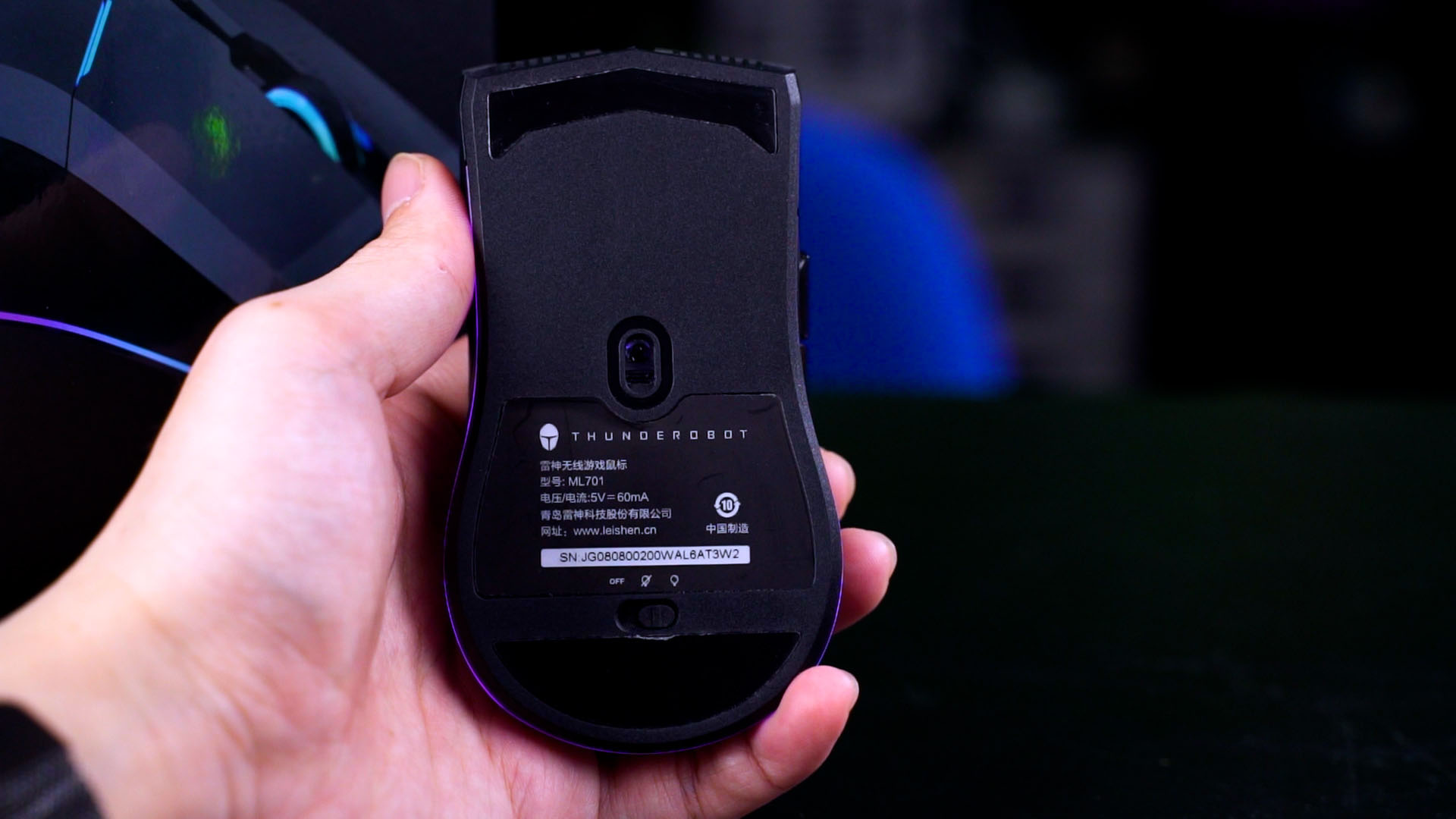
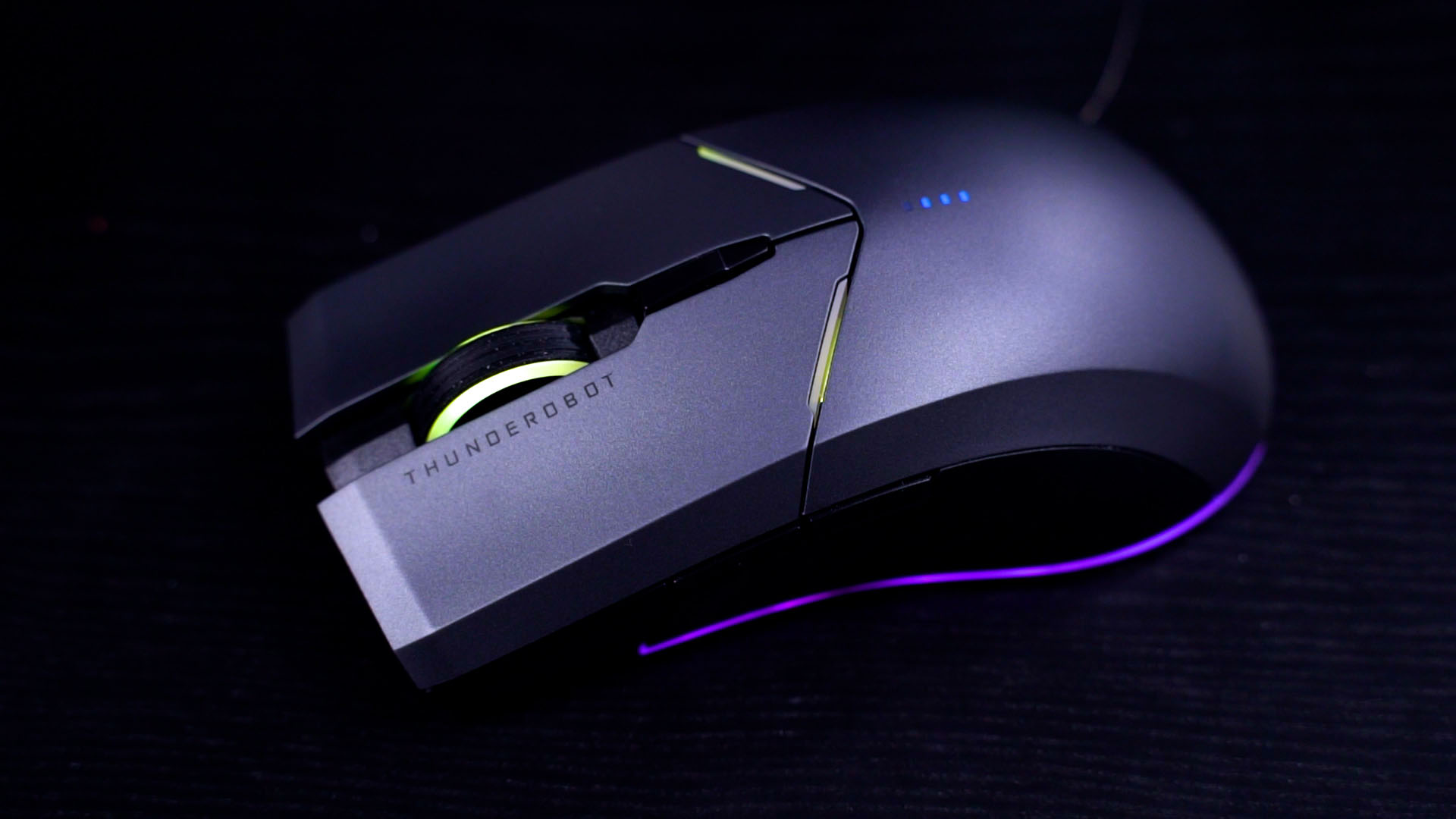
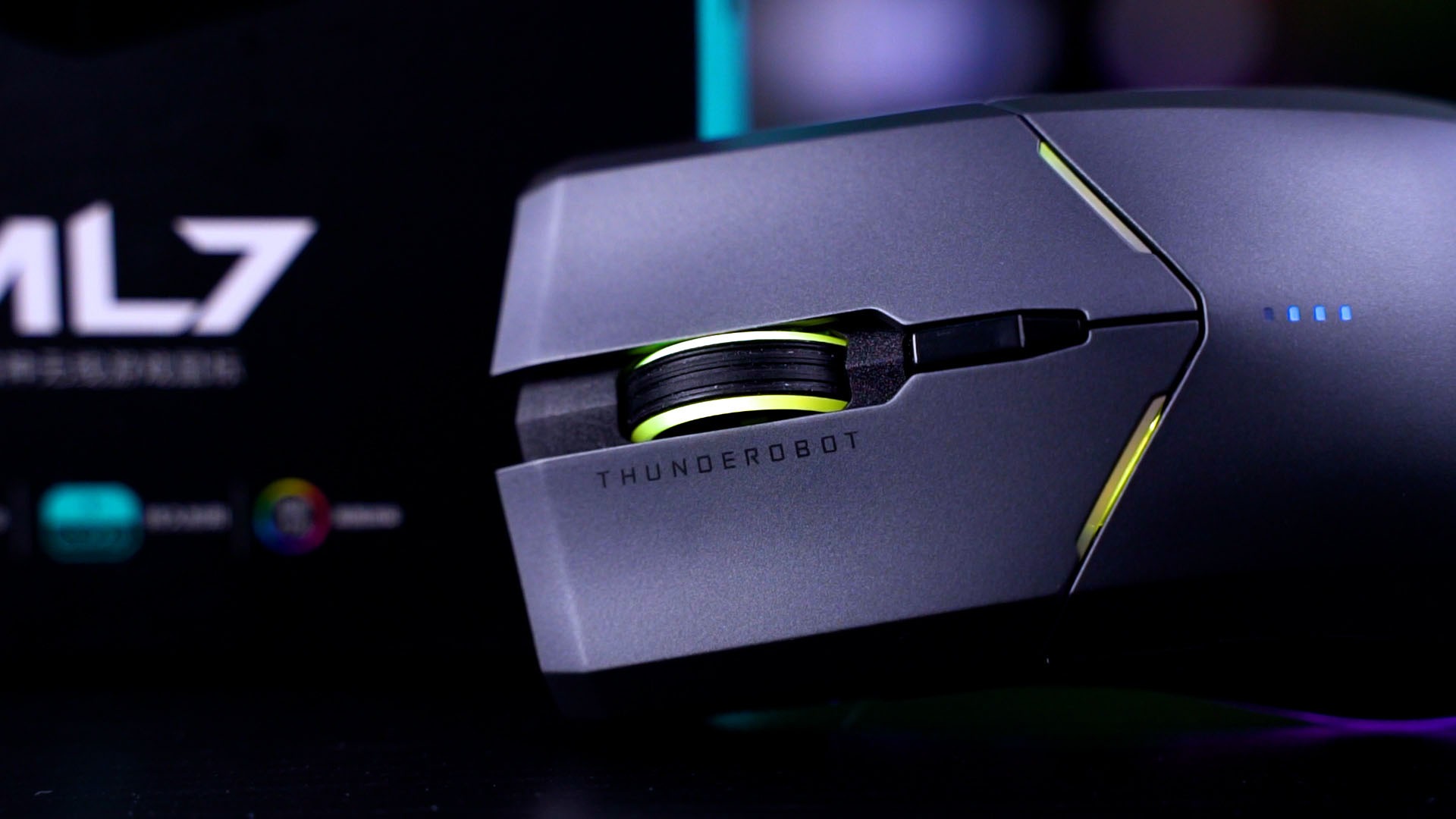
Luckily though, the mouse is very comfortable to hold and it is also very nice to use. The clicks feel good and satisfactory, tactile, and responsive. There’s also a DPI cycle button which cannot be programmed since there is no accompanying software.
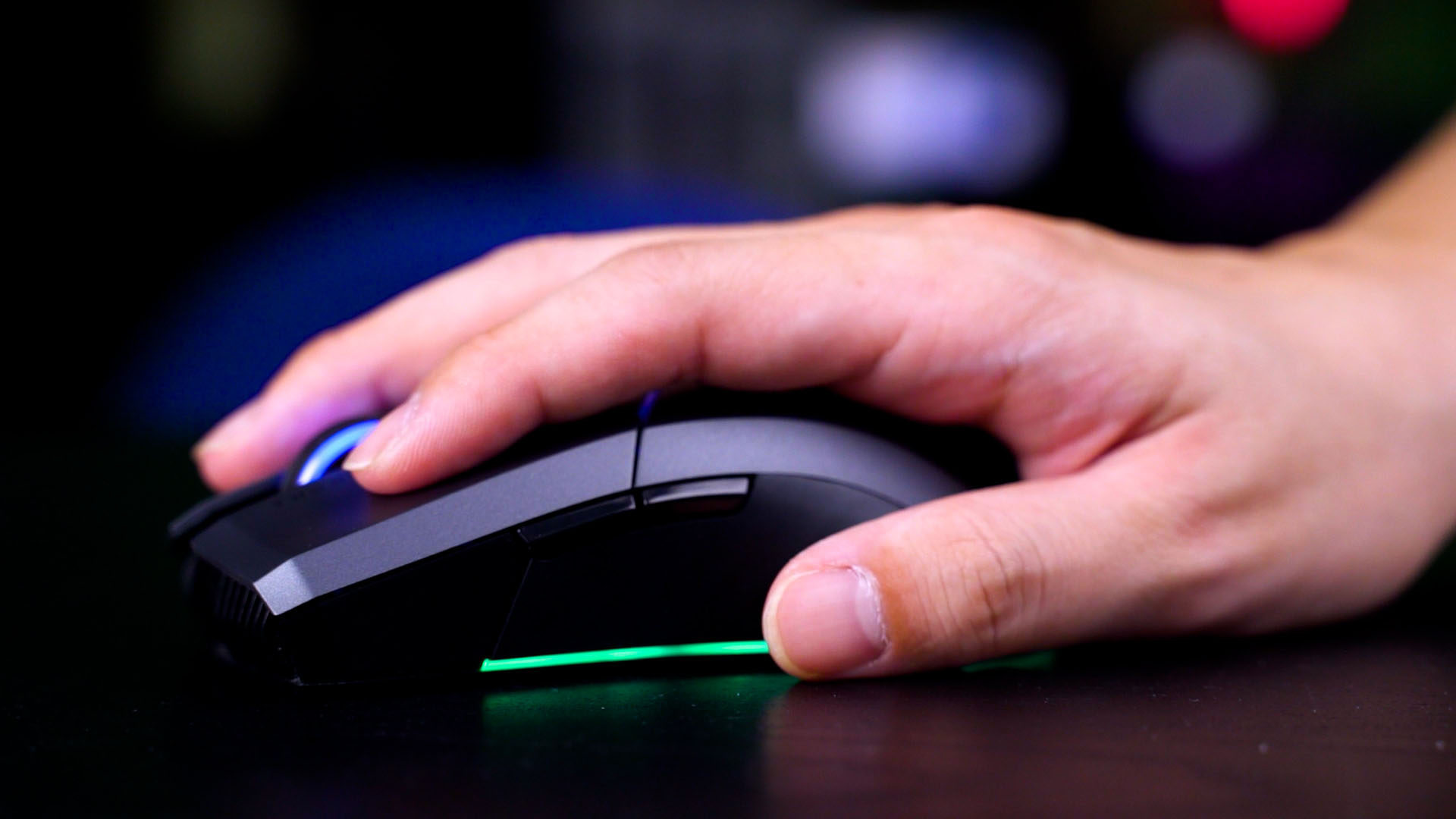
That’s not really a big deal, considering that this is a really basic wireless mouse that’s also nice to use. Considering that it is a “gaming” mouse after all, it needs some lights.
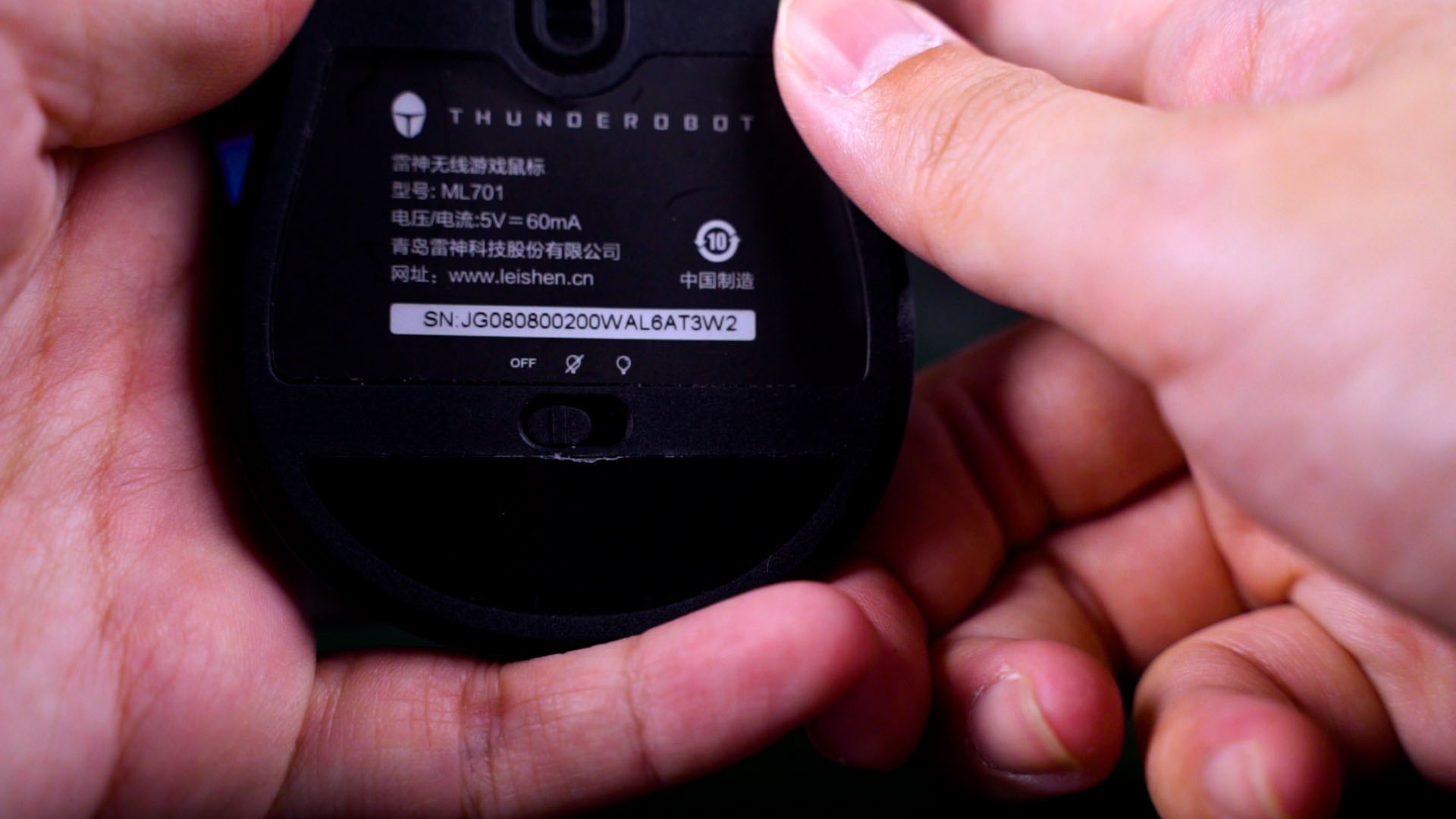
Underneath the mouse, there is a 3-throw power switch. There’s a “totally off”, a “turned on with minimal lights”, and also “turn everything on”.
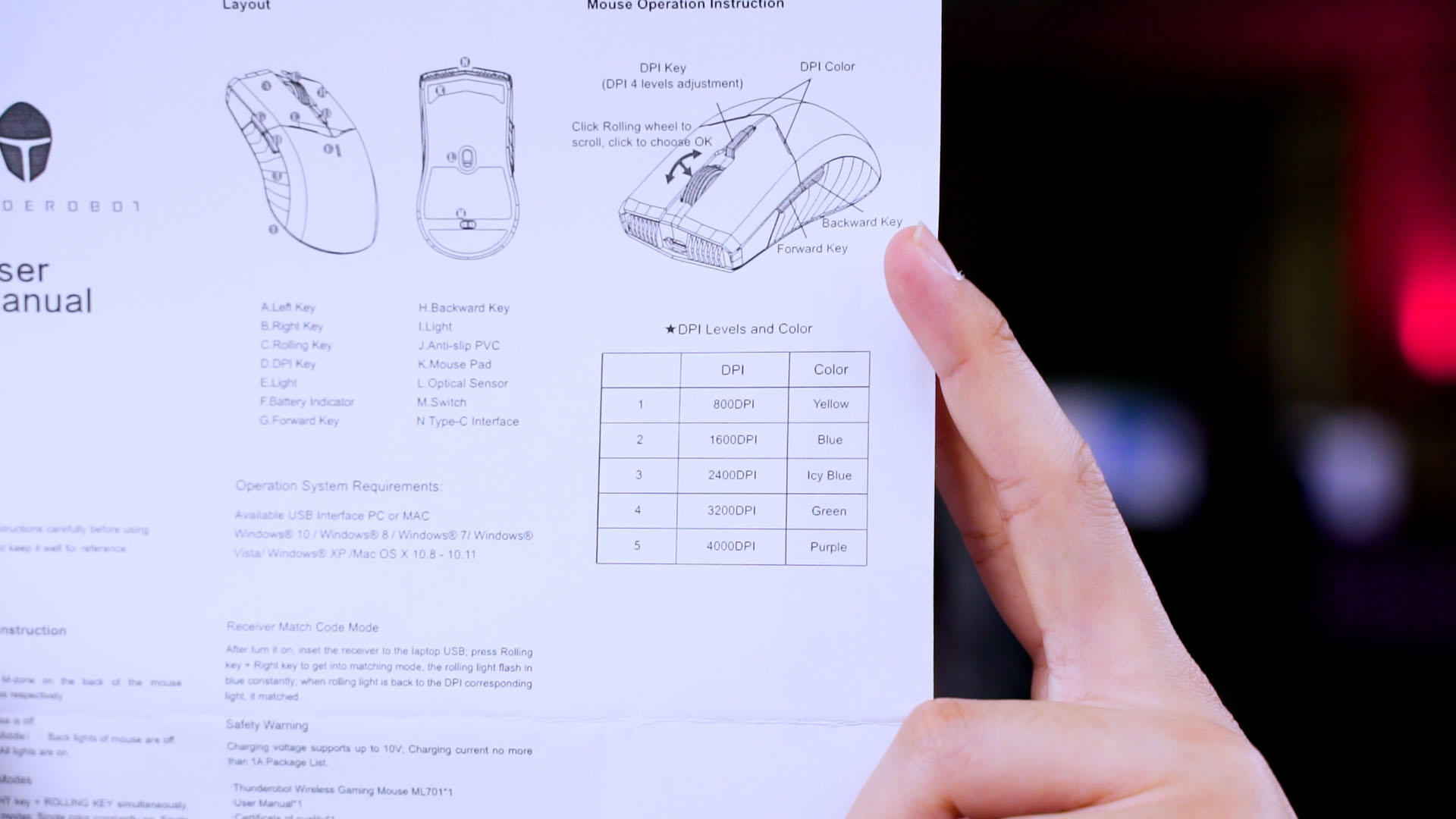
The lights are customizable but the colors are either bound to its DPI value, or accidentally changed while gaming because the command to cycle through the colors is by pressing down both left and right clicks together.
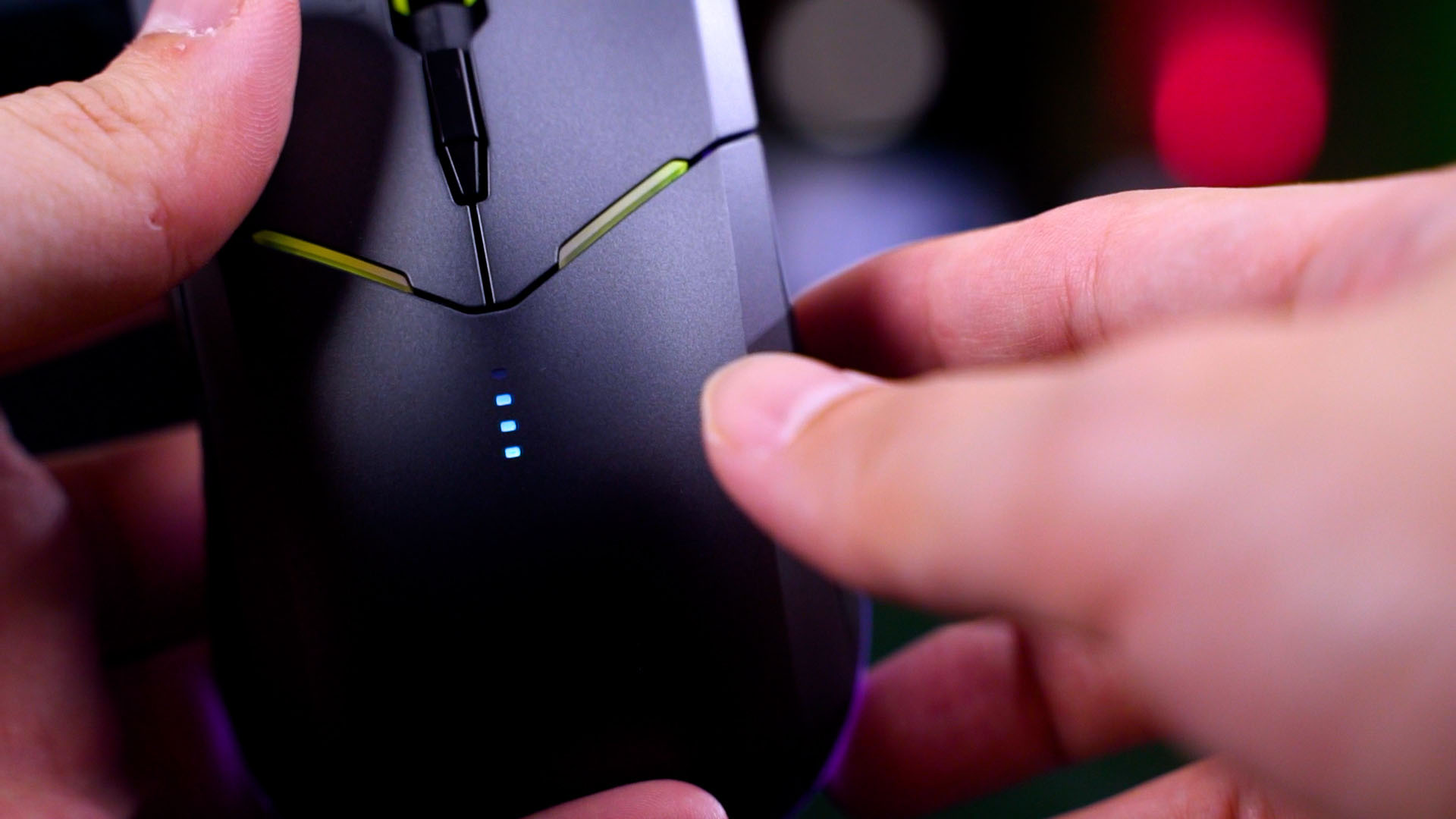
Still, the battery life of this Thunderobot ML701 wireless gaming mouse is phenomenal. I used it with all lights turned on for about 3-4 days straight editing videos that need constant mouse movements – and it held up really nicely.
While there are shortcomings when it comes to the Thunderobot ML701 wireless gaming mouse, I still love it. Personally, for me, it’s important for a mouse to be nice to hold, nice to use, and also feels good. Wireless mice need to have decent battery life and also a non-proprietary charging port – which the Thunderobot ML701 wireless gaming mouse checks all of those boxes. I don’t care about lighting, honestly.
There are a few things that I’d like to see improved on the Thunderobot ML701 wireless gaming mouse – like having an accompanying software to configure its buttons and DPI. Another thing is to have a dedicated slot on the mouse itself to store the wireless dongle. Also, the ability to use the mouse in wired mode would’ve been nice.
And finally, back to the price. At RM99 (sometimes as low as RM79), I can live with those issues. It’s an insanely low-priced wireless mouse that actually feels really good to use.
So, if you’re looking for a simple wireless mouse on a budget that actually feels and works great, I highly recommend the Thunderobot ML701 wireless gaming mouse.

Where to buy? (Affiliated link)
Like our Facebook Page here at NasiLemakTech.com for more news and in-depth reviews! Also, join our Facebook Group for insightful information and memes!
Subscribe to our YouTube channel too!