











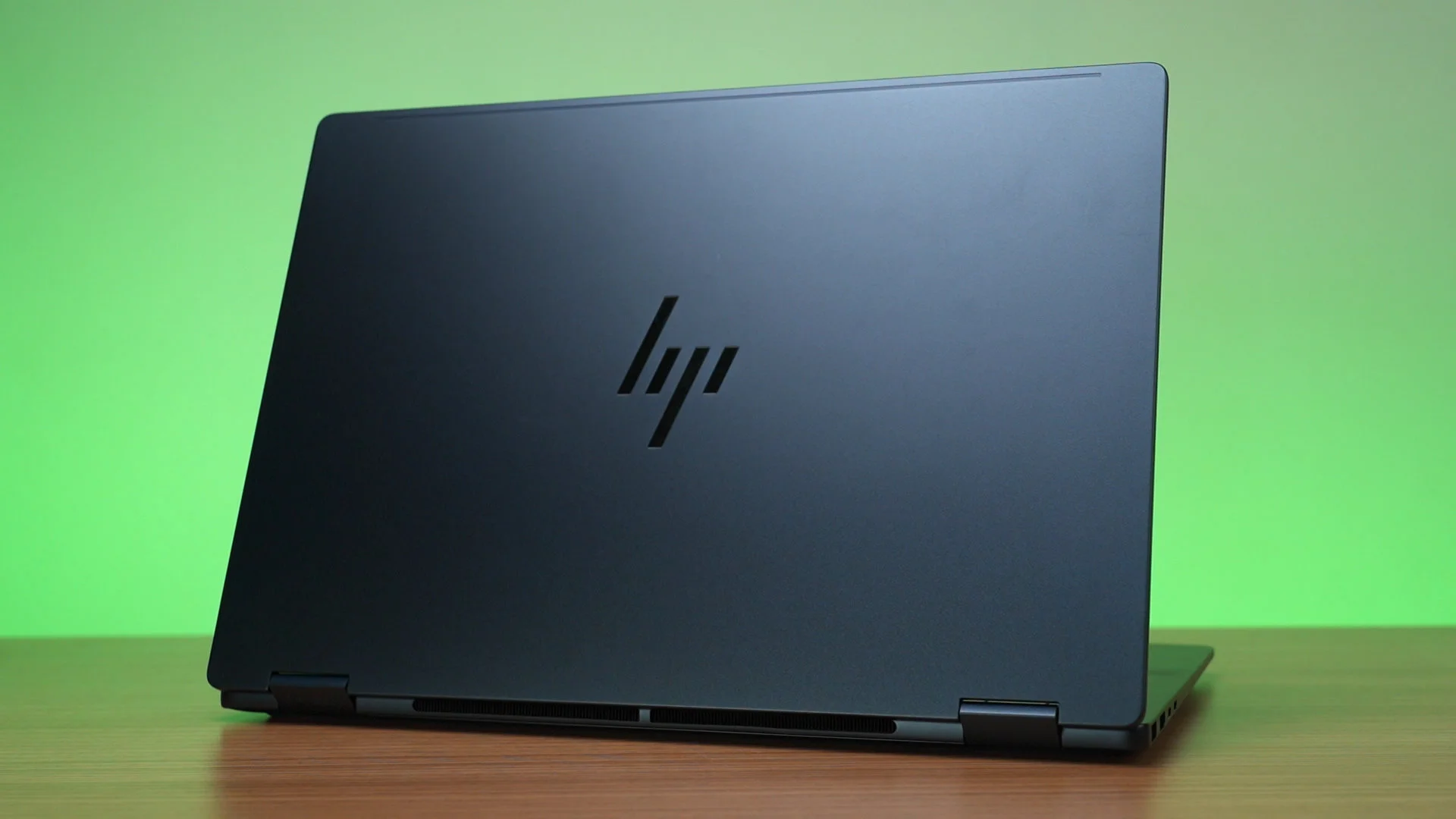

Today’s laptop is a unique one. This is a 2-in-1 convertible laptop from HP, the OmniBook X Flip 14 with this model number. The model number is important as it tells what kind of specs it has. Either way, convertible laptops are not particularly common in the laptop market – so is this a good laptop?
Form factor
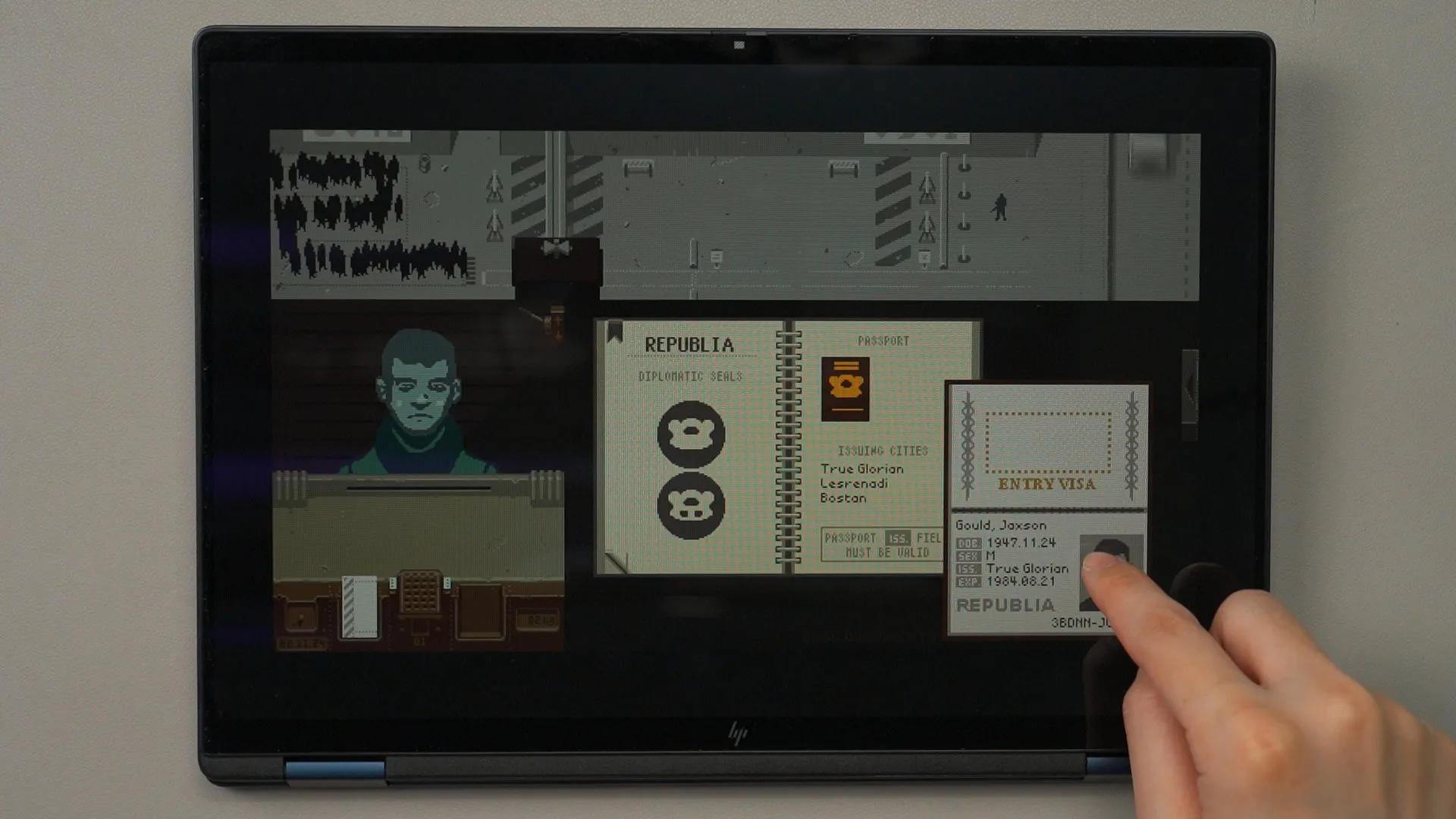
Now, one of the main reasons why you pick the HP OmniBook X Flip 14 is for the form factor. Having the ability to flip the screen around is indeed something that many people are looking for – including me. This form factor will also require a touchscreen, which enables certain genre of games to be enjoyed in a completely different form factor – including point-and-click adventures or Papers, Please.
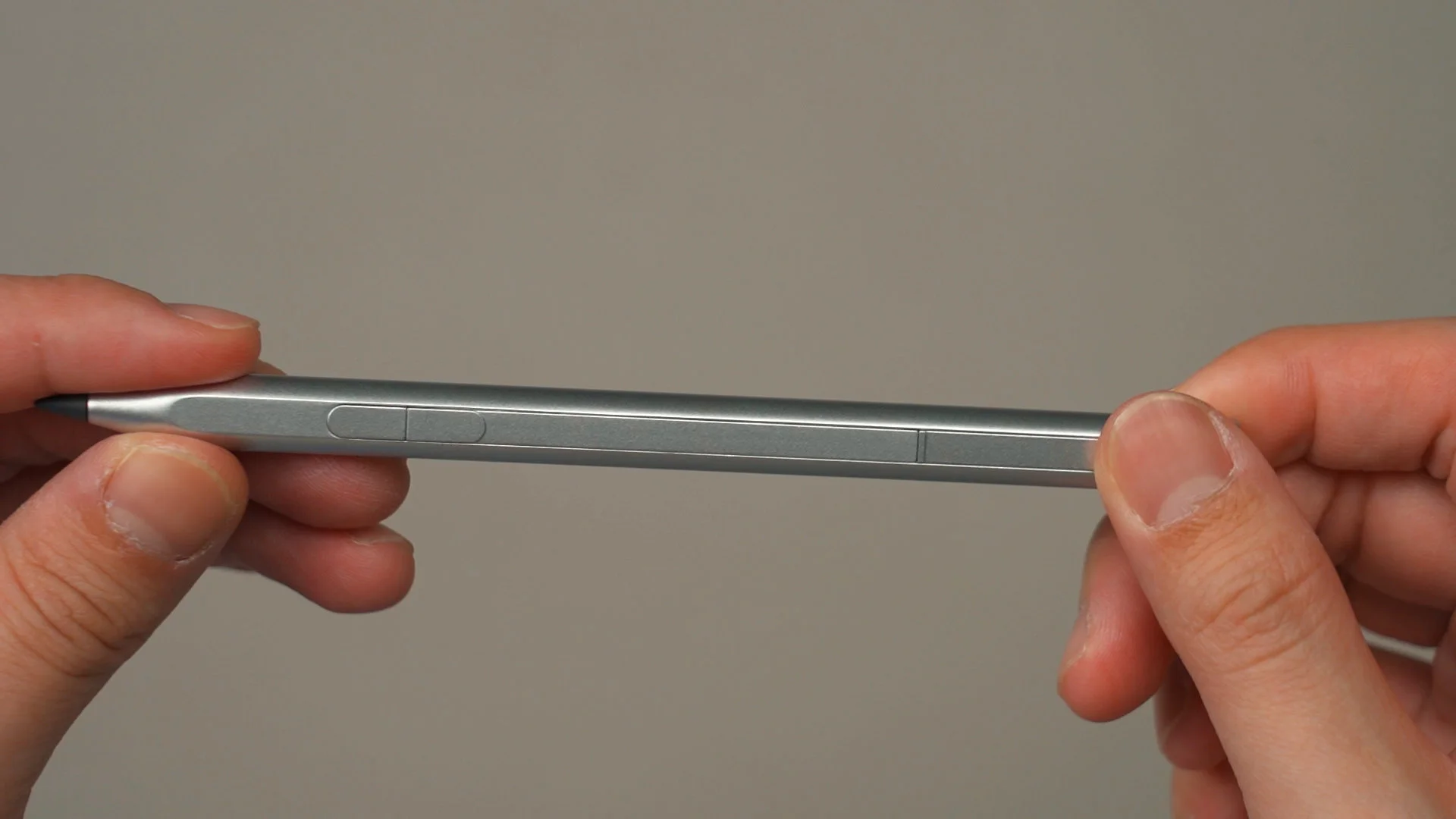
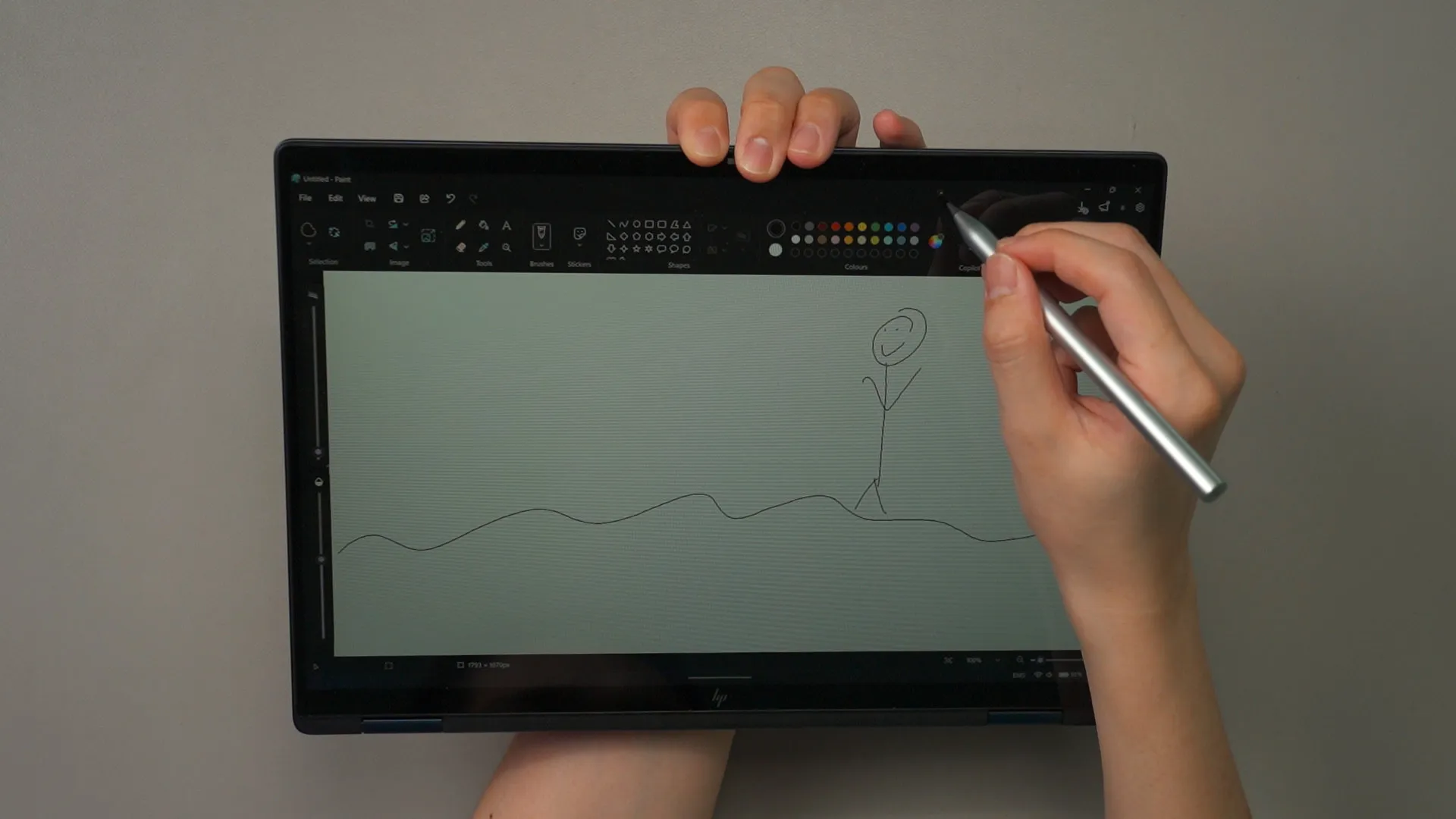
HP also included a stylus in the box that supports MPP 2.0, so we can use this laptop as a drawing pad too. I’m not a good artist, but it’s certainly something that we can use this laptop to do.
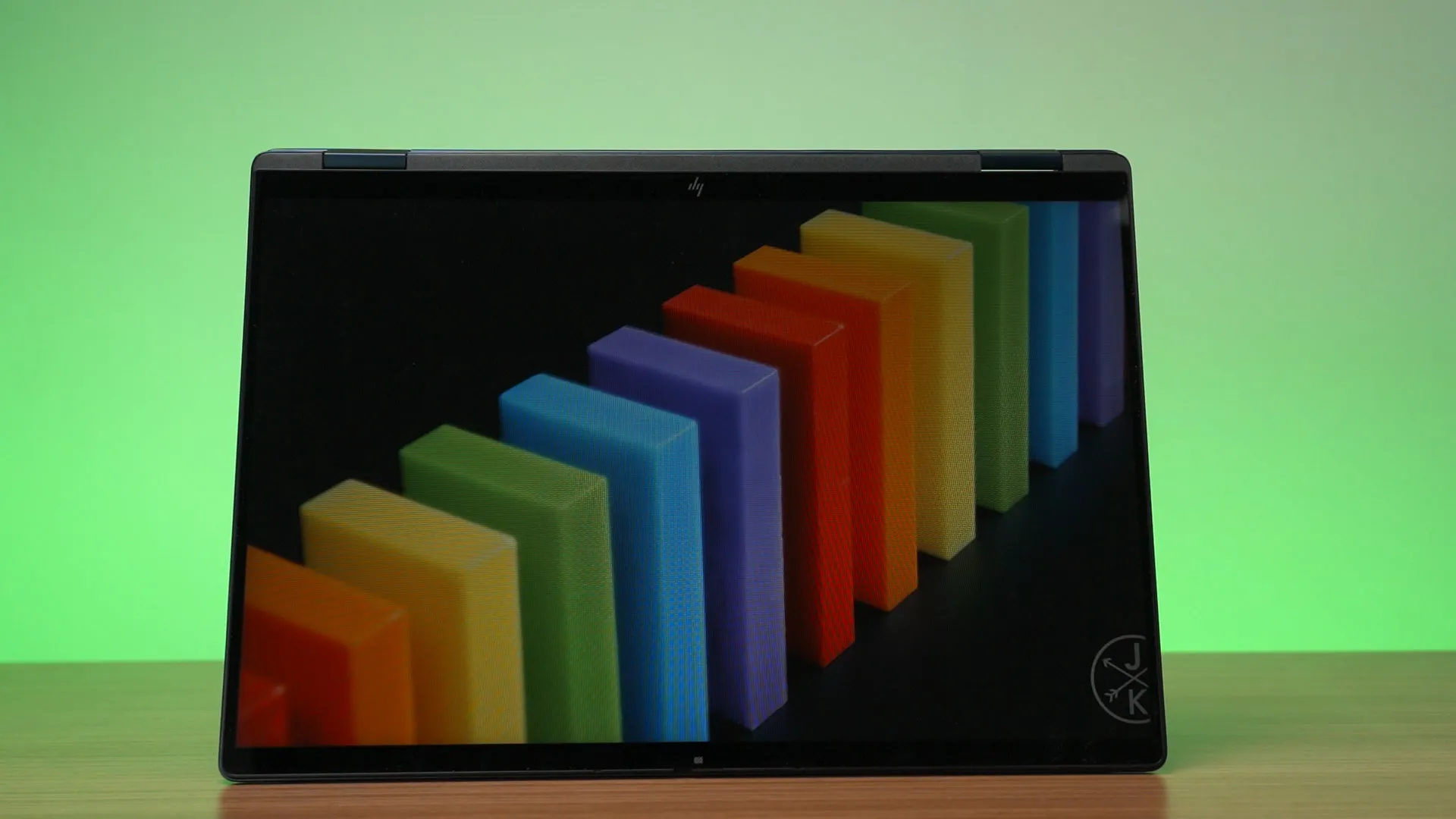
But, we don’t have to flip the screen all the way to enjoy the laptop. We can also just turn it into tent mode and watch movies this way. The screen is closer to our face and the keyboard is out of the way. Makes the videos feel different, actually.
Display
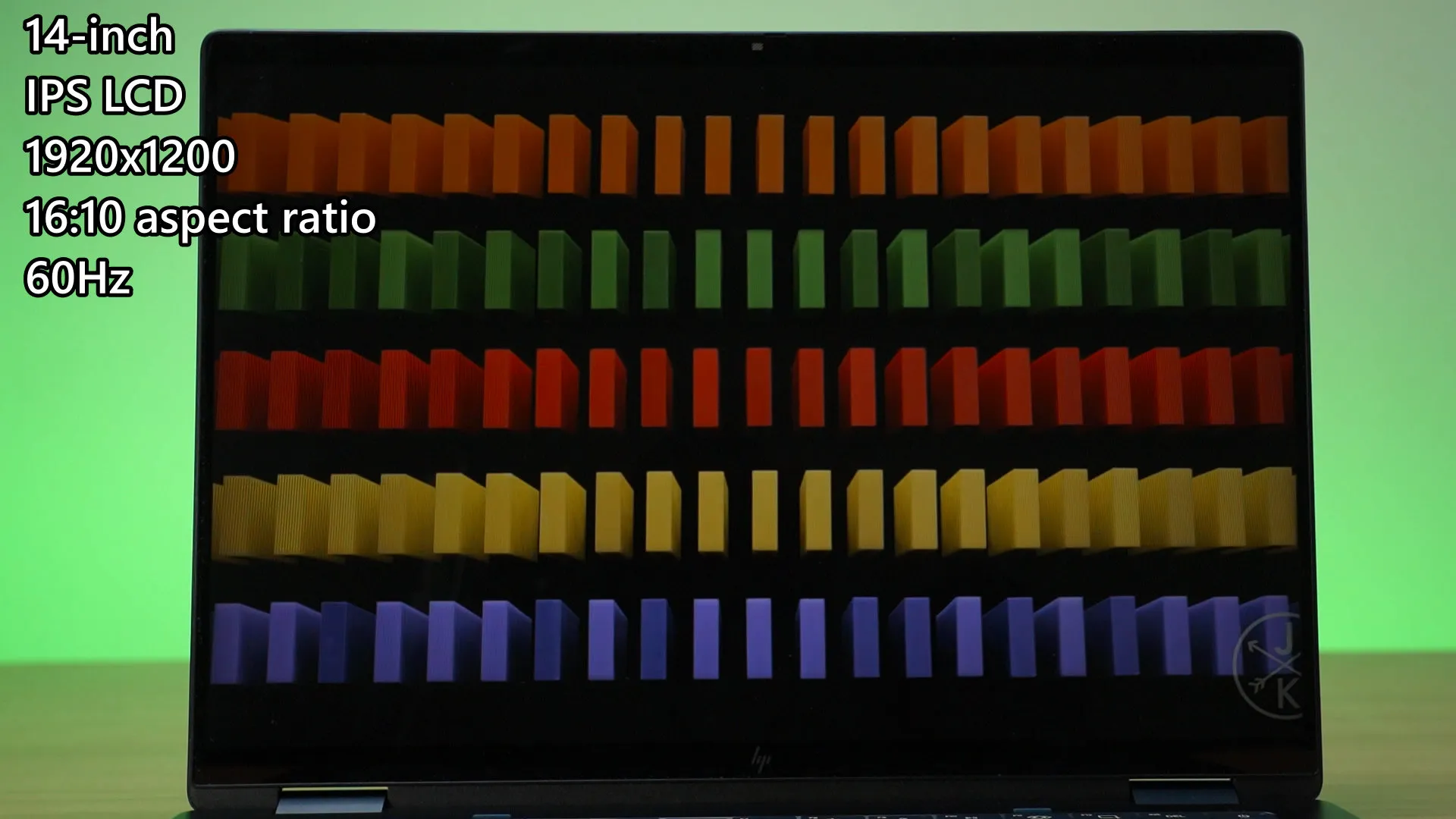
Since the display is such a big part of the laptop’s experience, is the screen any good? We have a 14-inch IPS LCD screen with a resolution of 1920×1200 pixels, so 16:10 in aspect ratio, and goes up to 60Hz refresh rate.
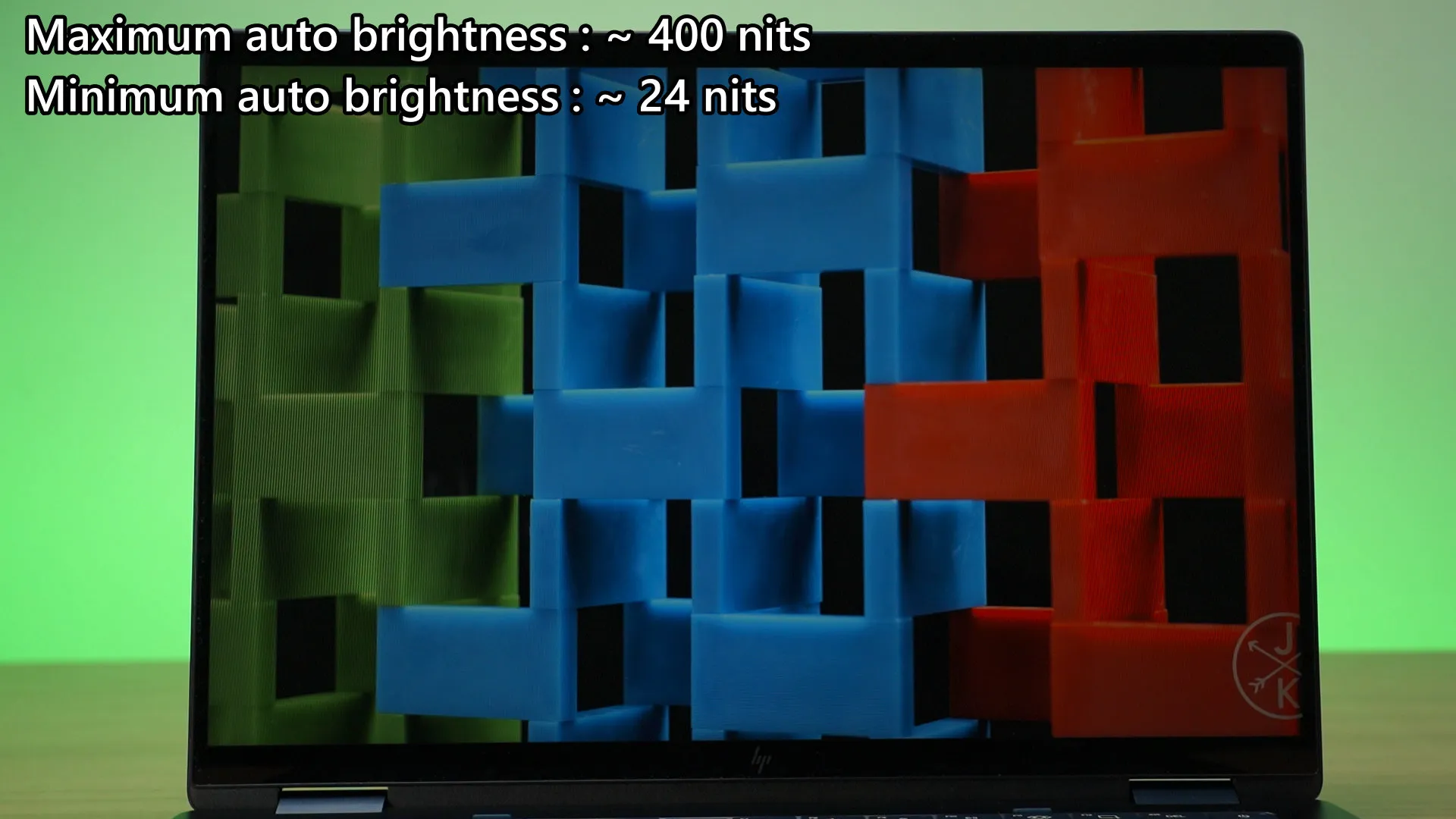
The maximum brightness that this screen can achieve is 400 nits and the minimum is around 24 nits. Honestly, no one will use the display so dim anyway – but hey, I’m just including the data here.
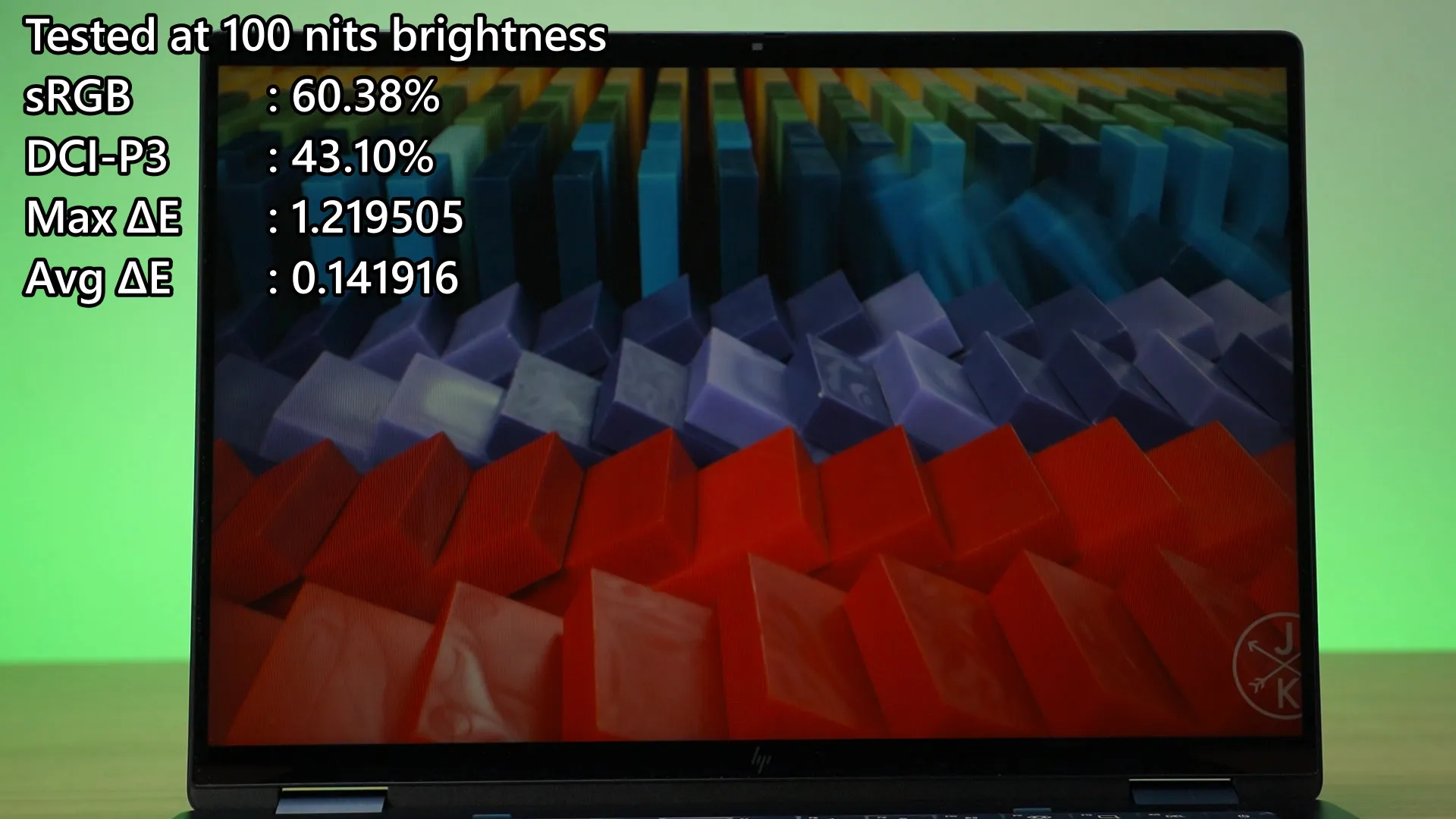
But the color gamut coverage… is not particularly good. Even HP themselves have already stated on the specs of this laptop – 62.5% of sRGB. In our test, this screen can only cover 60.38% of sRGB and 43.1% of DCI-P3. Yeah… the colors are not good. I’ve seen other laptops with IPS LCD screen that can do far better than this.
Keyboard
As for the other parts of this laptop, the keyboard is actually quite decent. It’s very bouncy to type on as the springback is really snappy. However, the actuation force is quite high and the entire key will just collapse in and bottom out when we’re past the actuation force.
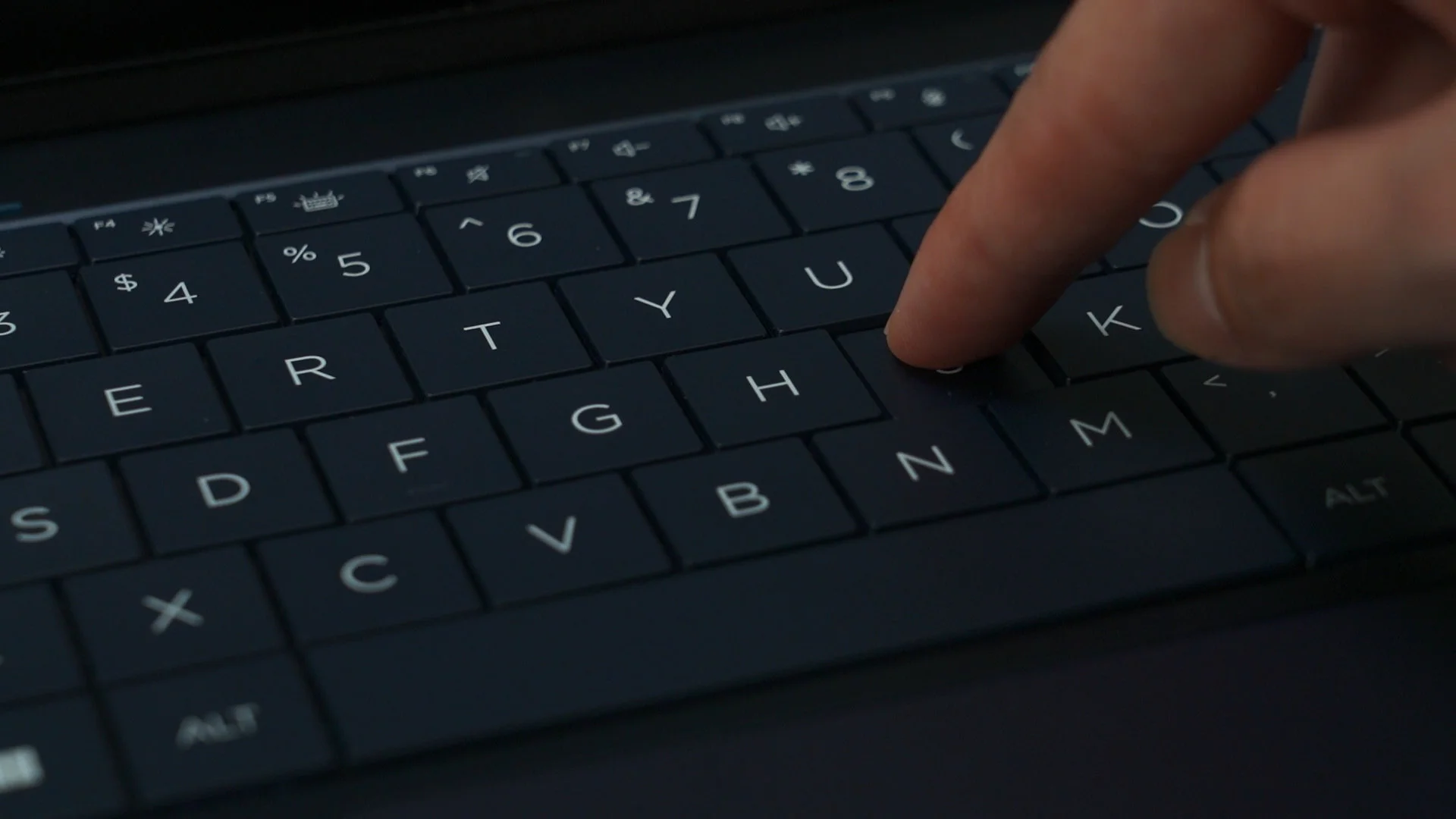
And hey – HP uses a gapless keycap design for this keyboard. Certainly unique when combined with the backlight to make the entire keyboard glow.
Trackpad
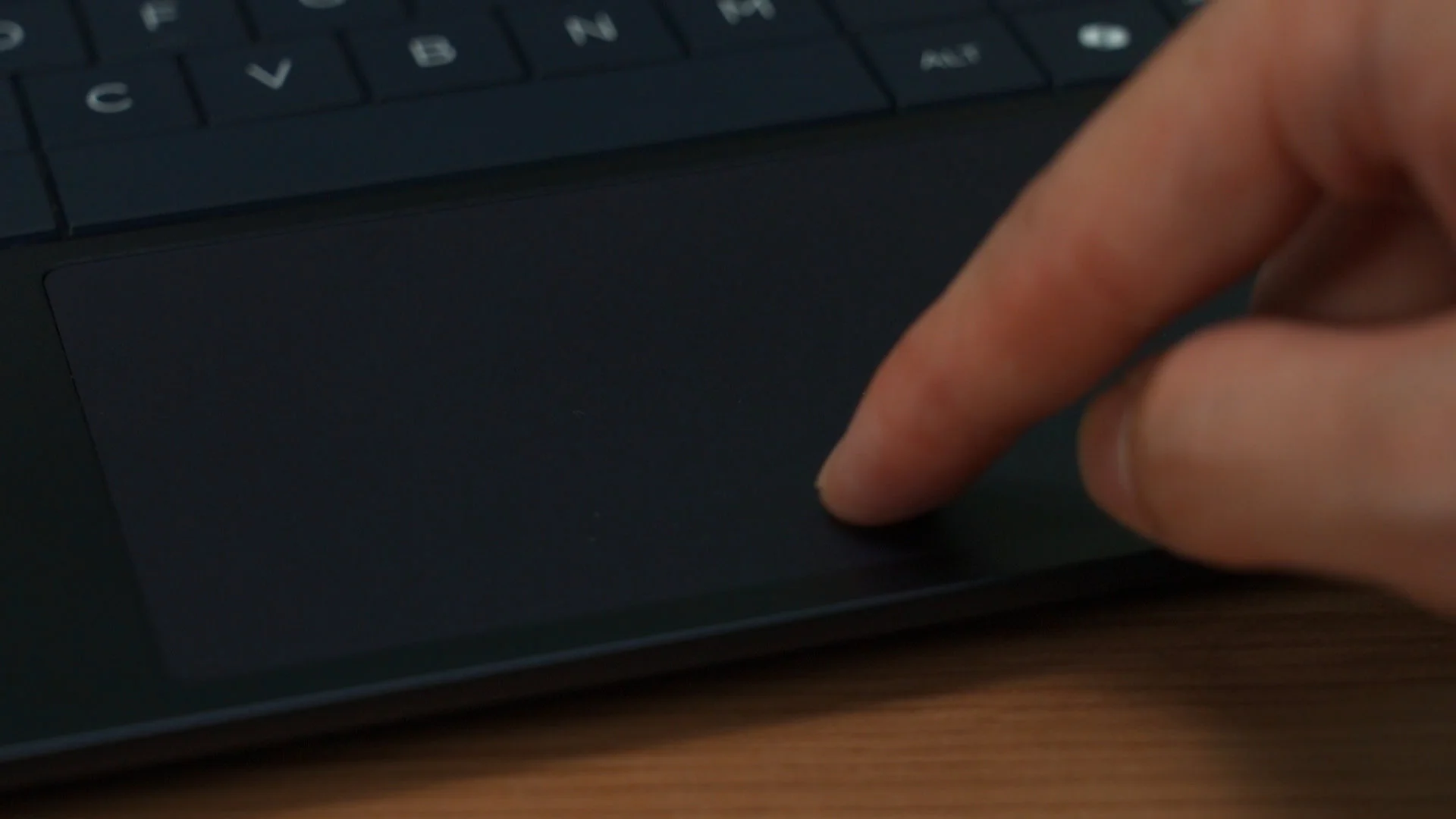
The trackpad is of a decent size and it tracks and glides properly – so no problems here. We don’t even have to use the trackpad that much since this is a touchscreen anyway.
Specs and performance
As for the specs and performance, this is a pretty well-equipped laptop. For our particular configuration, we have:
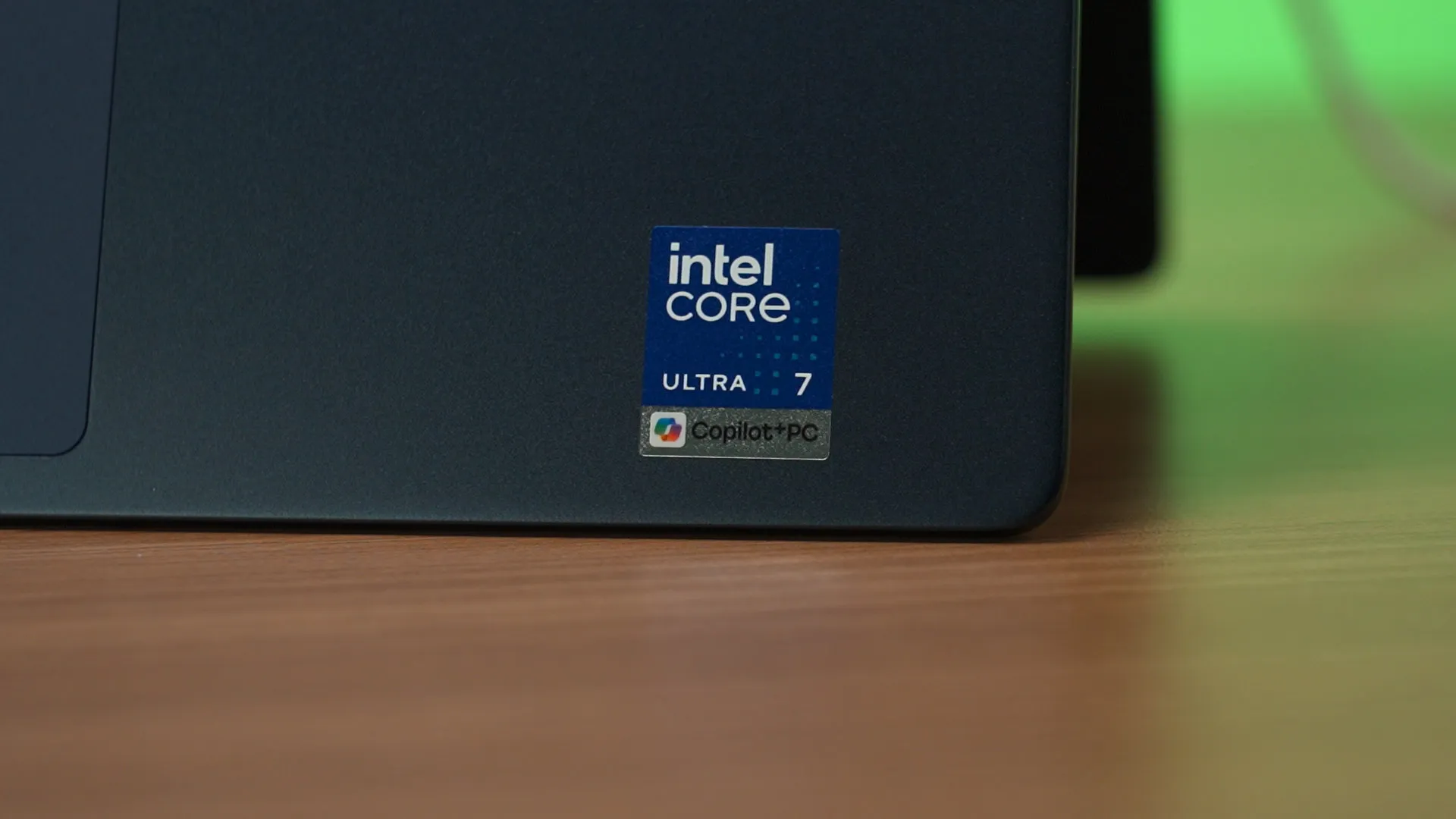
- Intel Core Ultra 7 256V
- Intel Arc 140V integrated GPU
- 16GB of DDR5 RAM at 8533MT/s
- 512GB of SSD from Samsung
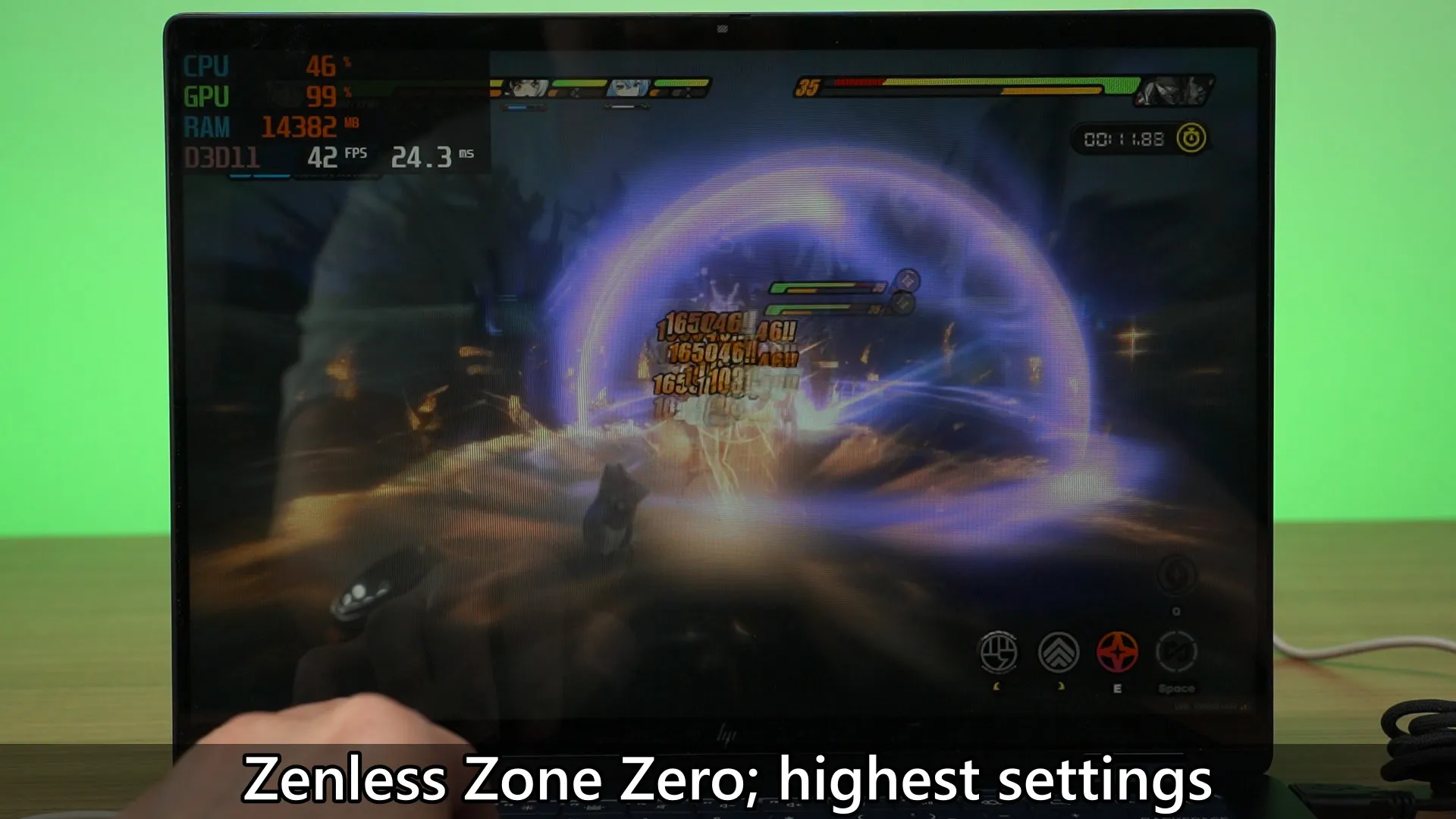
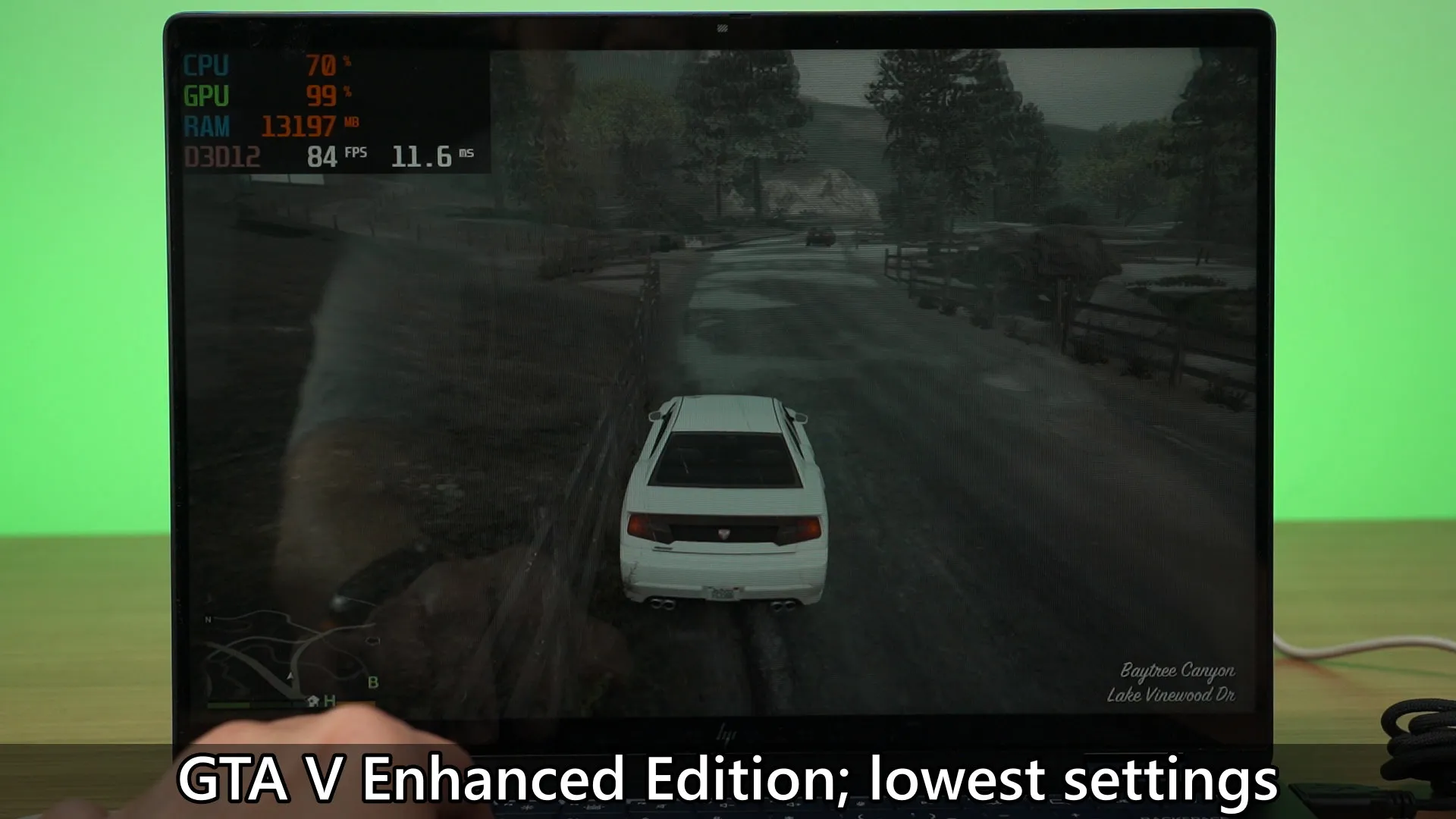
We’ve already tested this chipset quite a long time ago, and I was impressed with its performance back then – and I’m still impressed by its performance now. Since this is a FHD resolution, the iGPU can actually handle everything very well. I played a lot of Zenless Zone Zero on this laptop and GTA V Enhanced Edition also worked very well here.
Battery
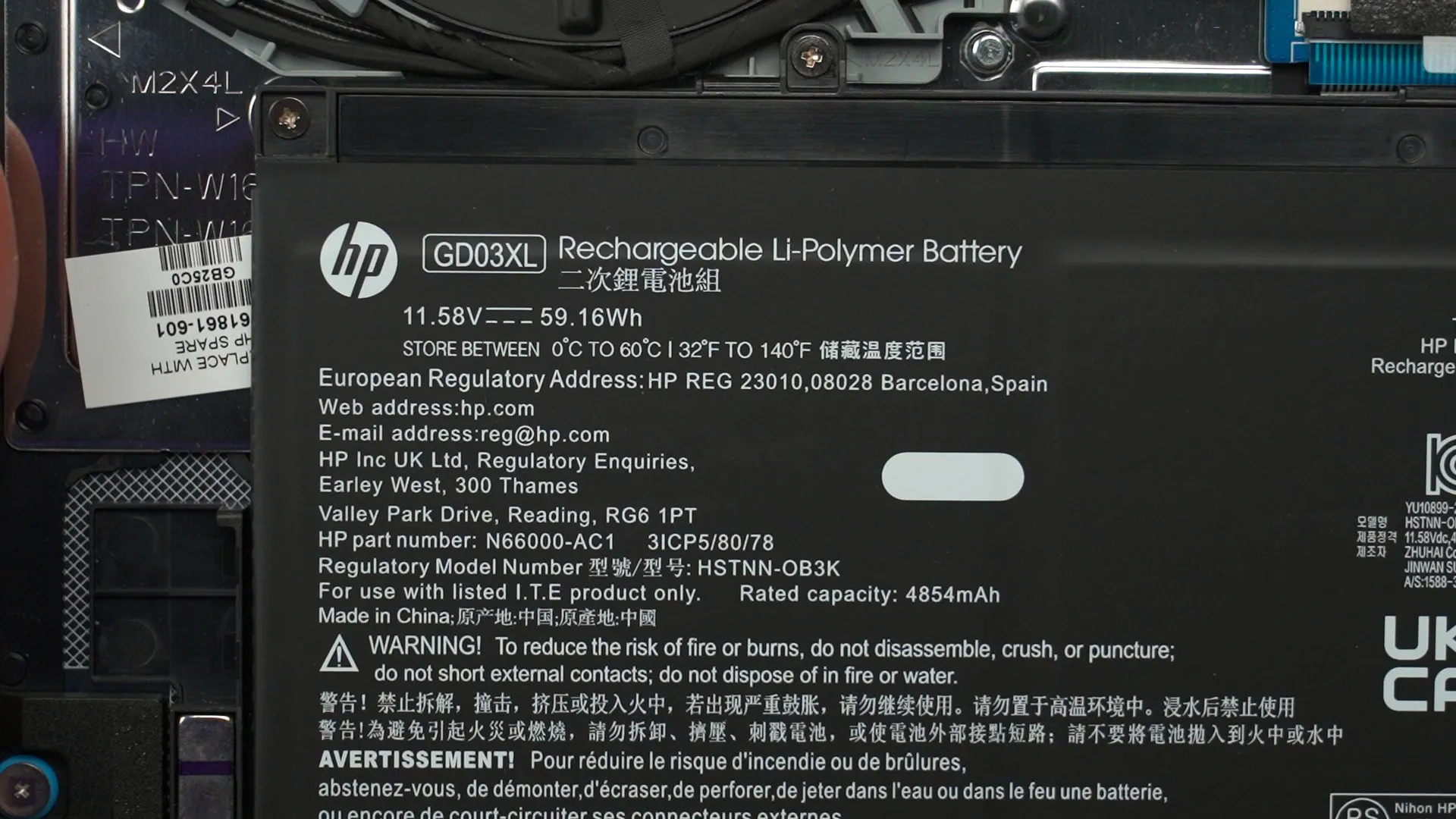
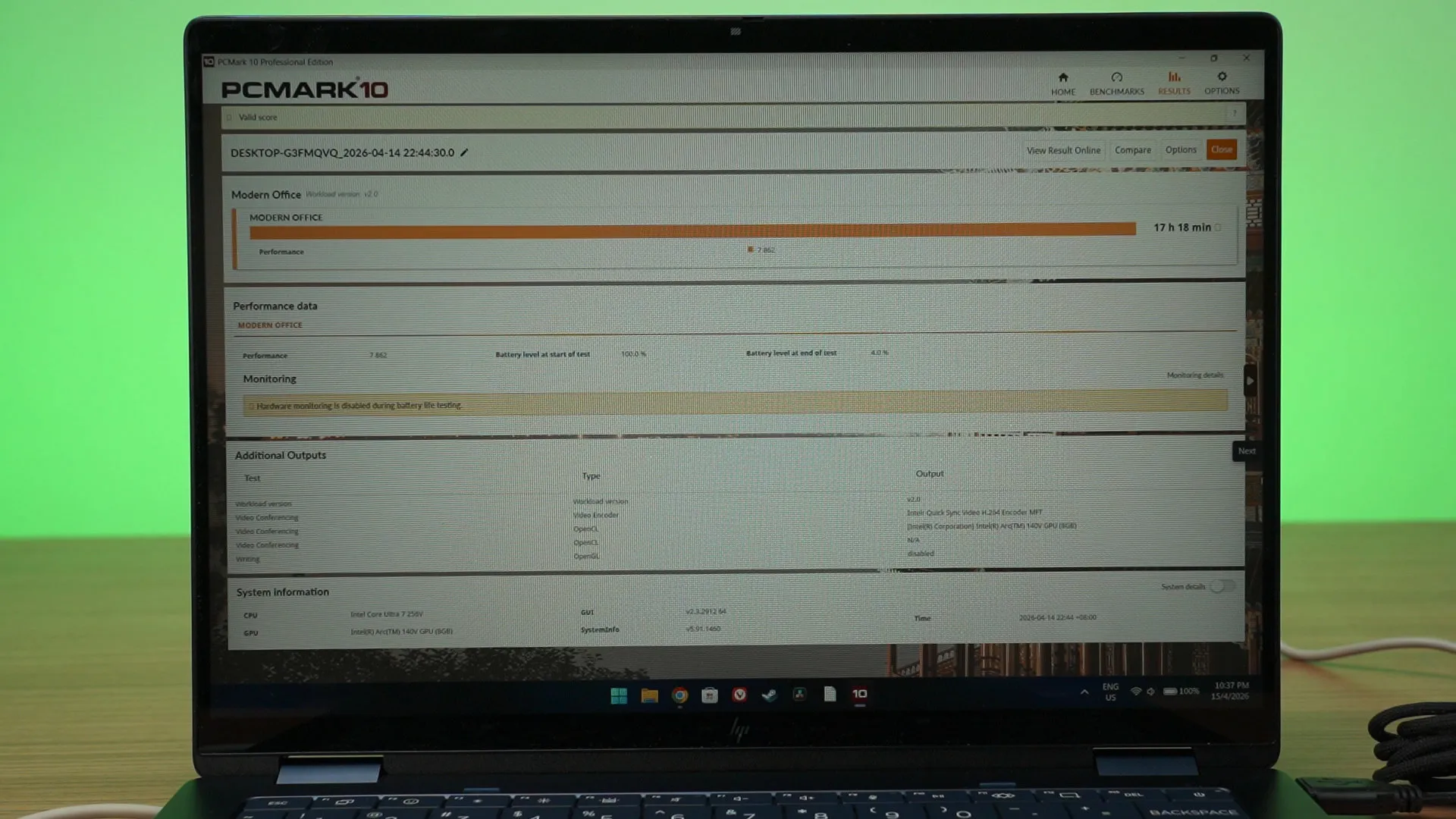
Even the battery life is impressive as well, as that is one of the highlights for the Intel Core Ultra Series 2 processors. With only a 59.16Wh battery in this laptop, it can last for around 17 hours and 18 minutes in the PCMark battery life test. Seriously, this is just impressive.
Charging speed
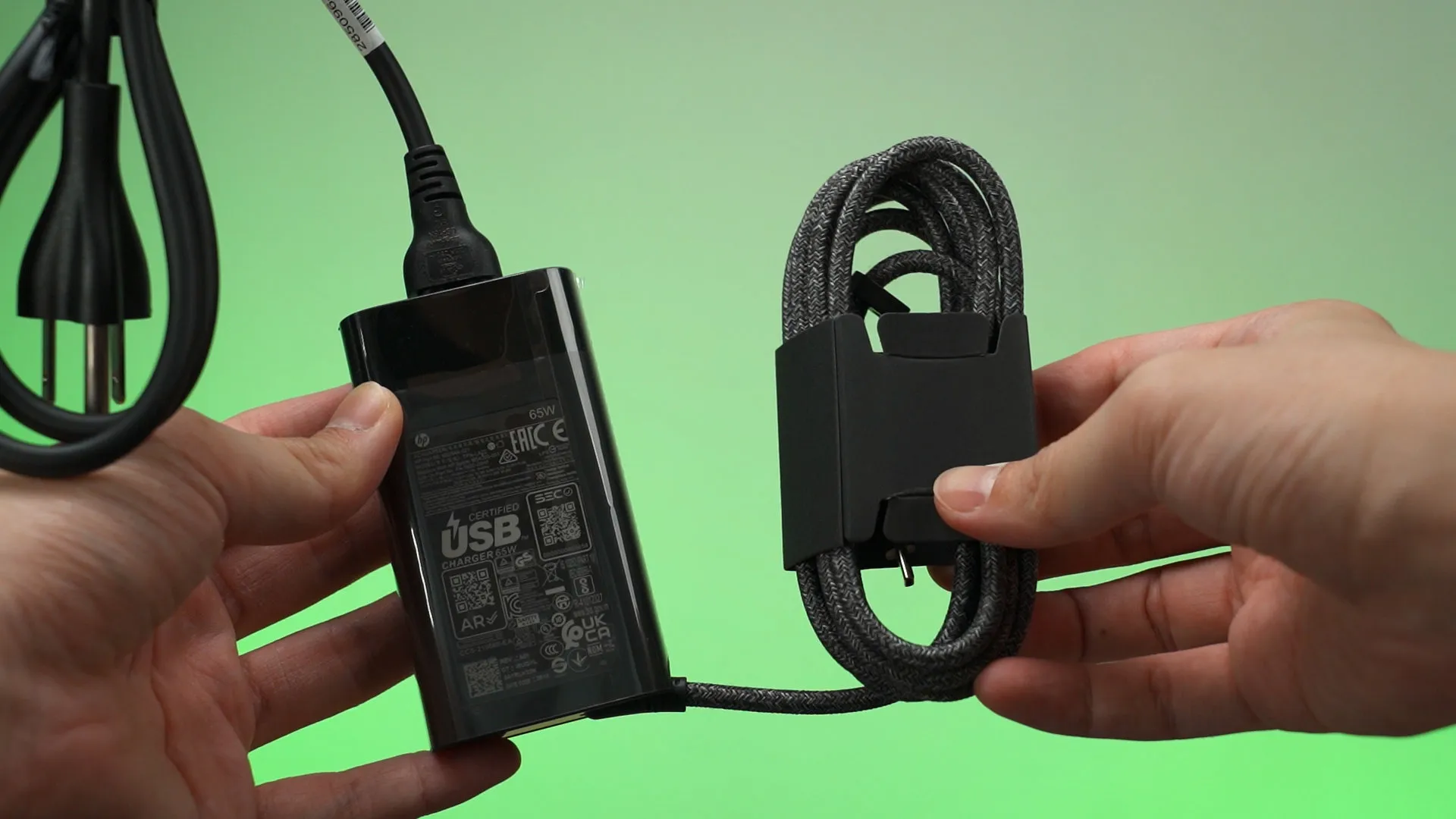
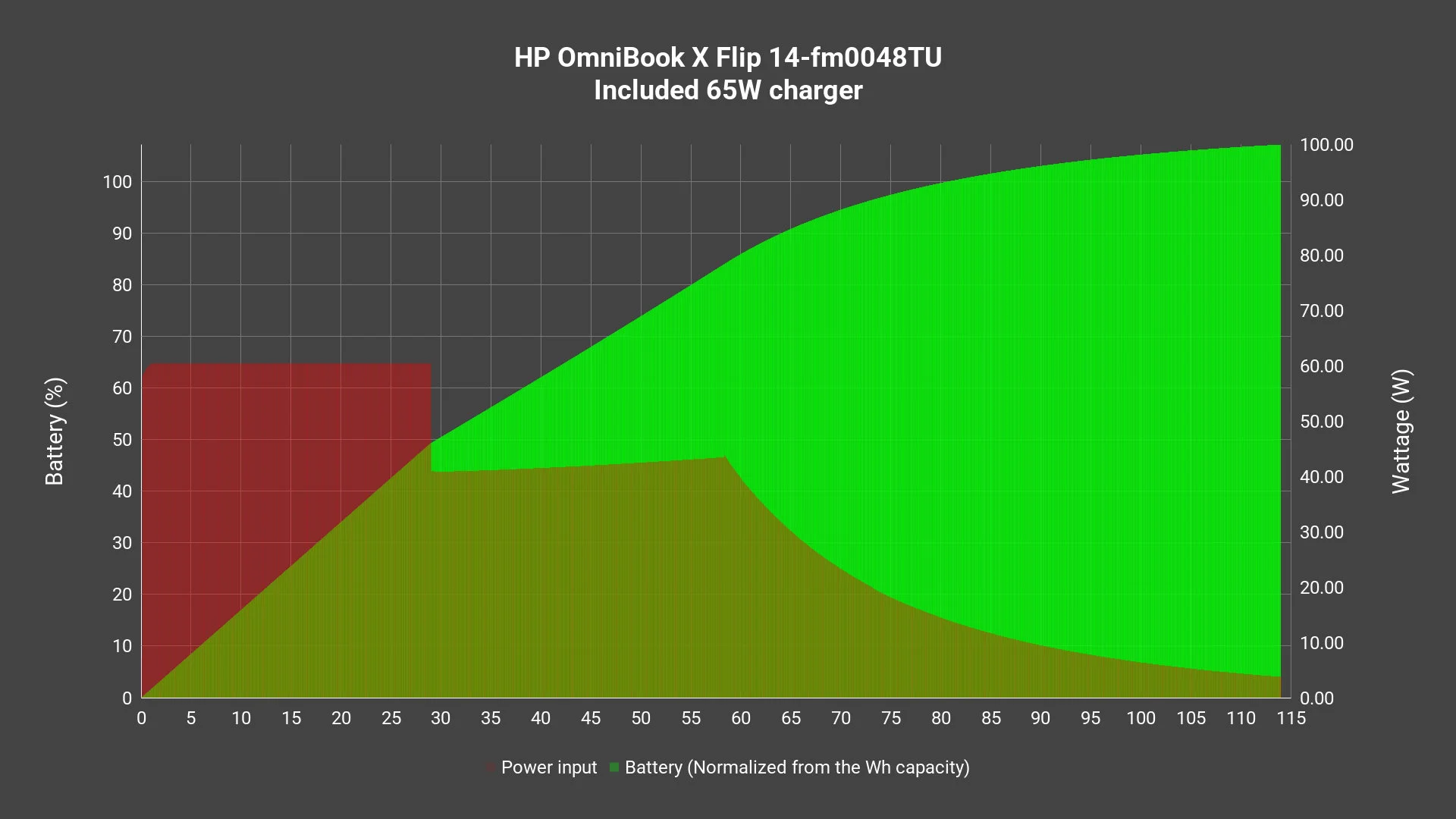
The charging speed is quite okay as well. It comes with a 65W charger in the box, and it can charge from 0% to completion in around 144 minutes while the laptop is turned off. It wastes about 4.24Wh of energy throughout the entire charging cycle -which is way than the power used for many LED lightbulbs. So, it’s not a big deal, but it’s something that we can calculate out.
Ports
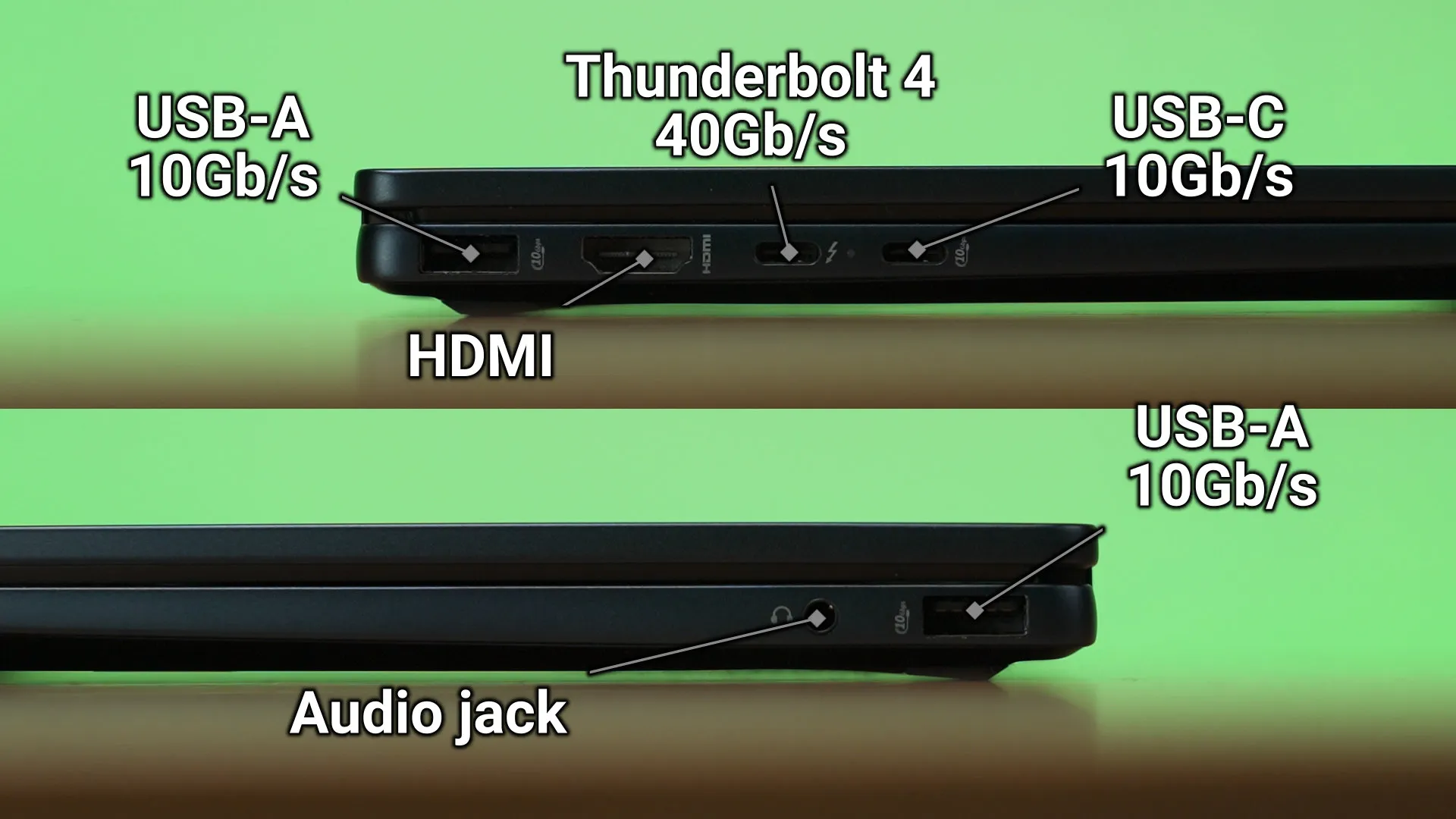
The ports available here are quite good, I’d say. We have two USB-C ports, one Thunderbolt 4 port and another 10Gb/s only, two USB-A ports with up to 10Gb/s as well, one HDMI port and one combo audio jack. My one advise to you is – always use this port if you want to charge your laptop. That single Thunderbolt 4 port is meant for high-speed transfers for an external SSD or connected to a high-speed Thunderbolt 4 dock – if you have one, that is.
Upgradability
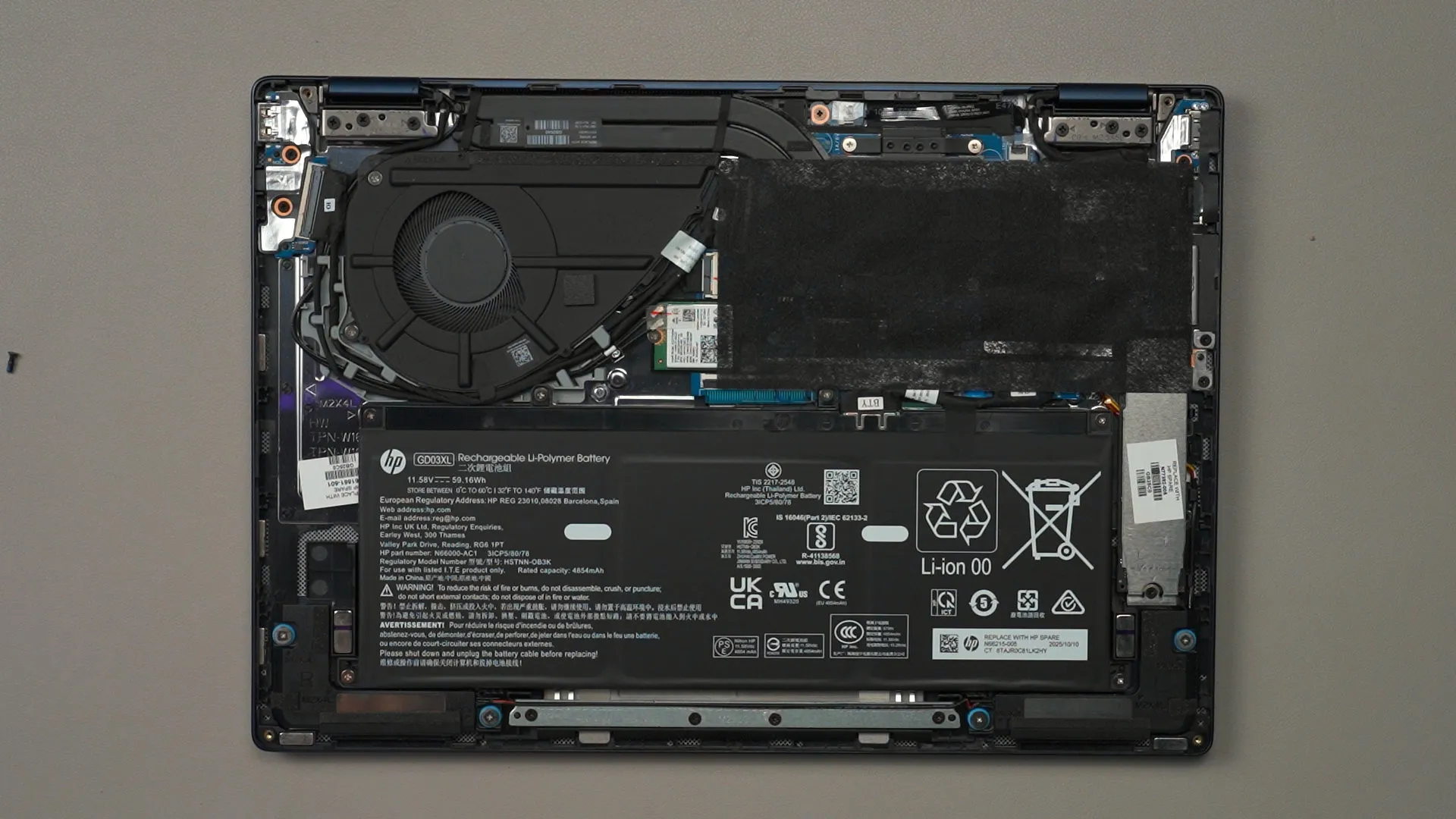
In terms of upgradability, there is none, actually. There are only 4 screws under the laptop and a lot of clips – and once popped open, we can see that only the WiFi card and the SSD can be swapped out. The motherboard is covered by some black cloth, by the way. It’s also surprisingly small.
Design
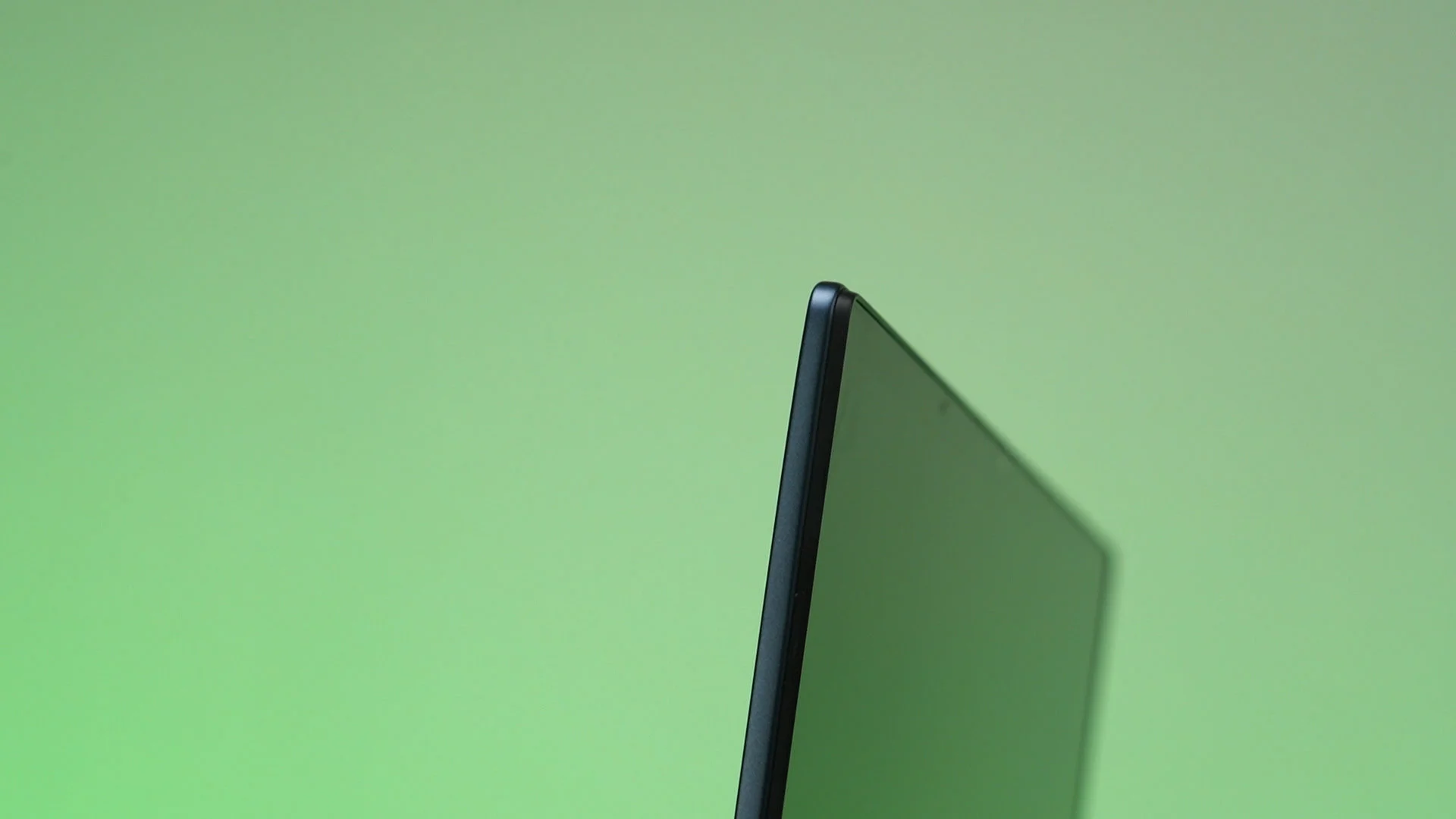
All of the things that we’ve talked about is packed within this laptop body. I do think it’s a bit thick, especially the screen side. But knowing that it has a IPS LCD panel, a touch panel, and also supports a stylus – yeah, it’s going to be thick.
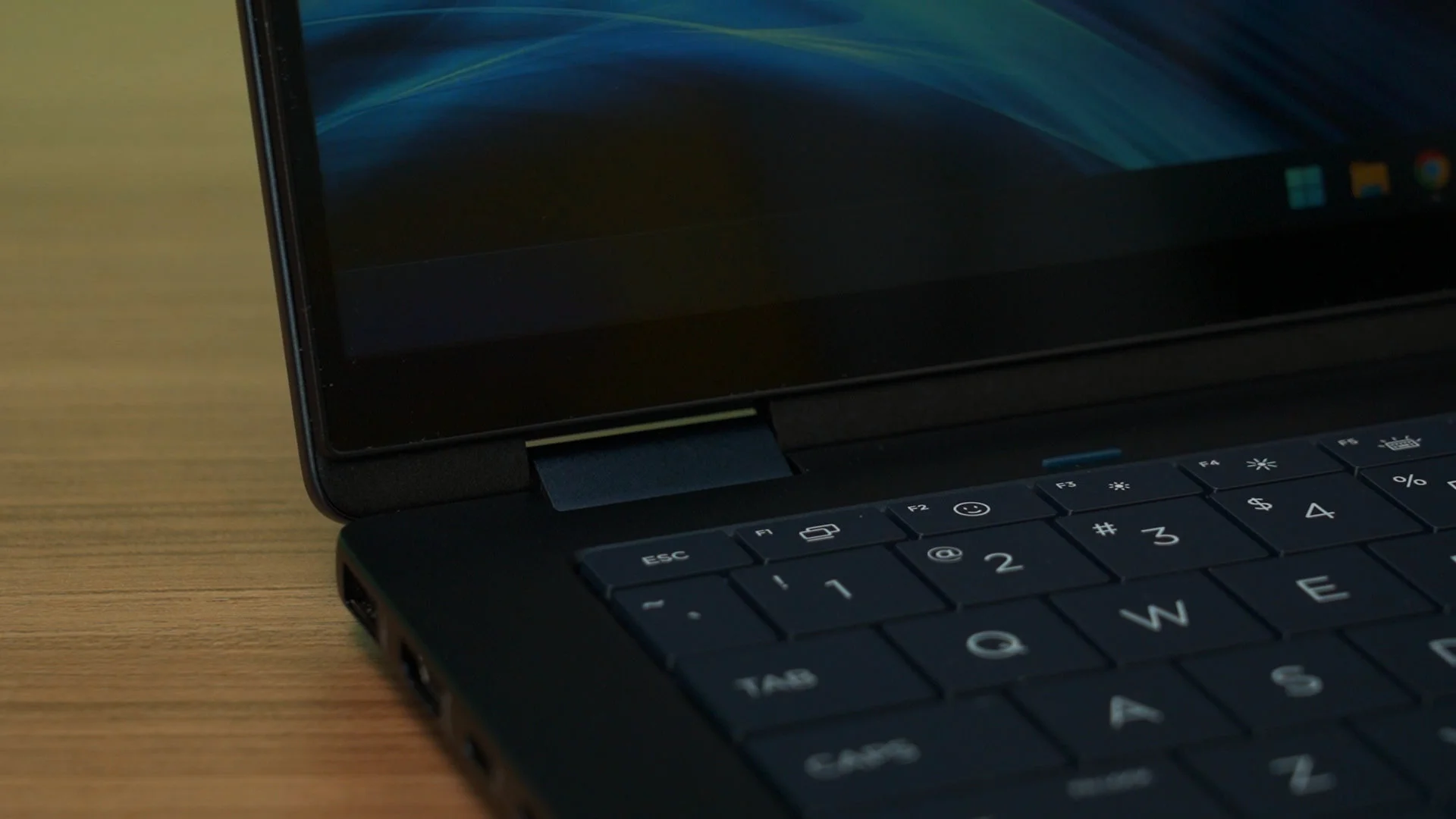
I have to say, the hinge of this laptop is holding up really well. It’s actually very smooth to rotate around – yet it holds itself very well, too.
The entire laptop is covered in metal, so it is indeed very sturdy yet not heavy as well. It has a very minimalist design – and I really like how it looks and feels.
Should you buy the HP OmniBook X Flip 14-fm0048TU?
All in all, officially, this laptop is priced at RM4,999 right now, with a RM600 discount. I’d say the main reason why I like this laptop is because of the 2-in-1 convertible form factor, and there is a price premium for this form factor.
I really wish that this laptop had a better display since the entire laptop’s form factor and experience leans heavily on the display.
Where to buy? (Affiliate links)
Like our Facebook Page here at NasiLemakTech.com for more news and in-depth reviews! Also, join our Facebook Group for insightful information and memes!
Subscribe to our YouTube channel too!