ASUS makes good budget mouse already. We used a few of them here personally – and we love it – like the GX860 Buzzard from years ago. Then came the ROG STRIX IMPACT II Wireless. It’s technically just a wireless version of an already-good mouse, the ROG STRIX Impact II.
With a compact body and also a unique design, let’s take a look at what this mouse has to offer.
Inside the box, what we get are rather simple – the user manual, the ROG STRIX Impact II Wireless gaming mouse itself, and a USB-C cable.
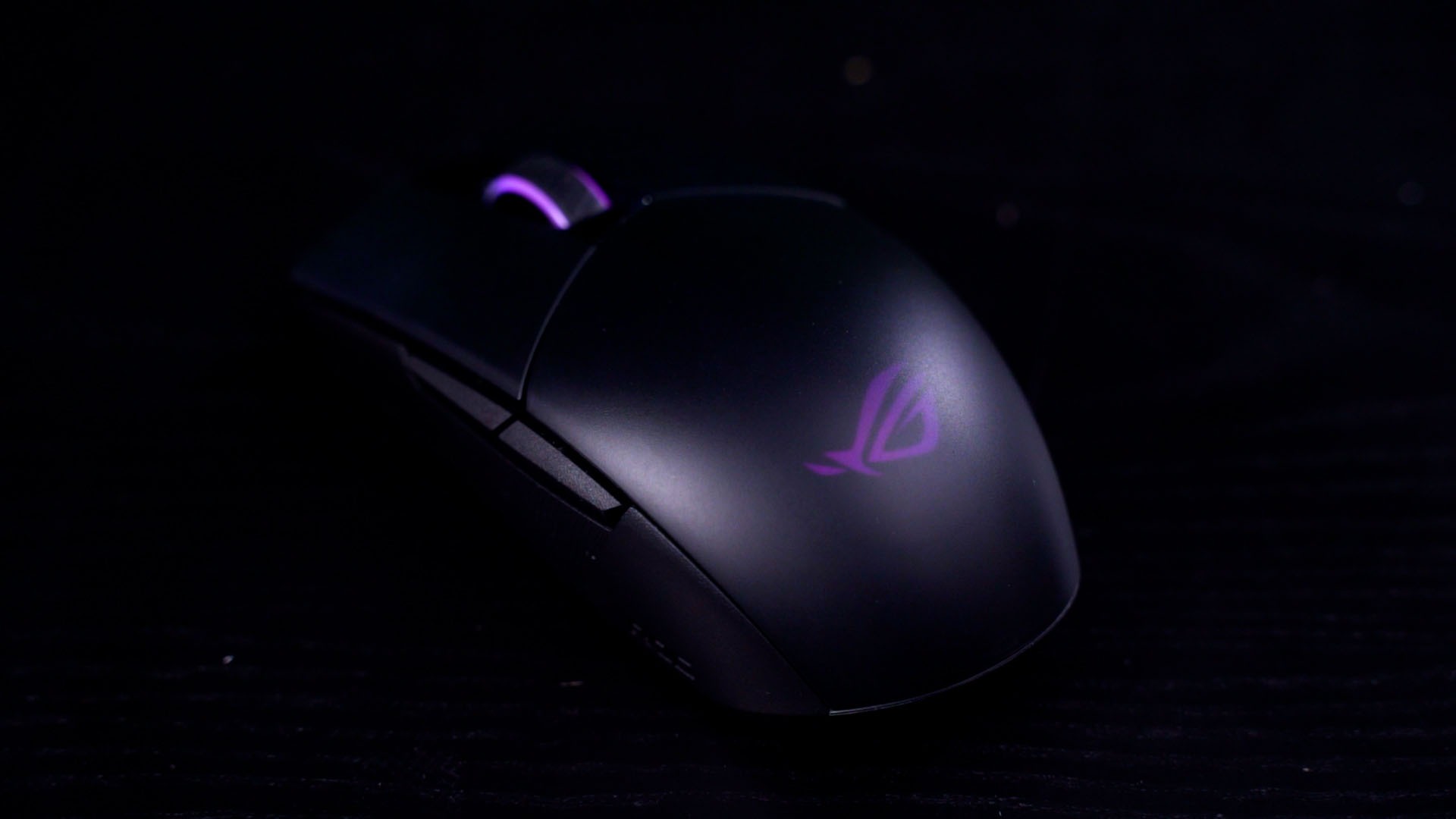
Now, the mouse itself is rather sleek and it uses a design that we’ve seen on many other mice before. What’s different here is that ROG decided to use smoked semitransparent, frosted plastic for the entire mouse, so we can still see some of its internals.
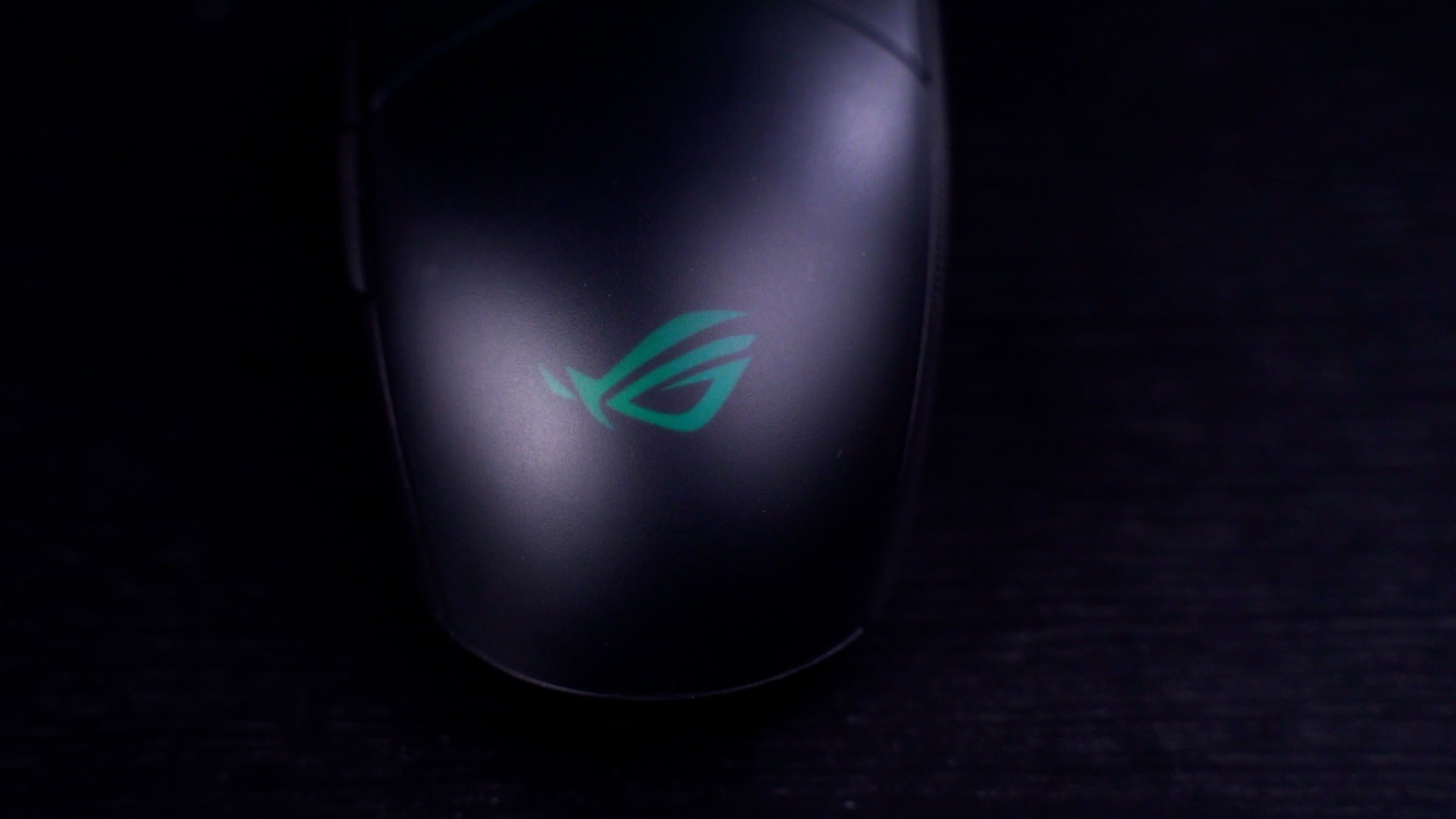
This smoked plastic cover also creates a rather diffused RGB look which I think looks good. Also, it offers a lot of grip even my fingers and palm are sweating since it uses a matte finish.
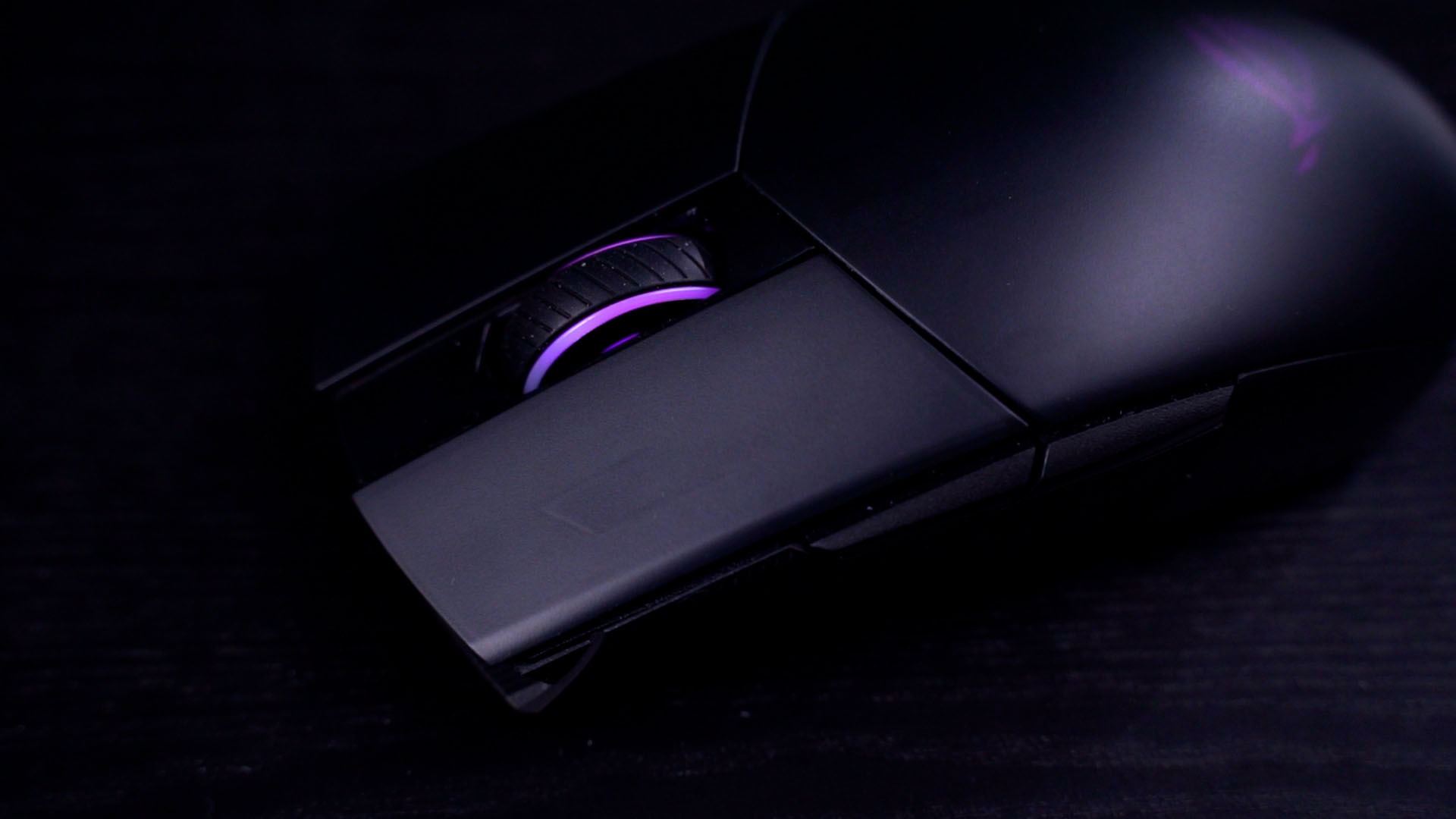
Now, the ROG STRIX IMPACT II Wireless has the usual 6-button design, but there’s a catch. We have the usual left, right, scroll wheel clicks, forward and back buttons – and also the DPI button but it’s located at the bottom of the mouse.
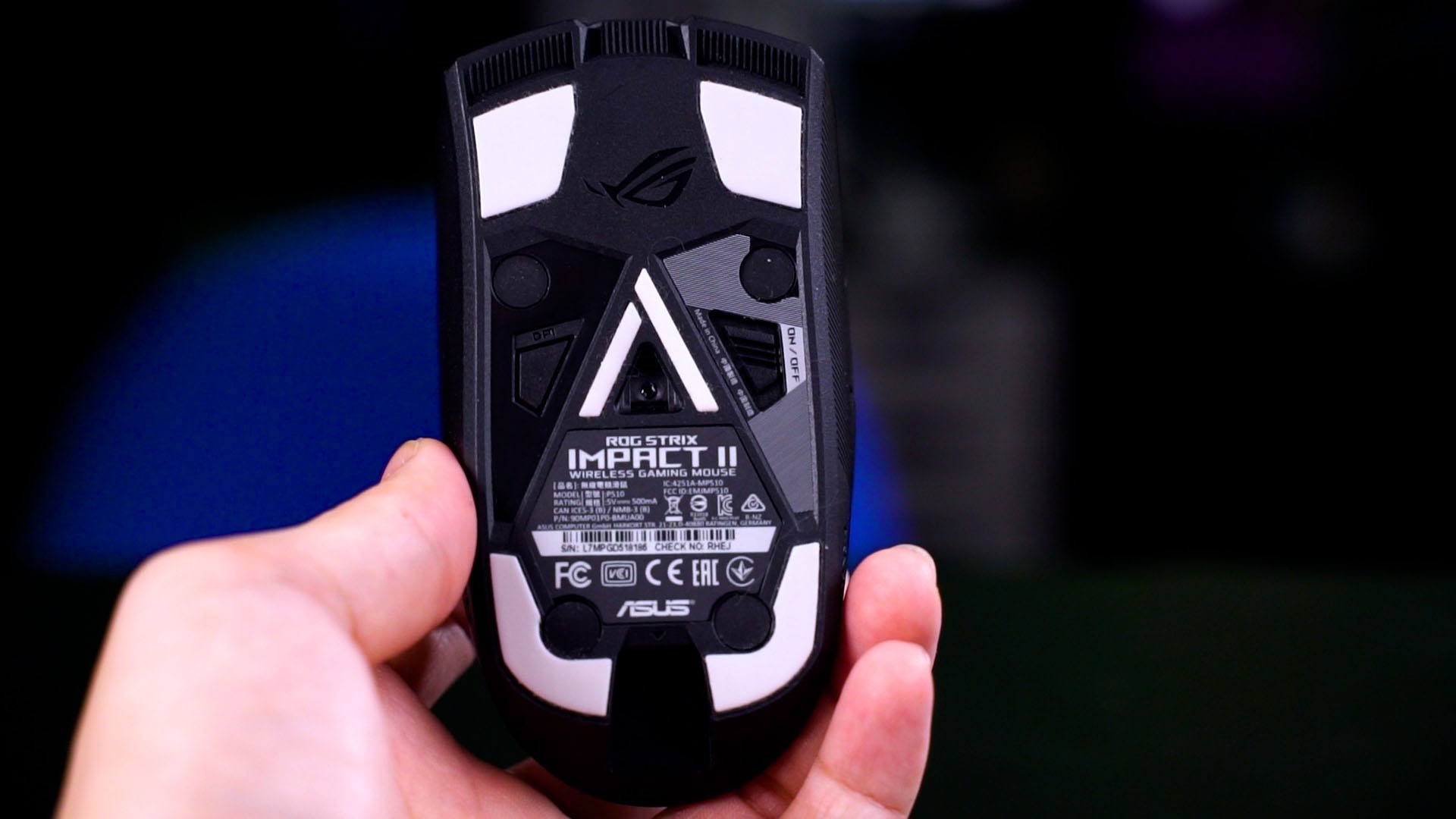
This means that the DPI button is pretty much unutilized since it cannot be programmed in the Armoury Crate software. Even if we can program it, it’s located below the mouse – which means it’s inaccessible while gaming.
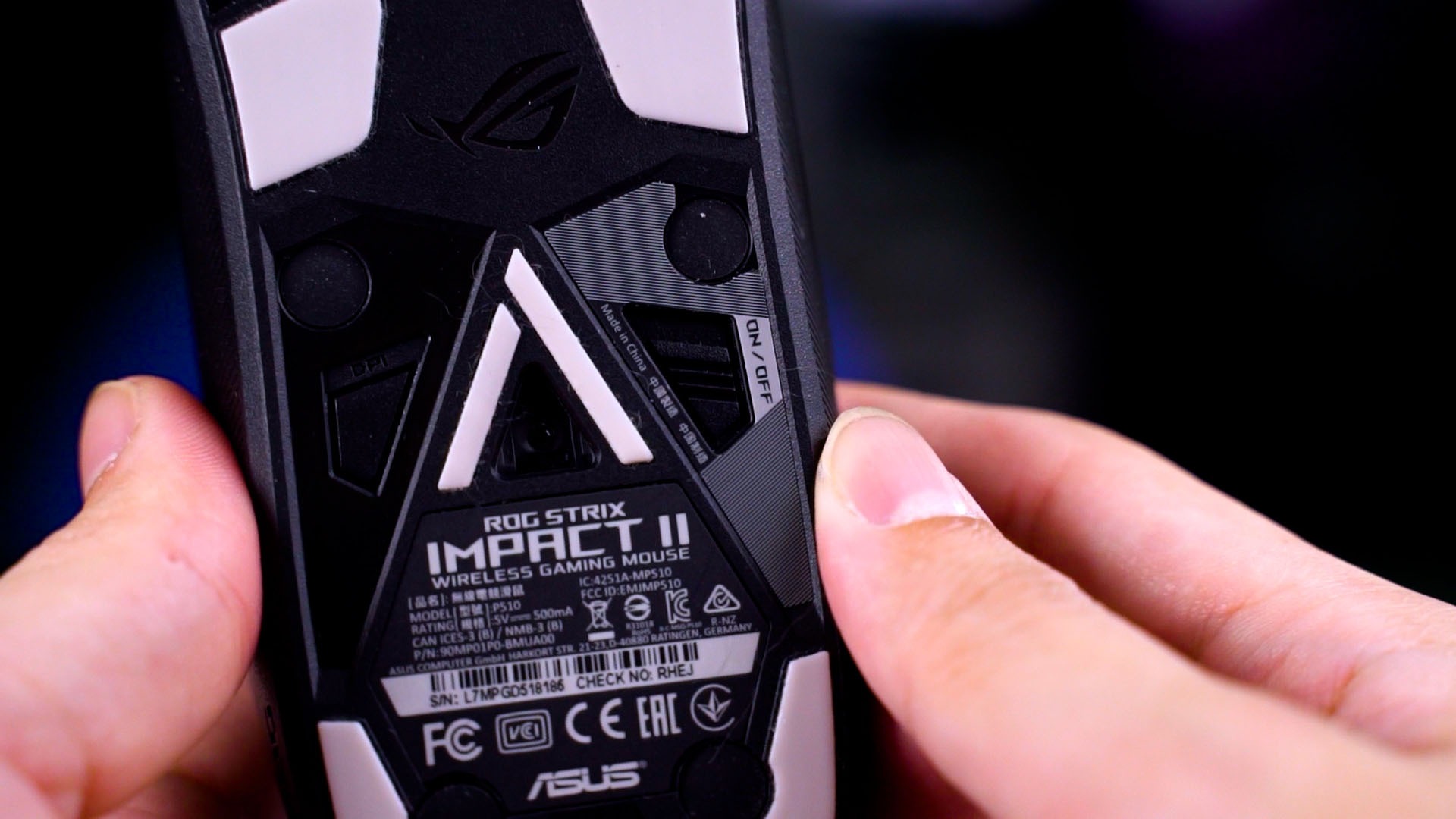
But when you’re not gaming, the ROG STRIX IMPACT II Wireless can save up to 3 custom profiles on-board and toggle between them by pressing:
- DPI + scroll wheel click
- DPI + forward side button
- DPI + back side button
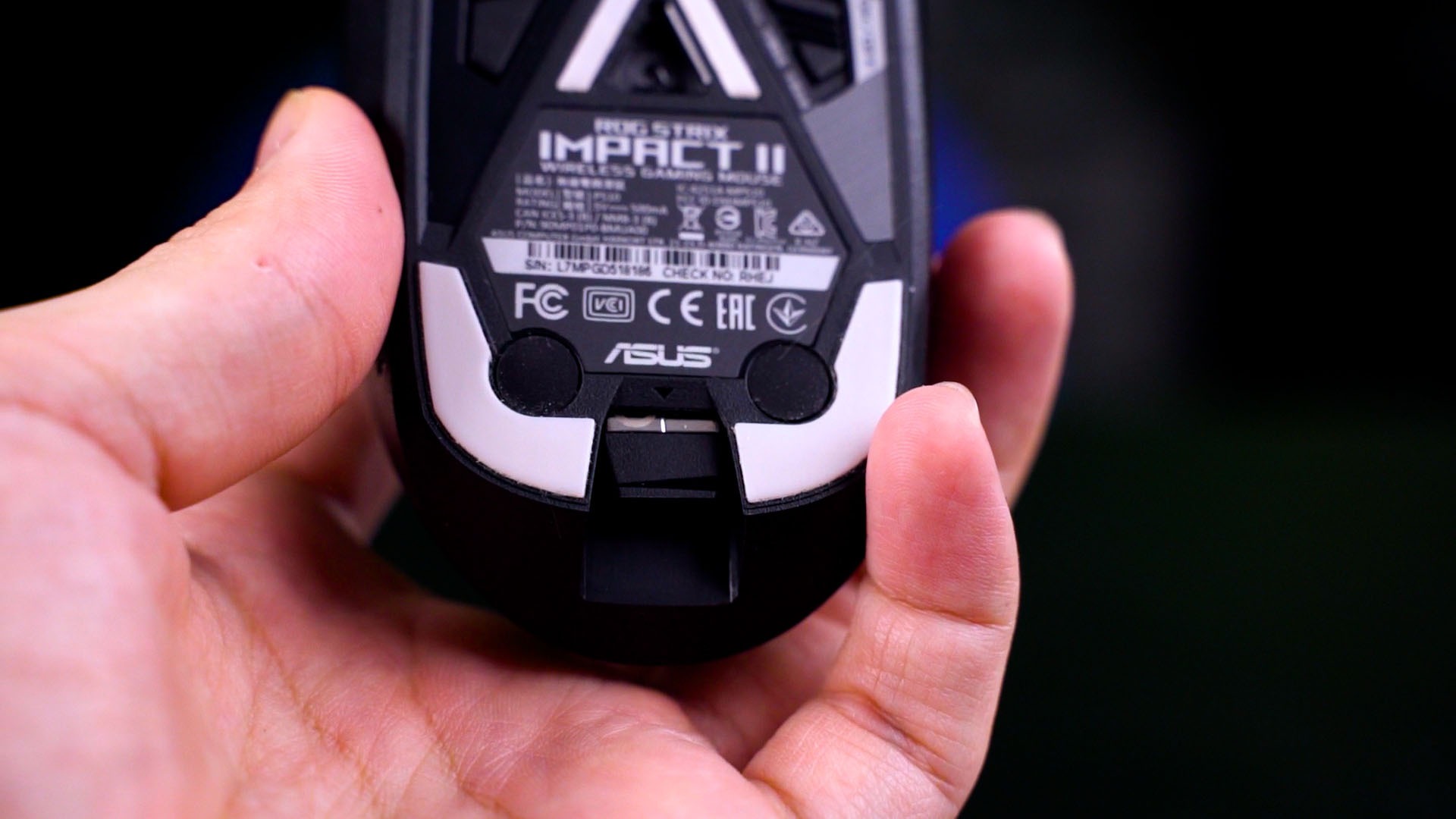
Now, this mouse can be used as a wireless or wired mouse. The wireless dongle is hidden at the bottom part of the mouse, and it can be taken or placed into its slot easily thanks to the dongle’s design. Very considerate of them.
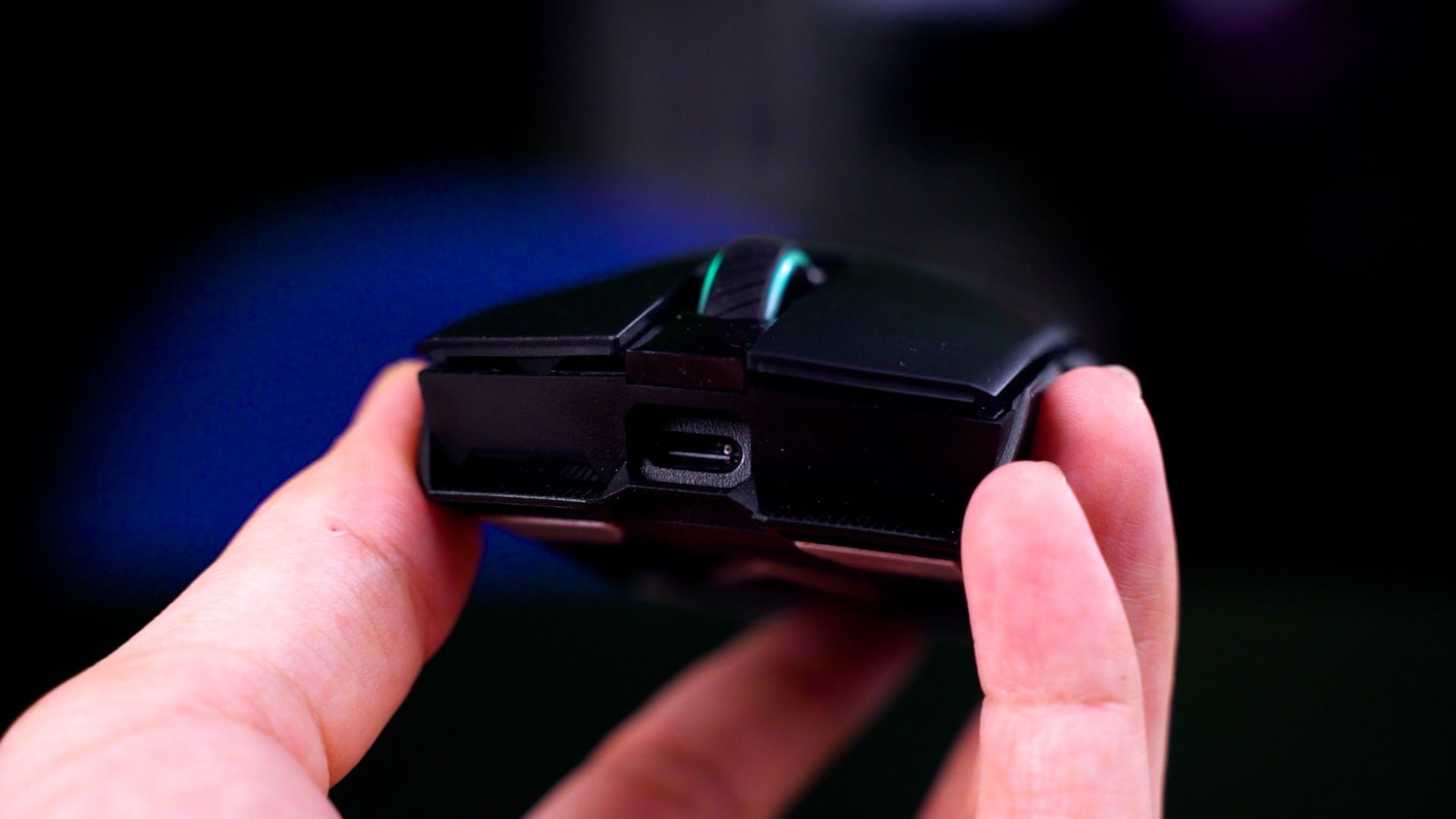
To use it as a wired mouse, just connect a USB-C cable to it. Yes, it’s using a USB-C port – and at first, it looks like a “proprietary” port but it isn’t. Sure, you can use the included USB-C cable for a more secure fit but we also used some random Ugreen USB-C cable and it fits just nice – just that it has a little bit more wiggle room.
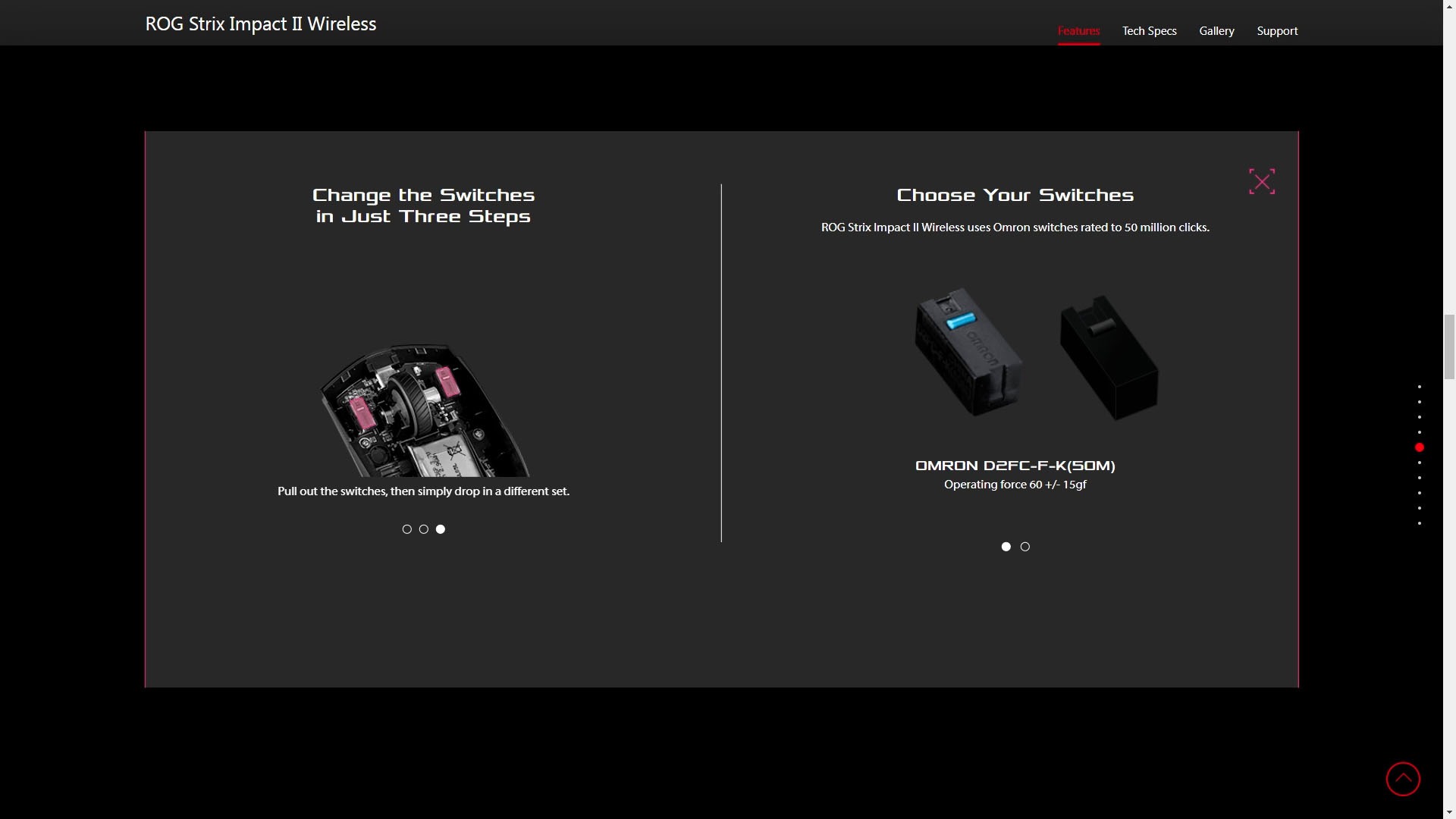
By the way, if you don’t like the left or right clicks on the mouse, you can actually swap it out. There are 4 rubber plugs that cover the screws and can be taken out with ease and swapped with whatever compatible switches that you can find. It’s a plug-and-play switch swap.
And the battery life we used for 40 hours over the span of one week with RGB turned on – and that’s impressive, to say the least.
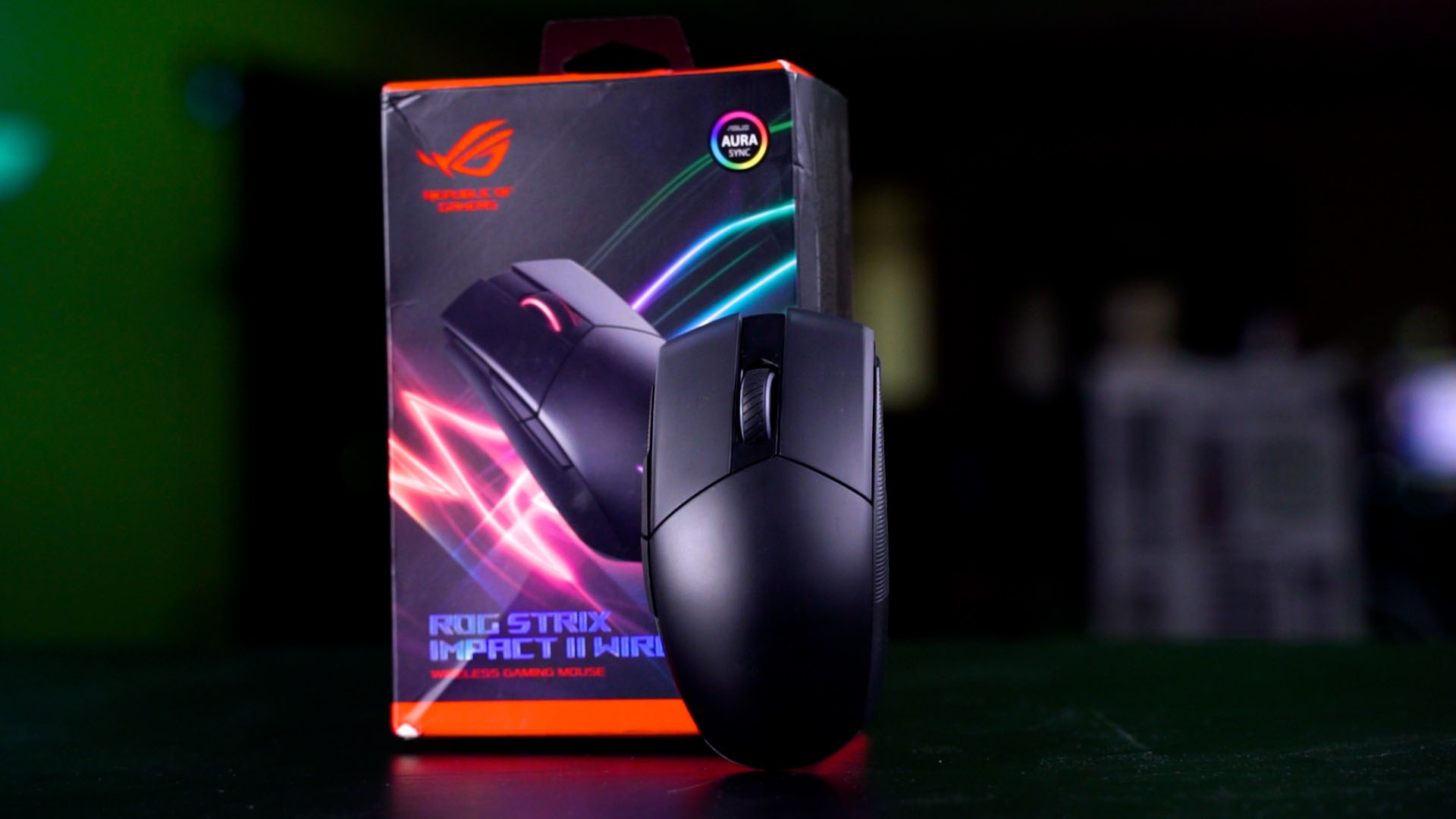
Finally – the price. At RM299, The ASUS ROG STRIX Impact II Wireless is compact, easy to store, and has a lot of features to make this a mouse that can be brought and used on other PCs since it has onboard profiles and a dedicated slot to store the wireless receiver.
Also, it’s not using a “proprietary” USB-C port which means I can use some other USB-C cable to charge or use it in wired mode as well.
All in all, I only have one complaint – the DPI button location. It should’ve been below the scroll wheel so that it can be easily pressed when while gaming. And also be remapped to do something else while not gaming.

Where to buy? (Affiliate links)
Like our Facebook Page here at NasiLemakTech.com for more news and in-depth reviews! Also, join our Facebook Group for insightful information and memes!
Subscribe to our YouTube channel too!