


















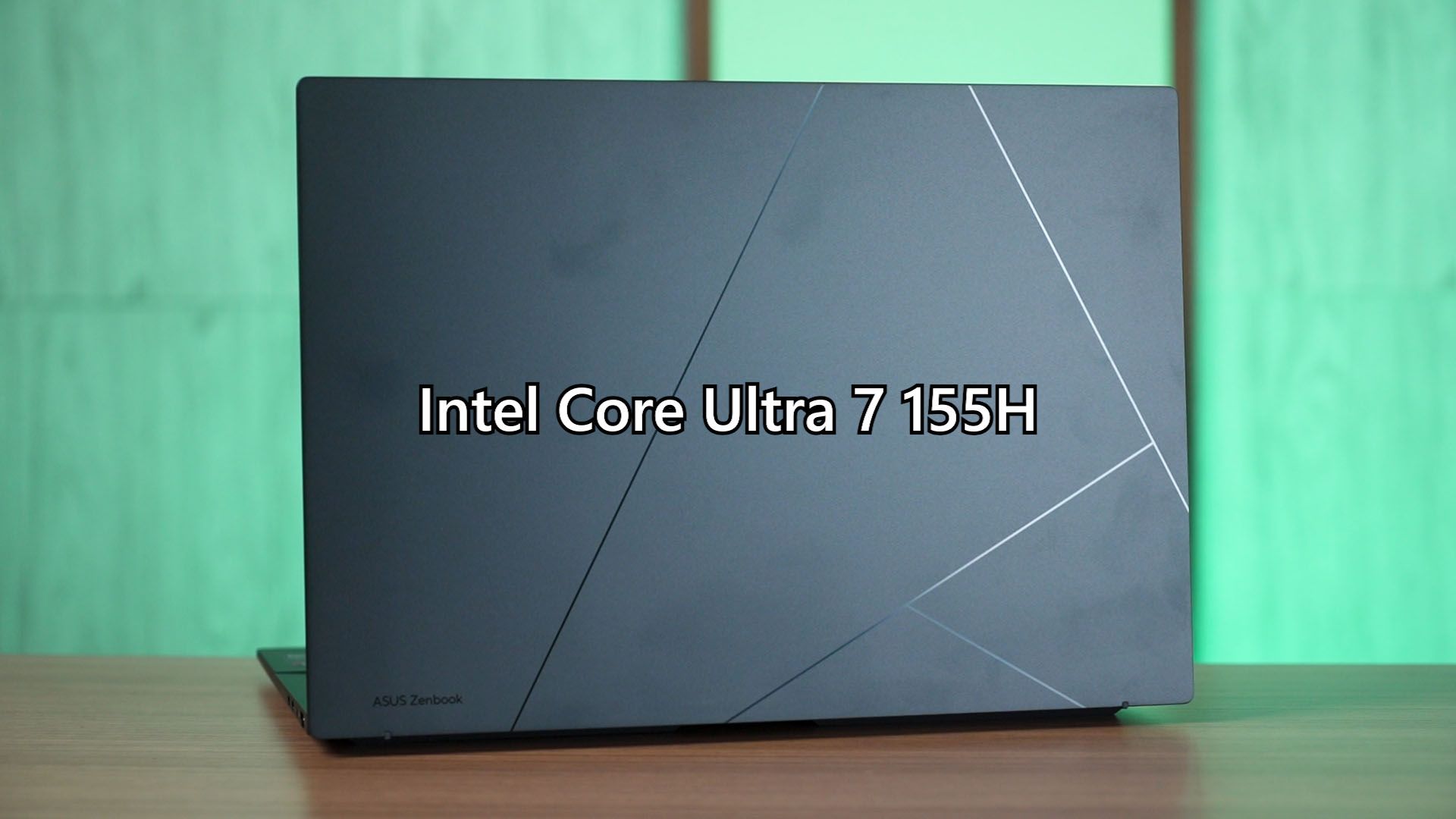

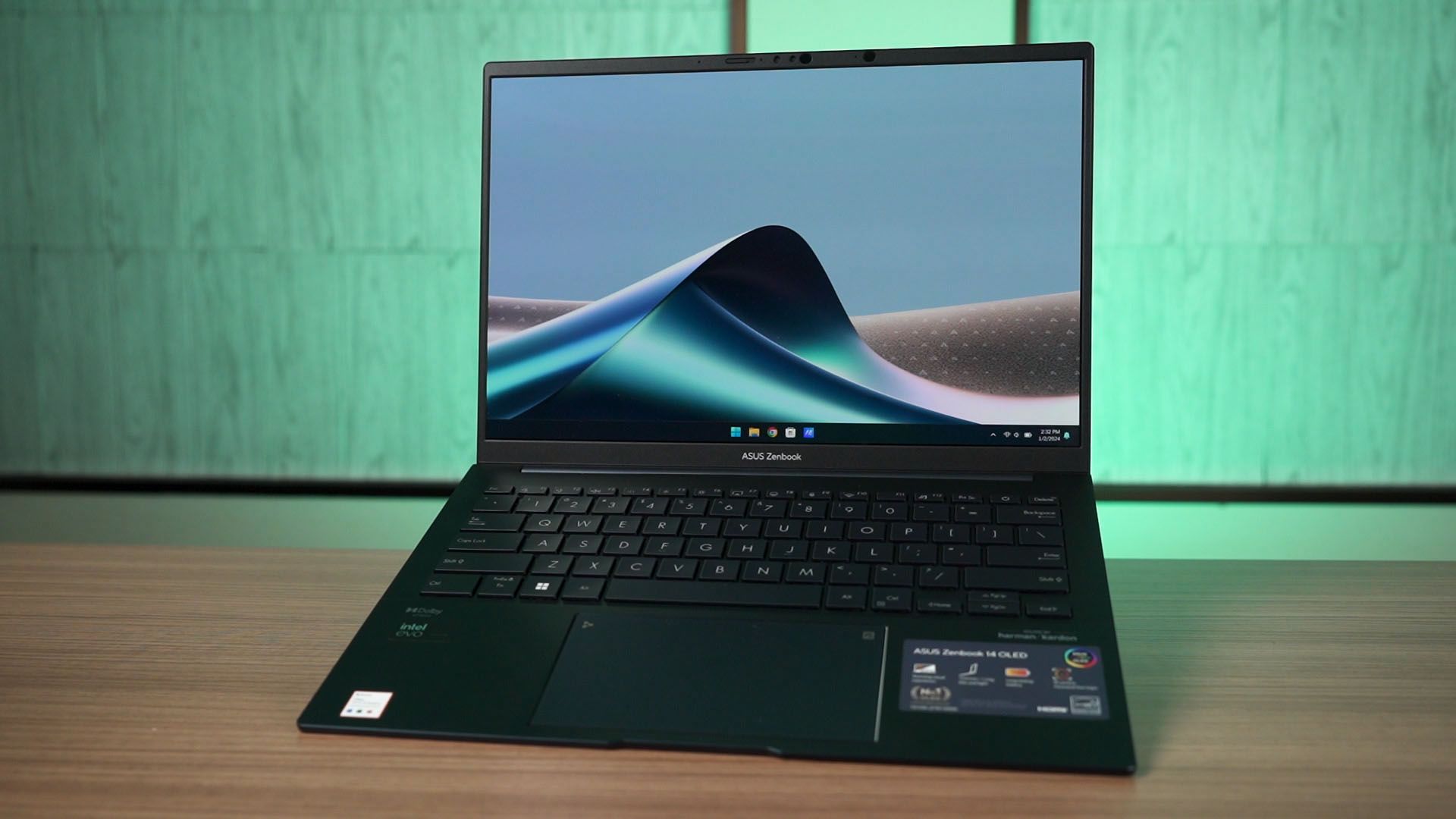
Introducing, the latest Zenbook from ASUS. It is running on the latest Intel Core Ultra 7 155H and I am very impressed by what kind of performance this thin and light laptop can offer. Of course, this is indeed a high-end premium laptop from ASUS, and the price of RM5,999 reflects that. But is it worth the money and what do you need to know before purchasing it? Let’s find out.
For the review of this laptop though, I want to talk a little bit about its gaming performance. This laptop comes with the new integrated graphics that is based on the Intel Arc discrete GPUs. The performance coming out of it is actually shocking.
So shocking that we can run GTA V at the lowest graphical setting and get more than 50fps all the time. Halo Infinite was pretty much unplayable on the Iris Xe, but now – we’re getting more than 30fps all the time with no stuttering.
Seriously, it’s a huge leap forward compared to the Iris Xe. And to give you another point of reference – I have another old-ish laptop – the XPS 15 9500 with a 10th Gen Intel Core i7 and a GTX 1650 Ti. The performance of this laptop’s Intel Arc integrated GPU is actually comparable to that GTX 1650 Ti.
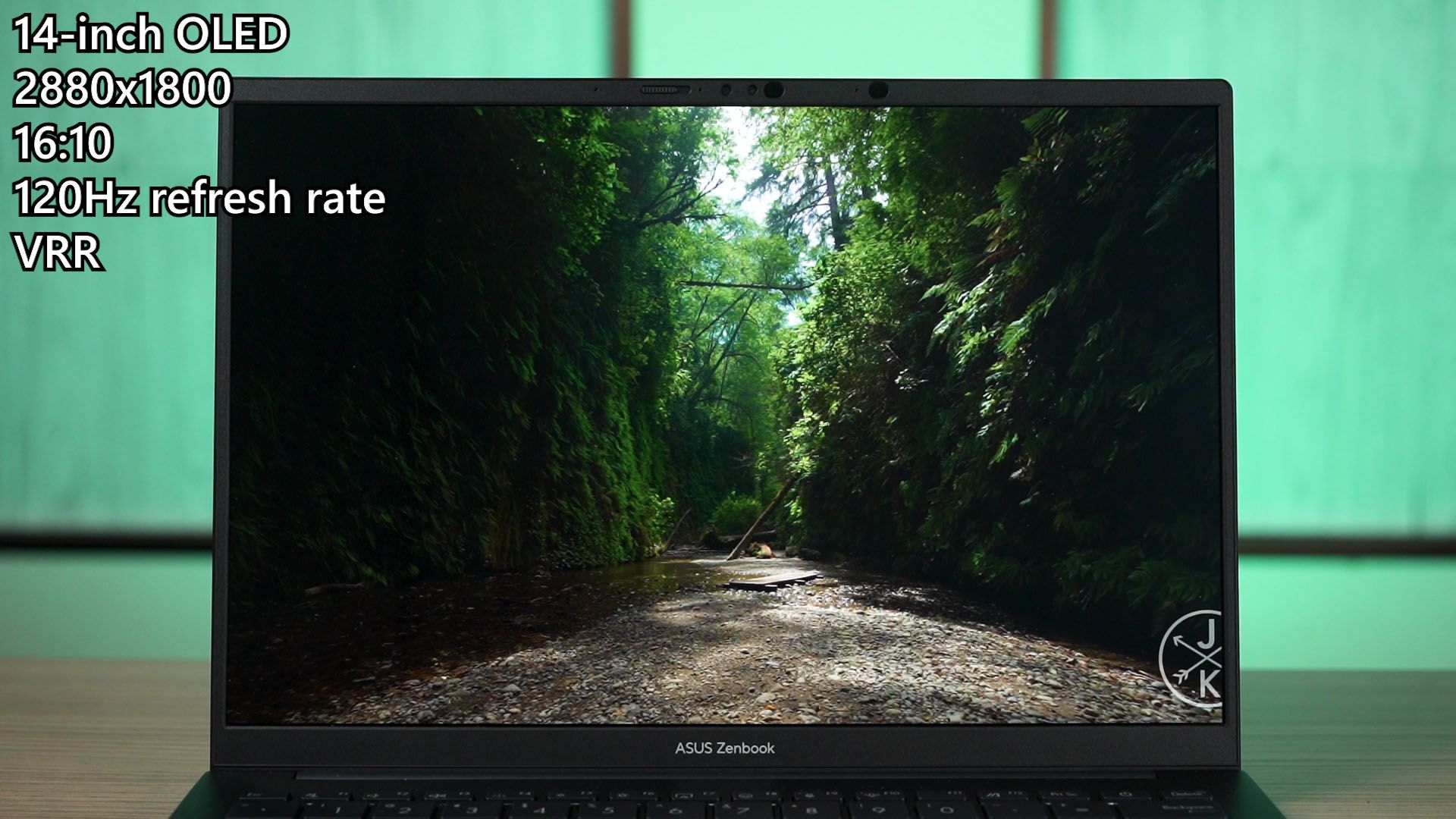
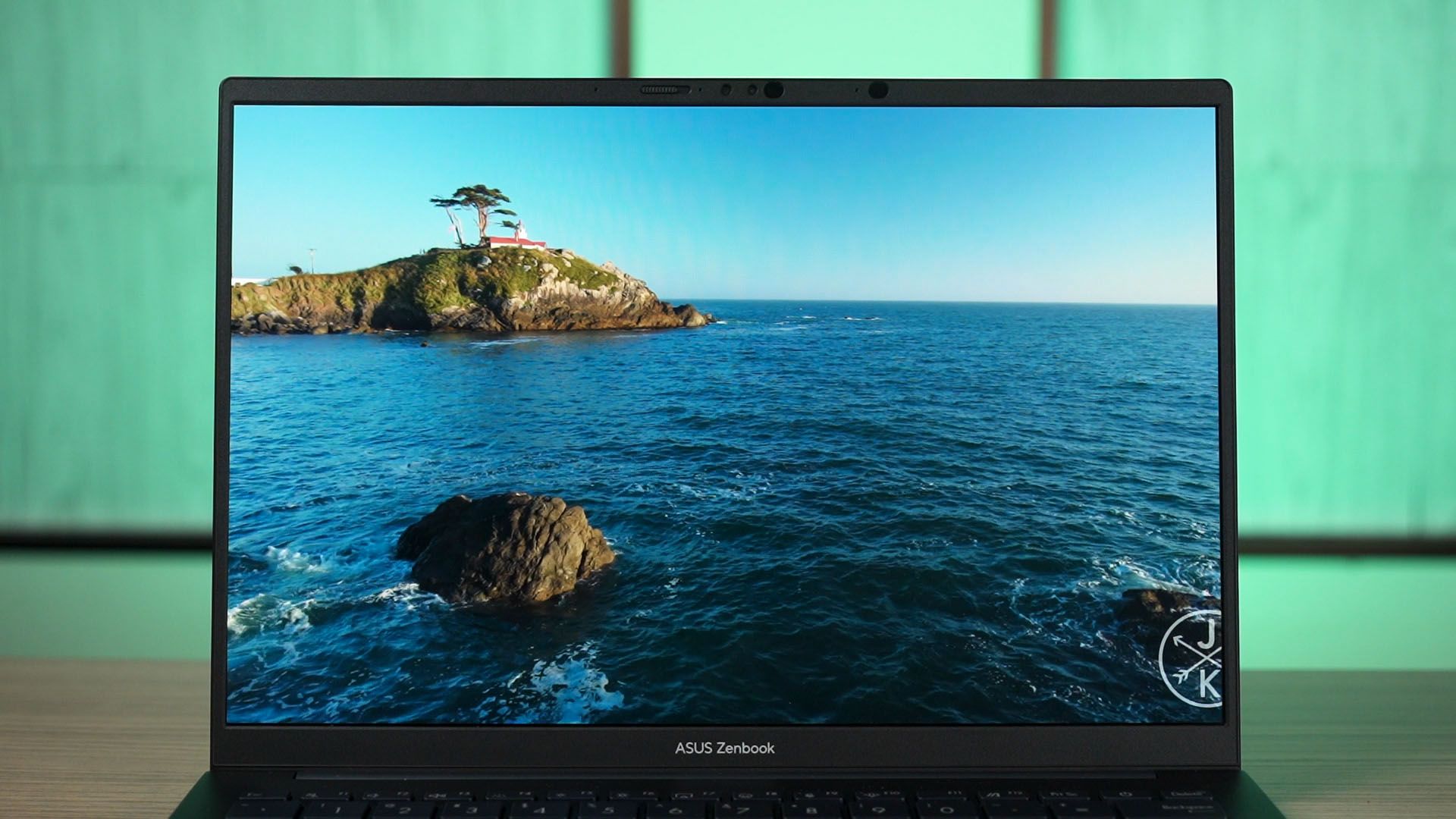
Next, I want to highlight the screen of this laptop. It’s not that much different from what we had before. It’s a 14-inch OLED screen with a really high resolution of 2880×1800 pixels, and this is a 16:10 aspect ratio screen. It can also go up to 120Hz too.
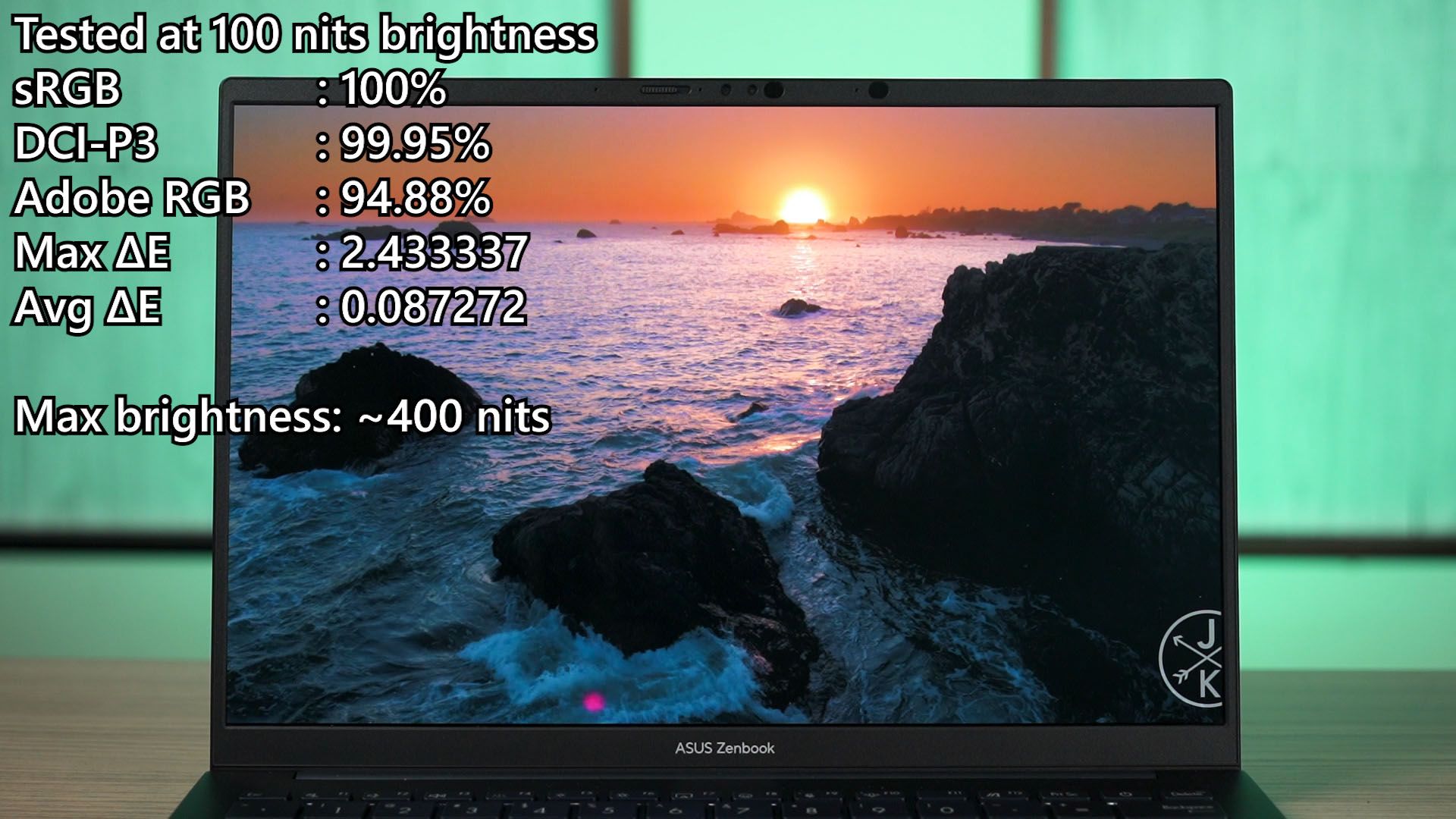
The color accuracy of this phone is really good, just like any other laptops by ASUS that is using an OLED screen. Our colorimeter reports 400 nits of maximum brightness and covers virtually 100% of both sRGB and DCI-P3 color gamuts, and nearly 95% of Adobe RGB. The ΔE number is also considered low, and overall, I’m just really impressed with this screen.
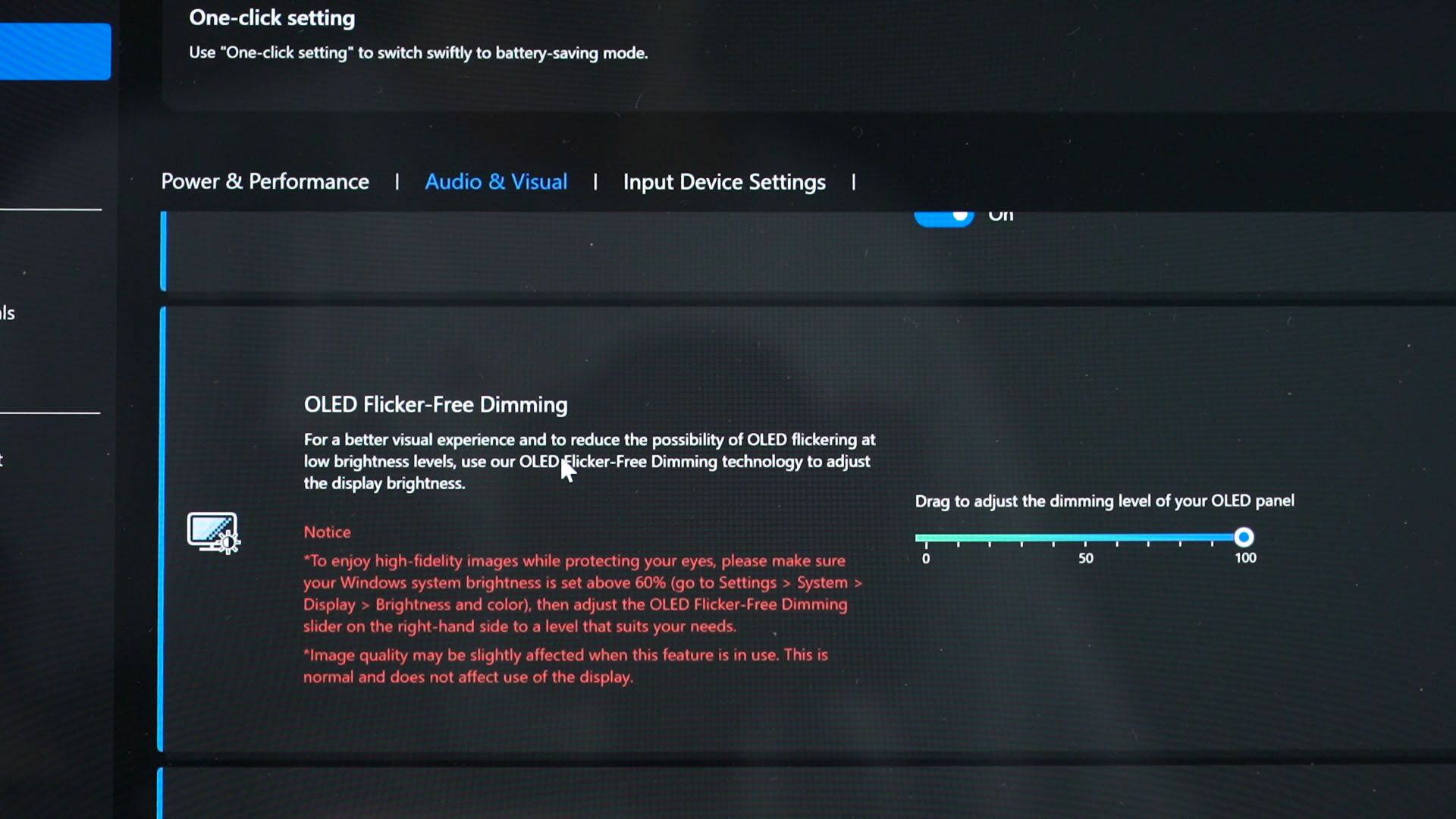
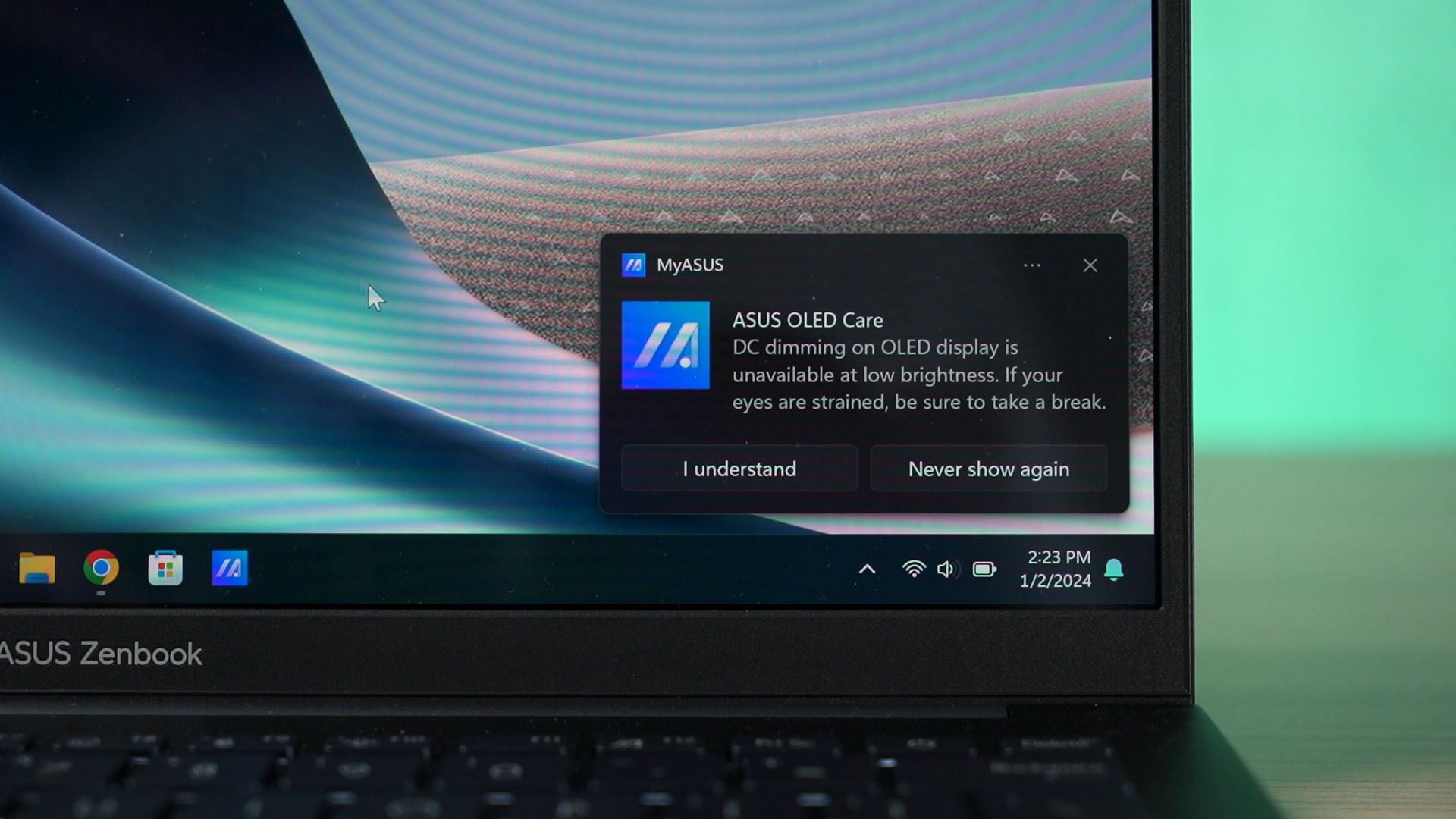
However, we do have to pay attention to the brightness percentage. It uses a hybrid dimming method, so anything below 60% brightness is using PWM dimming whereby anything above that is using DC dimming. If you are sensitive to PWM dimming, then please take note of this.
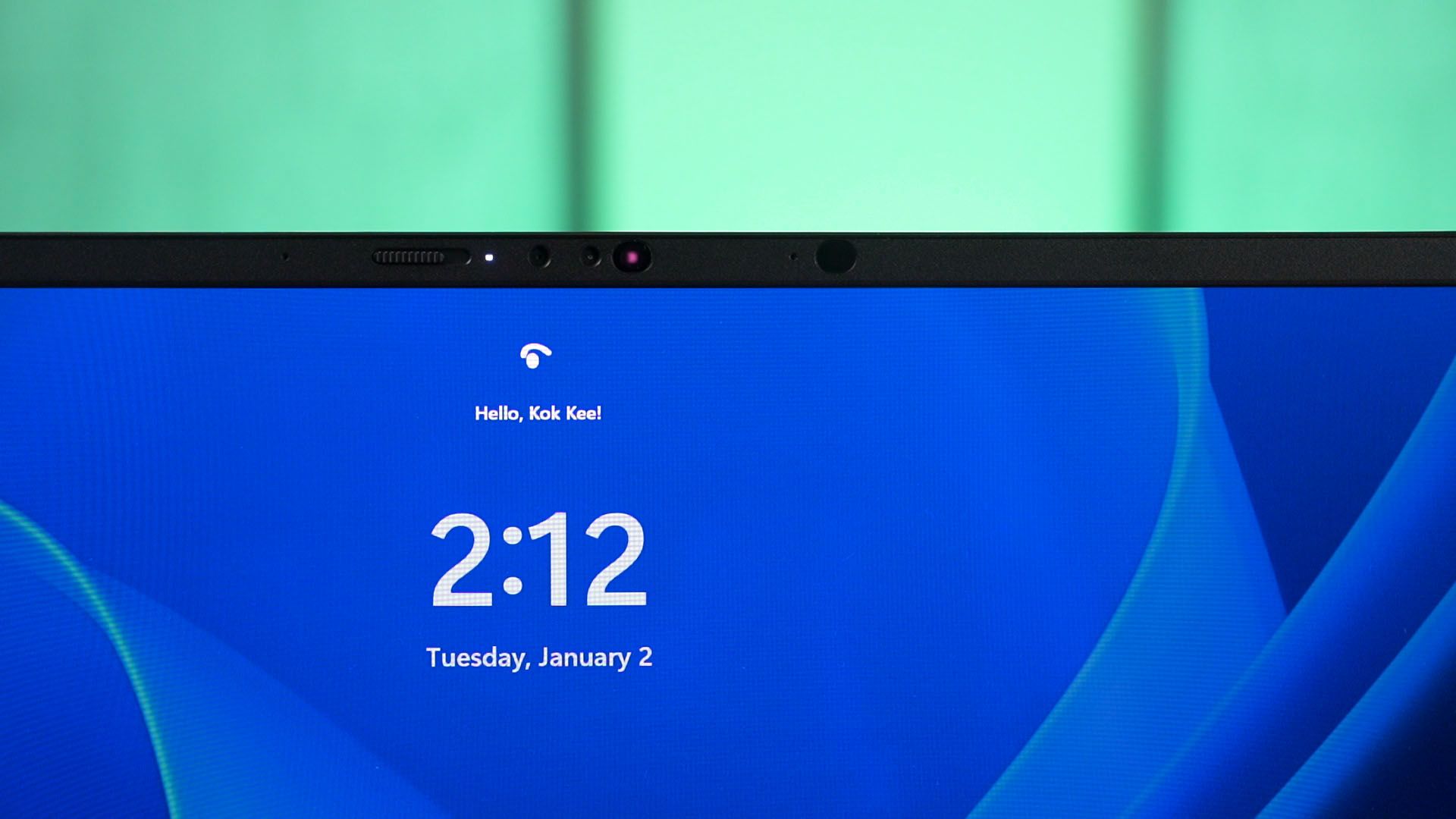
The bezel at the top of this screen might look weird with those offset circles and whatnot, but those are actually for Windows Hello facial recognition for faster login.
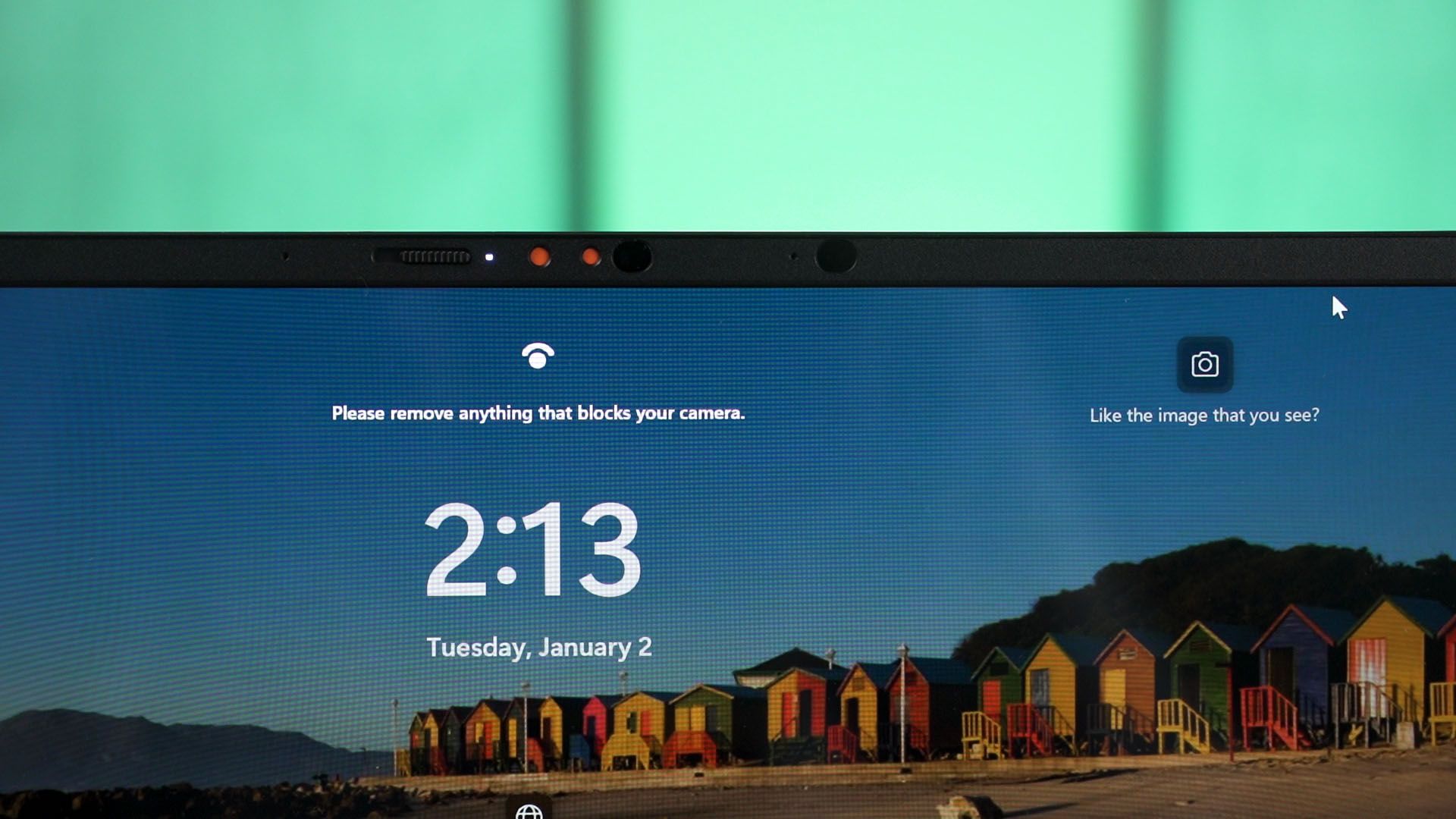
We also have a slider to block off the webcam too, if you’re concerned about privacy. But do take note that this will also prevent Windows Hello from functioning.
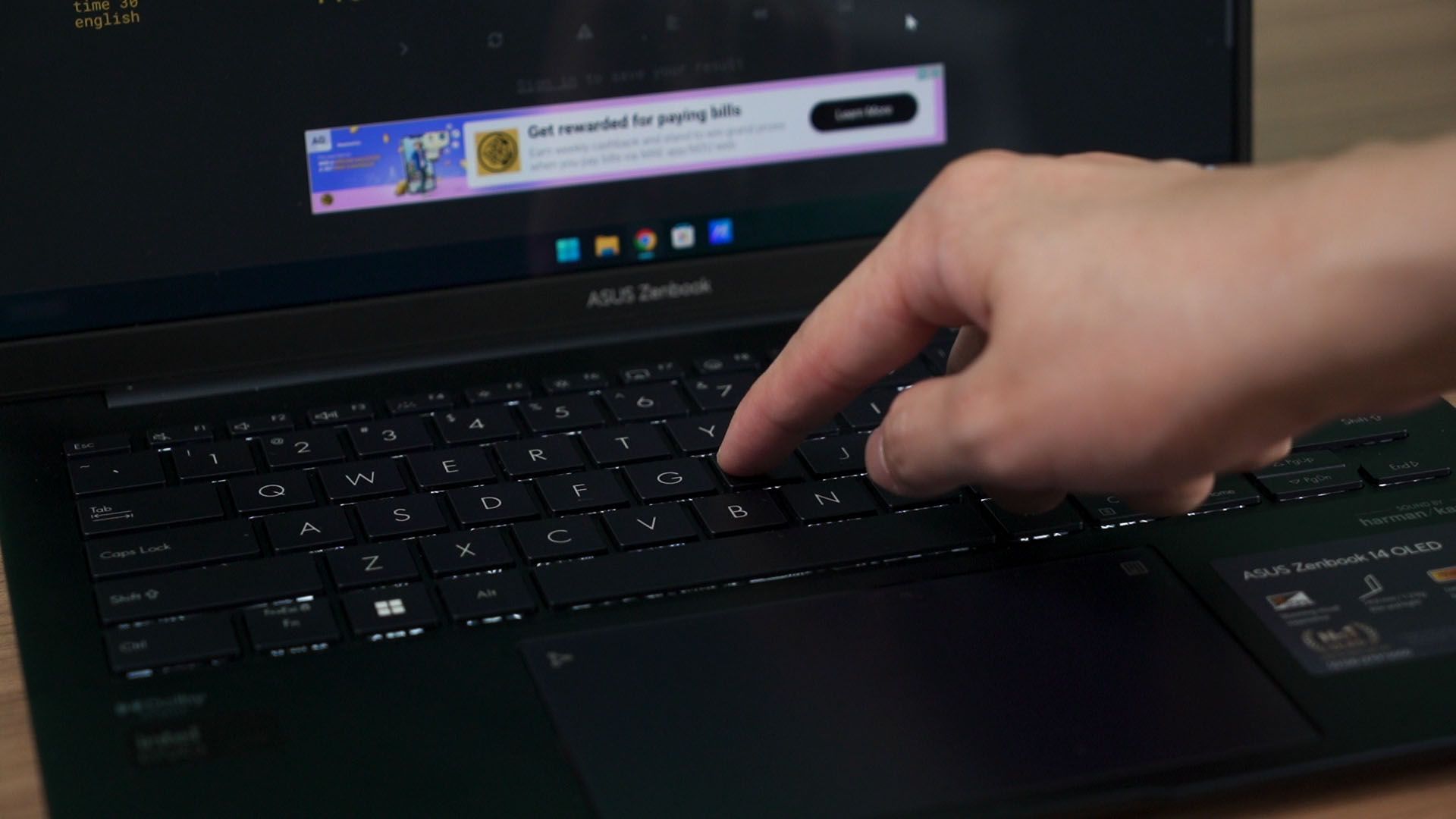
The keyboard is the same as before. It has a really good travel distance. The typing experience feels bouncy and responsive. I just have positive things to say about this keyboard – other than the half-height arrow keys.
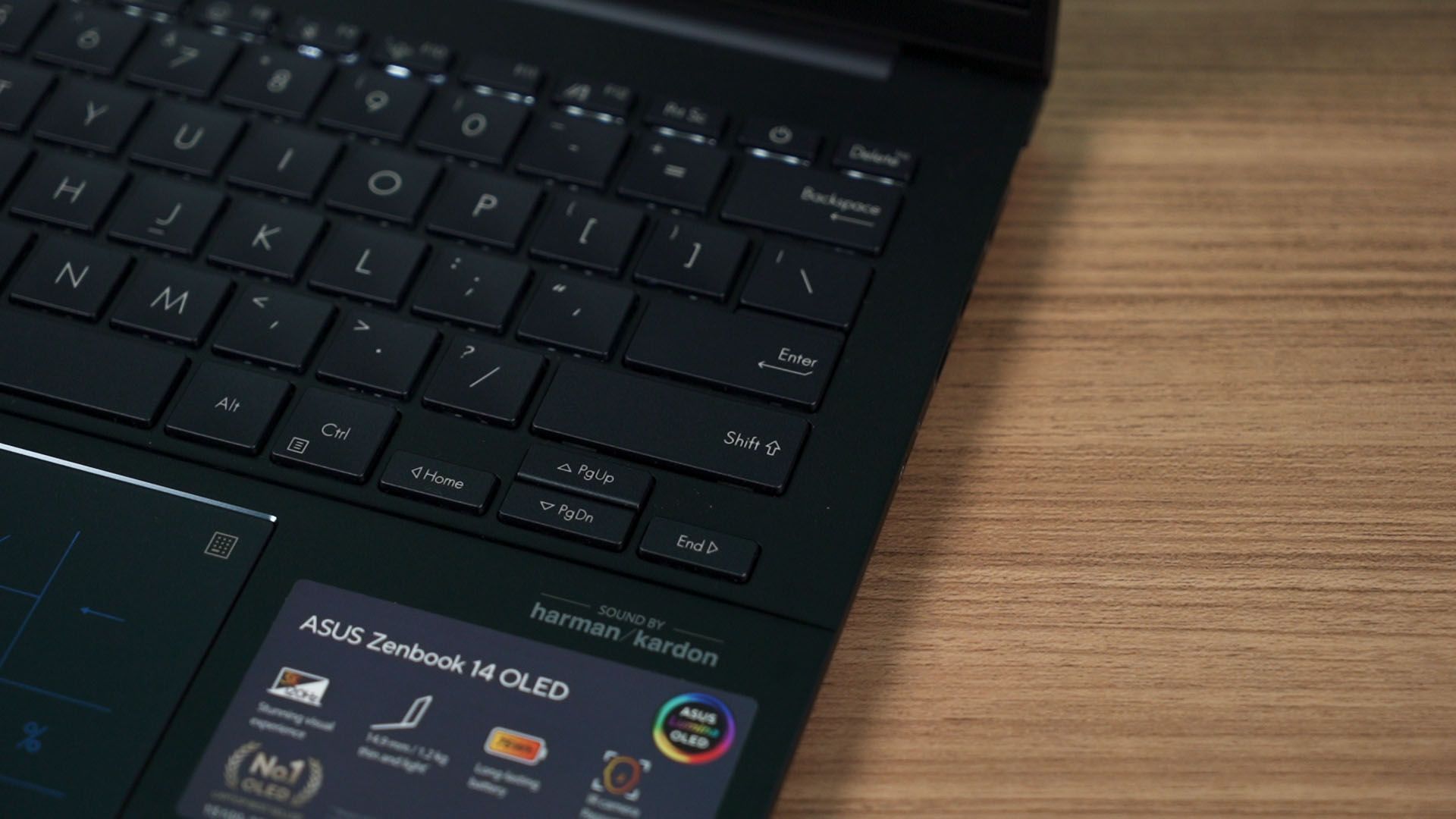
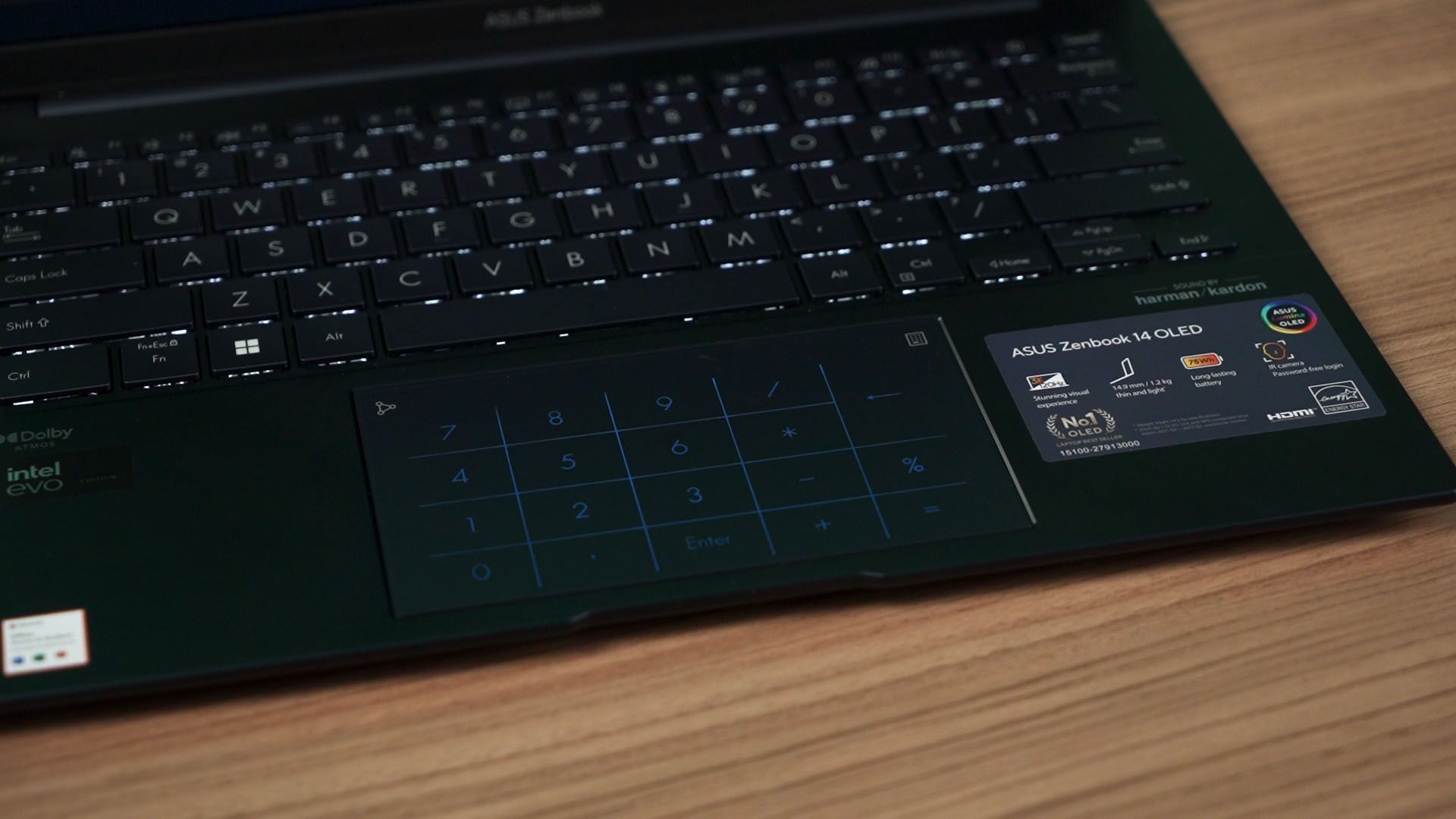
The trackpad is as usual too. My finger glides on it smoothly, the palm rejection is good, and this trackpad has the NumberPad feature as well.
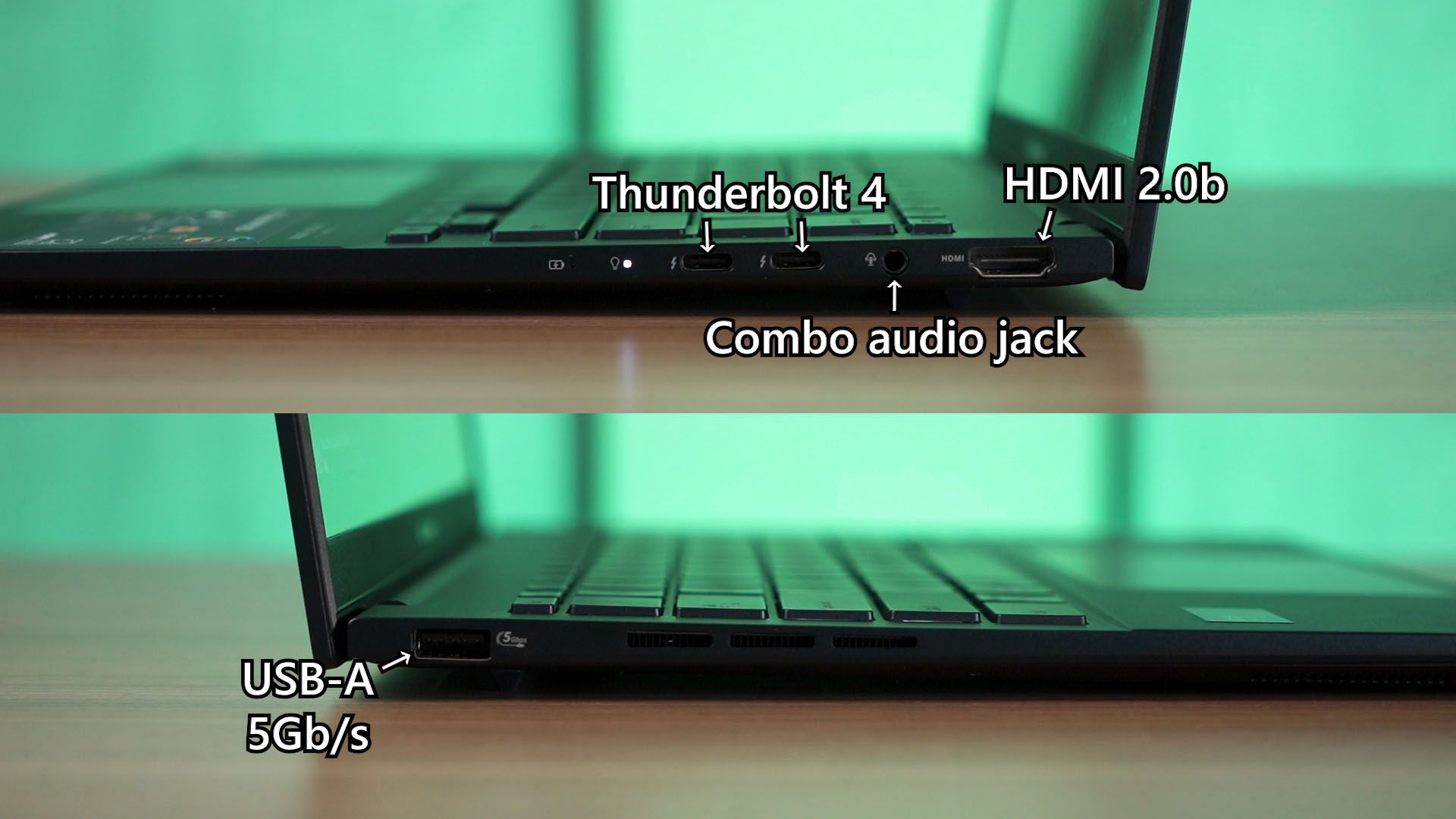
The ports are the same as before too – we have a USB-A 5Gbps port at the left side and everything else is at the right side. I still wish the position of these ports are flipped though.
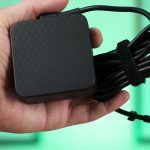
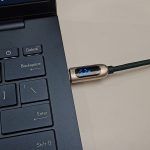
And oh – this laptop charges with a 65W USB-C charger. For me though, I just use my own USB-PD charger and the performance is identical. So if you do have a high-wattage USB-PD charger at home, you can use that to charge this laptop.
What about upgradability then? Well, for such a thin and light laptop, I expected most of the components to be soldered – and I was right. Even the WiFi card seems to be soldered directly onto the motherboard. I get it, the M.2 connector for the WiFi card adds thickness which ultimately affects the laptop’s thinness.
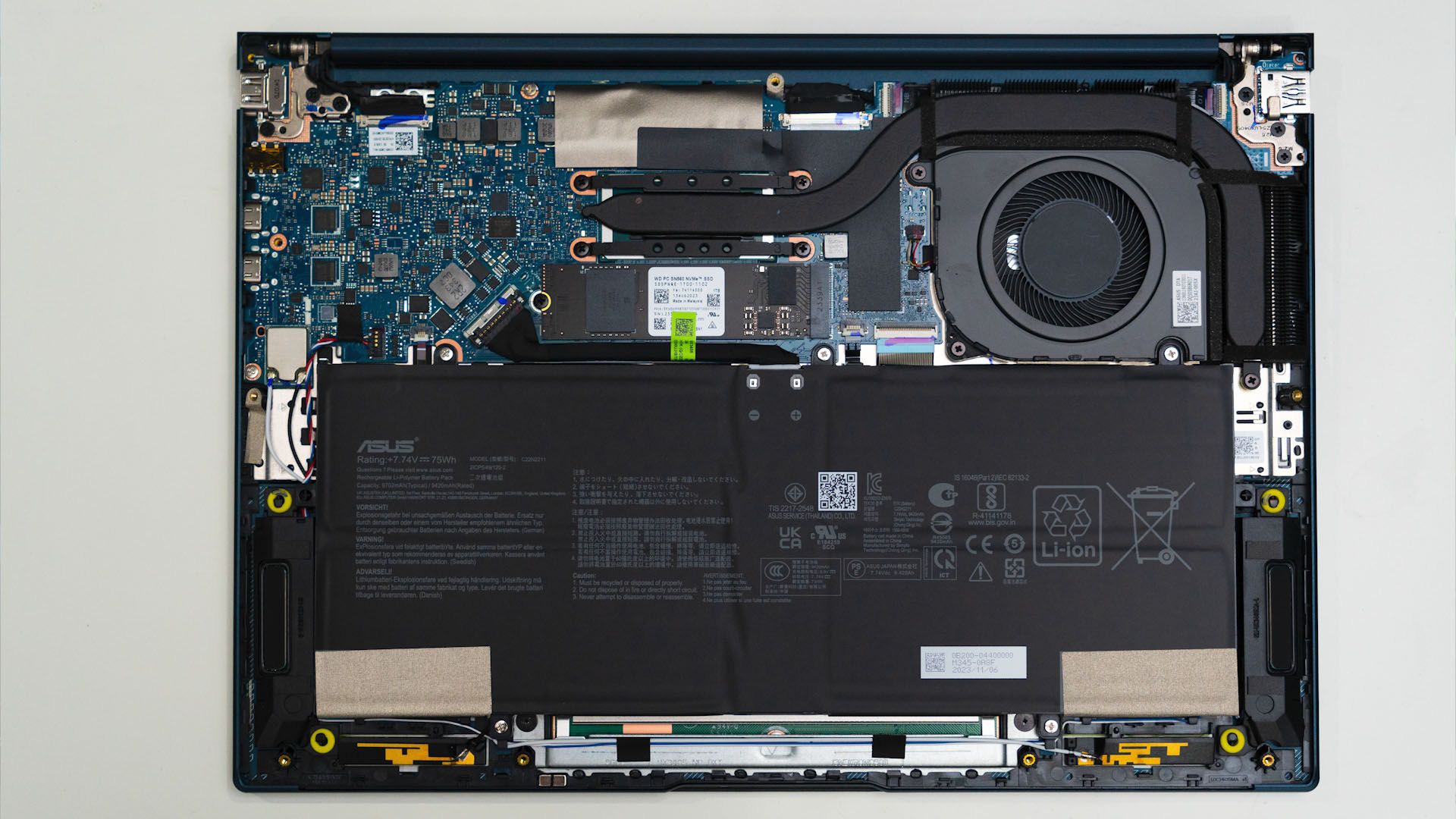
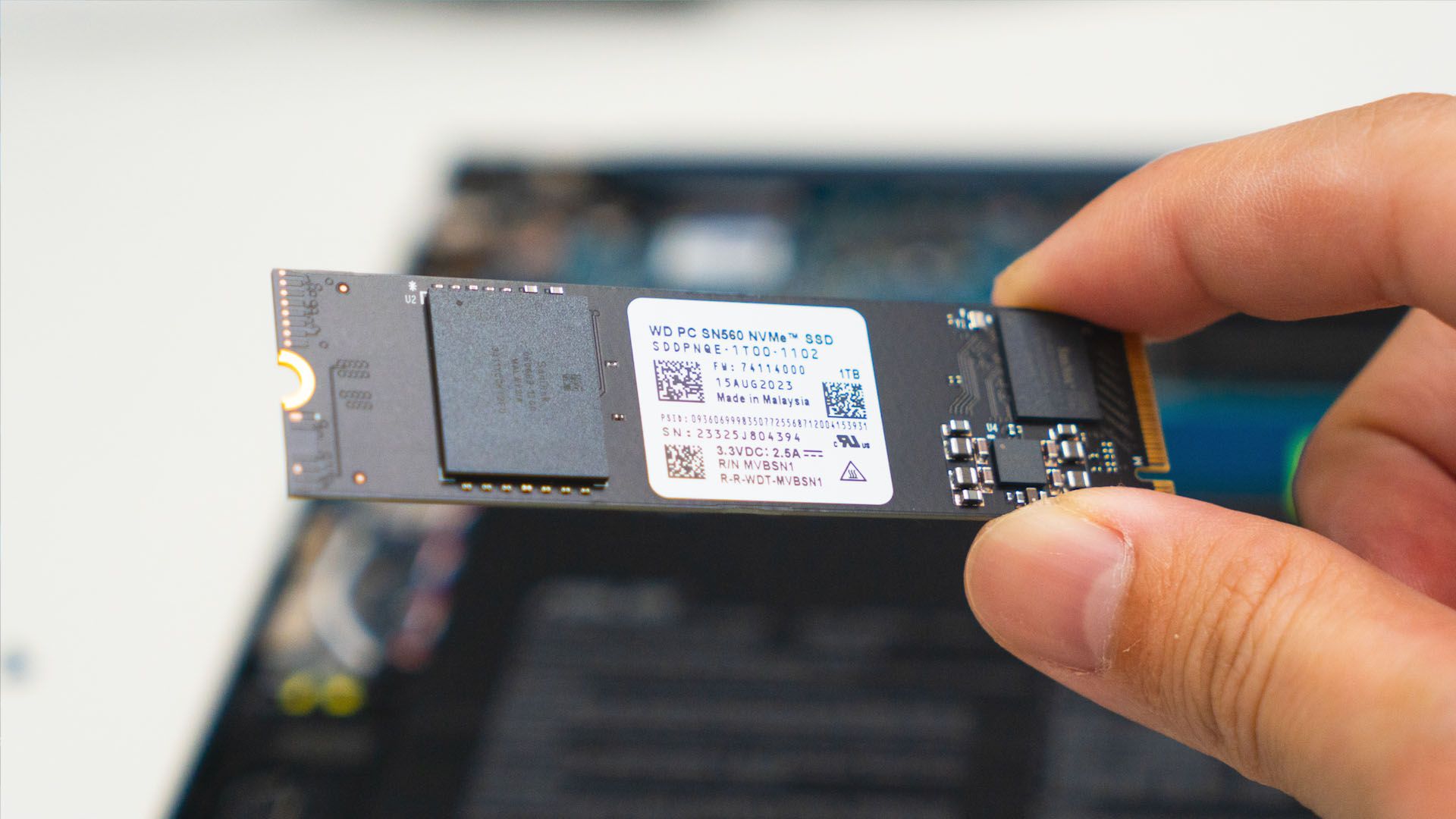
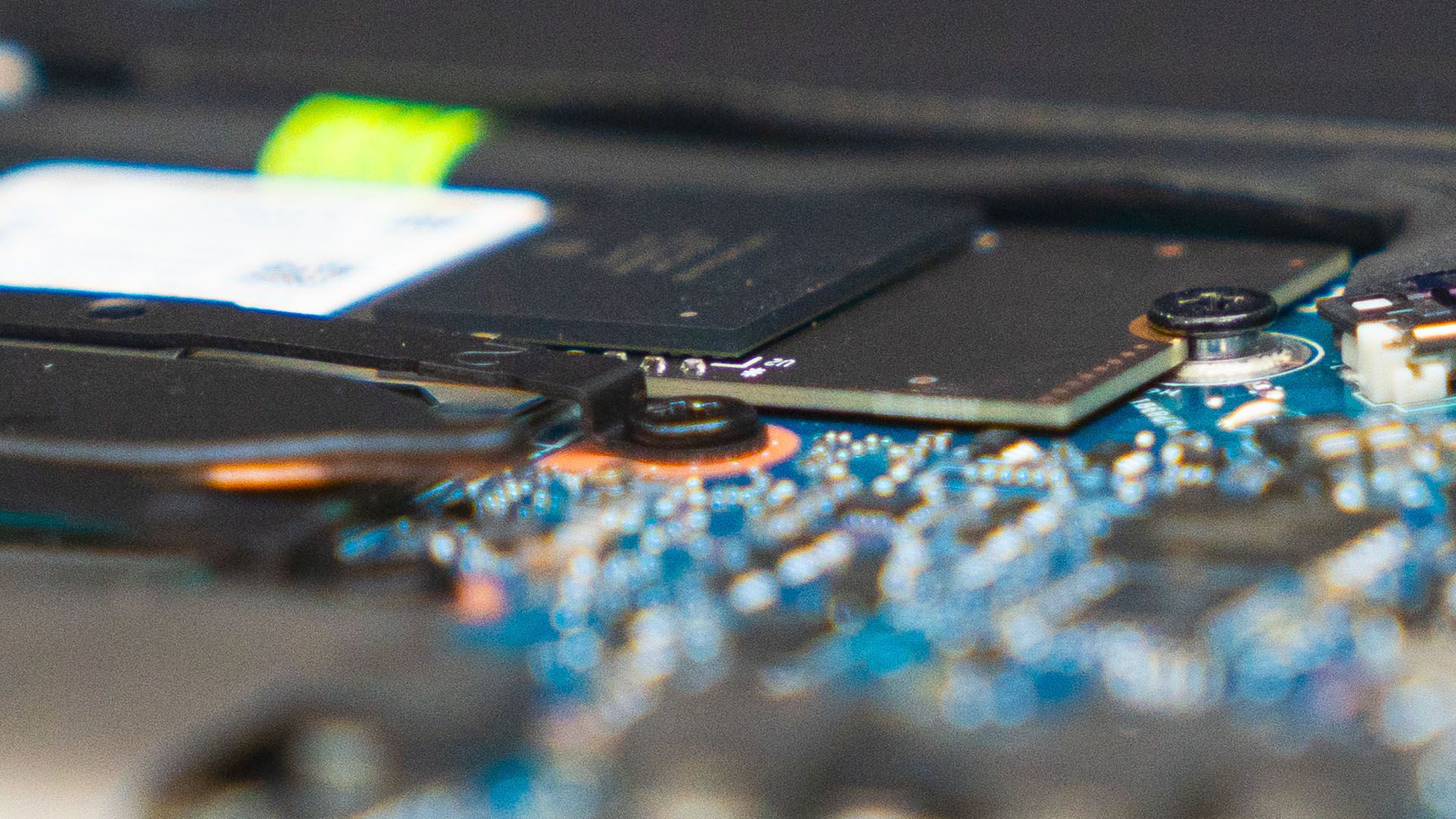
But we can still swap out the SSD. And this is where things get… interesting. You see, I took out the SSD and I inspected it. ASUS included a 1TB WD SN560 SSD already, but this SSD only has a single NAND chip. But when I installed the SSD back into the motherboard, I realized that this SSD sits so close to the motherboard that we cannot use SSDs with double-sided NAND. That means some SSDs – like our 2TB Sabrent Q4 Rocket cannot be used with this laptop.
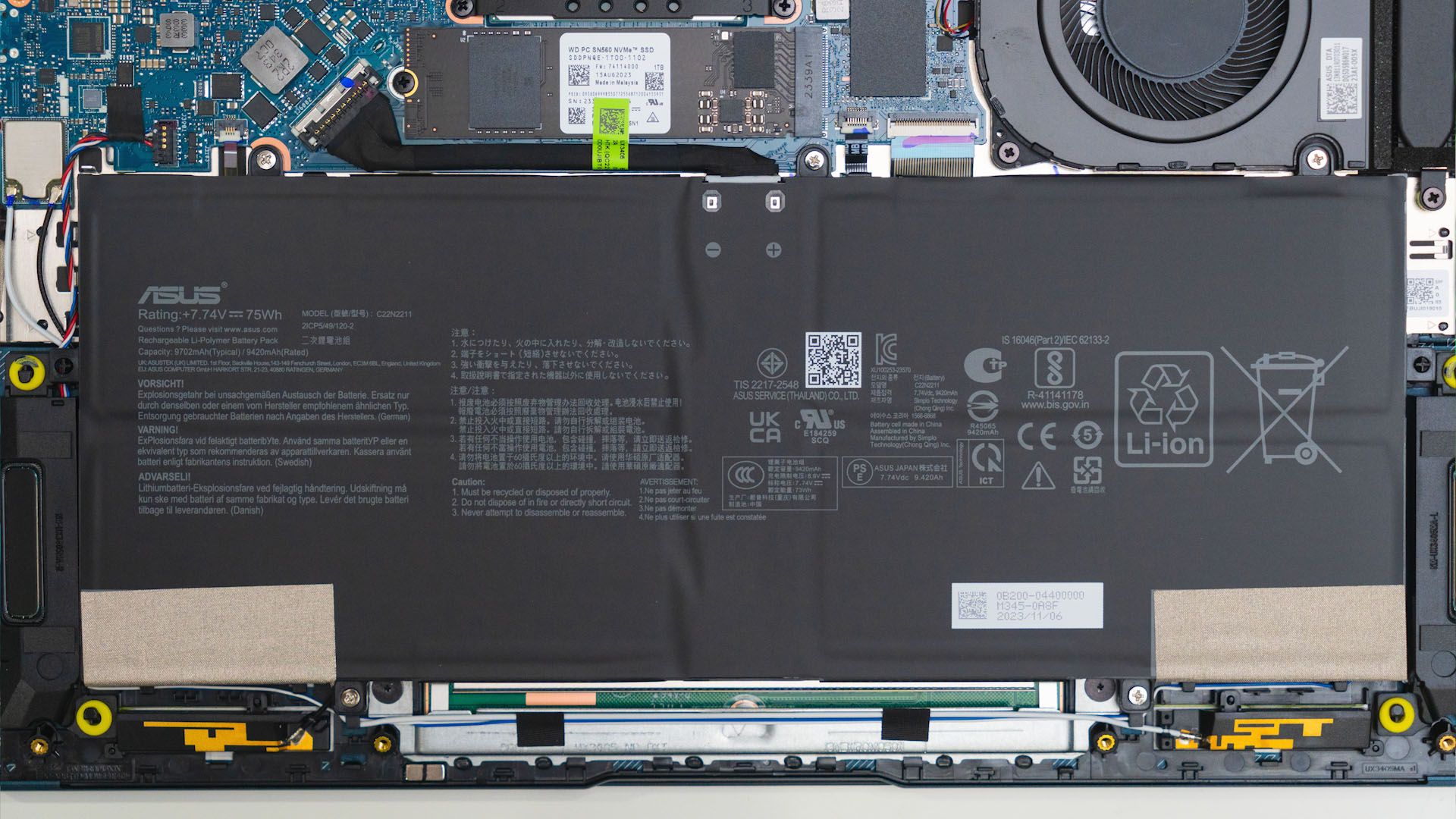
The battery life is nothing to scoff at either. For such a thin and light laptop, it has a 75Wh battery inside and it lasts for a very, very long time at 60Hz refresh rate. We’re talking about 8 hours or so worth of battery life with my usual web-browsing, Spotify, and some YouTube in the mix at 40% brightness.
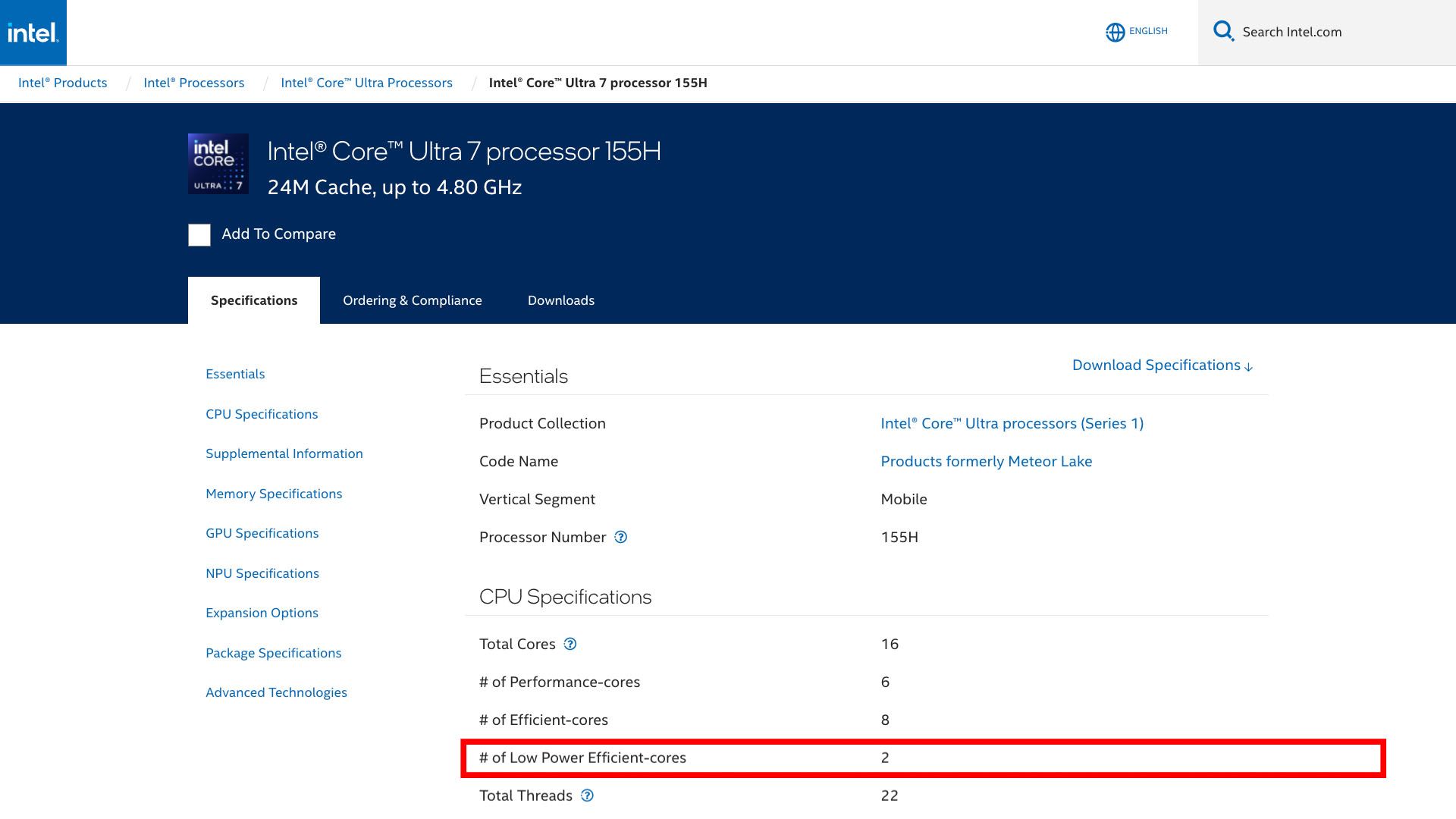
This super long battery life is also thanks to the new Meteor Lake architecture too. You see, since the 12th Gen processors, they had a cluster of performance cores and efficiency cores. Now for the 14th Gen, we still have the performance cores and efficiency cores – but we have another cluster of low-power efficiency cores. Now, some of the more simpler tasks are handed off to the low-power efficiency cores and that has improved the battery life.
Also, remember that this laptop has a super high-resolution screen which also sucks up power to power up all the individual OLED and requires more GPU processing power.
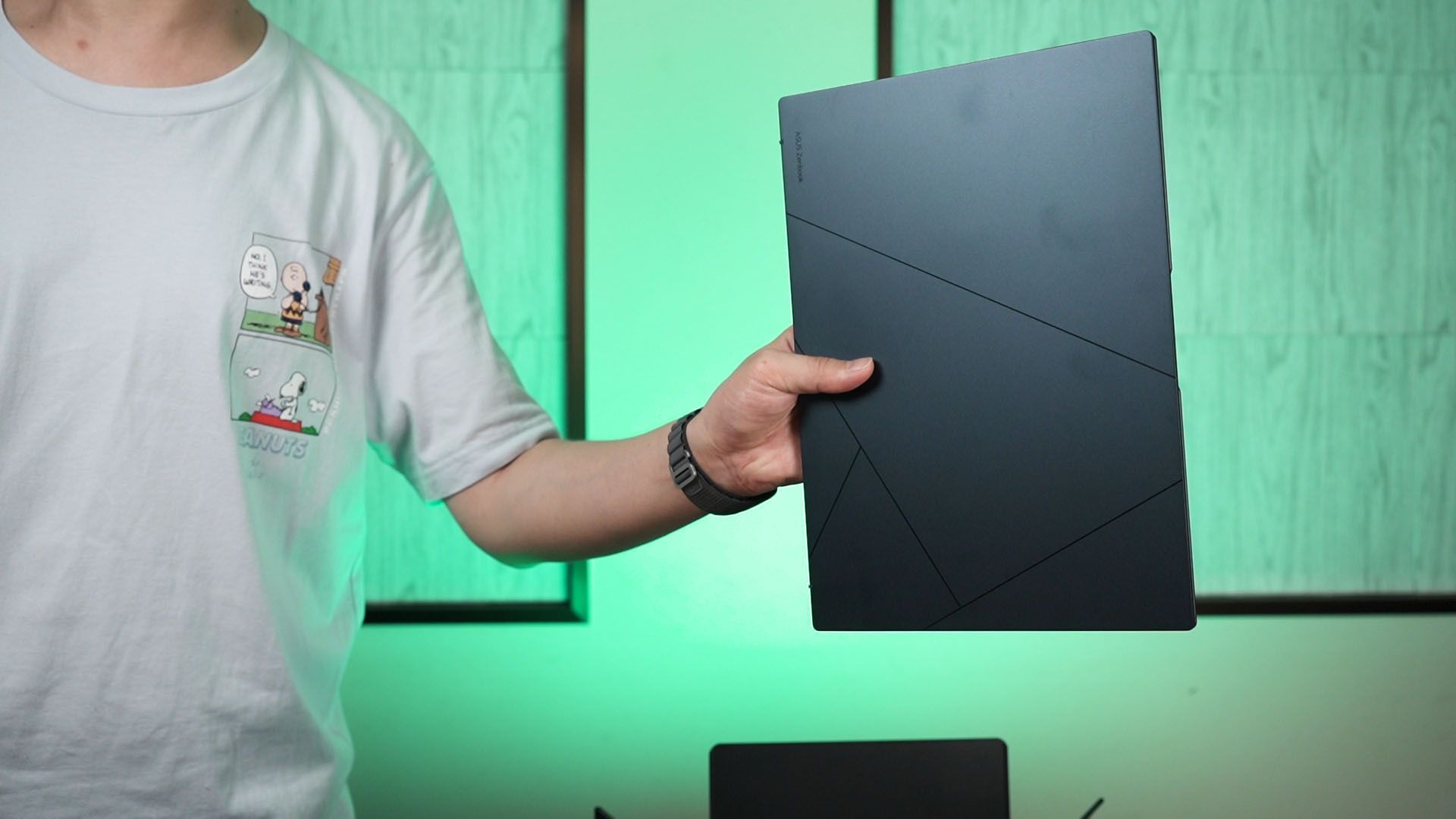
Now, let’s move on to the overall look of the laptop. It looks and feels pretty much the same as before, actually. This is a full metal body yet lightweight laptop with the Ponder Blue color and it is really nice to carry around – thanks to its extensive battery life.
Should you buy the ASUS Zenbook 14 OLED UX3405?
And that’s all we have to share with you about this laptop. Honestly speaking, the price of RM5,999 for this laptop is actually cheaper than last year’s Zenbook 14X OLED UX3404 yet offers so much more. We get higher performance, much better battery life, and also the NPU for more efficient AI processing.
So what do you think about this ASUS Zenbook 14 OLED UX3405? Do let me know your thoughts and opinions about this laptop down in the comments below – and remember to like and subscribe while you’re on your way there. I personally like this laptop, and that Intel Core Ultra 7 155H is a game changer.
For more information about this laptop, click here.
Where to buy? (Affiliate links)
Like our Facebook Page here at NasiLemakTech.com for more news and in-depth reviews! Also, join our Facebook Group for insightful information and memes!
Subscribe to our YouTube channel too!

what about ultra 5 125H one?