



Introducing this brand new Huawei Mate 40 Pro. It’s a brand new phone from Huawei featuring its latest technologies that the company has to offer.
We did a hands-on when it was launched, so today’s review is talking about how we actually use it.
Design
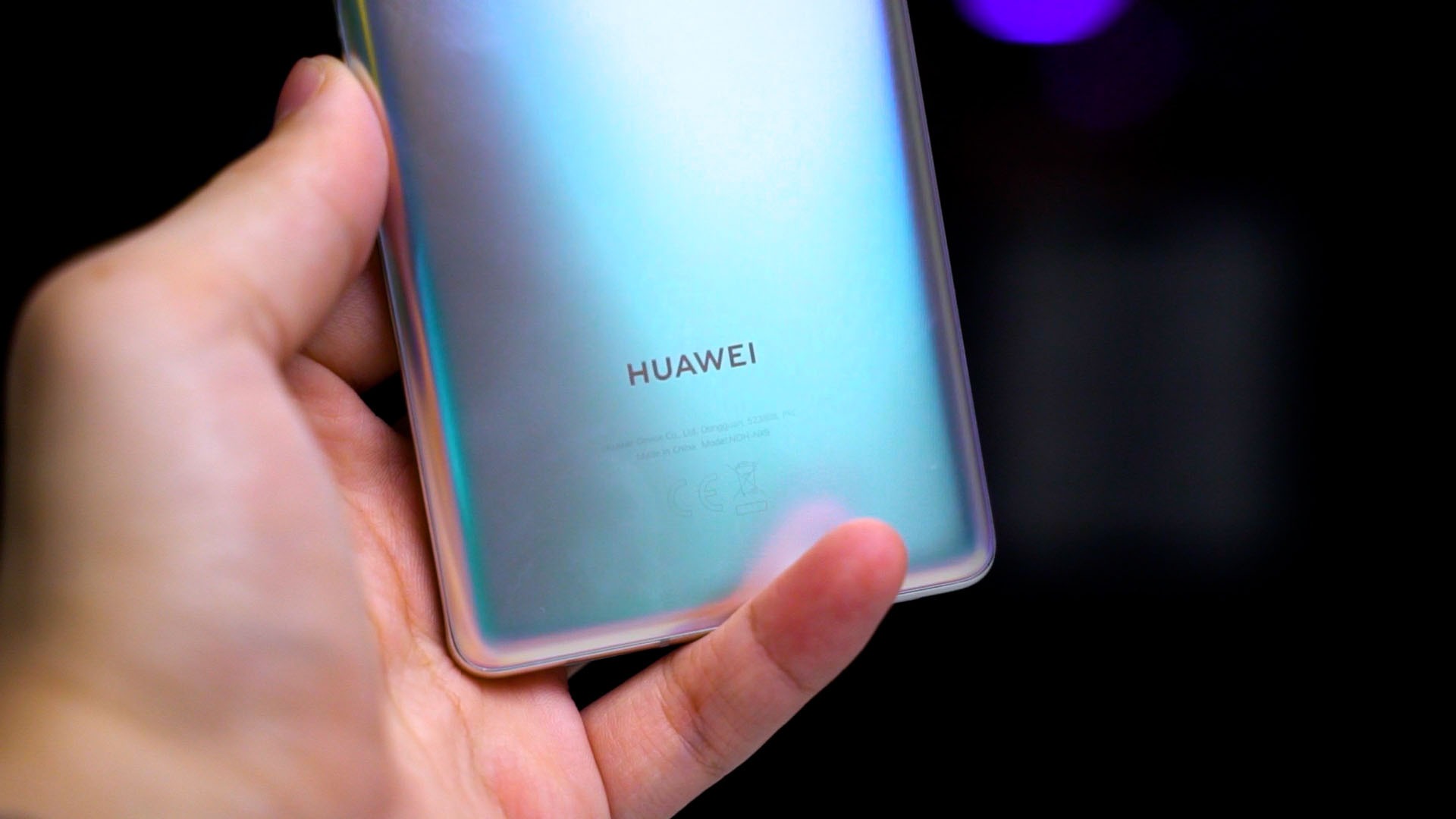
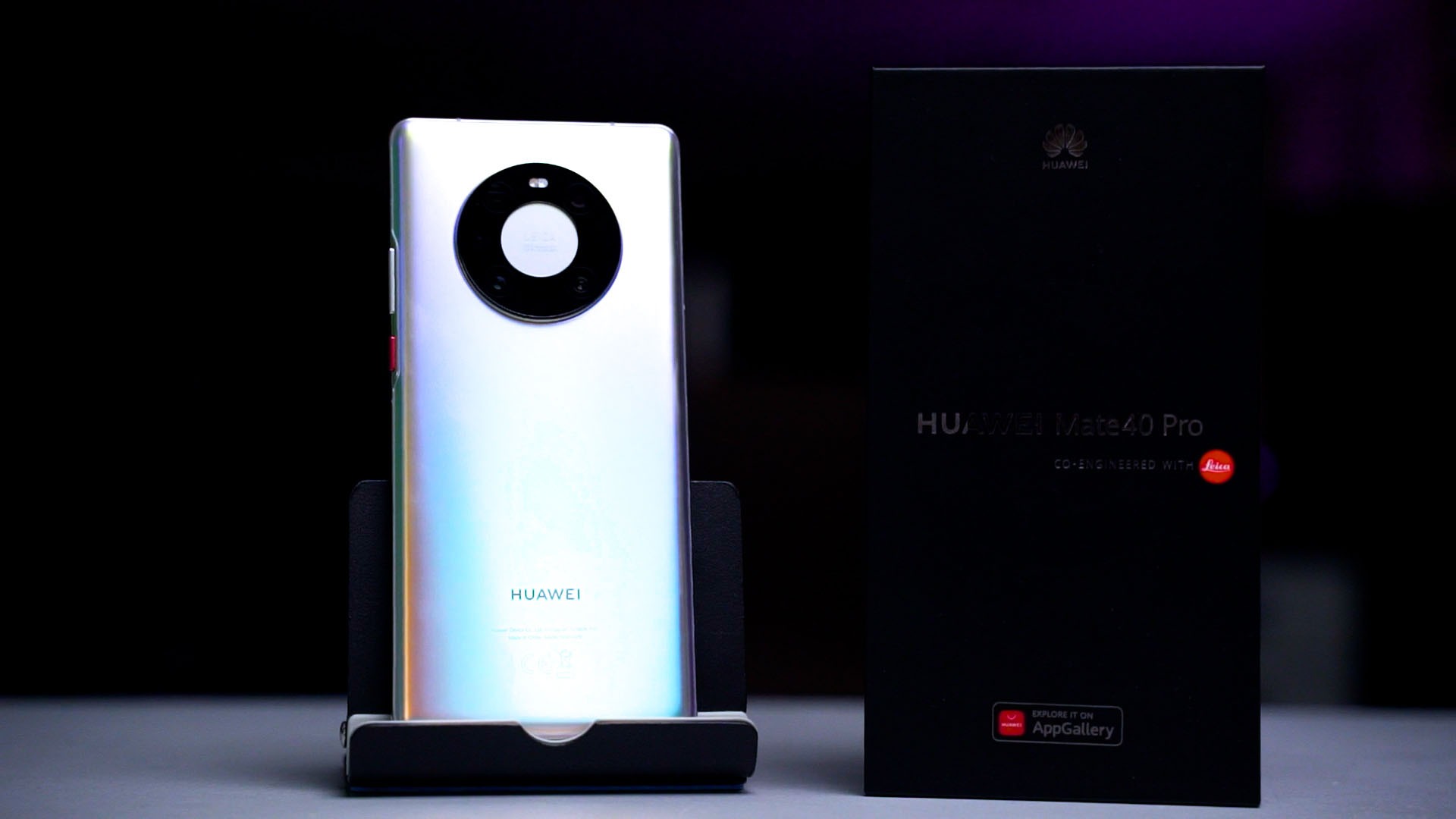
Starting off – design. We have here is the Mystic Silver color and the iridescent color with a layer of hazy matte finish on top looks absolutely stunning. And it also feels great to just caress.
Cameras
And then we also need to talk about the cameras. The new camera cutout design is… well, looks like the Apple iPod clickwheel, to be honest. It still takes great pictures, though – and from what I can find out, Huawei also fixed the white balance issue and it’s maintained across all lenses.

The sharpening around the edges is good and the details look great too. I’m amazed, honestly. Watch our video at the top of this review to look at all the pictures taken with the Huawei Mate 40 Pro.
Screen
Looking at the front of the phone, we have a massive 6.76-inch screen with a weird 1344×2772 pixel in resolution. It’s an OLED screen that can go up to 90Hz and also retains the curved edges like last year’s Mate 30 Pro.

However, while the screen looks great, look at it straight while having a white background… doesn’t look good. Because of how extreme the curvatures are at the edges, it has an obvious tint of green because of light diffraction.
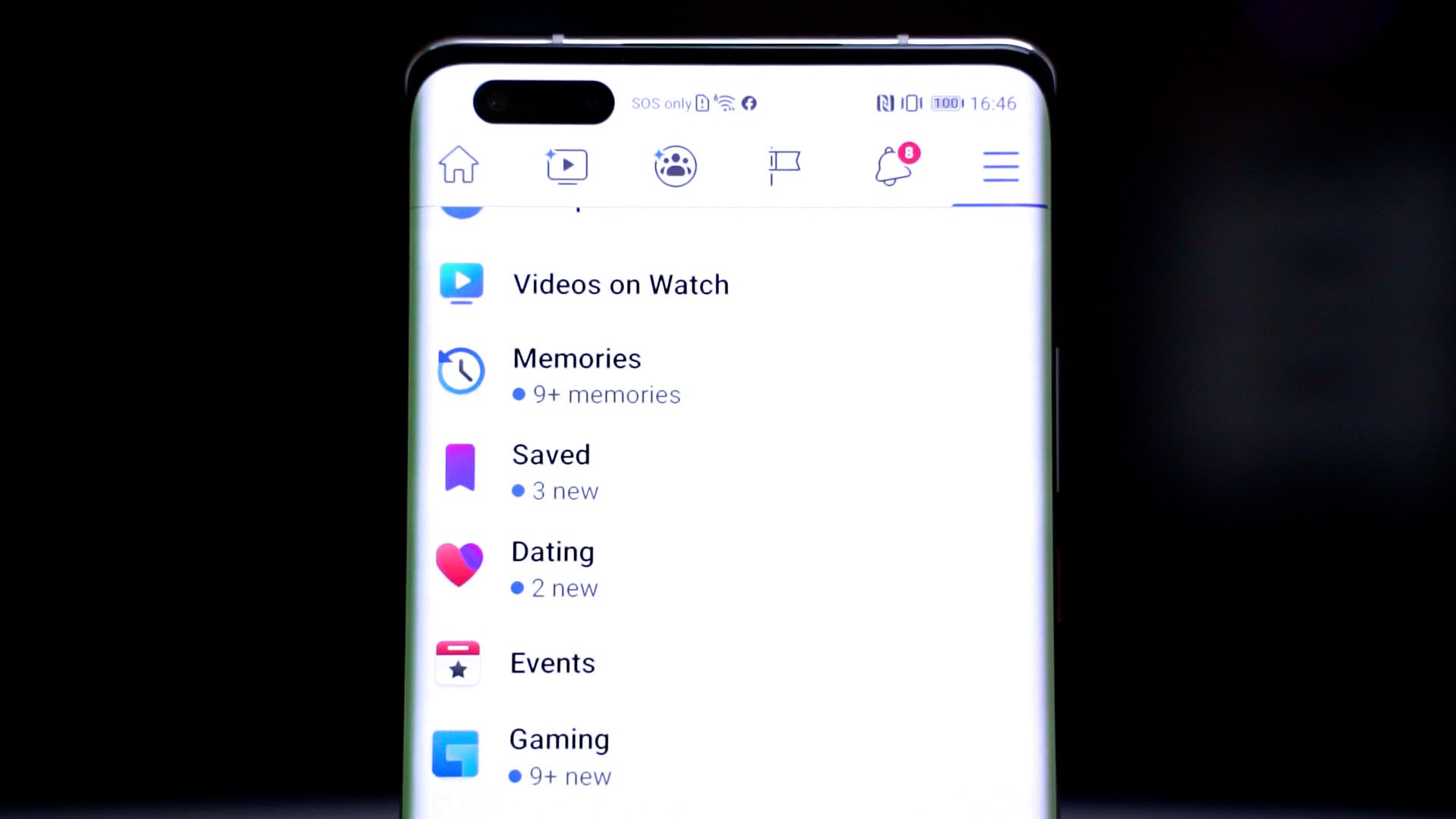
Question is, do you need that much curvature on your screen, though?
Oh by, the way, the Mate 40 Pro comes preinstalled with a screen protector which just looks weird around the 4 corners. I peeled it off because ours was damaged.
Software
The new Huawei Mate 40 Pro also marks the one-year anniversary of its Google-less-ness, if that’s a word at all. Huawei has introduced the Huawei Mobile Services and also its own AppGallery since then, which actually grew a lot when comparing it back from a year ago.
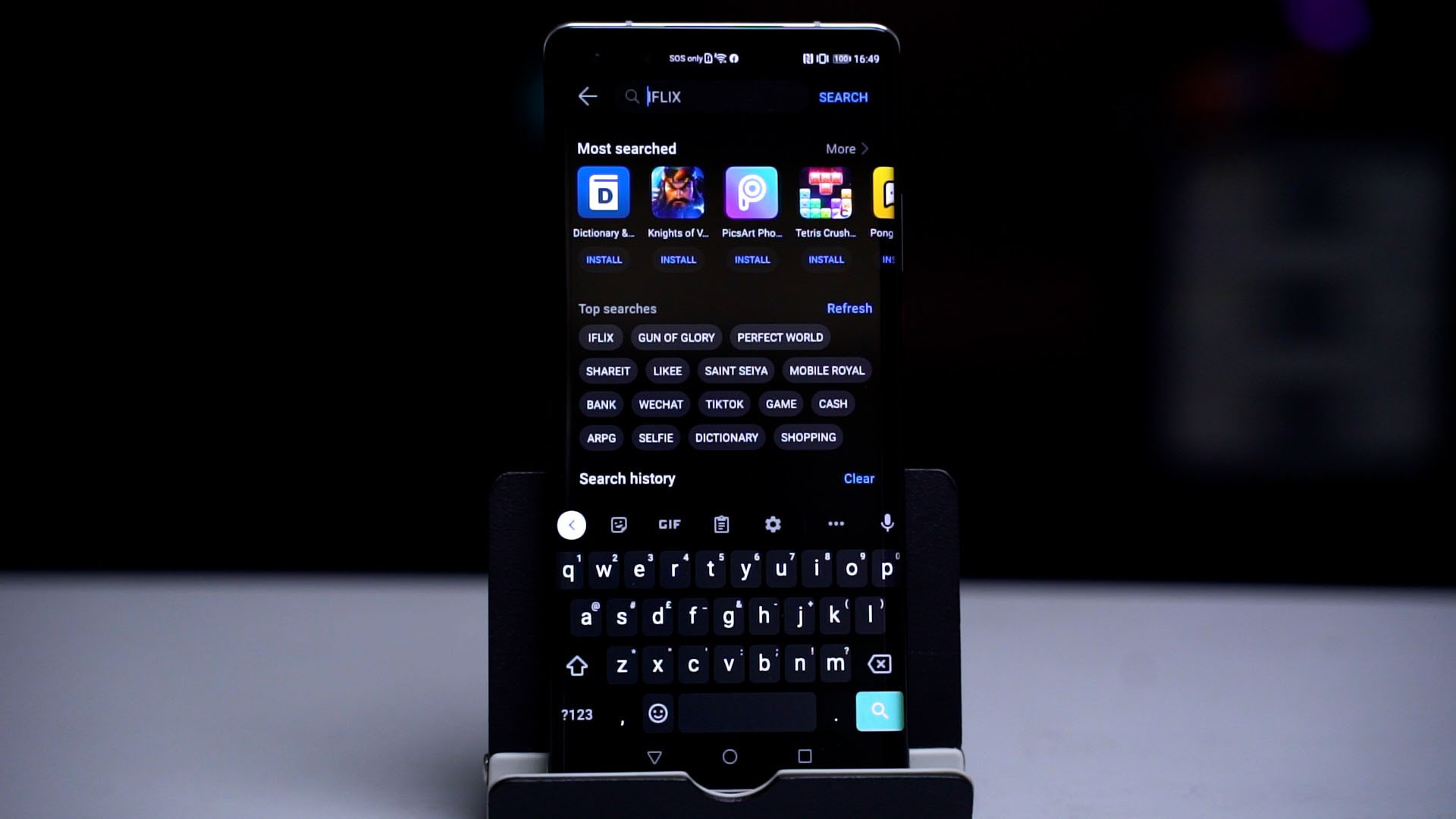
Huawei is still bringing in more features day by day – like Huawei Pay, even though it’s pretty much unusable since it only supports UnionPay and ICBC for now – but it’s there. The amount of apps in the AppGallery has grown but not to the point where I’ll call it a feasible alternative to Google Play Store or even 3rd party app stores like APK Mirror or Aptoide.
Then, Huawei also introduced something called Petai Search – wait, sorry, it’s Petal Search. It’s technically a search engine that aggregates search results from APK Mirror, Aptoide, APK Pure, etc. for APKs. Problem is, the search results include both APK and XAPK files – which is a proprietary APK Pure installation package.
It does help, but finding some apps and even games is a little problematic. Let’s take games like COD Mobile for example. There are two different versions – one global and another Garena version. The version that we Malaysians are accustomed to is the Garena version – which Petal Search won’t show you.
And then there’s Genshin Impact. For some reason, the company’s previous game, Honkai Impact 3, is available on the AppGallery but not the latest Genshin Impact.
I can’t run the latest Genshin Impact at first, but after another round of update, it finally runs.
Specs & performance
And speaking of that, let’s talk about the specs and performance. The Huawei Mate 40 Pro comes with the company’s latest Kirin 9000 chipset that’s fabricated with 5nm lithography process, 8GB RAM, and 256GB of internal storage. They’re still using their proprietary NM card for storage expansion, by the way.
And here’s a problem. I want to show you the benchmarks and performance, but Huawei blocked most of the benchmark apps from installing. Geekbench and Antutu can’t be installed. And ironically, Antutu is available on the Huawei AppGallery, but Huawei decided to just block it entirely.
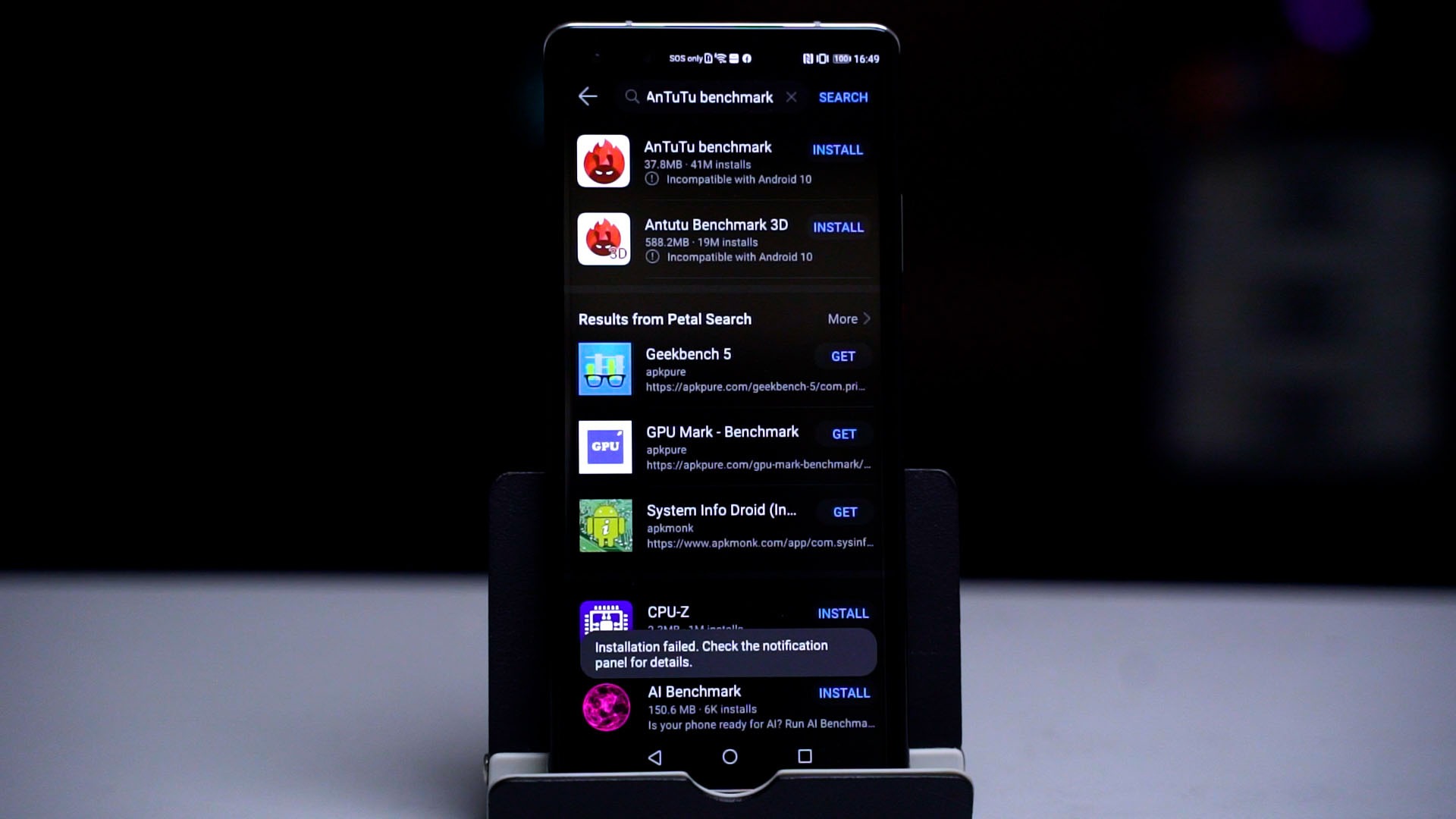
Instead, we did a separate video showcasing the gaming performance of the Huawei Mate 40 Pro with the Kirin 9000 chipset instead. Spoiler alert, it’s still stuttery compared to any Snapdragon 865 chipset.
Battery life
And as for the battery life, the Huawei Mate 40 Pro can last for a full day with its 4,400mAh and the charging time is insanely fast with its 66W charger. Unfortunately, this is a new proprietary fast-charging standard from Huawei and it’s using their own proprietary USB-A to USB-C cable too. Bummer.
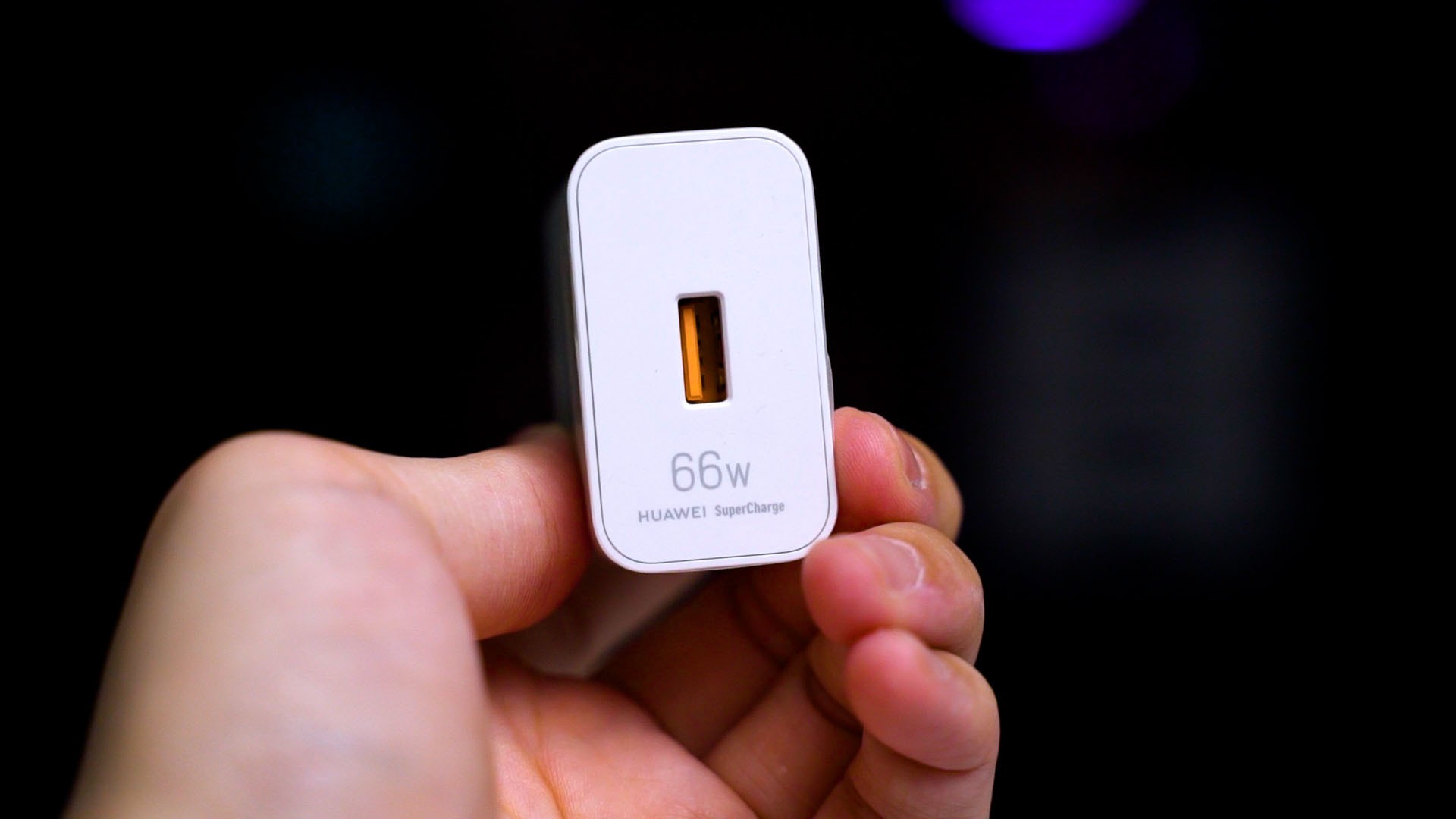
That means when we use our own Ugreen 65W GaN charger, it doesn’t fast charge at all.
Also, why Huawei included a charger that’s 1W higher than the standard 65W? Weird flex but okay.
Should you buy the Huawei Mate 40 Pro?
So at the end of the day, the Mate 40 Pro. It’s a good camera phone for sure – but that seems to be the only main point of this phone. Other than that though… well, the software is my biggest pain point. Its app accessibility is an issue that absolutely hinders my workflow.
And I still think that EMUI has a lot to improve in terms of user experience. It’s still a mess and the UI doesn’t seem to have changed at all when comparing EMUI 12 and EMUI 11.
I’m also not a fan of proprietary charging standards and also not a fan of the NM card standard that Huawei is so adamant about.
At this point in time, we don’t have the local availability and pricing information about the Huawei Mate 40 Pro yet, but based on the Mate 30 Pro’s launch price from last year – the pricing doesn’t look good for the Mate 40 Pro.

Like our Facebook Page here at NasiLemakTech.com for more news and in-depth reviews! Also, join our Facebook Group for insightful information and memes!
Subscribe to our YouTube channel too!