



















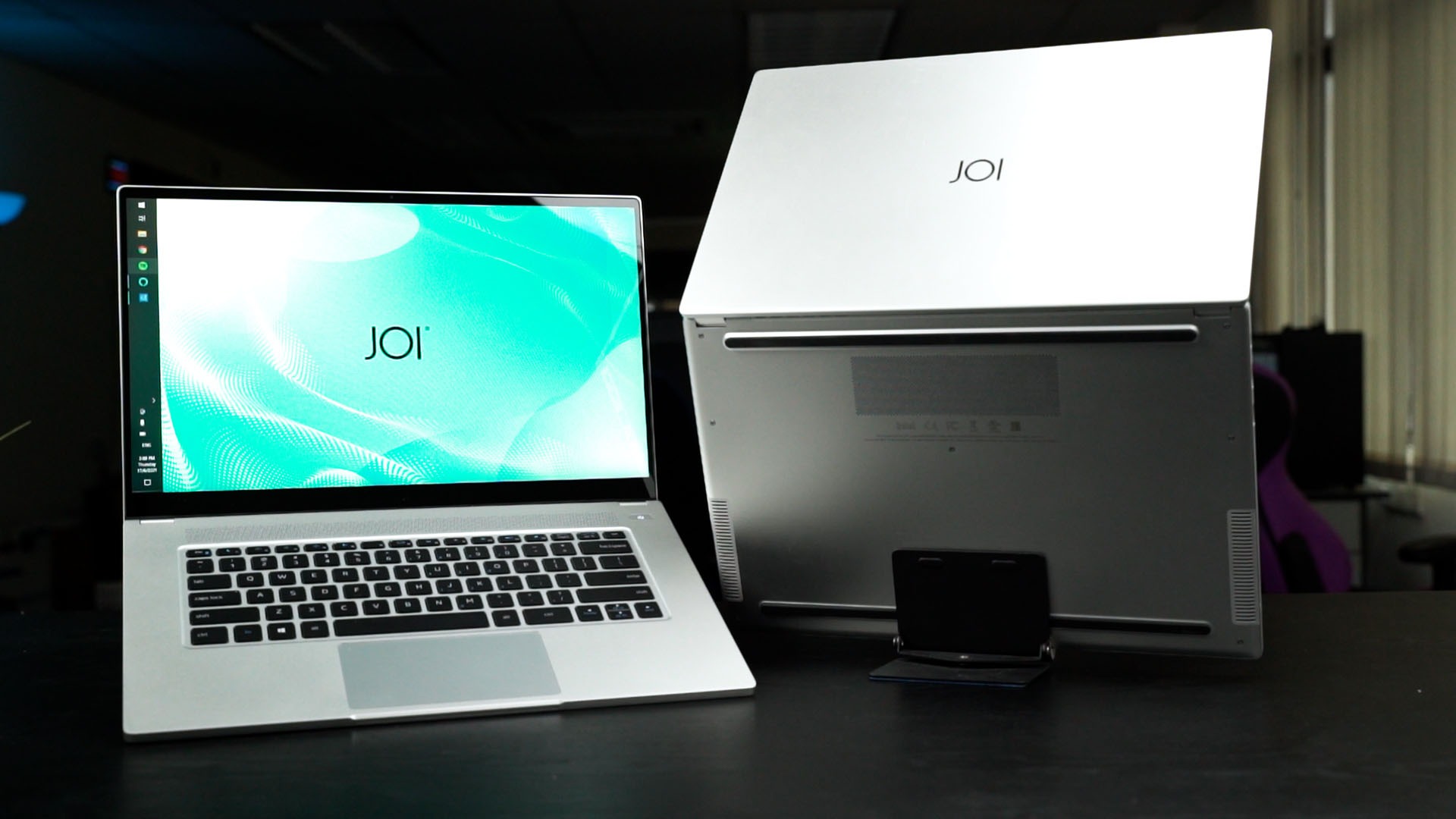

This laptop is made possible thanks to Intel. It’s an initiative by Intel last year to create a “NUC laptop kit” which essentially is a laptop kit that any other brands can use. Even the laptop’s box already highlighted that it is an Intel NUC M15 Laptop Kit.
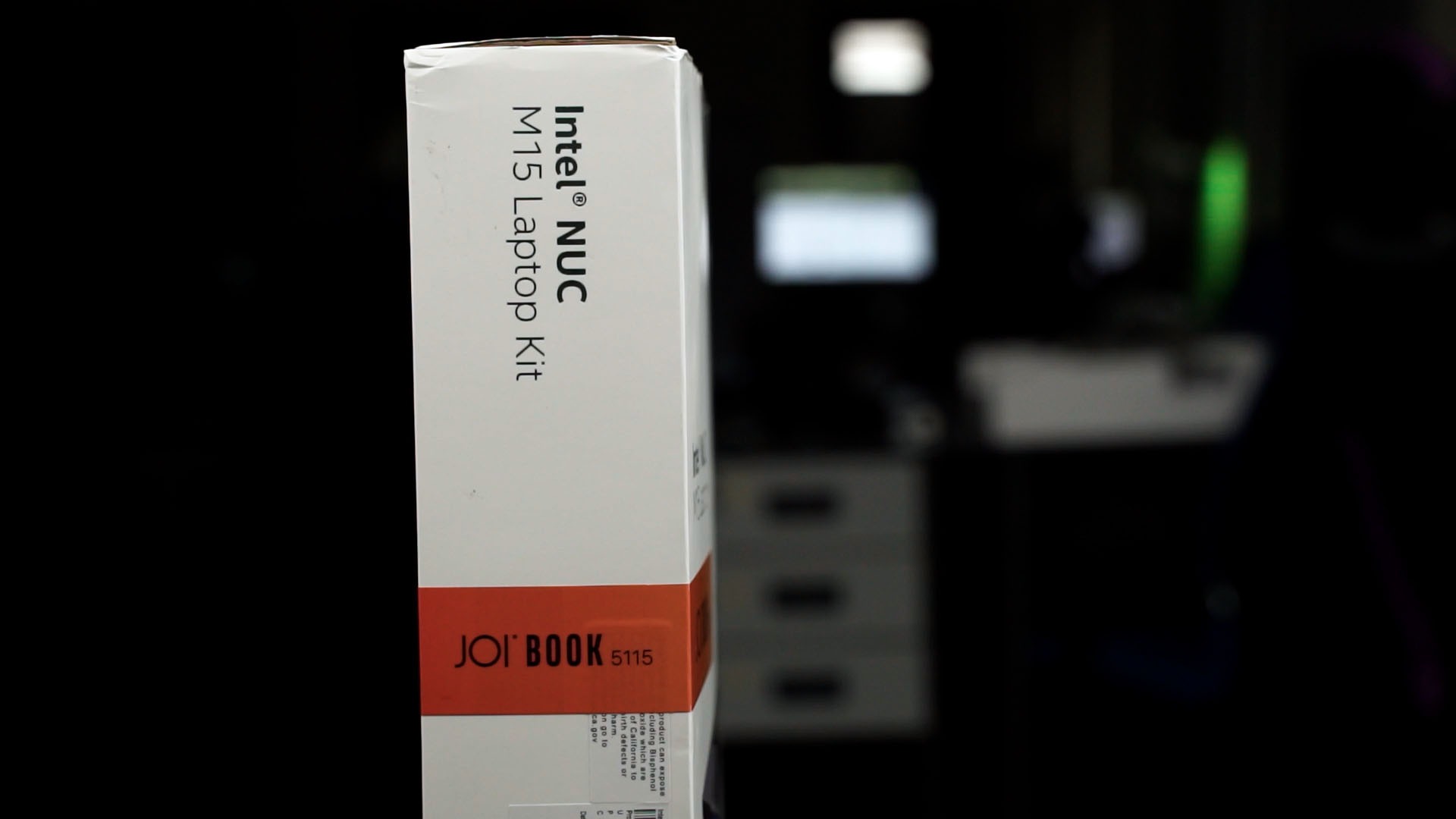
And this JOI Book 5115 and the JOI Book 7115 are made from that Intel NUC laptop kit. Essentially, once you saw one of these Intel NUC laptop kits, then you’ve pretty much seen it all. So, let’s talk about them.
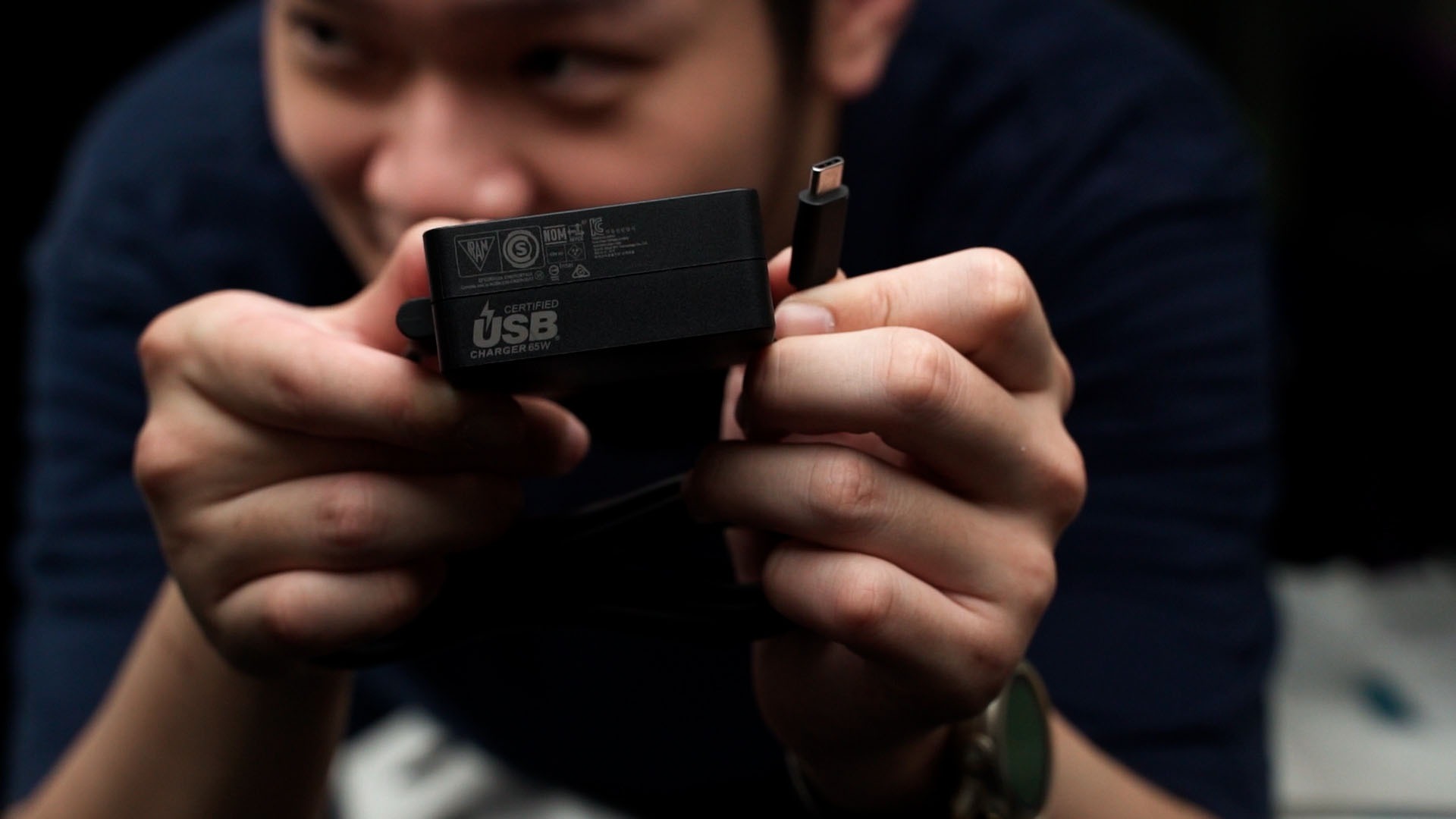
Okay, so the JOI Book 5115 and JOI Book 7115. Both these laptops come in fairly simple boxes. Inside it, we have some documentation, a 65W power brick, and of course – the laptop.
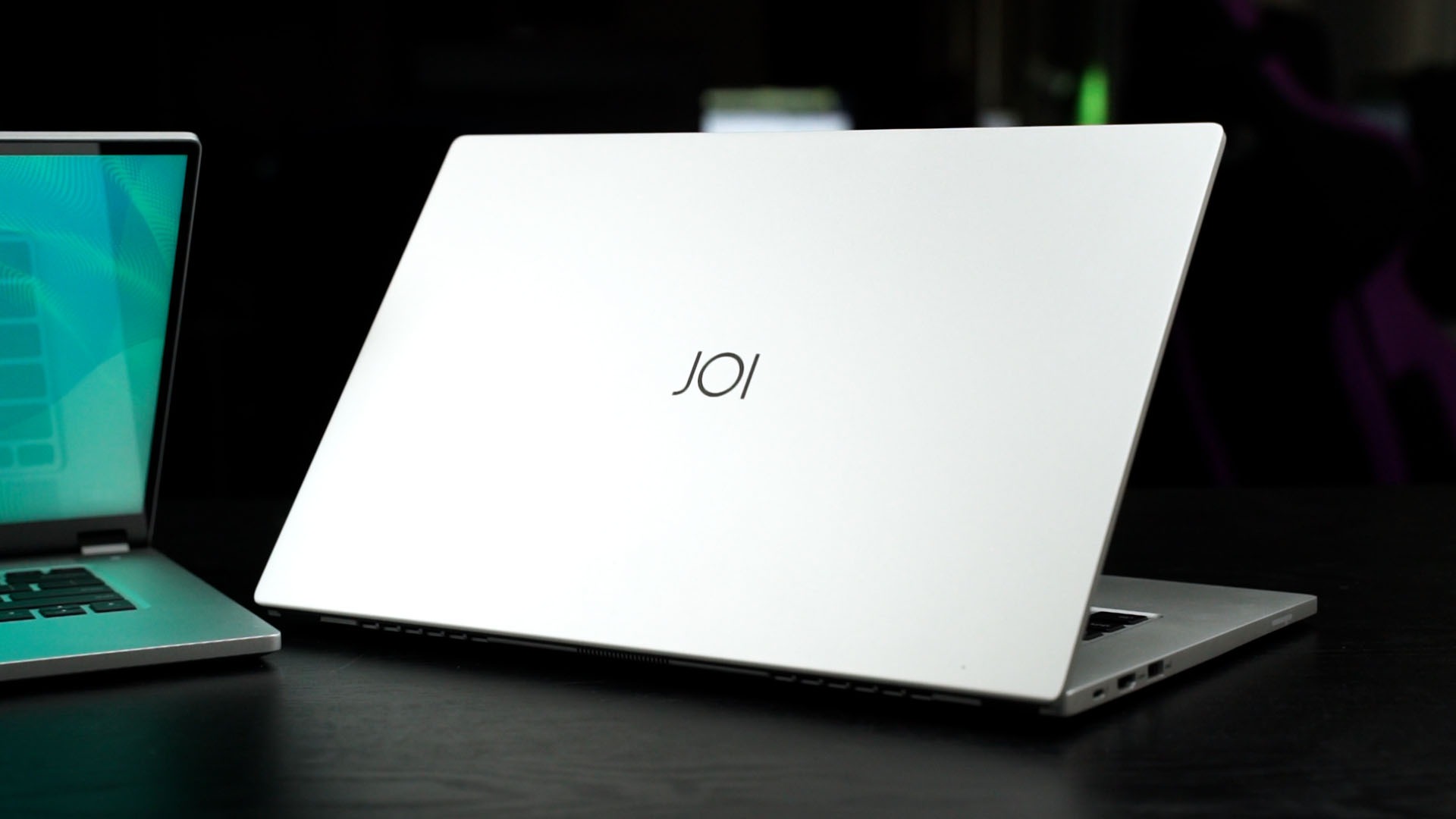
Moving on. These Intel NUC laptops have some of the best design and build quality that I’ve seen. It’s very clean and I think it’s made out of metal – and I also think that it is comparable to other brand’s premium laptop lineup in terms of build quality and design. And these laptops are relatively lightweight and thin too.
Opening up the lid reveals a 15.6-inch IPS LCD screen with a piece of glass on top. That is because this laptop has a touchscreen. The screen looks amazingly good as it can be rather bright and also has fantastic colors.
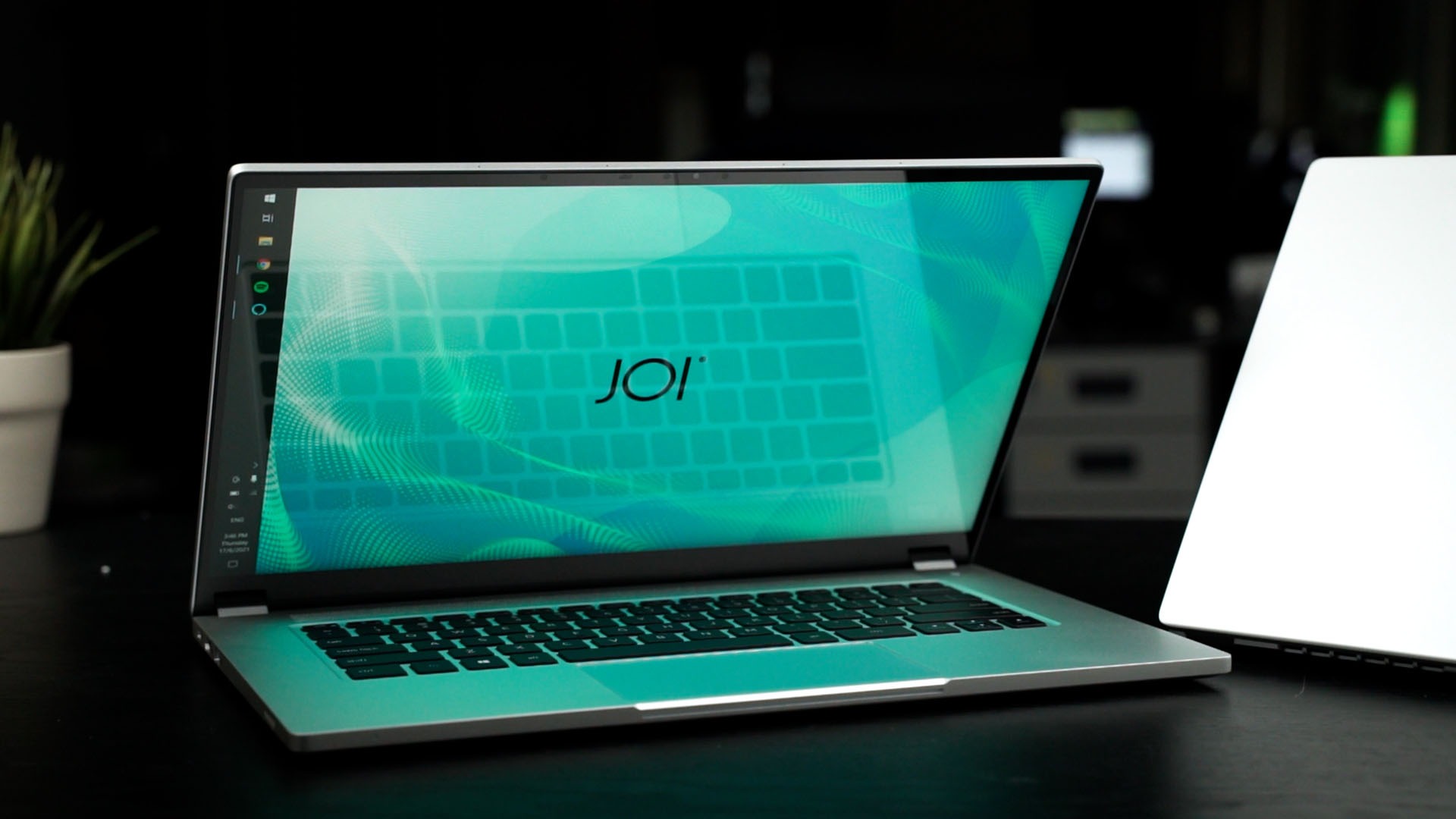
What I truly love about the screen though, is the hinge. Opening the lid feels smooth and it’s not that high in terms of resistance – and yet the screen doesn’t wobble much when I poke the screen! That’s great!

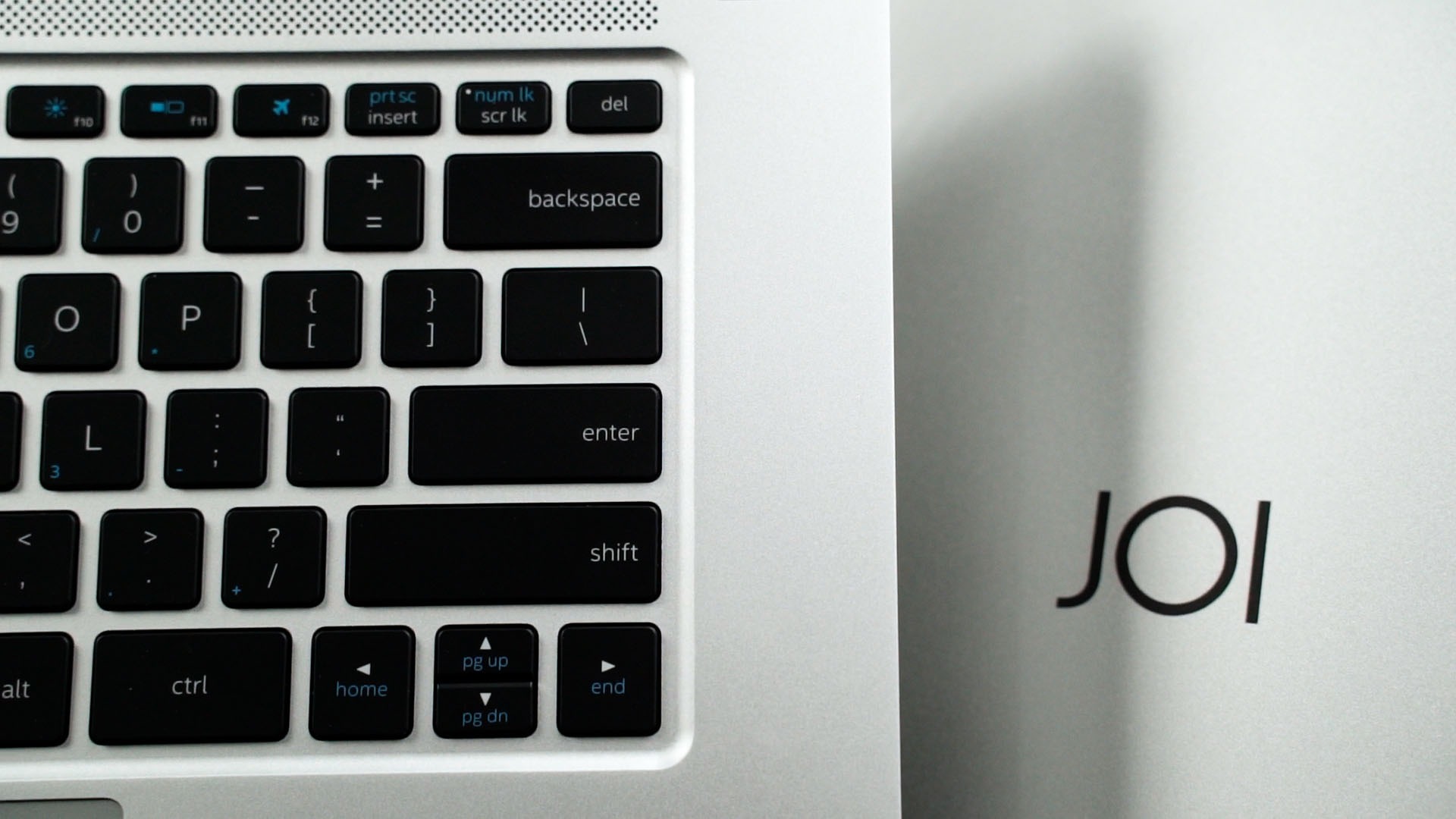
The keyboard and trackpad are also fantastic on the JOI Book 5115 and JOI Book 7115. They both have a typical 13-inch laptop keyboard layout – which means there’s no number pad and the arrow keys are squished inside. This keyboard feels fantastic to type on, and I find myself enjoying the time I spent typing on this keyboard.
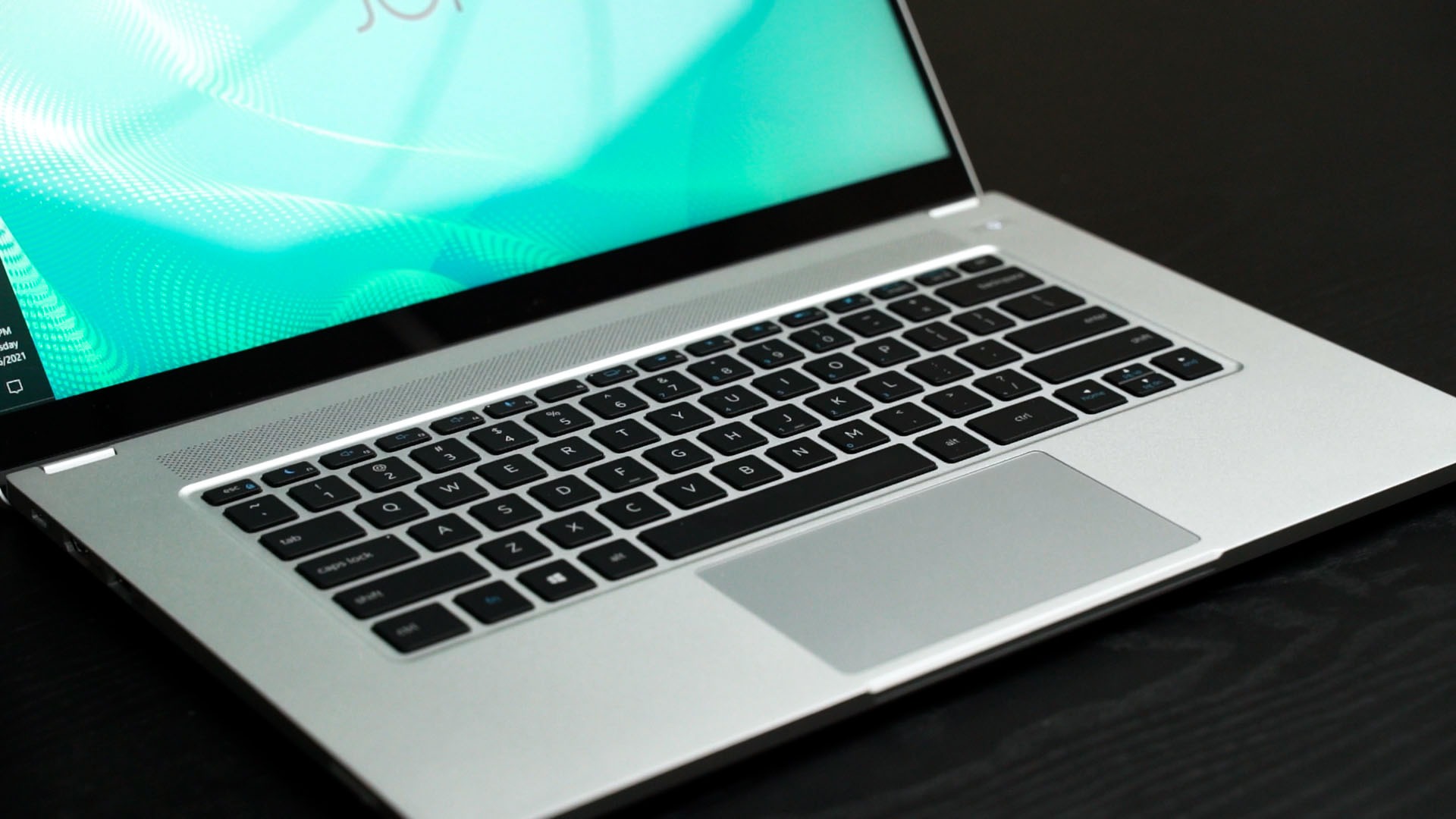
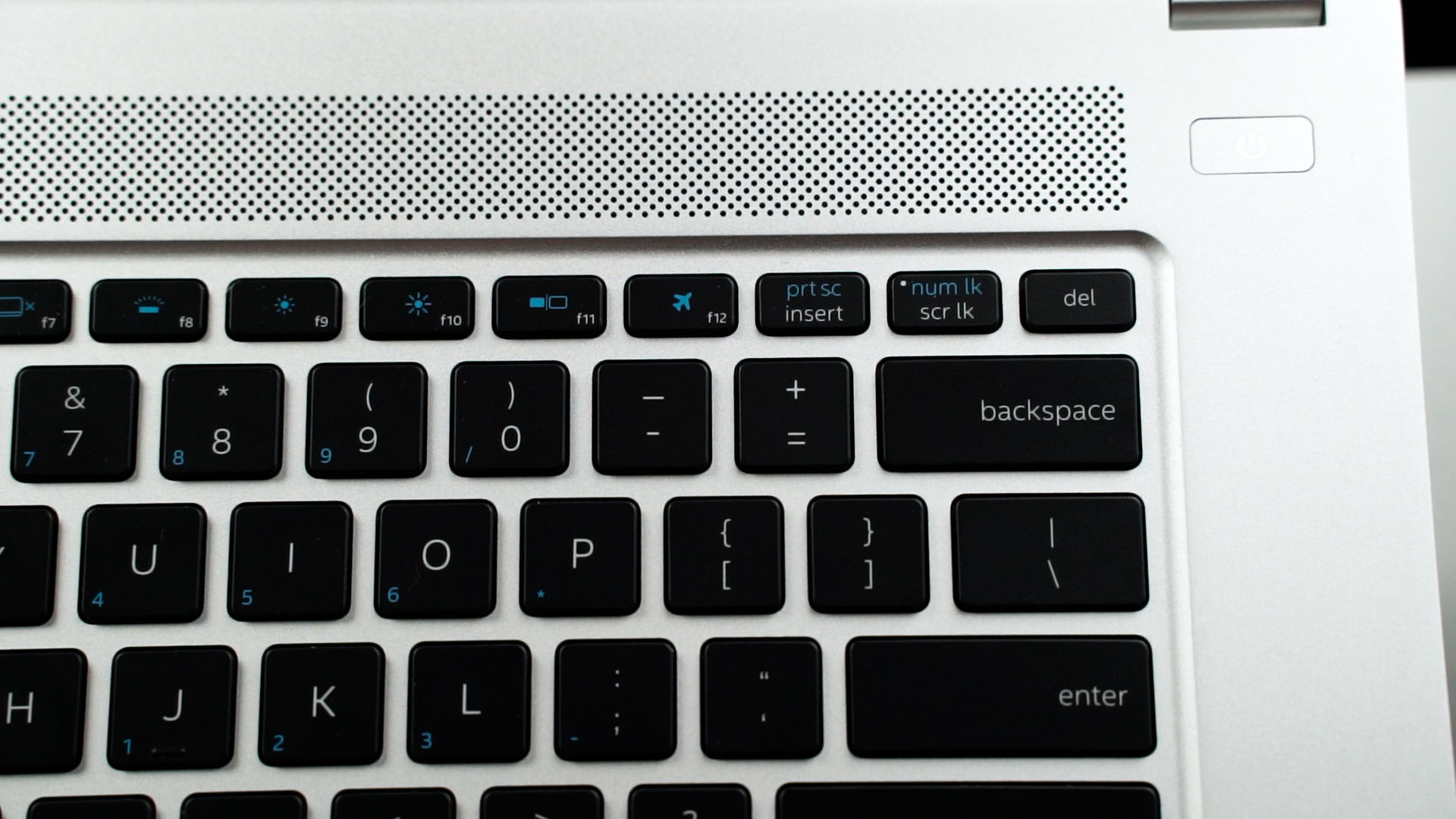
Something to nitpick here – the print screen key is nested inside the function key, which I don’t like. I personally would’ve liked a dedicated screenshot key. This isn’t a big deal though, since I have some other ways to fix it. Check it out here instead. 😉
The trackpad feels great and I have no complaints about it either. Perhaps a little too small but hey – that’s okay since this laptop has a touchscreen.

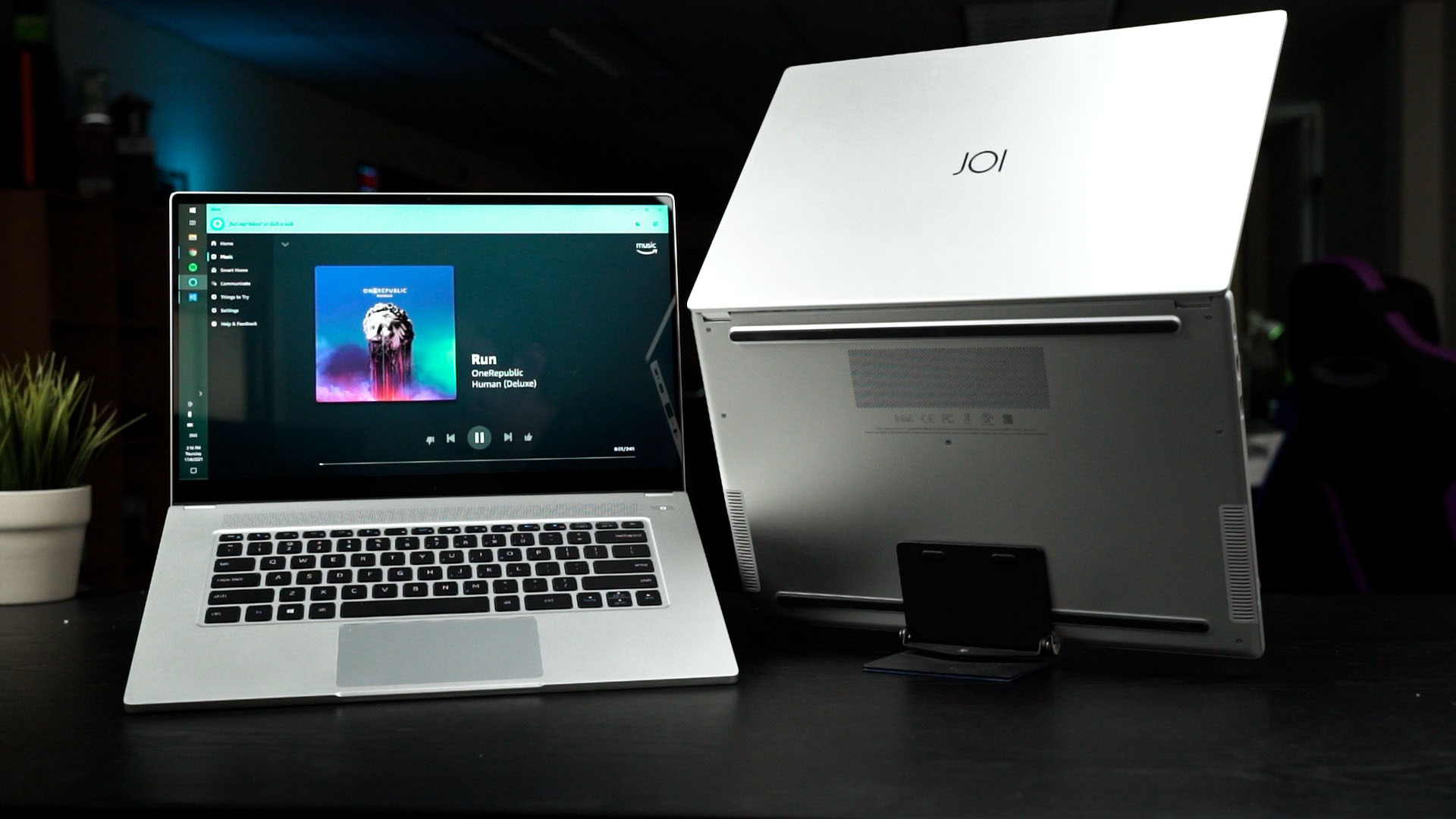
My only complaint here feels like a personal one – the speaker placement. Currently, the speaker is bottom-firing but there is quite a lot of empty space at the left and right sides of the keyboard.
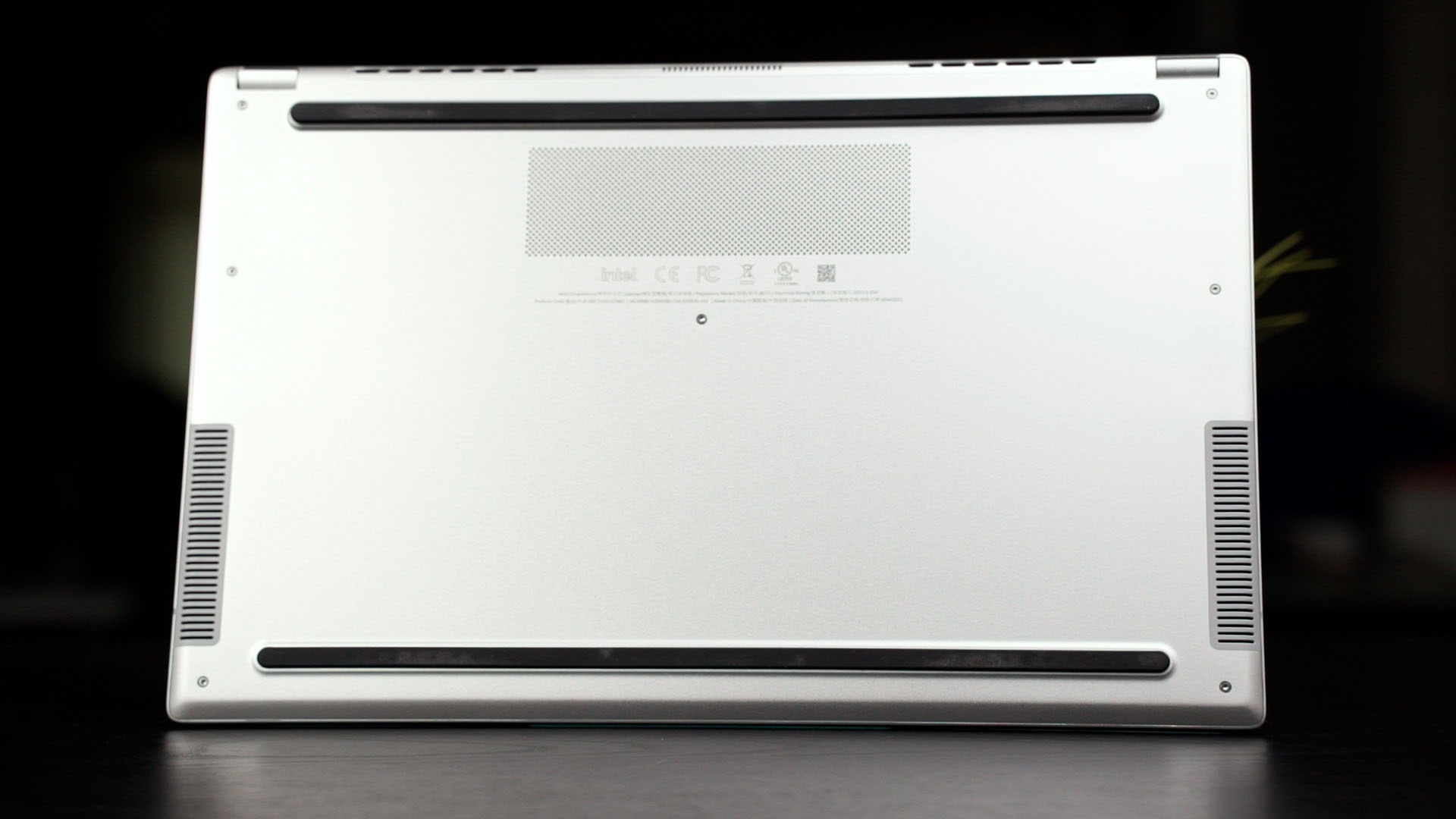
Bottom-firing speakers mean that we can’t really use the laptop while sitting on the couch or sofa and listen to music without the music sounding a little weird.
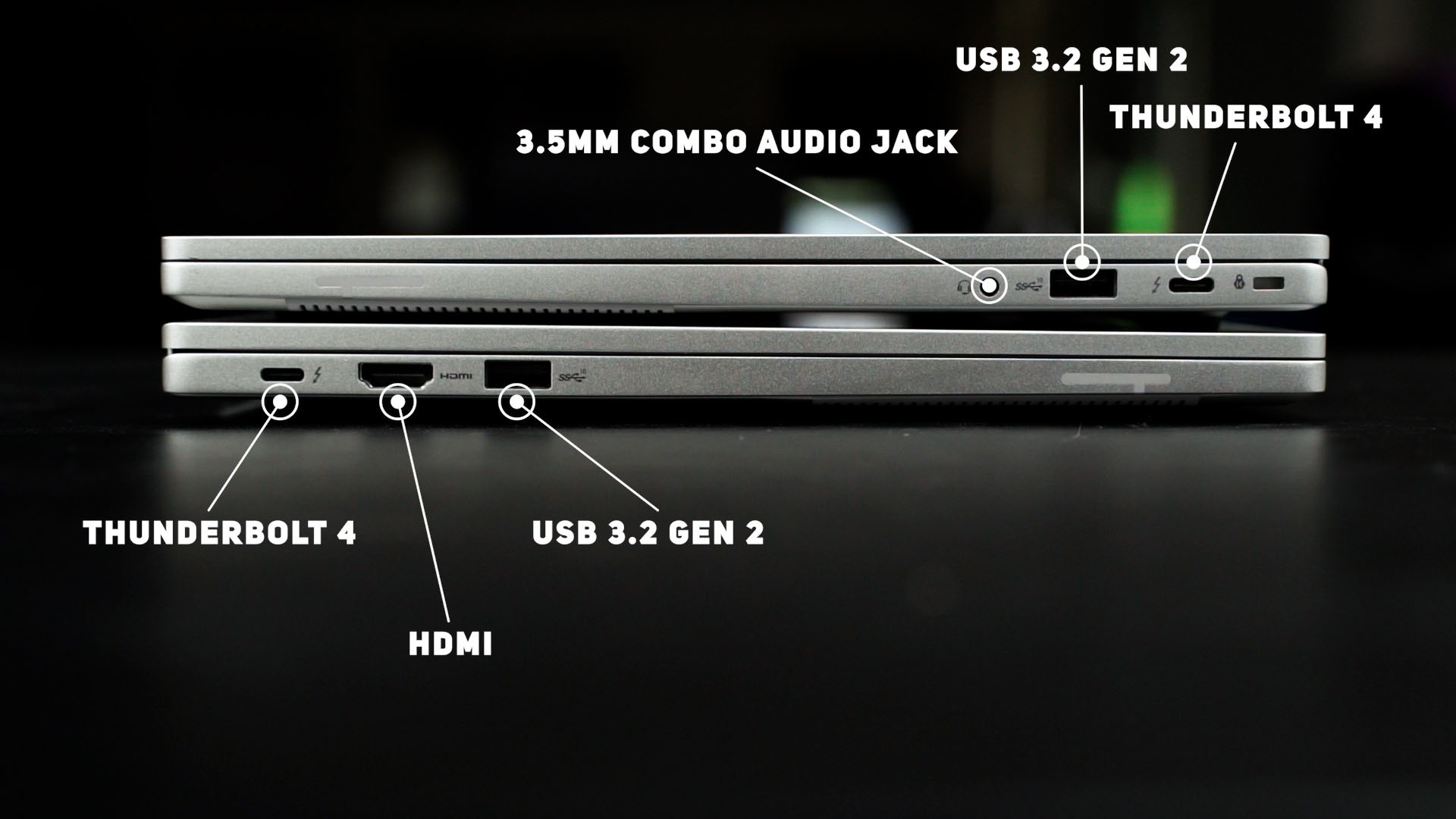
Ports are also rather generous and make sense since it has a Thunderbolt 4 and USB 3.2 Gen 2 on both sides, but there’s another HDMI on the left side and a 3.5mm combo audio jack on the right side.
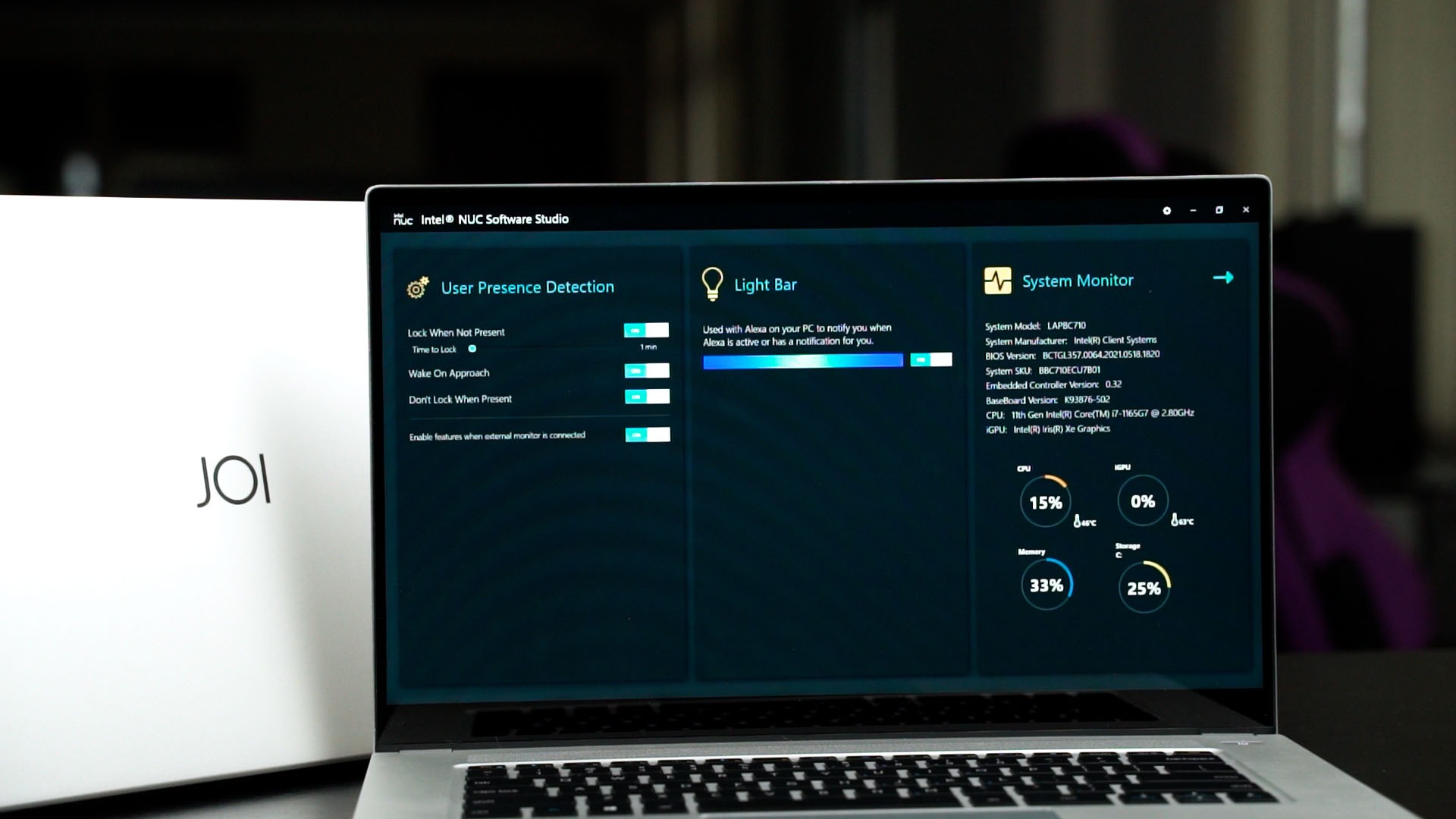
These Intel NUC laptops – including both the JOI Book 5115 and JOI Book 7115 – have a few special features. There’s a utility called “Intel NUC Software Studio” which brings a few new features to the table – like user presence detection. That feature works really well. When the laptop goes idle and went to sleep, it automatically wakes up when I went near the laptop and unlocks before I even sit down.
This quick unlock time is also because it has Windows Hello facial recognition.

Back to the Intel NUC Software Studio – that light bar. The light bar is utilized for Alexa integration. For us here in Malaysia, it’s not officially supported or usable – but I switched the Windows 10 to the US region and I managed to get Alexa working.
And the performance. Essentially, the difference between the JOI Book 5115 and JOI Book 7115 is the processor. The JOI Book 5115 is using the Intel Core i5-1135G7 with 8GB RAM, whereby the JOI Book 7115 is using the Intel Core i7-1165G7 with 16GB RAM.
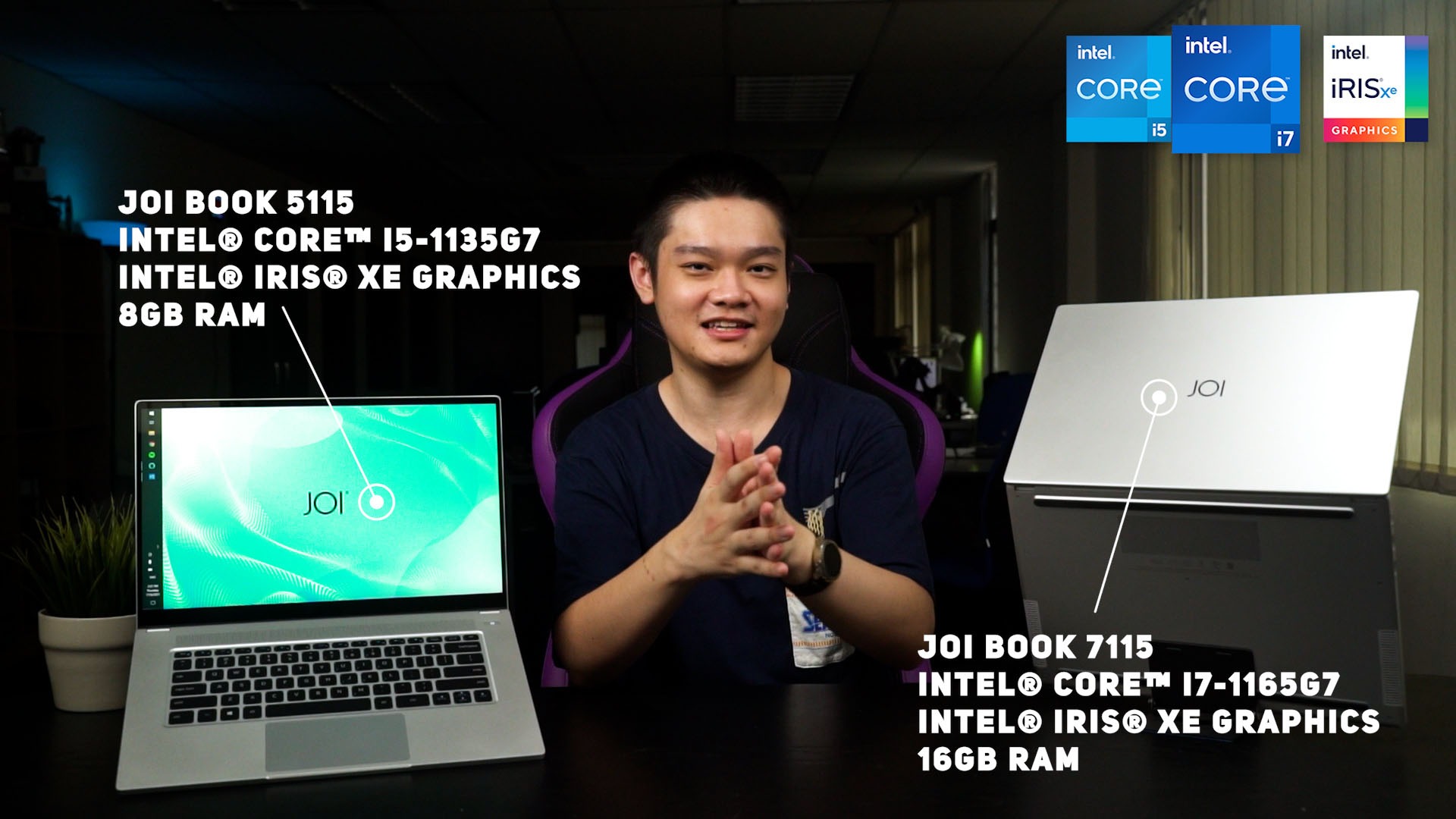
Obviously, the performance is going to differ between the two in both CPU and GPU performance. If you need to do something like an intense Excel sheet with a lot of calculations, then the JOI Book 7115 is much more suitable for you because of the more powerful CPU and more RAM.
Though, if you want to play some game, you technically can since the new Iris Xe graphics is powerful enough to run some games like Dota 2.
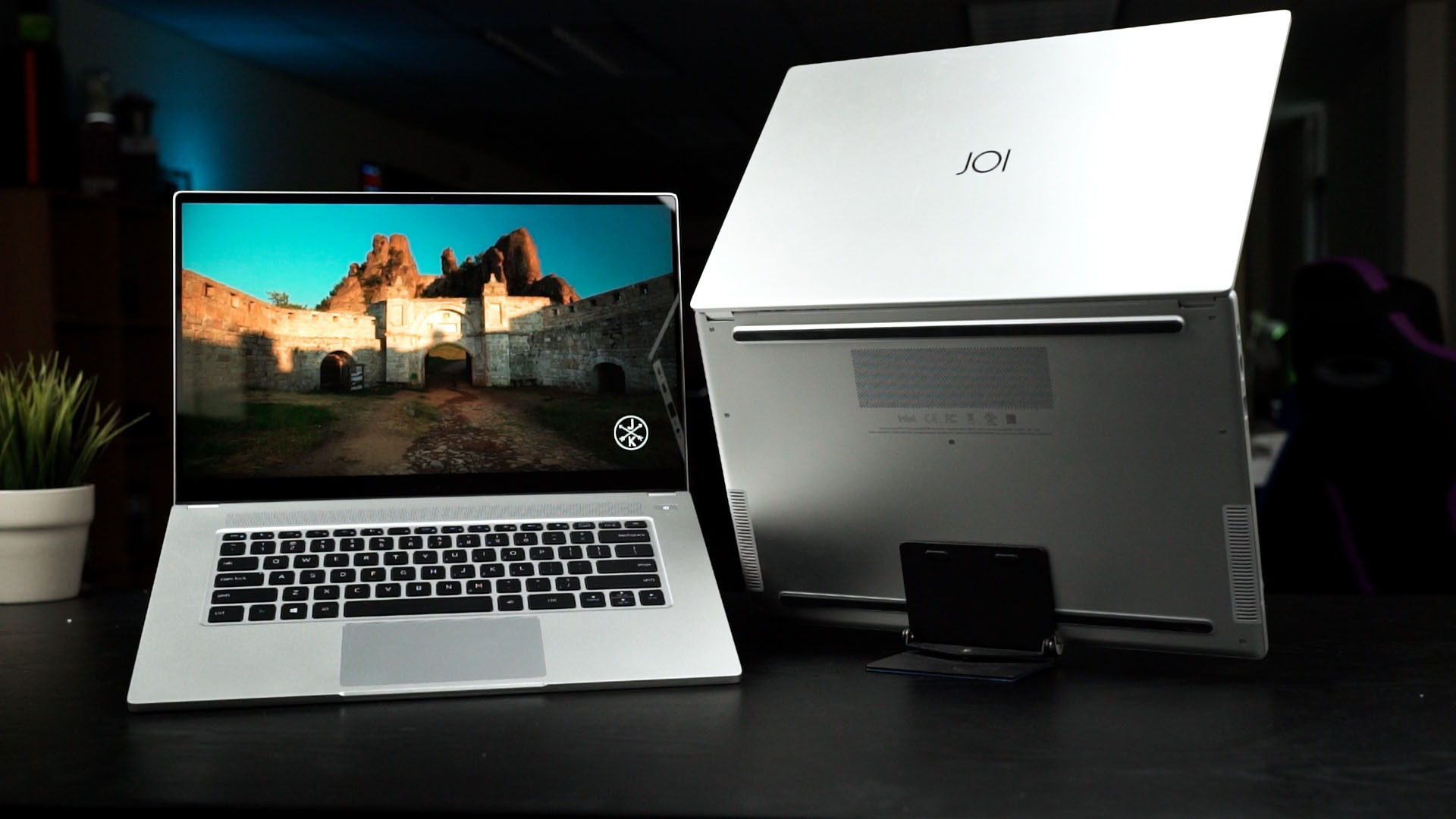
And for the battery life. Both the JOI Book 5115 and JOI Book 7115 have a 73Wh battery inside. I spent most of my time with the JOI Book 7115 and the battery life is insanely good. It went through my usual usage of many Chrome tabs, some YouTube and Spotify mixed in – and I lost track of how long the battery lasts. I think it’s more than 12 hours within a single charge. And keep in mind that this battery life is on the JOI Book 7115 with the more powerful Intel Core i7-1165G7.
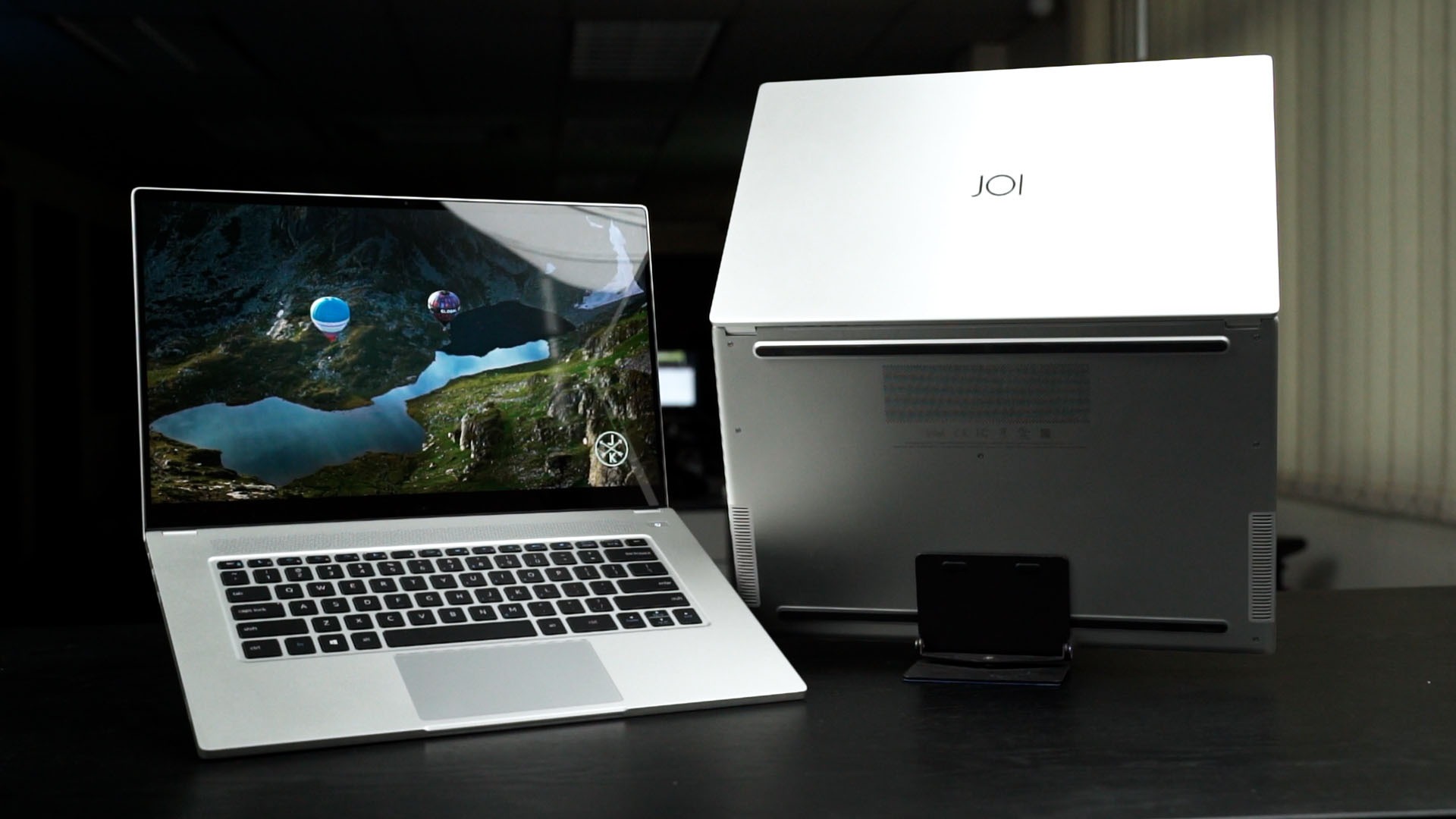
I presume that with the same usage on the JOI Book 5115 with the Intel Core i5-1135G7, then it’ll last even longer!
And back to the power brick – these JOI Books charge using USB-C and I honestly didn’t use the power brick even once since I can use my other 65W USB-PD chargers.
And all in all, I’m truly impressed by both the JOI Book 5115 and JOI Book 7115. They’re both very well-built and go directly up against the best of the best ultrabook laptops that are available in the market right now.
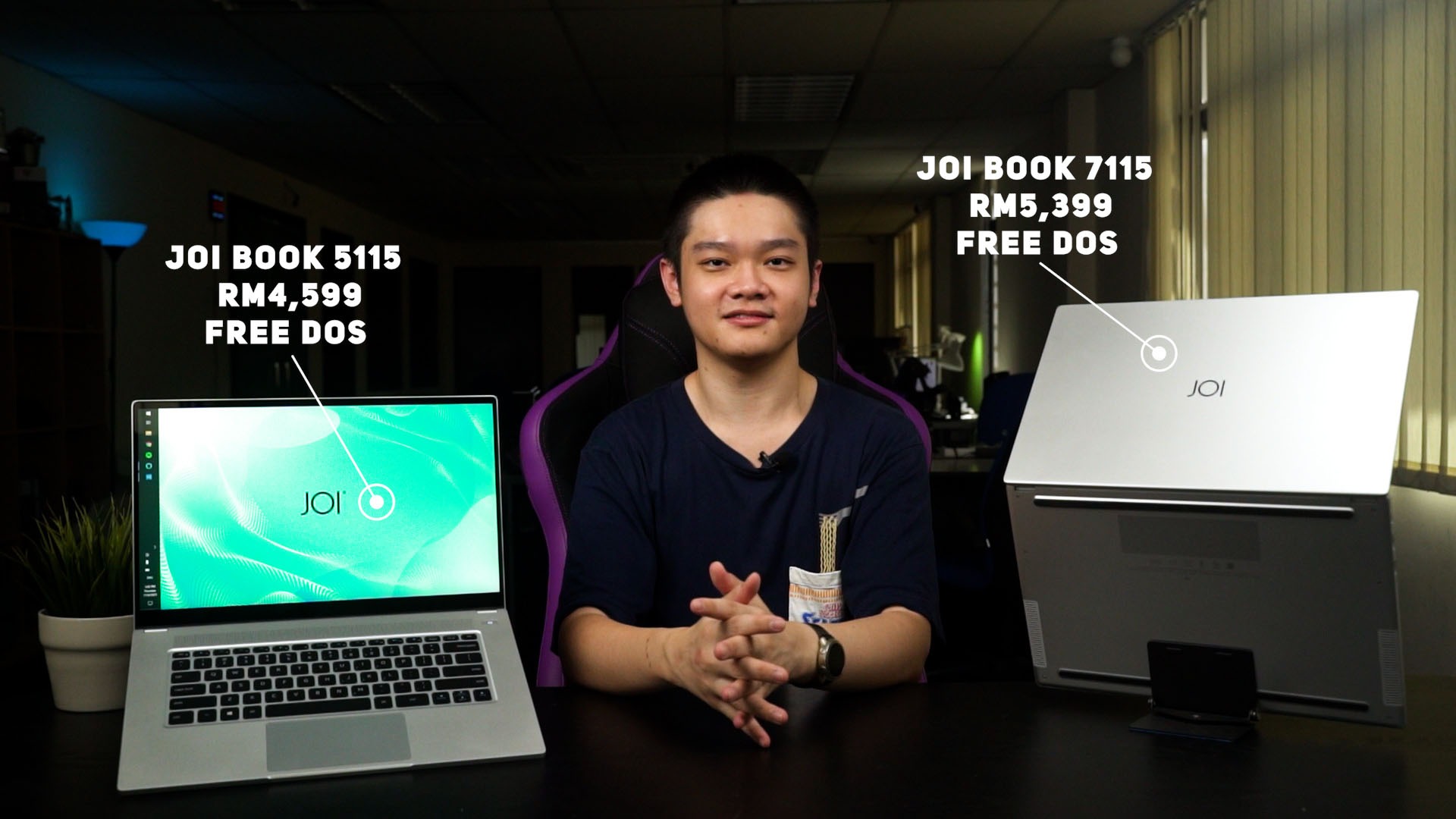
And yet, the price for the JOI Book 5115 and JOI Book 7115 starts at RM4,599 and RM5,399 respectively for the FreeDOS version. You’ll have to add another RM300 for Windows 10 Home, and another RM300 for Windows 10 Pro.
And that’s all we have to share with you about the JOI Book 5115 and JOI Book 7115. These are Intel NUC laptops and they’re fantastic. I can’t believe that I’m actually loving them so much.

Where to buy? (Affiliate links)
Like our Facebook Page here at NasiLemakTech.com for more news and in-depth reviews! Also, join our Facebook Group for insightful information and memes!
Subscribe to our YouTube channel too!

