





















If you’re looking into getting a brand new mid-range smartphone, then look no further than the LEAGOO Elite 4. Why? It comes with a package you can’t resist, that’s why – and what I mean by that is why I’m doing this review. To show you what it has to offer, and why it’s great.
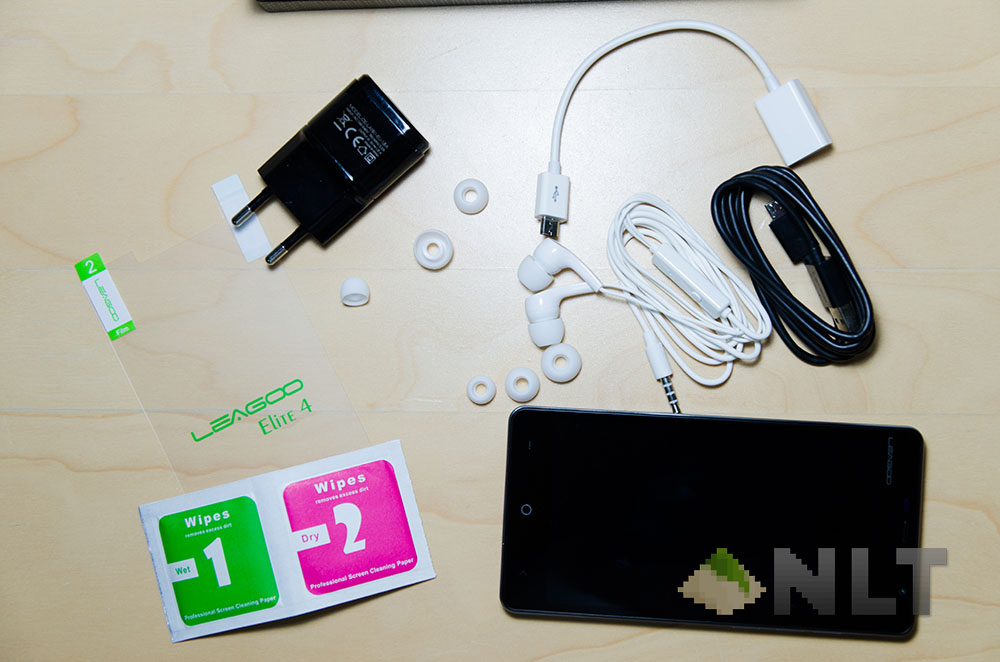
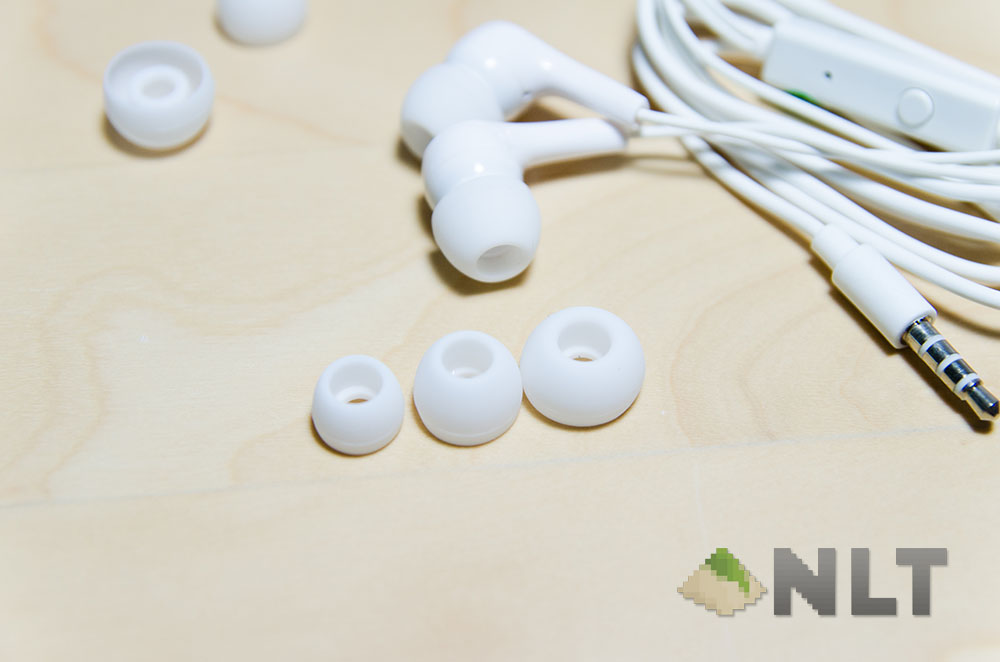
The LEAGOO Elite 4 comes in a huge box, which I have it uncovered on this video right here. There are just too many things that come along with the Elite 4 that it needed me to take a video about it.
Yeah, no joke. You get a big package out of the fairly big square box.
[nextpage title=”Design”]The LEAGOO Elite 4 uses a fairly simple smartphone design, with one exception though – and that’s the micro USB port placement.
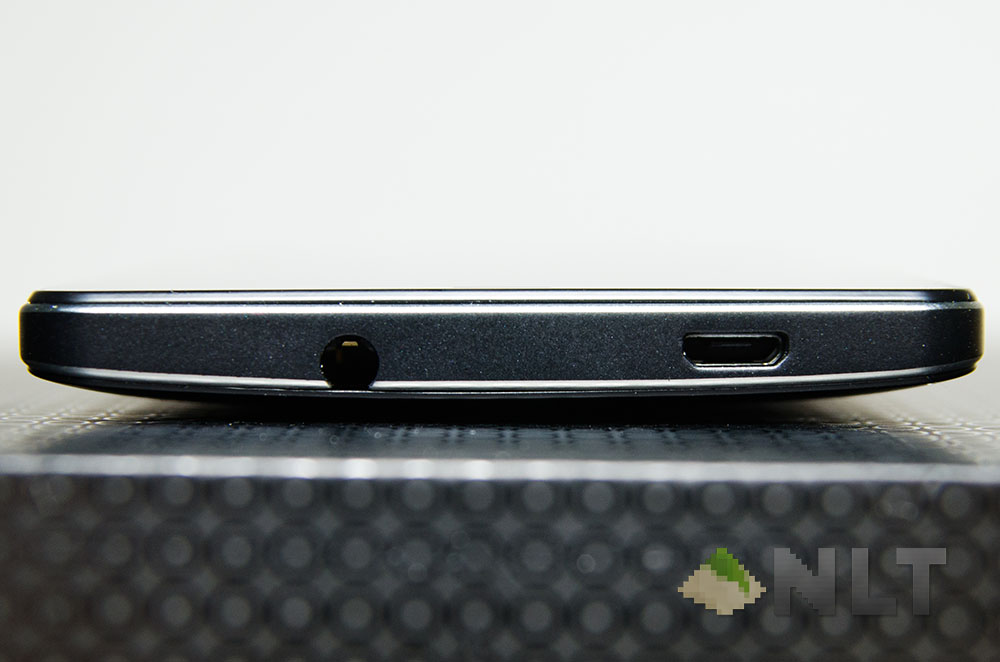
It’s placed at the top, just beside the 3.5mm audio jack. Is it for the better? For me personally, I love the micro USB port placement. How many times have you ever been using the phone while charging and have the charging cable blocking your hand? This happened way too many times for me.
On the right side of the Elite 4 is where all the other necessary buttons are.
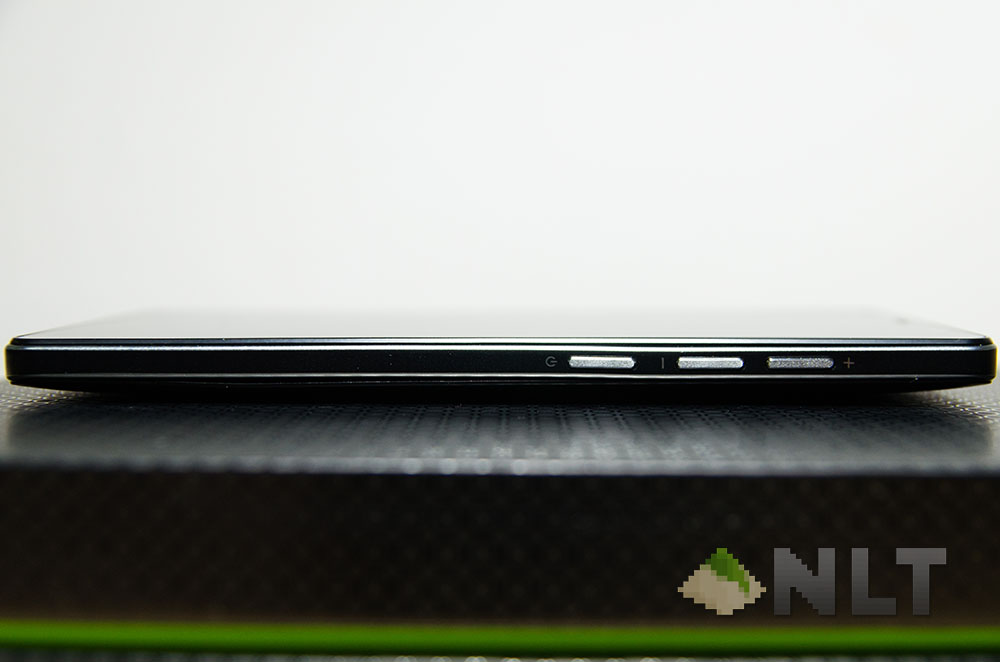
Power button, volume down, and volume up. I do wish that there is some sort of larger spacing between the power and volume buttons, or combine both volume up and down buttons – though it isn’t a big deal, just needs a little getting used to.
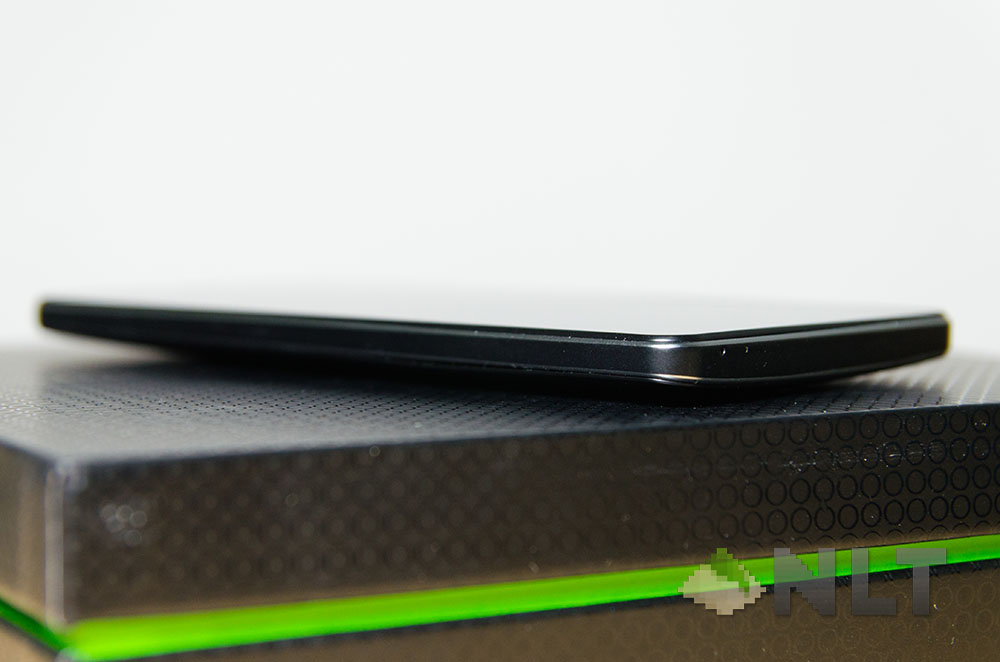
At the left and bottom side are where things get a little dull – just plain black with no colours.
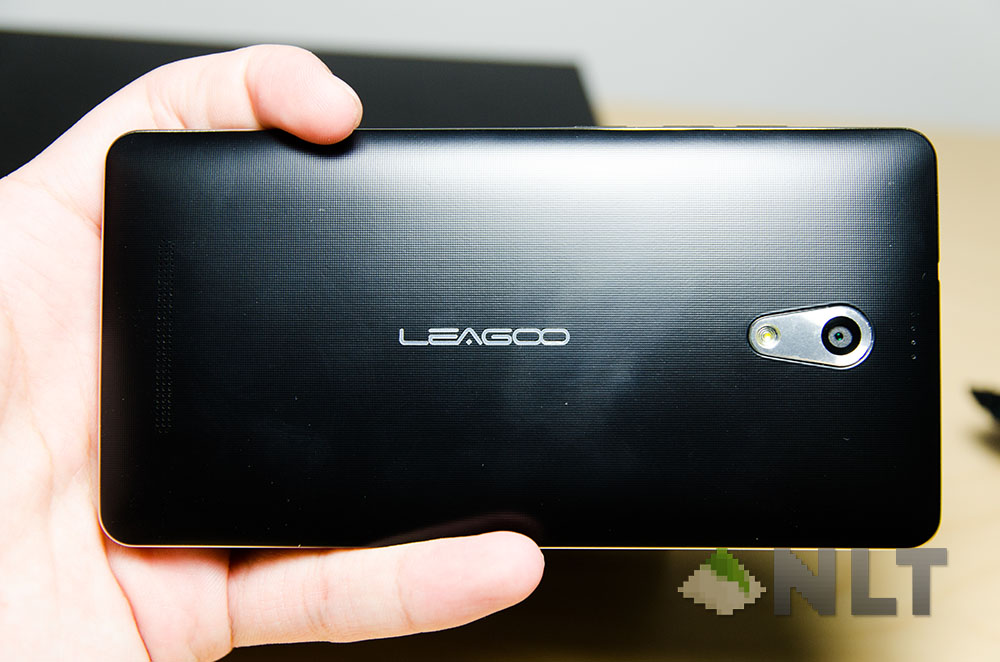
So okay, the Elite 4 seems pretty basic – but removing the nicely-textured back plate reveals something much more exciting.
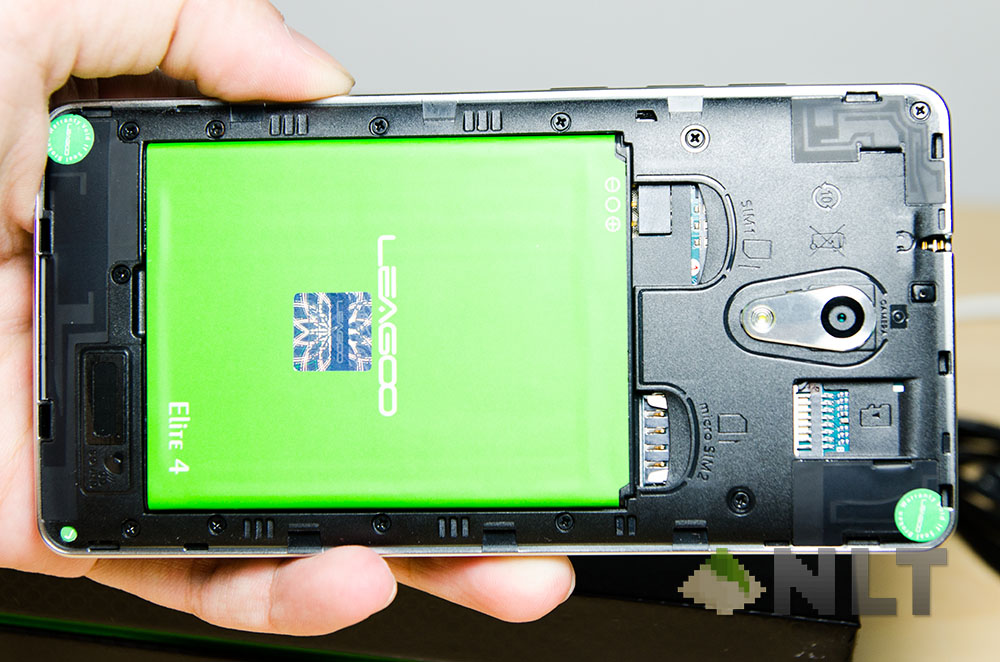
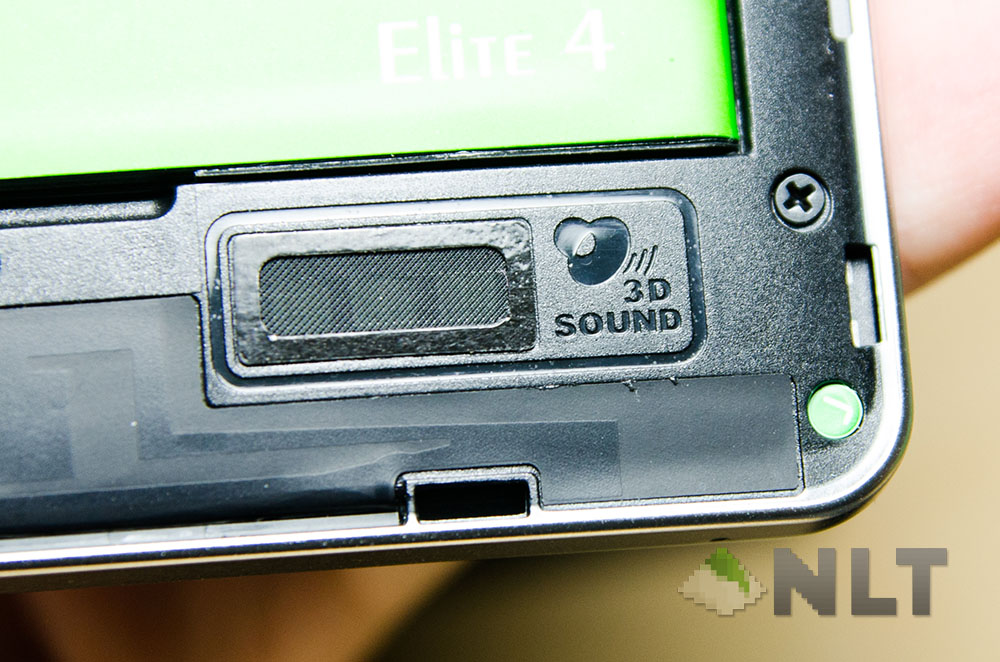
Here we can see the battery slot, and two SIM card slots! Both of them can handle 4G seamlessly, but upon closer inspection, there is something awaiting to beheld.
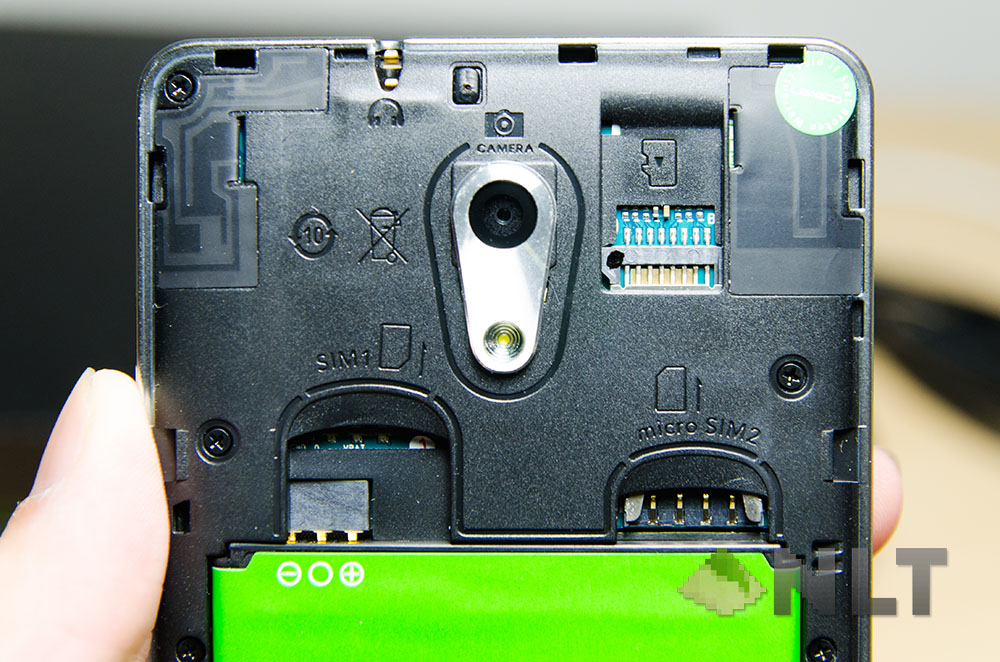
Ah, everything here is nicely labelled! Oh wait – no, that’s not the point. I meant that SIM 1 uses a full sized SIM card, whereas SIM 2 uses a micro SIM. Also, look there – a micro SD card slot!
One small but nice addition to the Elite 4 by LEAGOO – they labelled literally everything at the back, with their shapes or logos and with the orientation of how things work. Take the SIM card slots for example, SIM 1 needs to be inserted in that orientation whereas SIM 2 is inverted. That way no one has to fiddle with their SIM cards and potentially breaking it!
[nextpage title=”Display”]When it comes to the display of a mid-range device, don’t expect too much. The Elite 4 features a 5-inch screen with qHD resolution – not quad-HD, but actually quarter-HD. That means it has a resolution of 960×540, giving a pixel density of 220. Not too shabby for a mid-range phone!
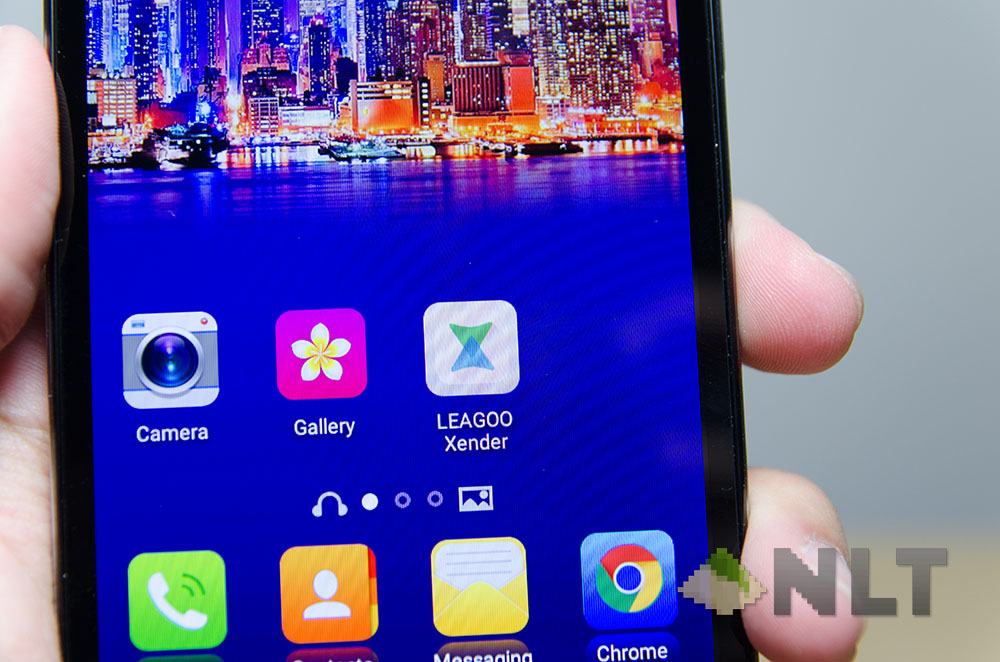
For one, viewing angle is excellent with minimal colour shifts even while viewing at extreme angles. Colours were pretty sharp on the Elite 4, and that truly made the Elite 4 one of the best mid-range phone for viewing images.
[nextpage title=”Performance”]Here’s the biggest question about the Elite 4 – how does it perform? Really, for a mid-range phone, many people would be rolling their eyes and dismiss this entirely.
Let’s start with the usual benchmark that I always use – Epic Citadel. Also as usual, I’ll be setting everything to the highest – the highest resolution and the highest quality.
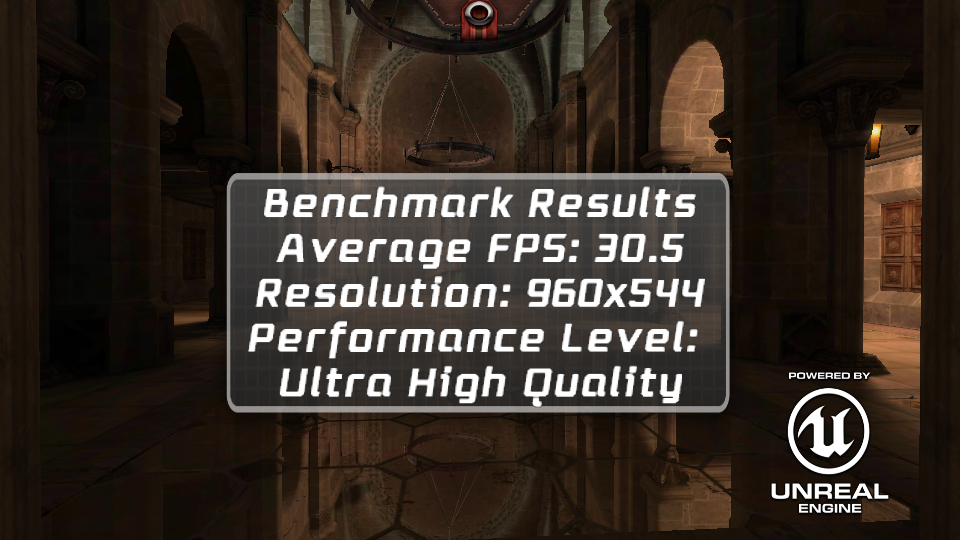
Results were quite amazing – it was on par with some of the more renowned phones like the Honor 6 Plus that I’ve taken a look into. A short explanation on why I like Epic Citadel is that it gives an overall, balanced performance of how the processor and graphics handles the amount of pixels that it is supposed to render – in this case, 960×544.
Over at Vellamo however is where things get a little confusing.
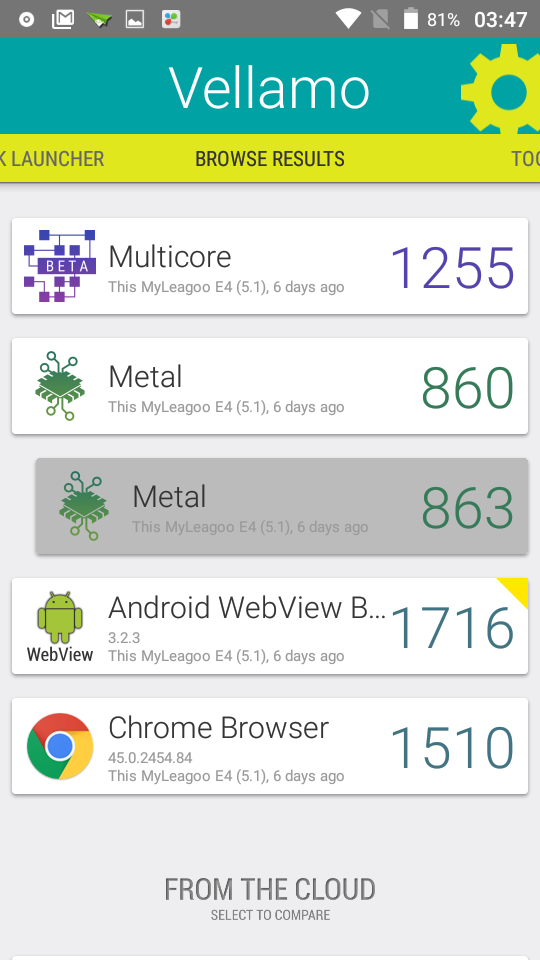
The results here doesn’t really make much sense – I know, a bunch of numbers and that’s it. However, with a little comparison on Vellamo’s database, it showed that the phone is actually slower than the 2-year-old LG Nexus 5!
In daily use case scenario however, the LEAGOO Elite 4 actually performs really well, and I don’t expect it to even handle my use case scenarios – heck, not even smartphones with 3GB RAM can handle what I use them for – and that’s why I don’t go for iOS devices. Some manufacturers can make their smartphone perform like a beast while still locked within a limited amount of RAM, and that’s where the software optimization comes in.
Since we’re on the subject of software…
[nextpage title=”Software”]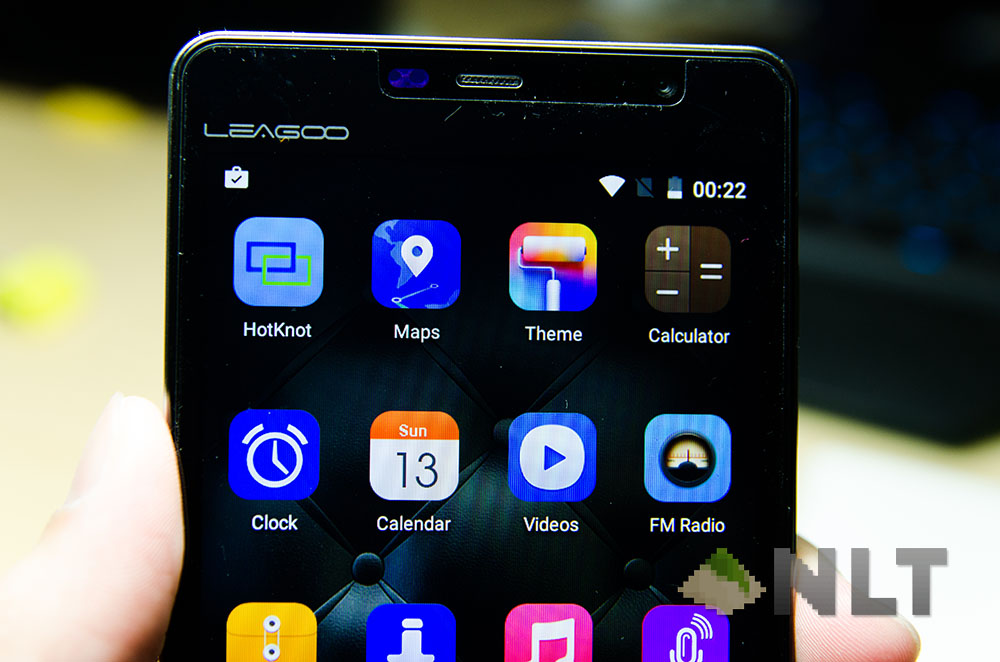
… the LEAGOO Elite 4 touts the LEAGOO OS v1.1, which they took a very clever turn and basically used Google’s vanilla build of Android and put in a few special features and reskin the settings menu, then call it a brand new flavour of Android. Hey – they even implemented the themes feature to change the looks on the LEAGOO Elite 4.
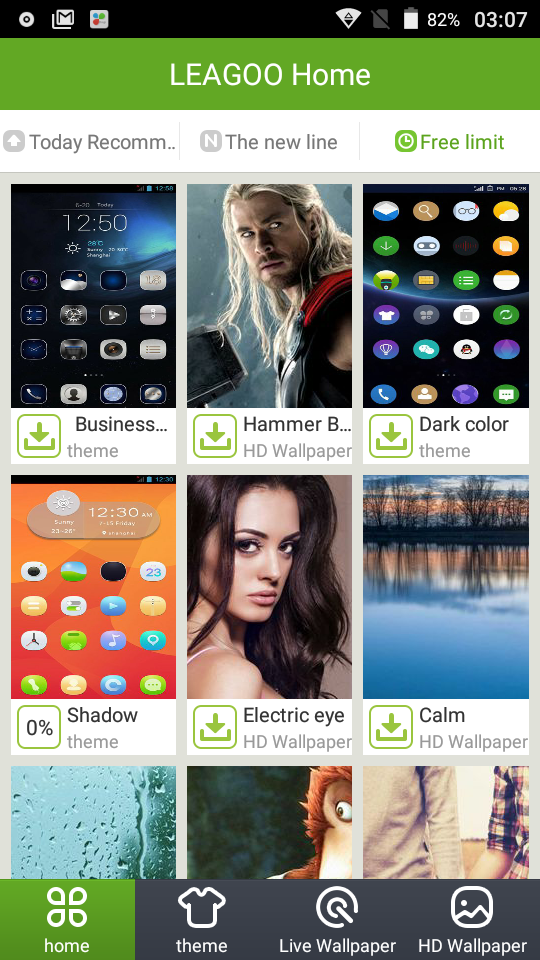
And it has a lot of themes from their app too! Many of them are of course just some icon packs slapped with a wallpaper, but some are very well designed too. Take your time and explore around – I’m sure you’ll have no regrets. Personally, I’ve found many of them which looks much better than CM12 themes right here.
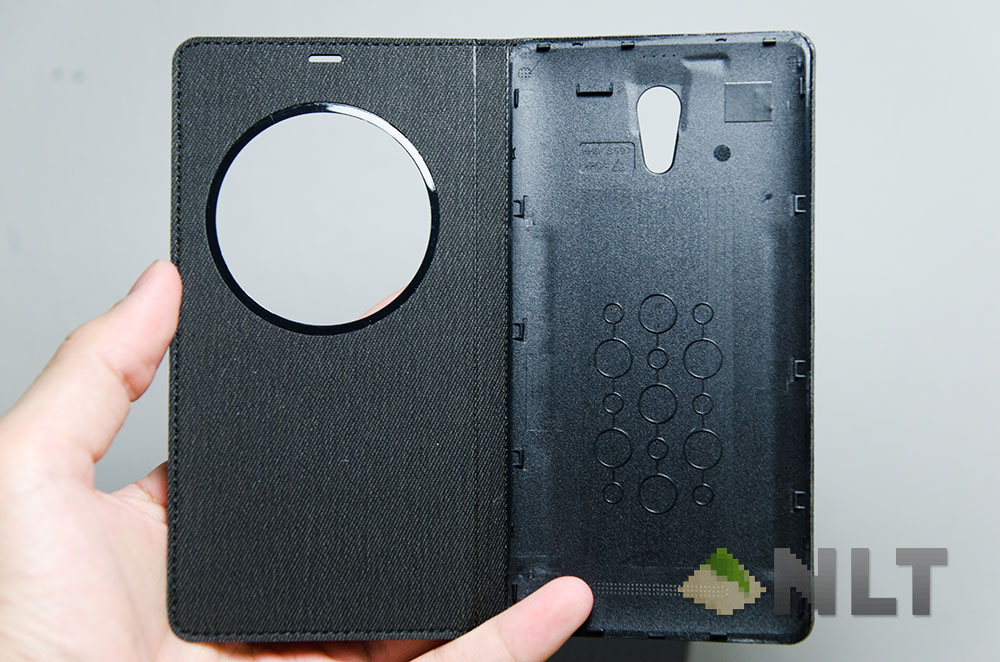
In a way, I really like the LEAGOO Elite 4. Besides feeling amazing, the official flip cover will need the Elite 4’s back cover to be swapped out. And once that’s done, the back cover fits in nice and snug and covers the screen at a fixed position.
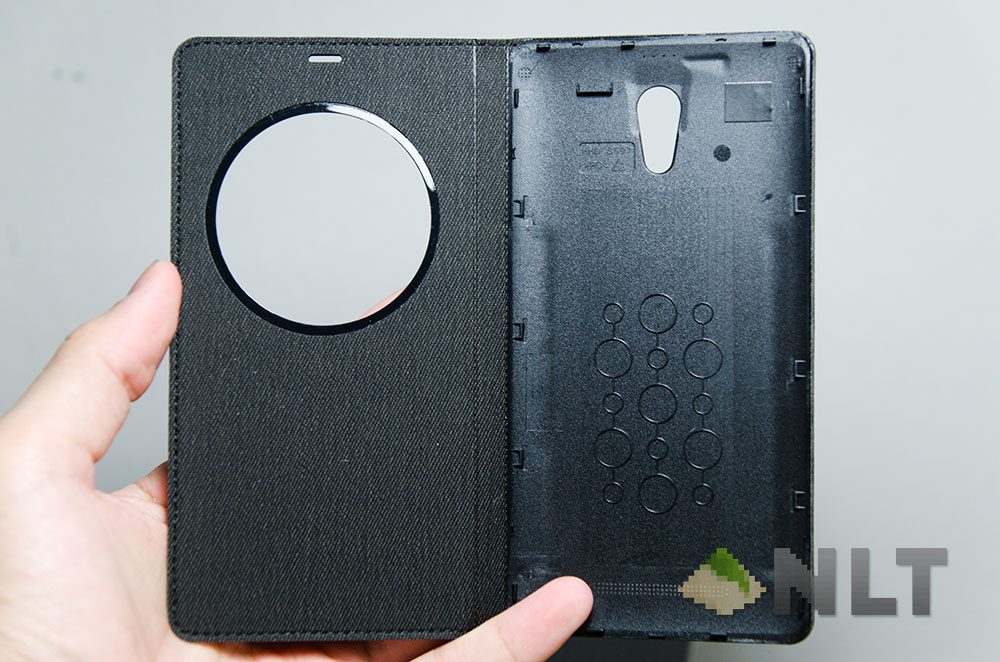
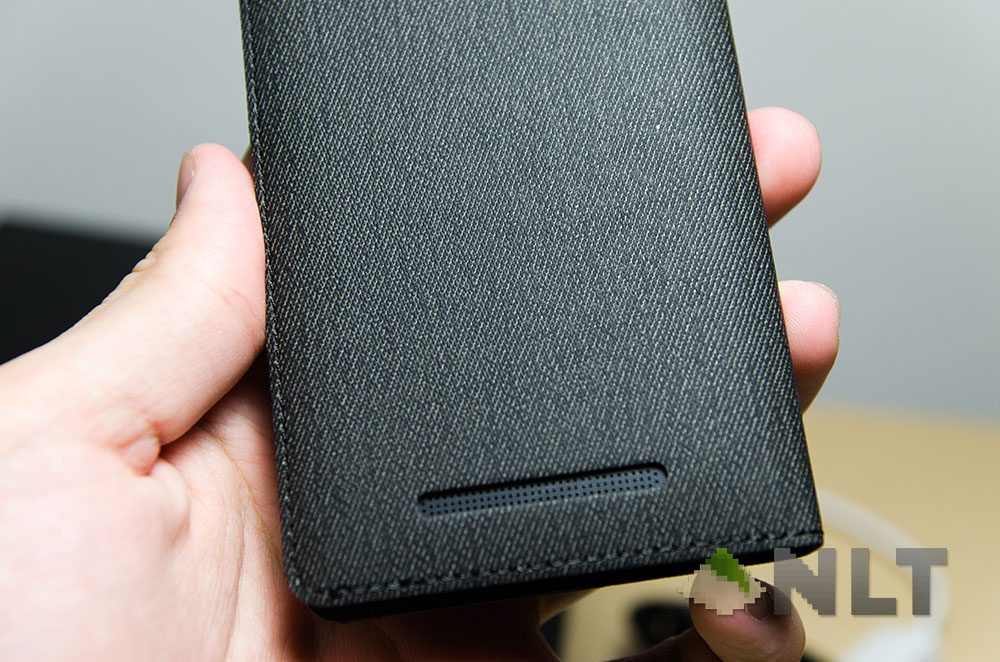
That’s where the circle clock comes out. The minimalist design of a analog hour hand with a digital clock at the center, right below the subtle LEAGOO logo. If this design doesn’t float your boat, go ahead and change it – they have a few to choose from.
What does it have to do with software you ask? Well it’s because of how quickly and reliably the Elite 4 reacts to the flip cover. It’s within a few milimeters when the Elite 4 reacted to the flip cover, either turning the screen on or off.
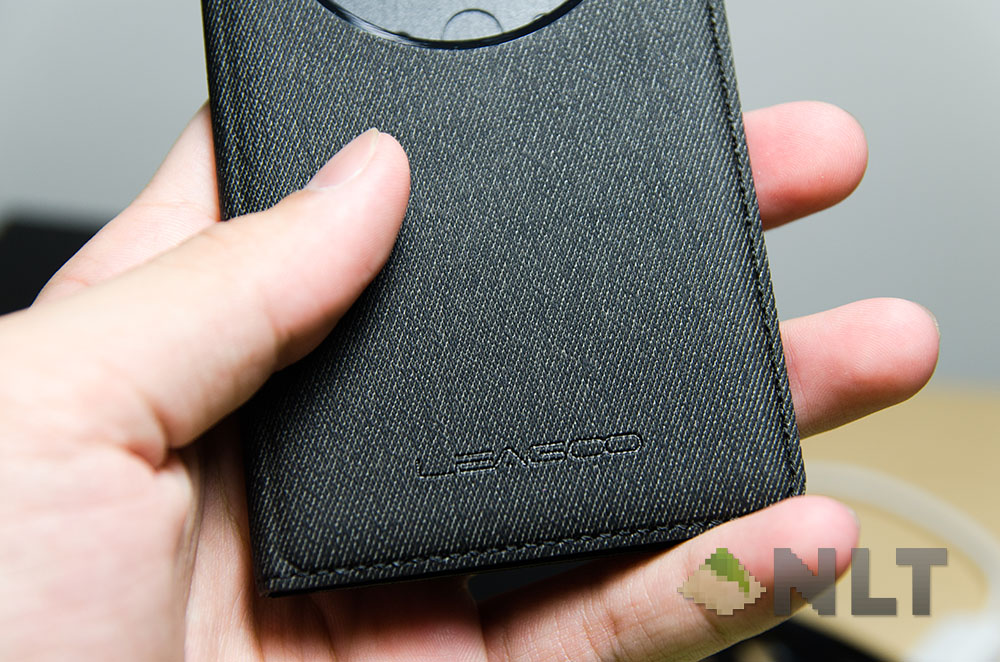
I got curious and tested the case by quickly opening and closing the cover, and to my surprise the Elite 4 reacted within miliseconds and had no lags! The only thing bugging me is that I have to manually slide-to-unlock after opening the flip case. It’s a redundant step, but fixable with software update.
Then comes the special features on the LEAGOO OS v1.1. There are a slew of gesture-based shortcuts that it can perform, from drawing gestures on the screen to activate certain apps, simple double tap to wake, changing themes, taking screenshots, answering and silencing a call, and to switch between loudspeaker and handset mode automatically whilst a call is ongoing. These gesture based controls are all built right into the LEAGOO OS v1.1, and they can all be turned on or off individually too.
Even the circle clock can be turned off too!
[nextpage title=”Battery”]The LEAGOO Elite 4 boasts a 2,400mAh battery – it isn’t much for a smartphone these days, but then again that’s in comparison with high-end, power hungry smartphones. For a mid-range phone, 2,600mAh seems abundant.
It’s clear that with a 64-bit 1.0GHz quad-core processor, 1GB RAM, and a qHD display (again, it’s quarter-HD), The LEAGOO Elite 4 doesn’t take much power in the first place – and that’s what makes it last for a whole day easily with one charge.
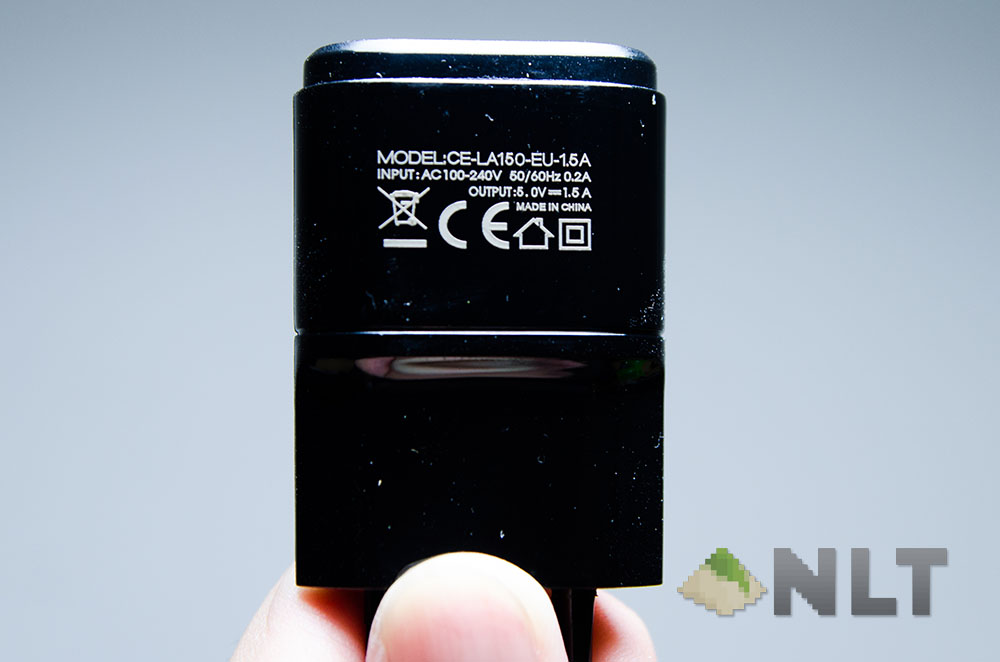
Oh hey – it comes with an LG-like charger too. Exactly the same shape, but with a different branding. Higher powered too, with 5V and 1.5A, making it a 7.5 watts charger. Not too shabby!
[nextpage title=”Wrap up”]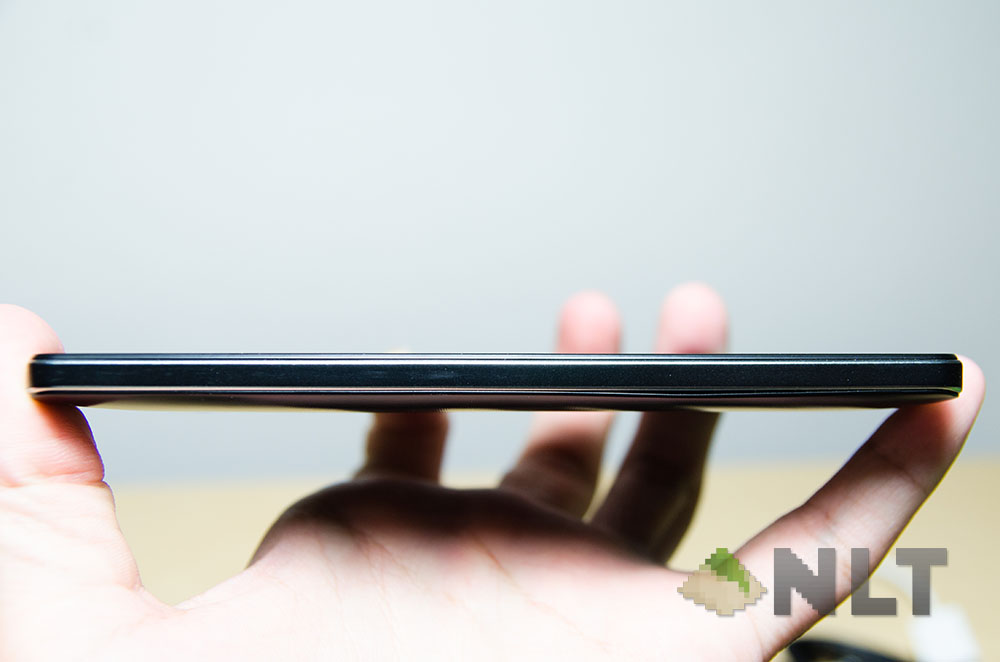
I think it’s best to get the price out first – it’s RM499. As for how smartphones are rated in the number of faults rather than its strengths, the LEAGOO Elite 4 has a pretty bad camera, and that’s about it. Everything else is great – the amount of accessories included, the battery, the decent price-for-performance ratio, the minimalist software, and the display.
Doesn’t matter if you’re using the LEAGOO Elite 4 as a daily driver, as a second phone, or a gift for your parents – it’s a great phone for RM500 nonetheless.
You can buy one for yourself at Lazada with the links below!
For white colour : Click here!
For black colour : Click here!
Like our Facebook Page here at NasiLemakTech.com for more news and in-depth reviews! Also, join our Facebook Group for insightful information and memes!
Subscribe to our YouTube channel too!

