













Welcome to our in-depth review of the new OnePlus 11. I am looking forward to doing this review, actually. OnePlus starts the year strong with this phone as I think it will be a strong contender and most probably will be one of my favorites of 2023.
Also, we’ve updated our review standard too. We now cover a total of 7 things in total – the addition being a proper charging speed analysis. We have updated the charging speed analysis to log the battery level down to its exact voltage level and also the temperature. For higher-end phones, we’ll also have the 8th section called miscellaneous where we go through some features that are worth highlighting like USB, HDMI output via USB-C, IR blaster, and all those fancy stuff.
So, let’s begin.
Design
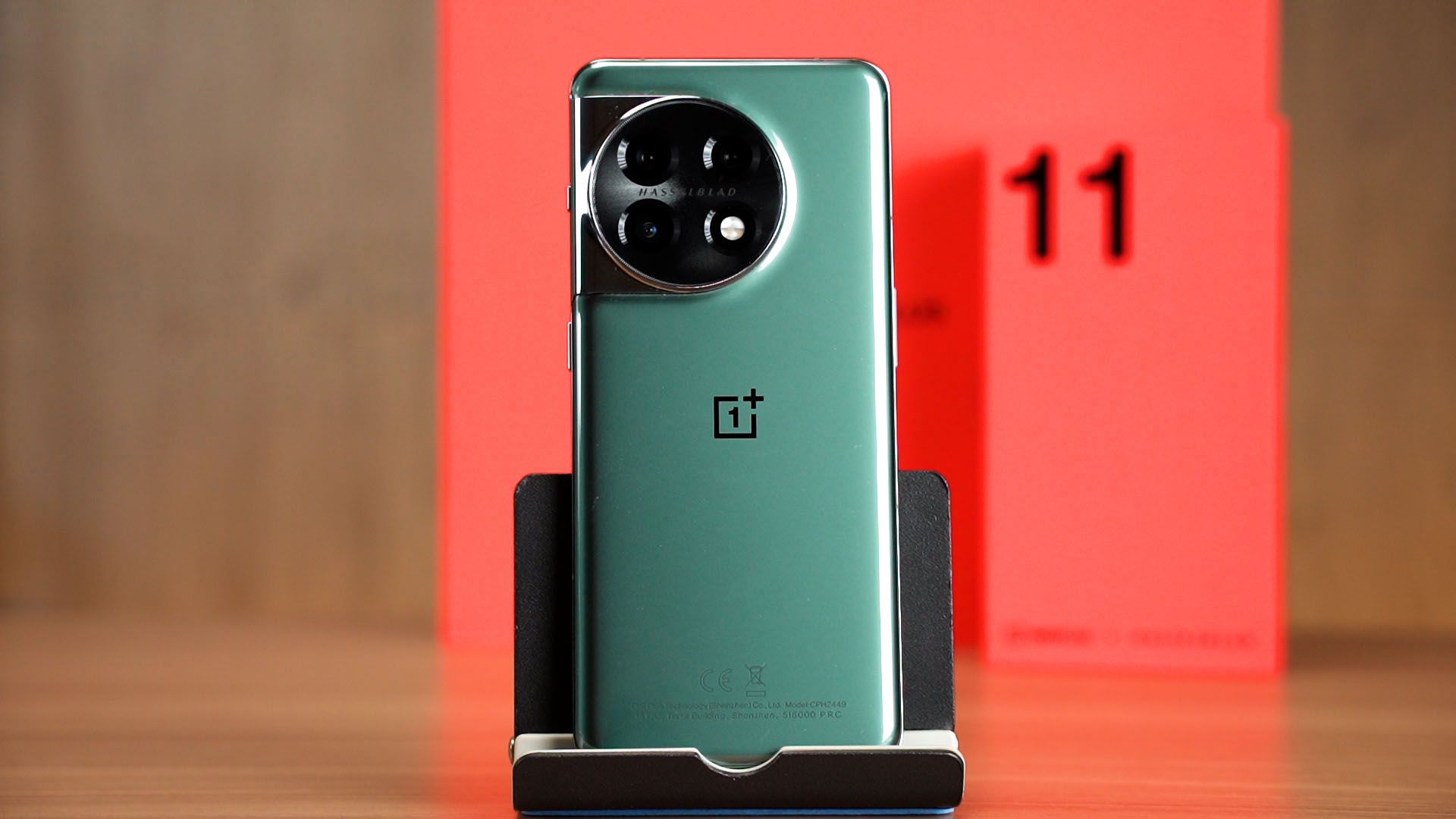
Let’s start off with the design of this phone. It’s actually very similar to the OnePlus 10. It still has that curved edge design and if you realized, we have the alert slider once more. The same camera cutout though the OnePlus 11 is a bit thicker and has this single big circular glass covering all of the camera lenses.
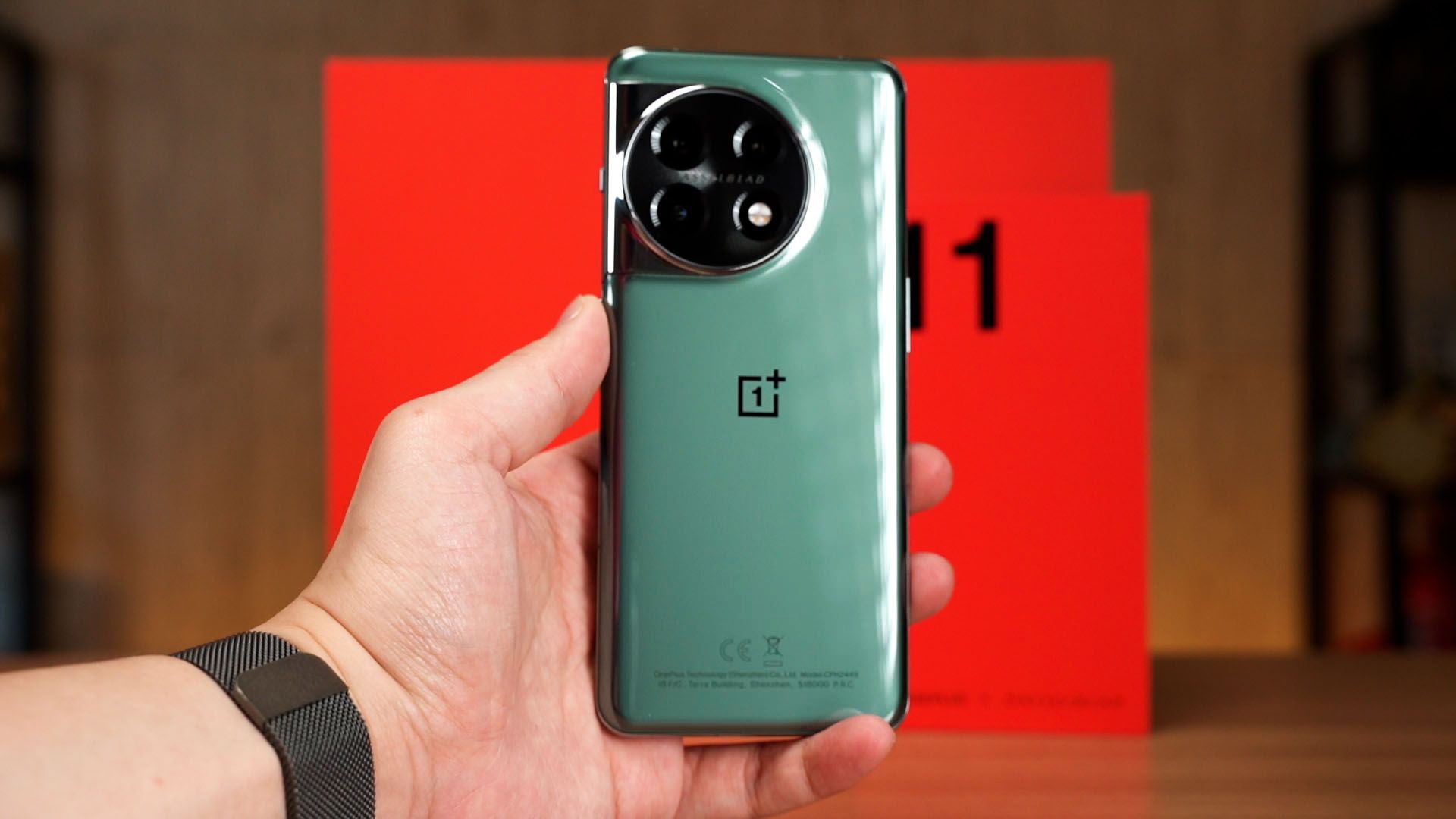
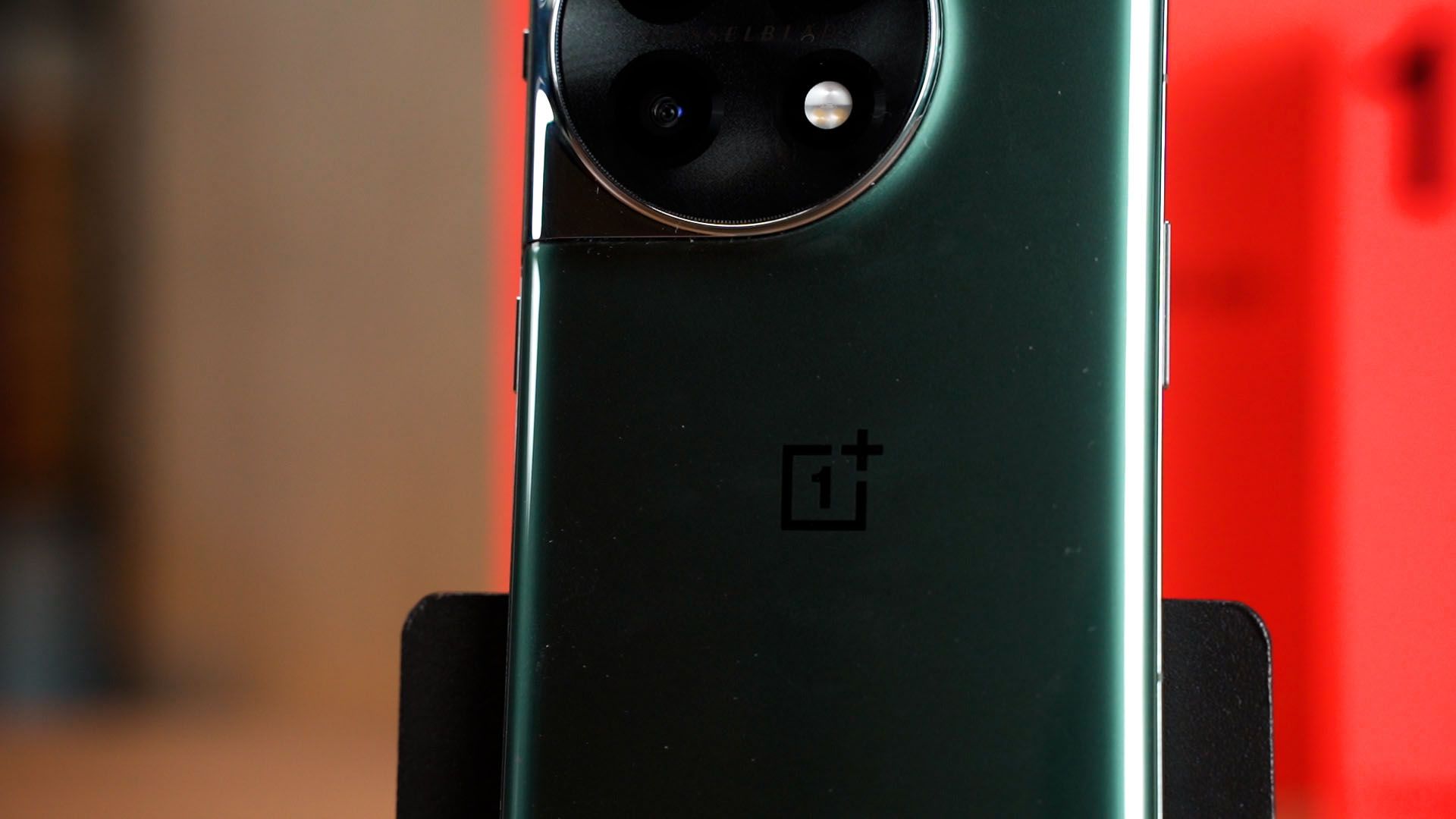
The OnePlus 11 comes in two colors – the Titan Black which has a rough texture, and the Eternal Green that we have here. I don’t know how to tell you about it but it’s definitely a mix between grey and green. However, I’m not a fan of the glossy glass finish.
Screen
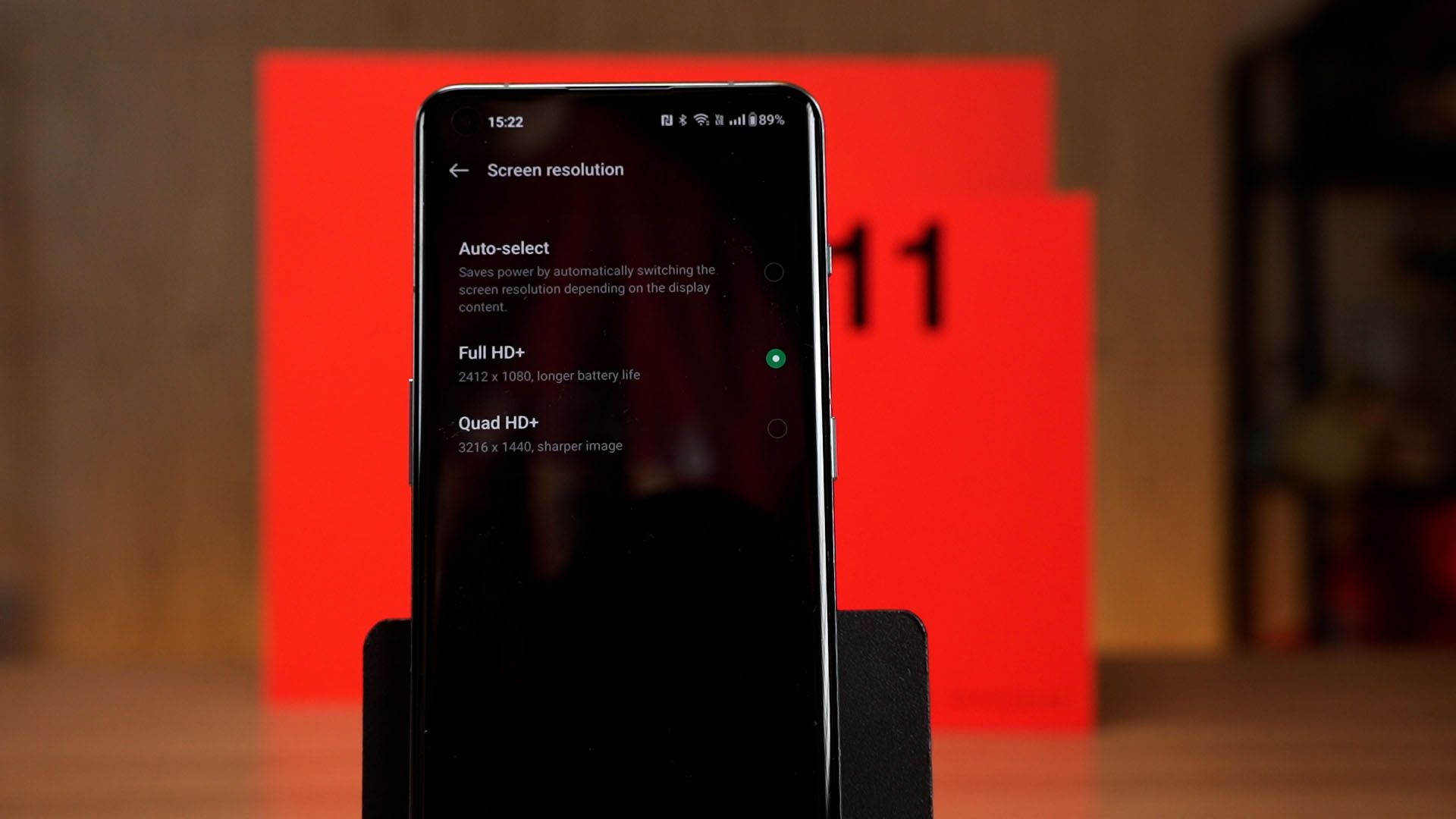
Let’s talk about the screens now. The OnePlus 11 comes with a 6.7-inch screen with a maximum 120Hz refresh rate and has a maximum resolution of 3216×1440 – but for whatever reason, the phone uses the 2412×1080 pixel resolution by default. Remember to head into the settings menu to change this option when you unbox it.
It is an LTPO display which means it can lower its refresh rate to save battery, and also has both Dolby Vision Support and boasts Dual “Reality” Speakers with Dolby Atmos support alongside HDR 10+ Certification Support.
We recorded a bunch of stuff – including a speaker test – in the video. Do watch the video at the top of this review.
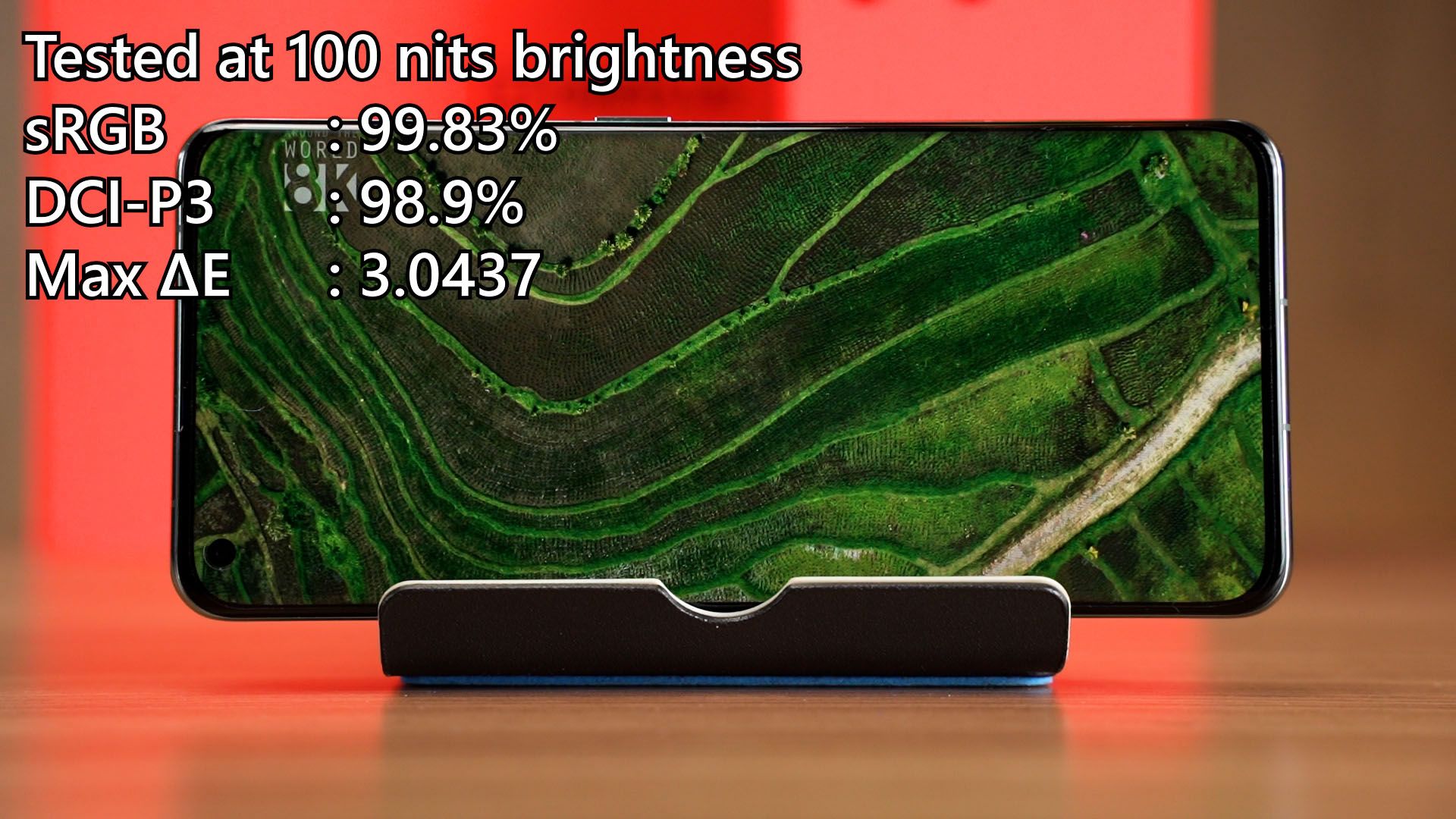
That aside, we used our colorimeter to do our usual color accuracy test. It can achieve 99.83% of sRGB and 98.9% of DCI-P3 color gamuts but the maximum Delta E is rather high, at 3.04.
Then for the maximum brightness, it can reach nearly 500 nits and I think that is good enough for most cases – but not enough for outdoor usage on a bright sunny day.
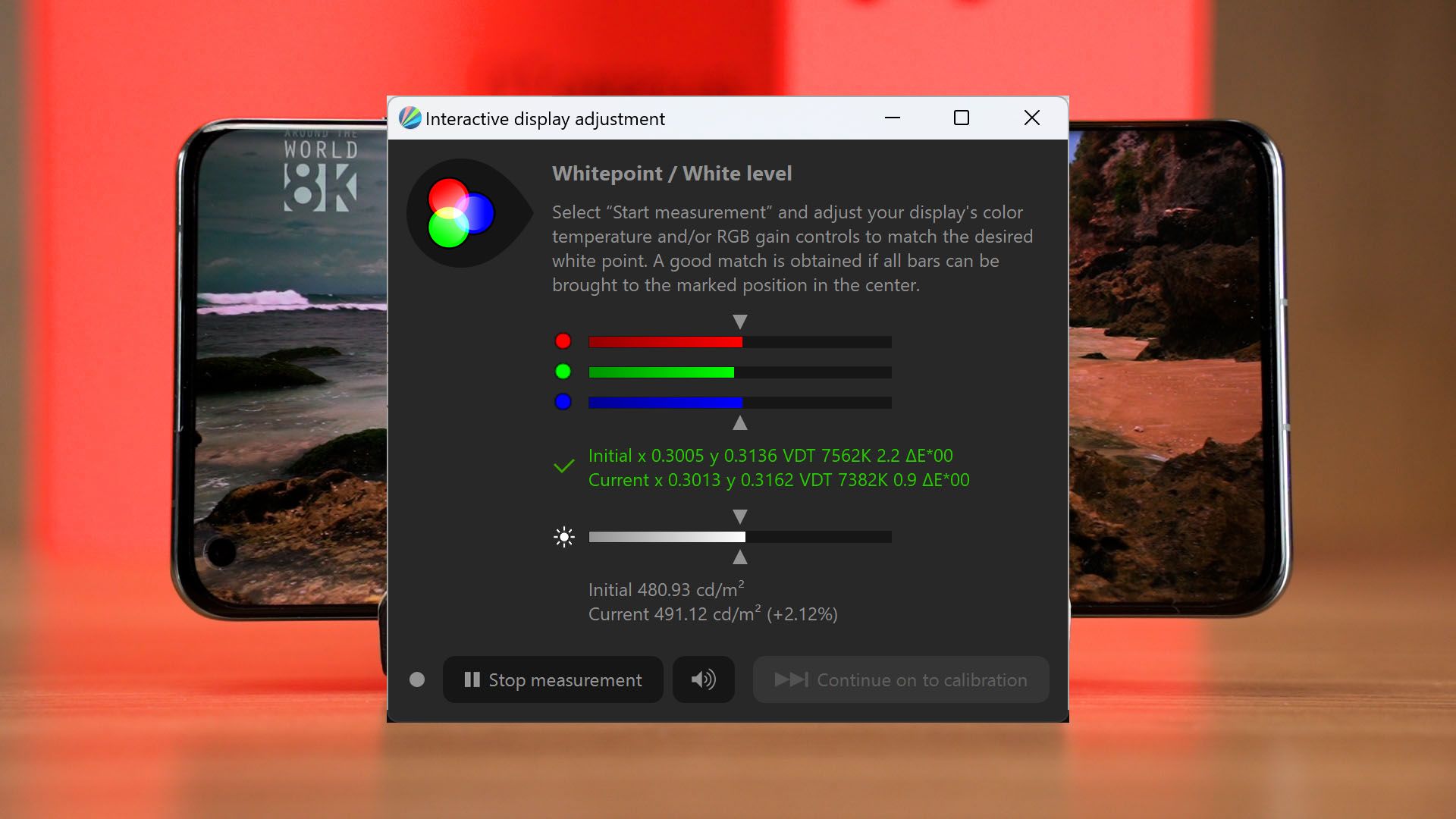
Still, I’ll consider this to be a really good display.
Cameras
This phone now comes with a total of 3 cameras and all of them can be used to take pictures. All of the cameras have autofocusing – but of course, Hasselblad makes a return too.
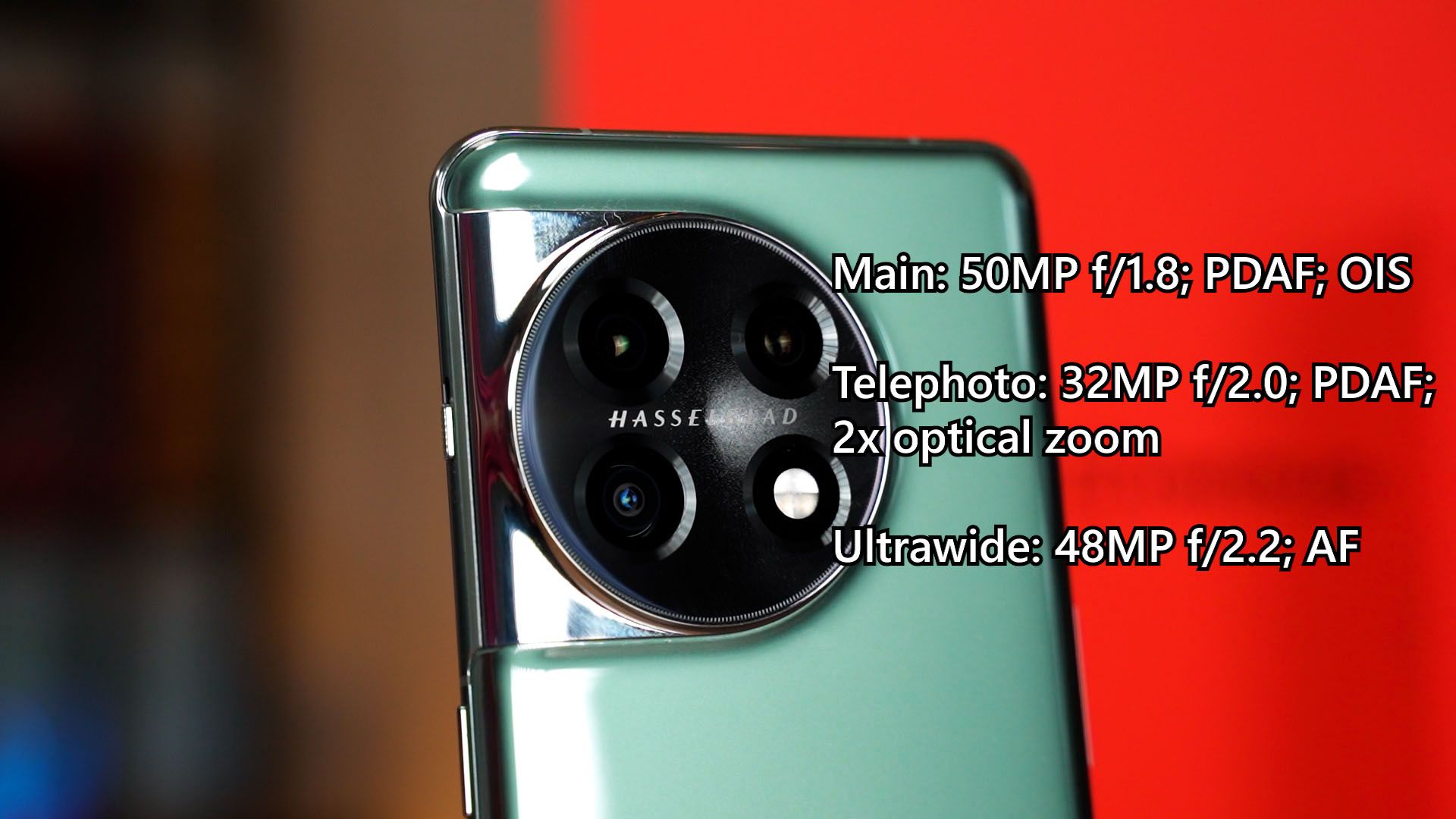
I got say – the cameras in general, take good pictures. To have a look at all the photos and videos taken by the OnePlus 11, watch our video at the top of this review.
We’ll come back and talk about the camera improvements again in our comparison video between the OnePlus 11 and the OnePlus 10T. Coming soon.
Performance
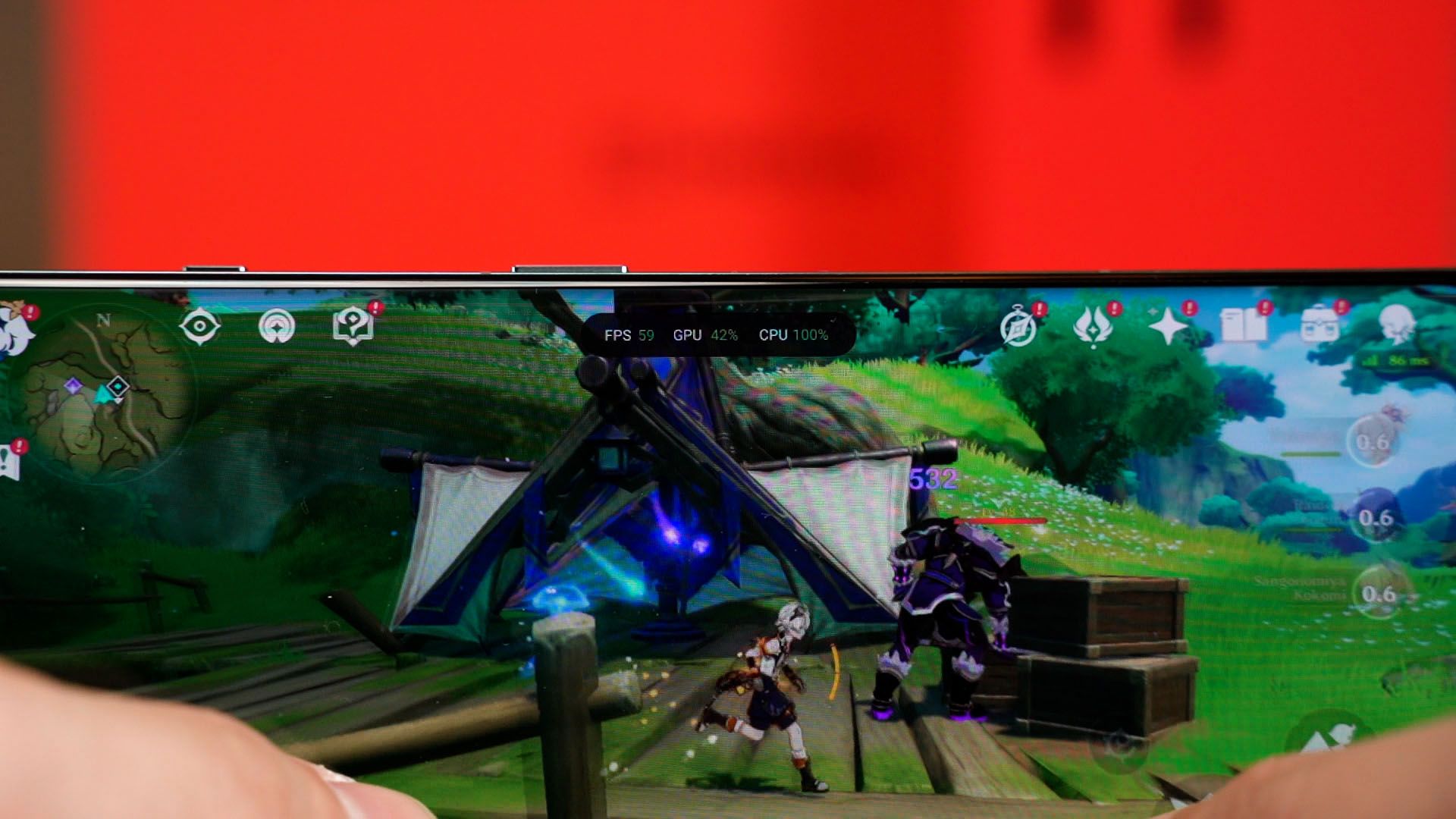
And for the performance. This is going to be easy. Okay, so the OnePlus 11 is powered by the latest Snapdragon 8 Gen 2 chipset and I just gotta say that this chipset is superb. It’s just amazing. The performance is great when we played Genshin Impact at the highest graphical settings at 60fps in our gaming test – and it maintained around 60fps for most of the time, though it did dip to about 48fps for a few split seconds. Not a big deal, since that happens to the best gaming PCs too.
What I’m impressed by is the temperature. After playing Genshin Impact for about half an hour or so, the temperature is still at about 40°C at the hottest spot. That’s just great!
Battery life
The battery life is also great. It’s using a dual-cell battery that totals up to 5,000mAh and as usual – we used the PCMark battery life test at 100 nits brightness. But since this phone defaults to a lower resolution, we did two tests in total.
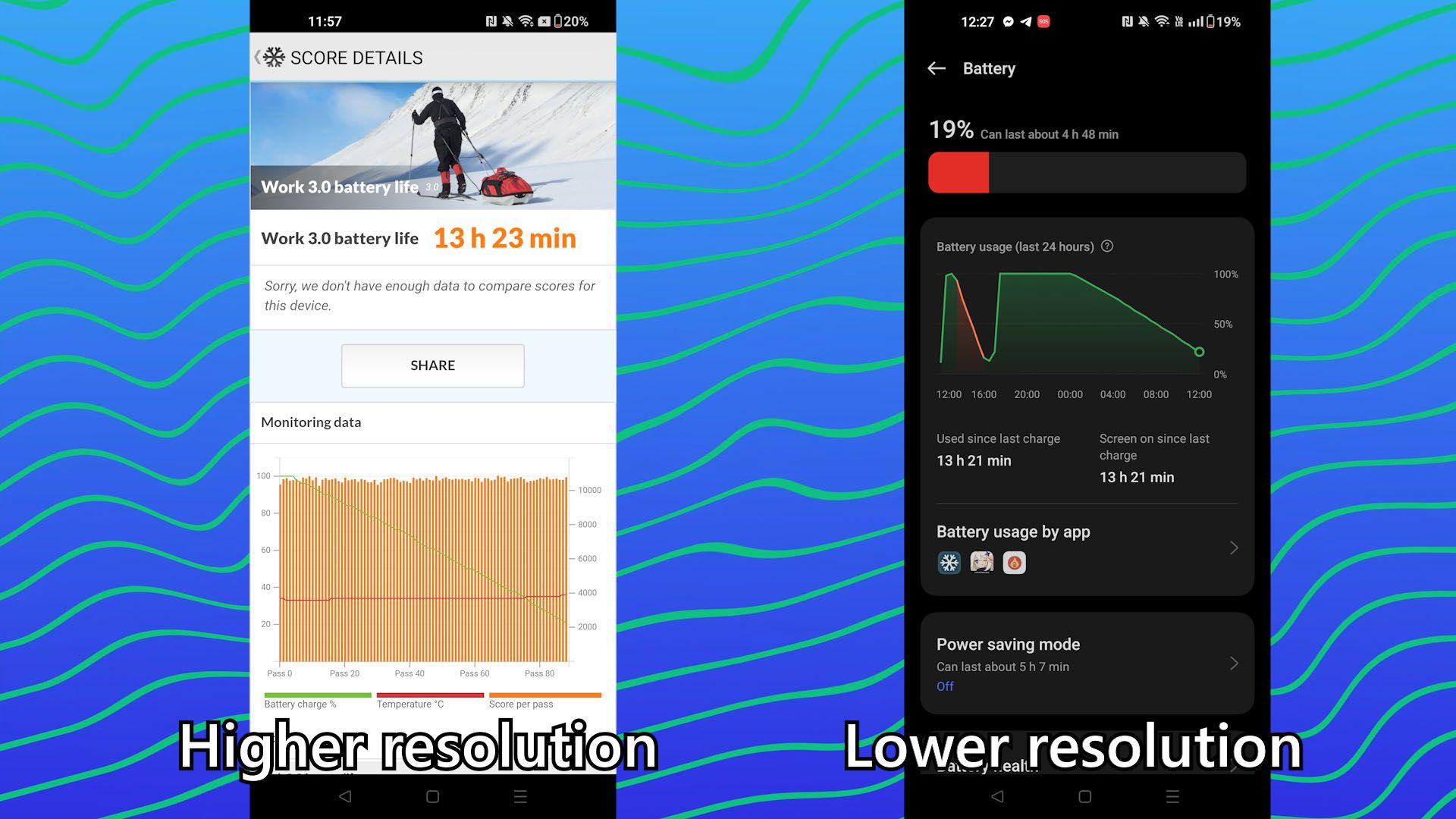
The results are pretty much identical. That is because from what we’ve tested in the past – the resolution doesn’t affect the battery life much, but the refresh rate does.
Anyway, no matter what resolution you’re running, the phone can still get about 13.5 hours – which is respectable and will last you throughout the day with no issues.
Charging speed
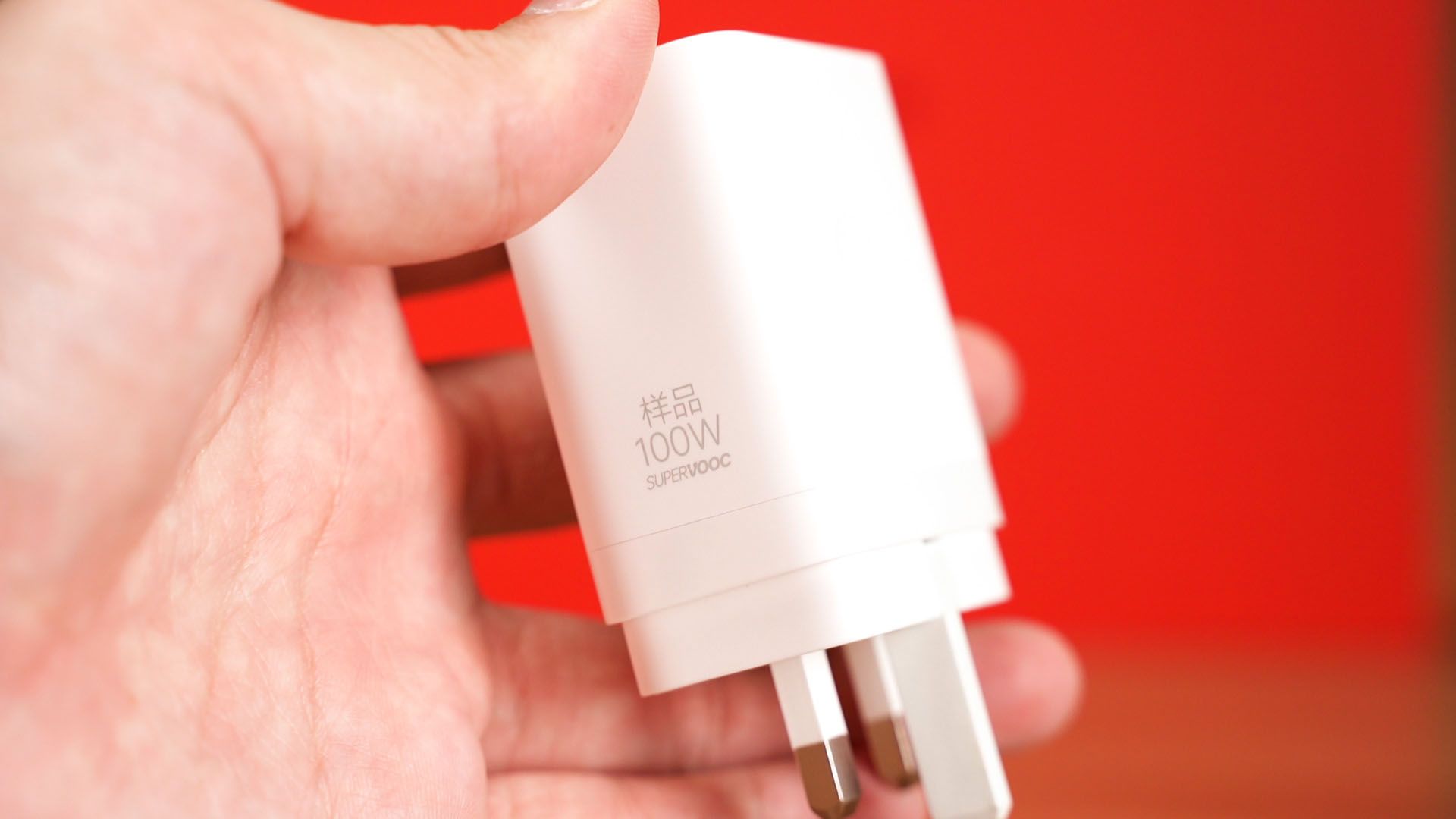
Then comes the weird part – the charging speed. Now, the OnePlus 11 comes with a 100W charger and the charging speed is indeed fast.
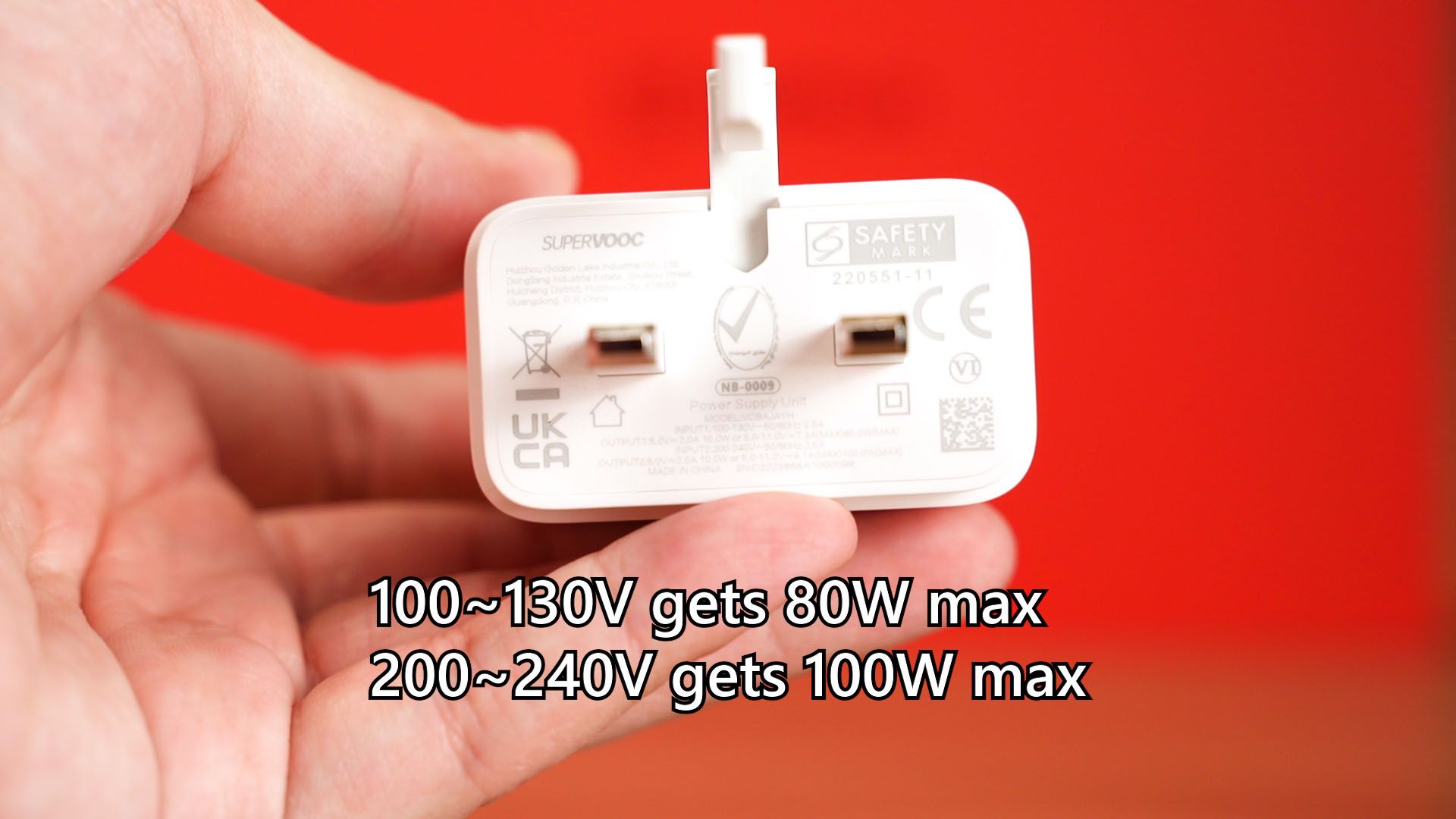
Our new charging speed analysis sees the voltage level to determine if the battery is really at 100% or not – and it can reach from 15% to completion in about 25 minutes.
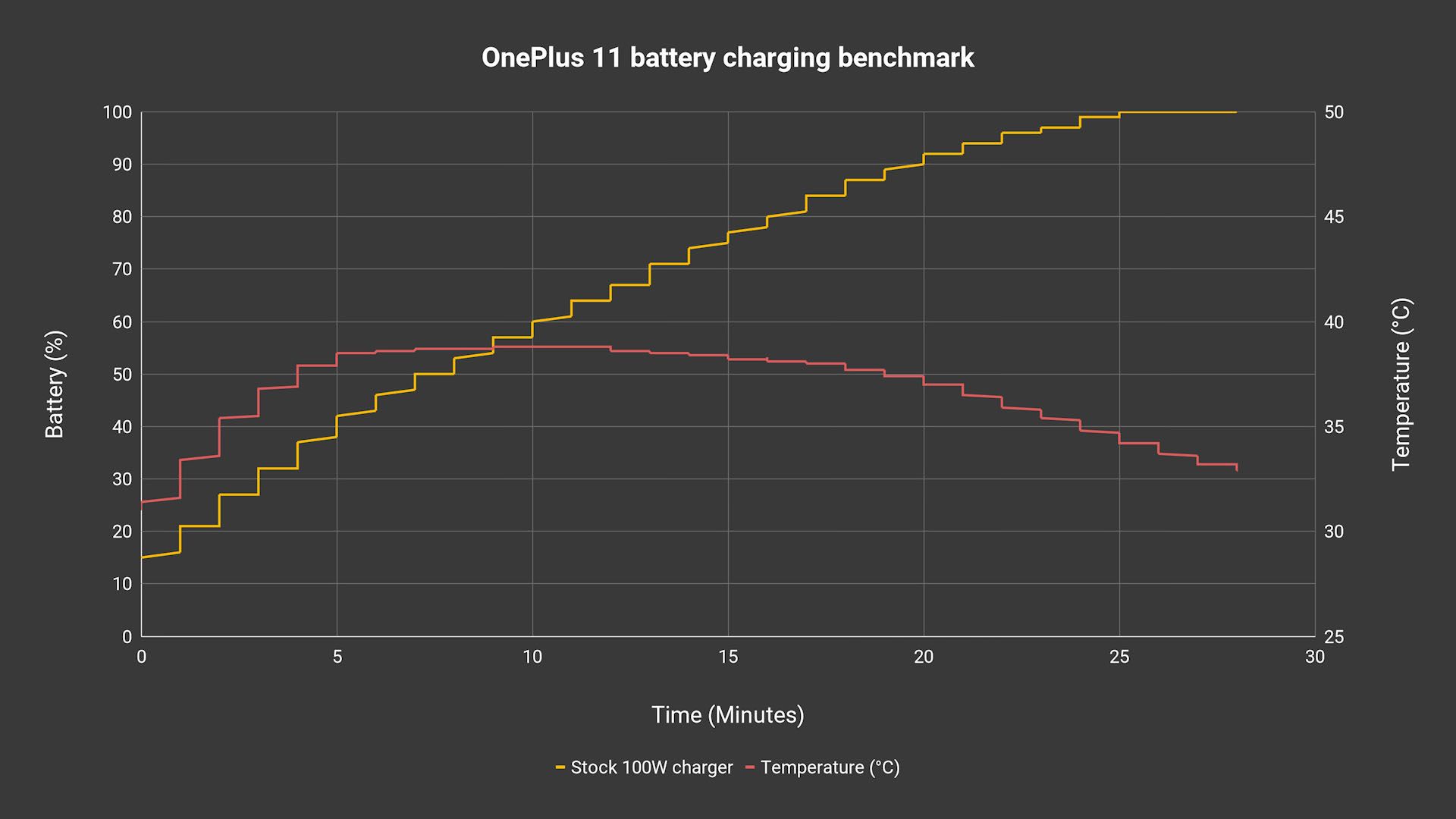
The temperature is also kept below 40°C and I realized that OnePlus managed to keep the temperature low by using the pulsing method, resulting in a ladder graph. For example, at the 10th minute, it charges from about 56% to 60% within that one minute, but then plateaus a while before continuing charging. When it plateaus, the phone can cool down.

But, if you remember, the OnePlus 10T from last year comes with a 160W charger instead. If we use the 160W charger to charge the OnePlus 11, it will be super fast, correct? Yes, but not in the way that we expect.
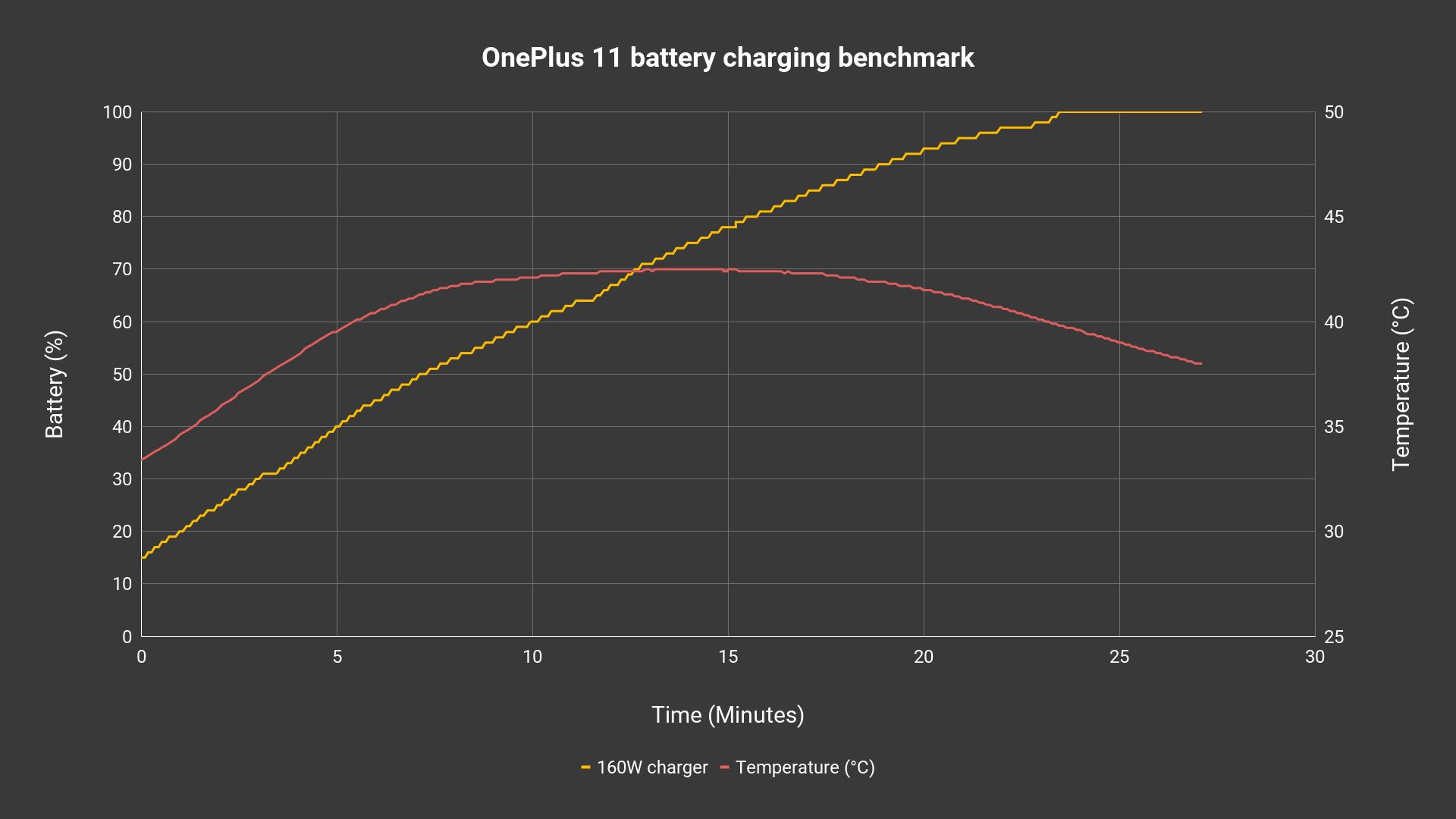
You see, it did charge from 15% to completion faster, but only by a minute at most. However, the phone is above 40°C most of the time and even reached a 42.5°C peak. I don’t know about the long-term implications of this – but I can tell you that if you’re using the OnePlus 11, you don’t need the 160W charger.
Software
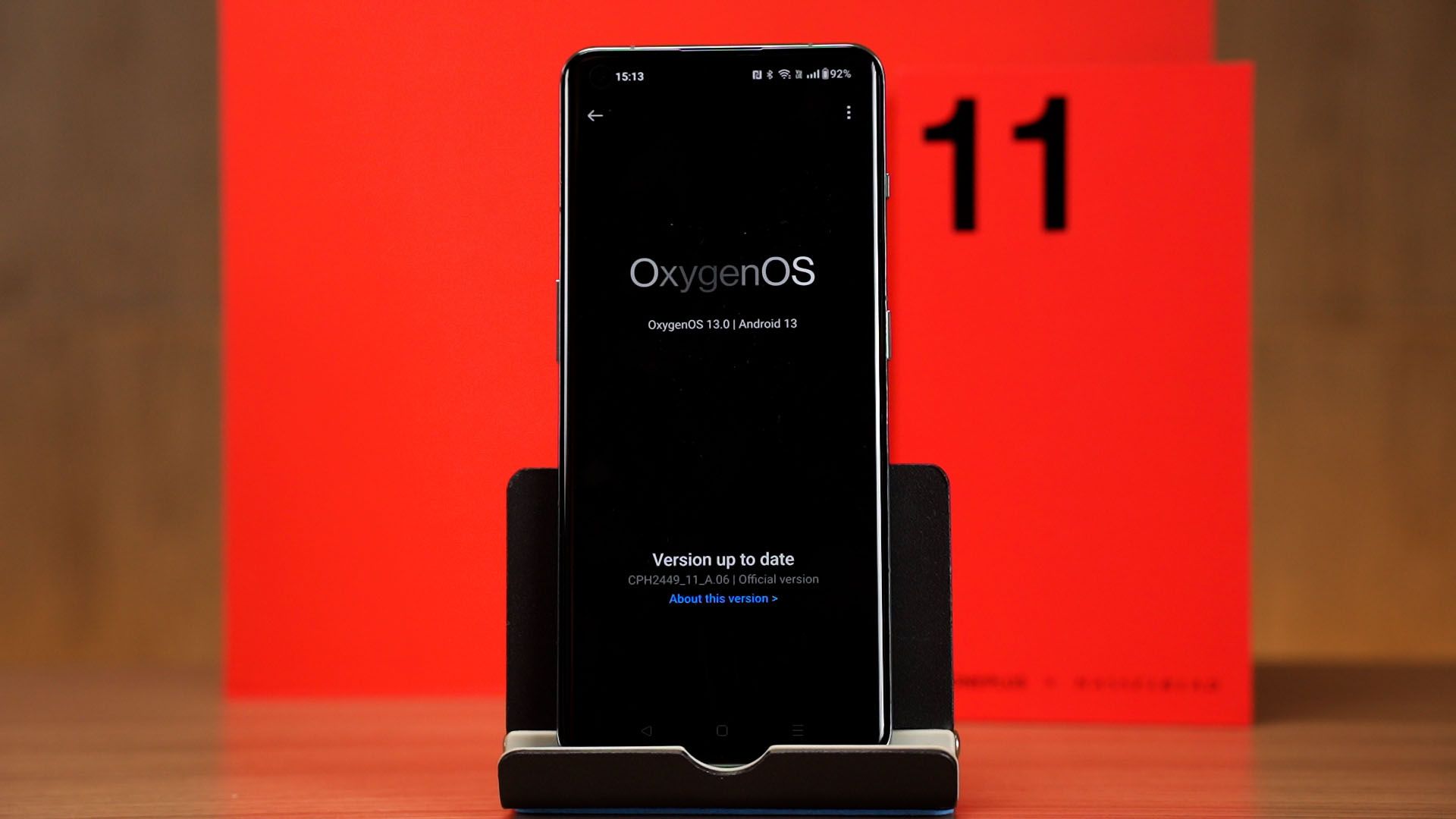
What about the software then? The OnePlus 11 is running on OxygenOS 13 running on top of Android 13 and honestly, it felt pretty much the same as the OnePlus 10T’s software. It’s clean, no bloatware, no ads, and it’s just really snappy.
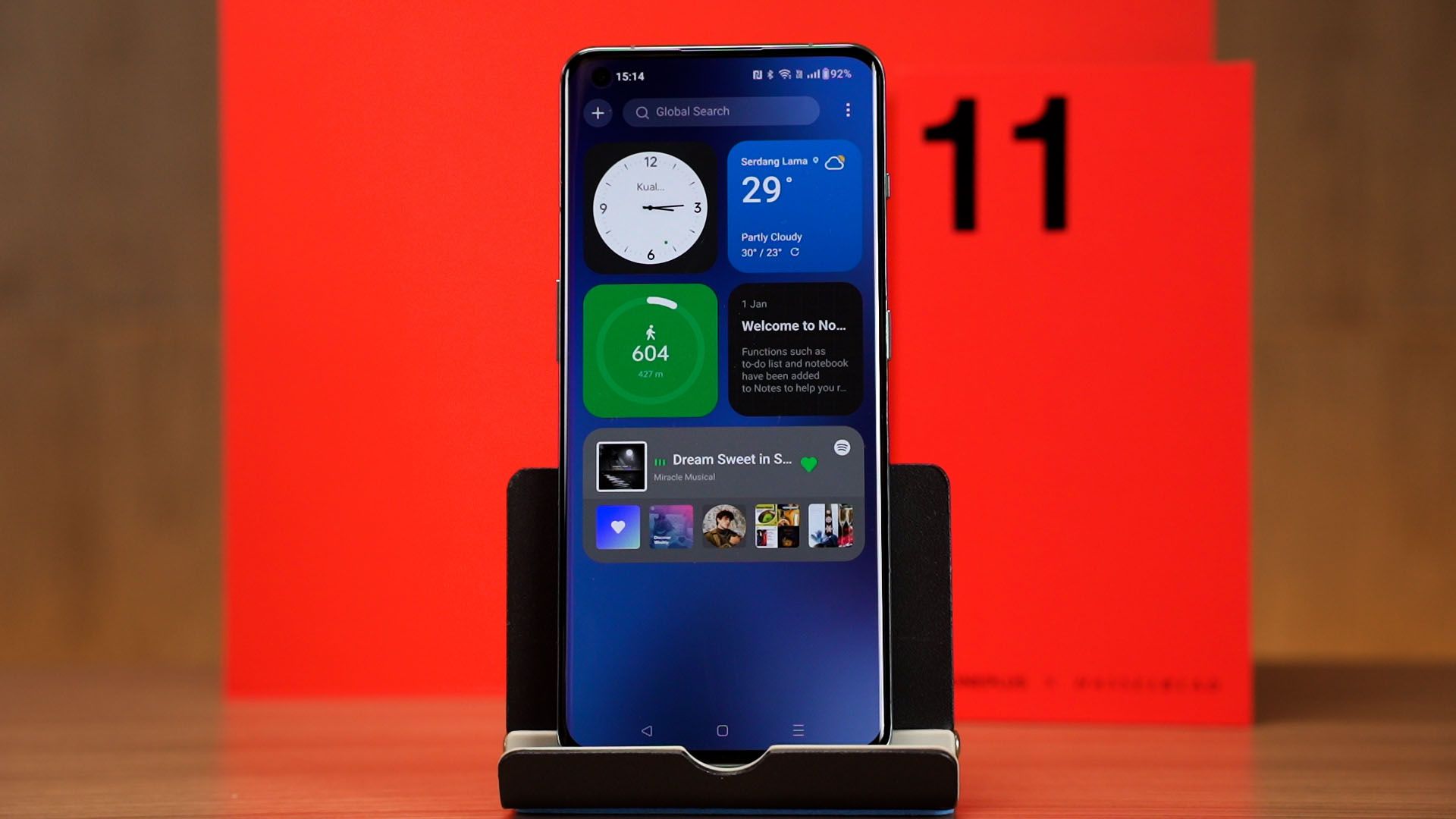
The OnePlus Shelf returns once again – and I still love this feature.
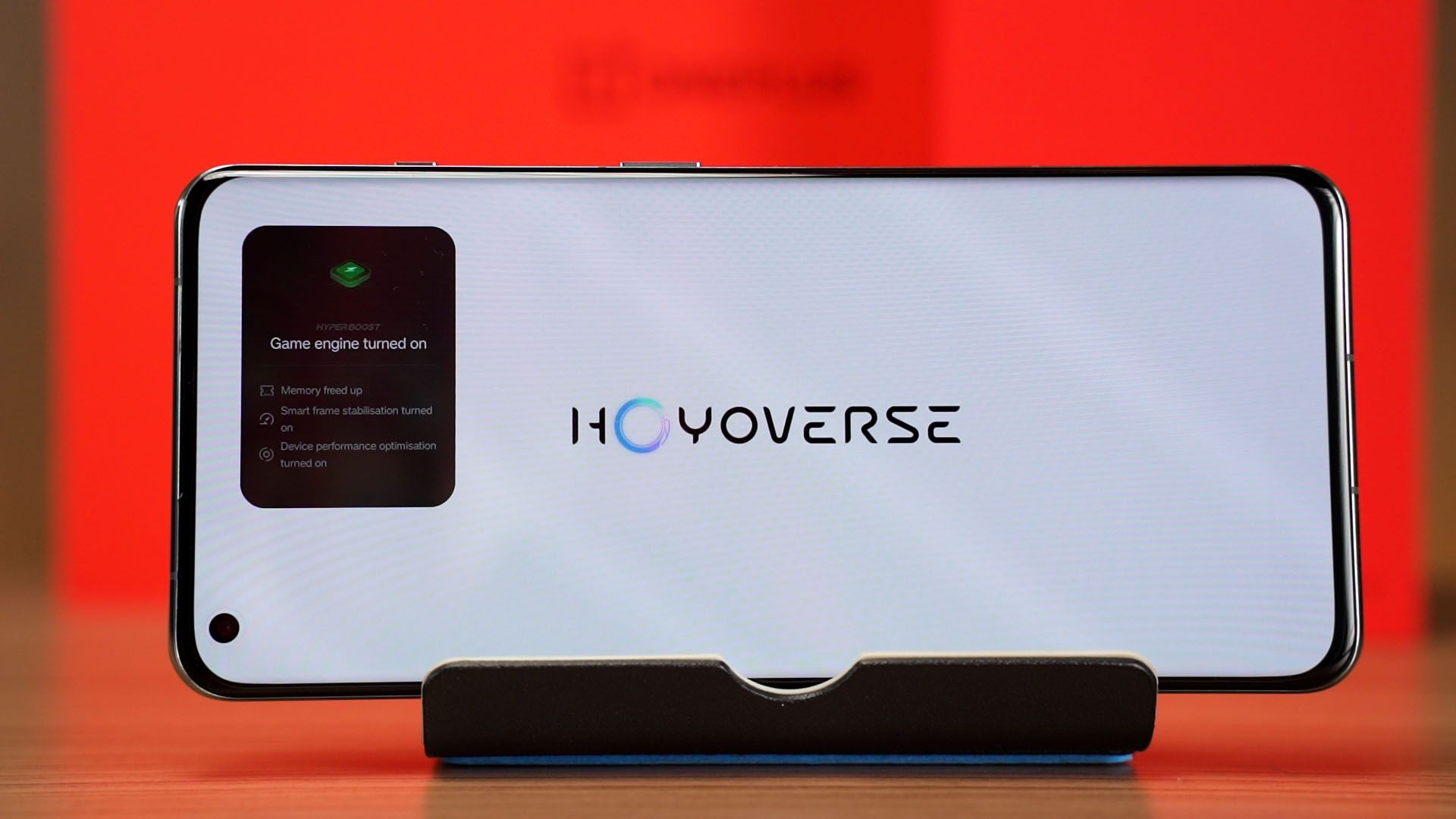
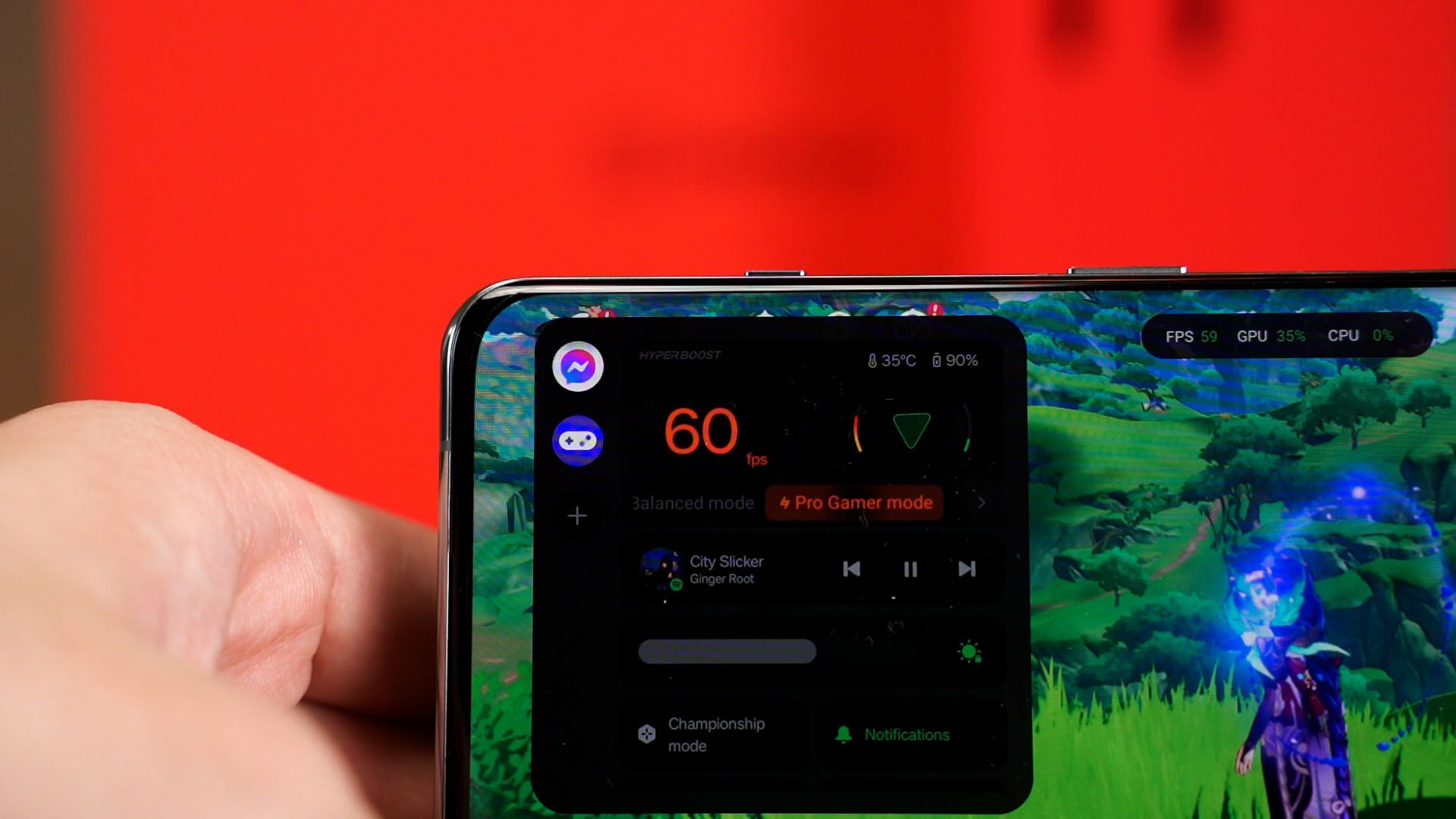
There are a few additional features for games too – like the HyperBoost Gaming Engine, Pro Gamer mode, and proper utilities to monitor the system status.
Misc. things to mention
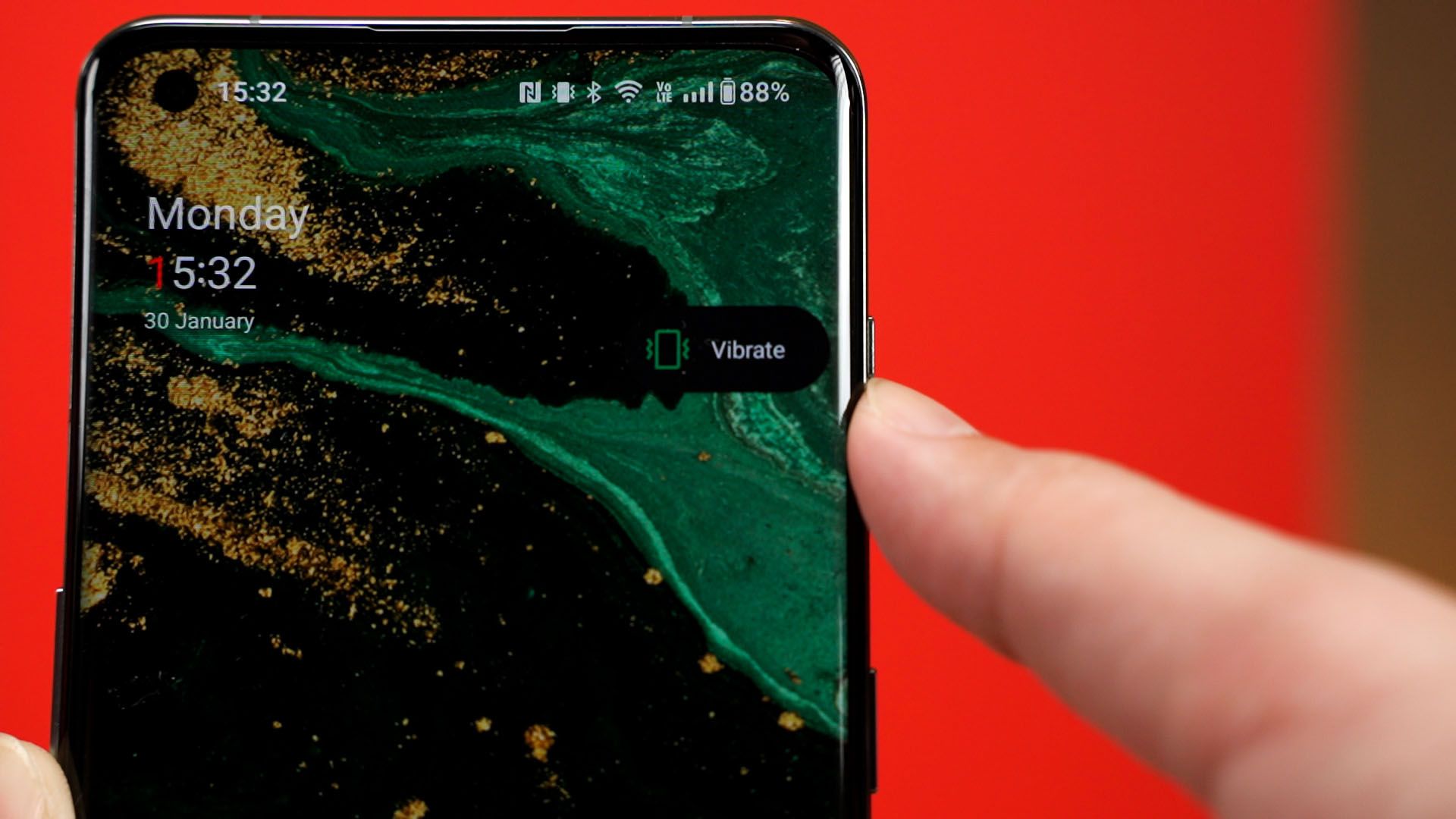
Finally, the miscellaneous stuff to mention about. As what we mentioned earlier, we have the beloved alert slider once more. It can toggle between 3 states – ring, vibrate, and silent.
Unfortunately, the OnePlus 11 still uses a USB 2.0 port – which means transfers are slow and it does not support HDMI output via that USB-C port.
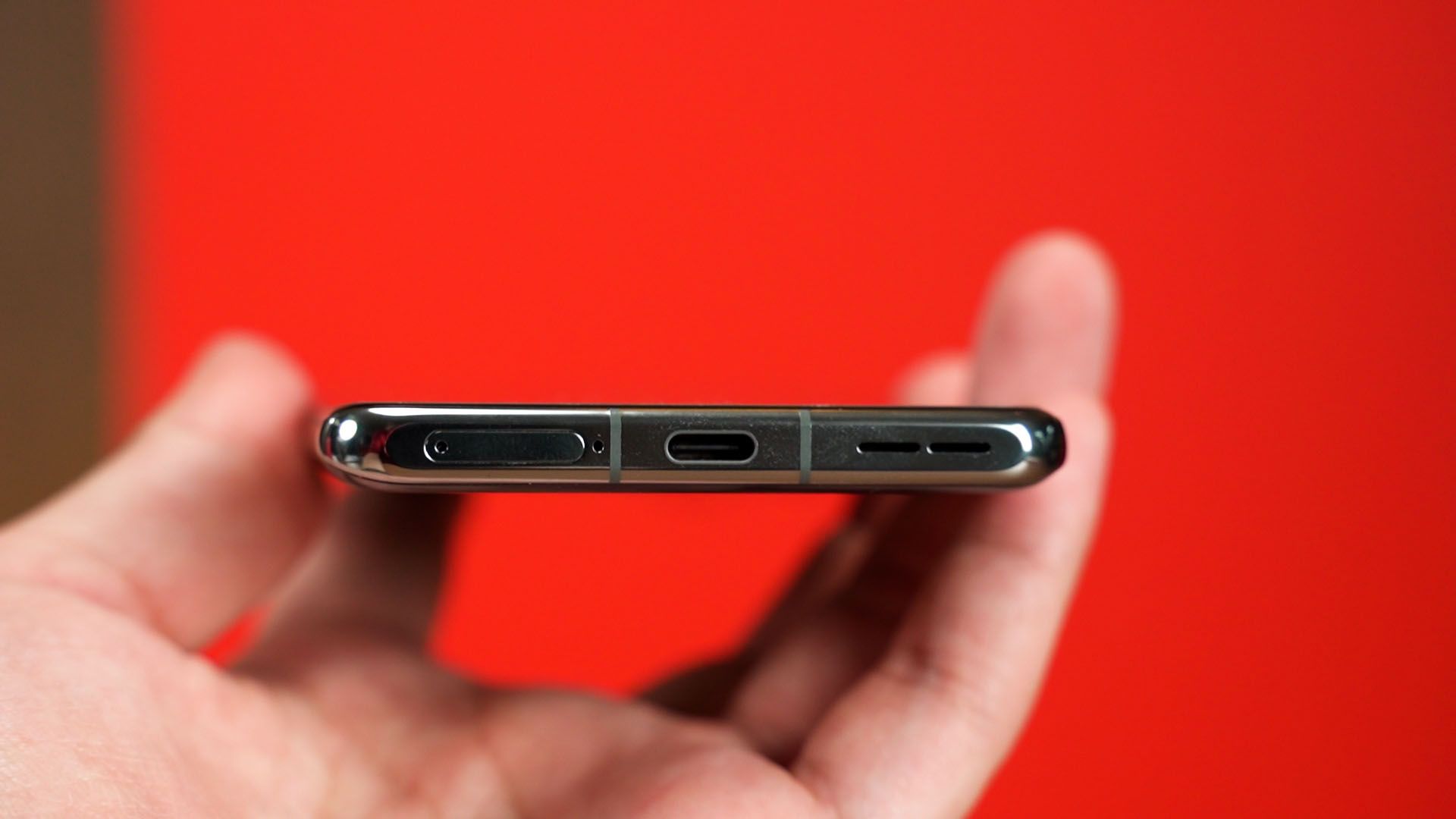
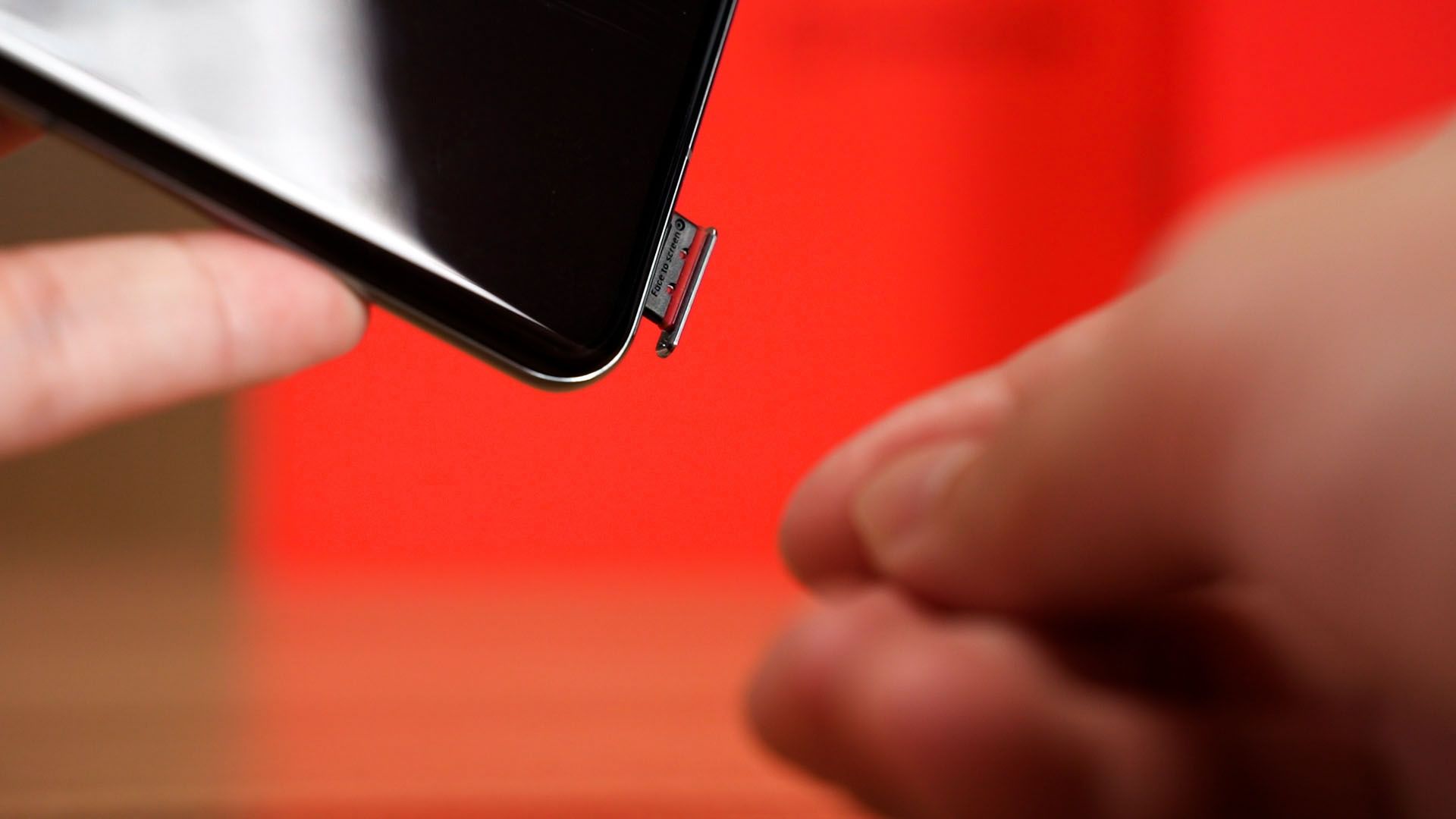
This phone is indeed using a dual nano SIM card slot and it does not have expandable storage.
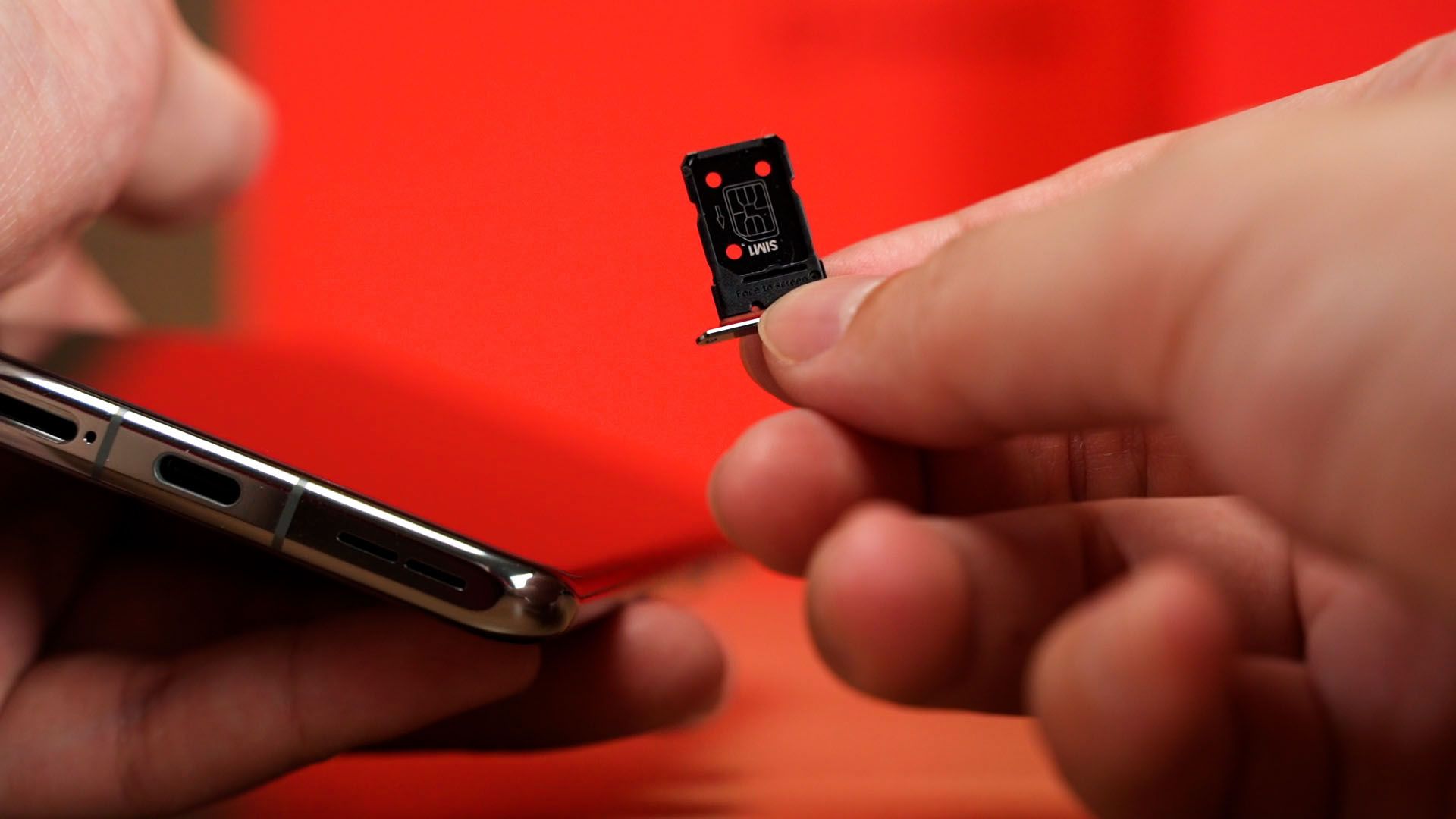
The SIM card slot does have a rubber ring around it, but I have to emphasize that there is no official IP-rating for the OnePlus 11.
Should you buy the OnePlus 11?
So, closing thoughts. I personally do like the OnePlus 11. The cameras take good pictures and the colors look great – just that I wish to see maybe a 3x zoom instead of 2x but that’s just how I like to take my pictures. The design of the phone is fantastic though I wish for a matte finish instead of glossy glass – and I’m very glad that the alert slider is back.
The speakers, the screen, the performance, and even the battery life alongside its charging speed are all magnificent too.
Where to buy? (Affiliate links)
Like our Facebook Page here at NasiLemakTech.com for more news and in-depth reviews! Also, join our Facebook Group for insightful information and memes!
Subscribe to our YouTube channel too!